We will talk about one of the most confusing values in JavaScript:
NaN. You will learn what it means, why it happens, and how we can deal with it.
Handling NaN in JavaScript – What is NaN?
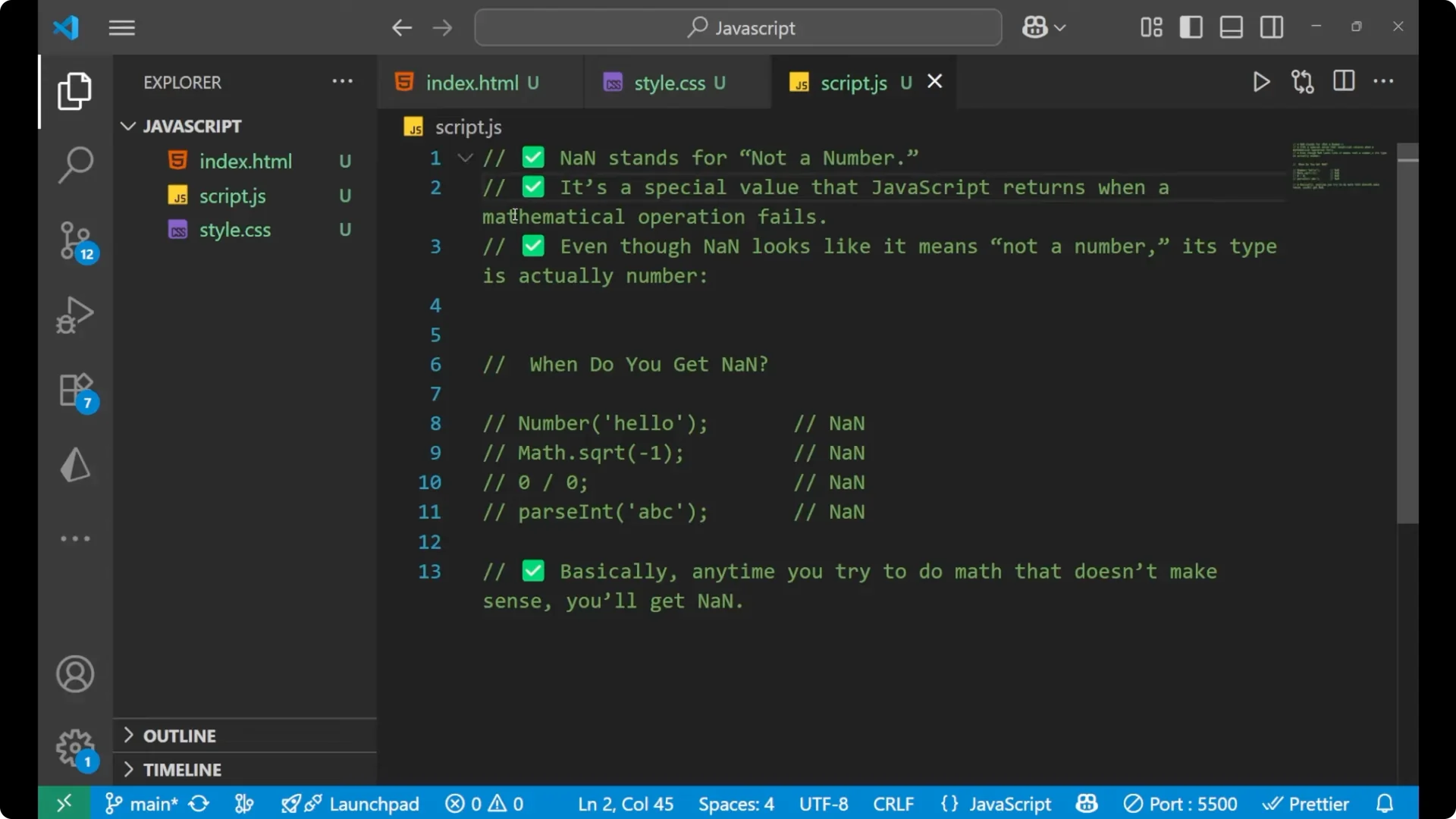
N stands for
Not a Number. It is a special value that JavaScript returns when a mathematical operation fails. It is basically a value used to denote a failure.
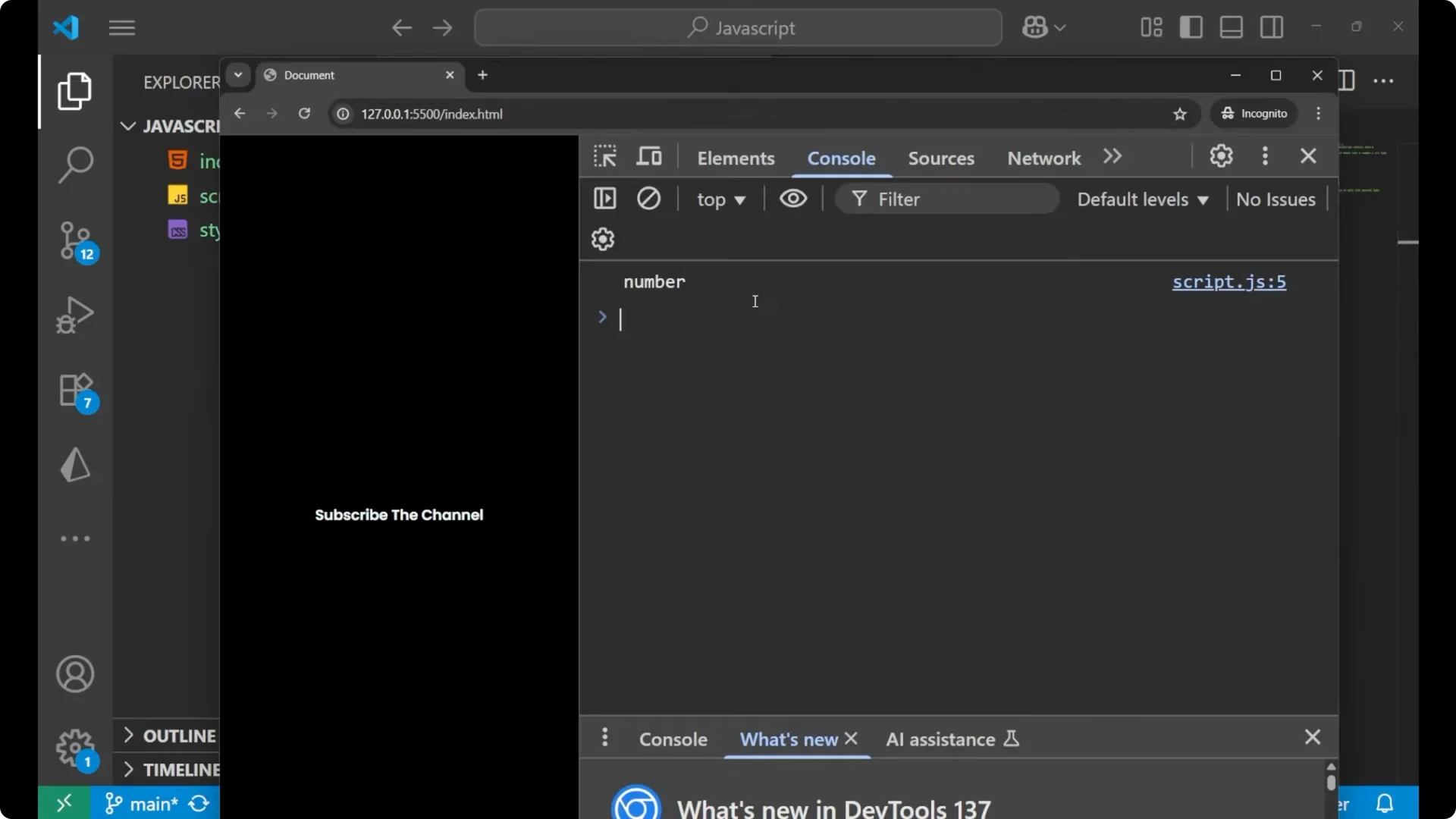
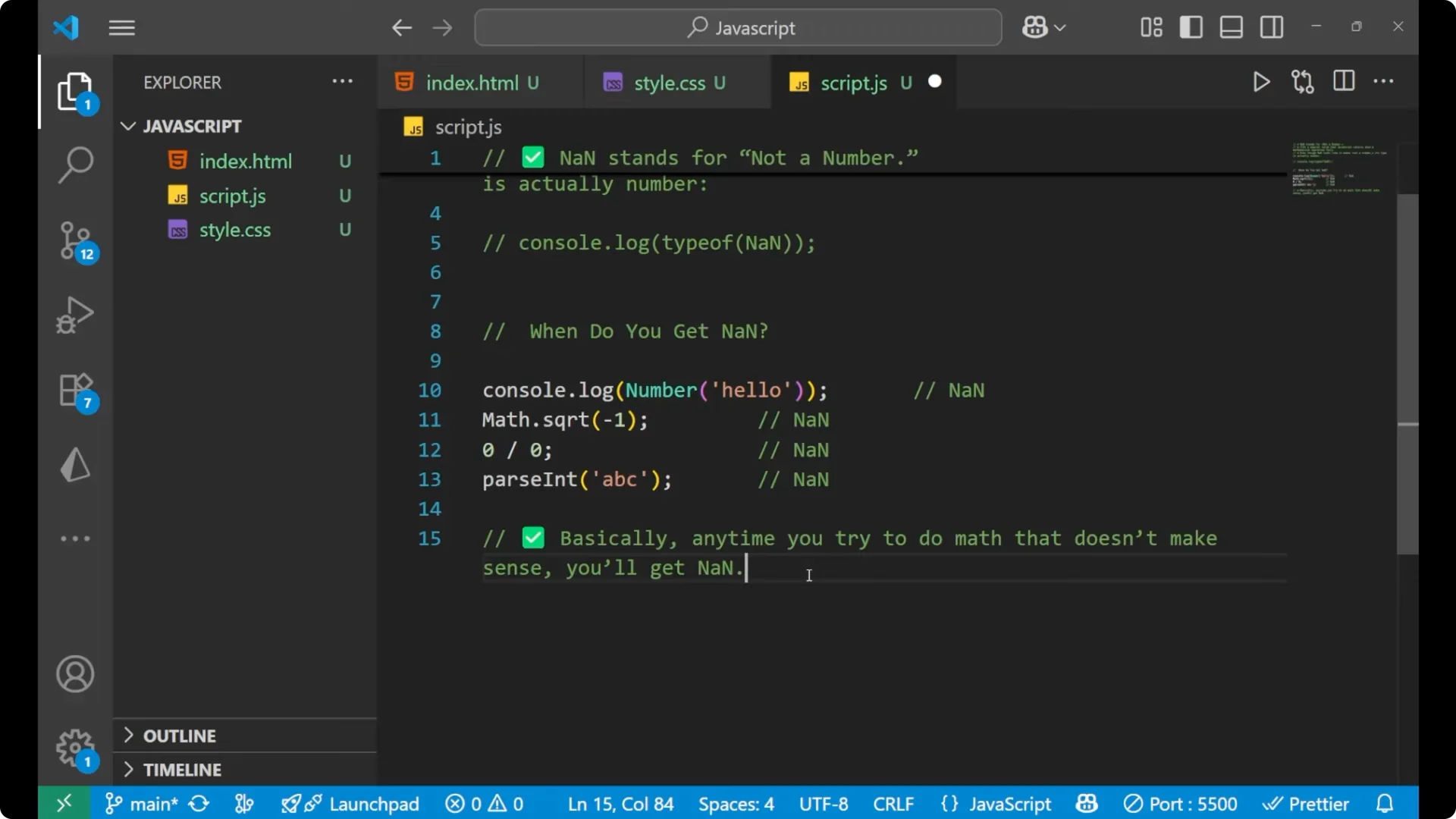
Even though it reads as Not a Number, its type is actually a number in JavaScript.
console.log(typeof NaN); // 'number'
Handling NaN in JavaScript – When you get it
You get
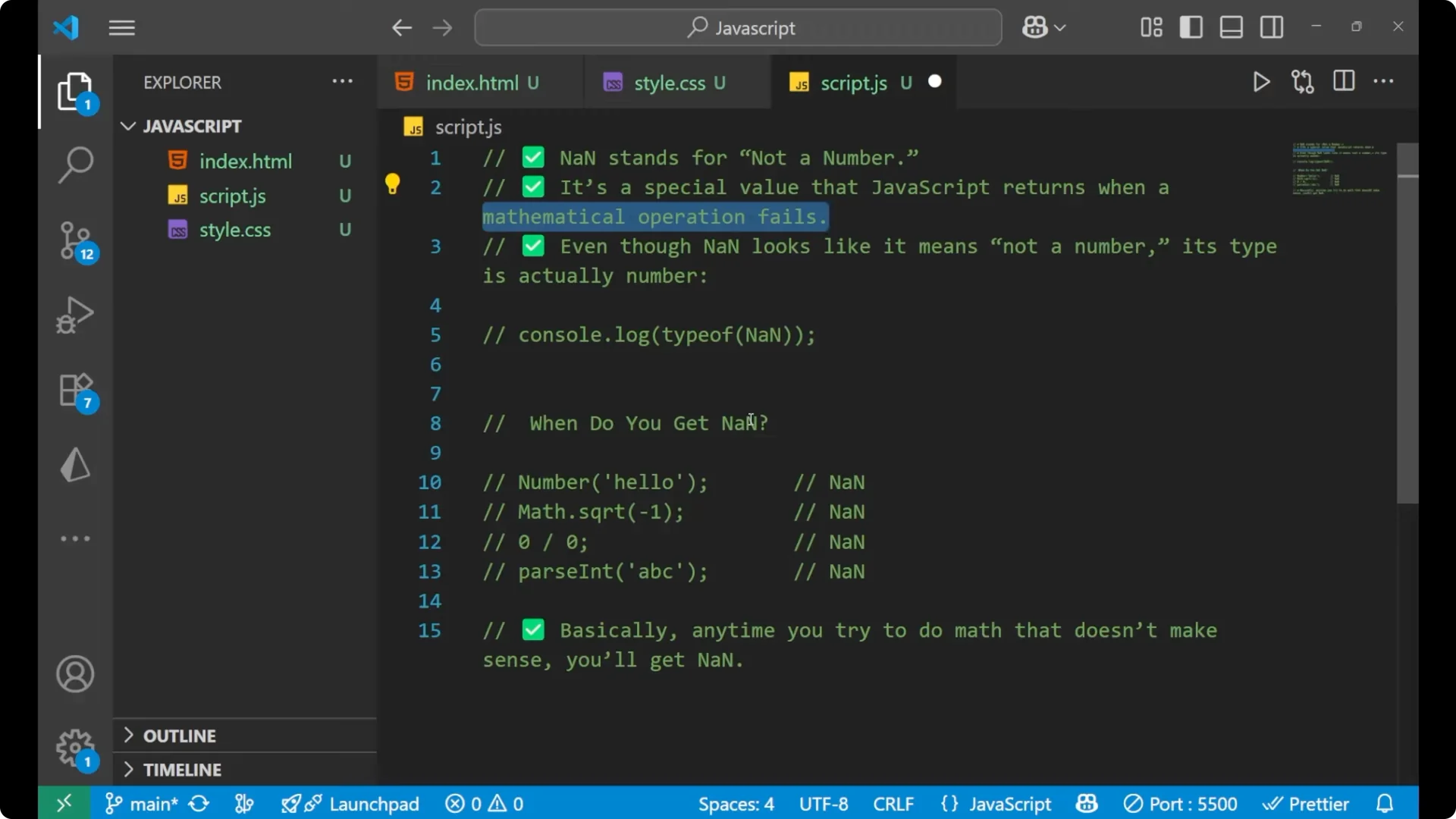
NaN whenever a mathematical operation fails.
Converting a non-numeric string to a number results in
NaN.
console.log(Number('hello')); // NaN
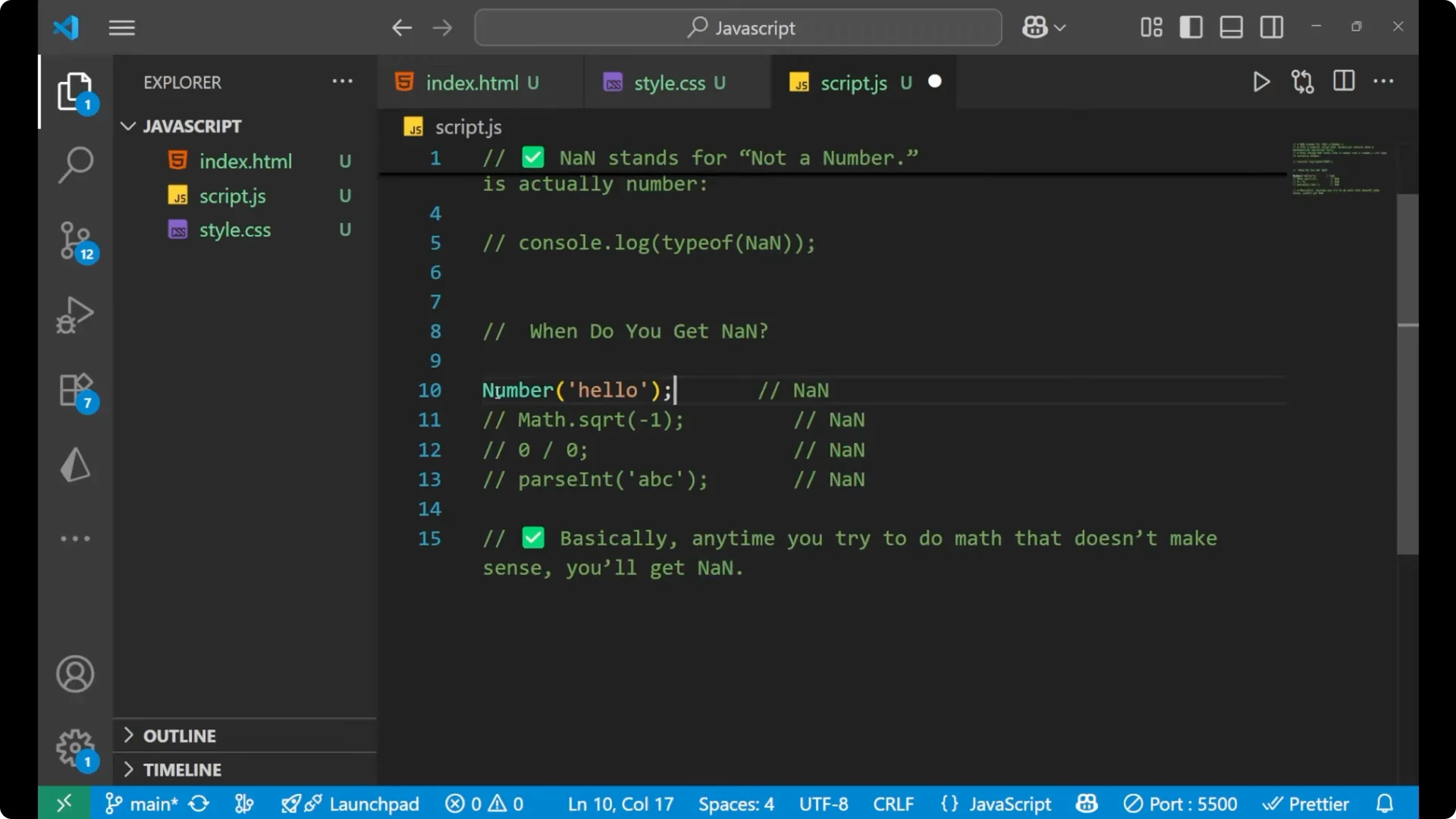
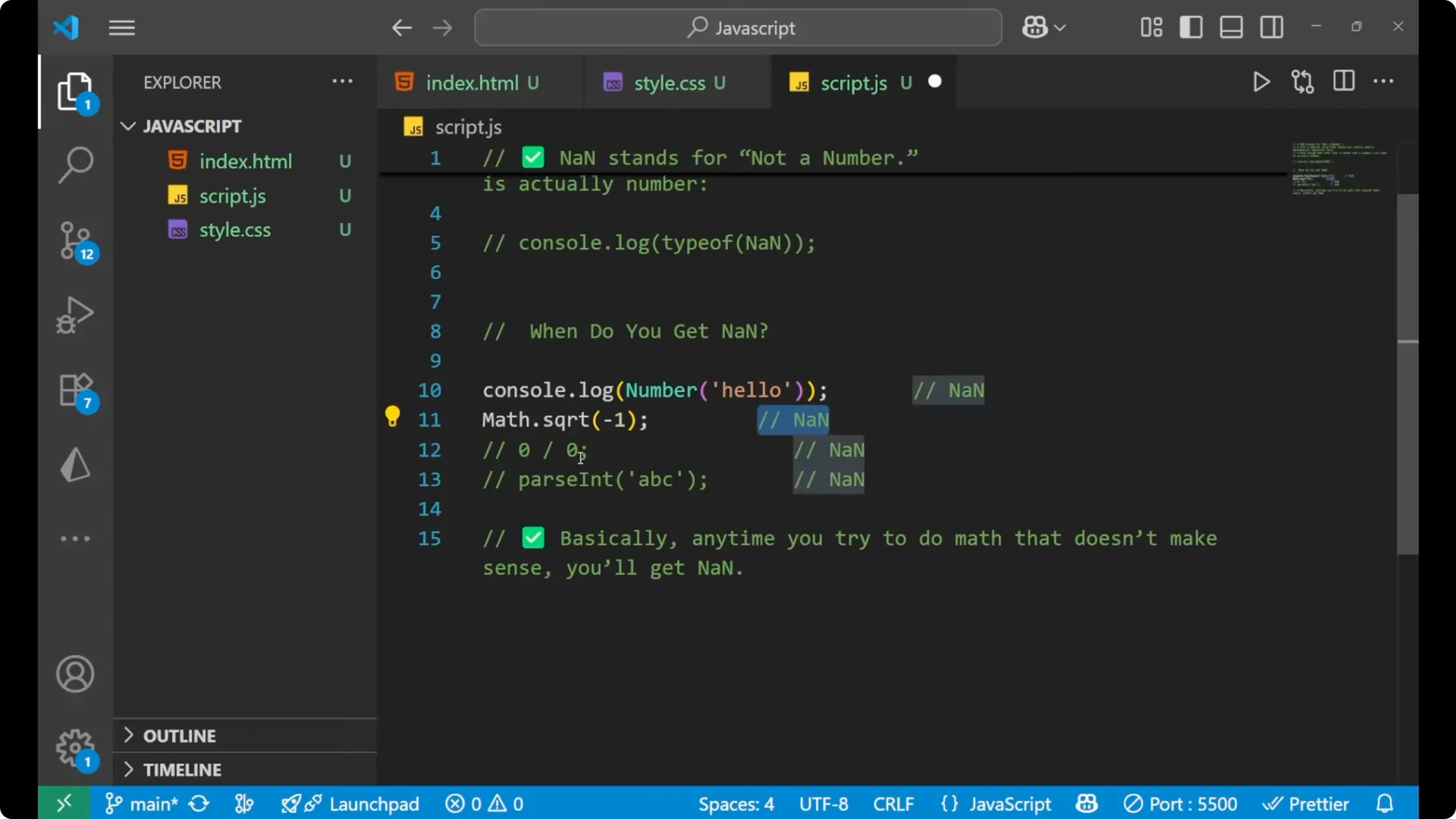
Square root of a negative number results in
NaN.
console.log(Math.sqrt(-1)); // NaN
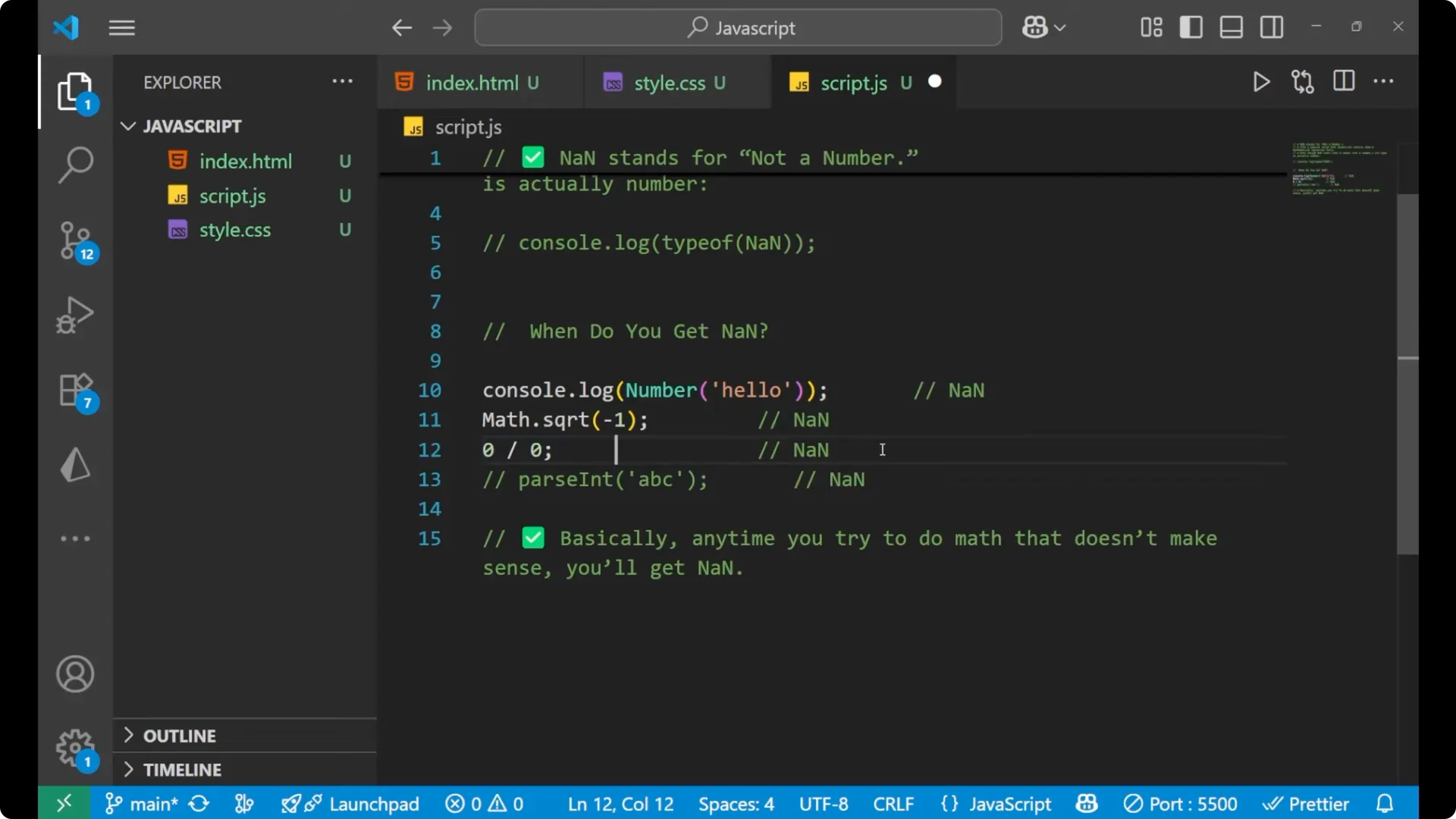
Division of 0 by 0 results in
NaN.
console.log(0 / 0); // NaN
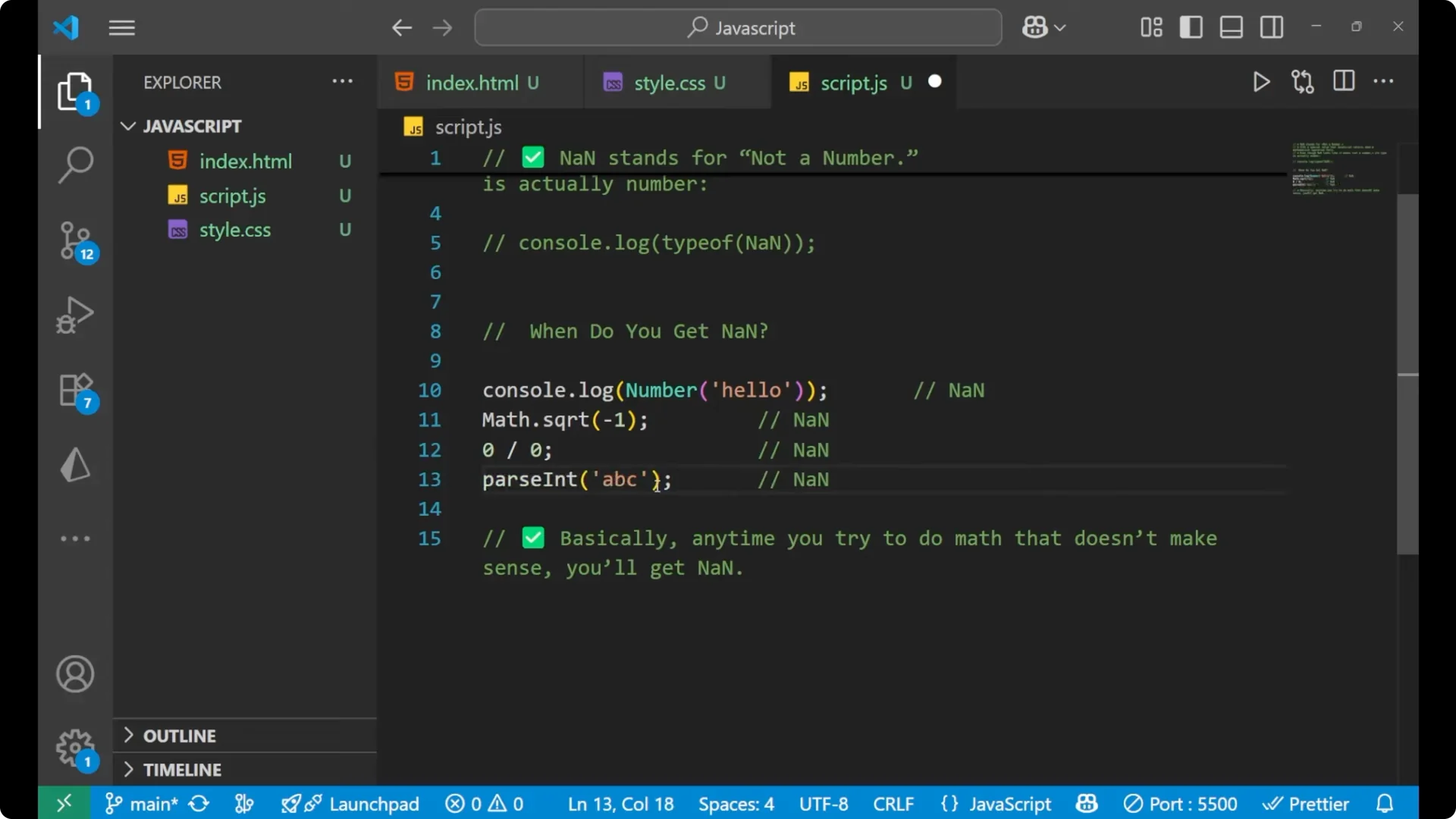
Parsing an integer from a non-numeric string results in
NaN.
console.log(parseInt('hello')); // NaN
Any time you try to do math that does not make sense, you will get
NaN.
Handling NaN in JavaScript – The surprise
 NaN is not equal to NaN
.
console.log(NaN === NaN); // false
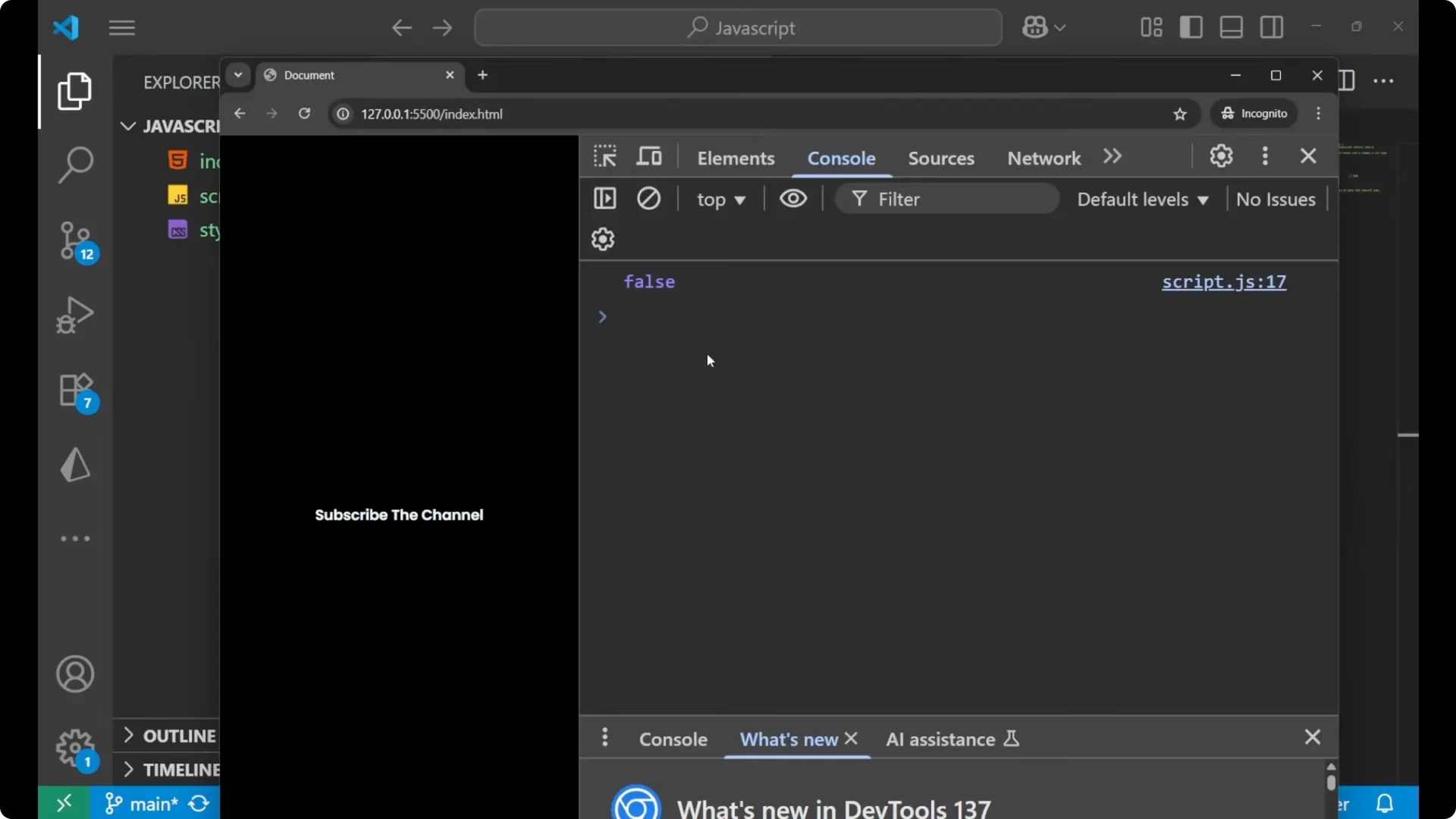
This is one of the most important things asked in interviews. Since
NaN !== NaN, you need special ways to check for
NaN.
Handling NaN in JavaScript – How to check for it
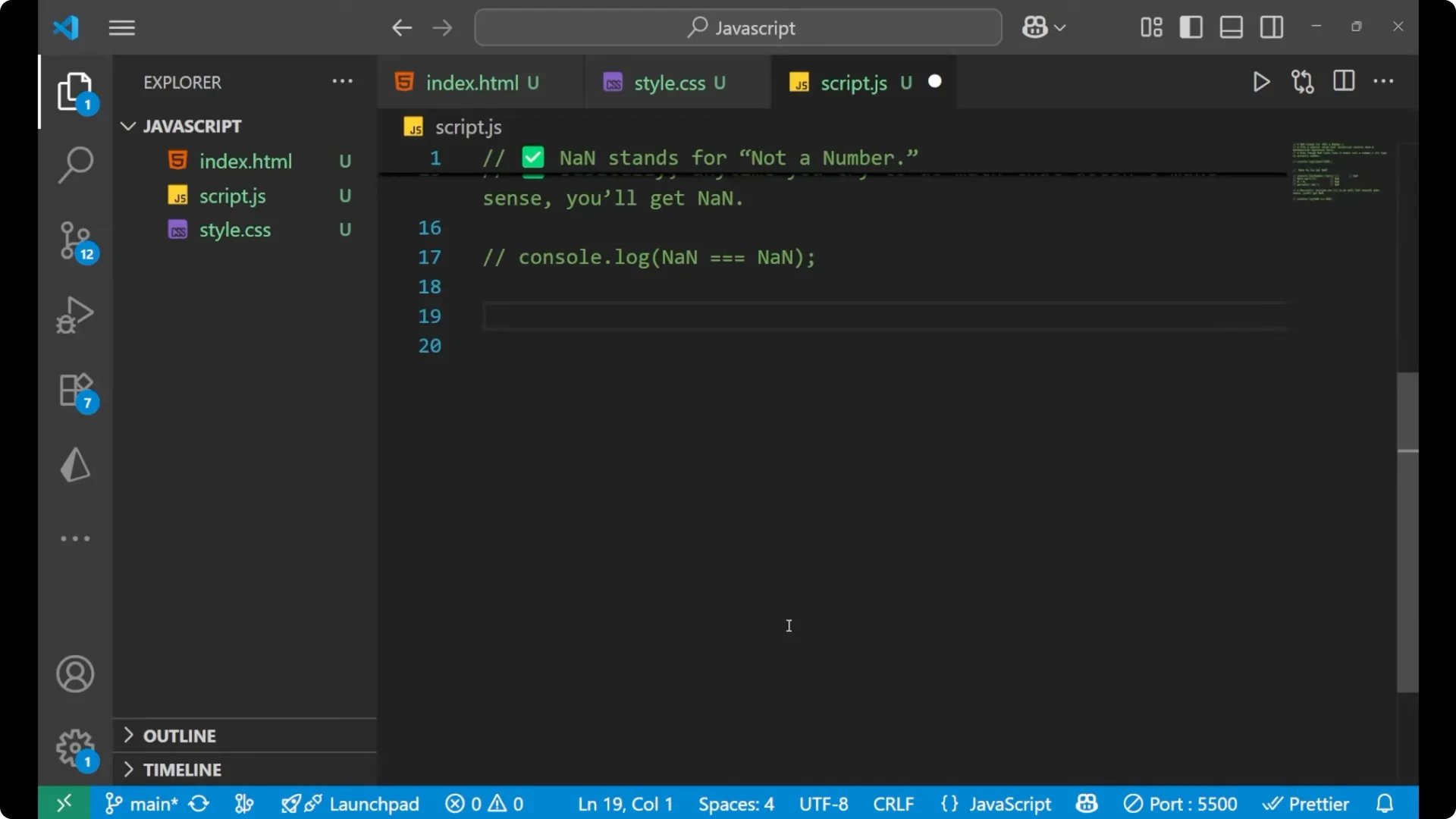
isNaN
`isNaN` is used to check if a value is
NaN. If it is, it returns `true`, otherwise it returns `false`.
console.log(isNaN('hello')); // true
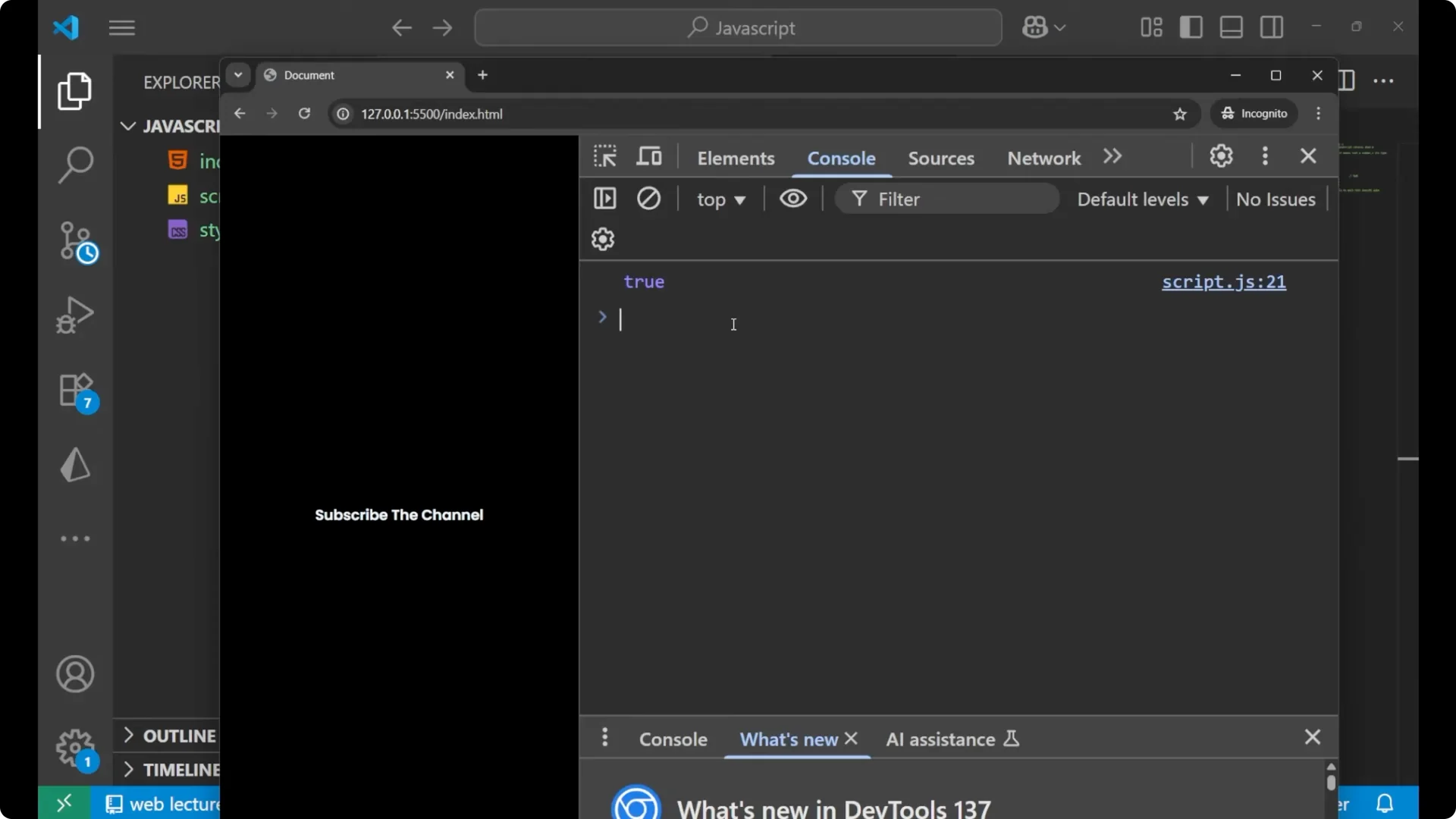
This returns `true` because the string gets coerced to a number and that failed.
Number.isNaN
`Number.isNaN` is a stricter method that we normally use for checking.
console.log(Number.isNaN('hello')); // false
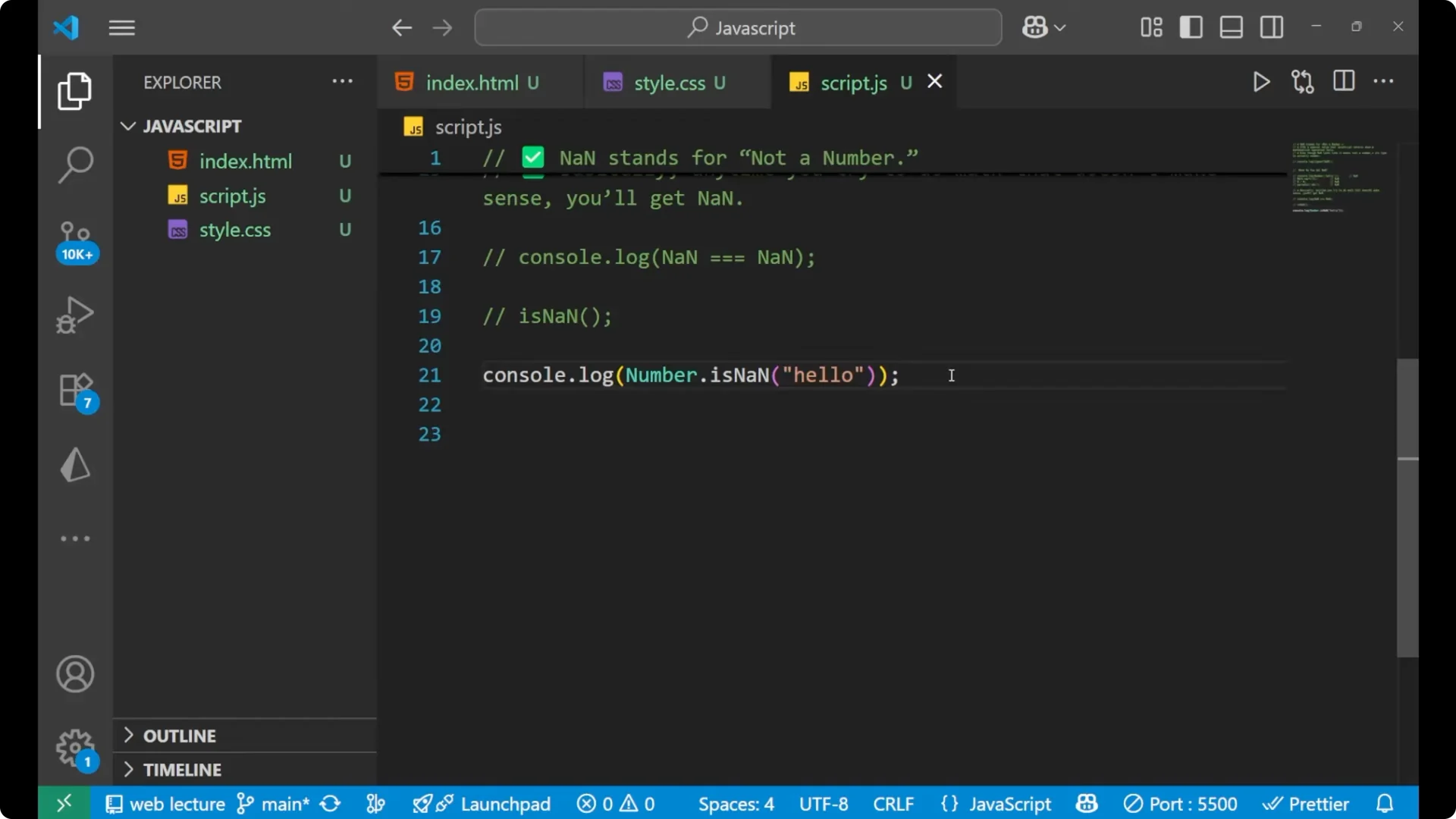
`Number.isNaN` does not coerce the value, so plain strings like `’hello’` return `false`.
Handling NaN in JavaScript – Simple handling pattern
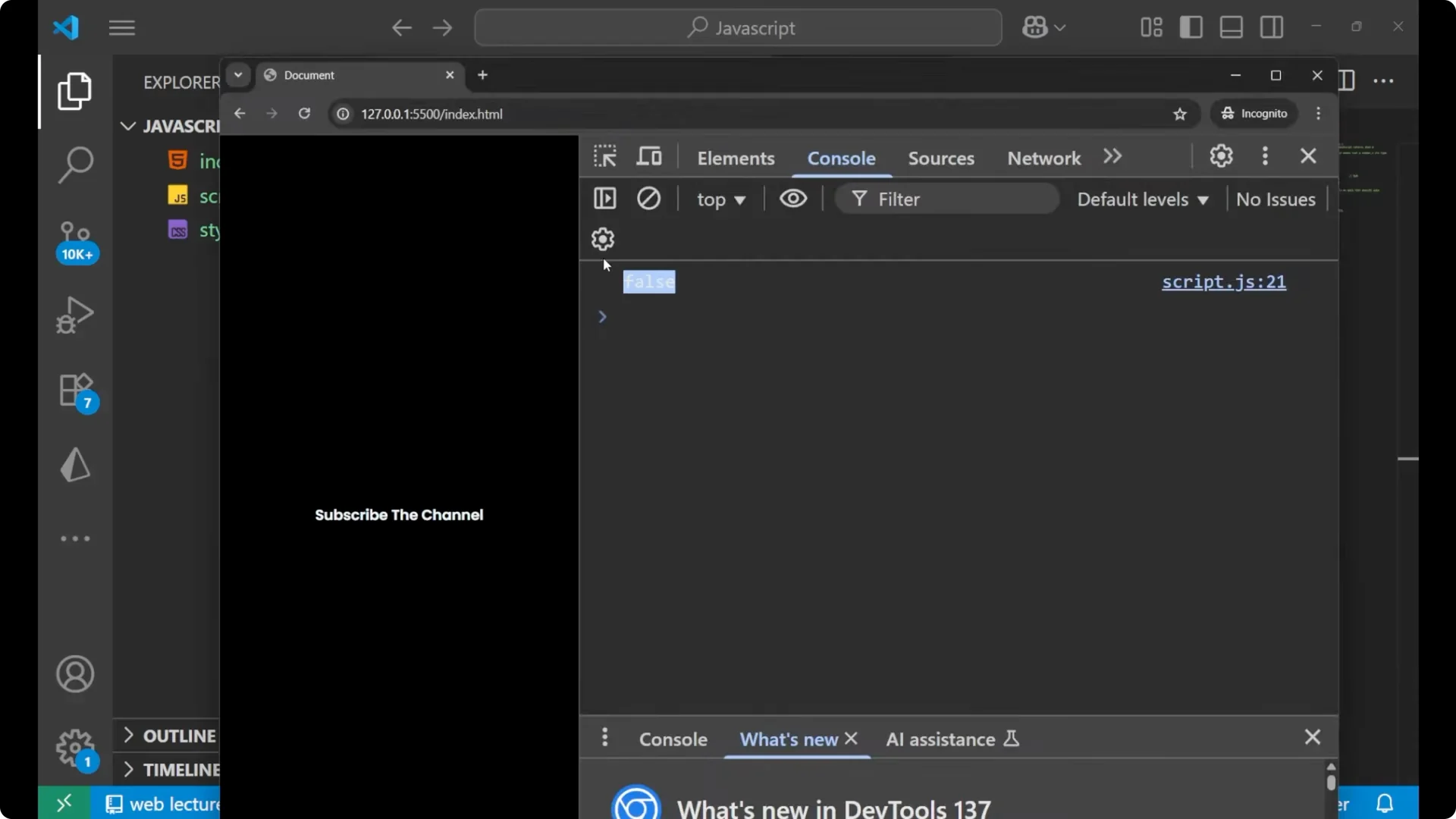
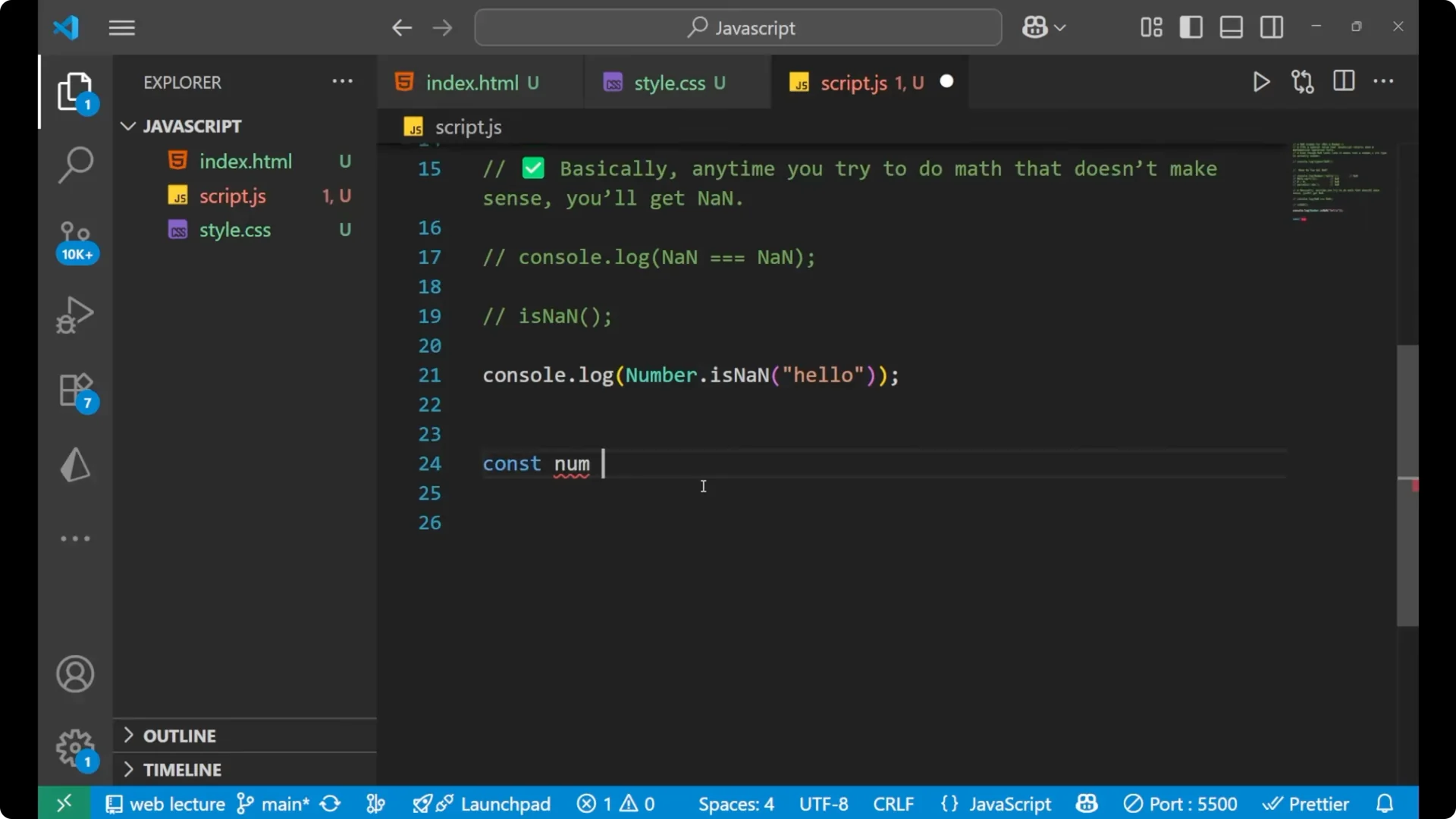
Create a number from input.
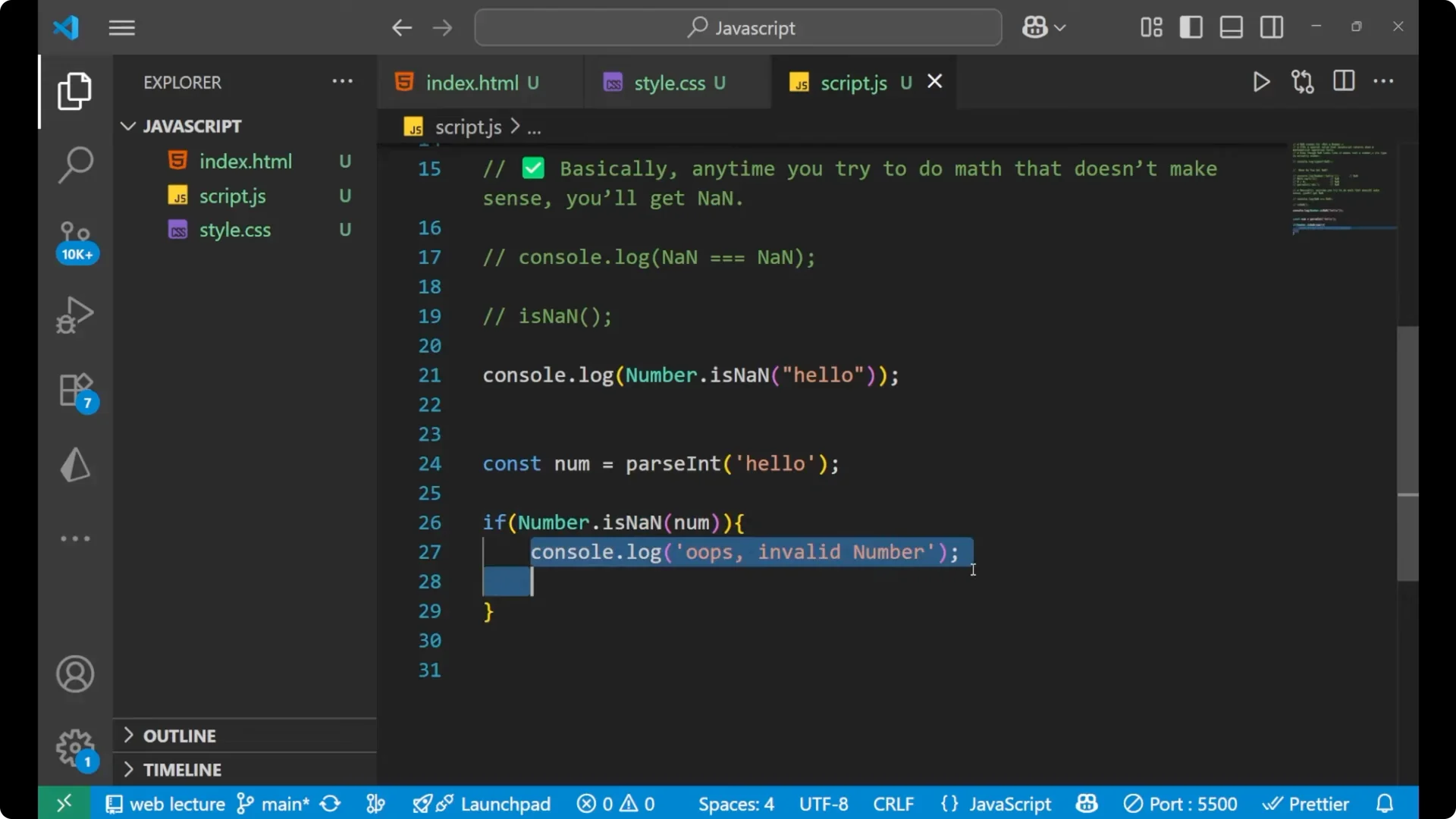
const num = parseInt('hello');
Check using `Number.isNaN` and handle the case.
if (Number.isNaN(num)) {
  console.log('Oops. Invalid number.');
}
This prints
Oops. Invalid number. because parsing the given string resulted in
NaN, the condition evaluated to `true`, and the message was printed.
You can also use a ternary operator or other defaulting logic while dealing with
NaN values.
Final Thoughts
NaN stands for
Not a Number, but its type is still a number. You see it when math fails, like converting non-numeric strings, `Math.sqrt(-1)`, `0 / 0`, or `parseInt(‘hello’)`. Remember that
NaN !== NaN, so use `isNaN` for loose checks and prefer `Number.isNaN` for strict checks. When parsing or computing, guard with `Number.isNaN` and handle invalid cases clearly.