I am going to explain how to make a stopwatch using the DOM. I am focusing on the JavaScript part – the main functionality – and I will explain the HTML and CSS briefly.
HTML and CSS for the JavaScript DOM Stopwatch
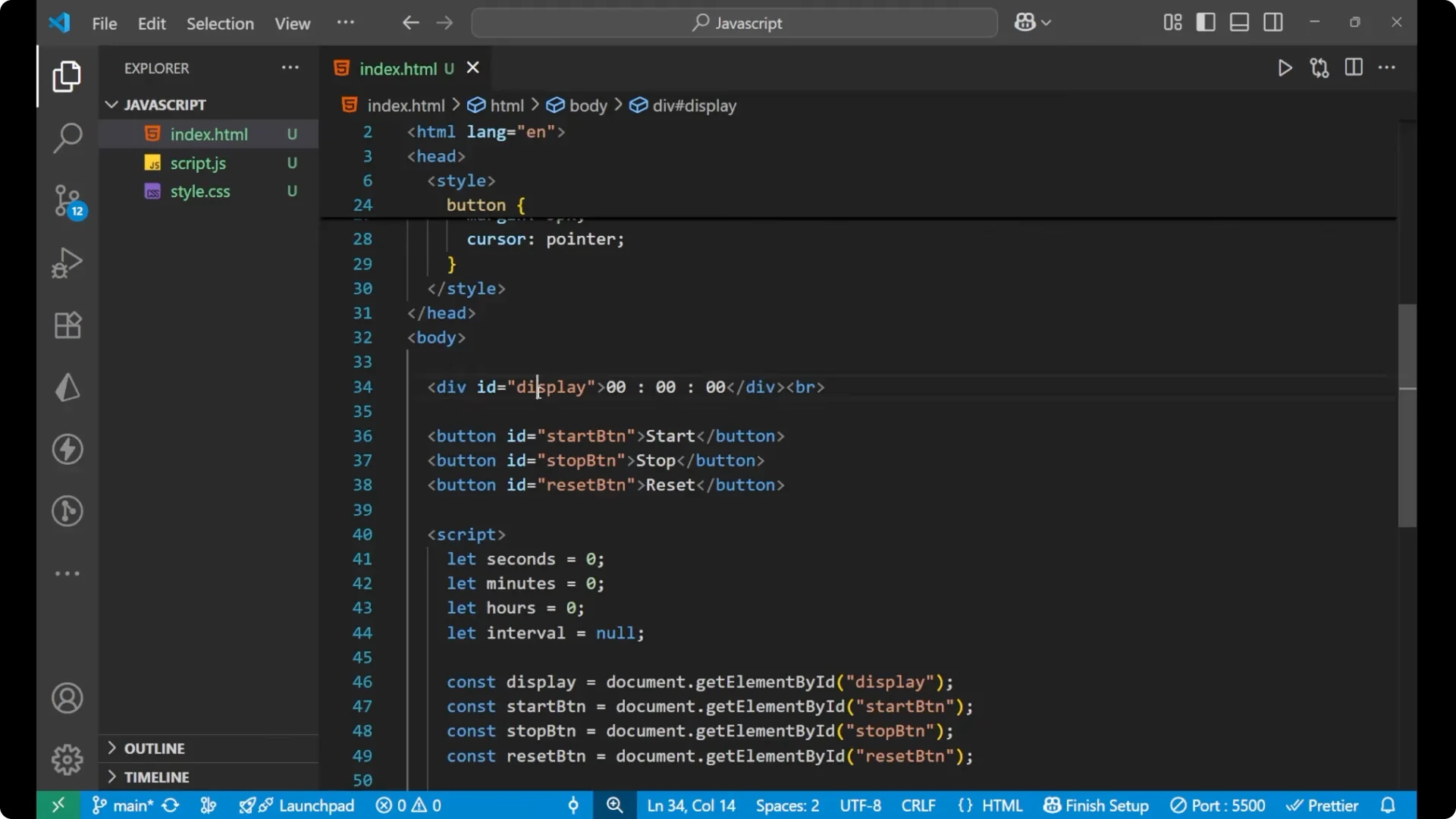
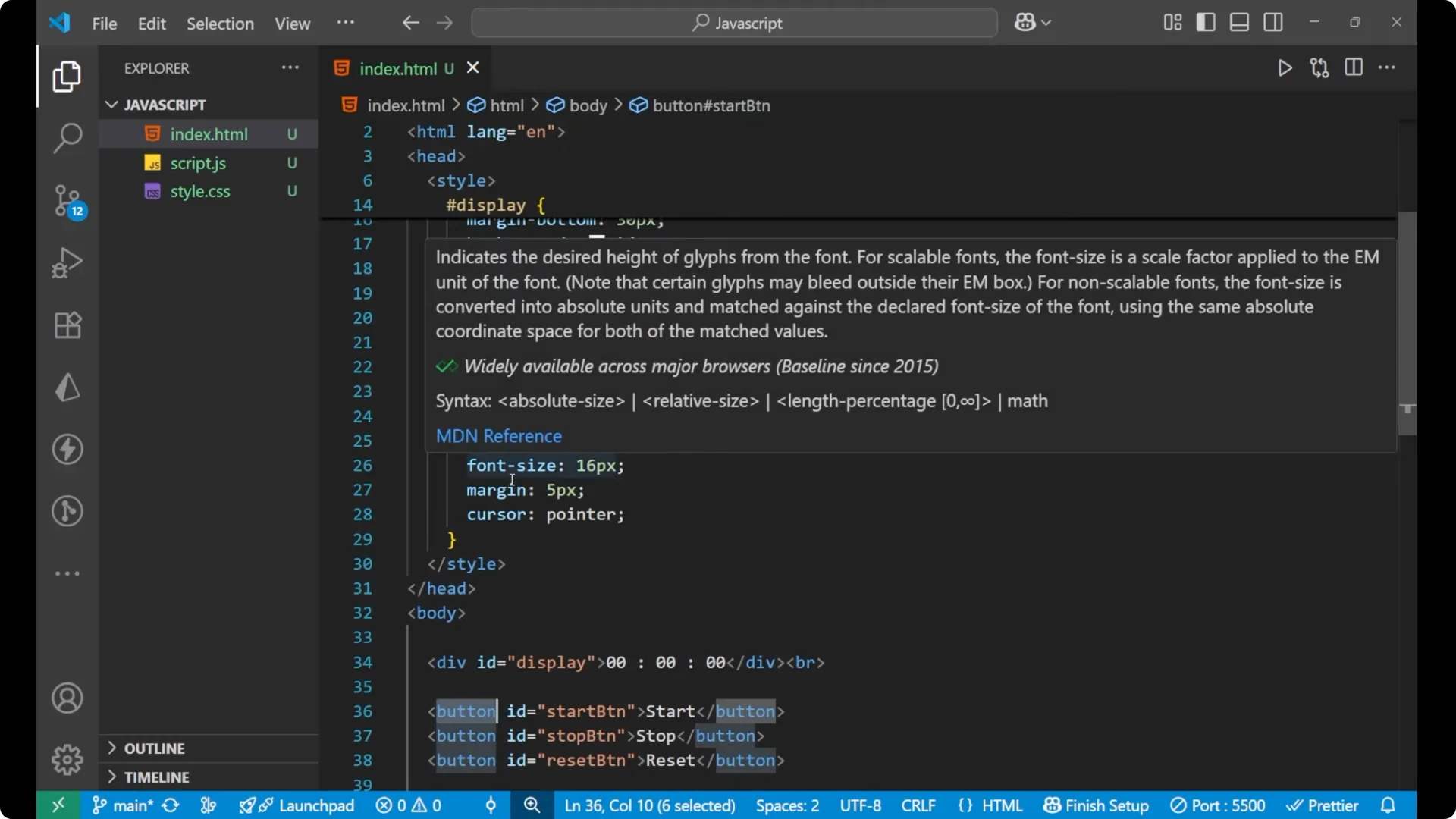
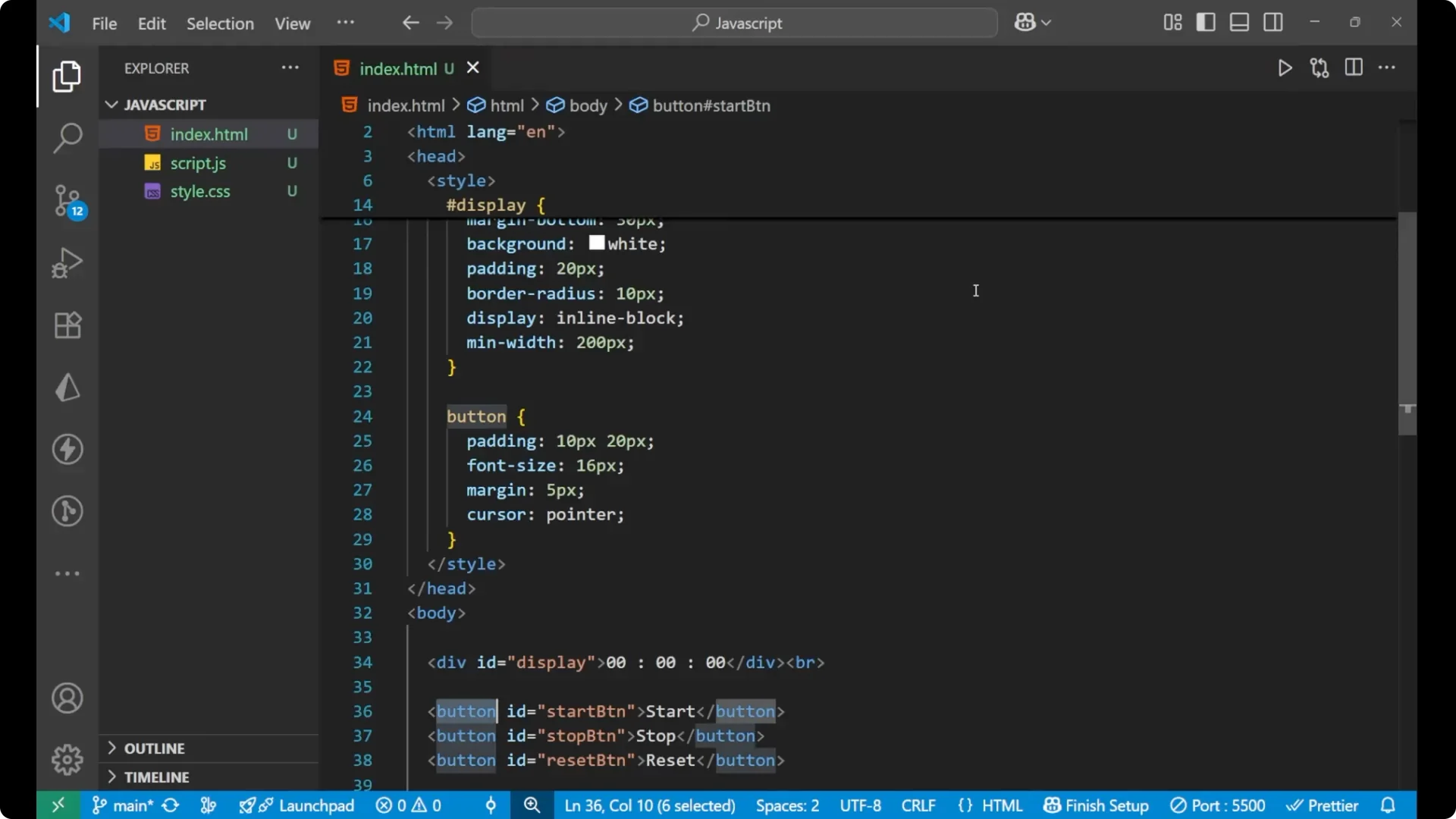
HTML structure:
- A display div that shows the timer.
- Three buttons – Start, Stop, and Reset.
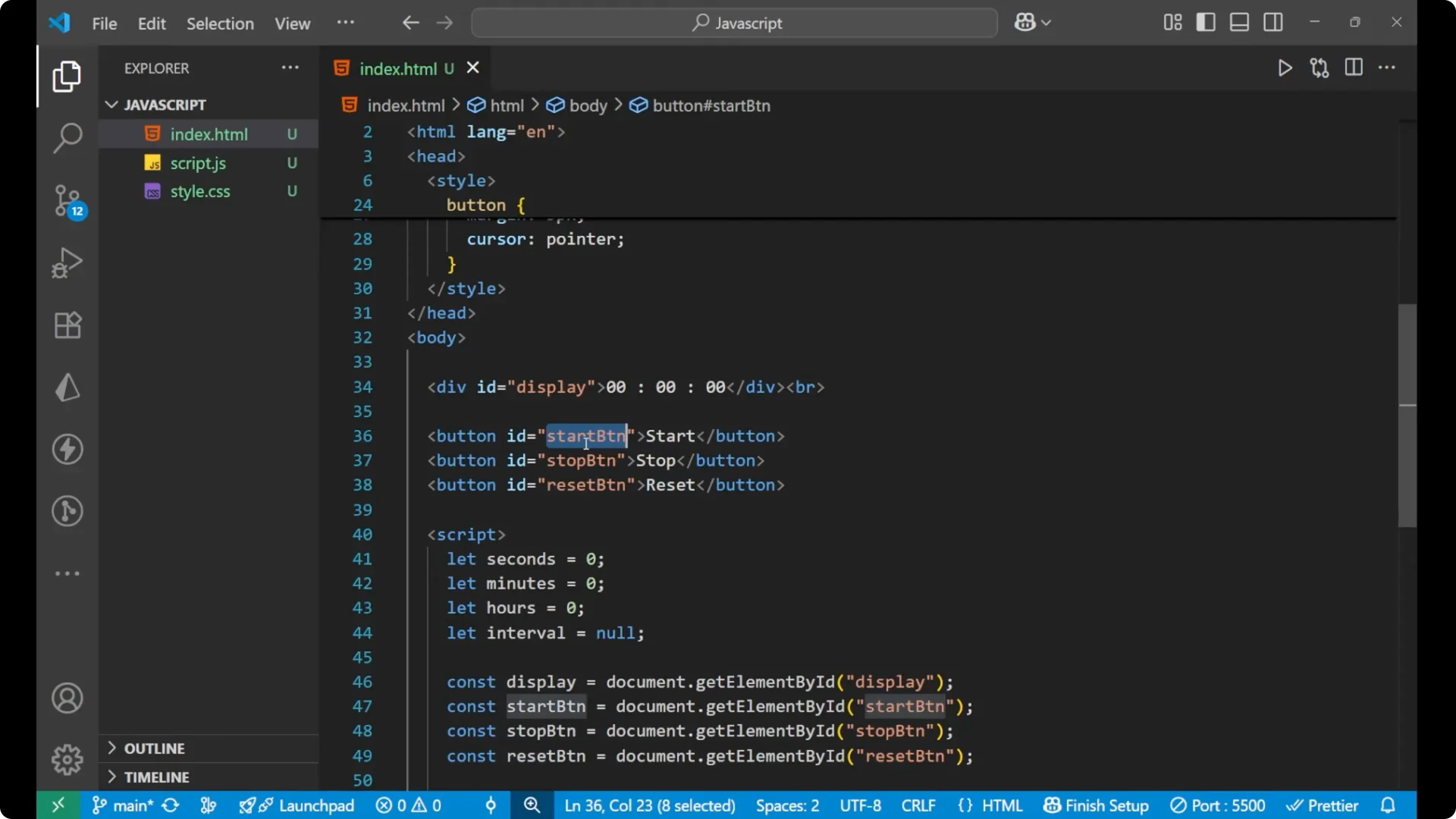
<div id="display">00:00:00</div>

<button id="start-btn">Start</button>
<button id="stop-btn">Stop</button>
<button id="reset-btn">Reset</button>
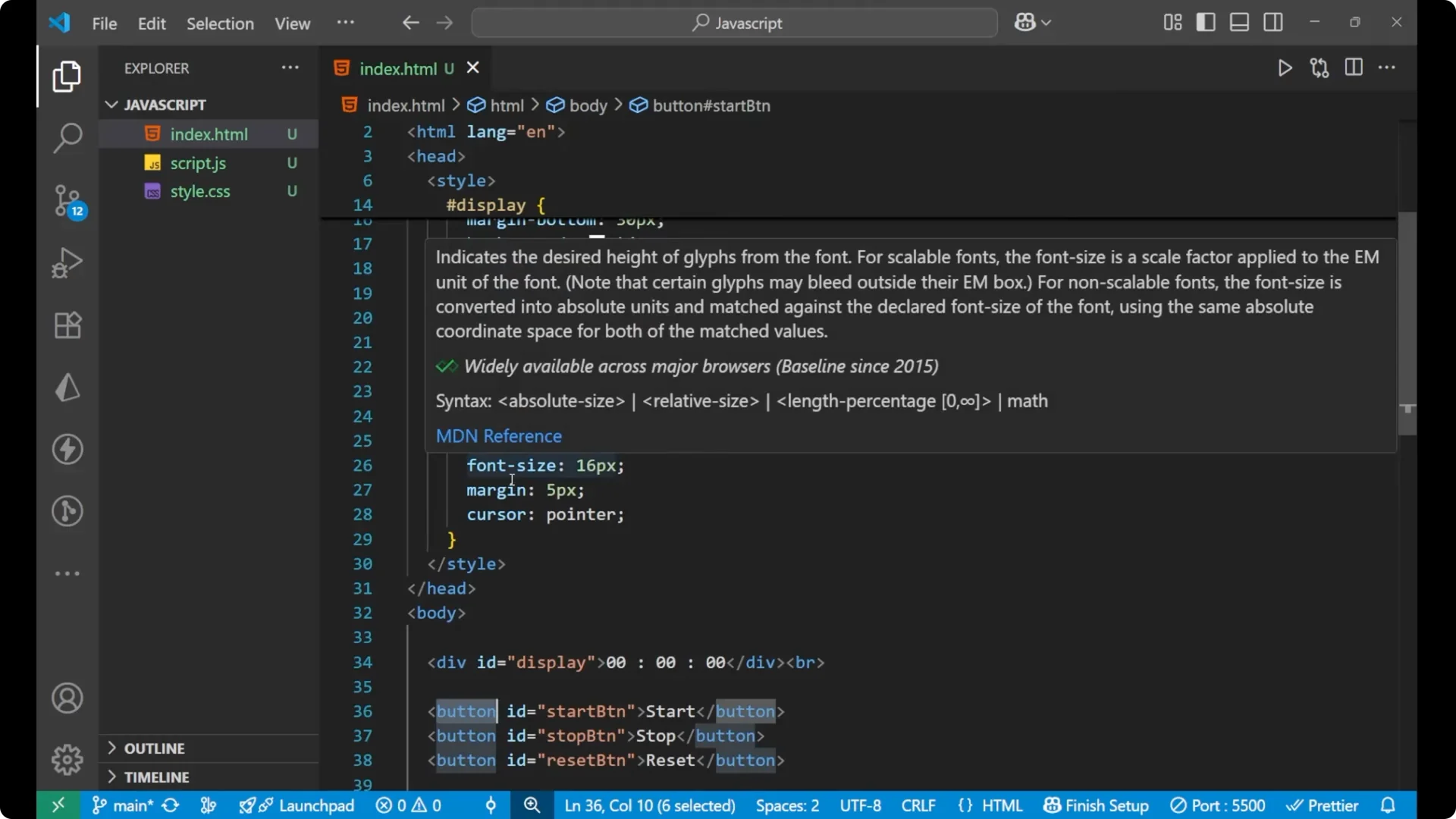
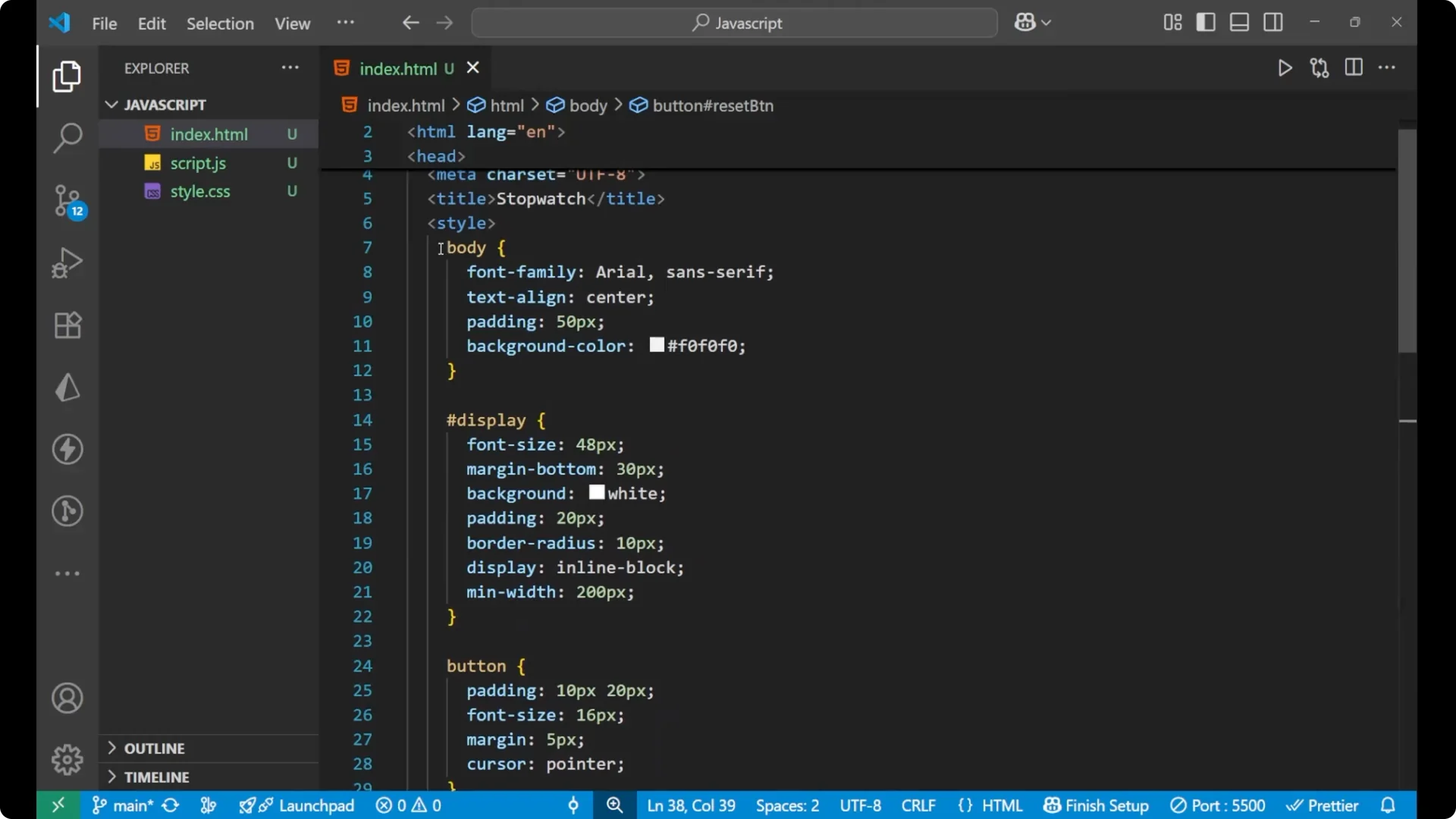
Basic CSS:
- Body: font family, centered text, padding, and a background.
- Display: large font size, bottom margin of 30px, background, padding, border-radius, inline-block, and a minimum width of 200px.
- Buttons: padding 10px 20px, font size, margin, and cursor as pointer.
body {
  font-family: sans-serif;
  text-align: center;
  padding: 40px;
  background: #f5f5f5;
}


#display {
  font-size: 48px;
  margin-bottom: 30px;
  background: #fff;
  padding: 20px 30px;
  border-radius: 8px;
  display: inline-block;
  min-width: 200px;
}

button {
  padding: 10px 20px;
  font-size: 16px;
  margin: 0 8px;
  cursor: pointer;
}
JavaScript DOM Stopwatch – Variables and Element References
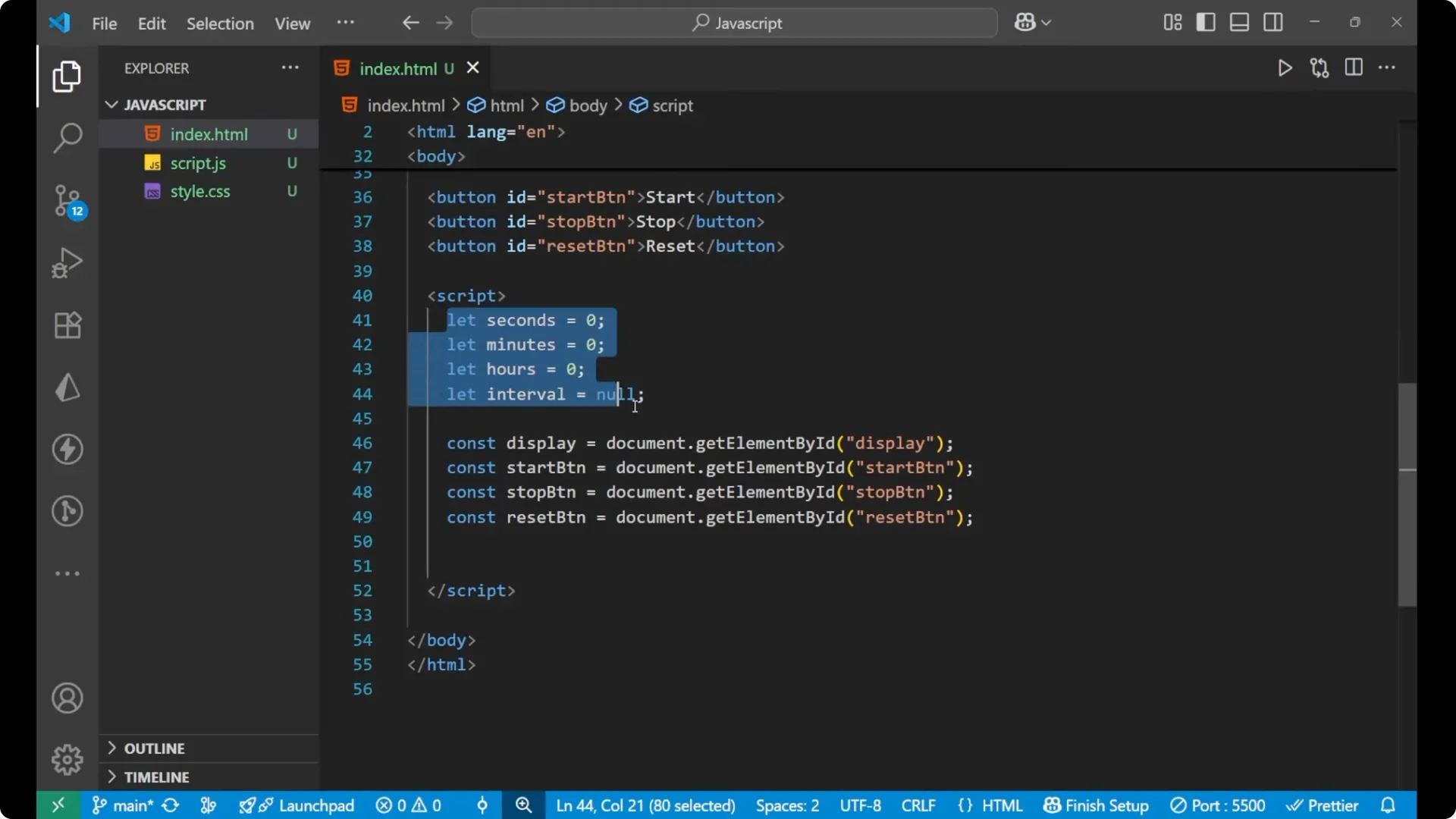
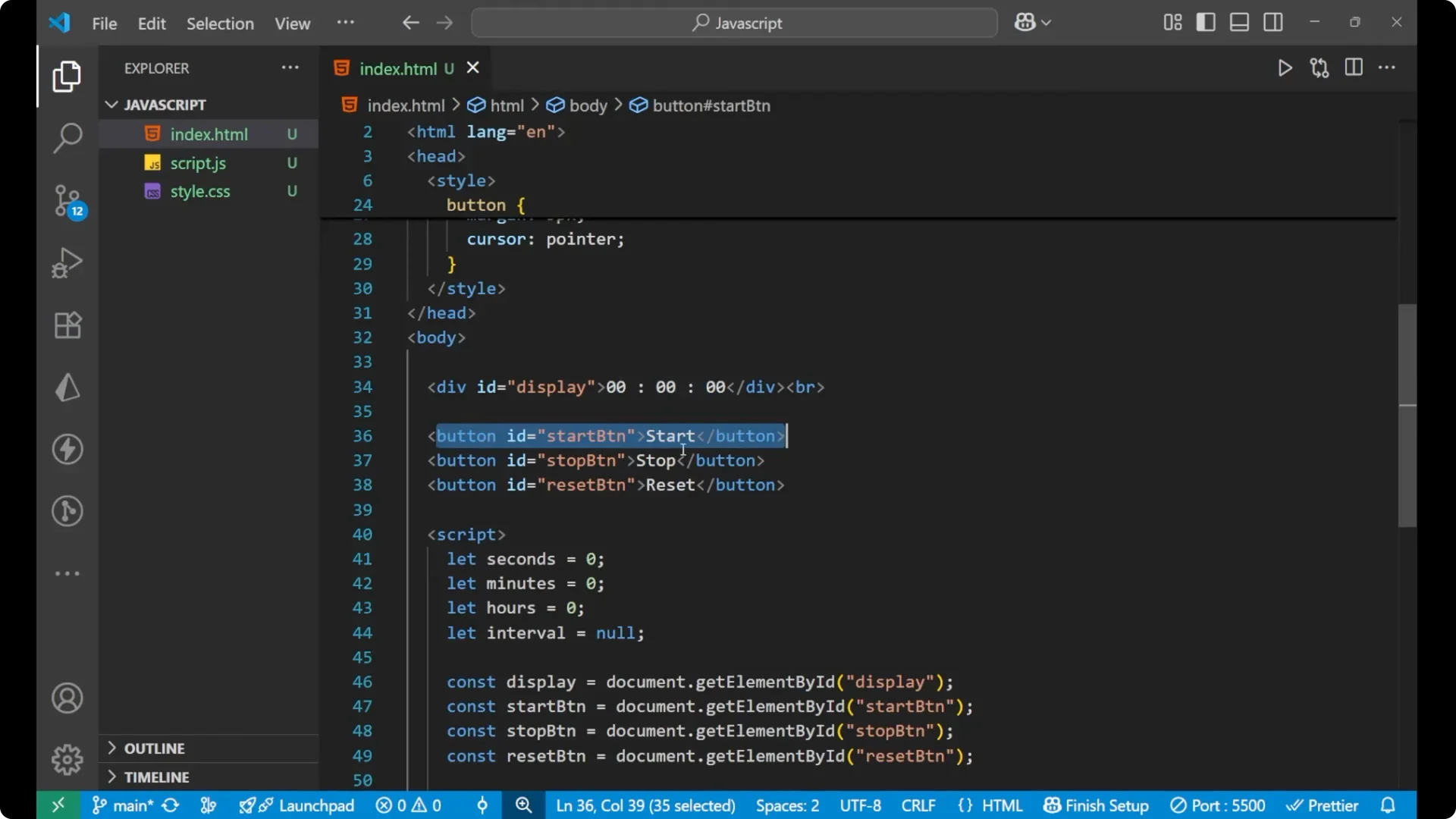
I am using four variables:
- seconds = 0
- minutes = 0
- hours = 0
- interval = null
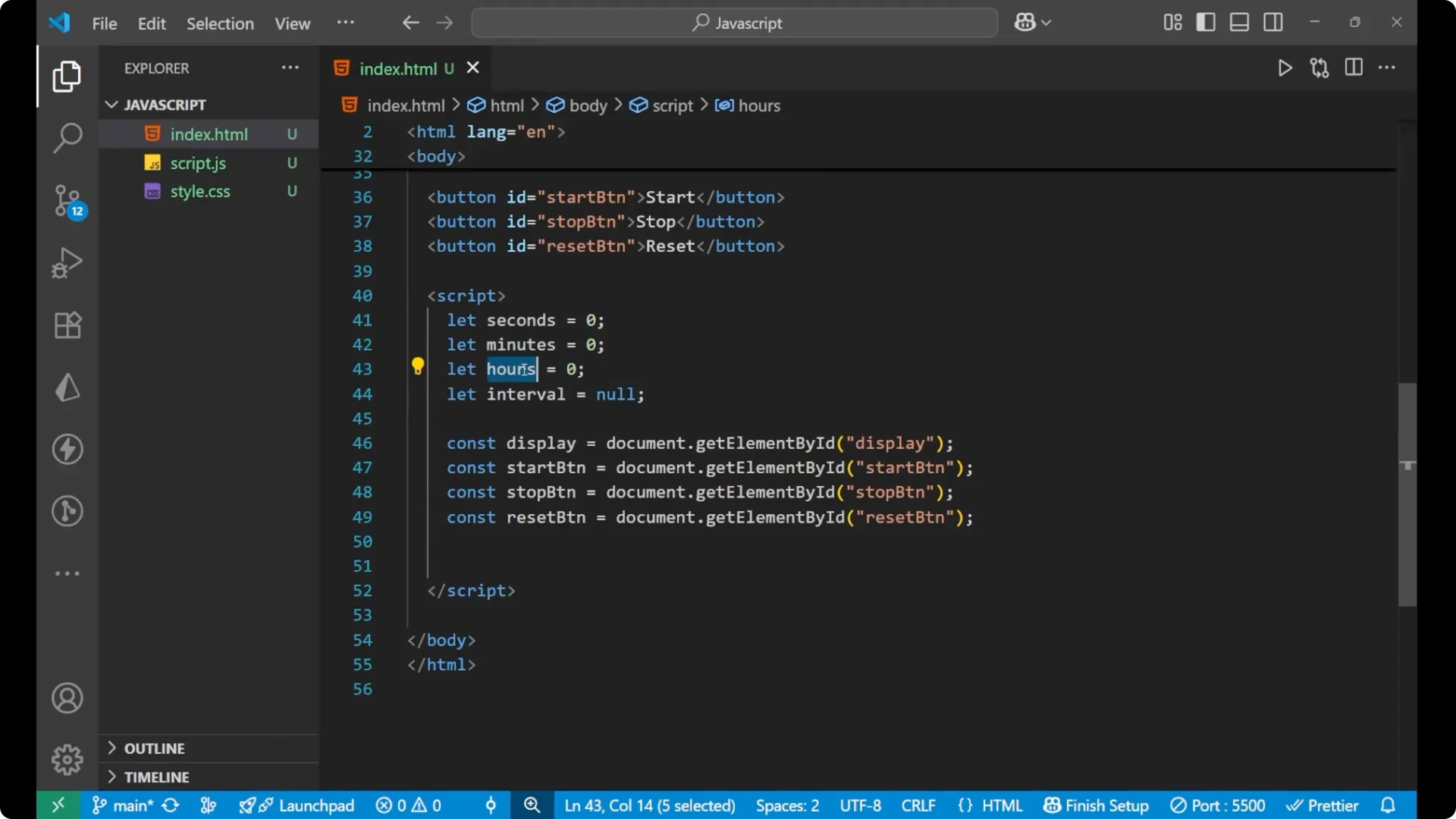
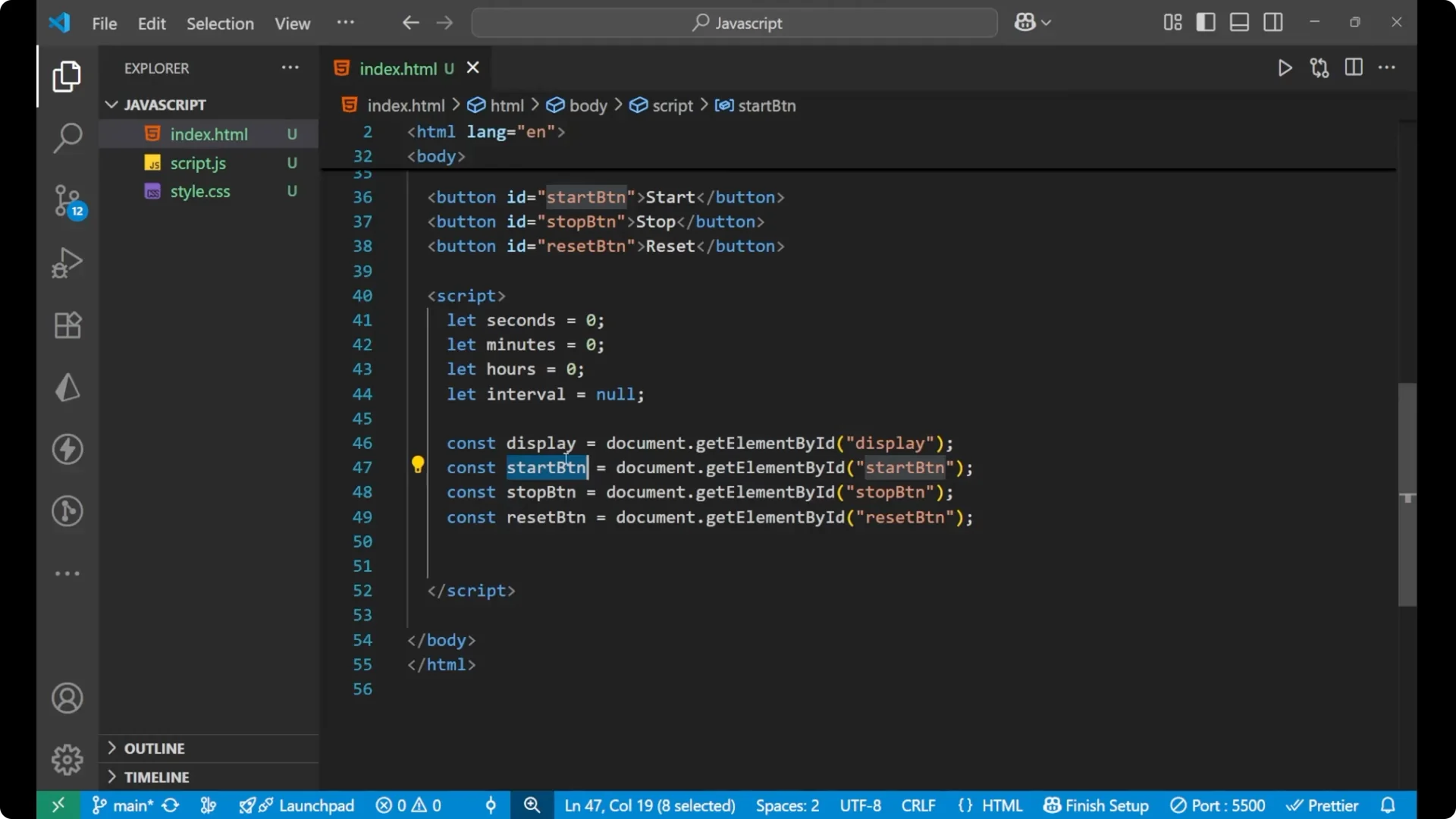
I also grab the display and the three buttons using getElementById.
let seconds = 0;
let minutes = 0;
let hours = 0;
let interval = null;

const display = document.getElementById('display');
const startBtn = document.getElementById('start-btn');
const stopBtn = document.getElementById('stop-btn');
const resetBtn = document.getElementById('reset-btn');
Wire Up the Buttons for the JavaScript DOM Stopwatch
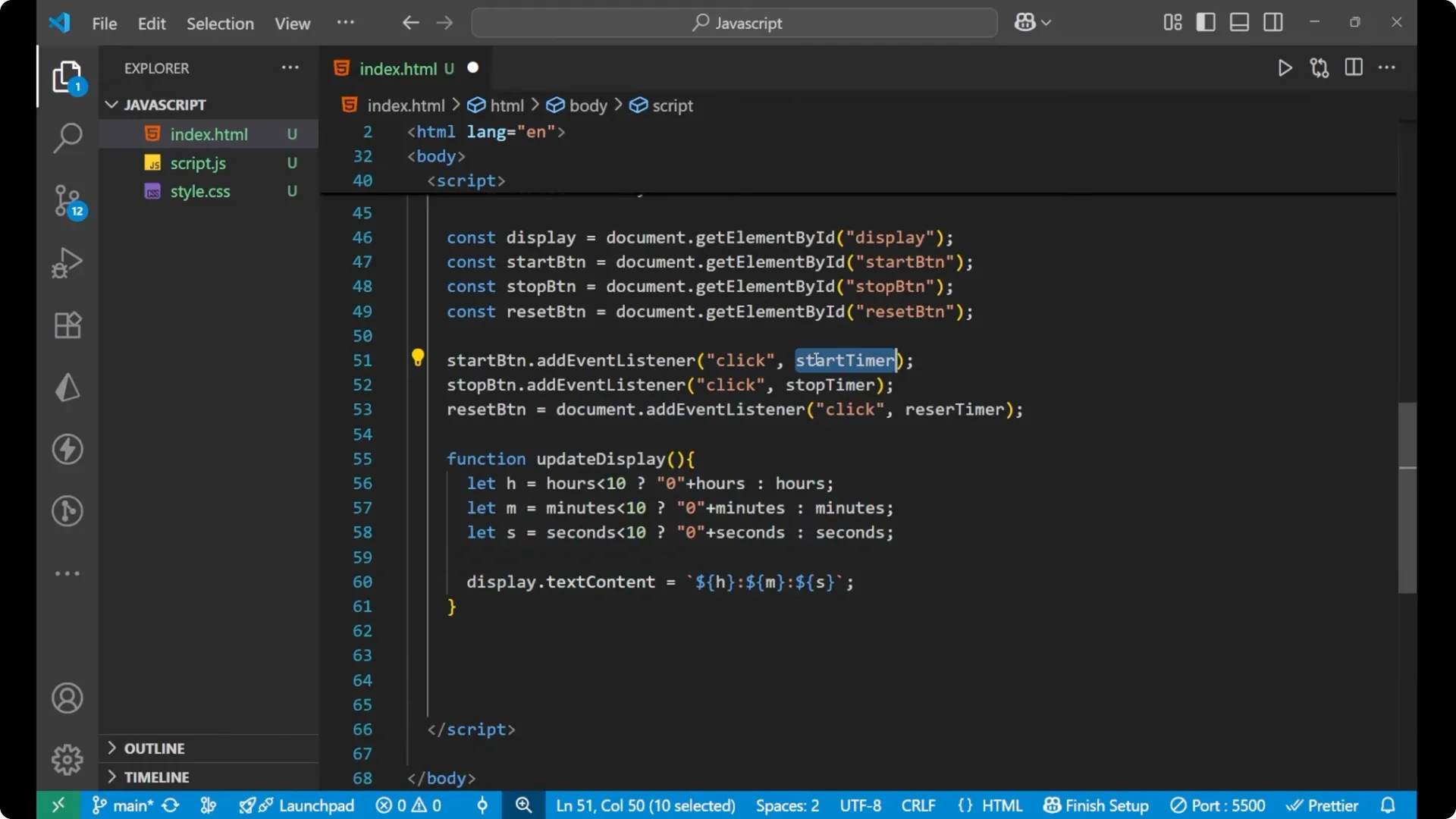
Before writing the functions, I attach click event listeners to the buttons and call functions named startTime, stopTime, and resetTime.
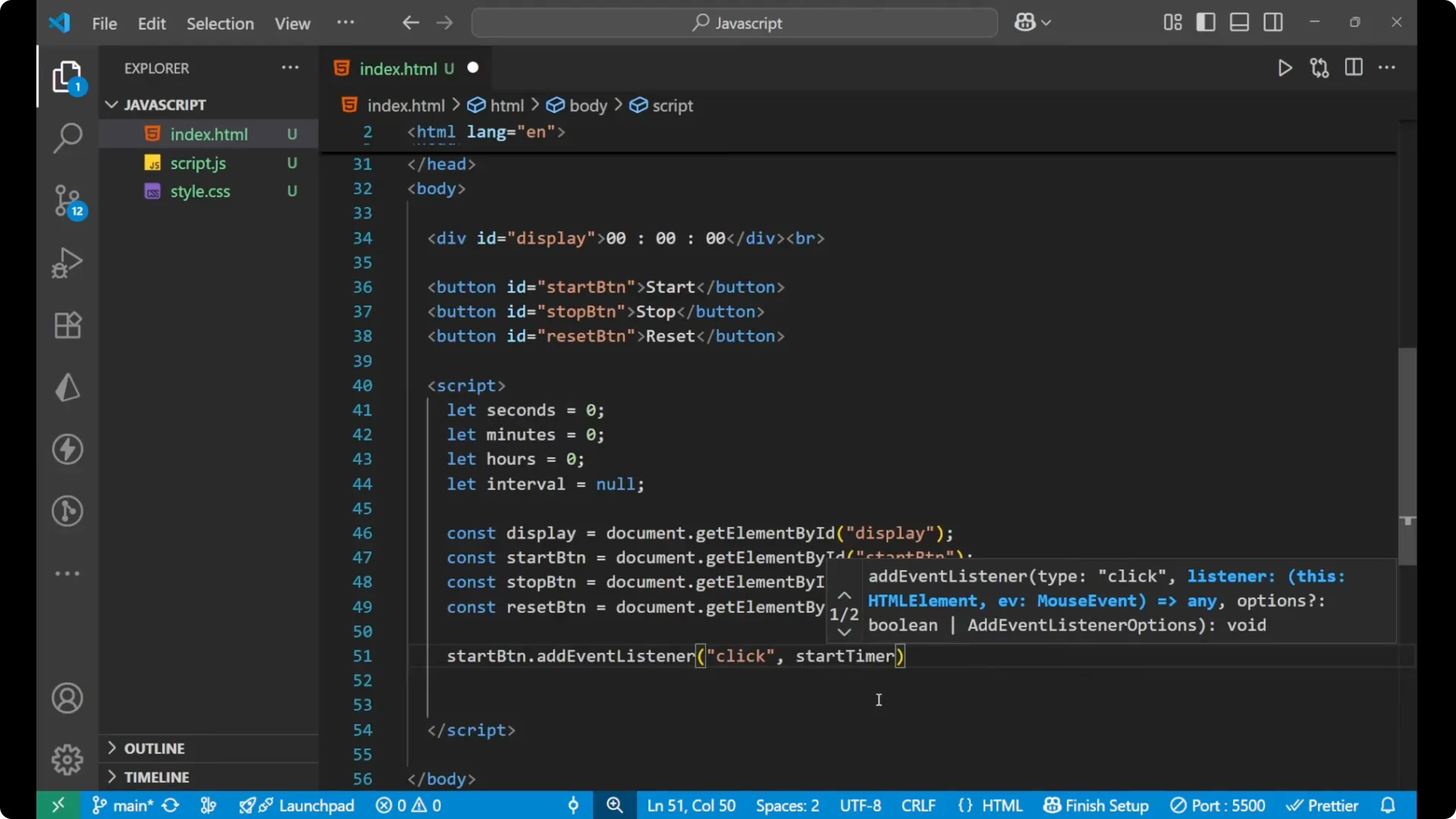
startBtn.addEventListener('click', startTime);
stopBtn.addEventListener('click', stopTime);
resetBtn.addEventListener('click', resetTime);
Update the Display
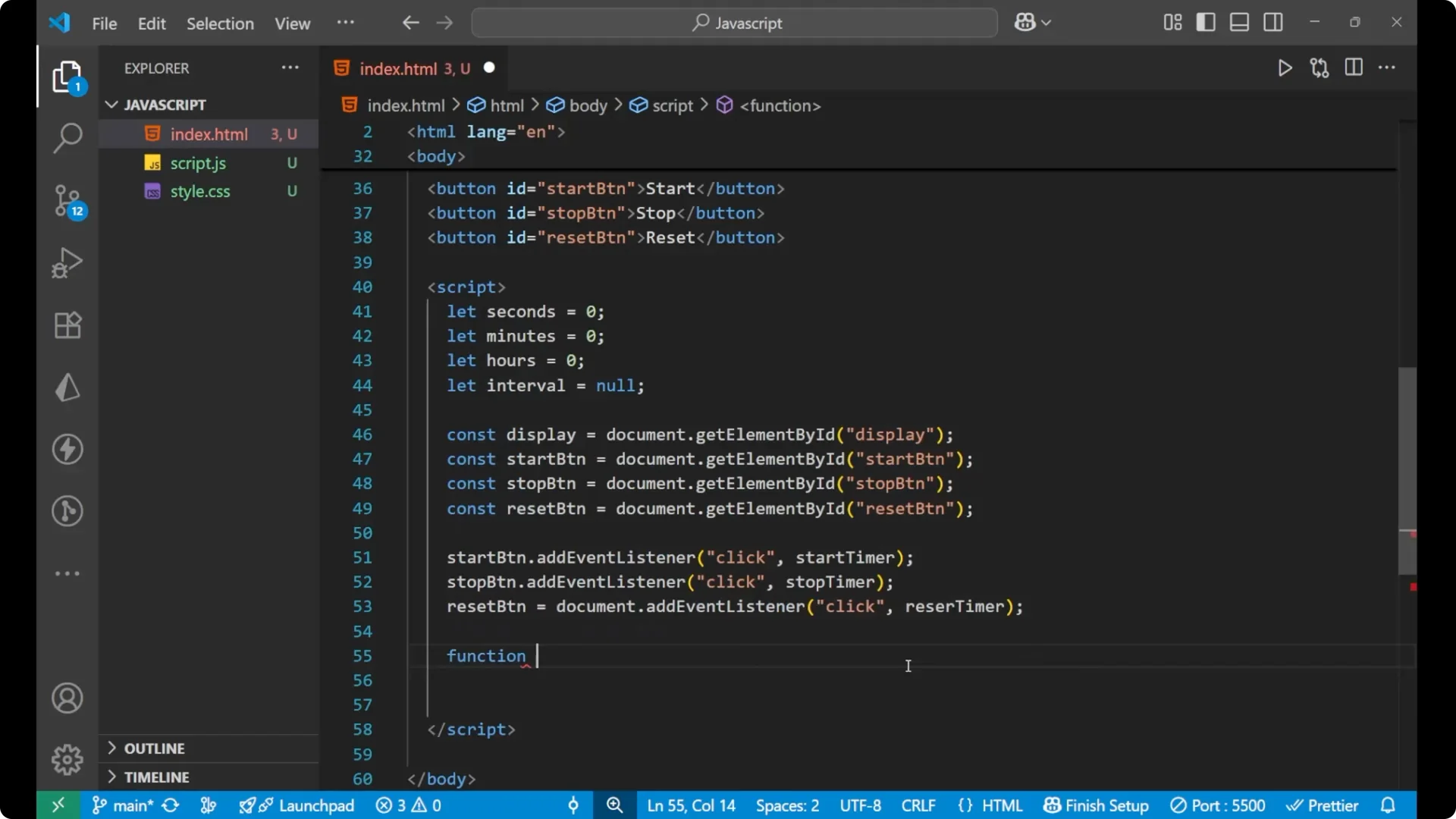
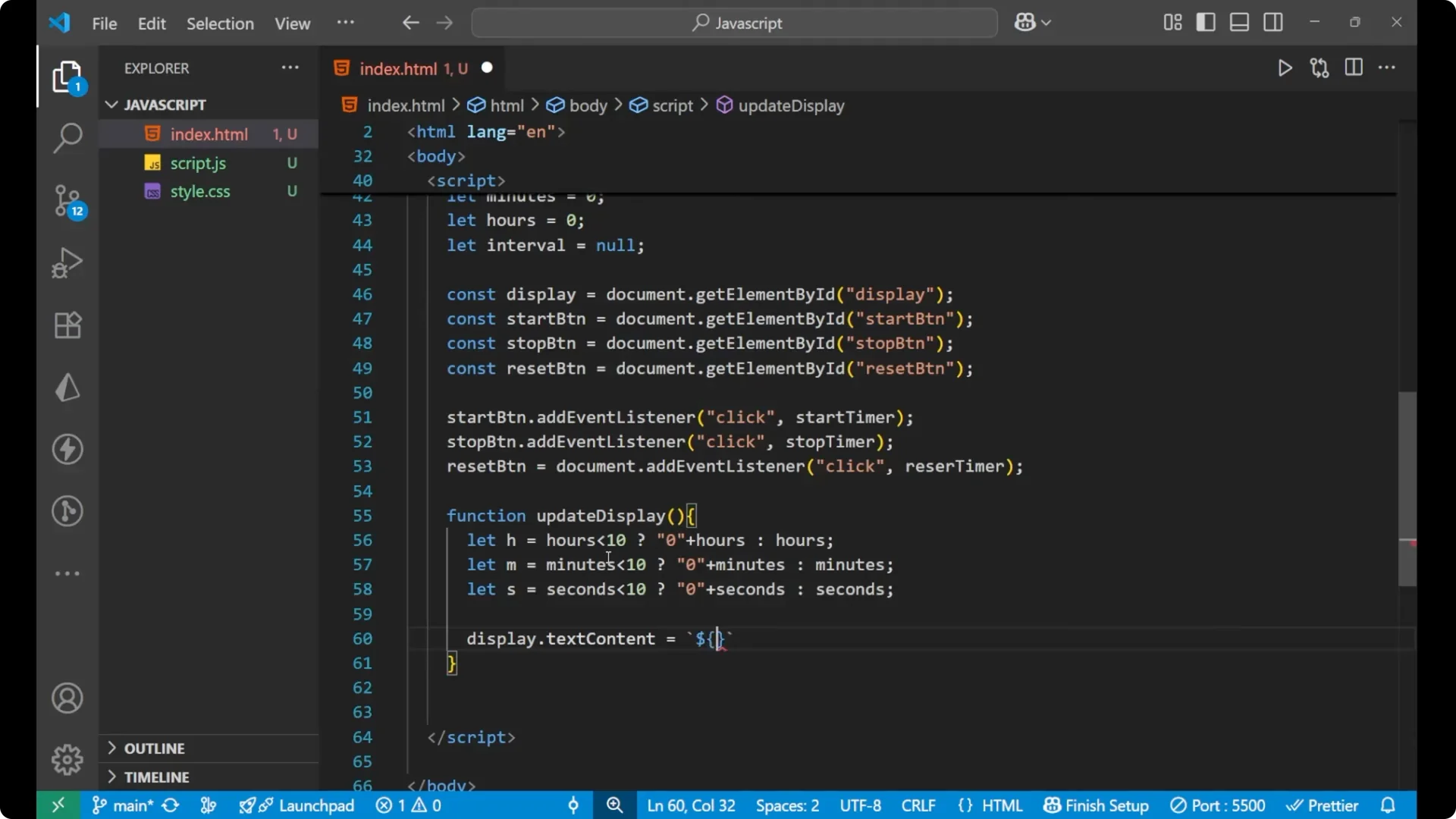
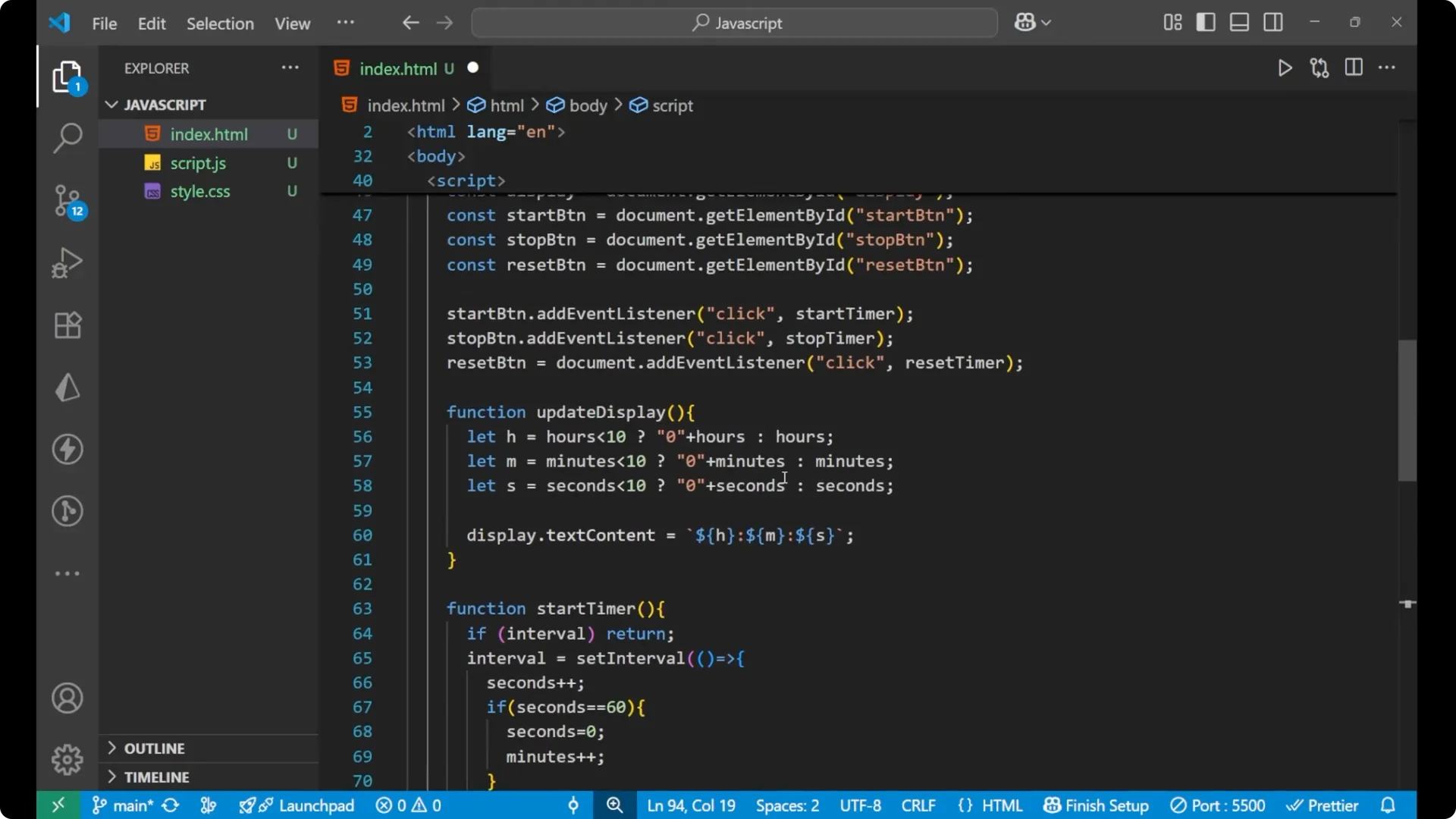
I create an updateDisplay function that pads hours, minutes, and seconds with a leading zero when they are less than 10. The display uses textContent with a template literal in the format HH:MM:SS.
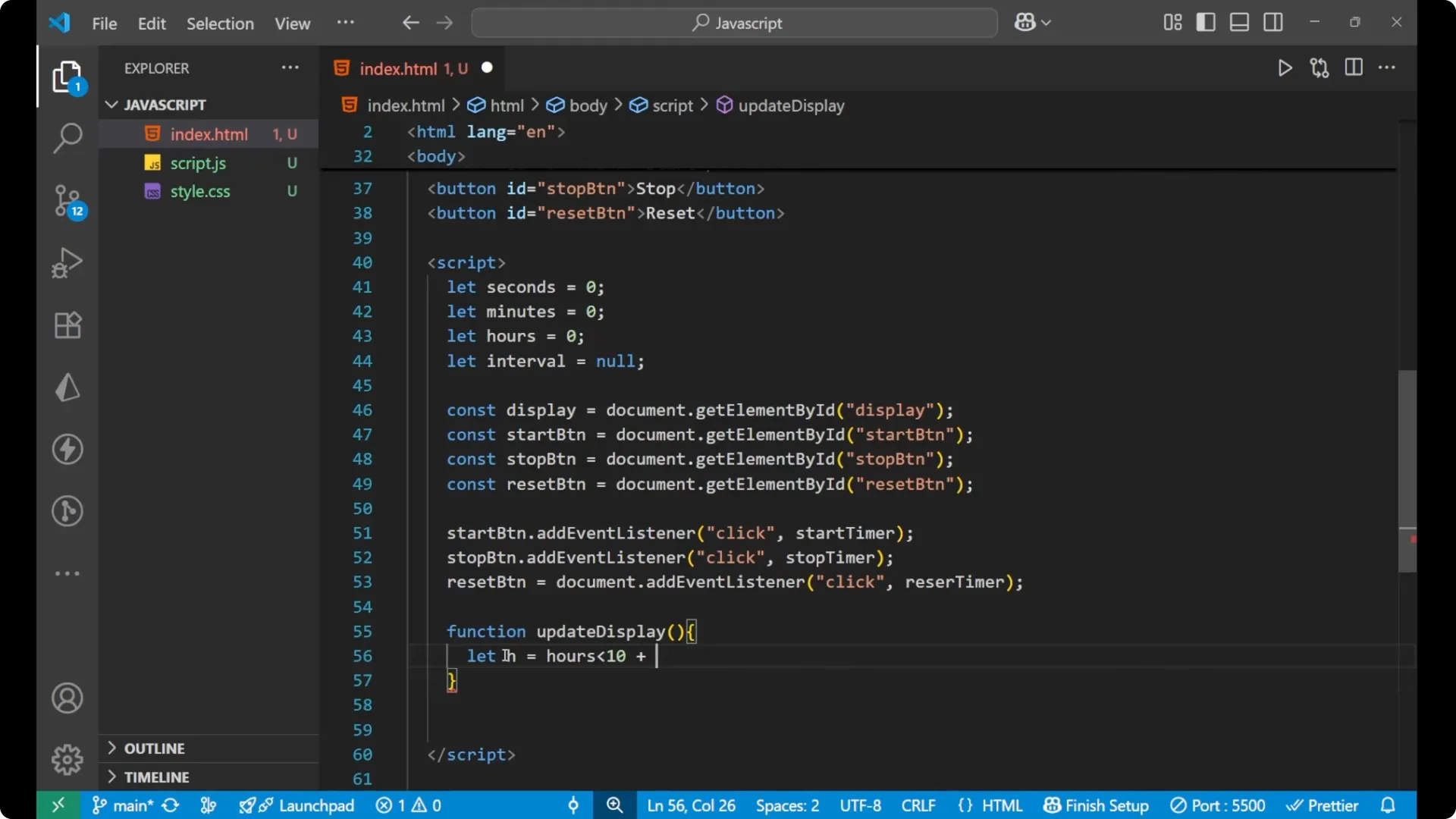
function updateDisplay() {
  const h = hours < 10 ? '0' + hours : String(hours);
  const m = minutes < 10 ? '0' + minutes : String(minutes);
  const s = seconds < 10 ? '0' + seconds : String(seconds);

  display.textContent = `${h}:${m}:${s}`;
}
Core Functions – Start, Stop, and Reset
Start the timer
I prevent multiple intervals by returning early if interval already exists. Then I use setInterval to increment seconds every 1000 milliseconds. When seconds reach 60, I reset seconds to 0 and increment minutes. When minutes reach 60, I reset minutes to 0 and increment hours. After updating values, I call updateDisplay.
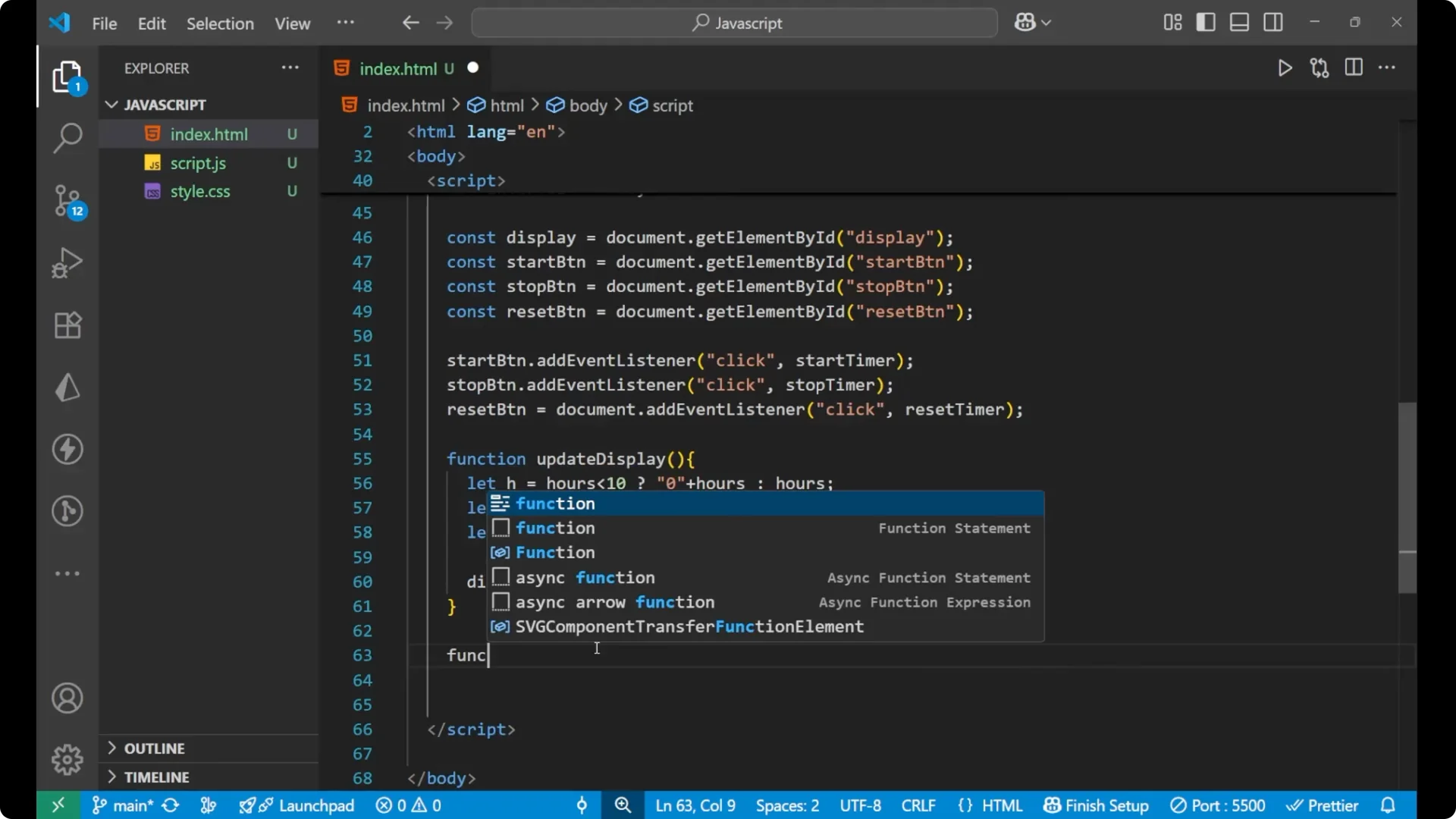
function startTime() {
  if (interval) return; // prevent multiple intervals
  interval = setInterval(() => {
    seconds++;

    if (seconds === 60) {
      seconds = 0;
      minutes++;
    }

    if (minutes === 60) {
      minutes = 0;
      hours++;
    }

    updateDisplay();
  }, 1000);
}
Stop the timer
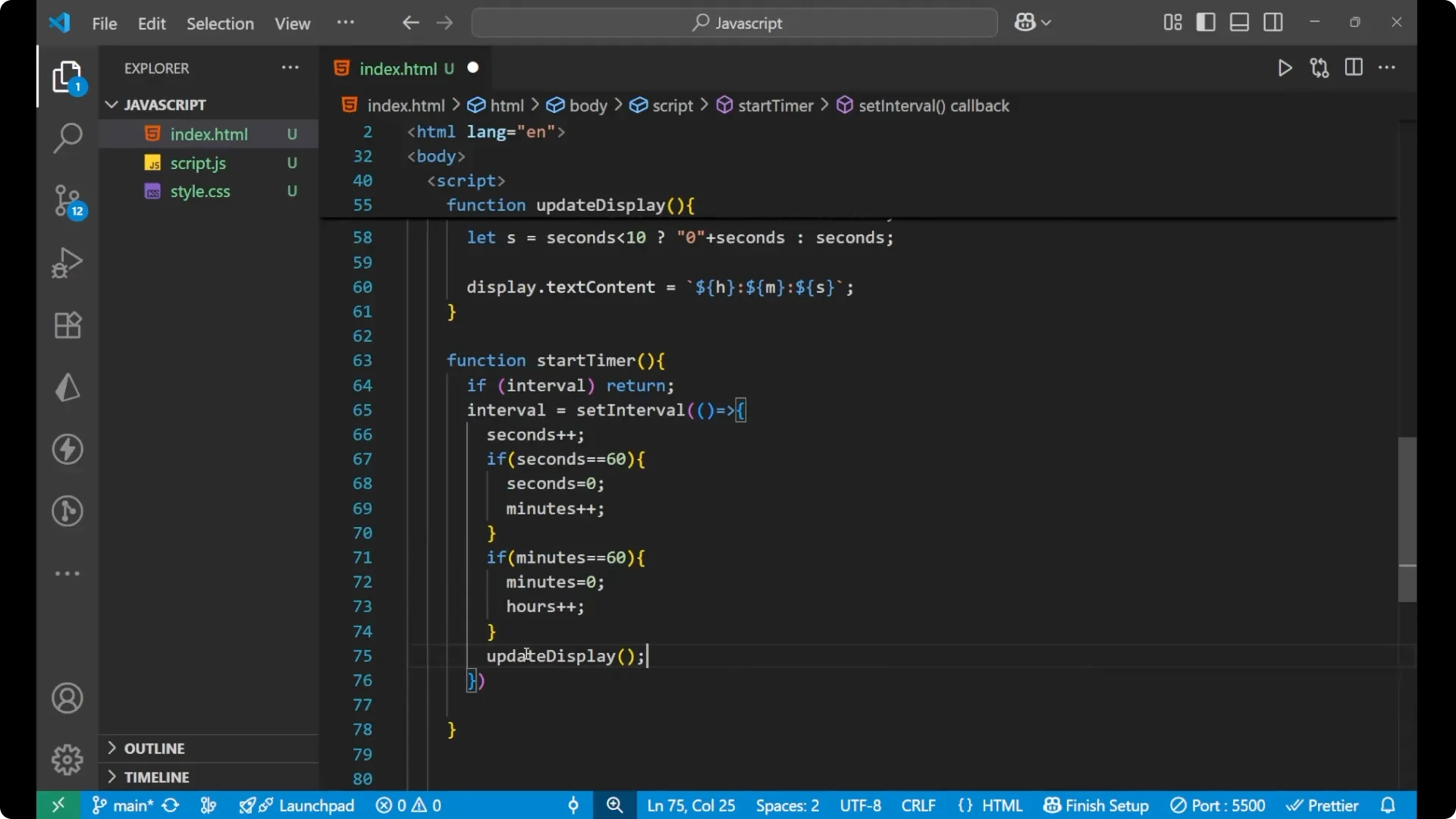
I clear the interval and set interval back to null.
function stopTime() {
  clearInterval(interval);
  interval = null;
}
Reset the timer
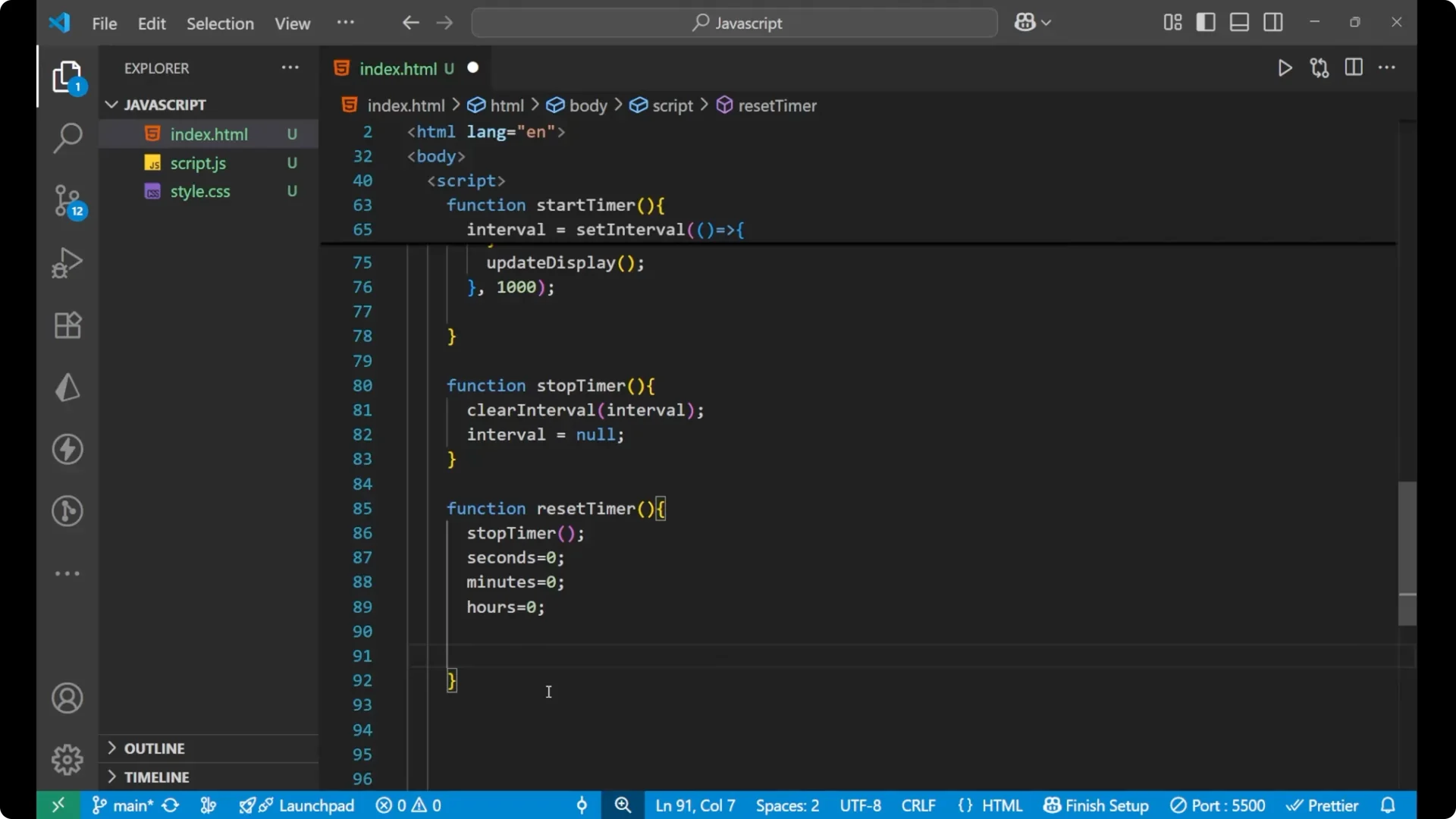
On reset, I first call stopTime to stop the interval. Then I set seconds, minutes, and hours to 0 and update the display.
function resetTime() {
  stopTime();
  seconds = 0;
  minutes = 0;
  hours = 0;
  updateDisplay();
}
Initial render
I call updateDisplay once so the UI starts at 00:00:00.
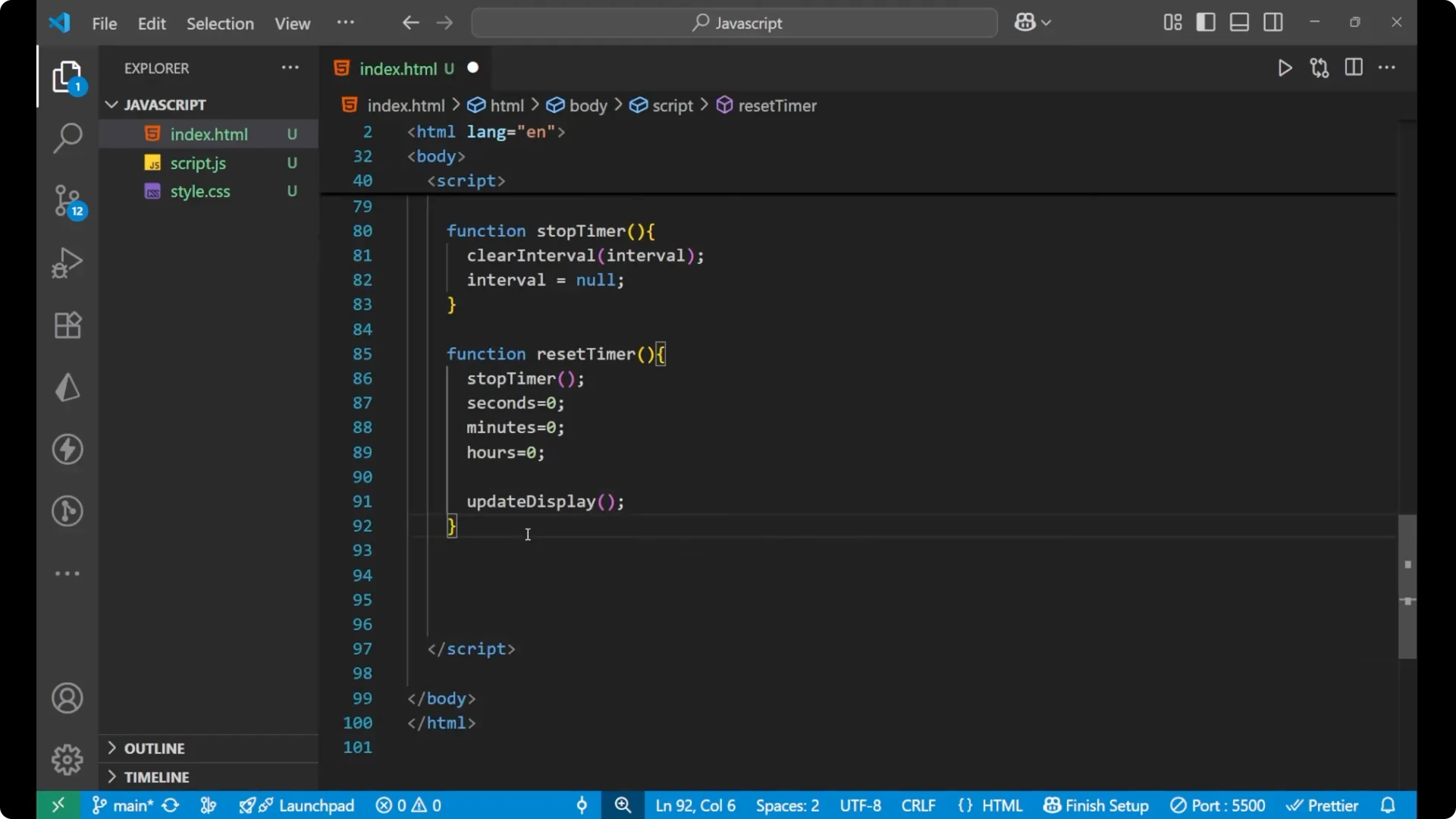
updateDisplay();
Testing and a Small Fix
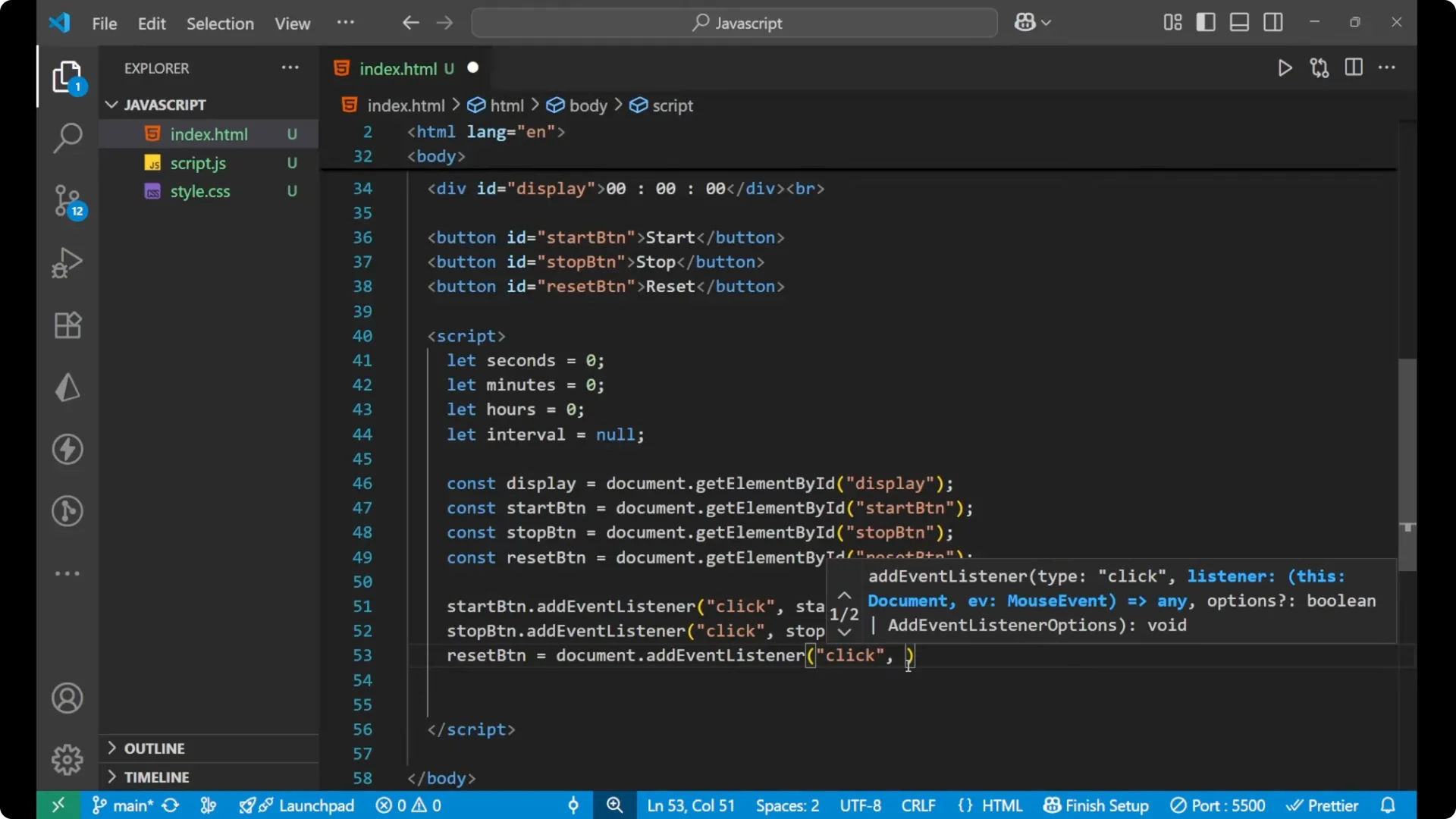
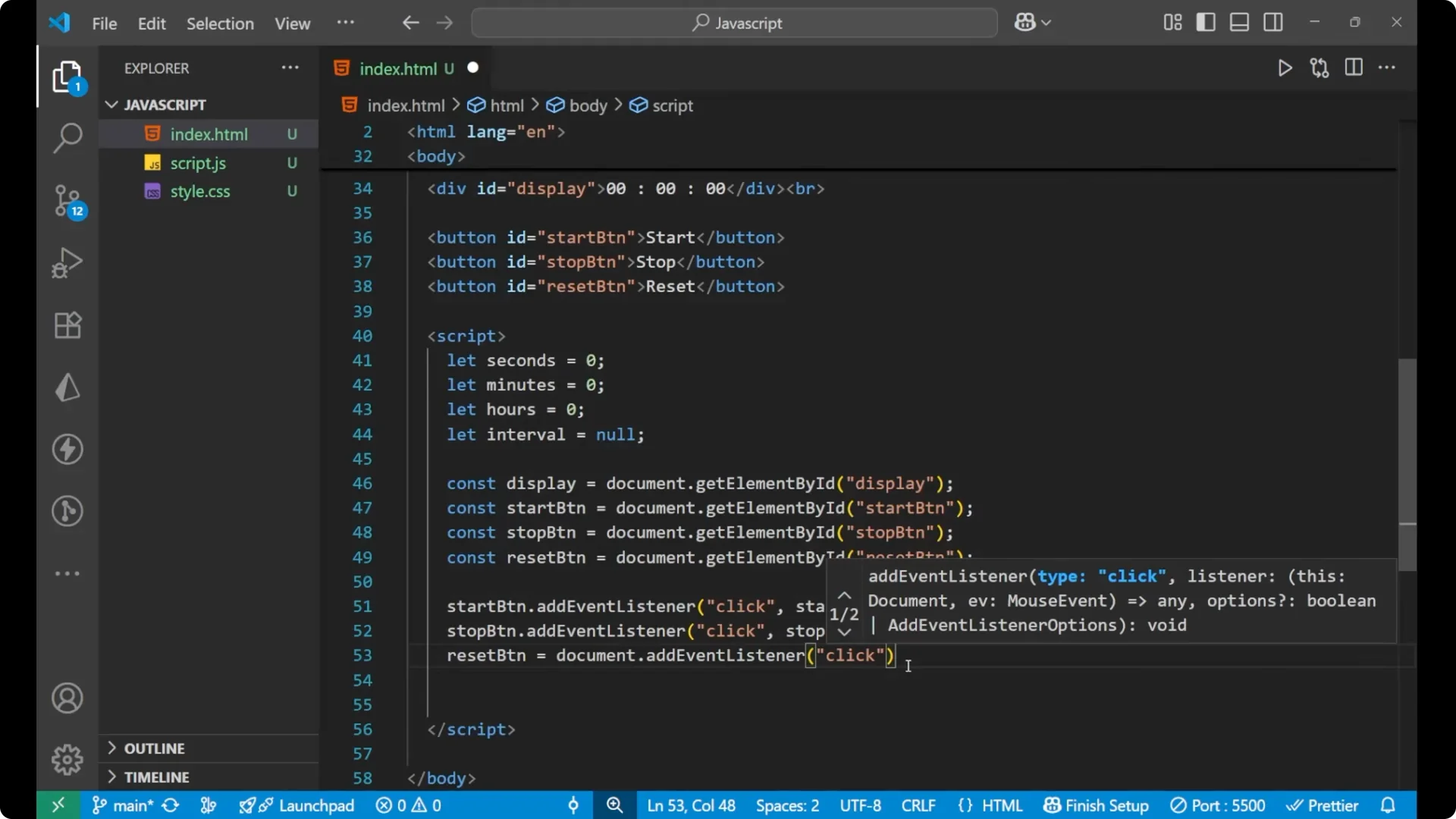
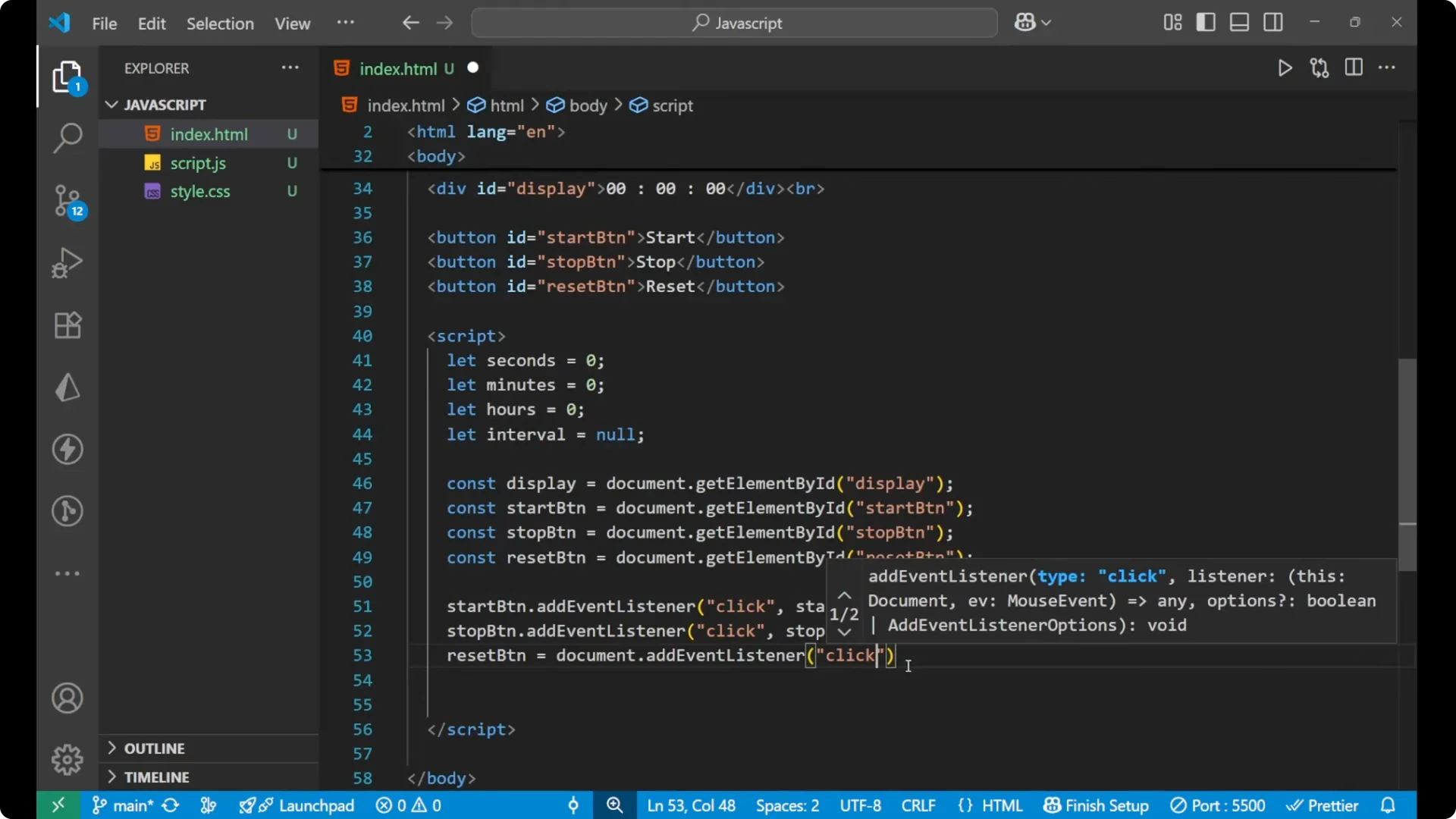
When I tested, the timer was not responding to the reset button. The mistake was attaching the reset logic to a variable instead of adding a click event listener. The fix is to add the event listener properly as shown earlier:
- resetBtn.addEventListener(‘click’, resetTime)
After the fix:
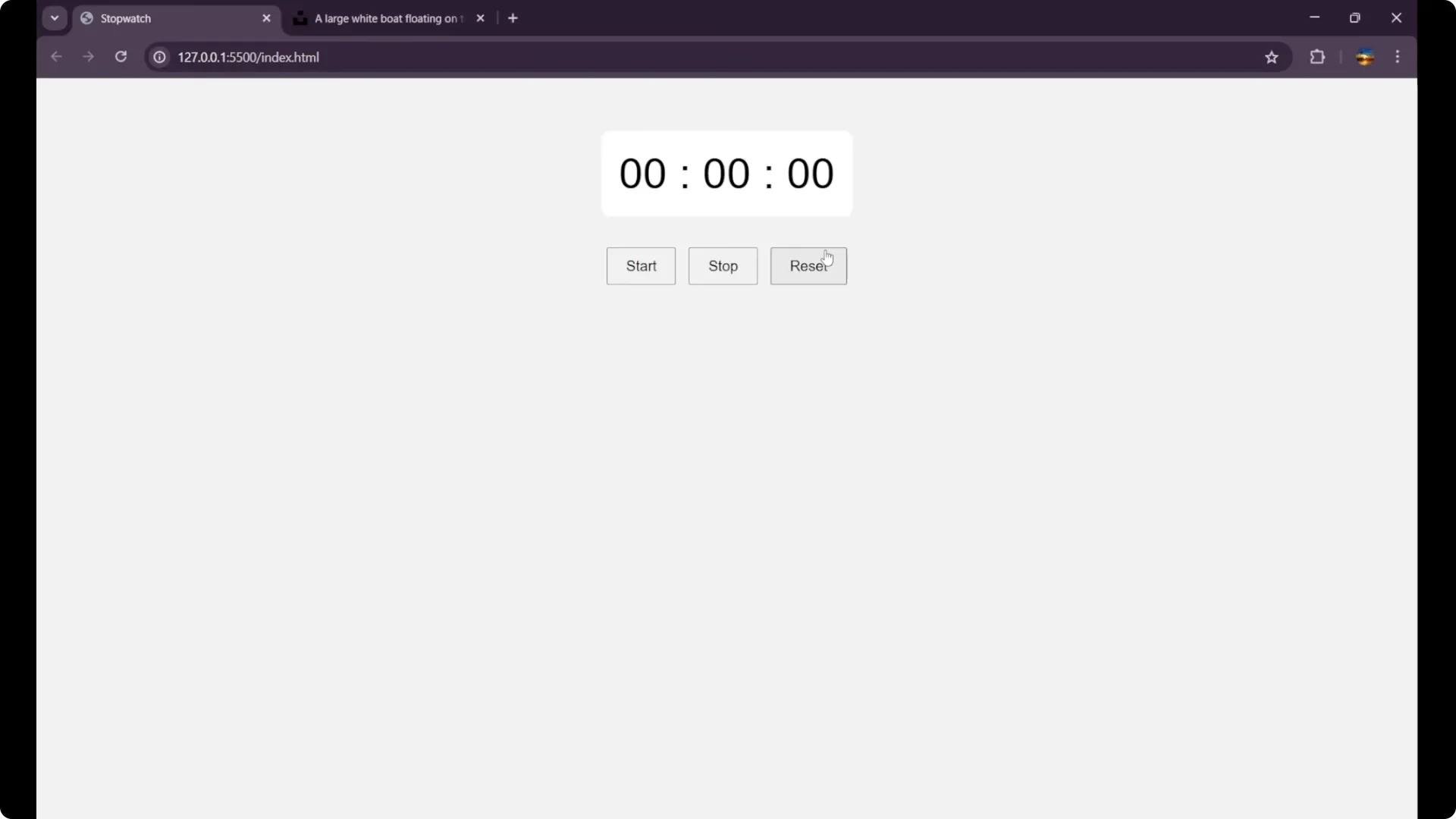
- Start begins the timer and updates every second.
- Stop freezes the timer.
- Reset sets it back to zero and stops the interval.
- Start again resumes from zero.
Final Thoughts
This stopwatch is simple to build with basic DOM methods and a few clear functions. The key points are preventing multiple intervals, rolling over seconds and minutes at 60, and keeping the display updated with leading zeros. I tried my best to explain the logic clearly so you can build it on your own.