
I am going to explain how to use session storage in JavaScript. Session storage is very similar to local storage, but the only difference is that it stores the data temporary, not permanent. We will understand how session storage works and how to set data and use data using session storage.
Session storage is a part of the Web Storage API that stores data only for the duration of the page session. It means that for the time when your page or your tab is open, only for that part of time your data will be stored in session storage, and after that your data will get cleared. The data is cleared automatically when the tab or browser is closed. It also stores about 5 MB per domain. There is a limit on storing data that is for every domain you can store only 5 MB of data, which is very similar to local storage. In almost every case we use local storage for our work, not session storage, because in local storage the data does not get cleared when the tab or browser is closed. That difference makes it better to use local storage than session storage. For a deeper comparison and patterns, check our local storage guide.
What is JavaScript Session Storage
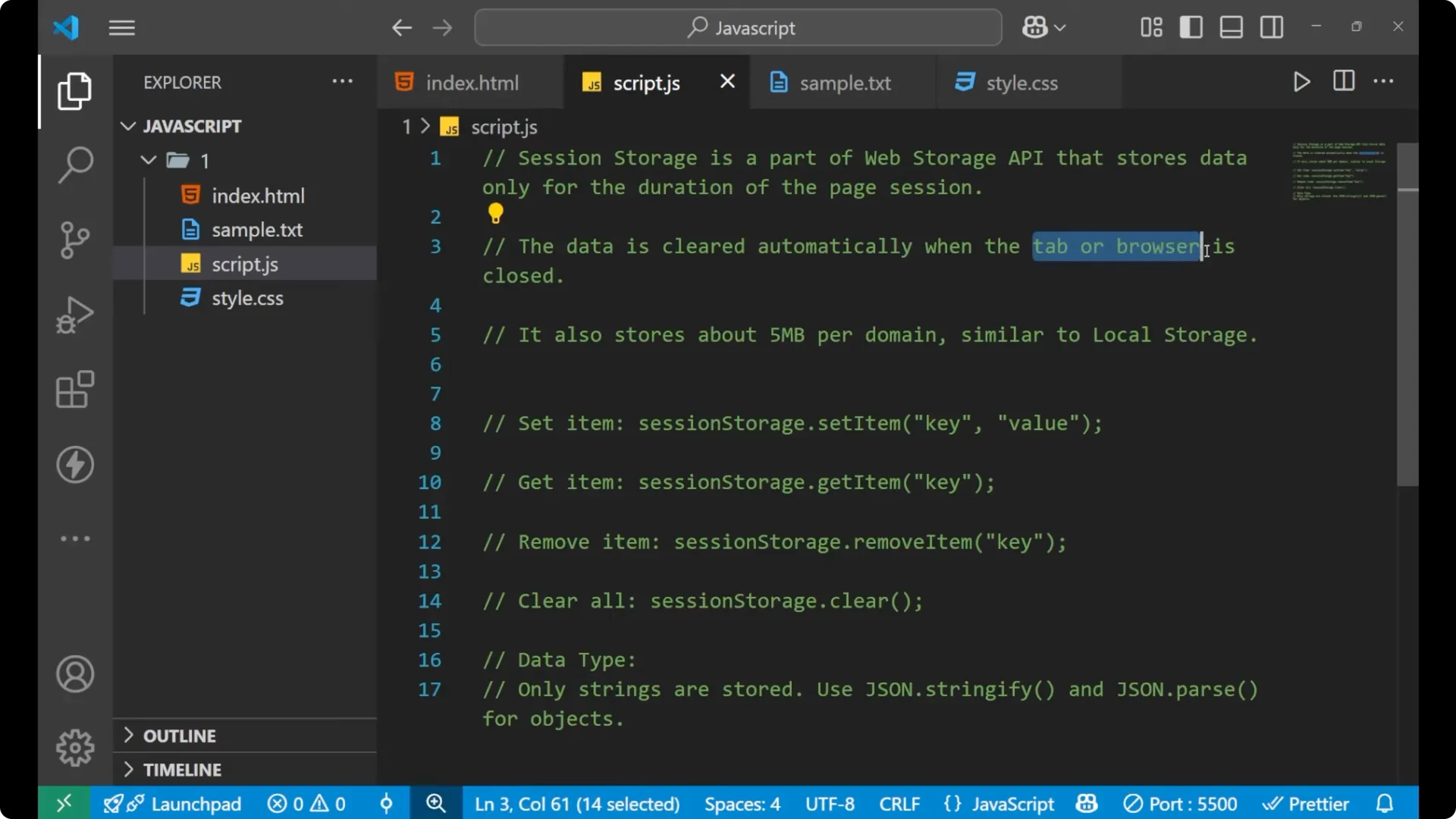
Session storage stores key-value pairs in the browser for a single page session. When the tab or window is closed, those pairs are deleted. It is scoped to the current tab, so another tab does not see the same session storage for the same domain.
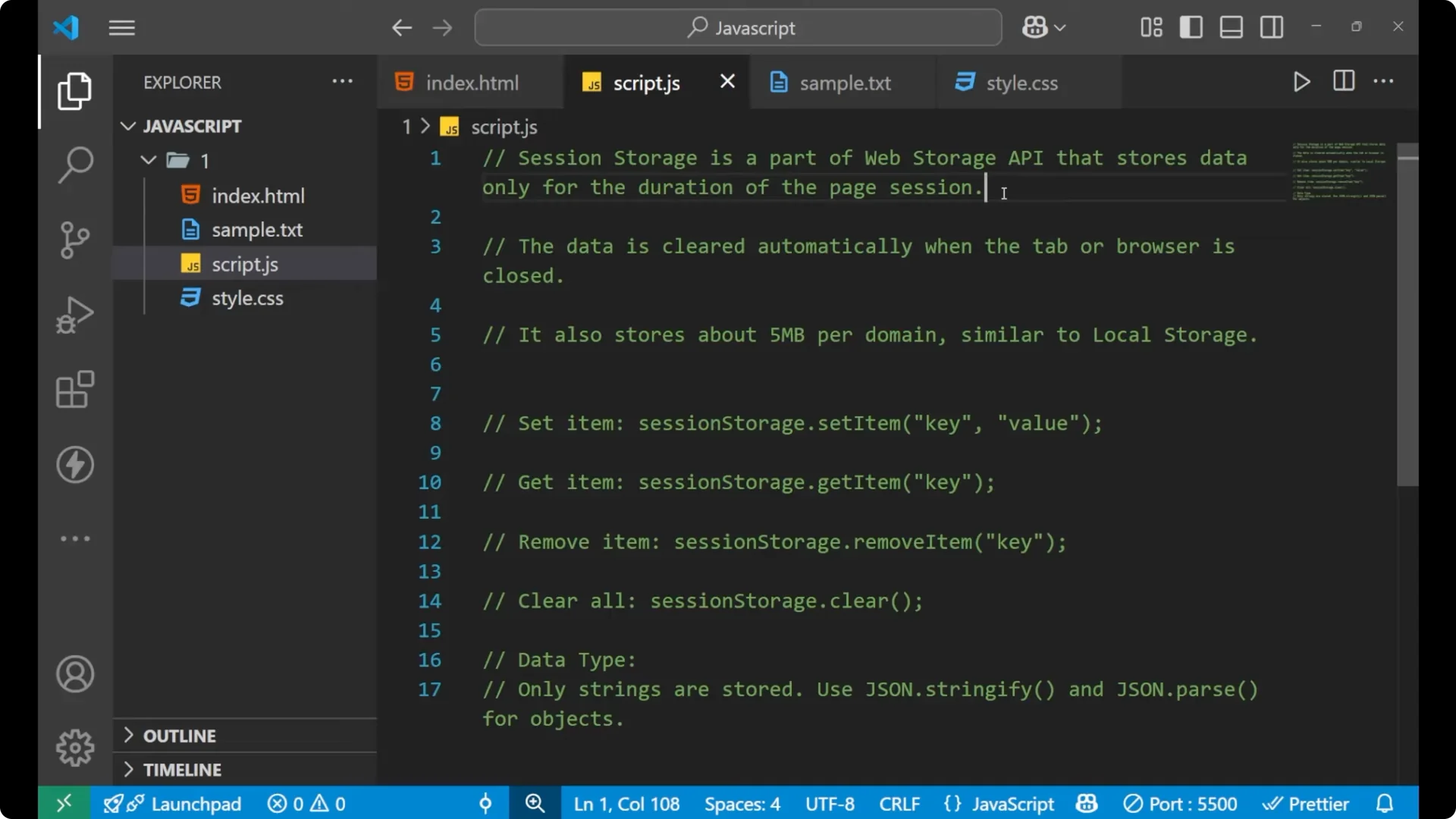
Set and get data with JavaScript Session Storage
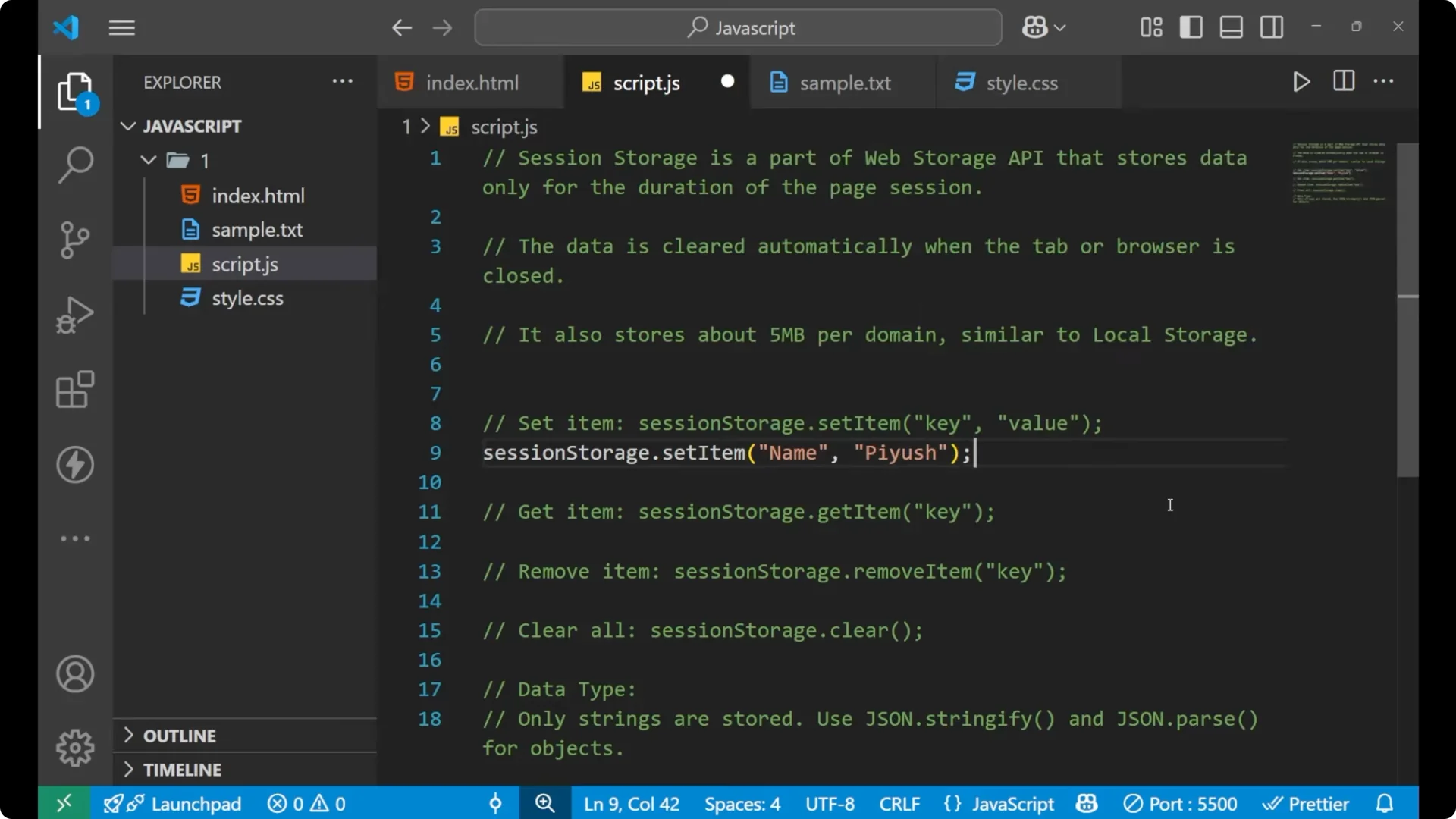
To implement session storage, write _sessionStorage.setItem_ with a key and a value.
Write:
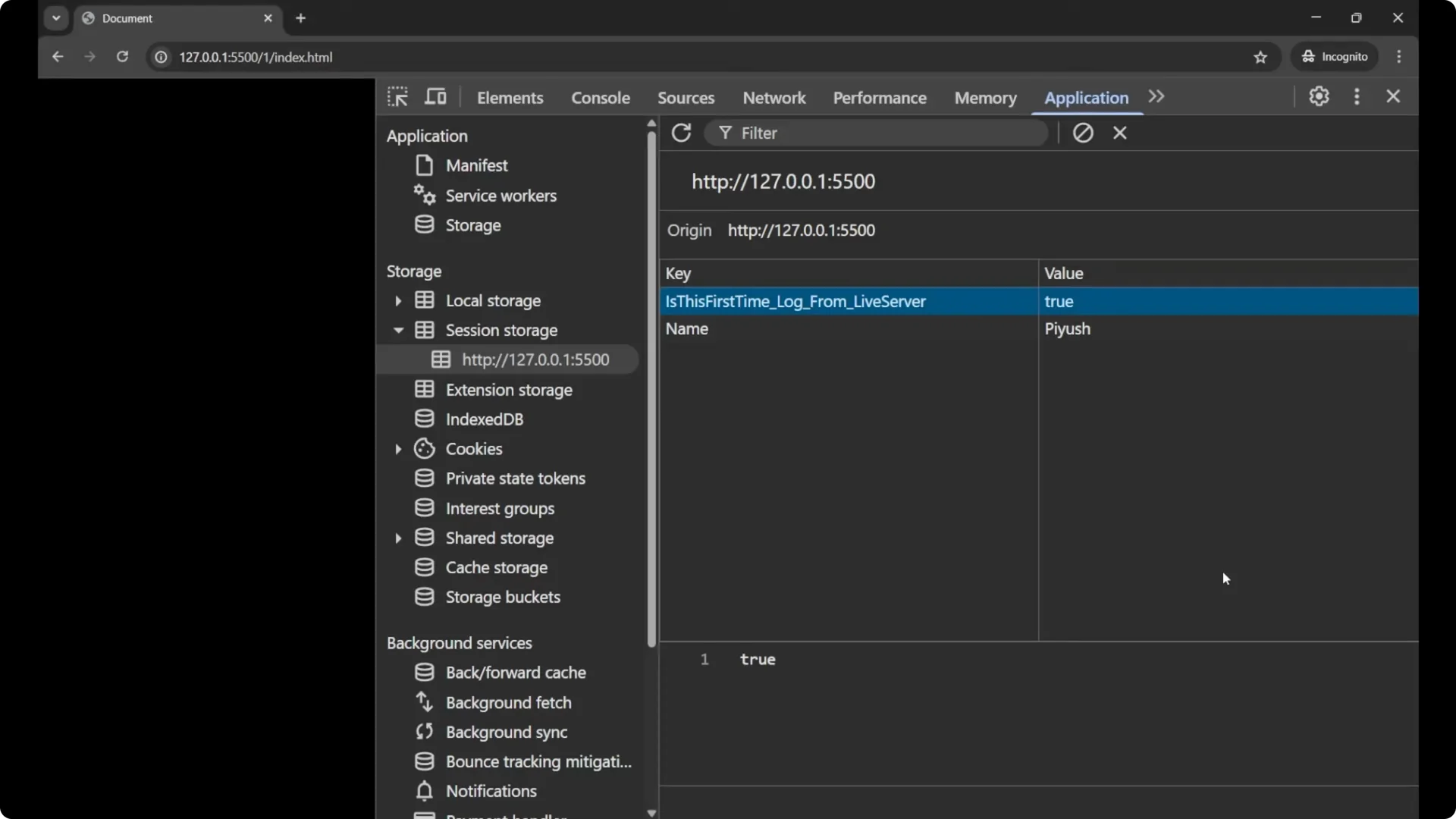
sessionStorage.setItem(‘name’, ‘Push’);
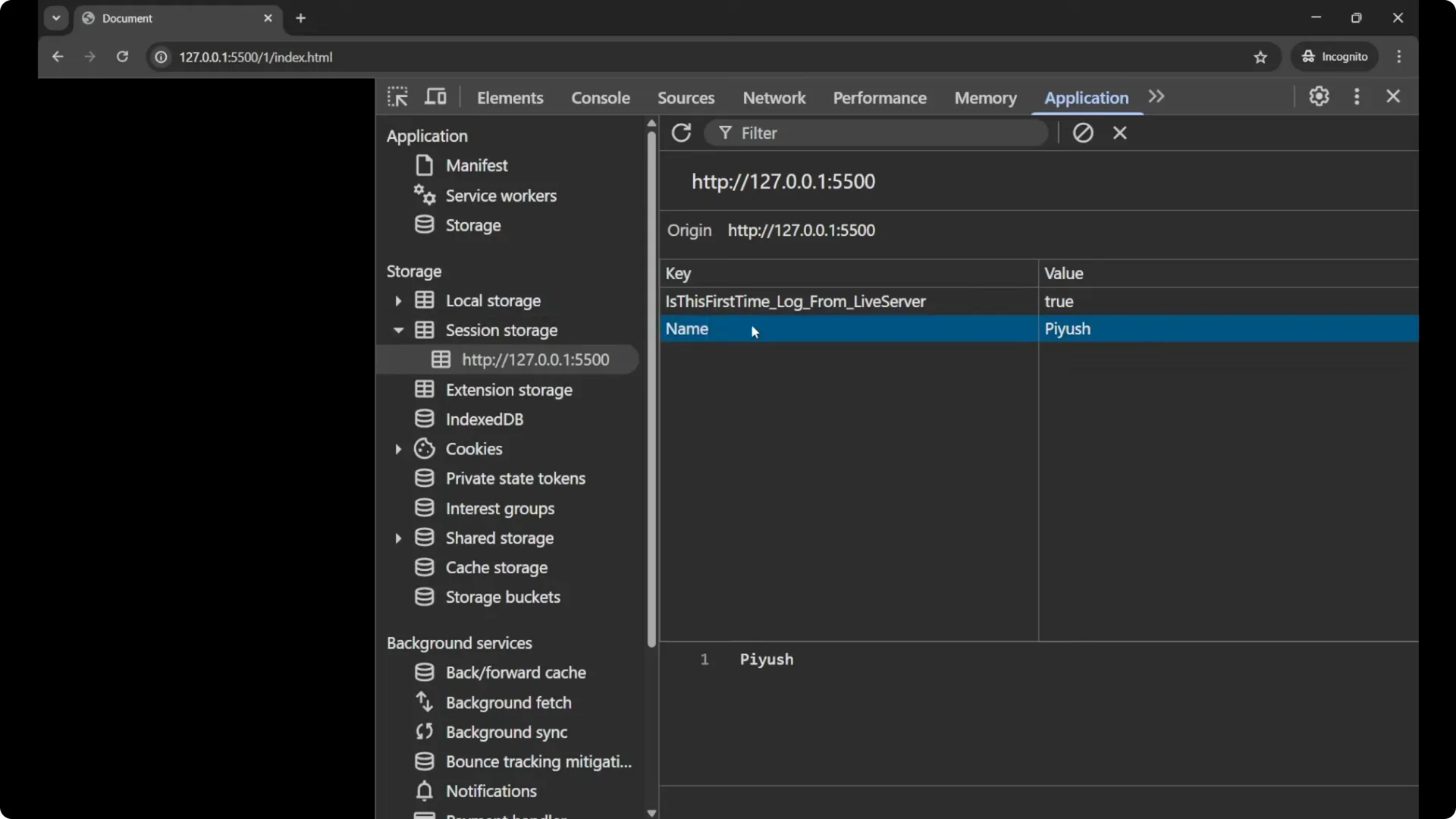
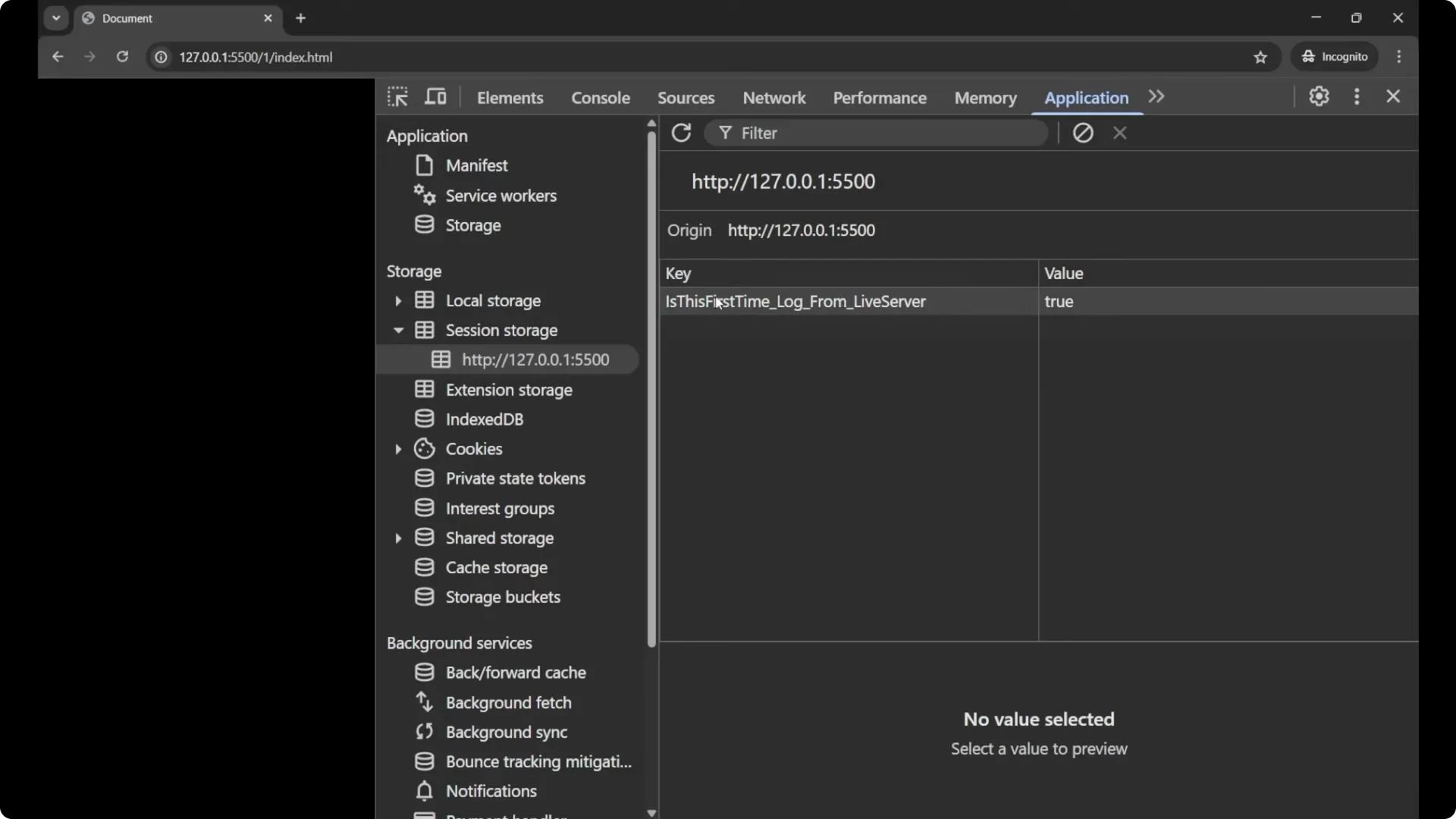
Open your browser dev tools and in the Application panel, check Session Storage for your domain. You will see a key called name and a value Push. Sometimes you may notice another key added by your tooling. You can remove it, and it may reappear on reload if your tooling injects it.
To get an item you stored in session storage, write _sessionStorage.getItem_ with the same key.
Write:
const value = sessionStorage.getItem(‘name’);
console.log(‘Hello ‘ + value);
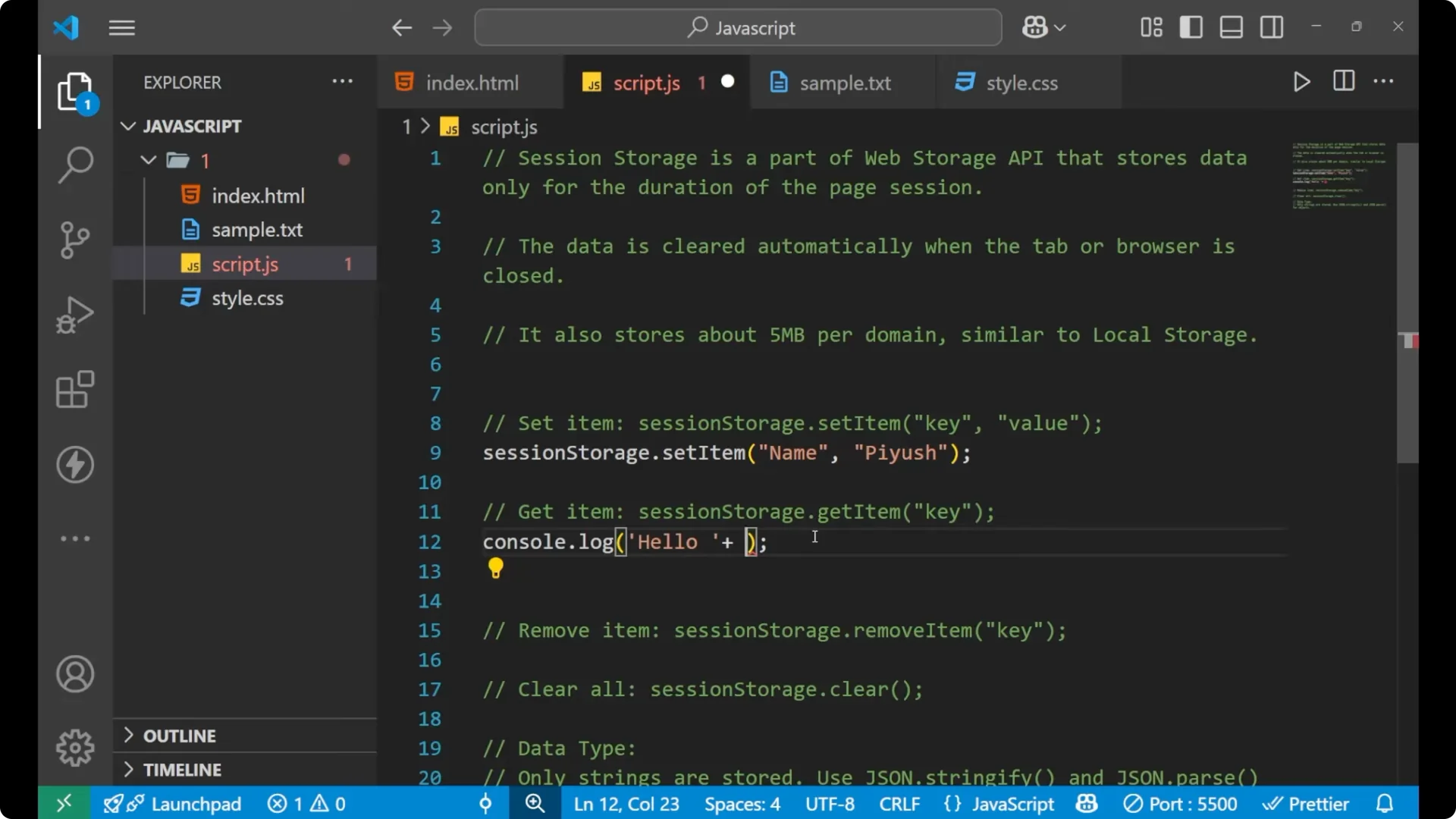
This prints the value retrieved from session storage using the key name.
Read More: Mastering Javascript Current Date Time
Remove and clear in JavaScript Session Storage
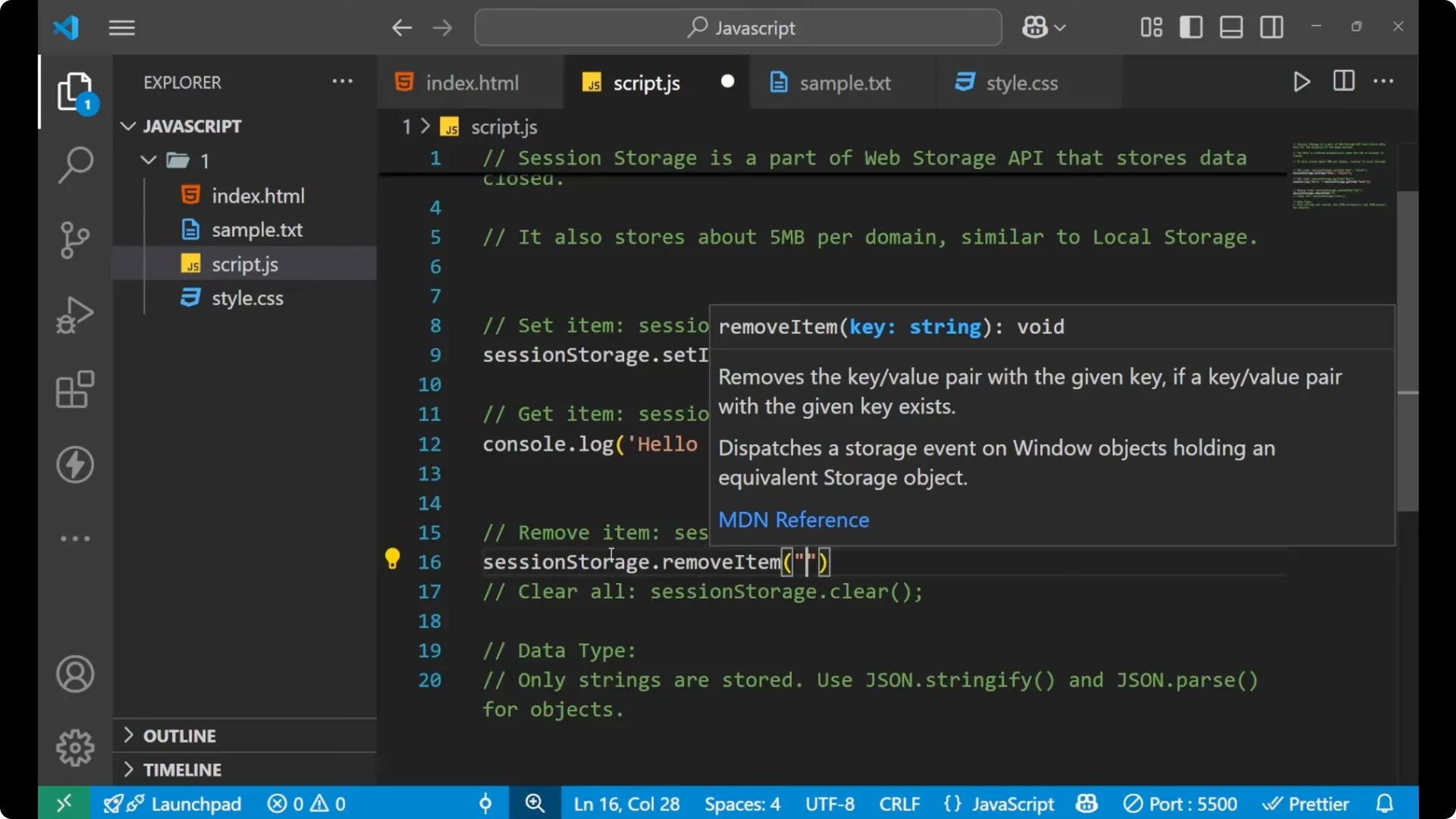
For removing any item, use _sessionStorage.removeItem_ with the key.
Write:
sessionStorage.removeItem(‘name’);
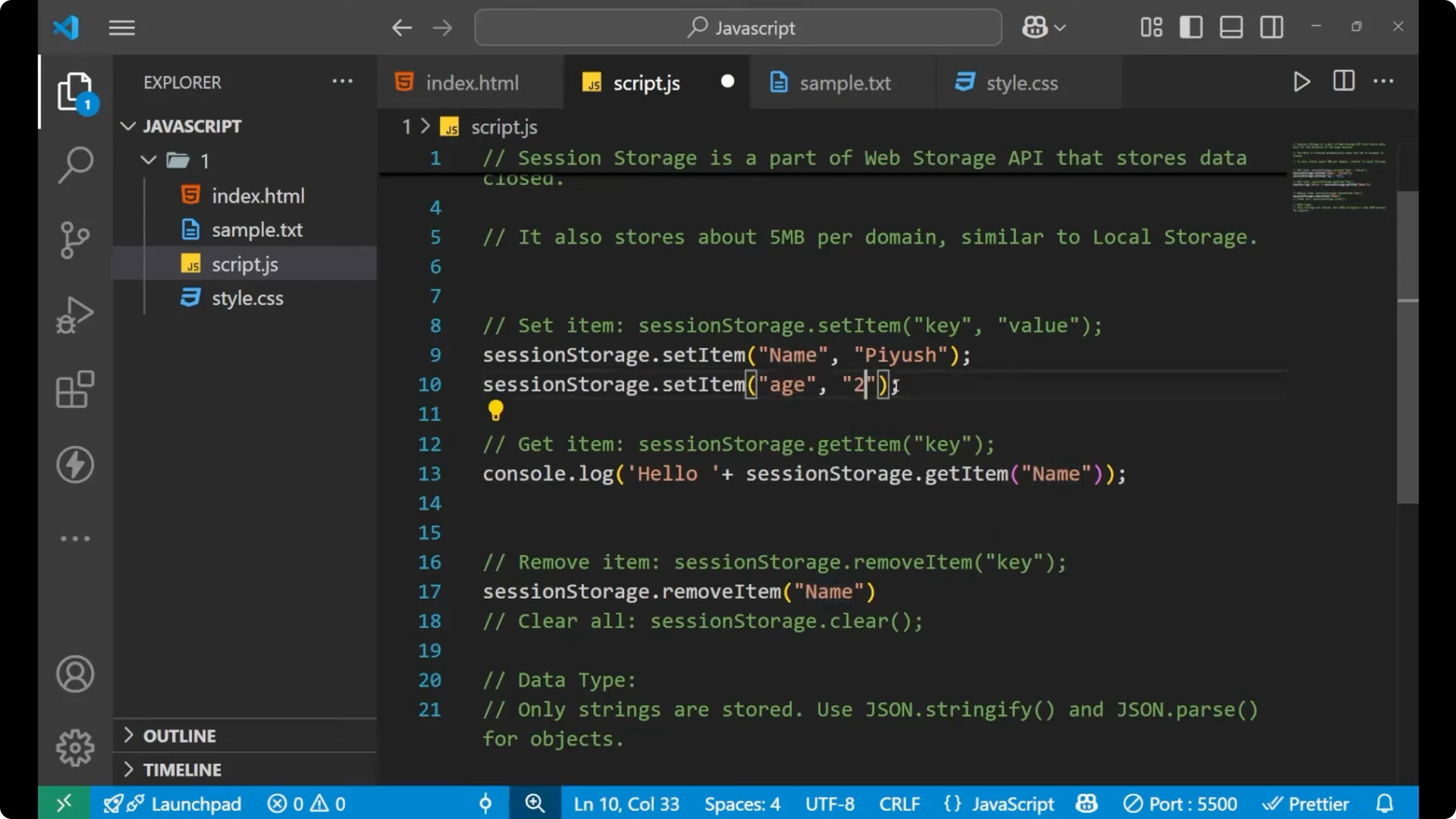
To add a new item, you can set a new key. Session storage stores the data only in the string format, so write numbers as strings.
Write:
sessionStorage.setItem(‘age’, ’25’);
If you want to clear all the items you stored in session storage, write _sessionStorage.clear_.
Write:
sessionStorage.clear();
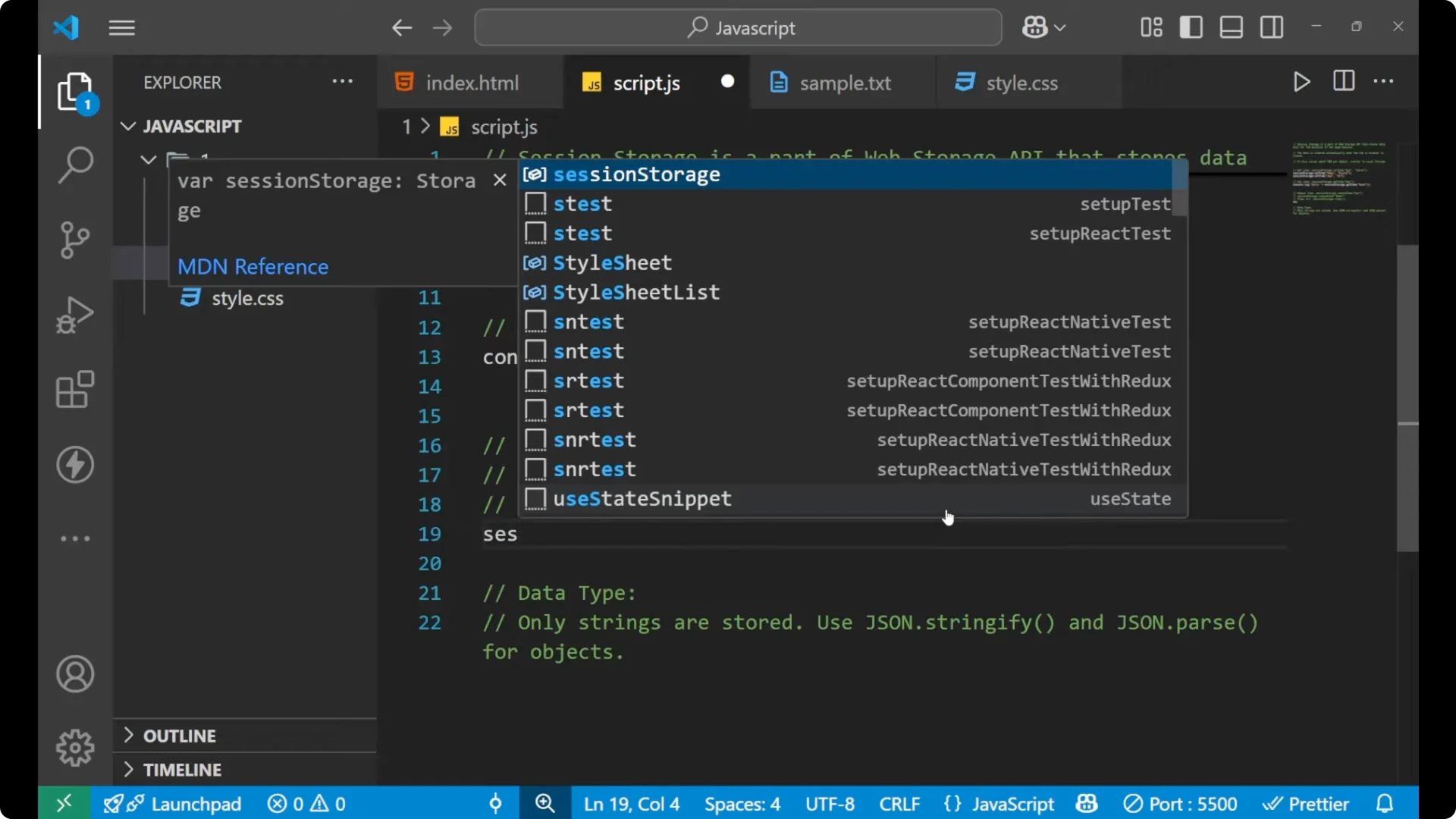
All the items you added will be cleared. If you still see a different key after reload, it is being re-added by your environment.
Read More: Mastering Javascript Detect Undefined Null
Store objects in JavaScript Session Storage
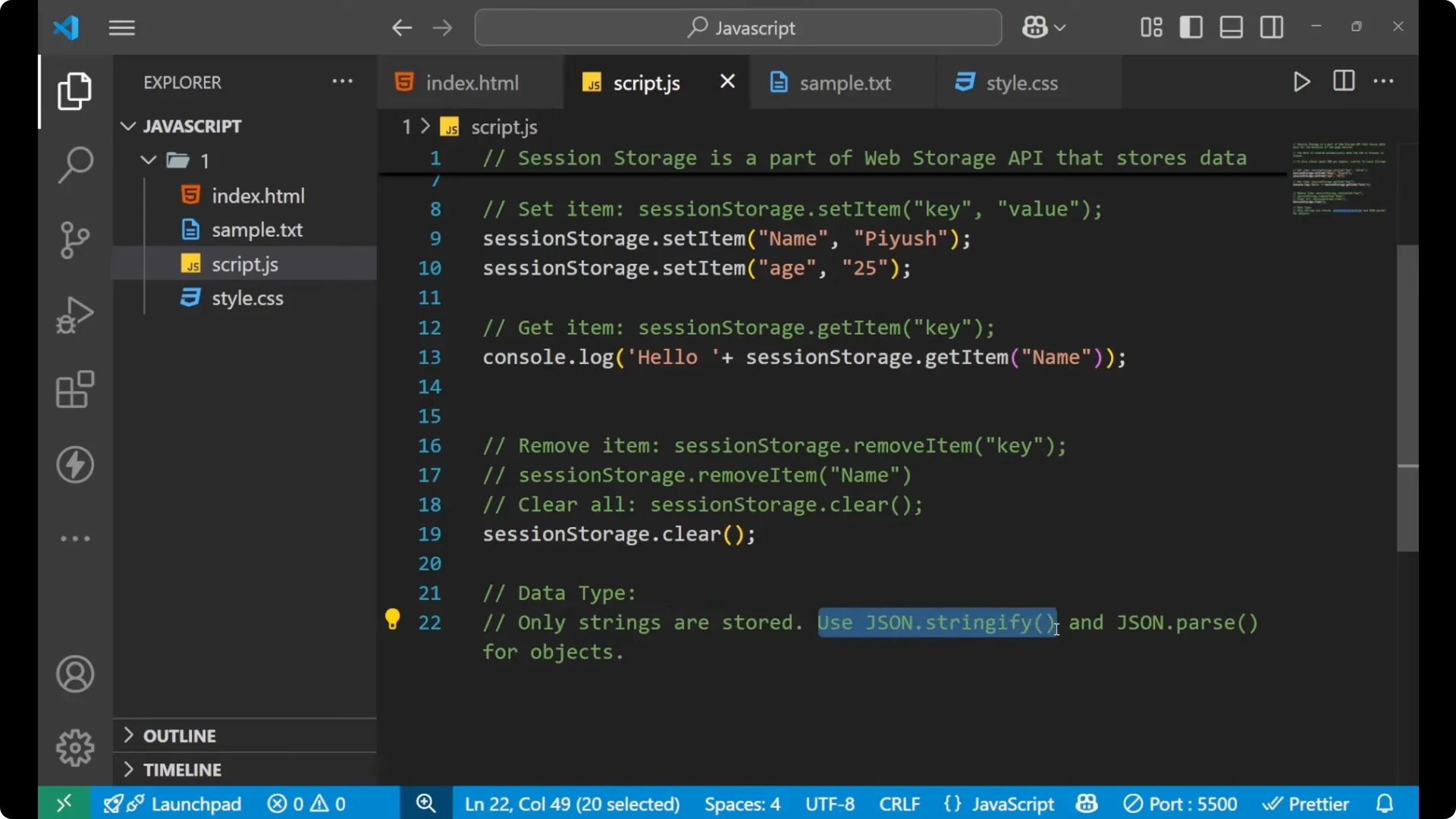
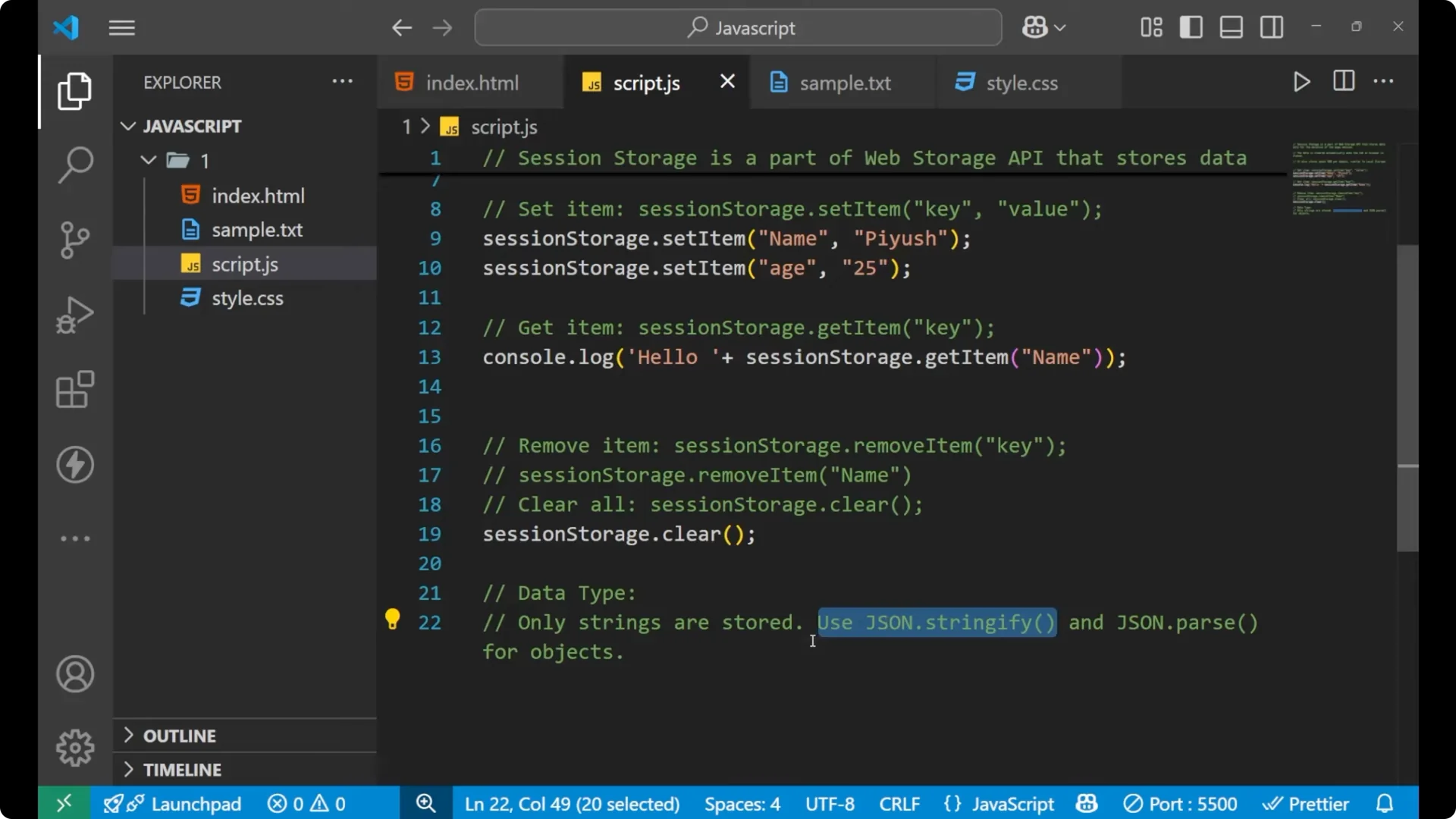
Only strings are stored in session storage. While storing an object, convert the object to a string using _JSON.stringify_, then set the item. For getting the item back as an object, parse it with _JSON.parse_.
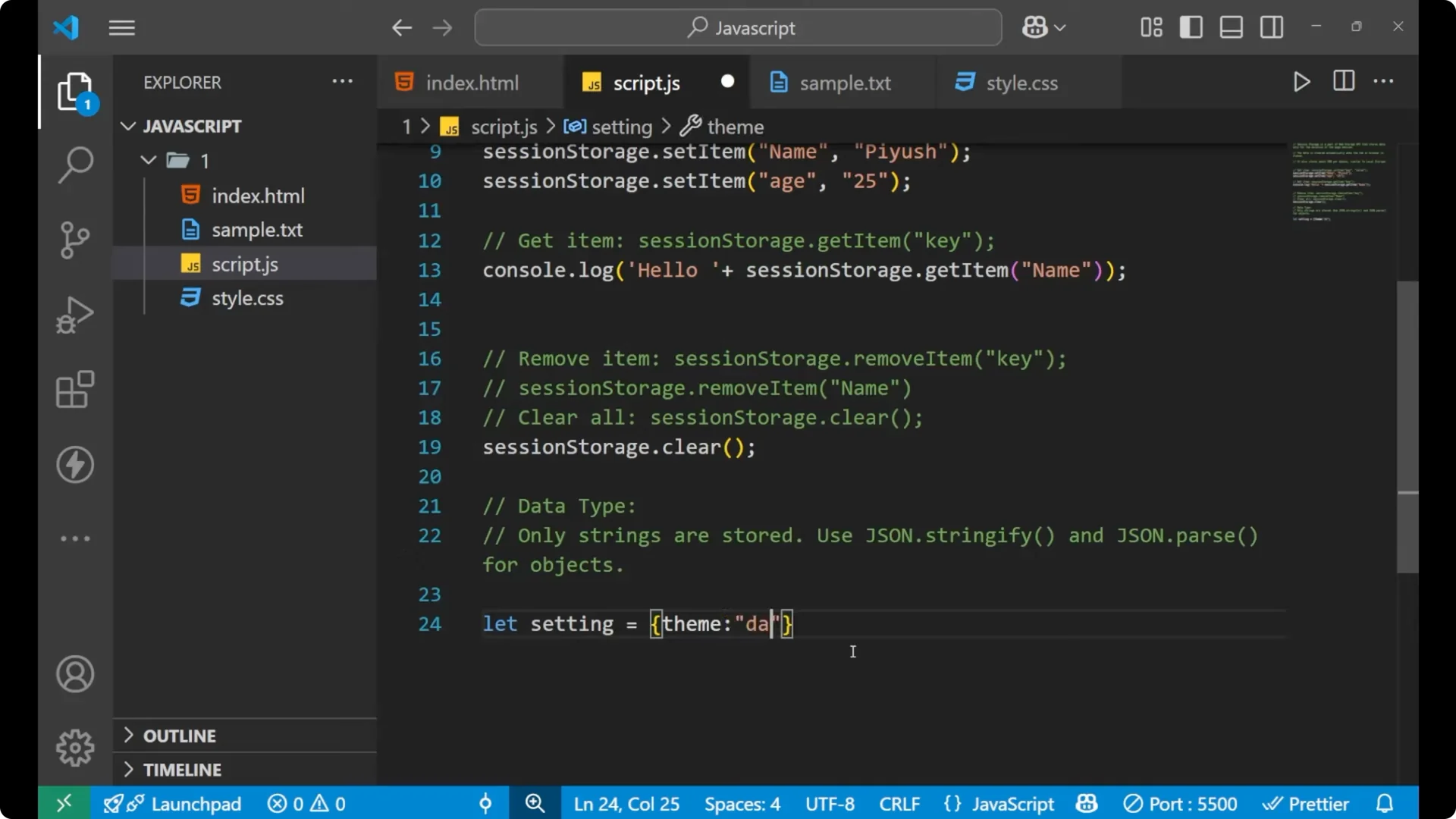
Create an object:
const setting = {
theme: ‘dark’,
font: ‘large’
};
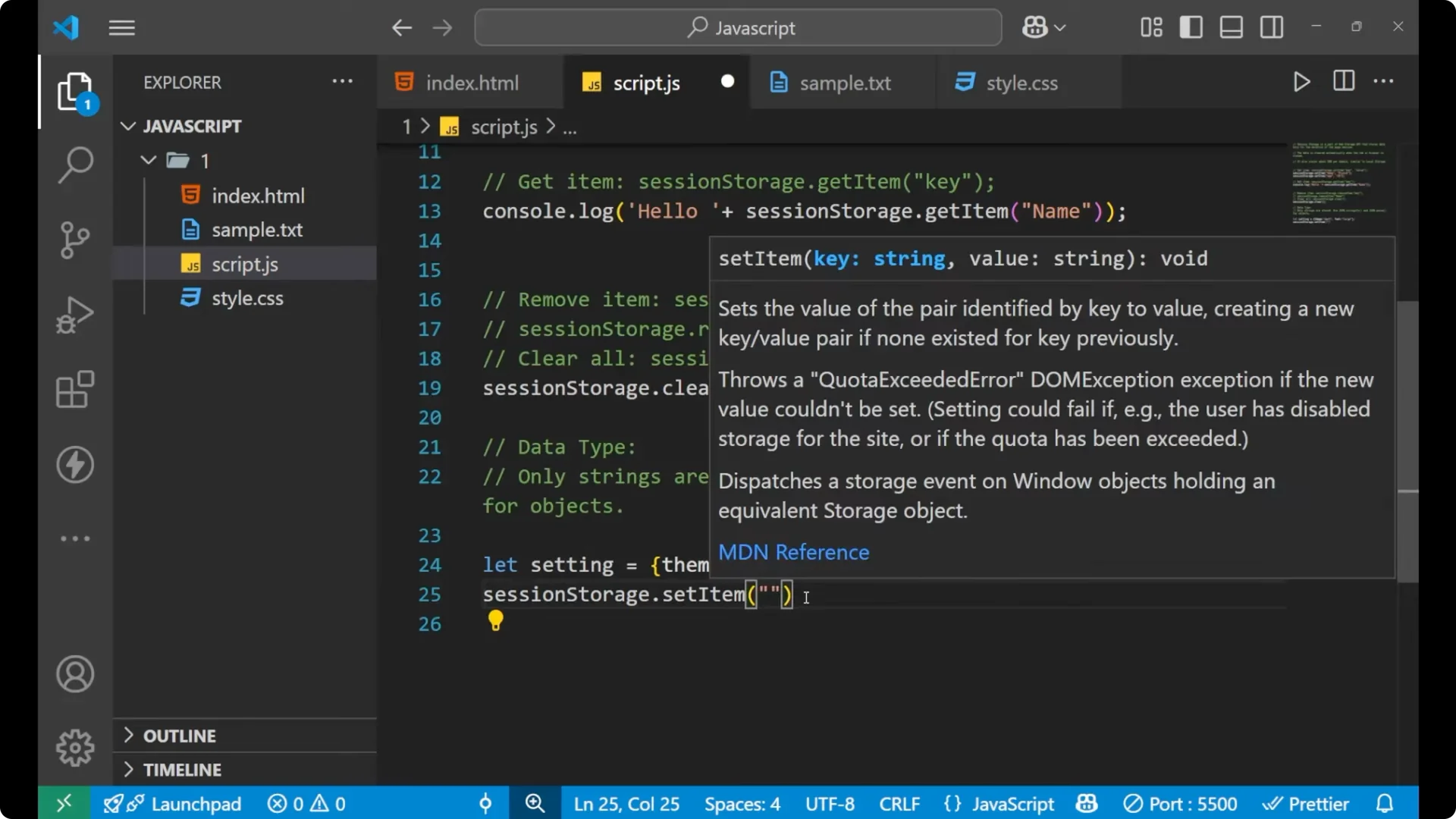
Store the object as a string:
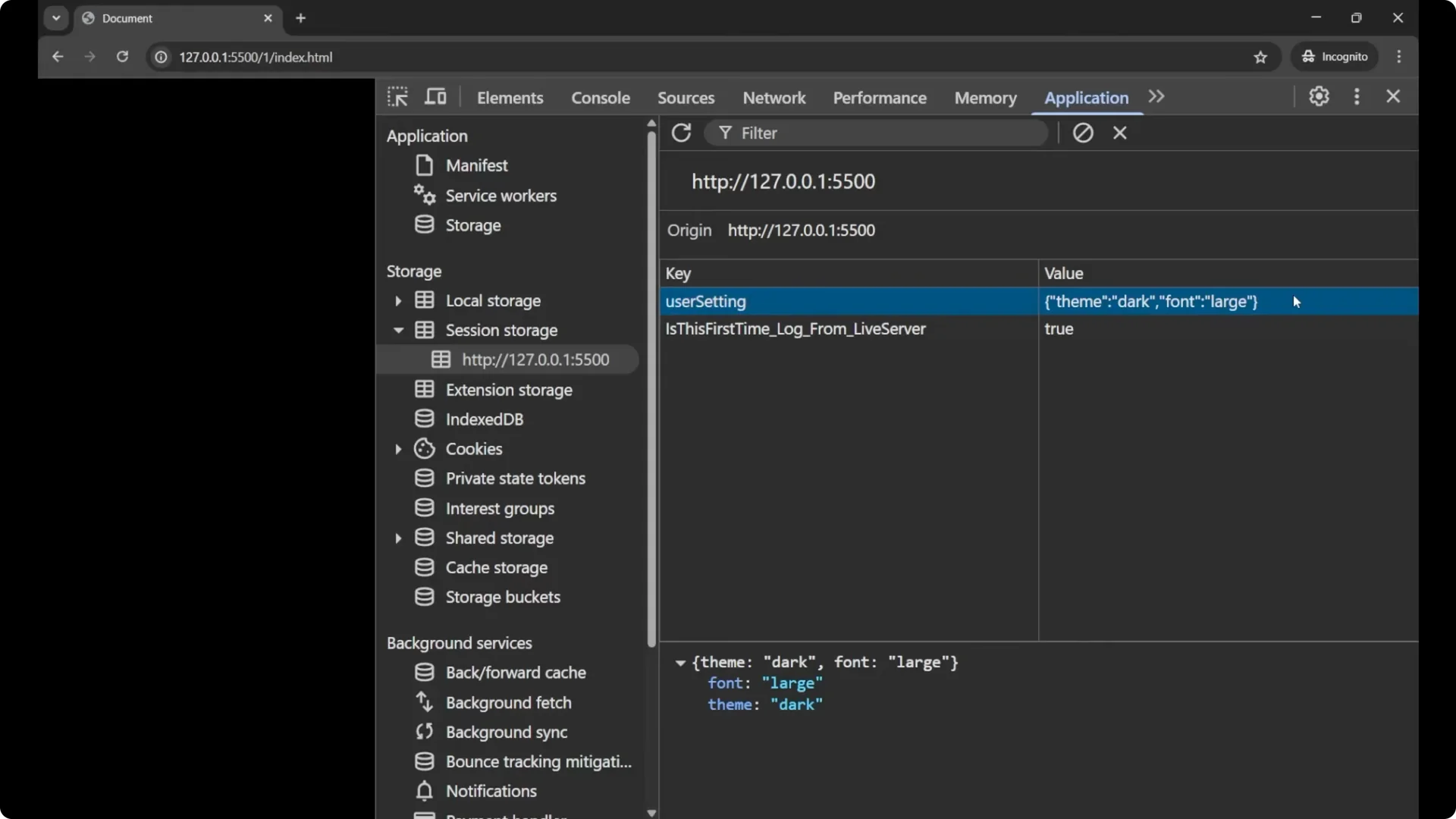
sessionStorage.setItem(‘userSetting’, JSON.stringify(setting));
You will see the key userSetting with a string value like {“theme”:”dark”,”font”:”large”}.
Parse it back to an object when reading:
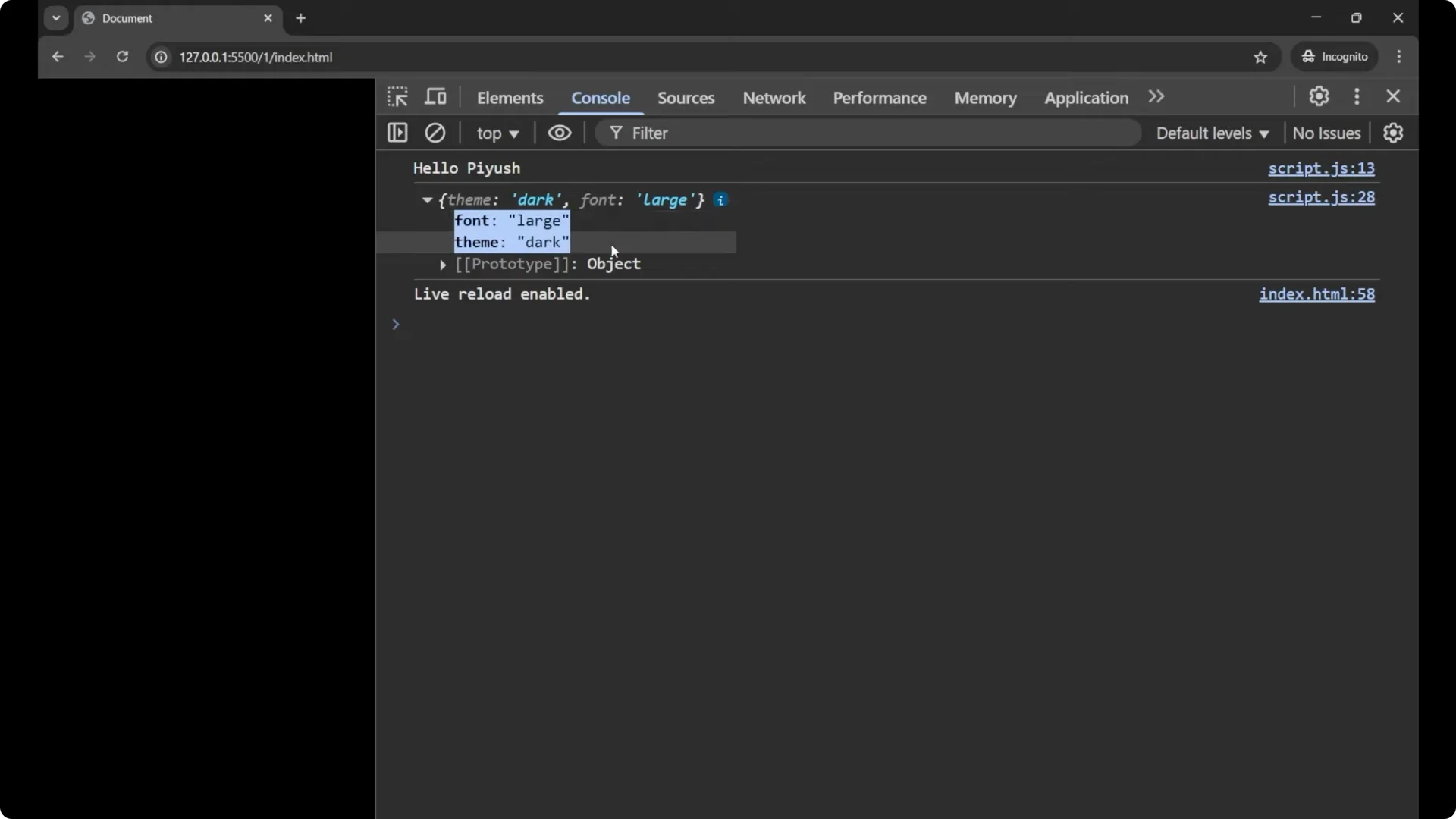
const savedSetting = JSON.parse(sessionStorage.getItem(‘userSetting’));
console.log(savedSetting);
You will get the data in the form of an object. This is how you store an object in session storage by using JSON.stringify, and for getting the item we use JSON.parse.
Final thoughts
Session storage is useful for temporary key-value data during a page session. It stores up to 5 MB per domain, clears automatically when the tab or browser is closed, and accepts strings only. Use _setItem_, _getItem_, _removeItem_, _clear_, and when storing objects, pair _JSON.stringify_ with _JSON.parse_. If you need persistence after closing the browser, prefer local storage.