We are going to learn how to reverse a string in JavaScript. JavaScript strings do not have a direct reverse method. I will follow three steps using array methods to convert the letters of your string in a reverse order.
The basic working of this whole approach is simple. Convert the string to an array, reverse that array, and then join it back to a string. This is the entire logic of converting the string in a reverse order.
JavaScript String Reversal basics
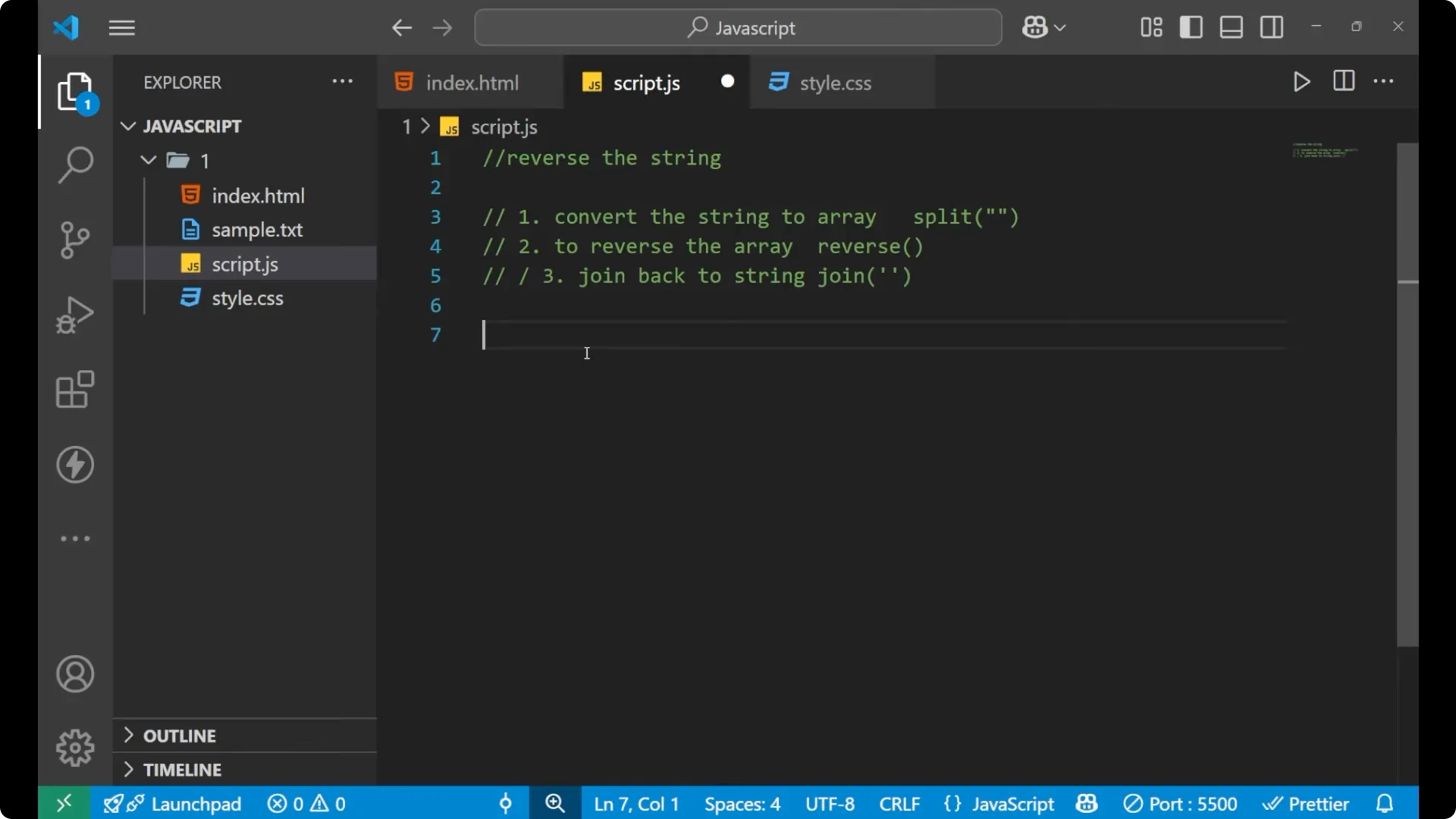
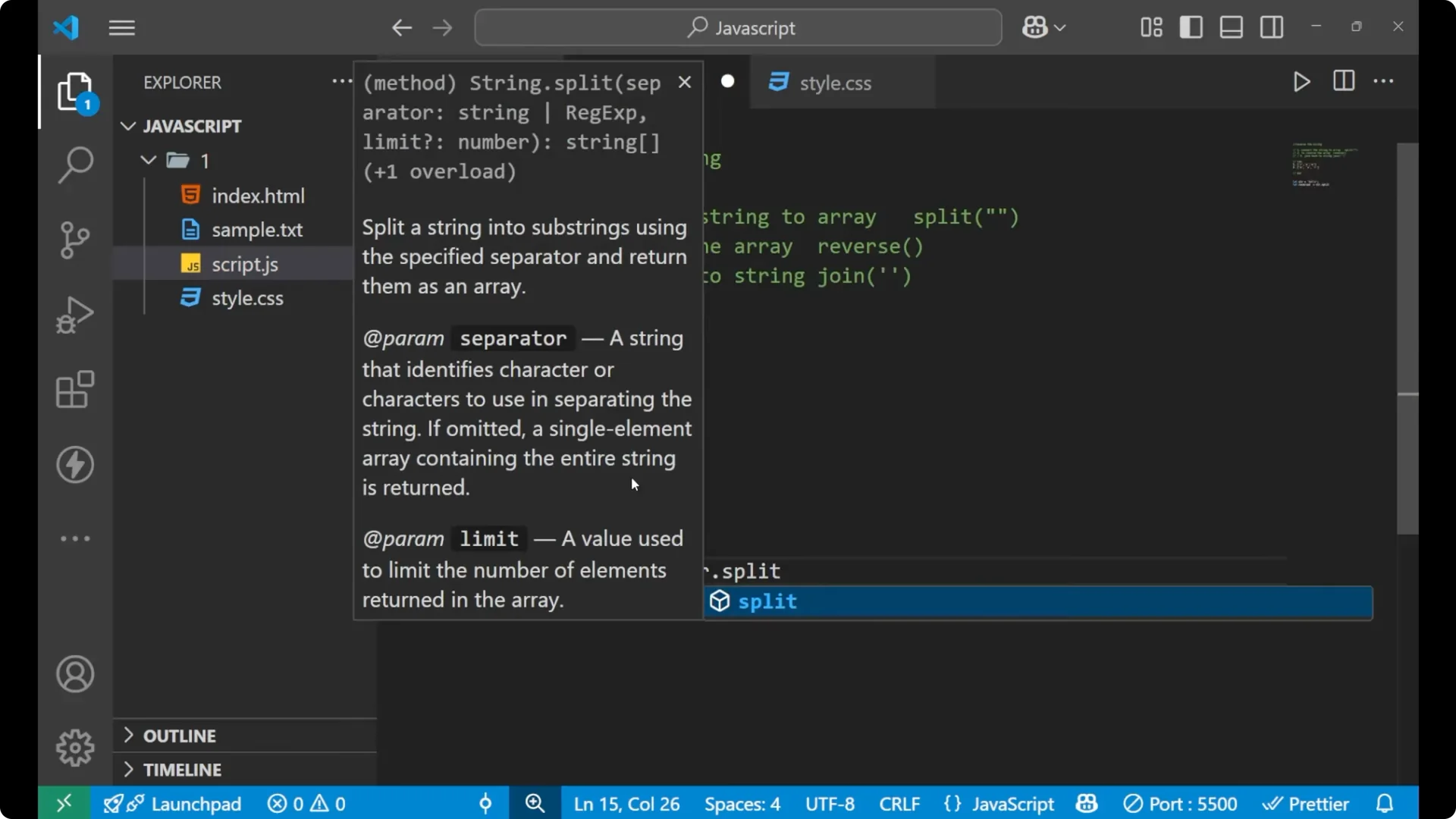
For reversing the string I am going to use three different steps. The first step is convert the string to array. I will use the
split method.
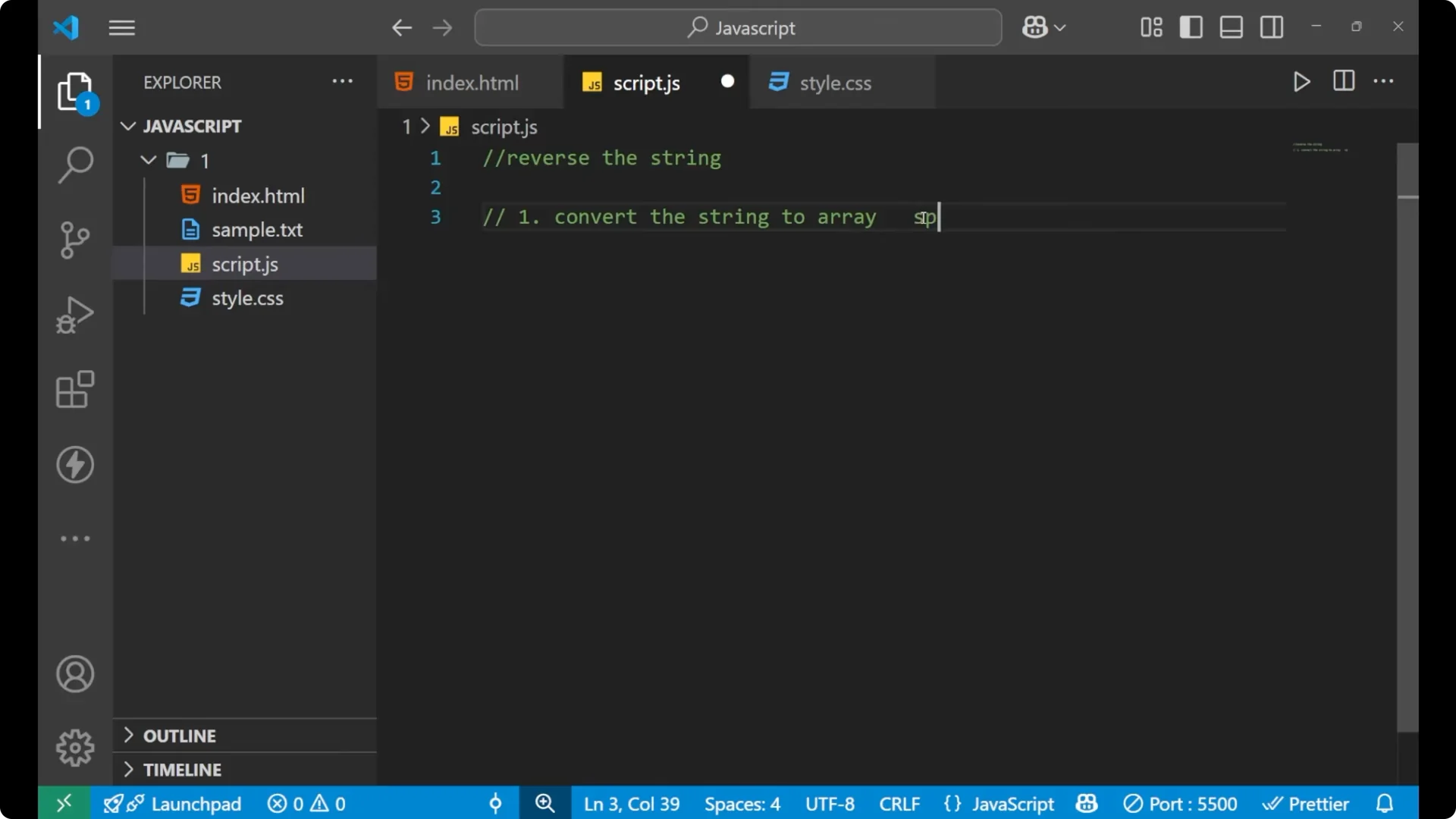
The second step is to reverse the array. I will use the
reverse method.
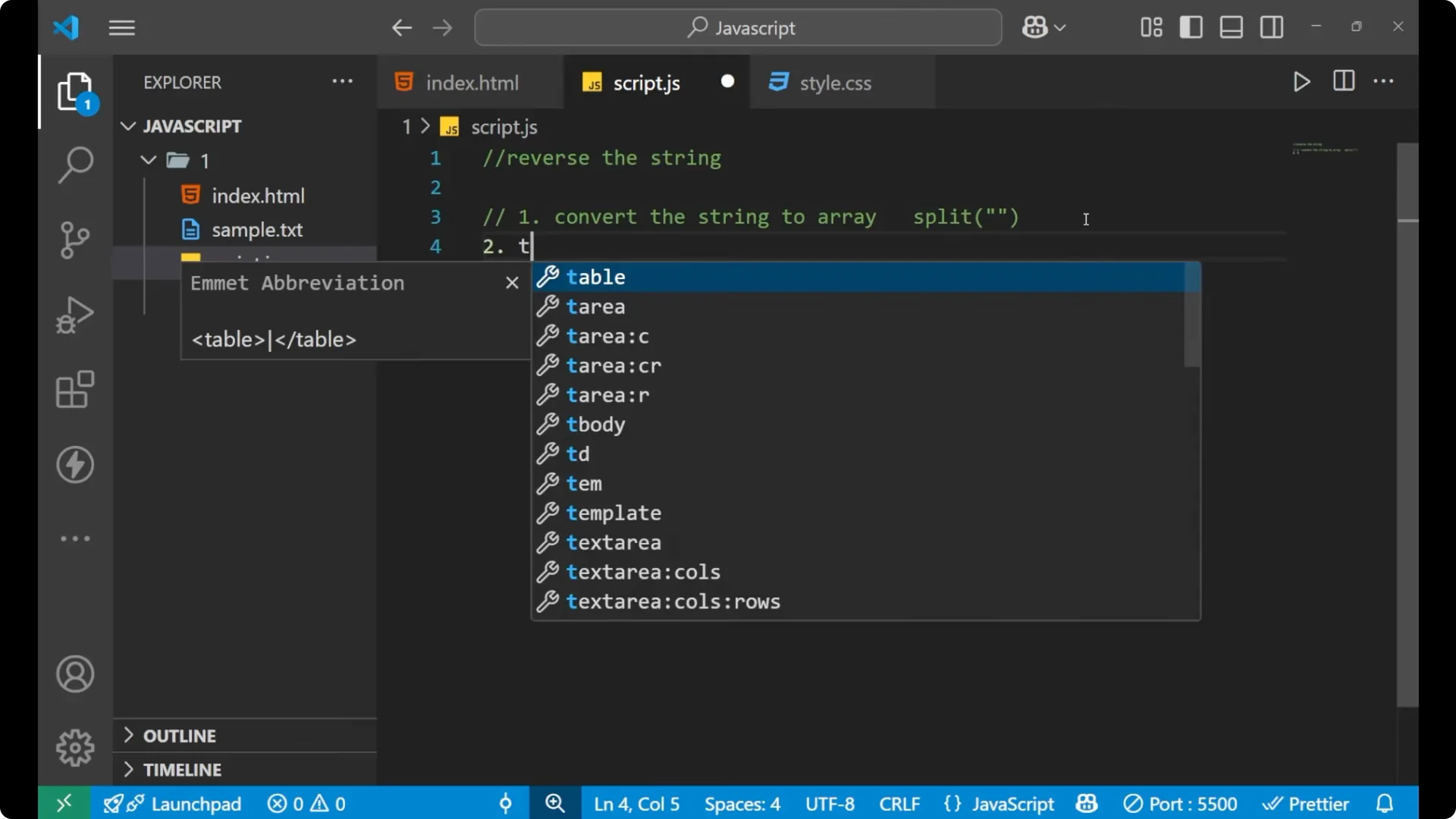
In the third step I will join back to a string. I will use the
join method.
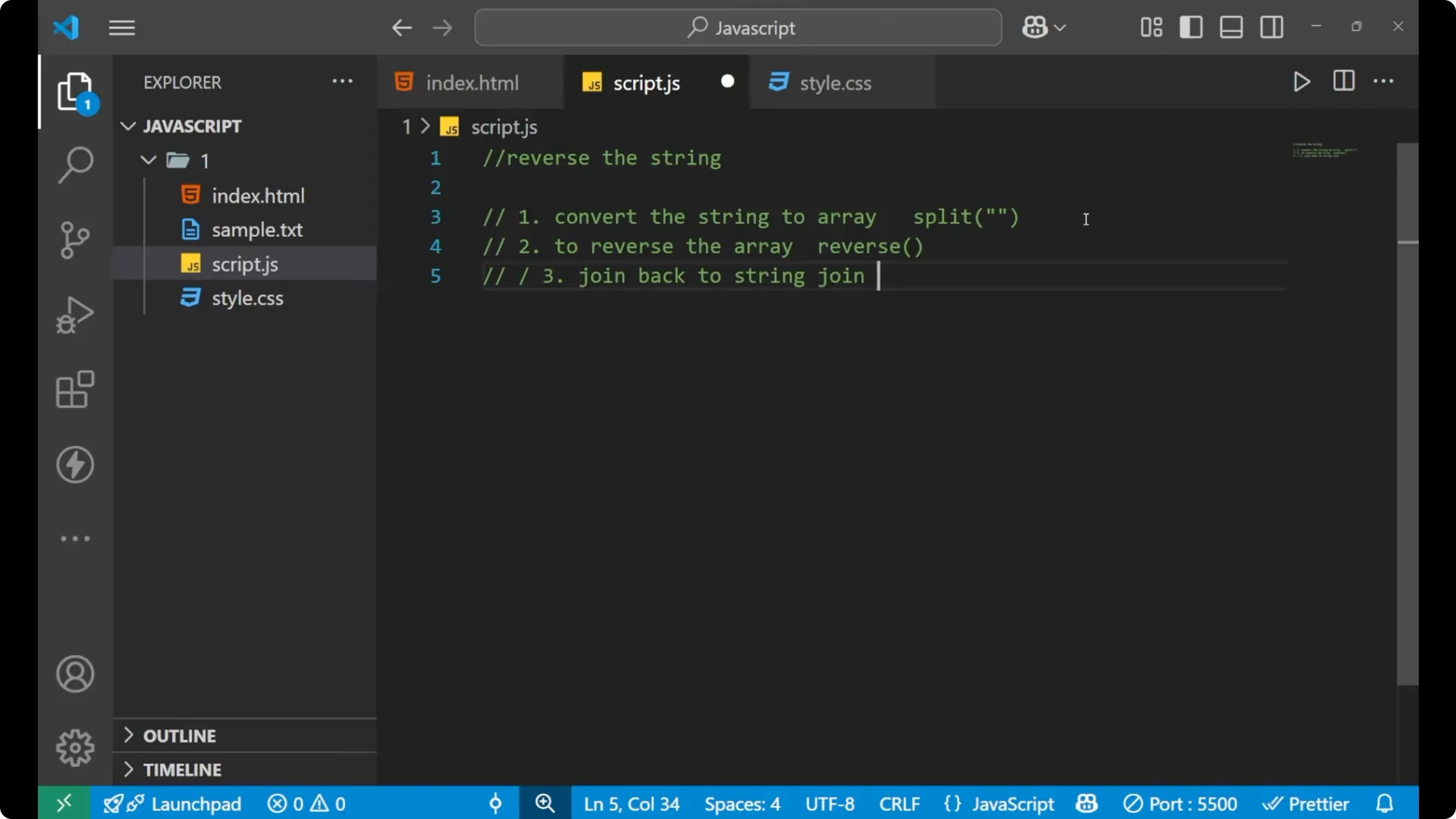
Three steps
Step 1: Convert the string to an array with split.
Step 2: Reverse the array with reverse.
Step 3: Join the array back to a string with join.
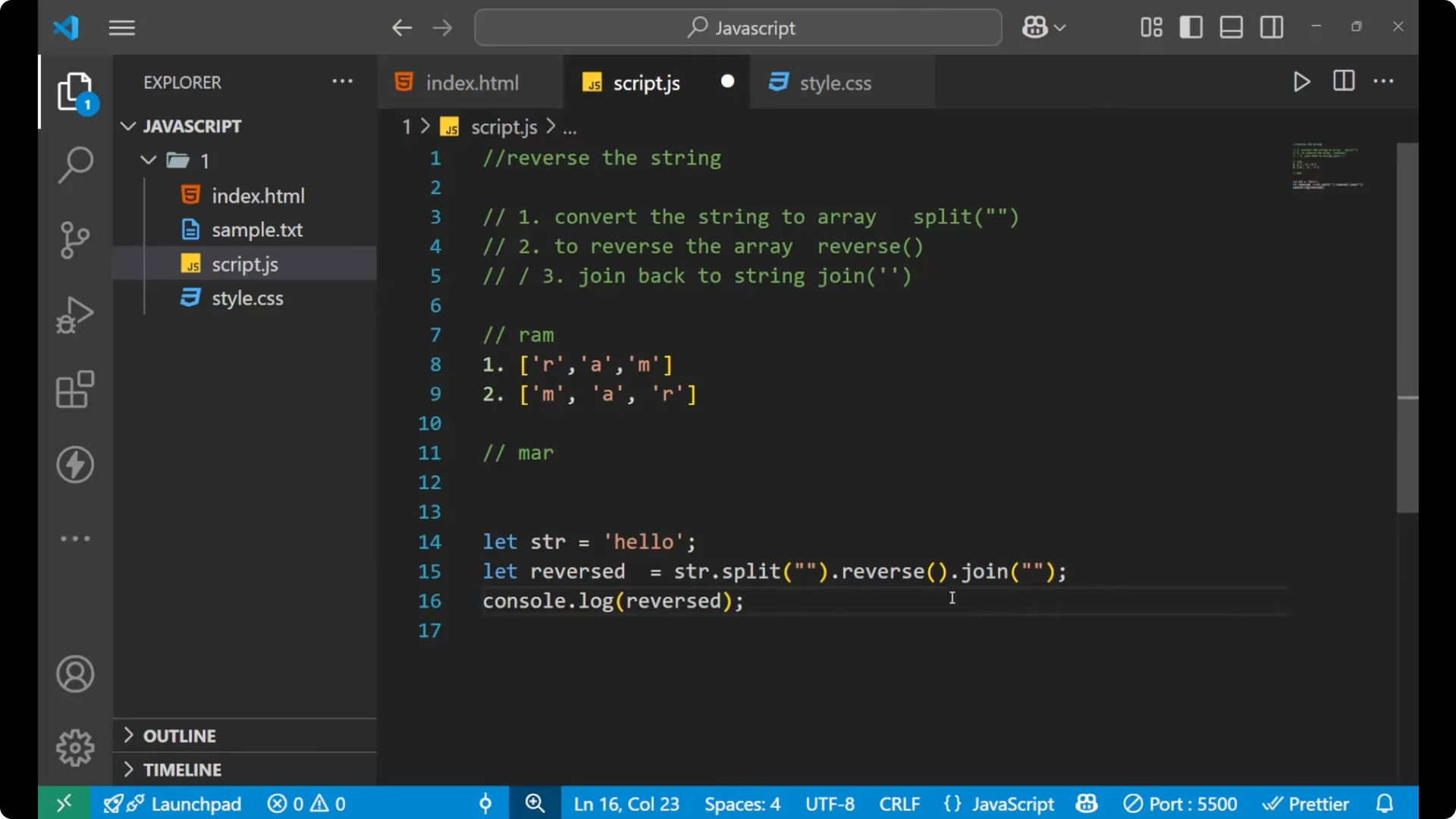
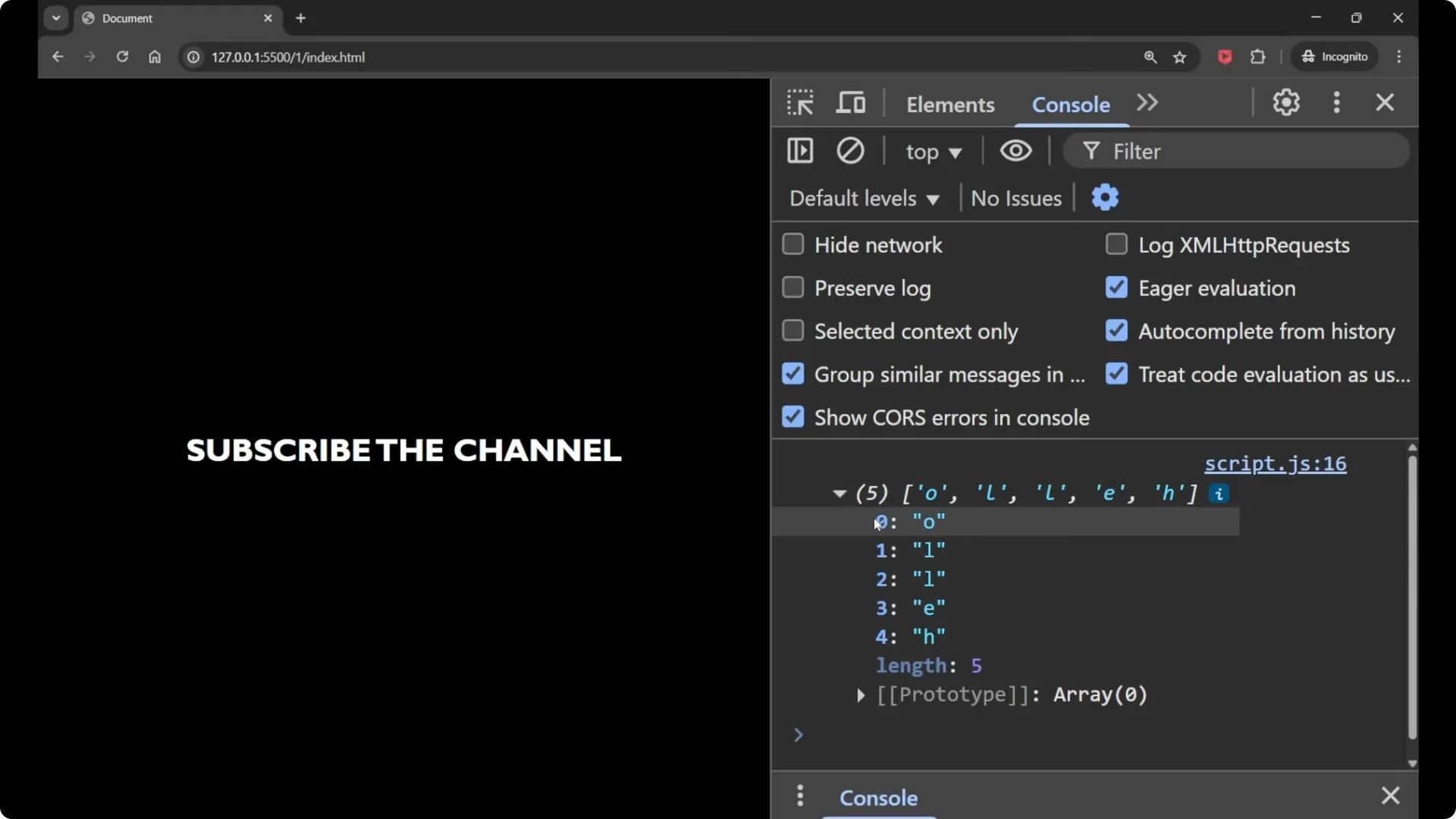
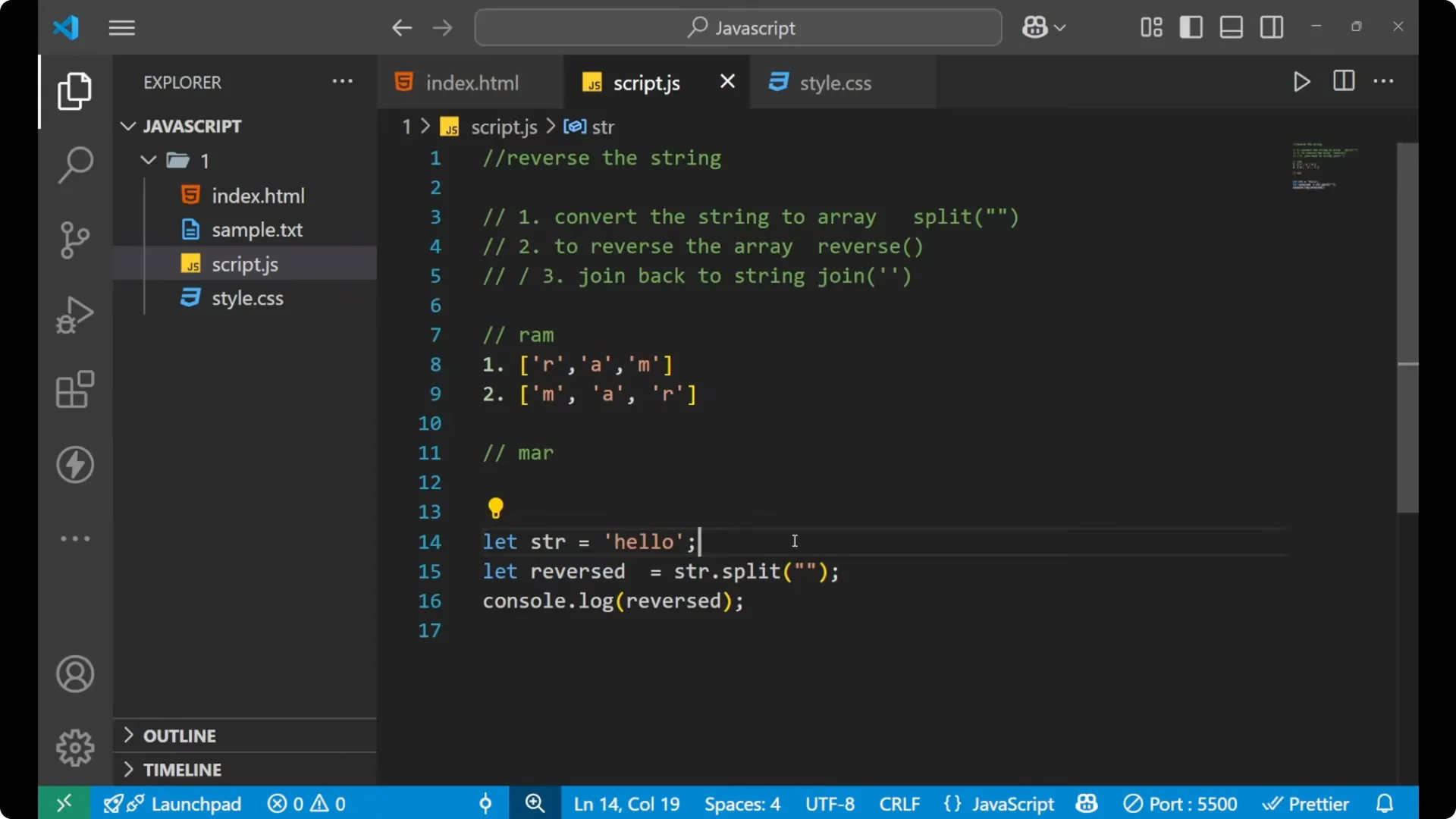
// Step 1
const arr = 'hello'.split(''); // ['h', 'e', 'l', 'l', 'o']

// Step 2
arr.reverse(); // ['o', 'l', 'l', 'e', 'h']

// Step 3
const reversed = arr.join(''); // 'olleh'
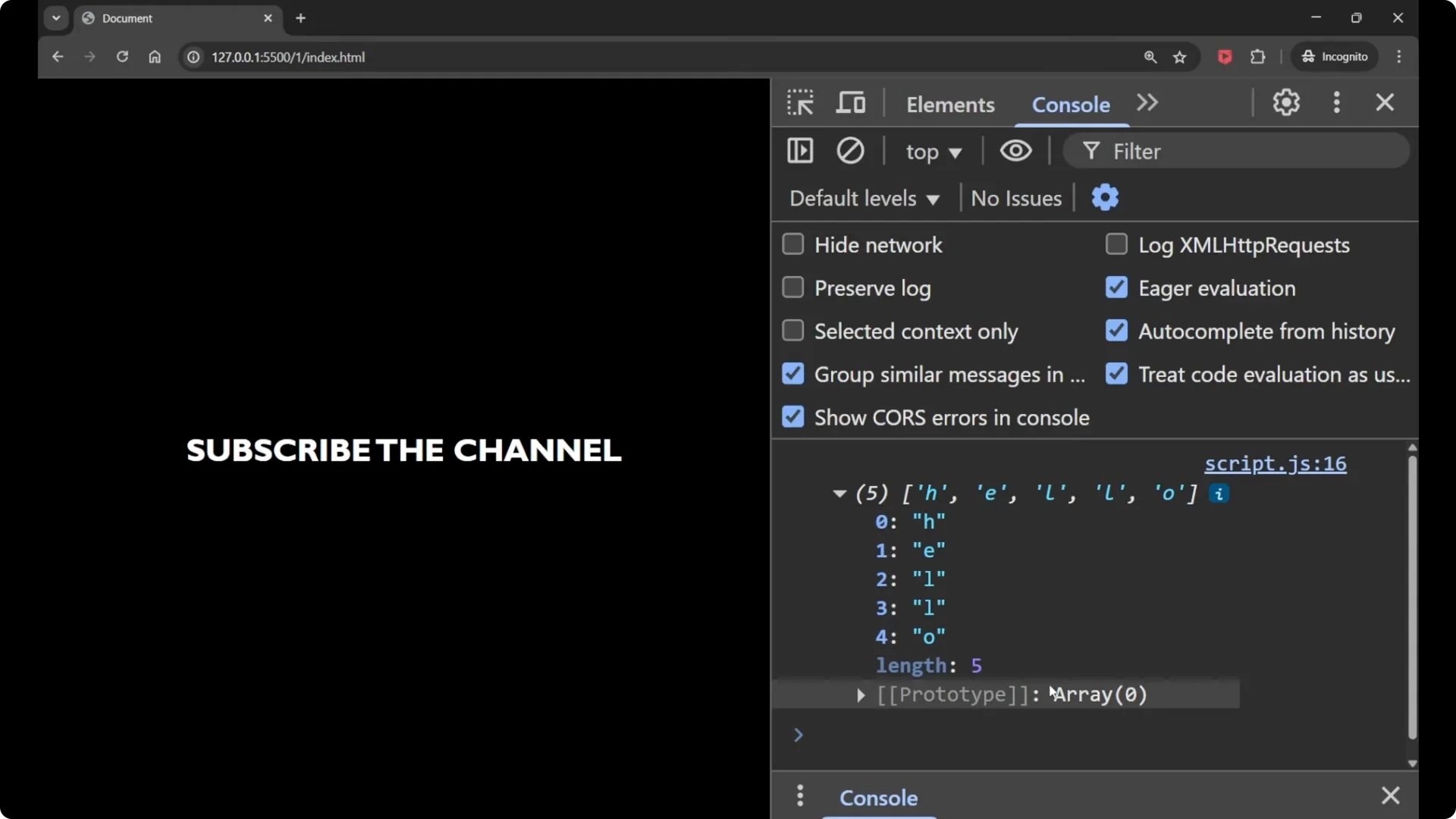
How it works
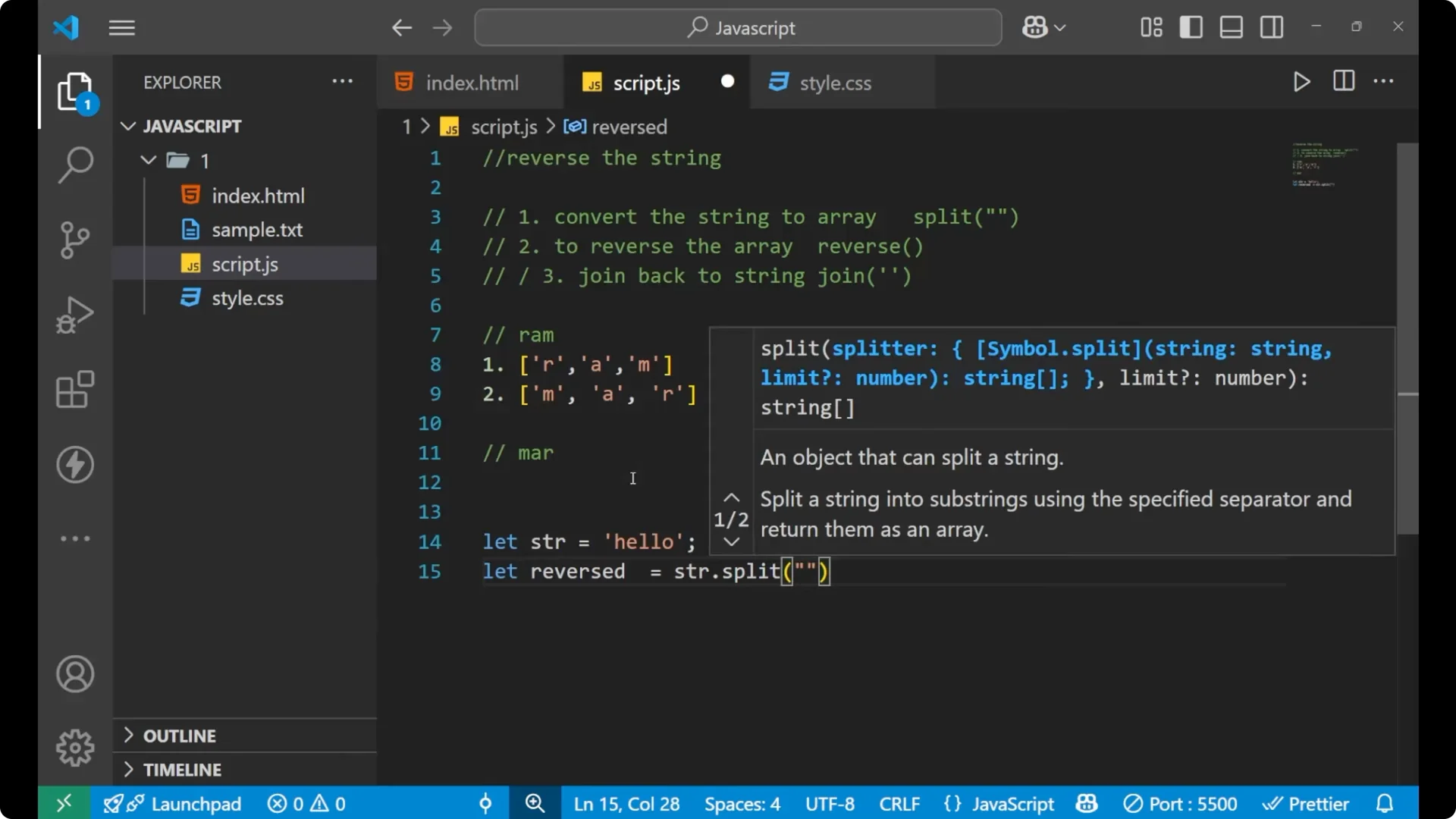
If I say that I am having a word named Ram and I use this method, in the first step it will make an array. Inside this I will have ‘R’, then ‘A’, and then ‘M’ after using the split method.
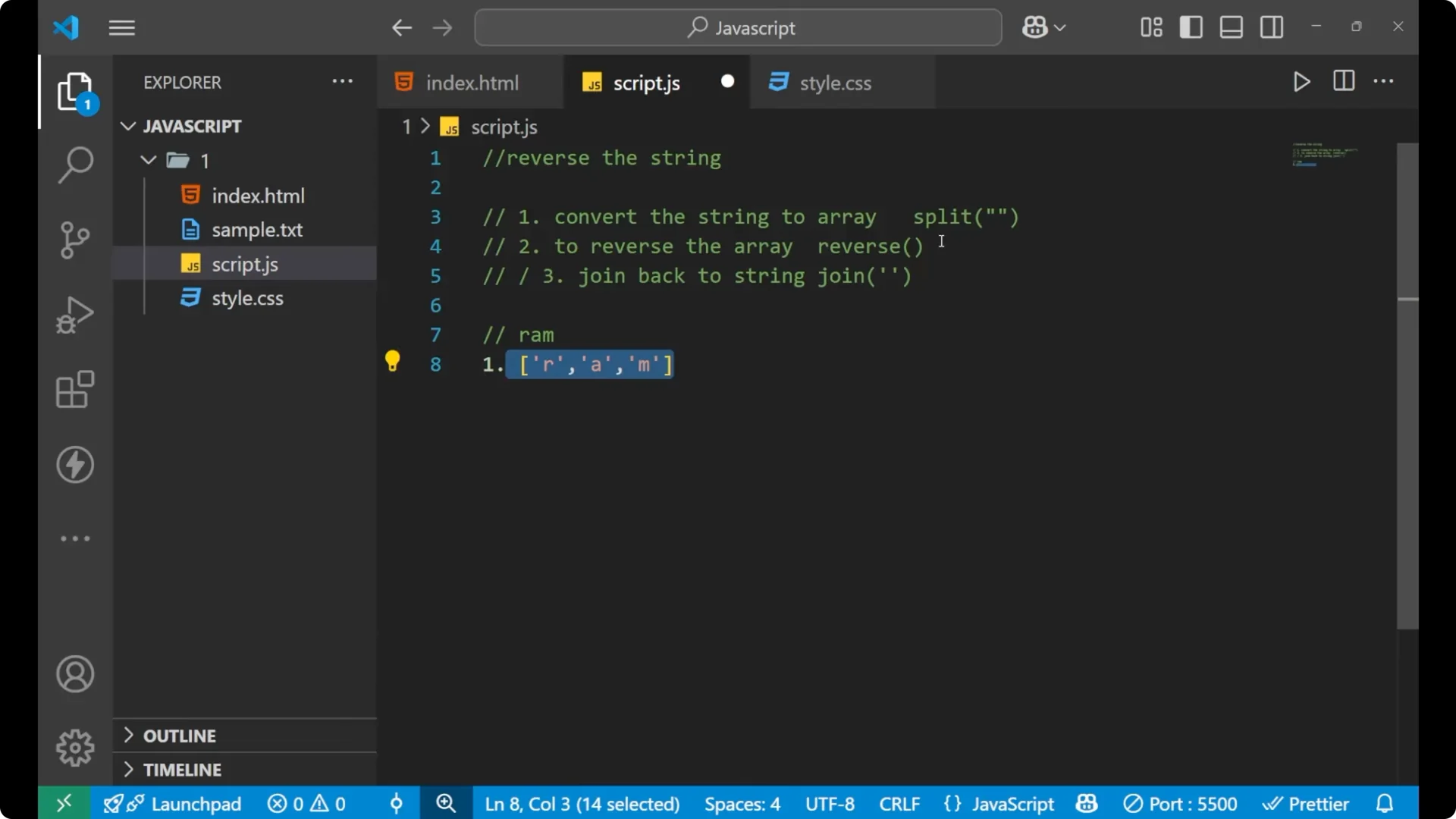
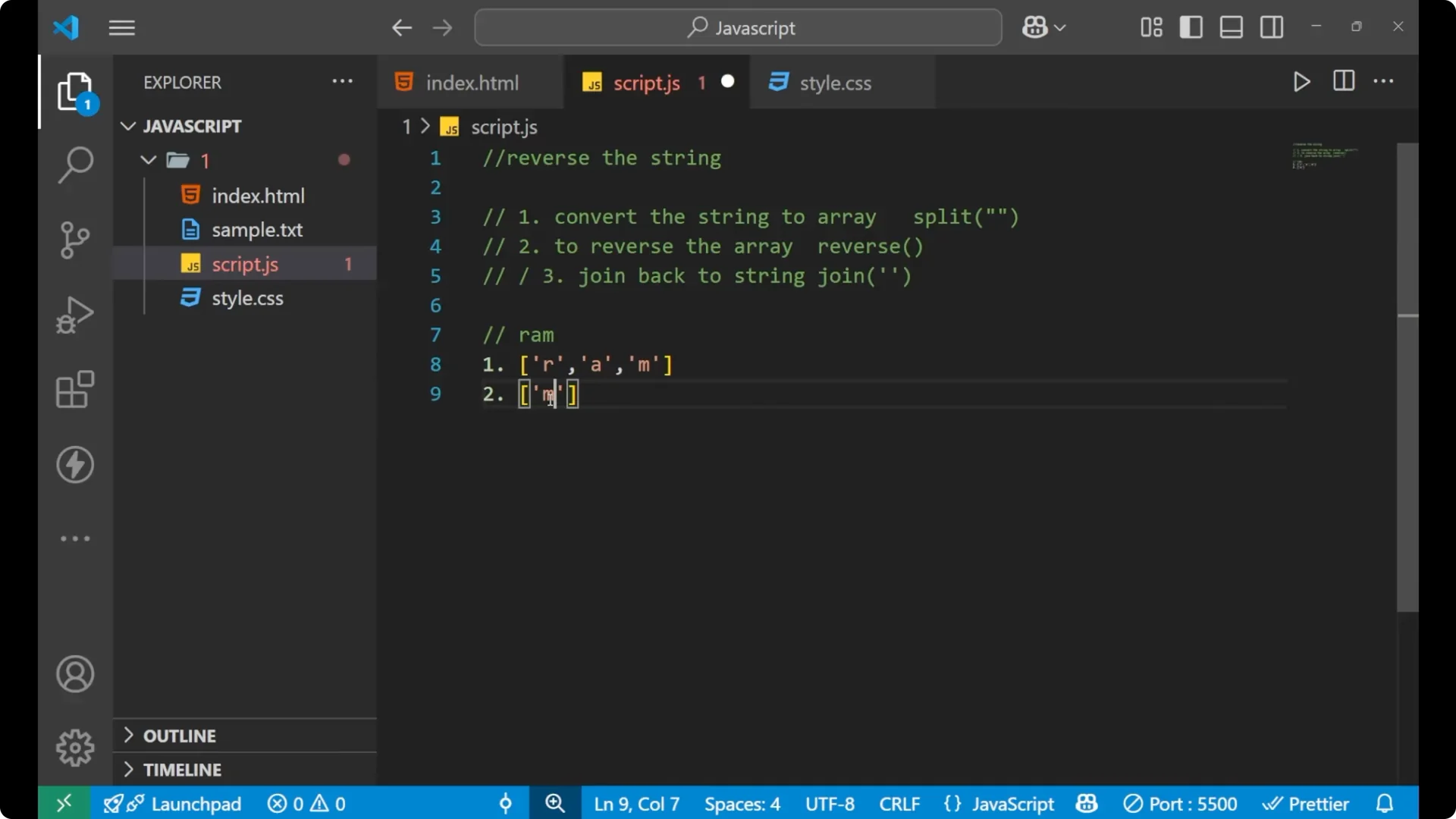
In the second step, when I use the reverse function on the variable which is holding this array, it will convert it in reverse order. That is first ‘M’, then ‘A’, and then ‘R’.
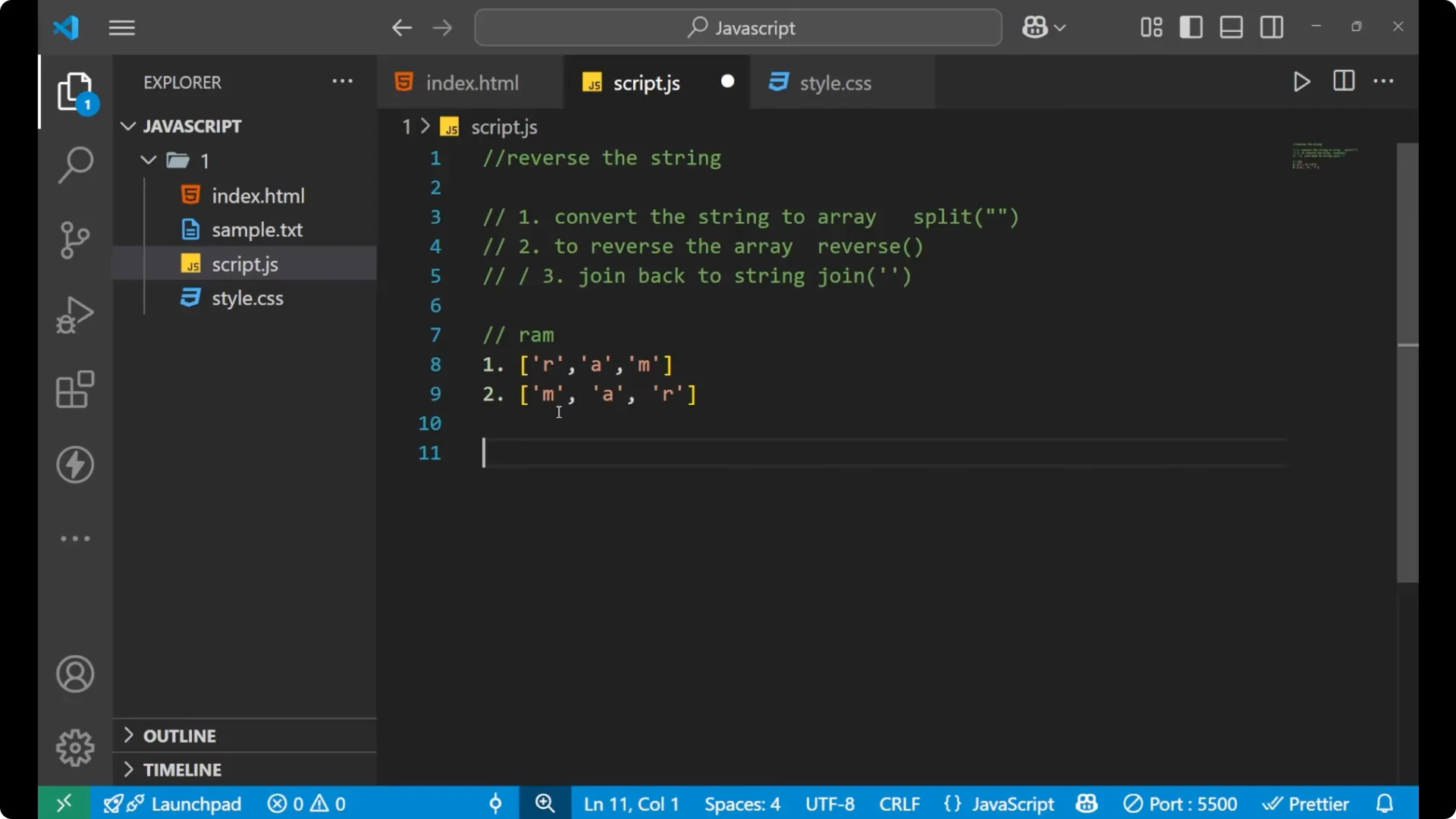
By using the join method, it will again convert this [‘M’, ‘A’, ‘R’] as elements into the letters that is “MAR”. This is how the whole logic works.
For formatting strings after you build results like this, see
template literals.
JavaScript String Reversal example
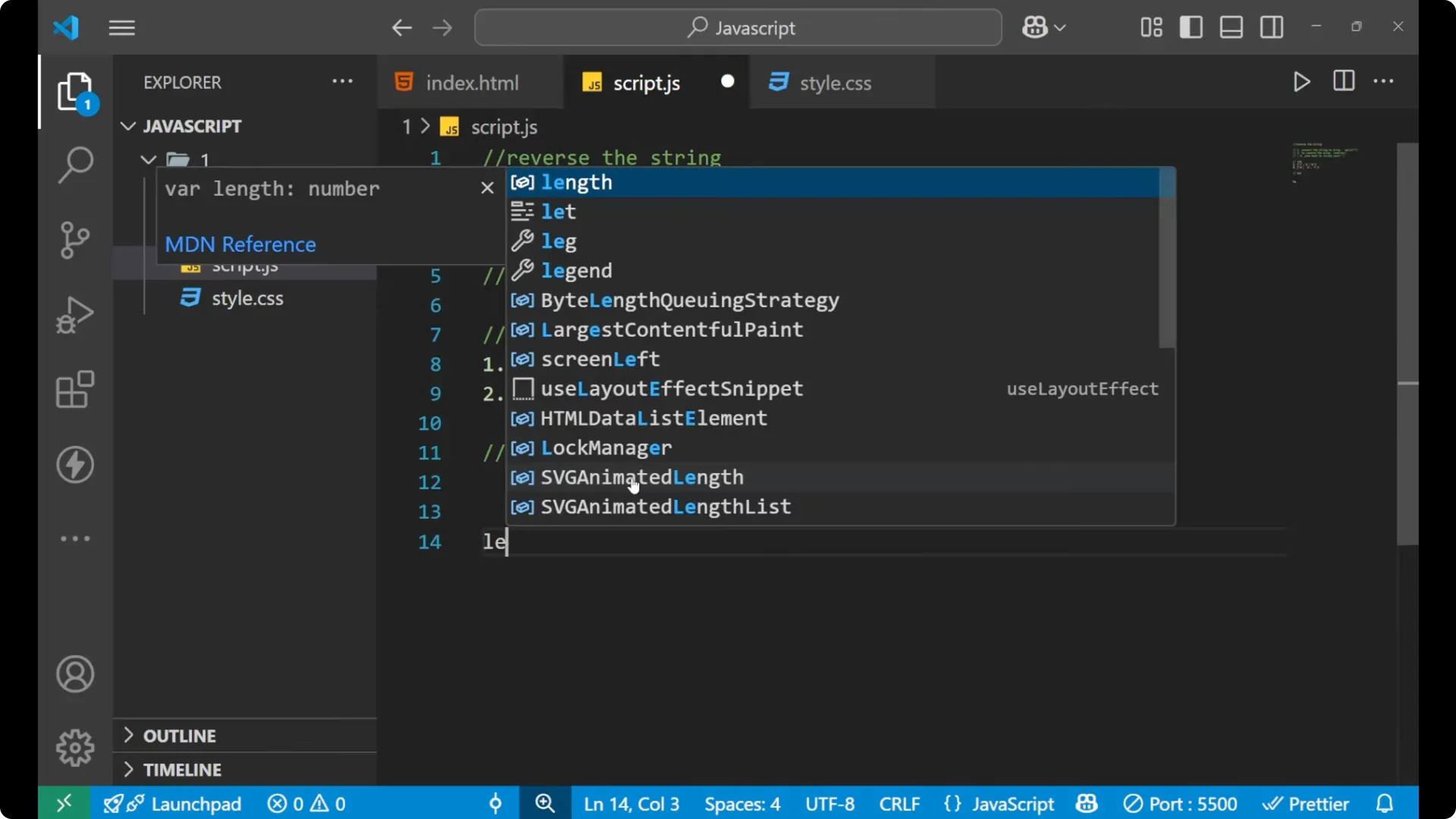
Let’s take a real example and understand how it can be done.
let str = 'hello';

// split - divide the string into characters based on no space delimiter
let arr = str.split('');
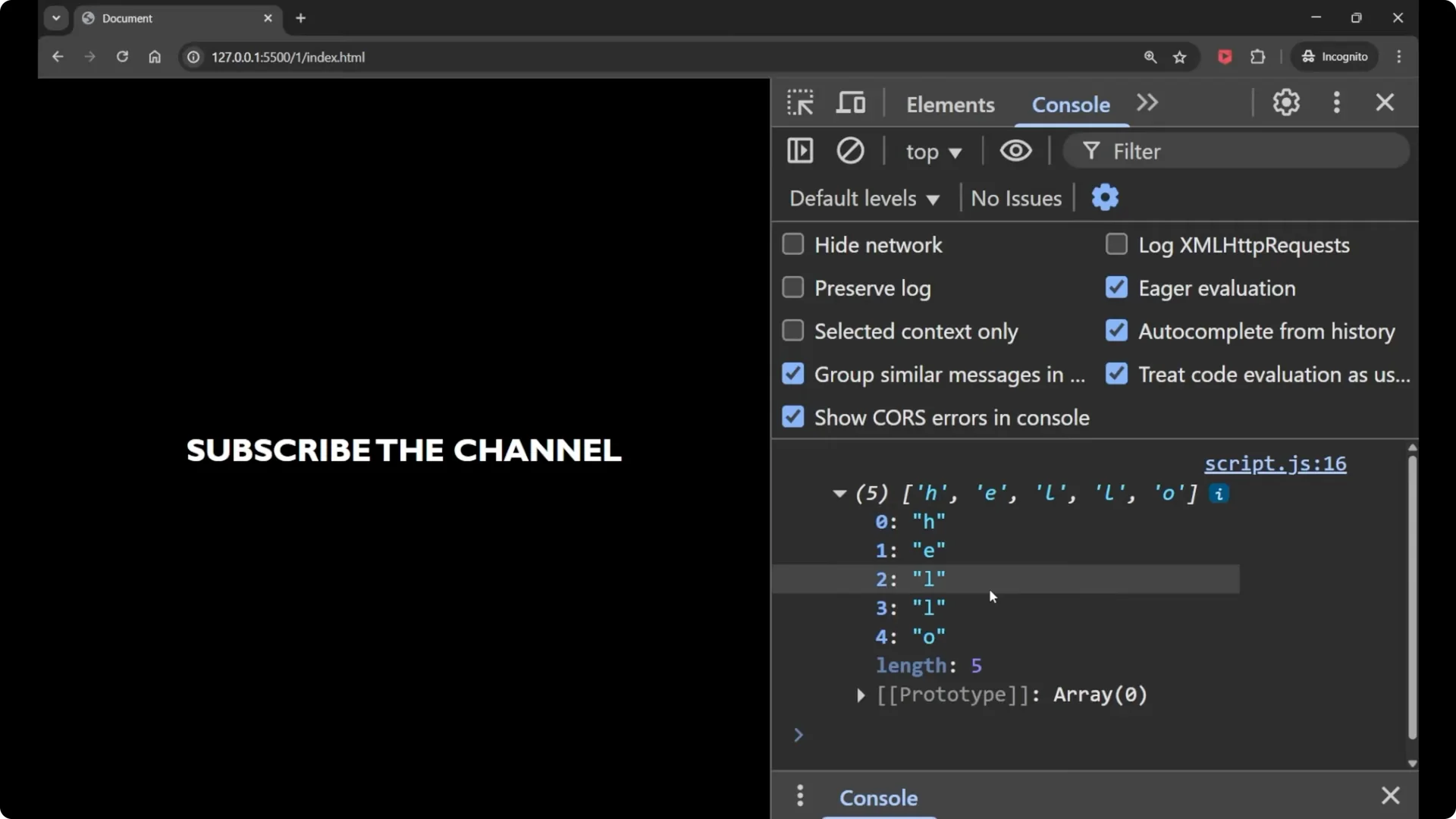
console.log(arr); // ['h', 'e', 'l', 'l', 'o']

// reverse - reverse the array
arr.reverse();
console.log(arr); // ['o', 'l', 'l', 'e', 'h']

// join - join back to a string with no space
let reversed = arr.join('');
console.log(reversed); // 'olleh'
You can also chain these three methods in one line.
let str = 'hello';
let reversed = str.split('').reverse().join('');
console.log(reversed); // 'olleh'
 Read More: logical ops
Why split(”) uses no space
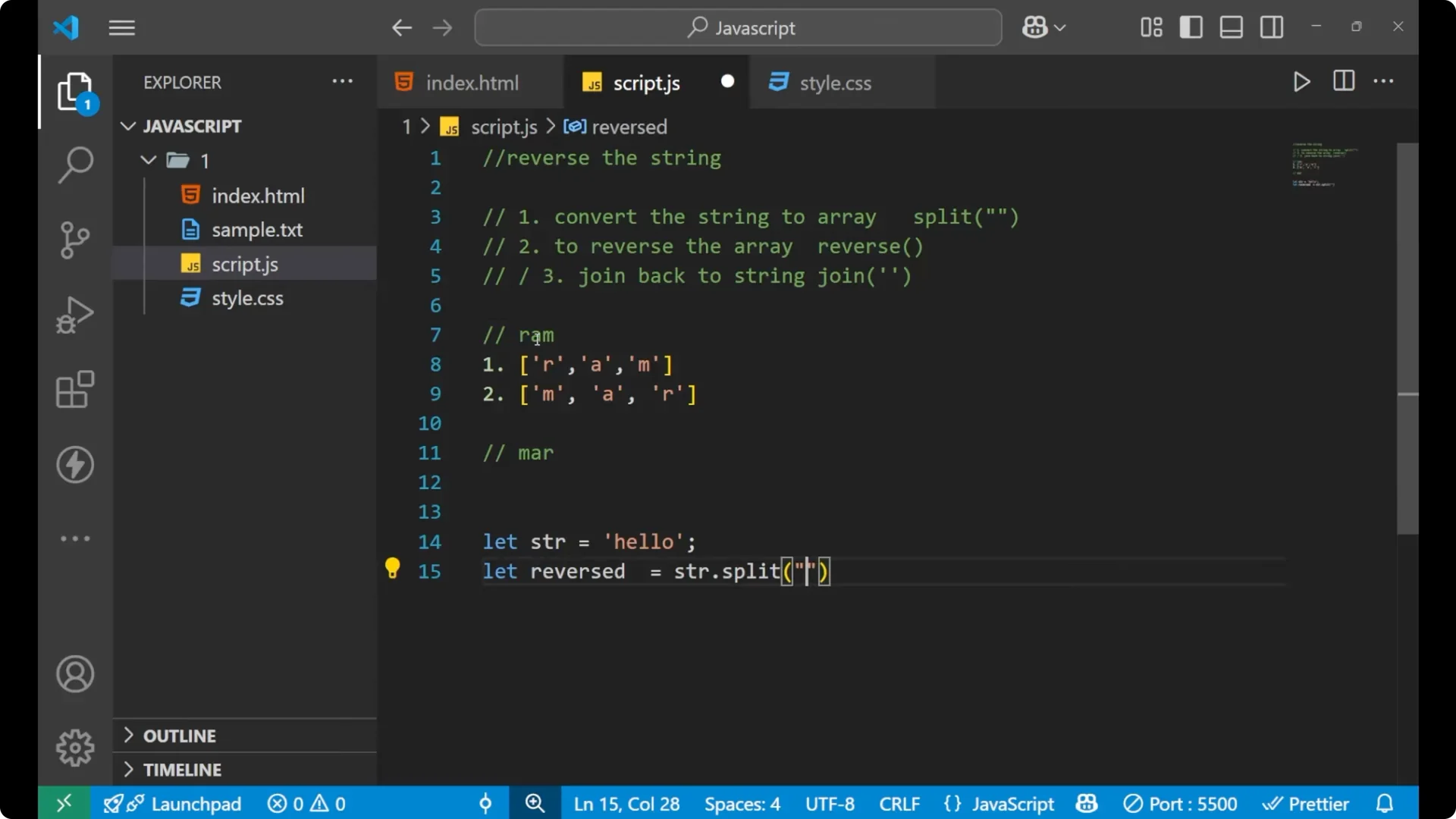
When I pass an empty string to split like split(”), it says that we divide the string into individual letters based on no space. The characters in “Ram” are not having any space between them, so split(”) indicates that we will split on that basis and get [‘R’, ‘A’, ‘M’].
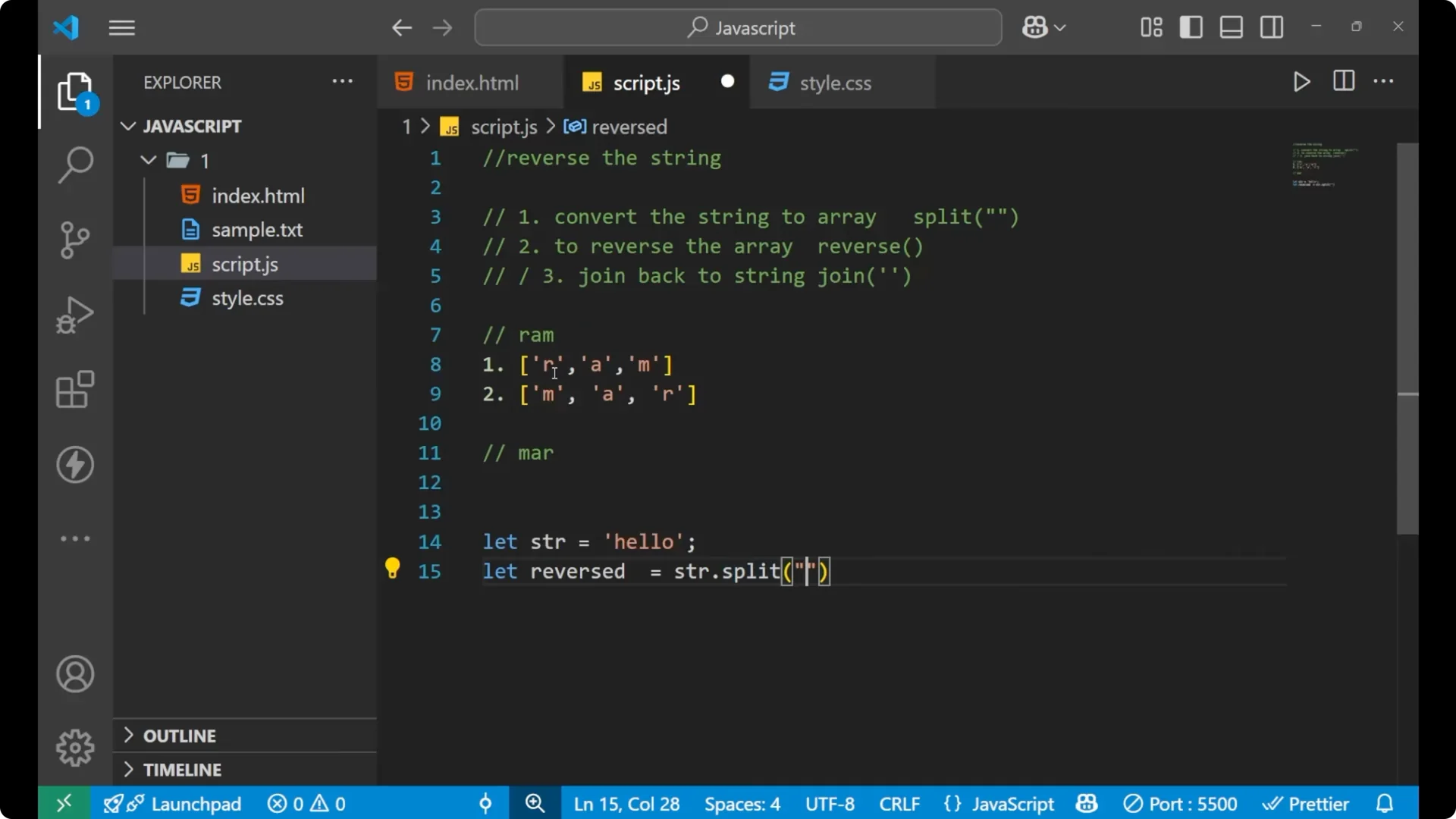
If I do this for “hello”, I get five different elements: ‘h’, ‘e’, ‘l’, ‘l’, ‘o’. After reverse, I get [‘o’, ‘l’, ‘l’, ‘e’, ‘h’], and after join with no space, I get “olleh”.
Final thoughts
JavaScript strings do not have a reverse method, so the three-step approach using
split,
reverse, and
join is the way to reverse a string. Convert the string to an array of characters, reverse that array, and join it back to get the reversed string. This pattern is simple, readable, and works consistently for basic Latin characters.
For converting text-based data into JavaScript values, see
JSON.parse.