We are going to create a simple realtime character count that updates as you type. I have the HTML ready: a heading, a textarea with id message, and a counter area with a span id count set to 0. The JavaScript file is connected. As you type in the textarea, it will count the number of characters and show it in the counter.
JavaScript Character Counter: HTML Setup
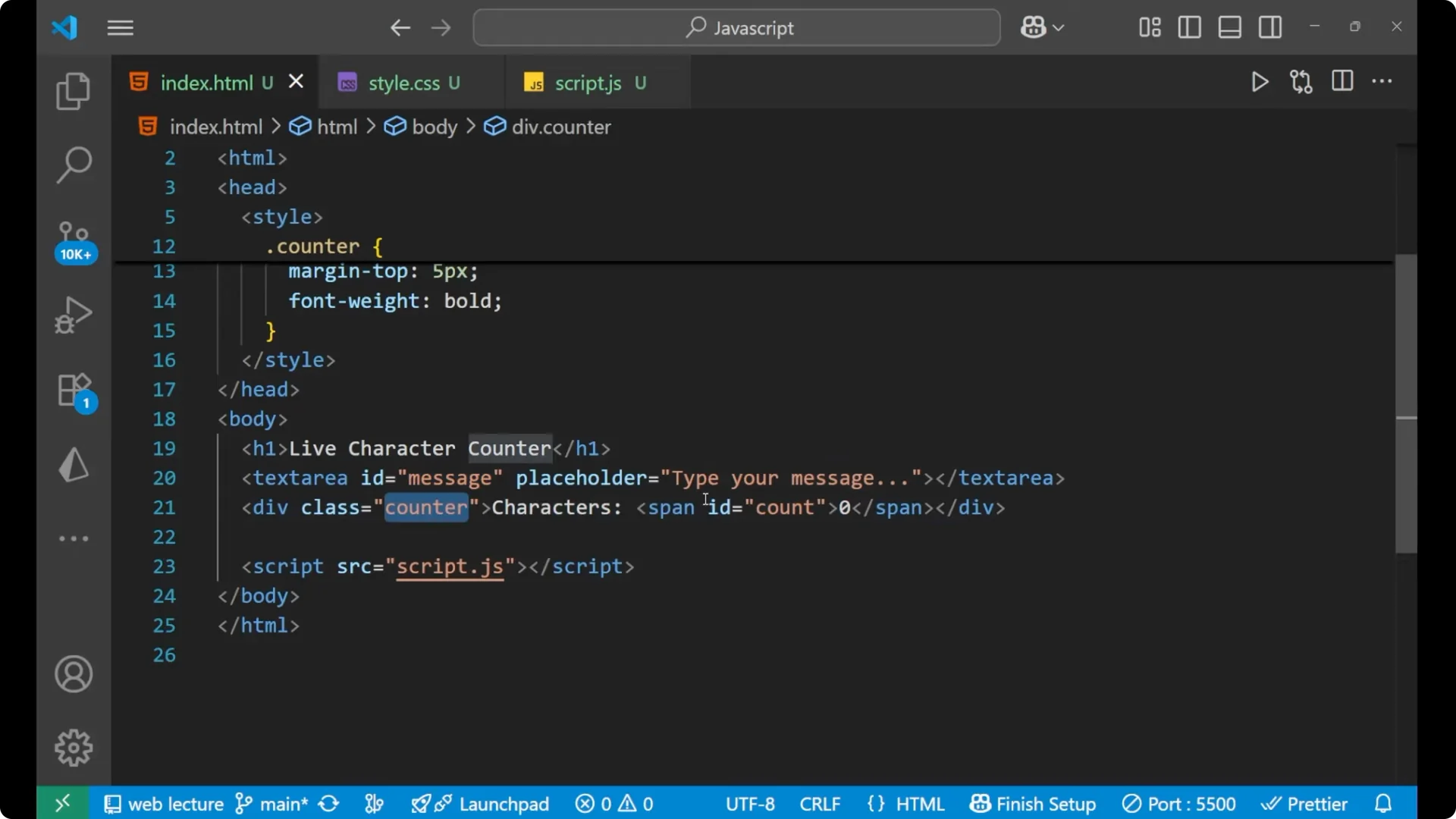
Here is the HTML structure I am using.
<h1>JavaScript Character Counter</h1>
<img src="https://coderspdf.com/wp-content/uploads/2026/02/create-a-real-time-live-character-counter-in-javascript-1.webp" alt="Create a Real-Time Live Character Counter in JavaScript screenshot 1" style="max-width:100%; height:auto;" />
<textarea id="message" placeholder="Type your message..."></textarea>
<div class="counter">
Characters: <span id="count">0</span>
</div>
<script src="app.js"></script>
JavaScript Character Counter: Minimal CSS
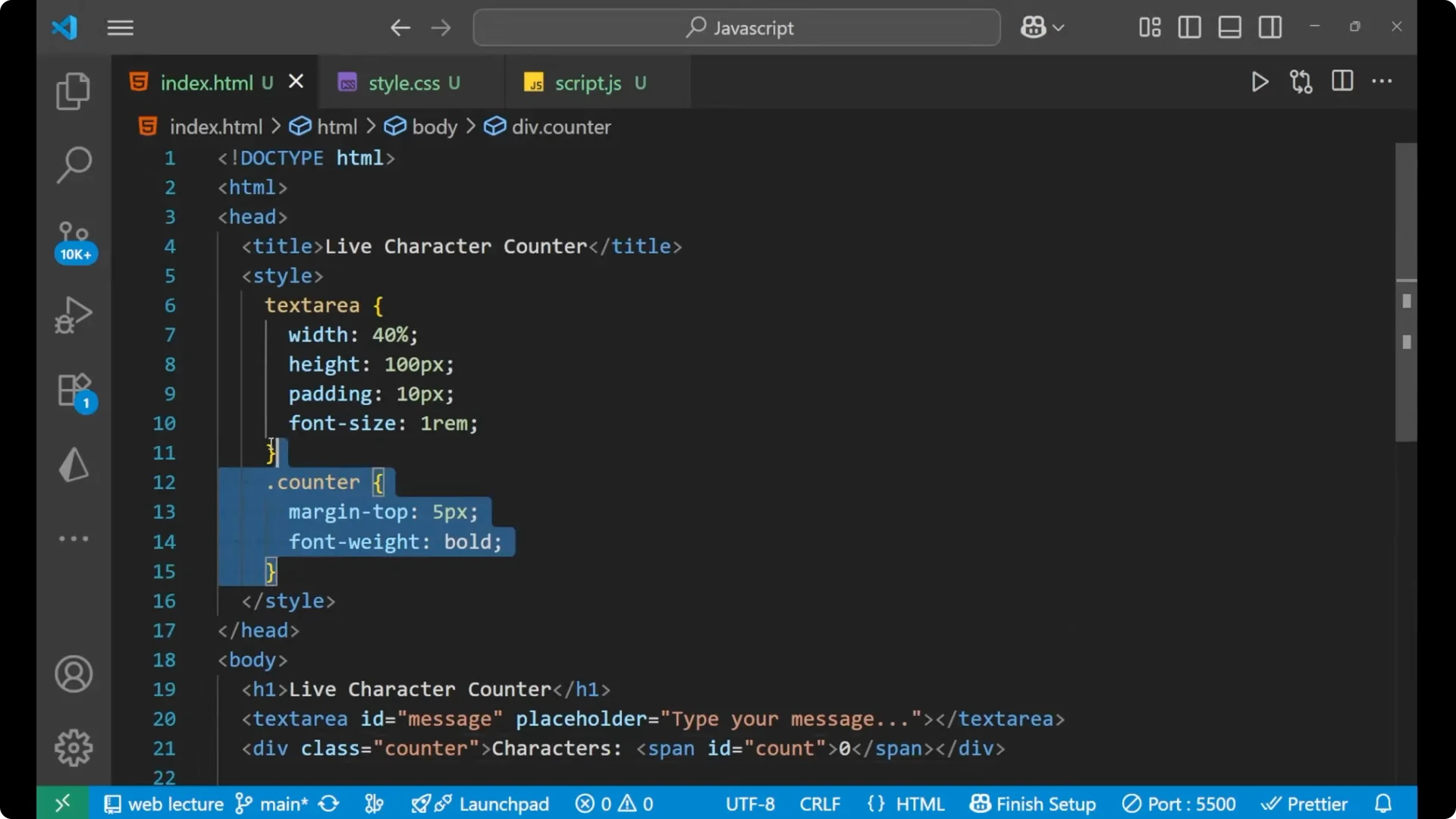
A little bit of CSS is applied – not very much. I am going to show you how to make the functionality, not the beautiful UI.
body {
font-family: system-ui, Arial, sans-serif;
max-width: 600px;
margin: 40px auto;
padding: 0 16px;
}
<img src="https://coderspdf.com/wp-content/uploads/2026/02/create-a-real-time-live-character-counter-in-javascript-3.webp" alt="Create a Real-Time Live Character Counter in JavaScript screenshot 3" style="max-width:100%; height:auto;" />
textarea {
width: 100%;
min-height: 140px;
font-size: 16px;
padding: 12px;
box-sizing: border-box;
}
.counter {
margin-top: 8px;
font-weight: 600;
}
JavaScript Character Counter: JavaScript Logic
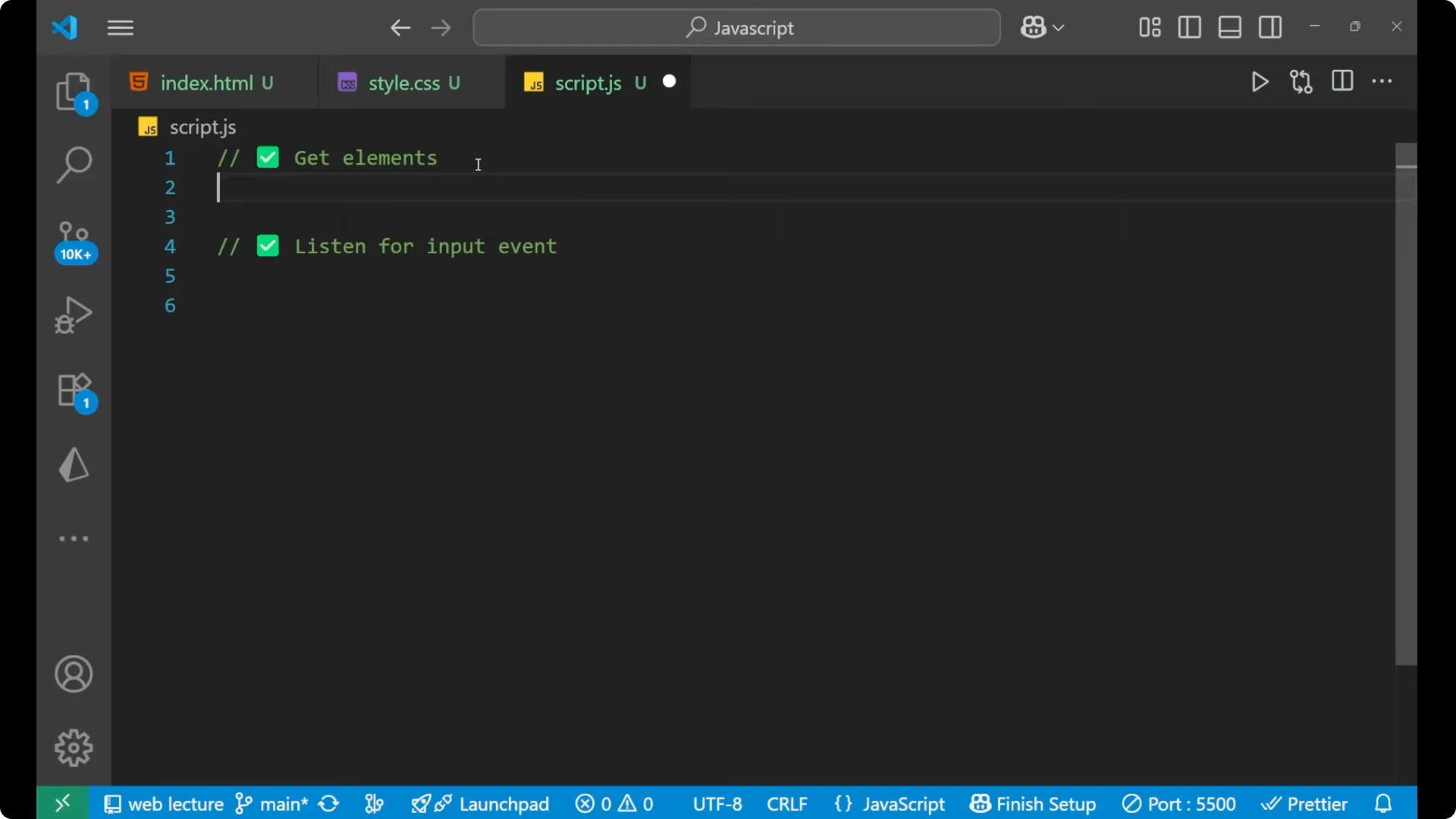
Get the elements
First, get all the elements with the help of their ids.
const message = document.getElementById('message');
const count = document.getElementById('count');
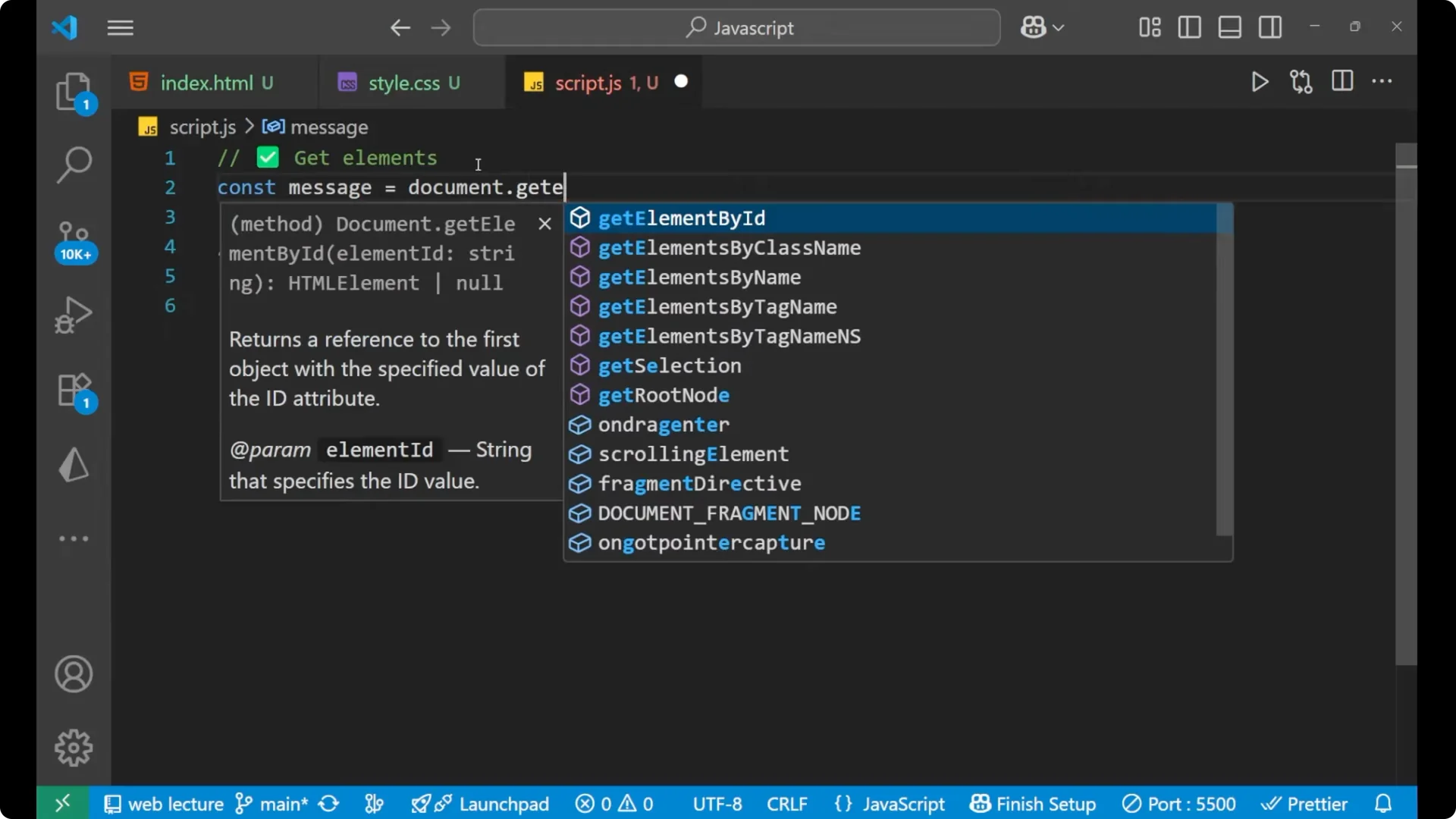
We have two elements – message and count.
Listen for input and update the counter
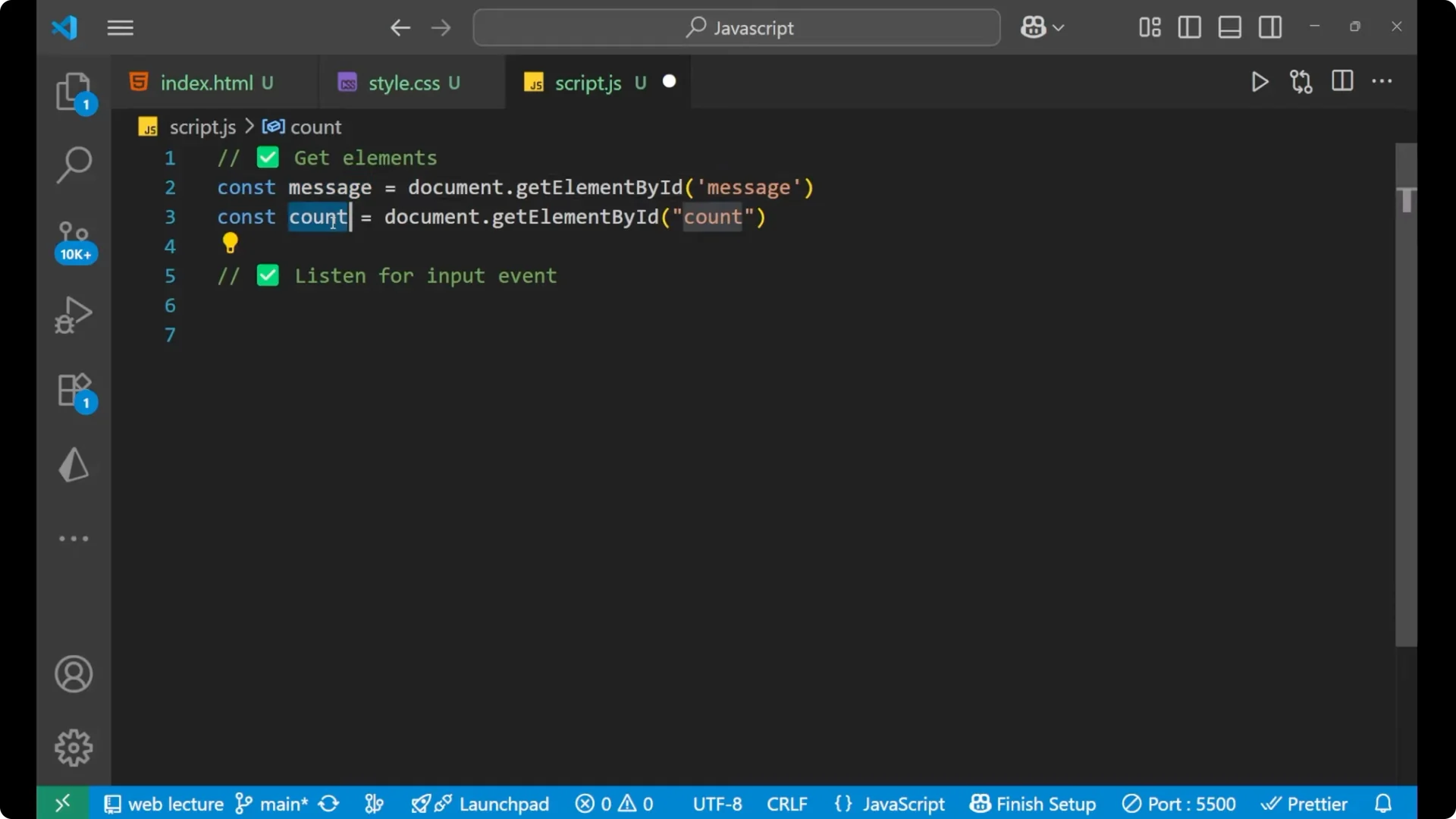
The second task is to listen for the input event. Whenever the user writes something, the logic will listen and make the calculation.
message.addEventListener('input', () => {
  count.innerText = message.value.length;
});
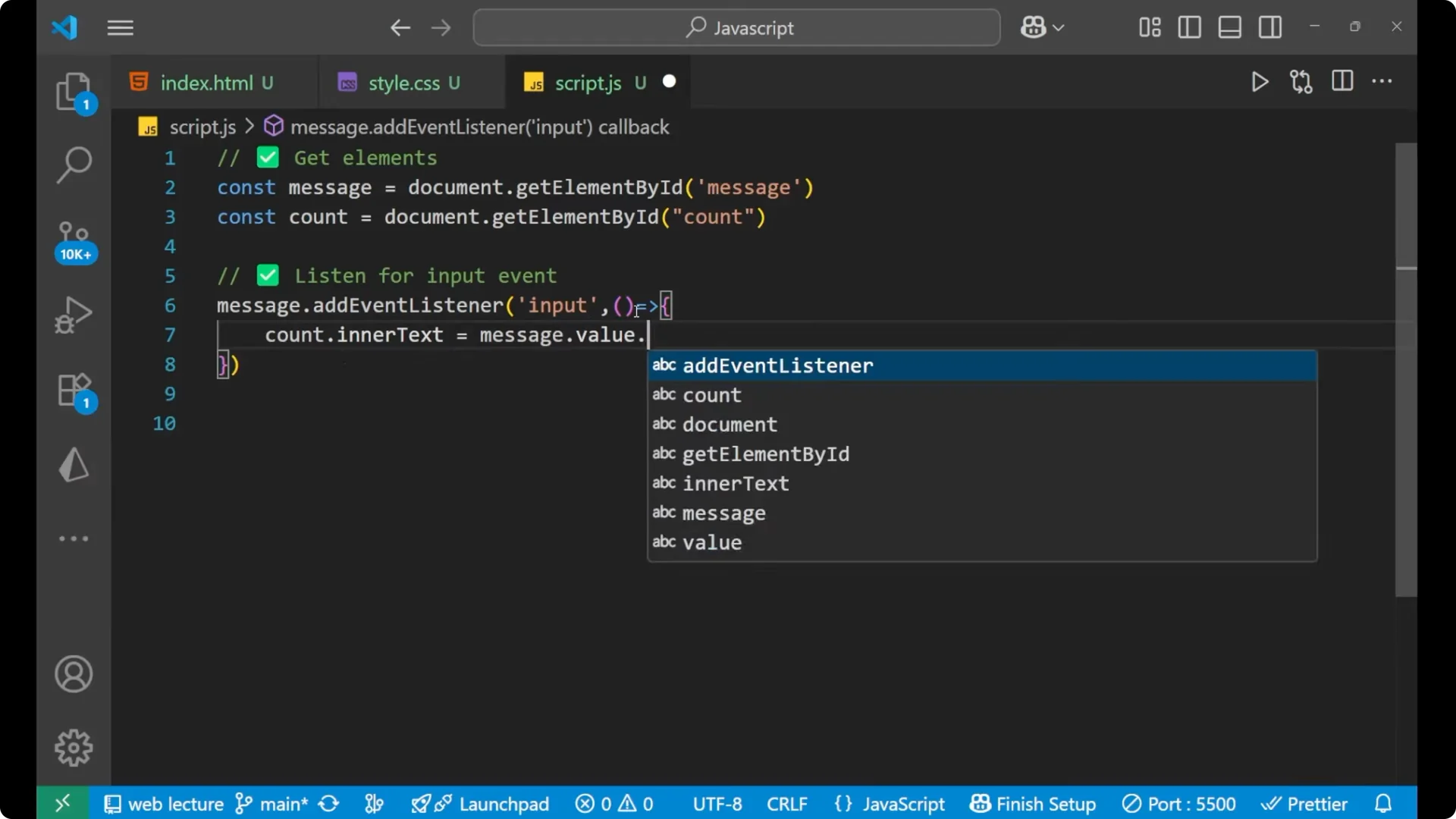
Here, count is the span tag. We are changing the innerText of it with the help of message.value.length – whatever you have written inside the textarea, that length is stored inside count. The initial value is 0.
Final Thoughts
This is how we can make the live character counter with the help of JavaScript. A basic logic is required – that one line makes everything work: count.innerText = message.value.length.