
Here is how to create a JavaScript Digital Clock. It is easy and uses standard JavaScript concepts. I have the HTML and CSS in place, and I will explain the main JavaScript portion.
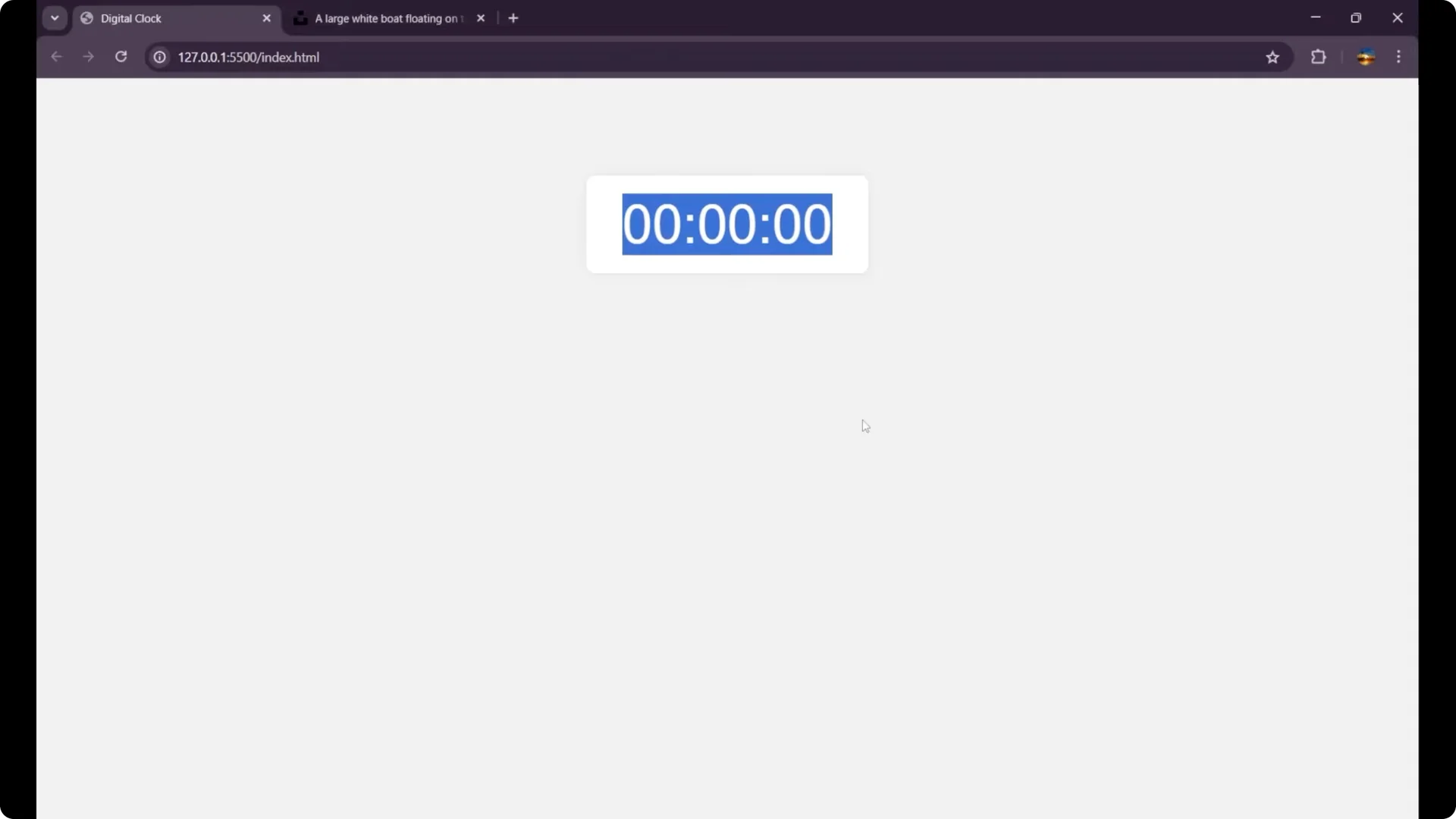
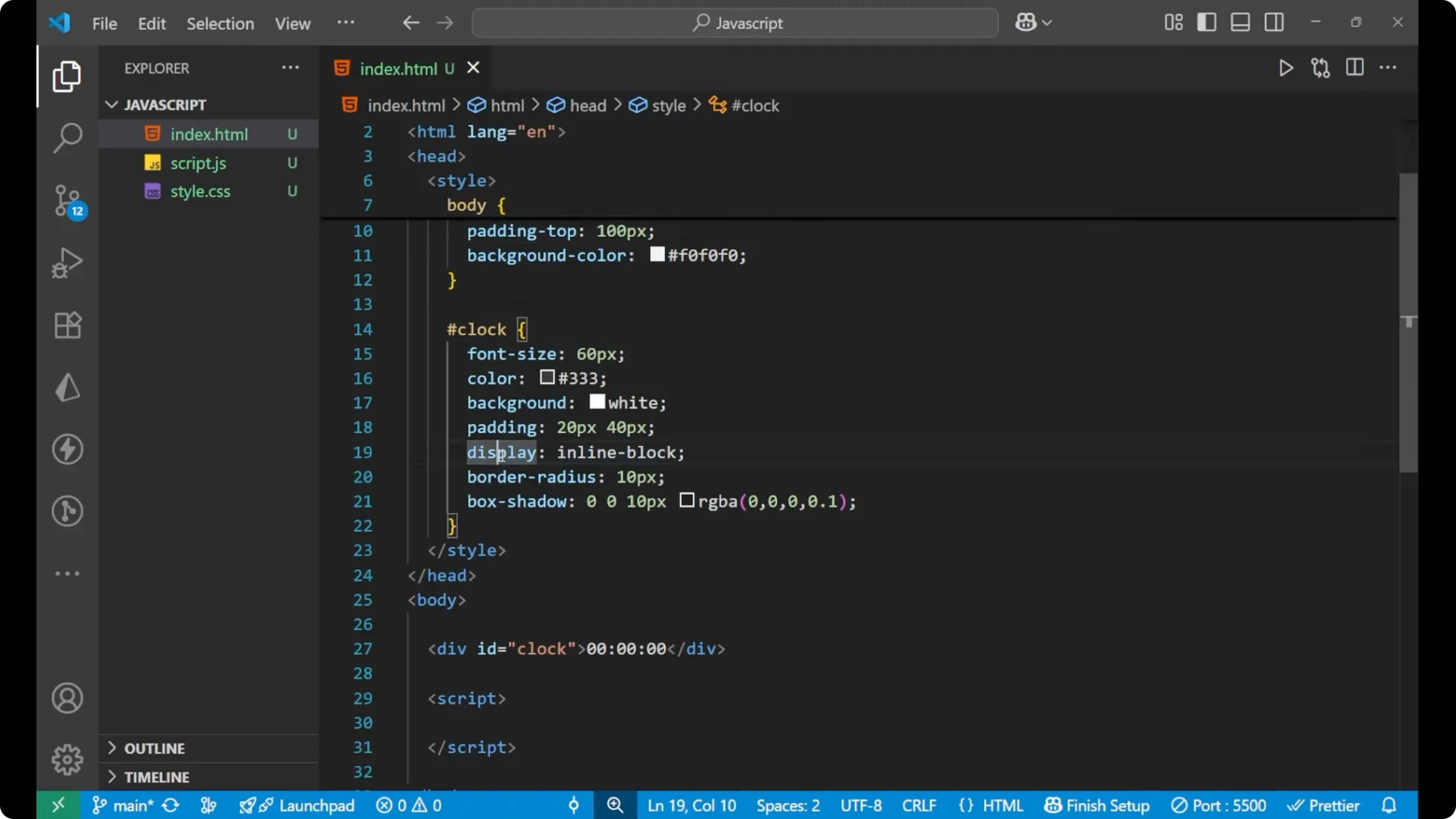
I am using a div with the id clock as the container. The CSS sets the page font, centers the content, adds top padding, and sets a background color. For the clock element, I set the font size, color, background color, padding, display as inline-block, border radius, and a box shadow.
HTML and CSS for the JavaScript Digital Clock
<!doctype html>
<html lang="en">
  <head>
    <meta charset="utf-8" />
    <title>JavaScript Digital Clock</title>
    <style>
      body {
        font-family: Arial, sans-serif;
        text-align: center;
        padding-top: 60px;
        background-color: #f0f0f0;
      }
      #clock {
        font-size: 64px;
        color: #fff;
        background-color: #333;
        padding: 20px 30px;
        display: inline-block;
        border-radius: 12px;
        box-shadow: 0 6px 16px rgba(0, 0, 0, 0.2);
      }
    </style>
  </head>
  <body>
    <div id="clock">0</div>
    <script>
      // JavaScript goes here
    </script>
  </body>
</html>
JavaScript for the JavaScript Digital Clock
Create the update function and get the current time
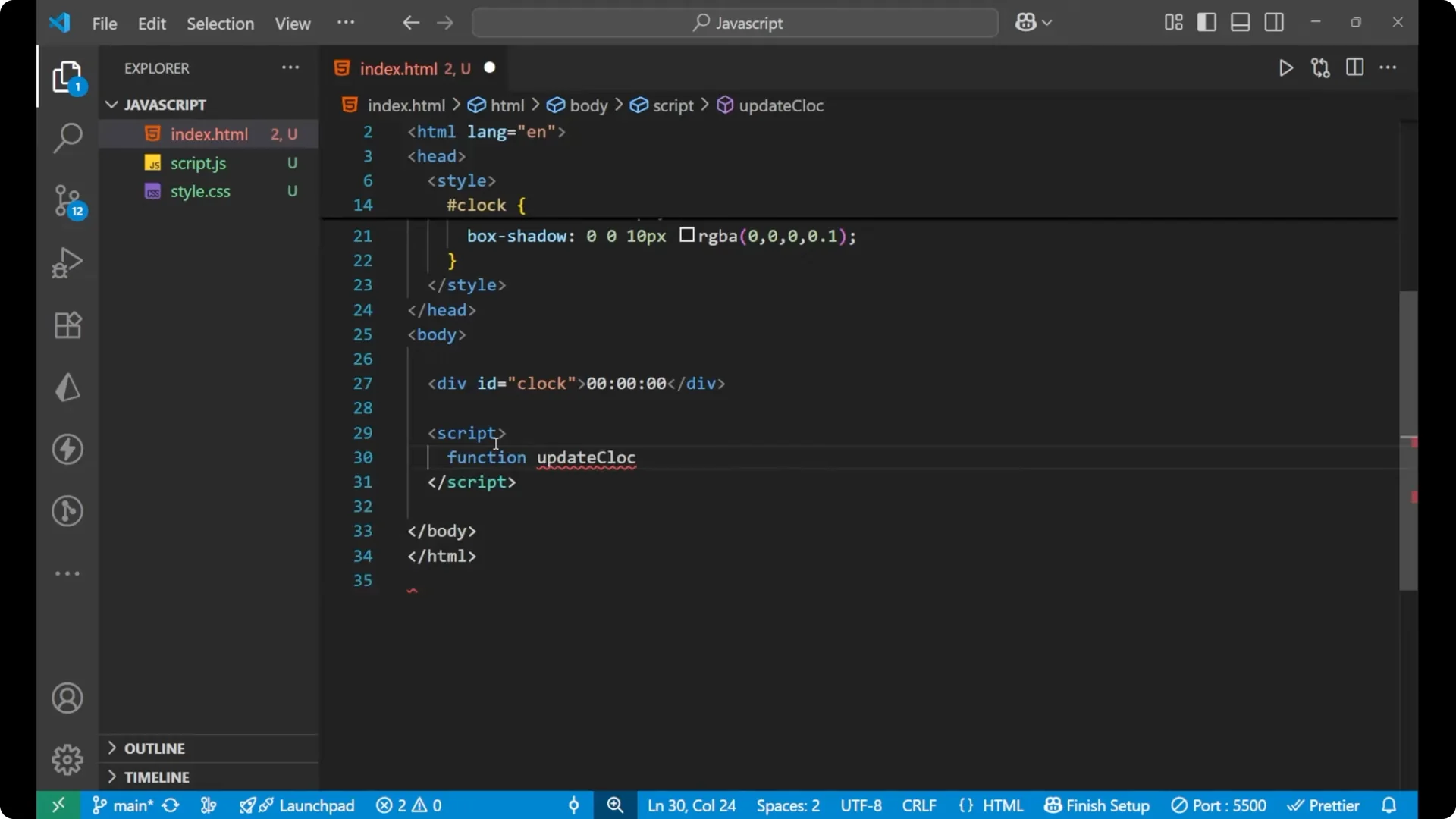
- Create a function named updateClock.
- Inside it, create a Date instance to get the current day, date, and time.
function updateClock() {
  const now = new Date();
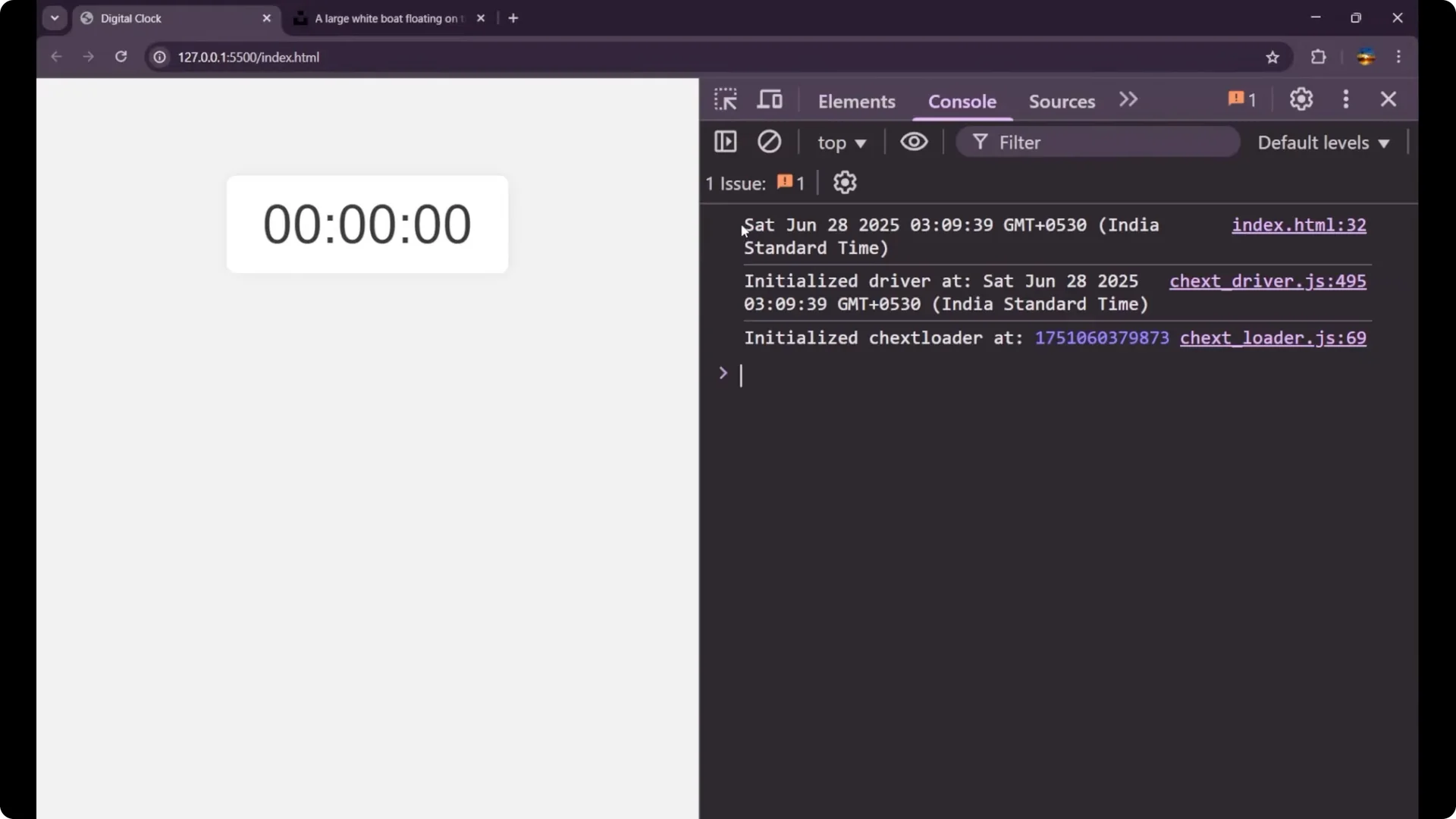
  // console.log(now); // shows current date and time
}
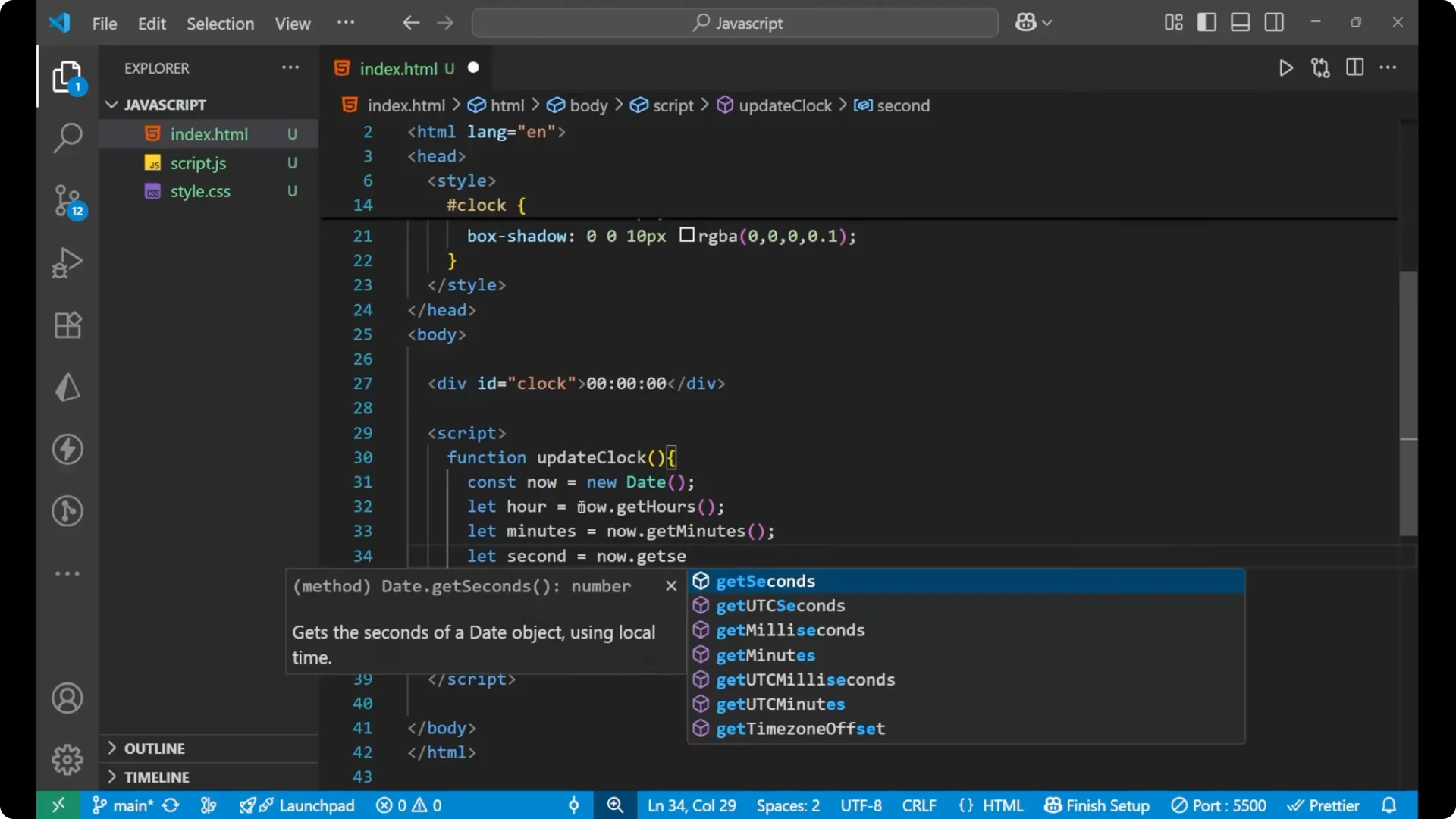
Extract hours, minutes, and seconds
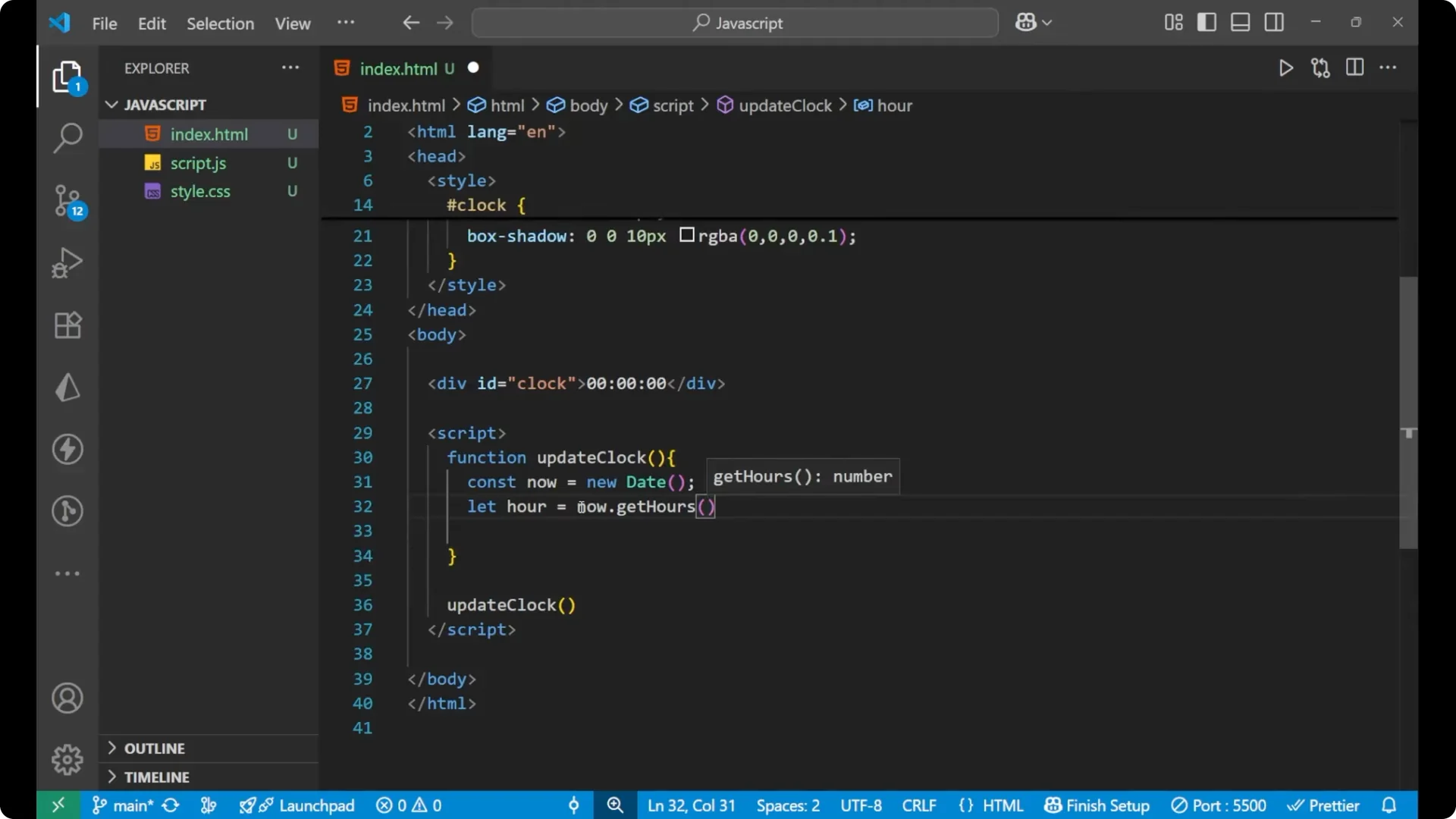
- Use let because the values will keep getting changed.
function updateClock() {
  const now = new Date();
  let hour = now.getHours();
  let minute = now.getMinutes();
  let second = now.getSeconds();
  // ...
}
Add leading zeros
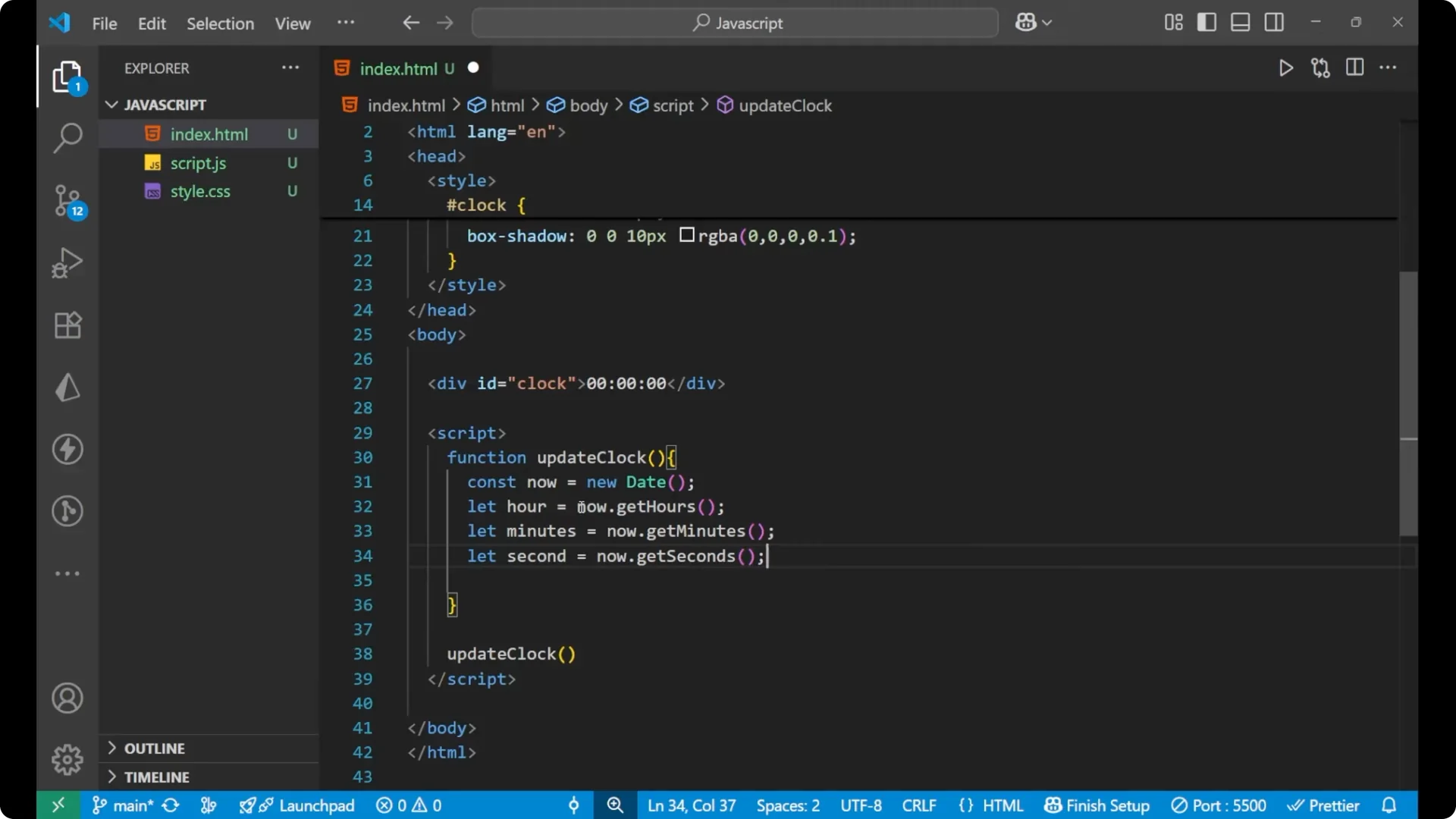
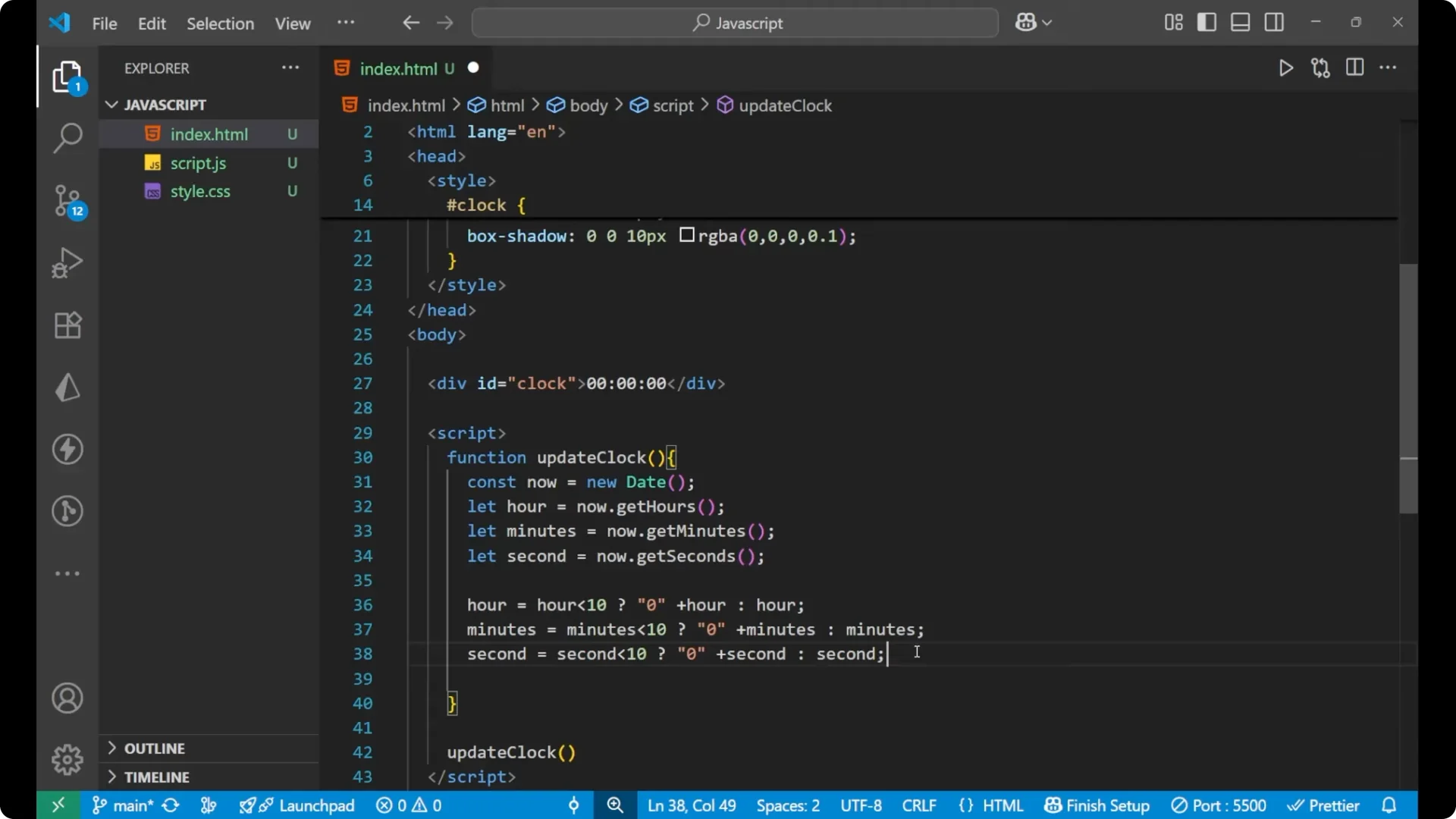
- Add a leading zero for single-digit hour, minute, and second using the ternary operator.
function updateClock() {
  const now = new Date();
  let hour = now.getHours();
  let minute = now.getMinutes();
  let second = now.getSeconds();
  hour = hour < 10 ? '0' + hour : '' + hour;
  minute = minute < 10 ? '0' + minute : '' + minute;
  second = second < 10 ? '0' + second : '' + second;
  // ...
}
Build the time string
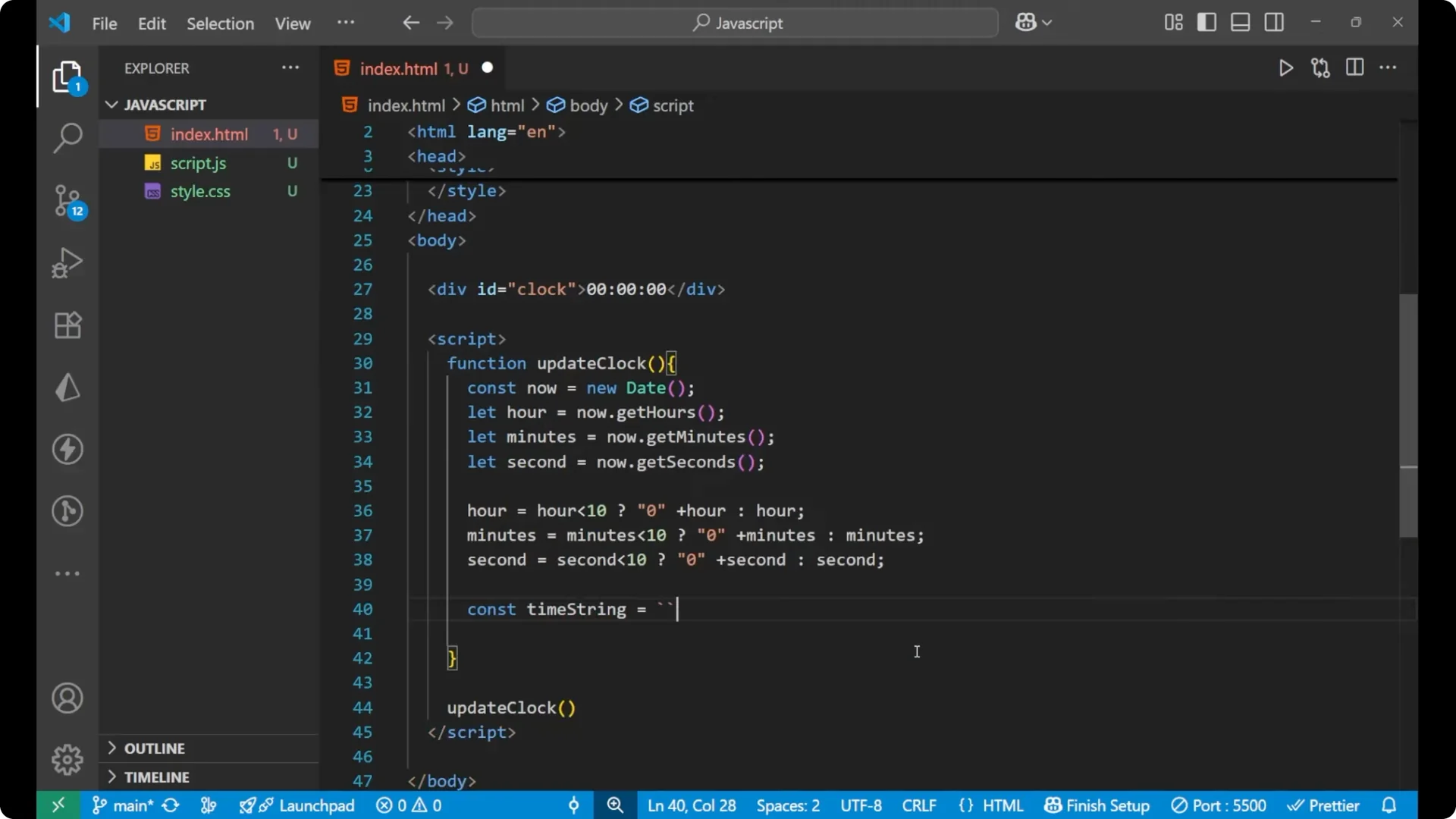
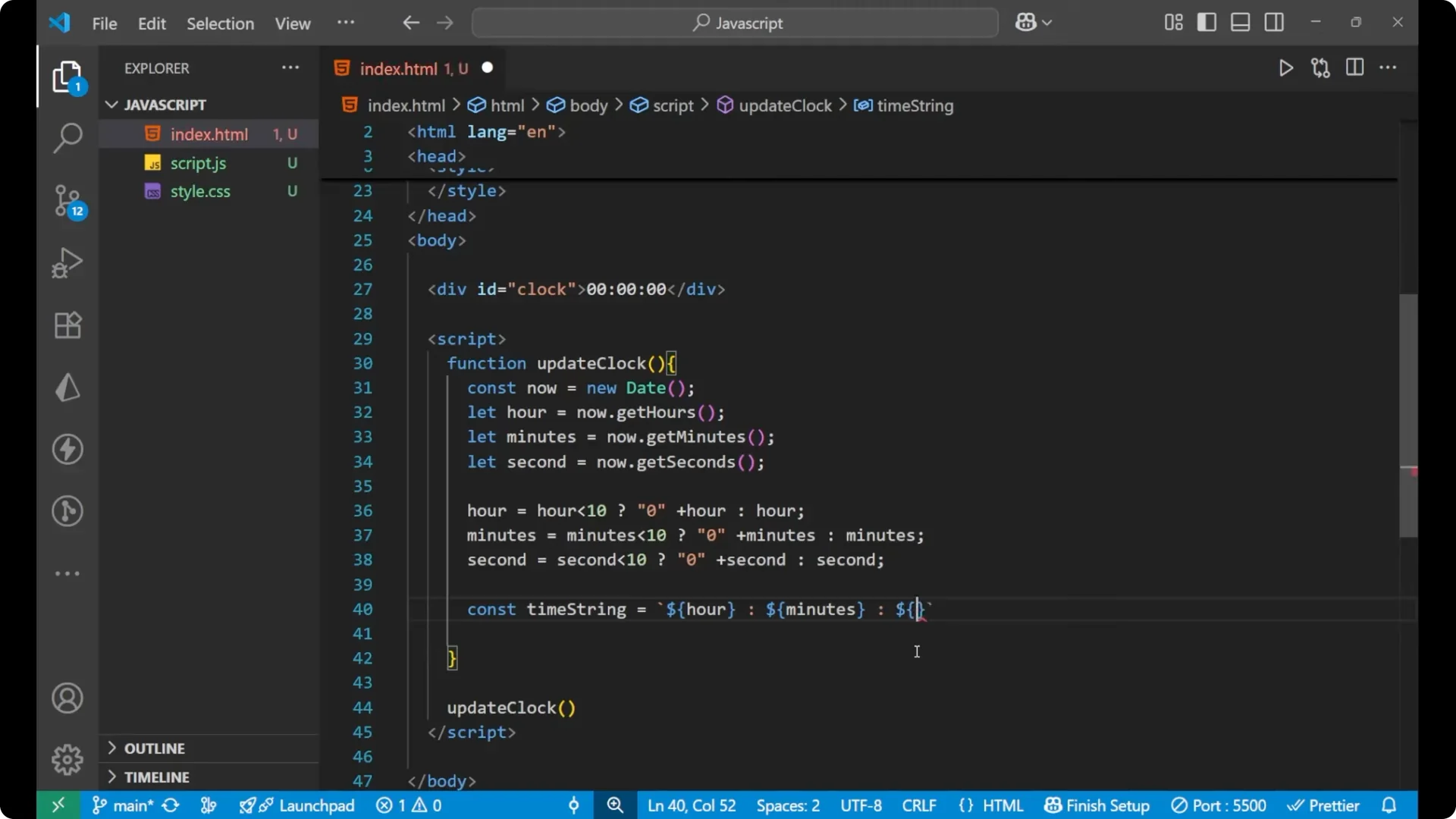
- Use a template literal to combine the parts into a single string like HH:MM:SS.
function updateClock() {
  const now = new Date();
  let hour = now.getHours();
  let minute = now.getMinutes();
  let second = now.getSeconds();
  hour = hour < 10 ? '0' + hour : '' + hour;
  minute = minute < 10 ? '0' + minute : '' + minute;
  second = second < 10 ? '0' + second : '' + second;
  const timeString = `${hour}:${minute}:${second}`;
  // ...
}
Render it to the page
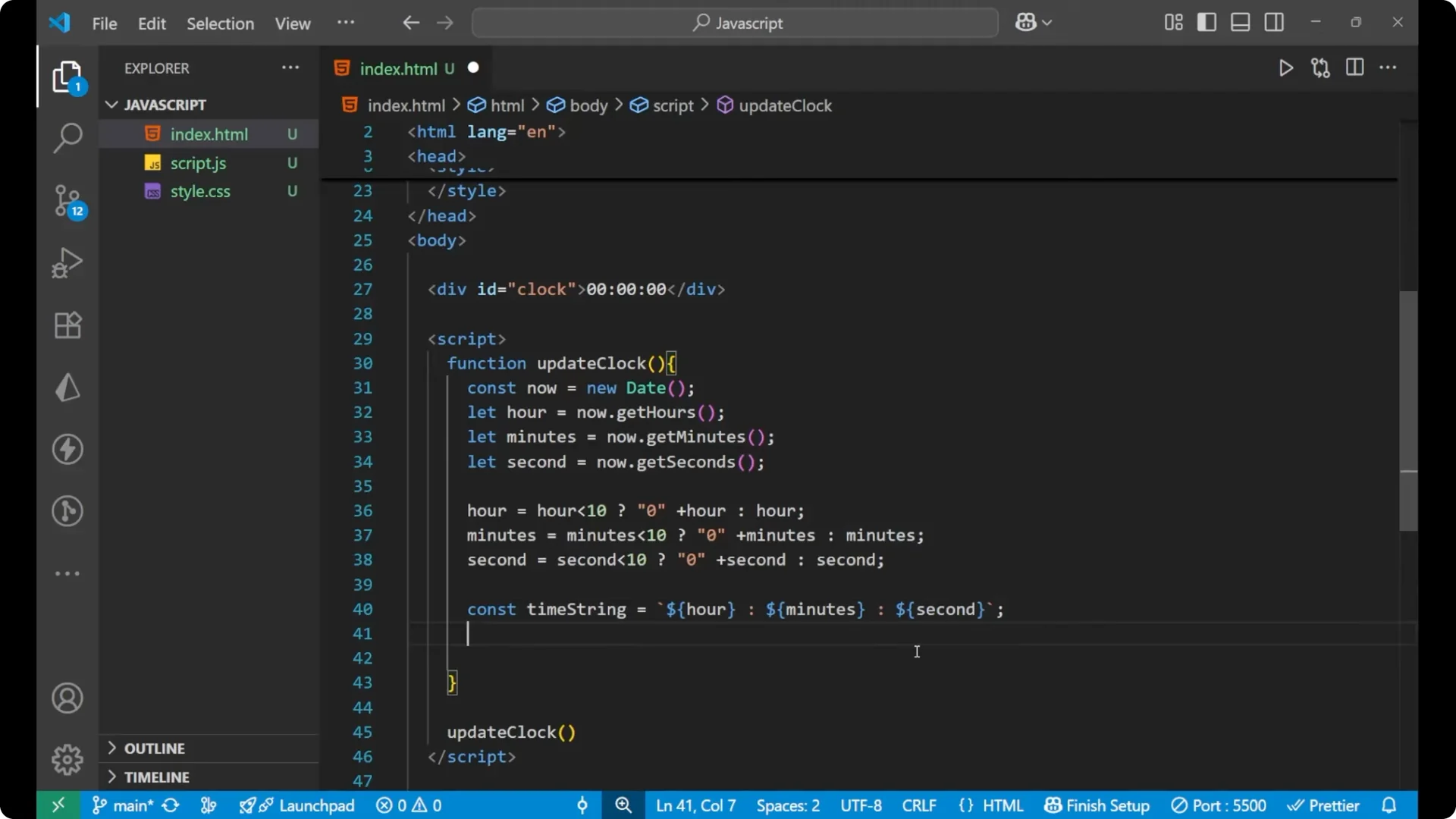
- Update the textContent of the clock element.
function updateClock() {
  const now = new Date();
  let hour = now.getHours();
  let minute = now.getMinutes();
  let second = now.getSeconds();
  hour = hour < 10 ? '0' + hour : '' + hour;
  minute = minute < 10 ? '0' + minute : '' + minute;
  second = second < 10 ? '0' + second : '' + second;
  const timeString = `${hour}:${minute}:${second}`;
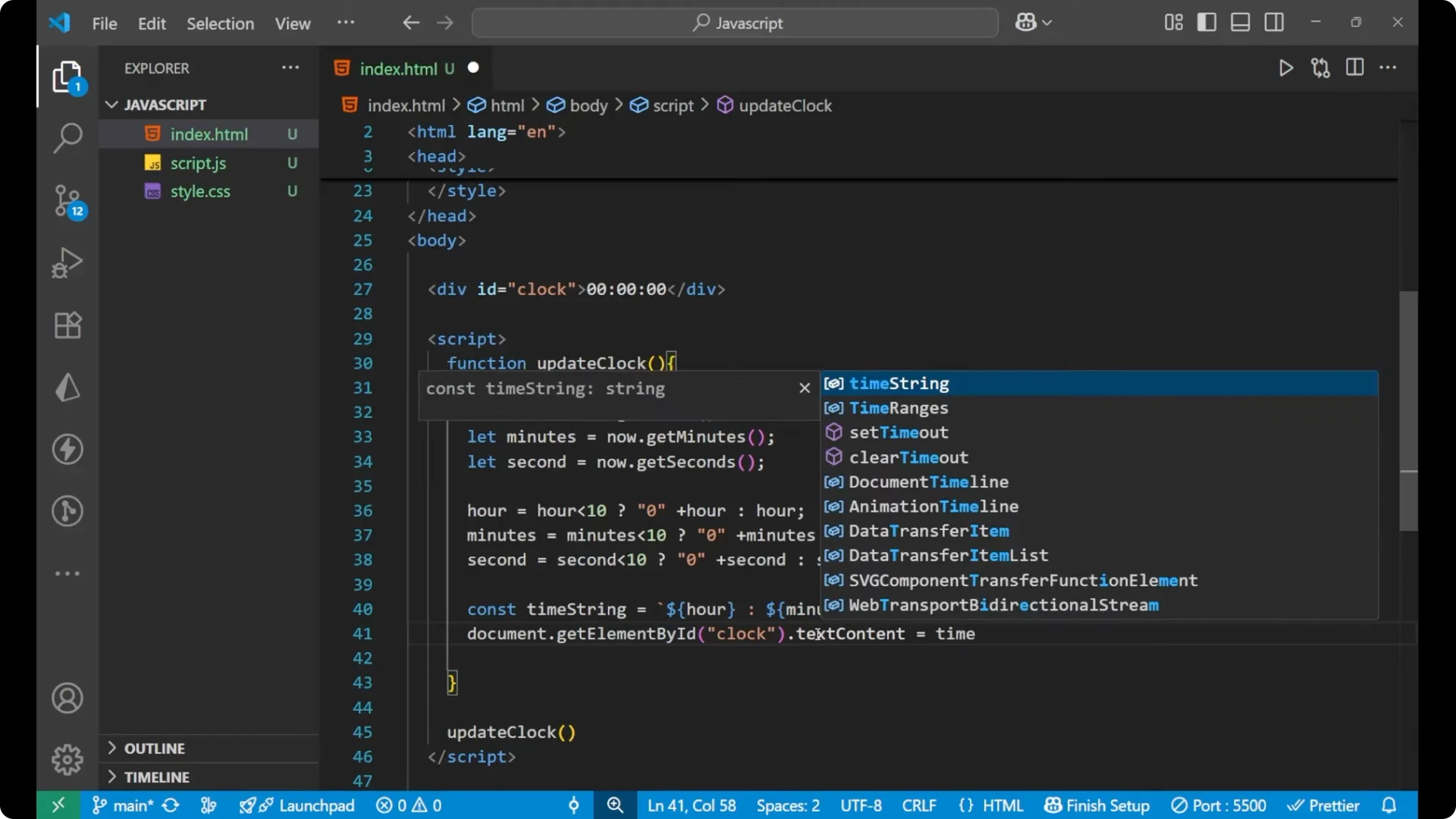
  document.getElementById('clock').textContent = timeString;
}
Update every second
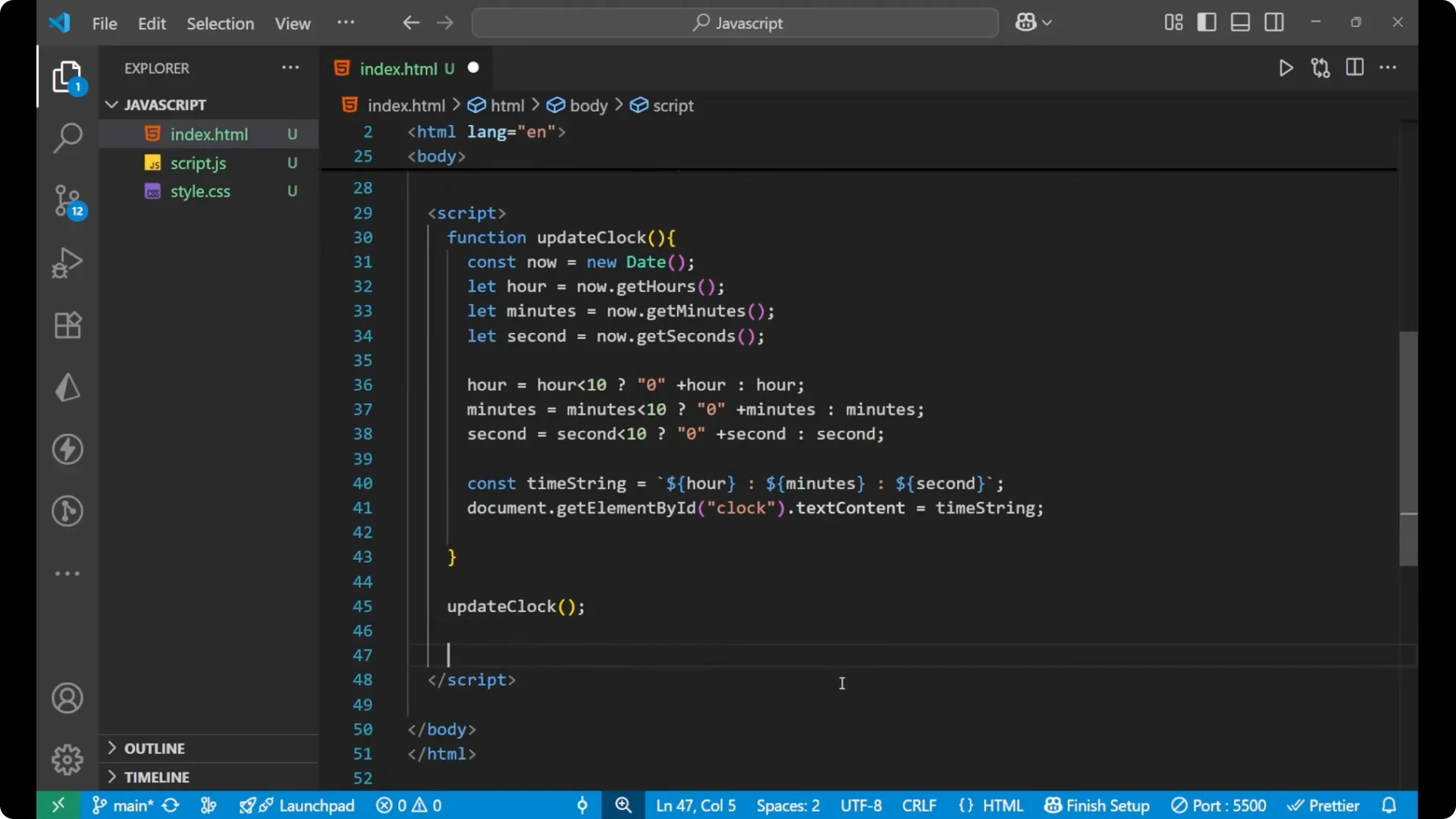
- Call the function once to render immediately.
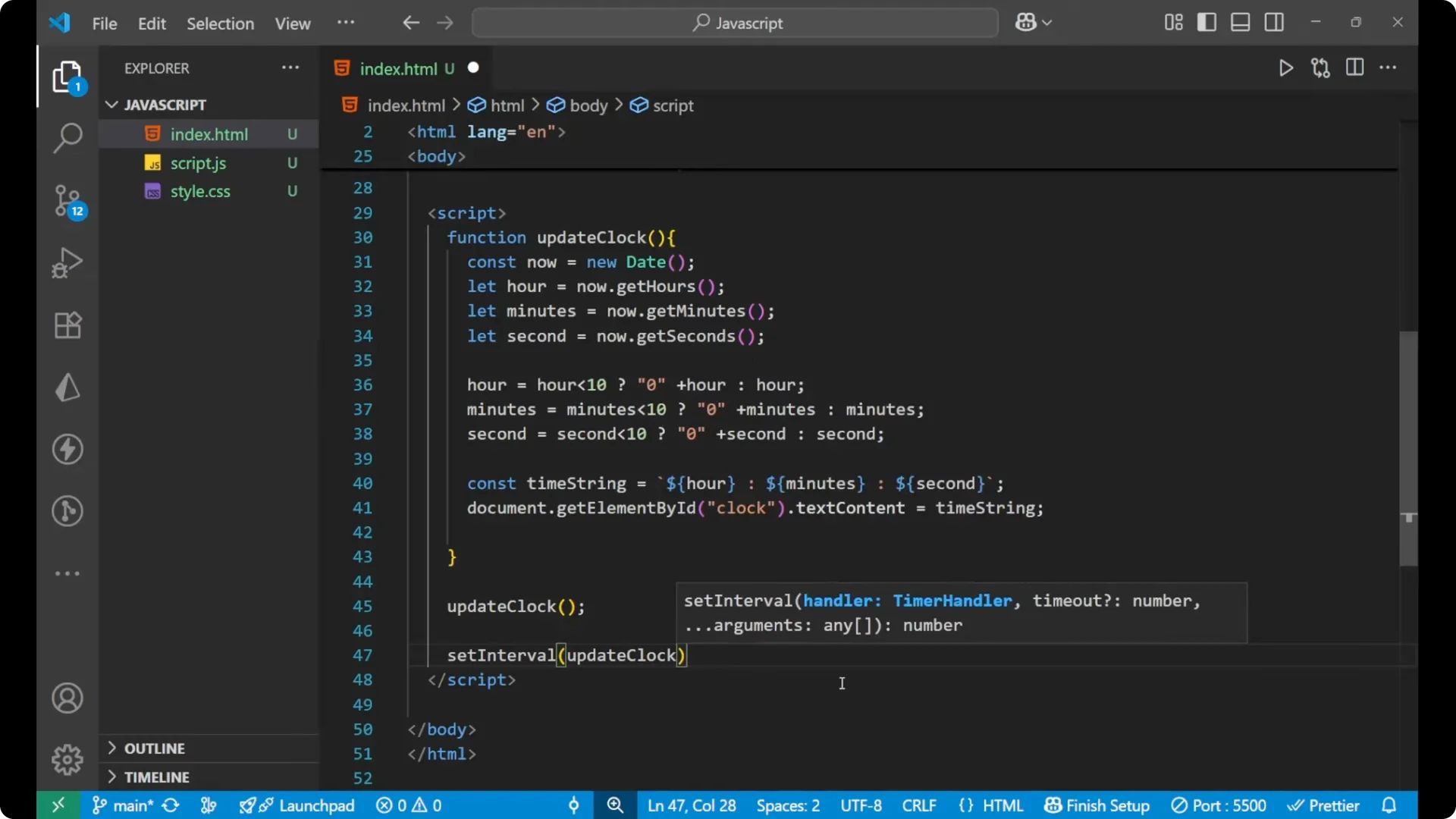
- Use setInterval to update the clock every 1 second.
<script>
  function updateClock() {
    const now = new Date();
    let hour = now.getHours();
    let minute = now.getMinutes();
    let second = now.getSeconds();
    hour = hour < 10 ? '0' + hour : '' + hour;
    minute = minute < 10 ? '0' + minute : '' + minute;
    second = second < 10 ? '0' + second : '' + second;
    const timeString = `${hour}:${minute}:${second}`;
    document.getElementById('clock').textContent = timeString;
  }
  updateClock();
  setInterval(updateClock, 1000);
</script>
Final Thoughts
This JavaScript Digital Clock uses new Date to get the current time, extracts hours, minutes, and seconds, pads single digits with leading zeros, and updates the DOM. The setInterval call runs the update every second so the seconds tick and minutes and hours roll over correctly.