Formatting numbers properly in JavaScript comes up all the time with prices, scores, or measurements. I use two methods constantly:
toFixed and
parseFloat. I’ll show how to round numbers, format to a specific number of decimals, and safely convert a formatted string back to a number.
If you’re brushing up on core flow control too, see
do-while.
JavaScript Number Formatting with toFixed
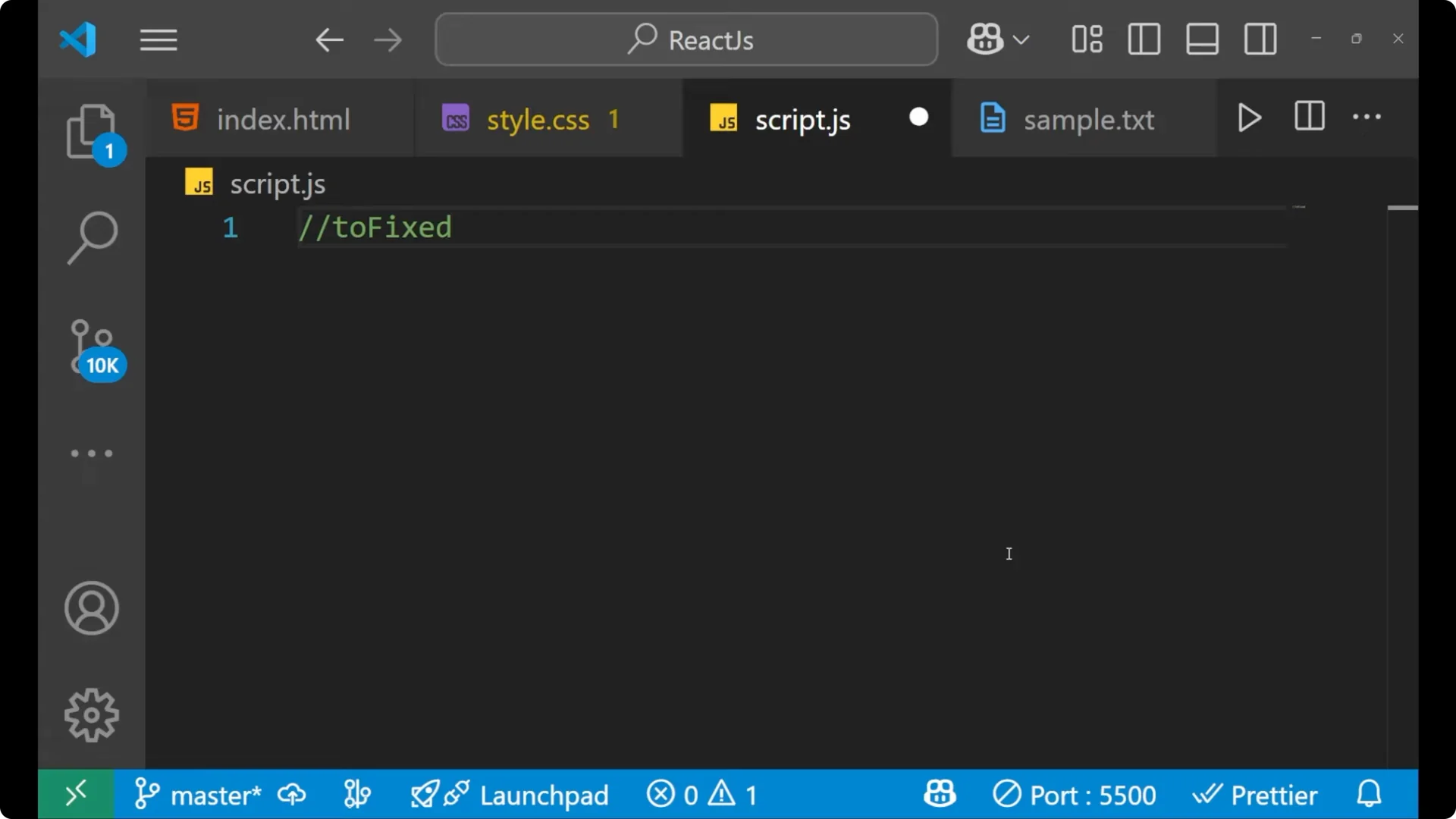
The method is
toFixed – F is capital because JavaScript is case sensitive. It fixes a number to a specific number of decimal places and also rounds the value.
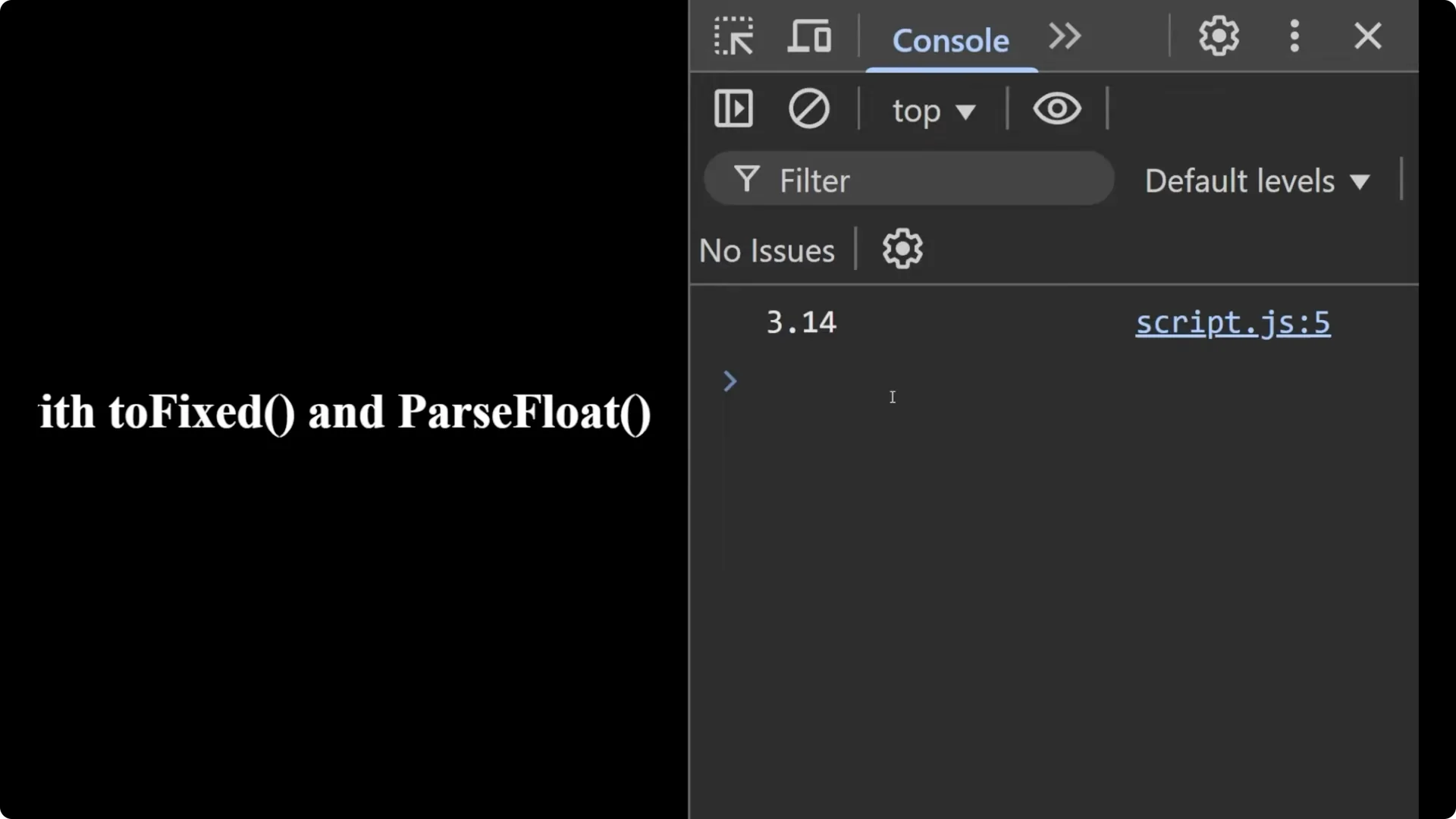
Start with a number:
let pi = 3.1414;
let fixedPi = pi.toFixed(2);
console.log(fixedPi); // "3.14"
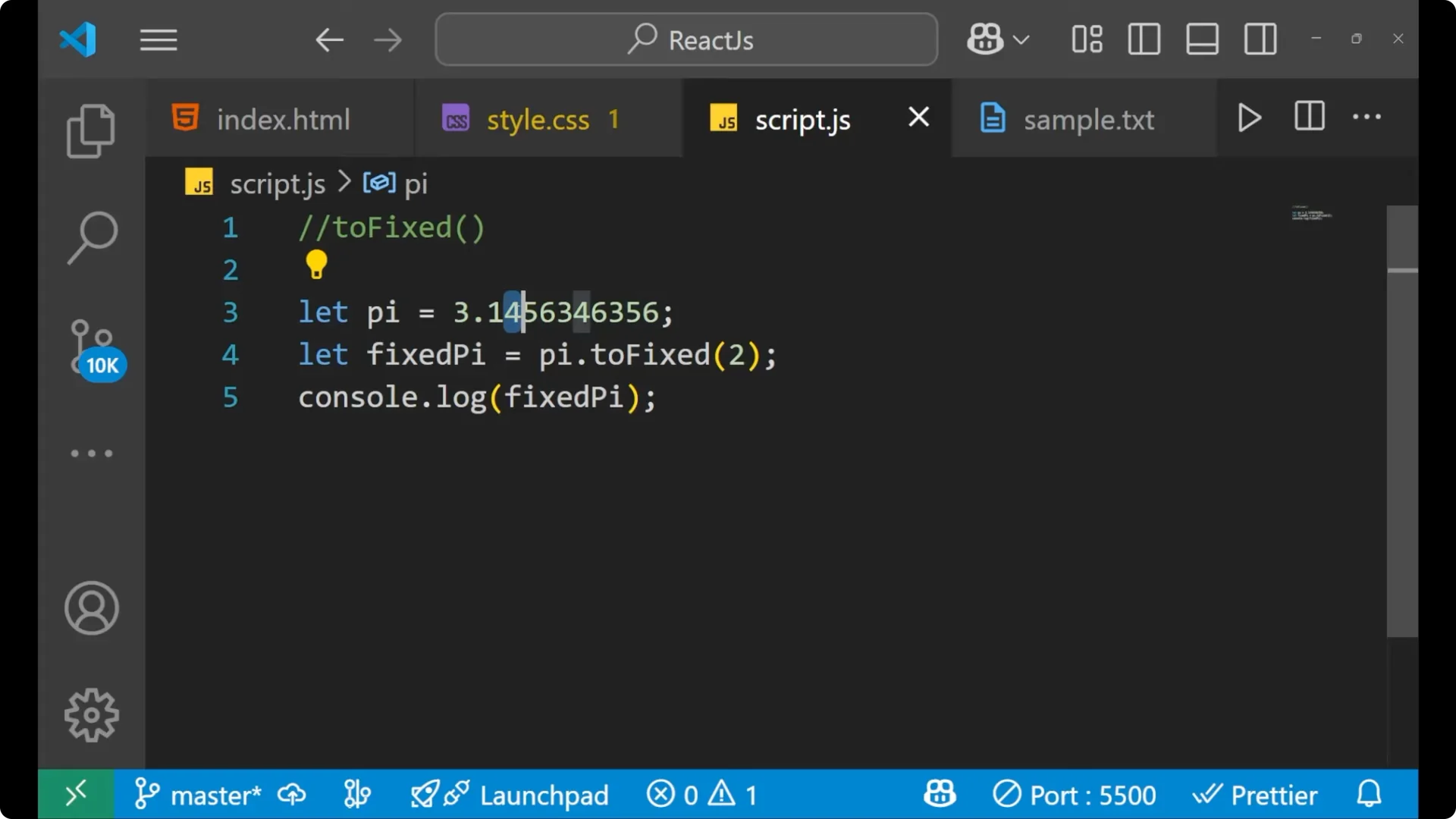
If the next digit is 5 or more, it rounds up:
let pi = 3.145634;
let fixedPi = pi.toFixed(2);
console.log(fixedPi); // "3.15" - 4 became 5 because the next digit is 5
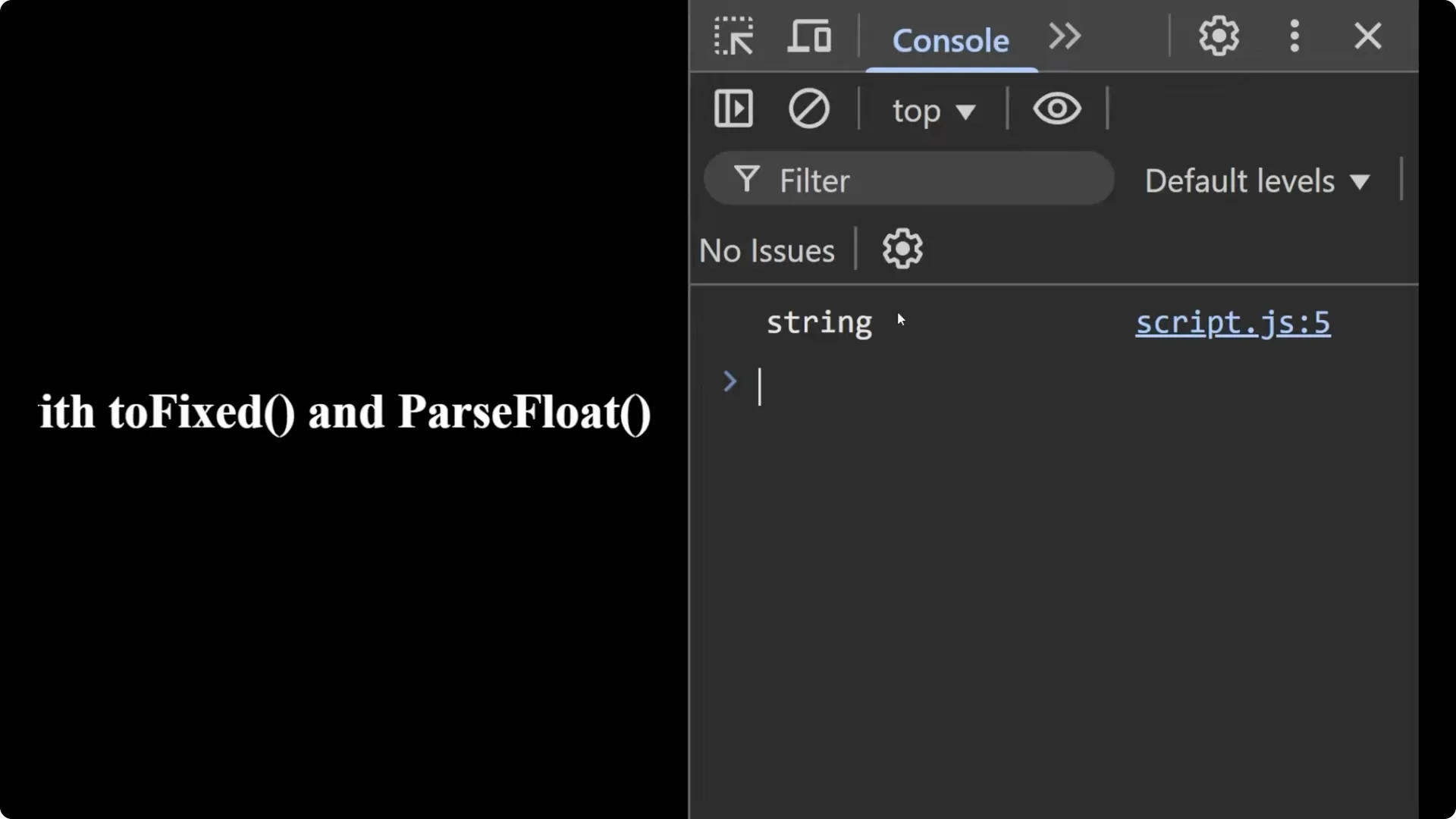
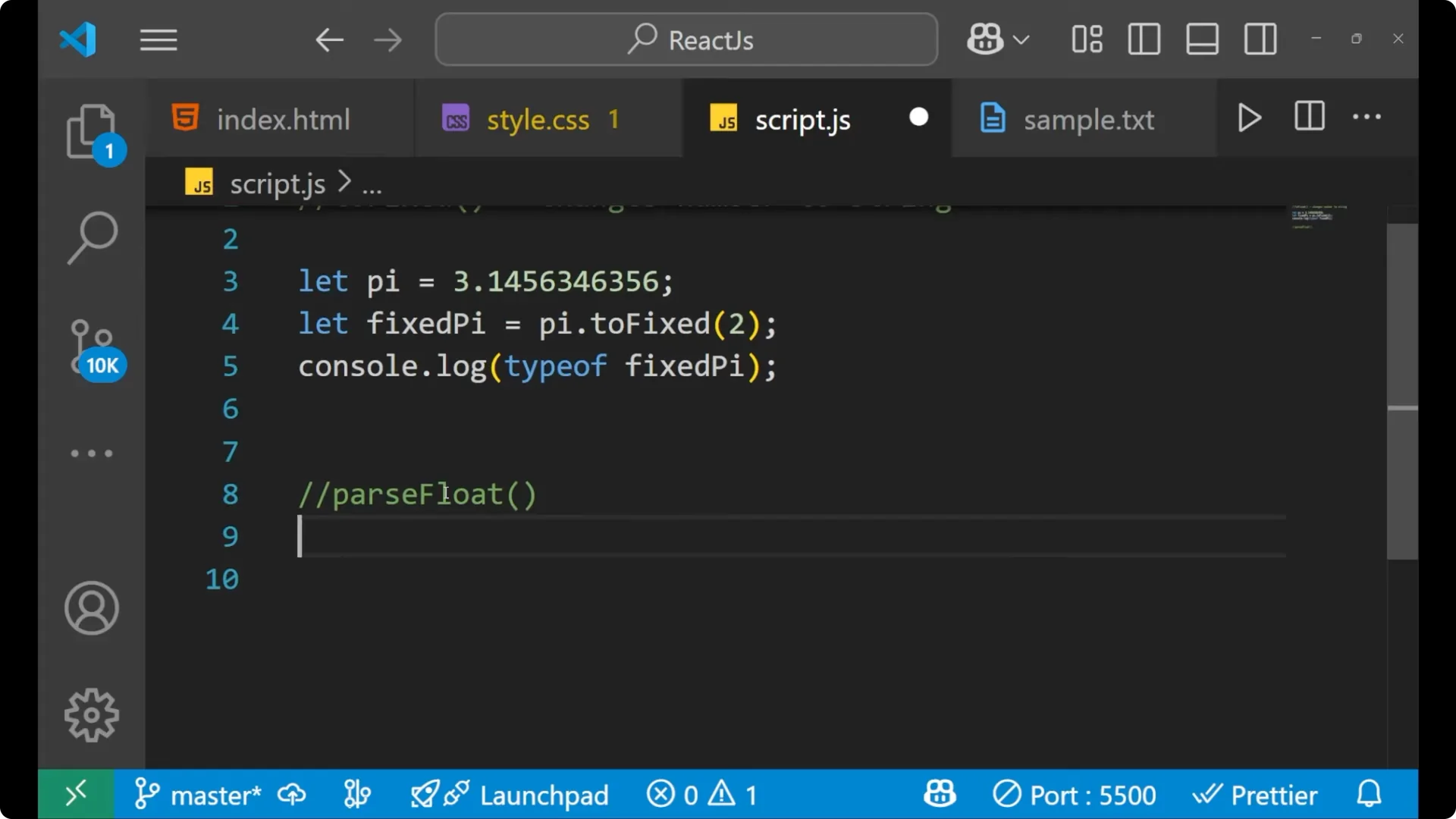
toFixed returns a
string, not a number. That’s important if you plan to do arithmetic next.
let pi = 3.1414;
let fixedPi = pi.toFixed(2);
console.log(typeof fixedPi); // "string"
JavaScript Number Formatting with parseFloat
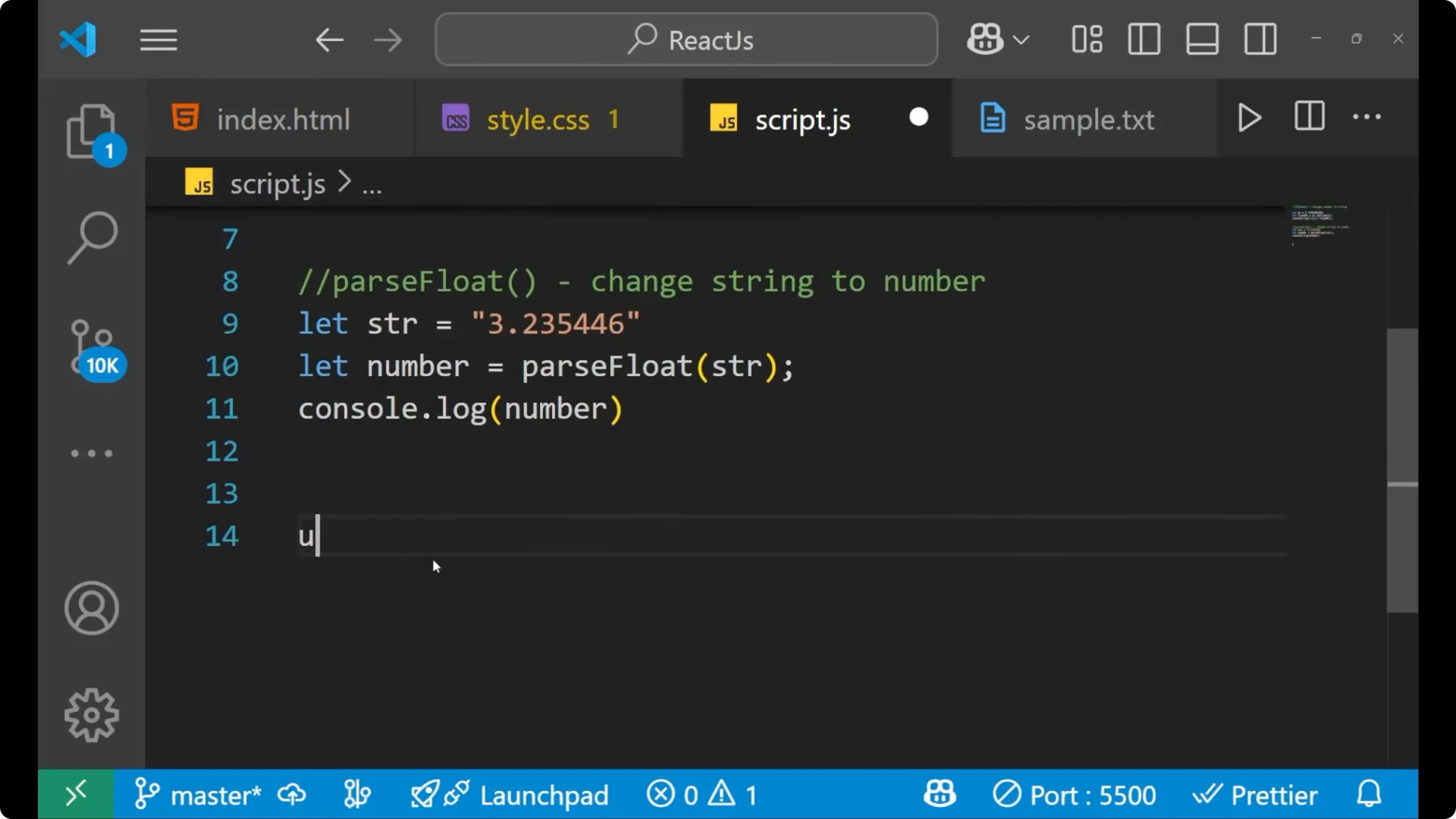
 parseFloat
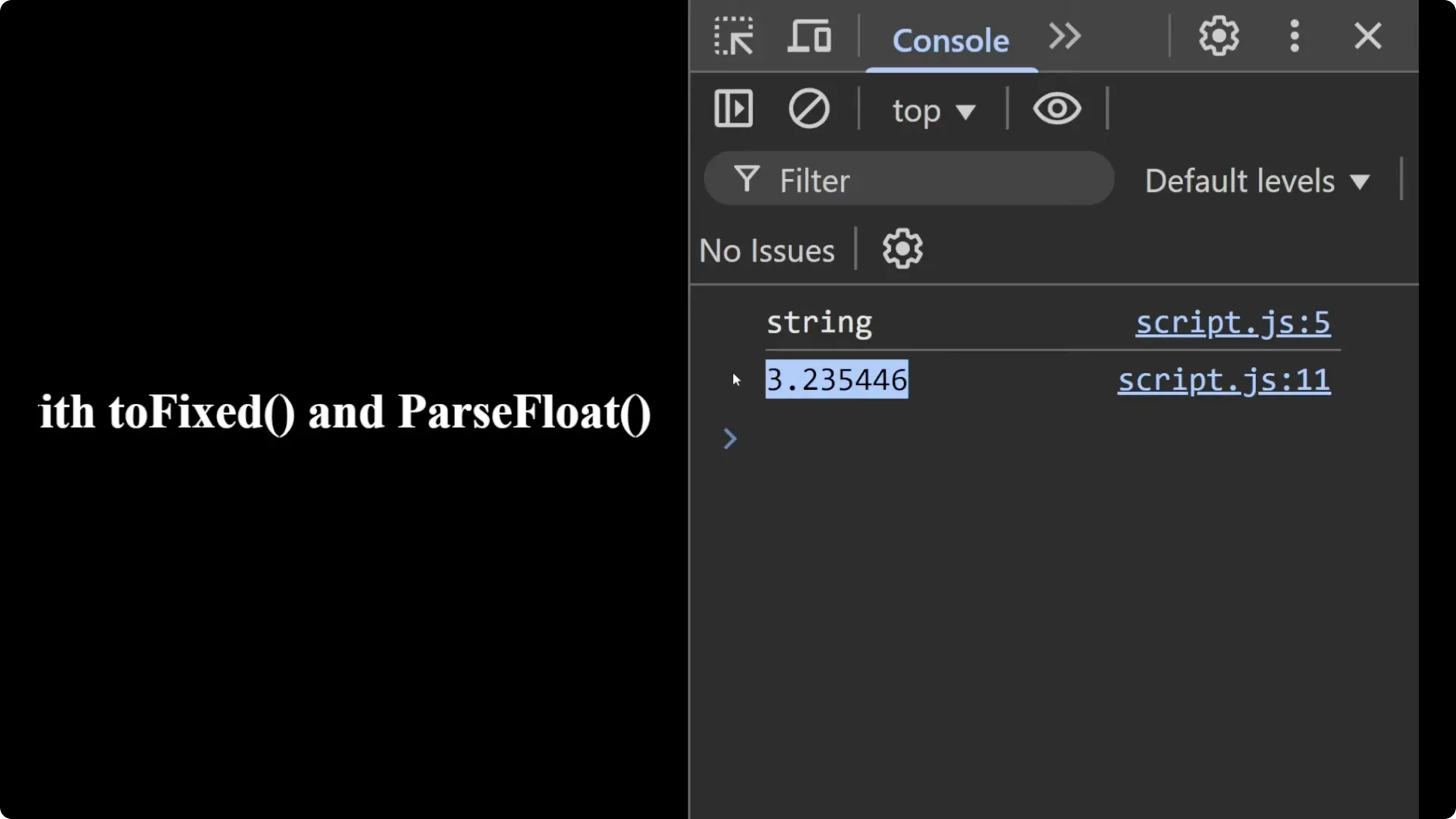
 – F is capital – converts a numeric string back to a floating-point
number.
let str = "3.2323546";
let number = parseFloat(str);
console.log(number);        // 3.2323546
console.log(typeof number); // "number"
If you’re also working with DOM work alongside number formatting, check out
DOM elements.
Combine Methods for JavaScript Number Formatting
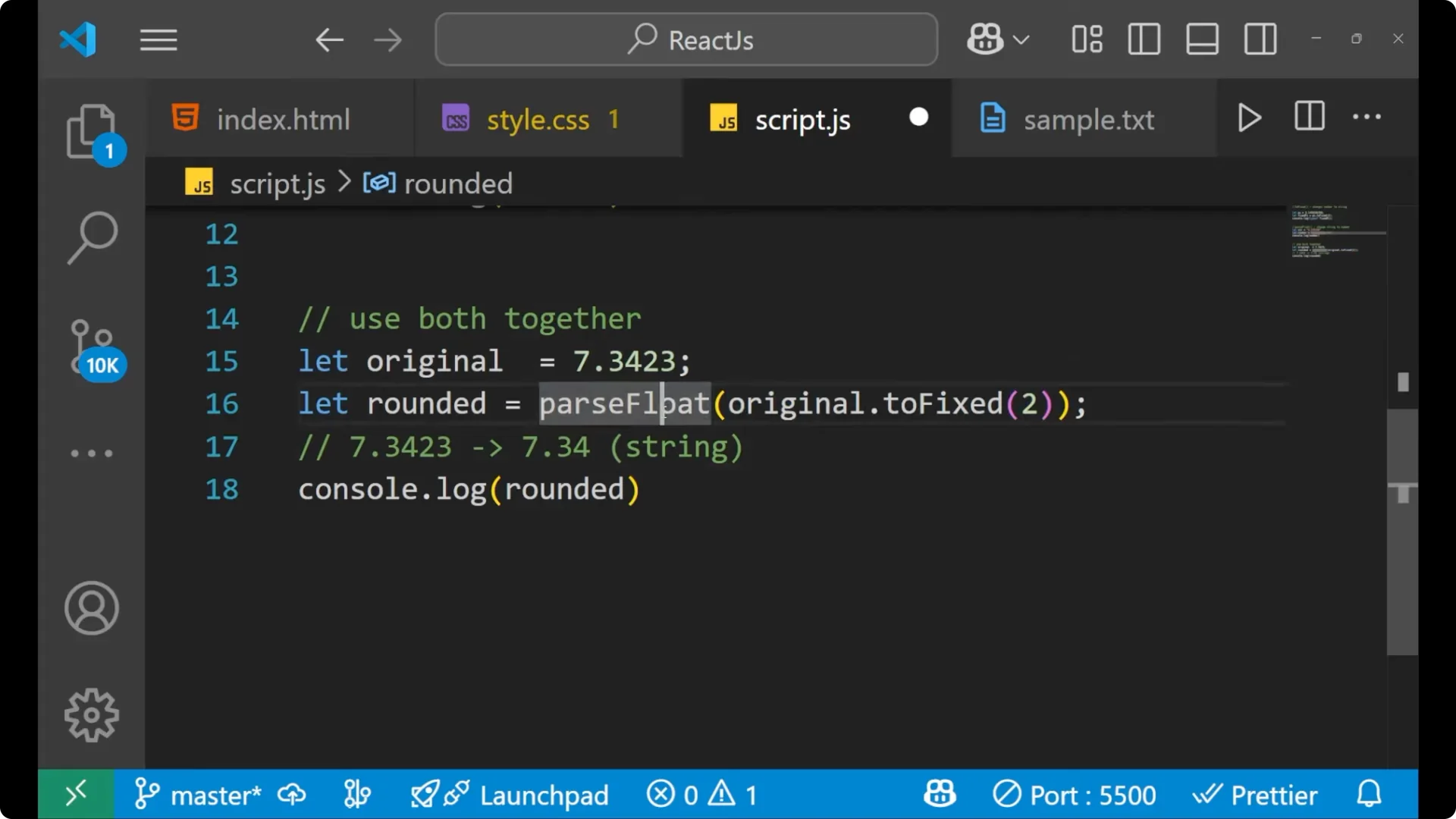
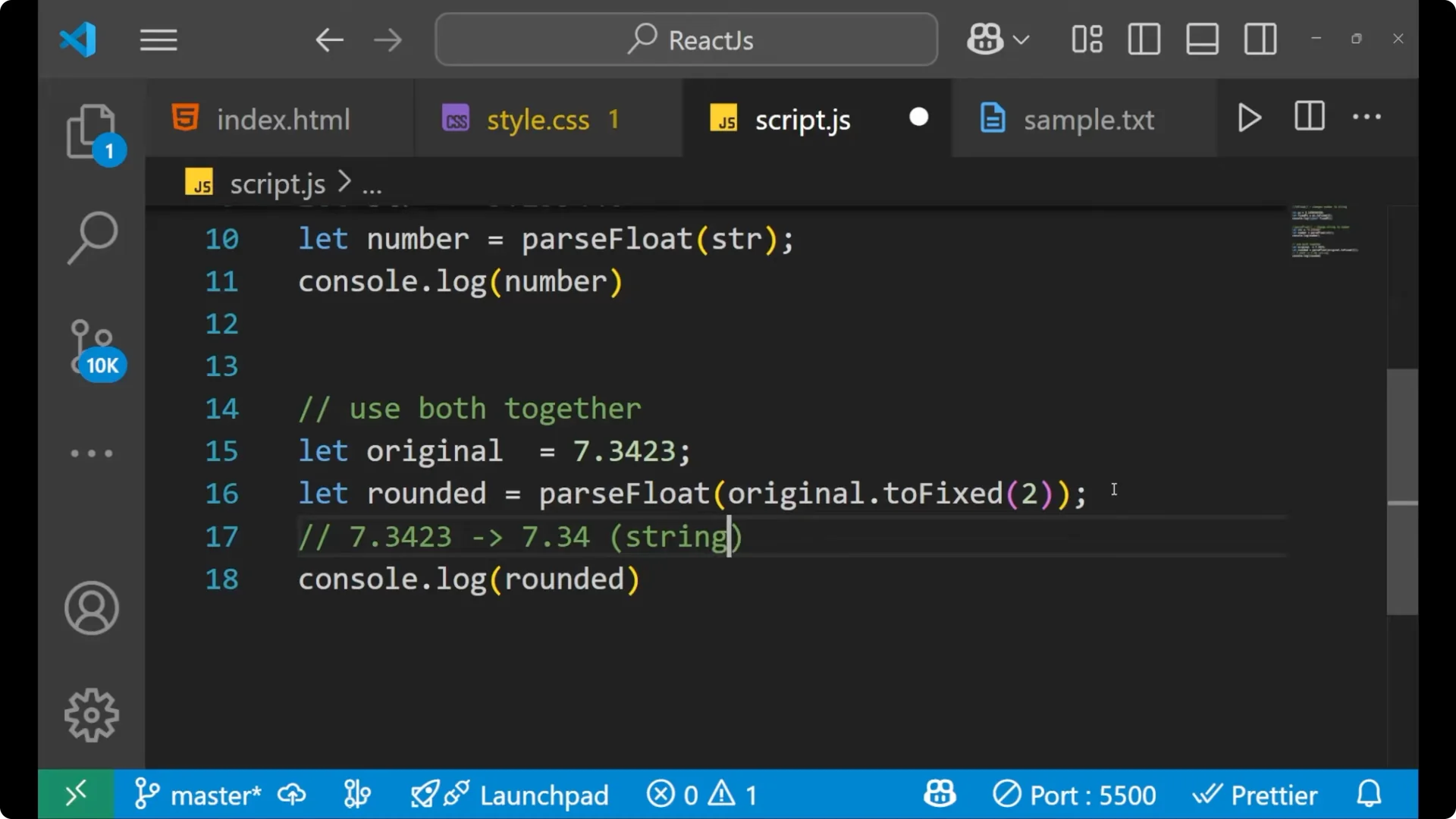
I often use both together to get a rounded number as a true number type. Here’s the pattern:
let original = 7.3423;

// Fix to two decimals (this returns a string), then convert back to number
let rounded = parseFloat(original.toFixed(2));

console.log(rounded);        // 7.34 (number)
console.log(typeof rounded); // "number"
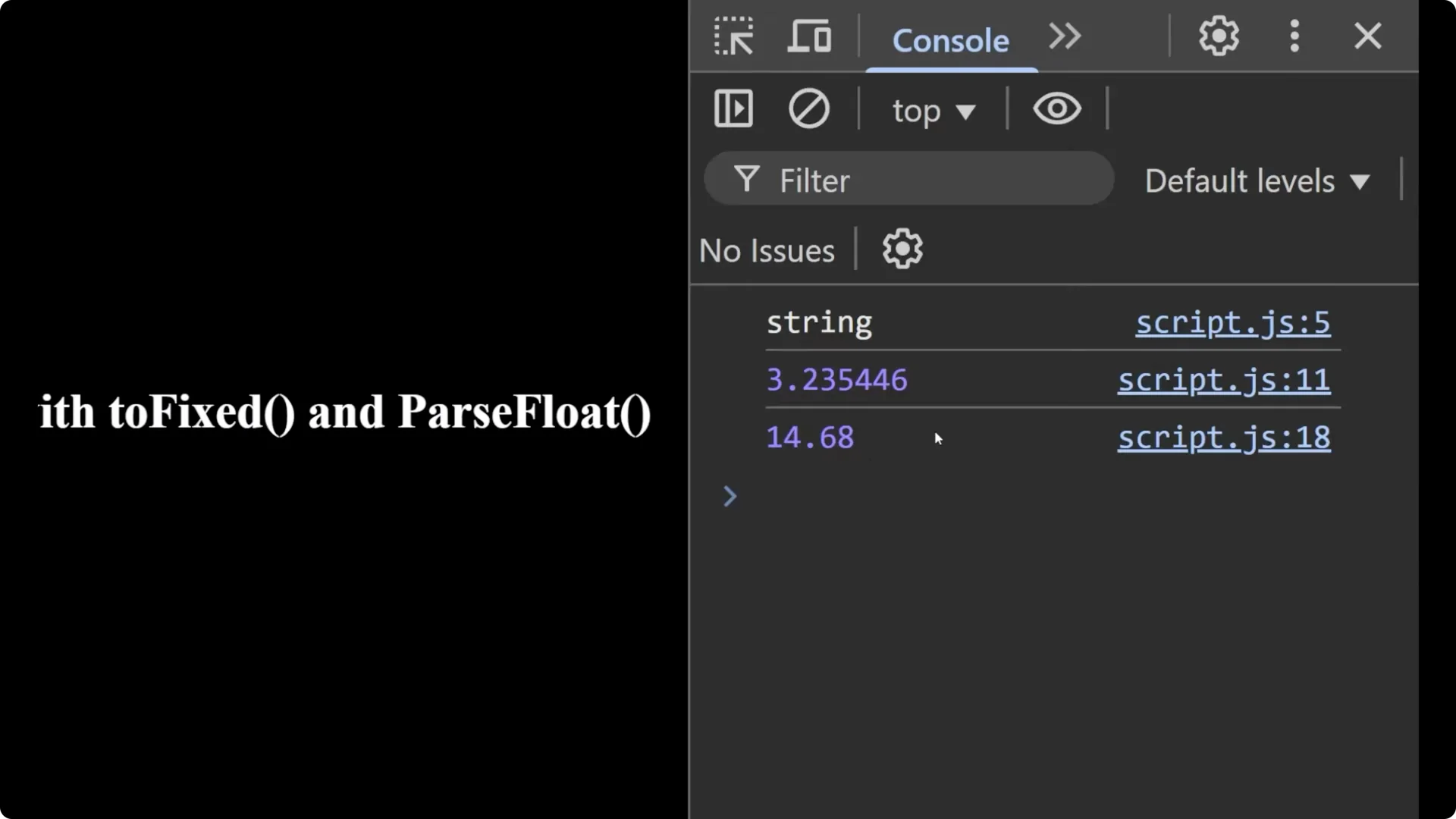
Because it’s a number, arithmetic works as expected:
console.log(rounded + rounded); // 14.68
If you skip parseFloat and keep the toFixed result as a string, you’ll get string concatenation instead of arithmetic:
let onlyString = original.toFixed(2);
console.log(onlyString + onlyString); // "7.347.34"
Final Thoughts
- toFixed formats to a fixed number of decimals and rounds the value, but returns a string.
- parseFloat converts that string back to a number so you can perform arithmetic safely.
- Use them together when you need both proper formatting and numeric operations.
If you’re cleaning up UI interactions after formatting, see
remove DOM.