
Memoization is all about doing the caching. It is a way to store the result of an expensive function so that when we call the function with the same arguments again, we can return the same cached result without recomputing the whole function.
This is very useful for heavy calculation and for recursive algorithms. A simple math example like factorial helps to understand this technique clearly.
When a naive recursive factorial runs, every call recomputes all the sub factorials. That can be very slow or very large, and it can take a lot of time and storage. To resolve this problem, we use memoization.
As discussed in Debounce Javascript Functions Performance, performance techniques like debouncing help in event-heavy code, and memoization helps when repeated pure computations dominate cost.
JavaScript Function Memoization explained
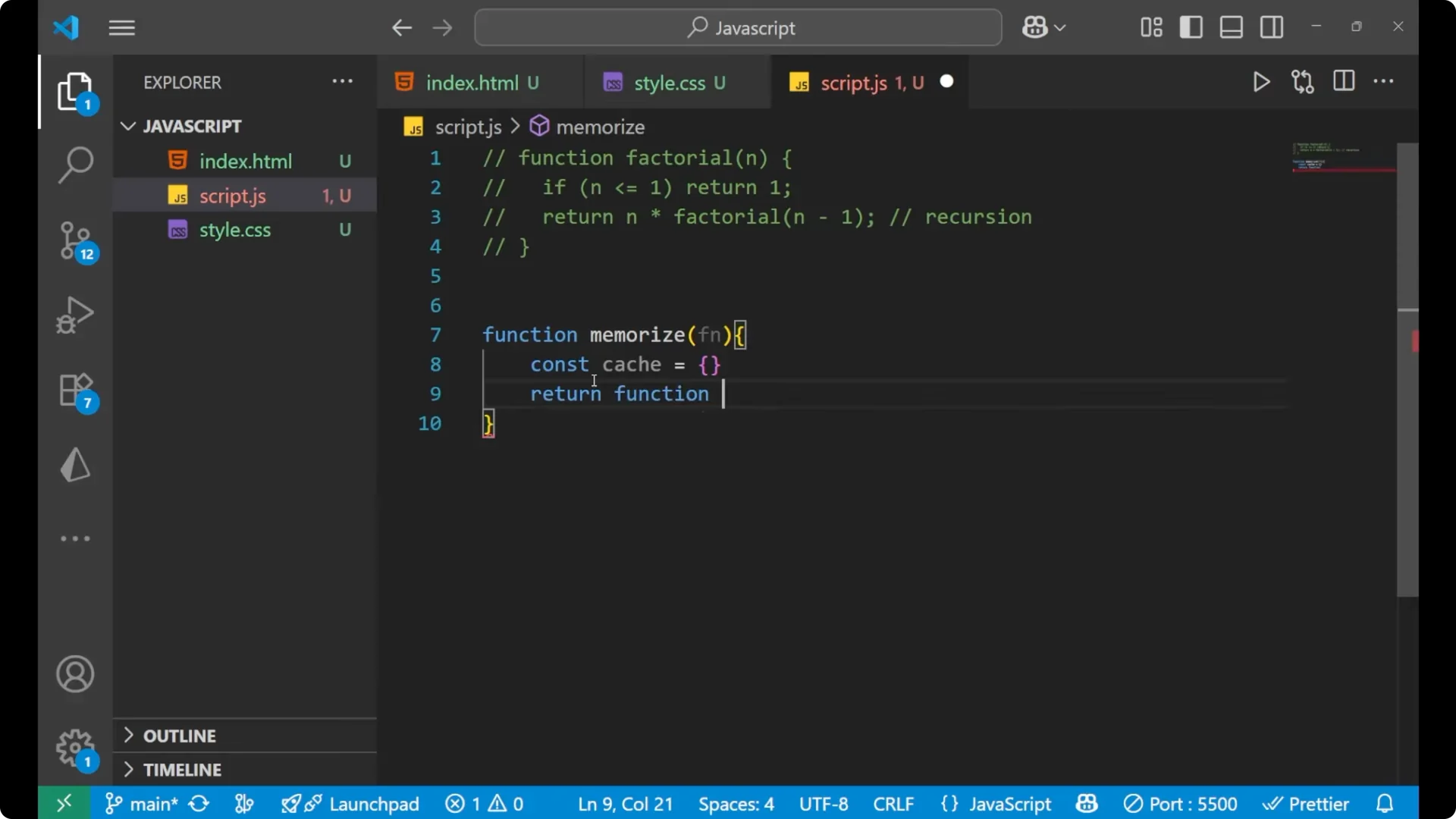
We create a generic memoize helper function. You can name it anything you want, but normally we write it as memoize. The function takes any function as input, keeps a cache object inside, builds a cache key from the arguments, and returns cached values for repeated calls.
function memoize(fn) {
  const cache = {}; // stores previous results
  return function memoized(...args) {
    const key = JSON.stringify(args); // cache key
    if (key in cache) {
      // return cached value
      return cache[key];
    }
    const result = fn.apply(this, args); // computation
    cache[key] = result; // store in cache
    return result; // return the result
  };
}
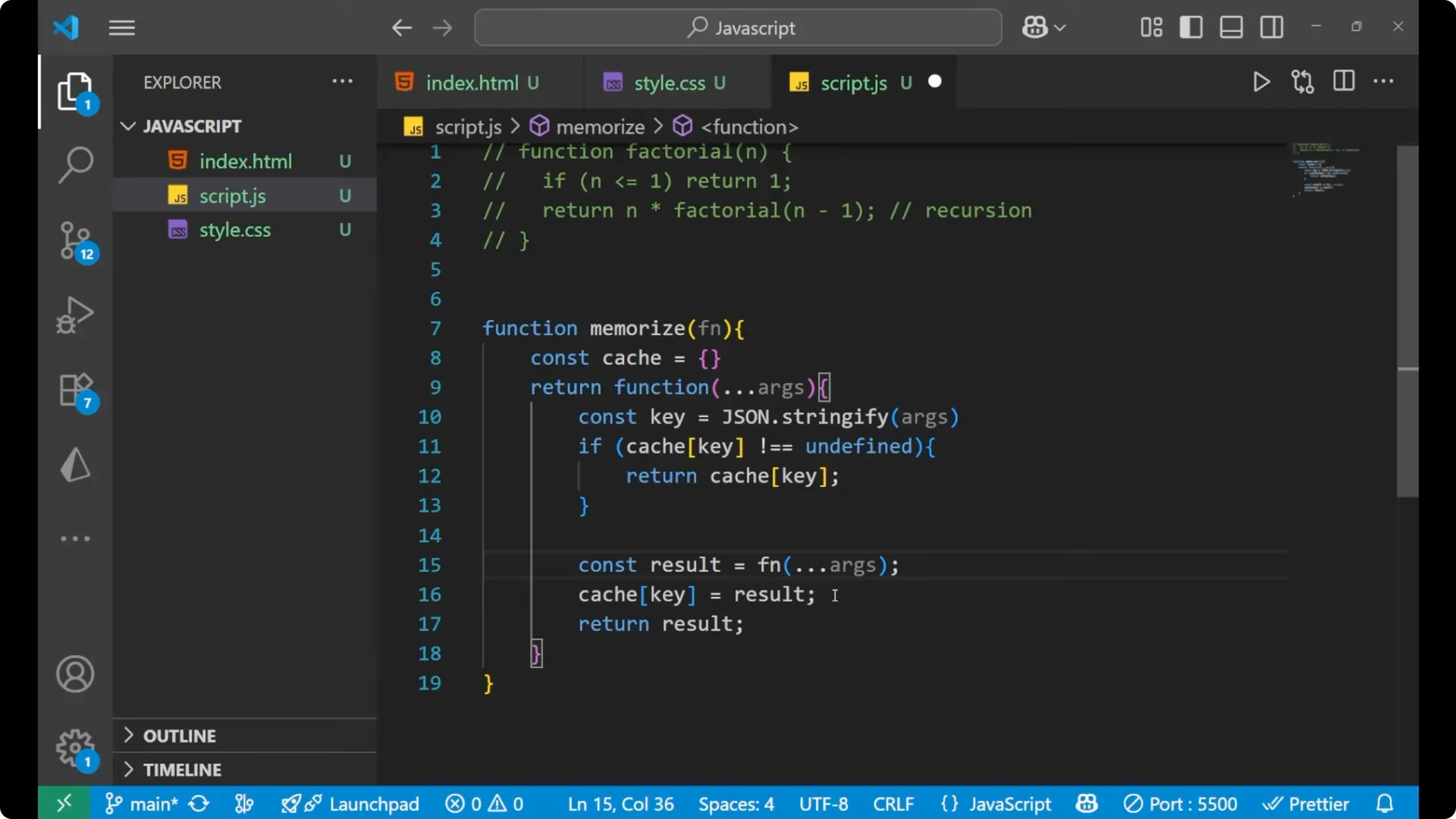
This cache object stores the previous results. The cache key is built with JSON.stringify on the incoming arguments. If the cache already has the key, we return the cached value. The line with fn and the arguments is doing the computation part. After that, the computed value is stored inside the cache, and we return the result.
If your inputs might include NaN or tricky numeric cases, make sure you understand how equality and comparisons behave in JavaScript, as covered in Understanding Nan Javascript Detect Fix.
JavaScript Function Memoization with factorial
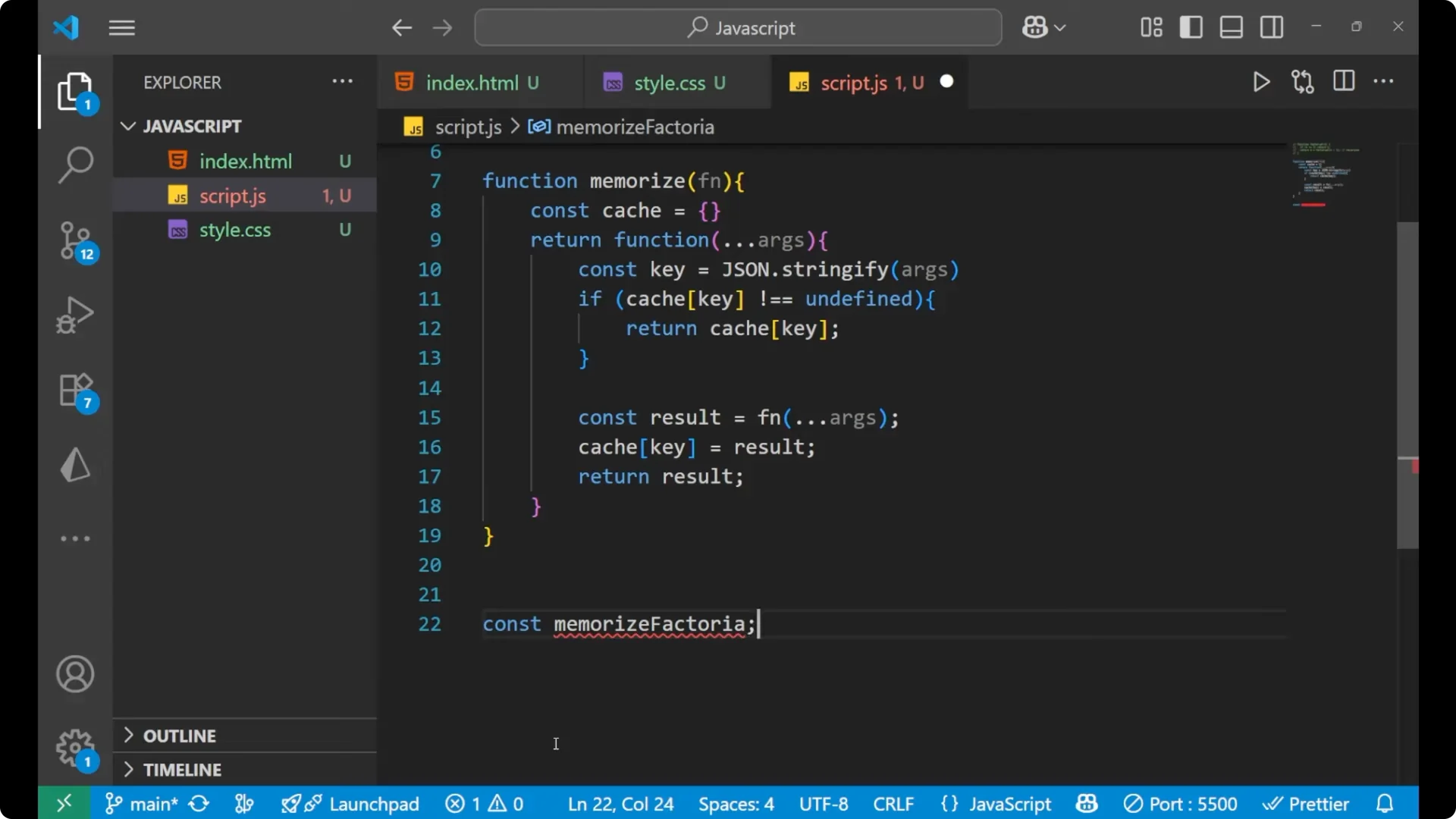
Let’s apply the helper to a recursive factorial. The idea is to wrap the recursive implementation inside memoize. The recursive calls should go through the memoized function, so we reference the outer variable inside the function body.
const factorial = memoize(function f(n) {
  if (n <= 1) return 1;
  return n * factorial(n - 1);
});
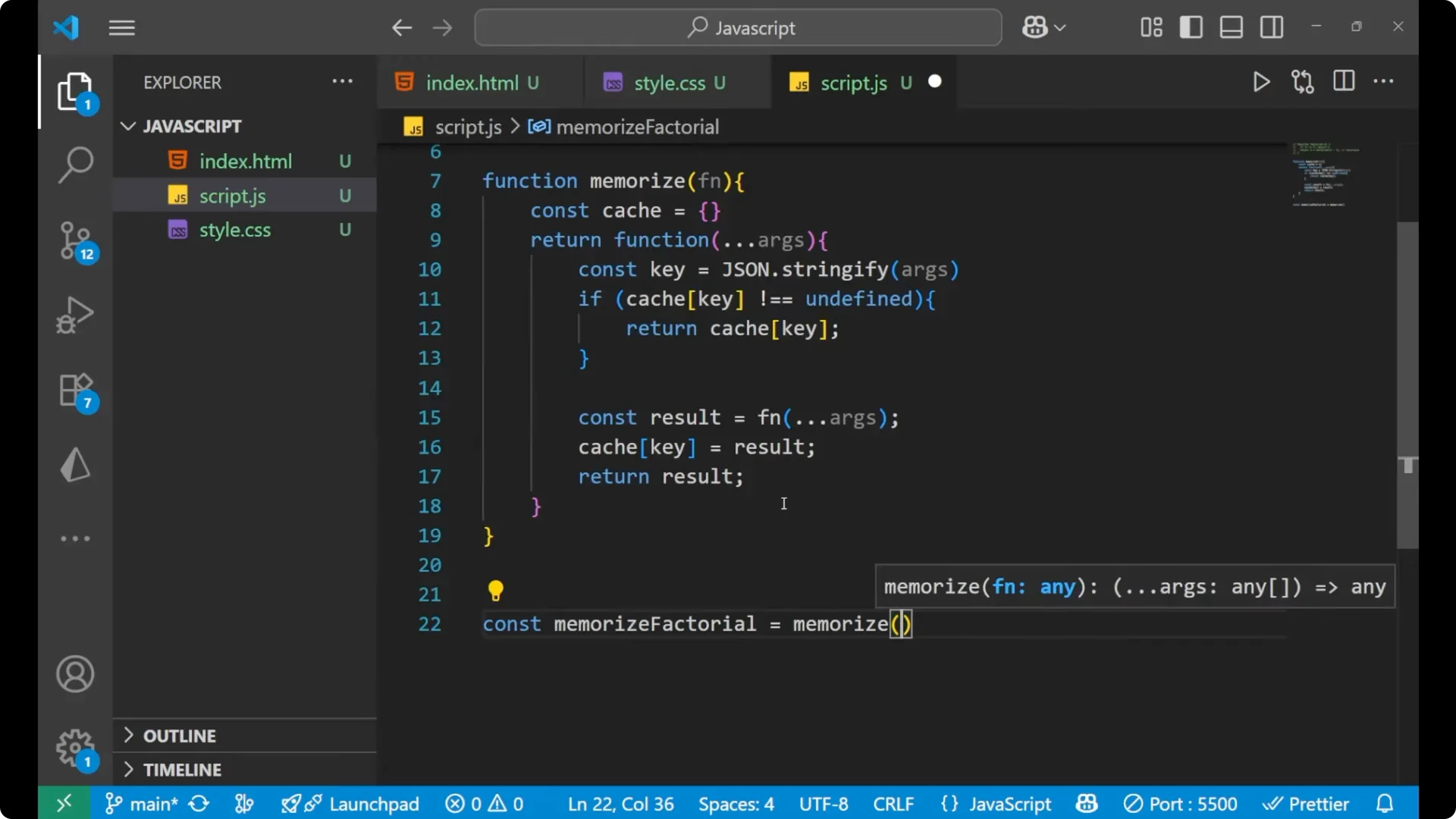
This setup ensures the subcalls use the memoized version, which avoids recomputing the same sub factorials again and again.
Run and measure
We will measure the execution time using console.time and console.timeEnd. It is important to use the exact same label with the same capitalization for time and timeEnd.
console.time("First Call");
console.log(factorial(10));
console.timeEnd("First Call");
console.time("Second Call");
console.log(factorial(10));
console.timeEnd("Second Call");
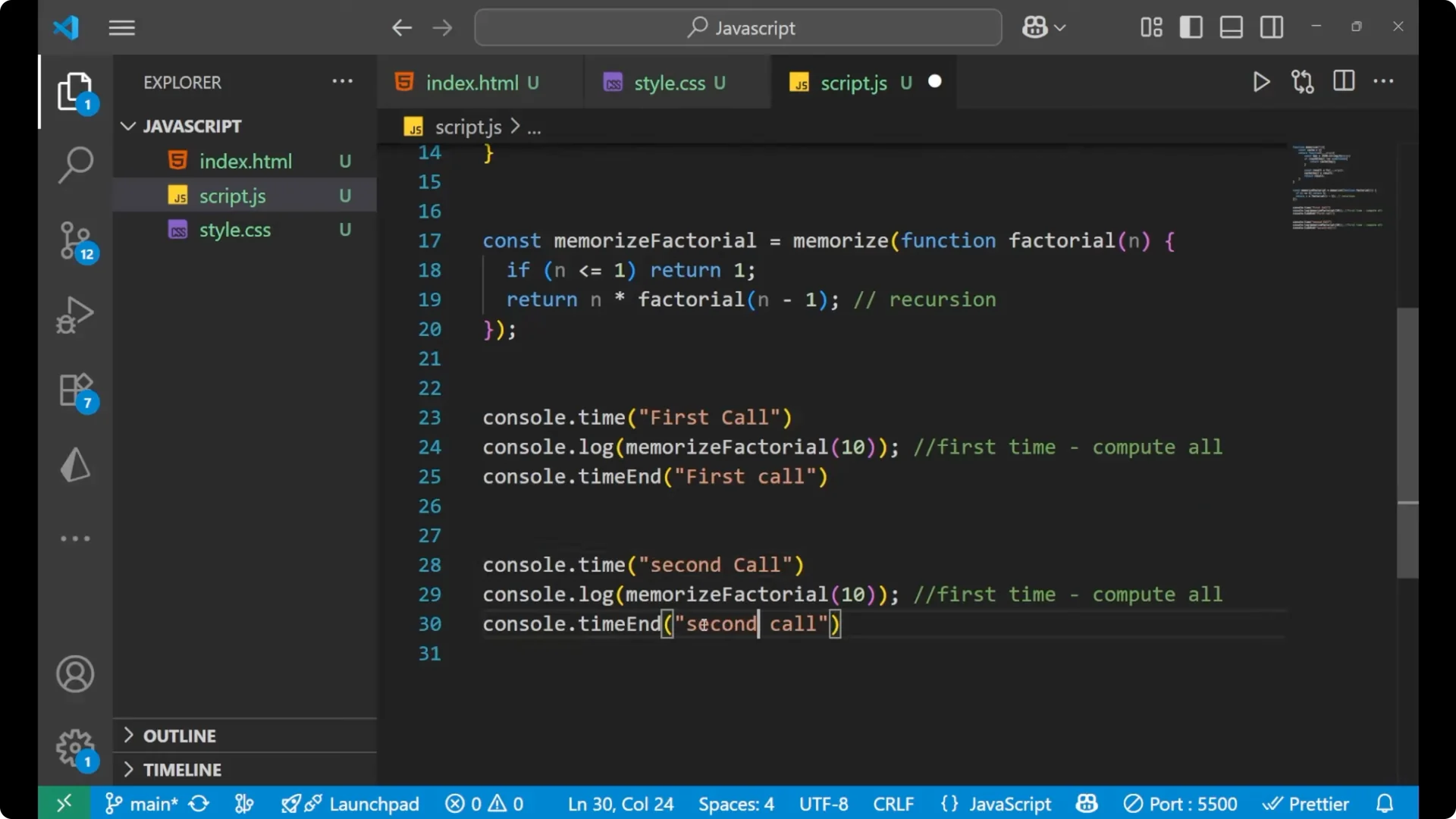
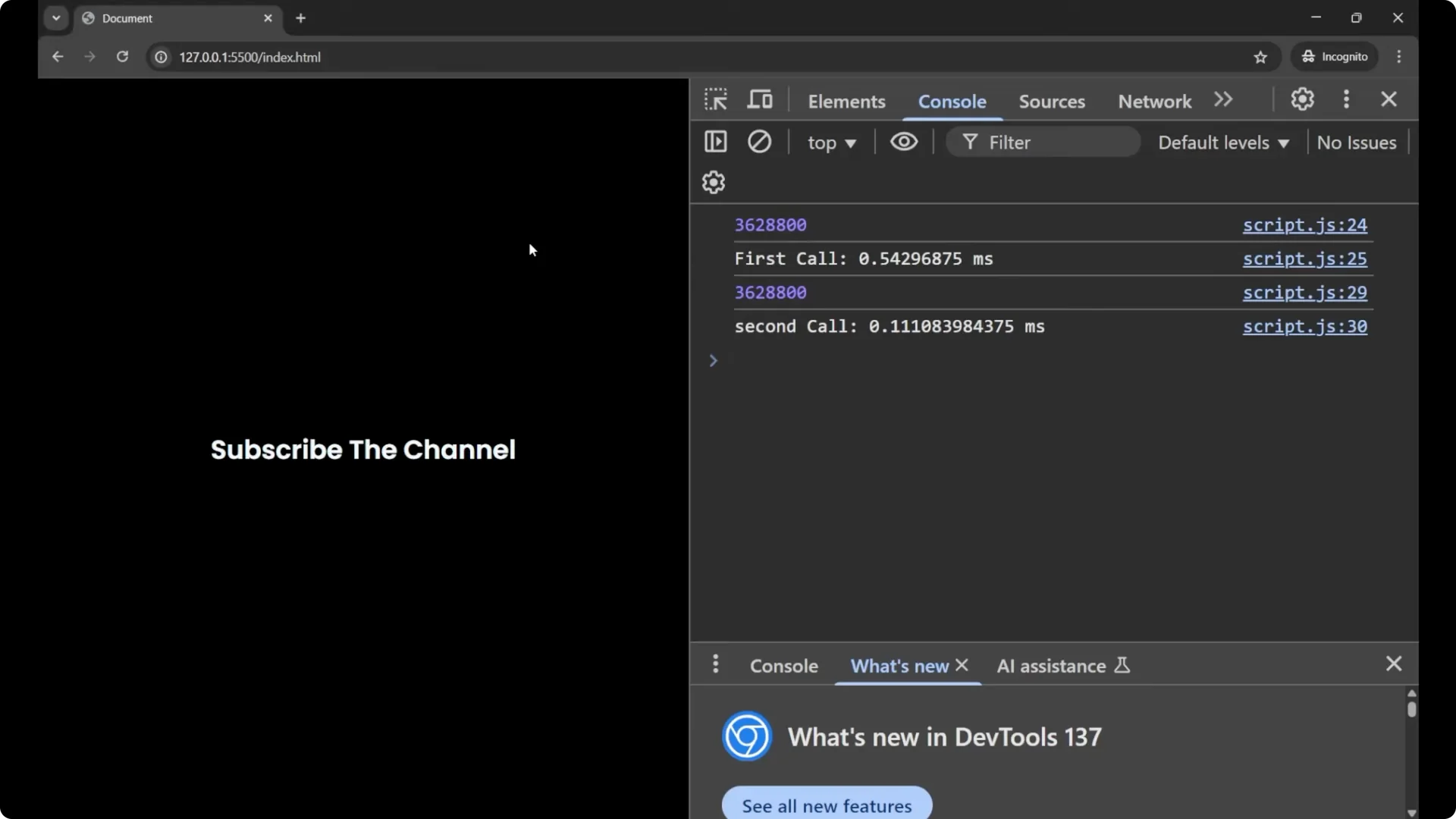
For the first call, it will do the computation of all the values. For the second call with the same argument, it will return the value stored in the cache. For example, you can see a result like the first call taking 0.33 second and the second call taking 0.09 second, which shows it takes much less time when the result is served from the cache.
If you are working on time-based logic and DOM updates, see the practical example in Real Time Countdown Timer Javascript Dom. Memoization focuses on pure computations, while a countdown timer focuses on scheduling and rendering updates.
Steps to implement JavaScript Function Memoization
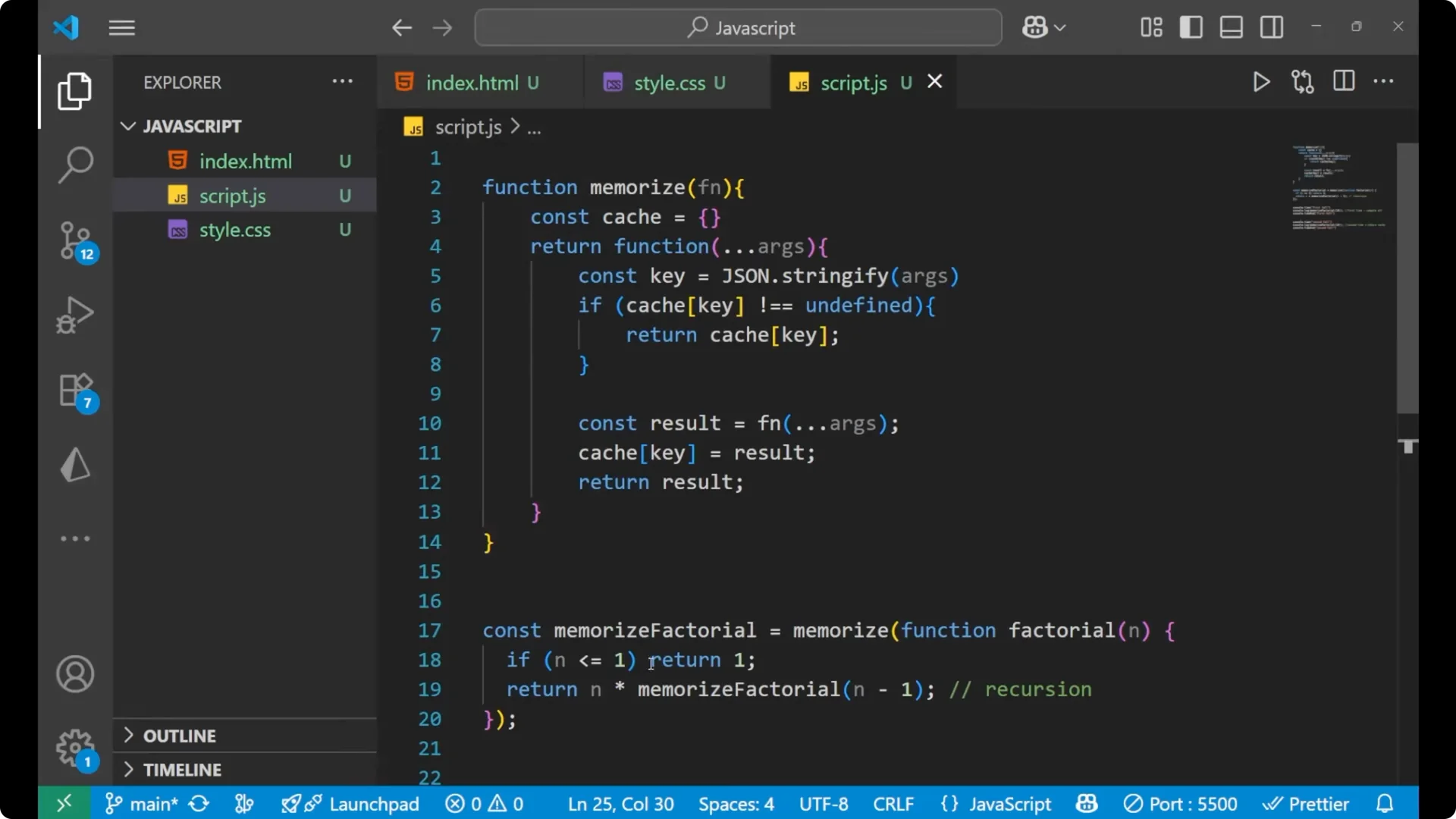
Step 1: Write a generic memoize function that closes over an internal cache object.
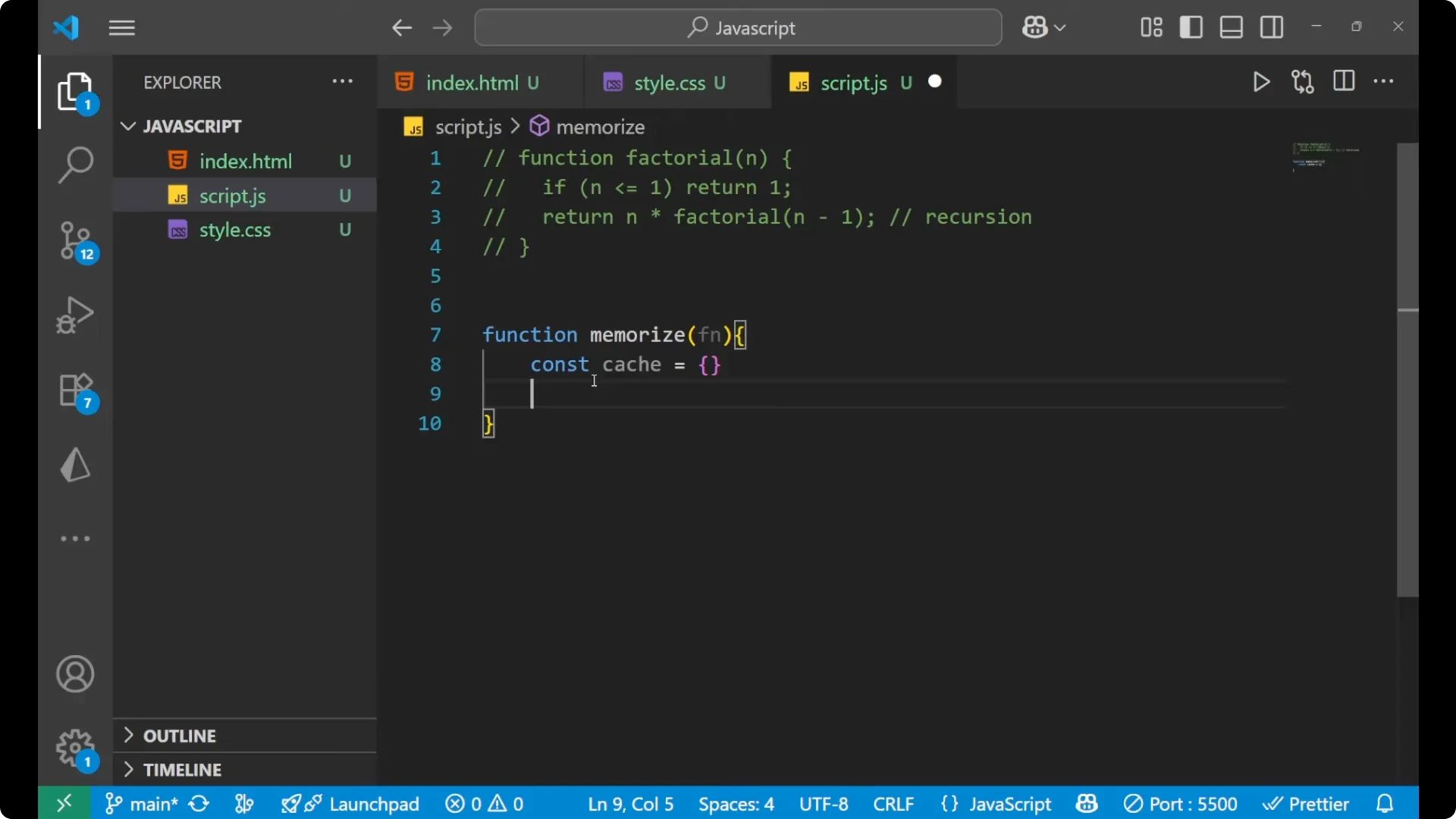
Step 2: Build a stable cache key from the function arguments, for example with JSON.stringify.
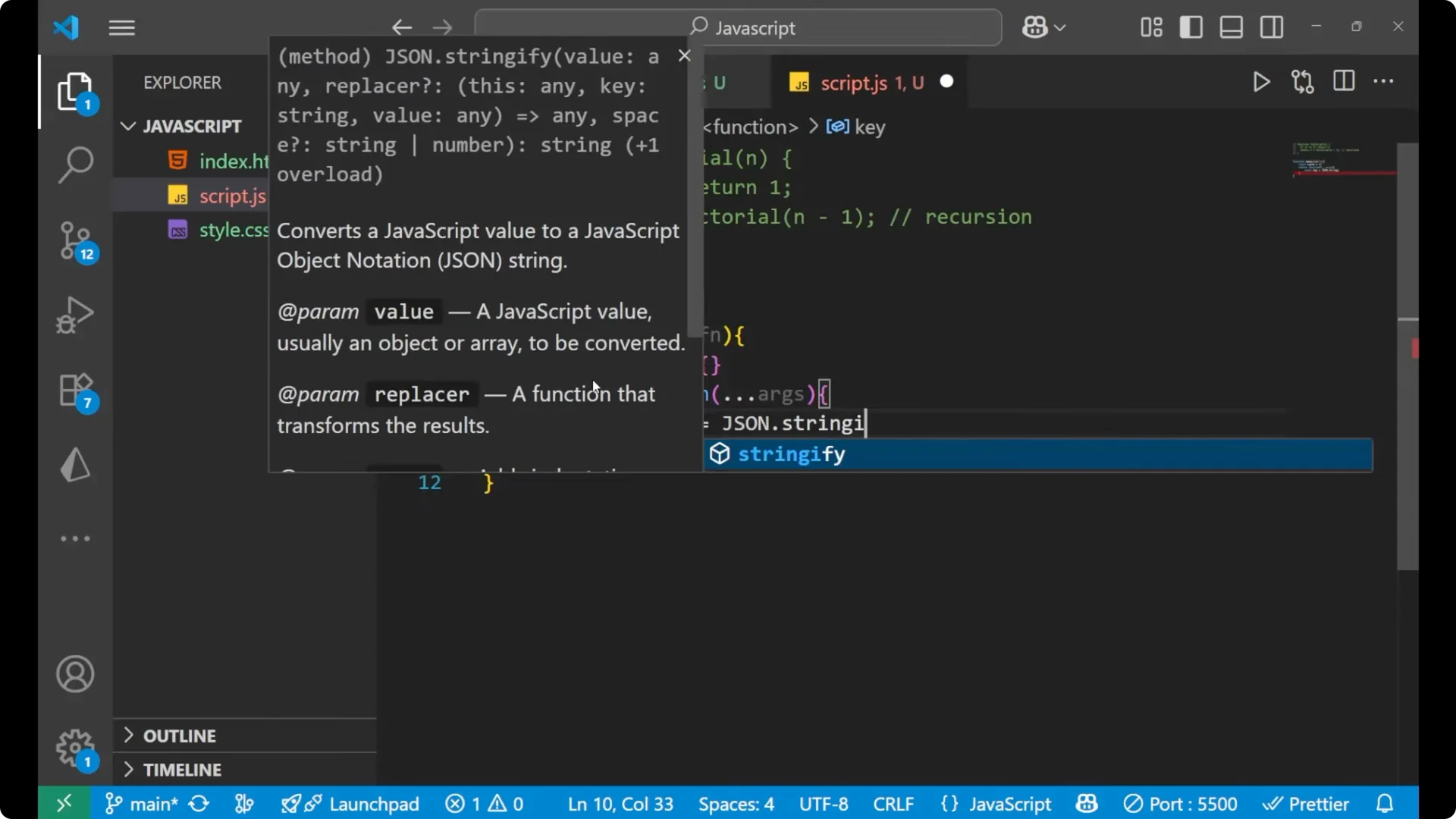
Step 3: If the key exists in the cache, return the cached value.
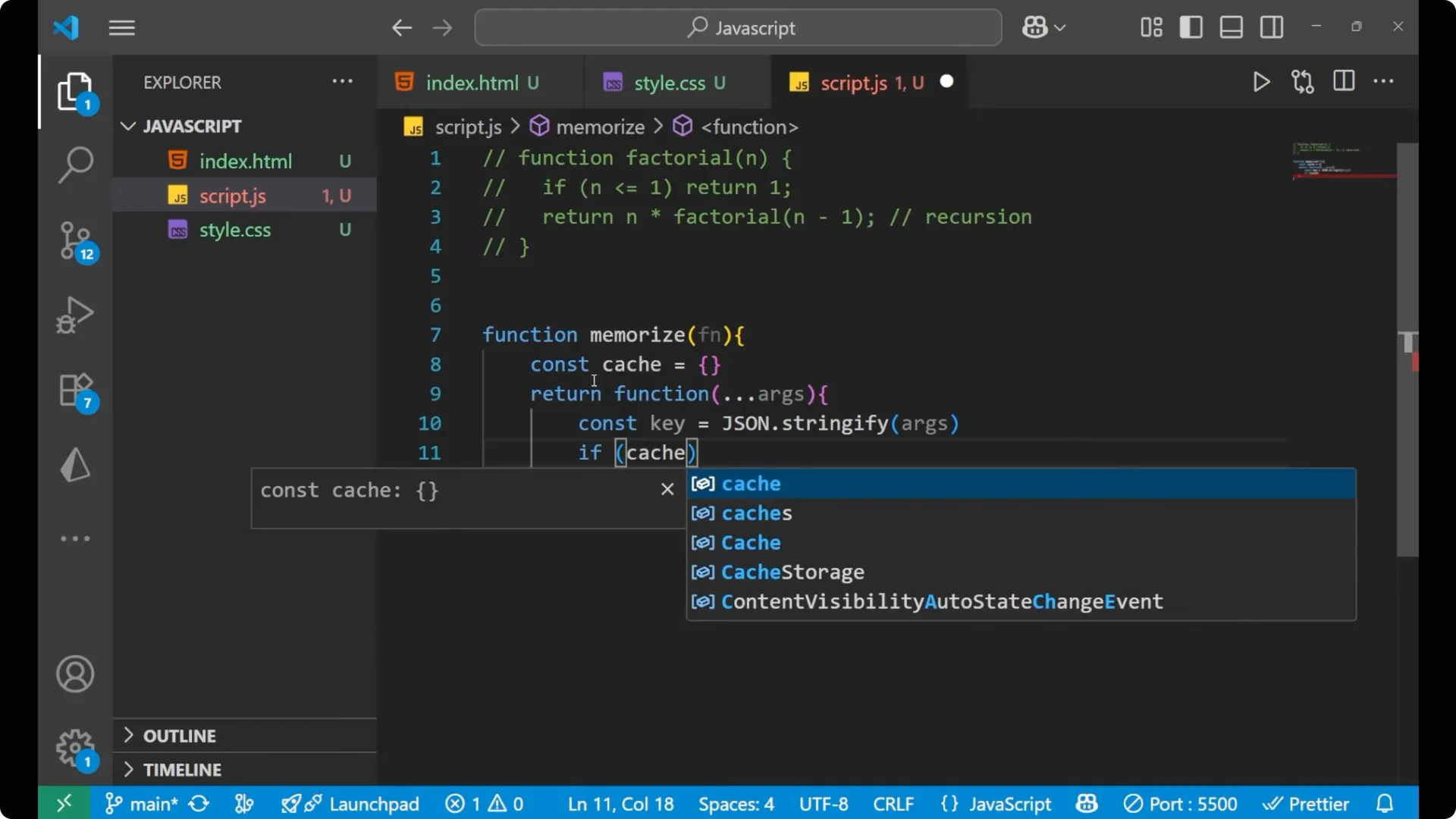
Step 4: If not, compute the result by calling the original function, store it in the cache, and return it.
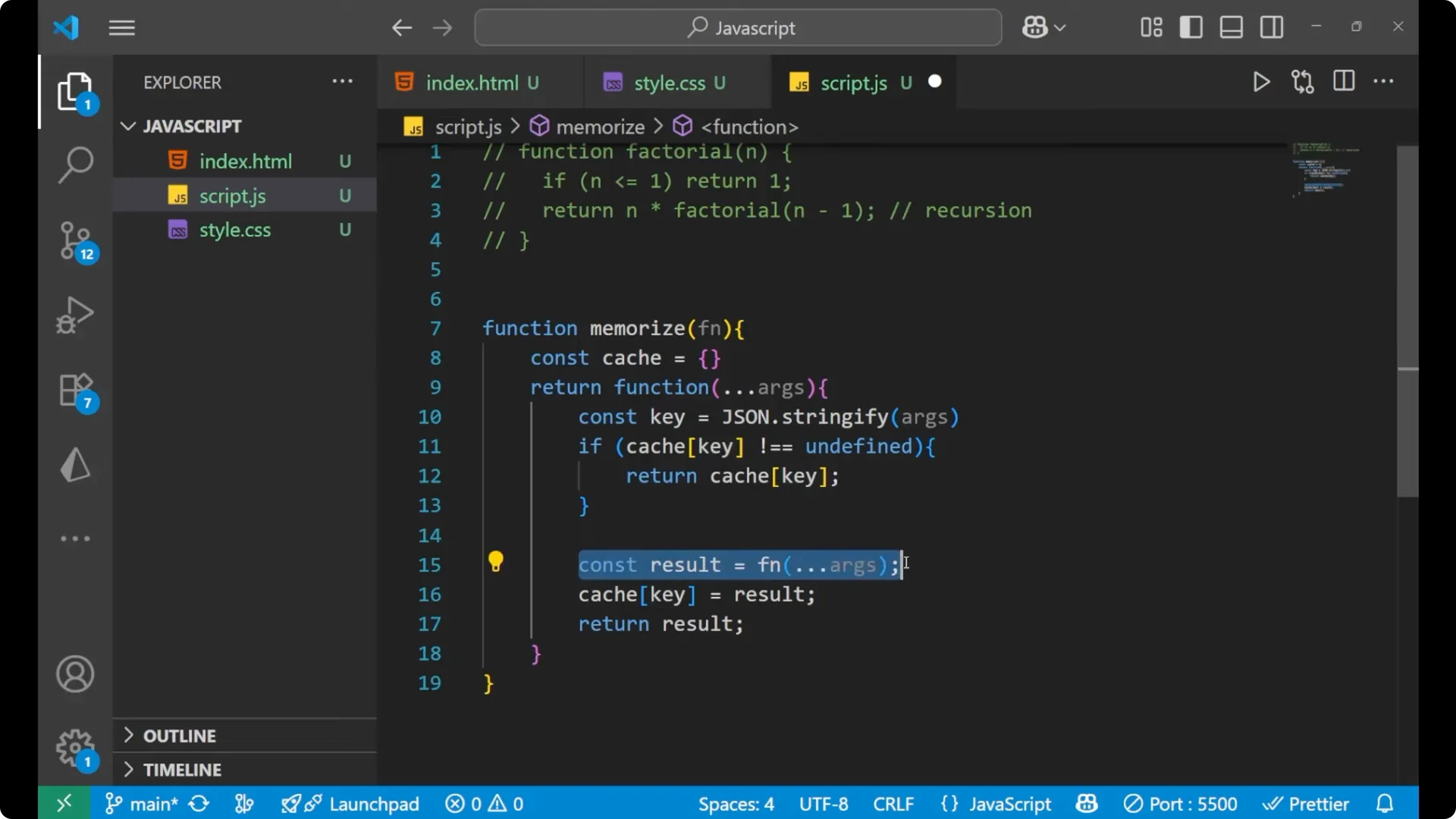
Step 5: Wrap your expensive or recursive function, like factorial, with memoize and make sure recursive calls go through the memoized function.
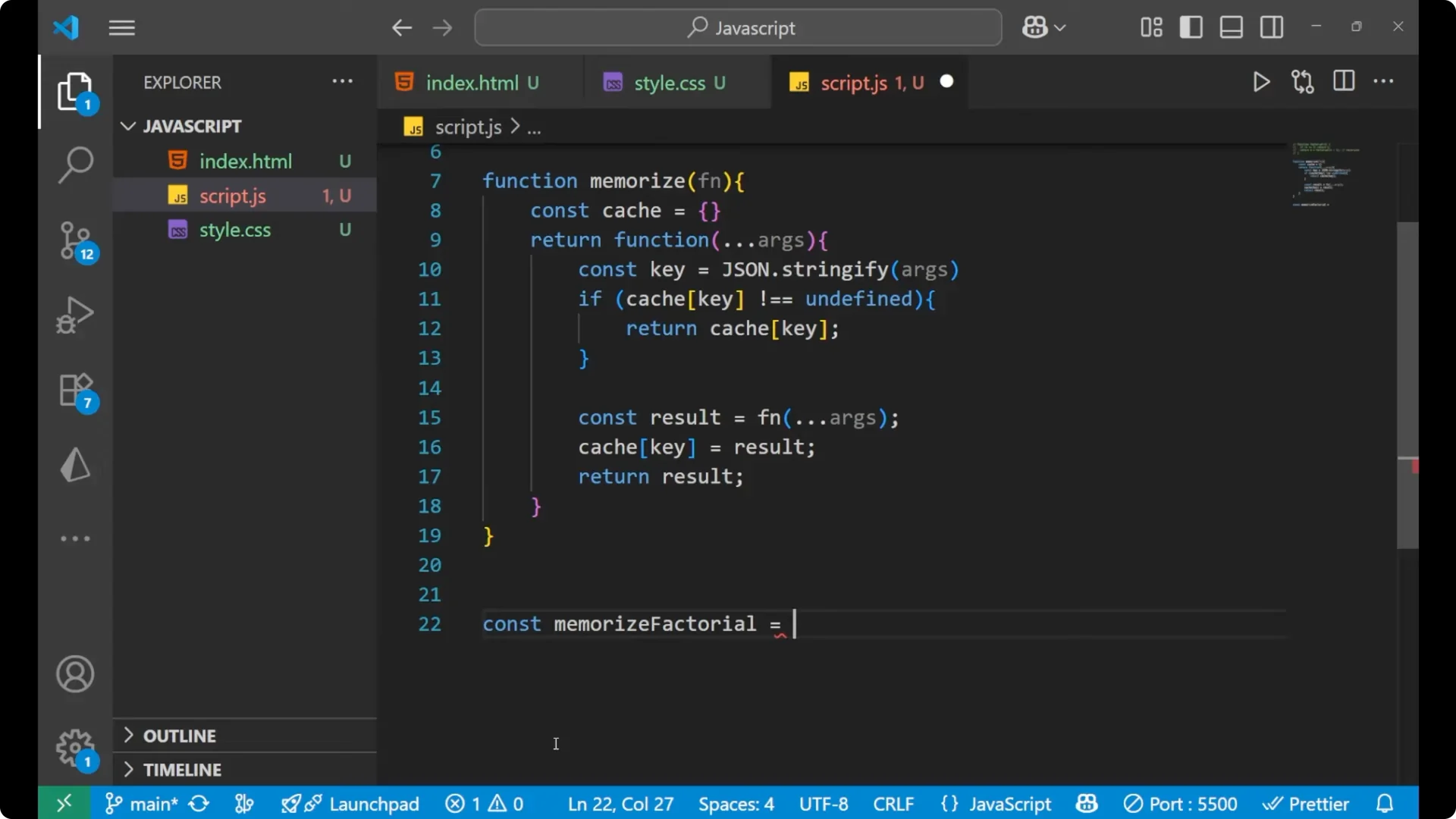
Final thoughts
Memoization stores results of expensive function calls so repeated calls with the same input return a cached value. It is especially useful for heavy calculation and recursive algorithms. The helper shown above is the basic syntax and the way to create a memoization function. Remember to use consistent console.time labels to see the timing difference clearly, and apply the pattern to computations that repeat with the same inputs.