We will explore the while loop, one of the simplest and most useful loops in JavaScript. By the end, you will know how to use it and when to use it.
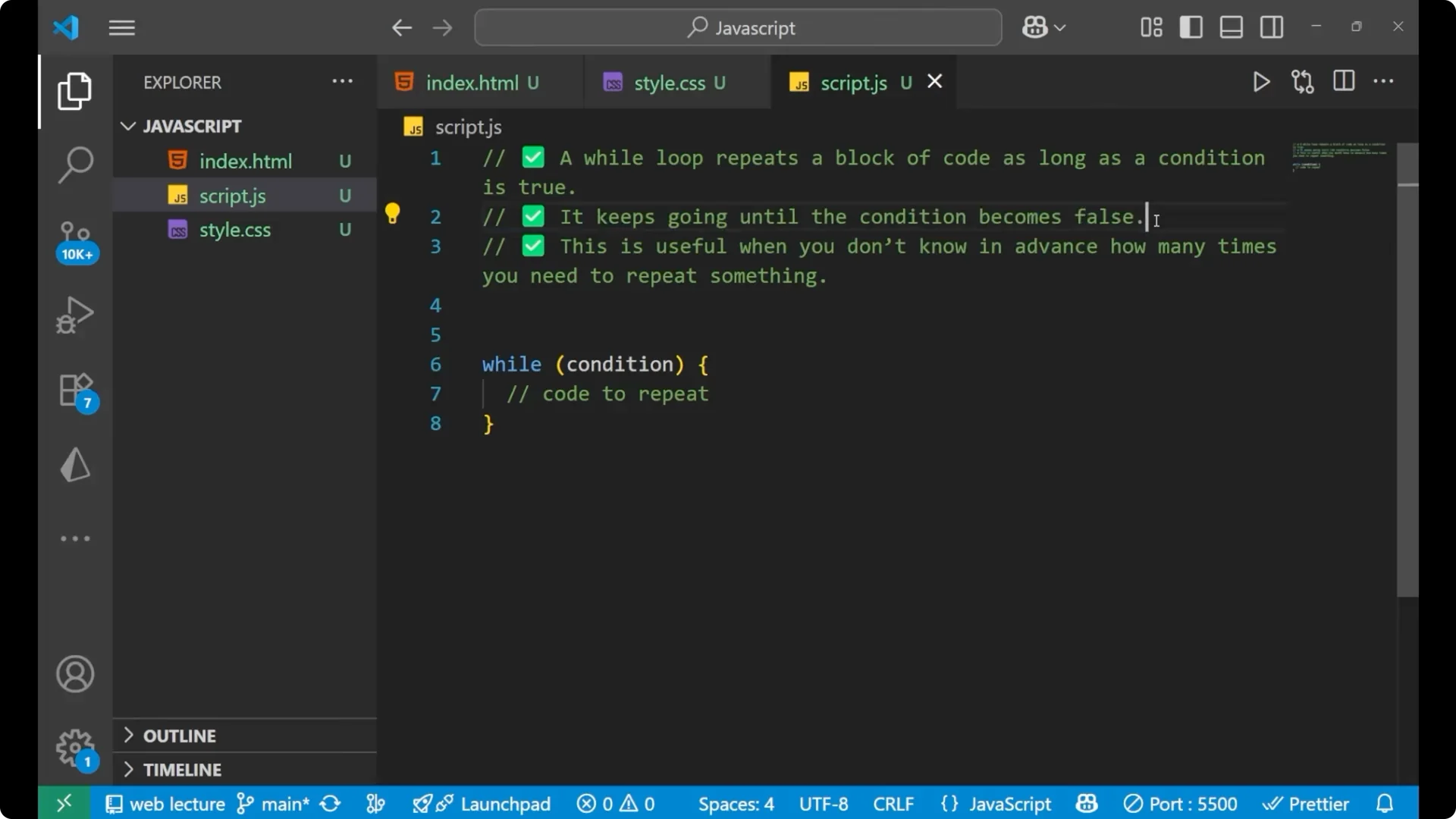
A while loop repeats a block of code as long as the
condition is
true. It works on a condition, and its role is to repeat a block of code until the condition becomes
false. The moment the condition becomes false, it stops the execution of the code. This is useful when you do not know in advance how many times you need to repeat something.
When we know how many times we need to execute, we normally use the for loop. If you do not know how many times you need to execute or repeat the code, use the
while loop.
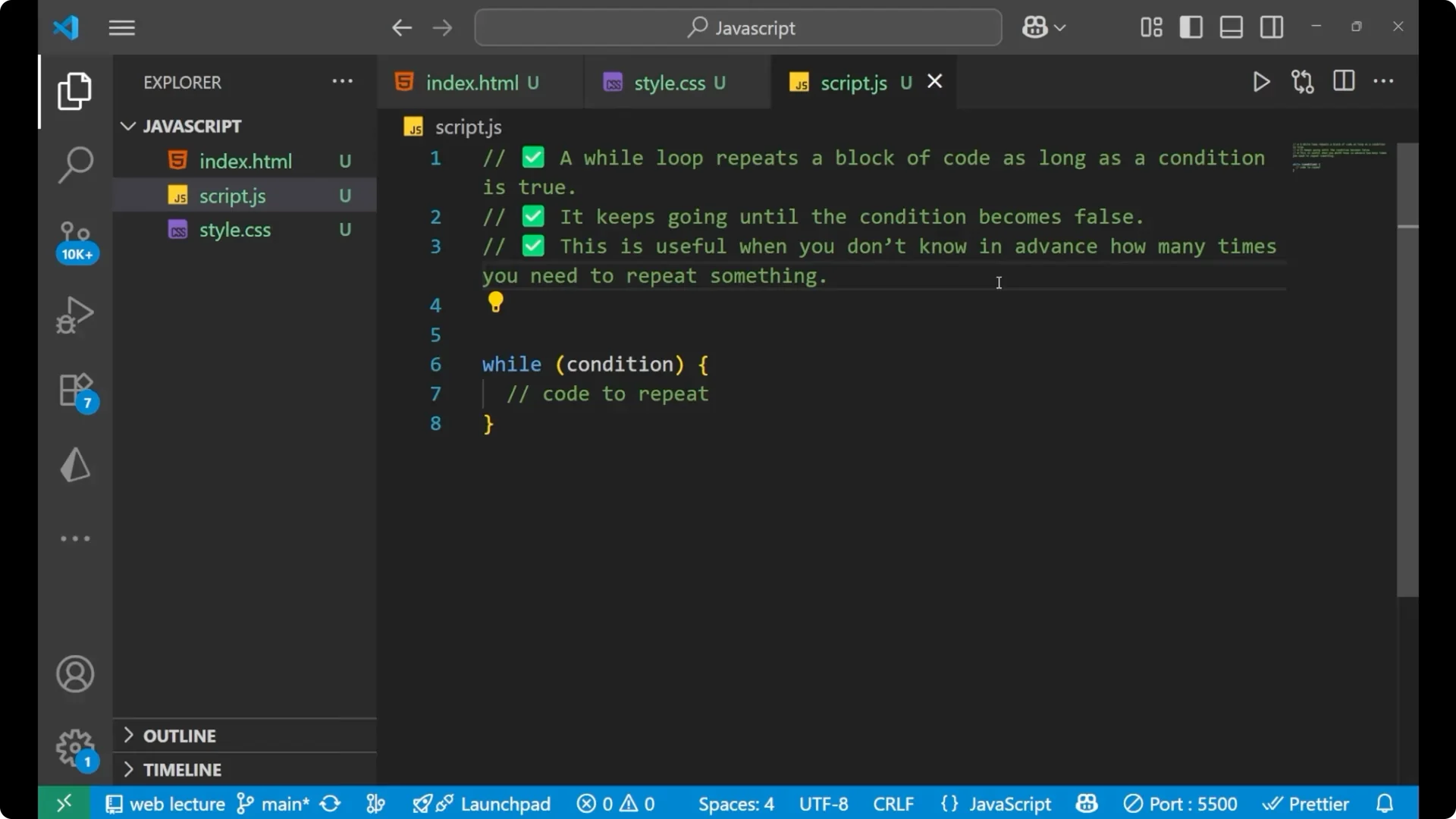
JavaScript While Loops – Syntax
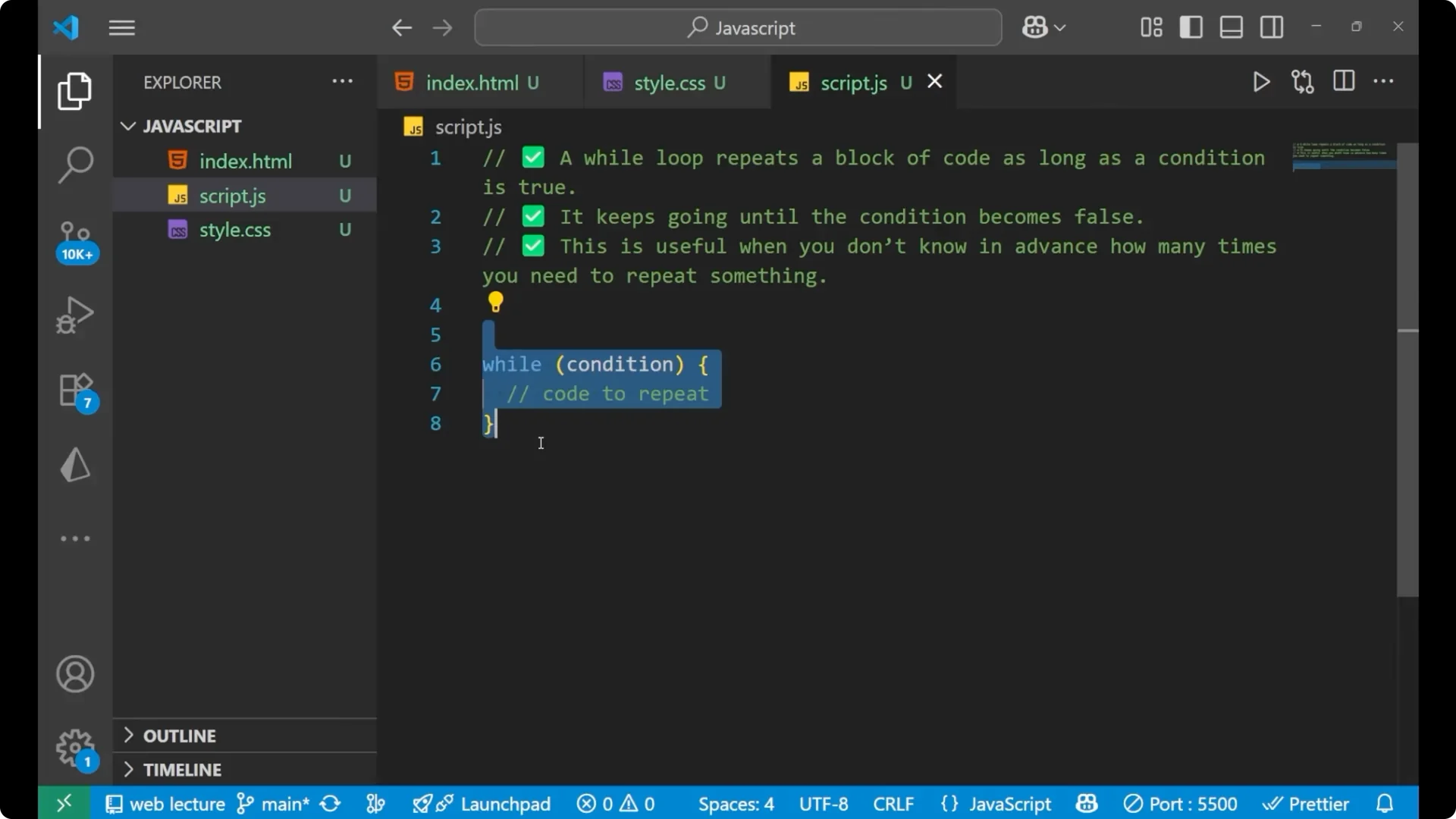
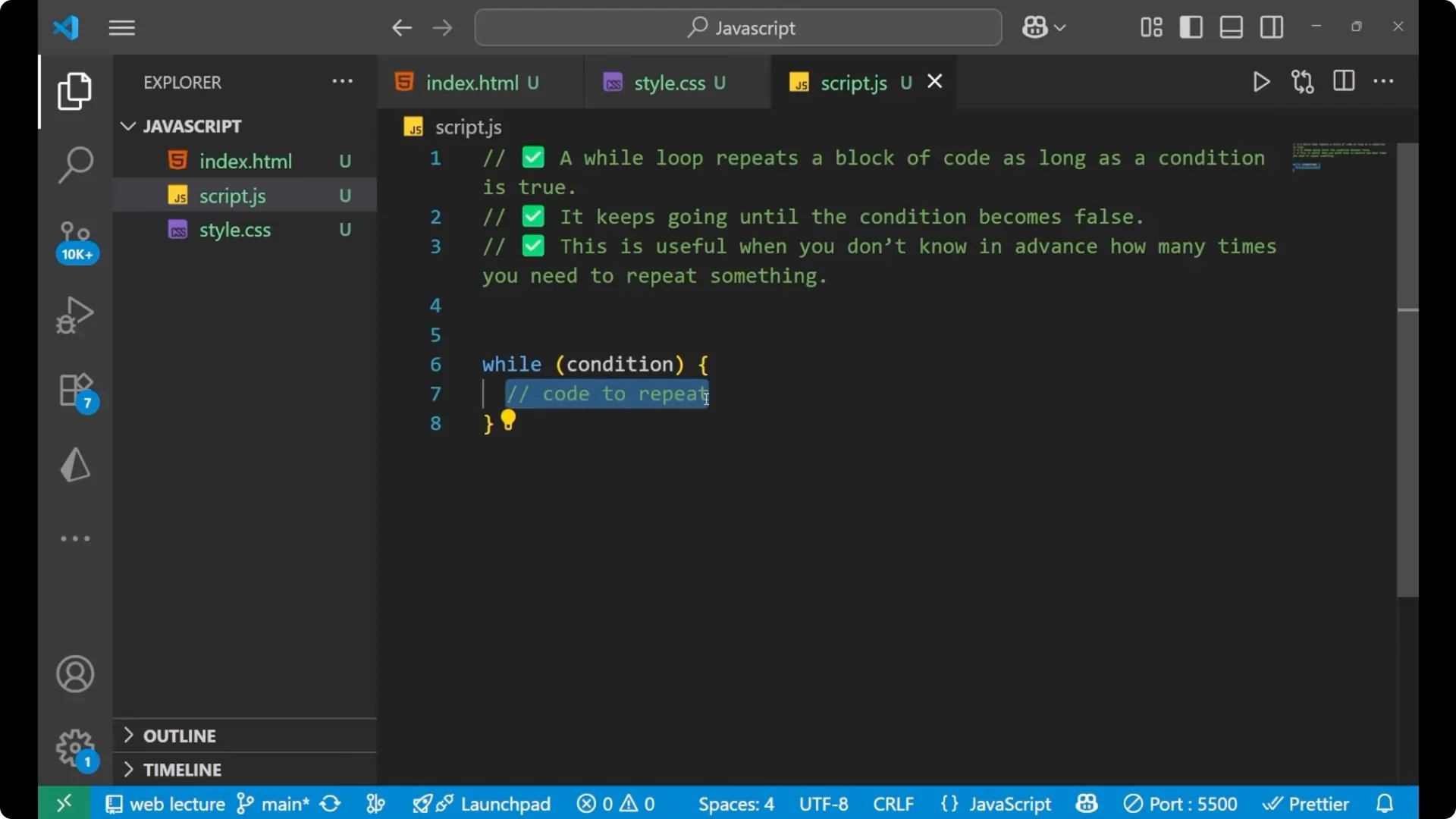
This is the basic syntax. First write `while`, then put the parentheses and inside the parentheses write your condition. Inside the curly braces, write the code you want to execute or repeat.
while (condition) {
  // code to execute
}
JavaScript While Loops – Example: Counting From 1 to 5
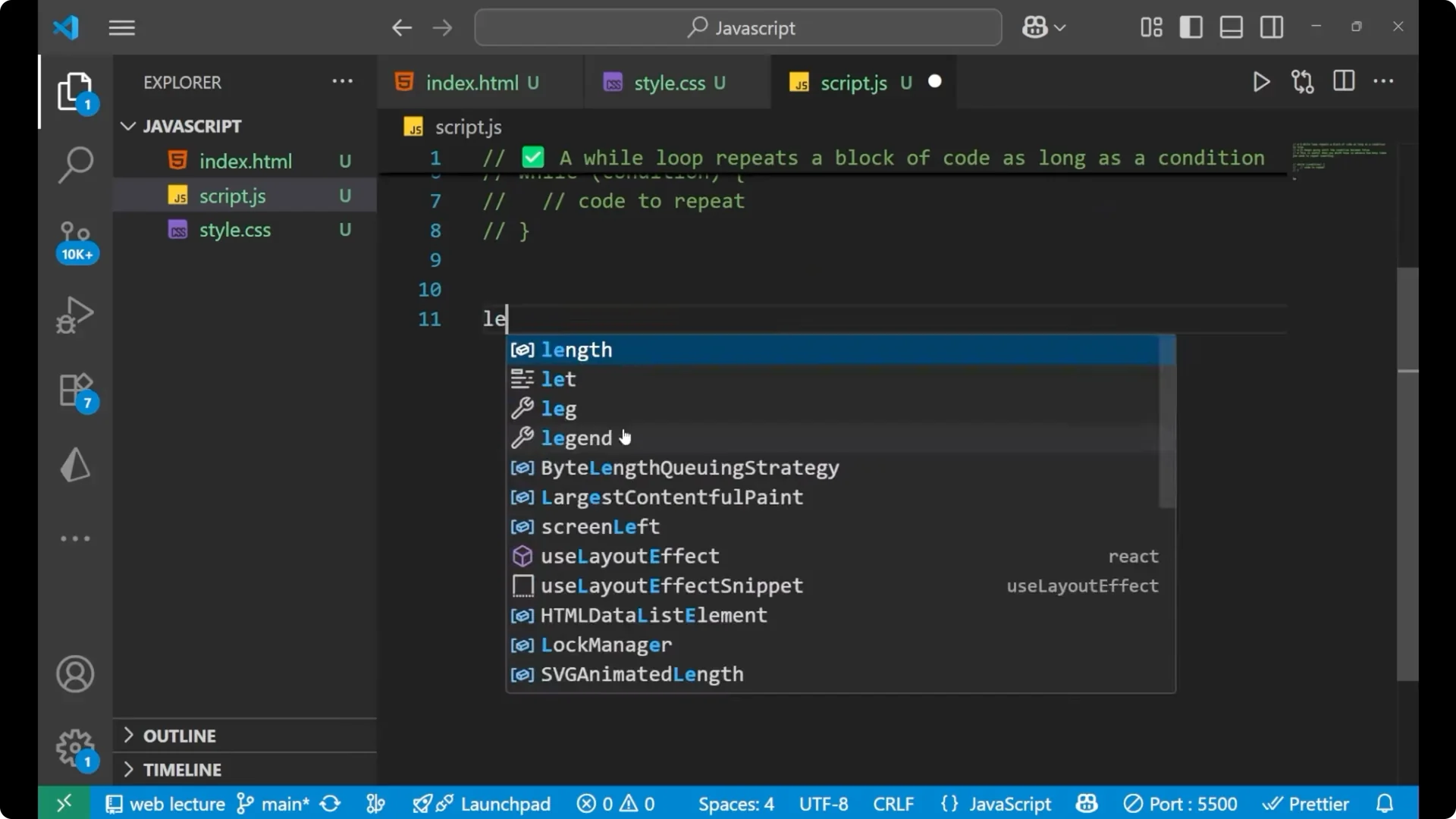
Let me show you how it works with a simple counting example.
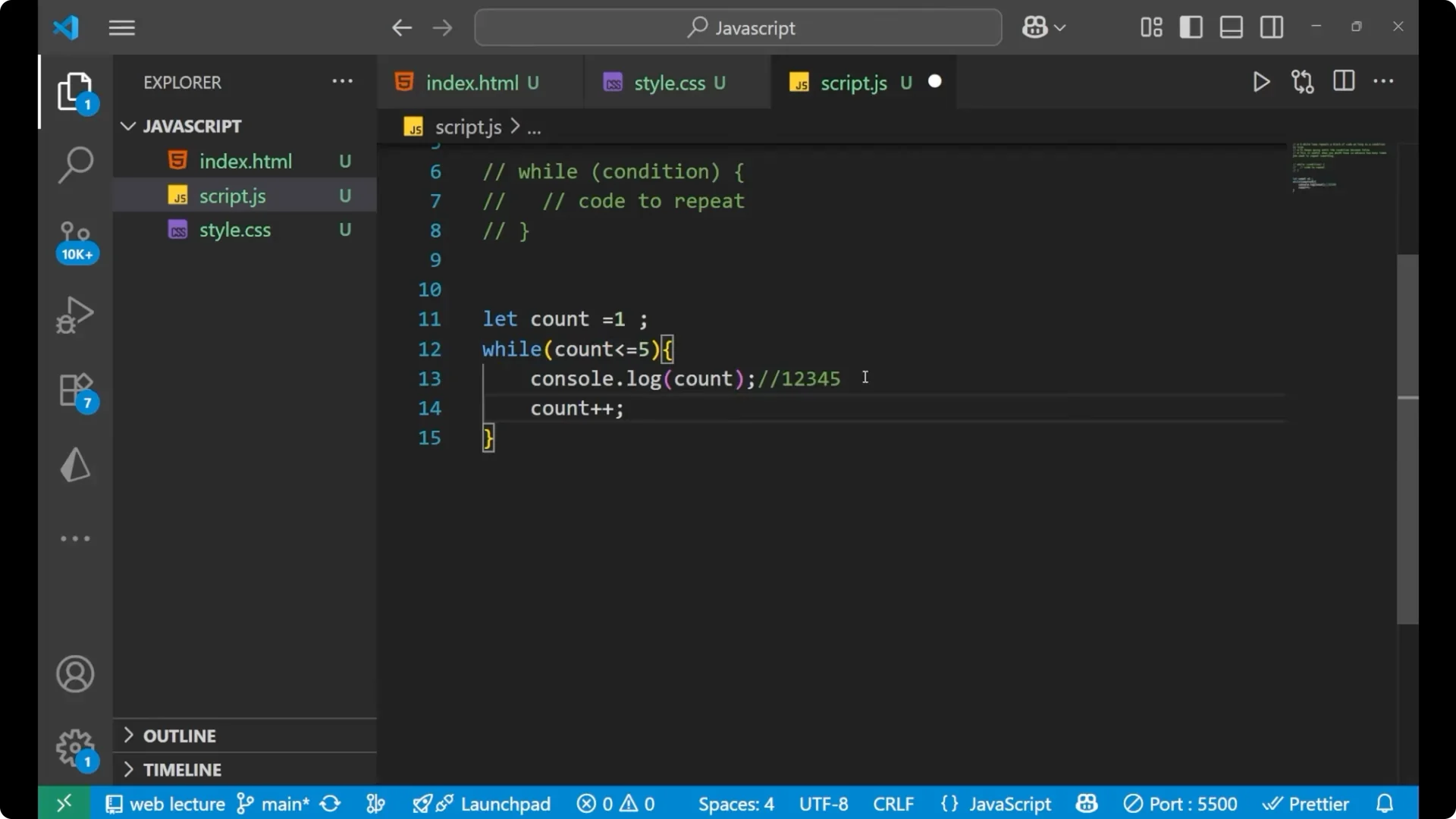
let count = 1;

while (count <= 5) {
  console.log(count);
  count++;
}
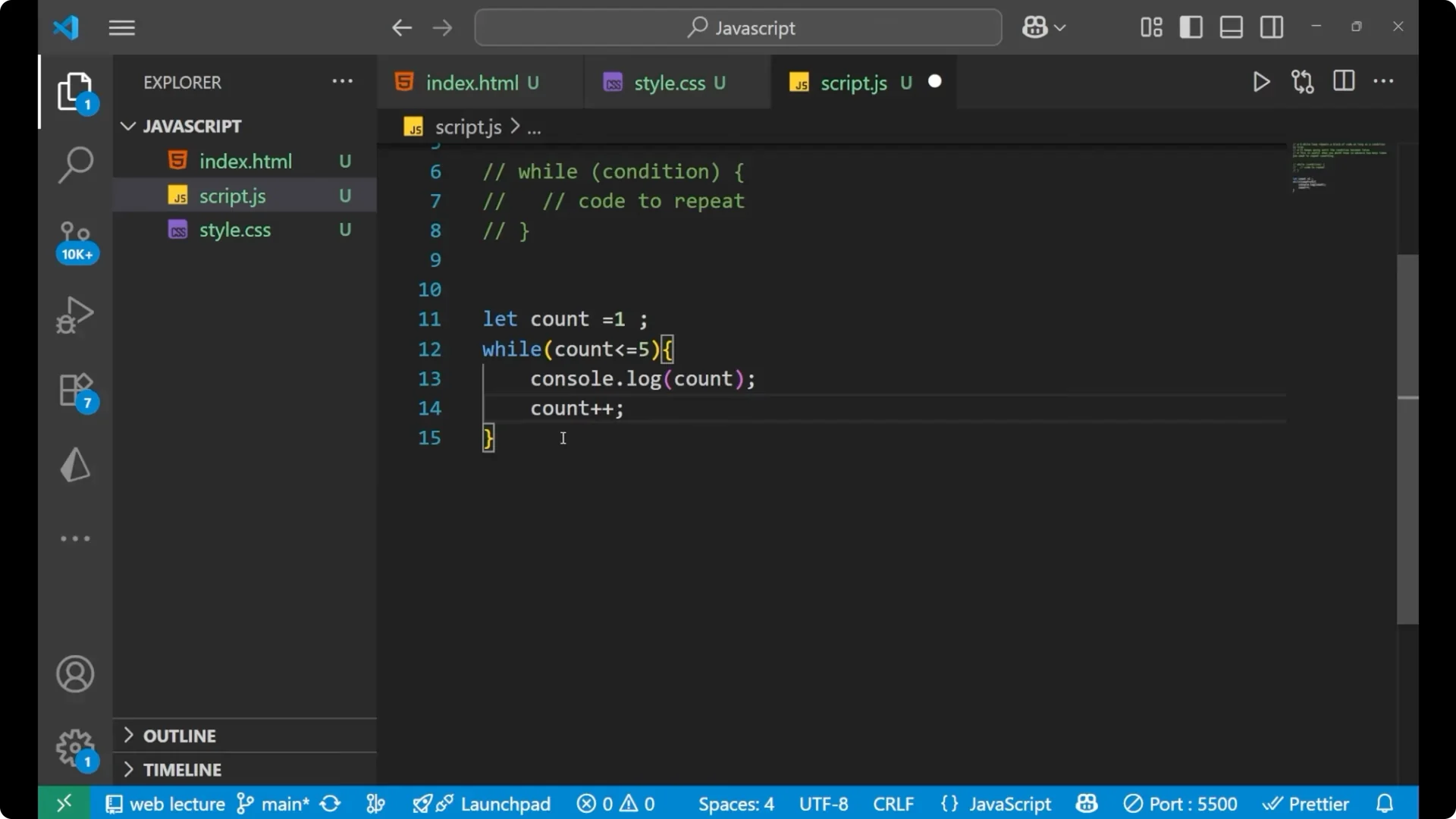
It starts with `count = 1`.
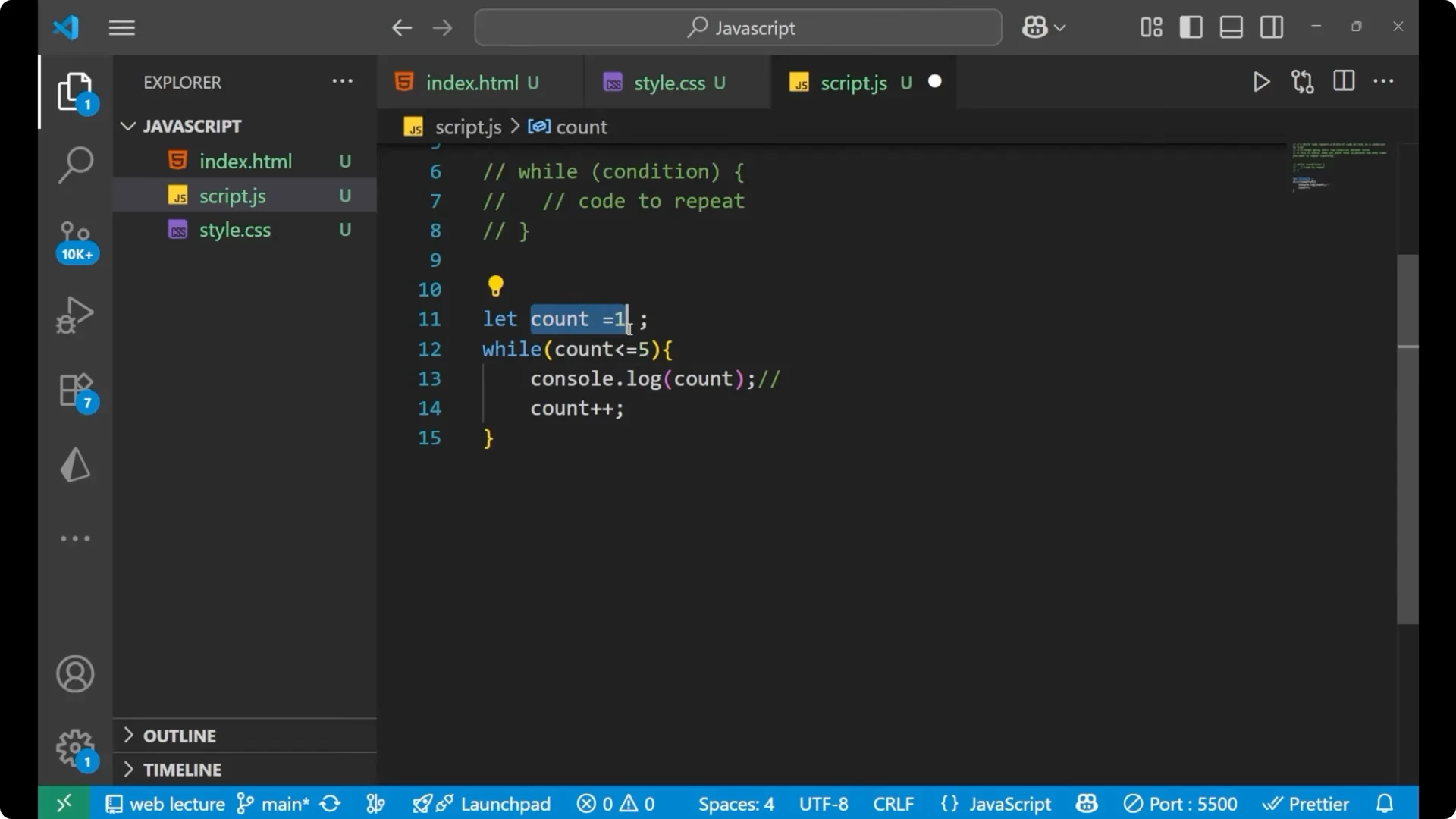
It checks the condition `count <= 5`.
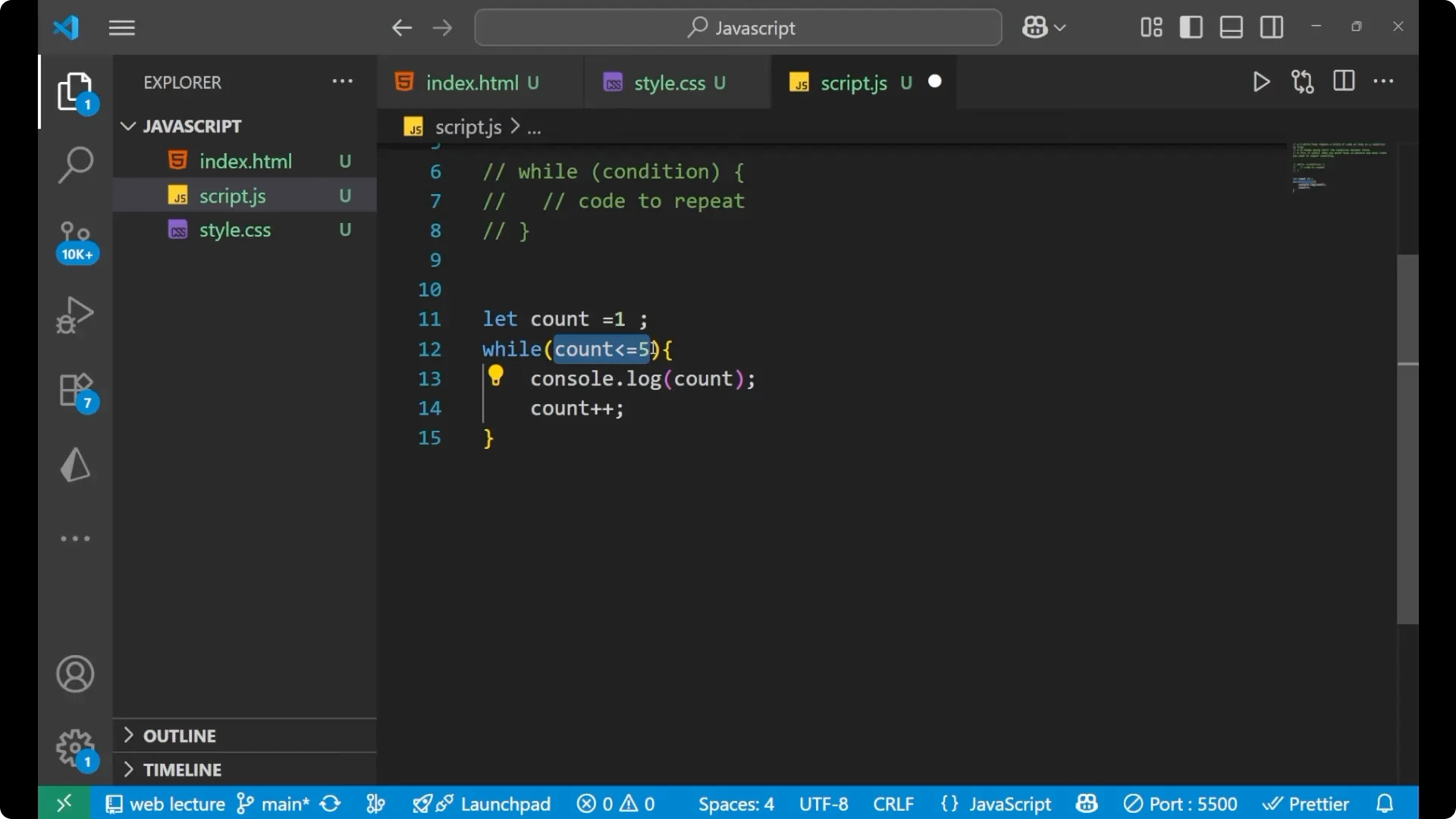
It prints the number with `console.log(count)`.
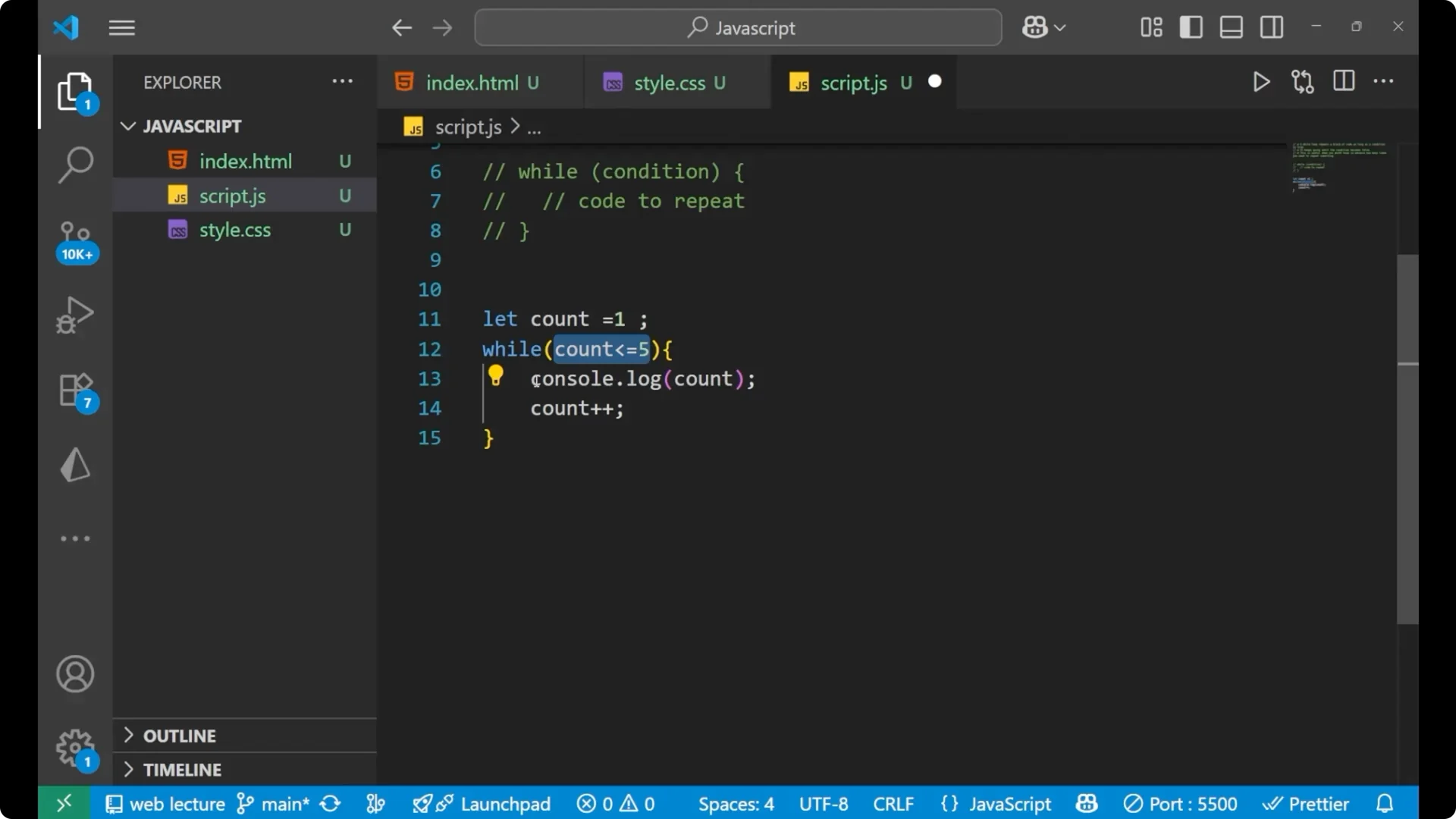
It increments the value of `count` with `count++`.
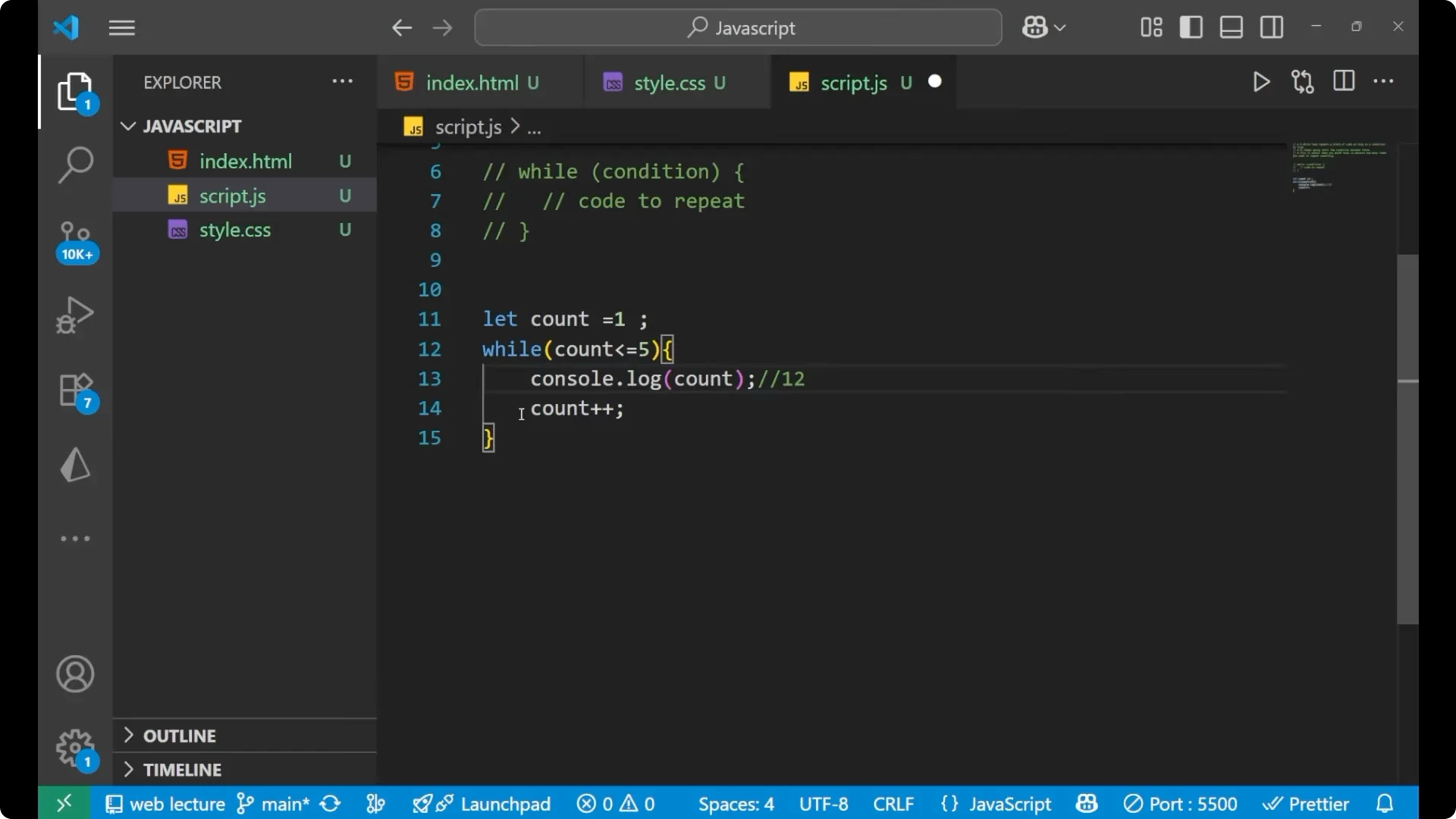
It repeats these steps until the value of `count` becomes 6. When `count` becomes 6, the condition is not satisfied and the loop stops. The output is 1, 2, 3, 4, and, because we used `<=`, it prints 5 as well. The value 6 does not get printed because the loop exits before entering the block.
JavaScript While Loops – Example: Keep Prompting Until a Valid Number
Here is a practical use case where you do not know how many times you need to repeat. Keep asking the user to enter a number until the input is a valid number.
let num;

while (isNaN(num)) {
  num = prompt("Please enter a number");
}
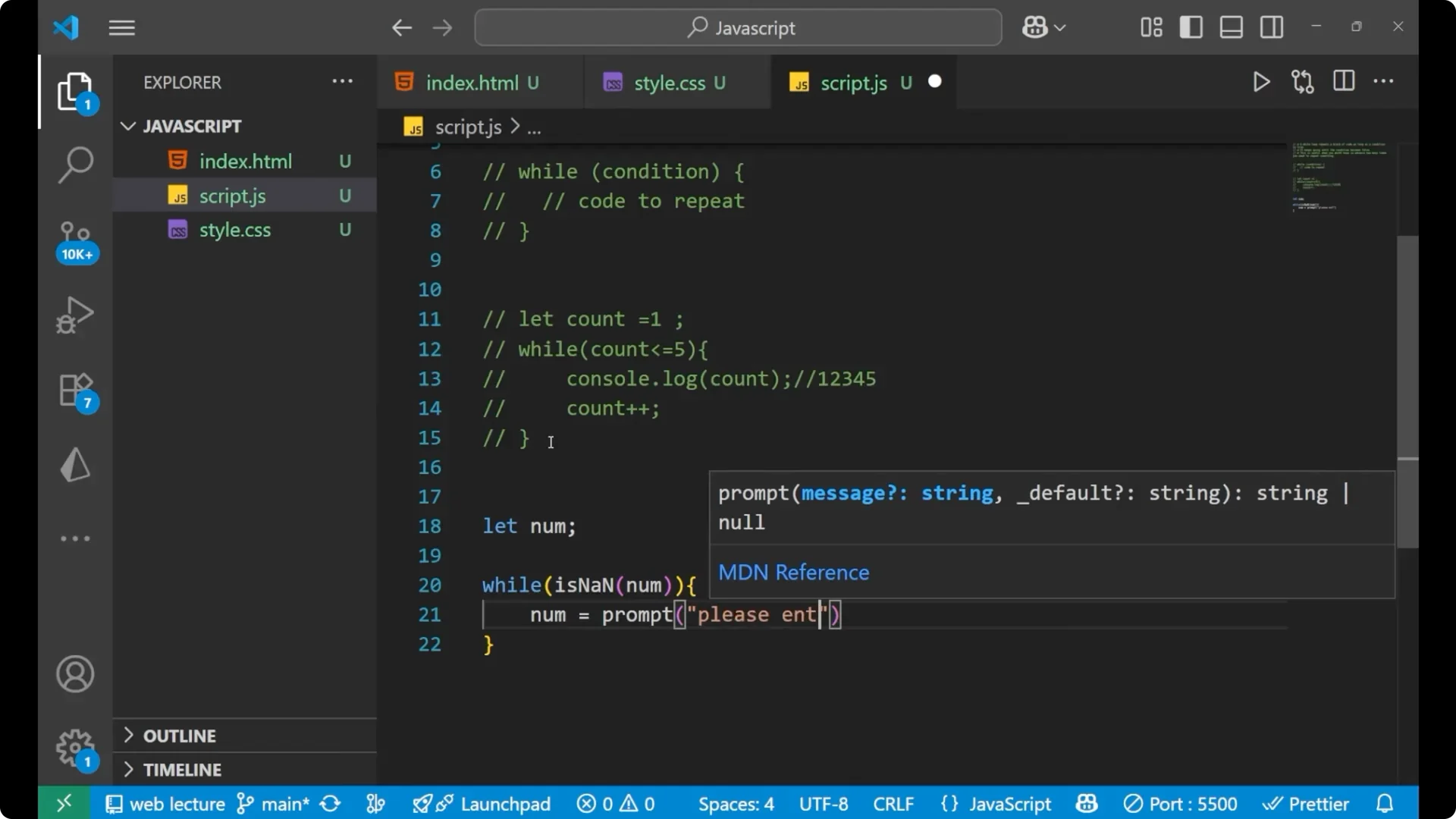
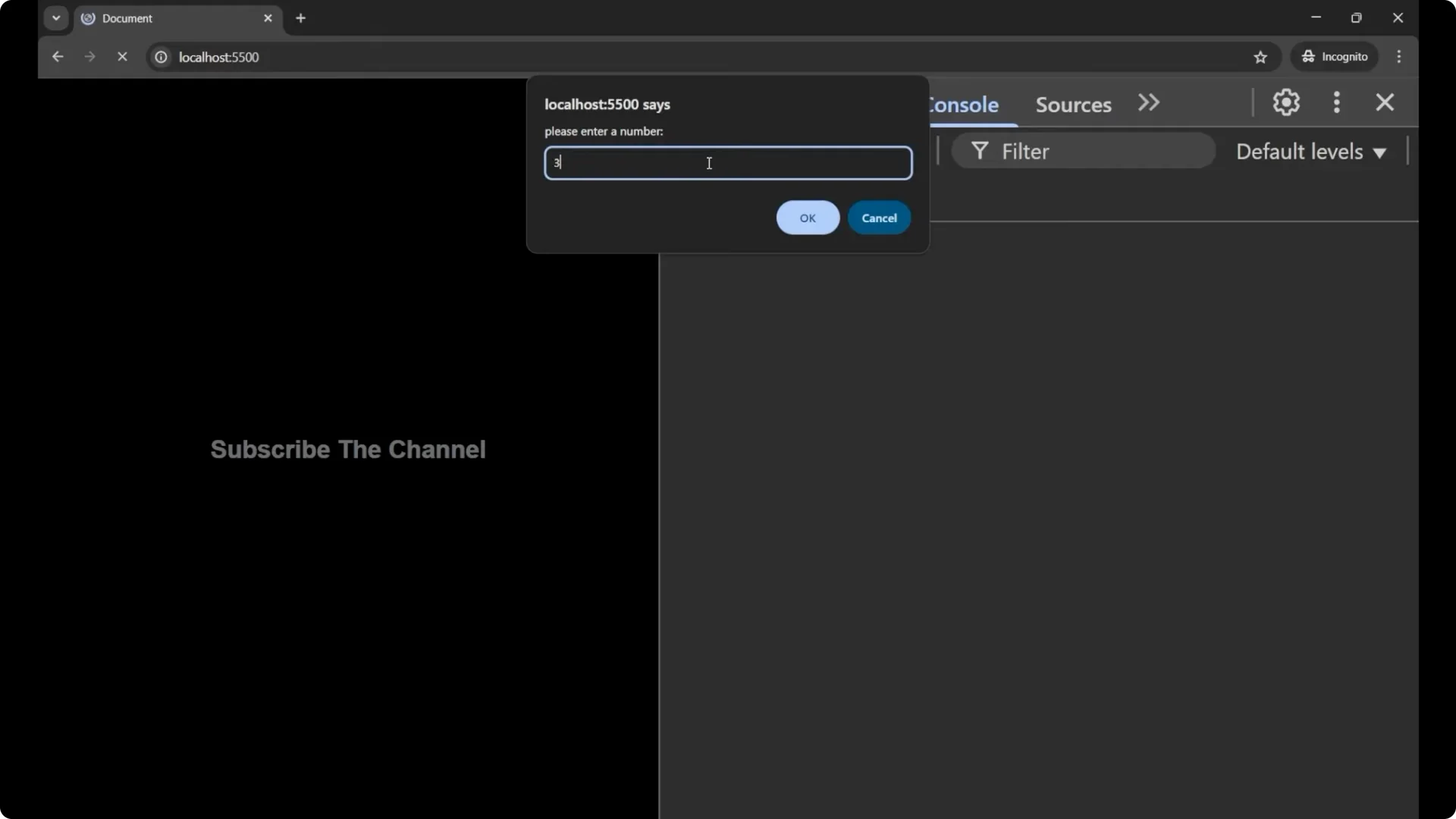
`NaN` means Not a Number. The loop keeps repeating the prompt until you enter something that is a valid number. By entering any invalid input like `a`, it keeps asking again. When you enter a valid value like `3`, the condition fails and the loop ends.
Final Thoughts
A
while loop repeats code as long as its
condition is
true and stops when it becomes
false. Use it when the number of repetitions is not known in advance. When you know the exact number of iterations, a
for loop is typically a better fit.