The JavaScript typeof operator is a very basic but very powerful operator. It helps you know what kind of data a variable is holding, and it is super useful for debugging and writing clean code in JavaScript. The typeof operator is used to check the data type of a value or a variable, and it returns a string that tells you if it is a _number_, _string_, _object_, _boolean_, _function_, or something else.
Basics of the JavaScript typeof Operator
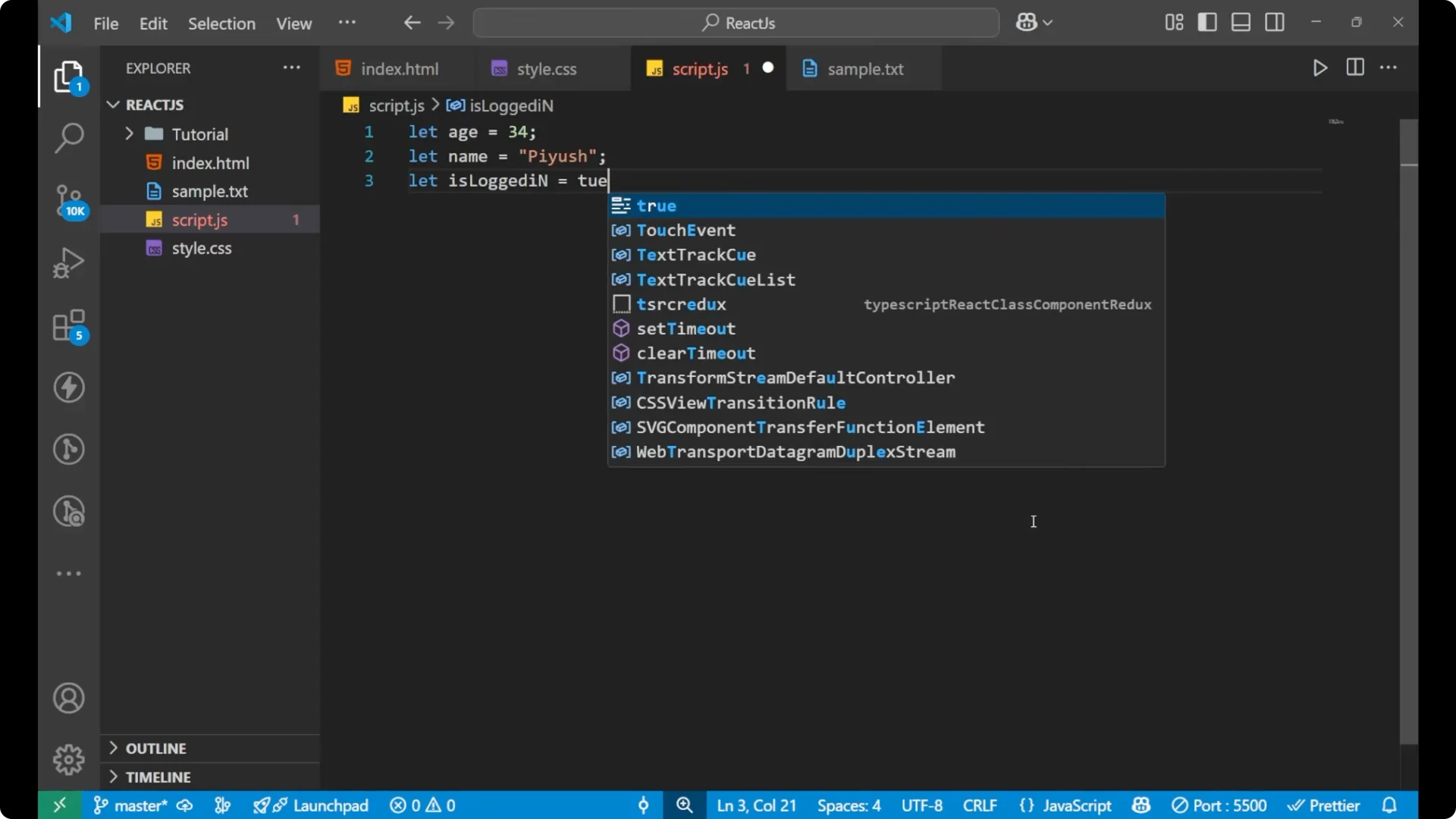
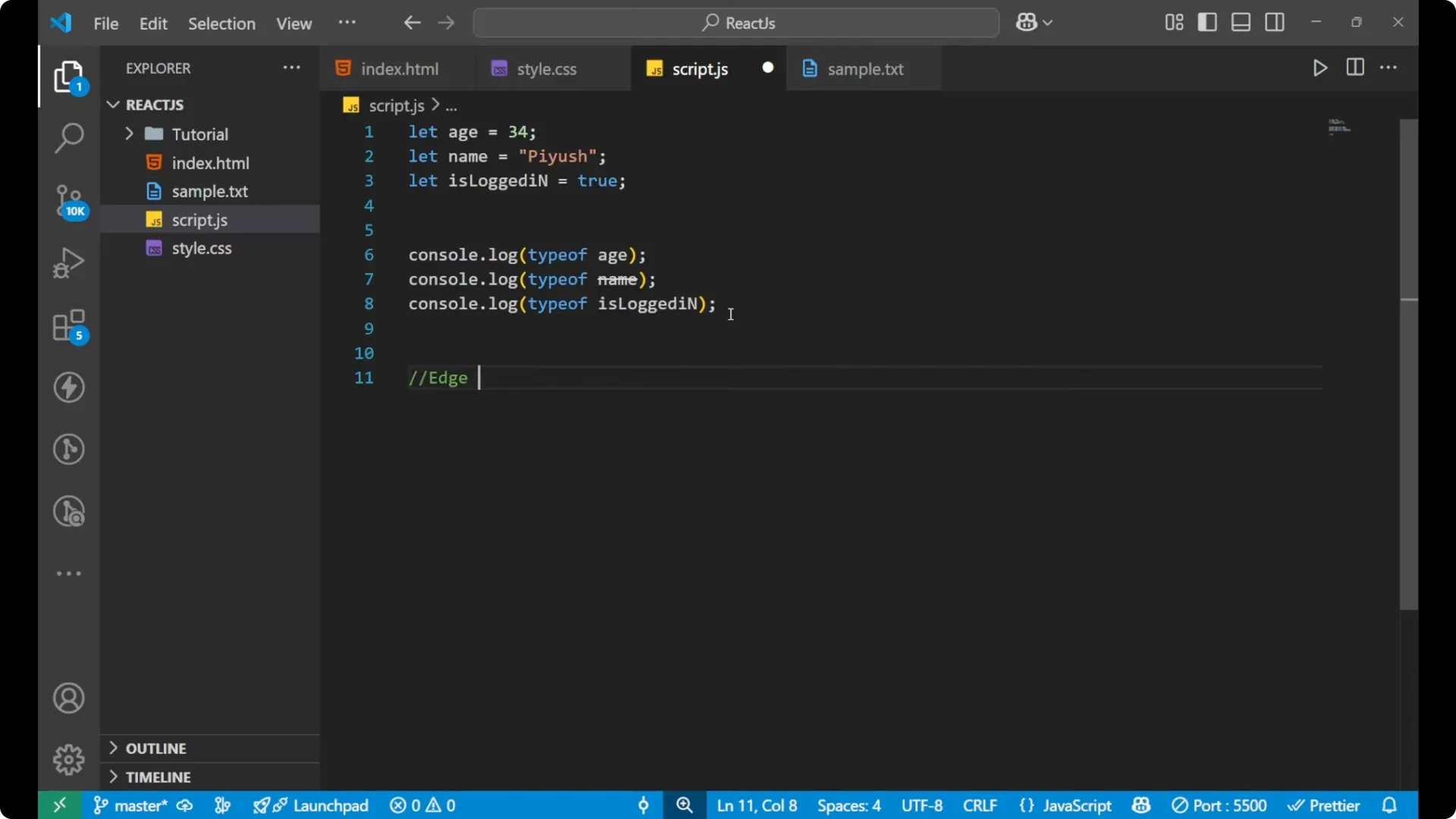
If I write variables like these, each one has a clear type. An age is a number, a name is a string, and isLoggedIn is a boolean.
let age = 34;
let name = "Arun";
let isLoggedIn = true;
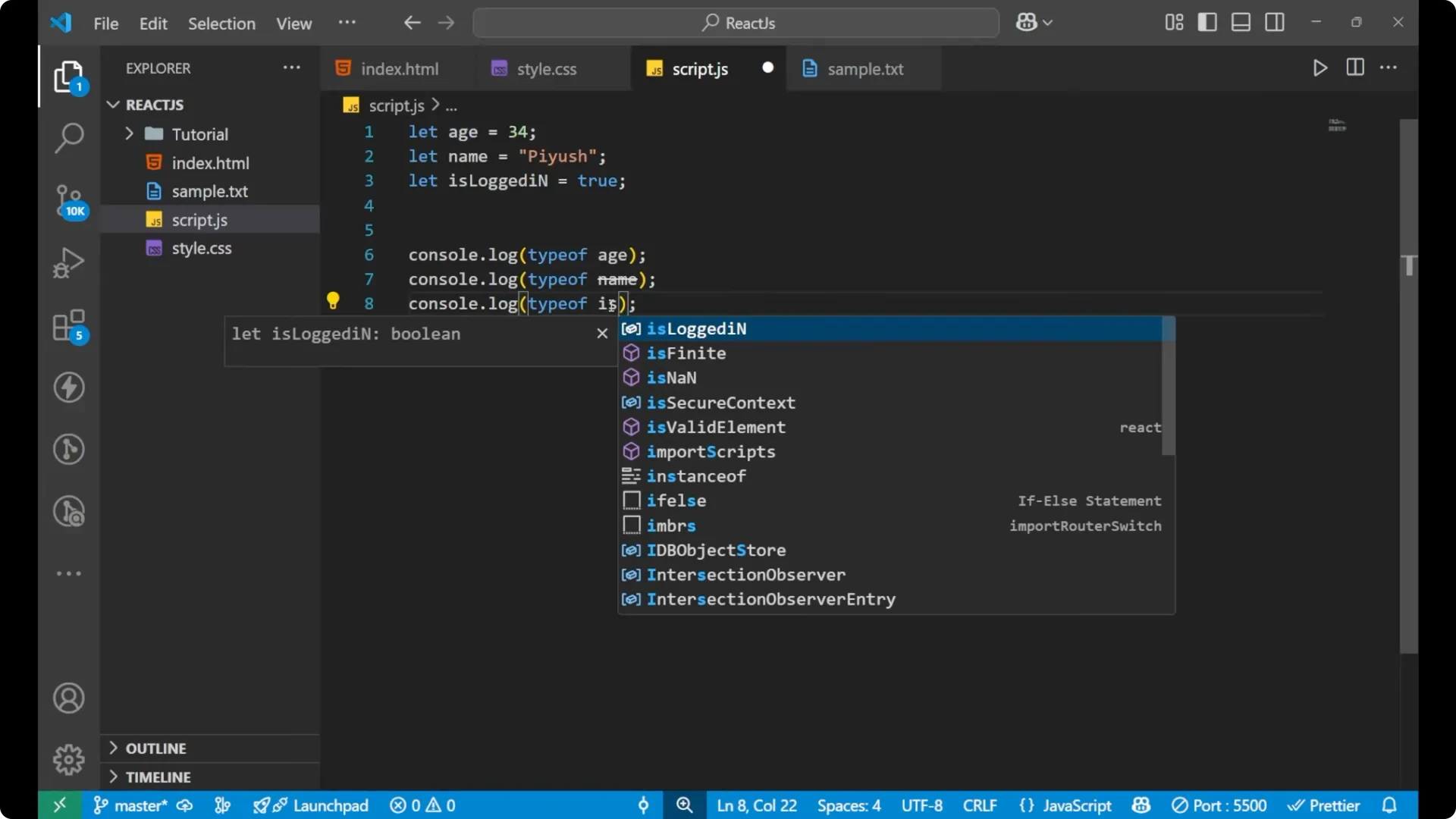
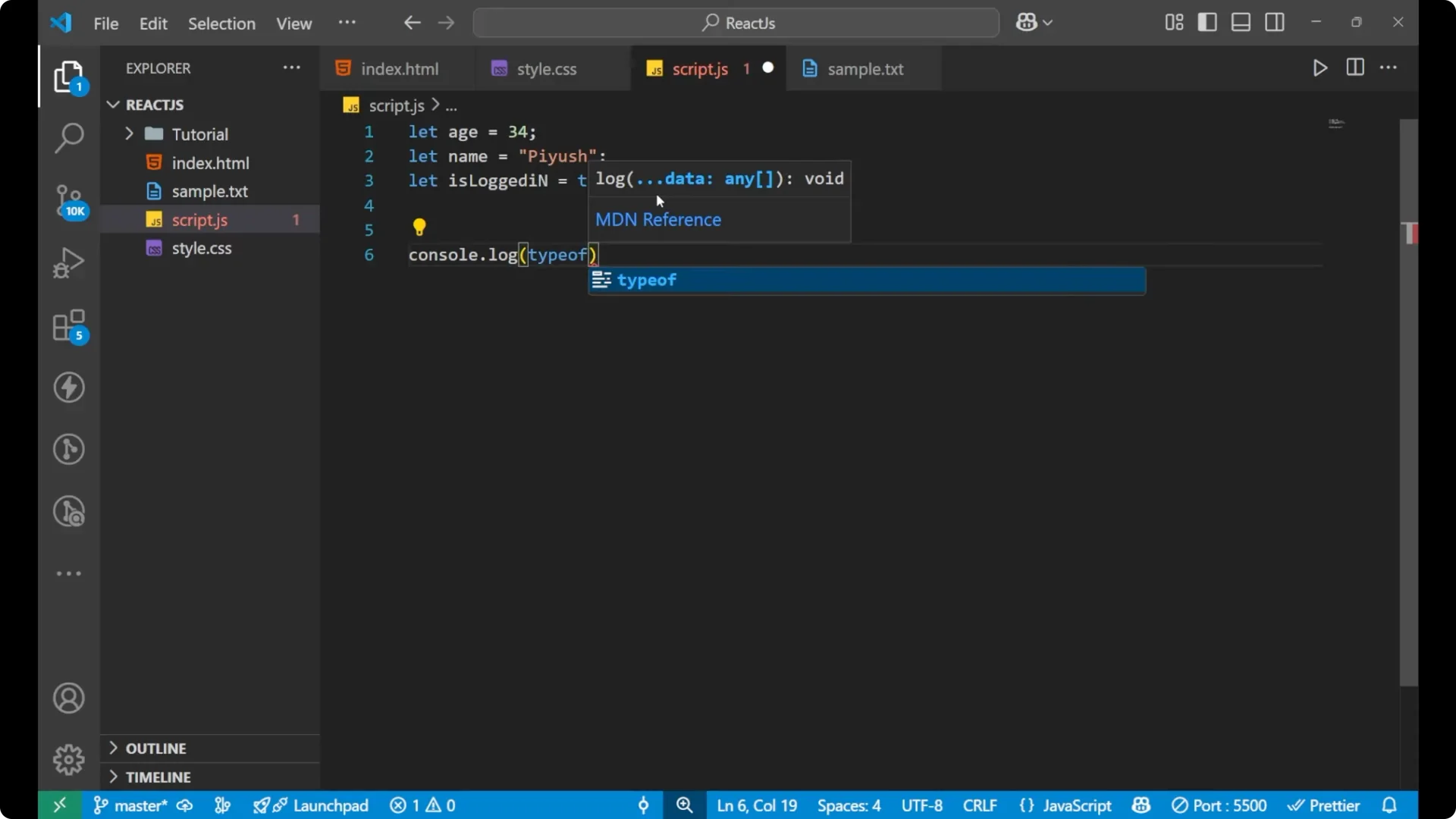
To ask JavaScript for the type of a particular variable, write console.log with typeof and the variable name.
It returns a string describing the type.
console.log(typeof age);       // "number"
console.log(typeof name);      // "string"
console.log(typeof isLoggedIn); // "boolean"
Step 1: Declare a few variables you want to inspect.
Step 2: Call typeof with each variable and log the result.
Step 3: Read the returned string to identify the data type, such as _number_, _string_, or _boolean_.
Read More: Mastering While Loops Javascript
Edge cases with the JavaScript typeof Operator
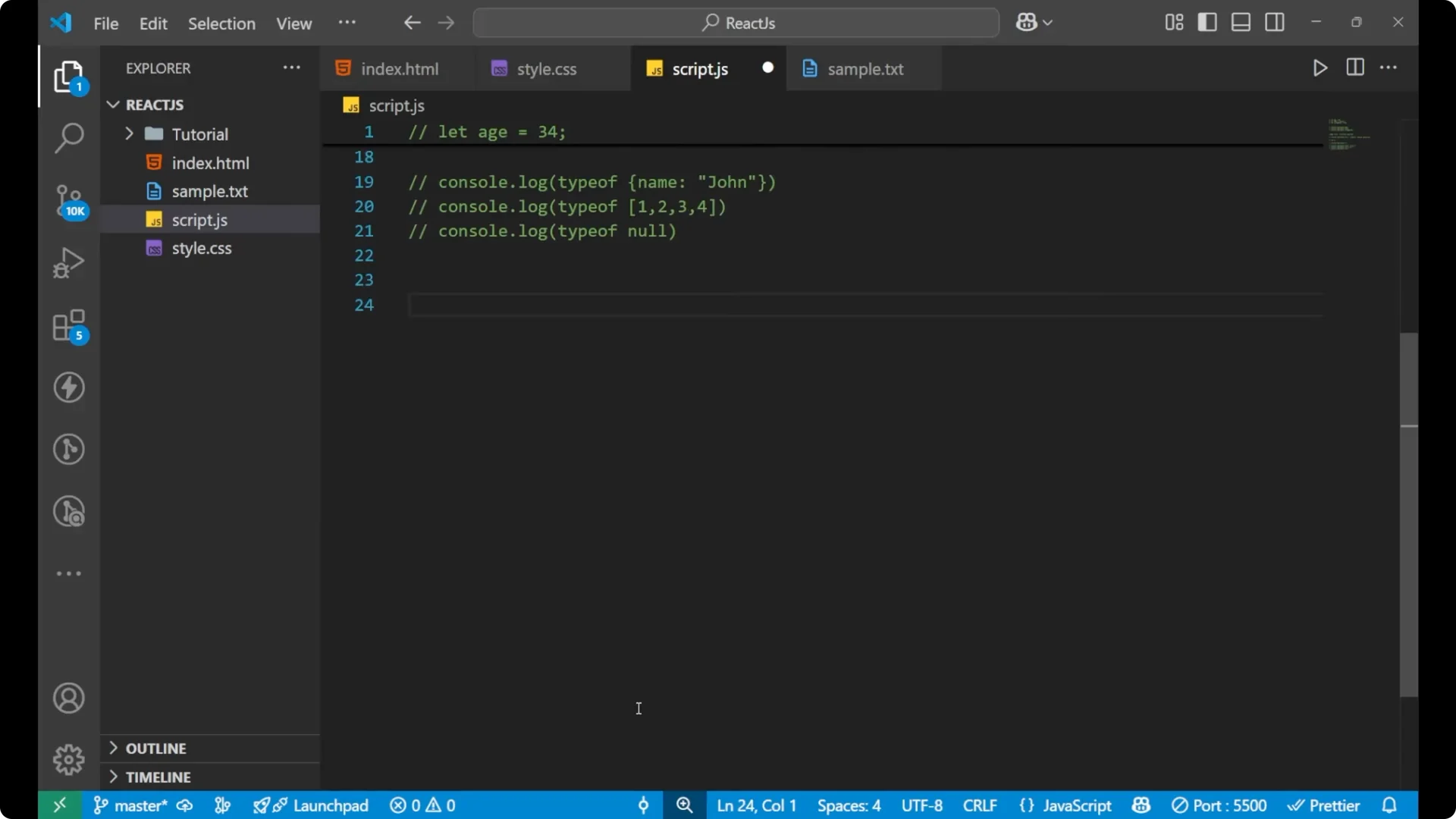
There are some important edge cases that are mostly asked in interviews.
If you ask for the type of null, you will not get null.
The type of null is “object”.
This is a historical bug in JavaScript that still exists today.
console.log(typeof null); // "object" <-- historical bug
If you declare a variable but do not assign any value, asking for its type will return “undefined”.
let a;
console.log(typeof a); // "undefined"
Objects, arrays, and null in the JavaScript typeof Operator
If you create a proper object, typeof gives “object”. If you create an array, typeof also gives “object”. And as shown above, typeof null gives “object” as well.
console.log(typeof { name: "John" }); // "object"
console.log(typeof [1, 2, 3]);        // "object"
console.log(typeof null);             // "object"
This means objects, arrays, and null all report as _object_ with typeof.
Read More: Chaining Map Filter Reduce Javascript
Functions, Symbol, and BigInt with the JavaScript typeof Operator
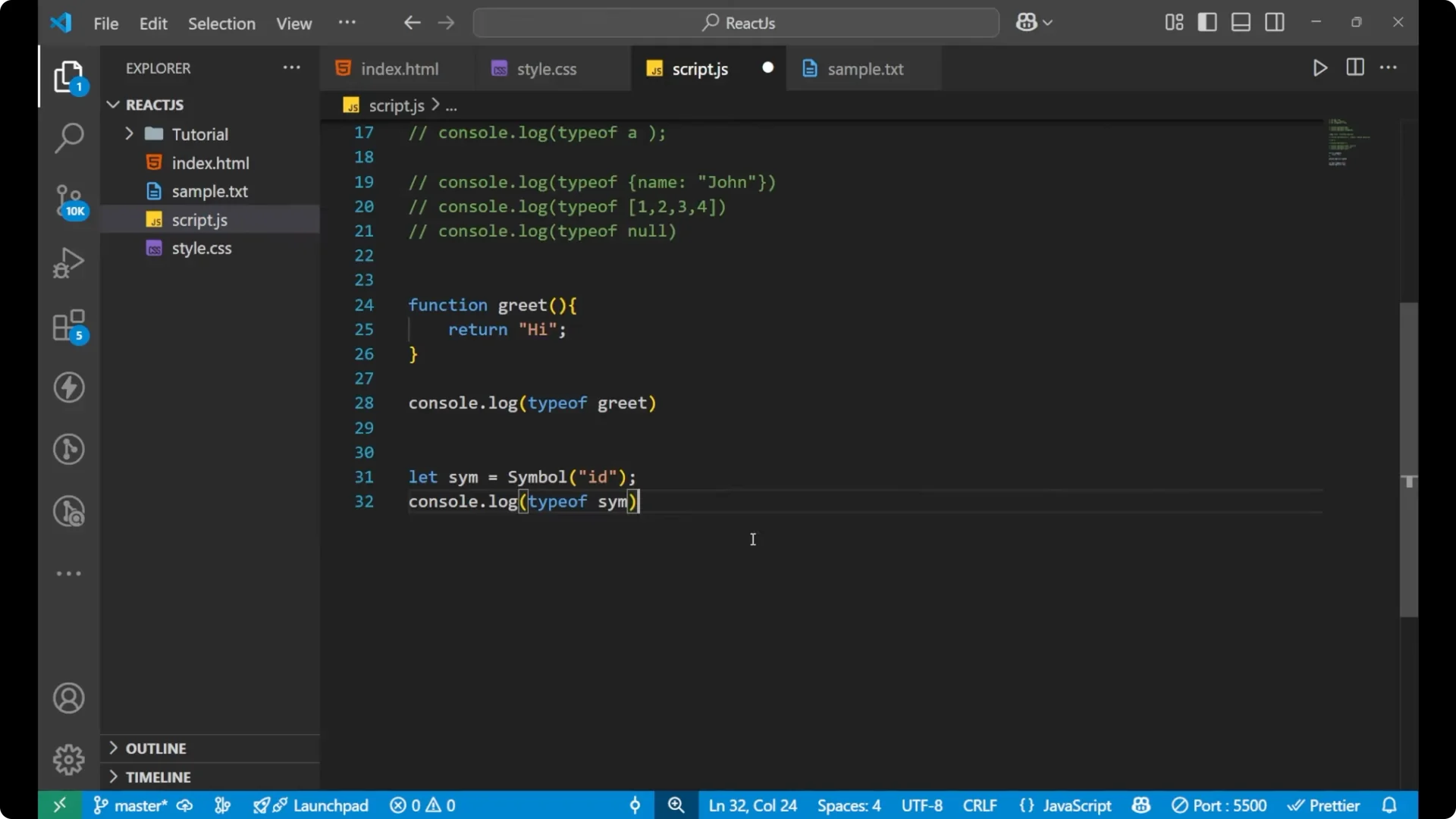
If you create a function and check its type, JavaScript gives “function”.
function greet() {
  return "hi";
}
console.log(typeof greet); // "function"
When you are working with a lot of data, having a variable and knowing the type of that variable can be difficult by inspection. In such cases, typeof is what we use.
Symbols are used to create unique identifiers, mostly in more advanced code or libraries. typeof on a Symbol gives “symbol”.
const sim = Symbol("id");
console.log(typeof sim); // "symbol"
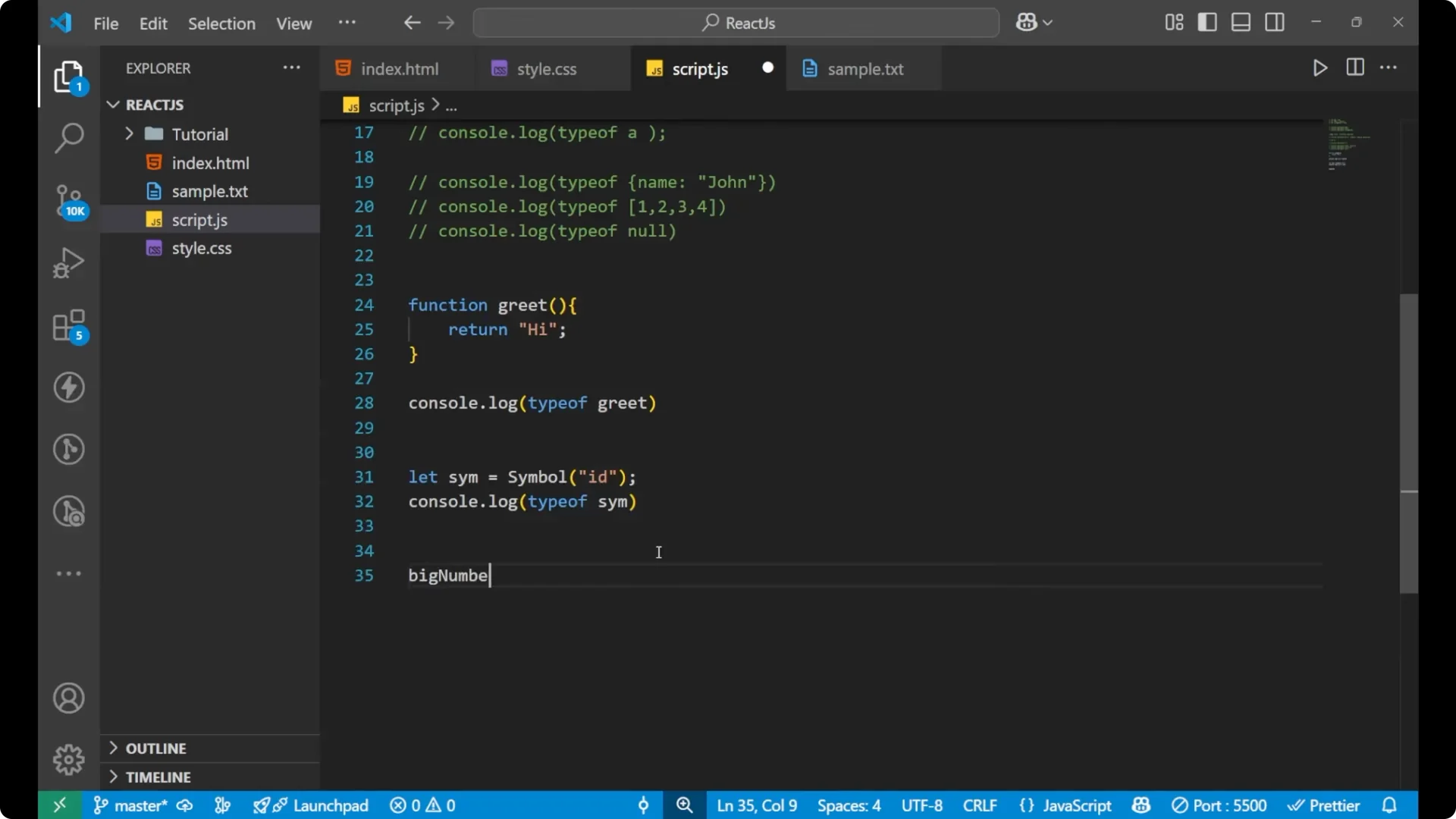
For very large integers, JavaScript has BigInt. typeof on a BigInt gives “bigint”.
const big = 123456789012345678901234567890n;
console.log(typeof big); // "bigint"
Read More: Javascript Dropdown Menu
Final thoughts on the JavaScript typeof Operator
typeof returns a string describing a value’s type and is extremely helpful for debugging and writing clean code. You saw typical results for _number_, _string_, _boolean_, _object_, _function_, _undefined_, _symbol_, and _bigint_. Remember the special case: typeof null is “object” due to a historical bug.