Template literal is a special way to create strings in JavaScript. It allows you to insert variables and write multi-line strings easily. I will explain every concept related to template literals and show how they make string handling more readable and flexible.
What are JavaScript Template Literals
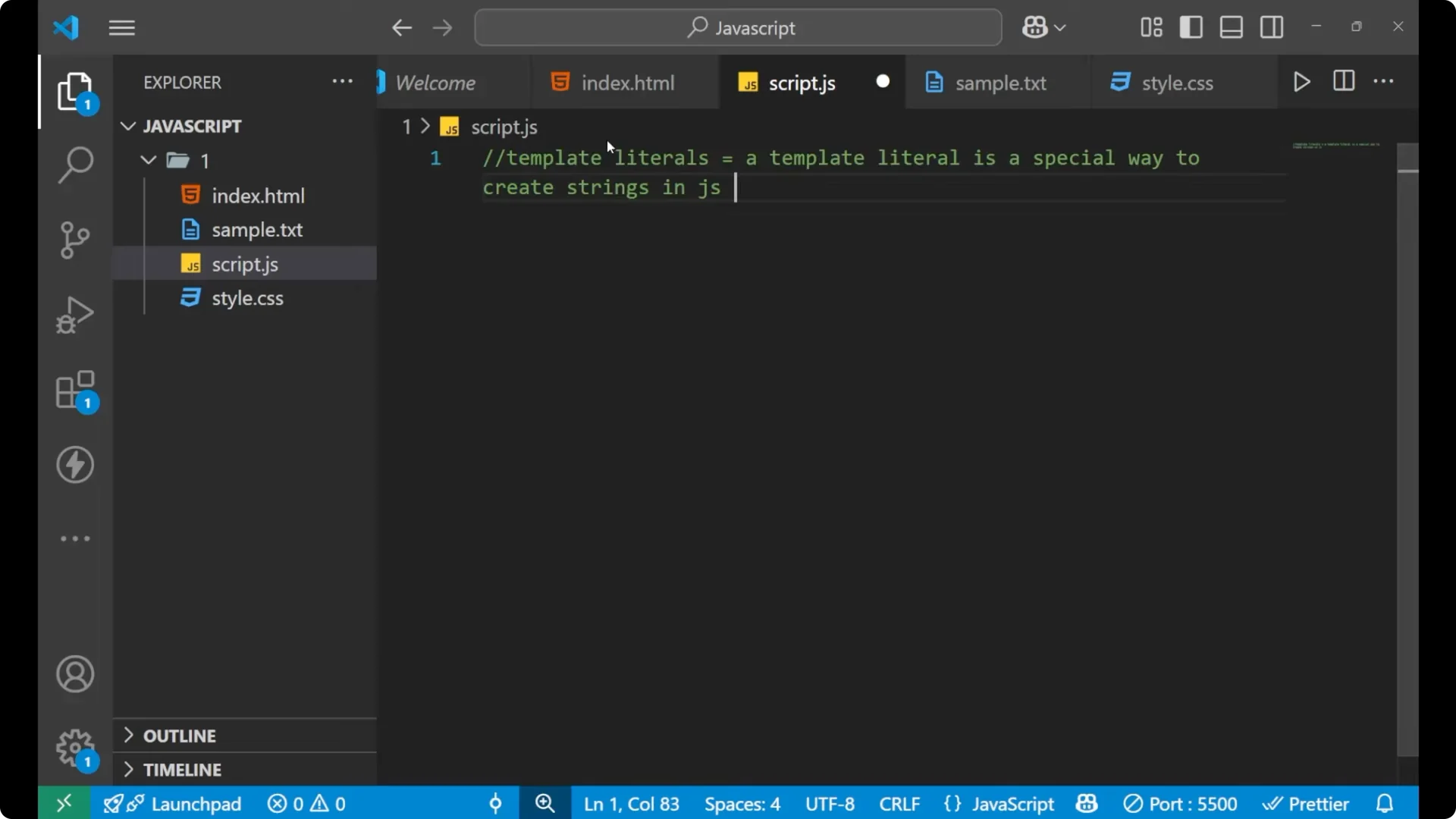
A
template literal is a string written using
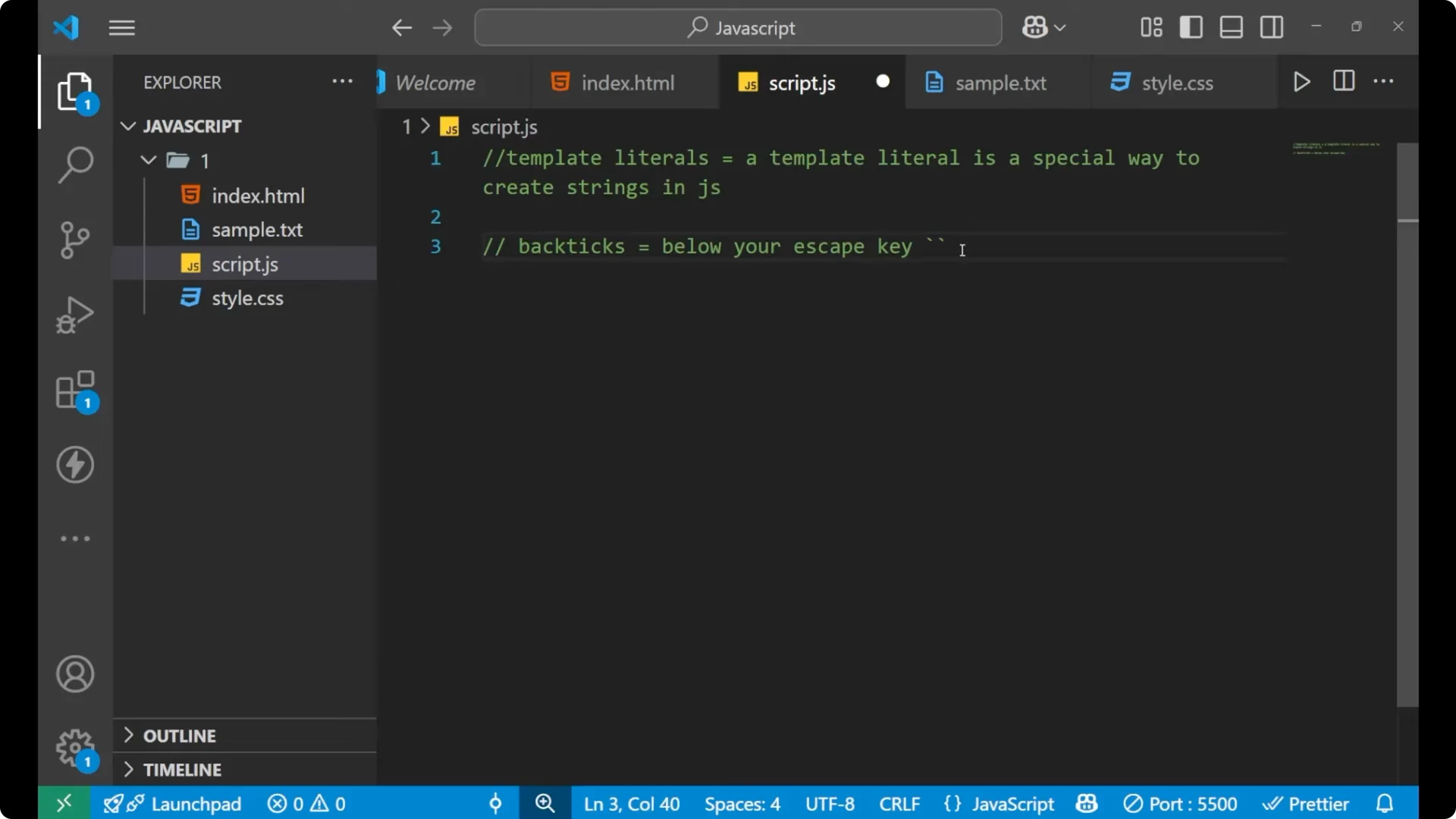
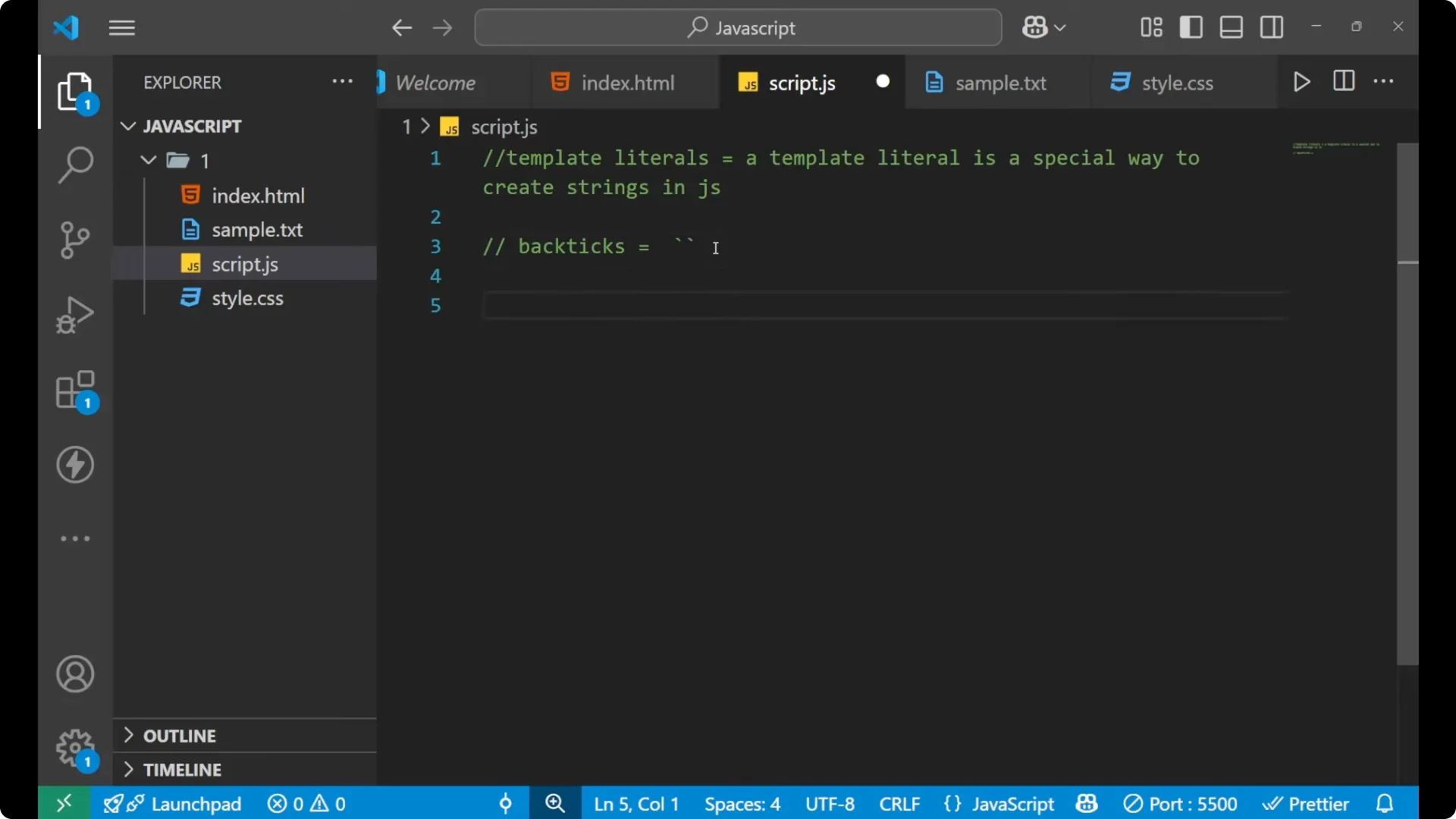
backticks instead of single or double quotes. Backticks are the bent quotation mark below the Escape key on your keyboard. Template literals are written inside these backticks.
You can insert variables directly using a dollar sign and curly braces like `${variableName}`. This lets you write cleaner strings without breaking and concatenating with the plus operator.
Basic syntax with JavaScript Template Literals
We normally create a string with quotes and the plus operator for variables.
const boyName = "Amit";
const greeting = "Hello " + boyName;
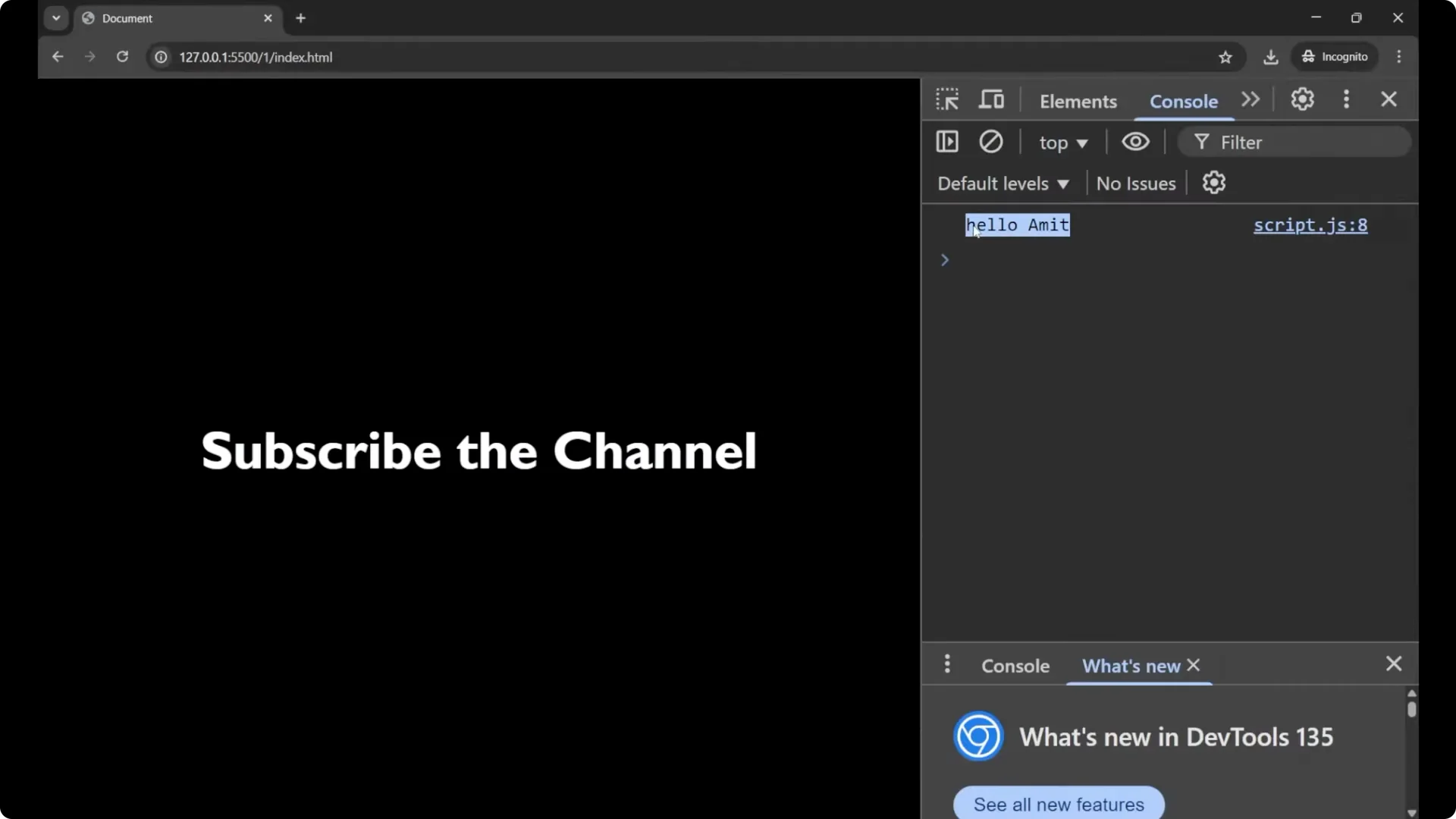
console.log(greeting); // Hello Amit
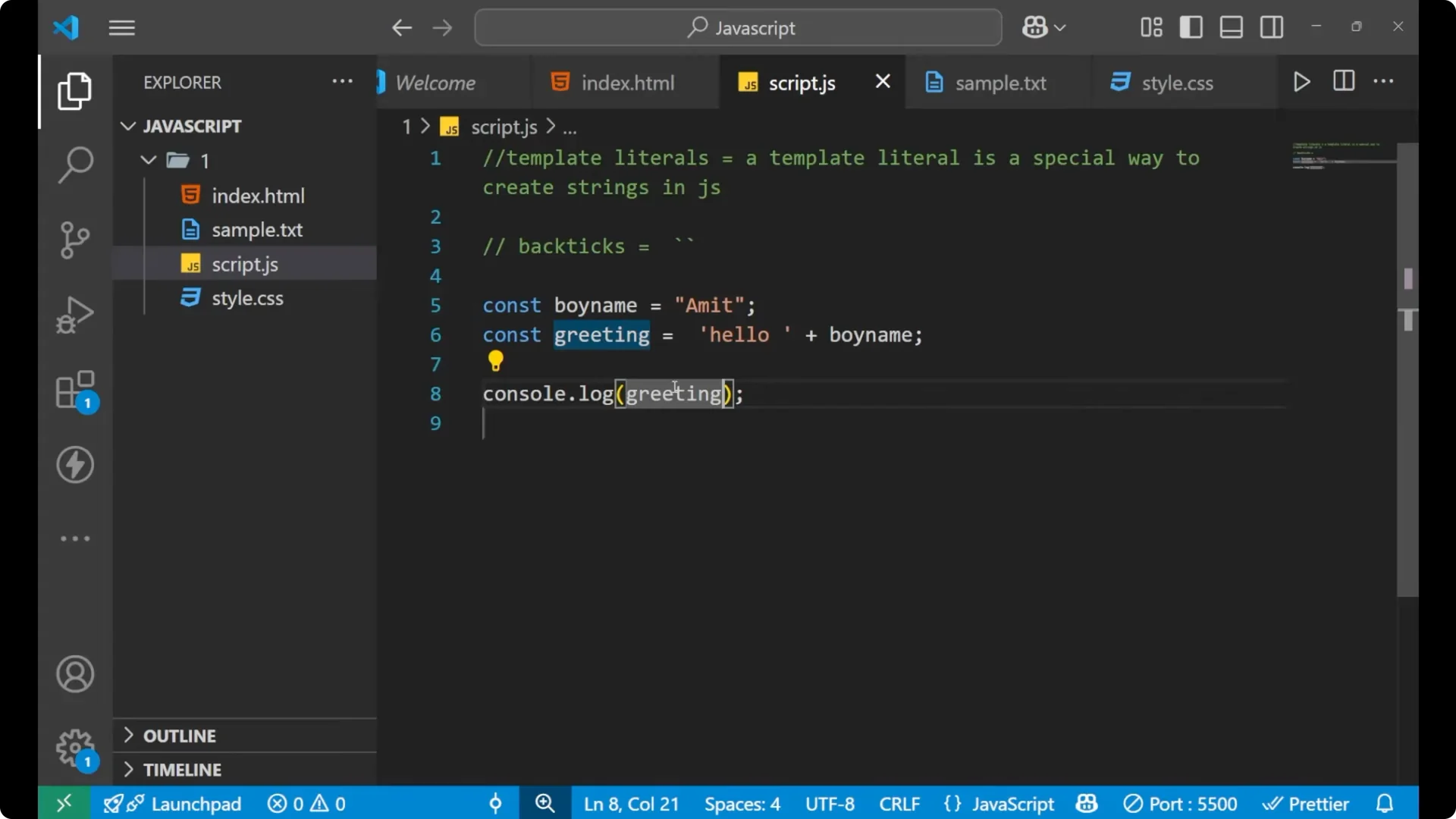
Using a template literal, you can write the same thing cleanly without any plus operator.
const boyName = "Amit";
const greeting = `Hello ${boyName}`;
console.log(greeting); // Hello Amit
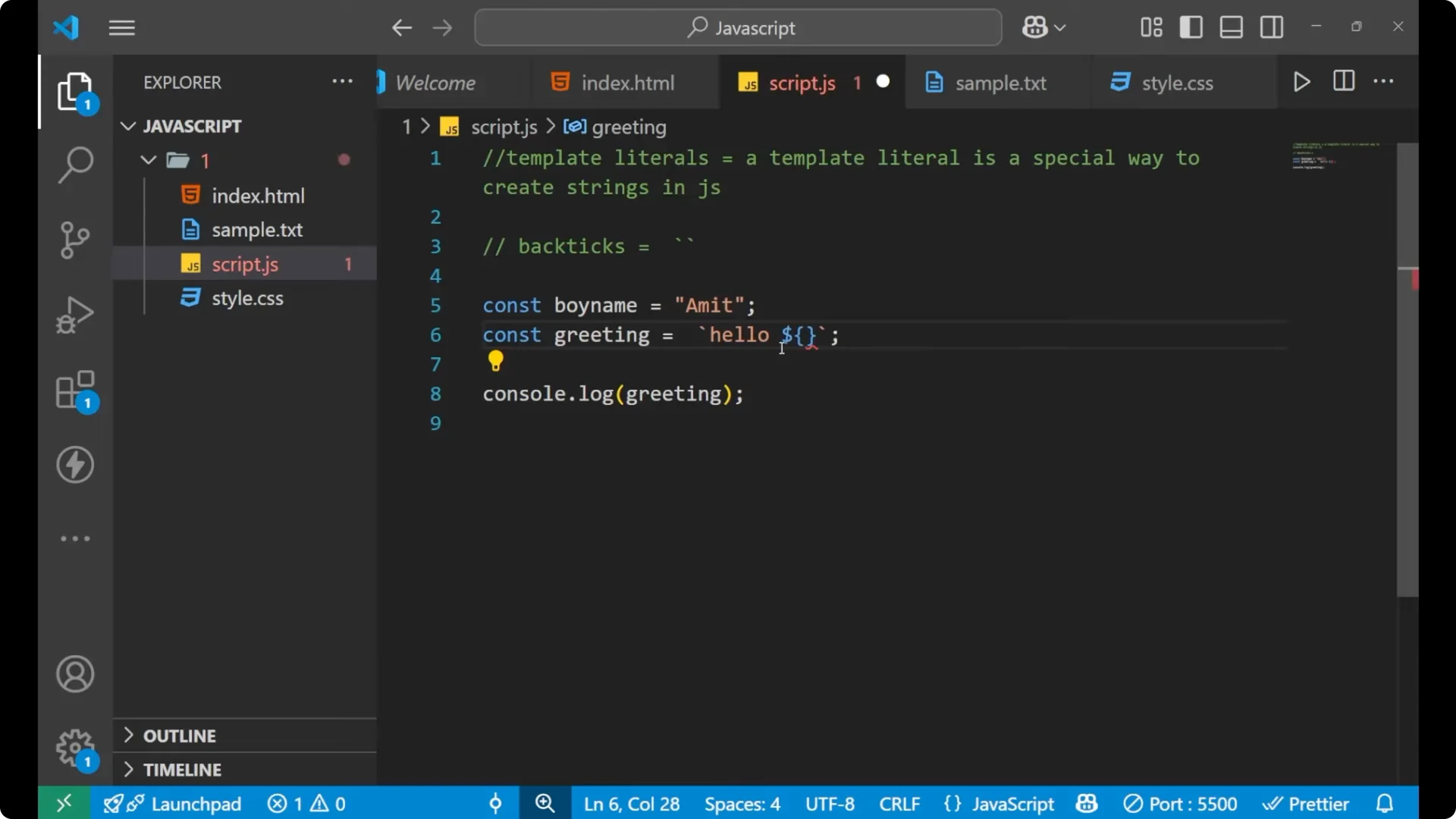
Steps to switch from concatenation to a template literal:
Write your string inside backticks.
Insert a variable using ${variableName}.
Print it and check the output.
For more formatting tricks with placeholders and readability, see
string formatting.
Multi-line strings with JavaScript Template Literals
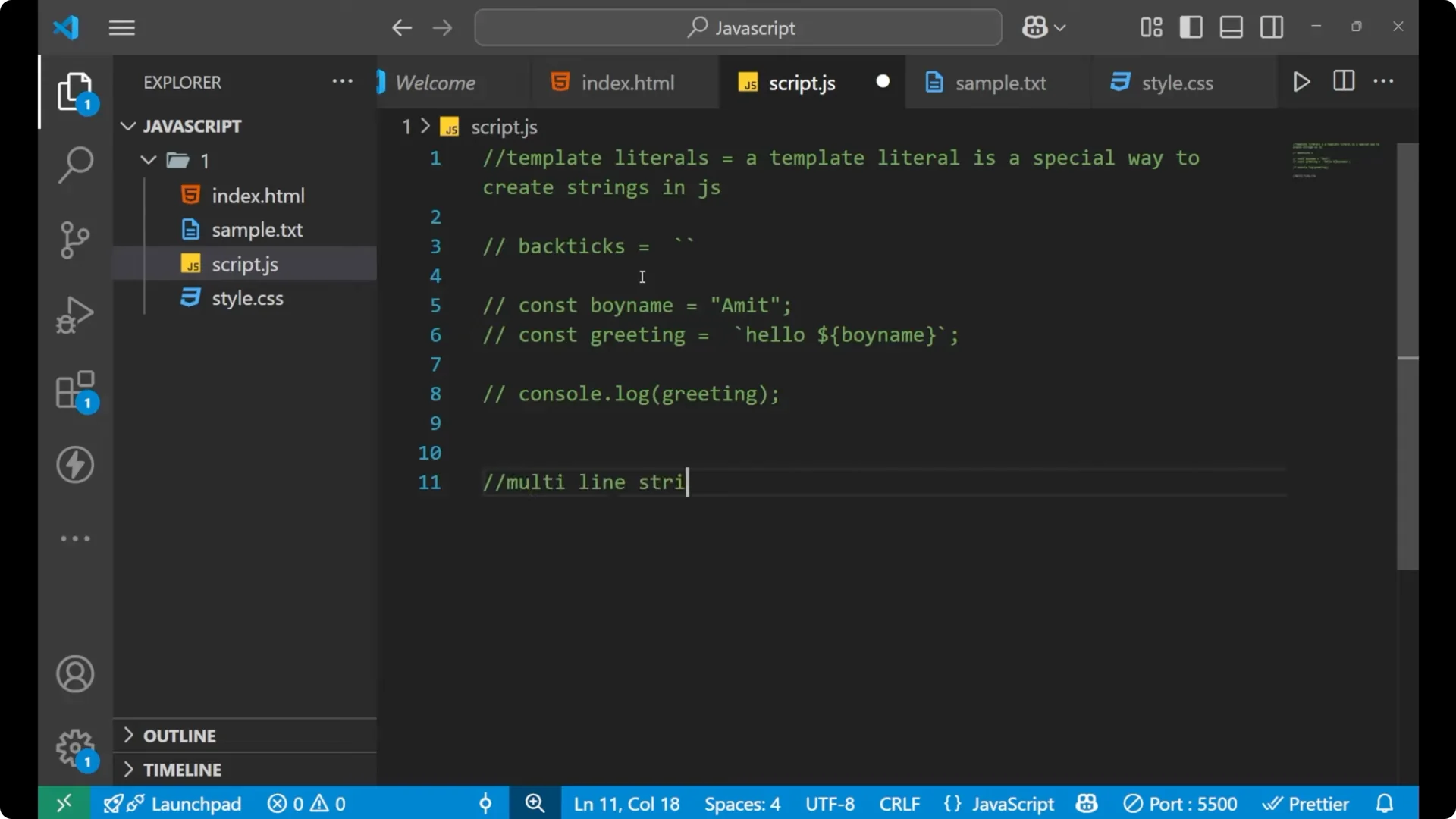
Template literals help in writing
multi-line strings directly. Whatever line breaks you write inside backticks are preserved.
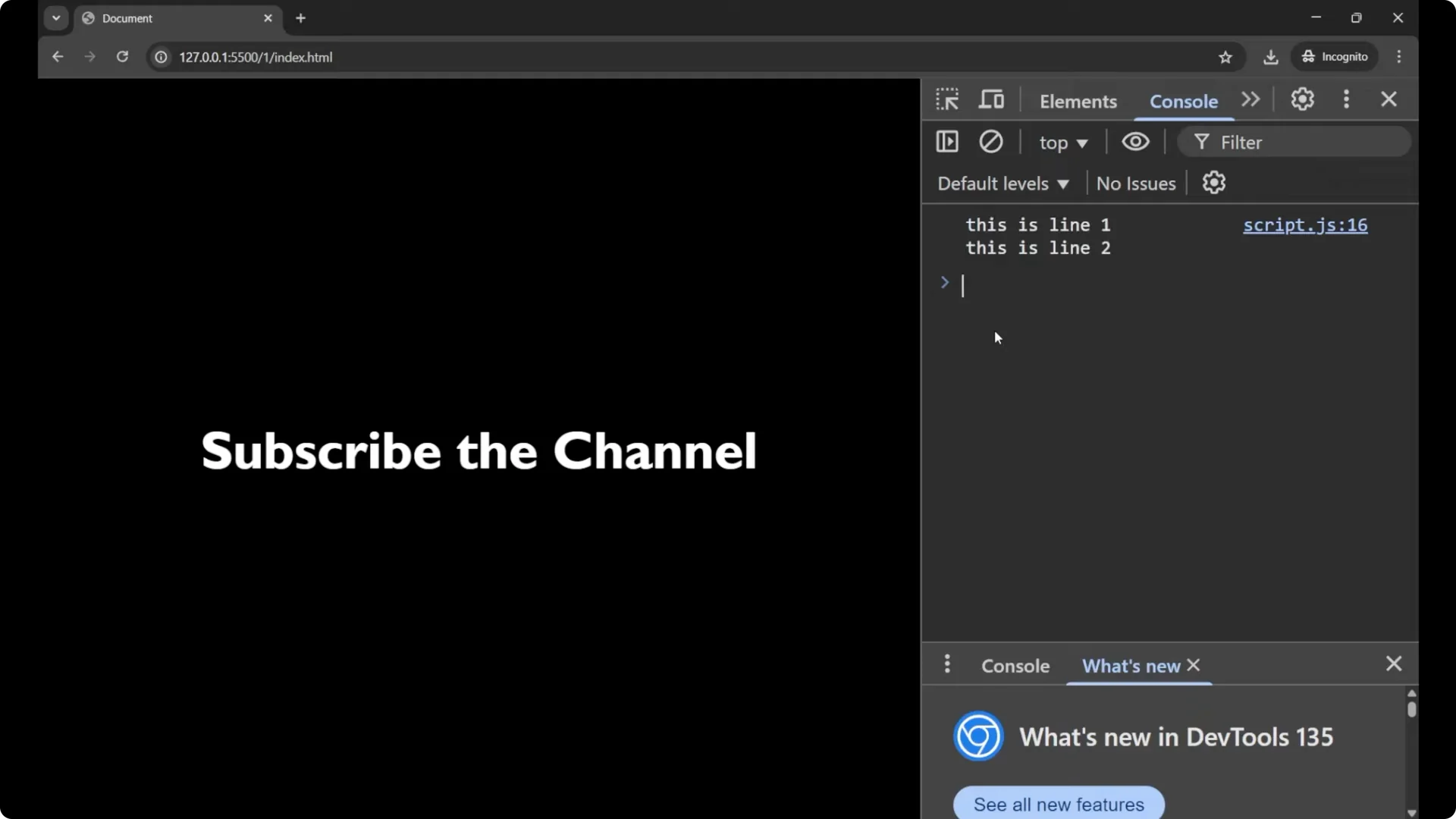
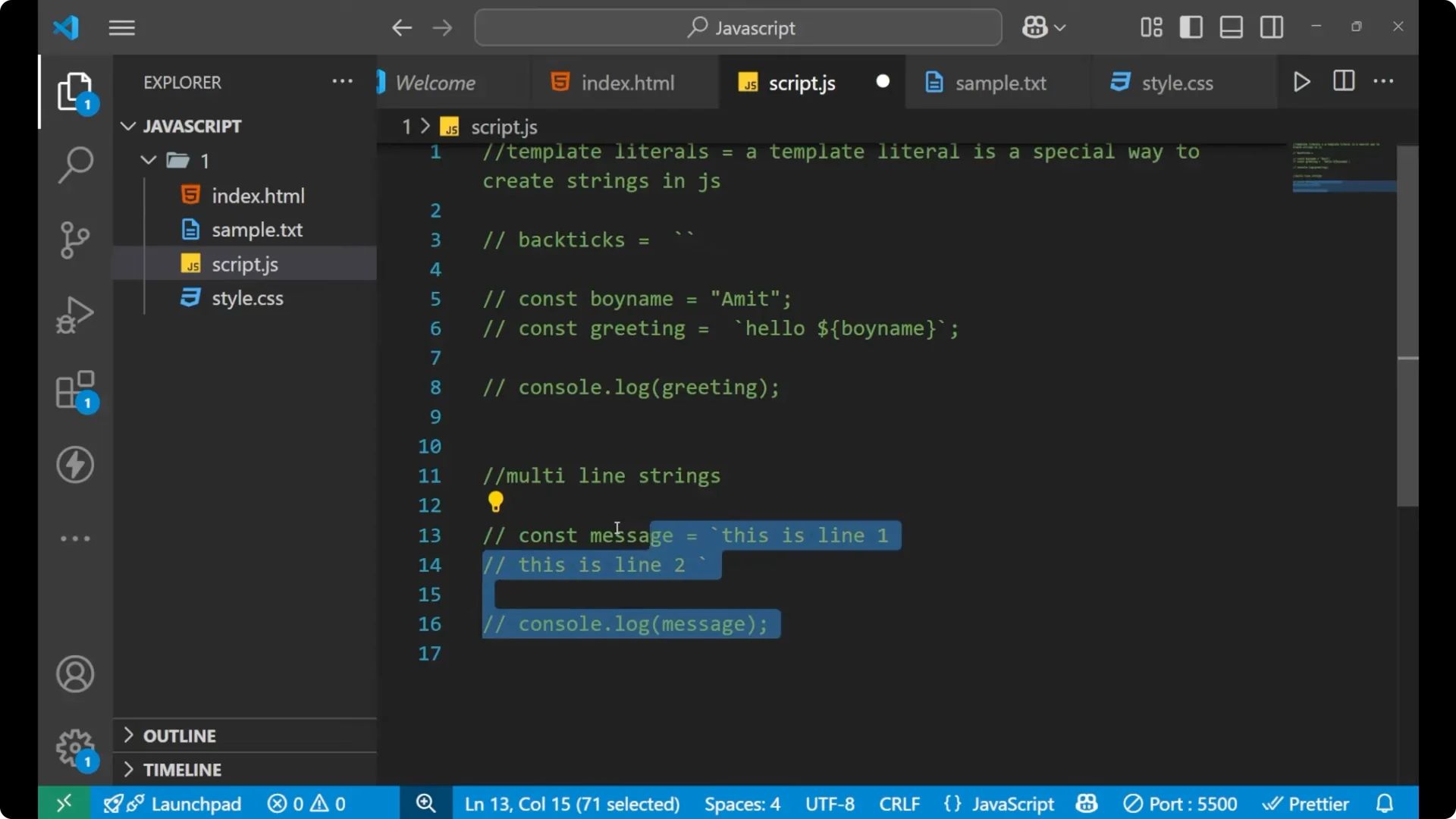
const message = `This is line one
This is line two
This is line three`;

console.log(message);
// This is line one
// This is line two
// This is line three
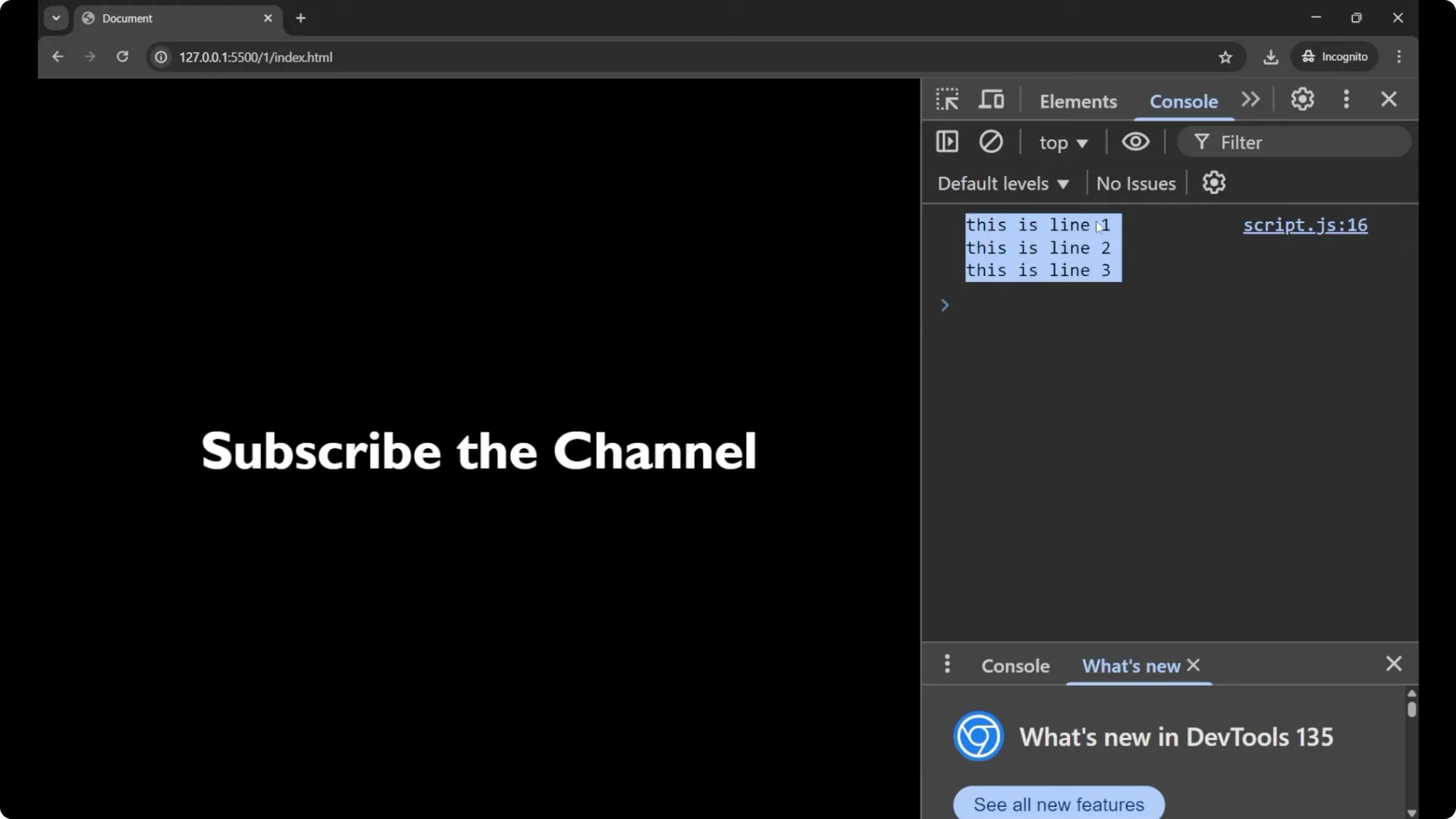
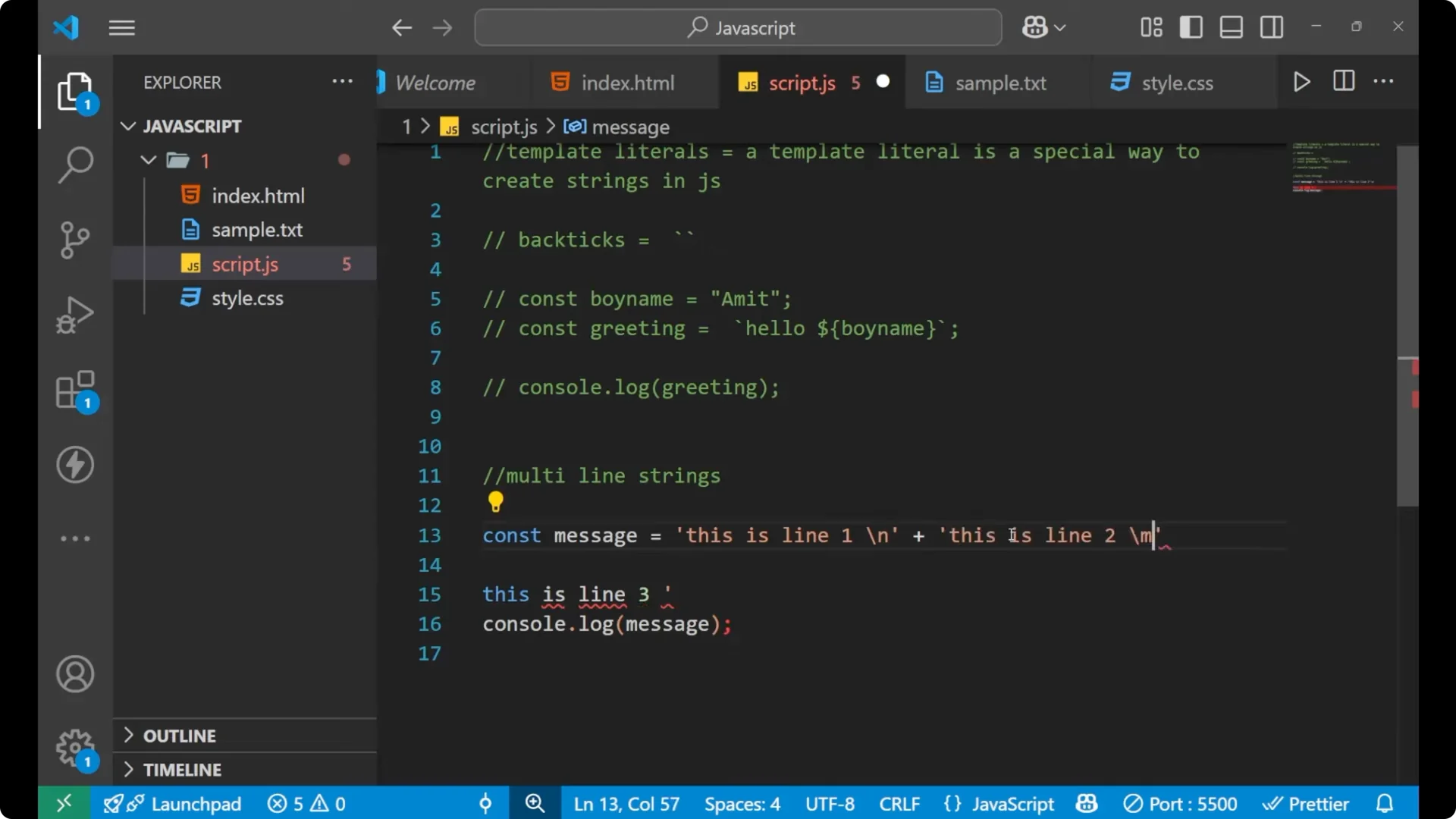
If you try the same with regular quotes, you will run into errors or will have to write `\n` at the end of every line and use the plus operator, which gets messy.
const message =
  "This is line one\n" +
  "This is line two\n" +
  "This is line three";

console.log(message);
// This is line one
// This is line two
// This is line three
Using backticks, you do not need `\n` or the plus operator. Just press Enter where you want a new line and it prints the text exactly like that.
Expressions in JavaScript Template Literals
You can also write
expressions inside a template literal.
Traditional way:
const a = 10;
const b = 20;

let sum = a + b;
const result = "The sum is " + sum;
console.log(result); // The sum is 30
With a template literal, you can insert the expression directly.
const a = 10;
const b = 20;

const result = `The sum is ${a + b}`;
console.log(result); // The sum is 30
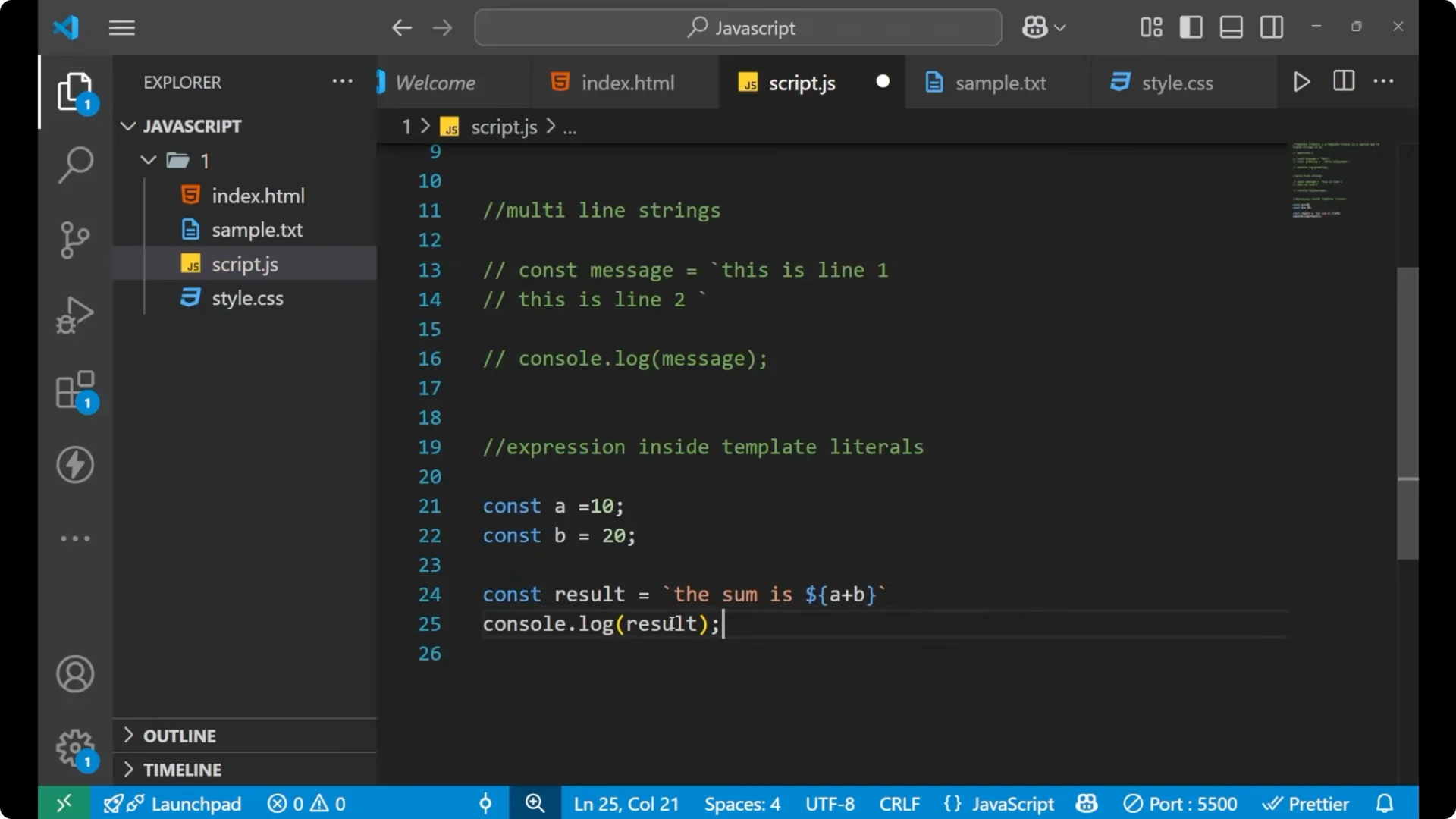
You can interpolate any computed value. For example, you can insert the current date or time right inside a template string. For quick helpers, see
current date.
Calling functions in JavaScript Template Literals
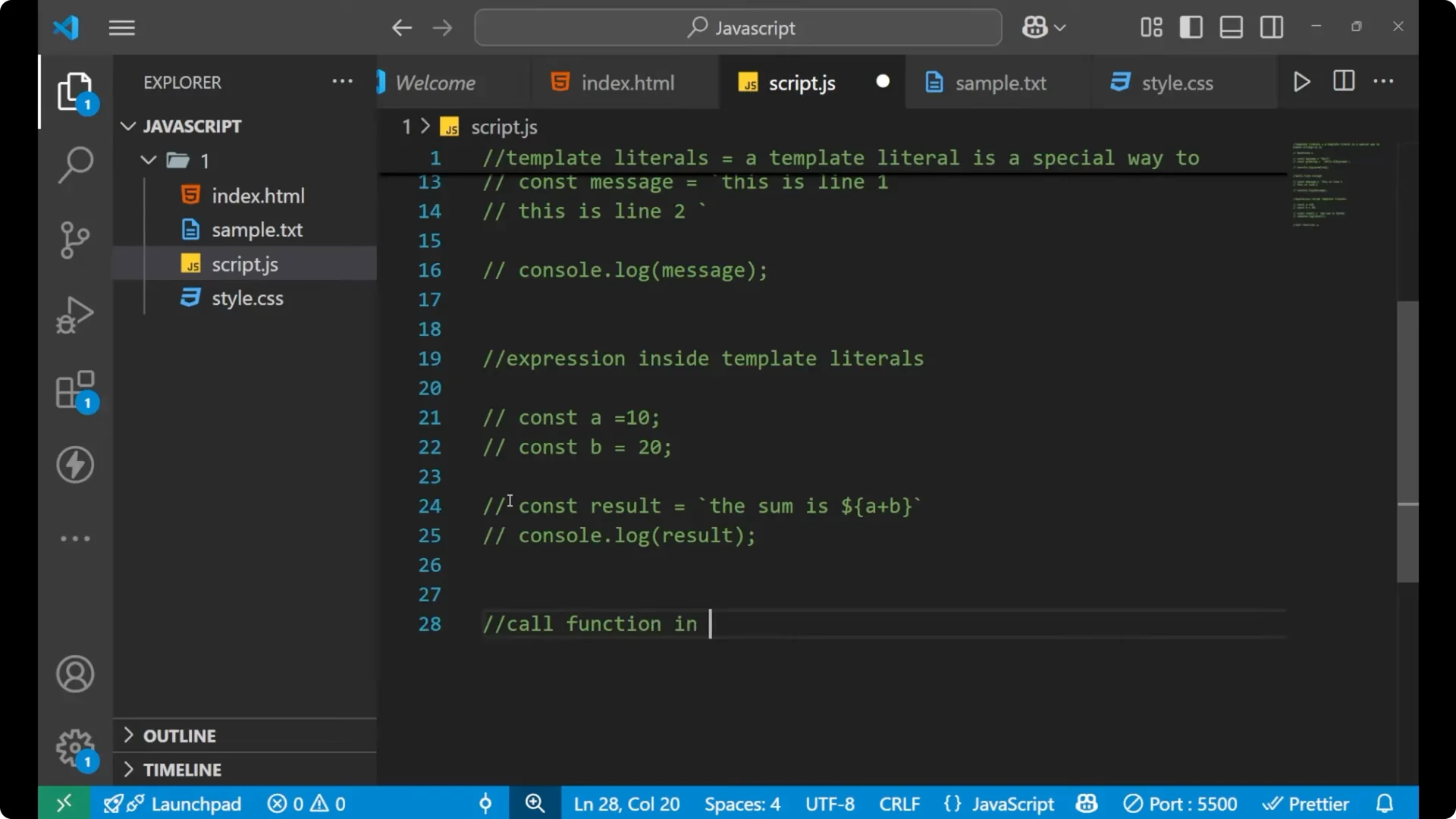
You can call a
function inside a template literal and use its return value inside the string.
function getName() {
  return "Push";
}

const welcome = `Welcome ${getName()}`;
console.log(welcome); // Welcome Push
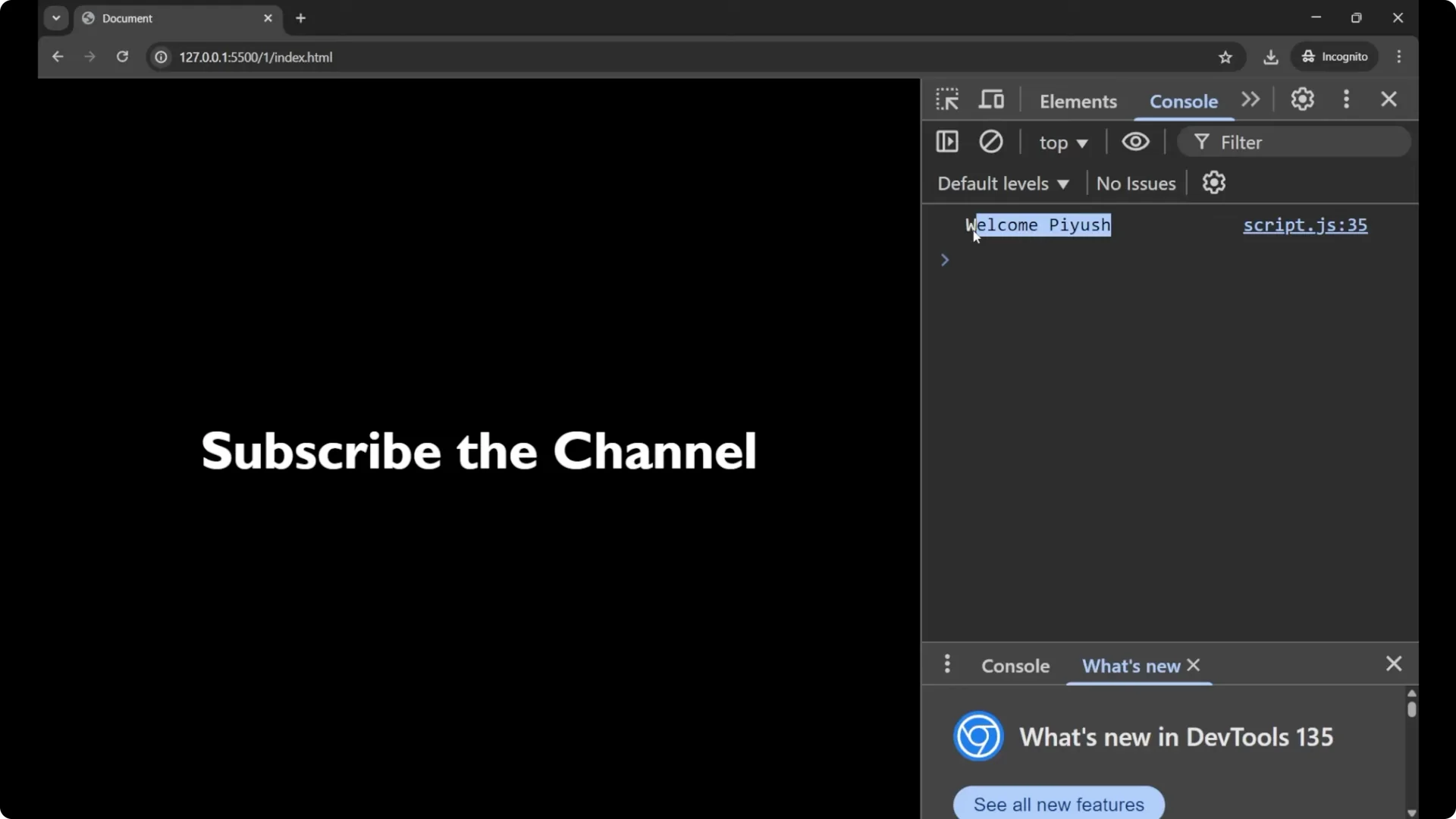
This feature lets you insert a variable, an expression, or a function call inside a template literal with the help of backticks. If a value might be missing, make sure to guard against unexpected `undefined` or `null` before interpolating it. For quick checks and patterns, see
undefined/null.
Final thoughts
Template literal is a special way to create strings in JavaScript using backticks. It makes it easy to insert variables, write multi-line strings, compute expressions inline, and even call functions inside a string. Use `${…}` inside backticks to keep your strings clean and readable.