I am going to show how to use
JavaScript setInterval to repeat a function again and again after a fixed time delay. I will write the syntax, show examples, and then stop the repeated execution with
clearInterval using
setTimeout.
What is JavaScript setInterval
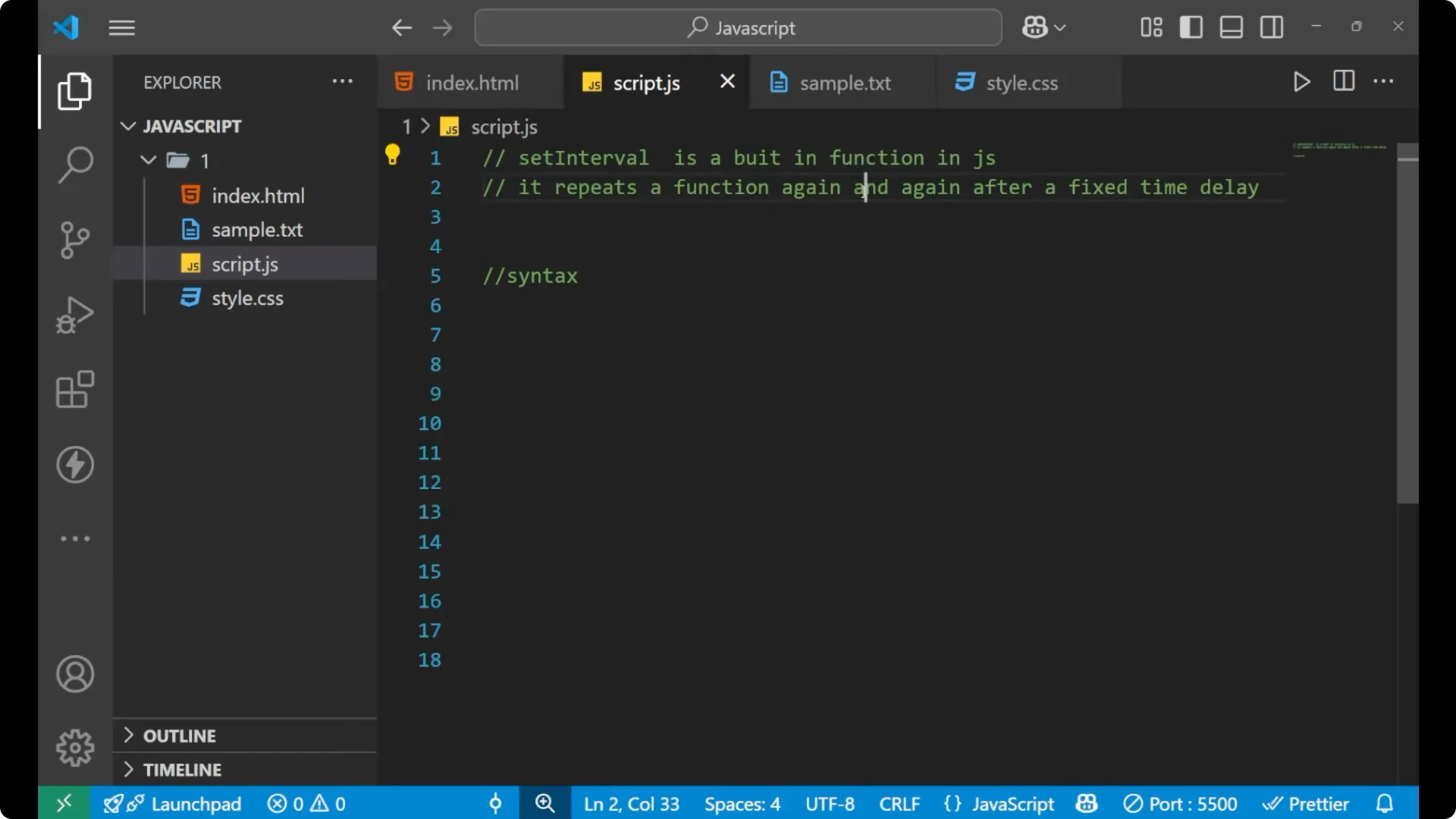
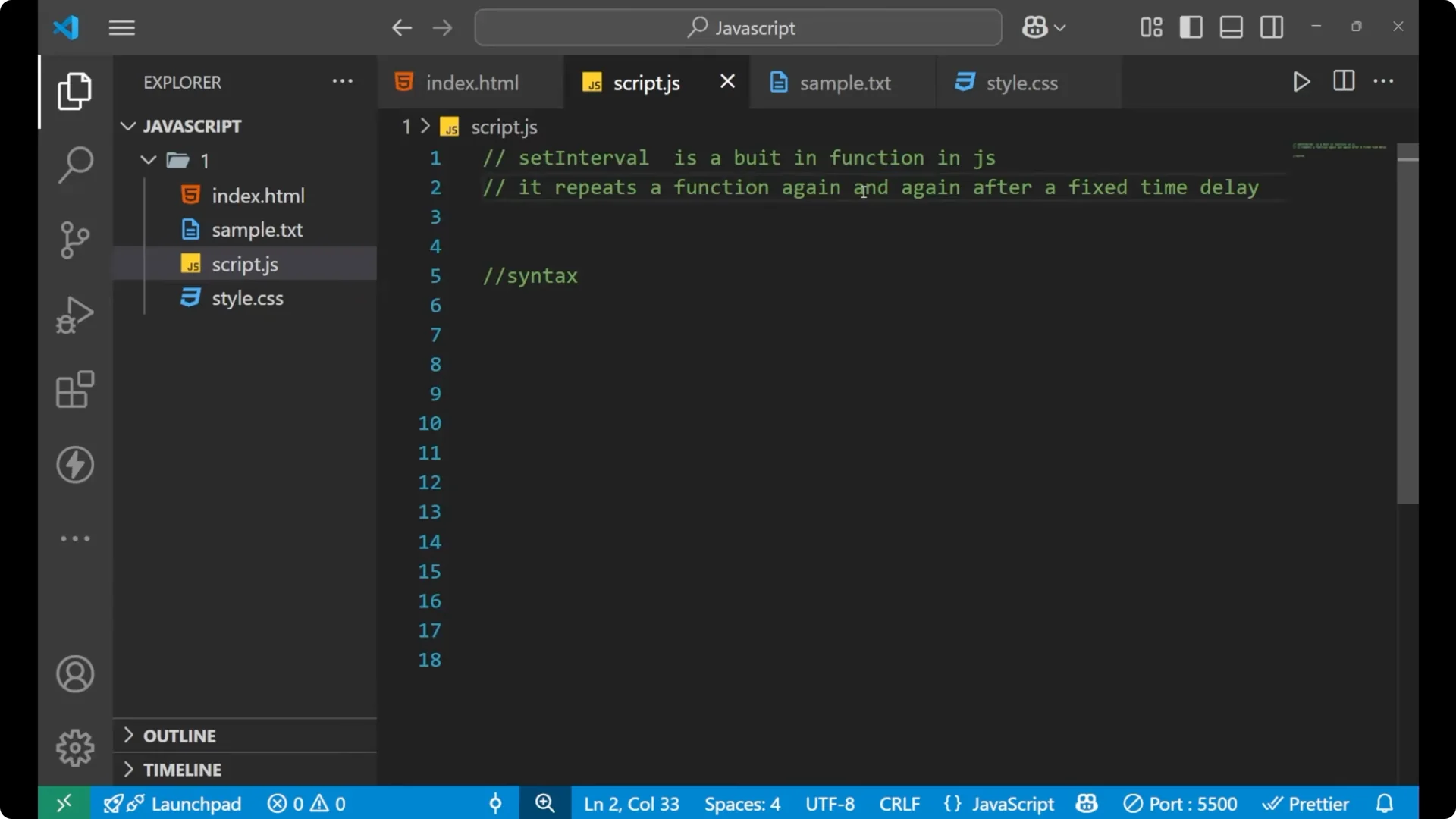
setInterval is a built-in function. It is already available in JavaScript, so you do not need to define it. It repeats a function again and again after a fixed delay. If I want to repeat lines of code again and again in my JavaScript, I use
setInterval.
JavaScript setInterval syntax
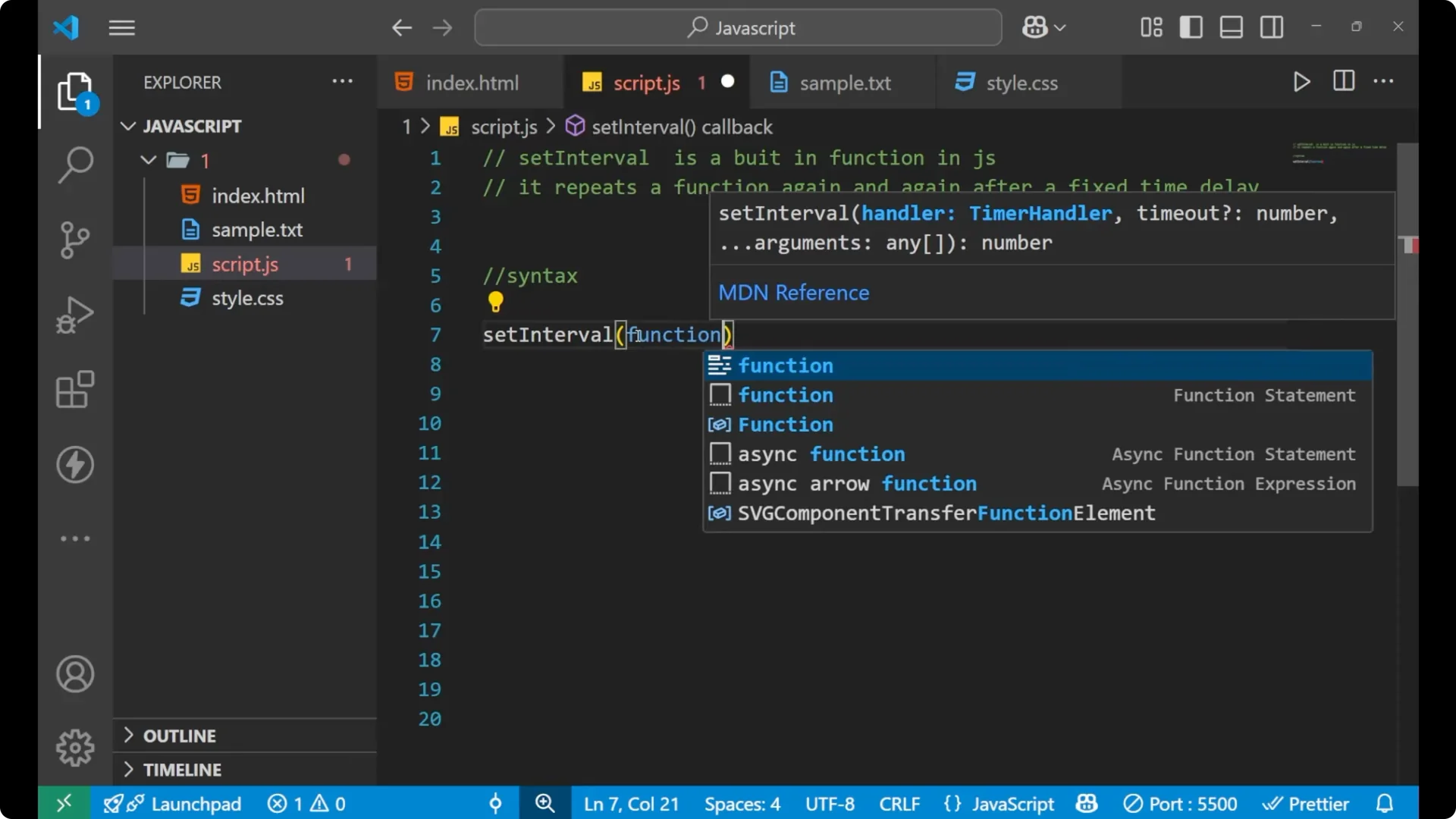
To use
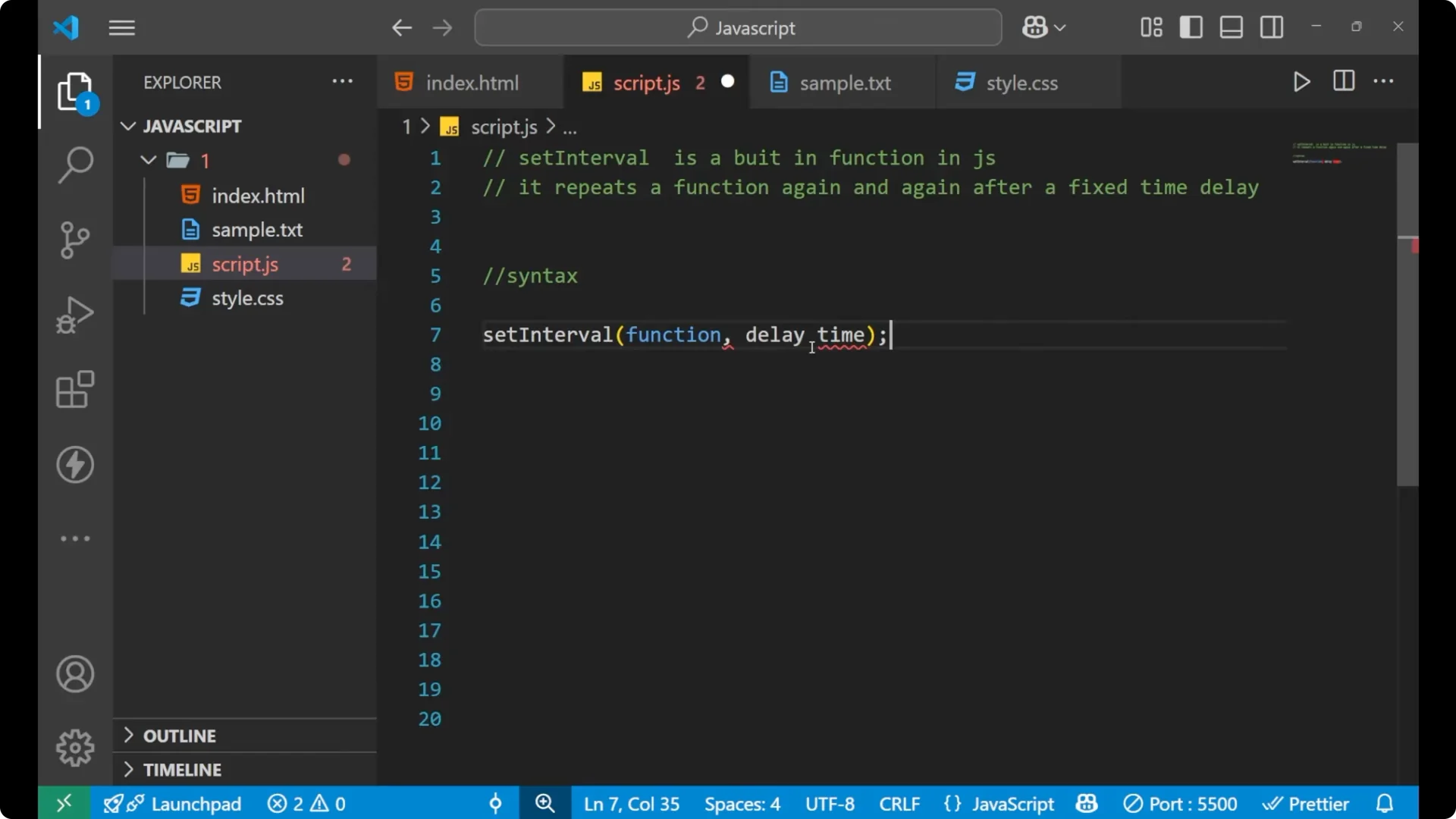
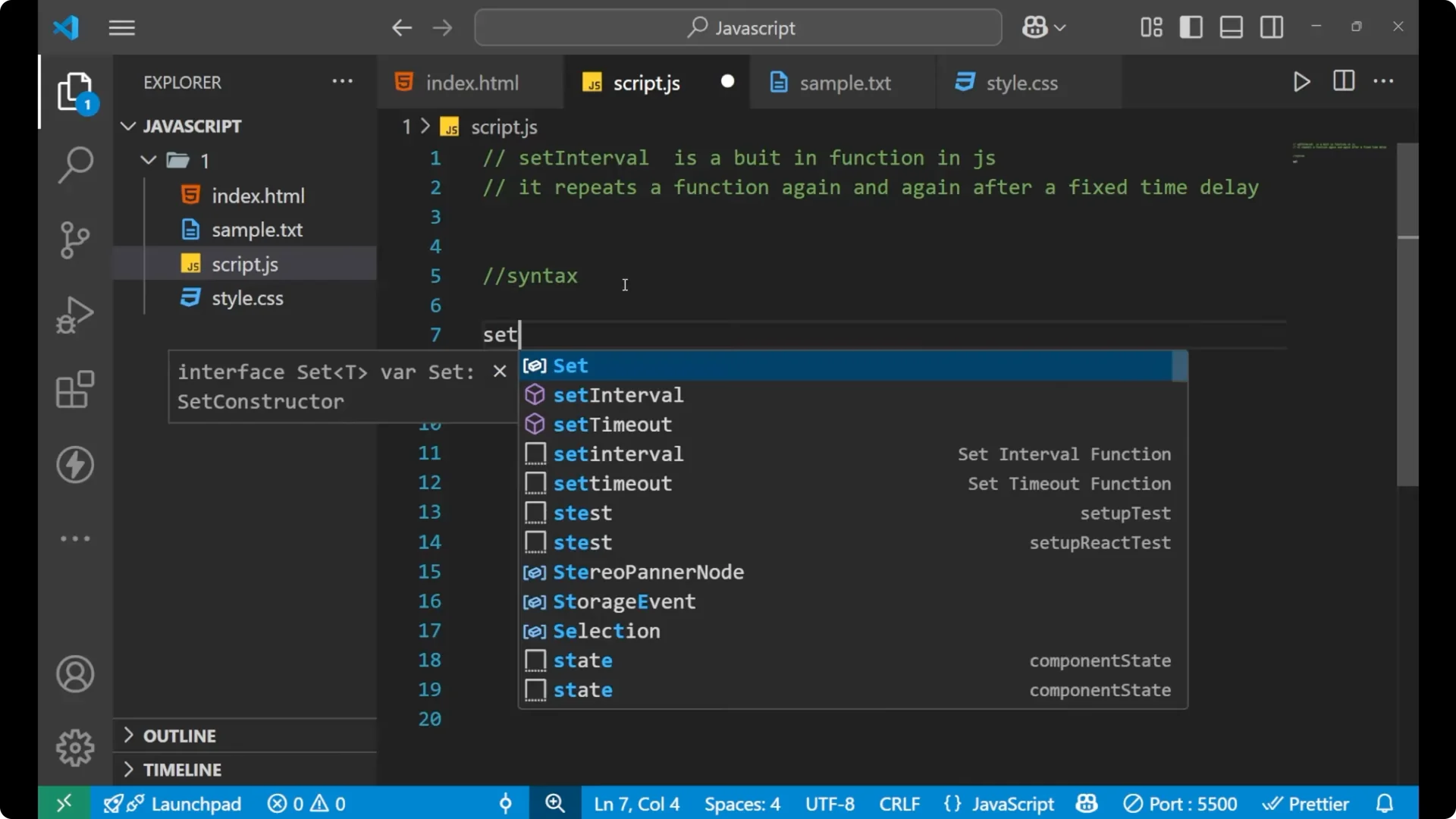
setInterval, write it like this. The I is capital.
Steps:
Write `setInterval` with a capital I
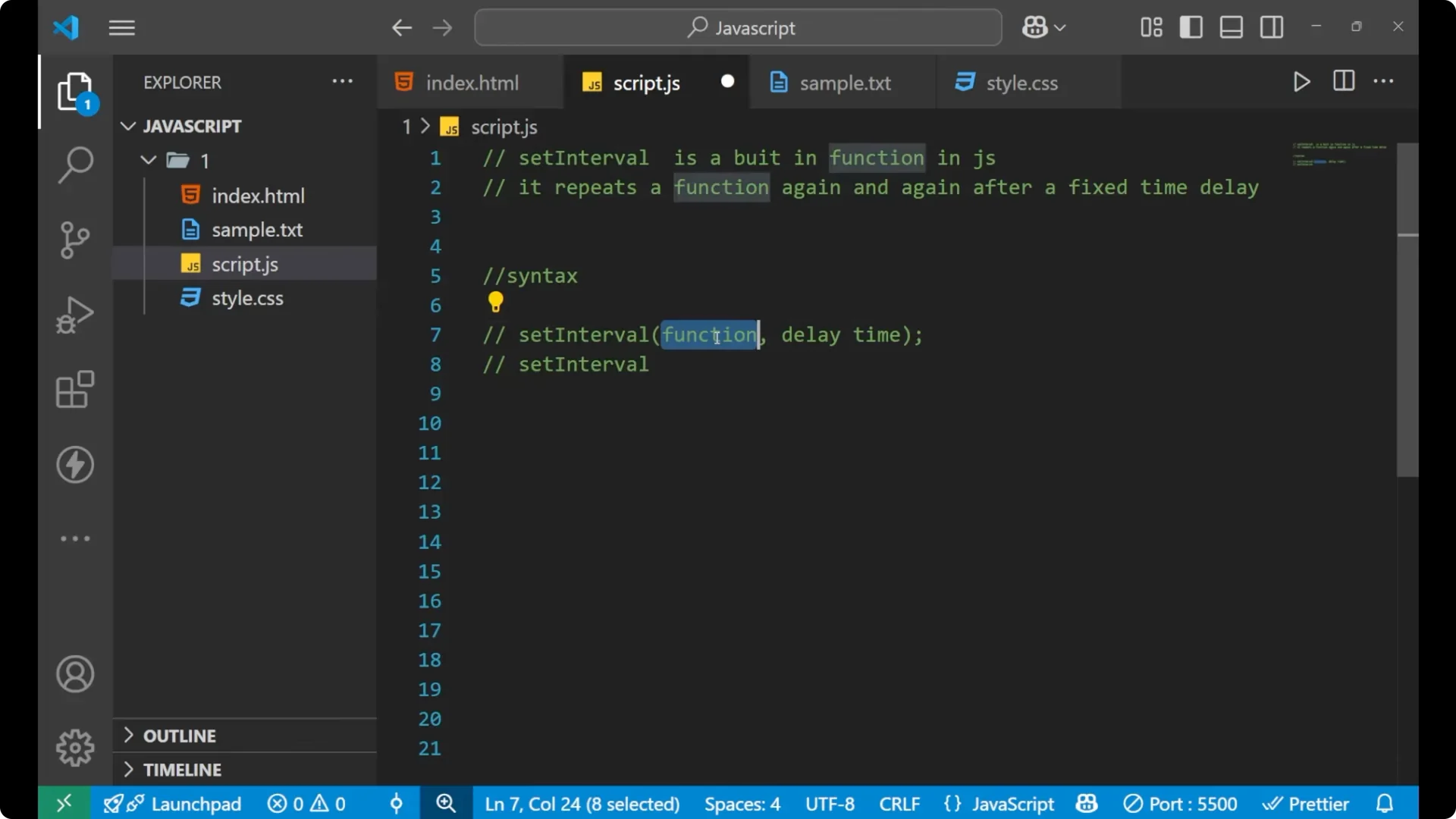
Put brackets and pass the function that includes the lines of code
Add a comma and then the delay time in milliseconds
Named function form:
function greet() {
  // lines of code
}

setInterval(greet, 2000); // delay time in ms
Arrow function form:
setInterval(() => {
  // lines of code
}, 2000);
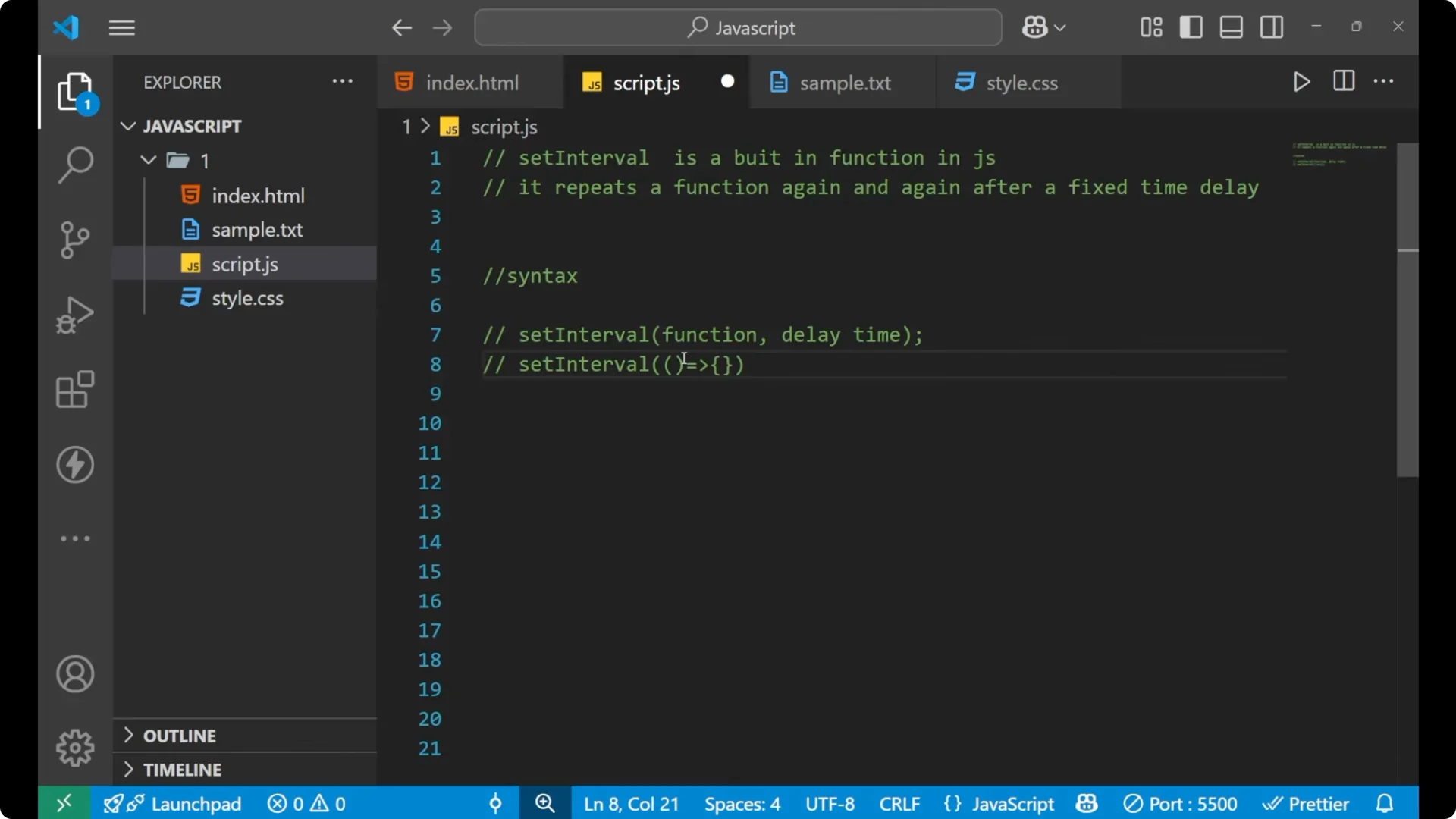
In both cases, the last argument is the delay time. Delay time means after how much time the particular lines should execute again.
Read More: Javascript Timers Settimeout Setinterval
Example: repeat output every 2 seconds with JavaScript setInterval
I want to print something repeatedly, so I will write
setInterval and use an arrow function inside it.
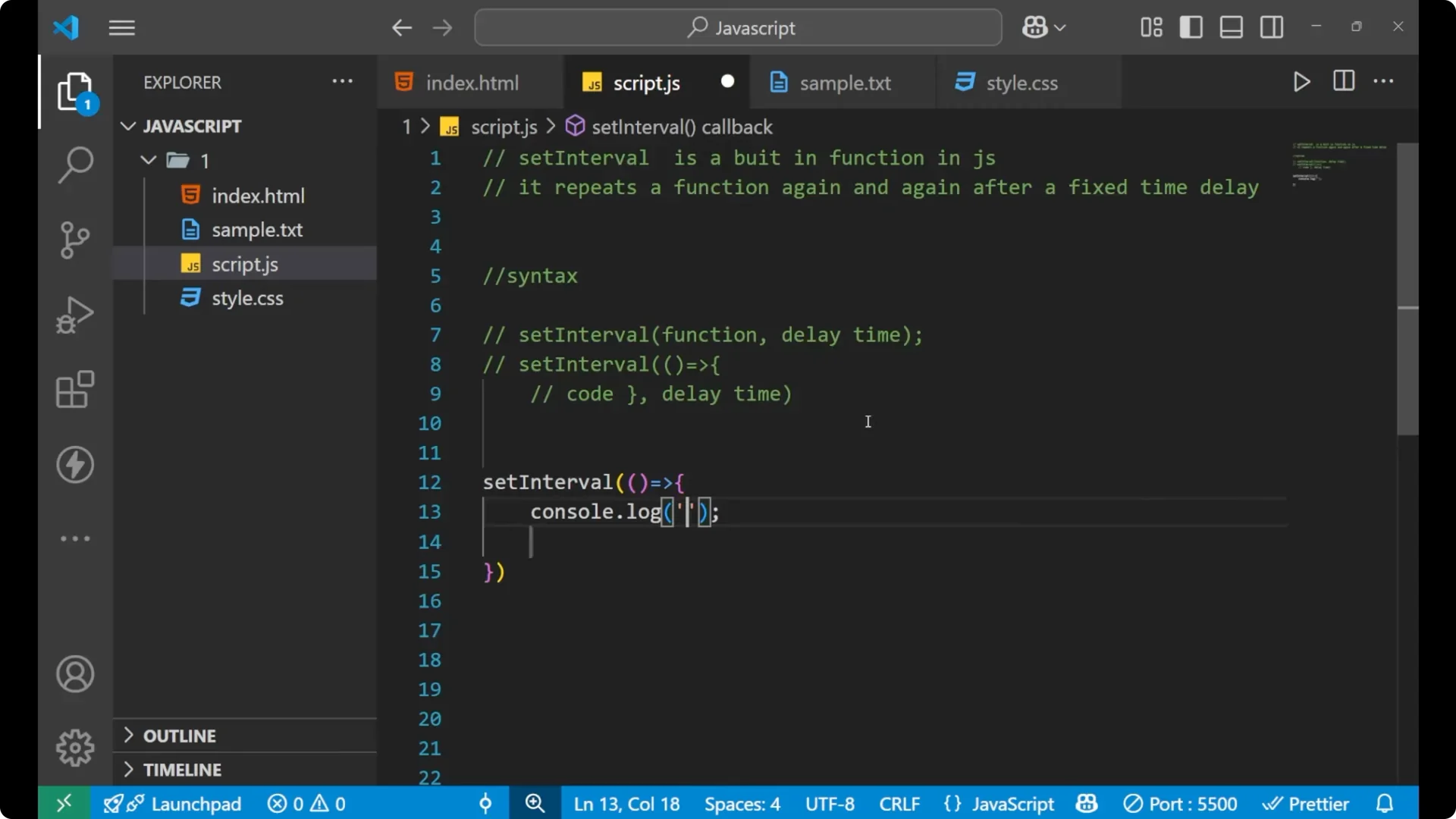
setInterval(() => {
  console.log('hello');
}, 2000);
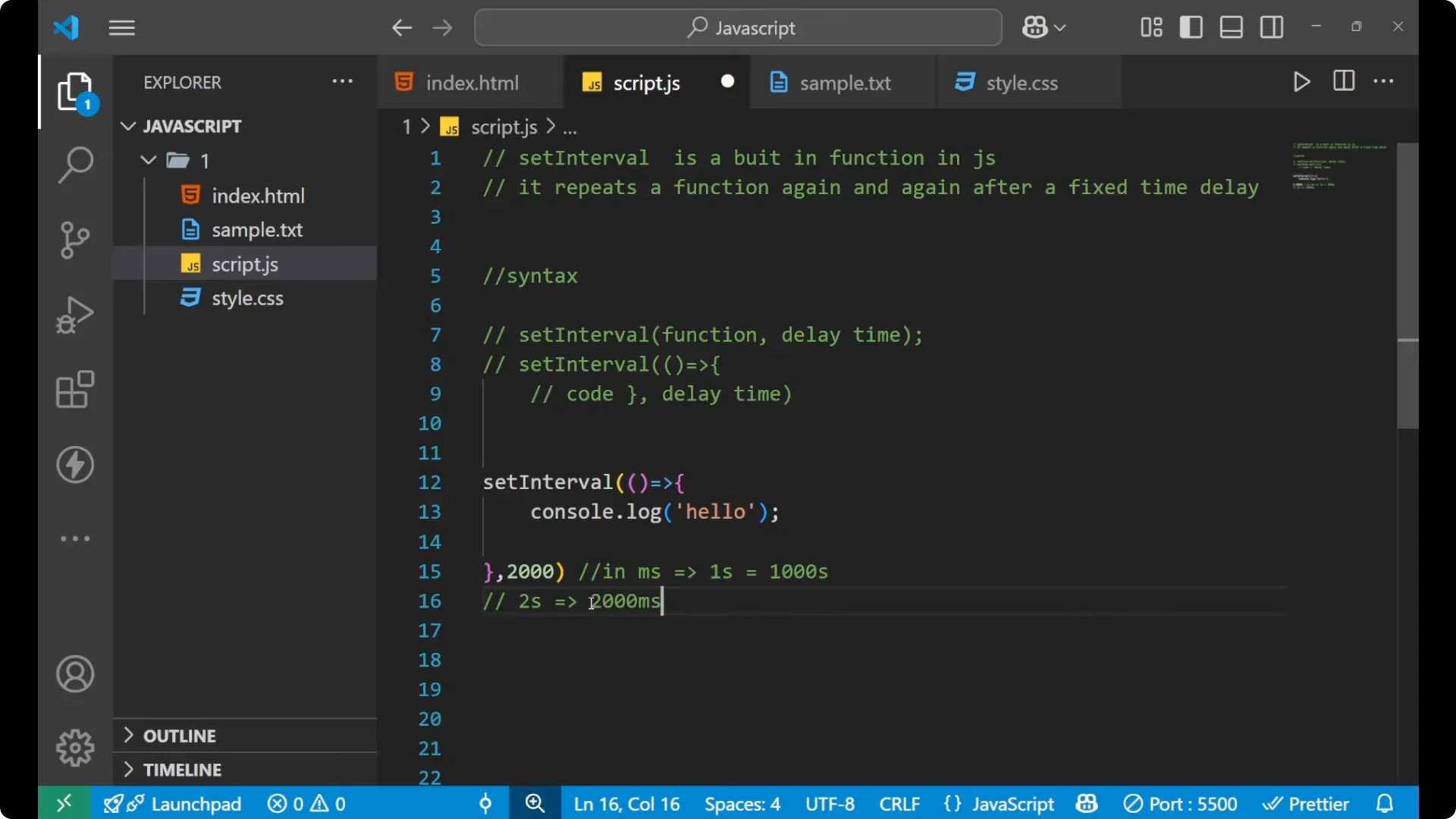
In
setInterval, the delay time is written in milliseconds. 1 second equals 1000 milliseconds. For 2 seconds, I write 2000.
If you open your console, you will see “hello” printed again after every 2 seconds. It keeps printing until you stop it.
Read More: Mastering Javascript Current Date Time
Stop JavaScript setInterval with clearInterval
It will continue repeating until you stop your JavaScript or explicitly clear it. I want to stop it after some time. For that, I use
clearInterval.
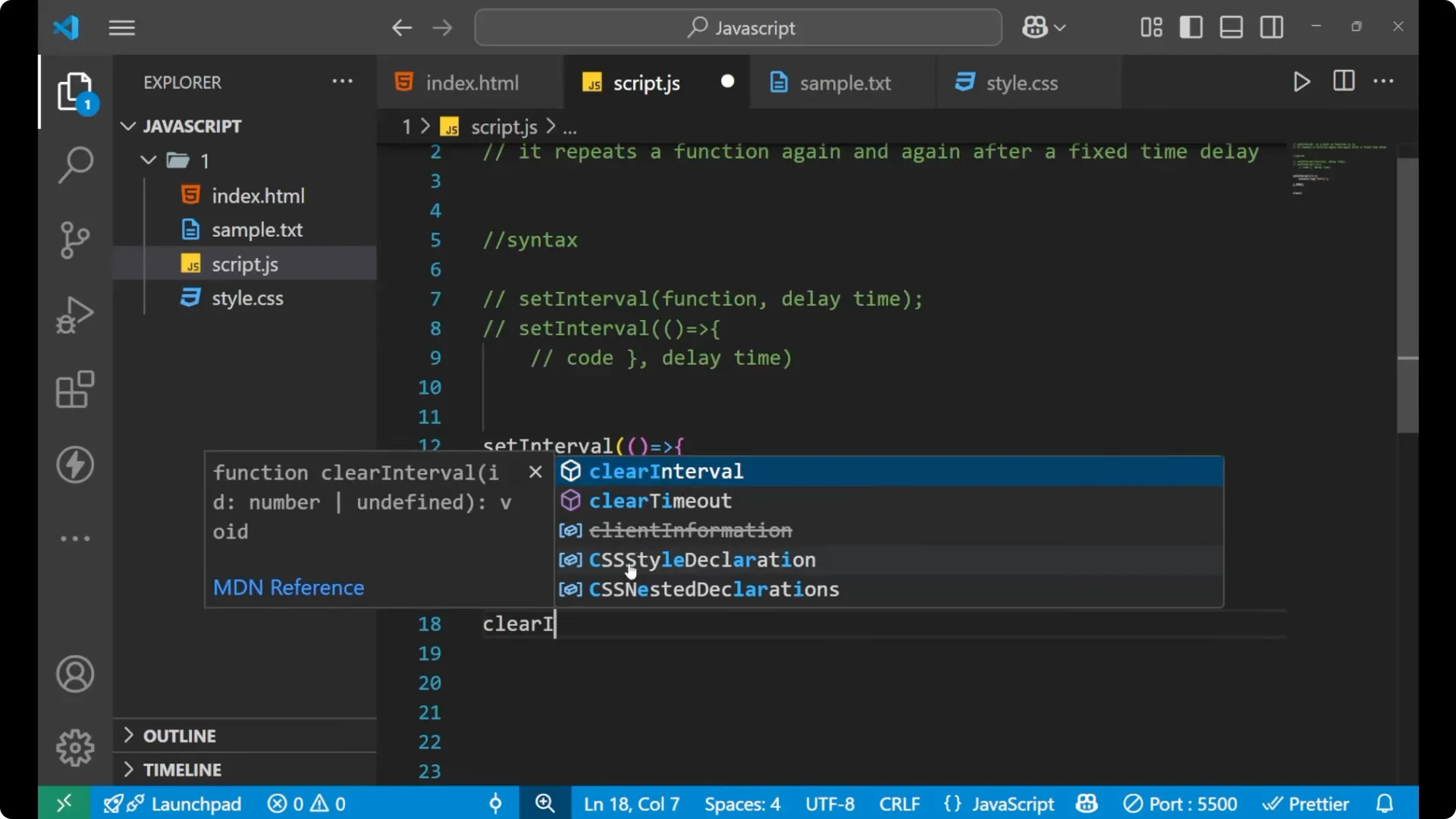
First, store the interval in a variable. Then use
setTimeout to call
clearInterval after 10 seconds.
const greet = setInterval(() => {
  console.log('hello');
}, 2000);

setTimeout(() => {
  clearInterval(greet);
}, 10000);
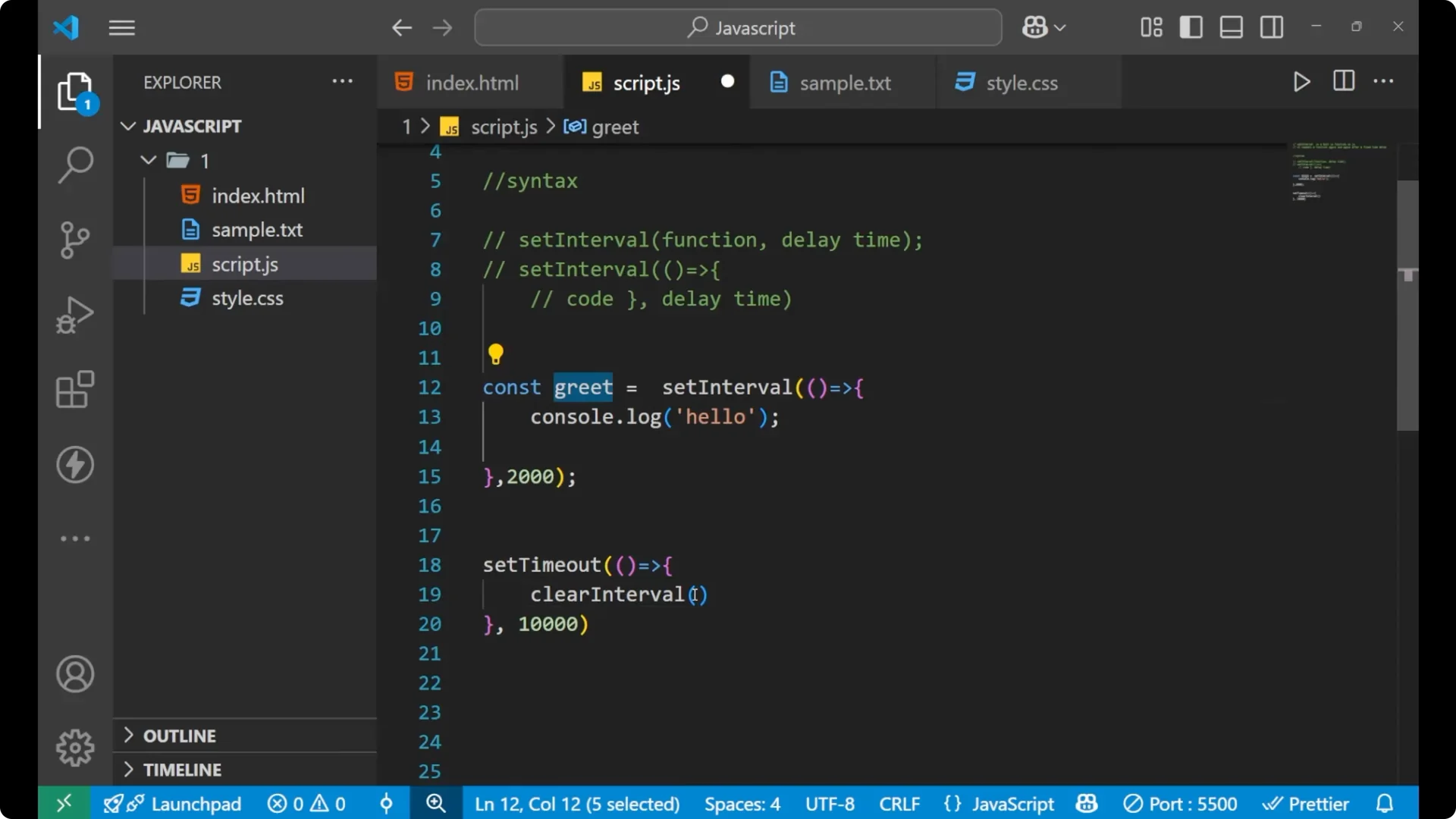
This way, the interval executes and prints “hello” every 2 seconds, and when the time reaches 10 seconds, it stops printing. It stops the repetition after about 10 seconds.
Counter example with JavaScript setInterval
Here is another example where I will use both the repeating logic and stopping logic. I will print a count every second, increase the value by one each time, and then stop after reaching 5.
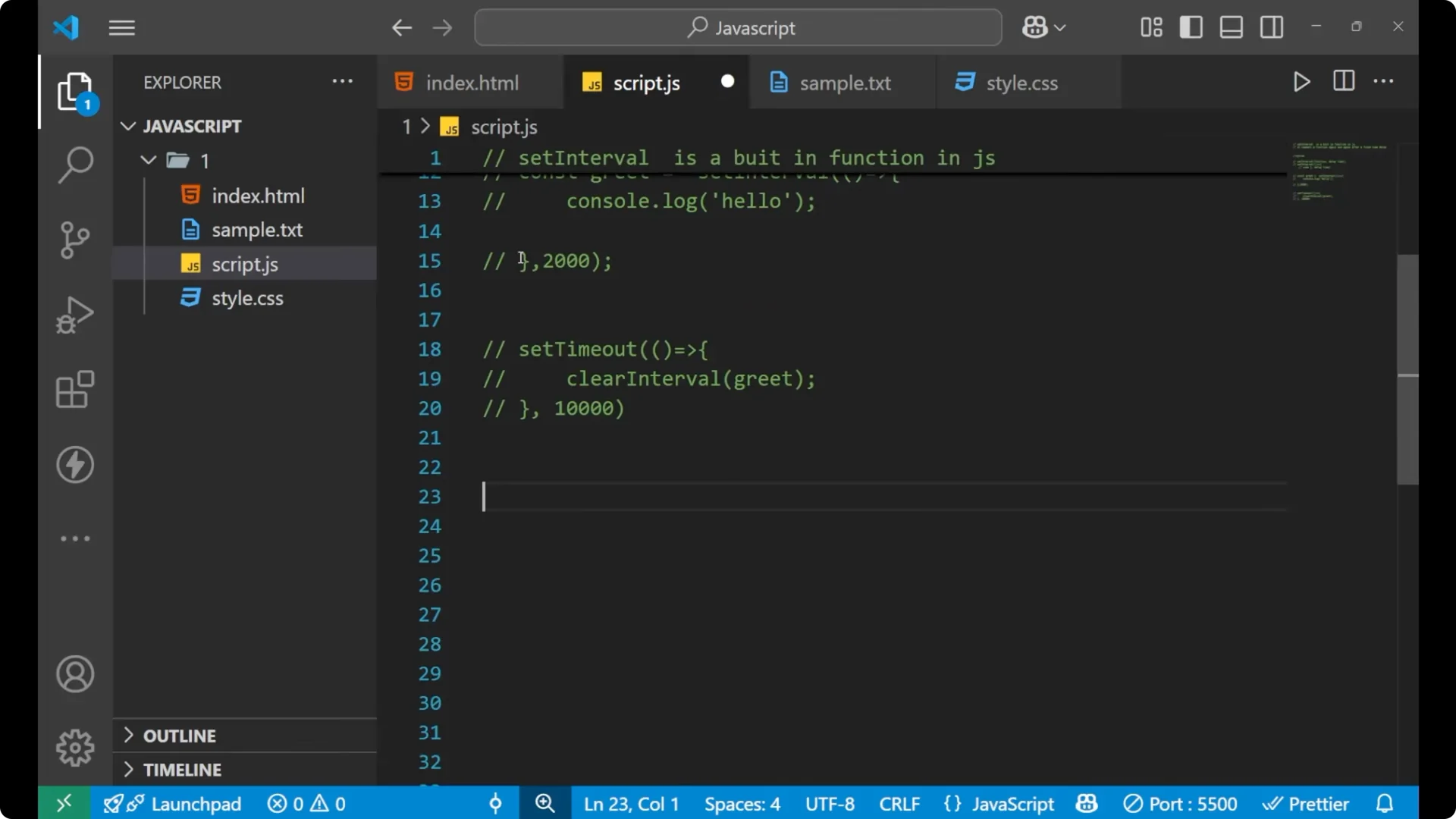
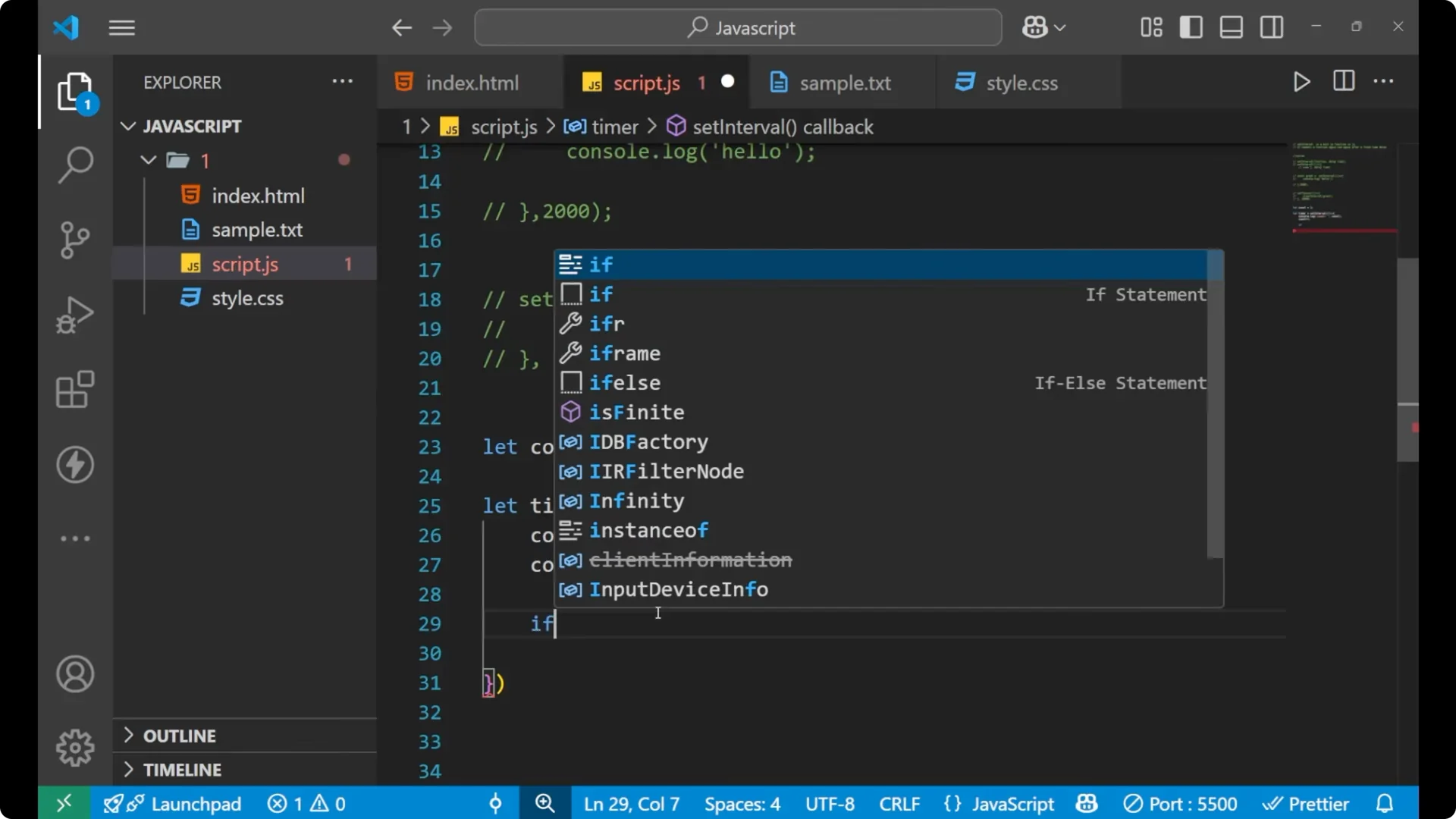
let count = 1;

const timer = setInterval(() => {
  console.log('count', count); // there should be a comma
  count++;

  // stop after the count goes beyond 5
  if (count > 5) {
    clearInterval(timer);
  }
}, 1000);
You will see:
count 1
count 2
count 3
count 4
count 5
When the count becomes 6, it stops. Up to 5, it prints the result.
Read More: Mastering Template Literals Javascript
Final thoughts
JavaScript setInterval repeats your code at a fixed delay measured in
milliseconds. Use it to run code periodically, and remember to stop it when needed. Store the interval id, and call
clearInterval directly or via
setTimeout to stop after a specific time. With these patterns, you can print values on intervals or run timed tasks and then end them cleanly.