Getting the current date and time in JavaScript is easy. You can generate the current date and time using the
inbuilt `Date` function automatically. It gives you the current date and time based on your computer or your device setting.
Basics – JavaScript Date Object
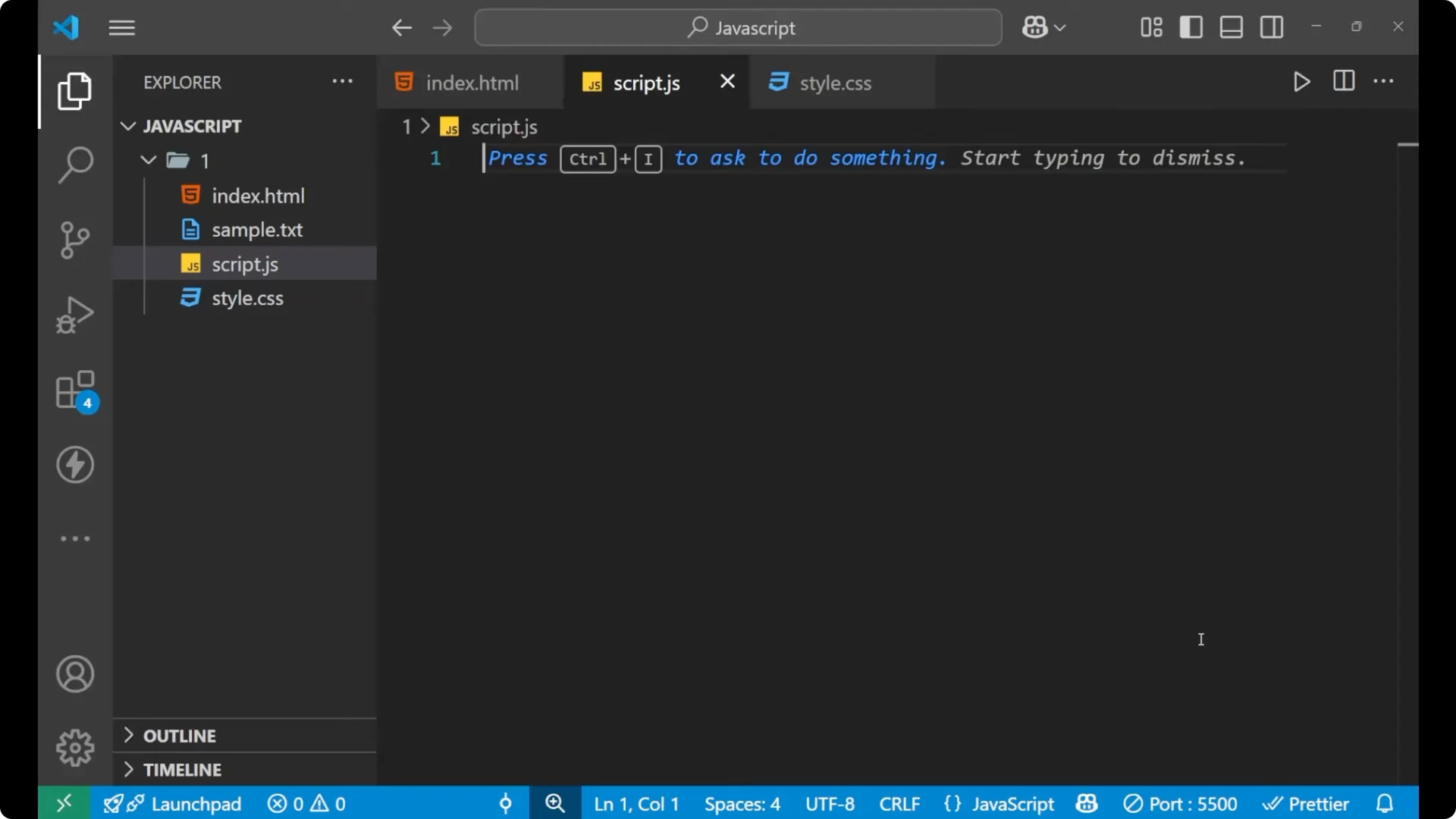
First understand the basic syntax by which we can generate the current date and time.
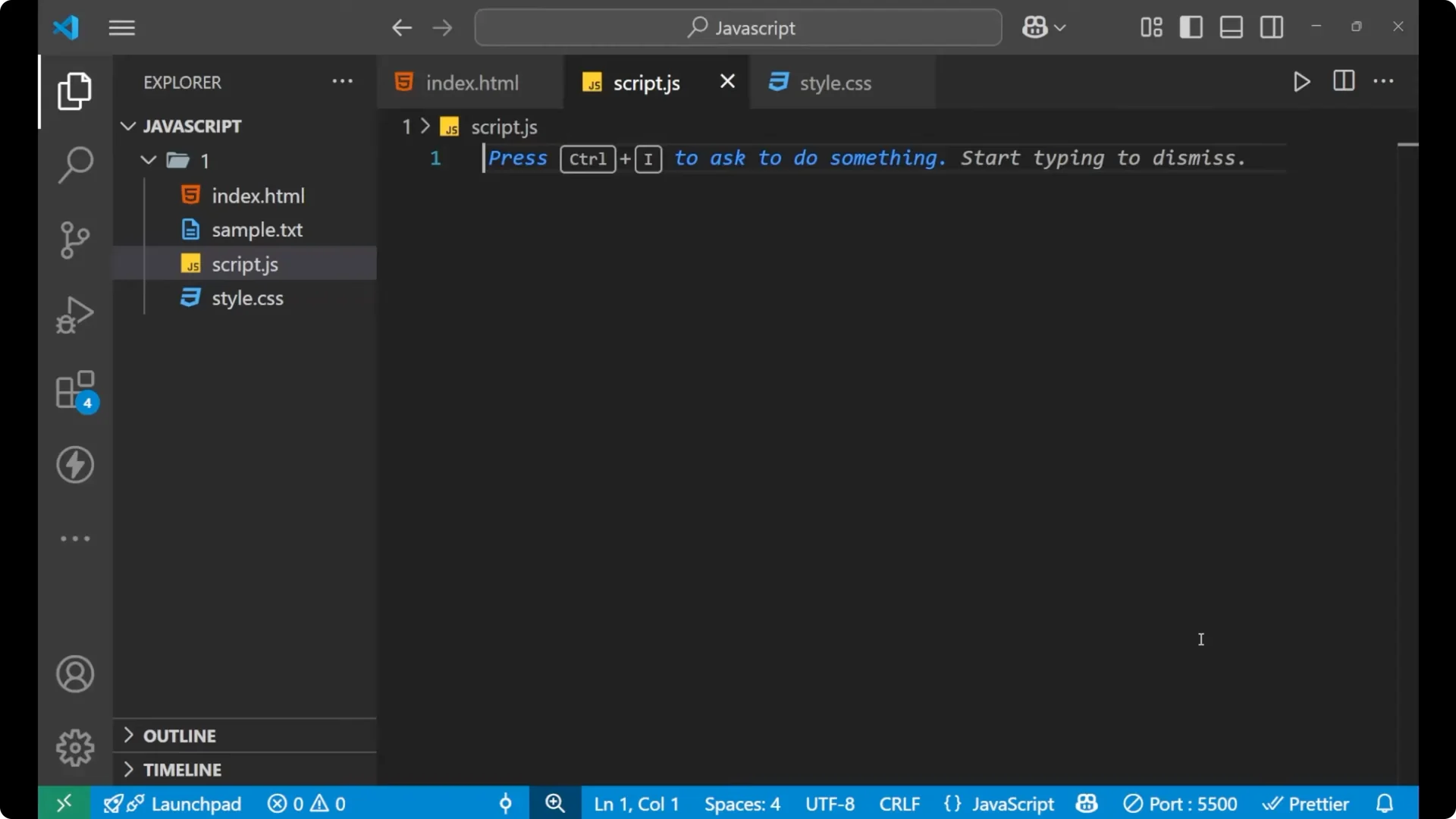
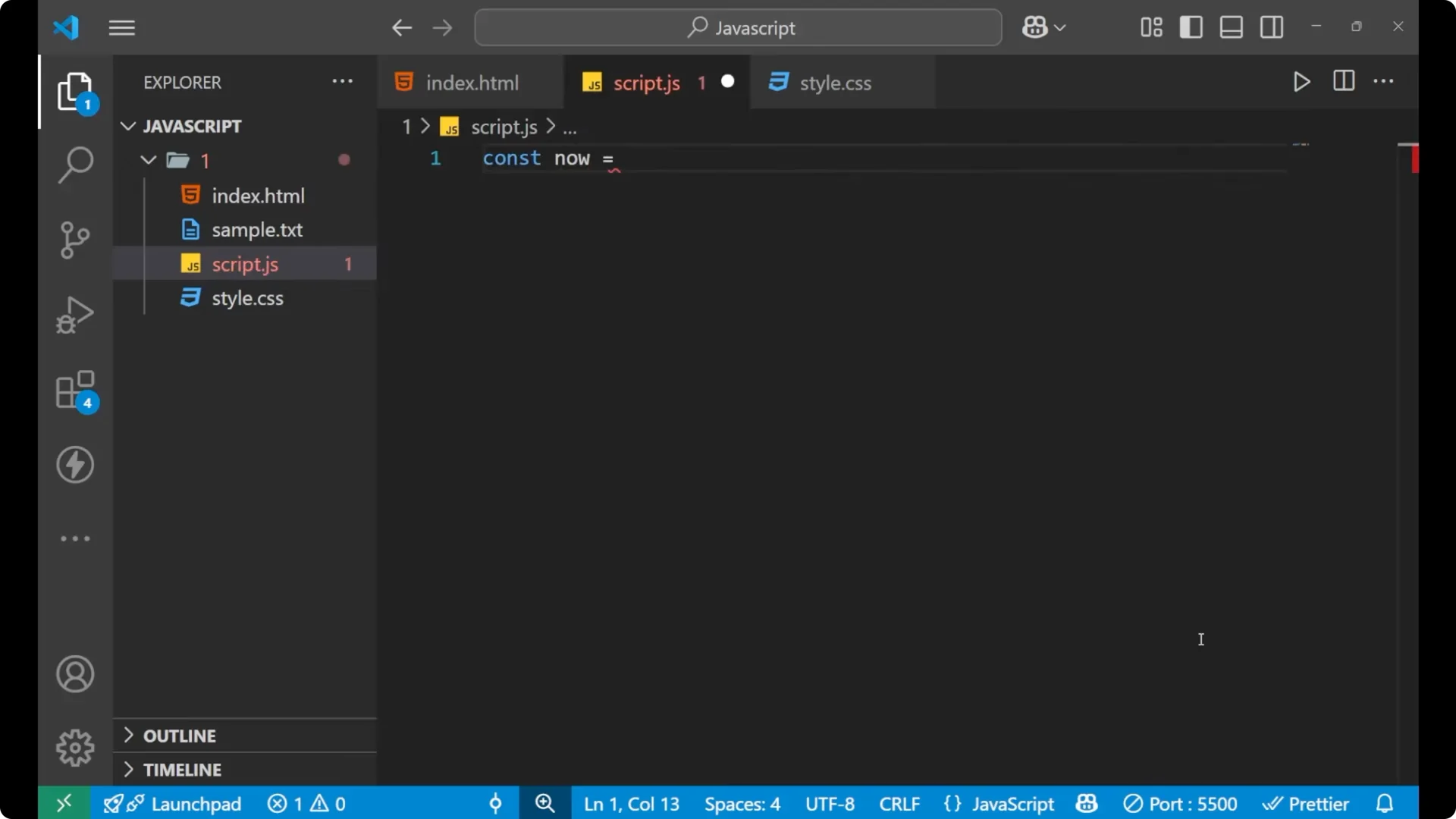
Create a variable.
Use the `new` keyword and then the `Date` function. This `Date` function is
inbuilt in JavaScript, so you do not need to define it on your own. You simply need to use it.
Print the variable to see the output.
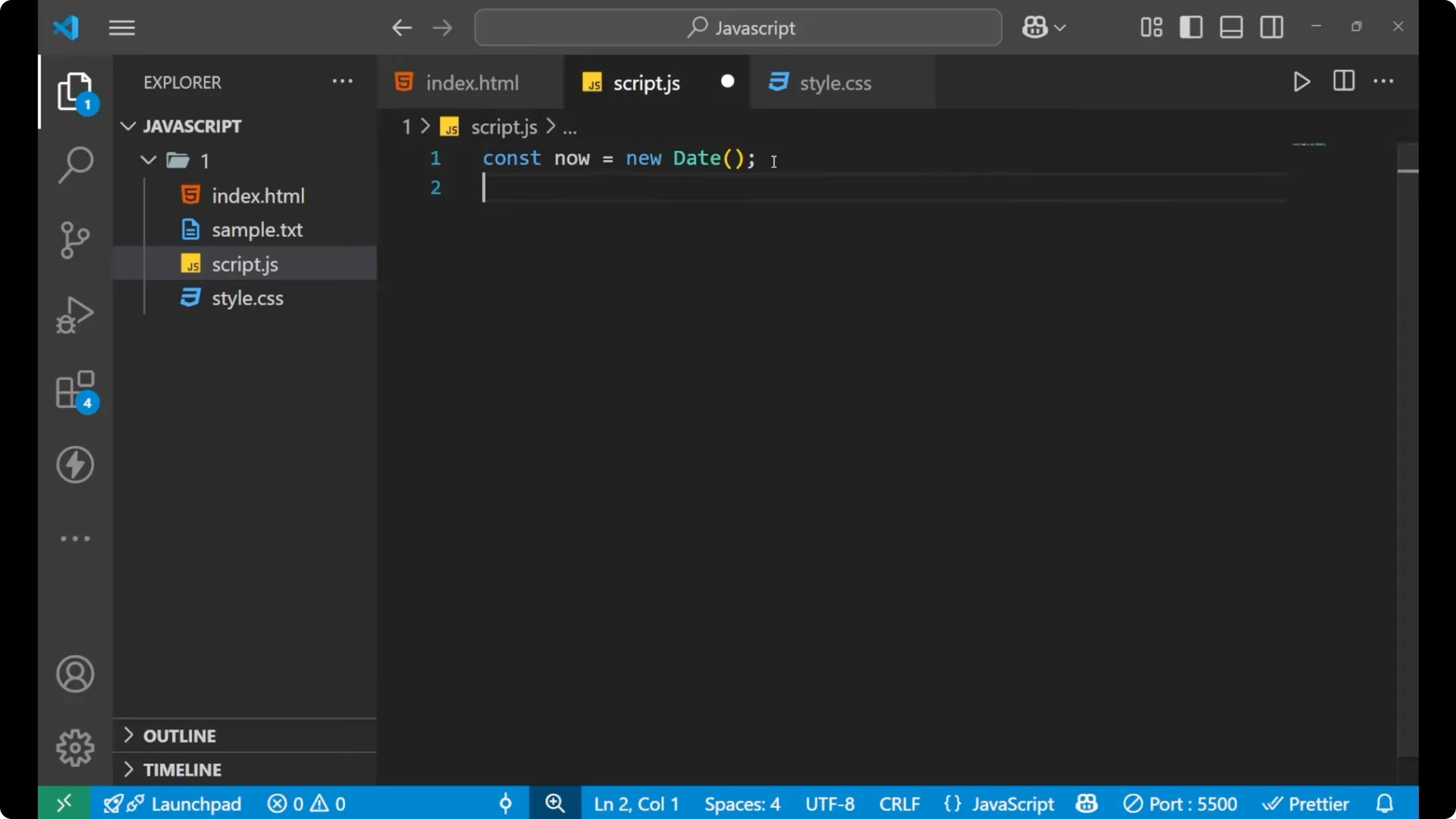
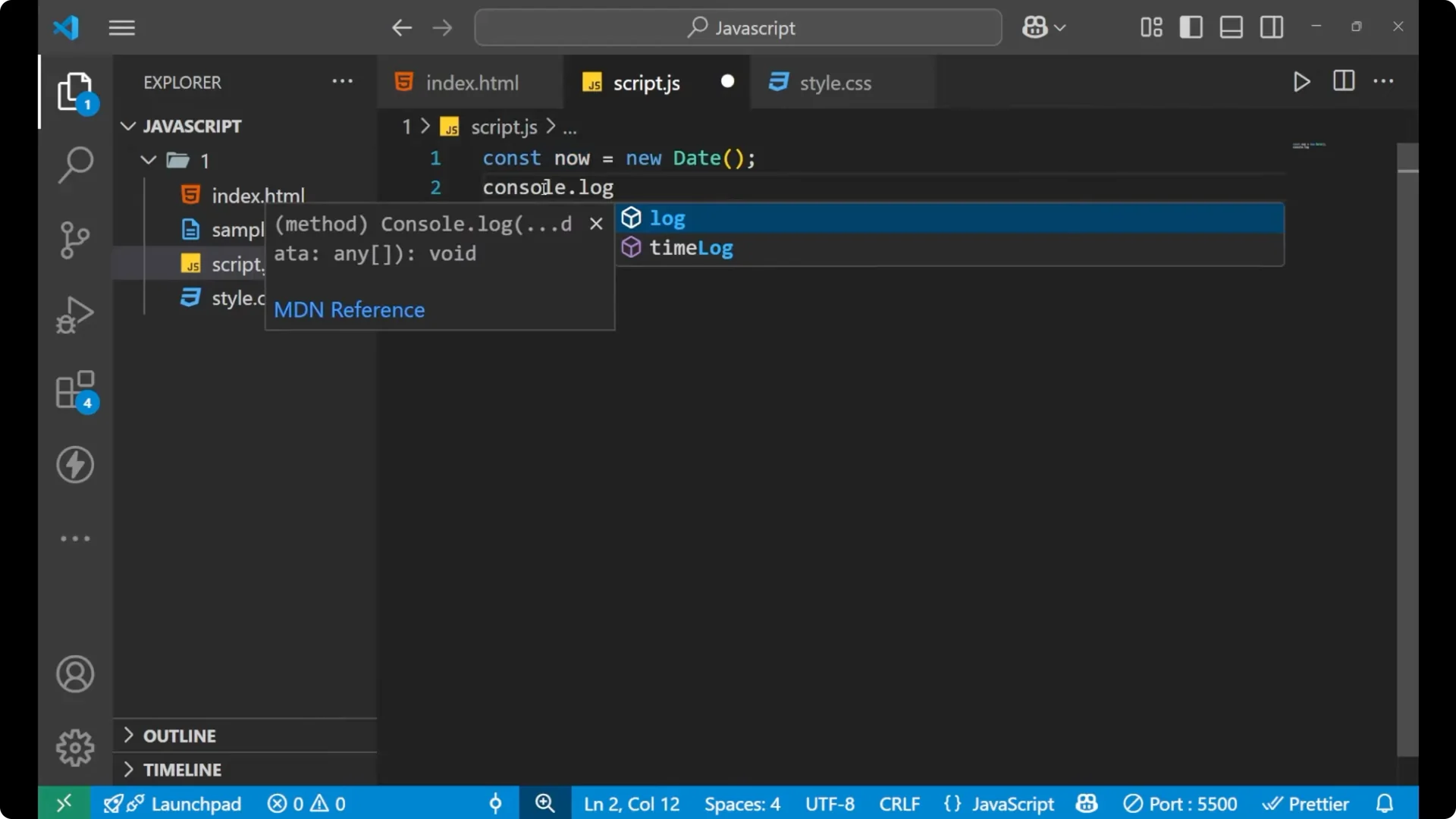
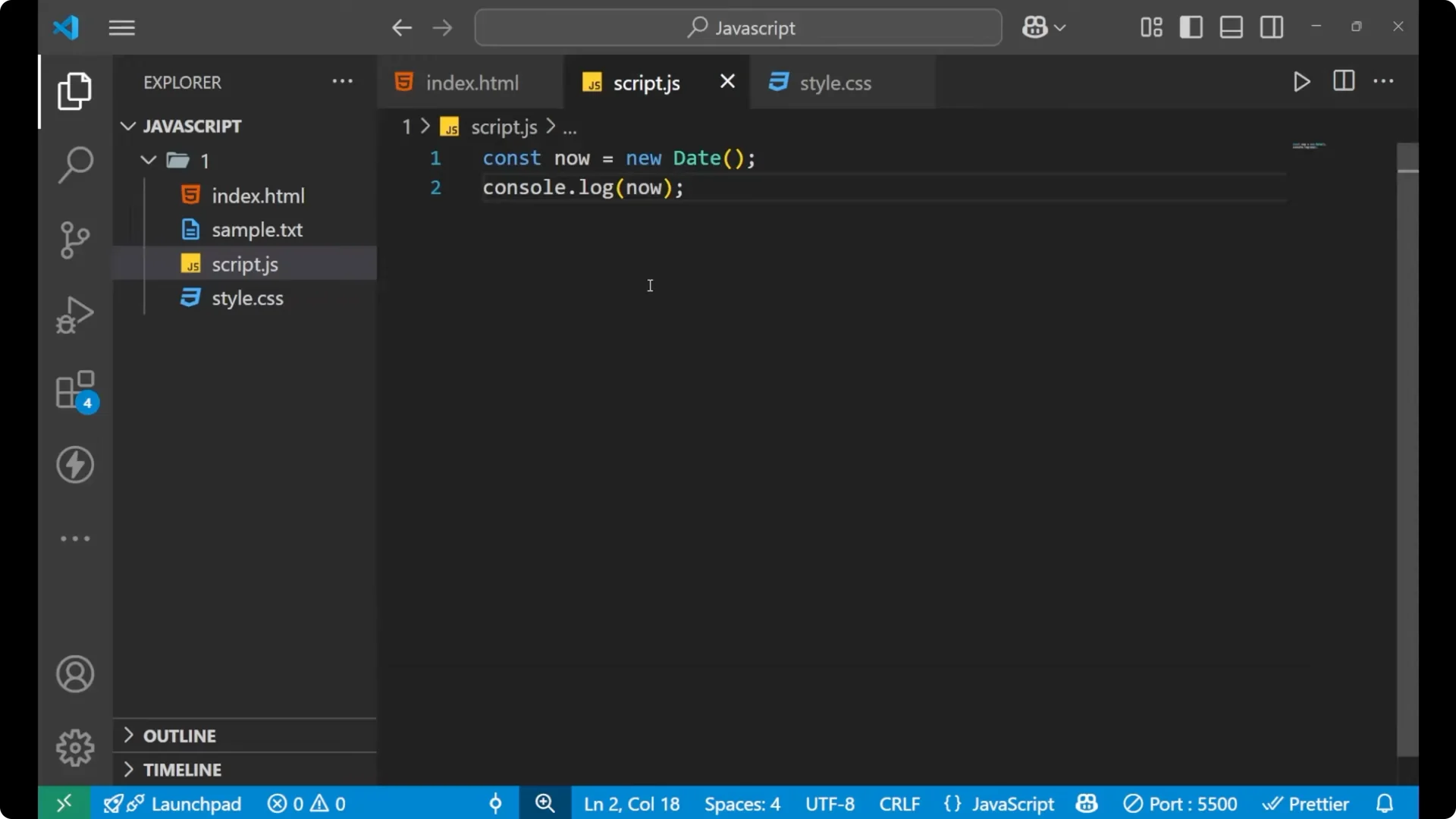
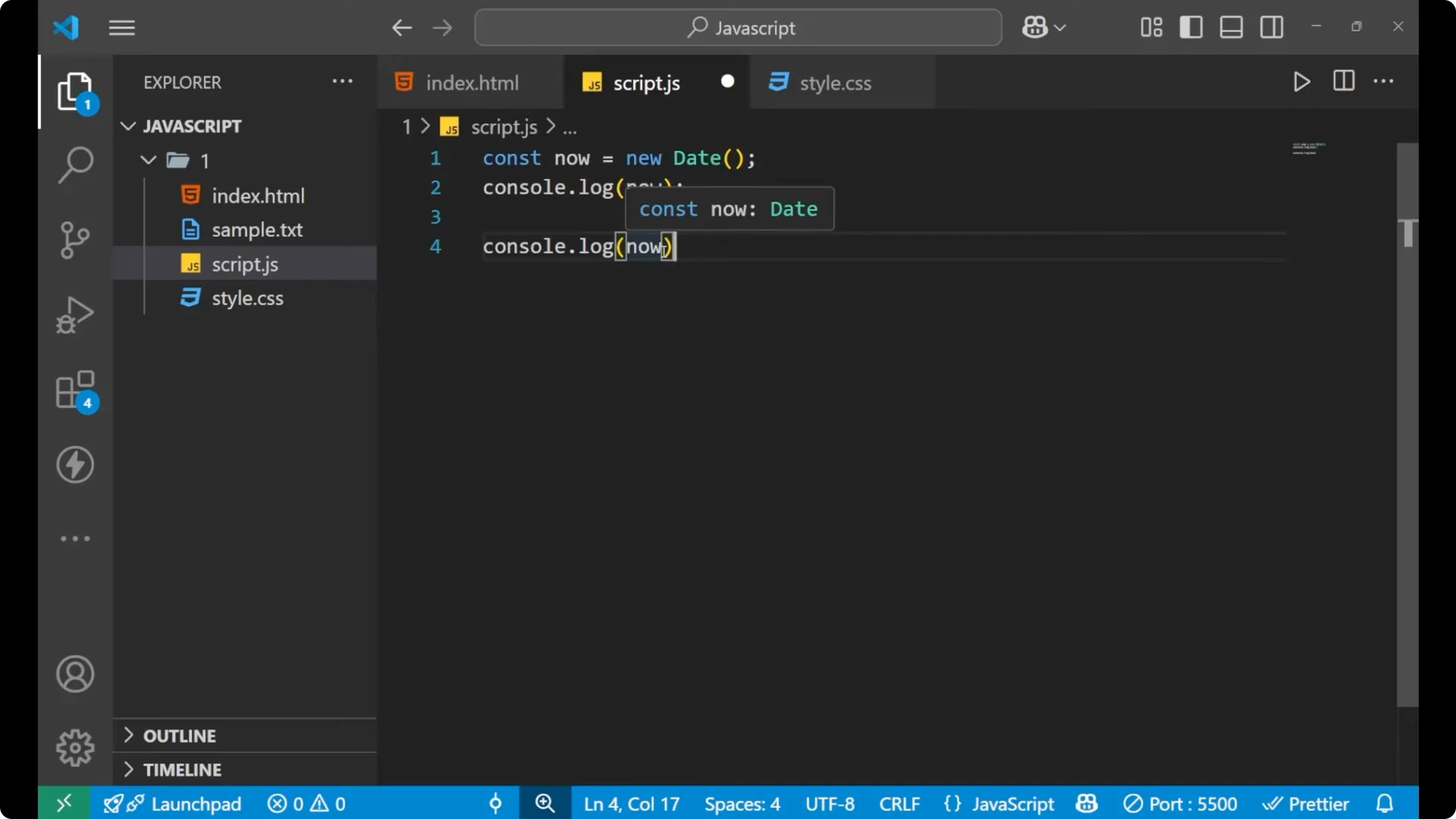
const now = new Date();
console.log(now);
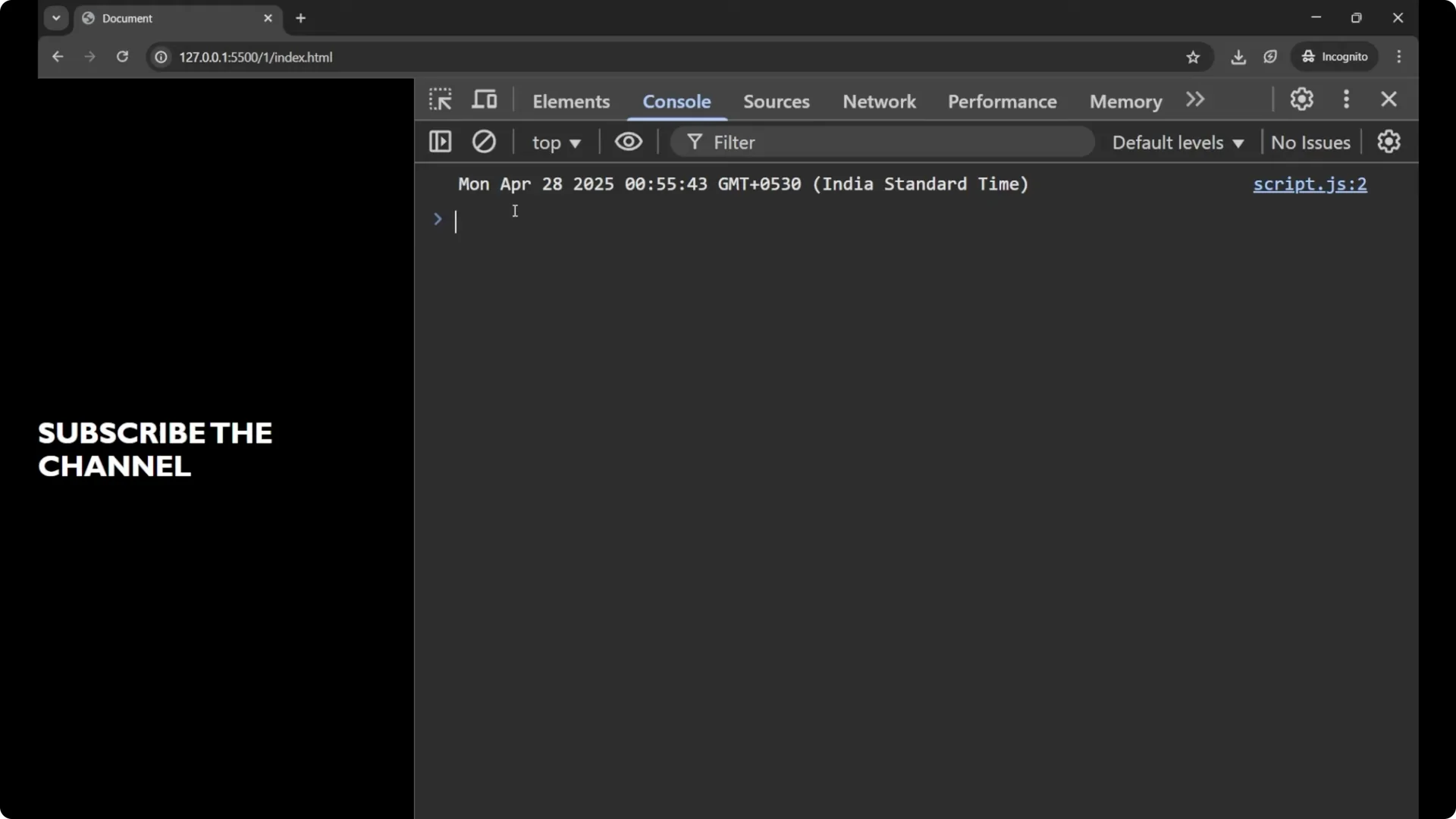
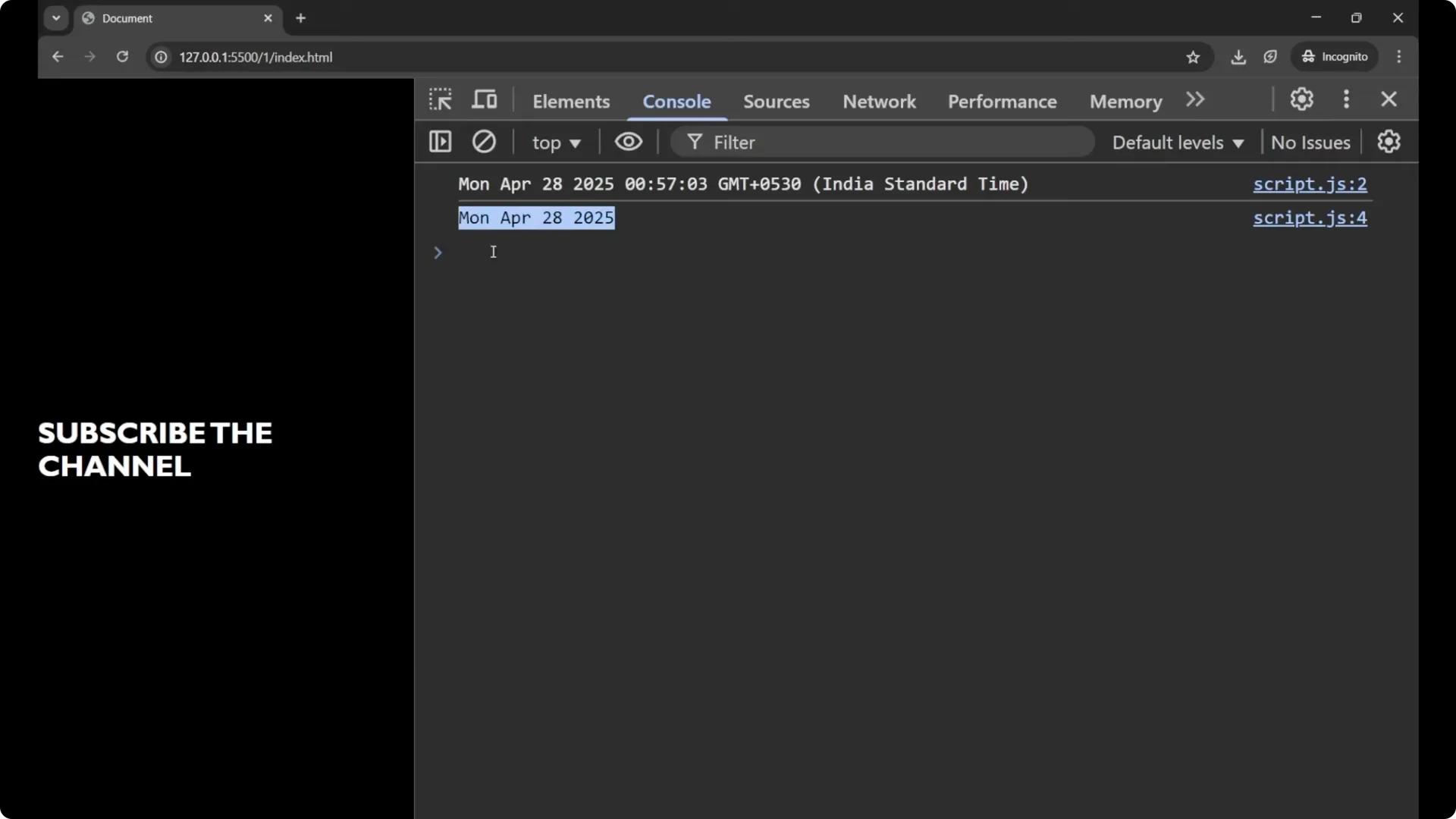
You will see detailed information about the time and the date. It first shows the week day and then the month, the date, the year, the time, and the timezone. By this you can get the whole information about the time and the date.
 Read More: break and continue
Get only the date – JavaScript Date Object
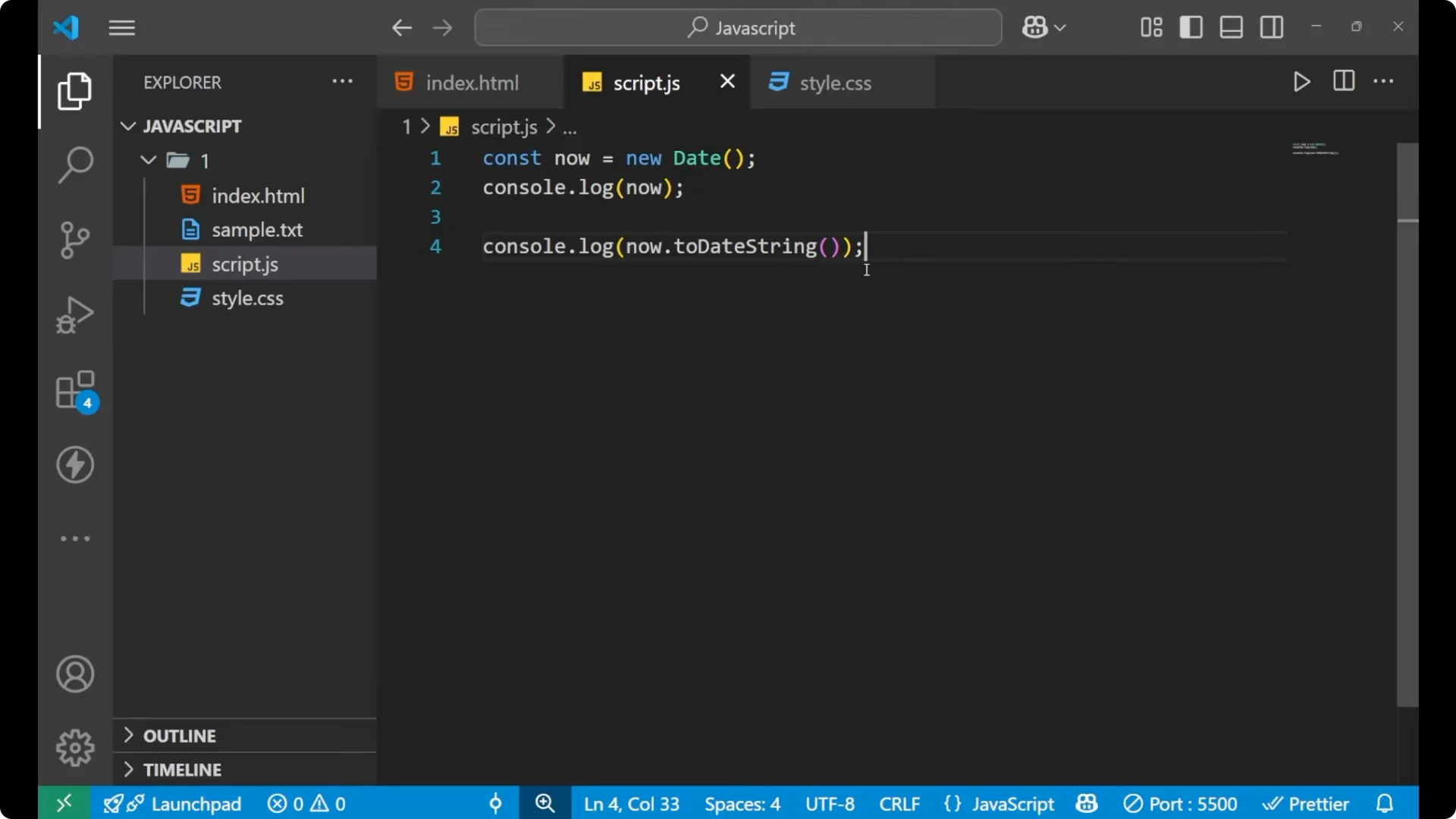
If you want to get only the current date because the full output is long, use `toDateString()` on the `Date` object. After calling the variable, put a dot and write `toDateString()`. You are separating out the date string from the variable which is holding the whole date information.
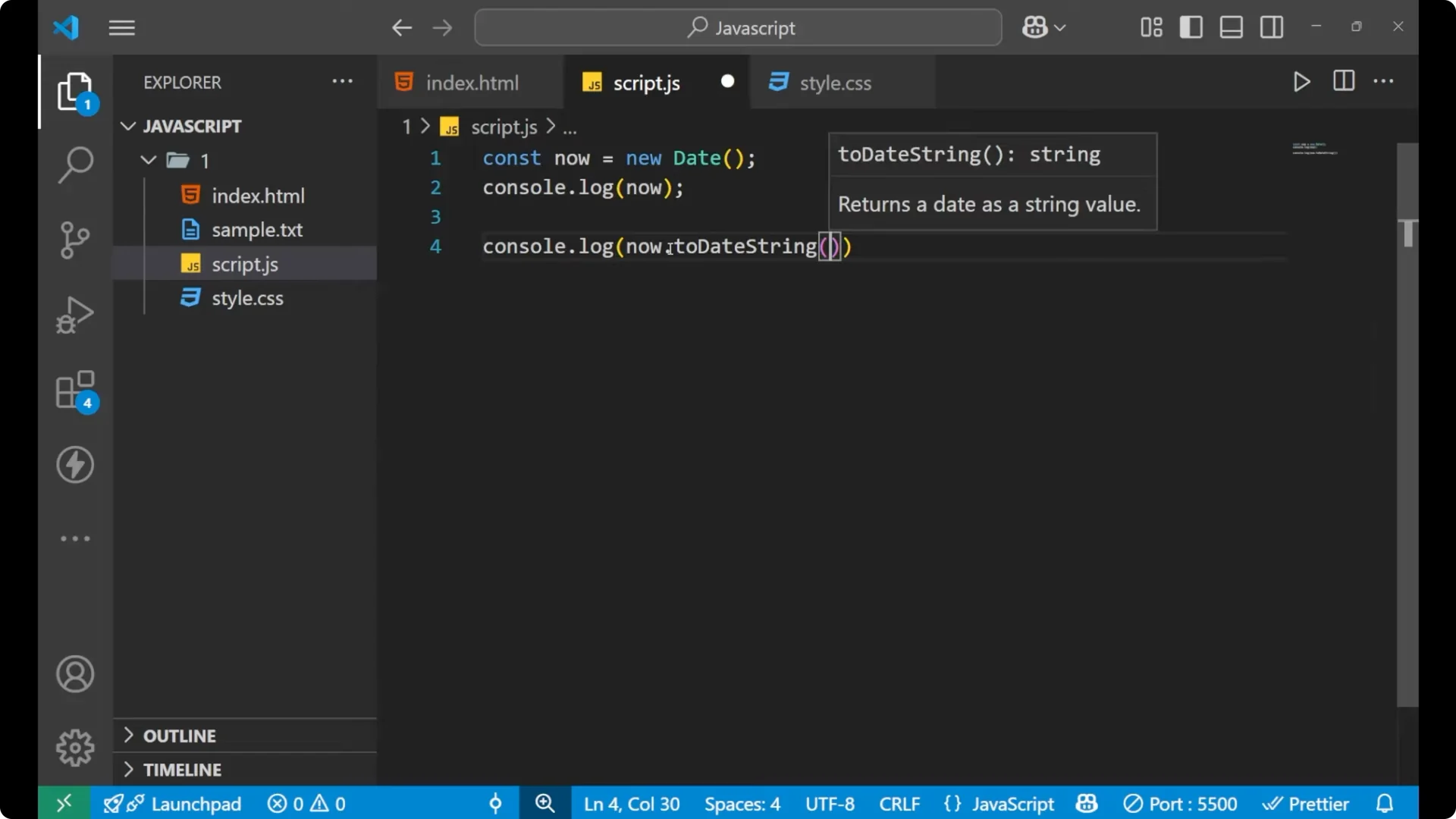
const now = new Date();
console.log(now.toDateString());
// Example output: "Tue Aug 20 2024"
You will get the week day, the month, the date, and the year. This is the information about the date, not the time.
 Read More: typeof examples
Get only the time – JavaScript Date Object
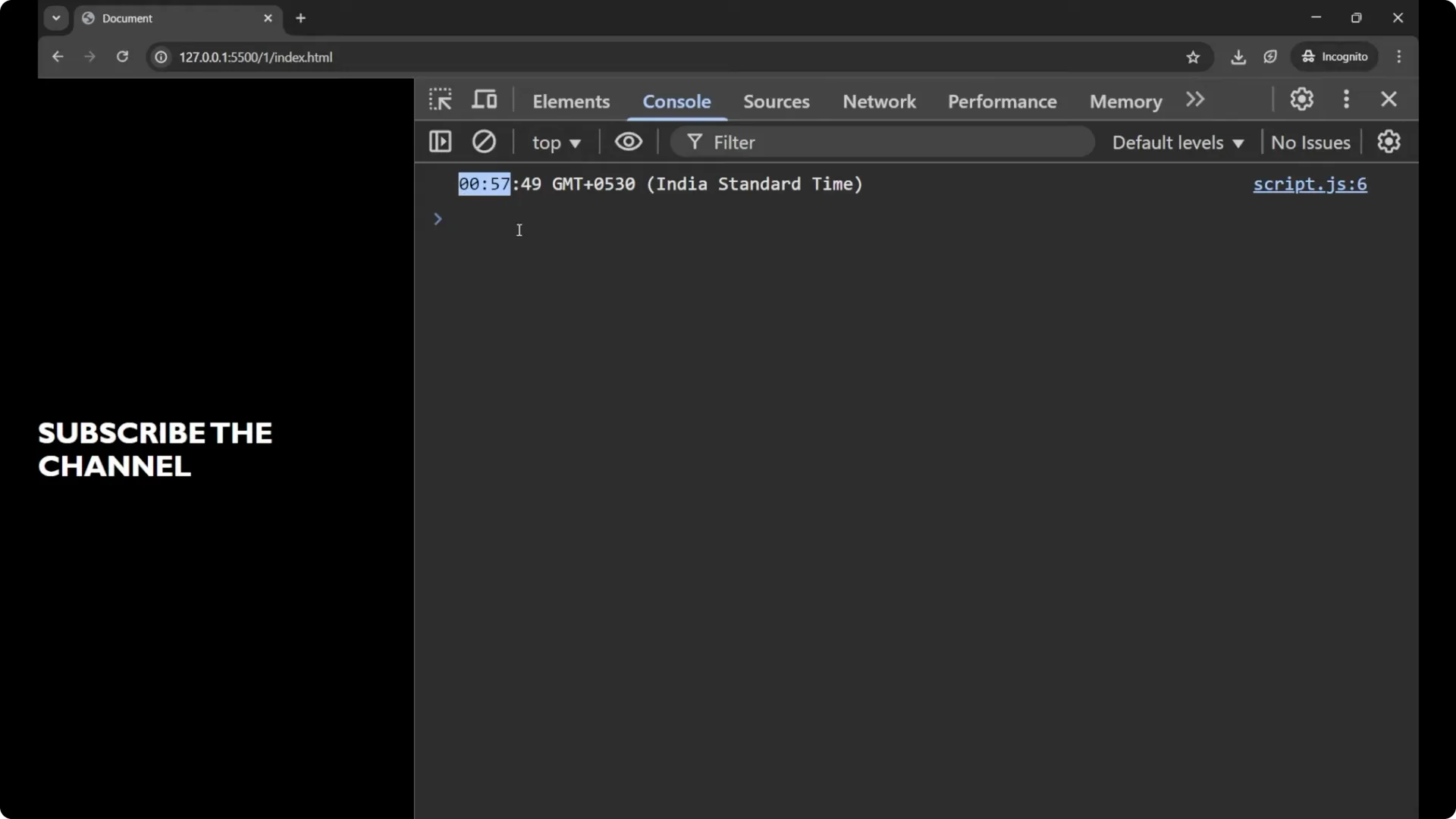
If you want to get only the current time, put a dot after the variable name and write `toTimeString()`. For generating the date we were using `toDateString()` and for generating the time we are using `toTimeString()`.
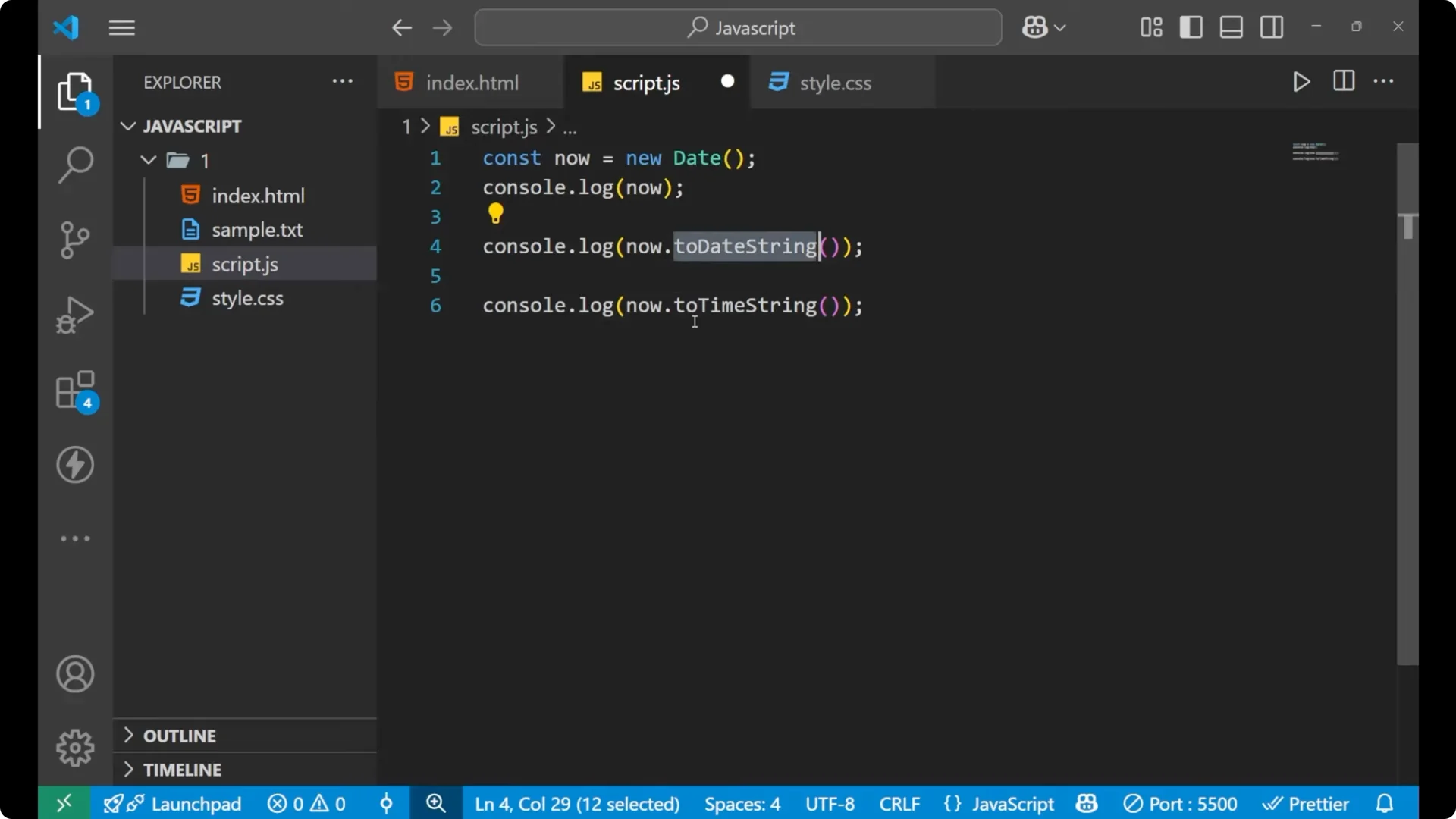
const now = new Date();
console.log(now.toTimeString());
// Example output: "14:37:52 GMT+0530 (India Standard Time)"
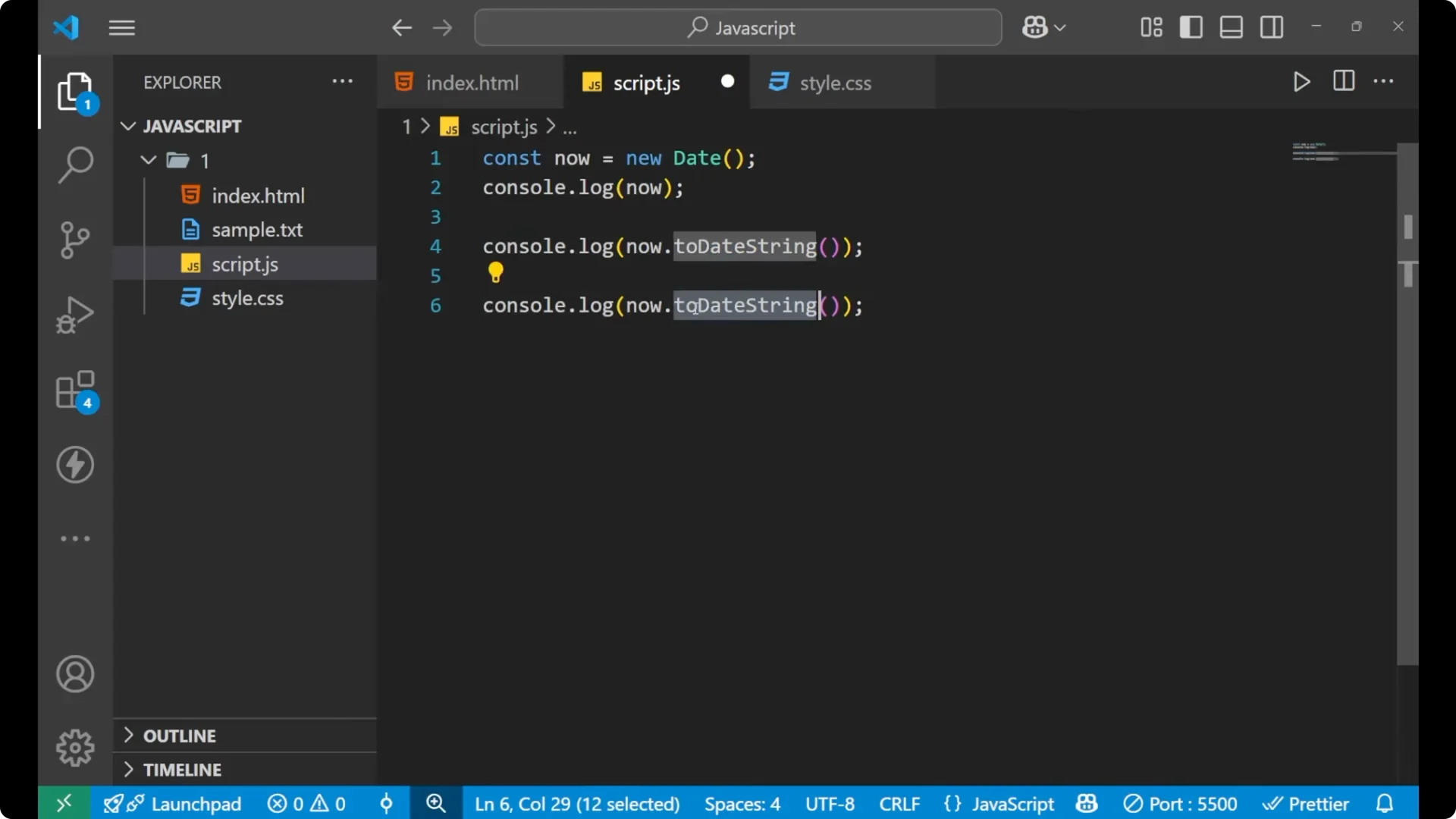
You will get the time and the timezone. This is how you generate your time only.
 Read More: JS prototypes
Extract parts – JavaScript Date Object
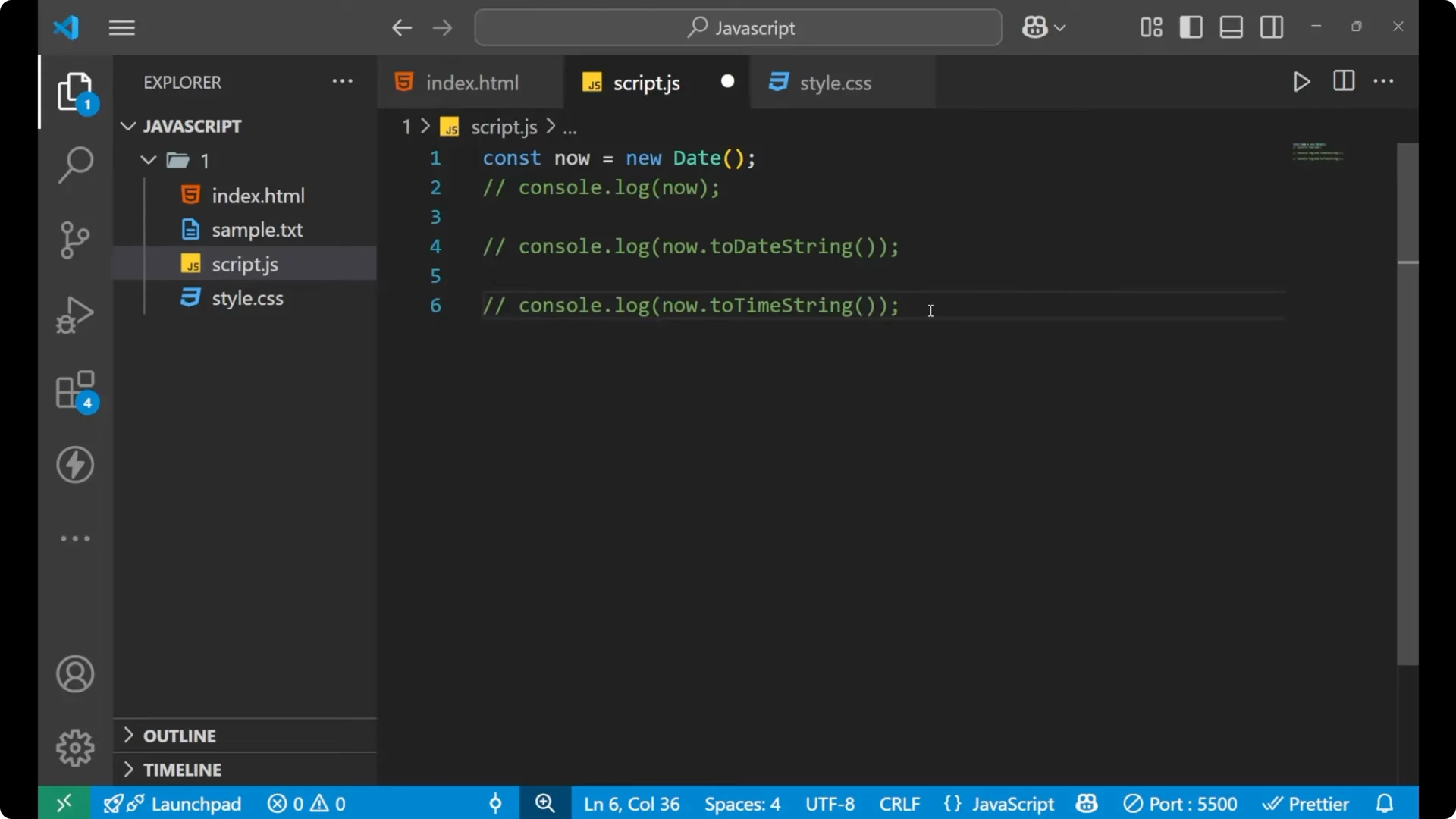
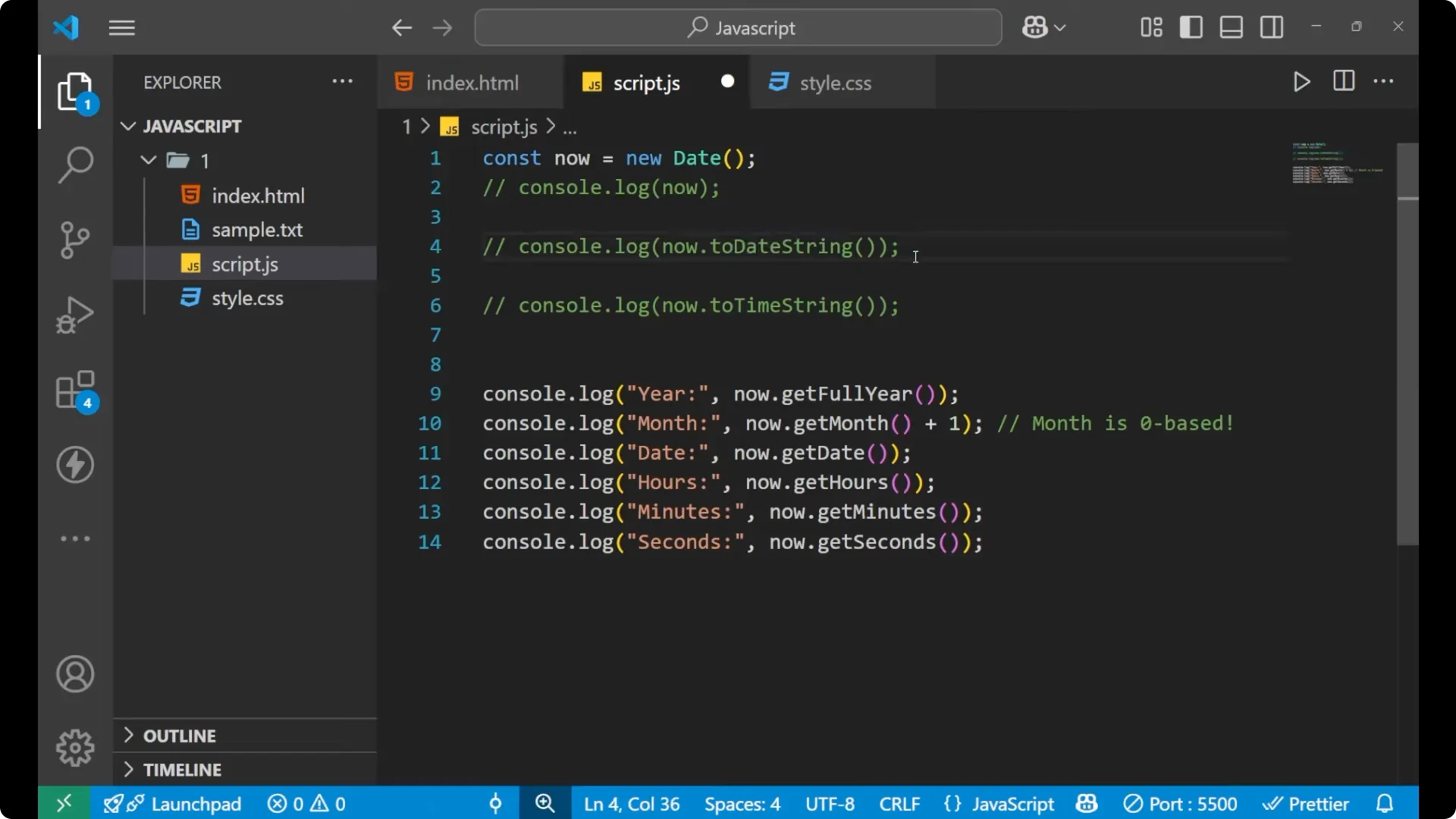
There are a lot more methods that you can use with the `Date` object to get specific parts. For getting the year we use `getFullYear()`. For getting the month we use `getMonth() + 1` because the month is
zero based. For getting the date of the month we use `getDate()`. For getting the hour we use `getHours()`. For getting minutes we use `getMinutes()`. For seconds we use `getSeconds()`.
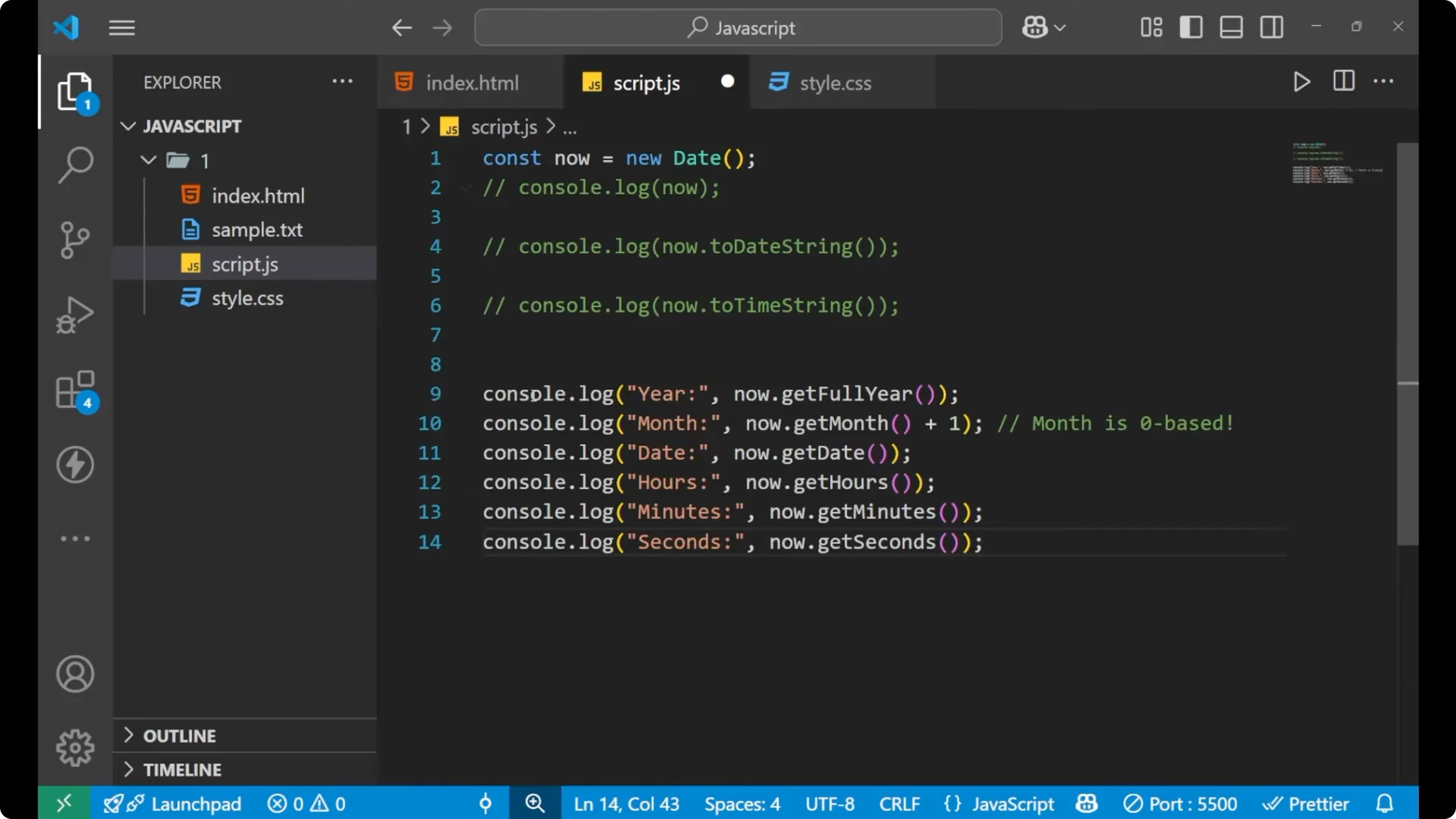
const now = new Date();

console.log("Year:", now.getFullYear());
console.log("Month:", now.getMonth() + 1); // zero based, add 1
console.log("Date:", now.getDate());
console.log("Hours:", now.getHours());
console.log("Minutes:", now.getMinutes());
console.log("Seconds:", now.getSeconds());
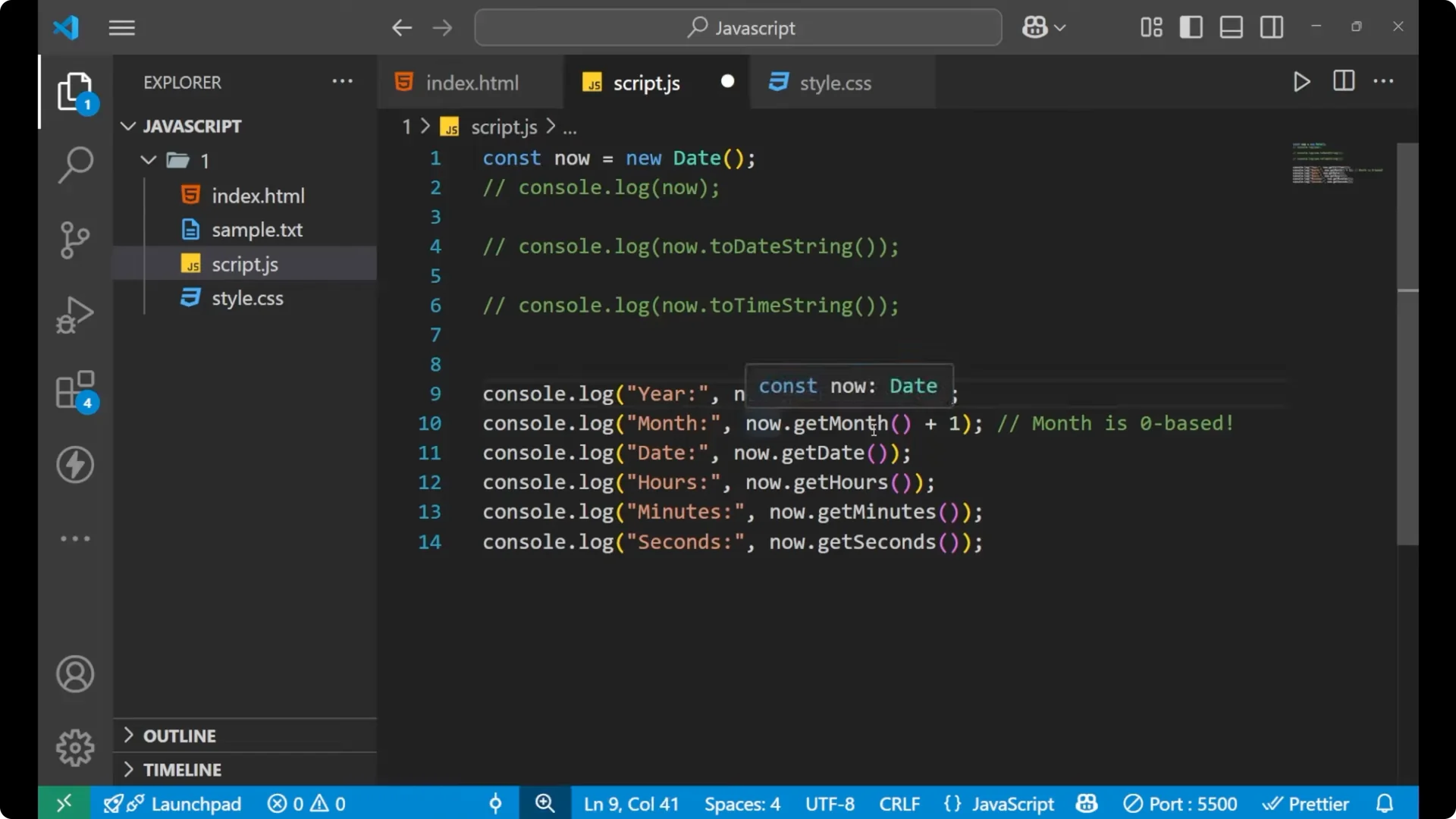
`toDateString()` was generating the date string which was holding all the information like the month and the week day, but for getting only the numeric date we use the `getDate()` function. By using the `Date` object with these methods, you can get all the information separately with simple code.
Final thoughts
Use `new Date()` to get the
current date and time, `toDateString()` for the date only, `toTimeString()` for the time only, and methods like `getFullYear()`, `getMonth() + 1`, `getDate()`, `getHours()`, `getMinutes()`, and `getSeconds()` to access parts individually. This covers the essentials you need to work with the JavaScript Date Object effectively.