Classes in JavaScript are a modern and clean way to create multiple objects like students, books, and cars. A class in JavaScript is basically a template for creating multiple objects with the same properties and behavior. With classes, creating reusable code becomes easier, things stay organized, and working with objects becomes simple.
Before classes, if you have heard about creating prototypes and constructor functions, that was the method, but it was quite lengthy and uneasy to use. For a deeper look at how that works behind the scenes, see
how prototypes and the prototype chain work.
What are JavaScript ES6 Classes
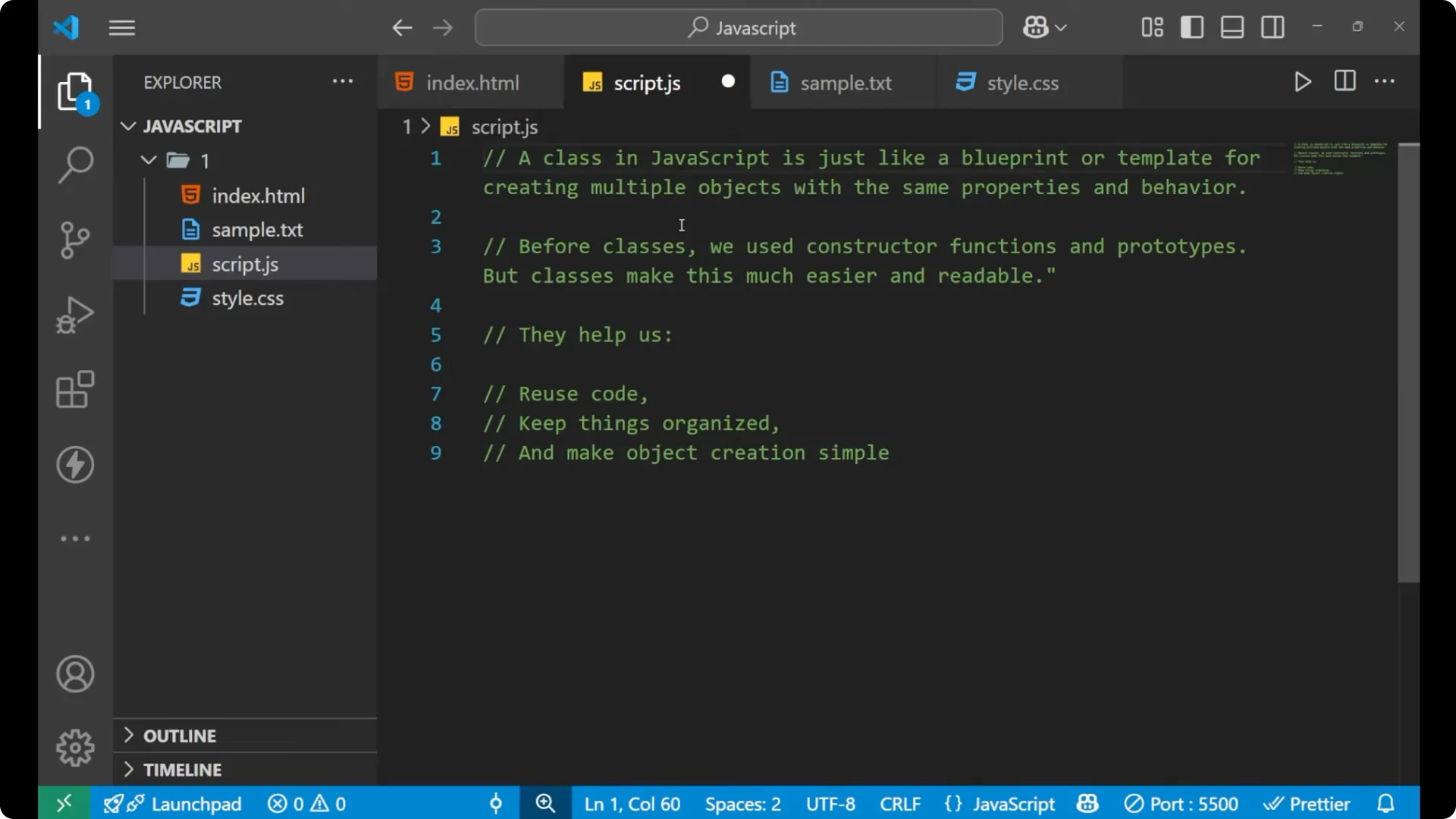
A class in JavaScript is like a blueprint or a template for creating multiple objects with the same properties and behavior. The class will define a constructor to set up the initial values, and it can also define methods that each created object can call.
Building a class – JavaScript ES6 Classes
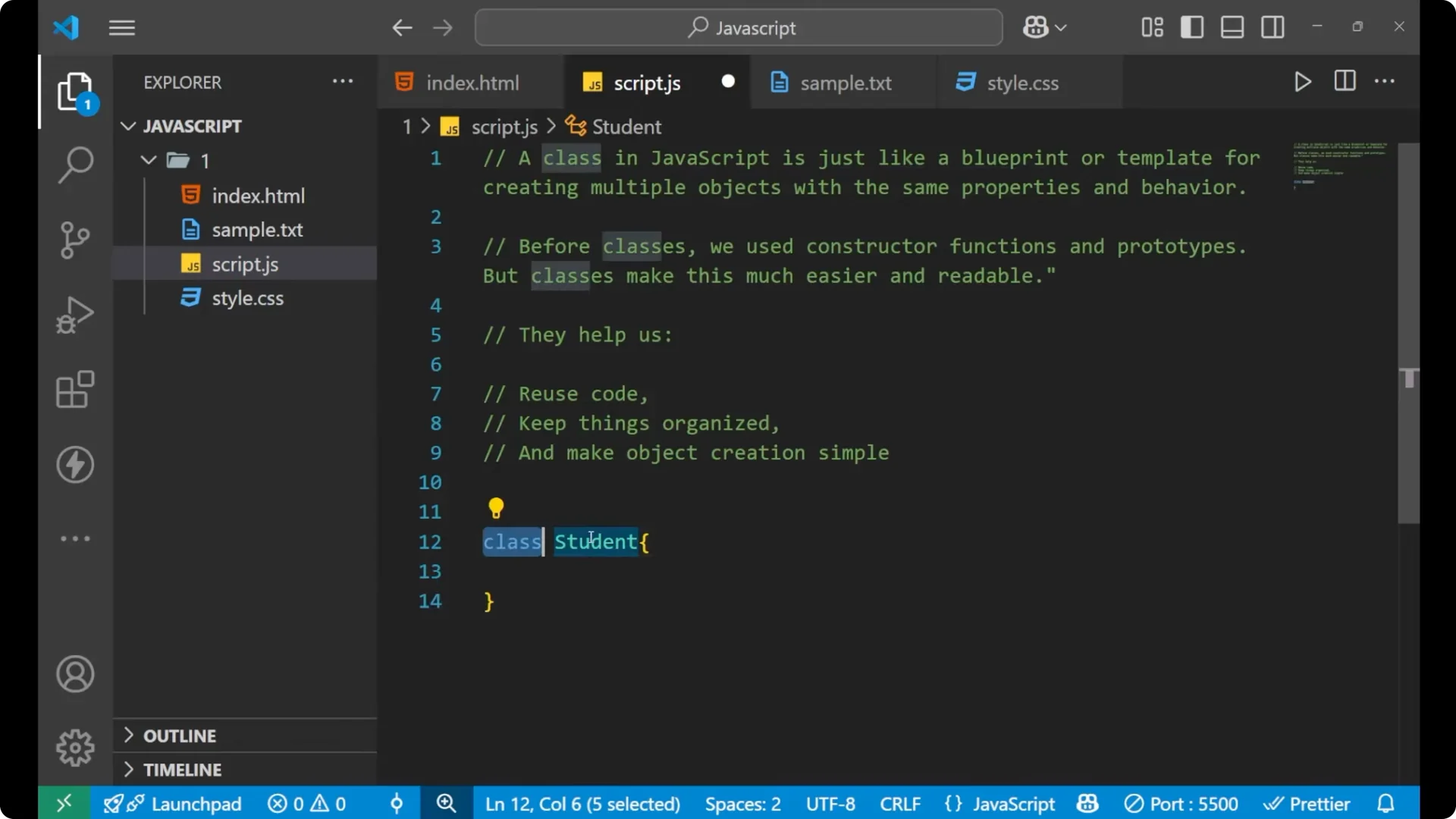
To create a class, first write the class keyword, then the name of the class, then curly braces.
Inside the class, define a constructor. The constructor holds the logic and the parameters you want to pass when creating an object. For example, I will take two parameters, name and marks, and set them on the object using this.
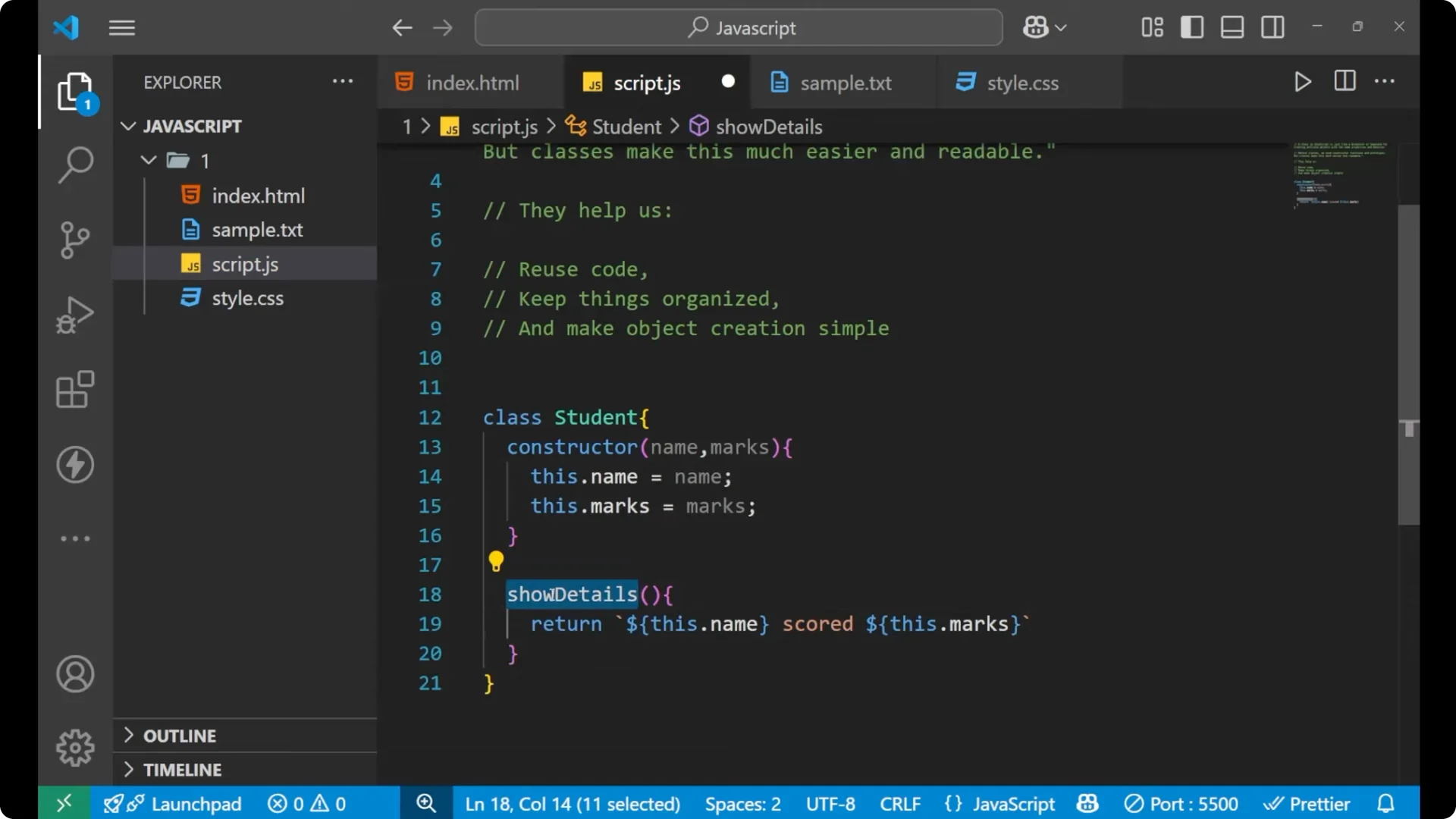
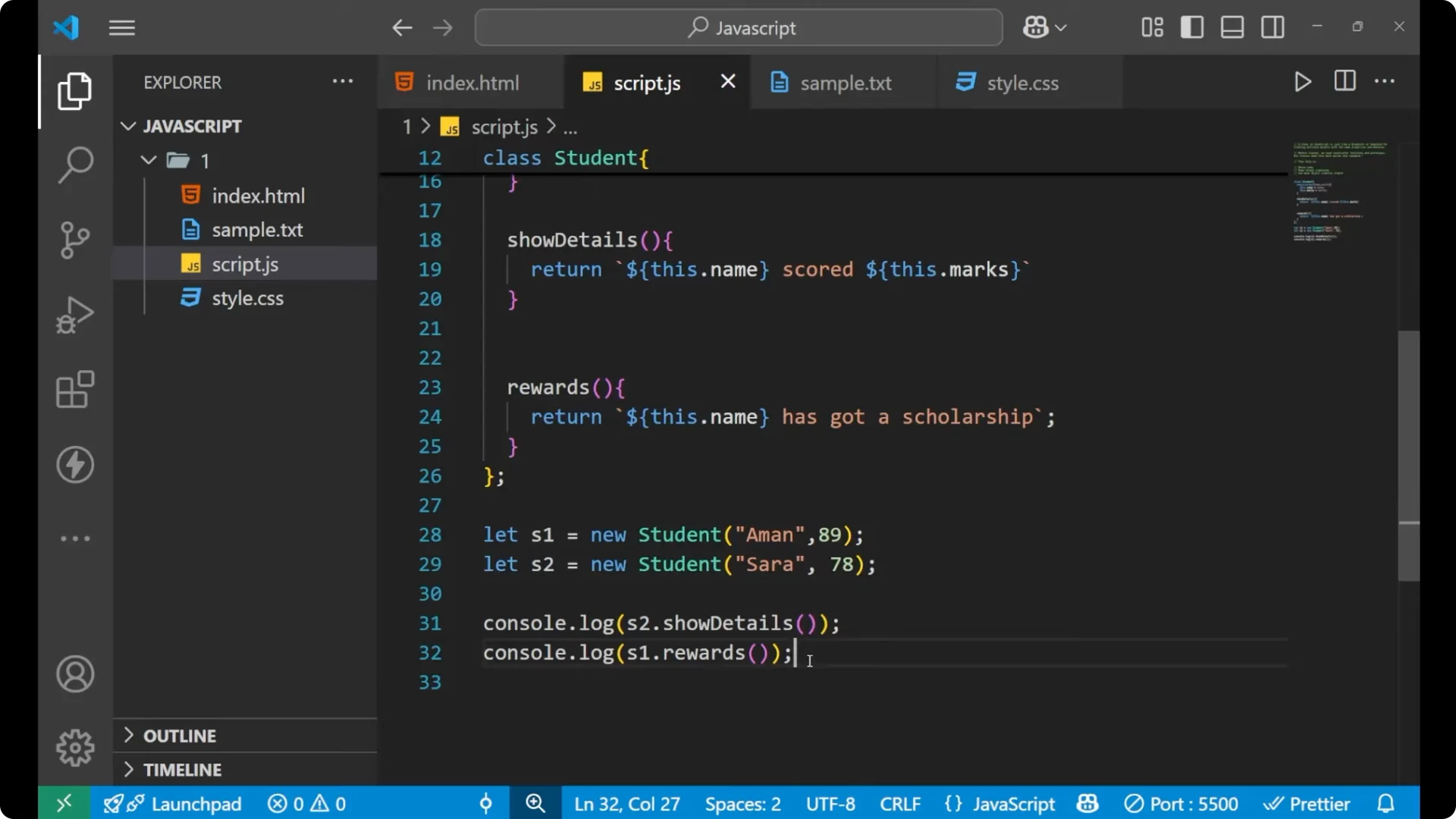
Inside the class, you can also define methods. I will create a method named showDetails that returns a string using a template literal, calling this.name and this.marks.
class Student {
  constructor(name, marks) {
    this.name = name;
    this.marks = marks;
  }

  showDetails() {
    return `${this.name} scored ${this.marks}`;
  }
}
If you want a quick refresher on checking types in the console while experimenting, see
these typeof operator examples.
Constructor – JavaScript ES6 Classes
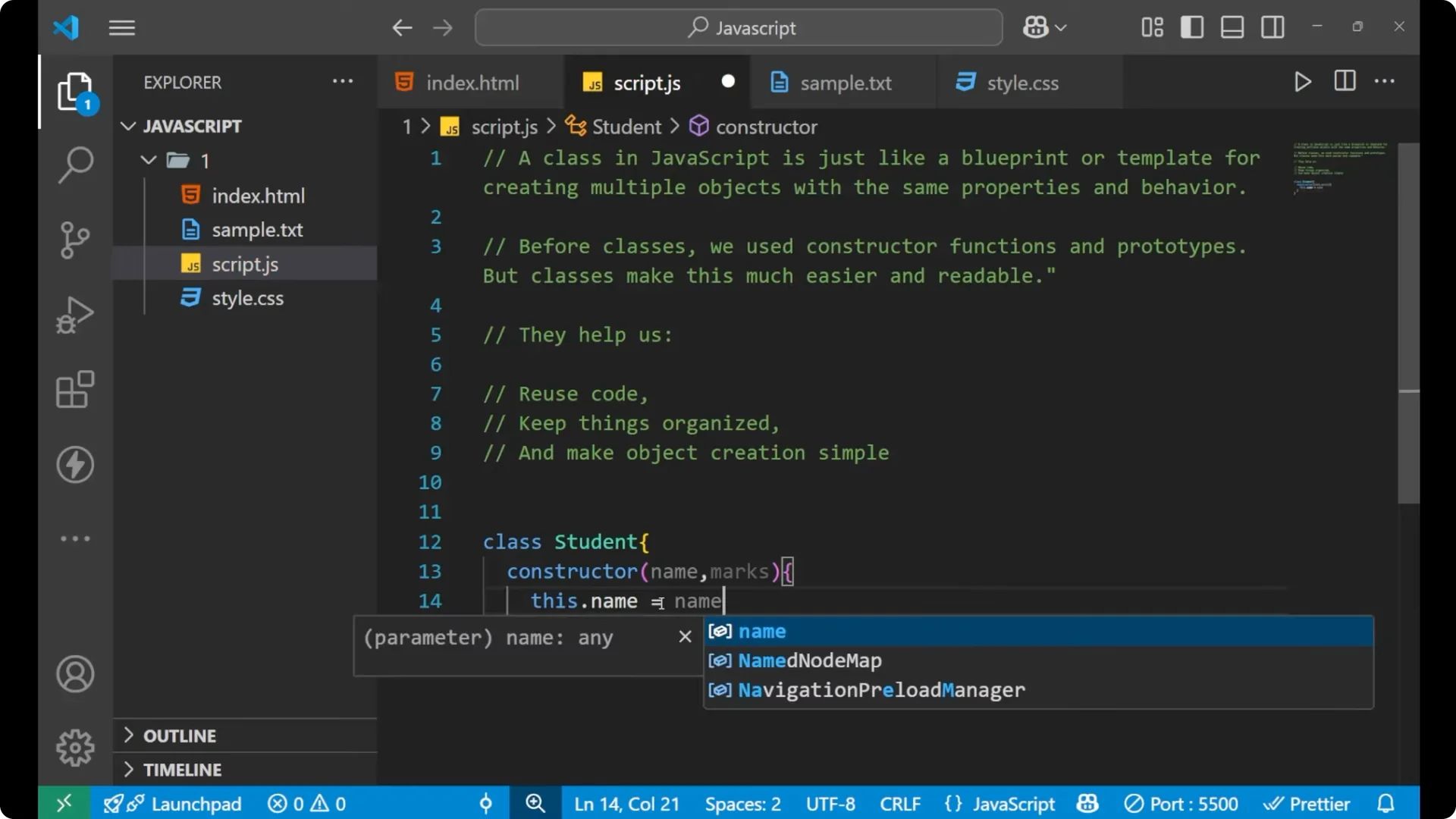
Write constructor with parameters in parentheses. Inside the constructor, assign the values to the current object using this, for example, this.name = name and this.marks = marks. This sets up each object created from the class with its own values.
Methods – JavaScript ES6 Classes
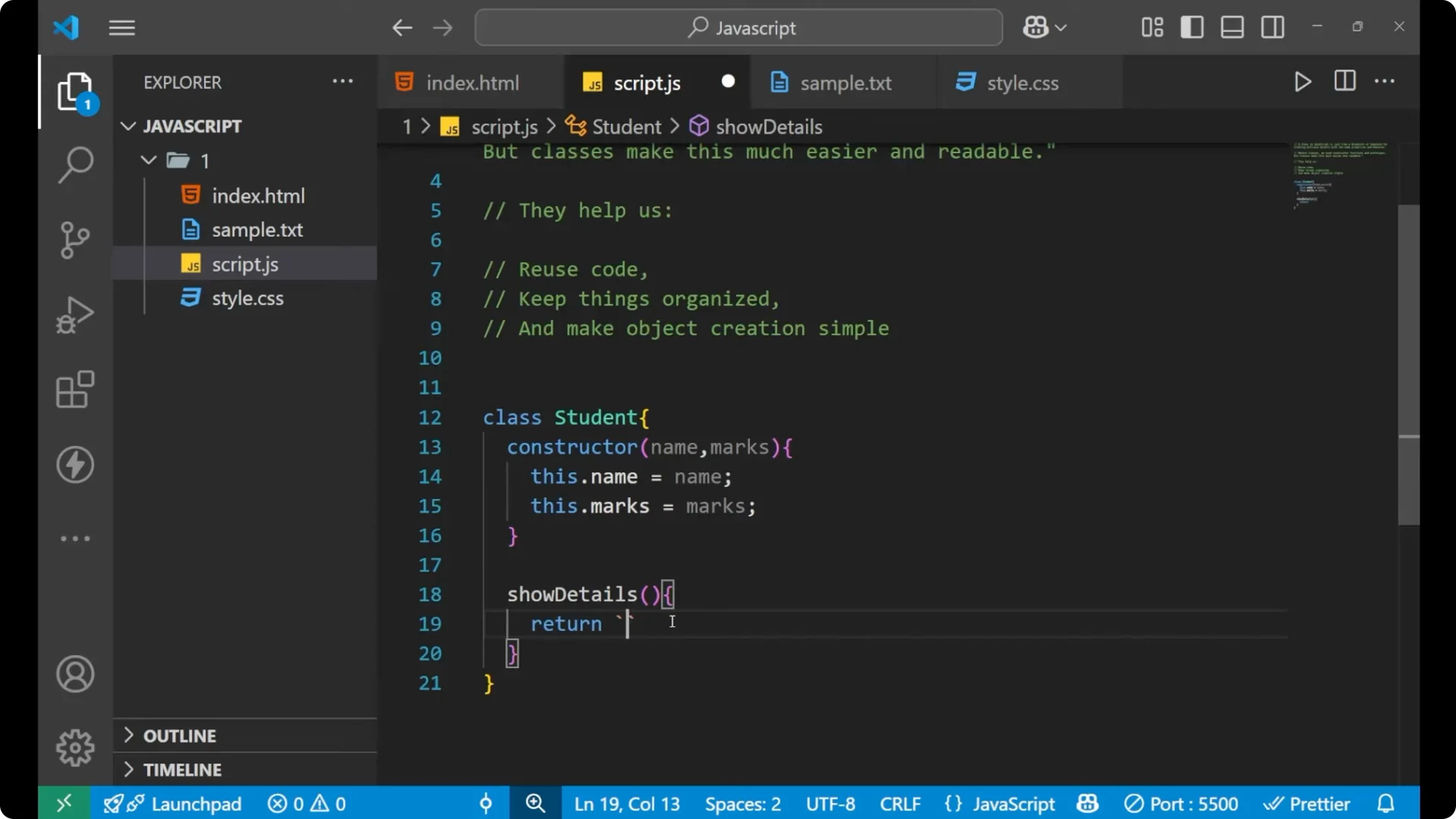
Define a method directly inside the class. For example, showDetails returns a string using backticks and the variables on this, like `${this.name}` and `${this.marks}`. Every time you call this method on an object that was created from the class, it will return a result based on that object’s data.
Creating objects – JavaScript ES6 Classes
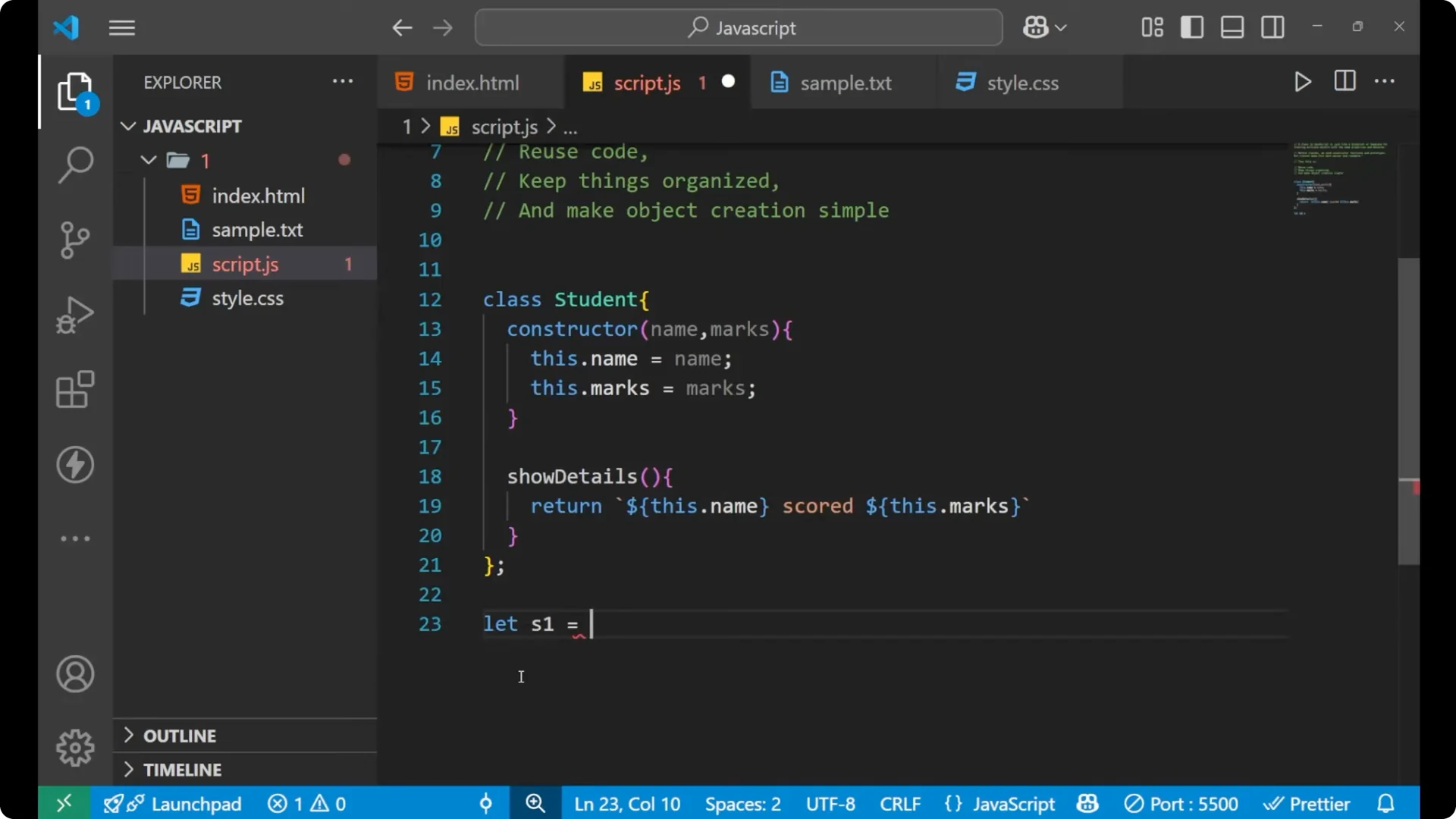
Create an object from the class using the new keyword, the class name, and pass arguments to match the constructor parameters.
const s1 = new Student('Ammon', 89);
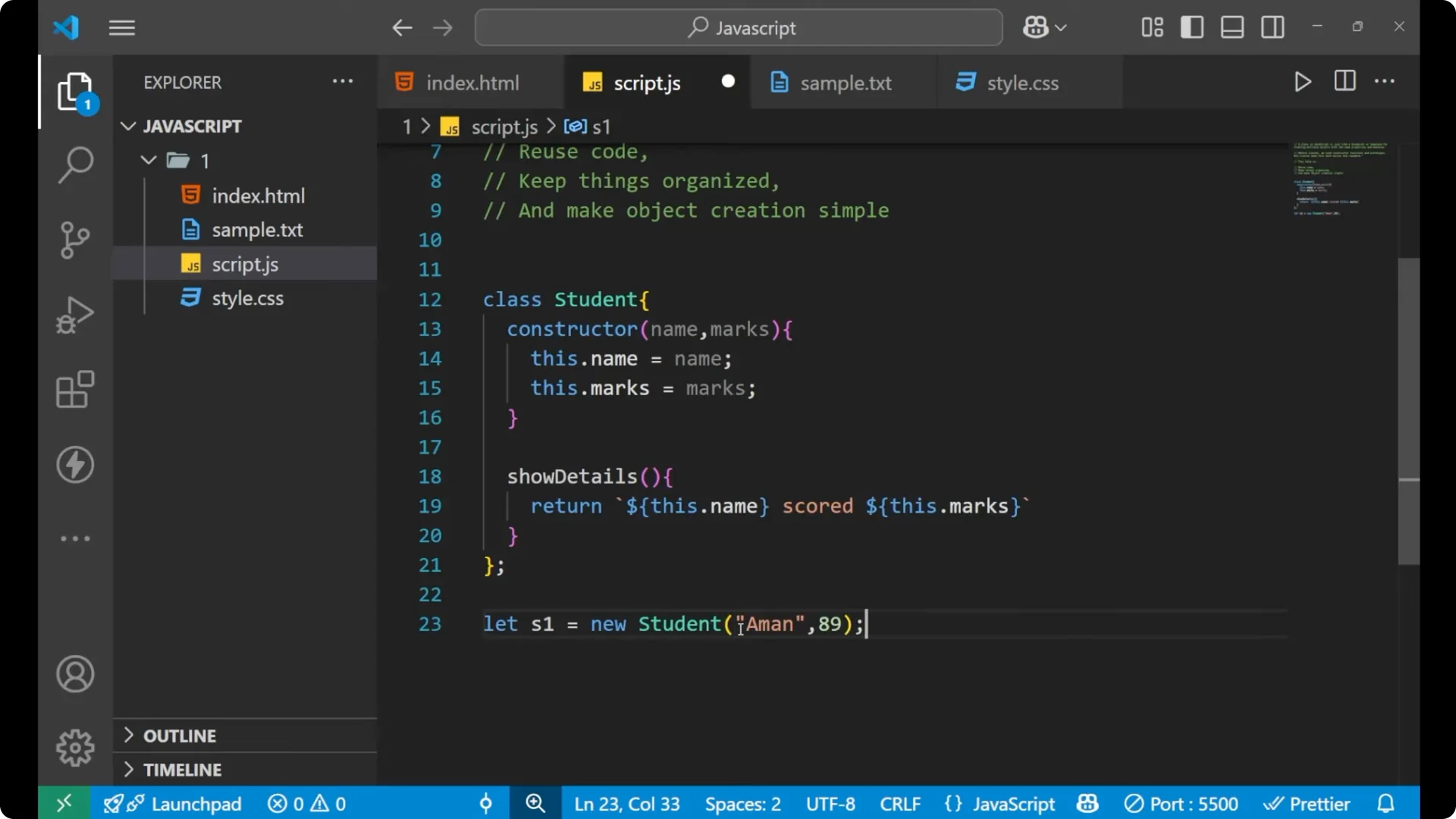
These arguments go into the constructor. The parameters inside the constructor hold the values and assign them to the variables on this. That is how the particular object s1 gets created with its own name and marks.
Calling methods – JavaScript ES6 Classes
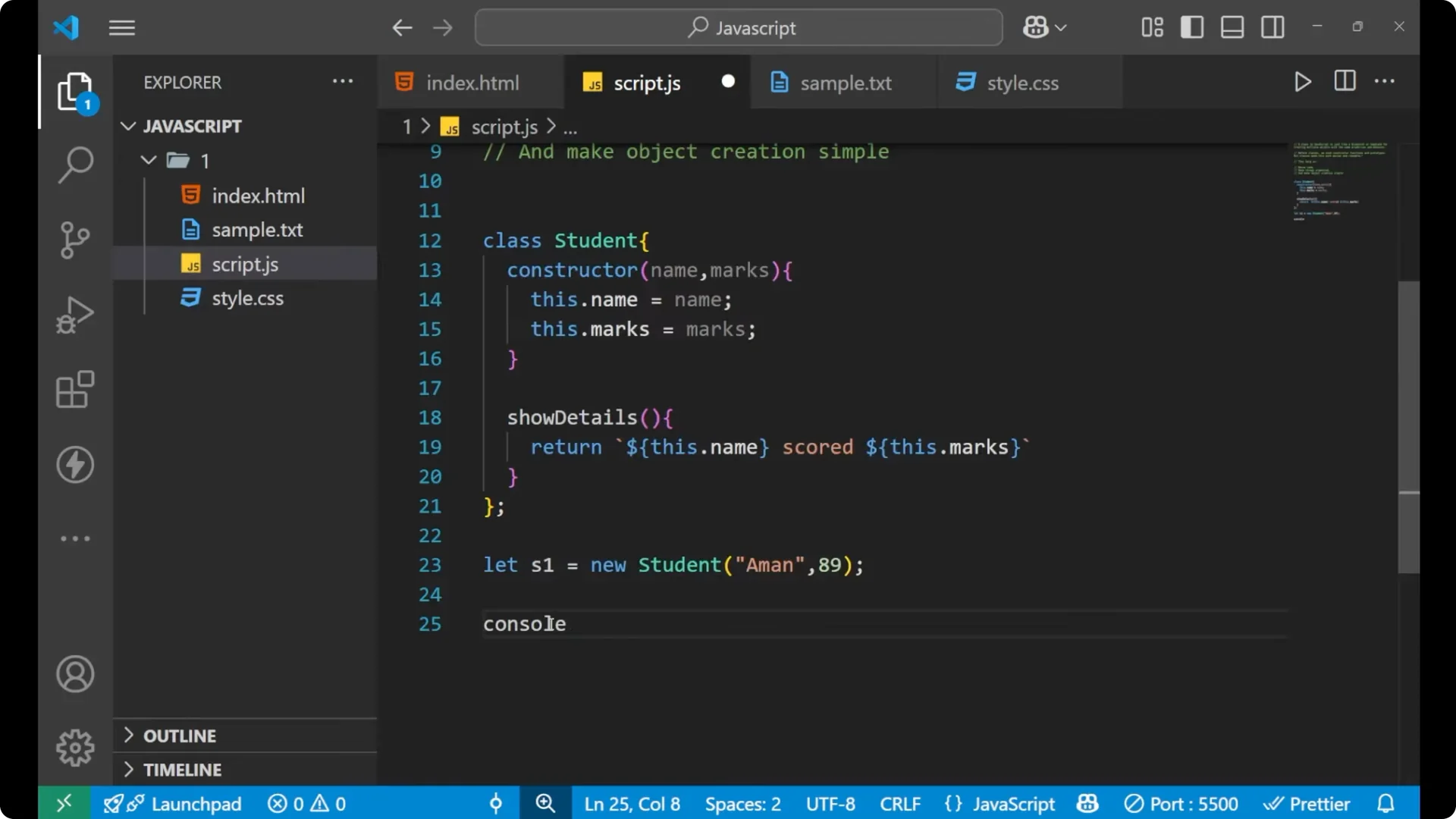
Call the method on the created object using dot syntax and parentheses, since it is a function. Print it with console.log to see the result.
console.log(s1.showDetails()); // Ammon scored 89
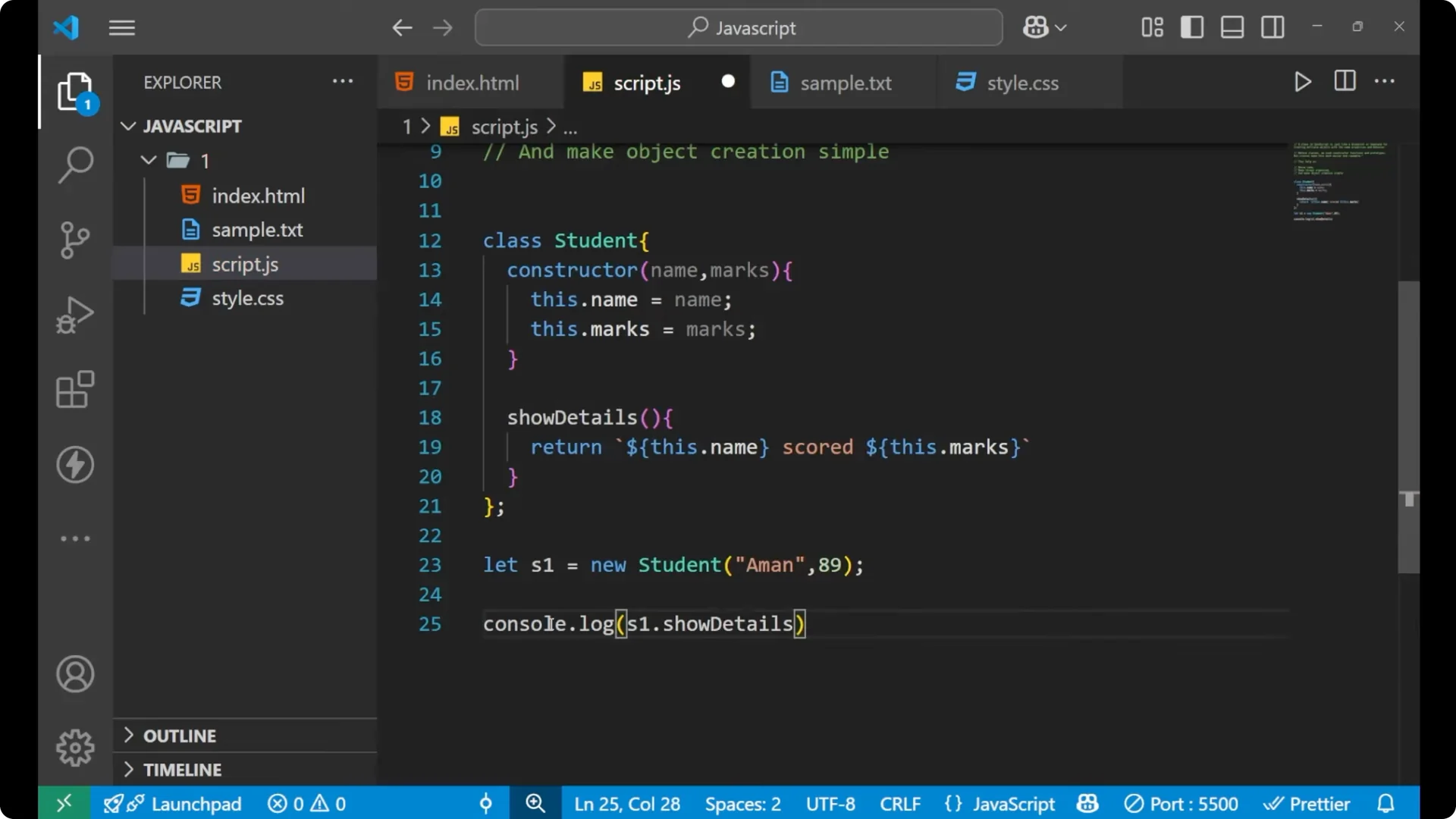
When I call showDetails, it returns the string where first I am calling this.name and then I am calling this.marks, and that is what I get inside my console.
Adding more methods – JavaScript ES6 Classes
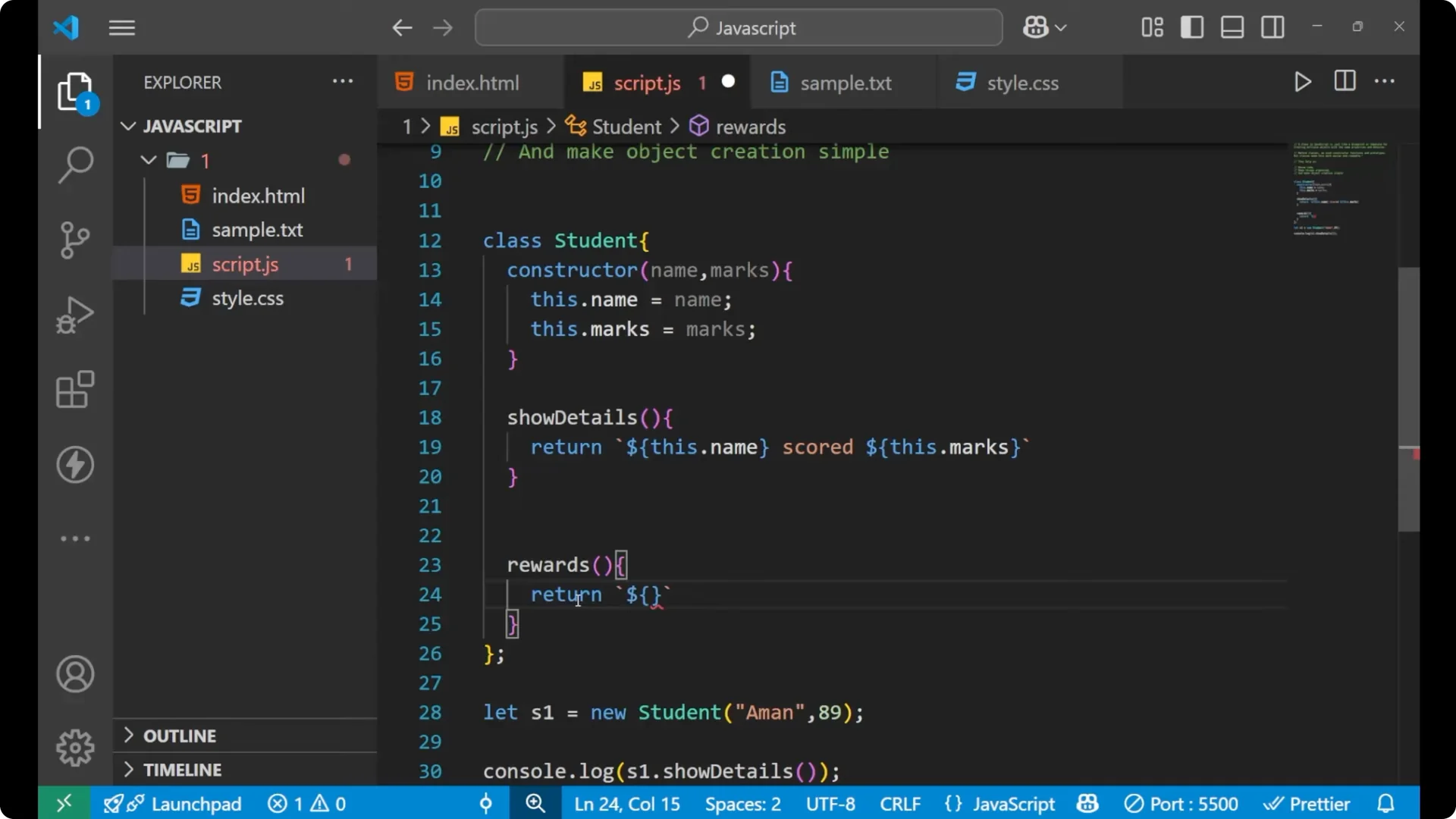
I can create more methods inside the class. For example, I will create a method named rewards that returns a message.
class Student {
  constructor(name, marks) {
    this.name = name;
    this.marks = marks;
  }

  showDetails() {
    return `${this.name} scored ${this.marks}`;
  }

  rewards() {
    return `${this.name} has got a scholarship`;
  }
}

const s1 = new Student('Ammon', 89);

console.log(s1.rewards()); // Ammon has got a scholarship
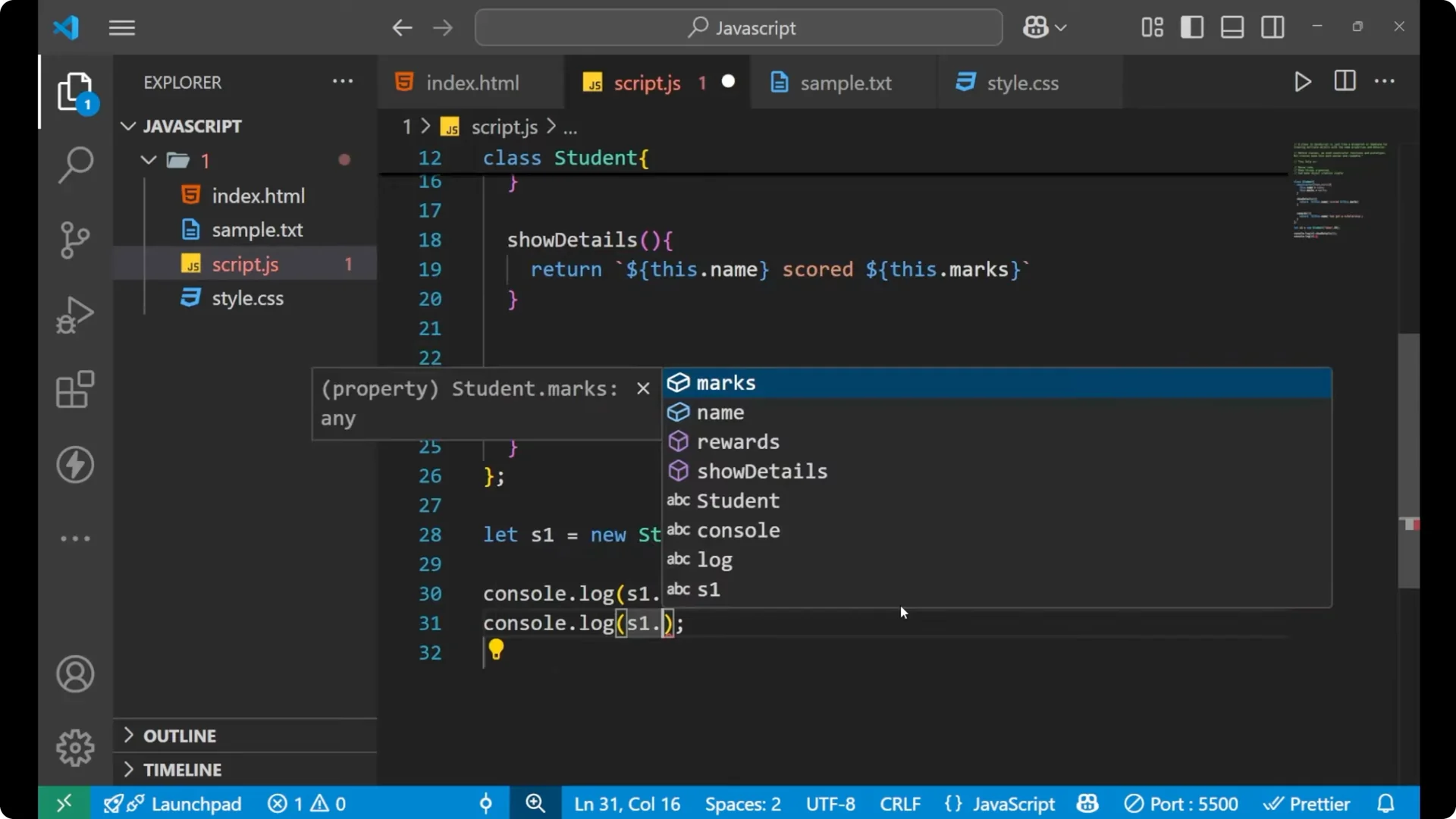
I created a new method called rewards, and inside it I am returning a line that uses this.name. Calling s1.rewards shows me that Ammon has got a scholarship.
If you plan to add time-based behavior to class methods later, check
setInterval timers in JavaScript.
Creating more objects – JavaScript ES6 Classes
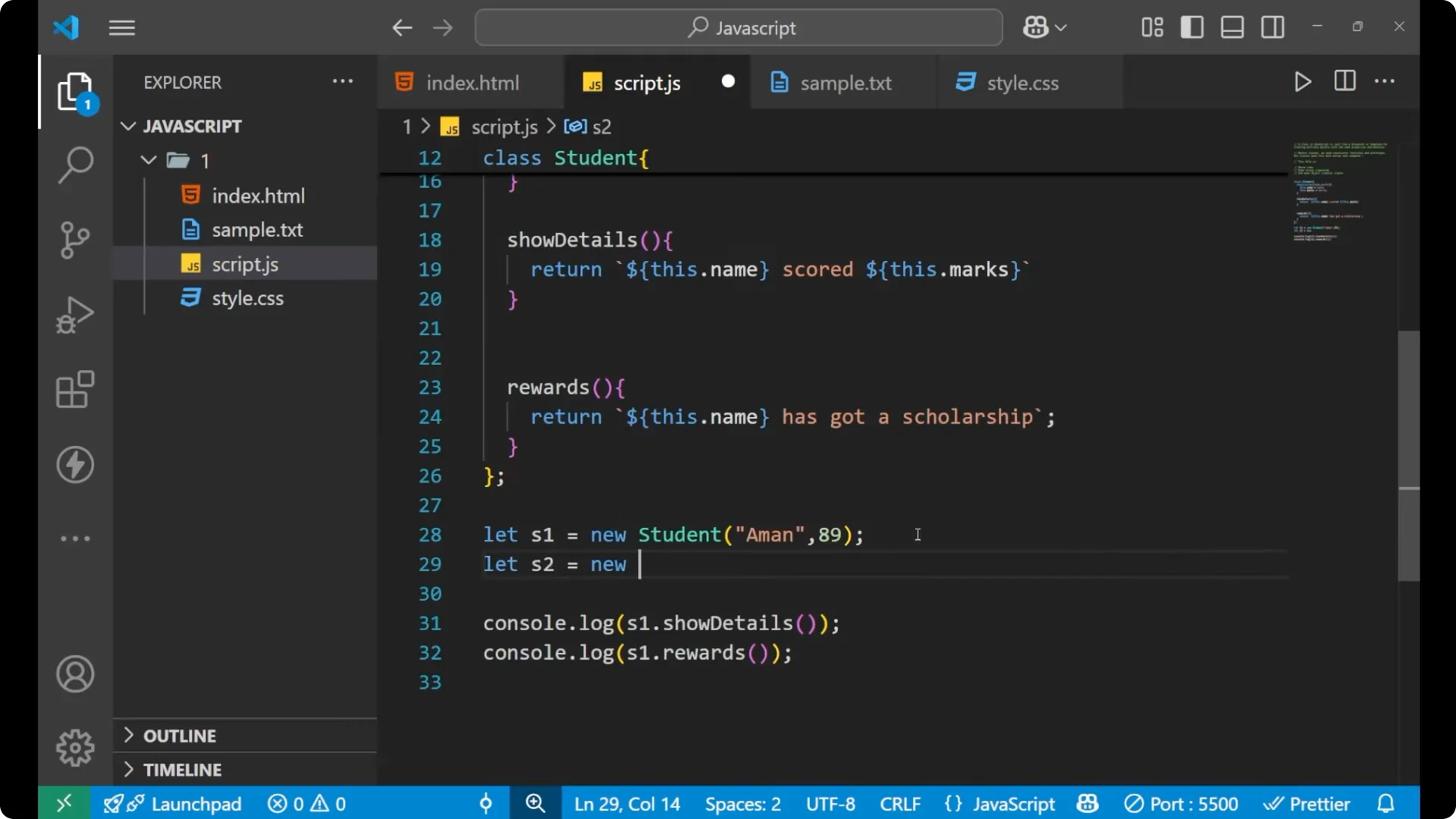
I can create more objects with the help of the same class, pass different arguments, and call the same methods.
const s2 = new Student('Sara', 78);

console.log(s2.showDetails()); // Sara scored 78
console.log(s2.rewards());     // Sara has got a scholarship

This is how you create a class, create objects with the help of the constructor or the logic of that particular class, and use the methods you define inside that class.
Step-by-step – JavaScript ES6 Classes
Write the class keyword, then the class name, then curly braces.
Add a constructor with parameters you need, like name and marks.
Inside the constructor, set properties on the object using this, for example, this.name = name and this.marks = marks.
Add methods directly in the class body, for example, showDetails that returns a string using template literals.
Create an object with new ClassName and pass arguments, for example, new Student(‘Ammon’, 89).
Call the methods with dot syntax and parentheses, for example, s1.showDetails().
Final thoughts
A class is a simple template for creating multiple objects with shared structure and behavior. The constructor sets up values on each object using this, and methods in the class give you reusable behavior you can call on every object you create. With classes, the code stays readable and creating multiple objects like students becomes straightforward.