I’m going to show you how to capitalize the
first letter in JavaScript. JavaScript does not have a built-in method to capitalize just the first letter, but we can create our own logic to convert the first letter to capital. Let’s understand the concept step by step.
Why JavaScript Capitalize First Letter
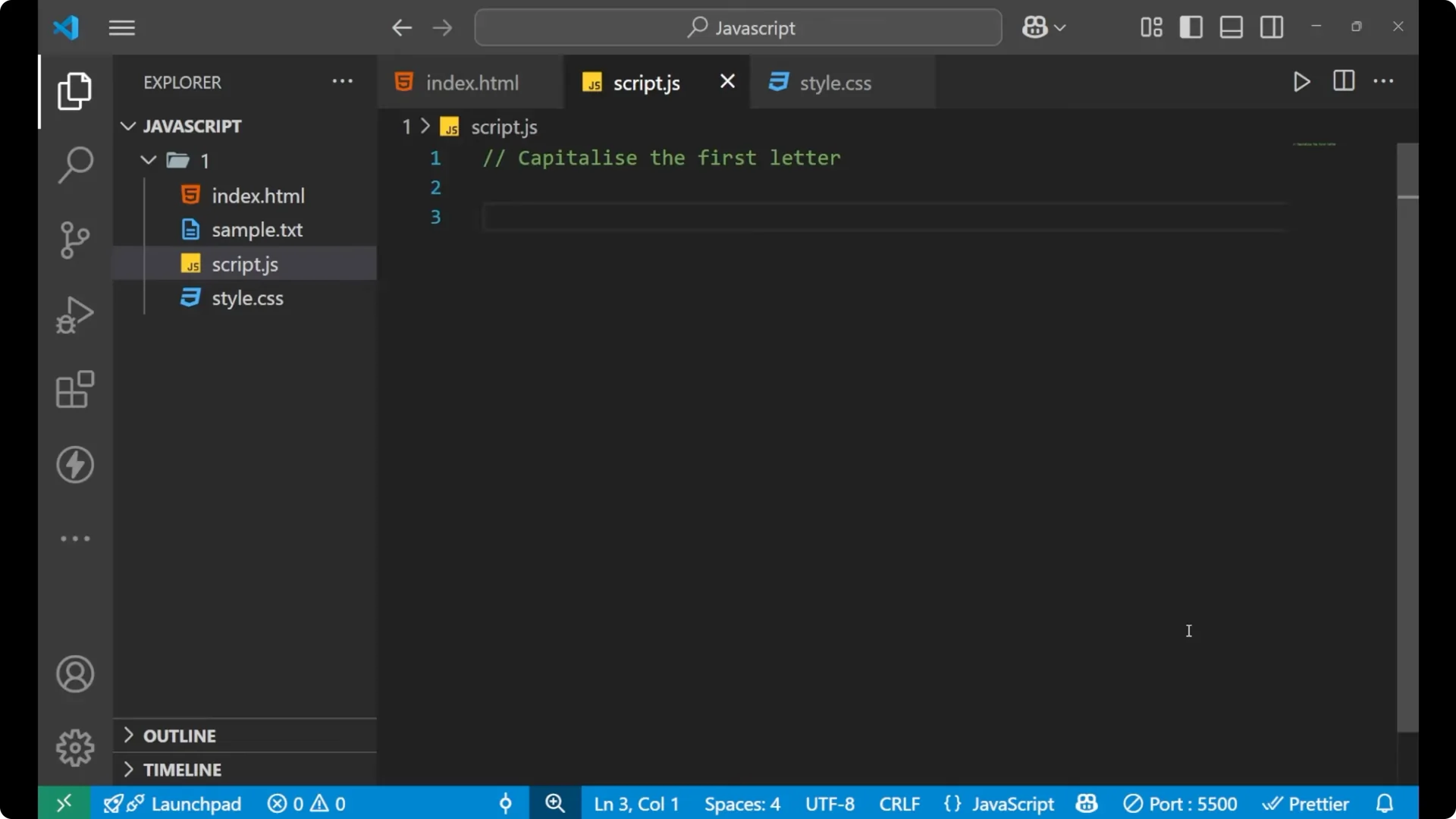
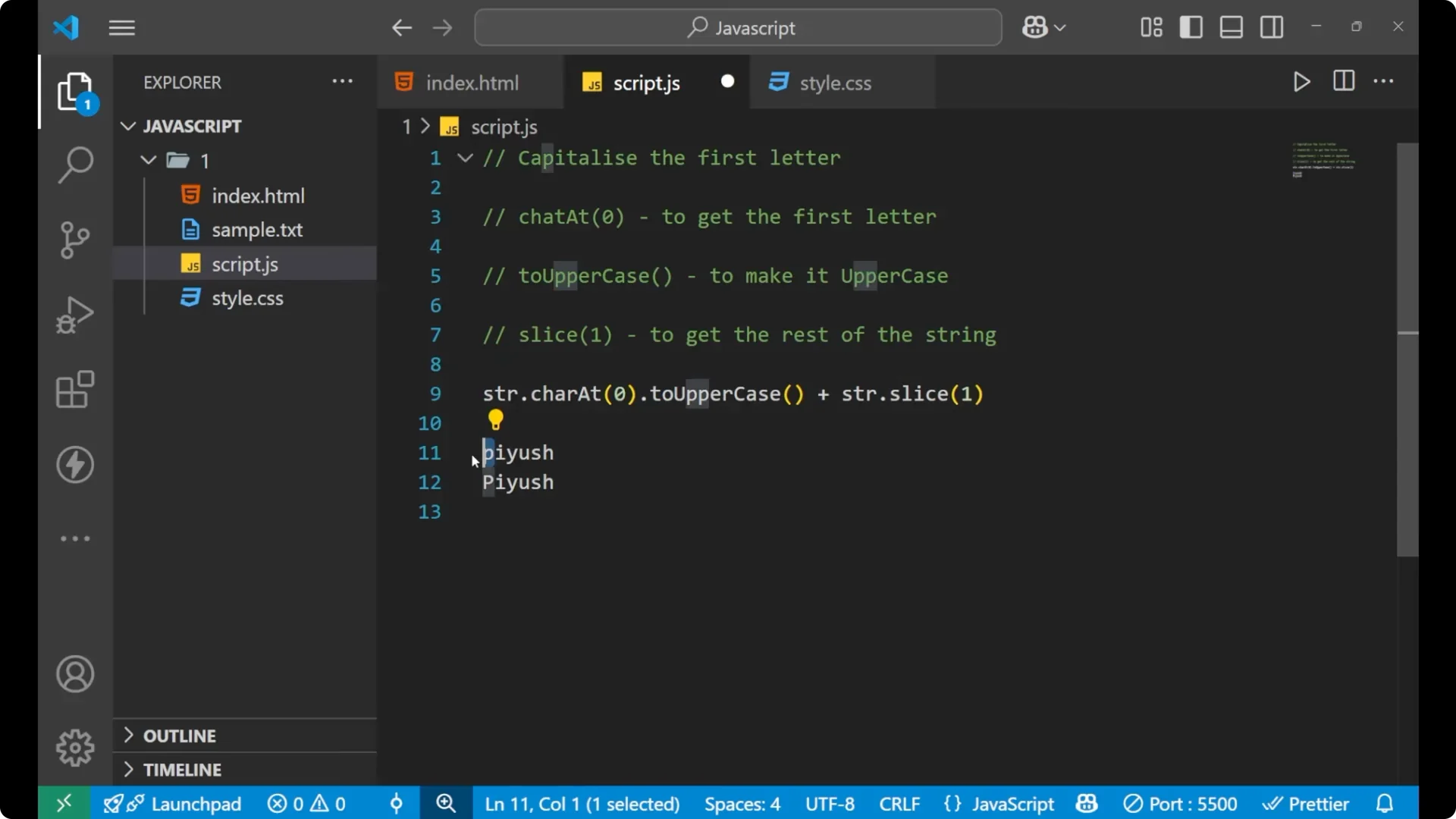
Since we do not have any built-in function to convert only the first character, I use a combination of three string methods.
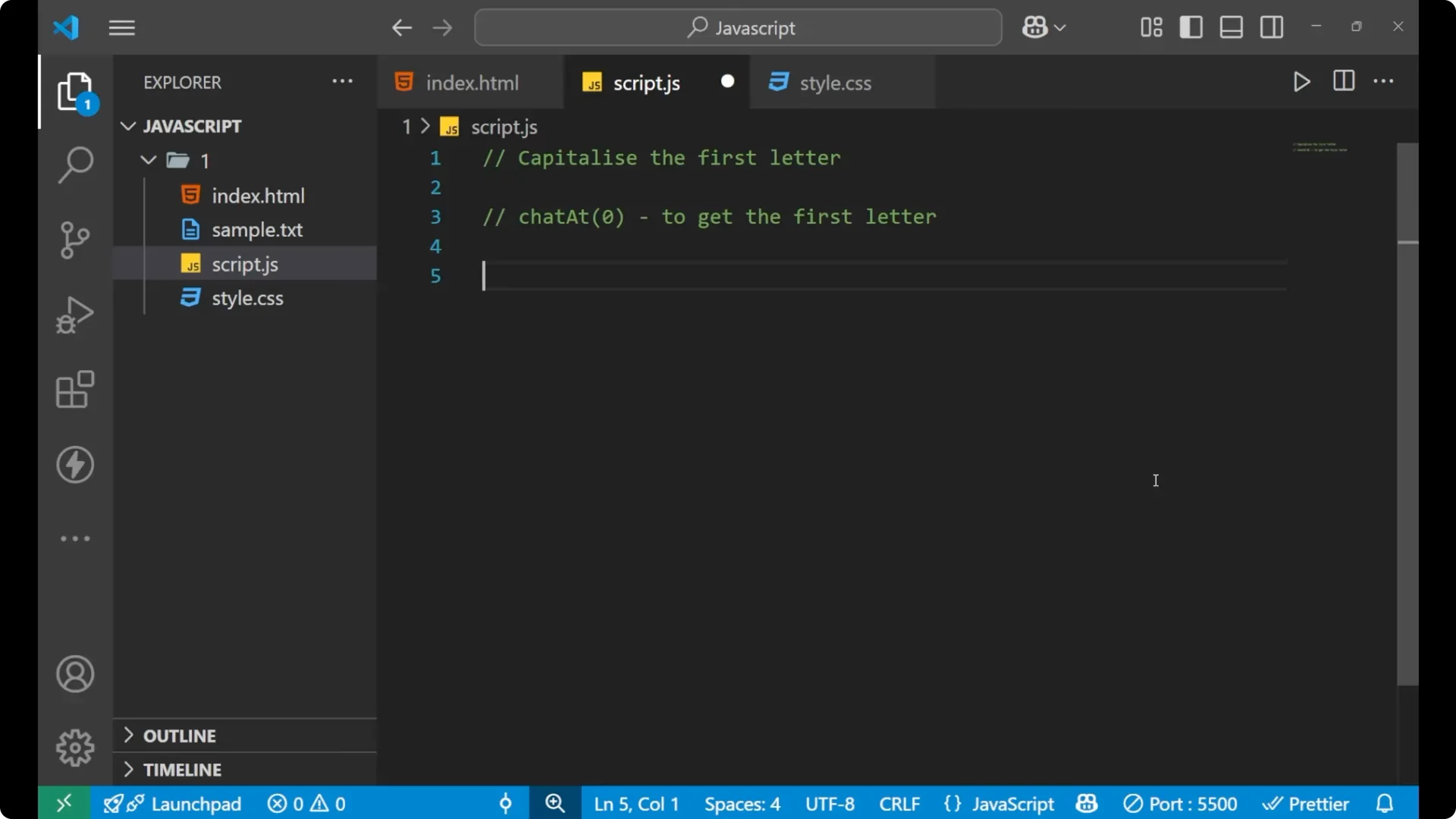
The first is
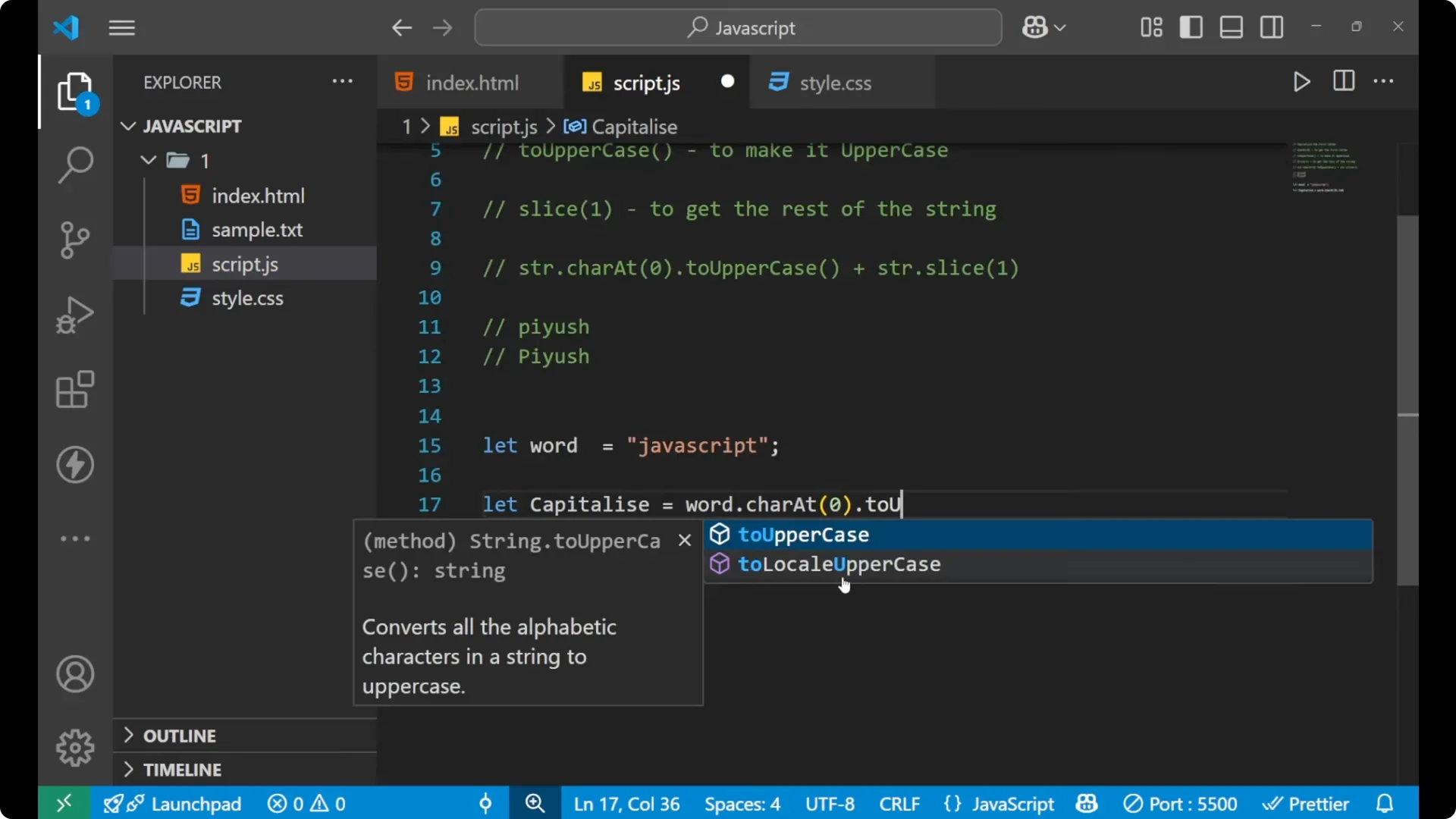
charAt(0). It gets the first letter of the word.
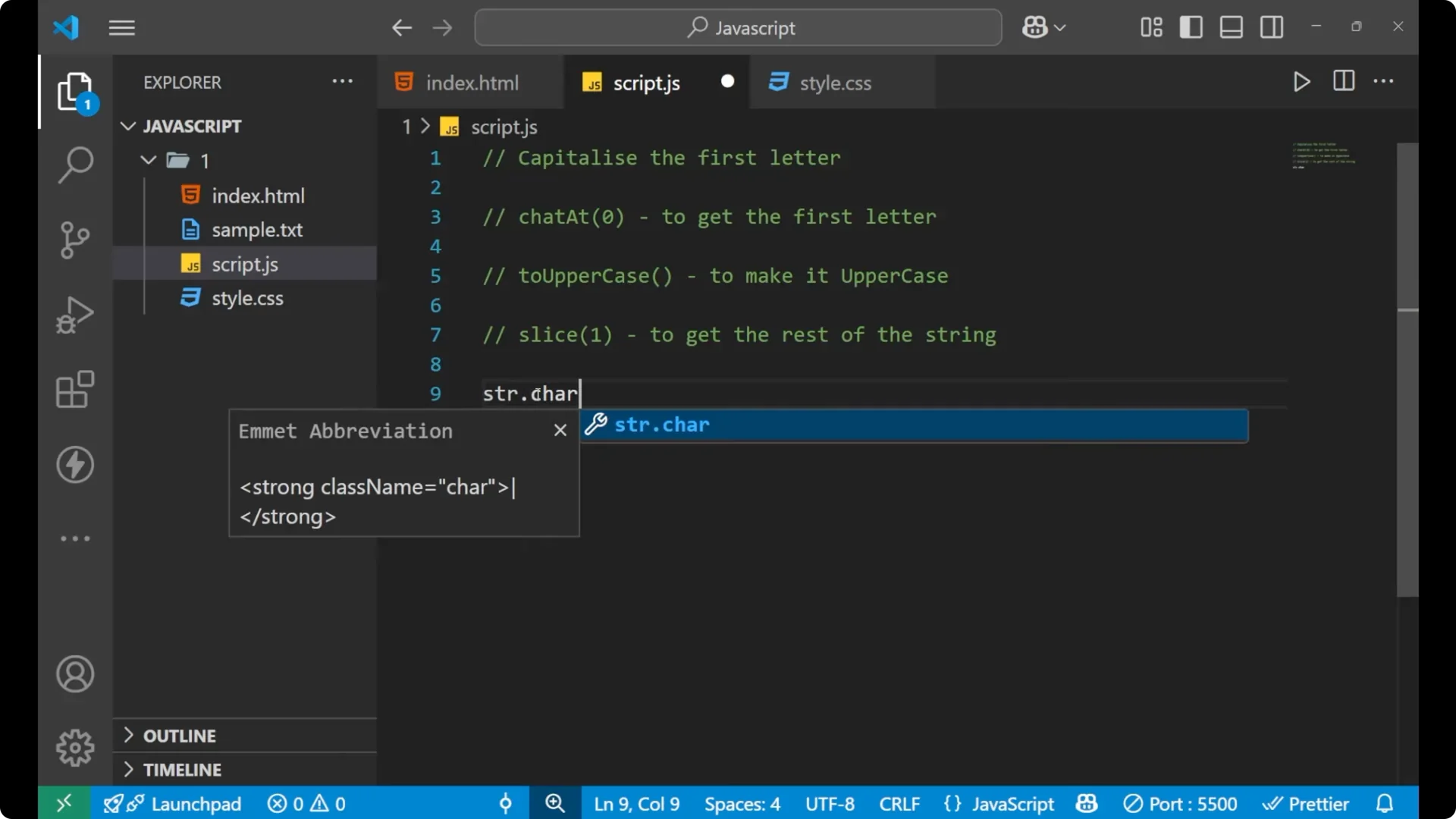
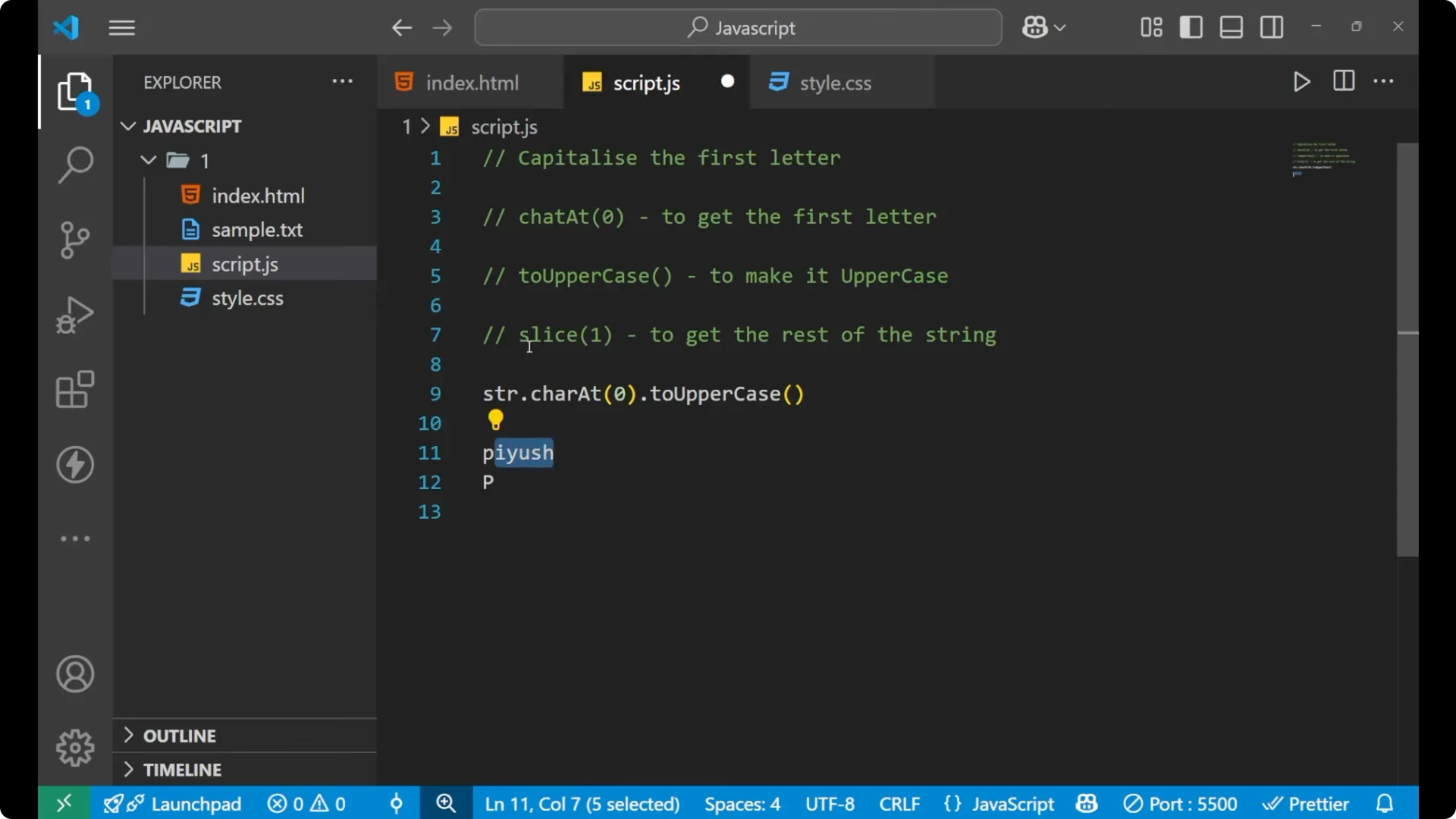
The second is
toUpperCase(). It makes that first letter uppercase.
The third is
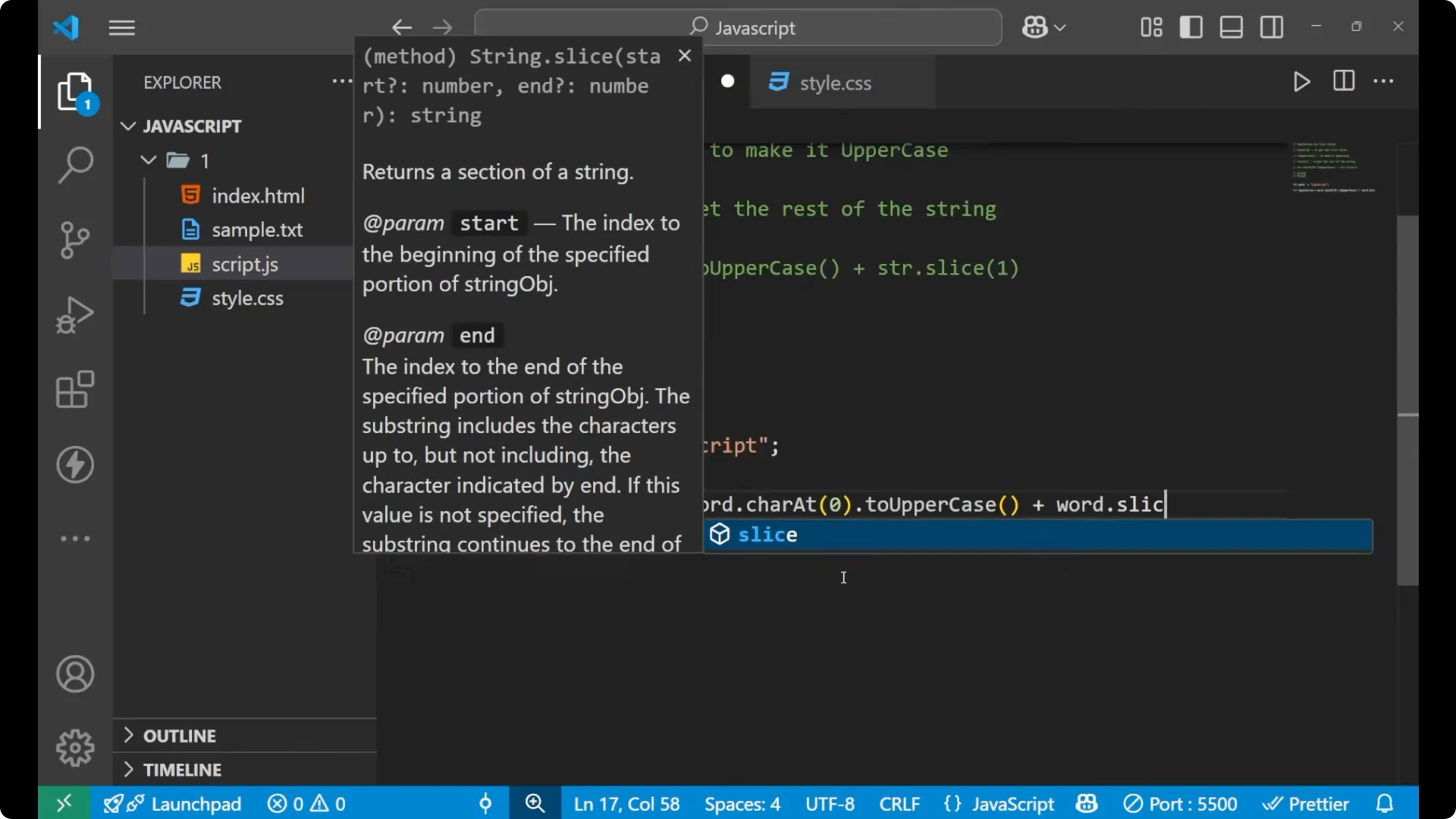
slice(1). It gets the rest of the string starting from index 1.
For more on JavaScript fundamentals, see
type of.
Syntax for JavaScript Capitalize First Letter
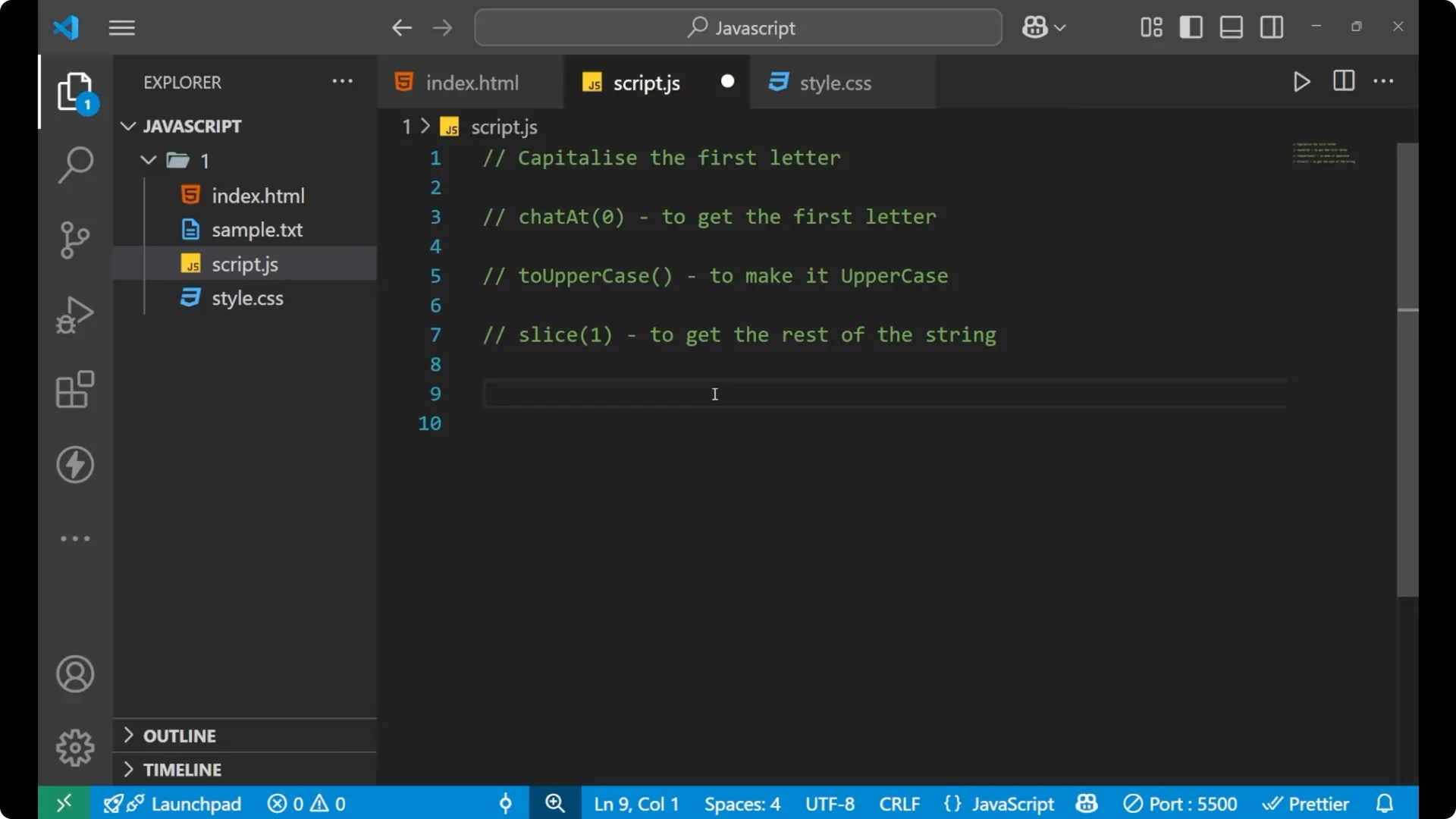
Here is the core expression that combines the three methods:
const str = 'javascript';
const result = str.charAt(0).toUpperCase() + str.slice(1);
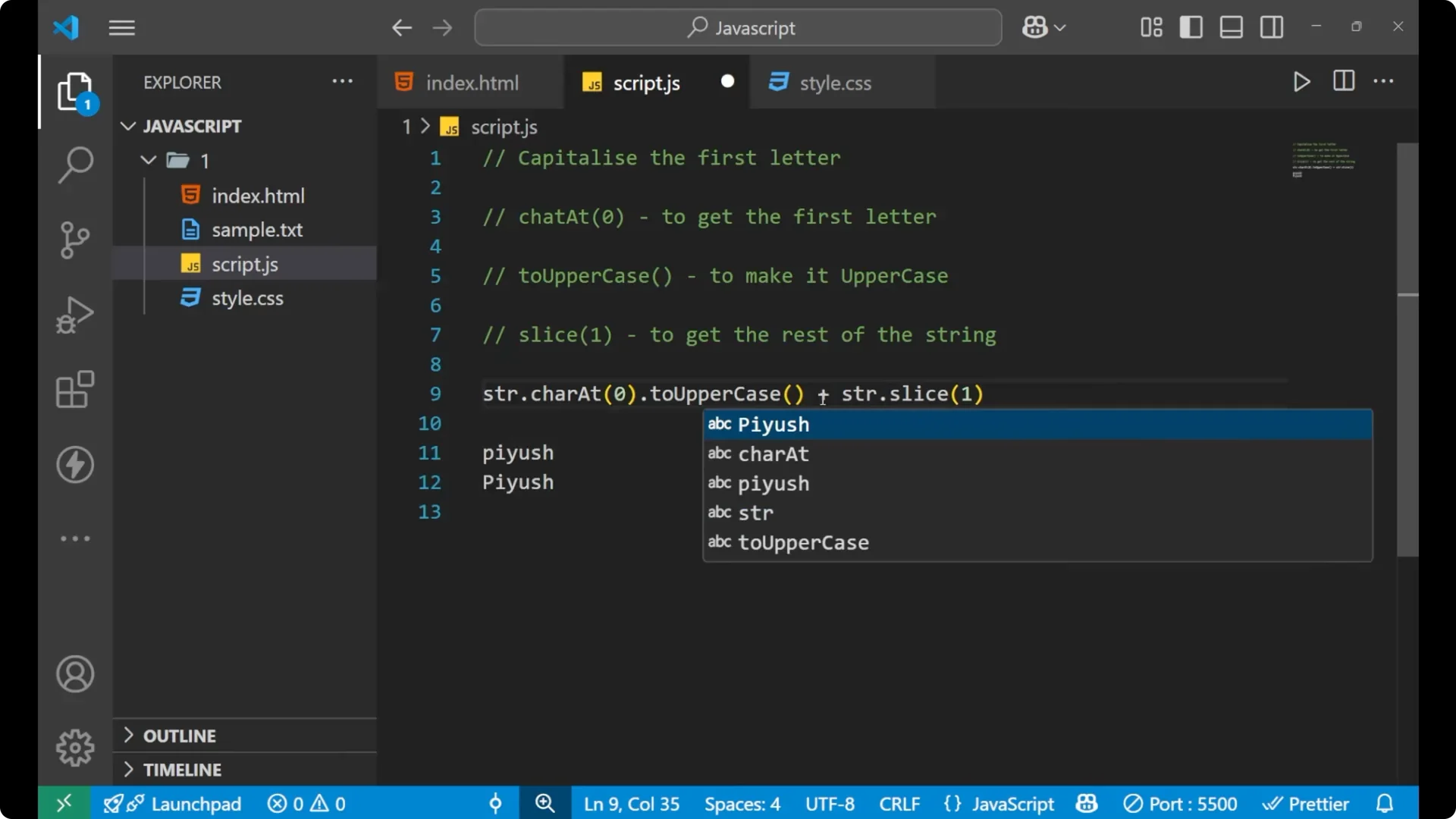 charAt(0)
 takes out the first letter.
toUpperCase() converts that first letter to uppercase.
slice(1) returns the rest of the word starting from index 1. Using the plus operator adds them together into the final string.
Example in code
const word = 'javascript';
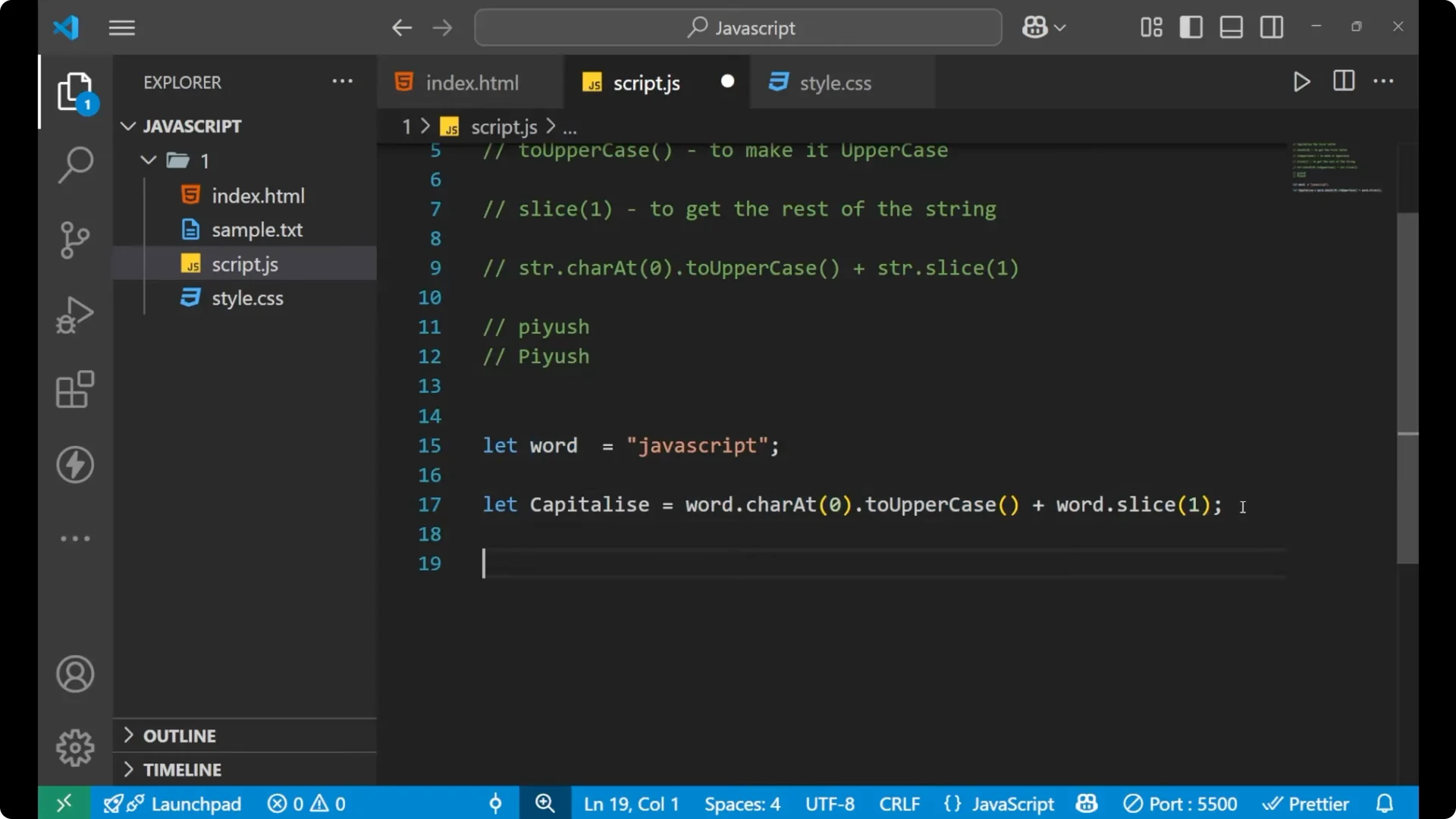
const capitalized = word.charAt(0).toUpperCase() + word.slice(1);

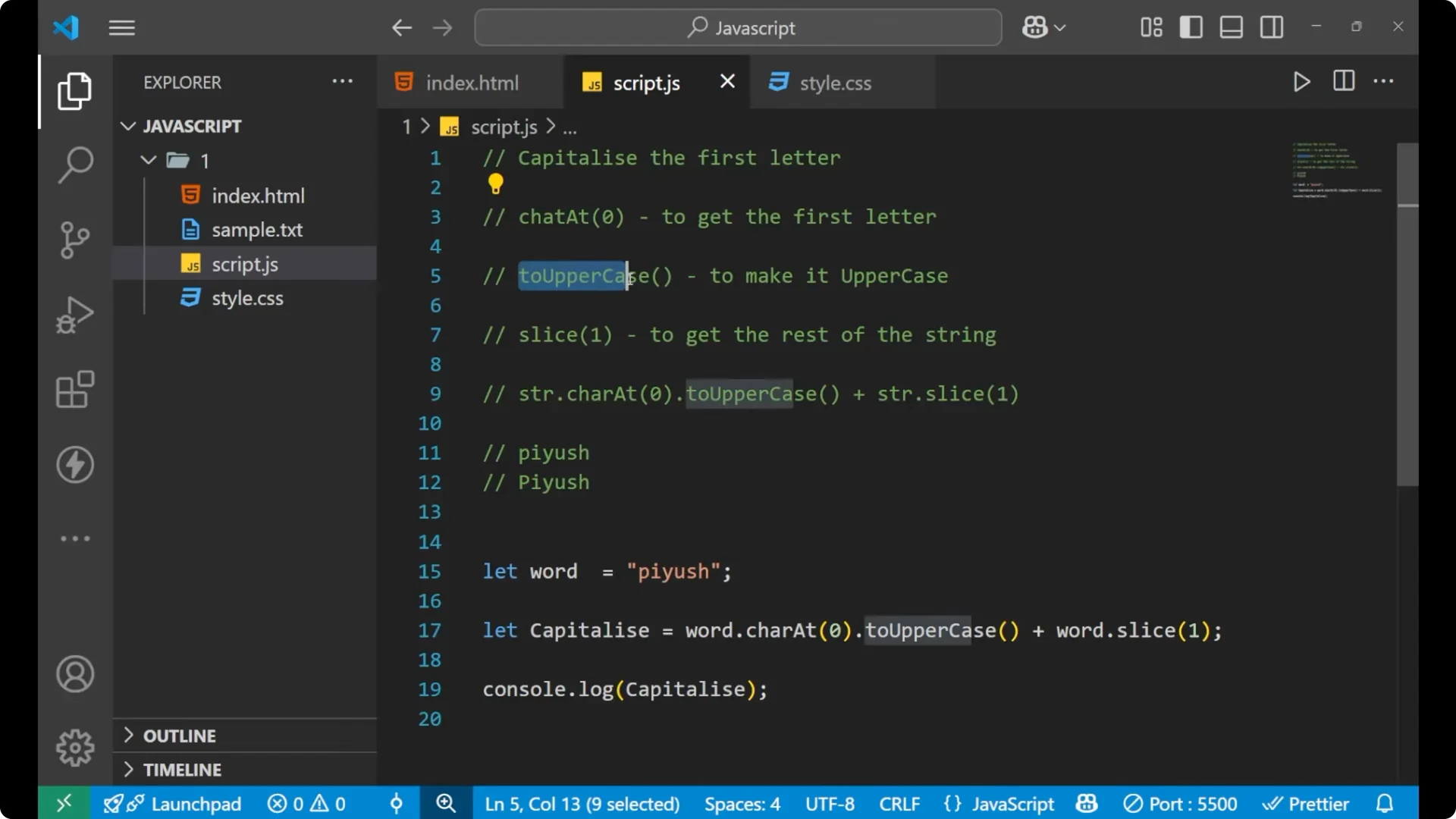
console.log(capitalized); // JavaScript
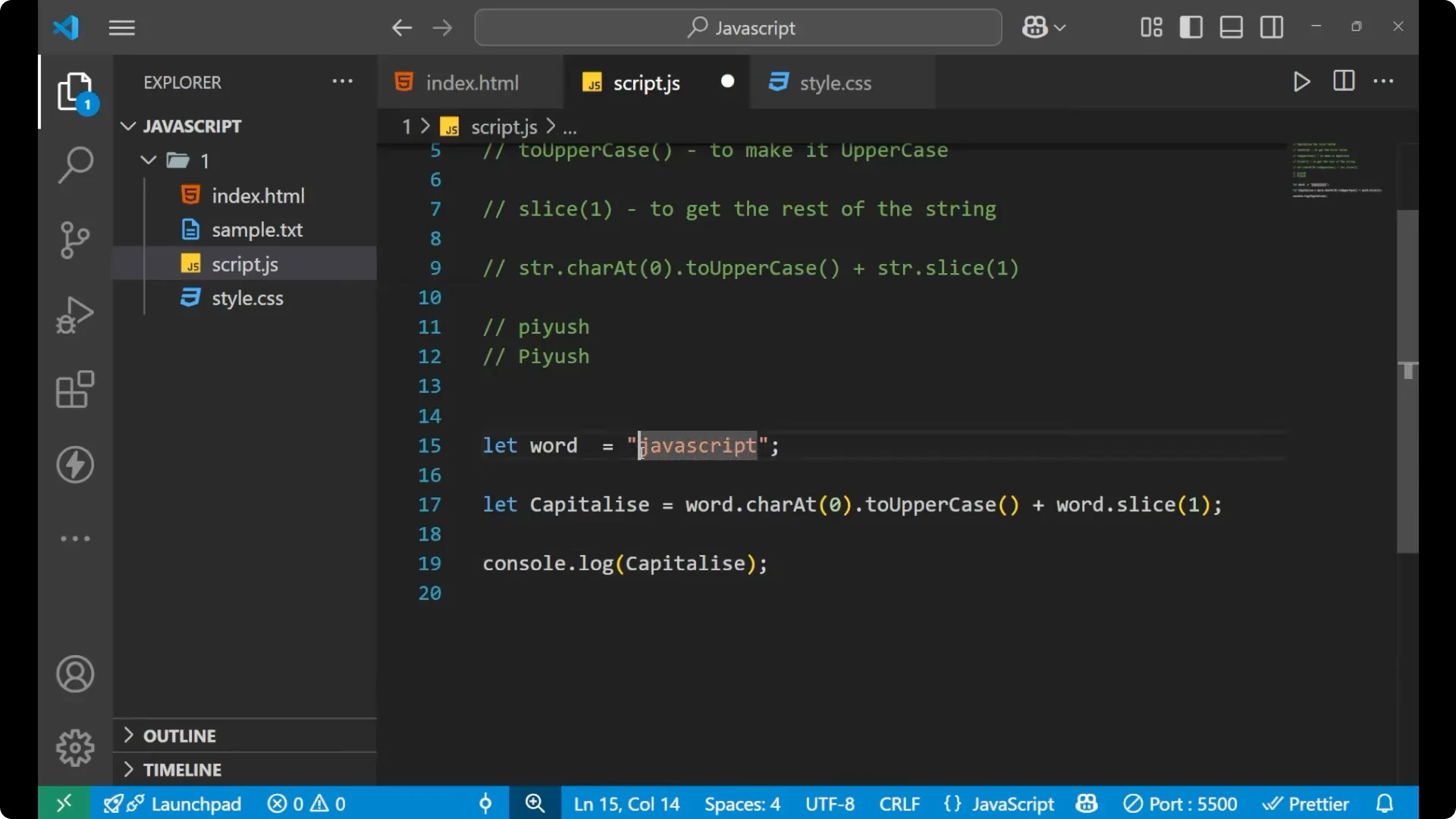
If the first letter is lowercase, you’ll see it capitalized in the output. Change the input word to try different cases and verify the result.
If you plan to process many words in a loop while doing this, see
break continue.
Step-by-step JavaScript Capitalize First Letter
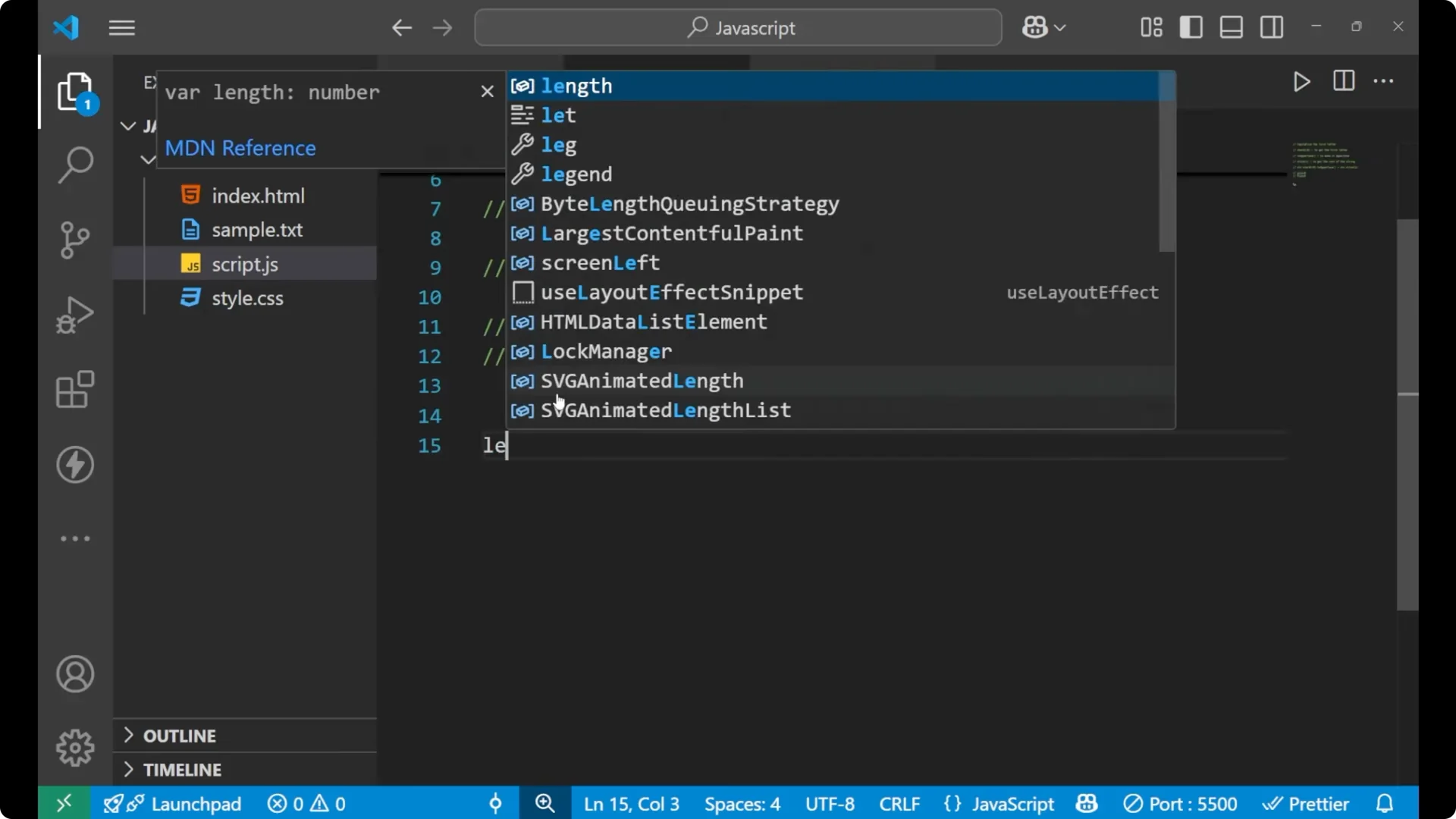
Declare a string variable.
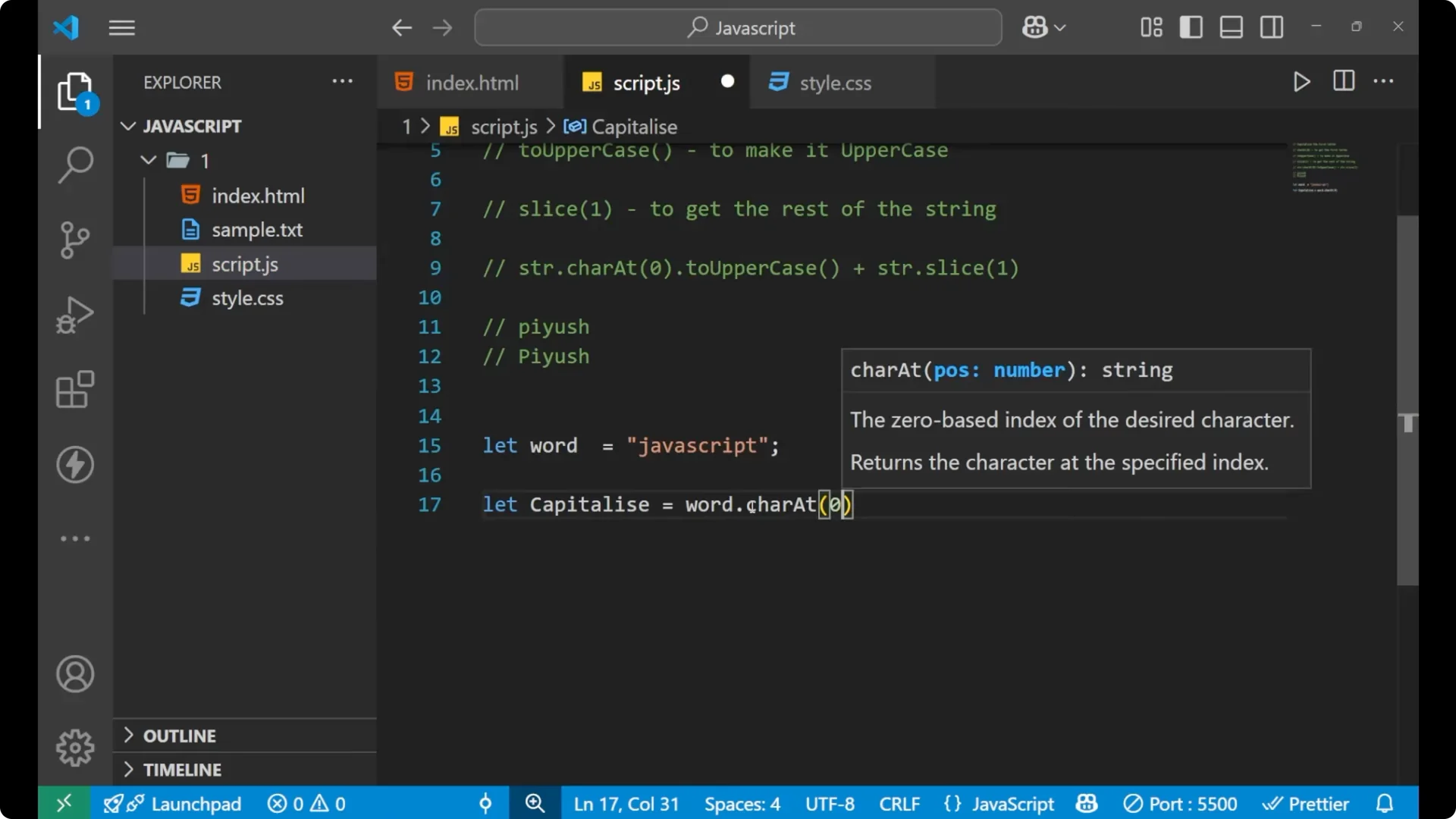
Call
charAt(0) on that string to get the first character.
Call
toUpperCase() on that character to convert it to uppercase.
Add the rest of the original string using
slice(1).
Store the result in a variable and print or return it.
Notes on JavaScript Capitalize First Letter
This is the main line of code you need:
str.charAt(0).toUpperCase() + str.slice(1)
It uses three functions –
charAt,
toUpperCase, and
slice – to convert the first letter to capital and then append the remaining characters. Indexing in strings starts at 0, so
slice(1) correctly skips the first character and returns everything else.
To understand how methods like
charAt and
slice are available on strings, check the
prototype chain.
Final Thoughts
JavaScript does not provide a single method to capitalize only the first letter, but combining
charAt(0),
toUpperCase(), and
slice(1) gives a simple, reliable solution. Keep this expression handy for quick capitalization in your projects.