We are going to learn how to parse JSON data in JavaScript. It is a must-know concept if you are working with APIs and storing data or just building modern apps. I will explain everything from scratch.
Imagine that someone sends you a letter but it is in a code language and you need to decode it before you can understand the message. That is exactly what we do with JSON. We use the JSON.parse method to decode the data.
JavaScript JSON Parsing: Parsing a JSON string to an object
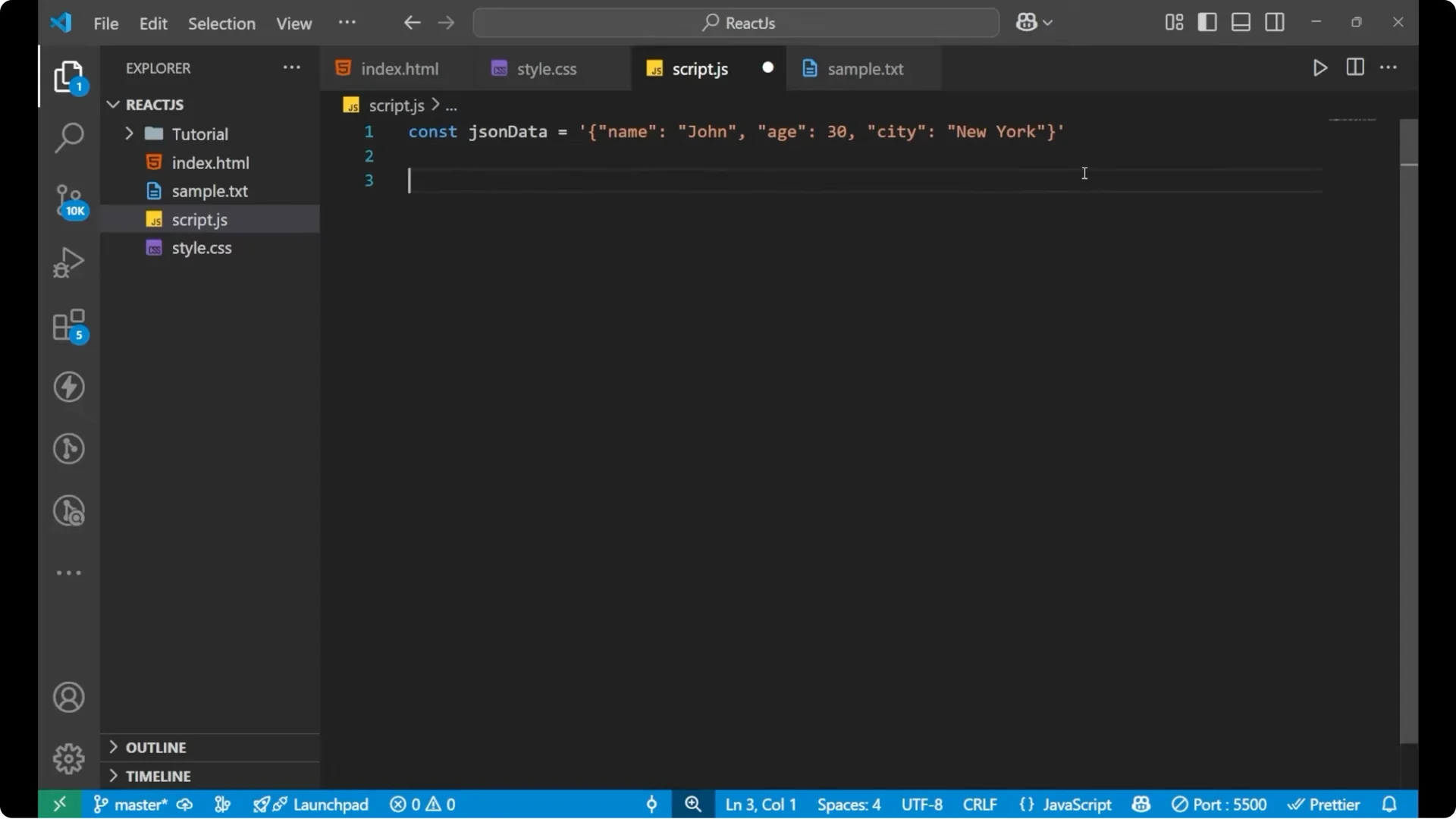
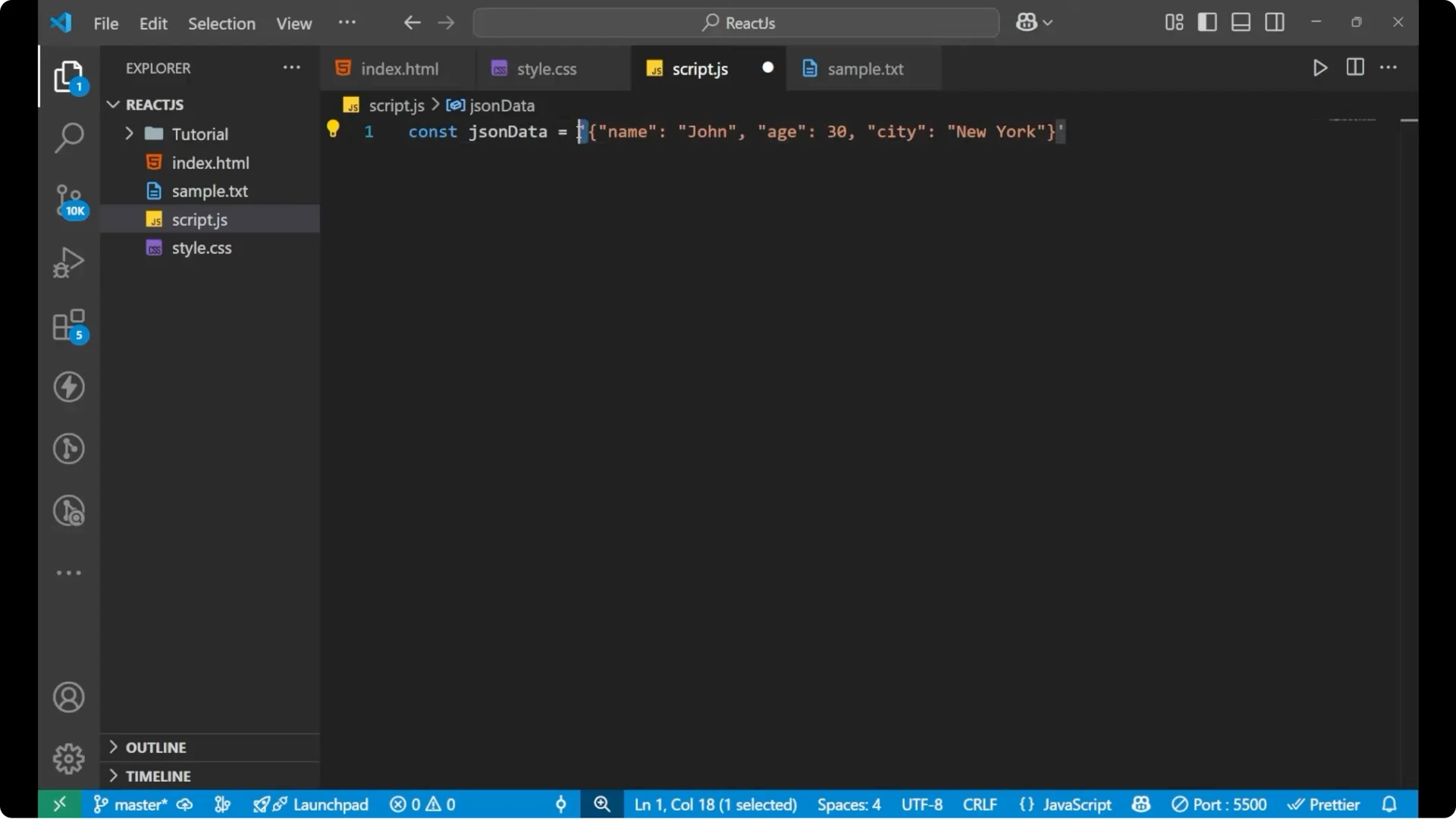
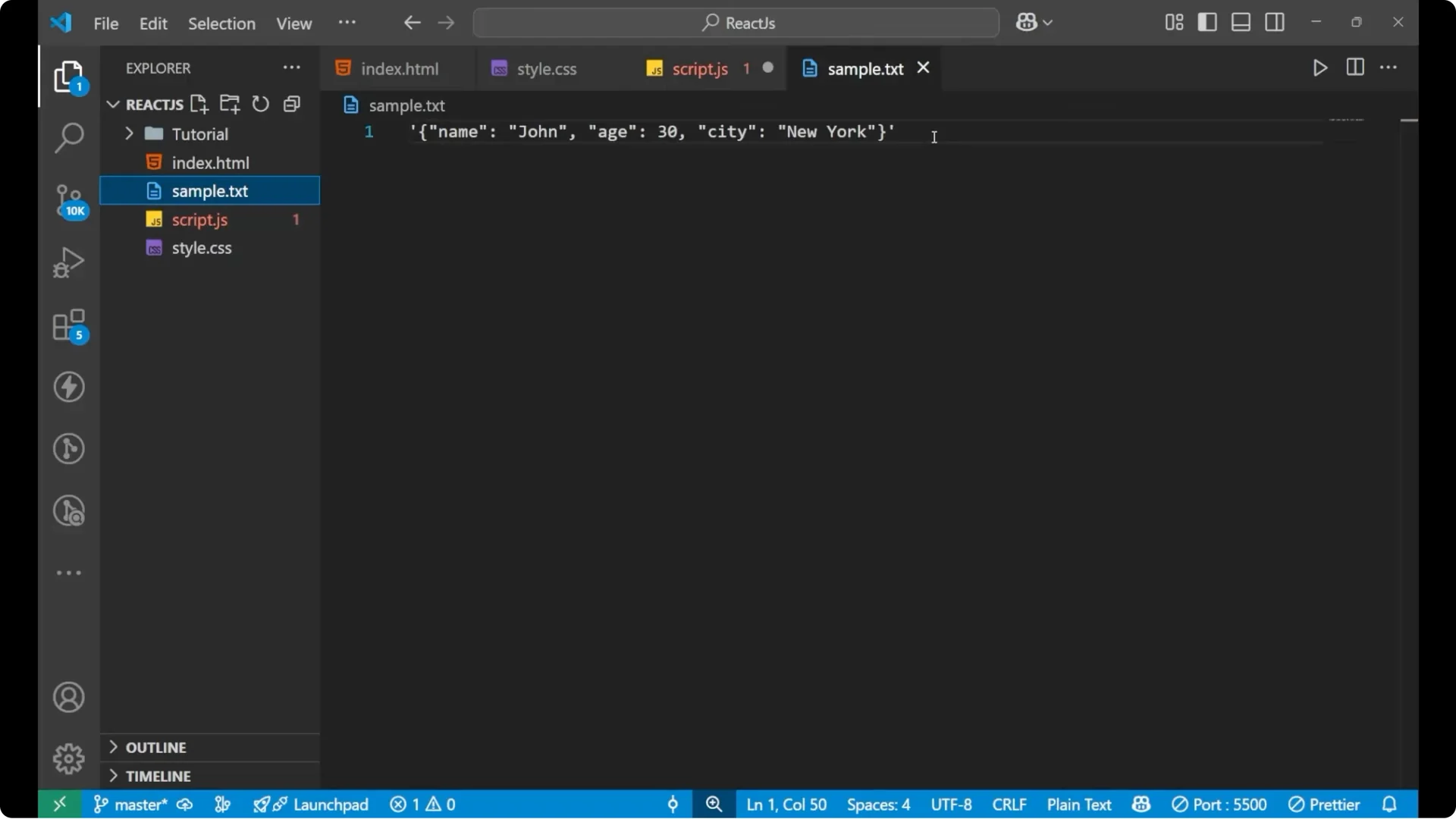
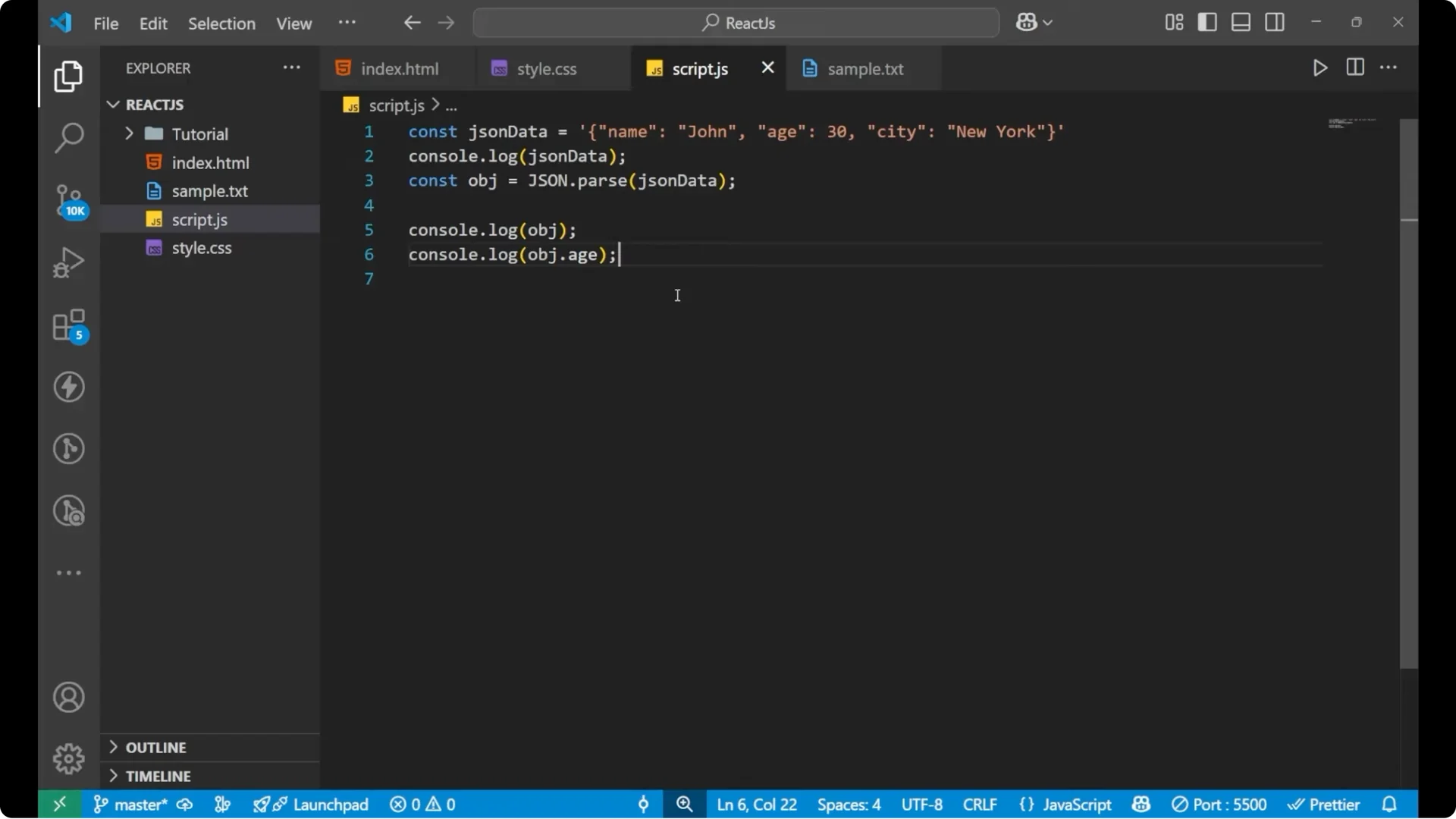
Let’s say we have some string data. What is it? Is it an object? No, it is not an object. It is a string. It is between quotes. Inside this, the content is an object, but the whole data is in a string format. To convert it and see the actual object from the string, use JSON.parse.
Example: JSON.parse
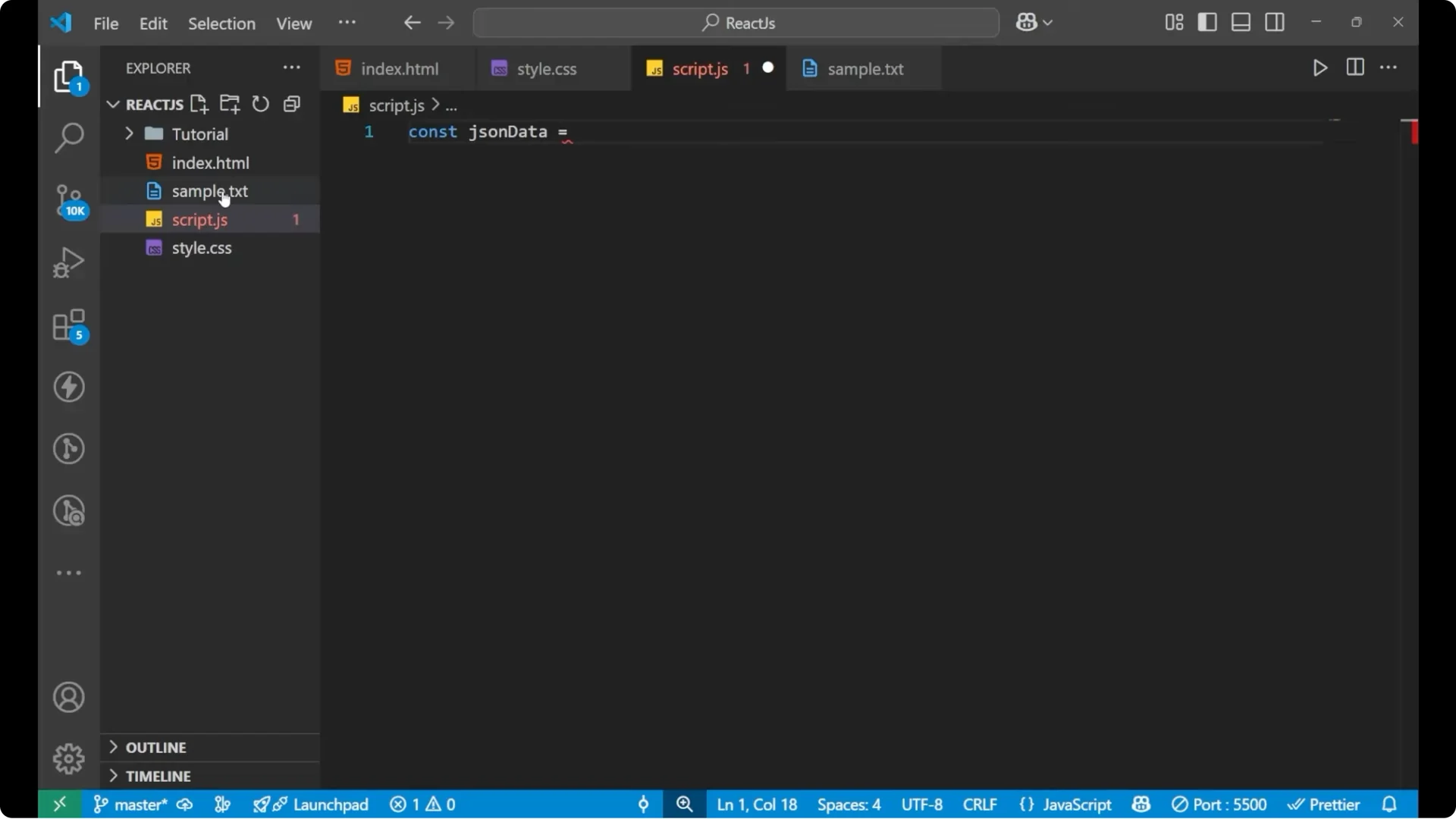
const jsonData = ‘{“name”:”John”,”age”:30}’;
 // Convert JSON string to object
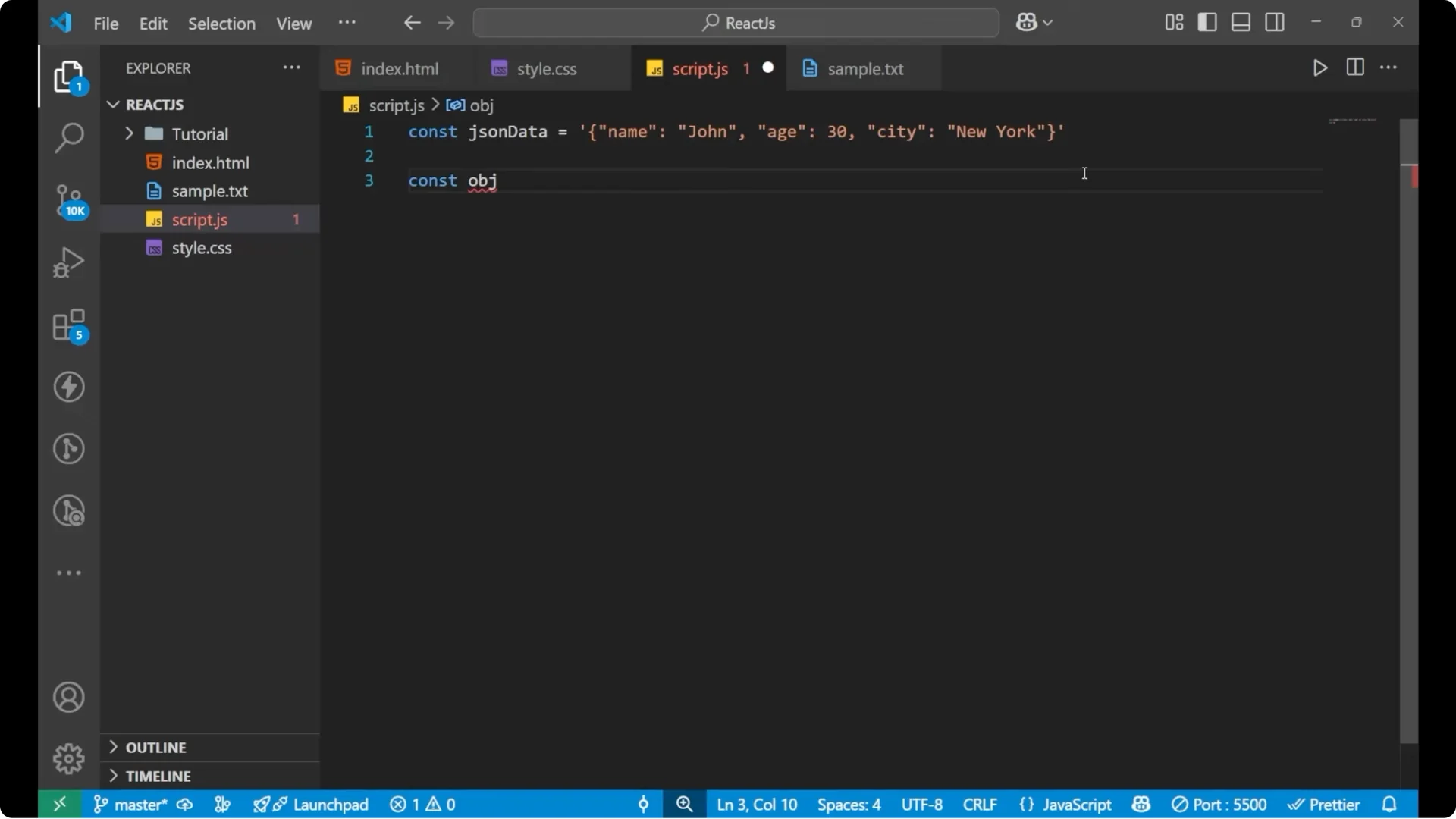
const obj = JSON.parse(jsonData);
// Convert JSON string to object
const obj = JSON.parse(jsonData);
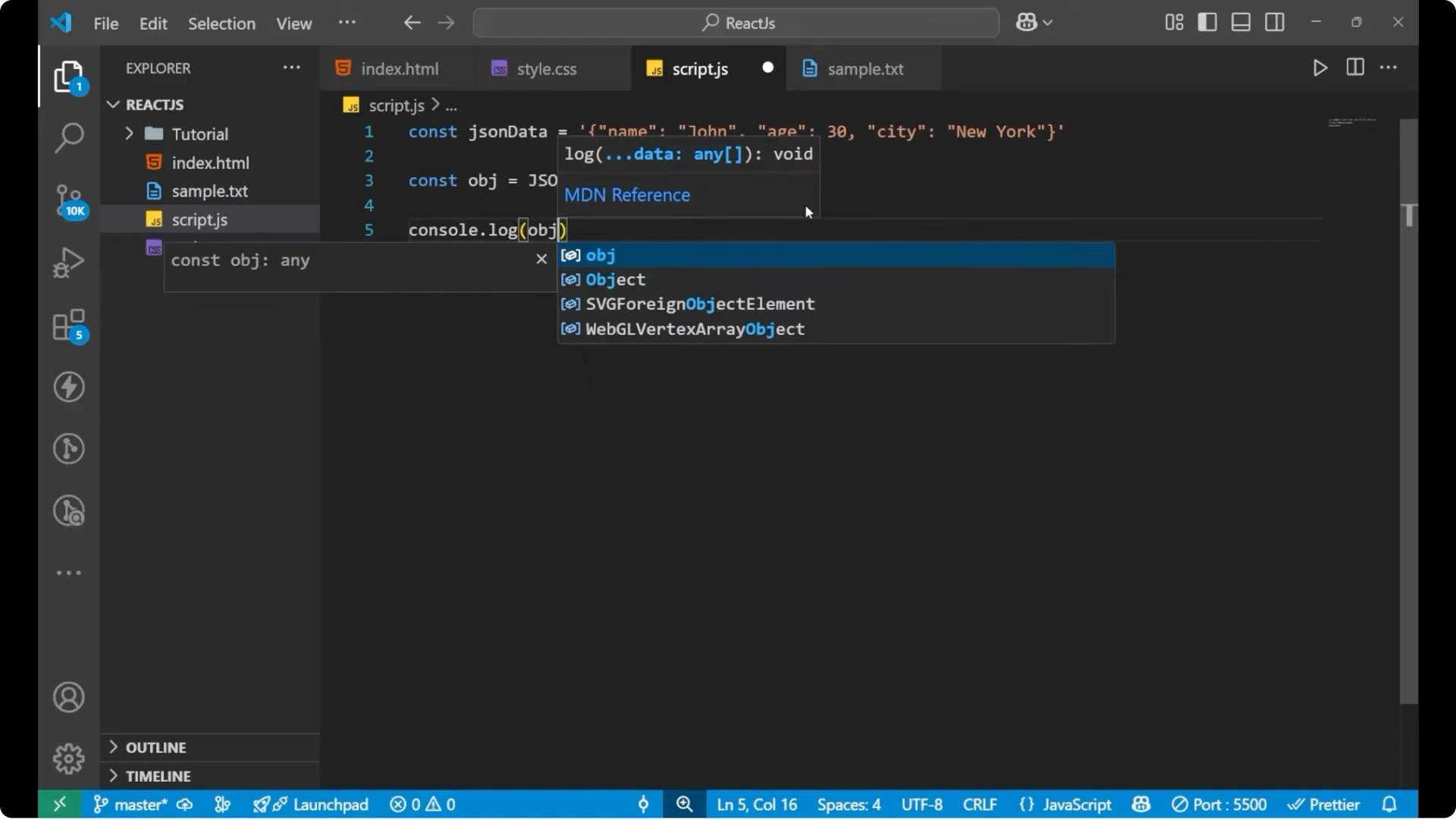
 // Inspect the results
console.log(jsonData); // string
console.log(obj); // object
// Inspect the results
console.log(jsonData); // string
console.log(obj); // object
 // Access properties
console.log(obj.name); // “John”
console.log(obj.age); // 30
// Access properties
console.log(obj.name); // “John”
console.log(obj.age); // 30
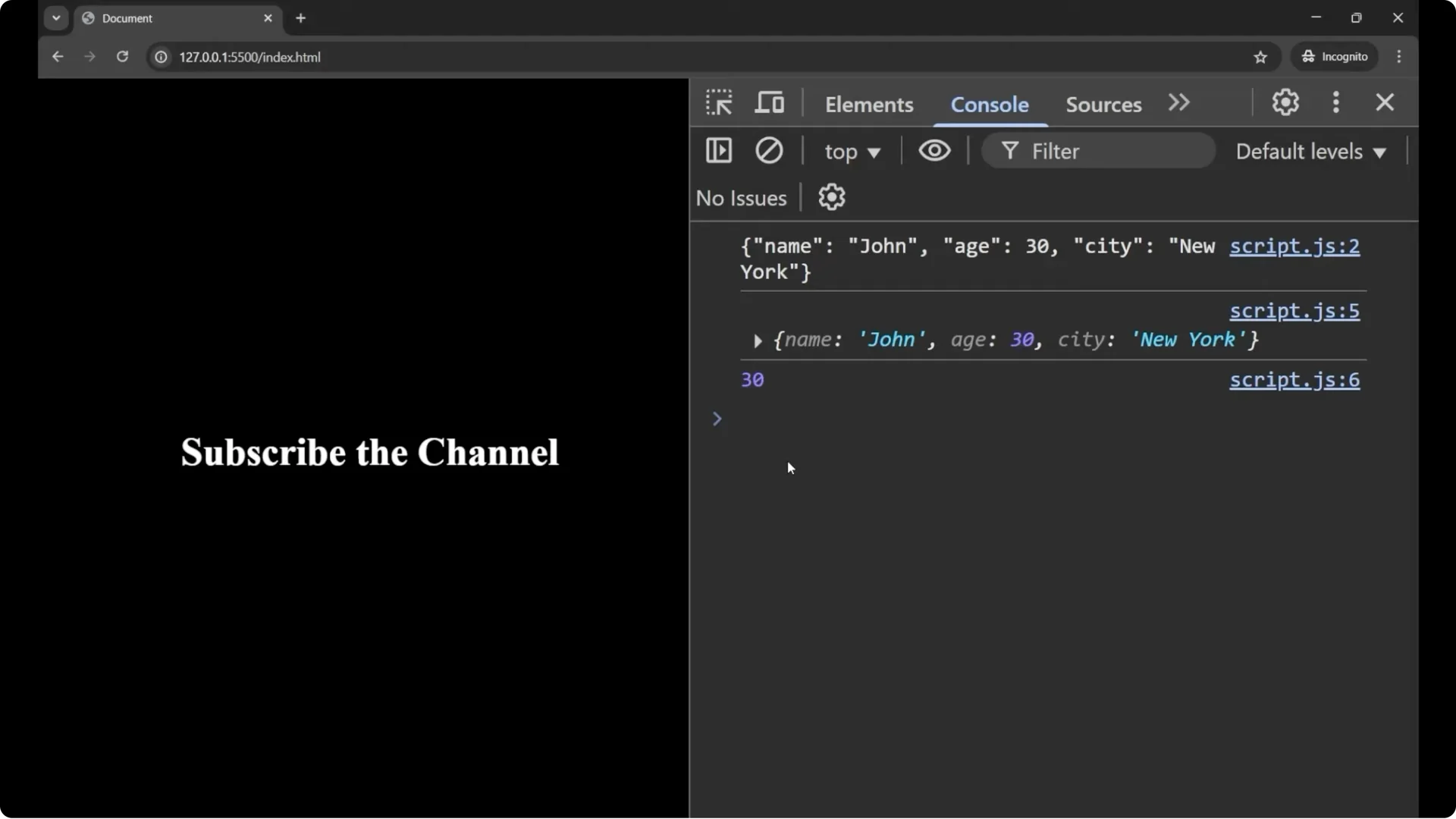
- JSON.parse takes a JSON string and returns a JavaScript object.
- Before parsing, you just have a string and you cannot access properties on it.
- After parsing, you can access fields like obj.name and obj.age.
JavaScript JSON Parsing: Converting an object to a JSON string
If you want to convert an object to a JSON string, do the reverse of what we did above. Earlier we had a string and converted it into an object. Now we will take an object and convert it into a string with JSON.stringify.
Example: JSON.stringify
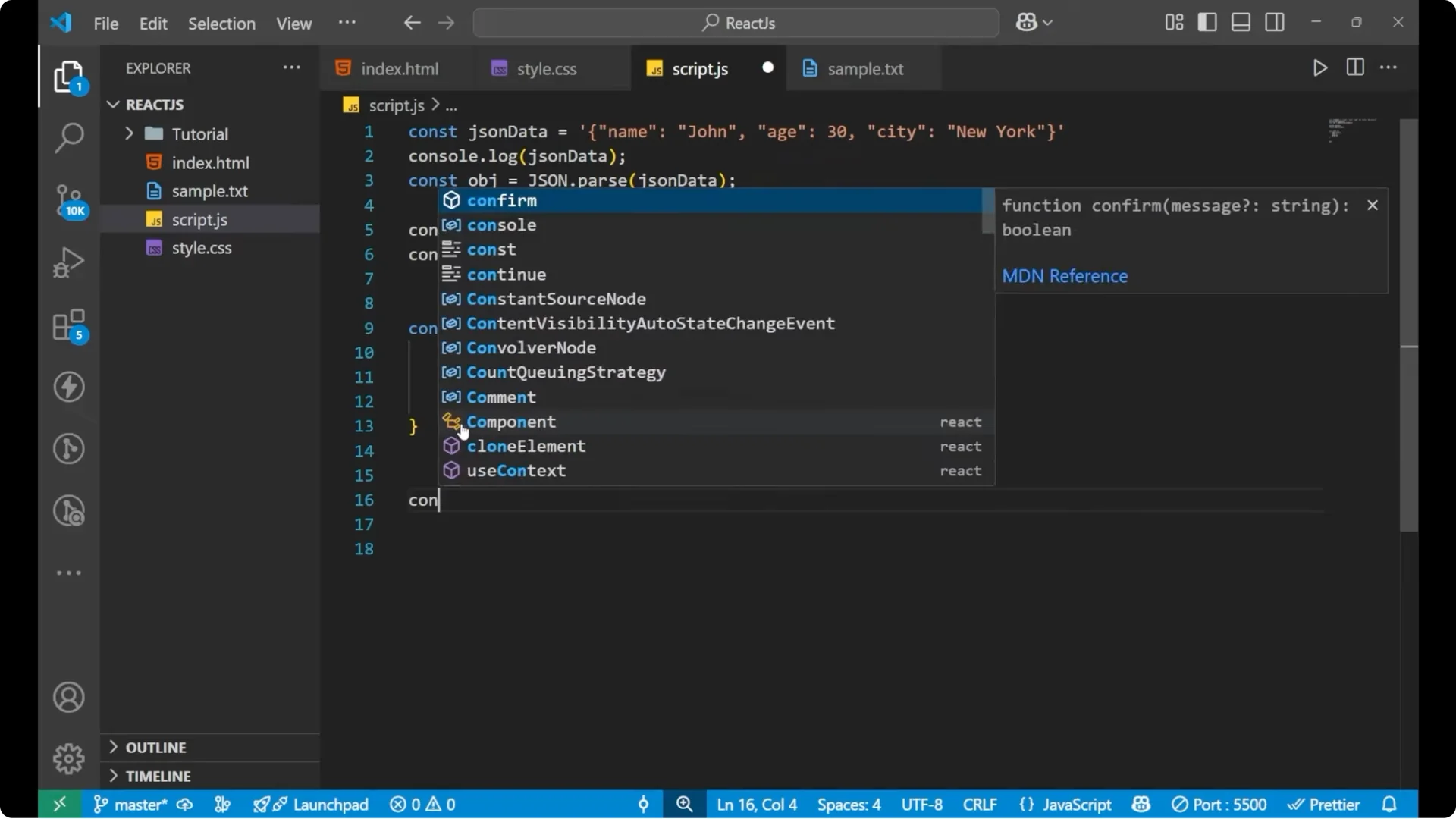
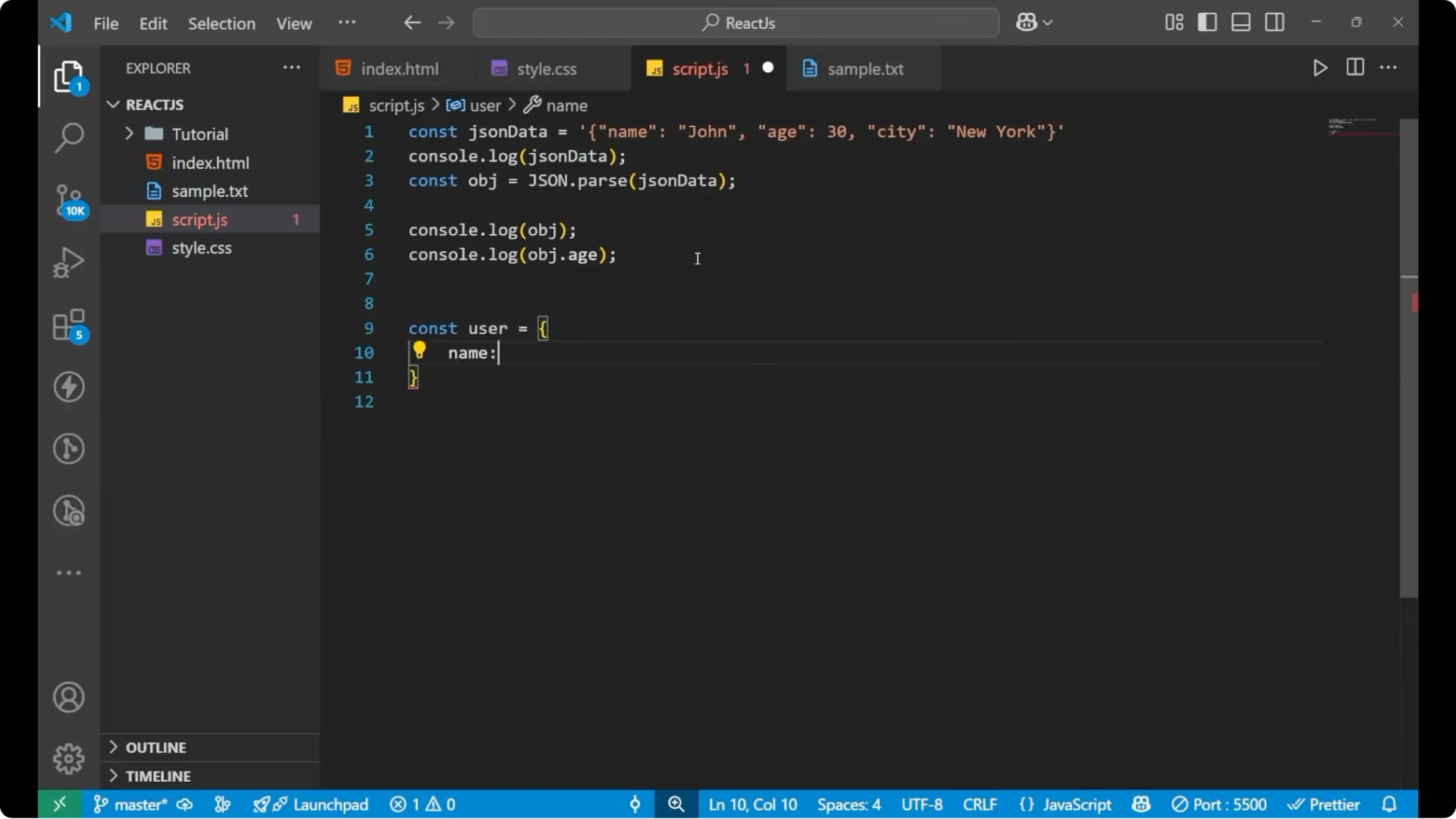
const user = { name: “use”, class: 3, marks: 45 };
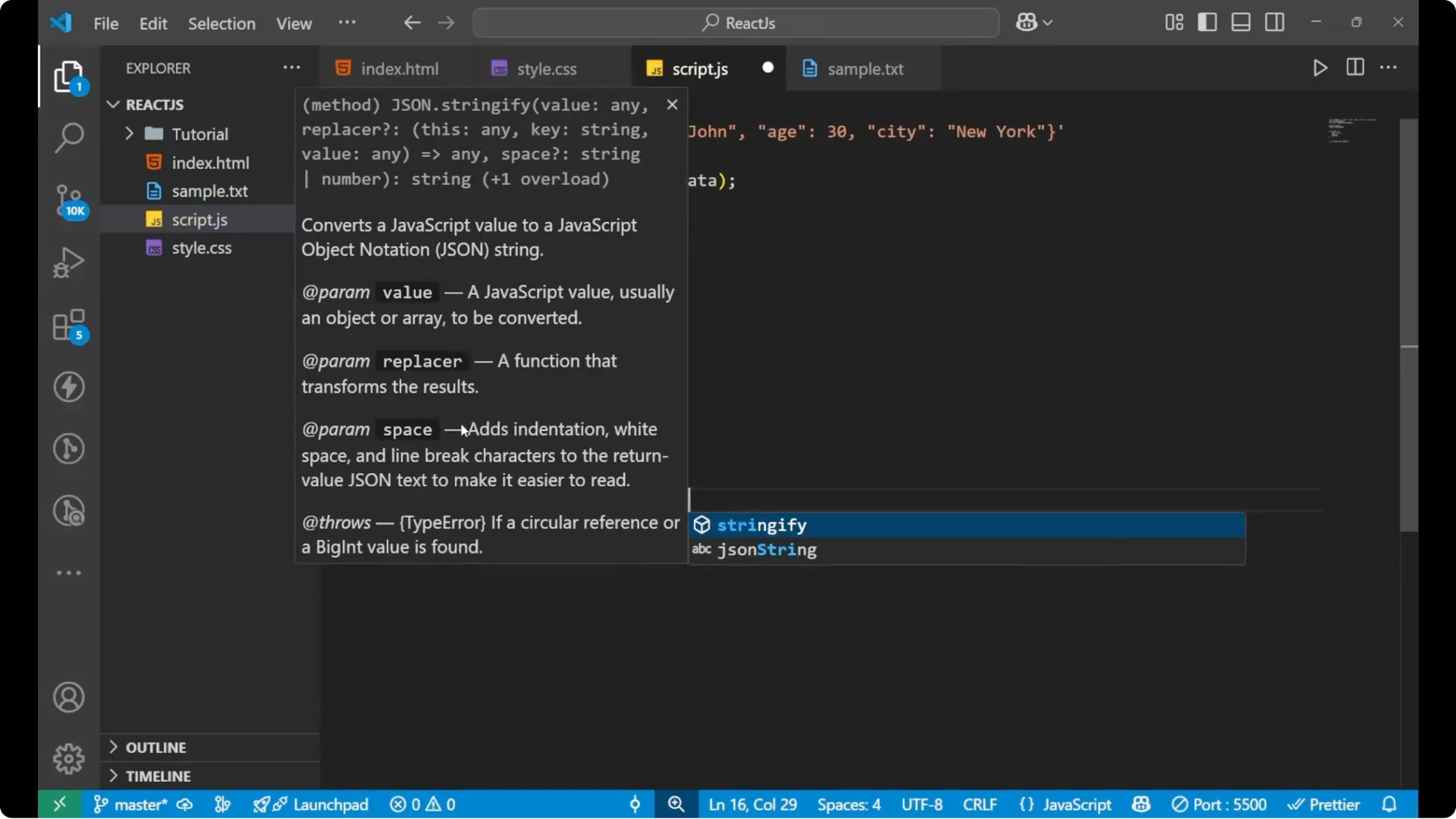
 // Convert object to JSON string
const jsonString = JSON.stringify(user);
// Convert object to JSON string
const jsonString = JSON.stringify(user);
 // Inspect the results
console.log(user); // object
console.log(jsonString); // string
// Inspect the results
console.log(user); // object
console.log(jsonString); // string
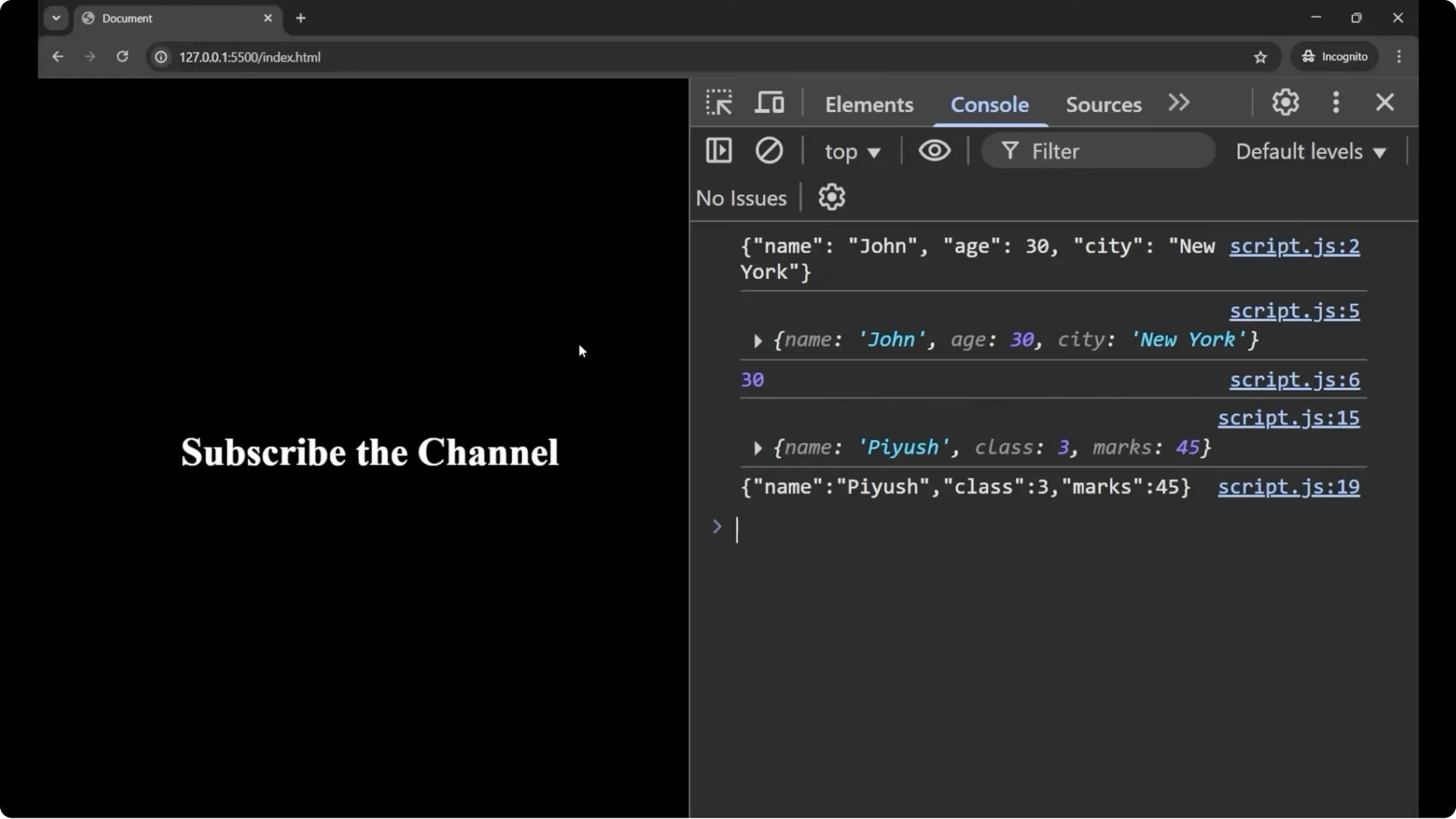
- JSON.stringify is the opposite of parse and you use it when you want to send or store data.
- It converts the object to a JSON string.
- It is useful when sending data to a server or saving to local storage.
Quick steps
- To decode JSON to an object: use JSON.parse(jsonString).
- To encode an object to JSON: use JSON.stringify(object).
Final Thoughts
JSON.parse converts a JSON string into a JavaScript object so you can work with properties. JSON.stringify converts a JavaScript object into a JSON string so you can send or store it. These two methods cover the core of JavaScript JSON Parsing for everyday API work and data storage.