
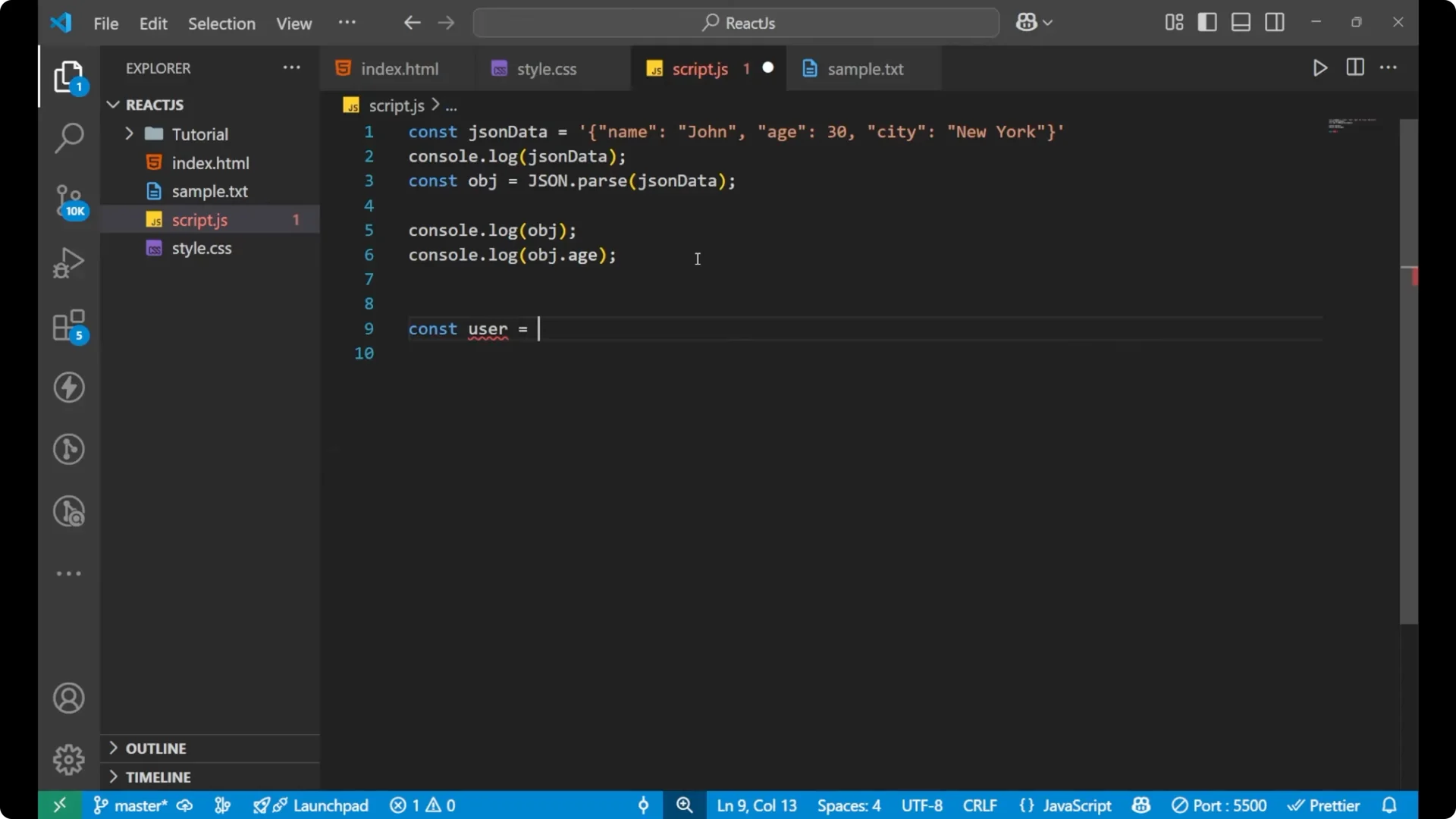
We are going to learn how to parse JSON data in JavaScript. It is a must-know concept if you are working with APIs and storing data or just building modern apps. I will explain everything from scratch.
Imagine someone sends you a letter in a code language and you need to decode it before you can understand the message.
That is exactly what we do with JSON. We use the JSON.parse method to decode the data.
JSON.parse in JavaScript
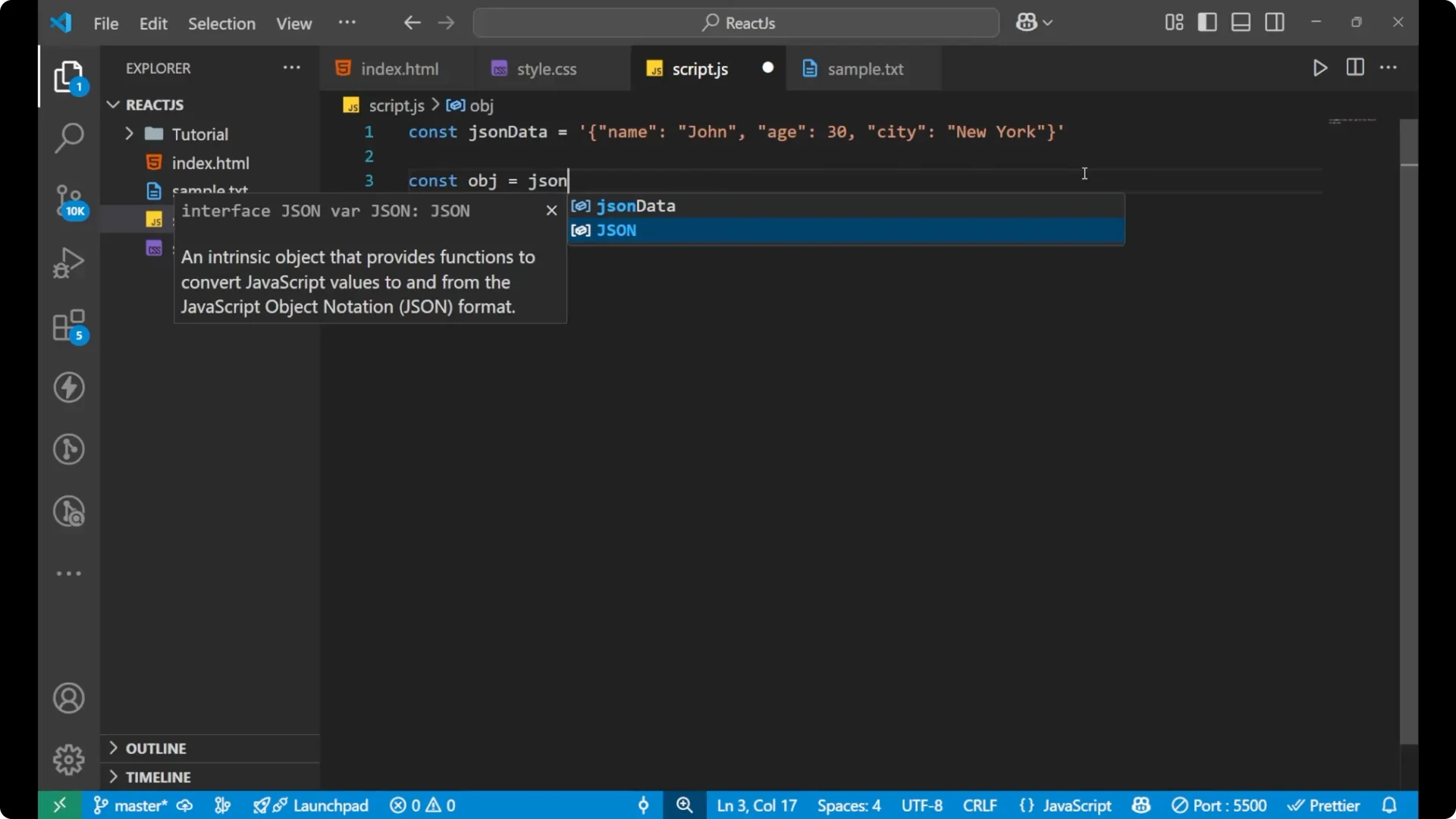
Suppose we have some JSON data as a string. It looks like an object inside, but the whole thing is actually a string because it is wrapped in quotation marks.
To convert it and see the actual object from the string, you need to use JSON.parse.
const jsonData = '{"name":"John","age":30}';
// Convert the JSON string to a real object
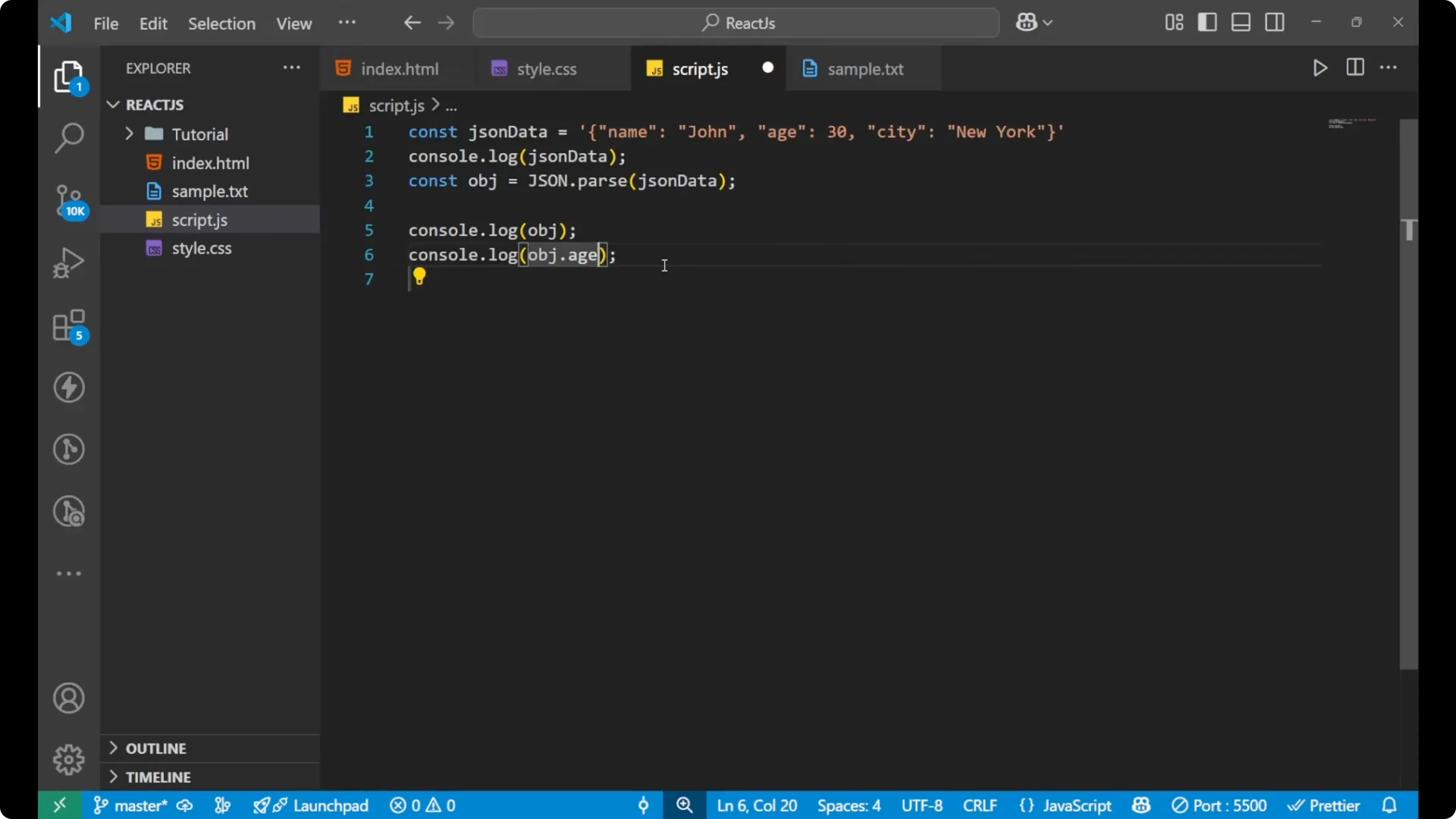
const obj = JSON.parse(jsonData);
// Compare string vs object in the console
console.log(jsonData); // still a string
console.log(obj);      // now an object
If you print only the original string, you just get a string and you cannot do anything with it in terms of property access. After parsing, you can use the data. For example:
console.log(obj.name); // John
console.log(obj.age);  // 30
Step-by-step parsing
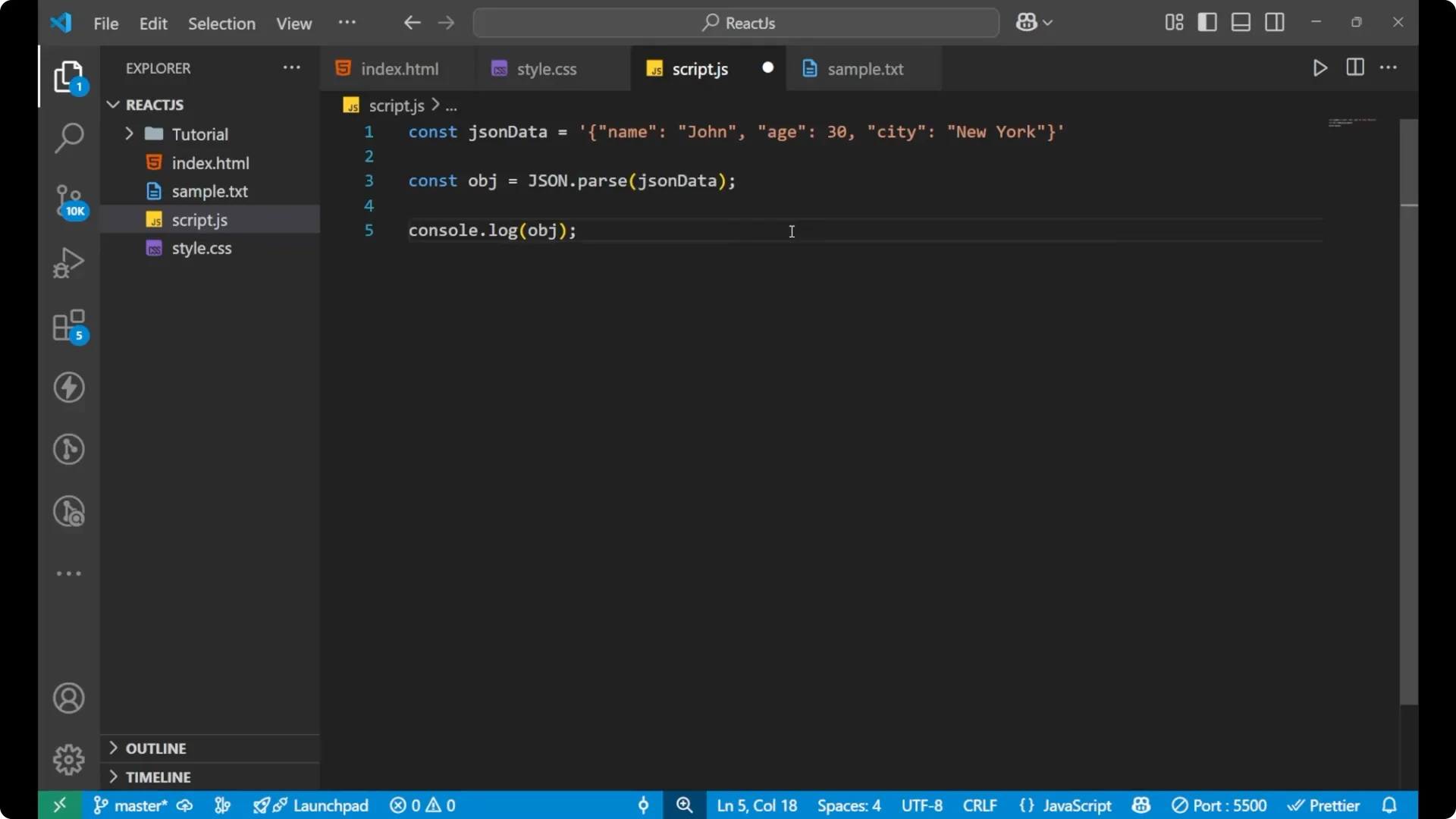
Write the JSON string in a variable.
Write JSON in capital letters, add `.parse(…)`.
Pass the variable holding the JSON string into `parse`.
Assign the result to a variable like `obj`.
Print `obj` with `console.log`.
Access properties like `obj.name` or `obj.age`.
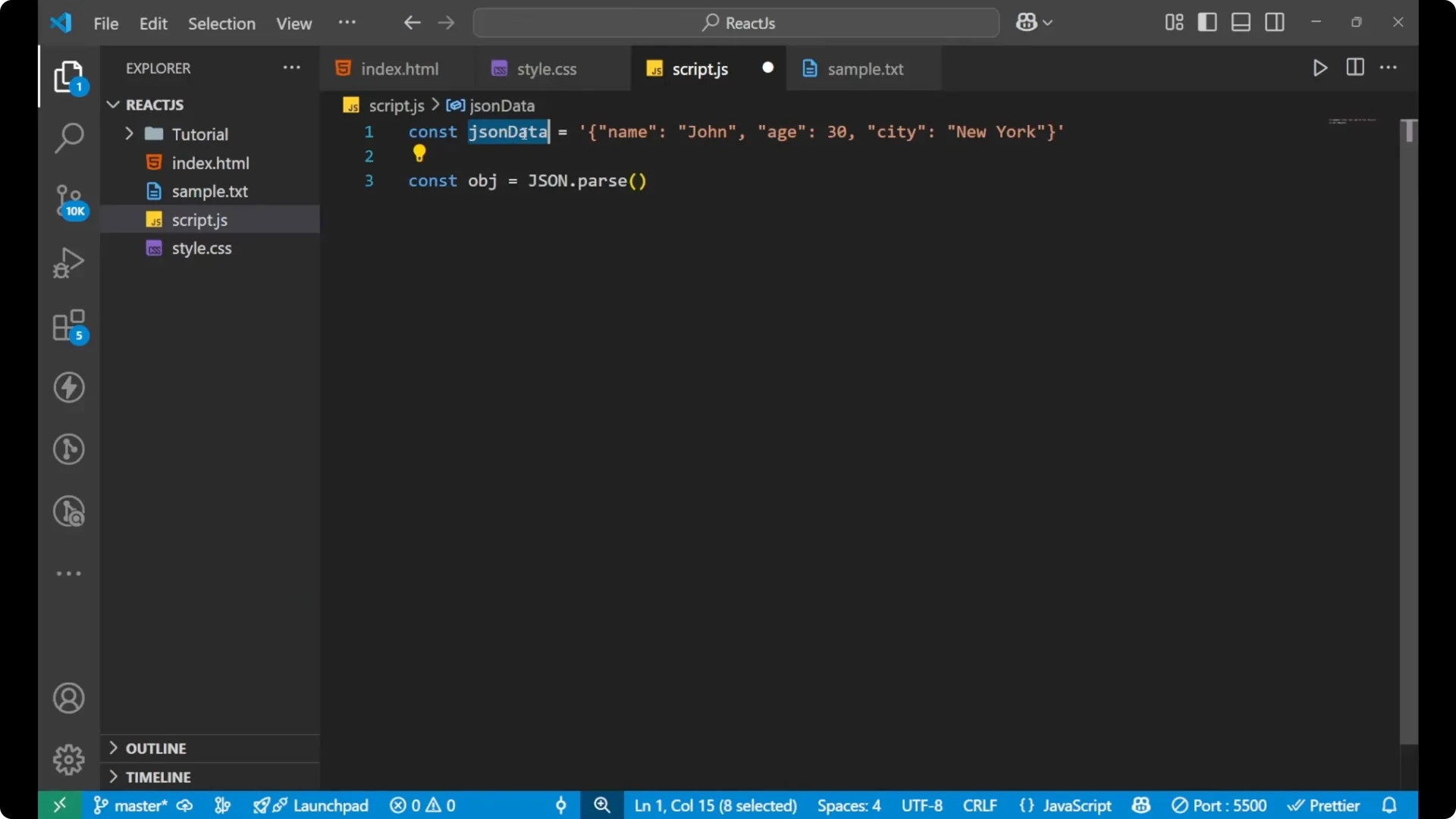
For a deeper look at parsing, check more on parsing.
From object to JSON string
If I want to convert an object to a JSON string, it is just the reverse of what we did above.
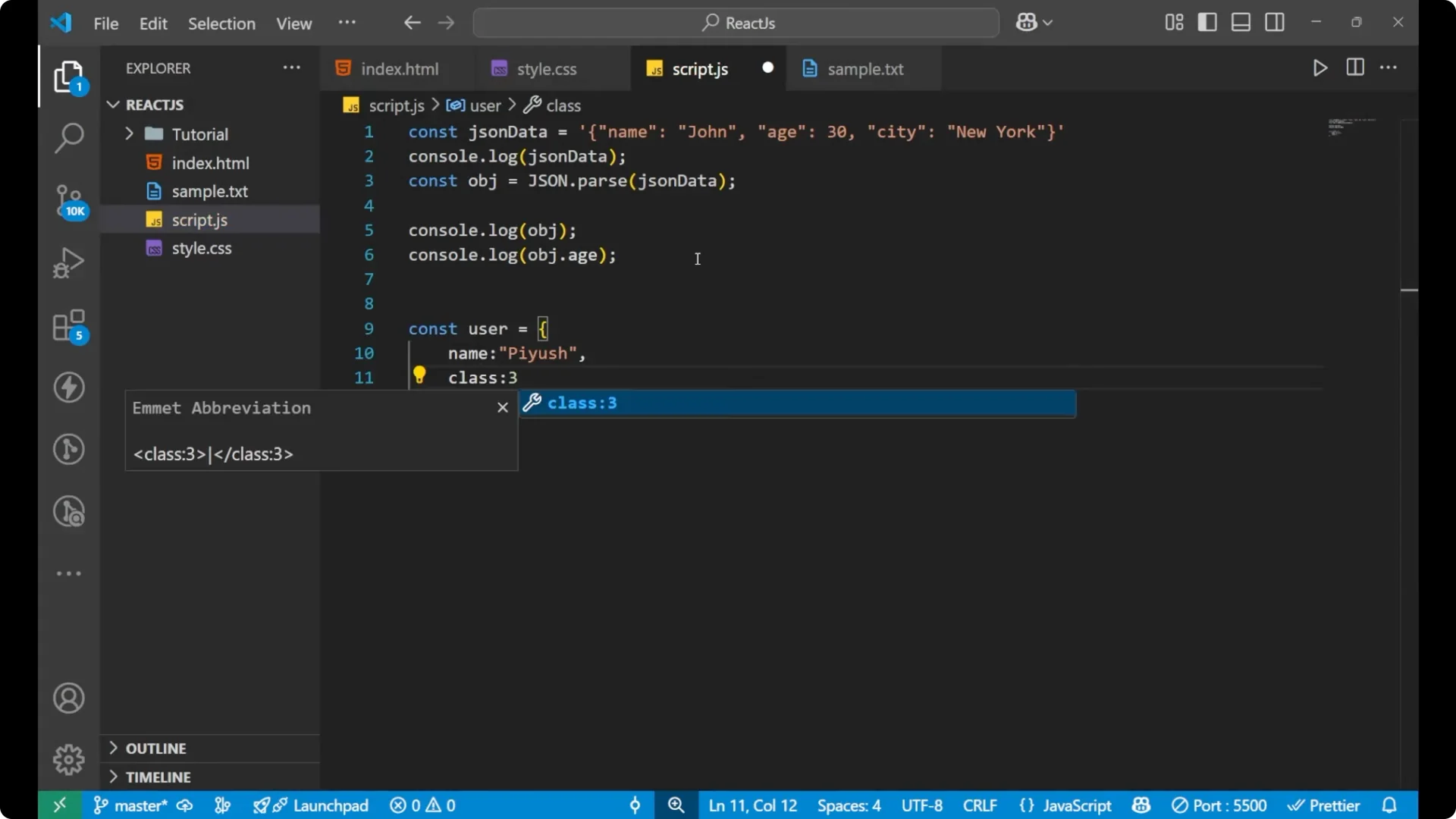
This time I am creating an object.
const user = {
  name: 'fuse',
  class: 3,
  marks: 45
};
// The original object
console.log(user);
// Convert the object into a JSON string
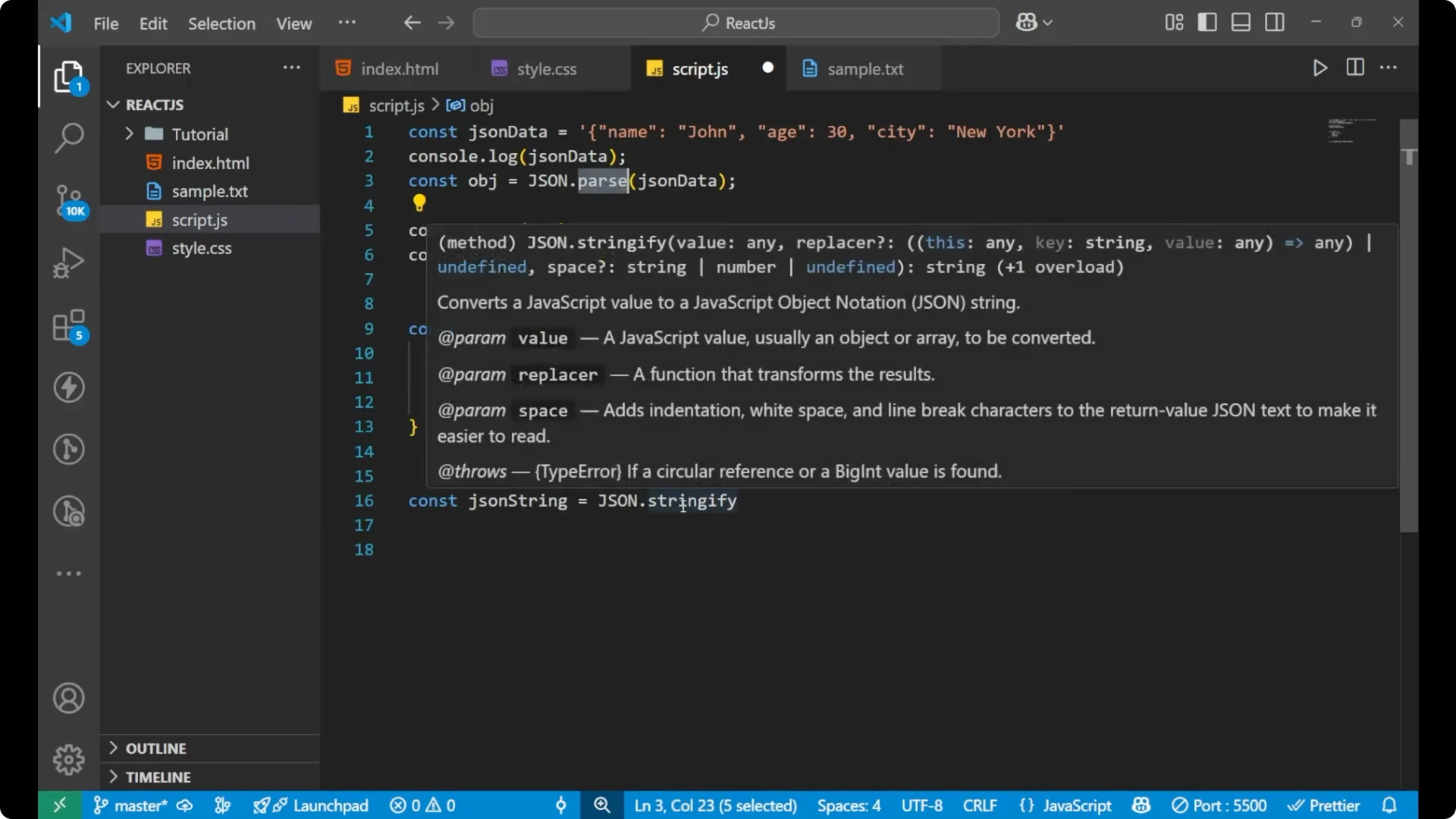
const jsonString = JSON.stringify(user);
// The result is a string
console.log(jsonString);
// => '{"name":"fuse","class":3,"marks":45}'
JSON.stringify is the opposite of JSON.parse, and you use it when you want to send or store data. It converts the object to a JSON string. It is useful when sending data to a server or saving to local storage in your app, for example before populating a dropdown menu.
Step-by-step stringify
Create a regular JavaScript object.
Call JSON.stringify with that object.
Assign the result to a variable like `jsonString`.
Print both the original object and the resulting string to see the difference.
Final thoughts
JSON.parse converts a JSON string into a usable JavaScript object, and JSON.stringify converts a JavaScript object into a JSON string. Parse when you receive data as a string and need to work with it as an object. Stringify when you need to send or store the data as a string. If you want a quick refresher on basic loops while you practice working with parsed collections, see do while.