If you have ever ended up with a pile of if-else statements, the switch statement in JavaScript is a great way to clean it up. A switch statement lets you compare one value against many possible cases and run the code for the first matching case. It is like a menu of conditions. If one case matches, it runs the code for that case. If none match, the default runs. If you are also practicing control flow, see
do while.
What is a JavaScript Switch Statement
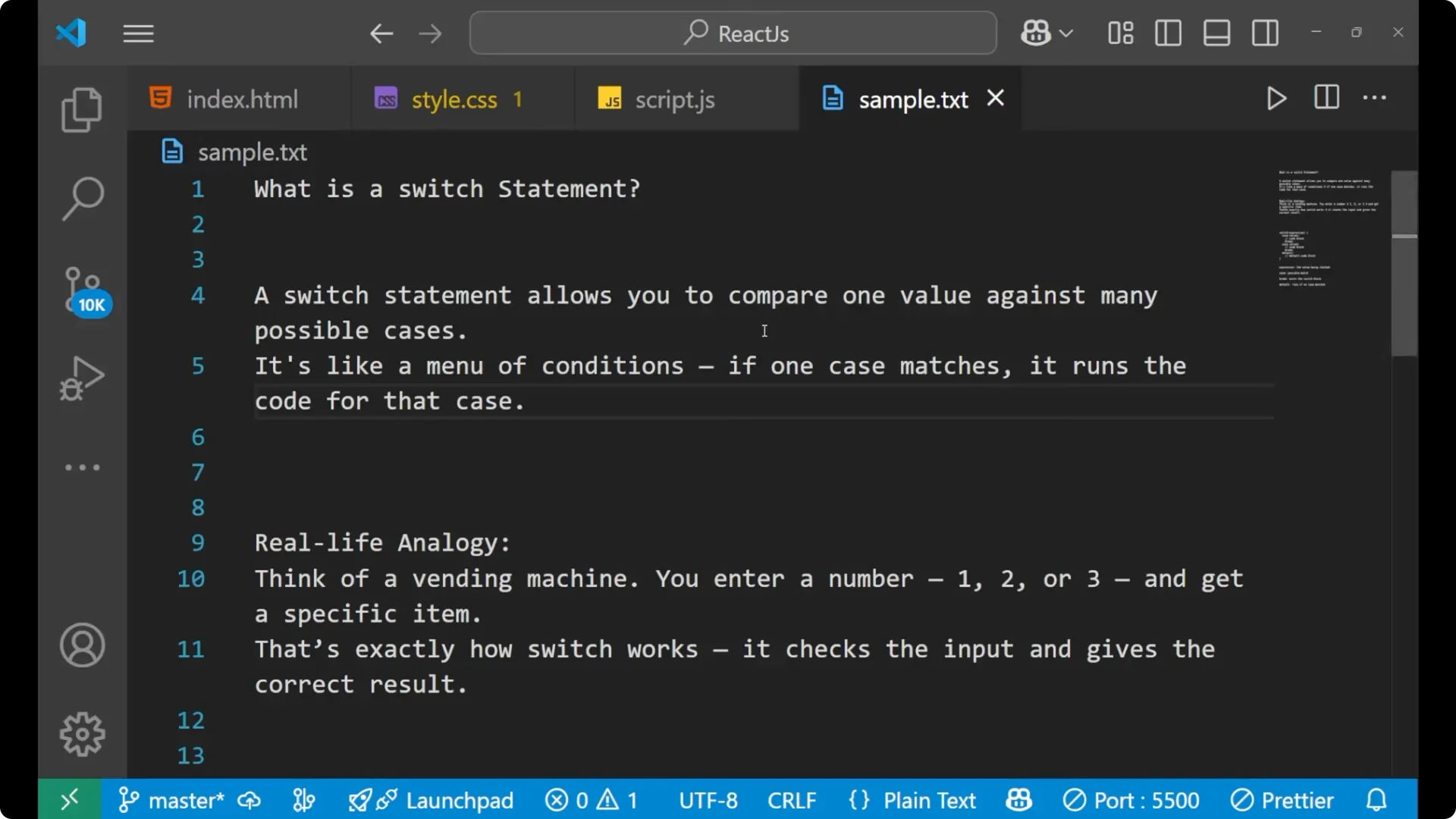
A switch statement allows you to compare one value against many possible cases. You write several cases and check the input against those cases. If any case matches the input, the code block assigned to that case runs. That is the simple way a switch statement works.
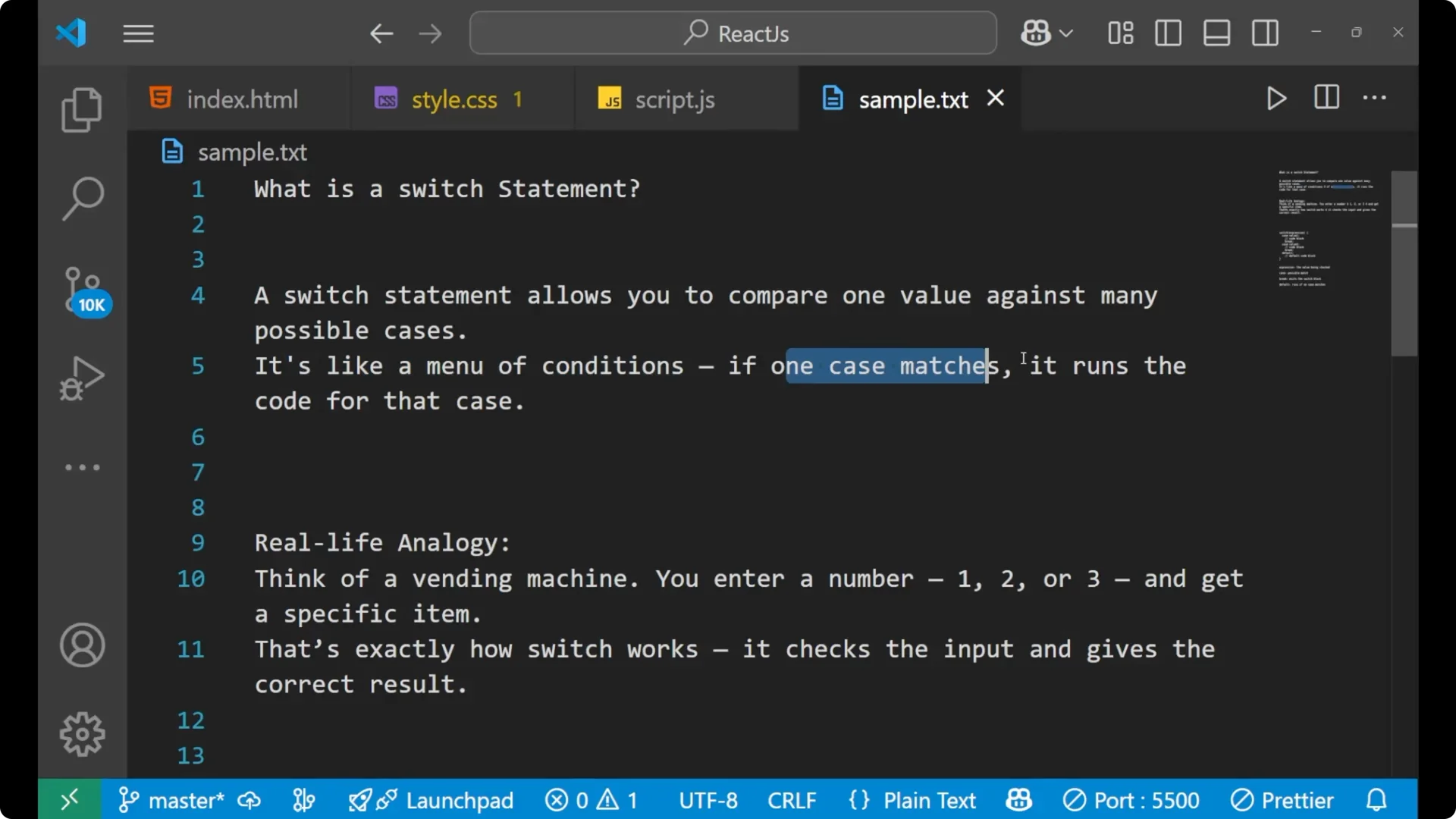
Think about a vending machine. You enter a number and get a specific item connected to that number. A switch checks the input and gives the correct result in the same way. A common place to use a switch is handling selection logic. If you are building a UI, see this
dropdown menu example.
Syntax of a JavaScript Switch Statement
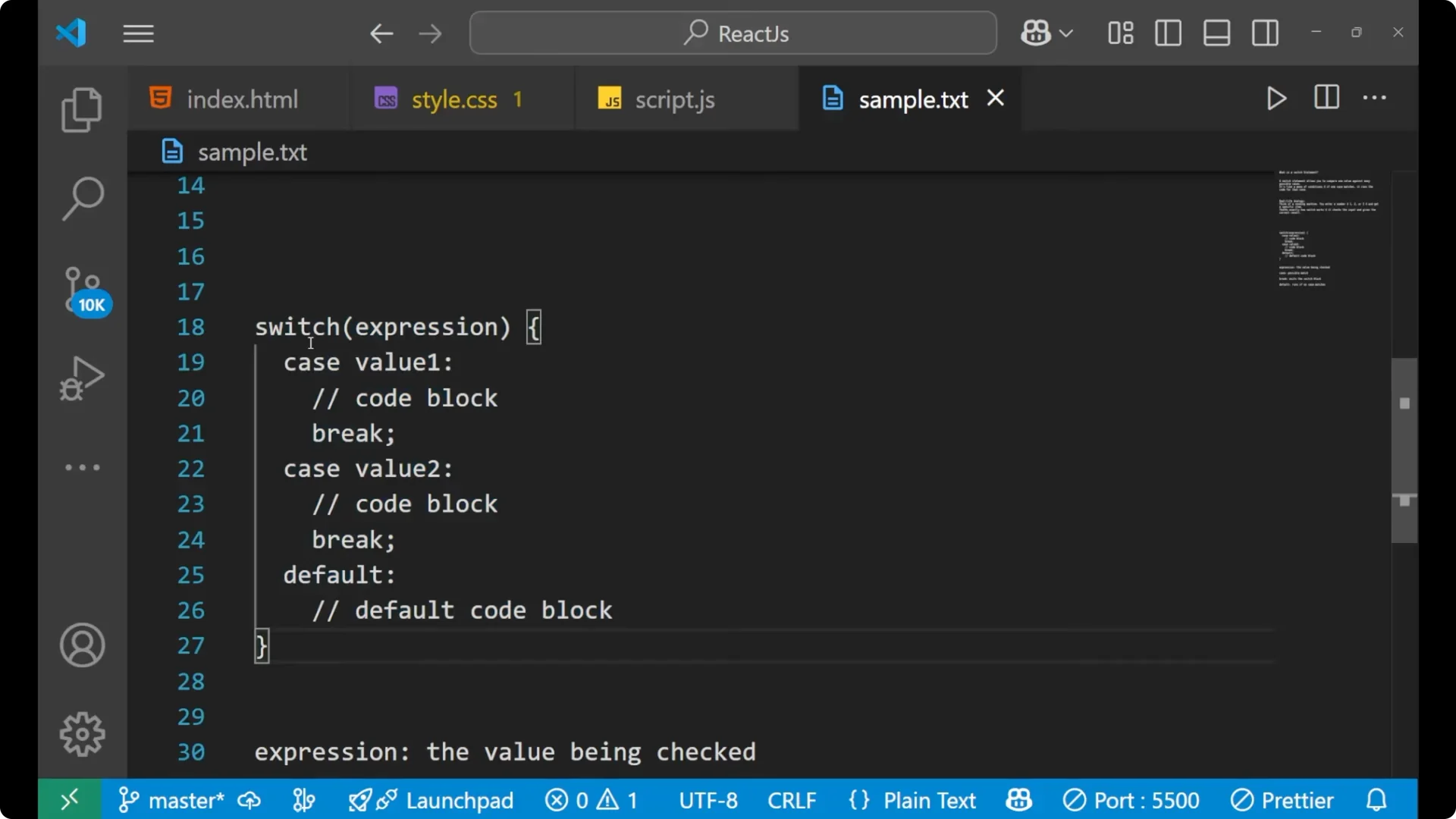
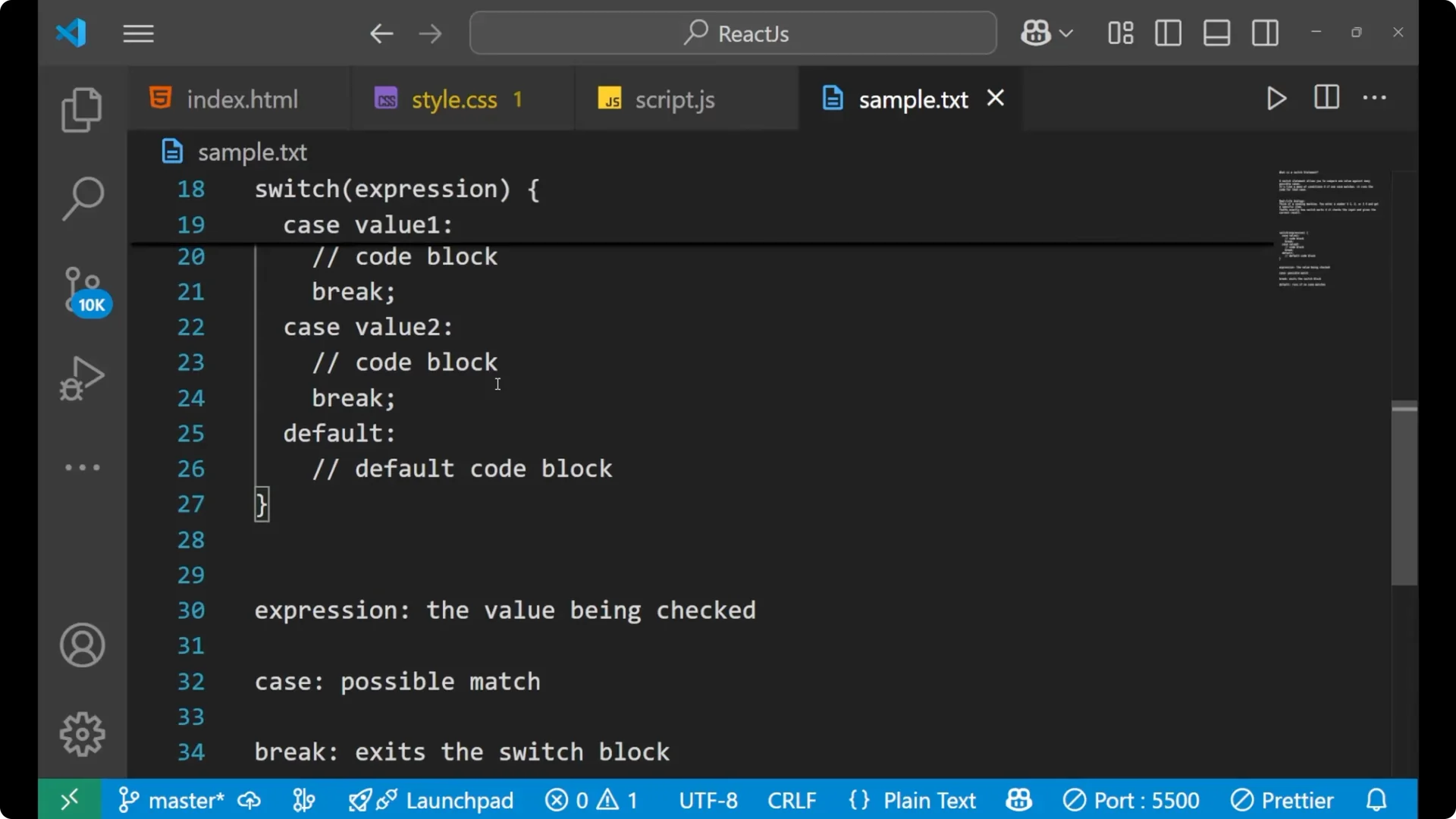
Here is the basic shape of a switch expression:
switch (expression) {
  case value1:
    // code block for value1
    break;

  case value2:
    // code block for value2
    break;

  // add as many cases as you need

  default:
    // code block if no case matches
}
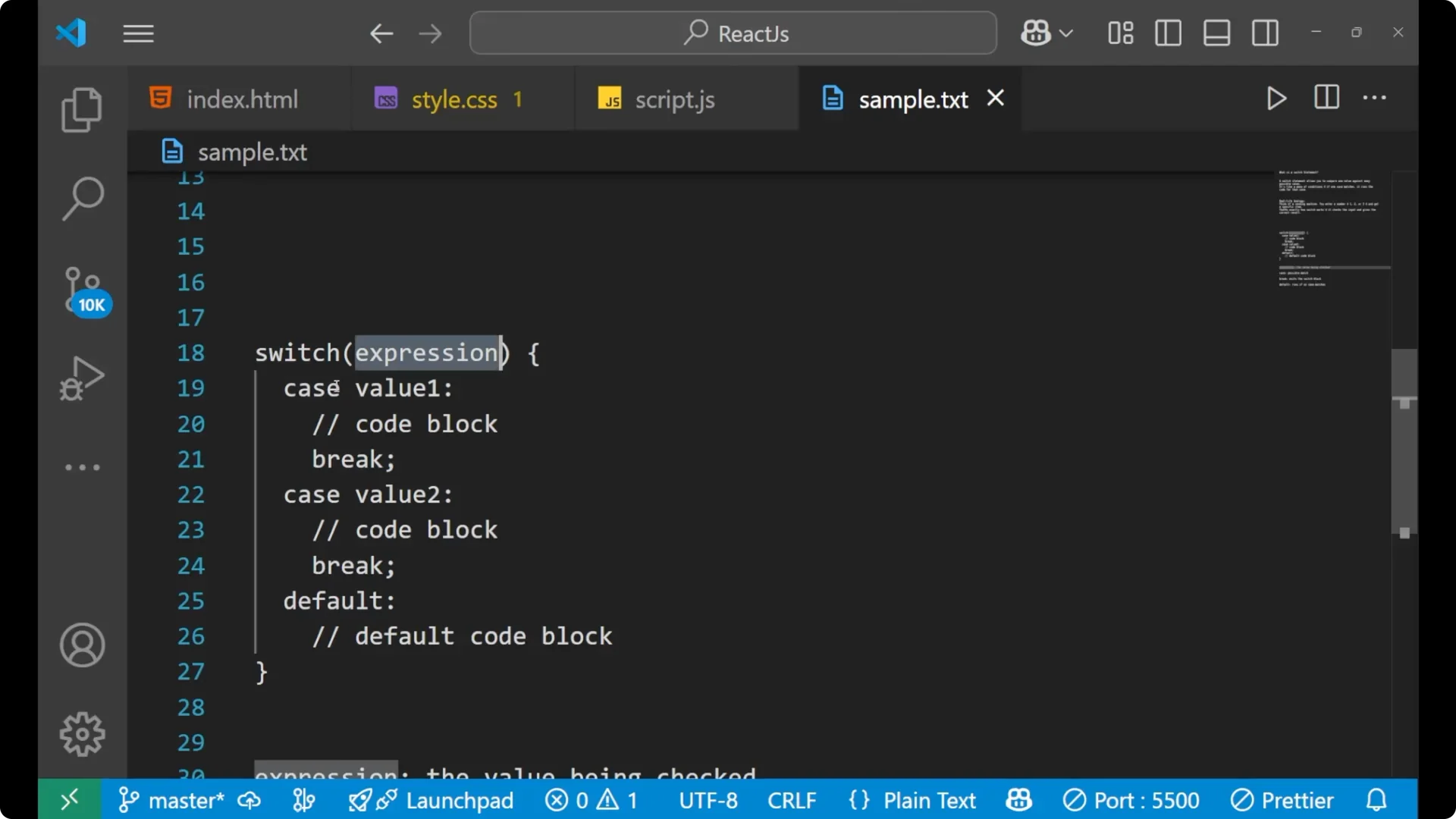
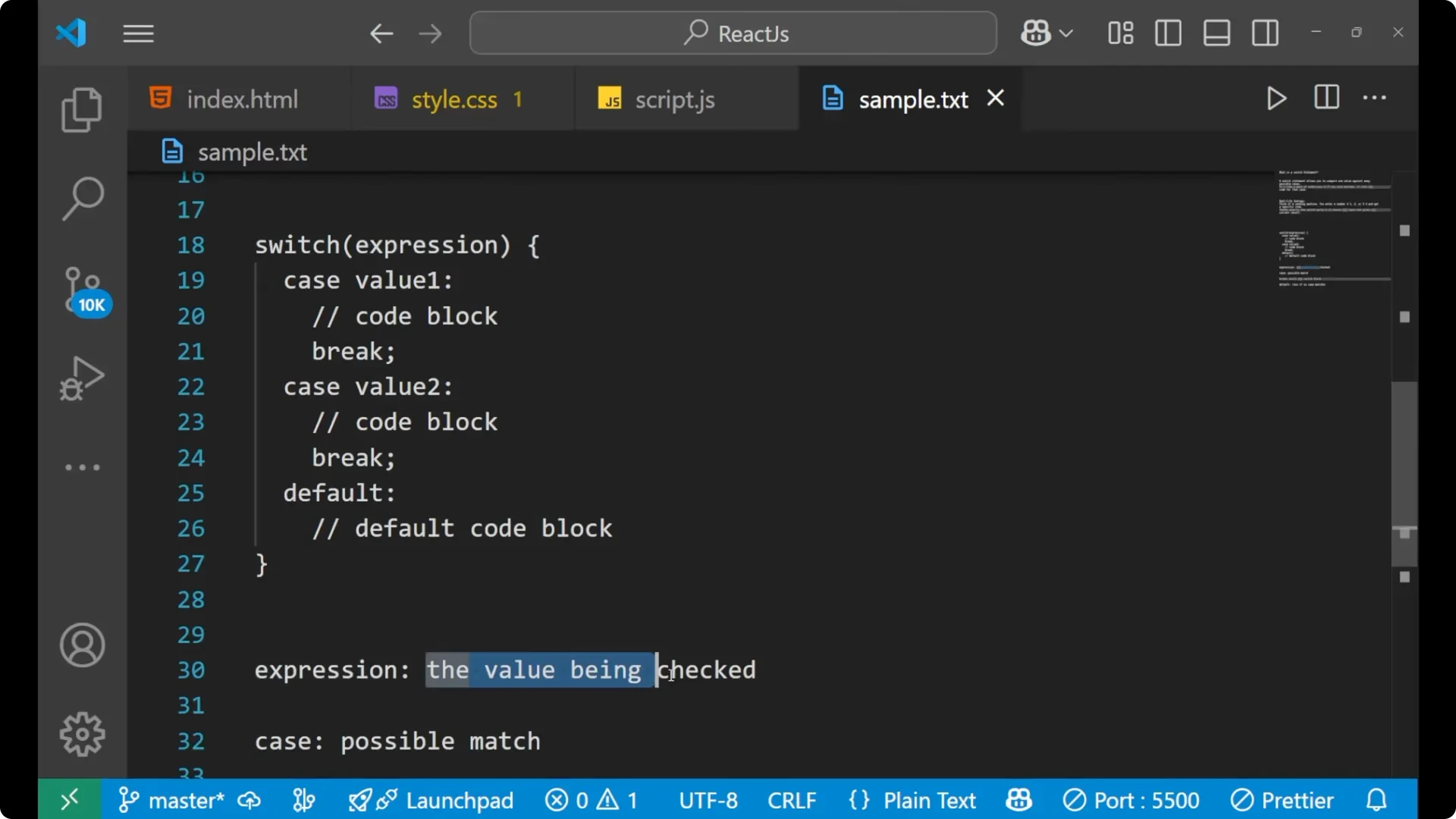
- The expression is the value that will be checked against each case.
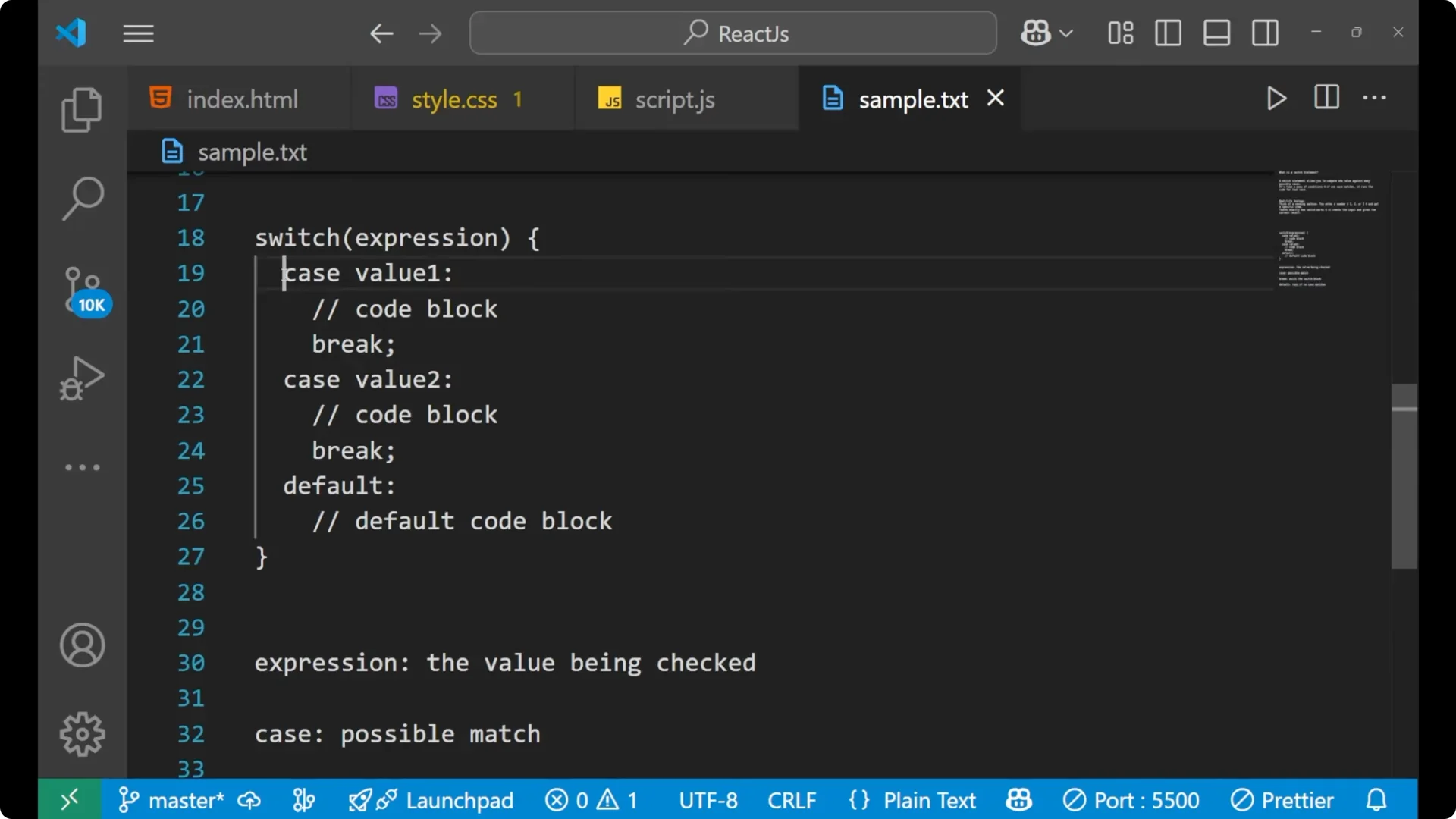
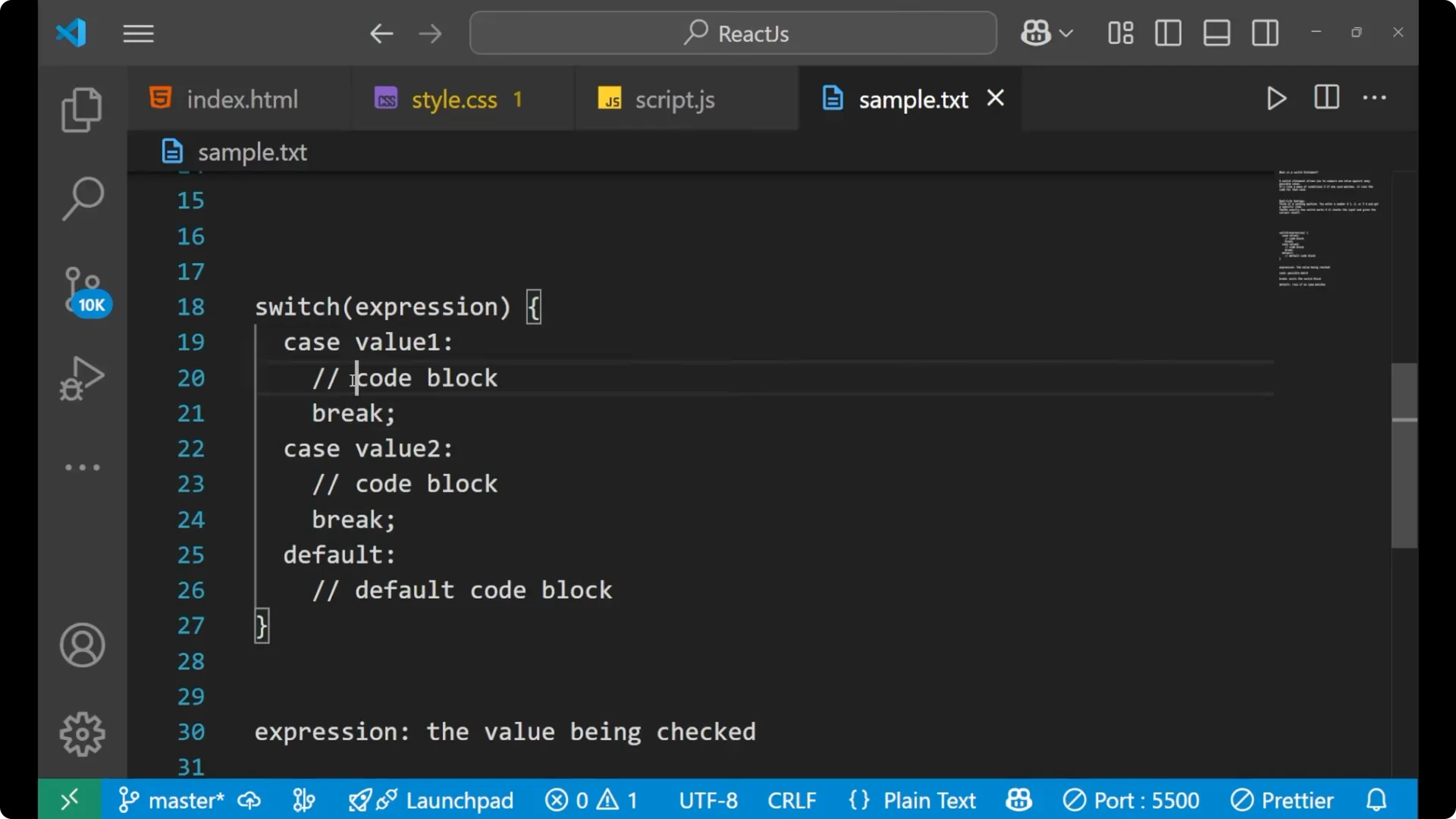
- Each case has a value and a code block.
- break exits the switch once a matching case finishes running.
- default runs if none of the cases match.
Step-by-step: write a JavaScript Switch Statement
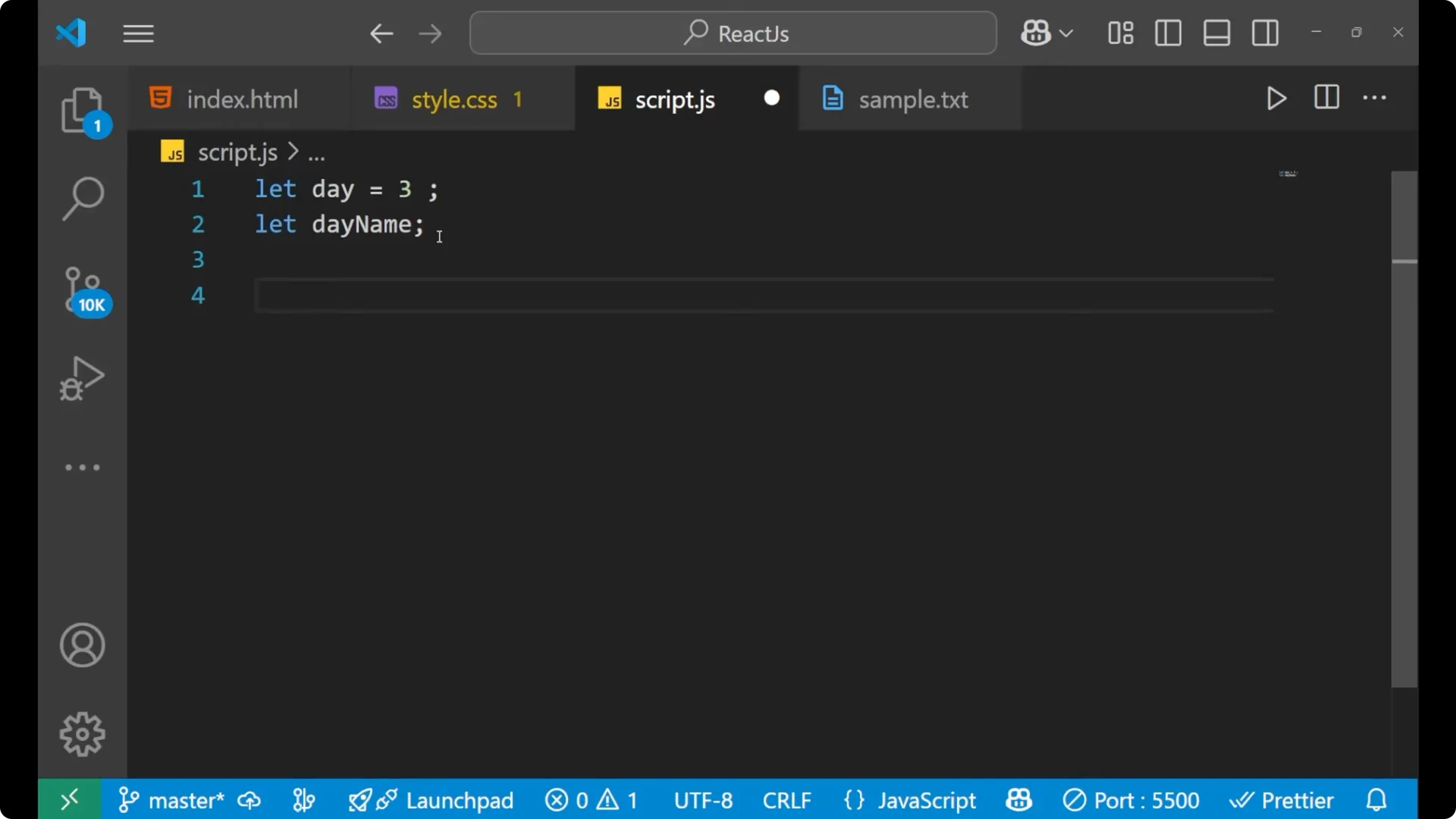
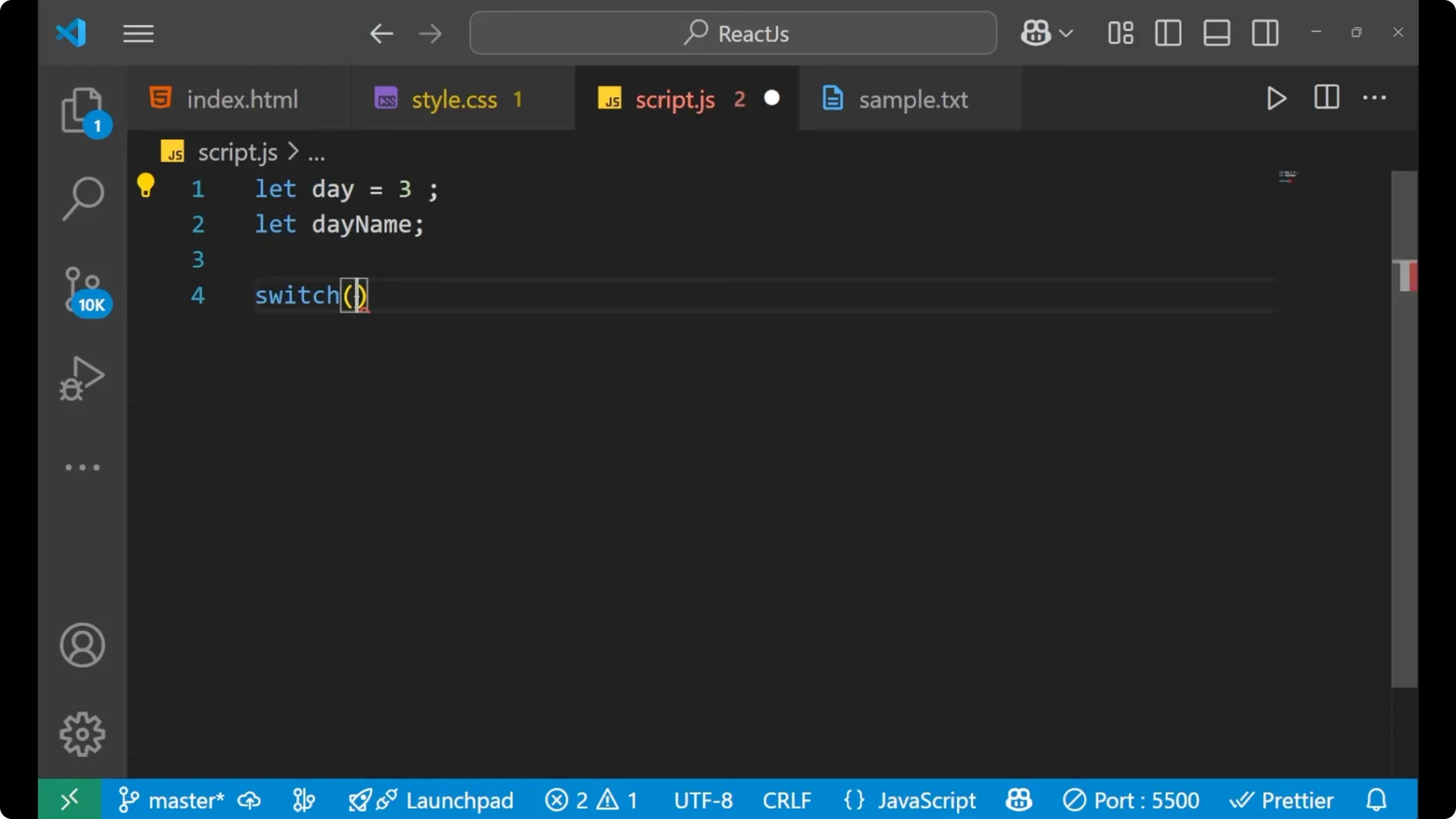
Write `switch`.
Add parentheses and place the
expression you want to check inside them.
Open curly braces.
Declare a
case label with a value and a colon.
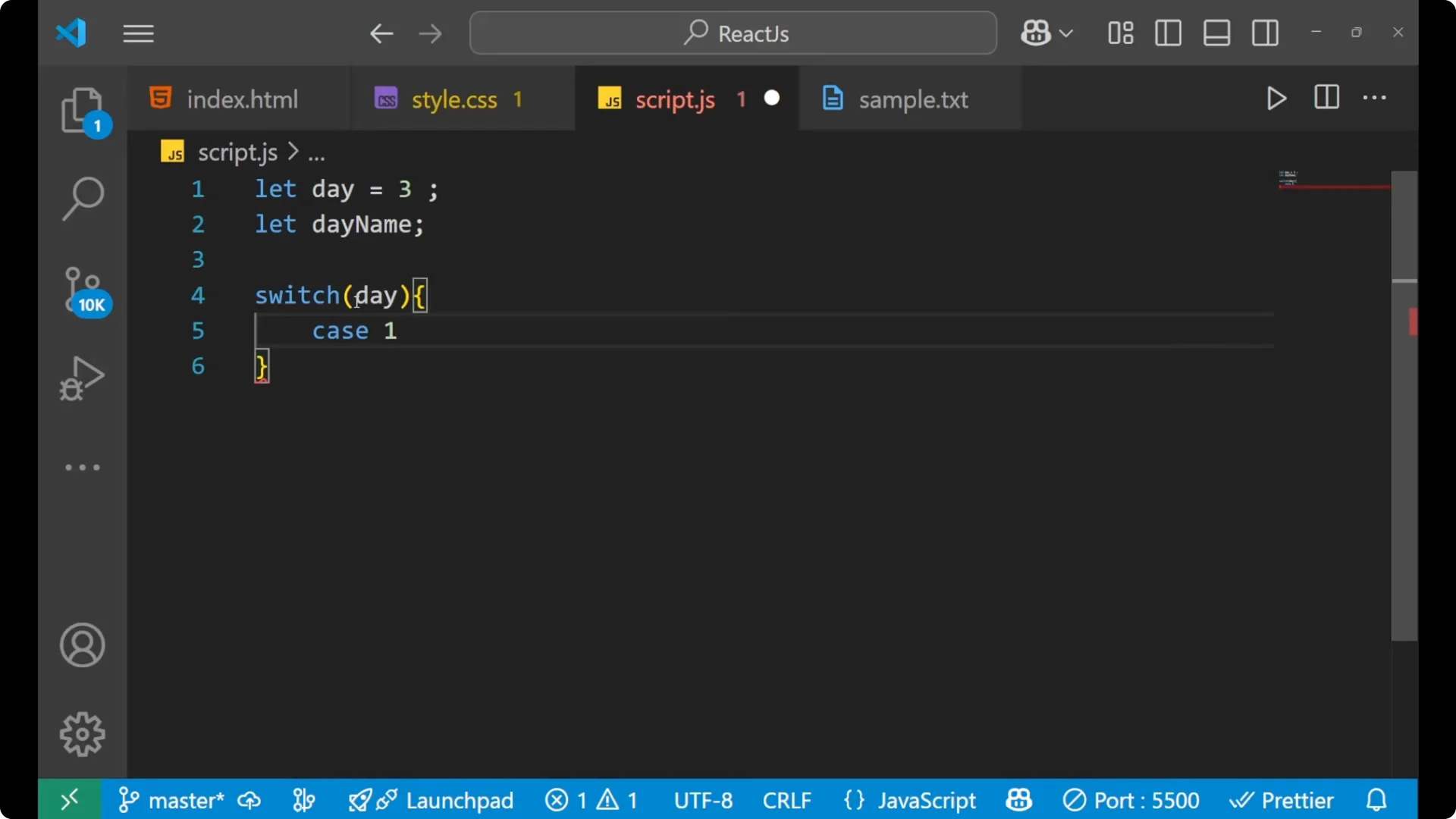
Write the code block for that case.
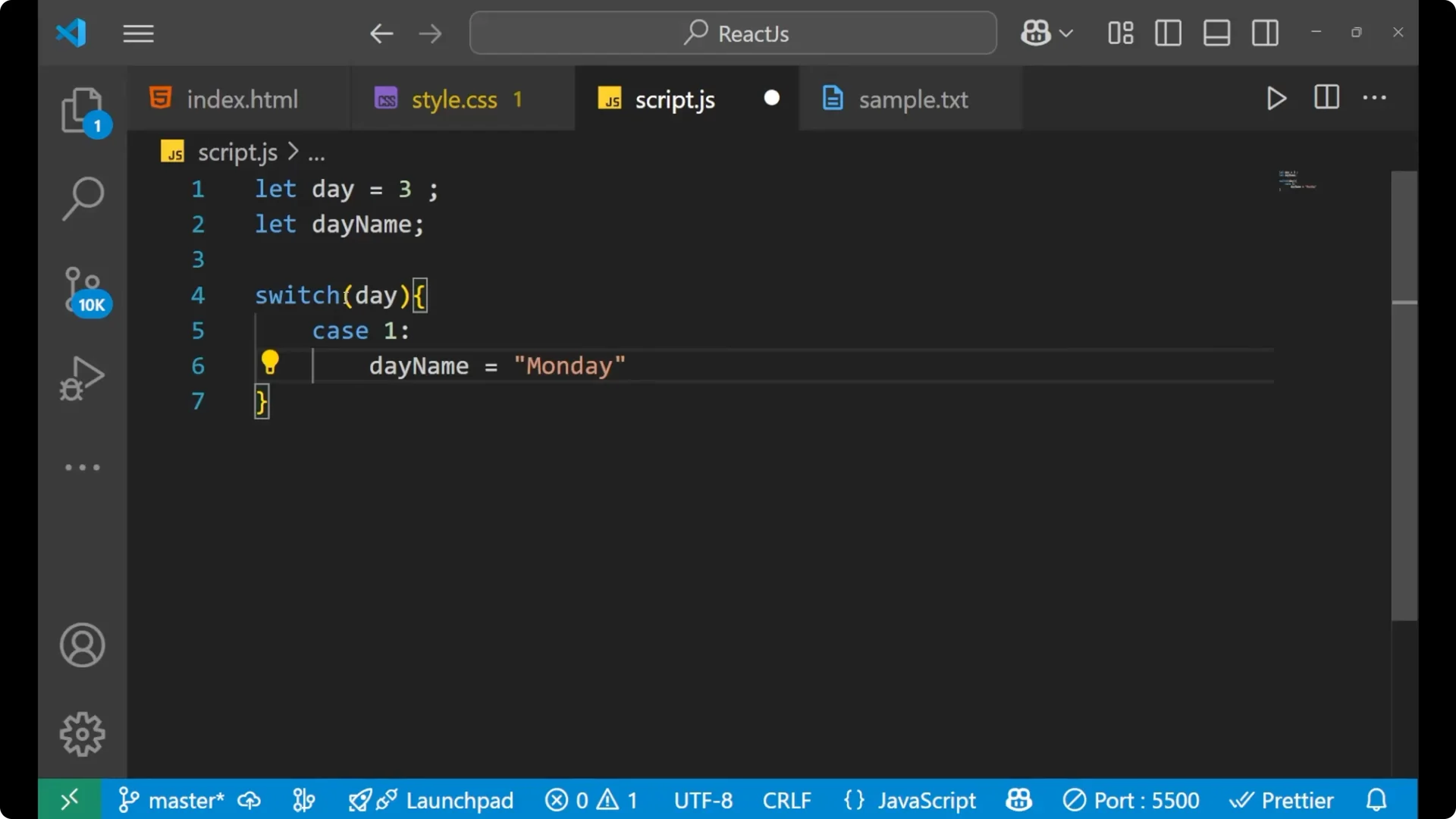
Add
break to exit the switch after the case runs.
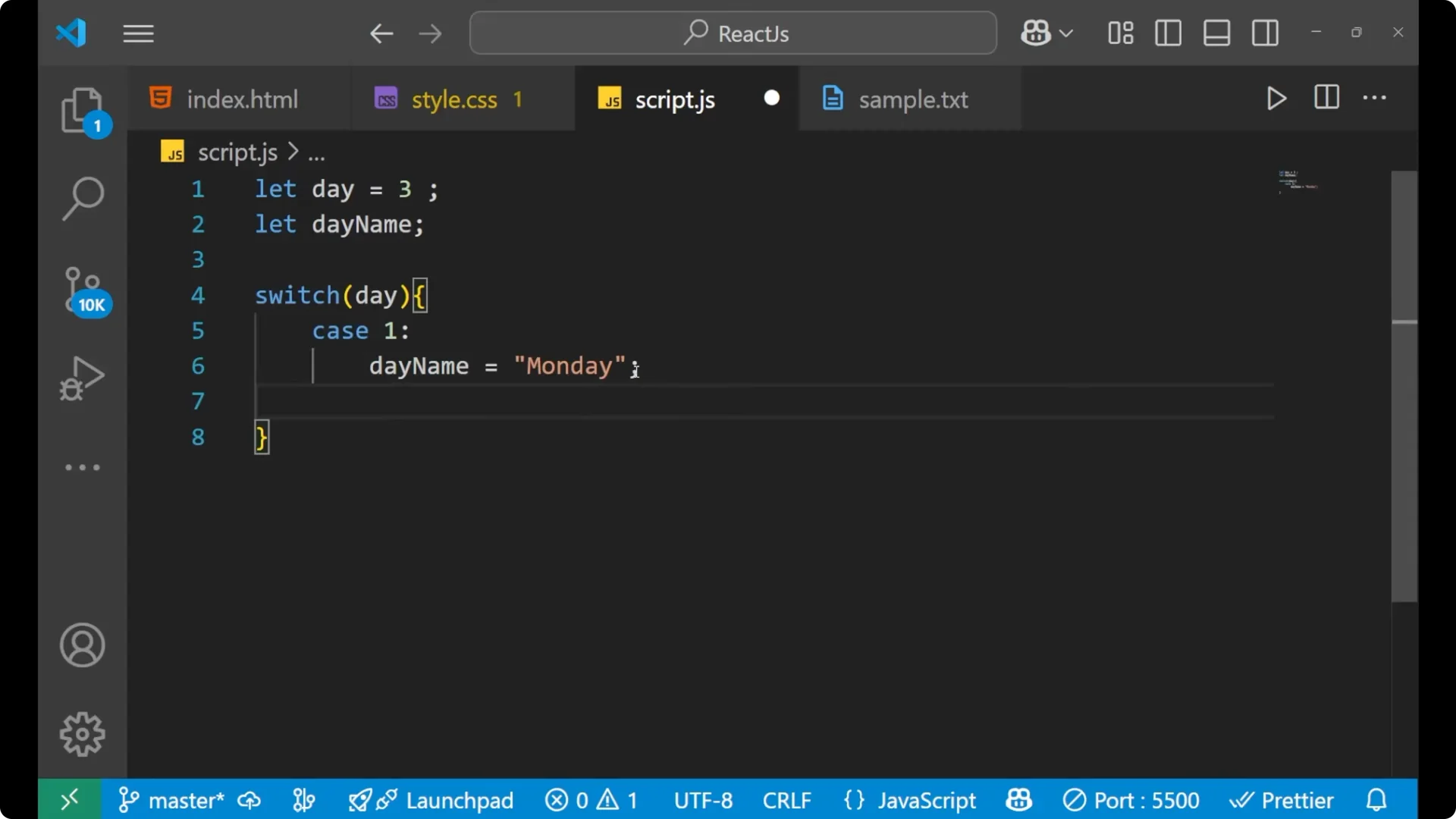
Repeat more cases as needed.
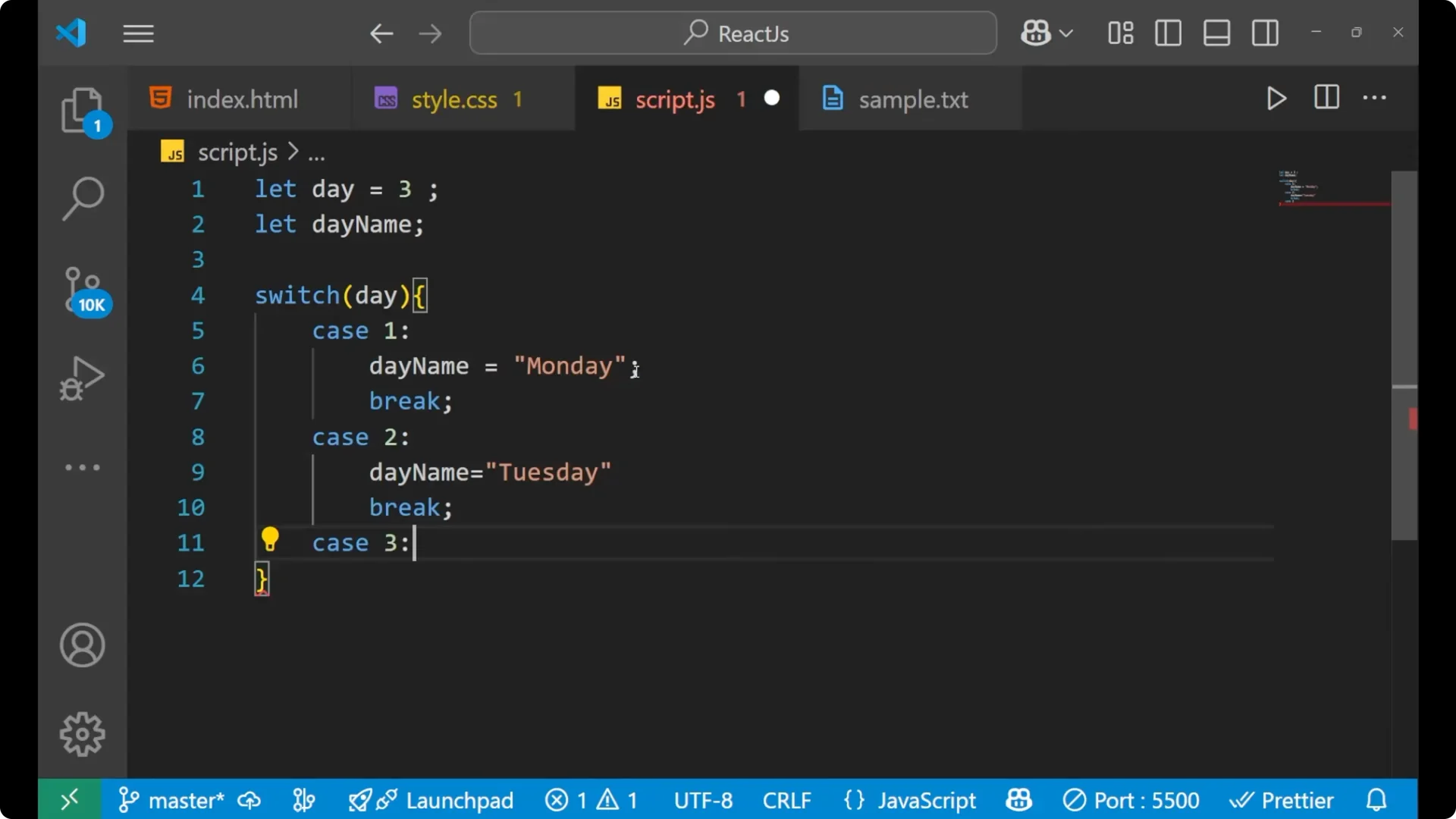
Add
default at the end to handle unmatched inputs.
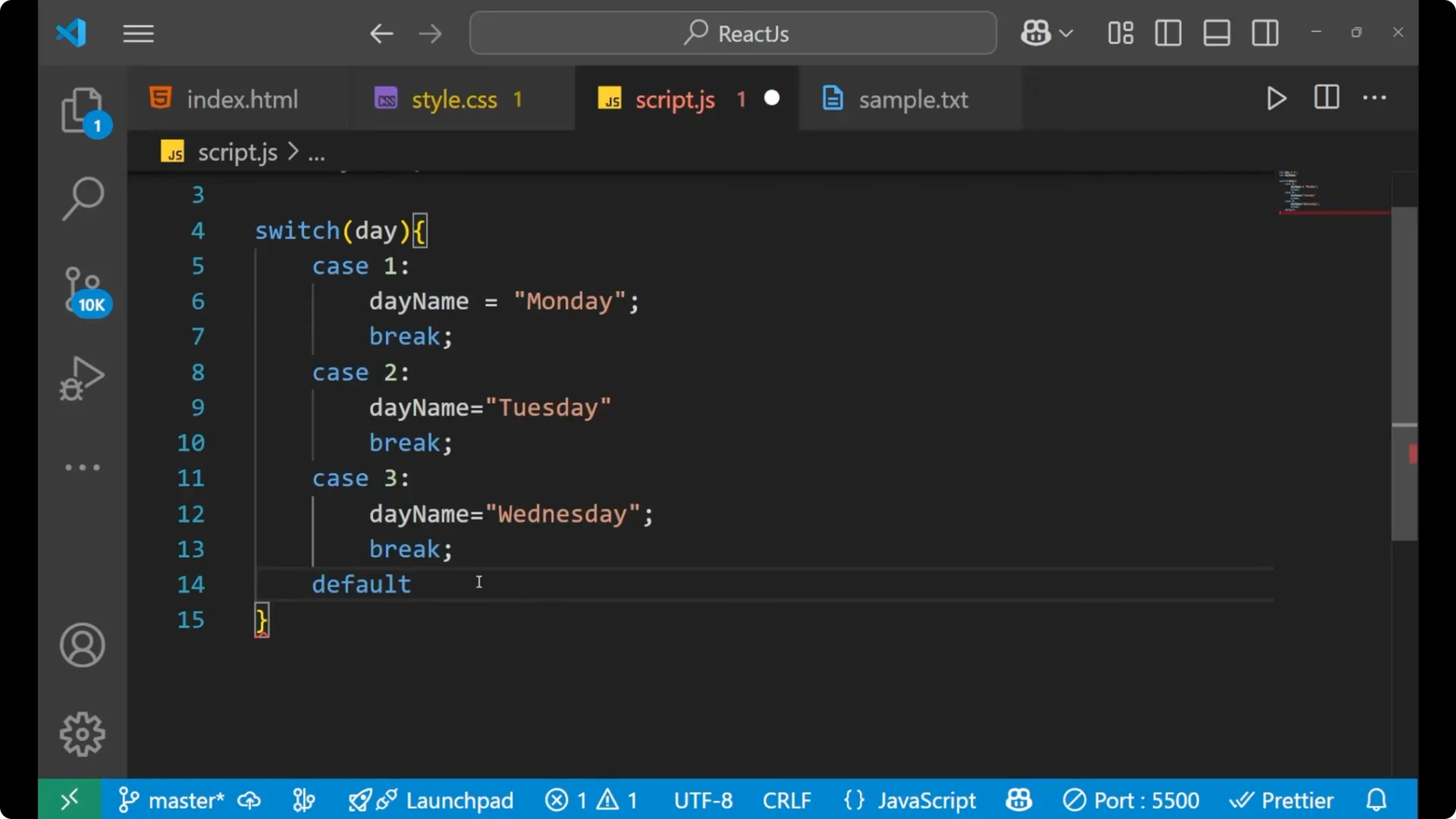
Example: Days of the Week with a JavaScript Switch Statement
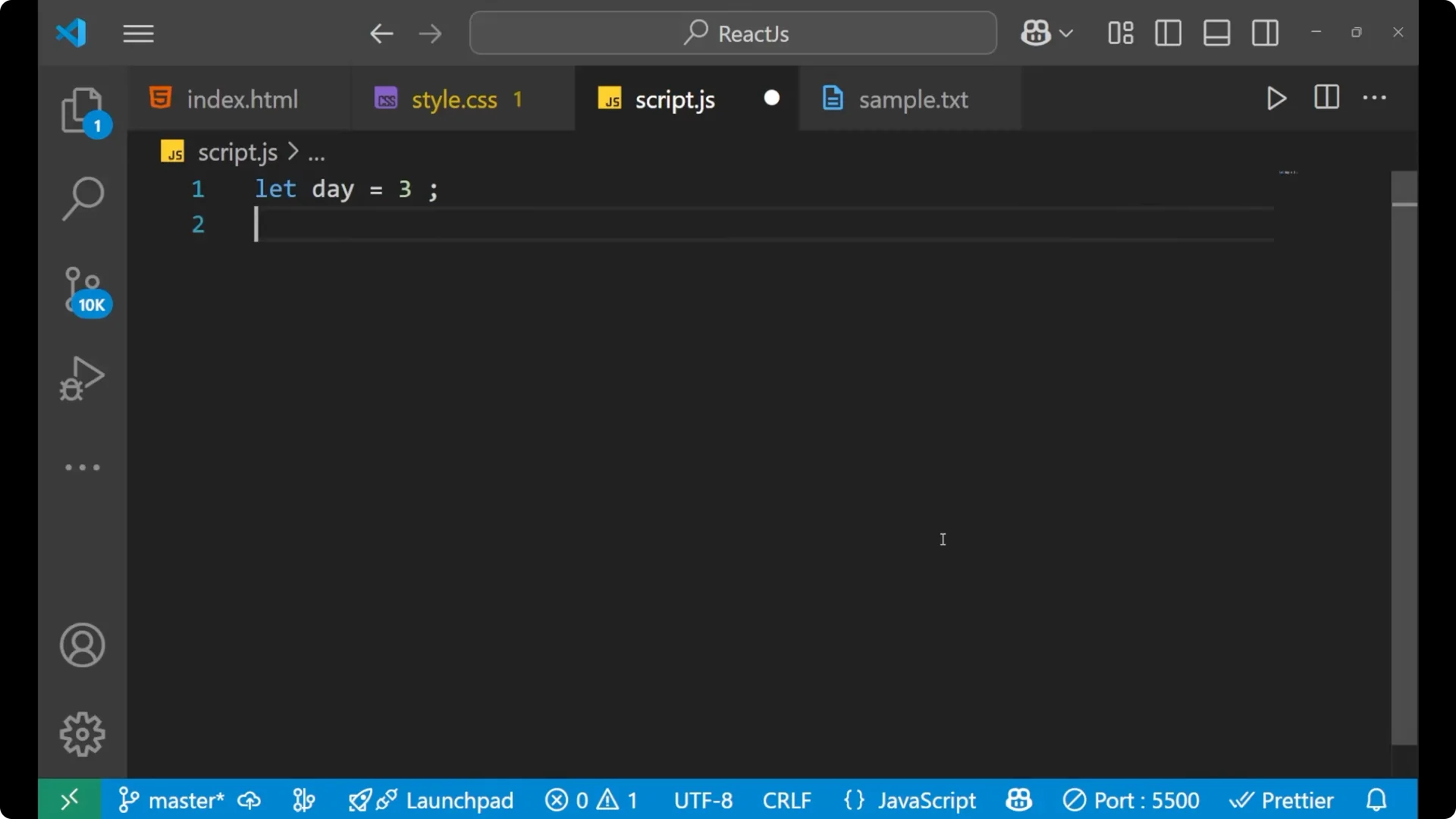
Let’s map a numeric day to a day name.
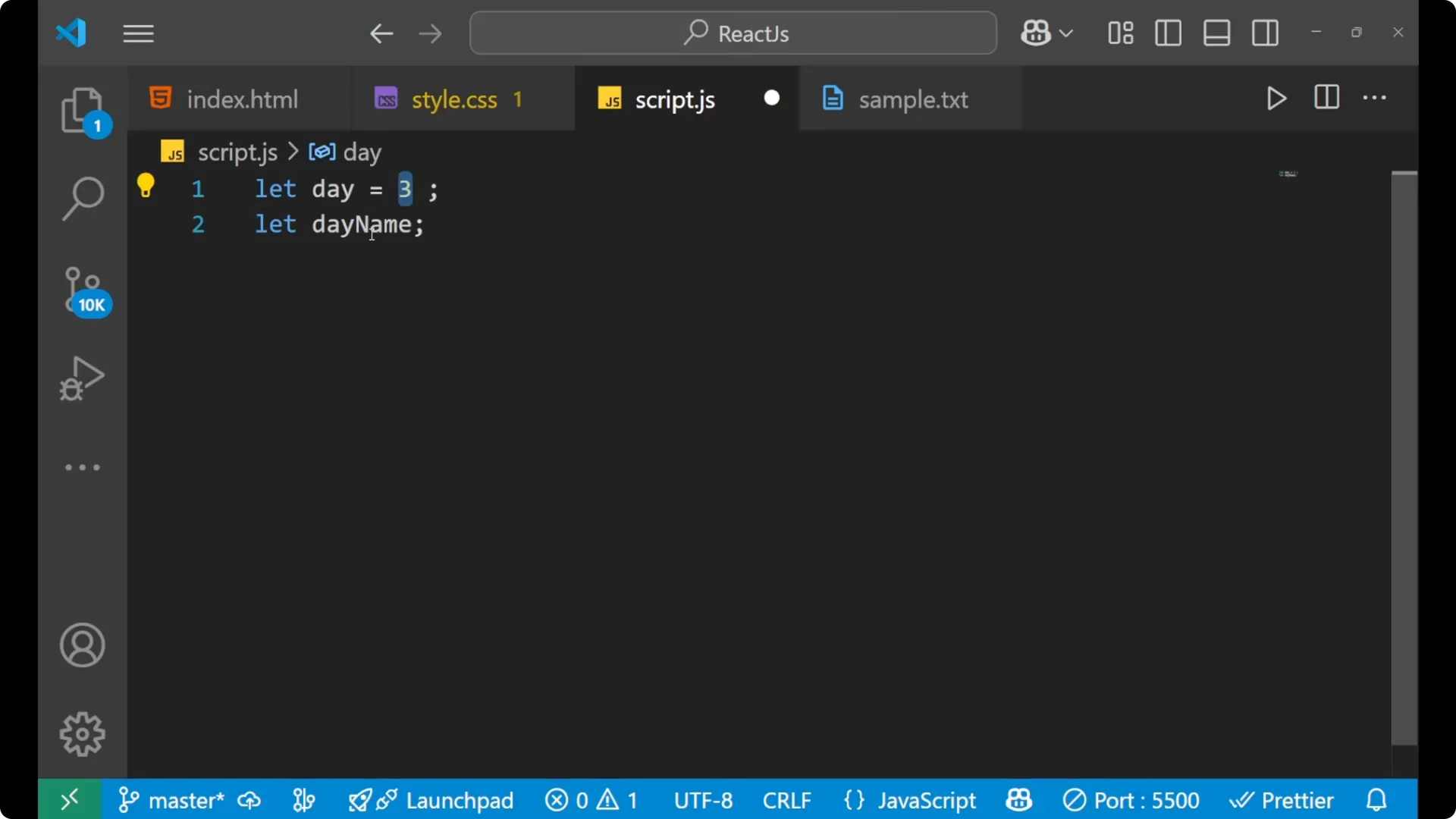
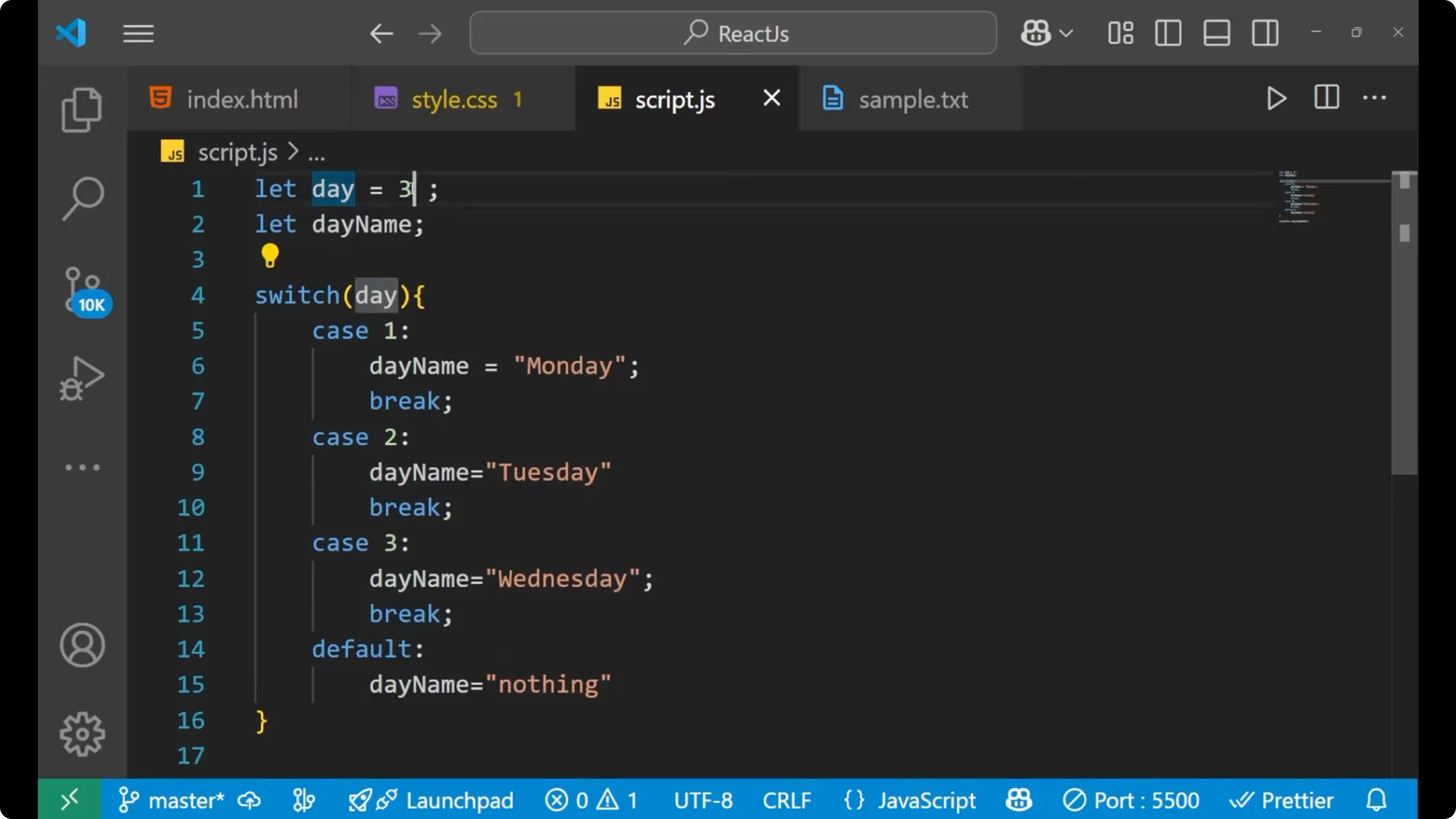
let day = 3;
let dayName;

switch (day) {
  case 1:
    dayName = 'Monday';
    break;
  case 2:
    dayName = 'Tuesday';
    break;
  case 3:
    dayName = 'Wednesday';
    break;
  default:
    dayName = 'nothing';
}

console.log(dayName);
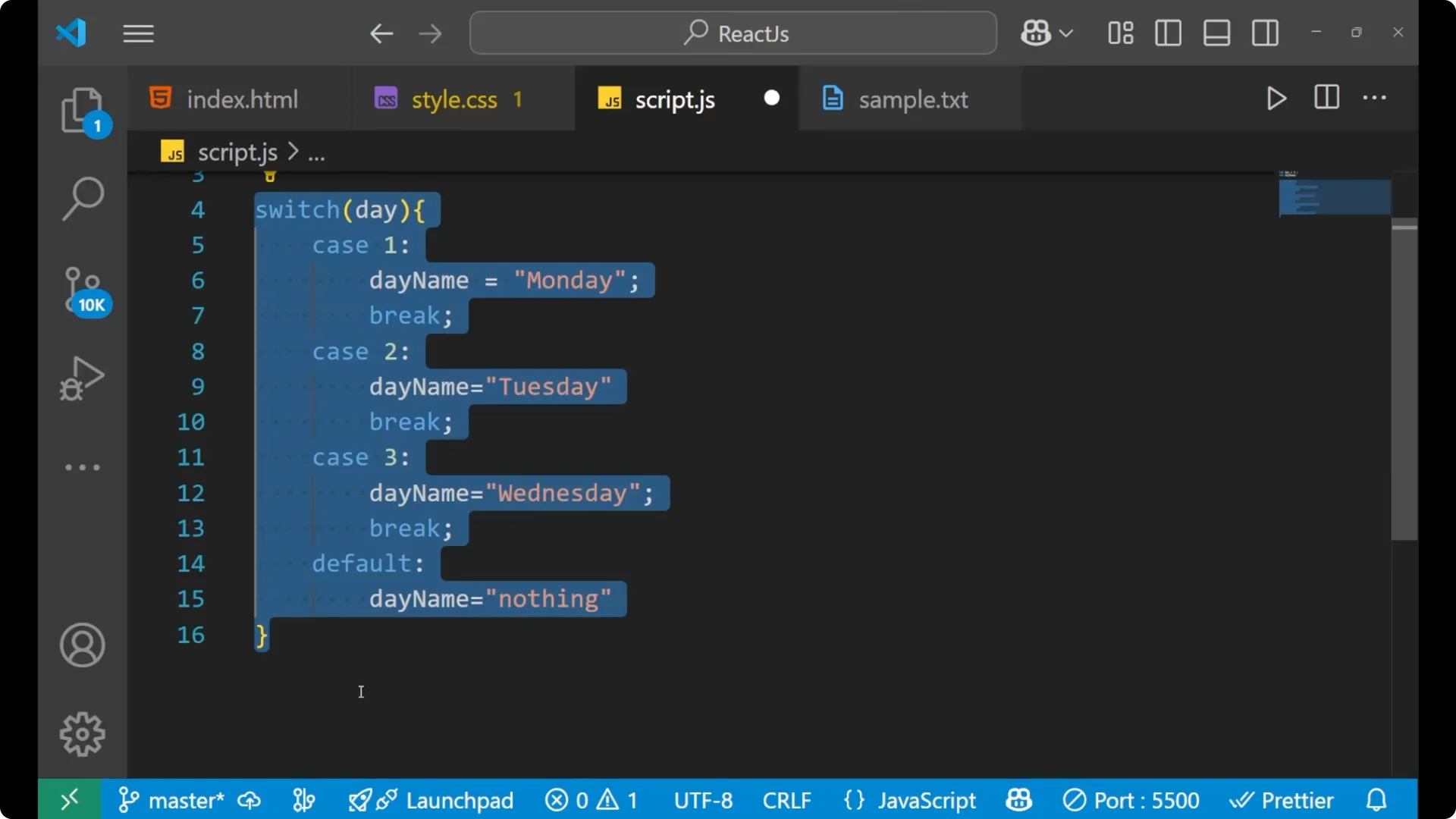
In this code, `day` is 3. The switch compares `day` to each case value: 1 does not match, 2 does not match, 3 matches, so the code block for `case 3` runs and assigns `Wednesday` to `dayName`. The `break` exits the switch, and `console.log` prints `Wednesday`.
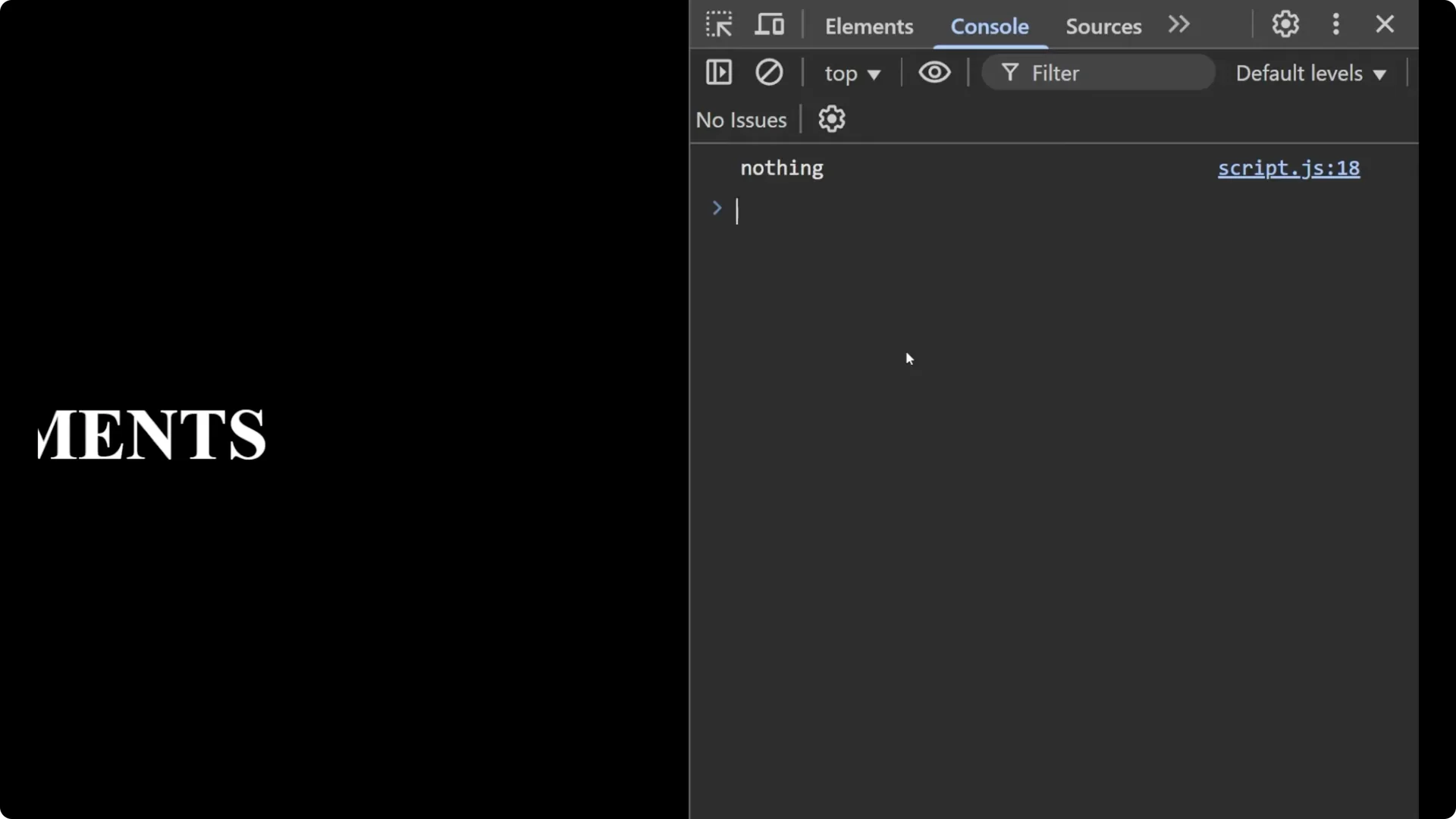
You can add as many cases as you want for the other days. If no case matches, the `default` block runs and assigns `nothing`.
Type Matching in a JavaScript Switch Statement
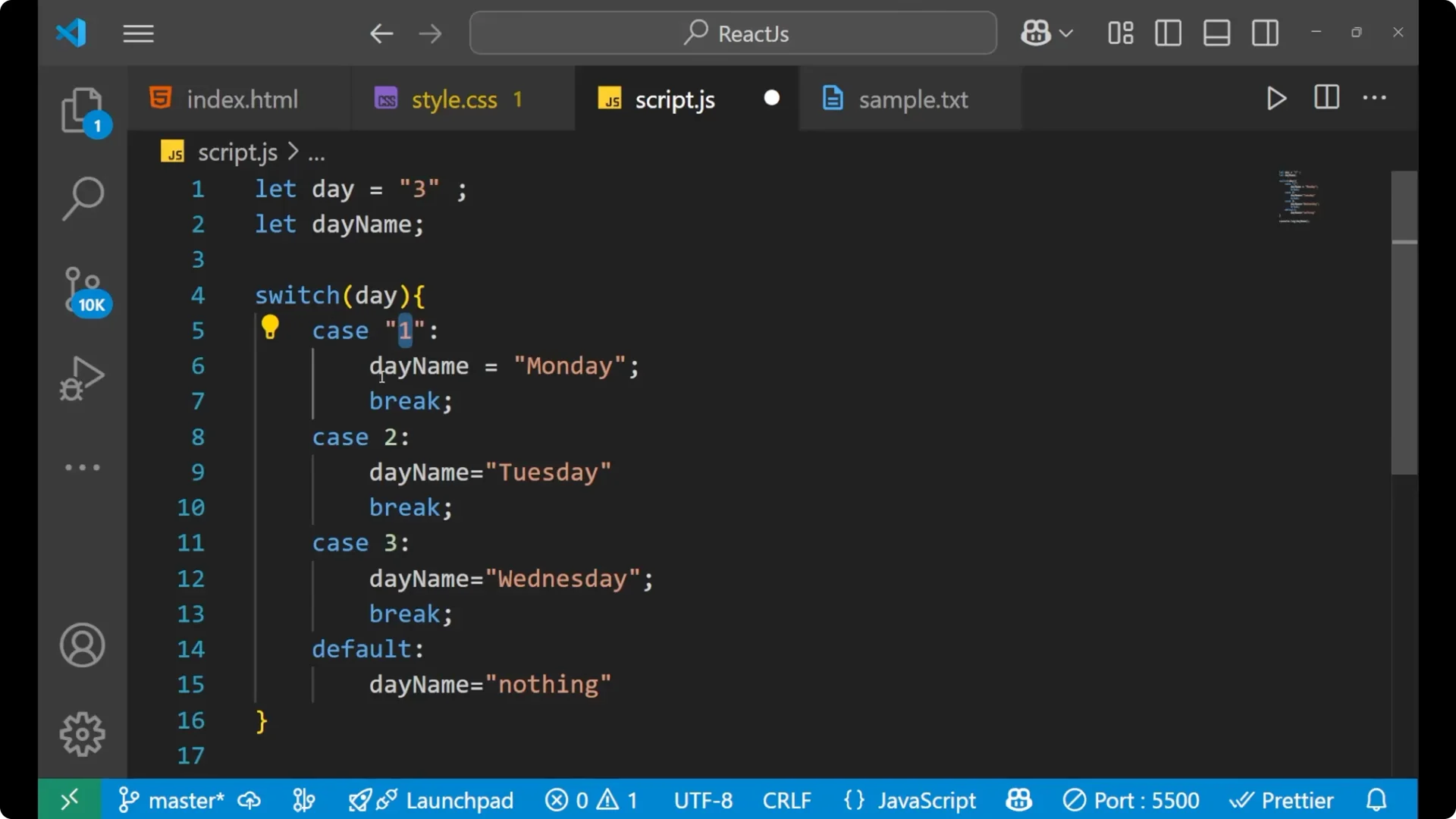
The switch comparison uses strict equality, so types must match. You can use strings as the expression and as case values.
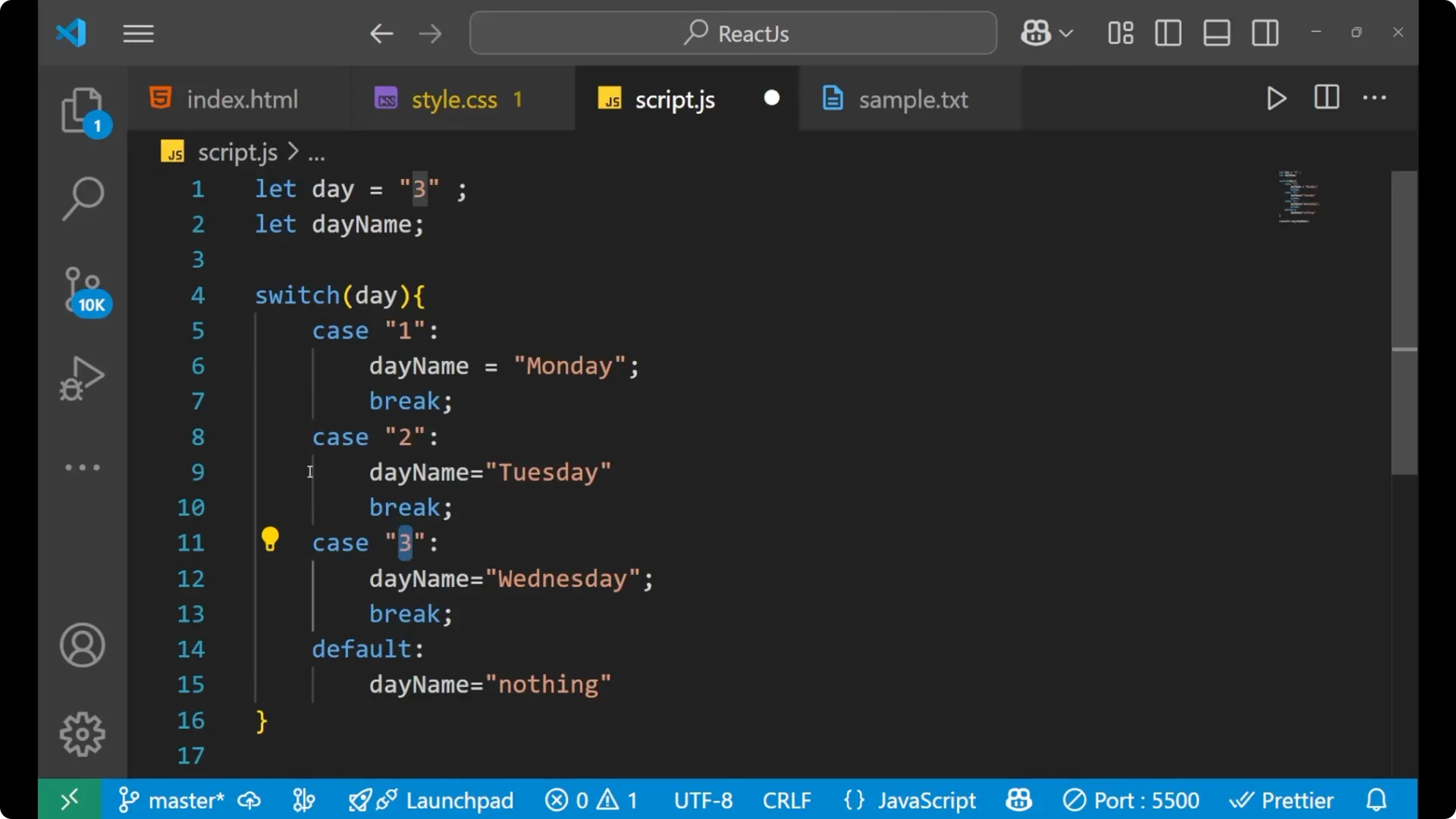
let day = '3';
let dayName;

switch (day) {
  case '1':
    dayName = 'Monday';
    break;
  case '2':
    dayName = 'Tuesday';
    break;
  case '3':
    dayName = 'Wednesday';
    break;
  default:
    dayName = 'nothing';
}

console.log(dayName); // 'Wednesday'
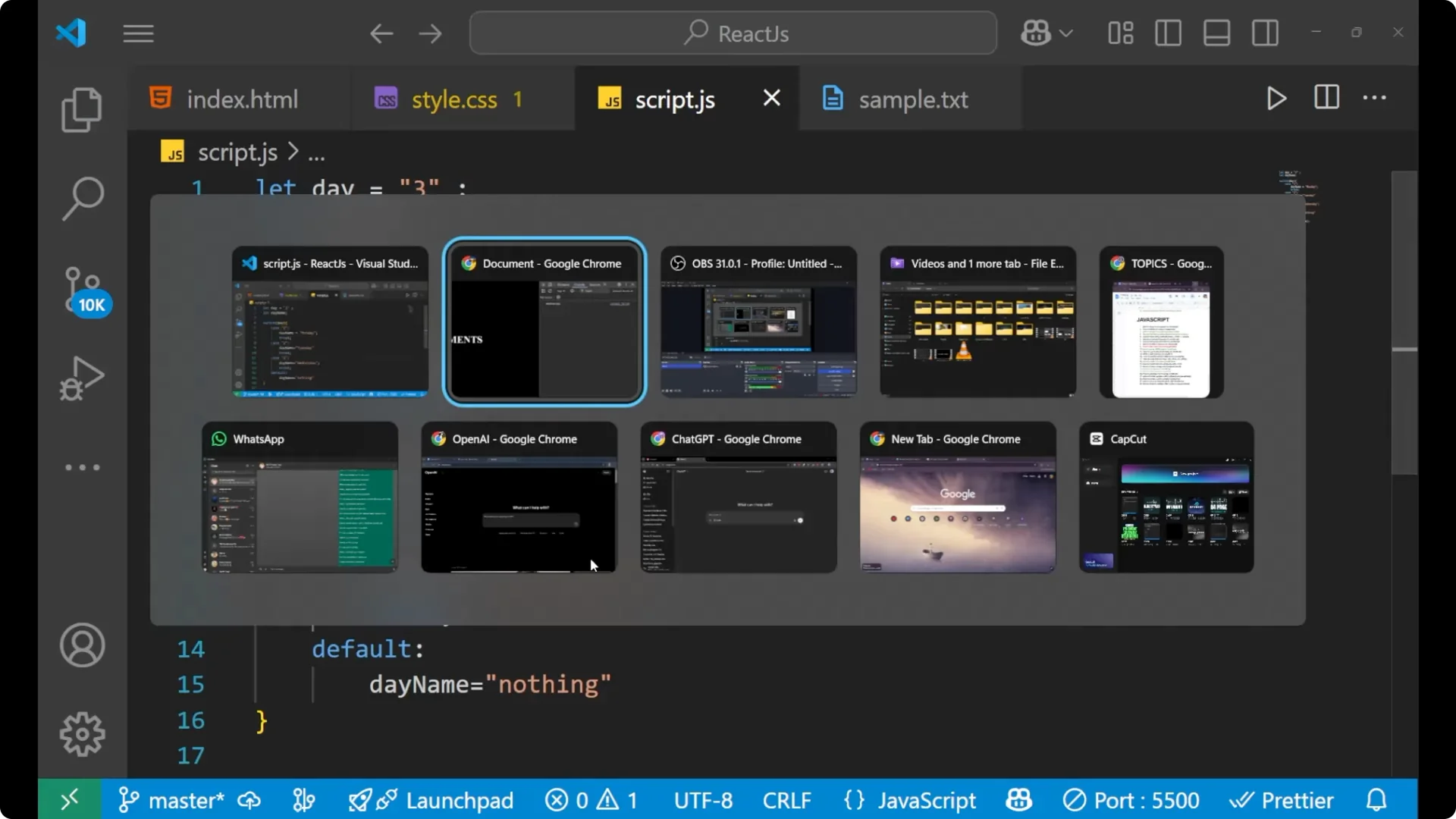
If you change the input to something that has no matching case, the default runs:
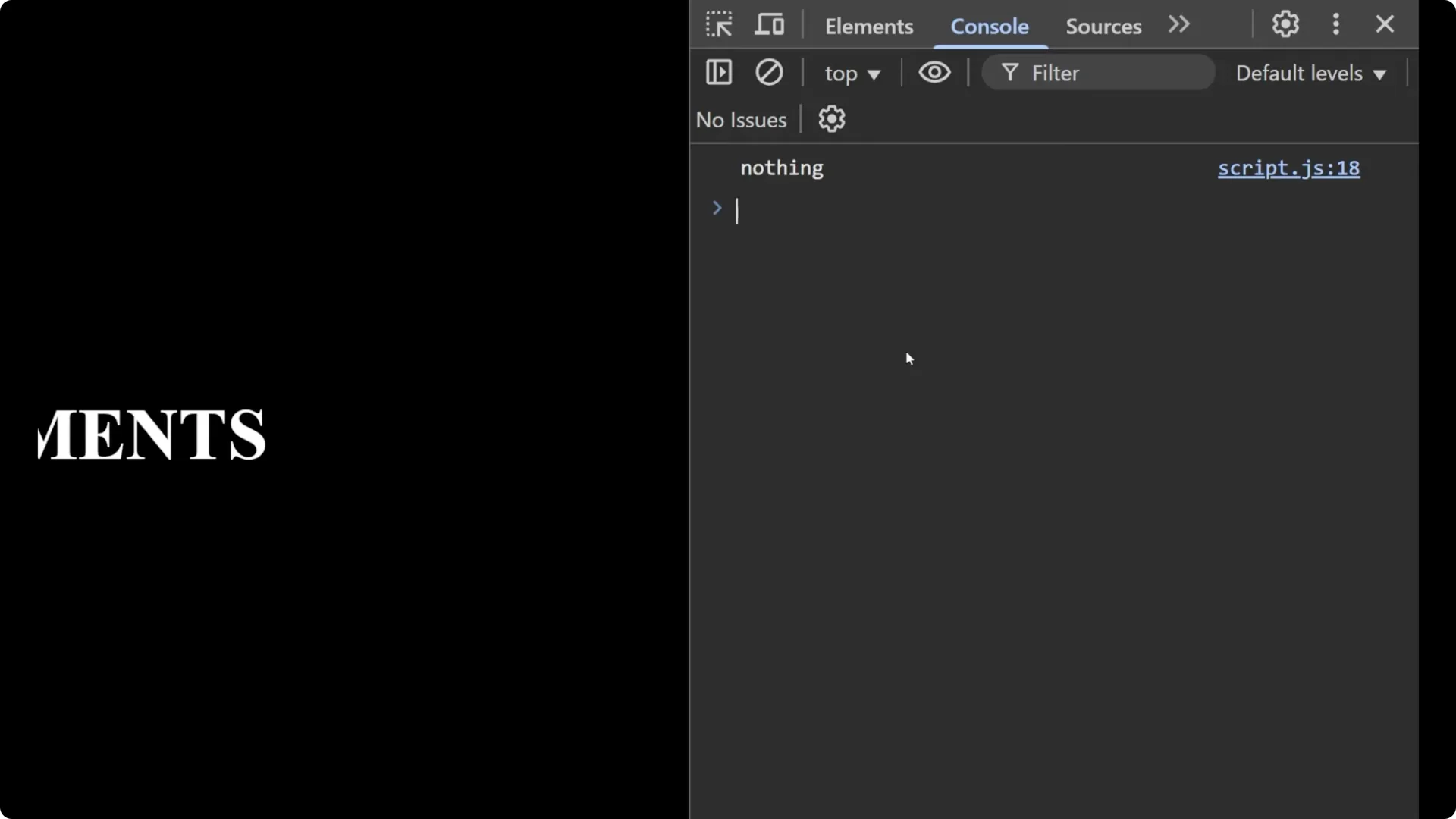
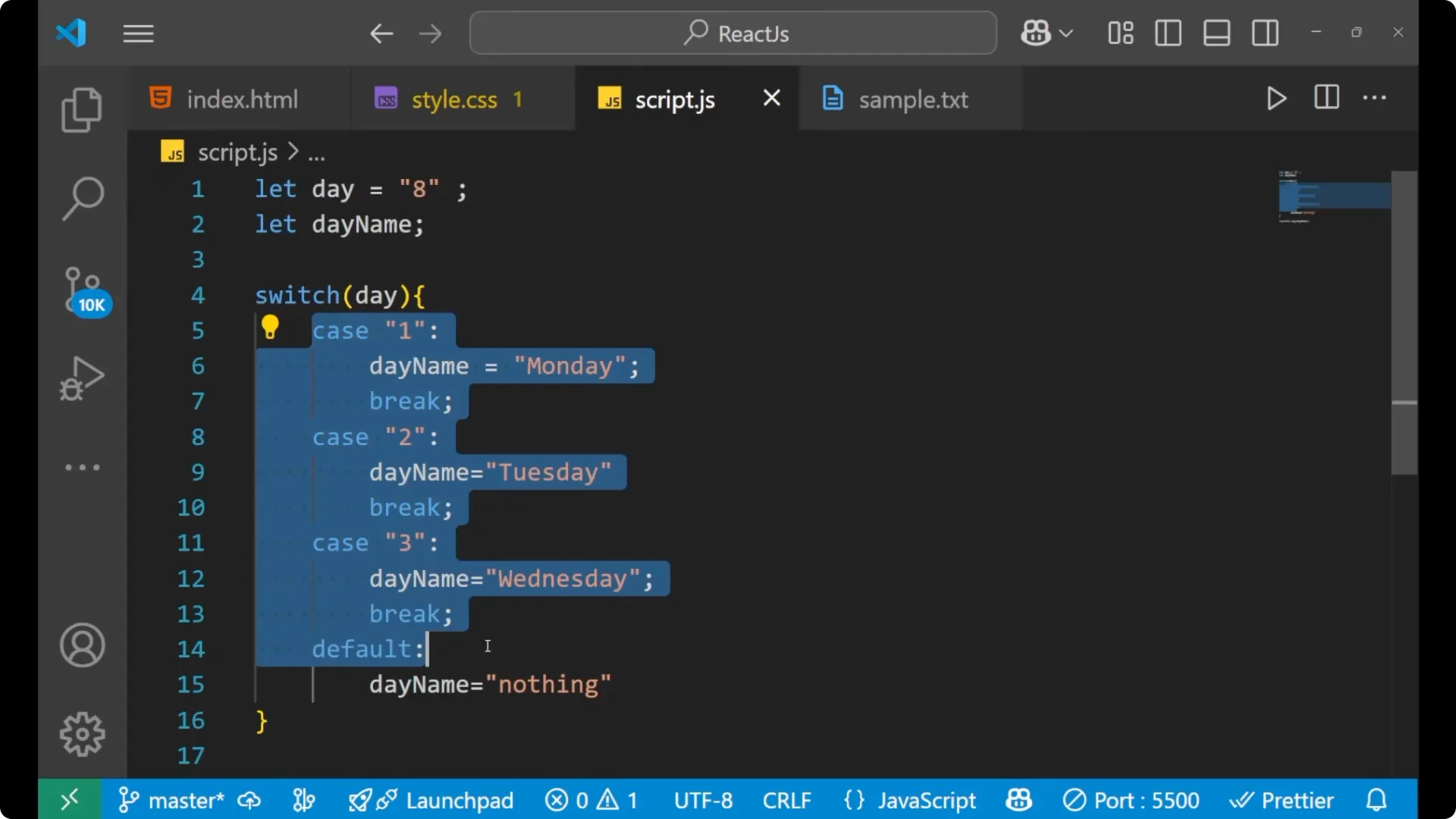
let day = 8;
let dayName;

switch (day) {
  case 1:
    dayName = 'Monday';
    break;
  case 2:
    dayName = 'Tuesday';
    break;
  case 3:
    dayName = 'Wednesday';
    break;
  default:
    dayName = 'nothing';
}

console.log(dayName); // 'nothing'
For array transformations and data pipelines that pair well with branching logic, see
map filter reduce.
Final Thoughts
A JavaScript switch statement compares a single input against many cases and runs the first match. Use
case to declare each possibility,
break to exit after a match, and
default when nothing matches. It keeps conditional logic readable when you have many discrete values to check, and it works with both numbers and strings as long as the types match.