JavaScript destructuring is a way to unpack values from your arrays or objects into separate variables. Taking out the values from arrays and objects and putting them into separate variables is basically what destructuring does. I will walk through it with very simple examples so you can see exactly how it works.
Understanding JavaScript Destructuring
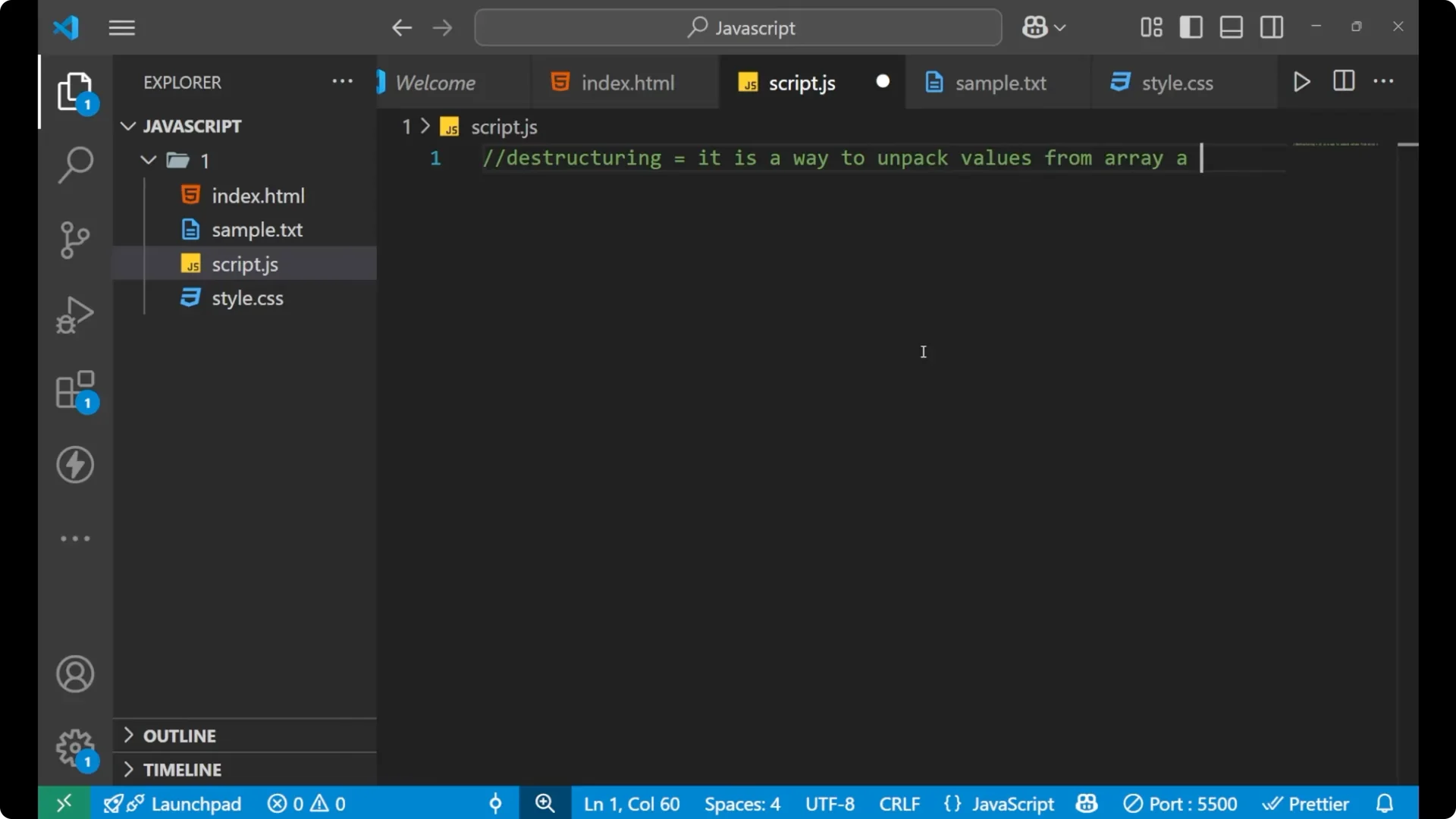
The definition of destructuring says that it is a way to unpack values from arrays and objects into separate variables. By writing a compact syntax, you can assign values from an array or object into individual variables in a single line. This is a part of
ES6 (ECMAScript 2015), a modern update in JavaScript that helped resolve many common problems developers faced while writing code.
Read More: logical operators
JavaScript Destructuring with Arrays
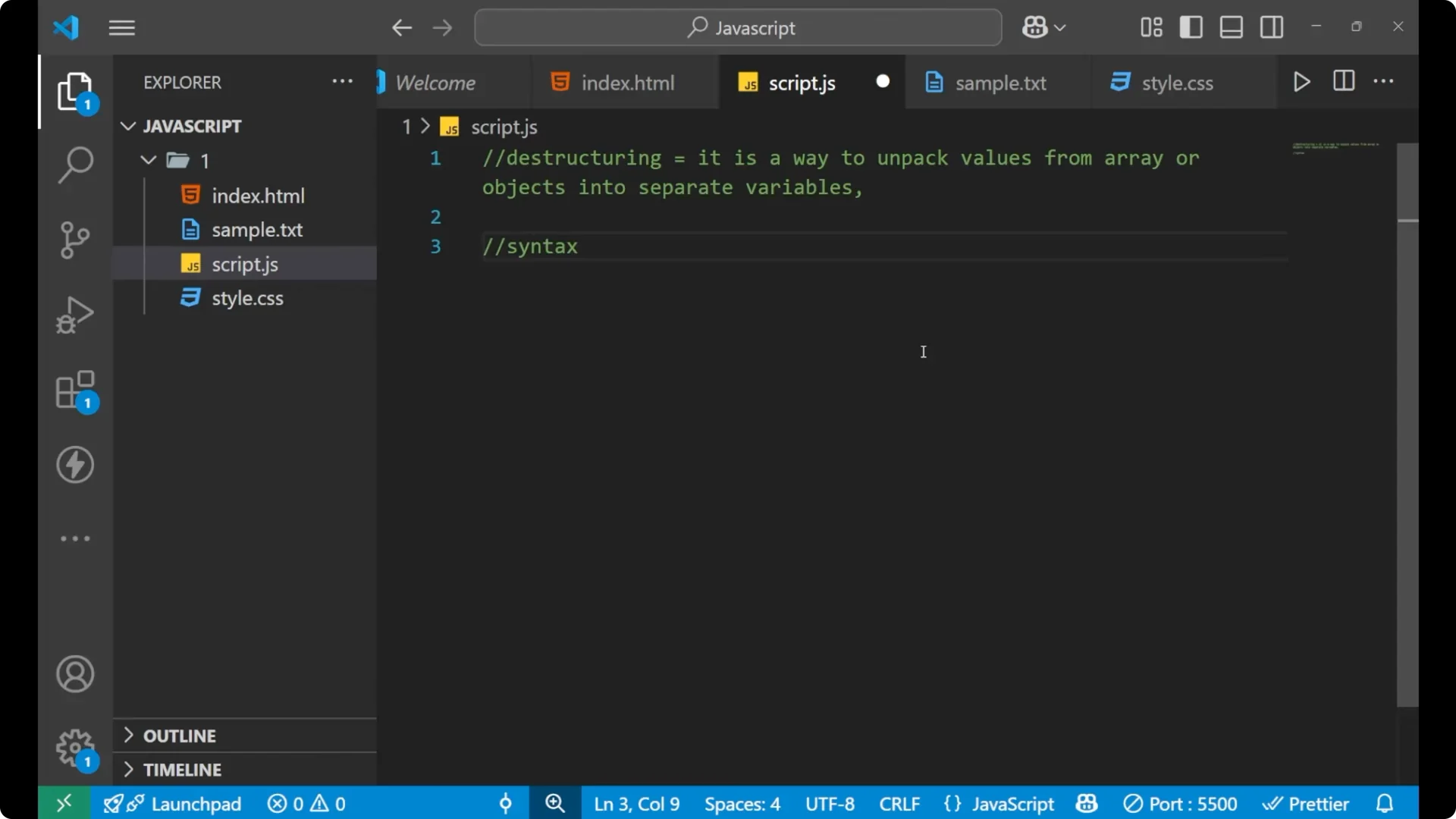
I will first show the syntax with a simple array and assign its elements into separate variables in a single line.
Step 1: Create an array with a few values.
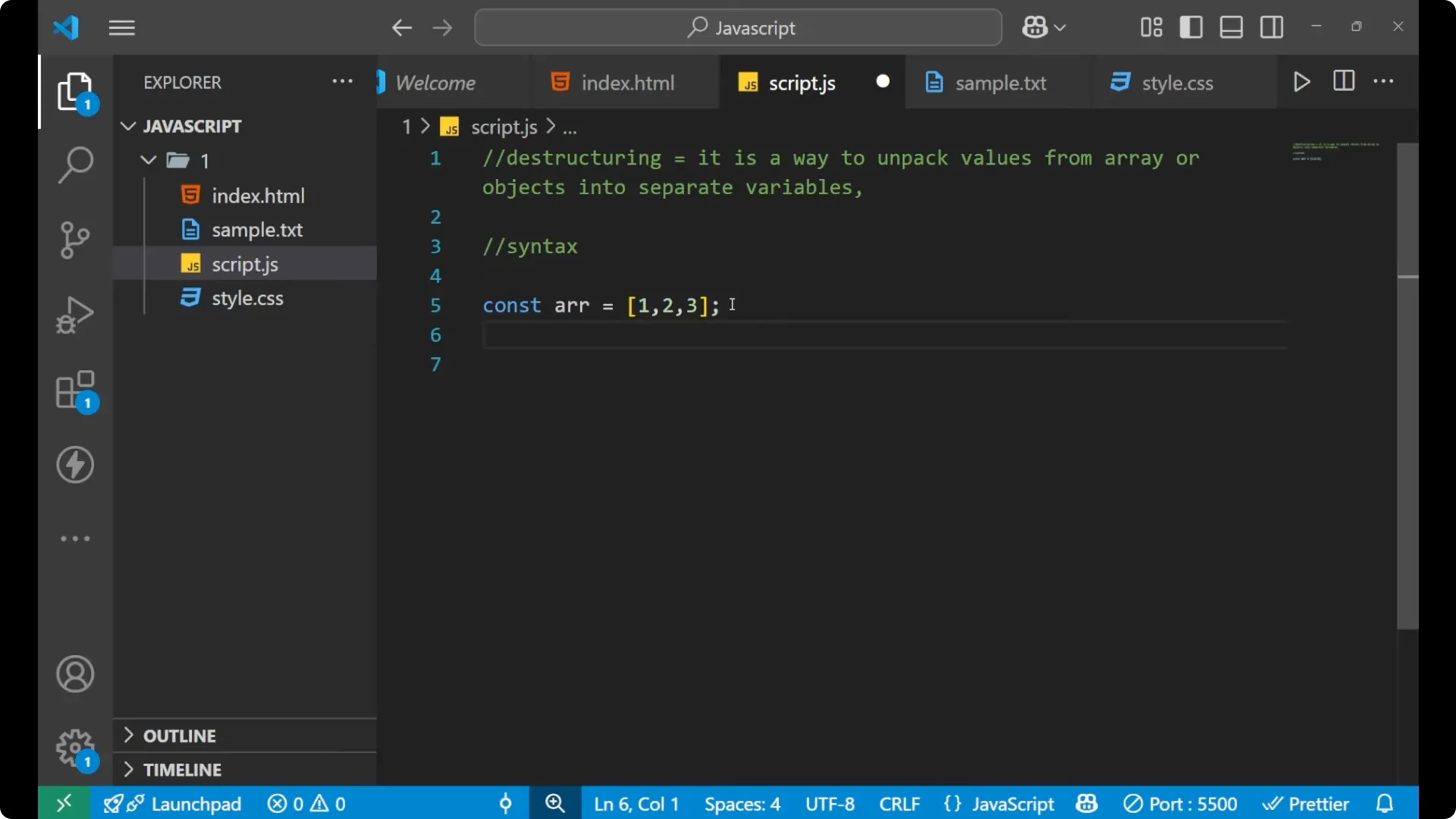
const arr = [1, 2, 3];
Step 2: Destructure the array into variables.
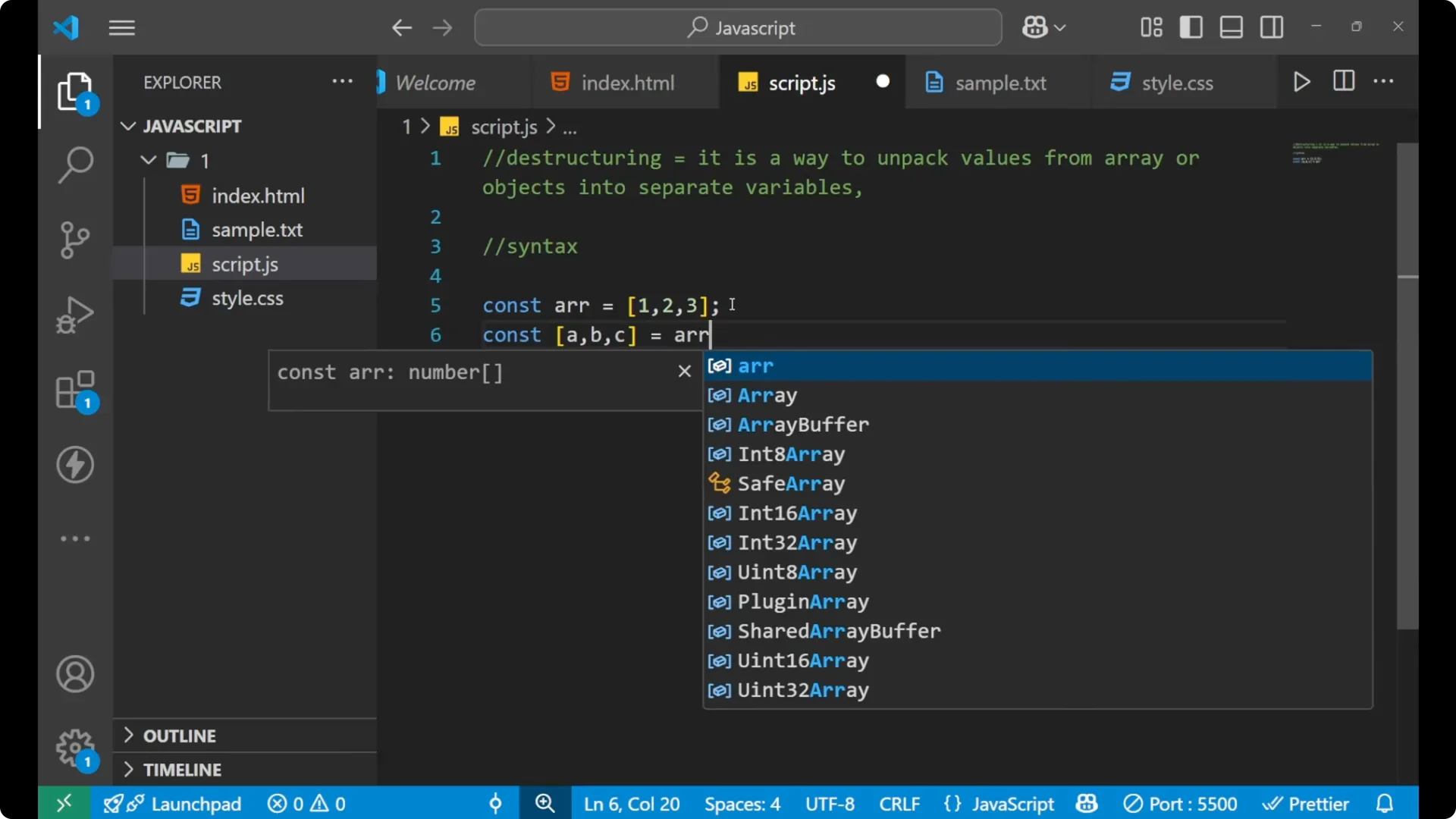
const [a, b, c] = arr;
Step 3: Print the variables to confirm the values.

console.log(a, b, c); // 1 2 3

By doing that single line with square brackets, values from the array get assigned into variables in order. The first value goes to `a`, the second to `b`, and the third to `c`.
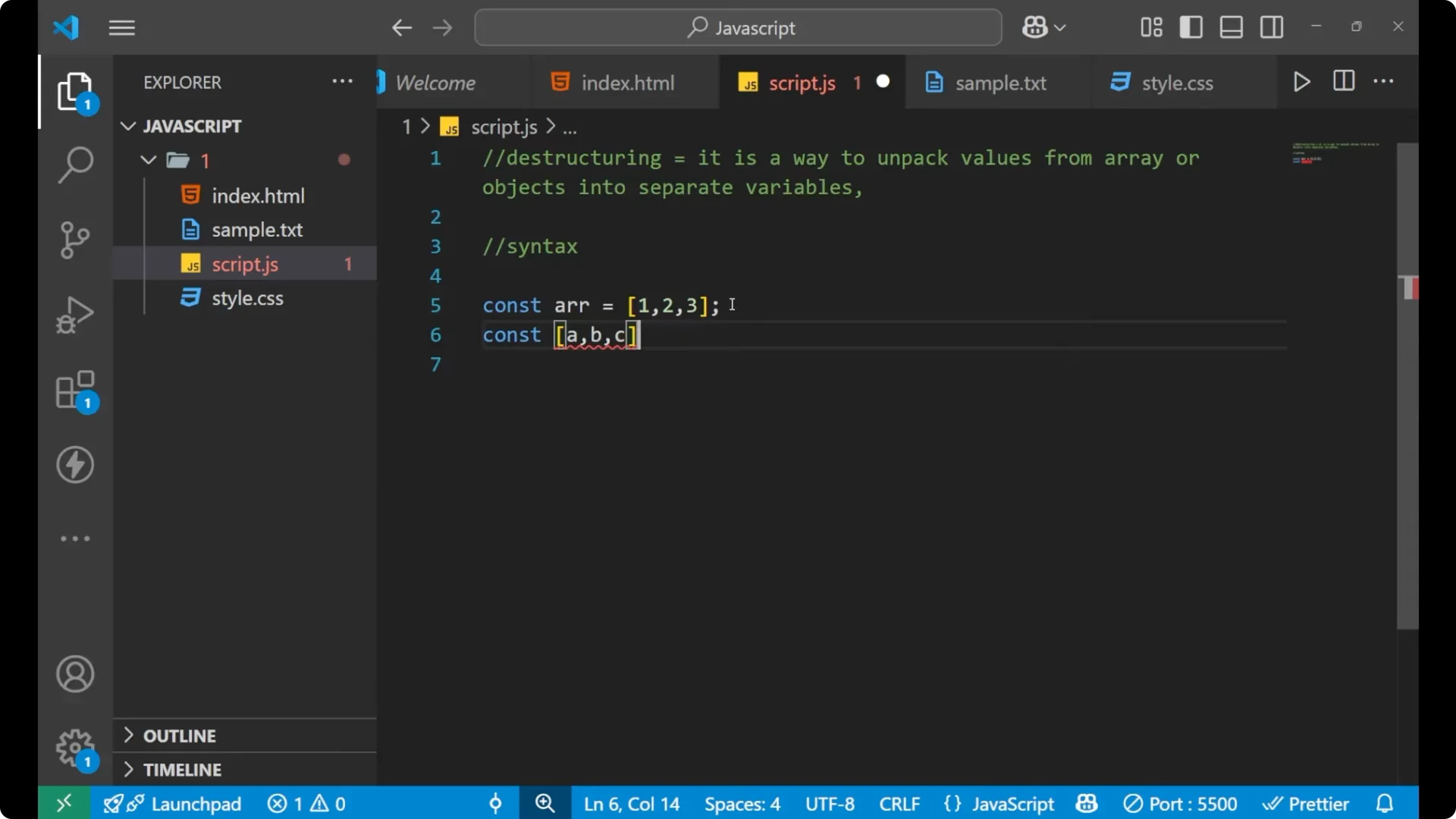
If you do not use destructuring, the other common way is to access elements by index and assign them one by one.
const arr = [1, 2, 3];

let a = arr[0];
let b = arr[1];
let c = arr[2];

console.log(a, b, c); // 1 2 3
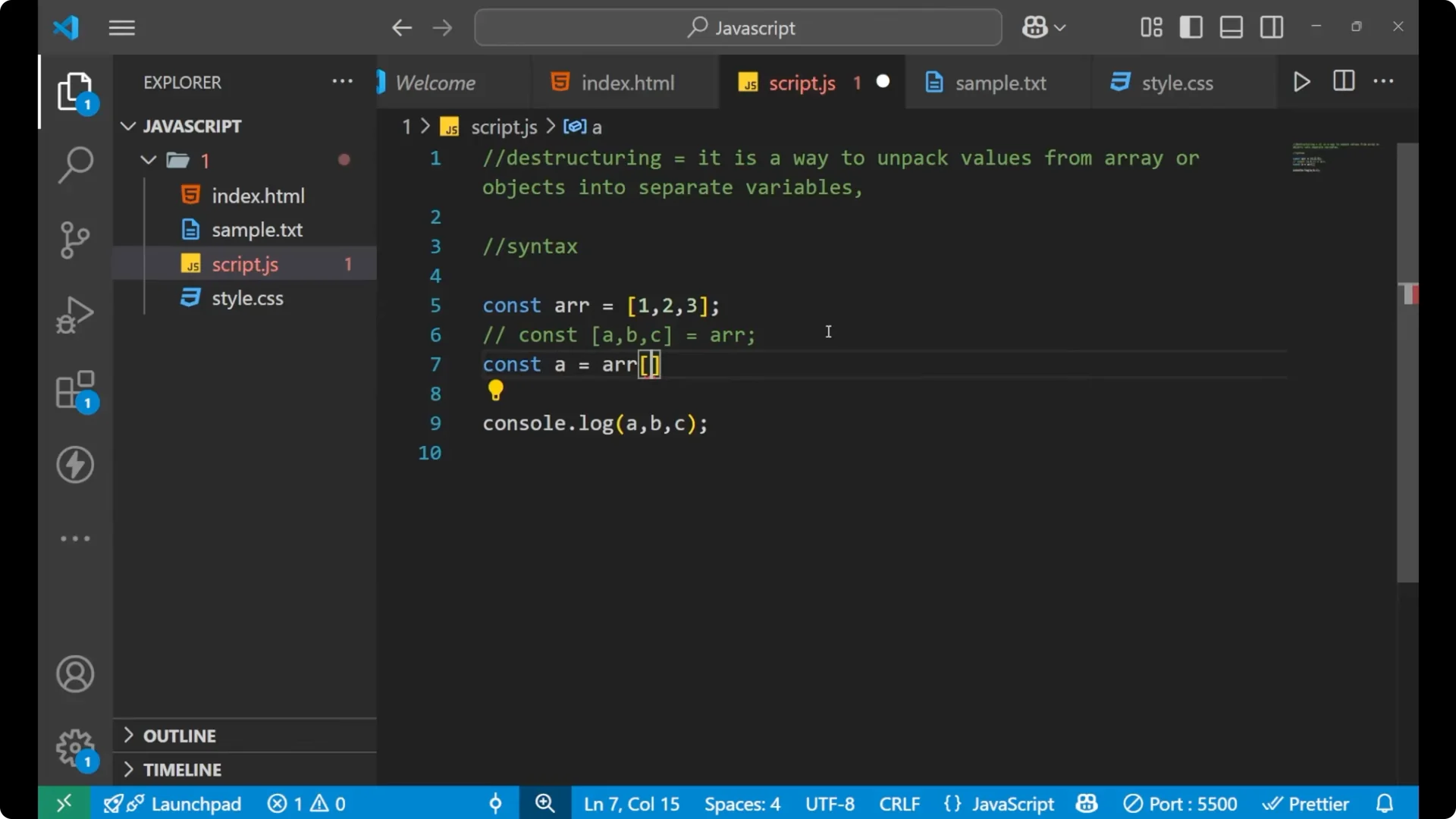
With destructuring, you can assign values to separate variables in a single line of code. That is the core idea.
If you are preparing arrays for destructuring by cleaning or reshaping them, see
flatten arrays.
Skipping items in JavaScript Destructuring
If you want to skip an element, you can leave a position empty in the pattern. For example, I want to store 10 and 30 in variables but skip 20 entirely.
Step 1: Create an array with three values.
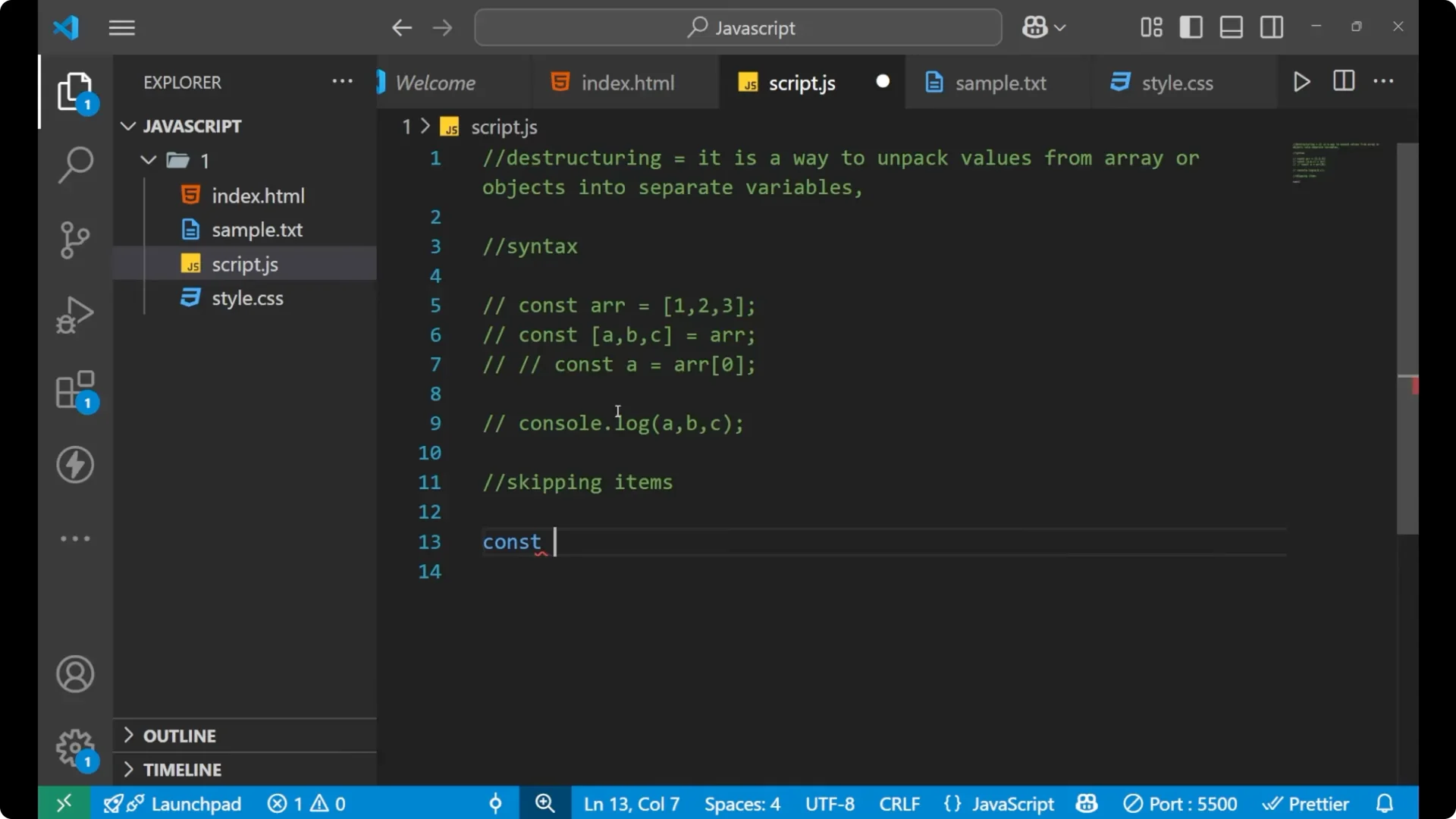
const arr = [10, 20, 30];
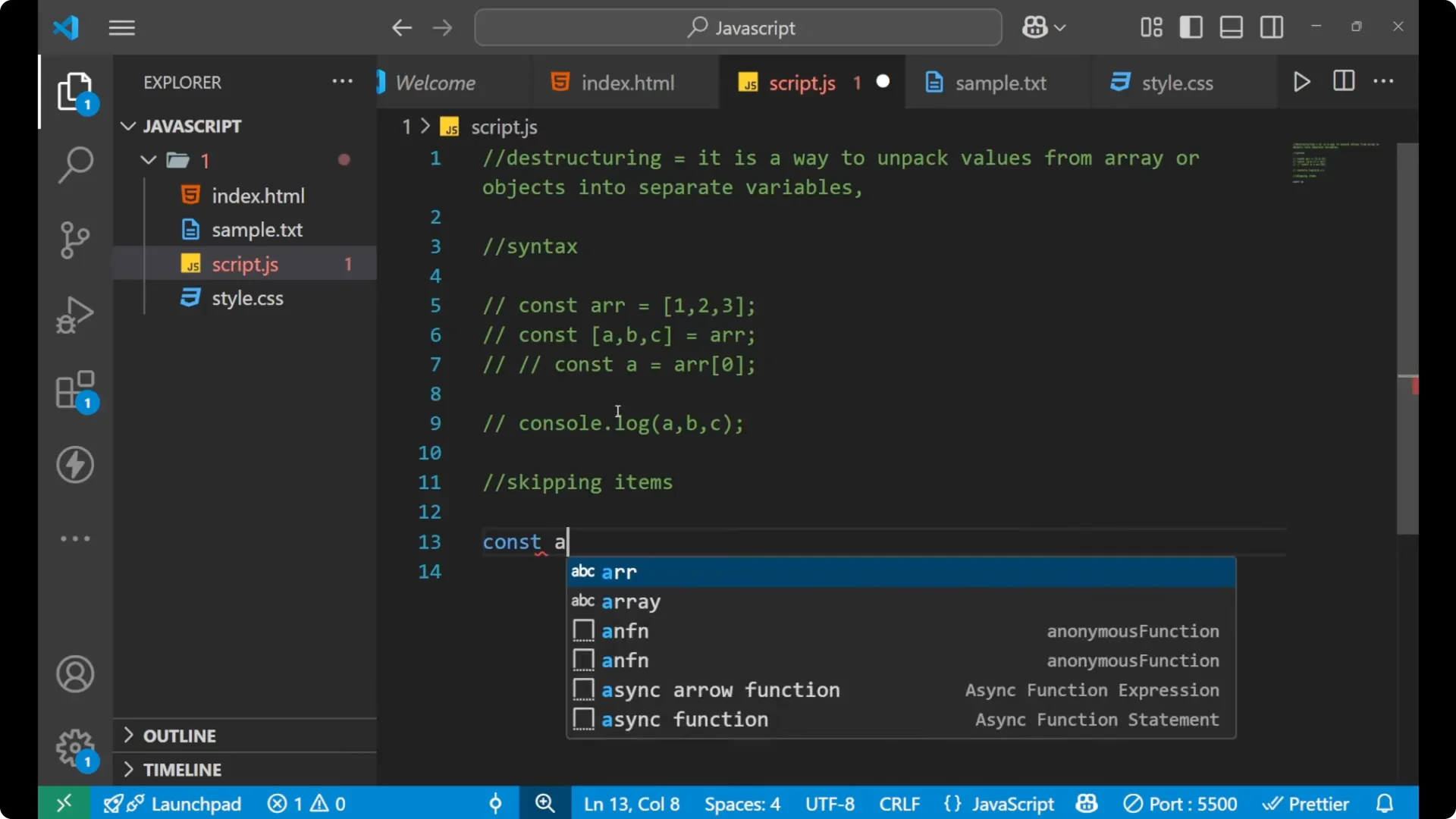
Step 2: Destructure and skip the middle element by leaving its slot empty.
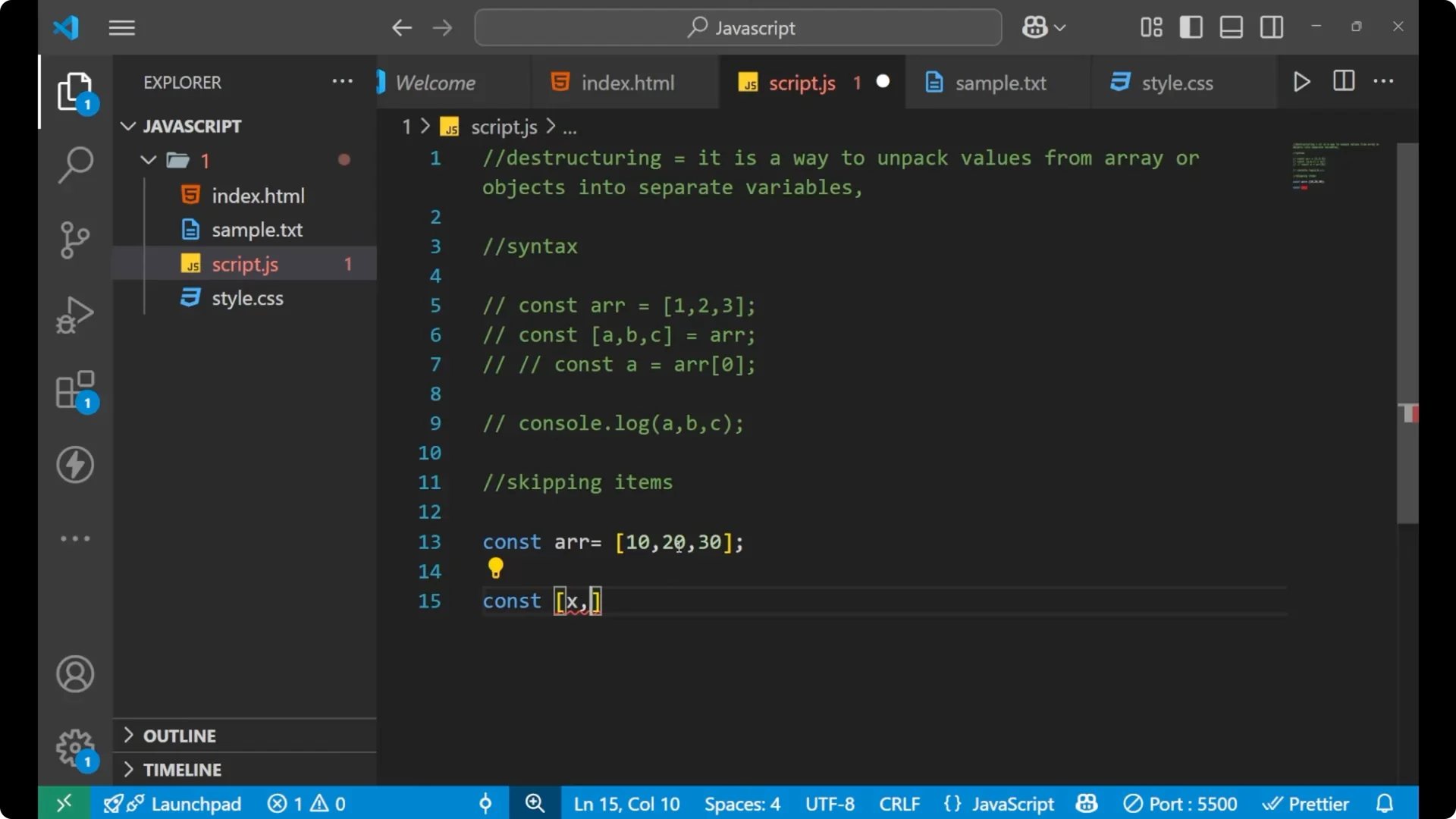
const [x, , z] = arr;
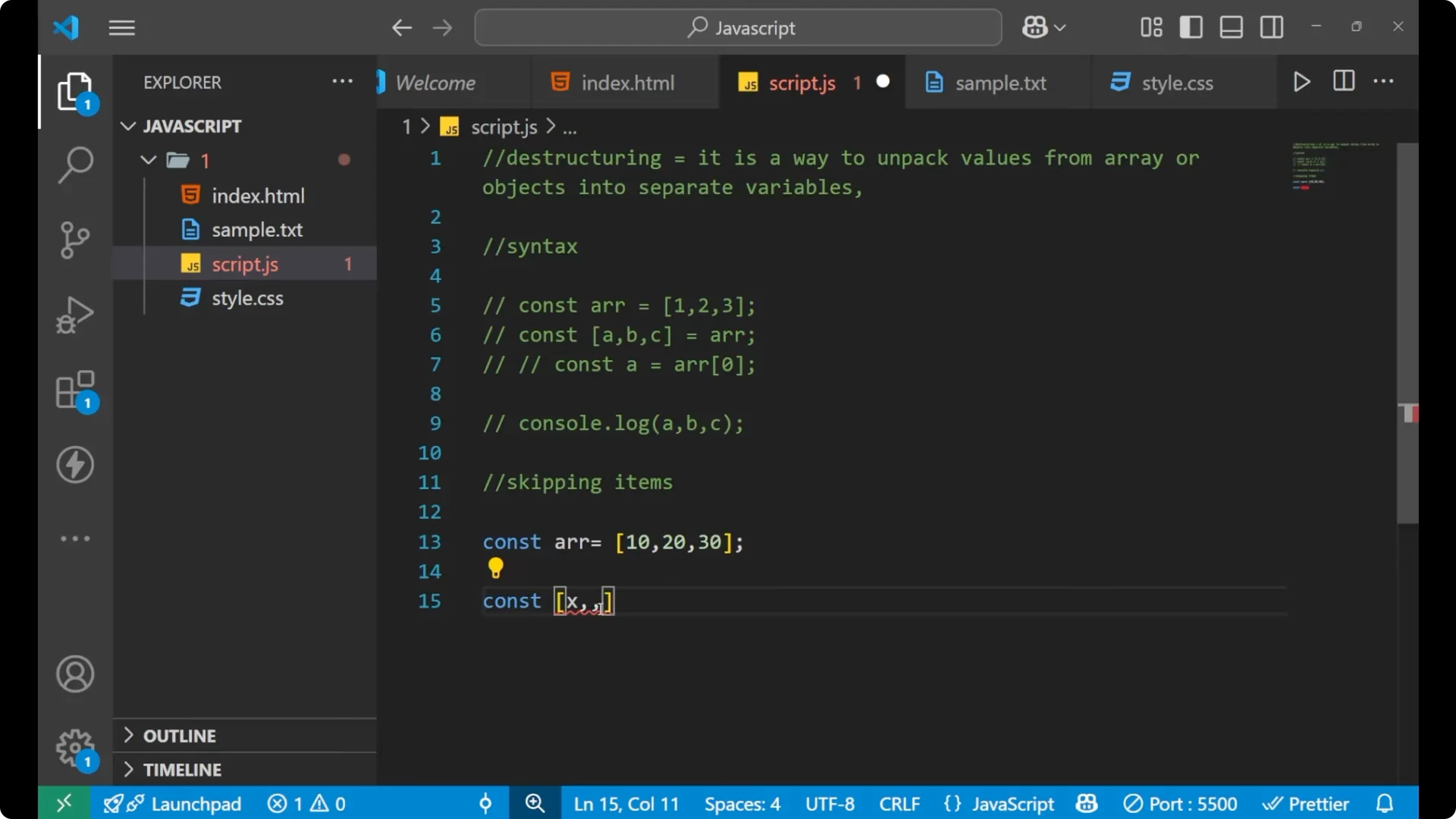
Step 3: Print to confirm the assigned values.
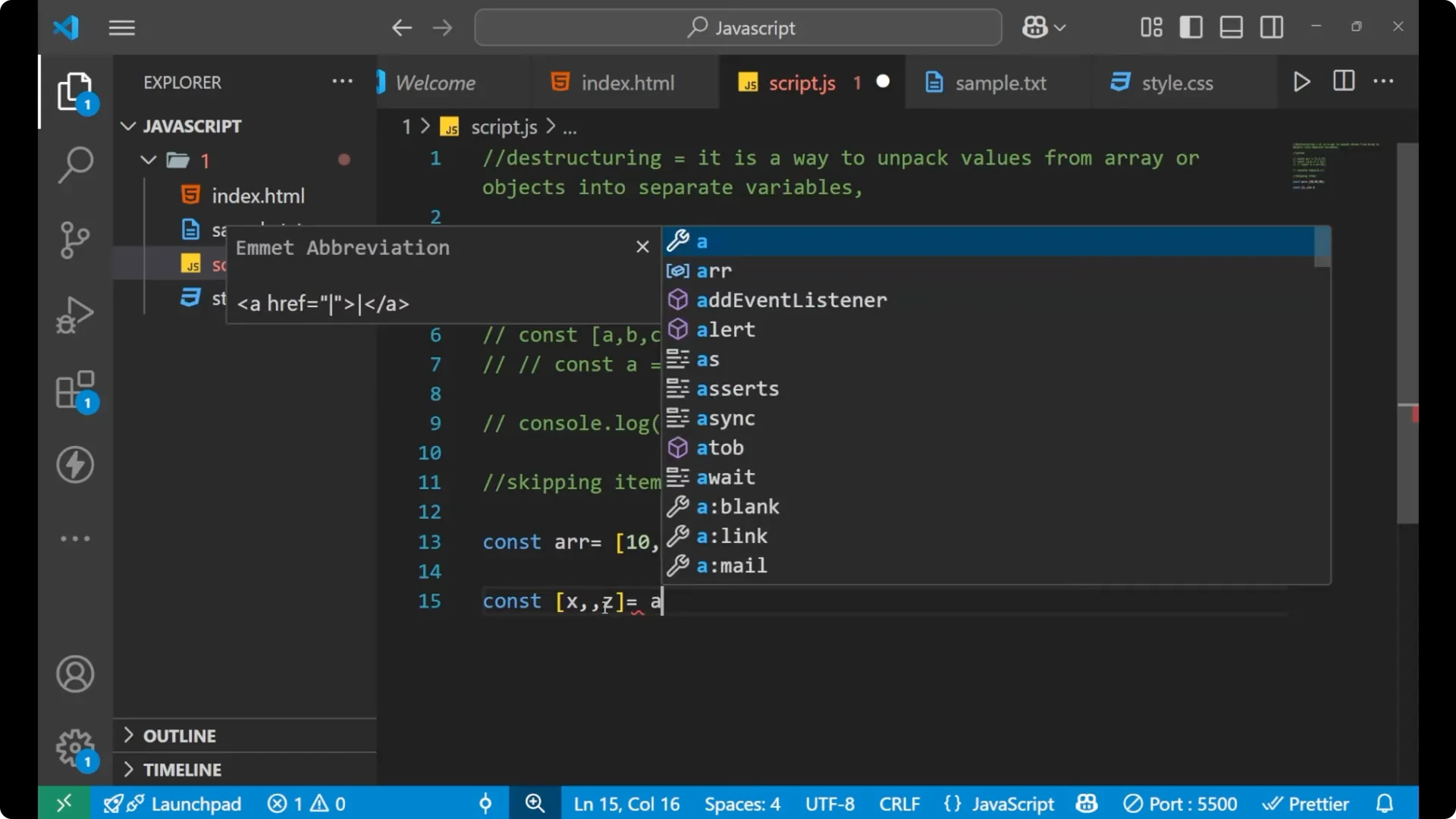
console.log(x, z); // 10 30

Since there is no variable name in the middle position, `20` is not assigned to anything. `x` gets `10`, and `z` gets `30`. This is how destructuring works while skipping items.
JavaScript Destructuring with Objects
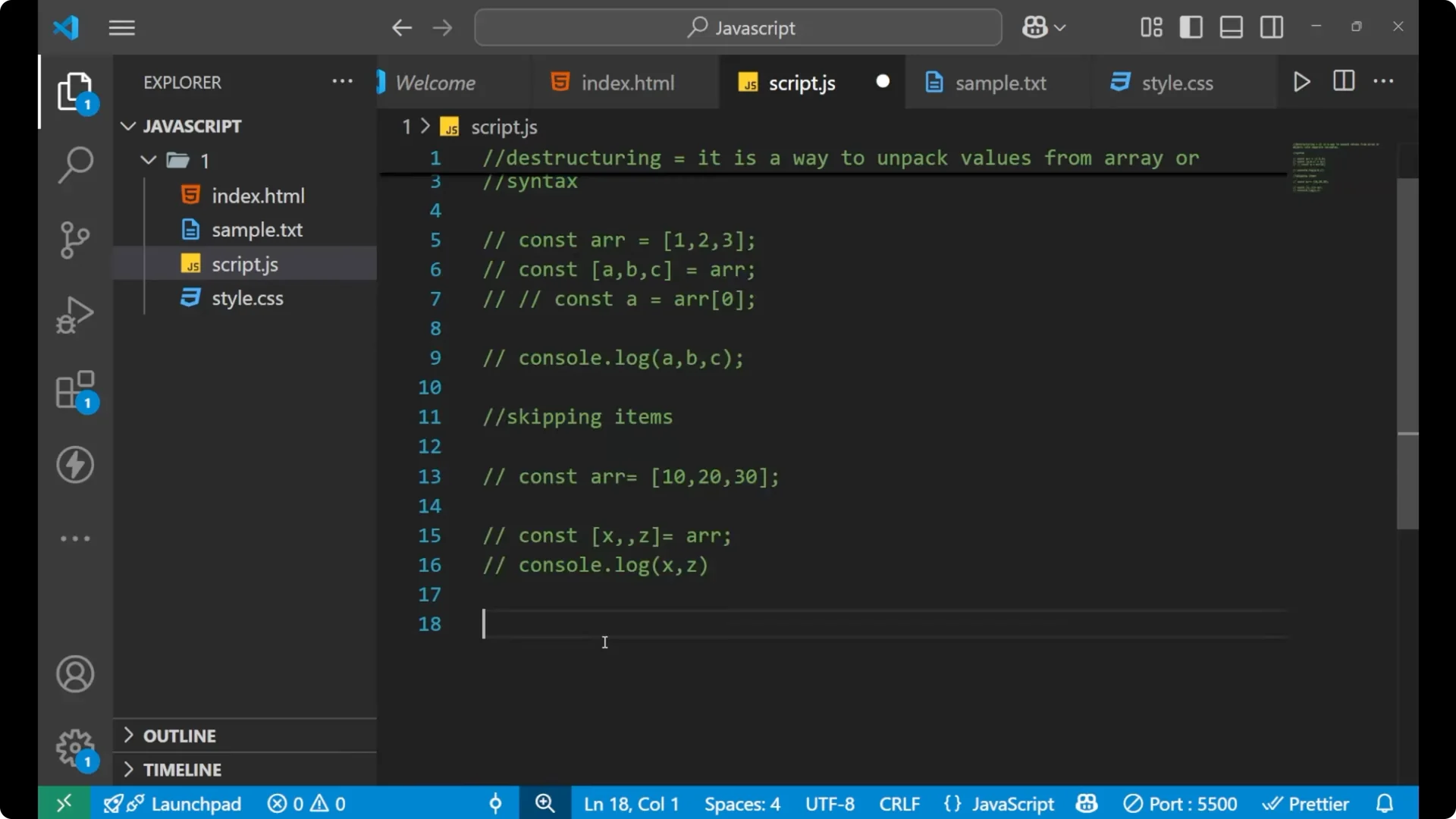
Object destructuring works similarly, with a syntax difference that uses curly braces. Create an object and extract its properties into variables directly.
Step 1: Create an object with a couple of keys.
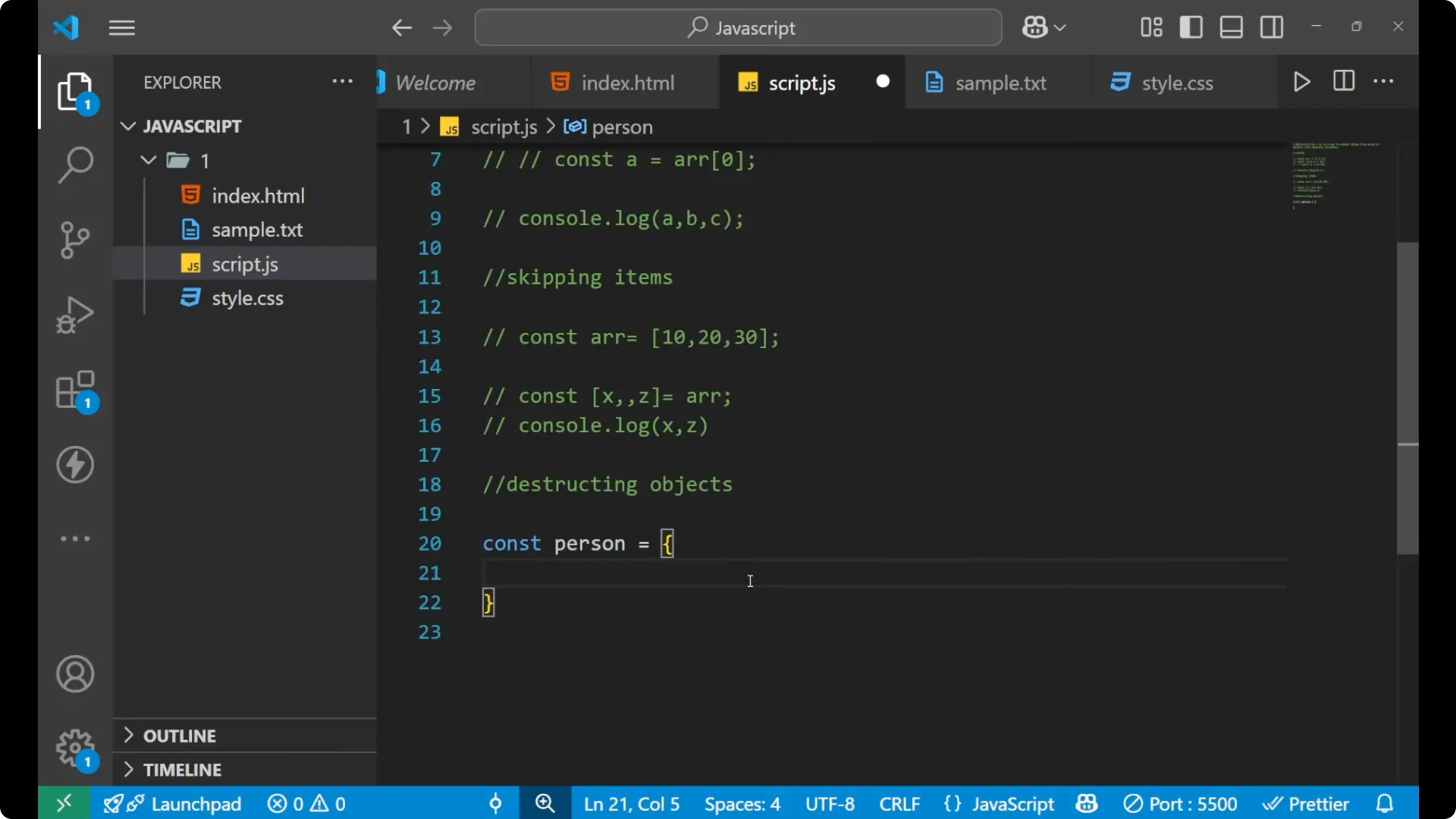
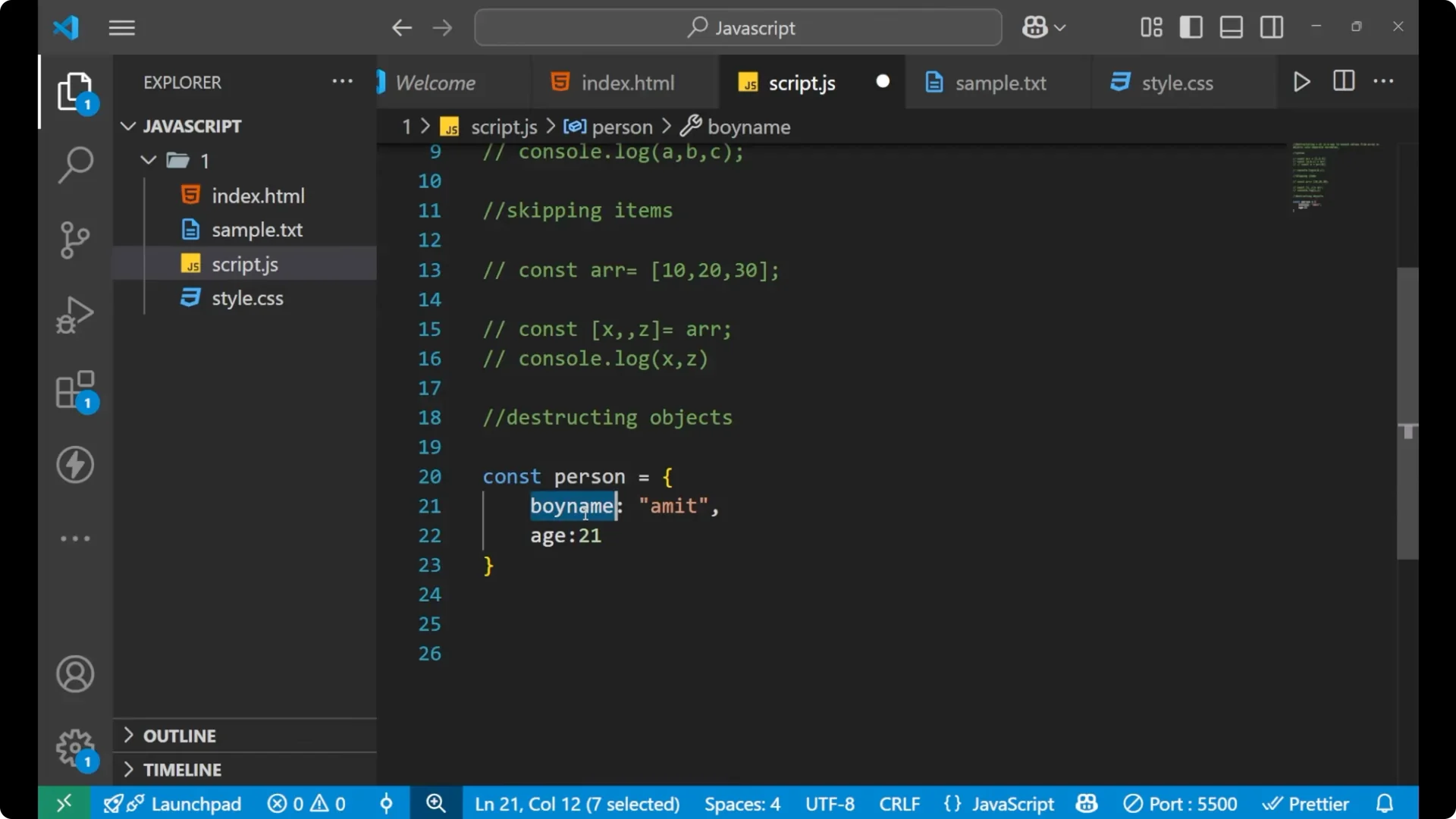
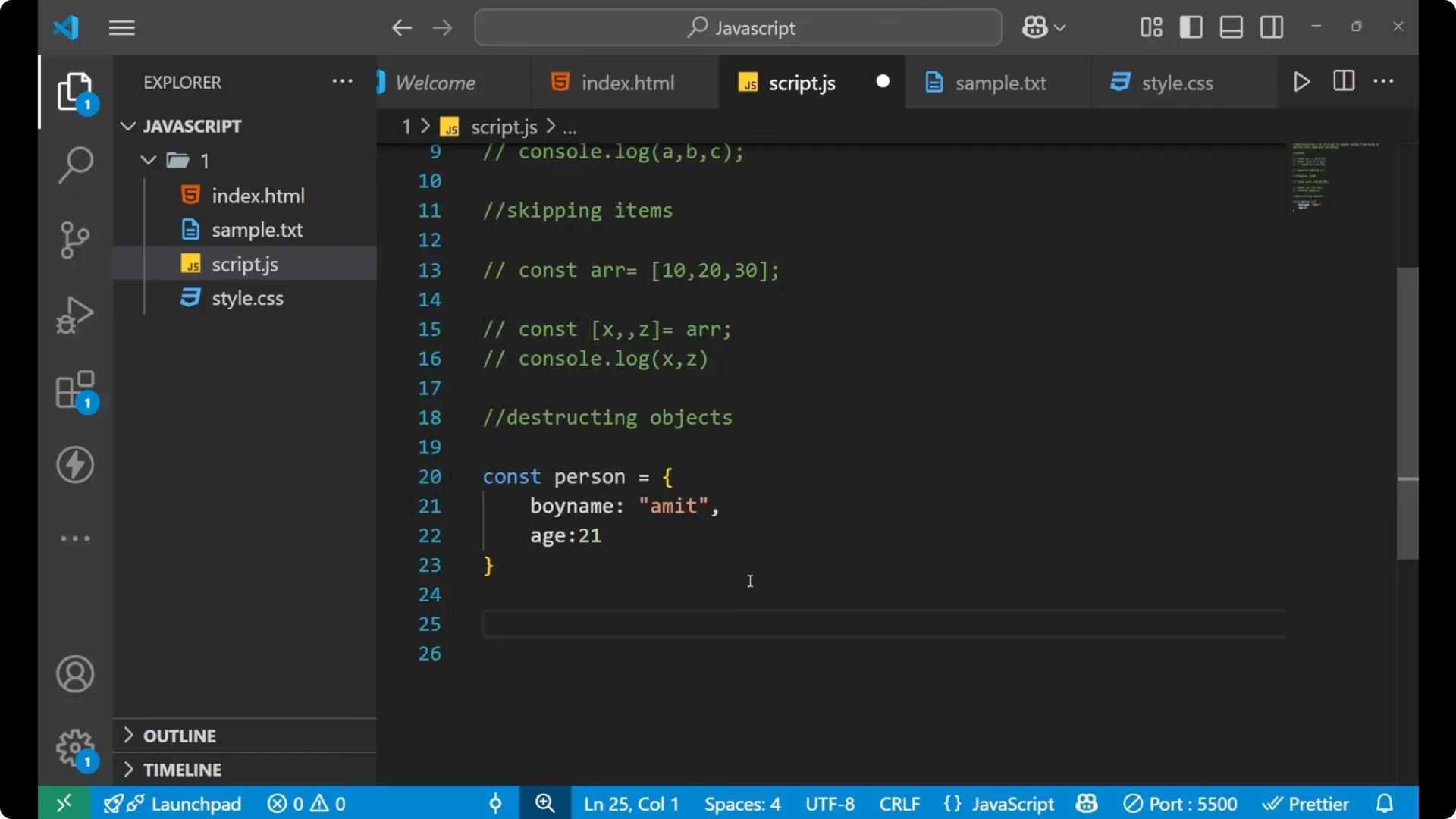
const person = {
  boyName: 'Amit',
  age: 21
};
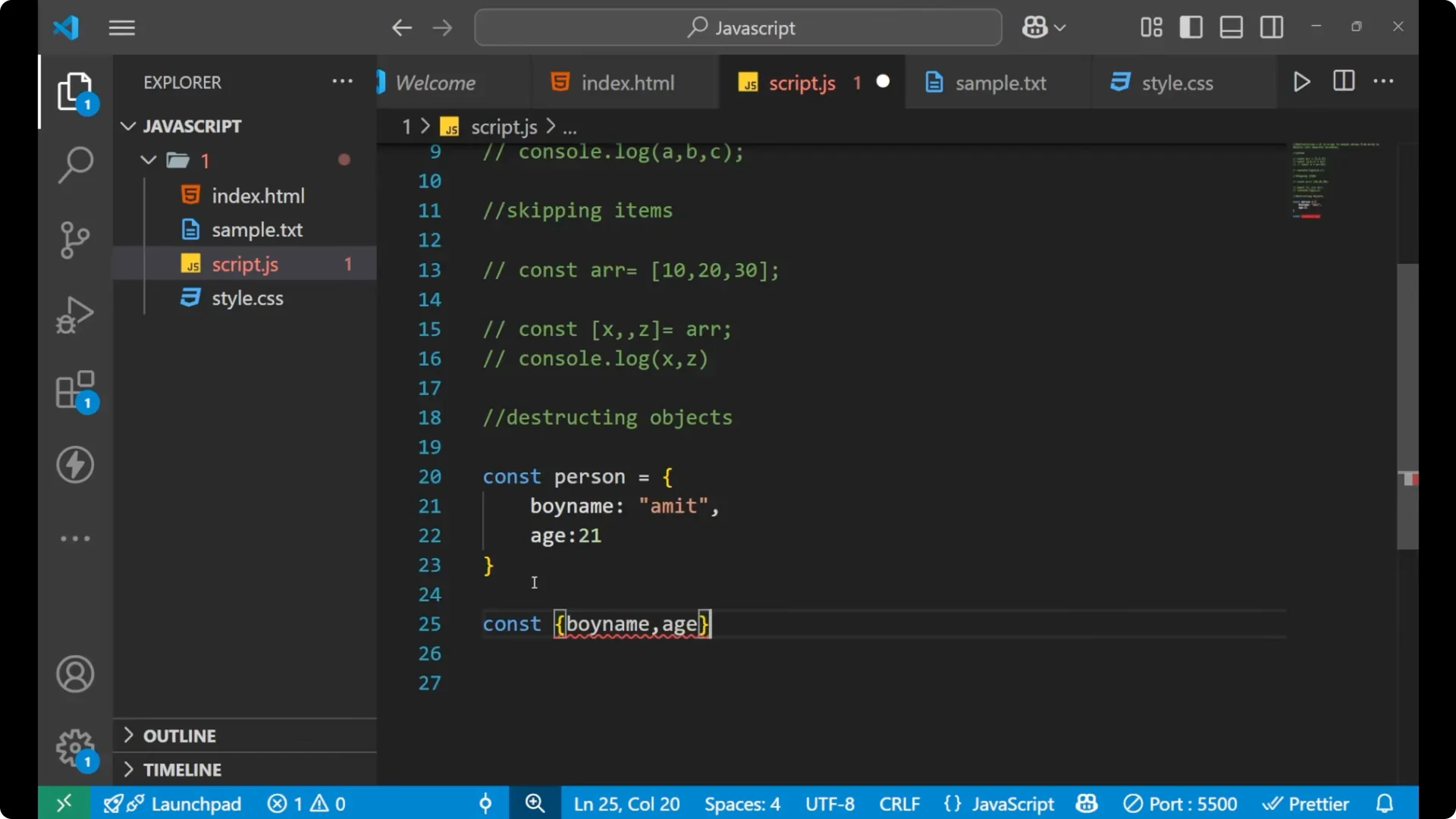
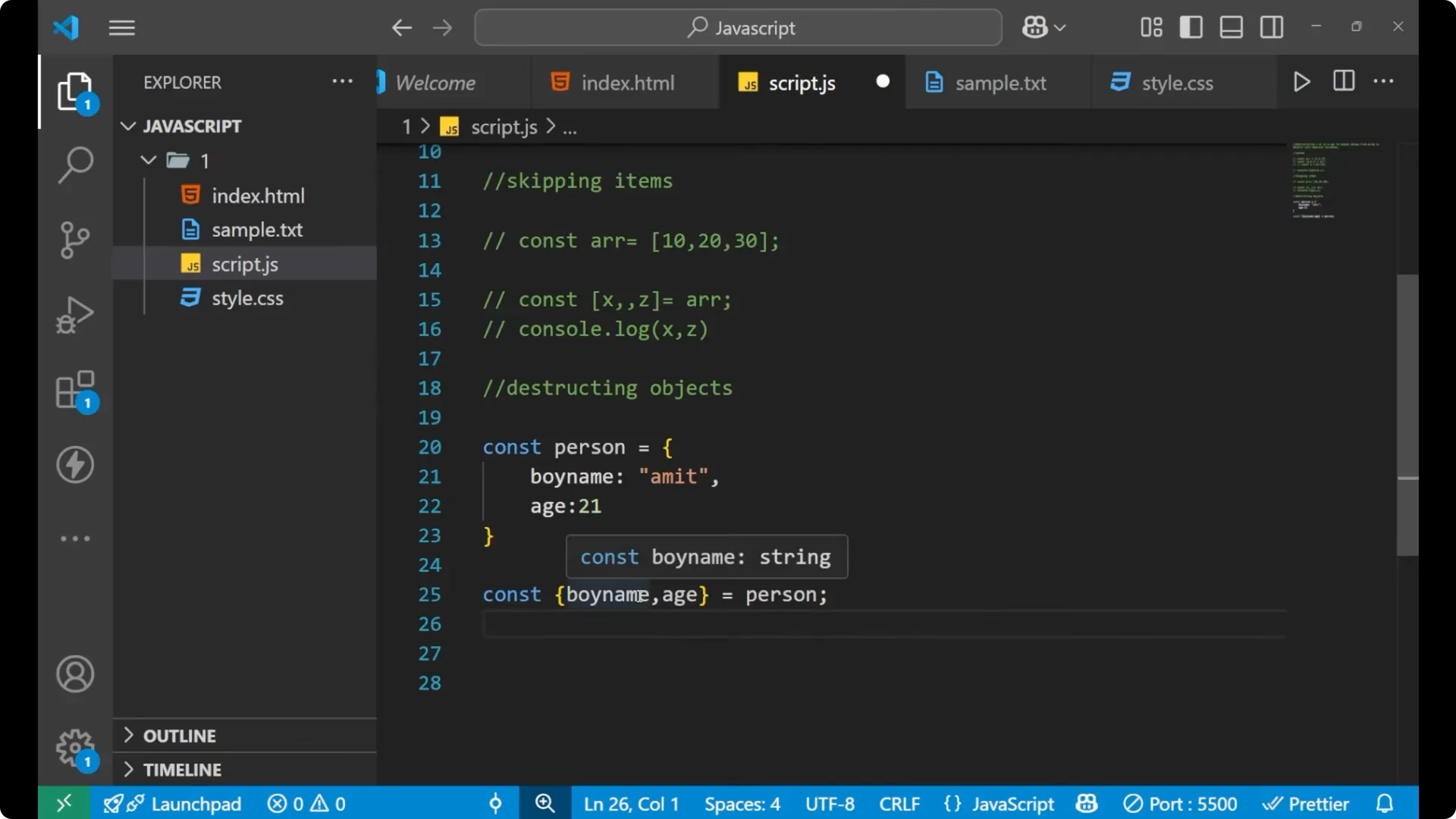
Step 2: Destructure the object into variables that match the property names.
const { boyName, age } = person;
Step 3: Print to confirm the values.
console.log(boyName, age); // Amit 21
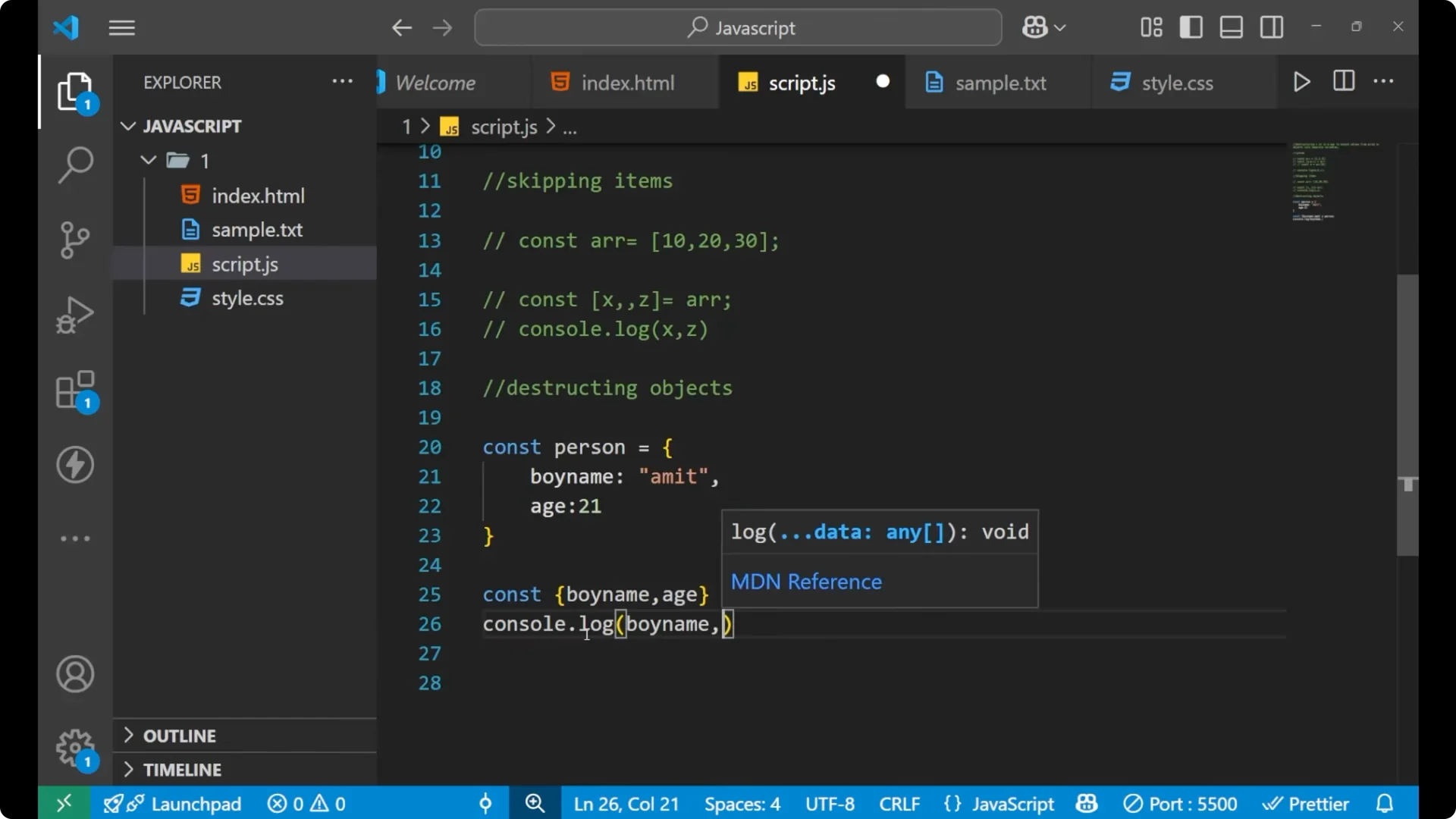
It is getting destructured from the object, and values are stored inside variables called `boyName` and `age`. This is an easy and expressive way to extract what you need from objects.
When you are working with APIs, you often parse JSON and then destructure the resulting object. For a quick refresher on JSON parsing in JavaScript, see
parse JSON.
Final Thoughts
Destructuring lets you unpack array elements or object properties into separate variables quickly. You saw how to assign multiple values in one line, how to skip items you do not need, and how to extract properties from objects. It is part of
ES6, and it keeps your code short, readable, and focused on the values you actually want.