Event listener is a way to tell JavaScript that when something happens like when we click on a button, run this code. It is one of the most flexible and recommended ways to handle events in modern JavaScript. We will understand it step by step.
Basic setup for JavaScript Event Listeners
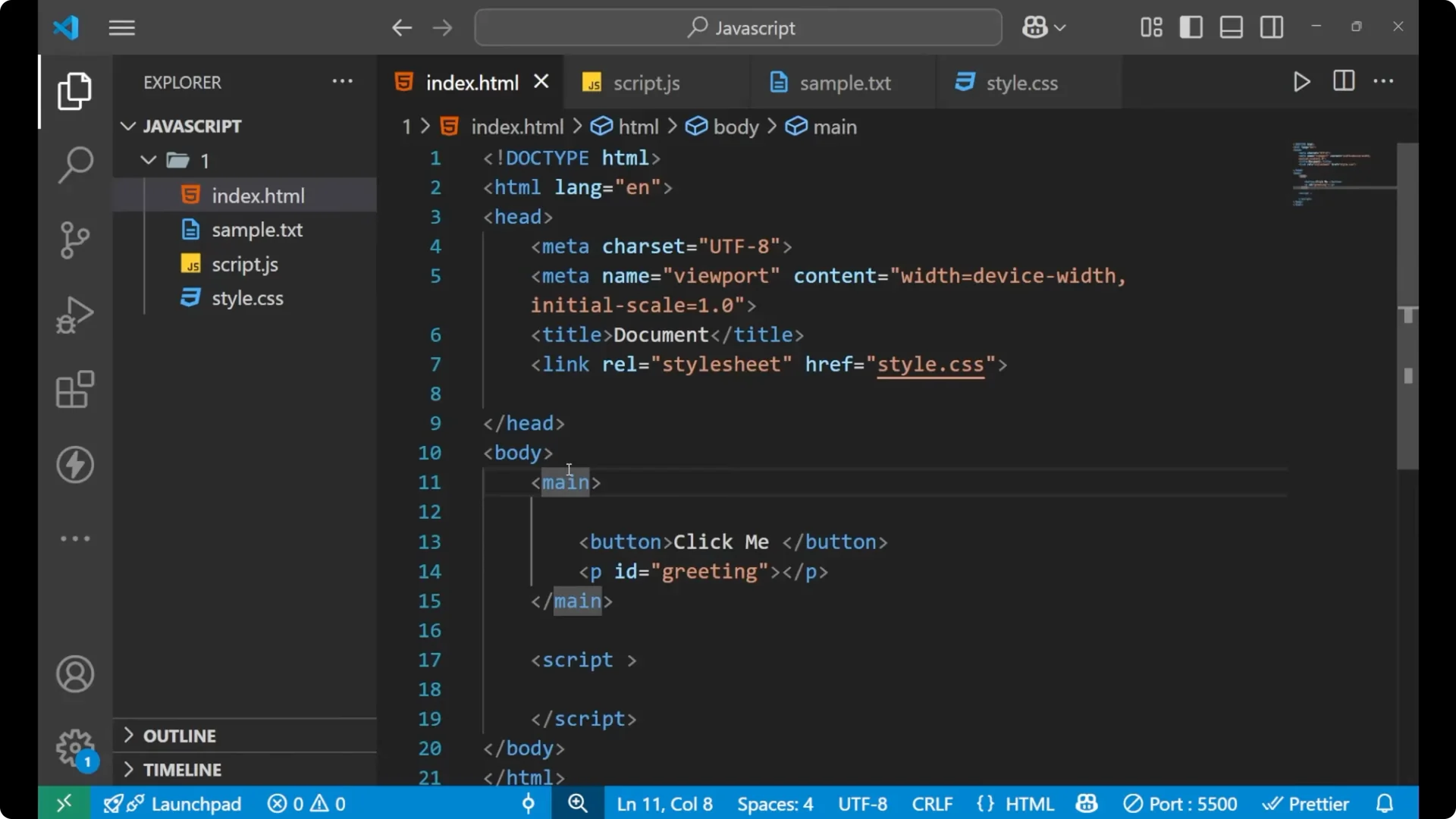
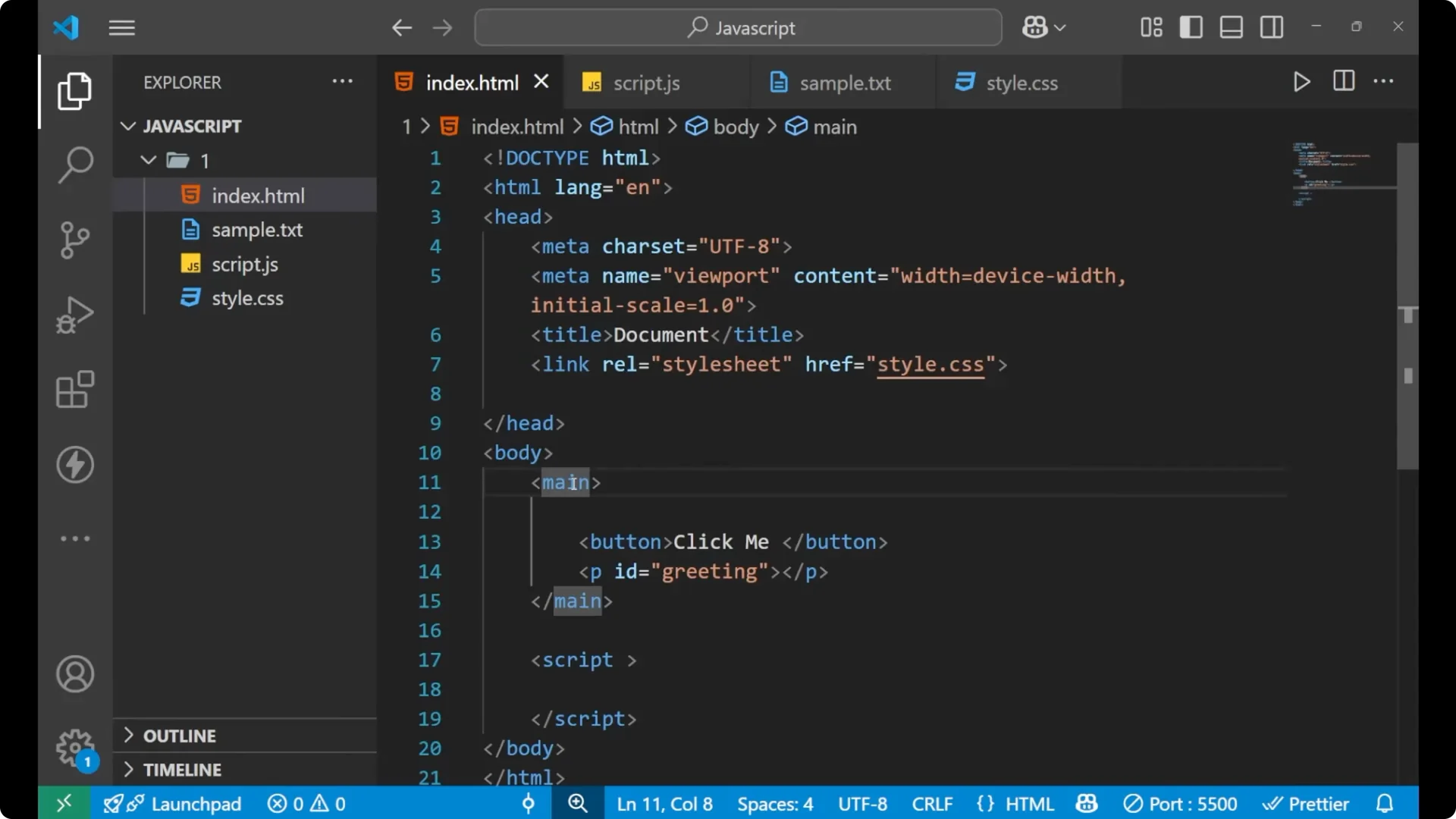
I am having this HTML page. Inside the body tag I am having a main tag and there I am having two different elements – a button and a paragraph. The button has a text that is Click Me and this paragraph is having this id of greeting.
<!DOCTYPE html>
<html lang="en">
  <head>
    <meta charset="UTF-8" />
    <title>Event Listener Demo</title>
  </head>
  <body>
    <main>
      <button id="myBtn">Click Me</button>
      <p id="greeting"></p>
    </main>
    <script src="app.js"></script>
  </body>
</html>
 Read More: Master Json Parse Convert Data Javascript
Select elements for JavaScript Event Listeners
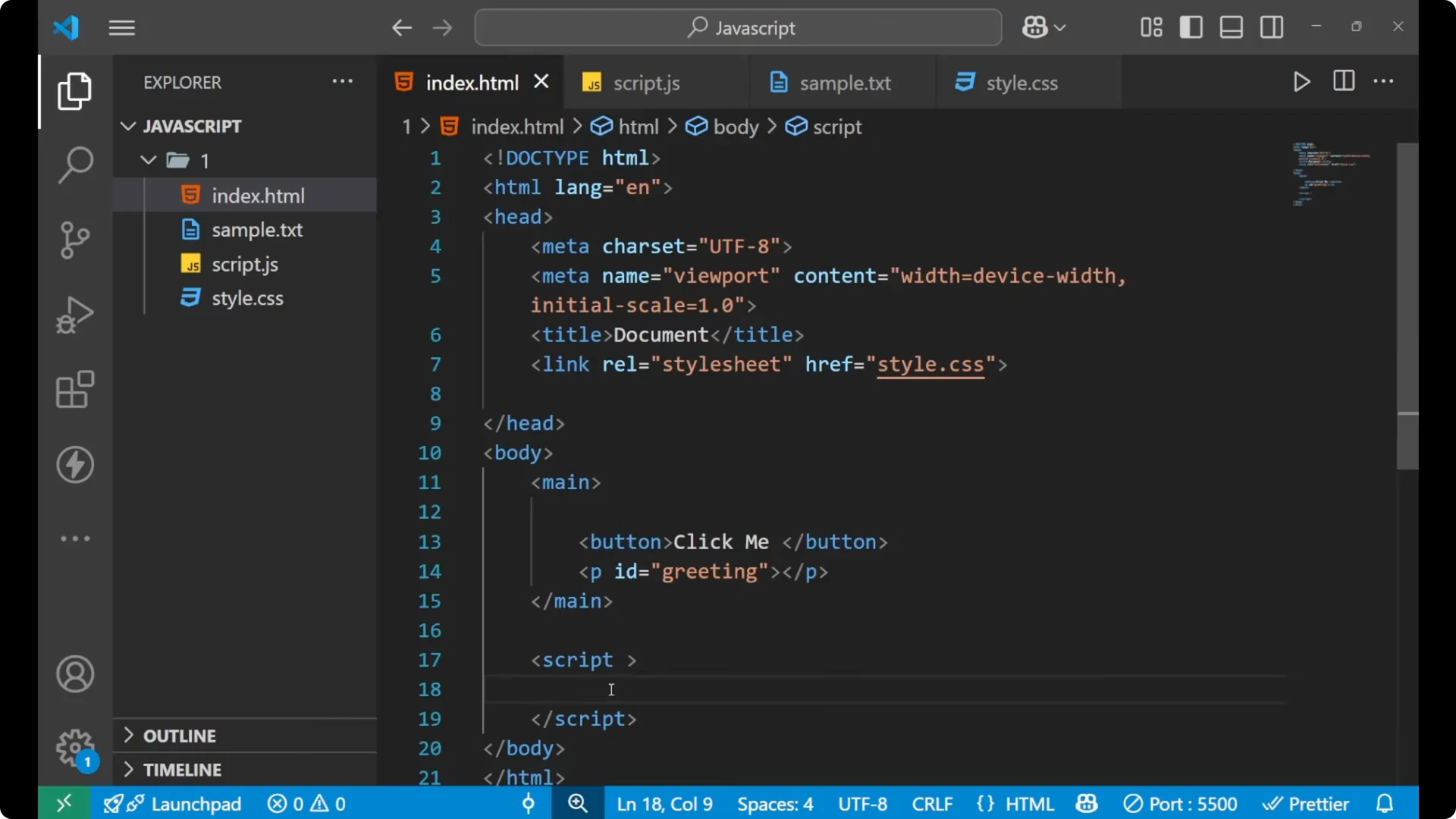
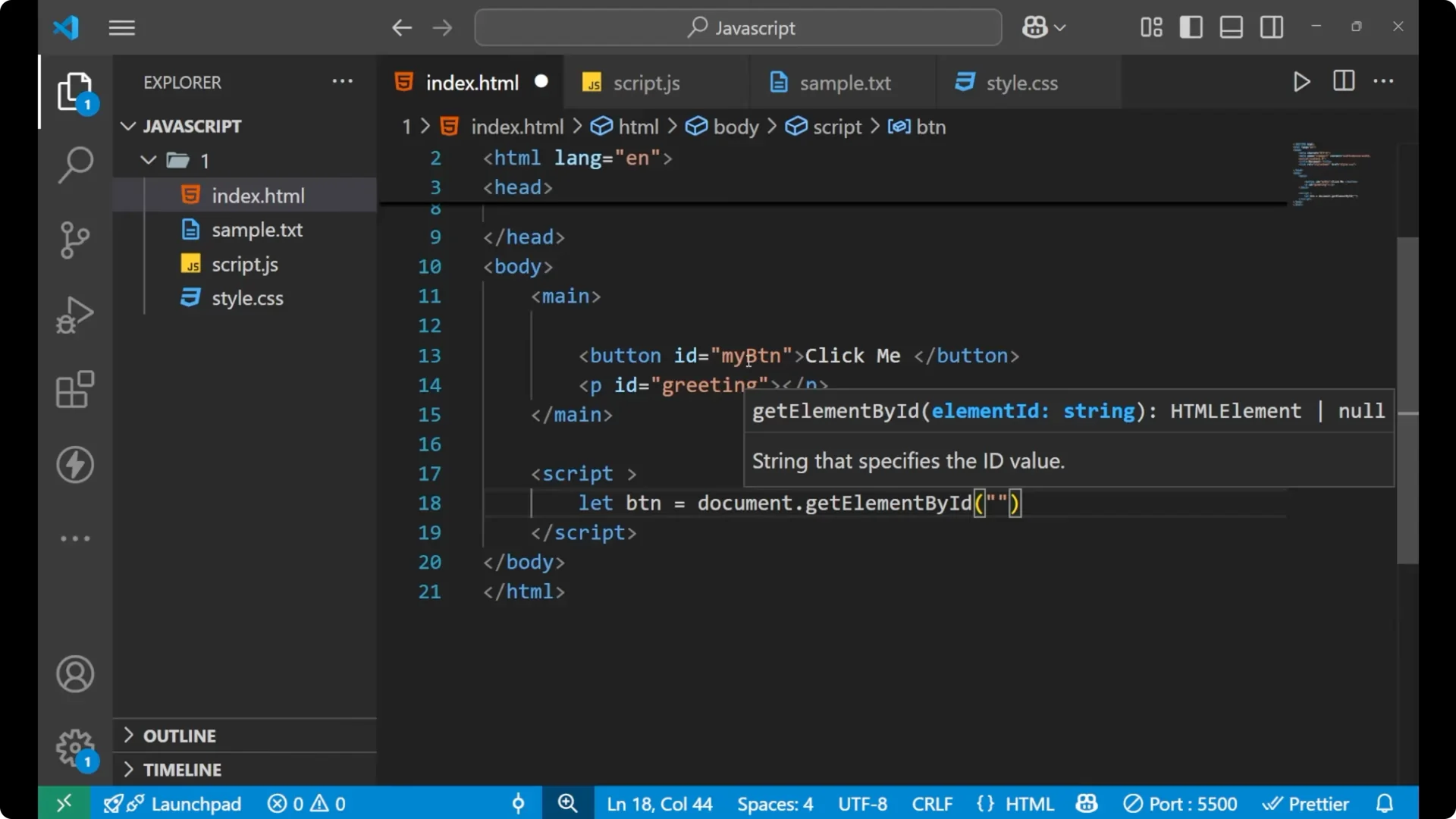
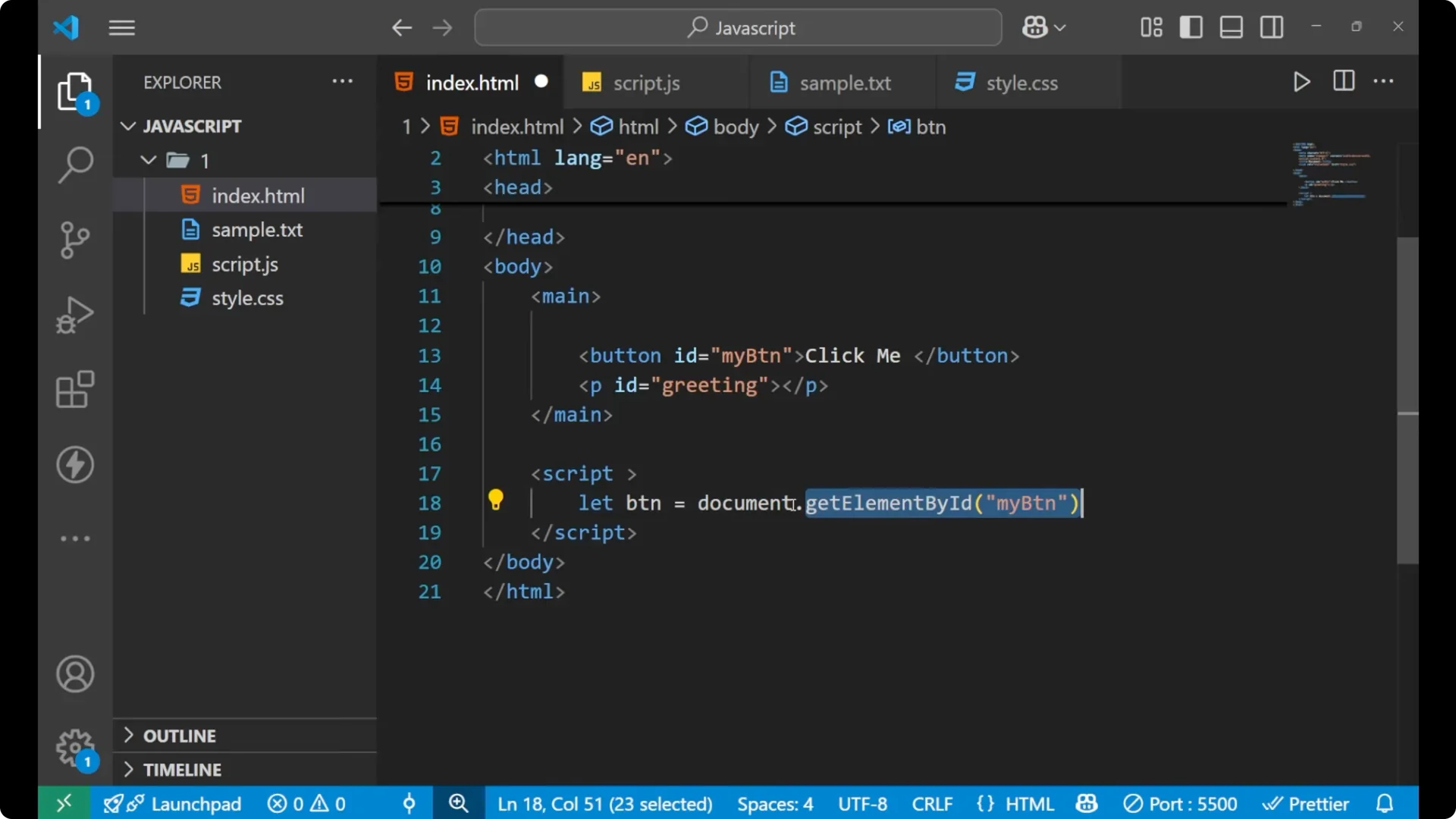
Let us first call this button. For calling this button, I am giving it an id that is my btn. By using this
document.getElementById, what I am actually doing is that inside this document – which is this whole browser – I am calling this particular element using the address, this id.
const btn = document.getElementById('myBtn'); // id is "myBtn"
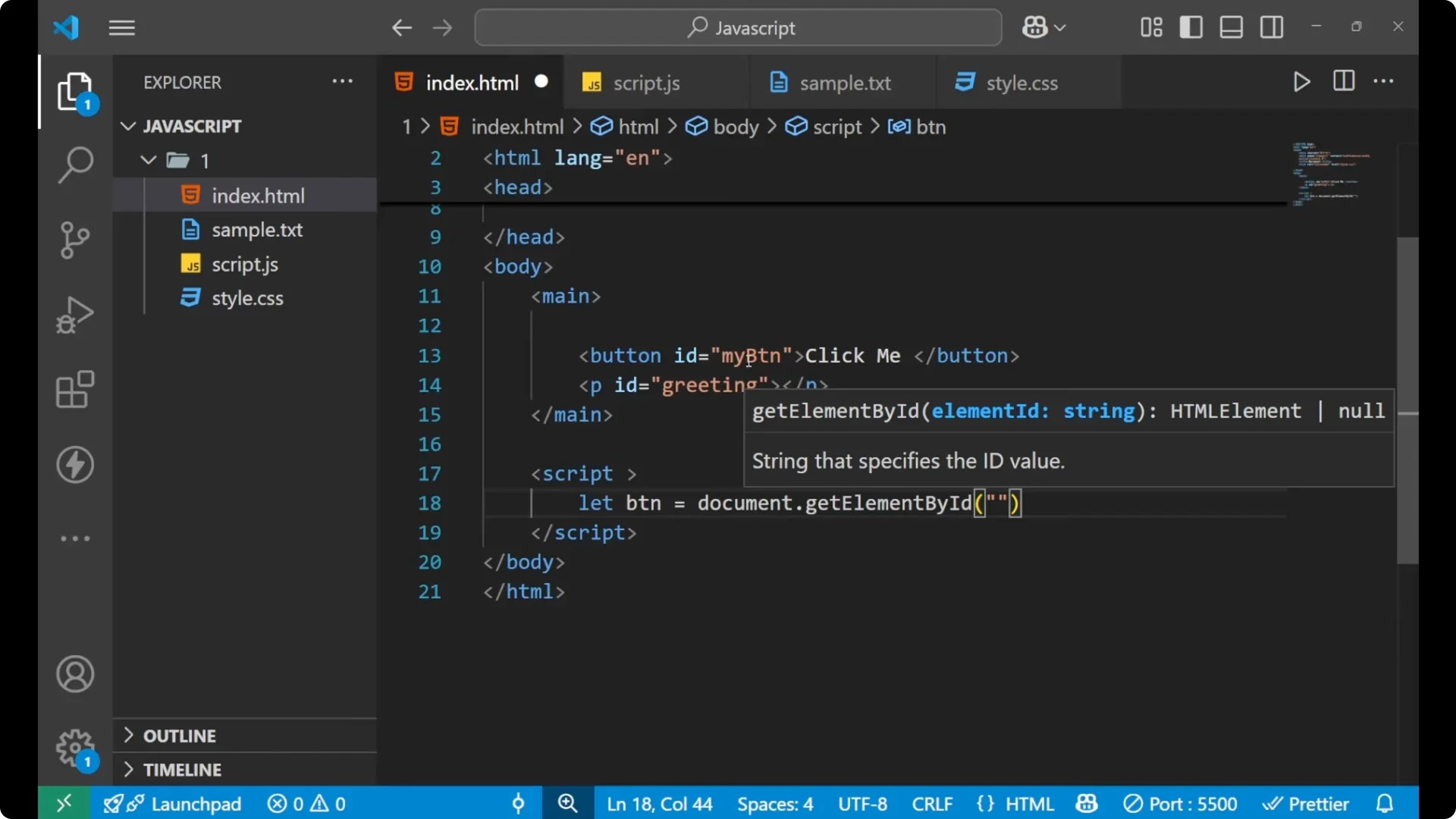
Now by this we got this button inside this variable that is btn.
Attach JavaScript Event Listeners
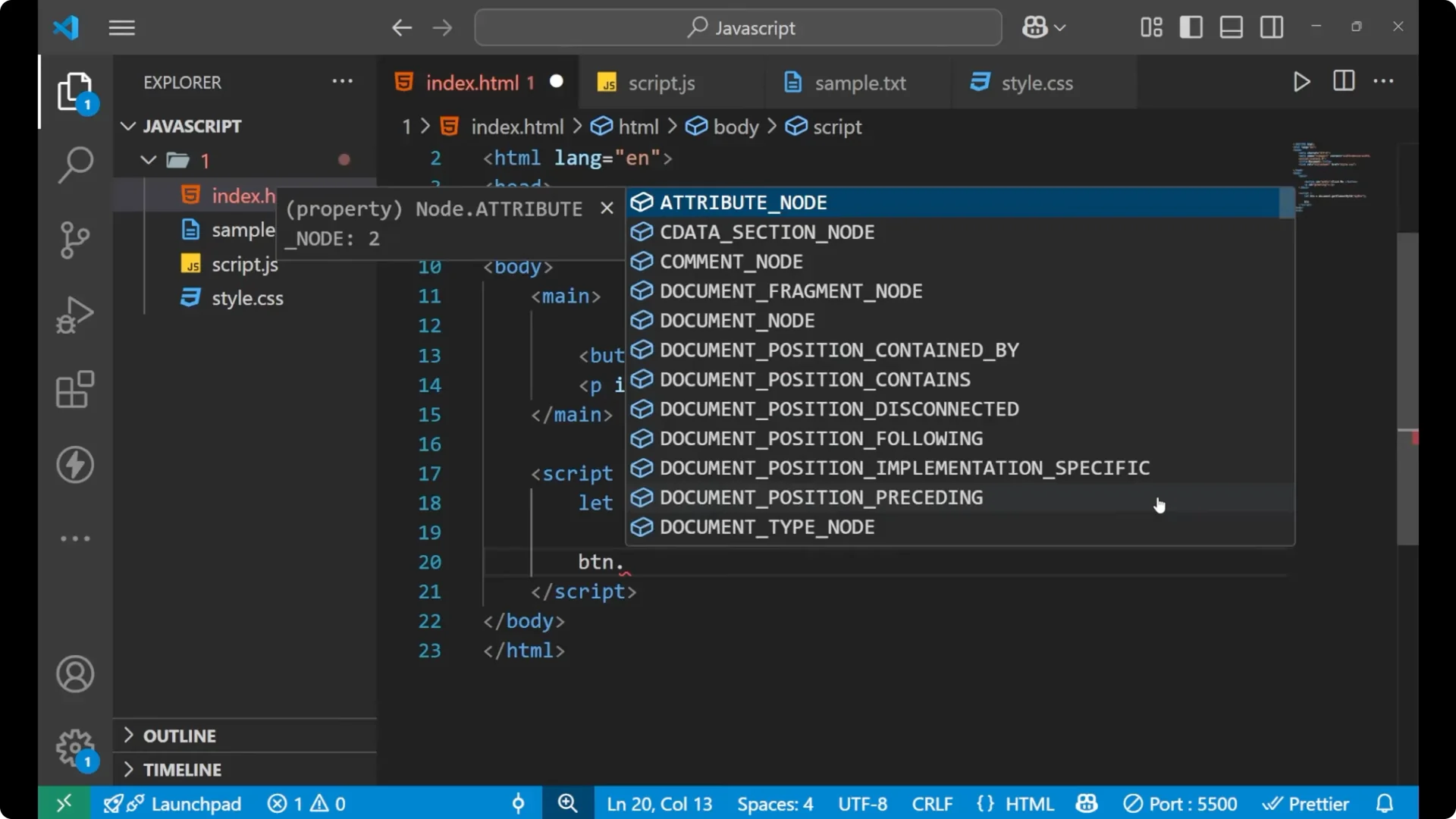
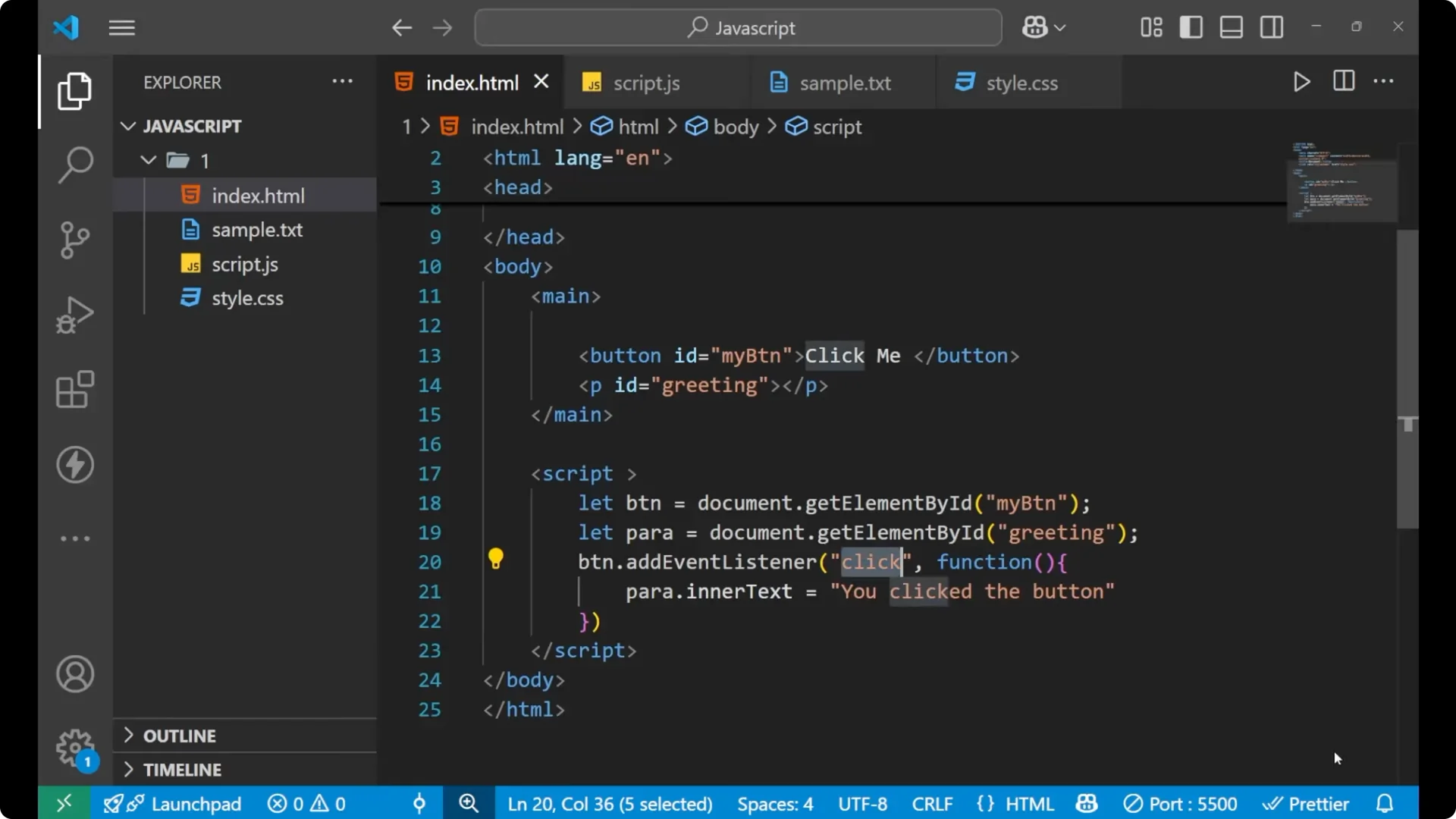
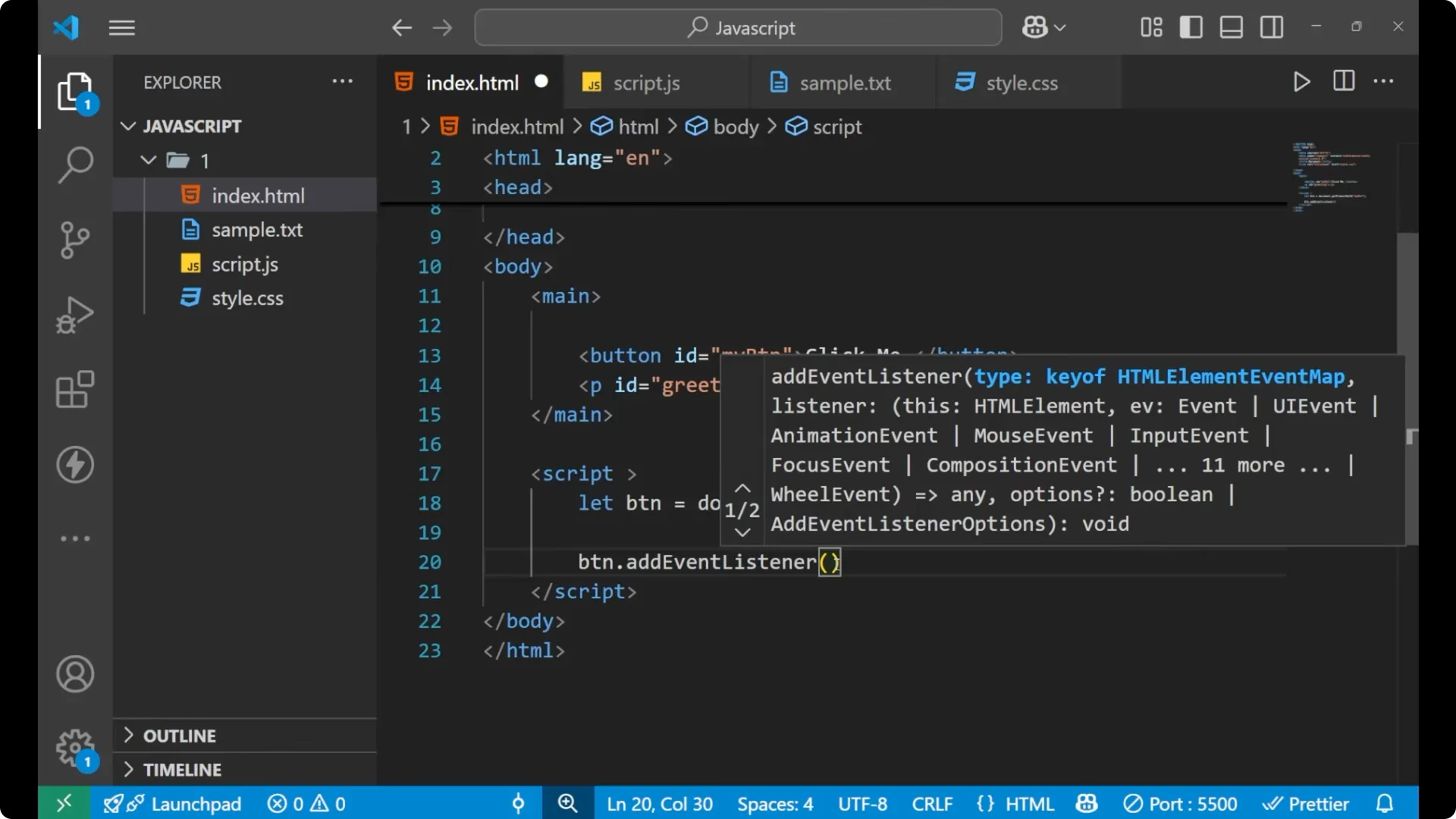
I will add an event listener – that is
.addEventListener. This is how you add your event listener. Here E and L are capital, otherwise all the letters are in small case.
Inside of this we will write our action. Whatever the event is getting performed – that is
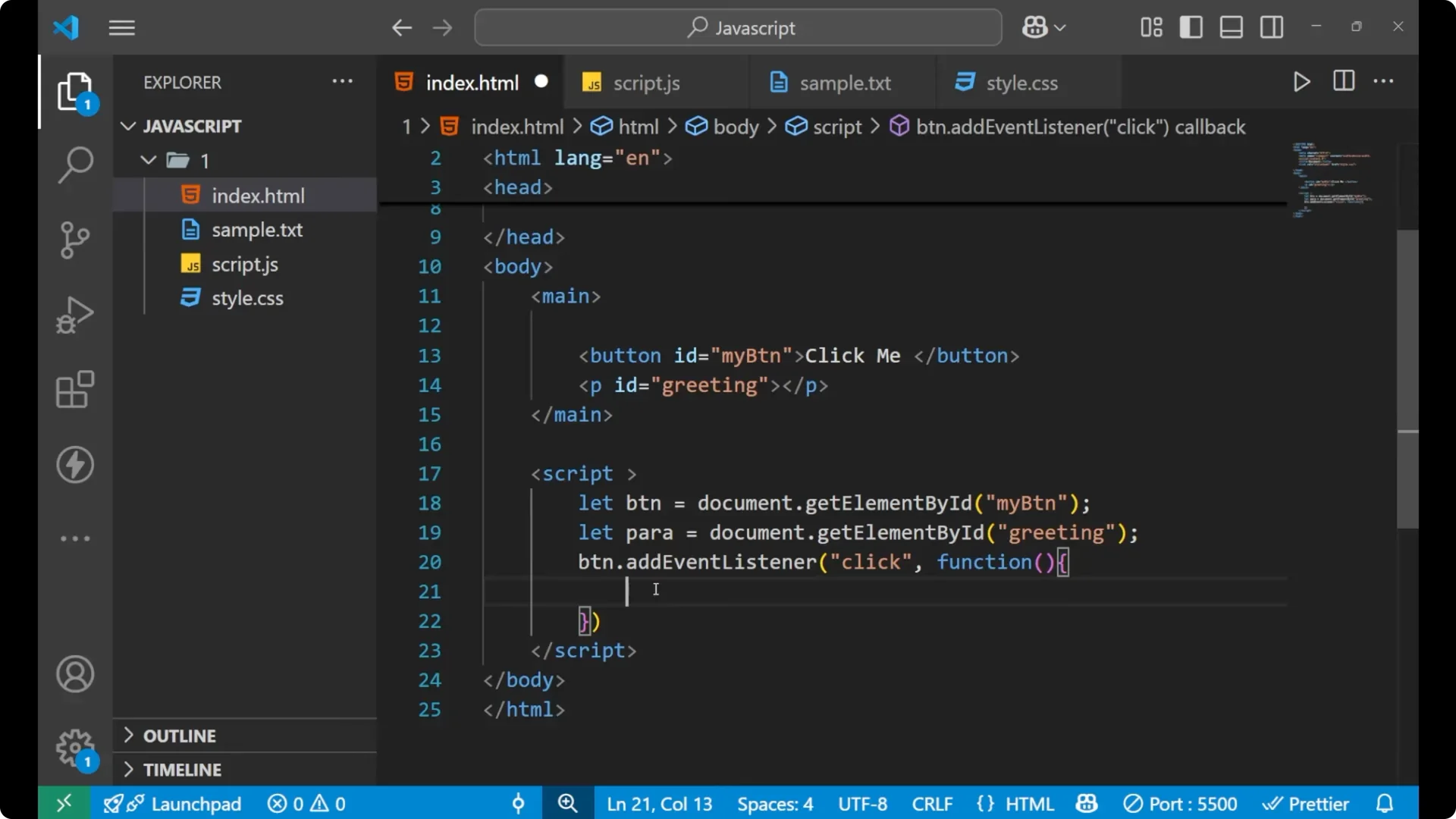
click. When the button will click, then a particular line of code will run. For that I am writing this function, then we will write our code or a logic which we want to perform.
btn.addEventListener('click', function () {
  const para = document.getElementById('greeting');
  // change the content of this particular paragraph
  para.innerText = 'You clicked the button';
});
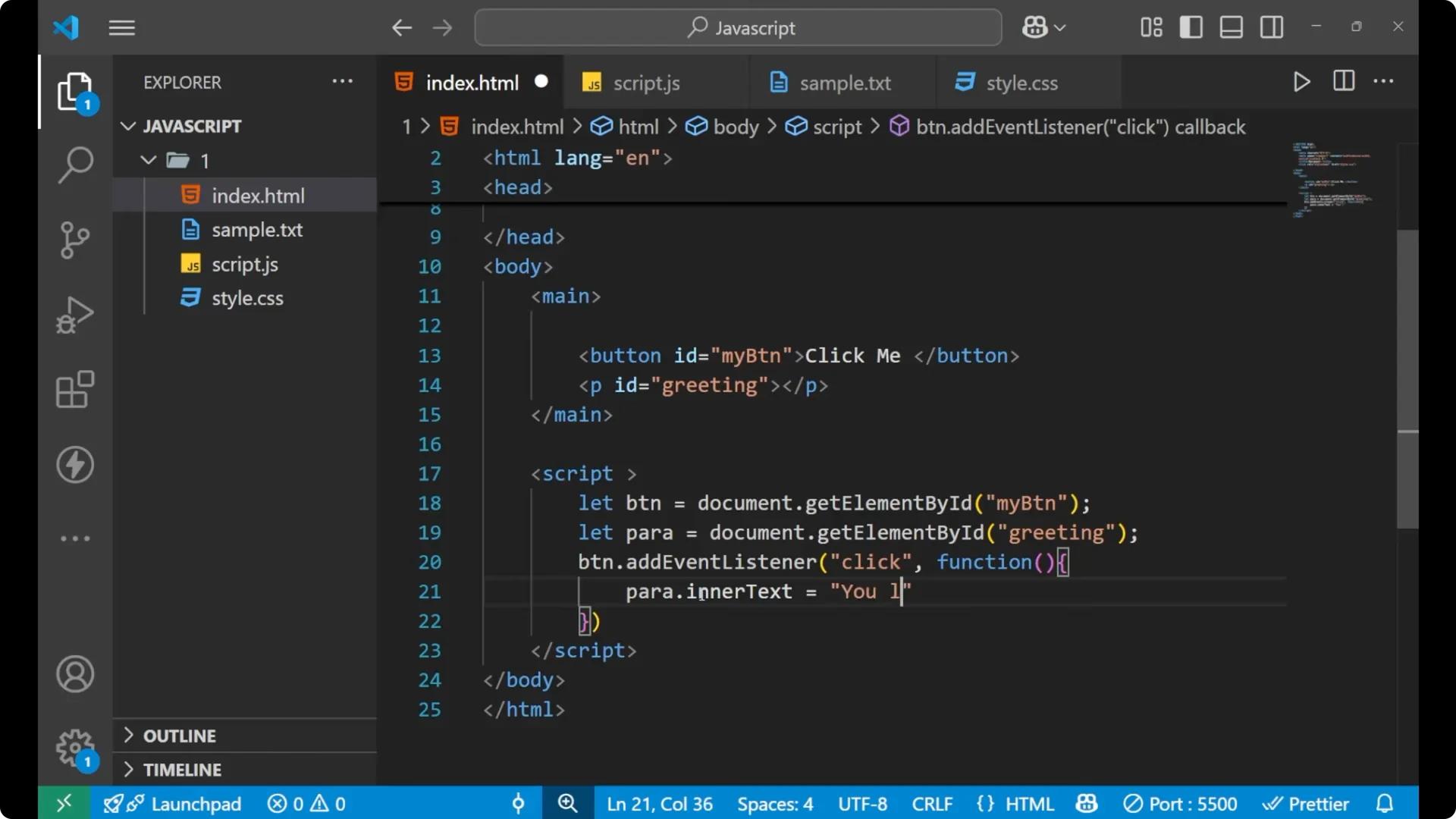
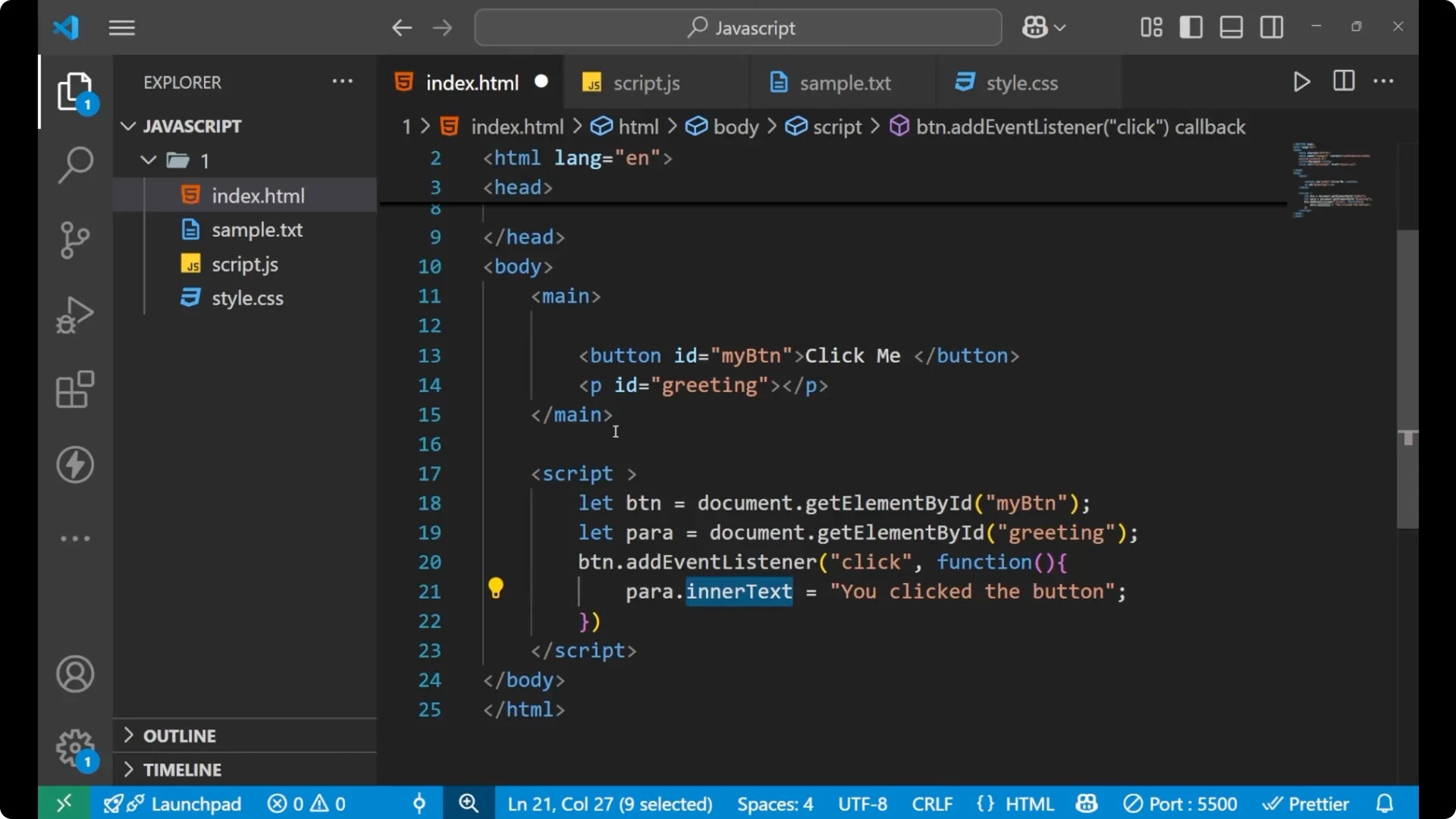
In the function I am calling that paragraph also – let para equals to document.getElementById – and I have written this id here. I want that the content of this particular paragraph gets changed. For that I am using
para.innerText. Para is the paragraph. I have called the whole paragraph inside this para.
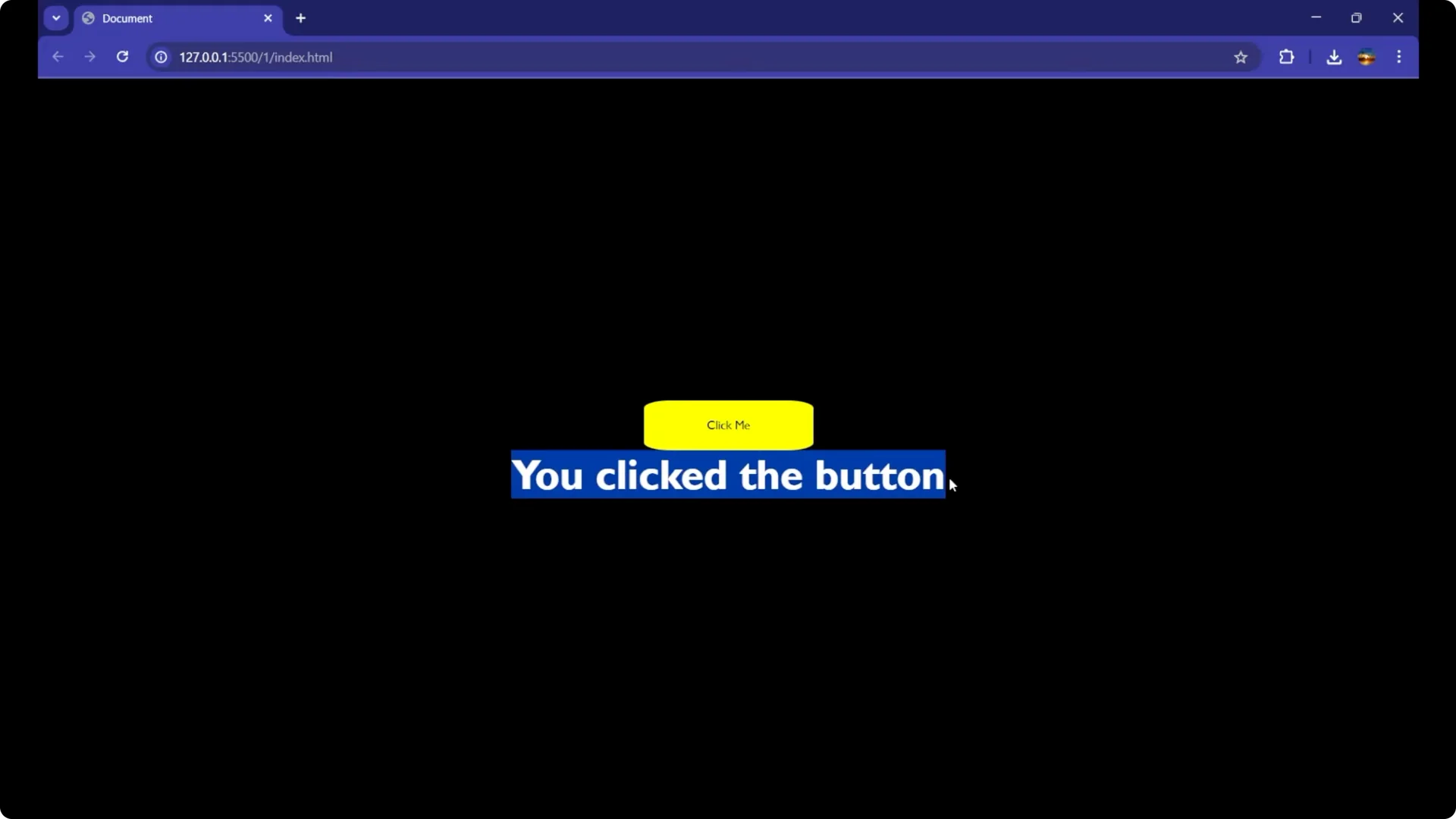
Click the button. You can see that it is showing You clicked the button. The text got changed inside the paragraph.
 Read More: Master Local Storage Javascript
Common JavaScript Event Listeners you can use
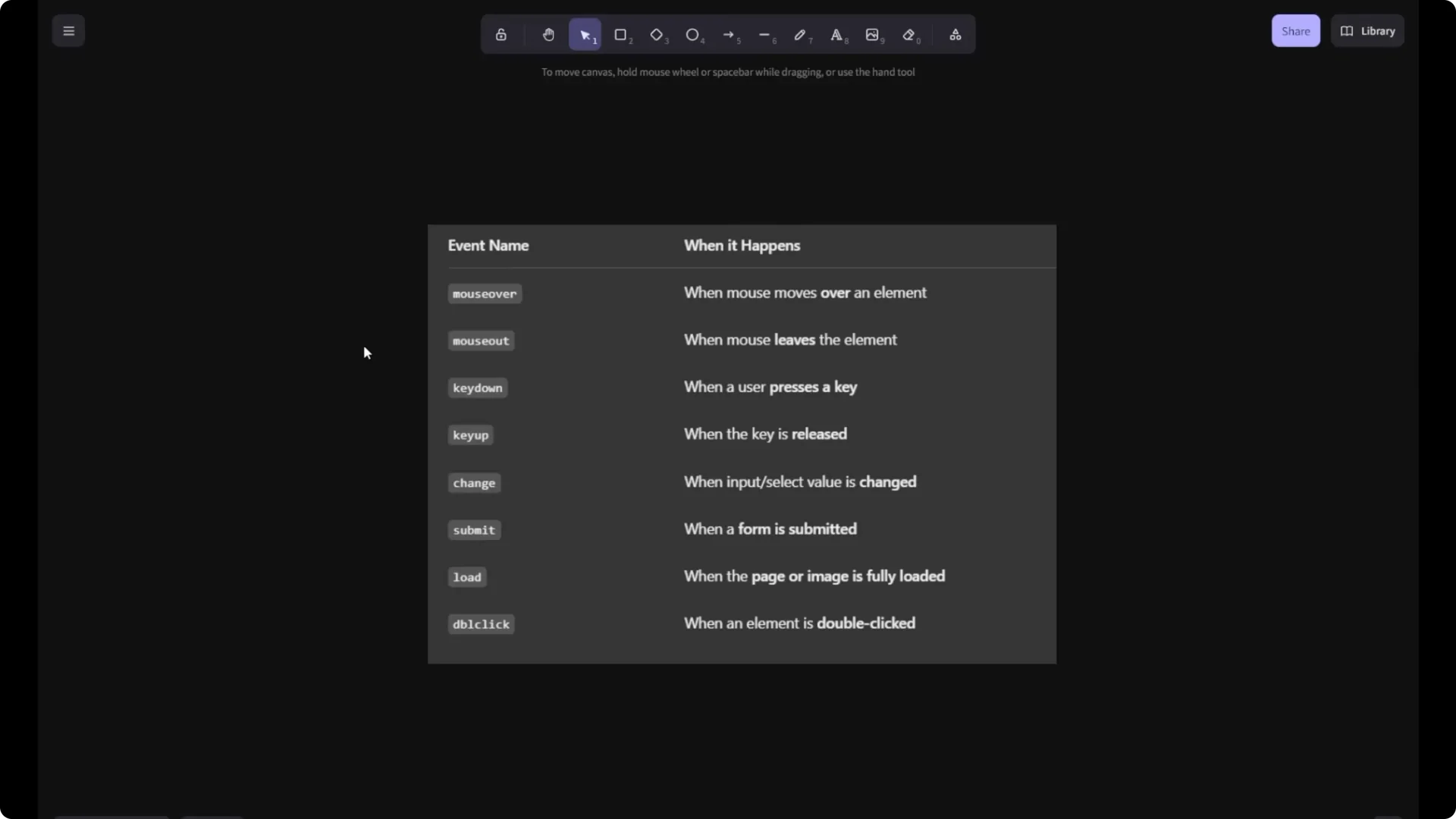
Using this event listener, we call all the different types of actions. These are different event names that you will use – mouseover, mouseout, keydown, keyup, change, submit, load, double click. Every time when you click on this particular button, that particular event is called by using this particular action name that is
click, and the code and the logic is applied by using
addEventListener, inside of which we have written a function and then we write our main part of DOM – we change the inner text of the paragraph.
// Replace 'click' with other events as needed:
btn.addEventListener('mouseover', function () { / ... / });
btn.addEventListener('mouseout', function () { / ... / });
btn.addEventListener('keydown', function (e) { / ... / });
btn.addEventListener('keyup', function (e) { / ... / });
btn.addEventListener('change', function (e) { / ... / });
btn.addEventListener('submit', function (e) { / ... / });
btn.addEventListener('load', function () { / ... / });
btn.addEventListener('dblclick', function () { / ... / });
 Read More: Master Javascript Switch Case
Step-by-step recap
Create your HTML with a button and a paragraph that has an id.
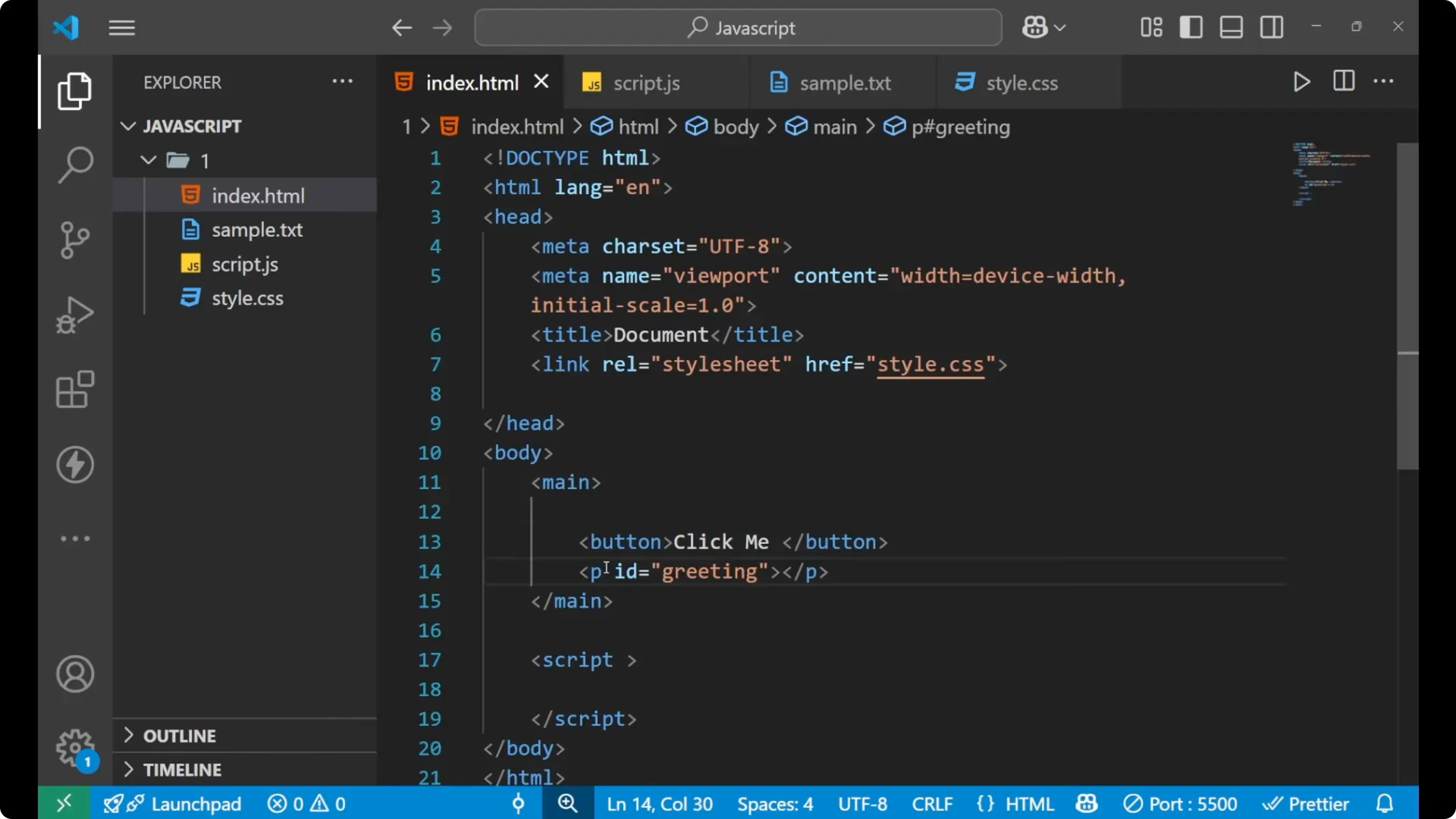
Give the button an id so you can reference it in JavaScript.
Select the button in JavaScript using
document.getElementById and store it in a variable.
Attach
addEventListener with the
click event to the button.
Inside the handler function, get the paragraph by id and set
innerText to the message you want.
Final Thoughts
This is how
addEventListener works in JavaScript. Using it, you can listen to actions like
click,
mouseover,
keydown, and more, and then run your code to update the DOM. It is a clear and recommended way to handle events in modern JavaScript.