
We are going to look at the JavaScript do…while loop, a super simple and useful loop that runs your code at least once. Let’s see how it works.
JavaScript Do-While Loop – Definition and Key Difference
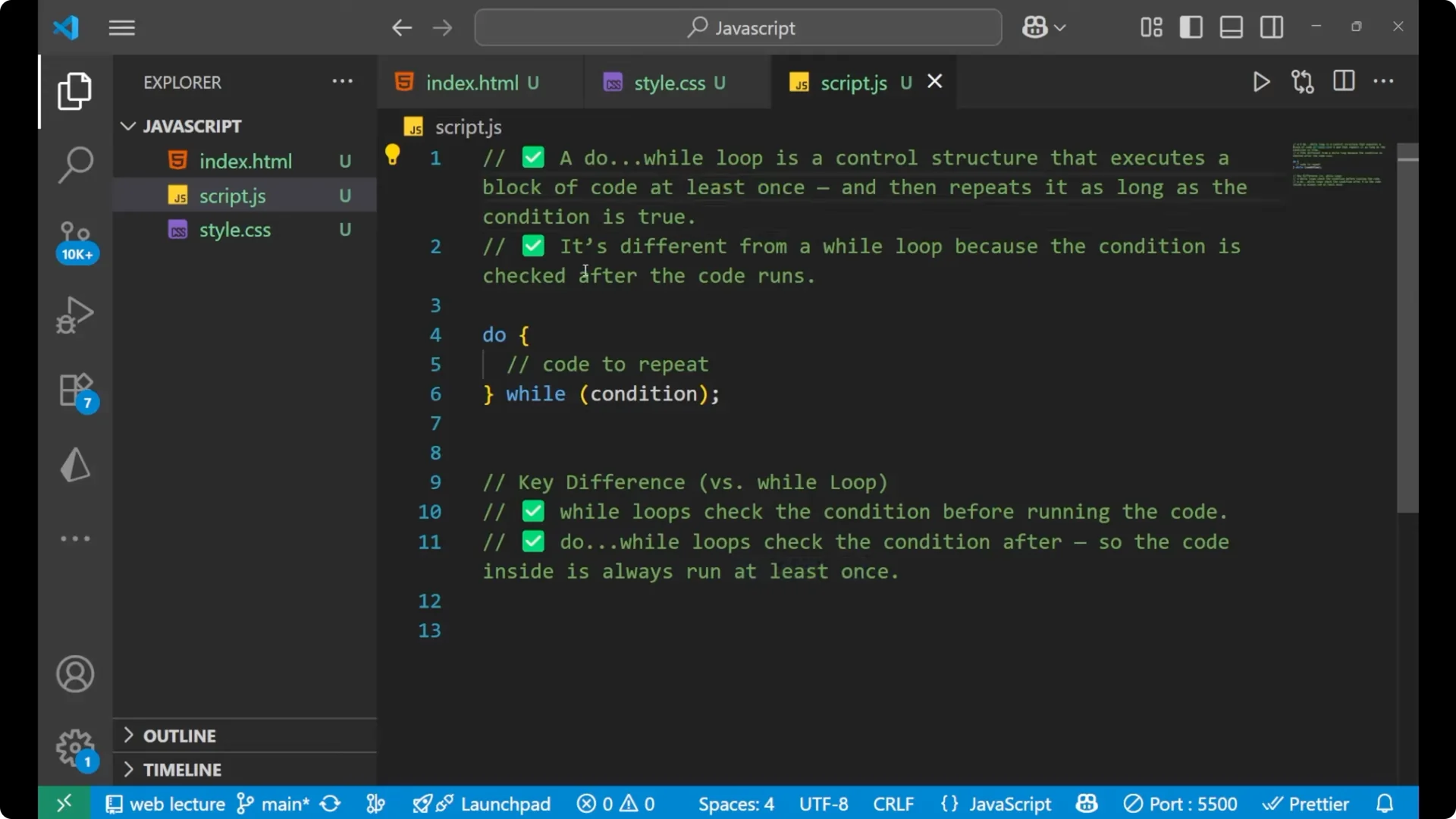
A do…while loop is a control structure that executes a block of code at least once and then repeats it as long as the condition is true.
It works on the basis of a condition.
One special thing about do…while is that it will execute the code at least once, even if the condition does not satisfy on the first check. It is different from the while loop because the condition is checked after the code runs.
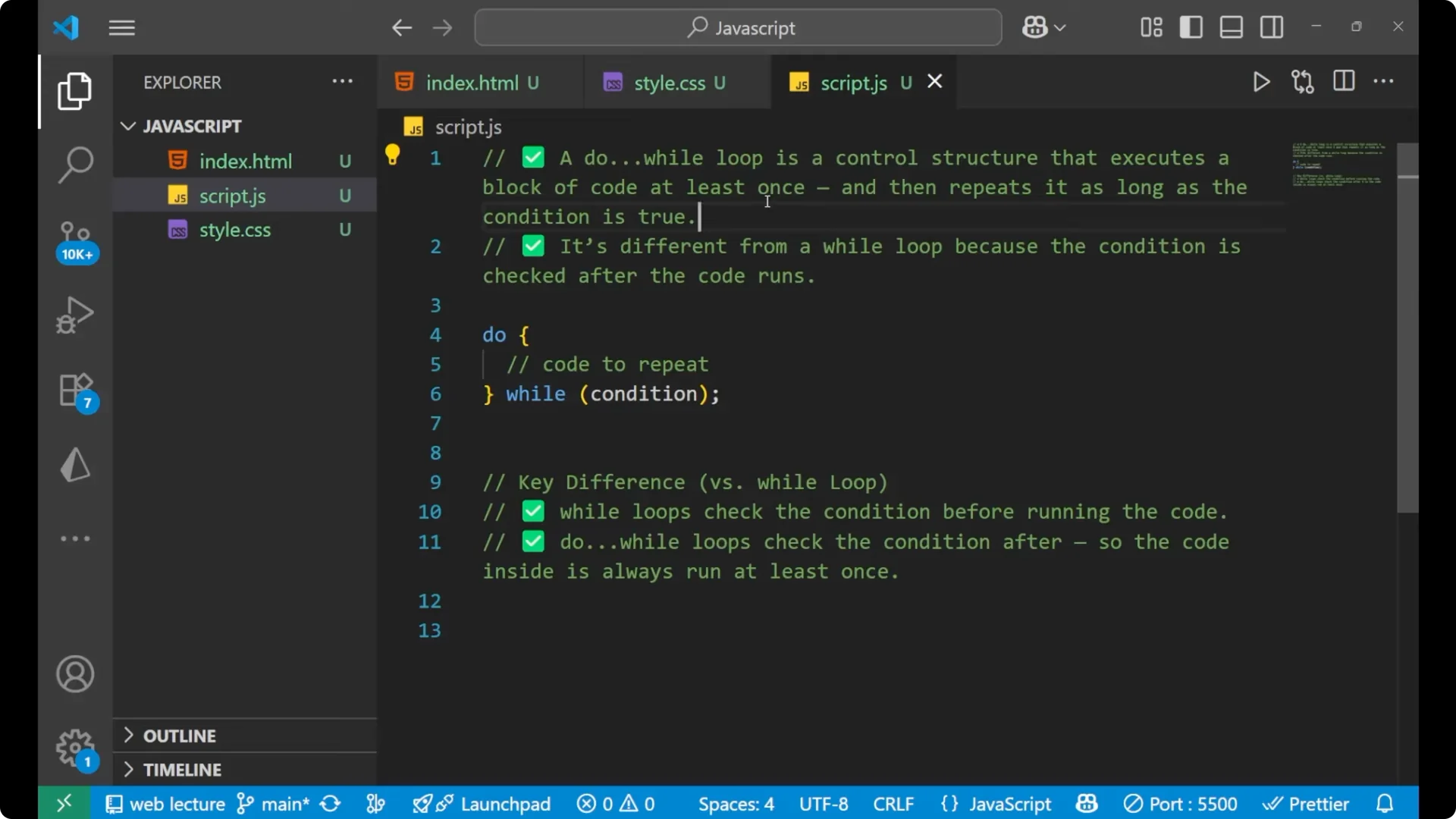
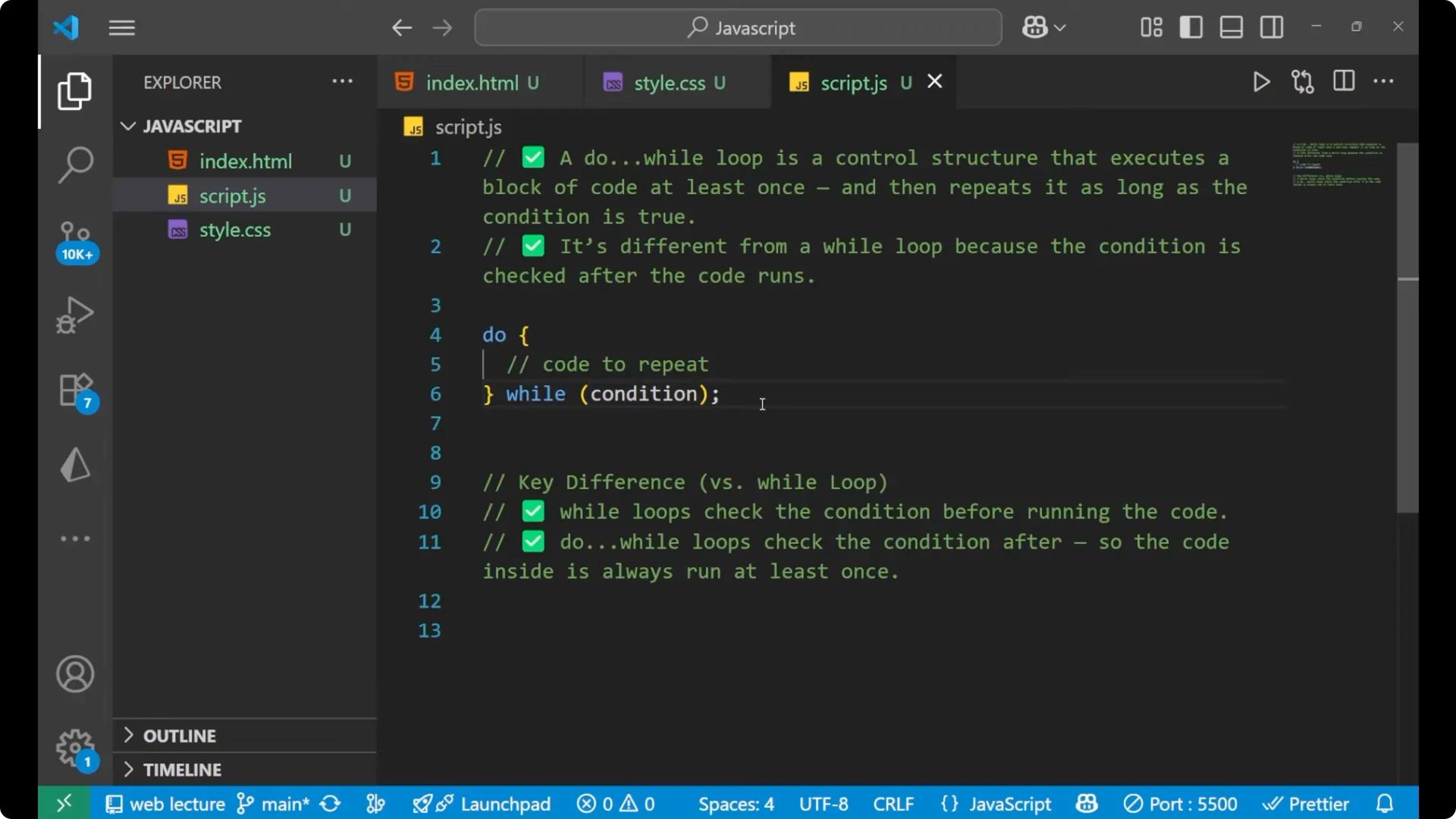
With while, it first checks the condition and then executes the code. With do…while, it first executes the code and then checks the condition.
The code inside is always run at least once.
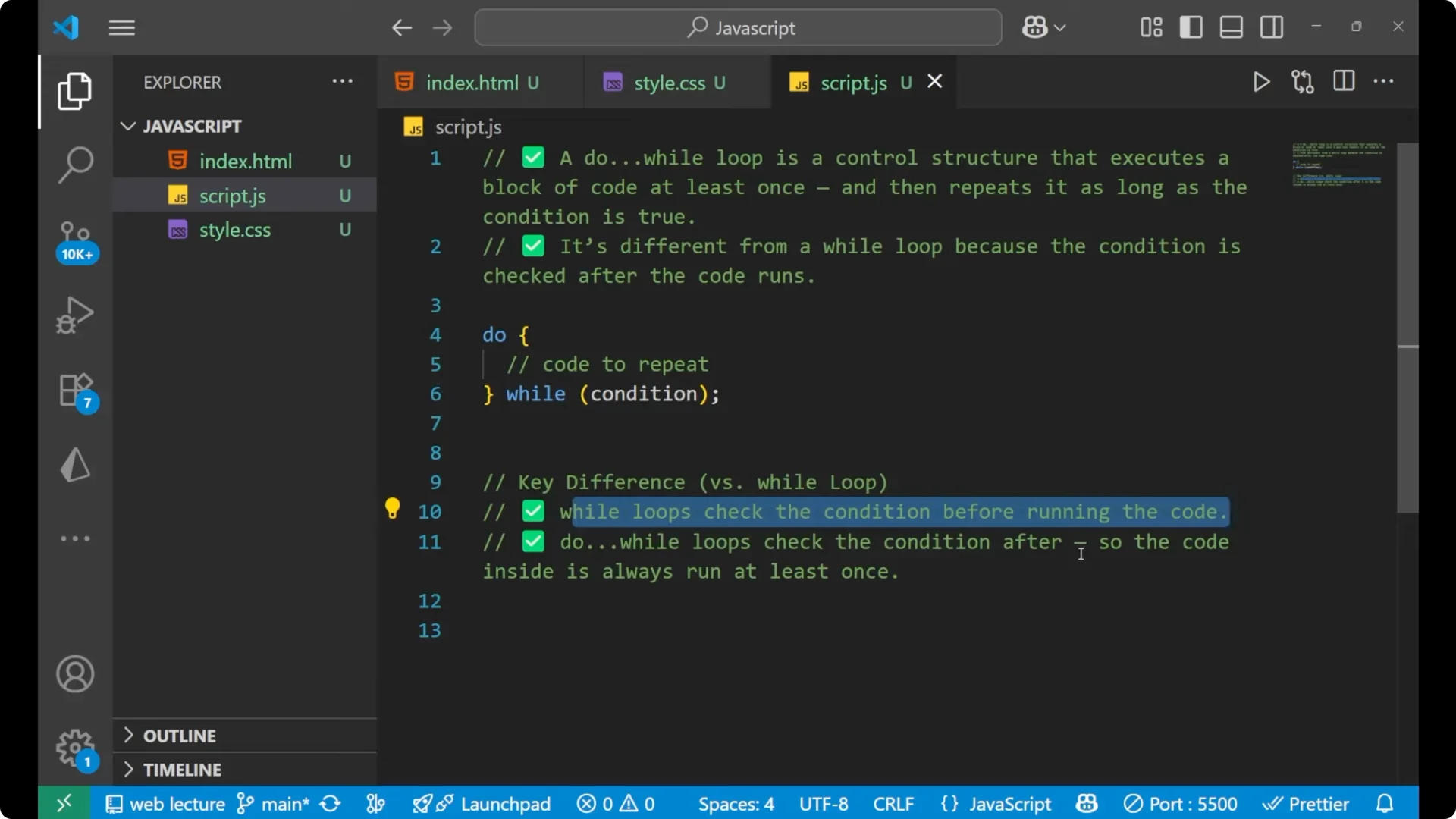
JavaScript Do-While Loop Syntax
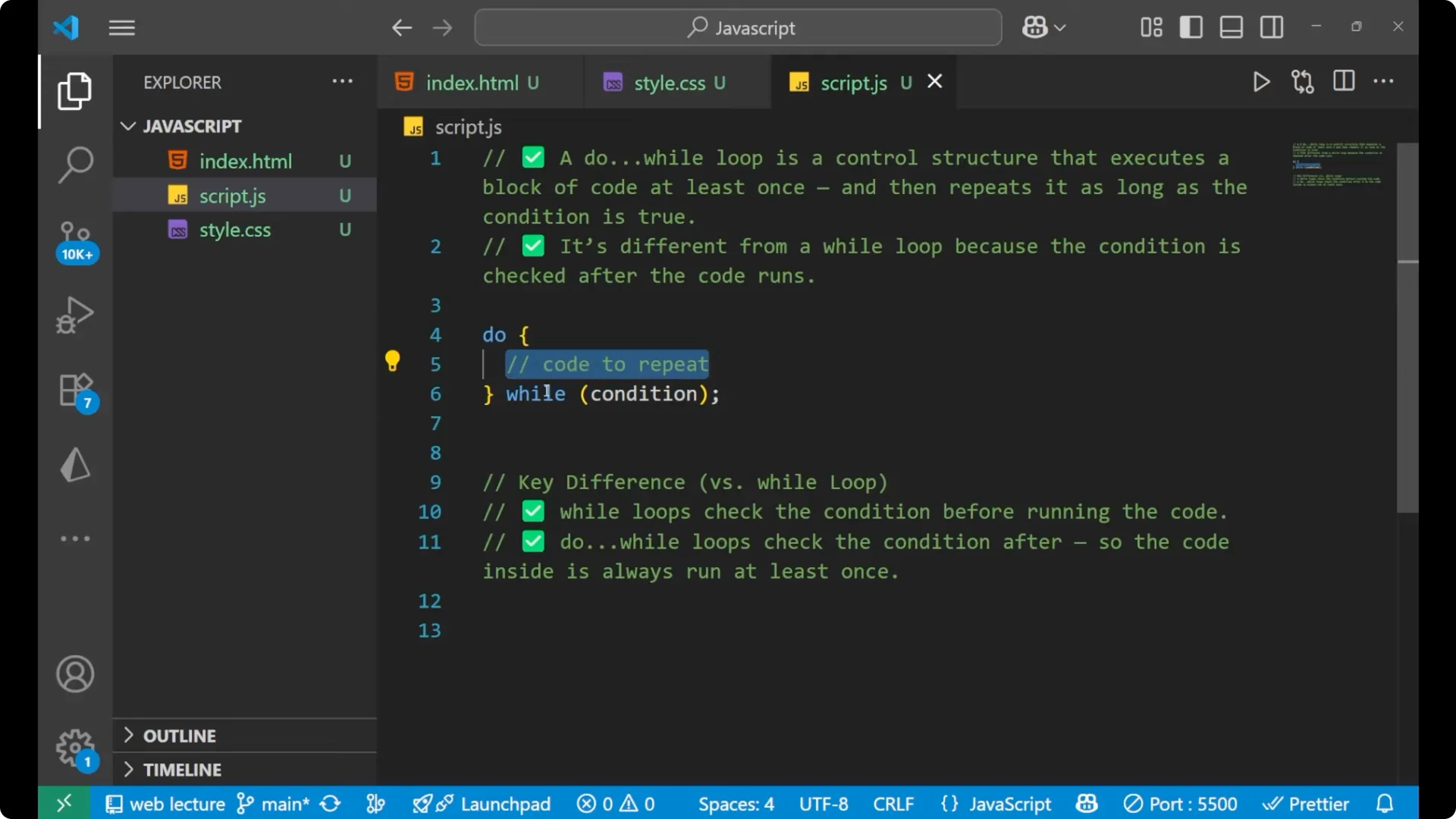
First we write the do. Inside this we write the code that we want to repeat.
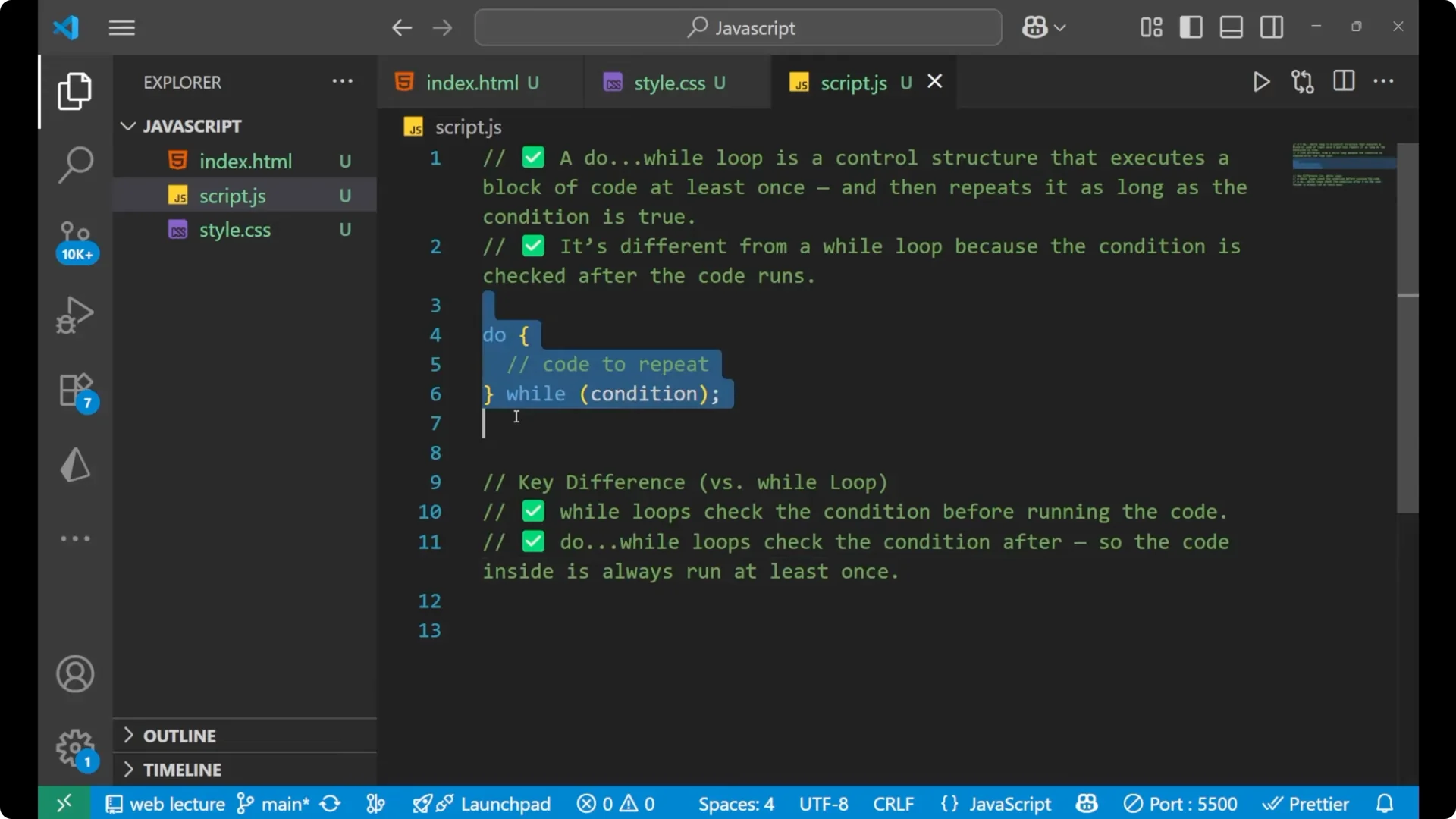
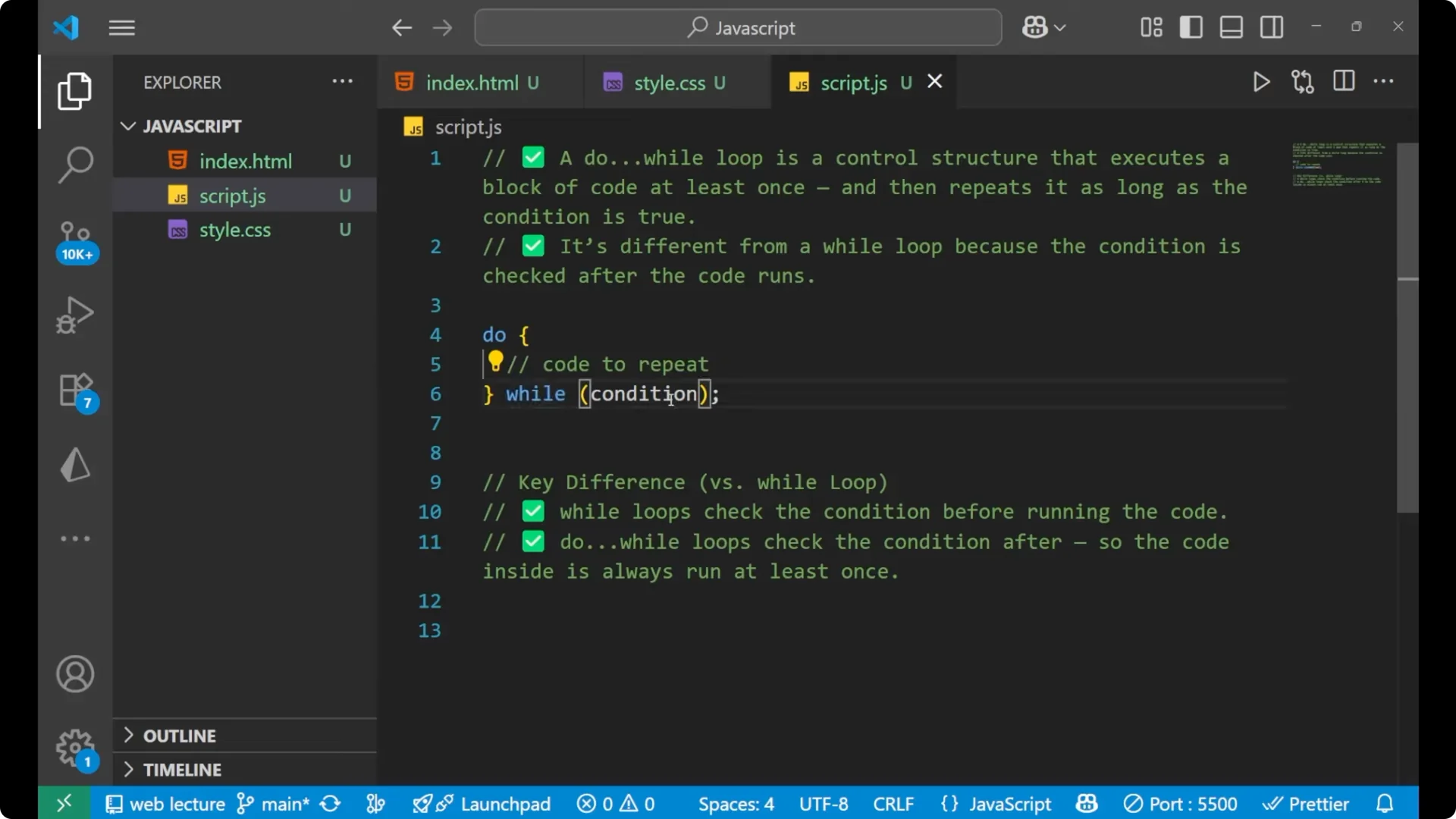
Then we put a while with parentheses, and inside this we write the condition that we want to put inside the loop.
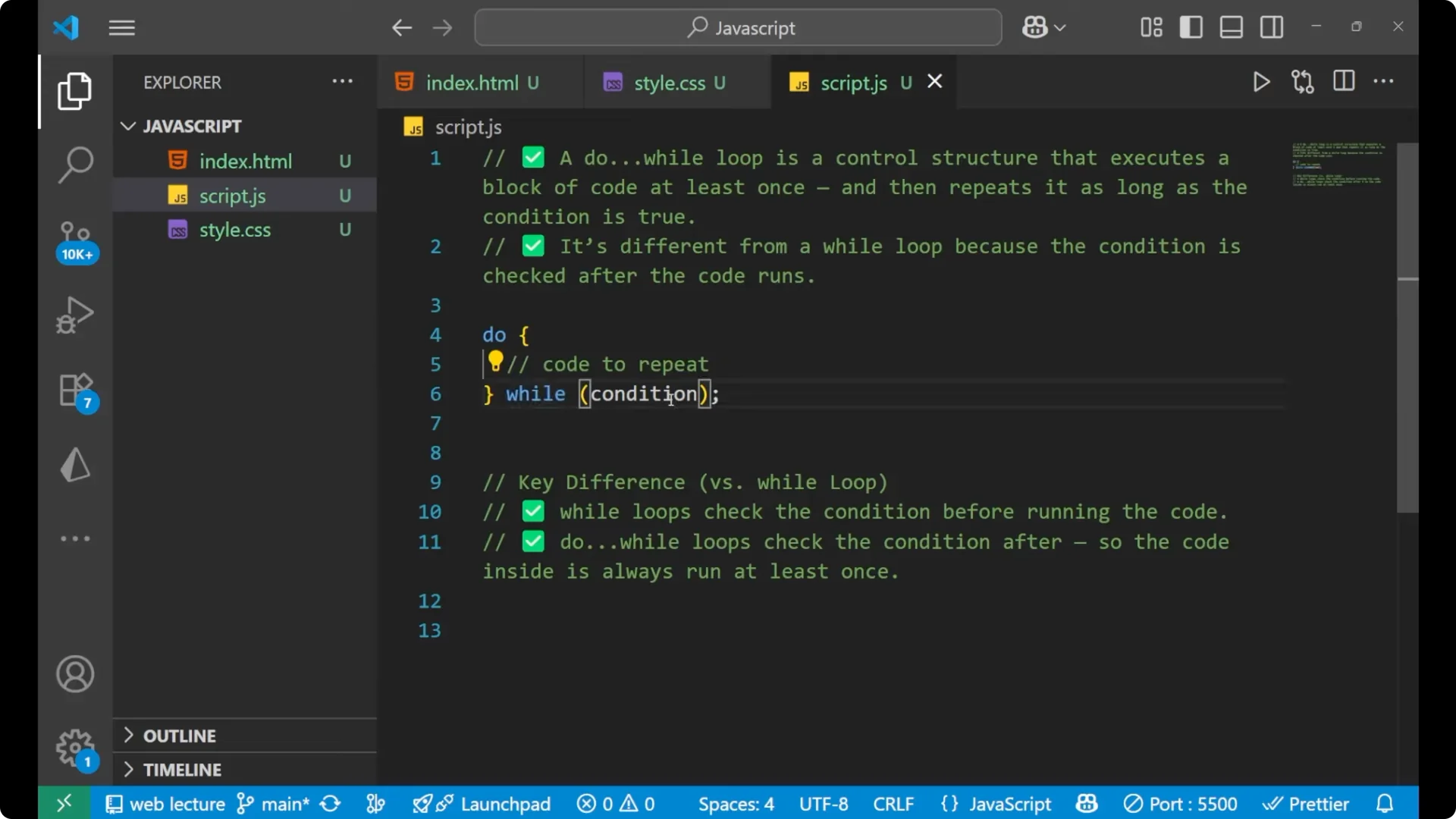
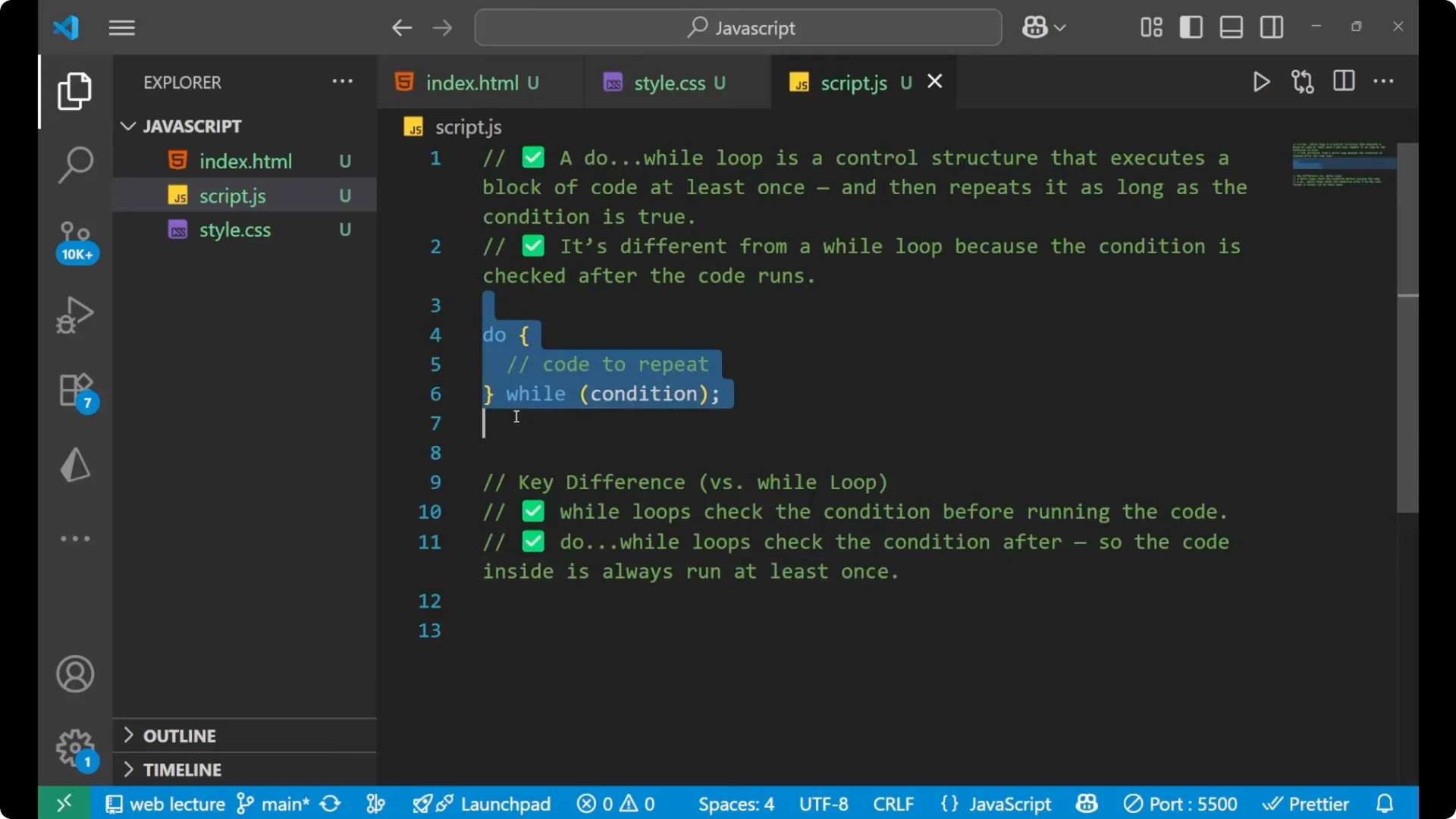
do {
  // code to repeat
} while (condition);
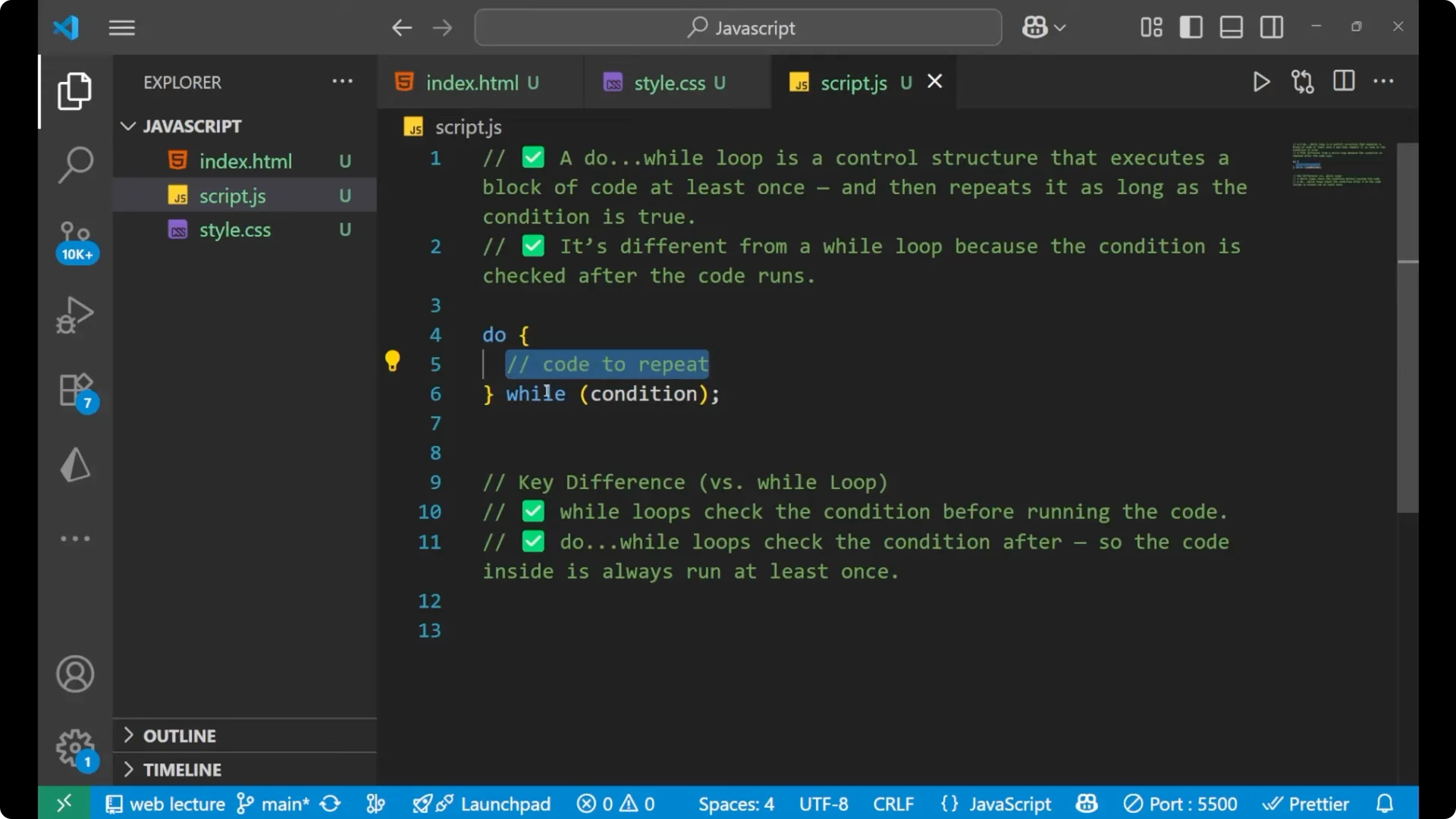
Step-by-step to write a JavaScript Do-While Loop
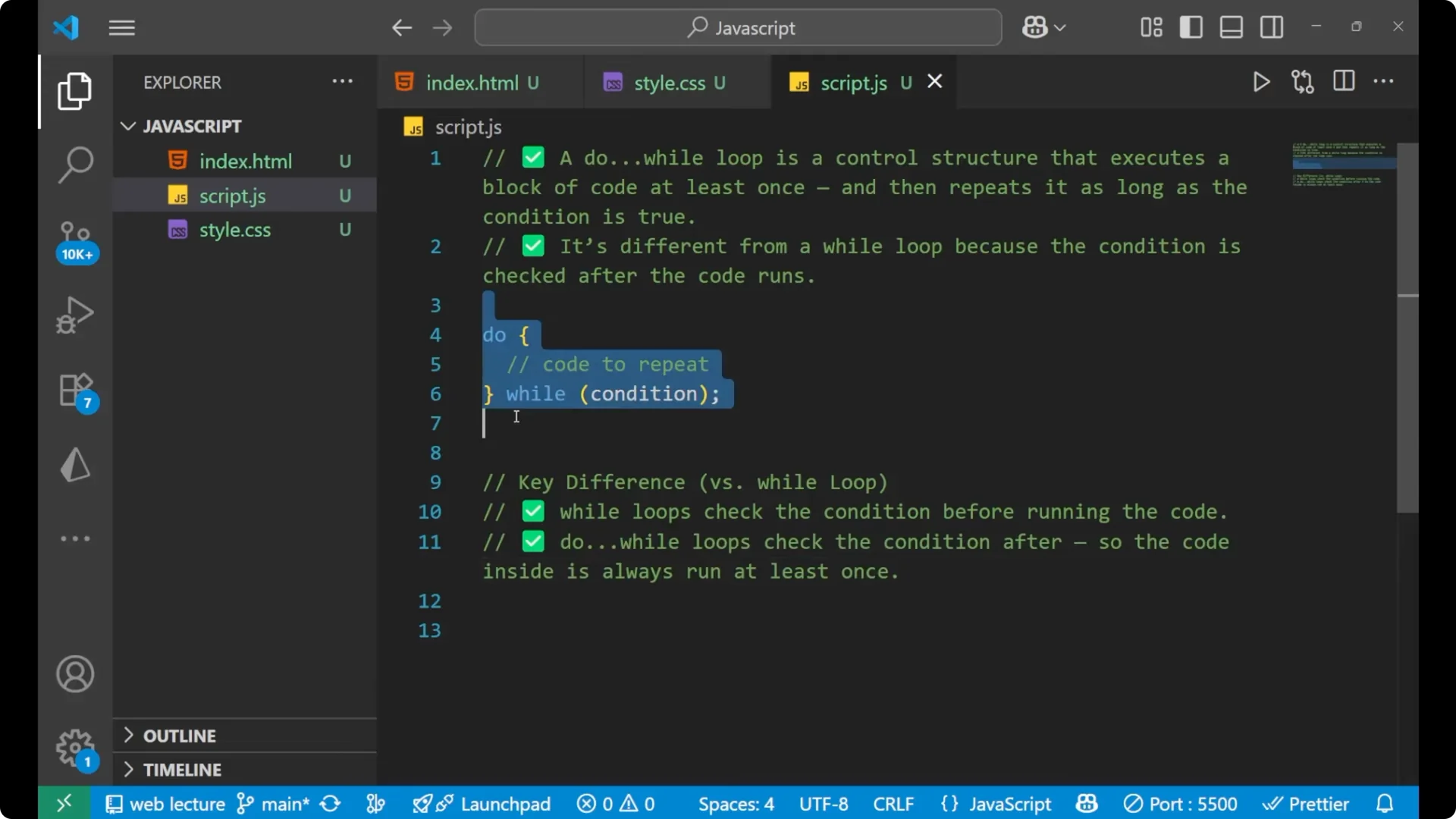
Type do.
Place the code to repeat inside curly braces.
Add while(condition) with parentheses right after the closing brace.
Practical Examples of the JavaScript Do-While Loop
Example 1 – Counting from 1 to 5
I am going to write `let num = 1`. The condition should be that this number is less than or equal to 5. In the main code we `console.log` the number and after that increase the number.
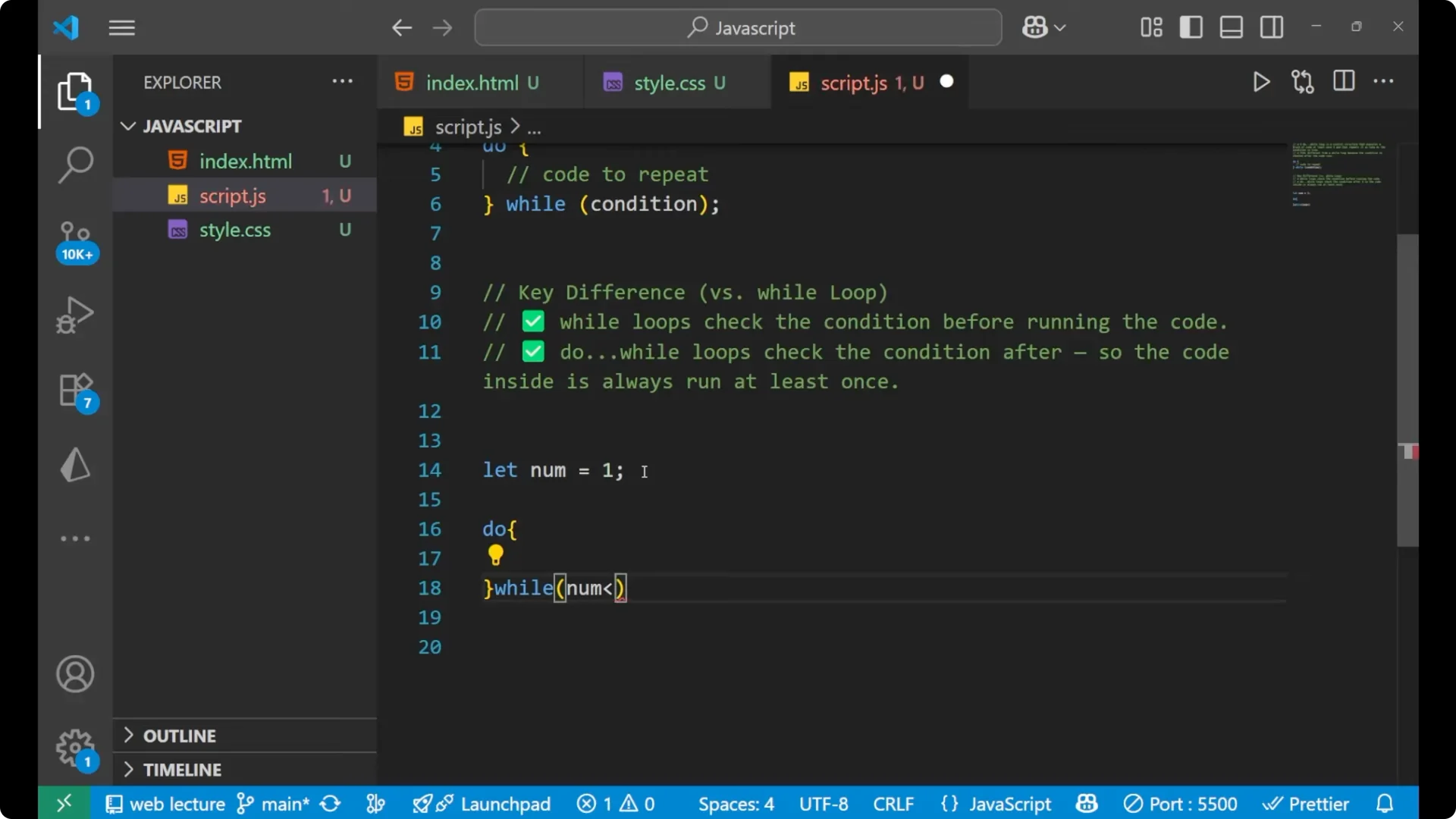
let num = 1;
do {
  console.log(num);
  num++;
} while (num <= 5);
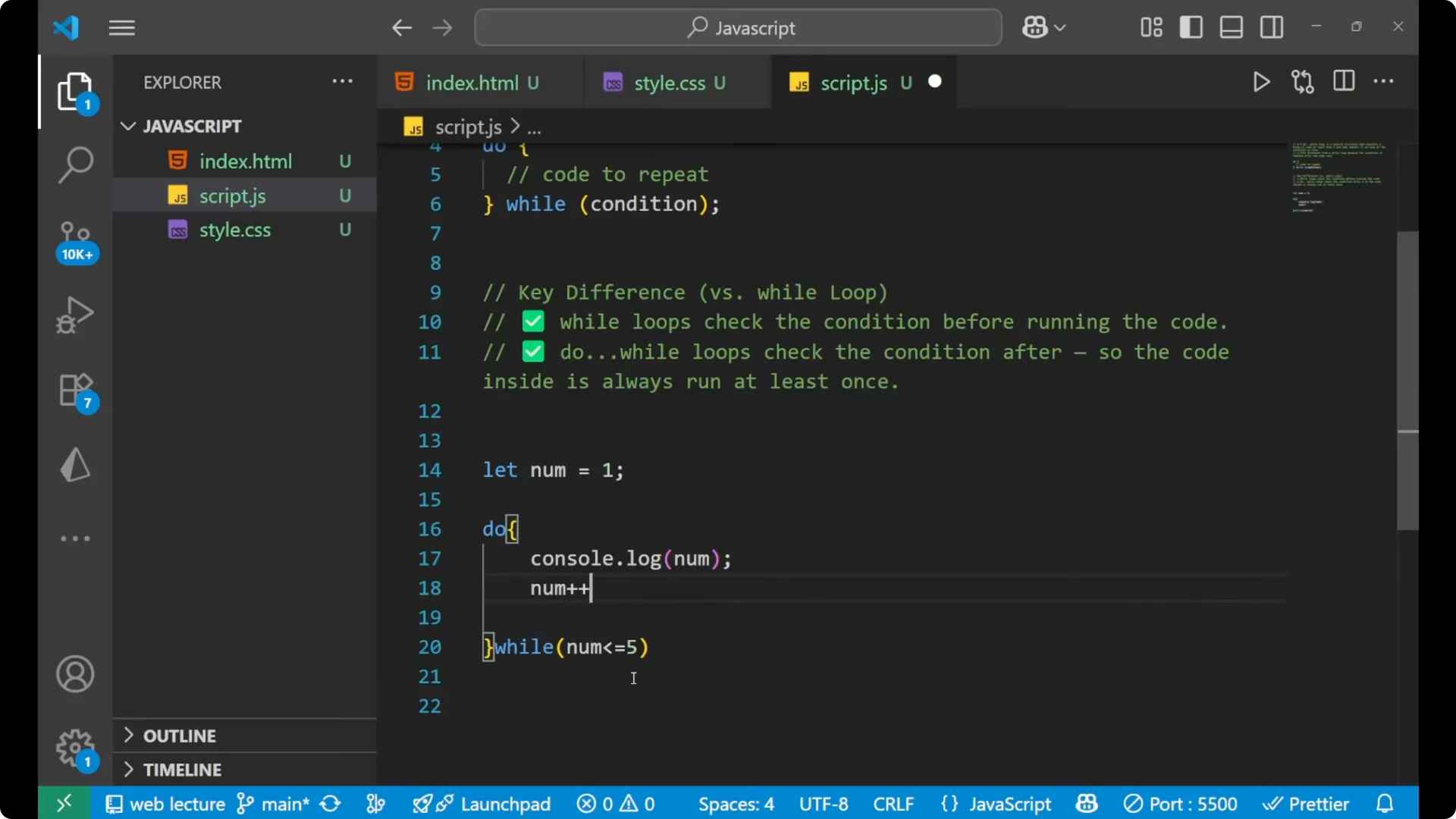
It first runs this line of code, then it increments it, and then it checks the condition. This is how it is working. The block will still run at least once.
Example 2 – Prompt until a number greater than 10
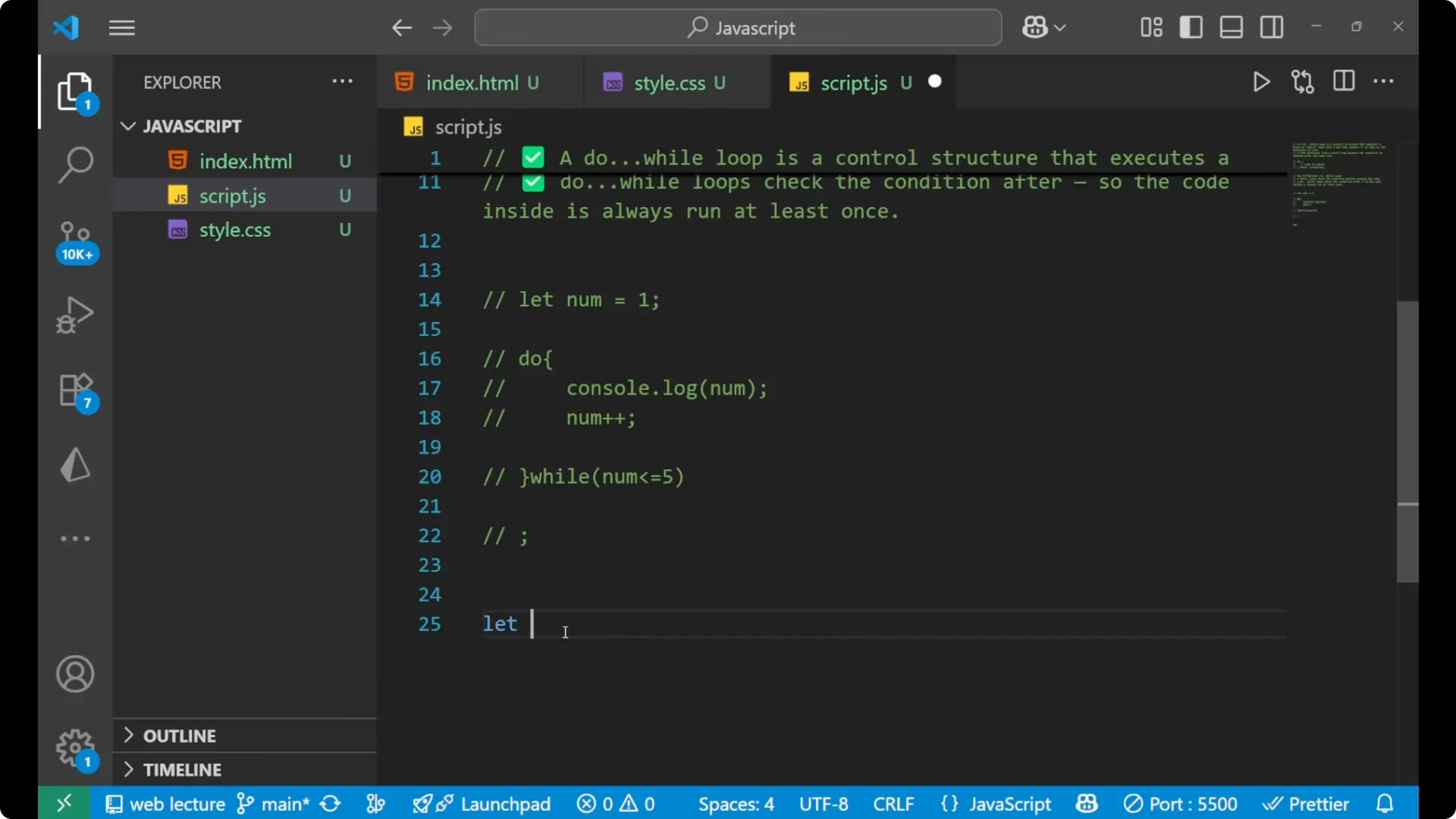
Let `input`. I put the do loop.
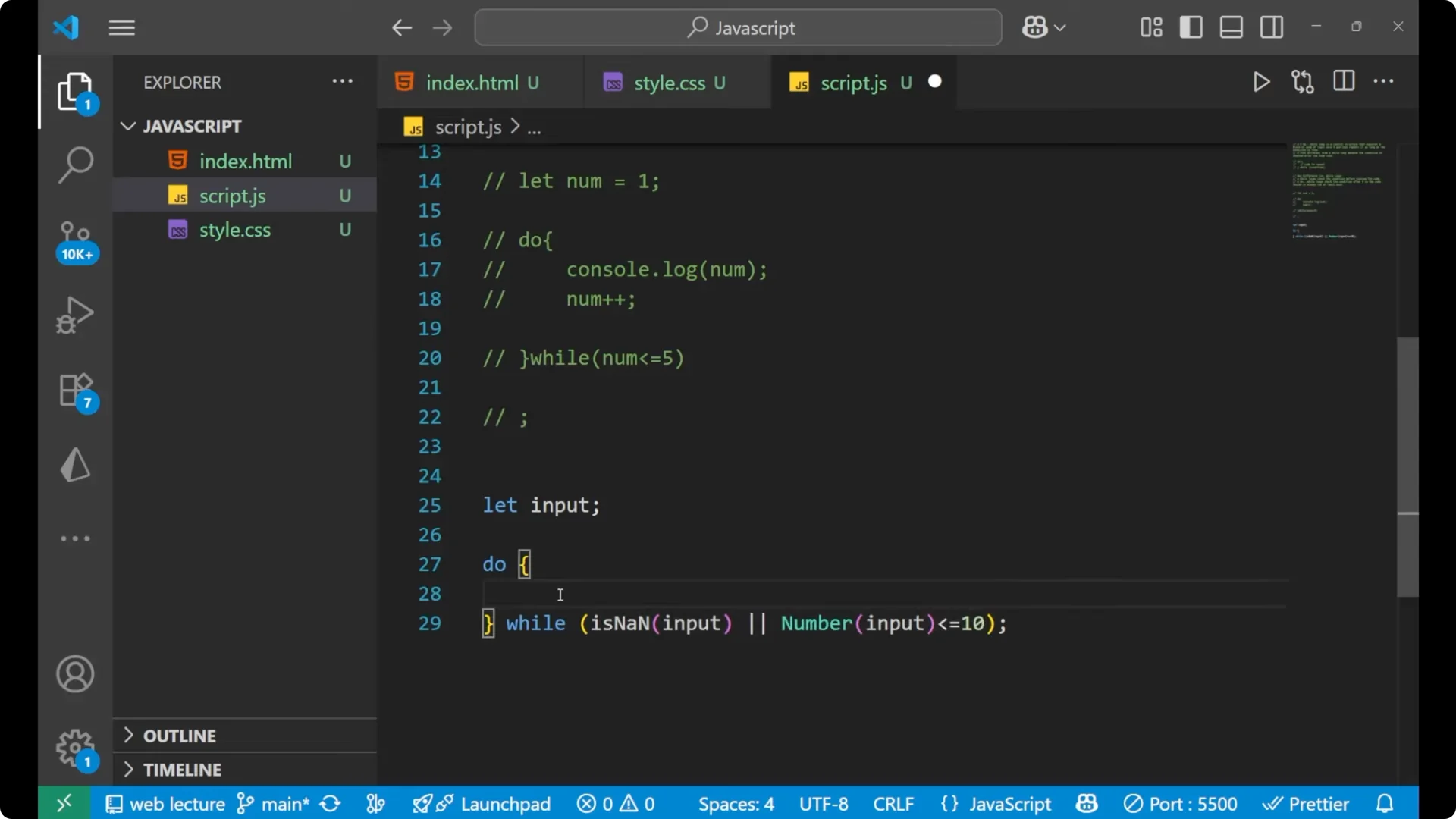
The condition is `isNaN(input)` or `Number(input) <= 10`. In the main code part I am writing `input = prompt(“Enter number greater than 10”)`.
I will also print the value.
let input;
do {
  input = prompt("Enter a number greater than 10:");
} while (isNaN(input) || Number(input) <= 10);
console.log(input);
You can see it asks to enter a number greater than 10. If I write 3 and click OK, it asks again. If I write `a` and click OK, it asks again because the value is not numeric.
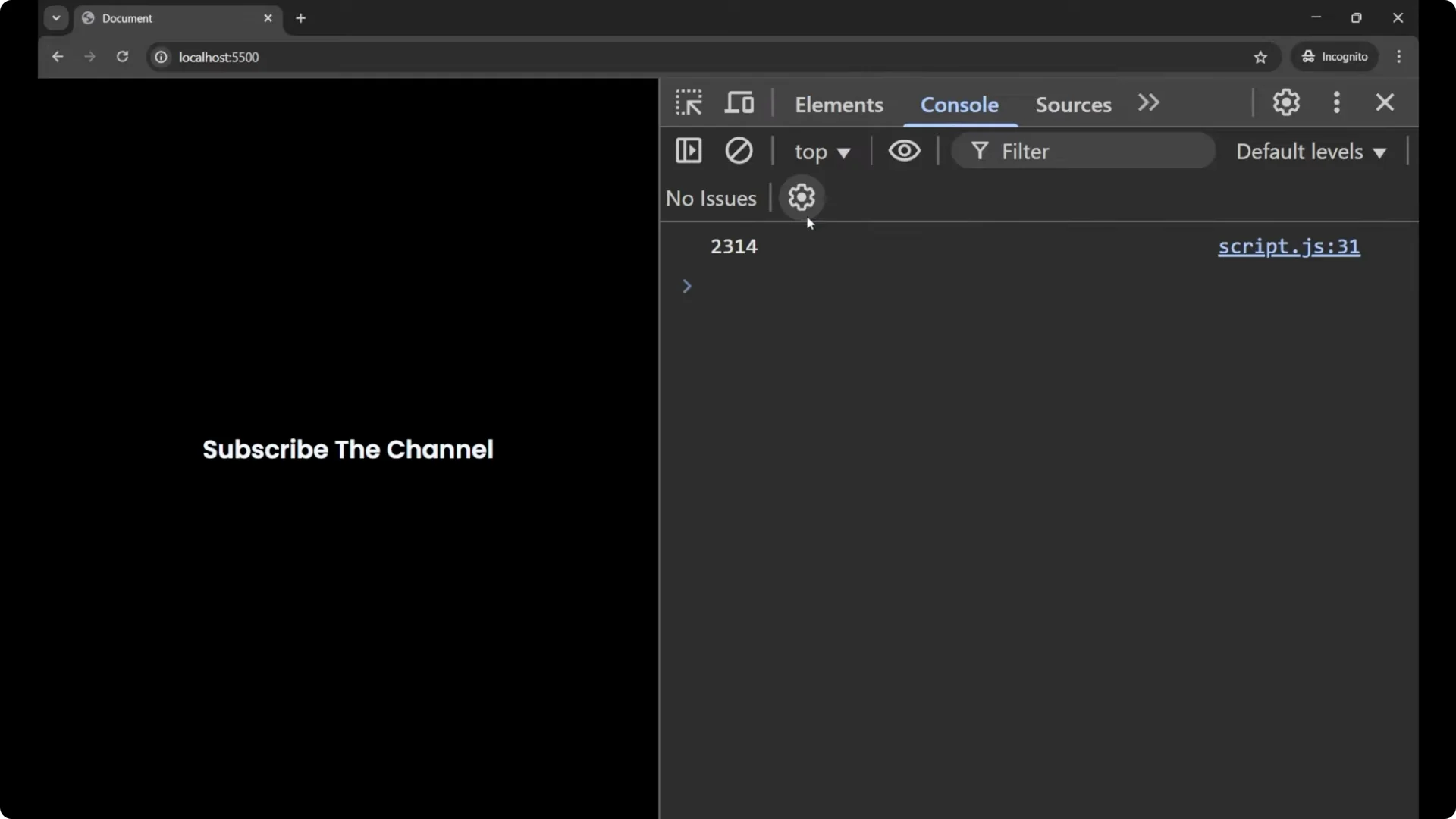
If I write 11, it shows the result as a string in the console.
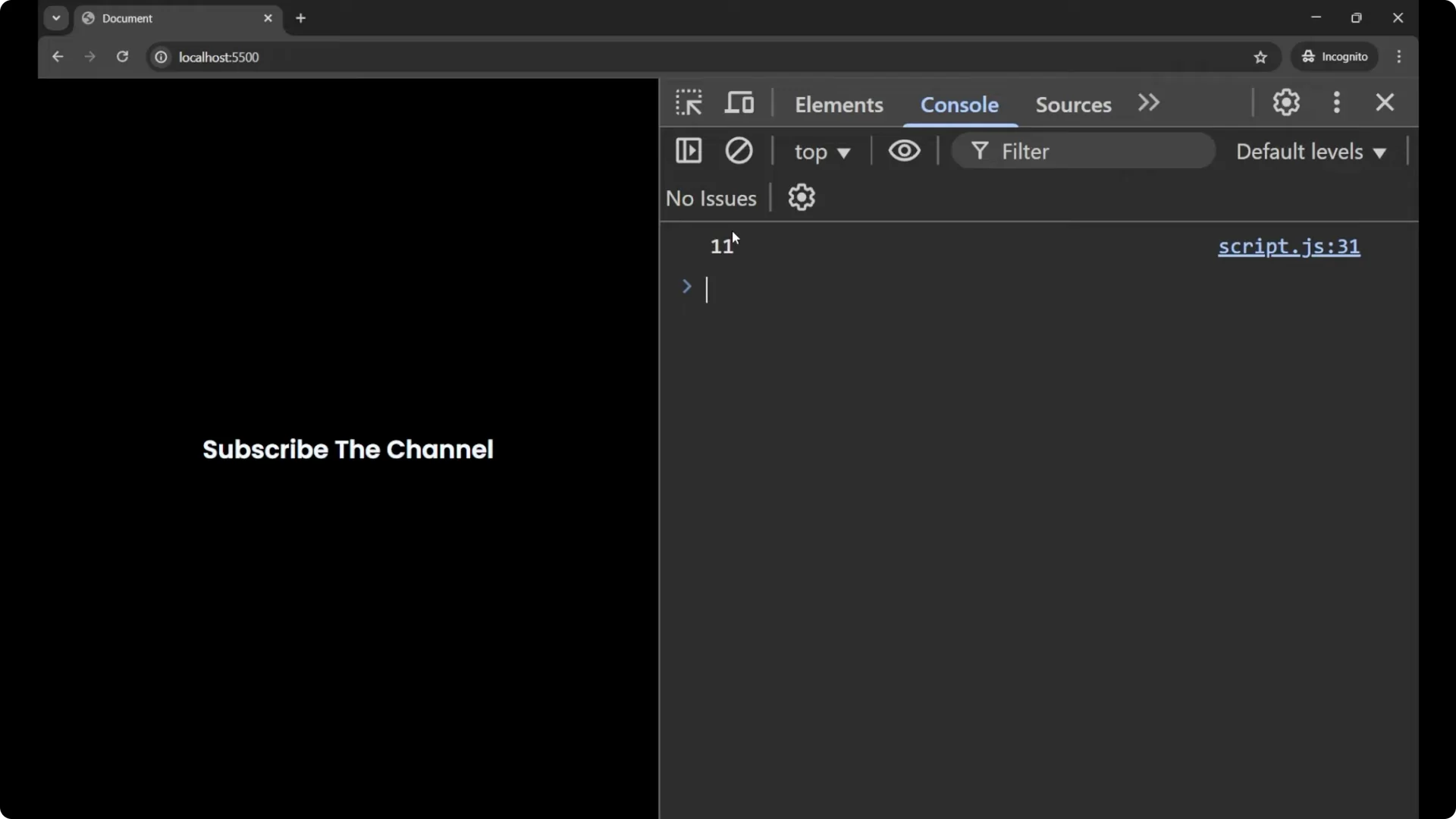
If I write anything that is not numeric or less than or equal to 10, it asks again. If I write a number like 2, it asks again. Any number like 6, it asks again. But if I write any number which is greater than 10, then I get the result.
The code got executed, the condition got satisfied. I have given the input and then it checks the condition and repeats the code.
Final Thoughts
The JavaScript do…while loop executes the block first and then checks the condition, which guarantees the code runs at least once. It is different from while, where the condition is checked before running the code. I hope that you understood the concept of the do…while loop clearly.