I am going to take a user input and create a new element dynamically, appending it with the help of an input field.
I’m starting with an HTML page that has a heading, an input field whose id is item-input and type is text with the placeholder.
Enter an item, a button whose id is add-button, and an empty unordered list whose id is item-list. That’s it.
Dynamic DOM Manipulation: HTML Structure
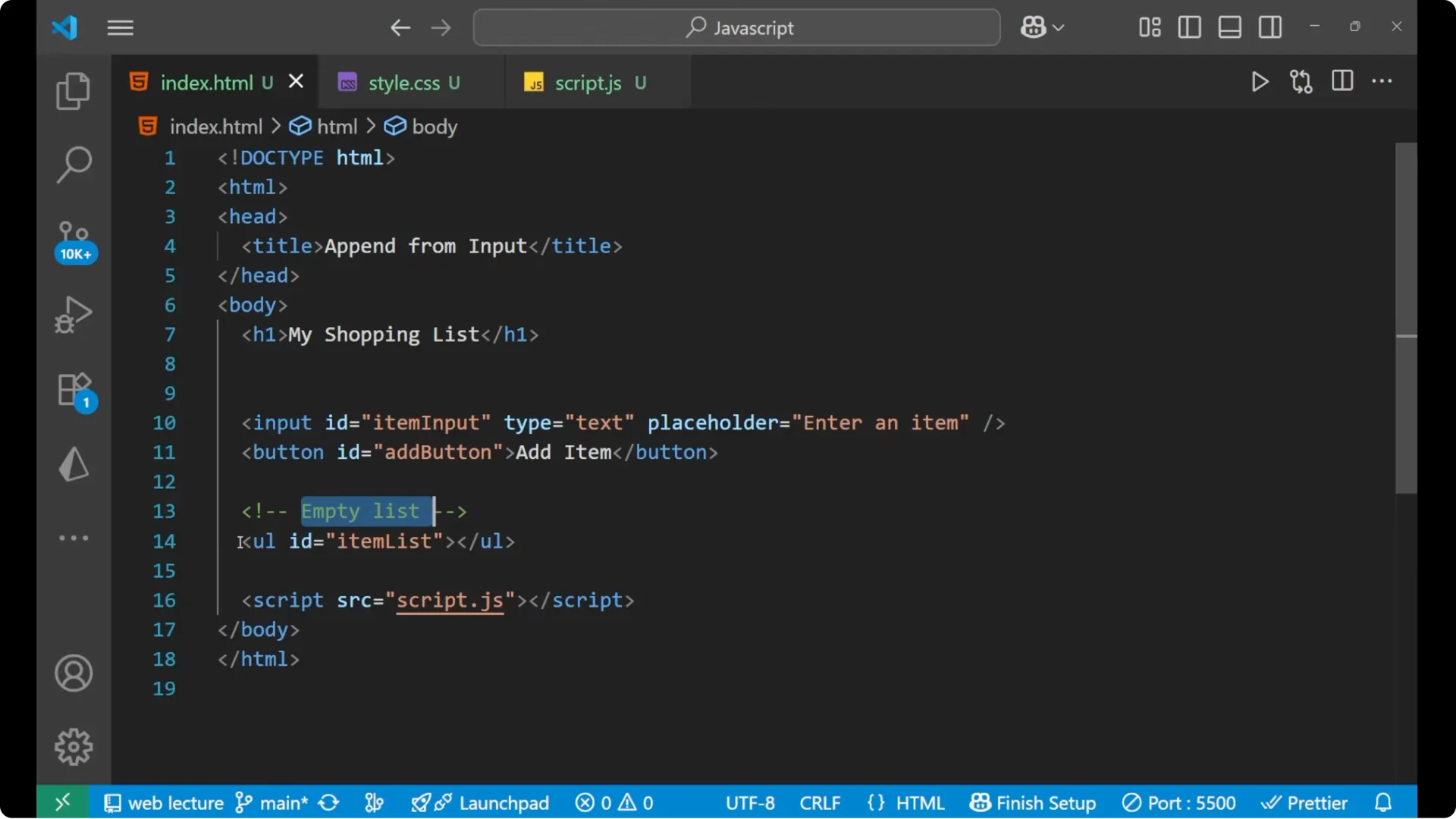
Here is the basic structure I’m using.
<!DOCTYPE html>
<html lang="en">
  <head>
    <meta charset="UTF-8" />
    <title>My Shopping List</title>
    <style>
      body { font-family: sans-serif; }
      #item-list { margin-top: 1rem; }
    </style>
  </head>
  <body>
    <h1>My Shopping List</h1>
    <input
      id="item-input"
      type="text"
      placeholder="Enter an item"
      autocomplete="off"
    />
    <button id="add-button">Add item</button>
    <ul id="item-list"></ul>
    <script src="app.js"></script>
  </body>
</html>
Dynamic DOM Manipulation: Main Logic
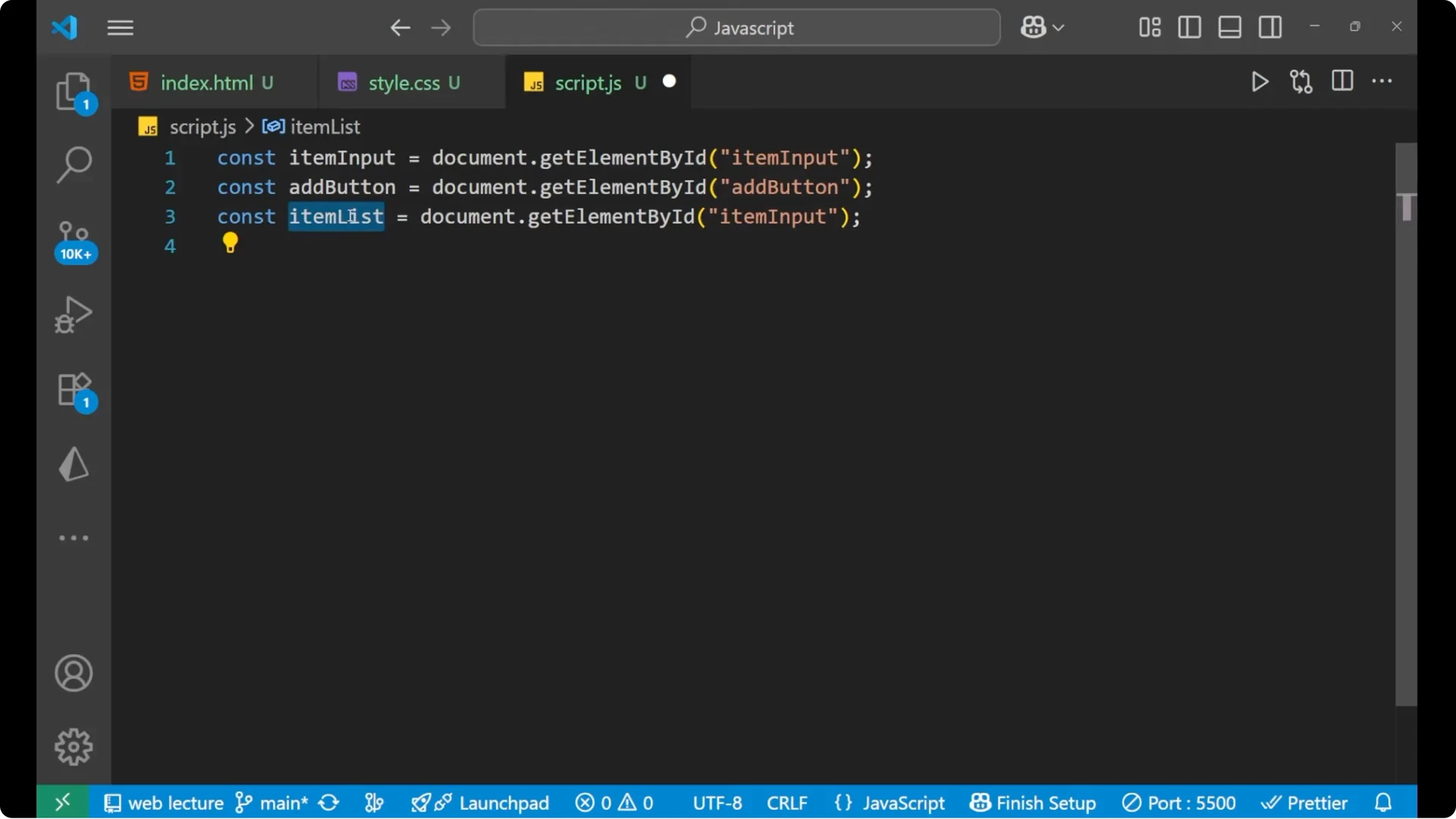
Let me write the main logic by which we can do the append work. First I take all the items with document.getElementById for the input, the add button, and the list.
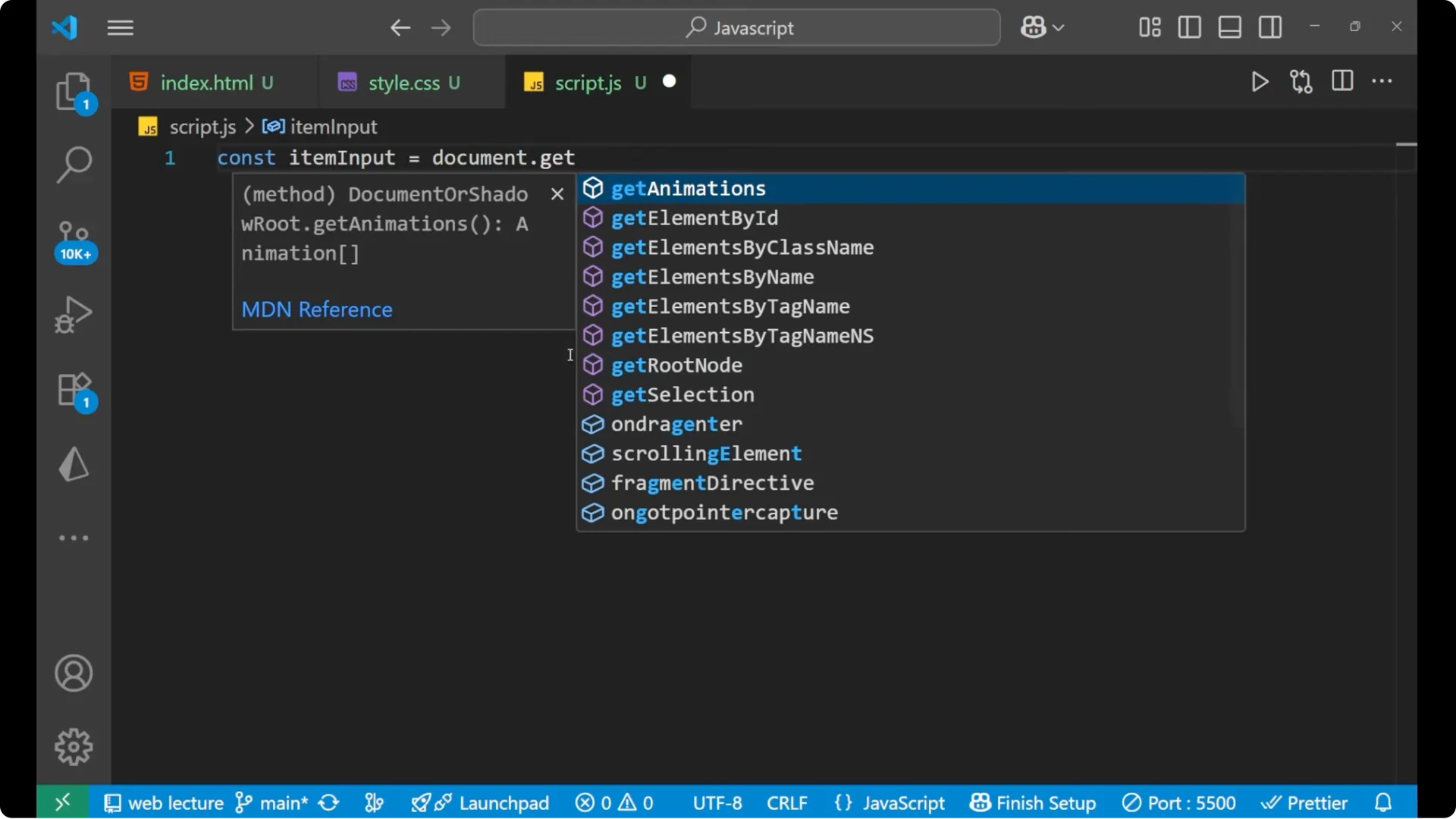
const itemInput = document.getElementById('item-input');
const addButton = document.getElementById('add-button');
const itemList  = document.getElementById('item-list');
Dynamic DOM Manipulation: Add the click event
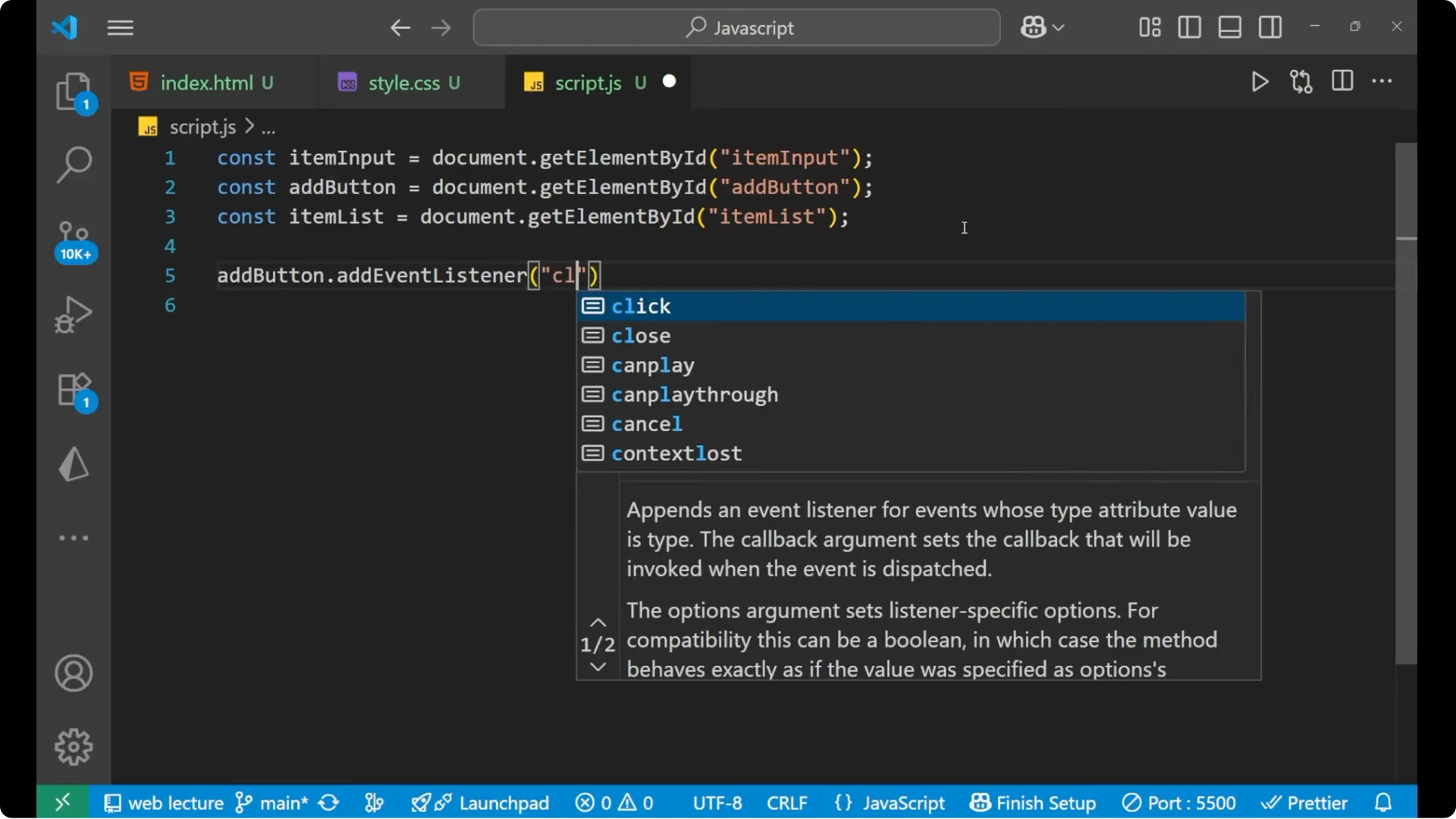
I add an event listener to the add button for the click event.
Inside the handler, I take whatever we are writing inside the input field using `.value` and trim it so there are no extra spaces.
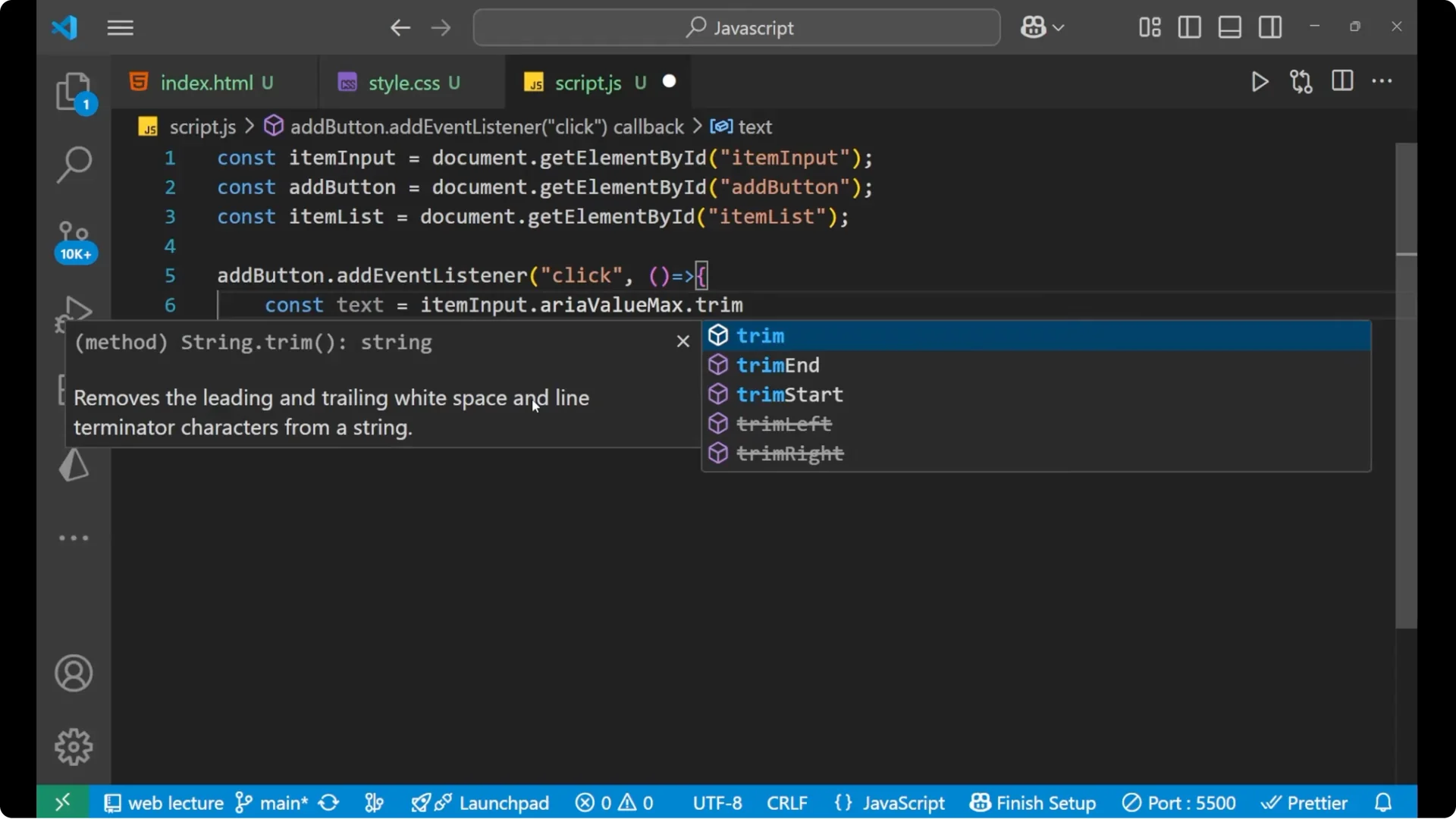
addButton.addEventListener('click', () => {
  const text = itemInput.value.trim();
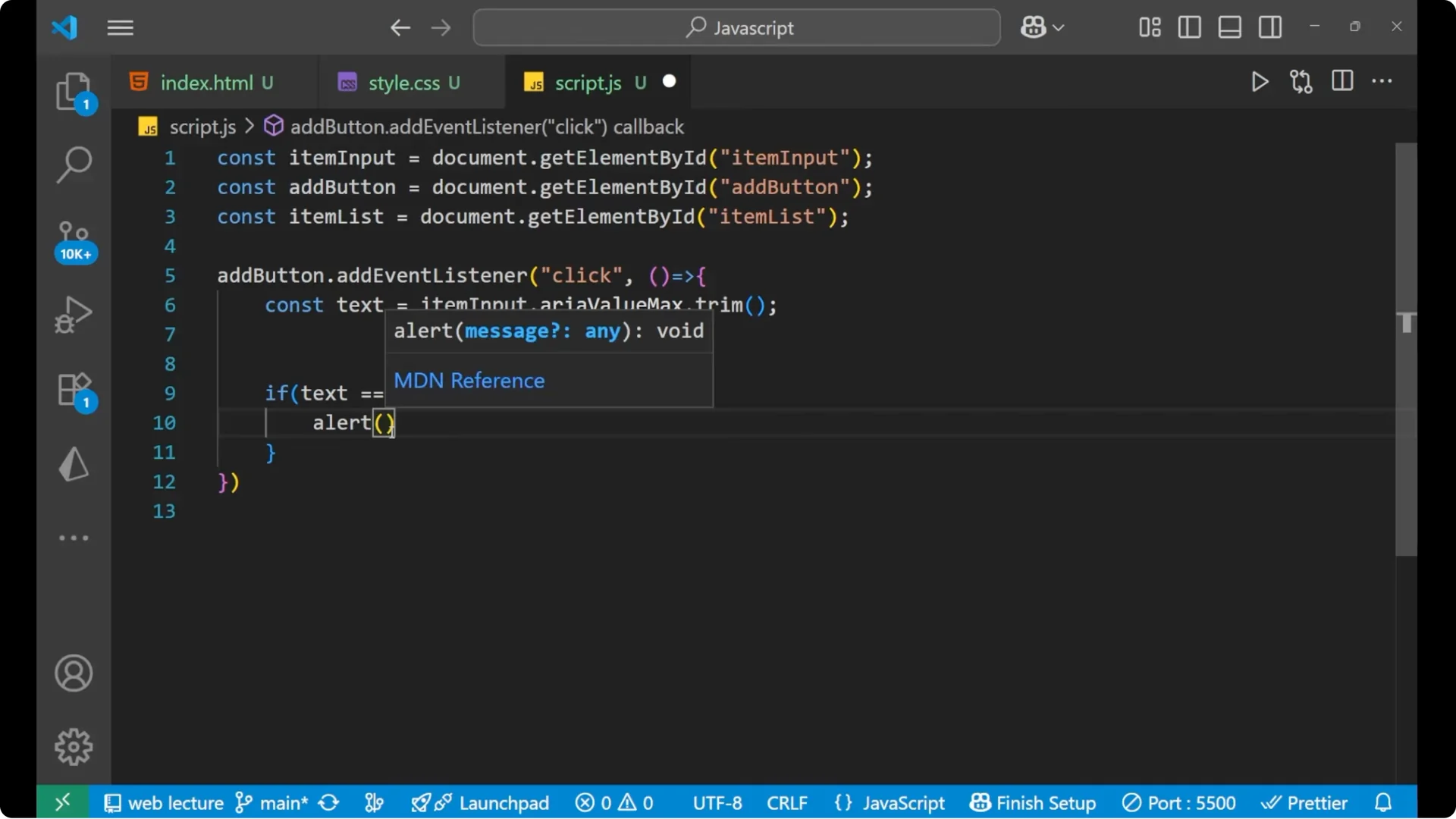
  if (text === '') {
    alert('Please enter an item first.');
    return;
  }
  // Create a new list item
  const newItem = document.createElement('li');
  newItem.textContent = text;
  // Append it to the list
  itemList.appendChild(newItem);
  // Clear the input field
  itemInput.value = '';
});
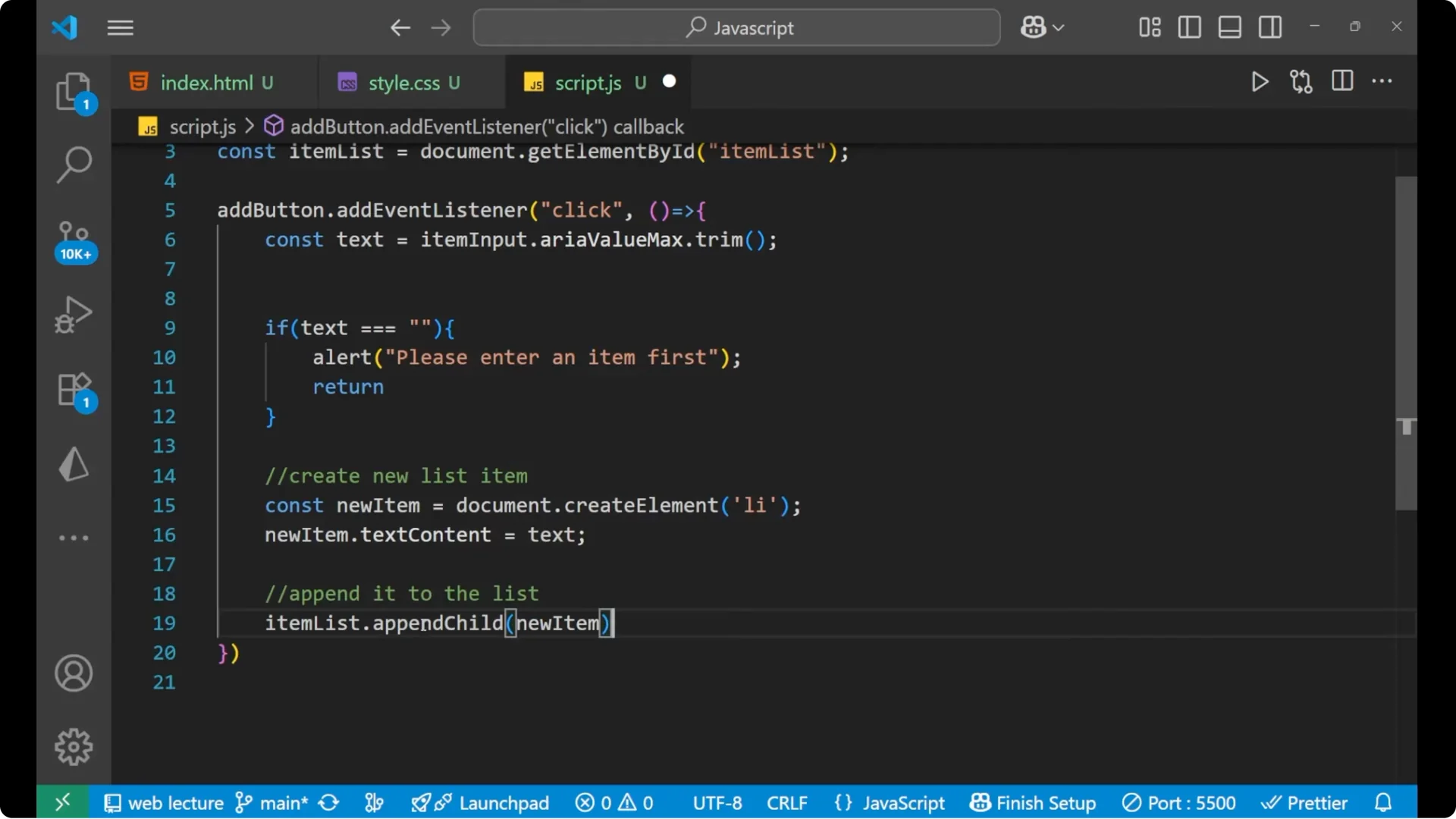
If there’s no text, I alert to please enter an item first and return.
If the user has entered anything, I create a new list item with `document.createElement(‘li’)`, set its textContent to the same text we entered, and then append it to the list with appendChild.
After appending, I make the input field blank.
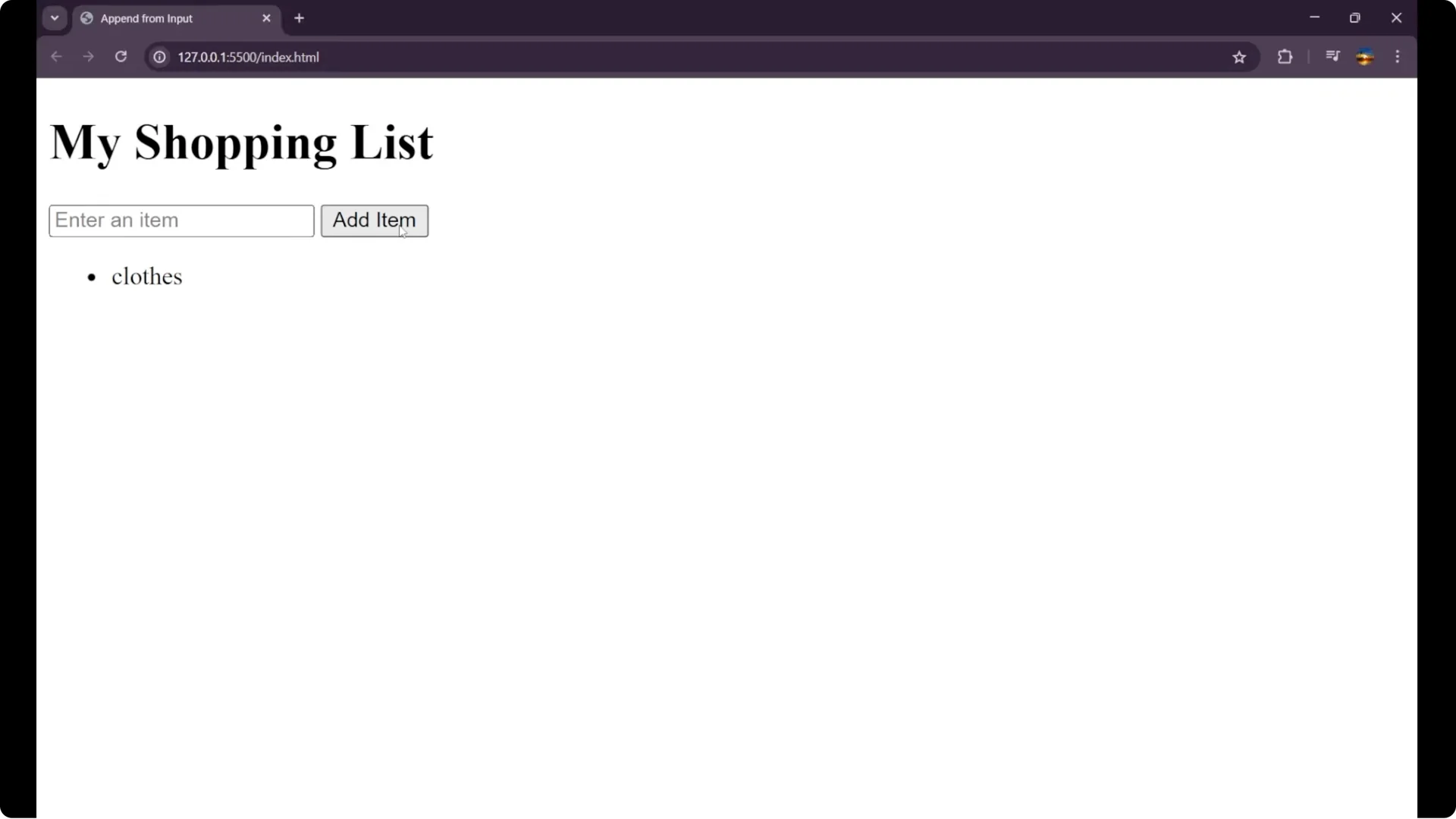
You can see the item gets appended. Add items like clothes, bag, or toy. By this method we can append the elements in our JavaScript.
Final Thoughts
This is the main logic and flow: select elements, listen for a click on the add button, read and trim the input, guard against empty text with an alert and return, create a new list item, append it to the unordered list, and clear the input field. I hope you understood how to do this easily.