One of the most fundamental tools in programming is the
for loop. You will know exactly what a
for loop is, how to write one, and see practical examples.
A
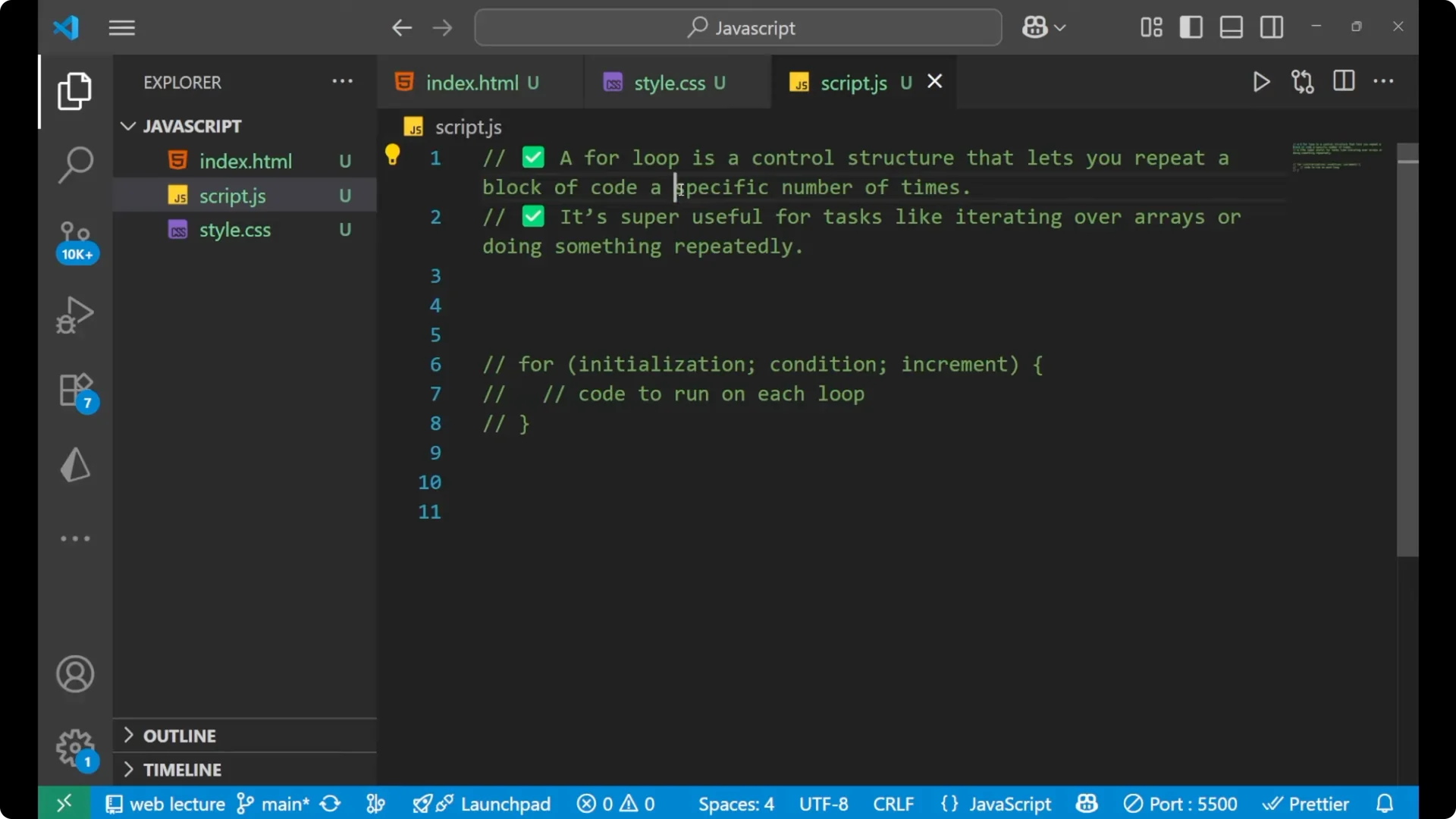
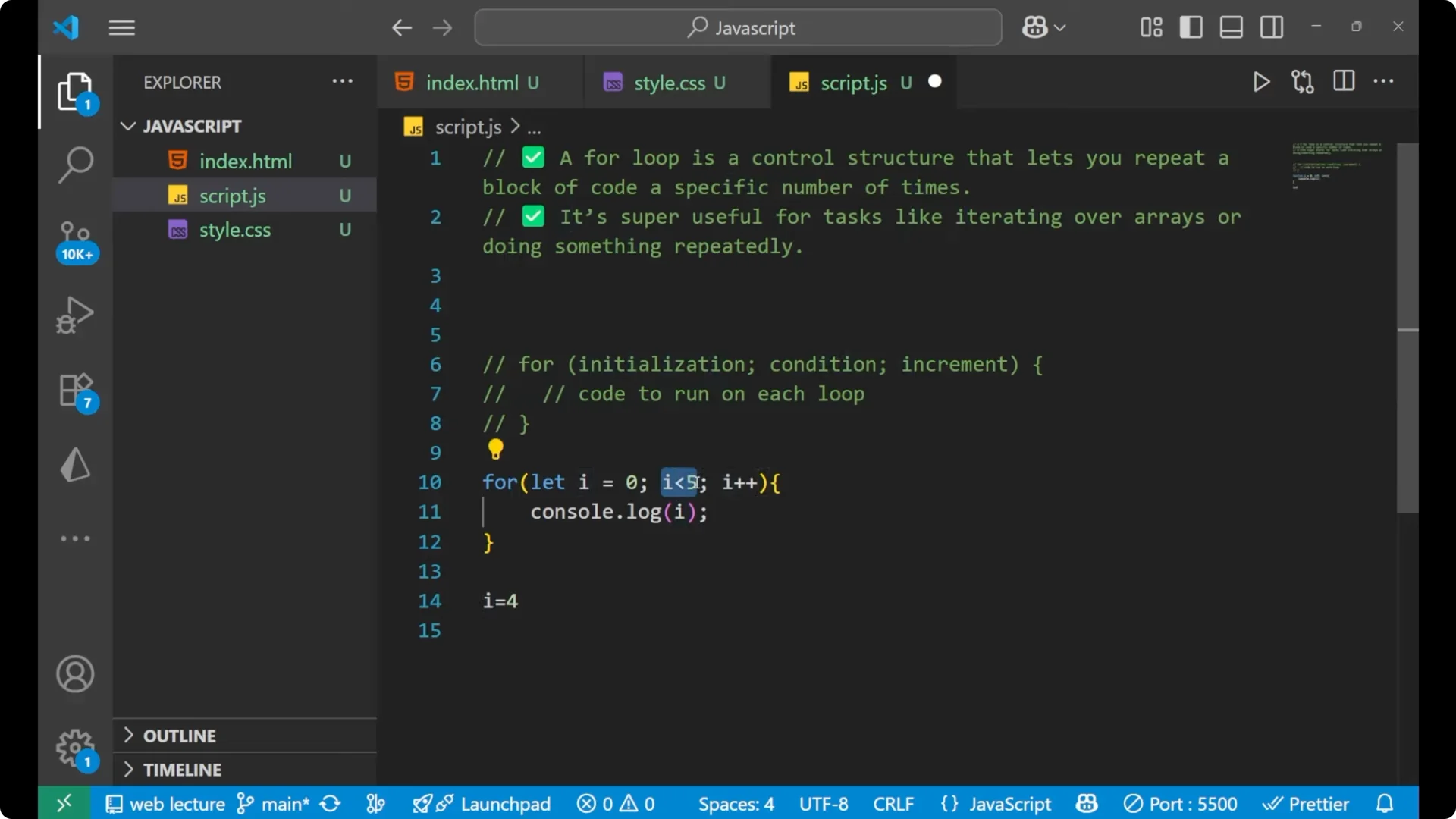
for loop is a control structure that lets you repeat a block of code a specific number of times. If you want to execute a line of code multiple times, you use a
for loop. It is super useful for tasks like iterating over arrays or doing something repeatedly.
What Is a JavaScript For Loop
A JavaScript
for loop repeats a block of code while a condition remains true and updates a variable on each iteration. You decide the starting point, the stopping condition, and how the value changes each time.
JavaScript For Loops: Syntax
We start by writing `for`, then parentheses, and inside we write three parts separated by semicolons:
initialization,
condition, and
increment. After that, inside curly braces, we write the code that we want to run for each loop.
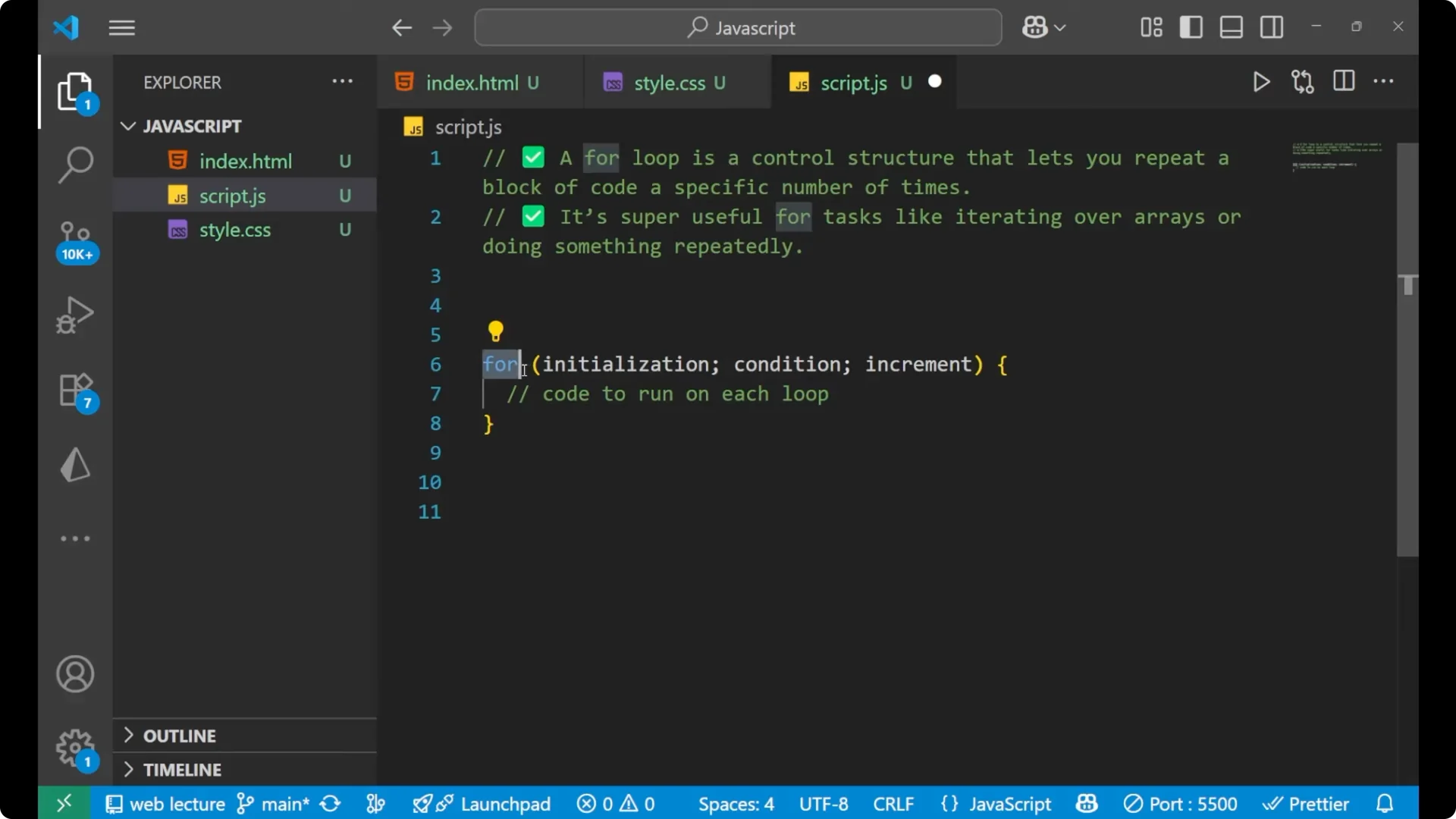
Write `for`.
Add parentheses.
Inside the parentheses, write the
initialization, the
condition, and the
increment separated by semicolons.
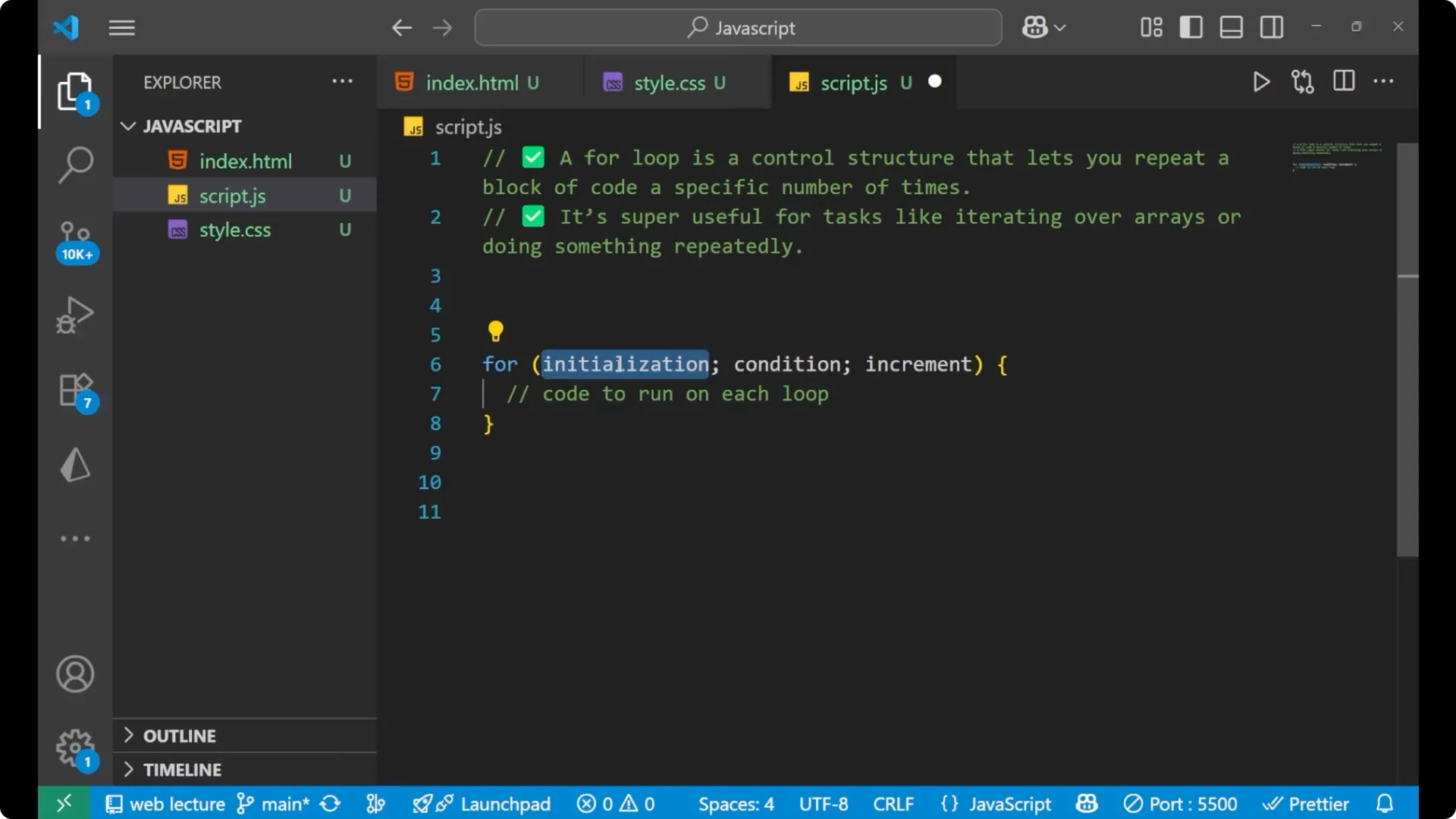
Add curly braces.
Write the code to run on each iteration inside the braces.
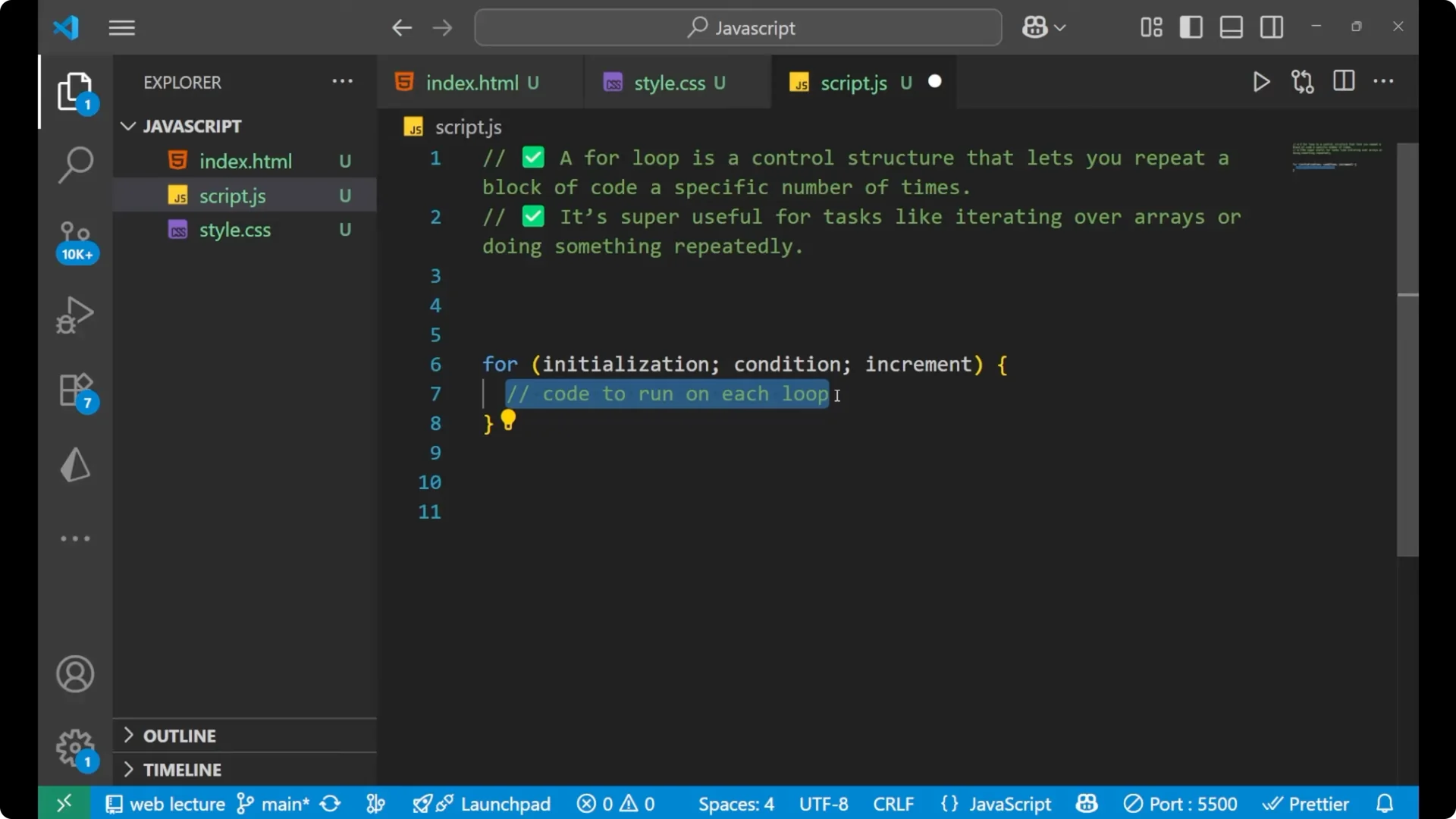
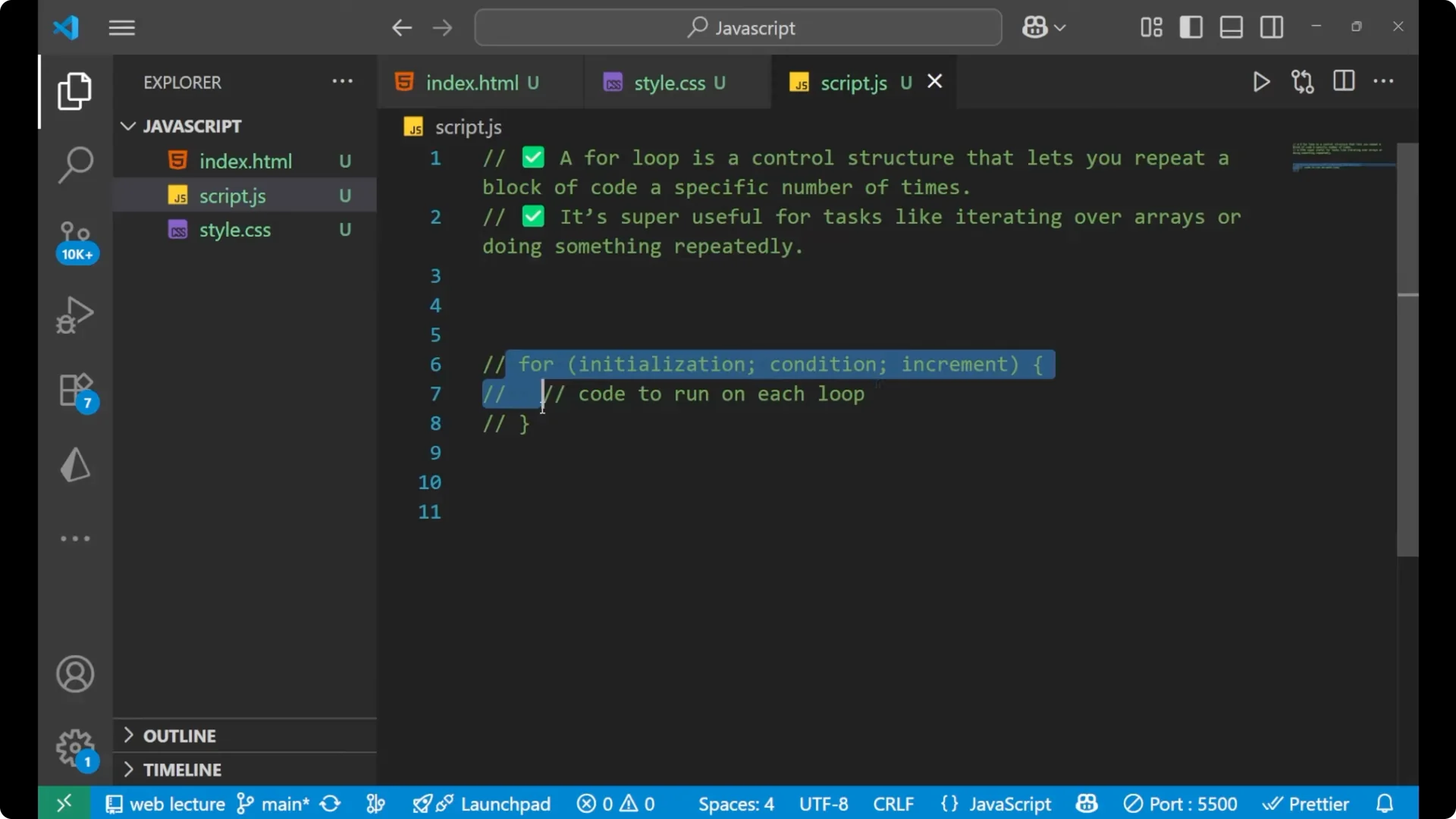
for (initialization; condition; increment) {
  // code to run each time
}
The Three Parts
Initialization: define and set the starting value.
 Condition
: the loop runs while this expression is true.
 Increment
: update the value so the loop can progress.
The Loop Body
Inside the curly braces, you put the code that should run on every iteration.
JavaScript For Loops: Basic Counting Example
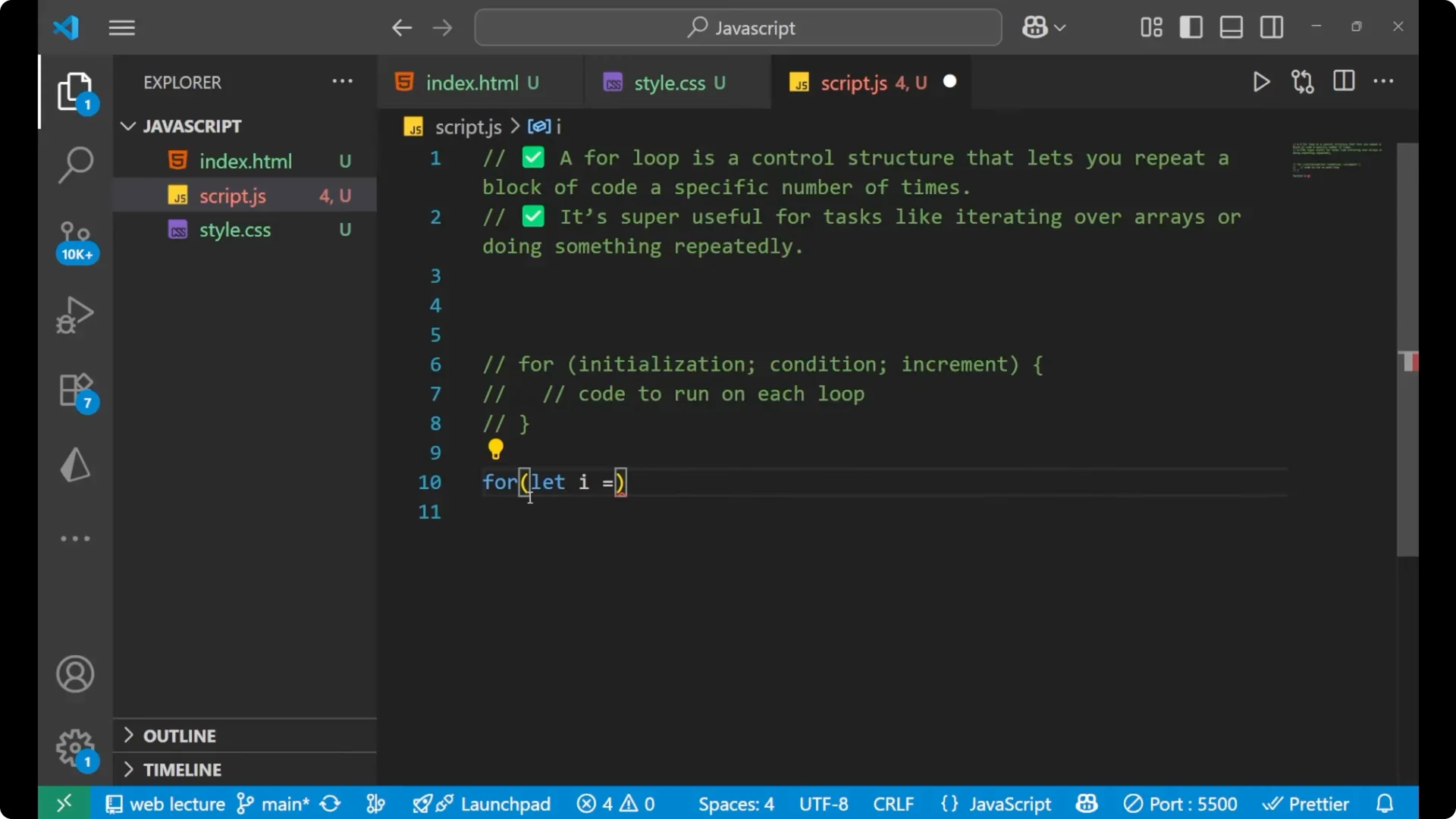
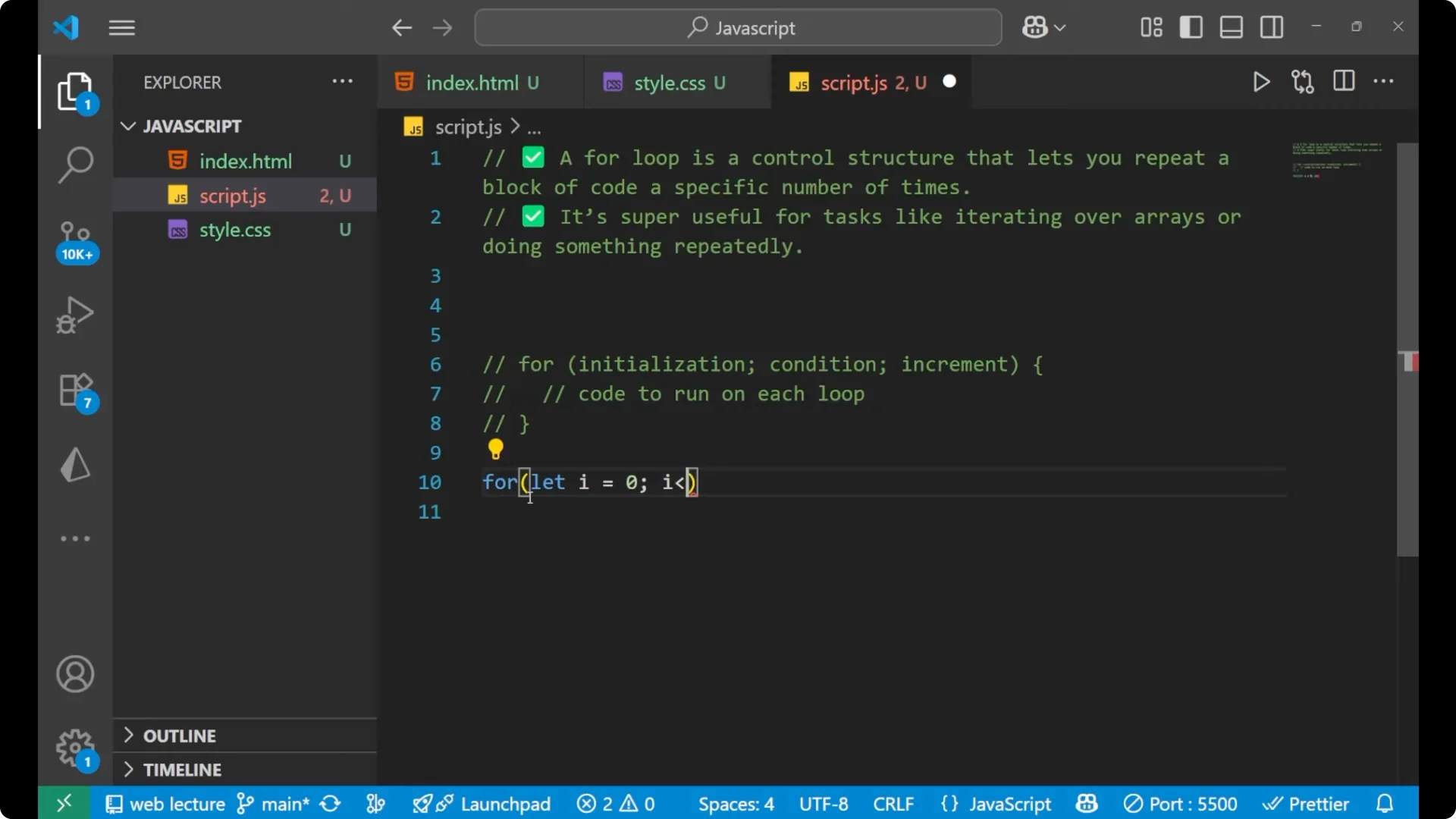
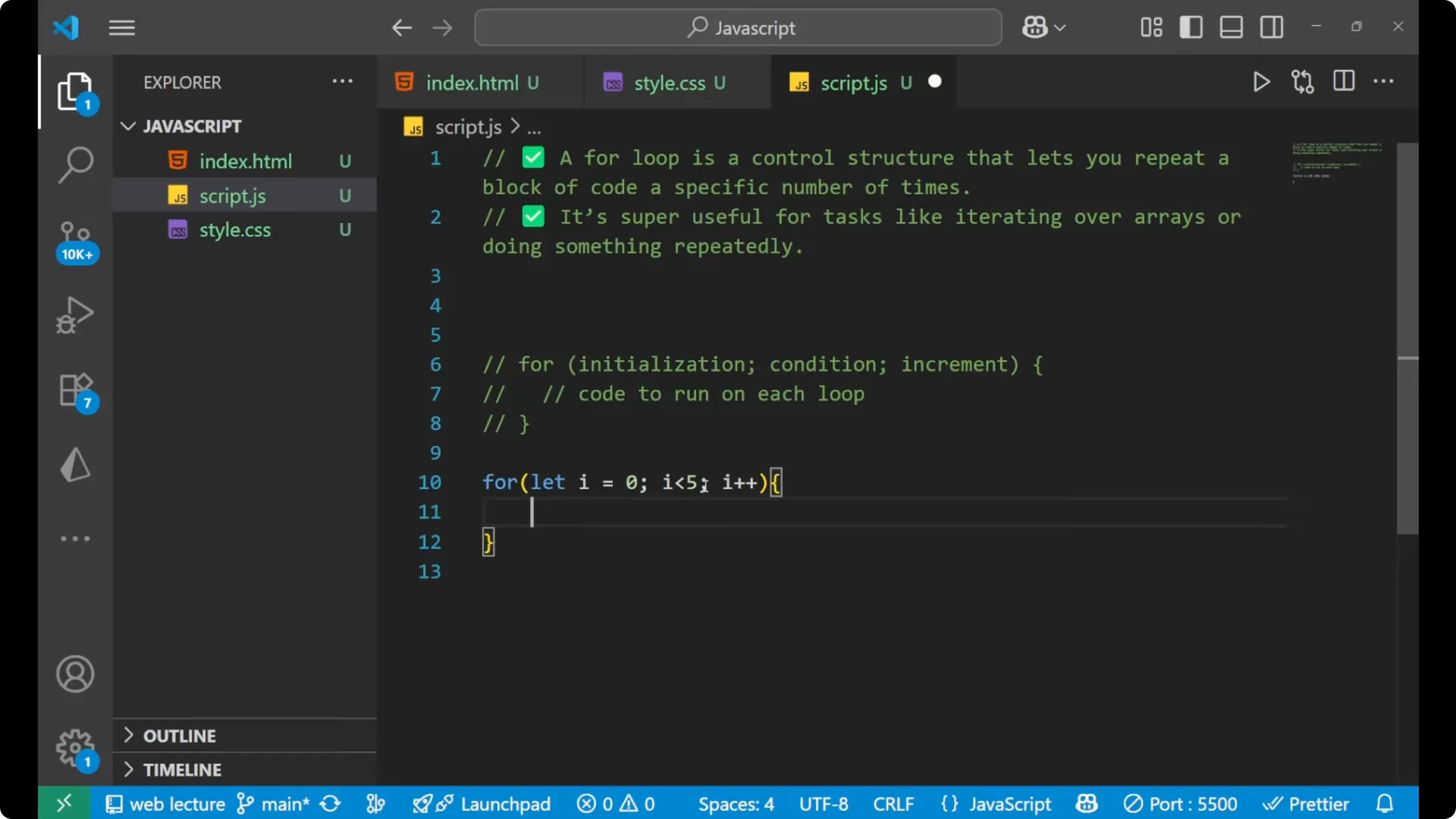
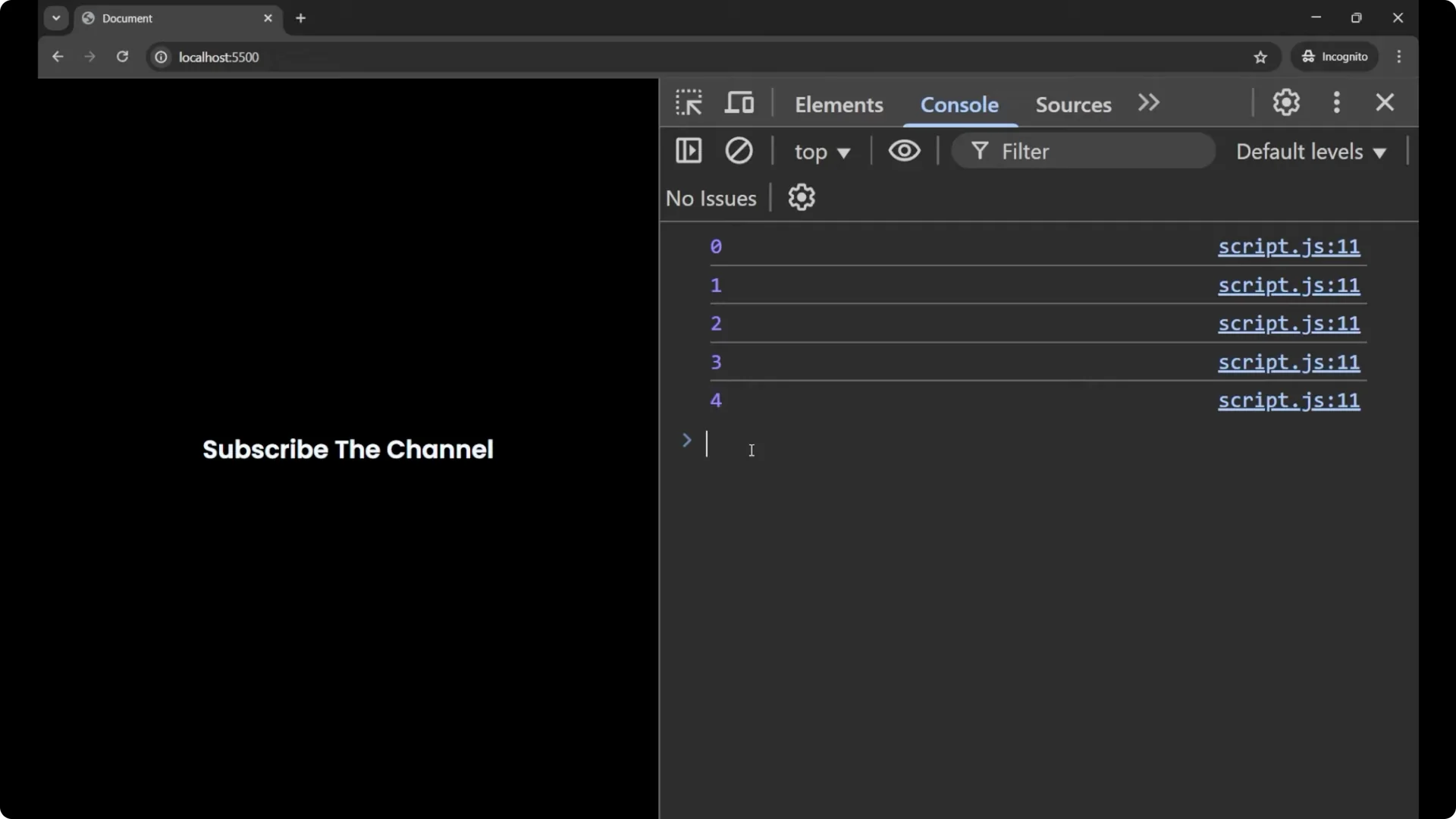
First write `for`. Inside it, define a variable with `let` because you have to define it first. Set `i` to 0 for the initial value. Set the condition to `i < 5`. Use `i++` for the increment. Then put the code you want to run inside the curly braces.
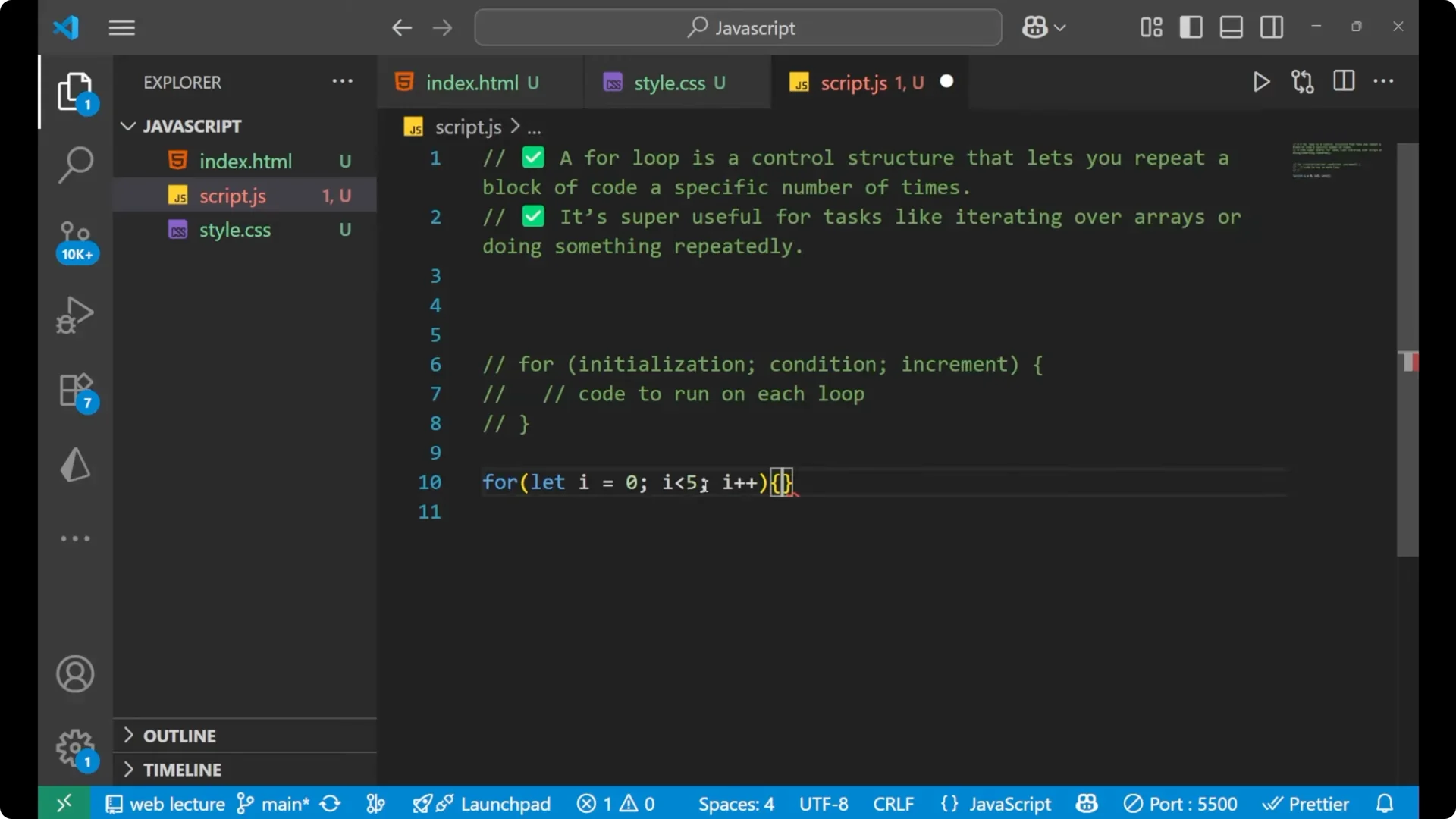
for (let i = 0; i < 5; i++) {
  console.log(i);
}
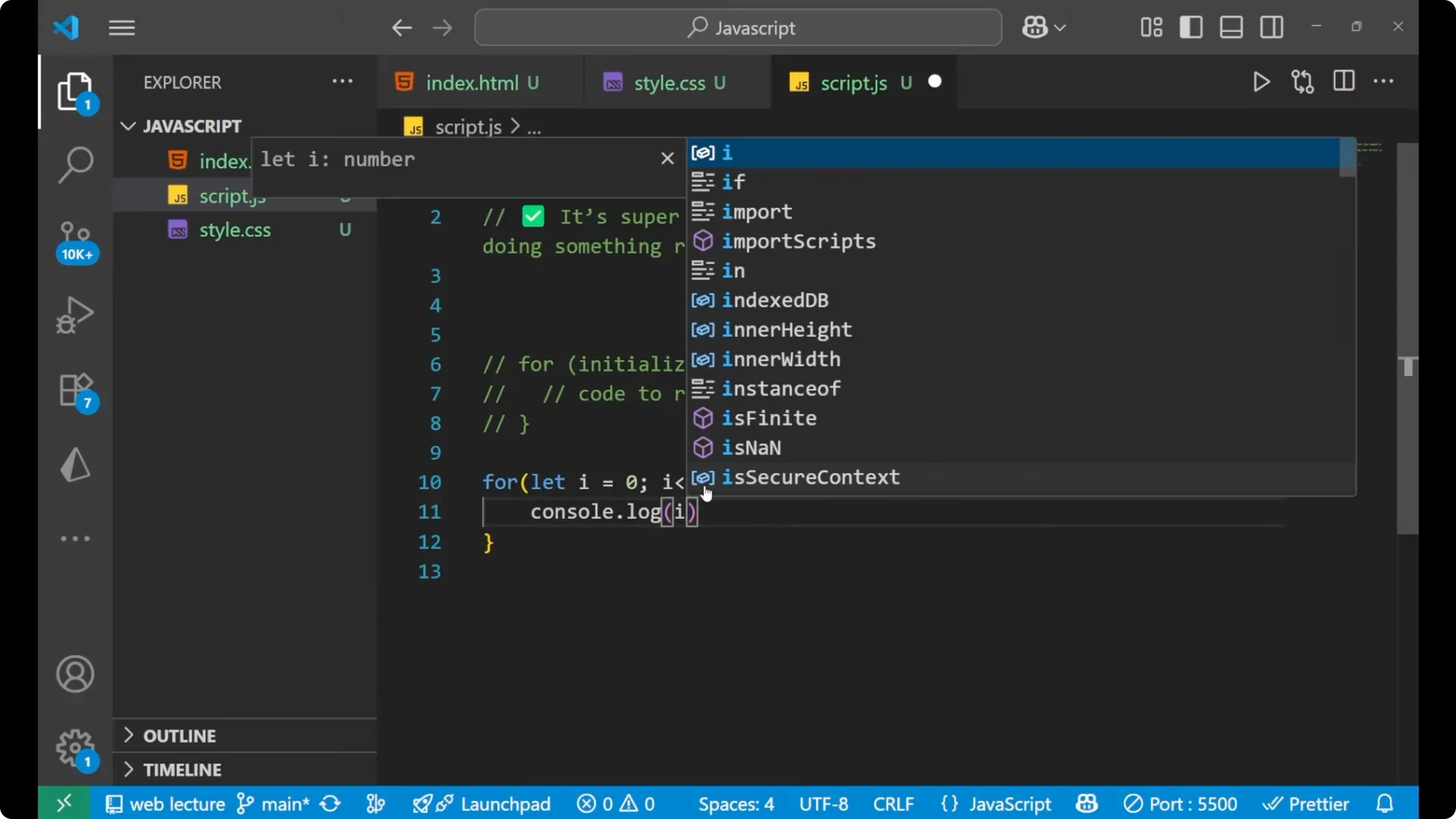
Initially `i` is 0. After the first execution it becomes 1, then 2, then 3, then 4, and it ends because the condition is that `i` should be less than 5. At every step it prints the value of `i`, so you see 0, 1, 2, 3, and finally 4. Not 5, because the condition says the number should be less than 5, not equal to 5.
JavaScript For Loops: Iterating an Array
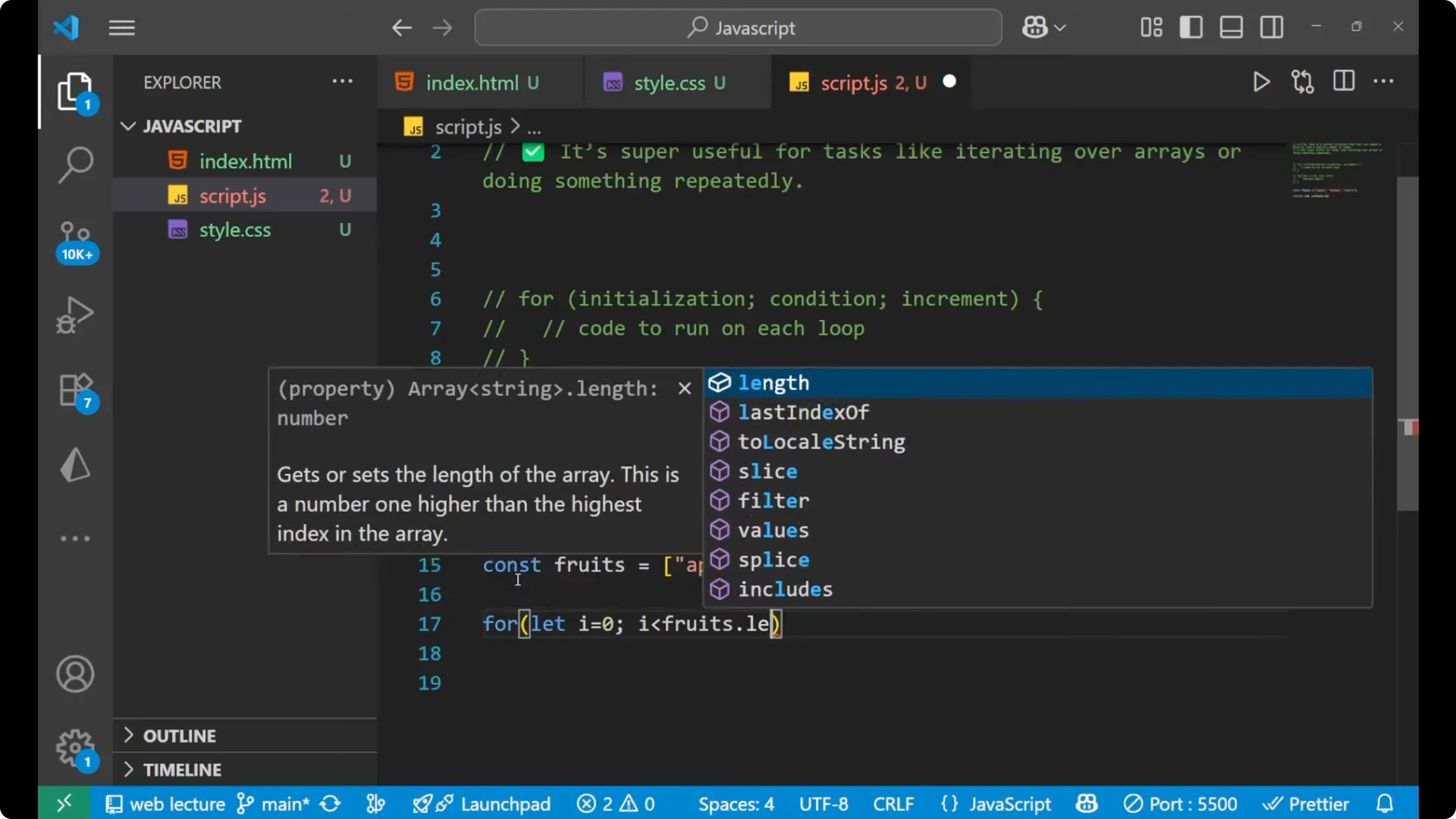
Create an array of fruits. Then write the `for` loop with `let i = 0`, and set the condition to `i < fruits.length`. When you write `fruits.length`, it gives you the number of elements present inside the array. There are three elements, so the loop executes three times for `i = 0`, `i = 1`, and `i = 2`. It does not execute for `i = 3` because the condition is strictly less than.
If you want to print the name of the fruit at the current index, write `fruits[i]`. The index number starts at 0.
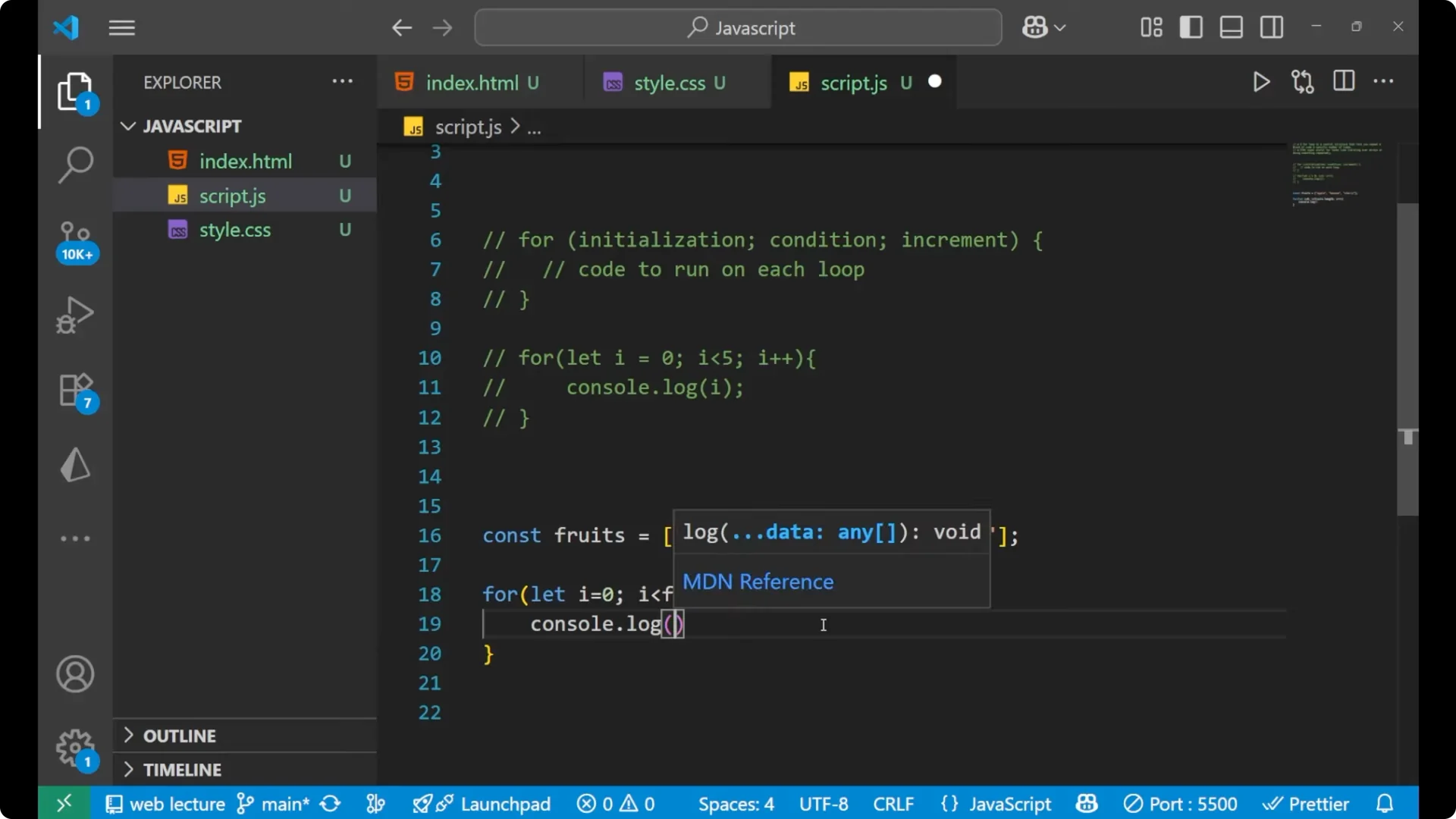
const fruits = ["apple", "banana", "cherry"];

for (let i = 0; i < fruits.length; i++) {
  console.log(fruits[i]);
}
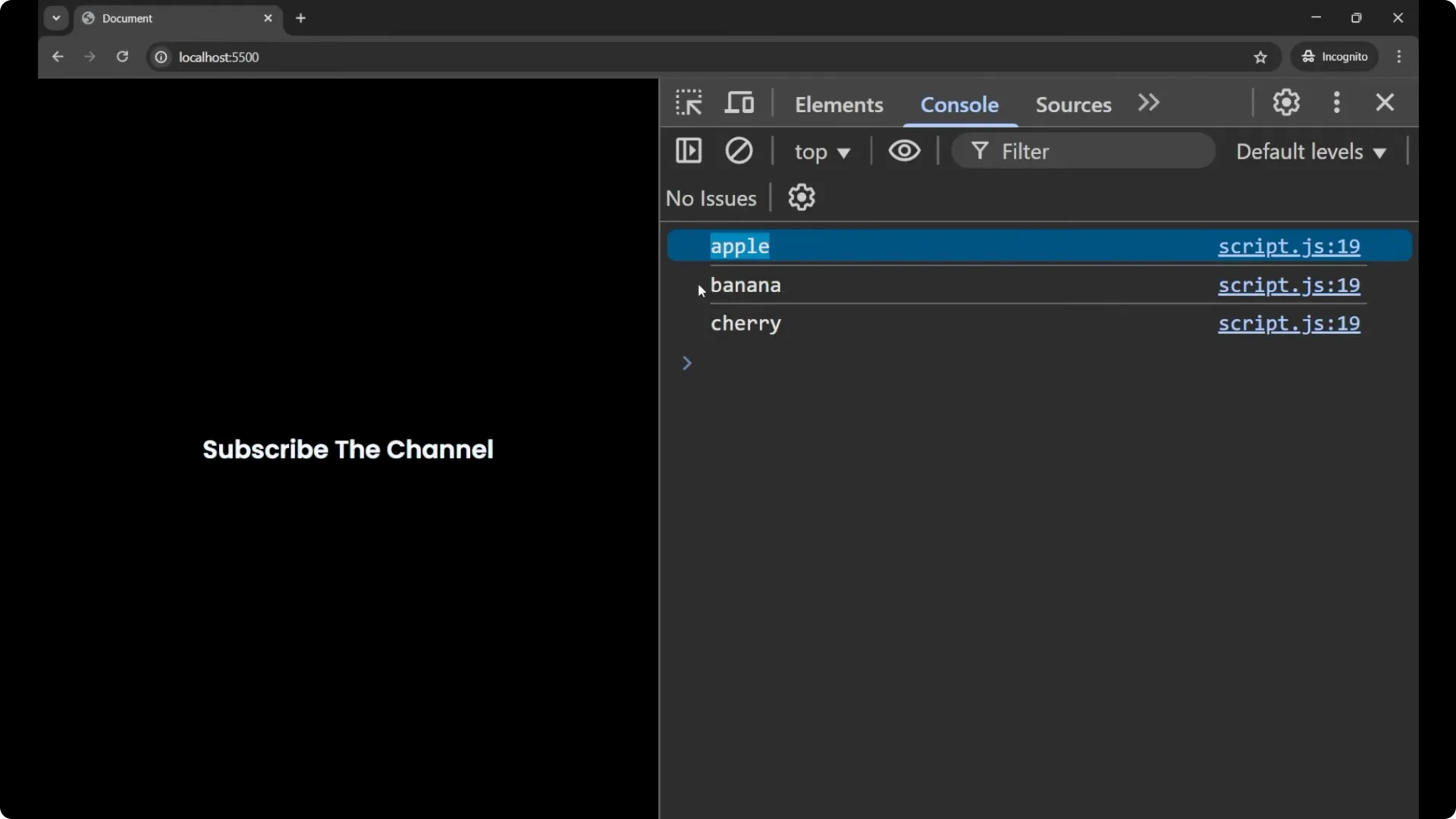
// Output:
// apple
// banana
// cherry
I hope you understood the concept of how to work with a
for loop. It is easy and it is one of the most important and fundamental concepts when working with any language, including JavaScript.
Final Thoughts
A JavaScript
for loop lets you repeat code a specific number of times. Remember the three parts inside the parentheses:
initialization,
condition, and
increment. Use it to count, control repeated execution, and iterate arrays clearly and efficiently.