The
JavaScript ternary operator is a shortcut for writing an if-else statement in a single line. Earlier you may have written a full if-else block to choose between two expressions. With the ternary operator, you write a compact expression that reads cleanly and returns a value you can store or print.
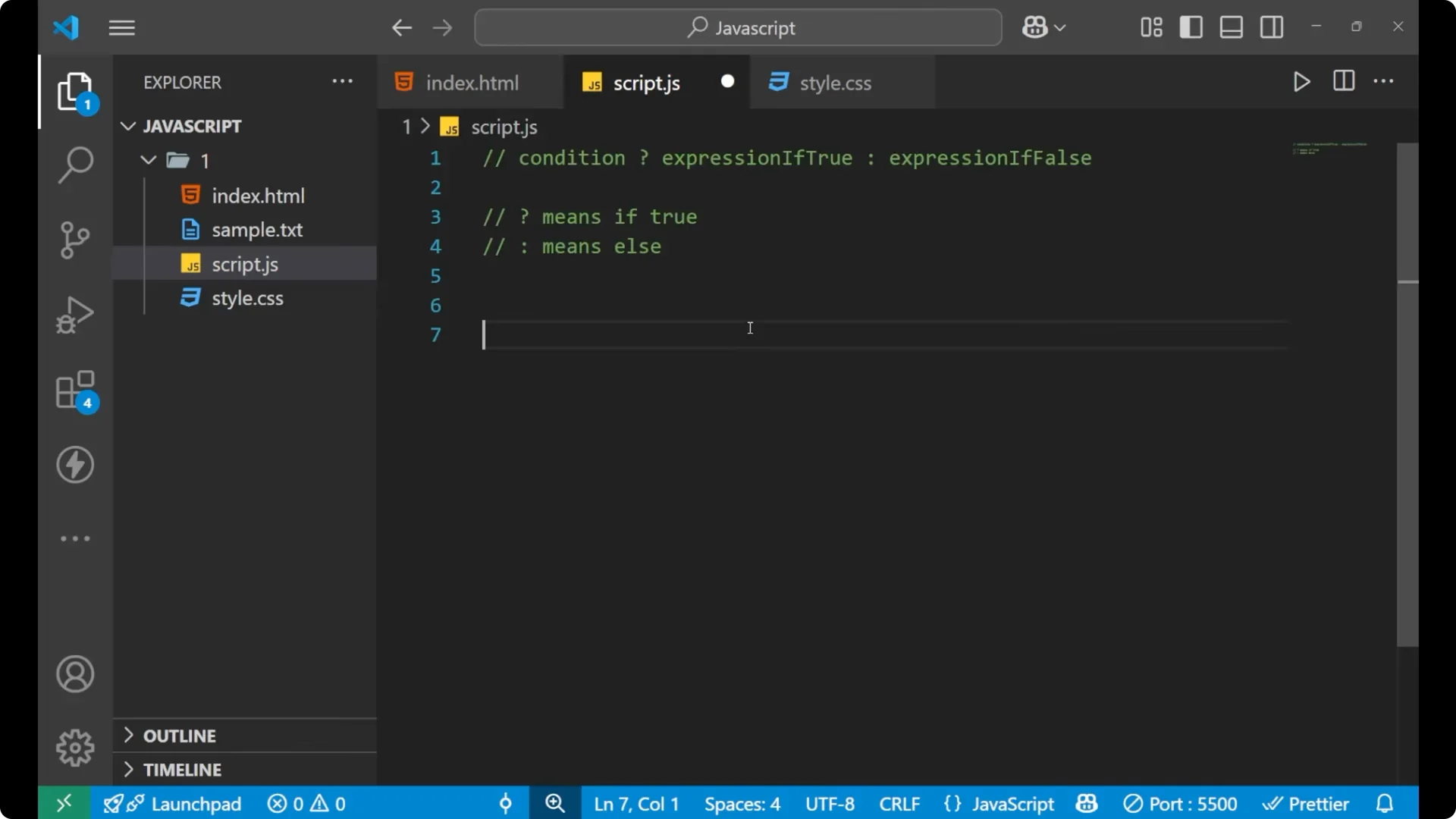
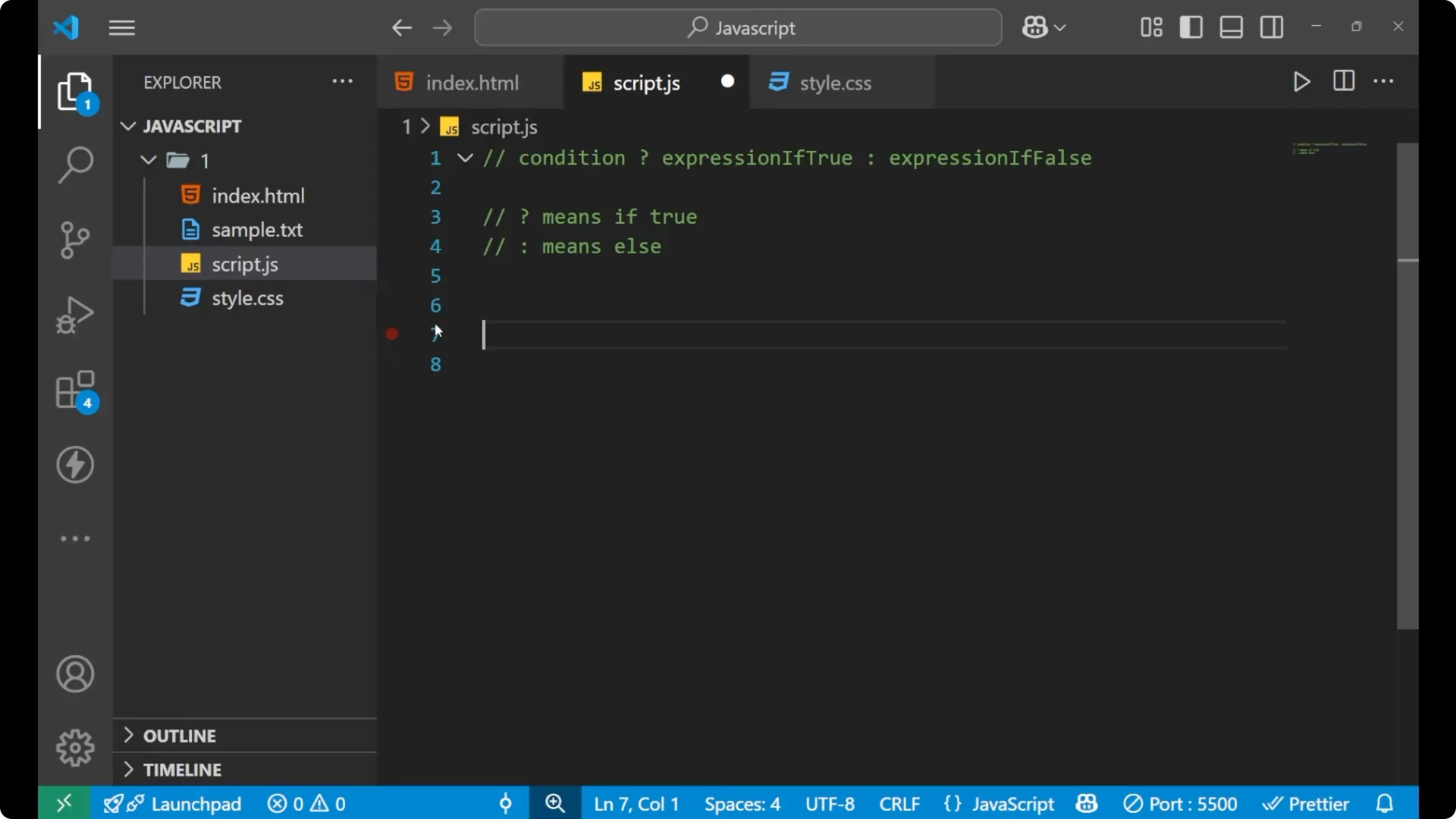
JavaScript Ternary Operator syntax
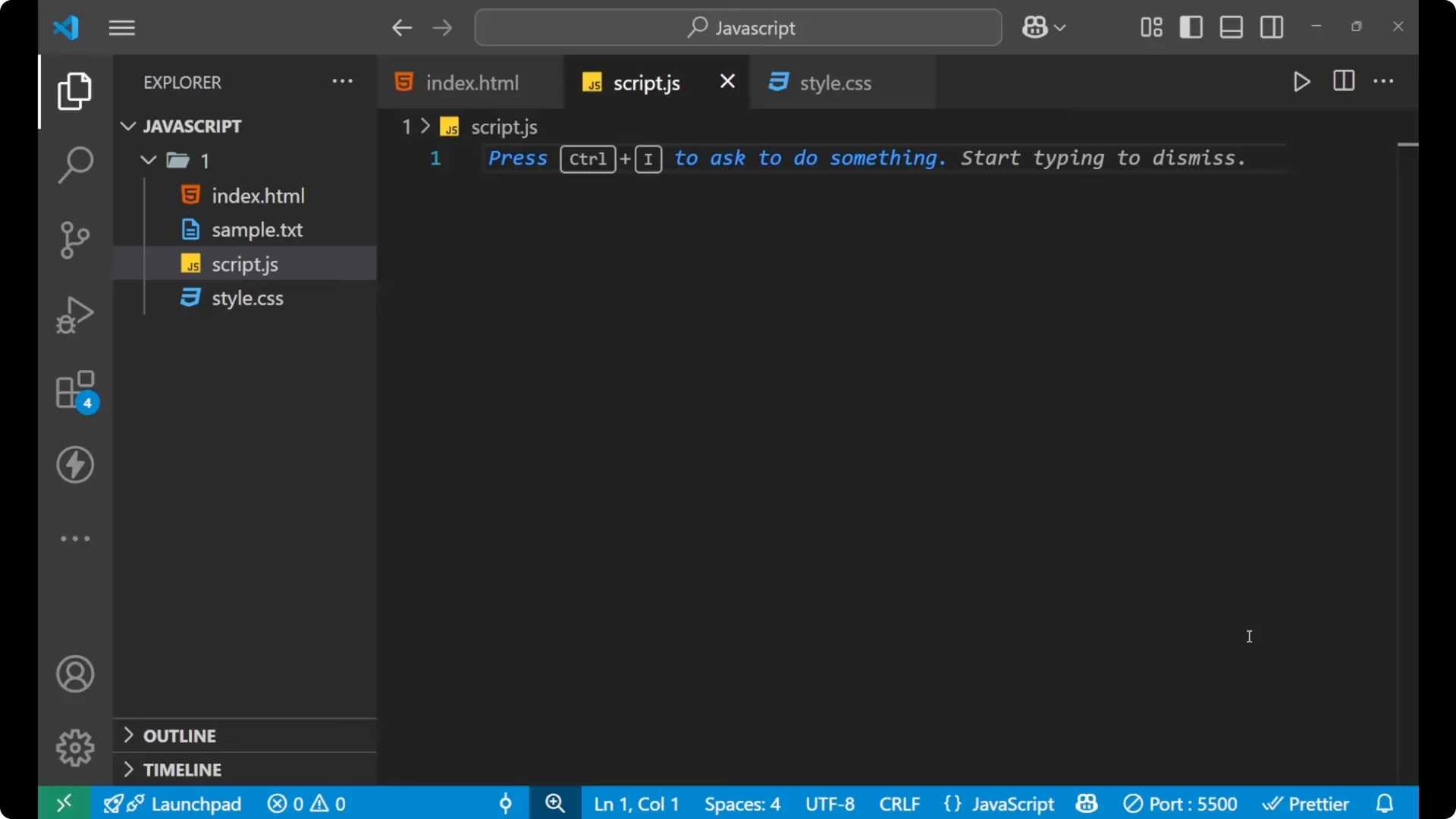
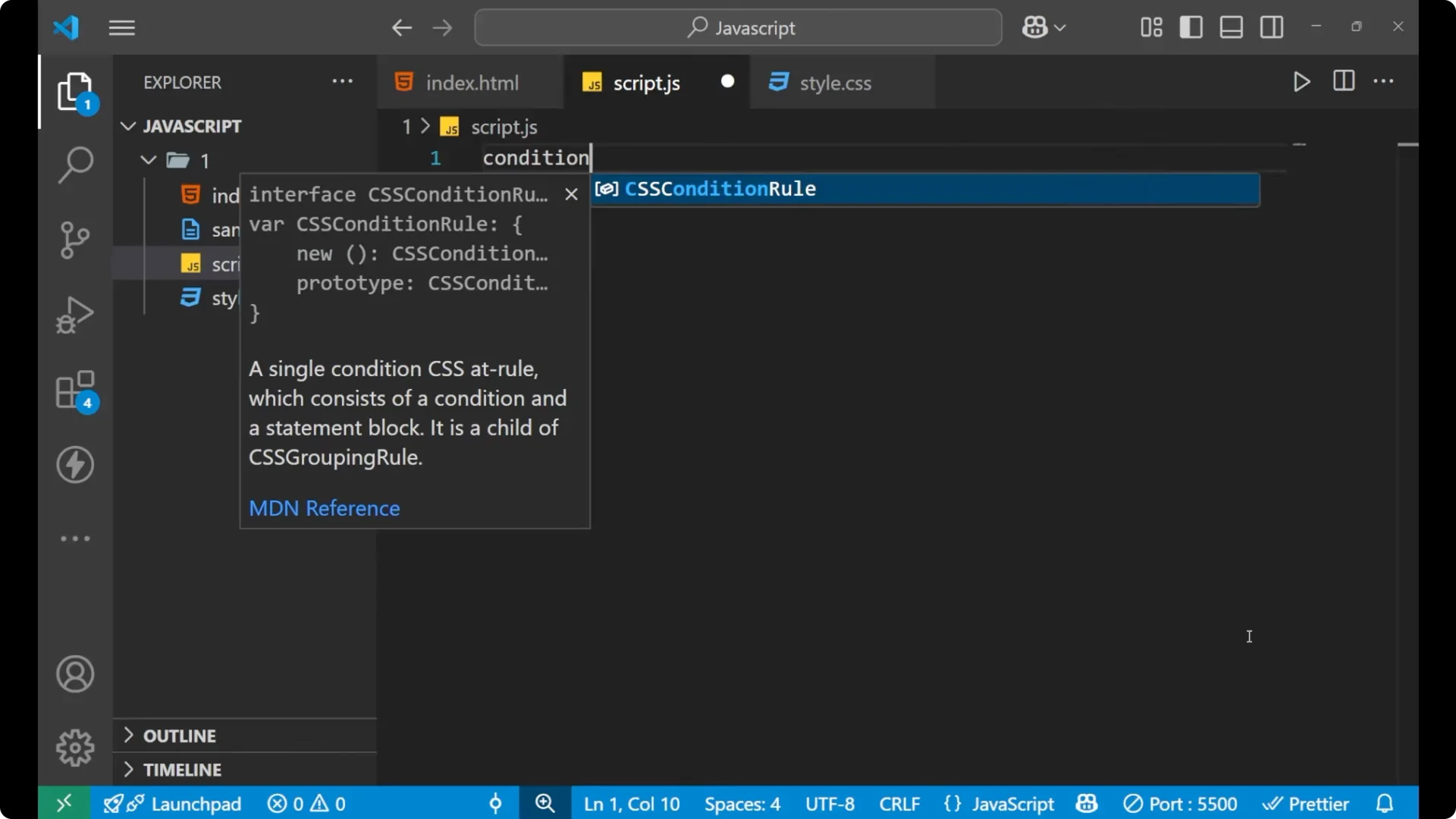
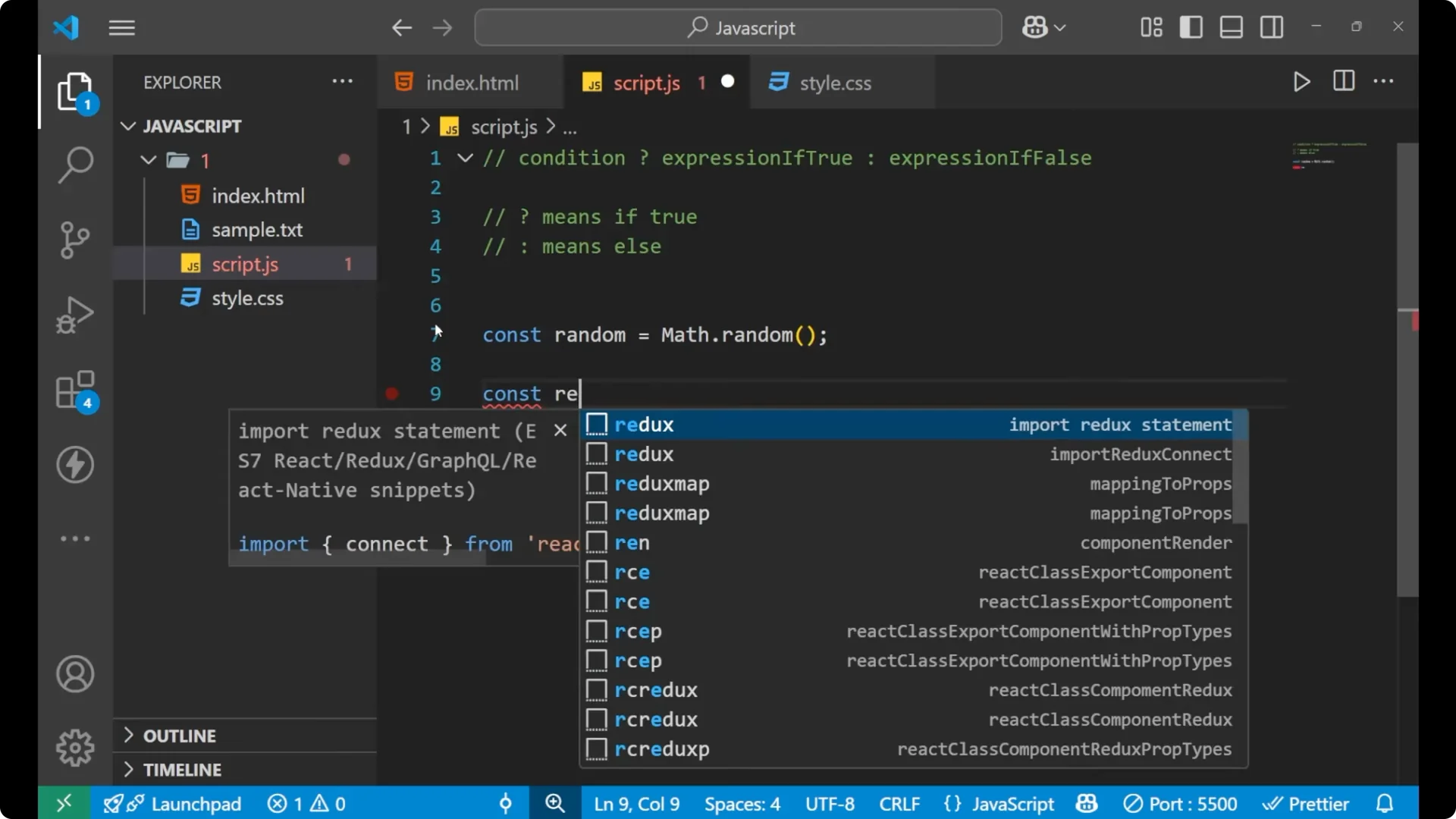
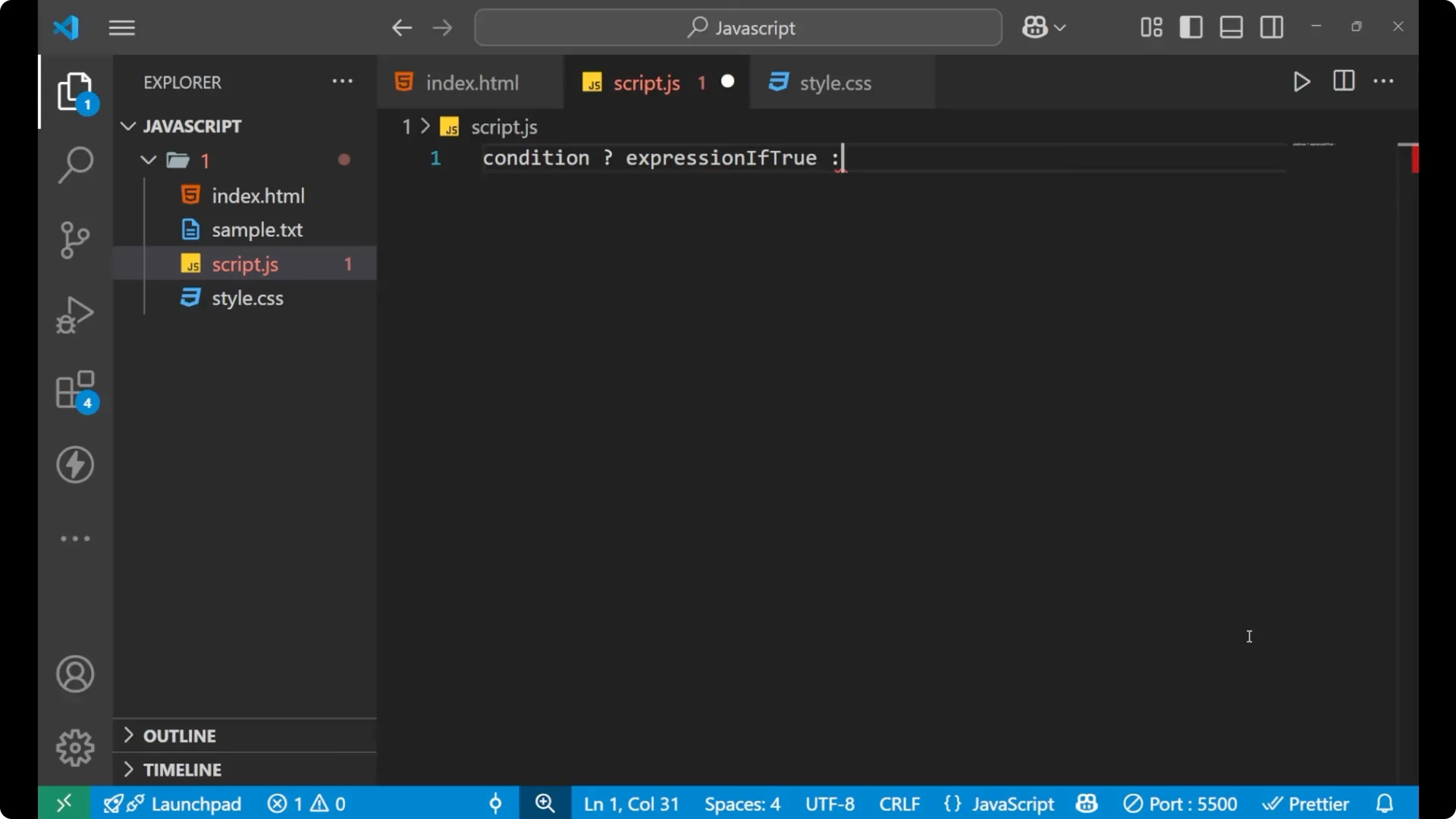
For the ternary operator, you first write the
condition. Then you put a
? and write the
expression if true. After that you put a
: and write the
expression if false. If the condition is true, you go to the true expression. Otherwise you go to the false expression.
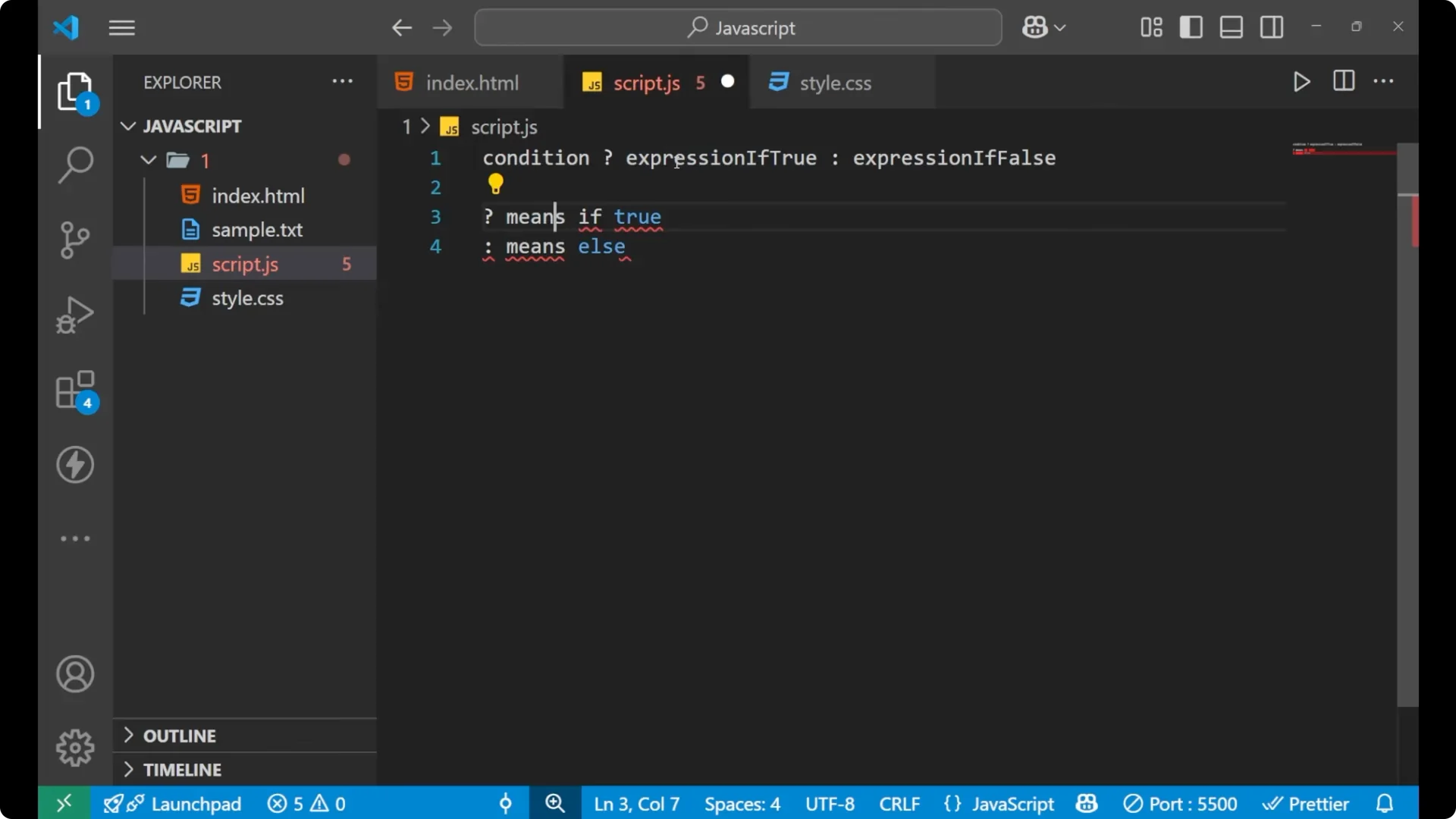
The
? means
if true. It says that if the condition is true, go to the first expression. The
: means
else. The way you learned in the if-else statement is similar to this: if the condition is true, use the first expression; else, use the second expression.
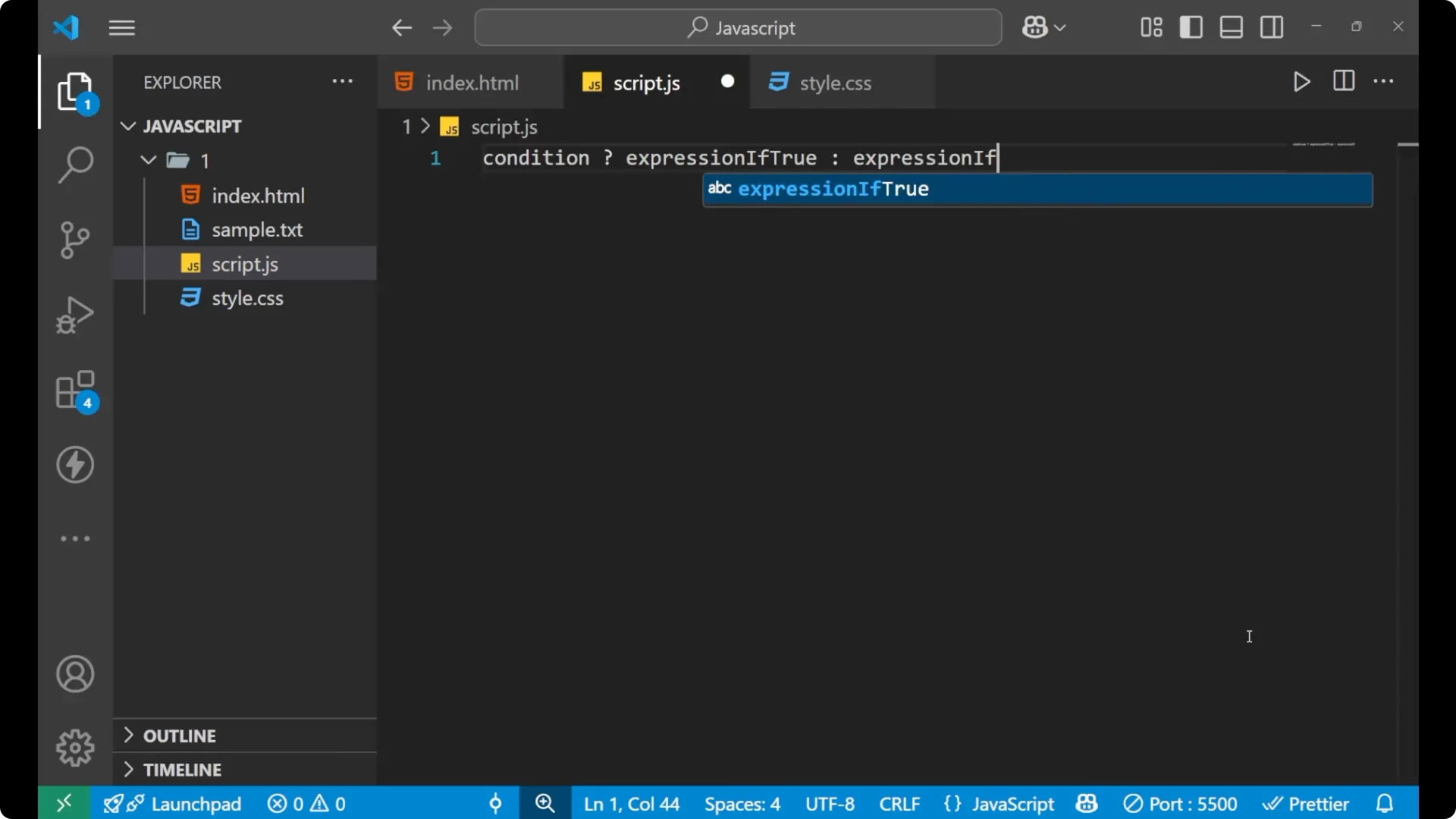
const result = condition ? exprIfTrue : exprIfFalse;
Steps to use the ternary operator:
Step 1: Write the condition, often inside parentheses for clarity.
Step 2: Add ? and then the expression to run when the condition is true.
Step 3: Add : and then the expression to run when the condition is false.
Step 4: Assign the whole expression to a variable or use it inline.
For multi-branch conditions, see
switch case.
Example: voting age with JavaScript Ternary Operator
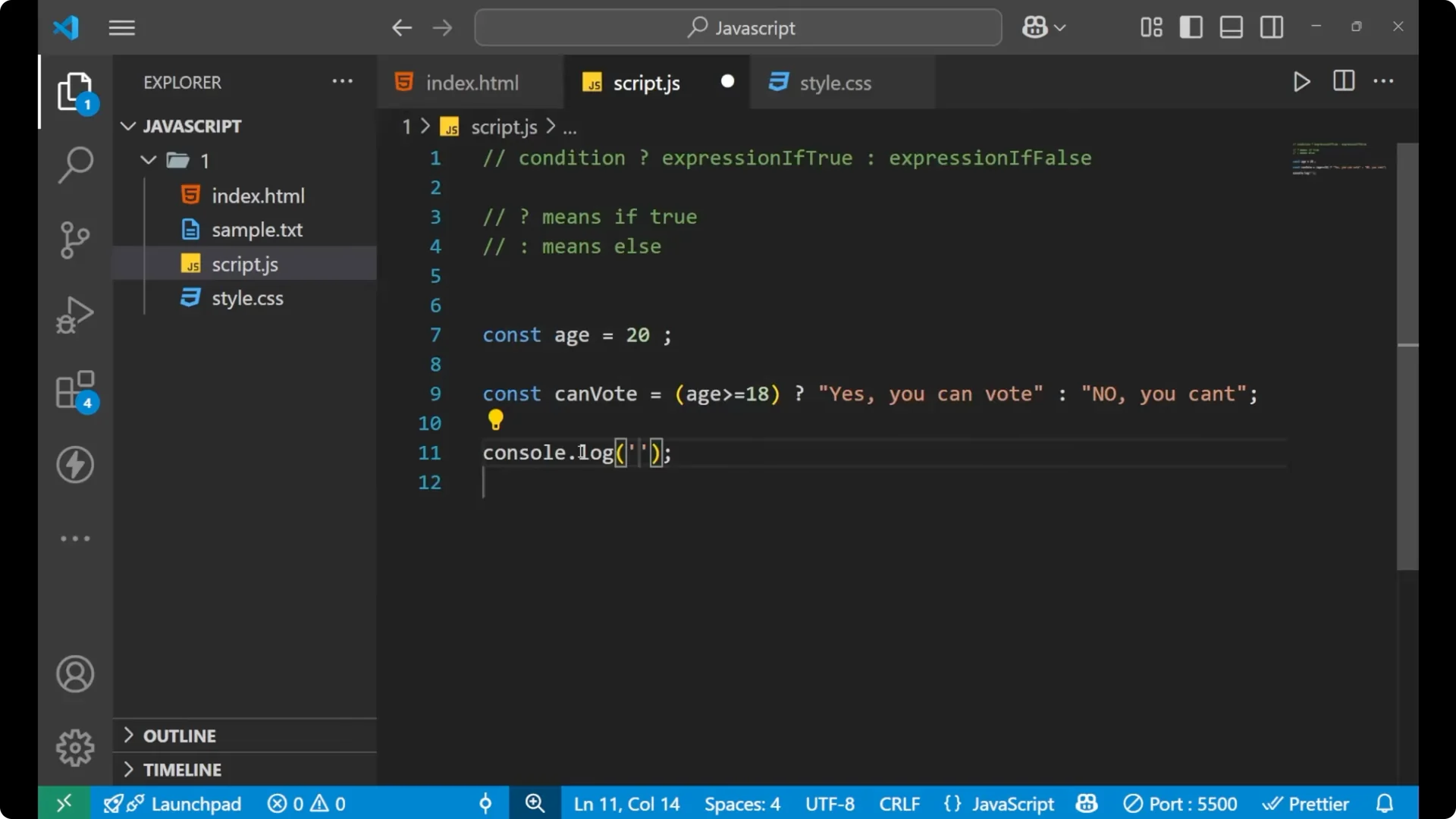
Take a simple example with age. The question is if the person can vote or not. I will use the ternary operator to compute the answer and store it in a variable.
const age = 20;

const canVote = (age >= 18)
  ? "Yes, you can vote"
  : "No, you can't";

console.log(canVote);
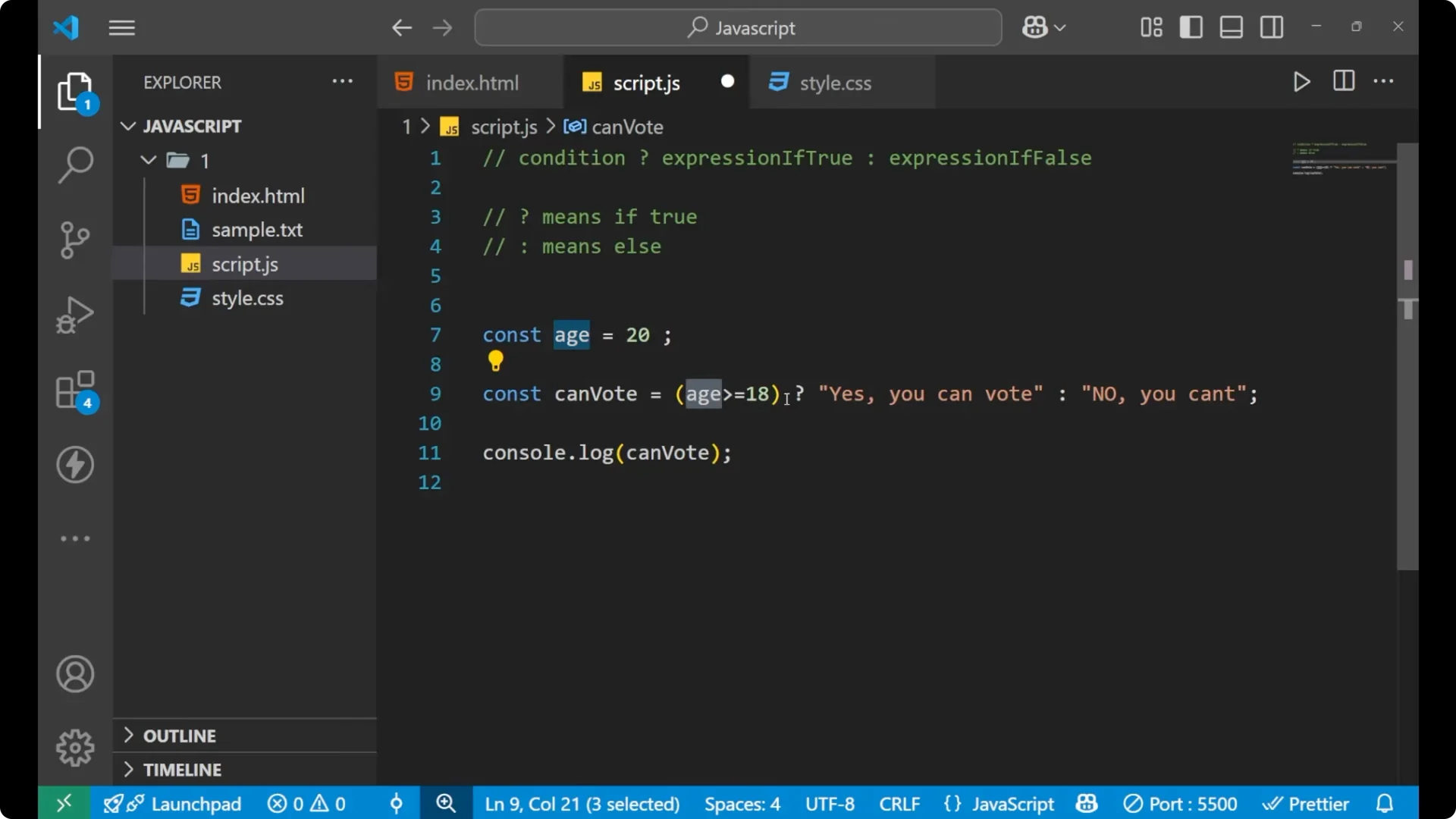
This code says that the age is 20. With the help of the ternary operator, it first checks if age is greater than or equal to 18. If that condition is true, it returns “Yes, you can vote”. Otherwise it returns “No, you can’t”. Whatever the ternary operator returns gets stored inside `canVote`, and that is what we print.
If you change the age to 10, the condition fails because 10 is not greater than or equal to 18. In that case, the false expression is returned and printed.
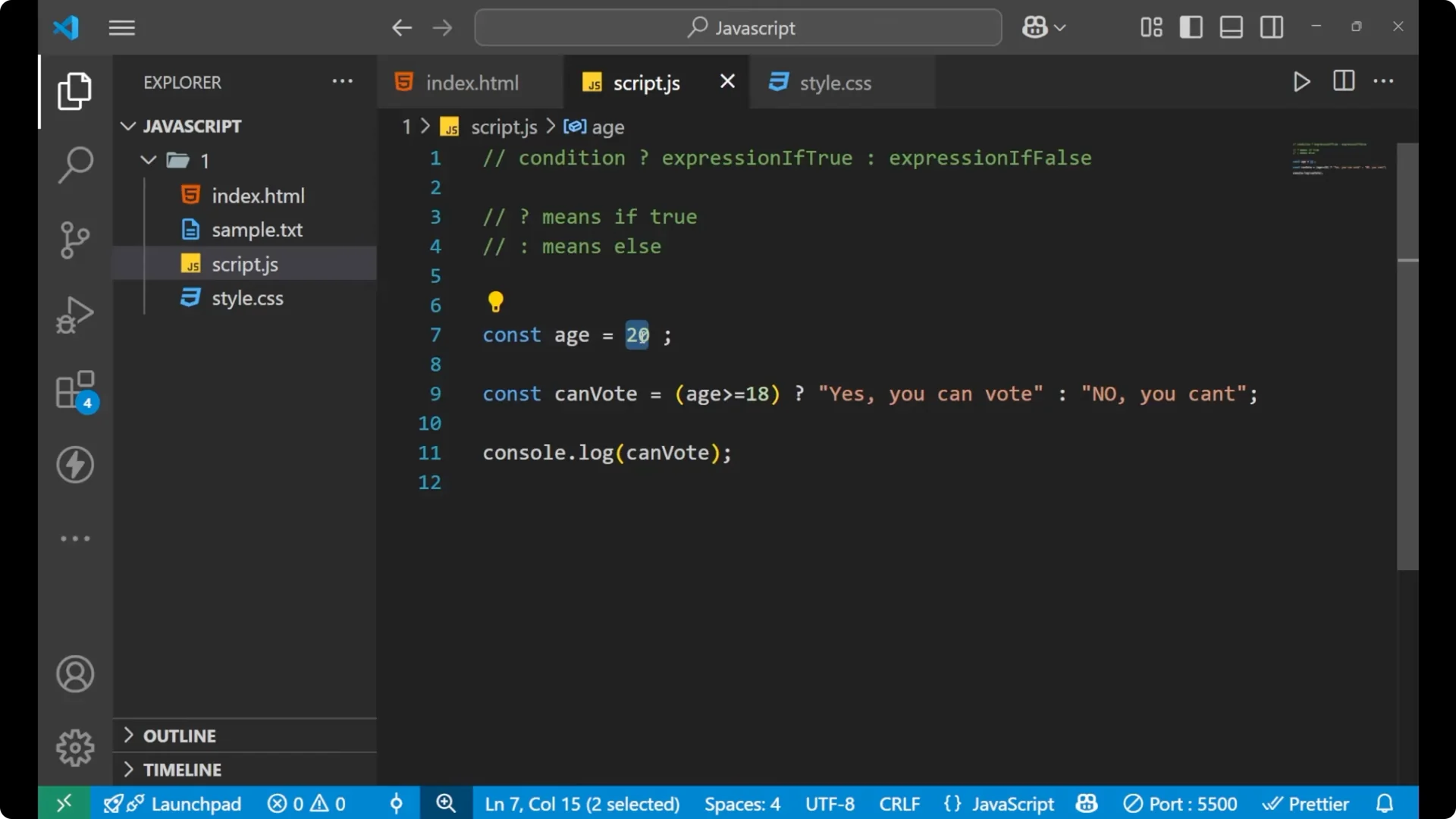
const age = 10;

const canVote = (age >= 18)
  ? "Yes, you can vote"
  : "No, you can't";

console.log(canVote); // "No, you can't"
You can also feed values that come from parsed data into the condition or expressions. If you parse JSON from an API, see
JSON parse.
Random number example with JavaScript Ternary Operator
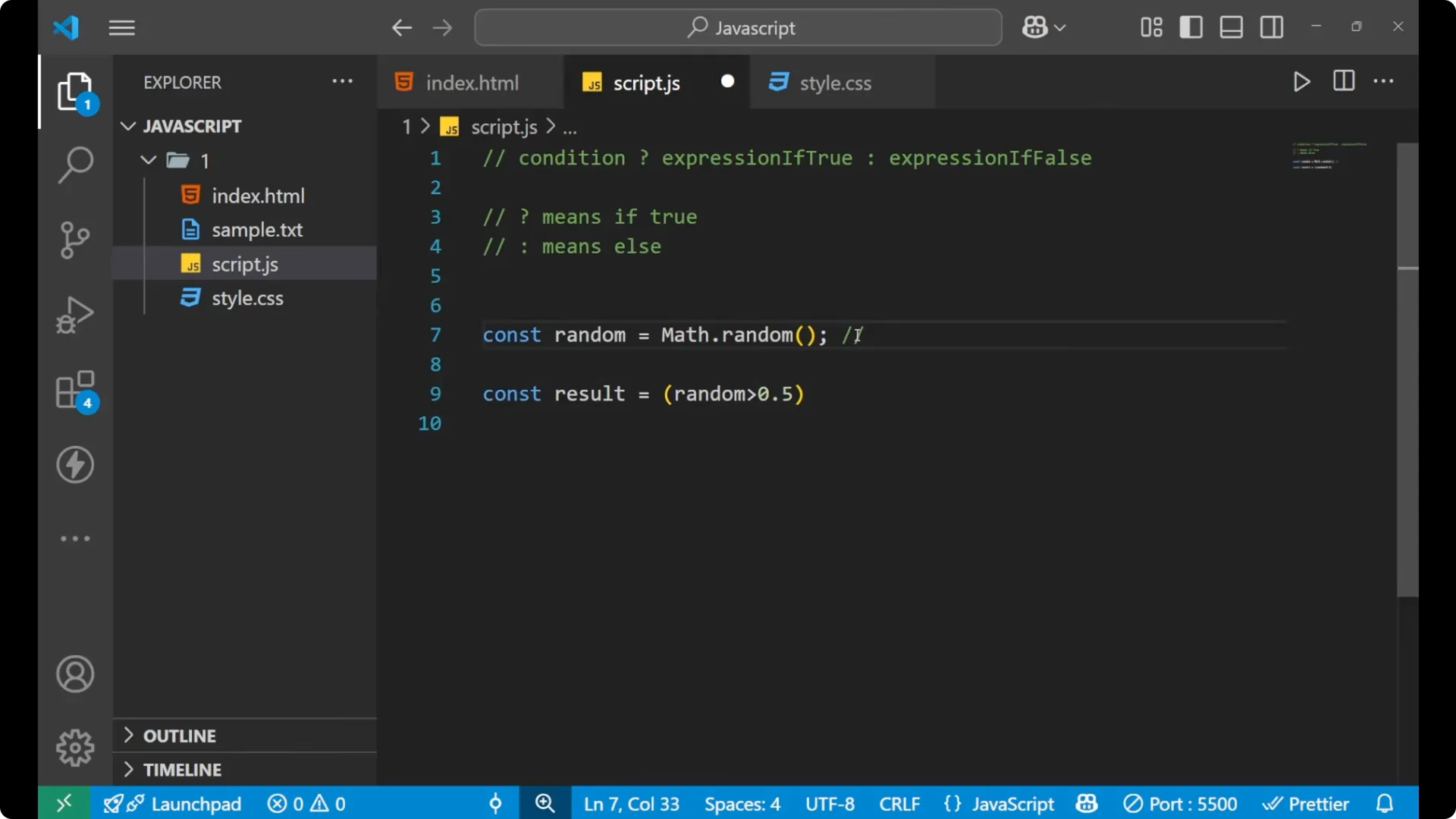
I will generate a random number and, according to that number, use the ternary operator to label it.
const random = Math.random(); // value in [0, 1)

const result = (random > 0.5)
  ? "Big number"
  : "Small number";

console.log(random, result);
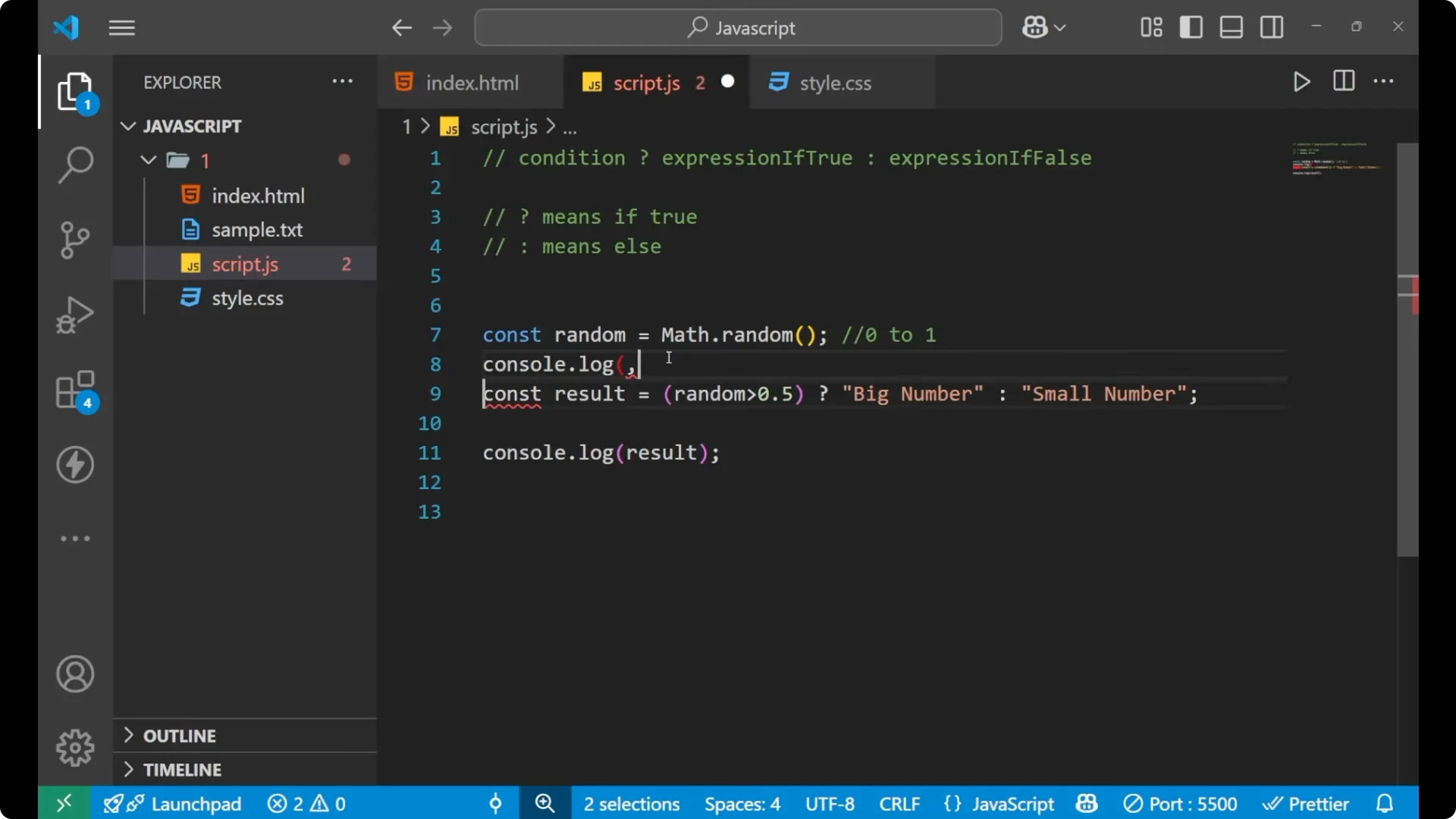
`Math.random()` gives a value between 0 and 1. If the value is greater than 0.5, the result is “Big number”. Otherwise it is “Small number”. Reloading and running it multiple times will show different outputs based on the generated value.
If you want to repeat checks until a condition flips, see
do while loops.
Final thoughts on JavaScript Ternary Operator
The ternary operator is a concise way to express a two-branch decision. Write a clear condition, follow it with
? for the true expression and
: for the false expression, and capture the returned value. Use it to keep simple conditionals compact and readable.