I am going to show how to format strings with template literals using the back tick and the dollar sign. It is a very easy and efficient method. The basic syntax is that you use the back tick (below your Escape key) and you use the dollar sign with curly braces like ${} to insert variables or expressions.
If you are reviewing type checks as you write examples like these, see typeof.
JavaScript Template Literals basics
This lets you format strings cleanly without the old plus operator for concatenation.
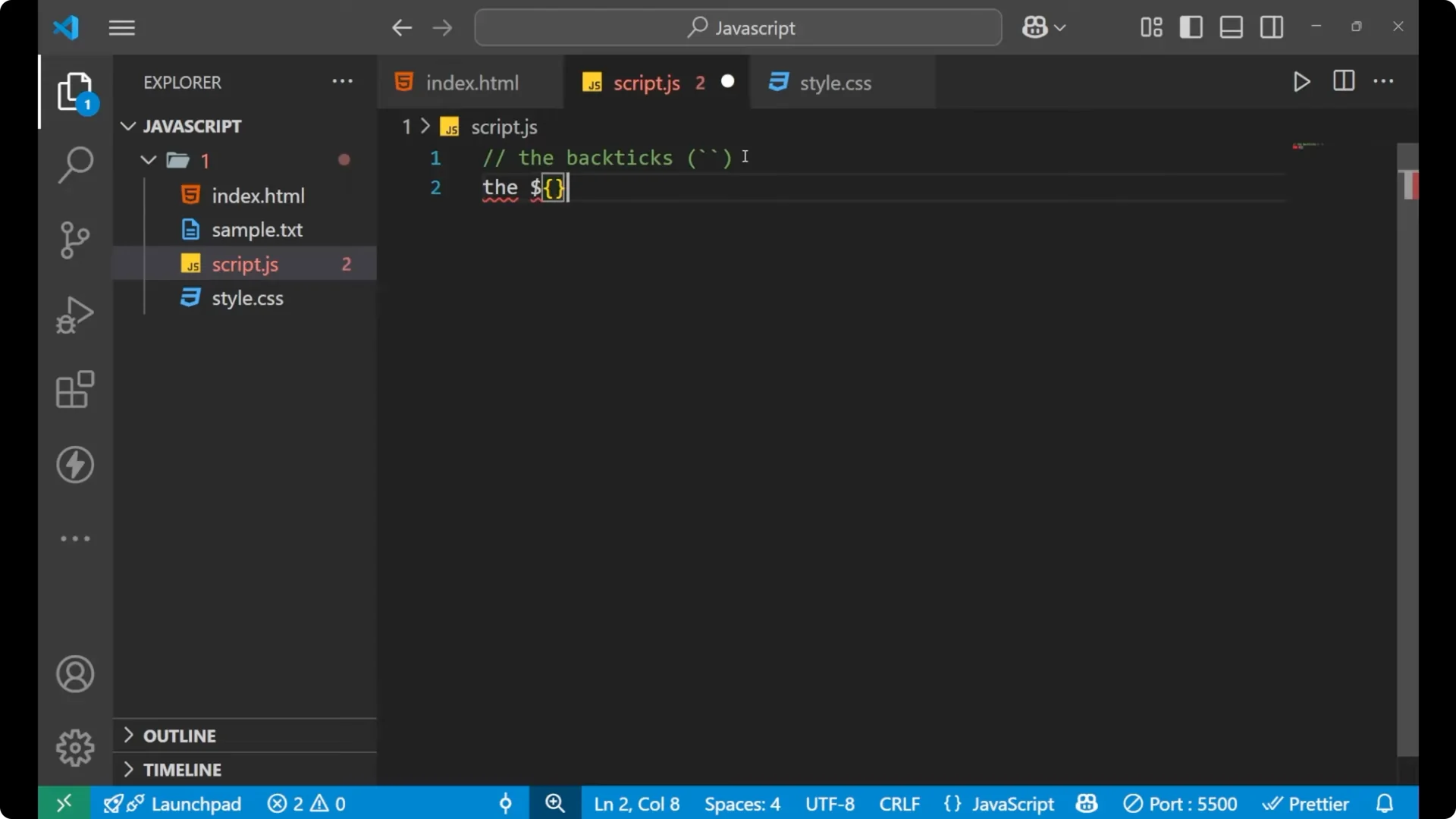
You use back ticks instead of normal quotes, and you insert placeholders with ${…} where you put a variable or an expression.
// Back ticks and ${}
const user = "Amit";
const age = 20;
const info = `My name is ${user} and my age is ${age}.`;
console.log(info);
Insert variables with JavaScript Template Literals
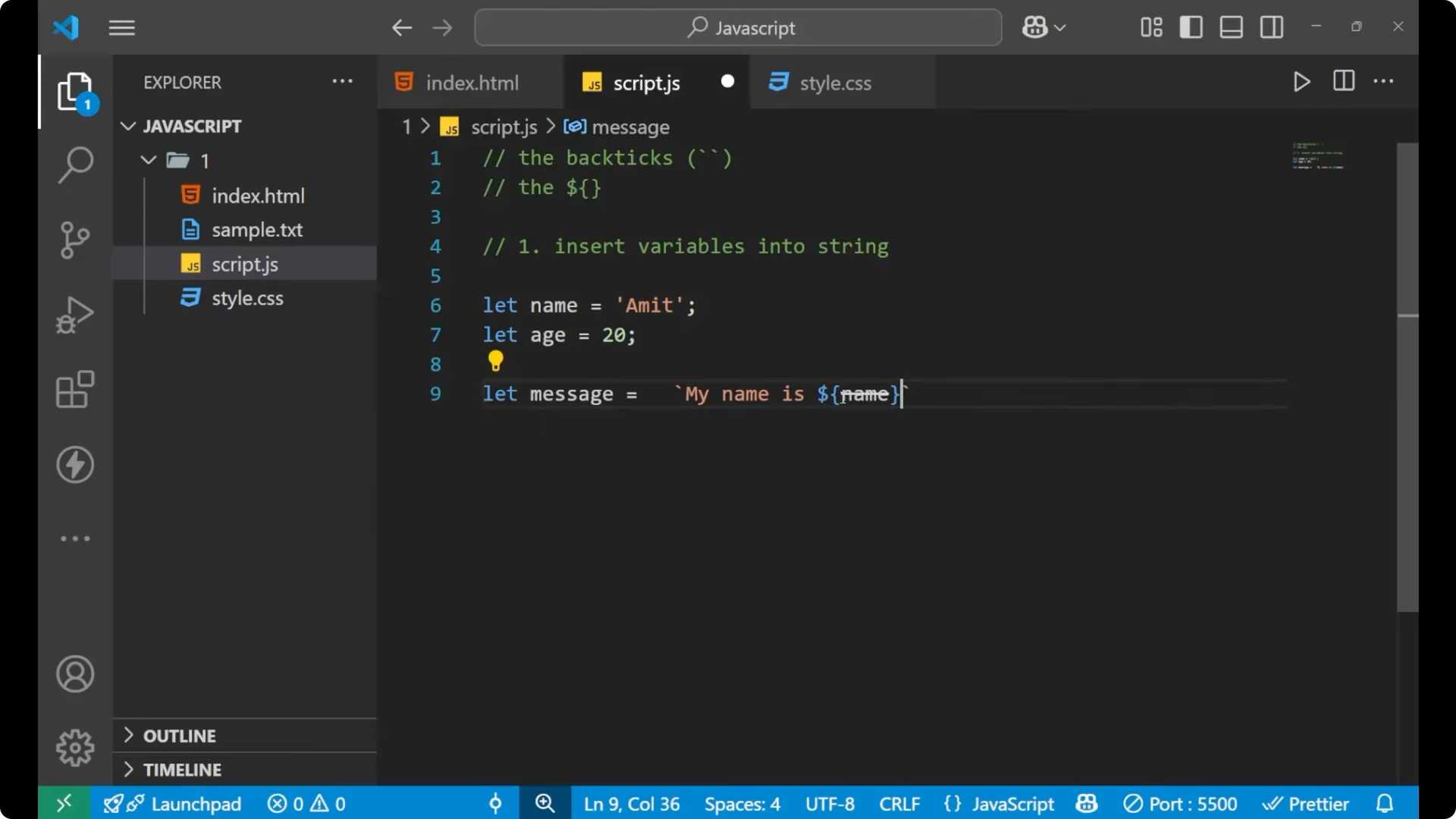
The first advantage is that you can insert variables into a string directly.
Earlier we used the plus method to add different variables, but now you can do it inside the string.
Step 1: Declare your variables.
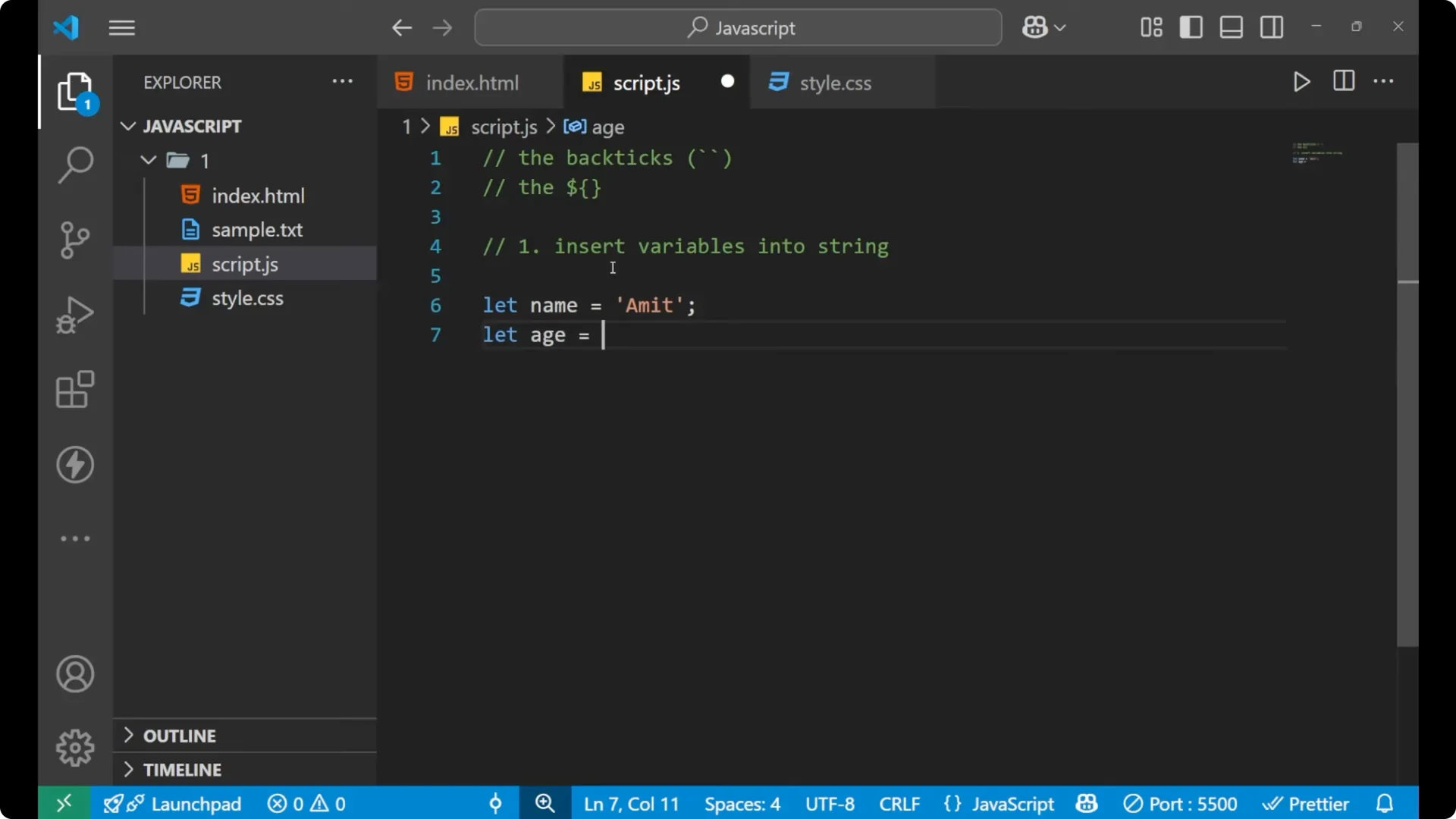
Step 2: Start a string with back ticks.
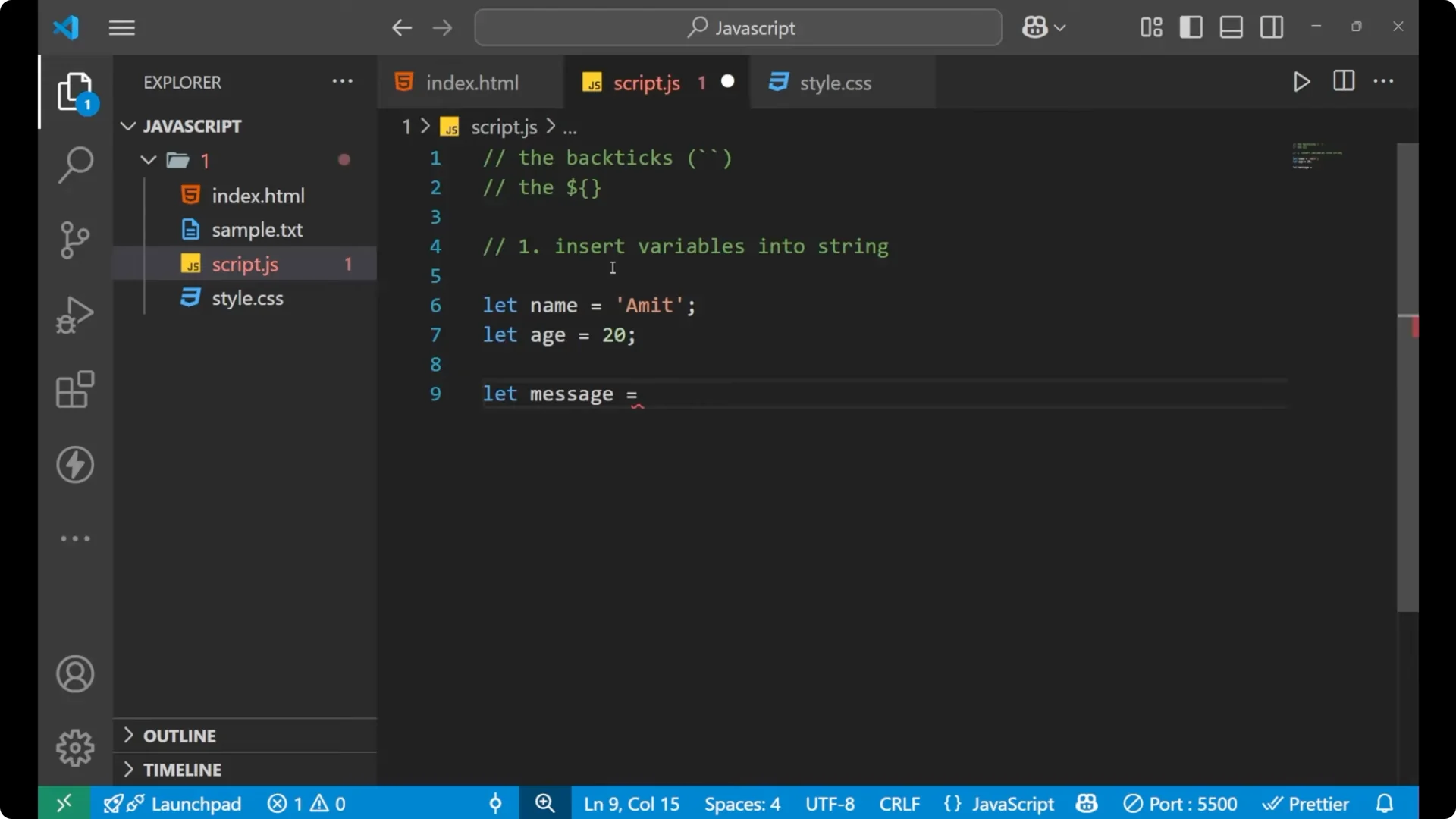
Step 3: Insert variables using ${variableName}.
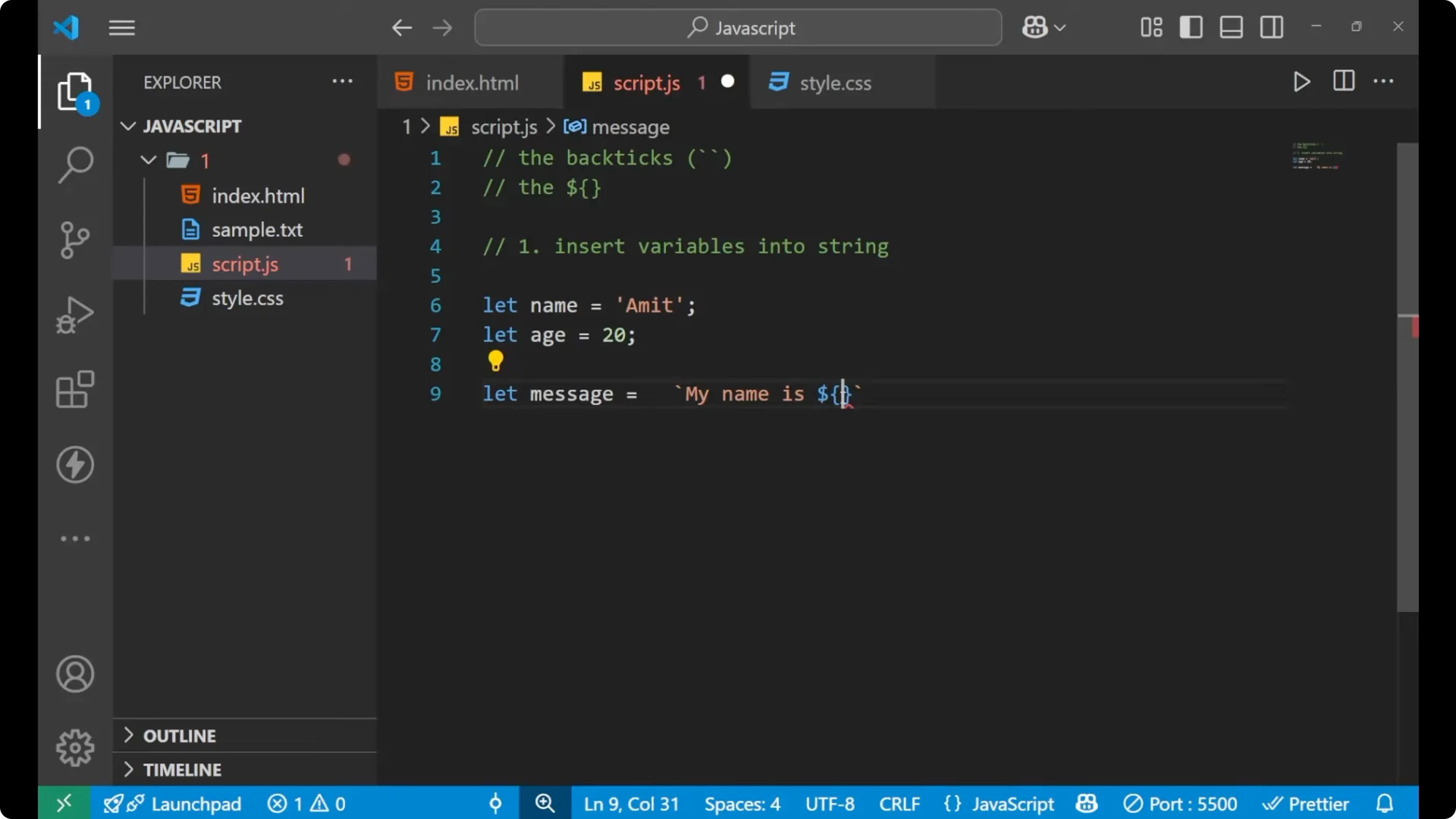
Step 4: Print with console.log to verify the output.
let name = "Amit";
let age = 20;
// Old way with plus
let oldMessage = "My name is " + name + " and my age is " + age + ".";
console.log(oldMessage);
// Template literal
let message = `My name is ${name} and my age is ${age}.`;
console.log(message); // My name is Amit and my age is 20.
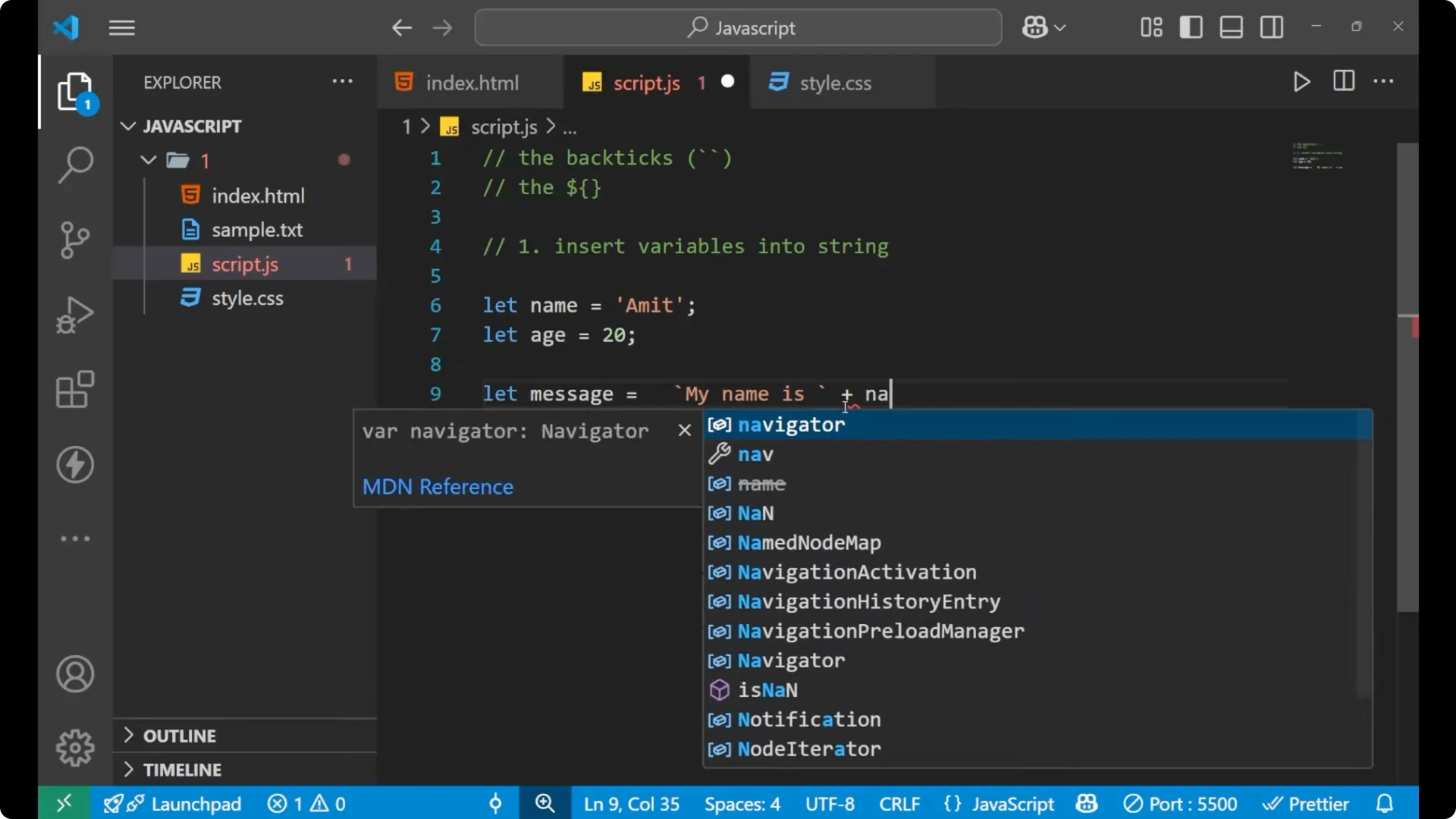
If you do not see output in your console, remember to call console.log.
That was the mistake I was doing earlier.
Multi-line strings with JavaScript Template Literals
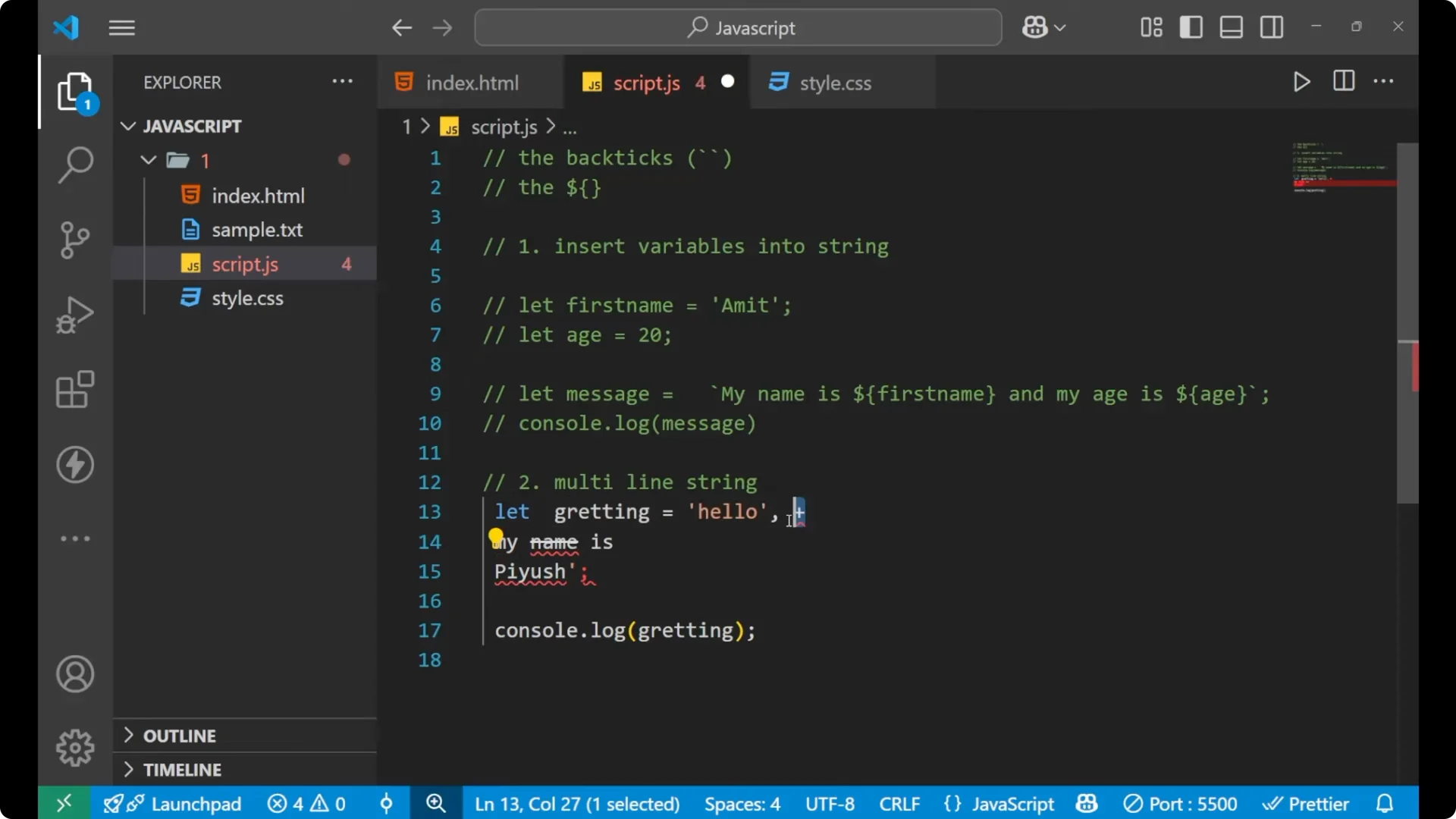
You can write a multi-line string with a template literal.
You just put a back tick, write on multiple lines, and close with a back tick. It prints as multiple lines without any extra operators.
let greeting = `Hello.
My name is P.
Nice to meet you.`;
console.log(greeting);
// Hello.
// My name is P.
// Nice to meet you.
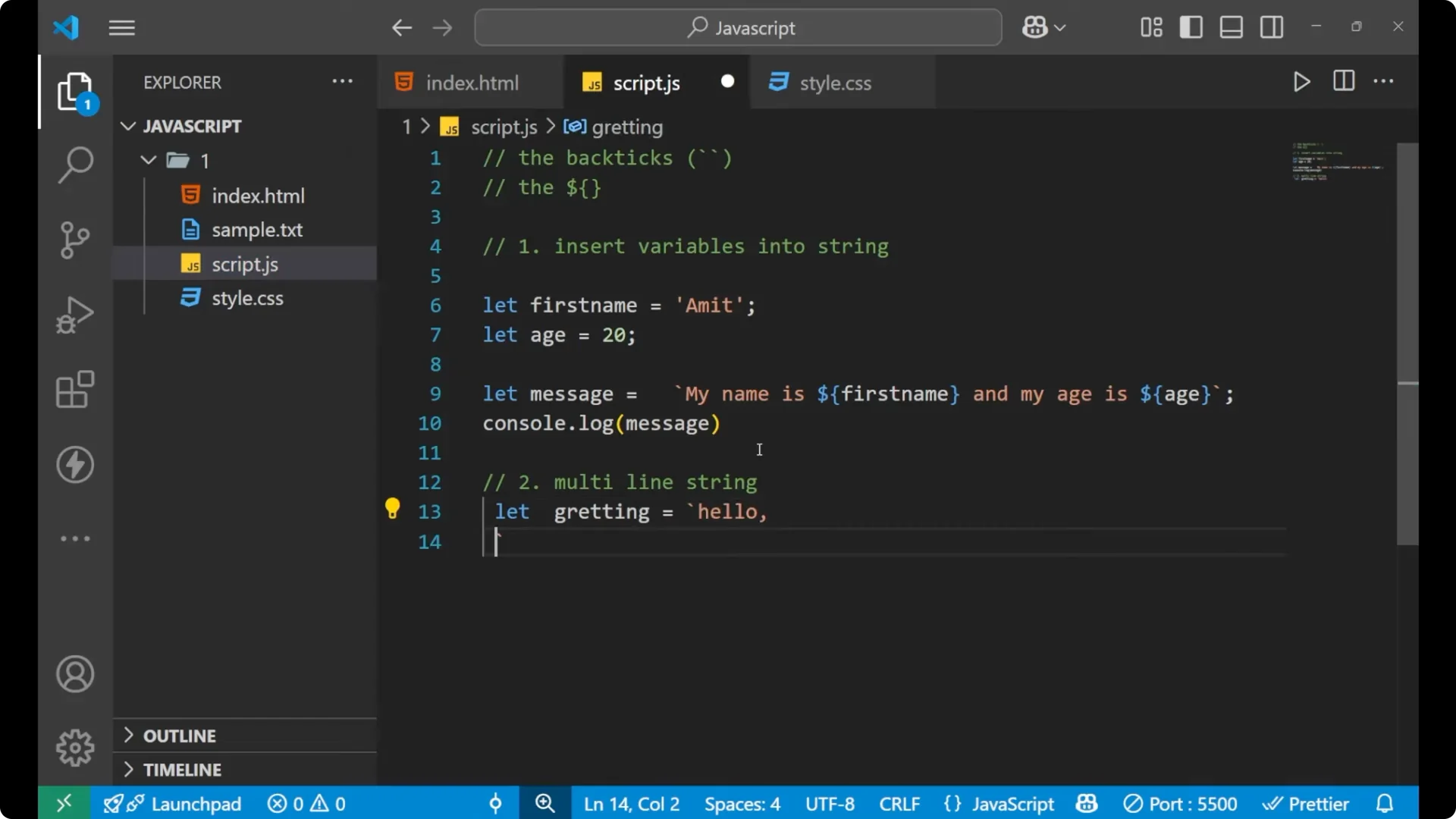
If you use normal quotes, it becomes messy because you end up closing every string and then using the plus operator for each line.
// Messy with normal quotes
let badGreeting =
  "Hello.\n" +
  "My name is P.\n" +
  "Nice to meet you.";
console.log(badGreeting);
For related fundamentals around how JavaScript objects share behavior, check prototypes.
Expressions in JavaScript Template Literals
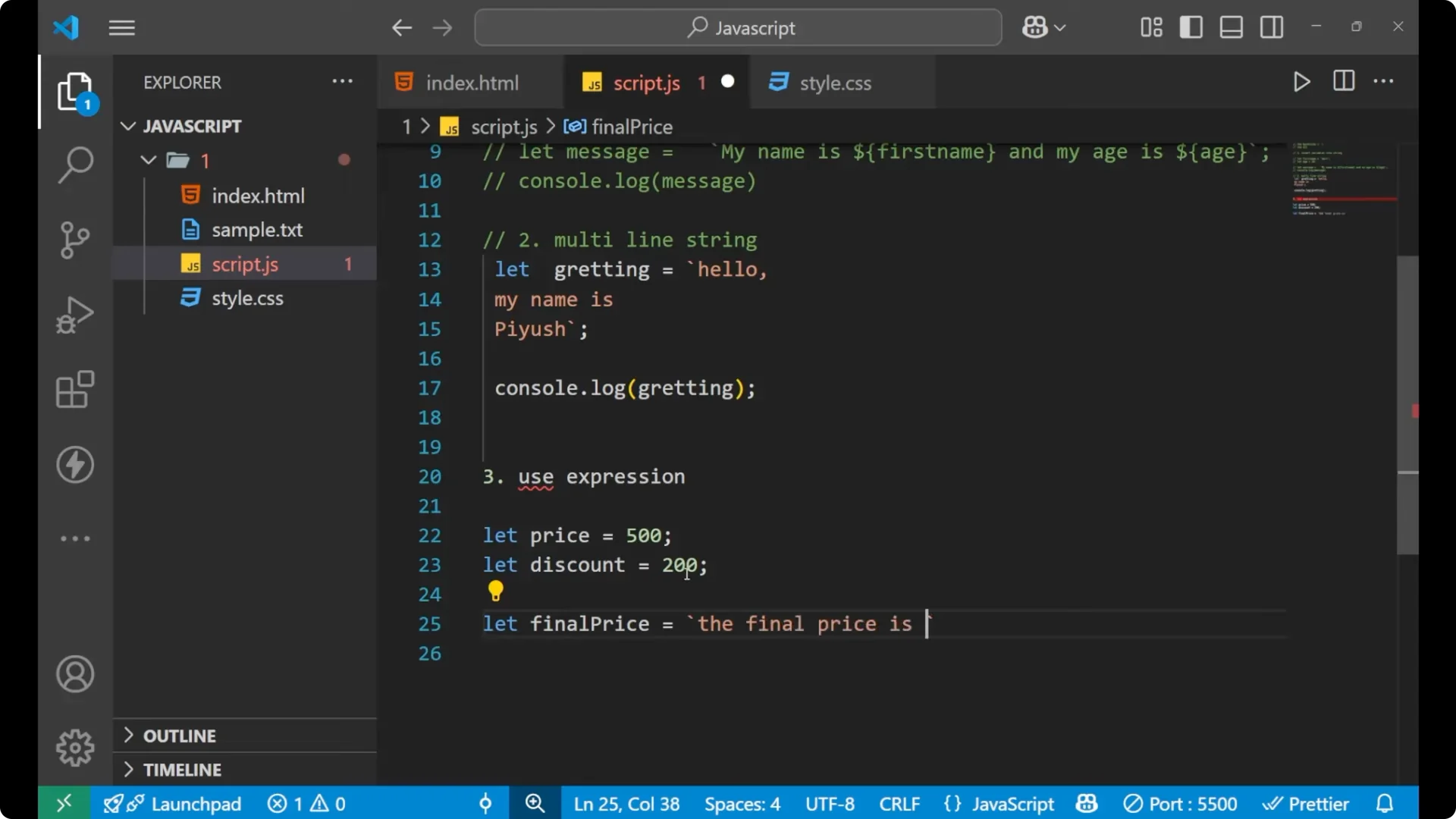
You can do a calculation or an expression inside the string.
Write the expression inside ${} and it will be evaluated.
let price = 500;
let discount = 200;
let finalPrice = `The final price is ${price - discount}.`;
console.log(finalPrice); // The final price is 300
Here the 300 is coming from the calculation `price – discount` evaluated directly inside the string.
To practice printing values in loops as you compute them, see while loops.
Final thoughts
Template literals give you three main features that make string work clean and readable: insert variables into a string directly, write multi-line strings easily, and place expressions inside the string with ${}. Use back ticks, keep your placeholders inside curly braces, and print with console.log to verify your output.