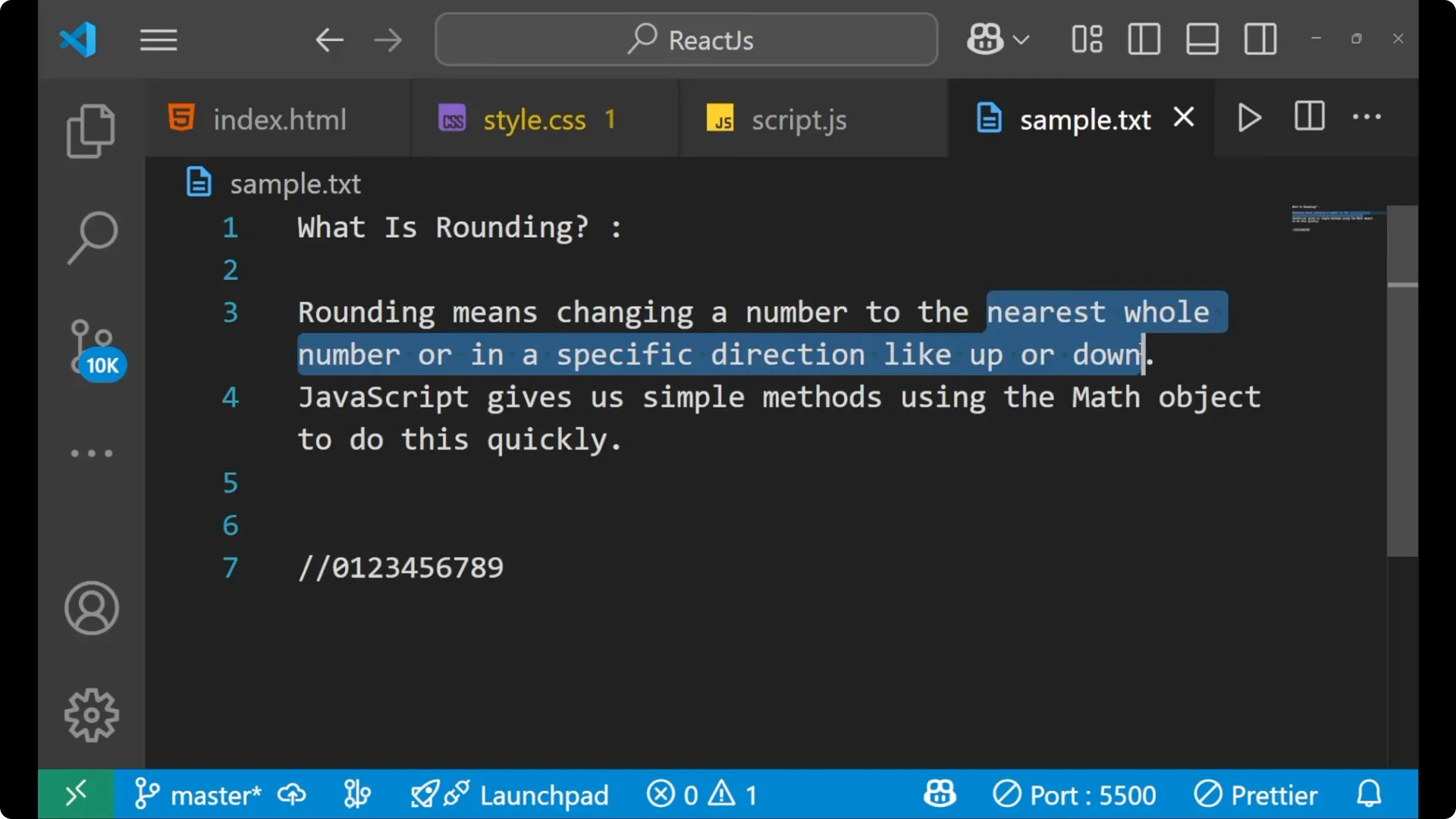
Rounding means changing a number to the nearest whole number in a specific direction like up or down. Whole numbers are 0, 1, 2, 3, 4, 5, 6, 7, 8, 9, and so on from zero to infinity. If you are having 2.3 and you do the round off, it can be 2 or 3 as per the direction that you give.
JavaScript gives simple methods using the Math object to do this quickly. You get methods like
Math.round,
Math.floor, and
Math.ceil to handle the common cases. For a quick refresher on control flow that pairs nicely with experiments in the console, see
do while.
JavaScript Number Rounding basics
Rounding to the nearest integer is based on the decimal part. With
Math.round, if the fraction is less than 0.5, it
rounds down, and if the fraction is 0.5 or more, it
rounds up. With
Math.floor, it always goes to the lower integer. With
Math.ceil, it always goes to the upper integer.
Math.round
I will write the code and show what result comes out based on the decimal part.
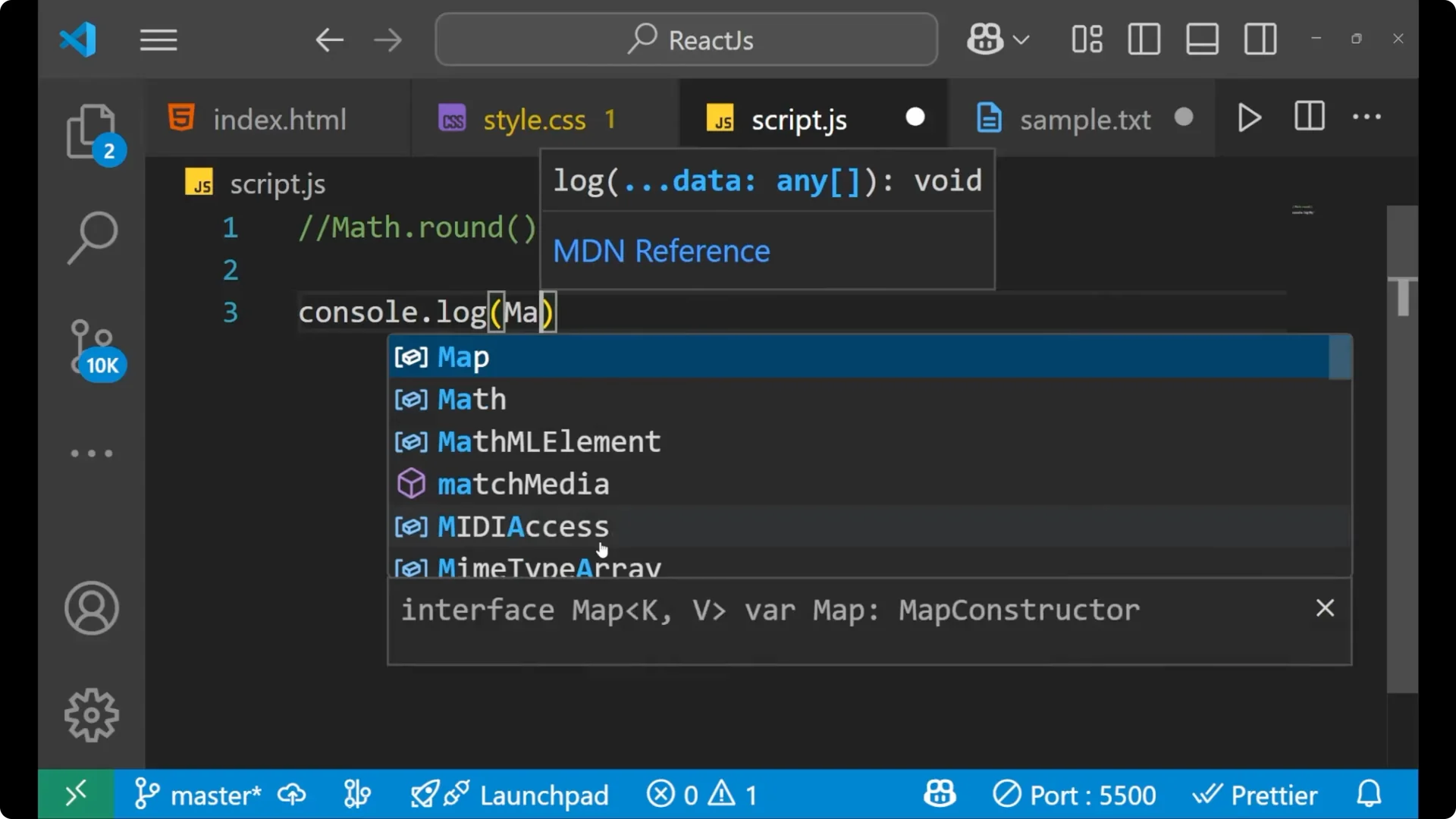
Type:
console.log(Math.round(4.3));
Run it.
You get 4. The rounding is done based on 0.5. If the number is less than 0.5, it gets rounded in the downward side, that is 4.
Change the input:
console.log(Math.round(4.6));
Run it.
You get 5 because 0.6 is greater than 0.5, so it goes up.
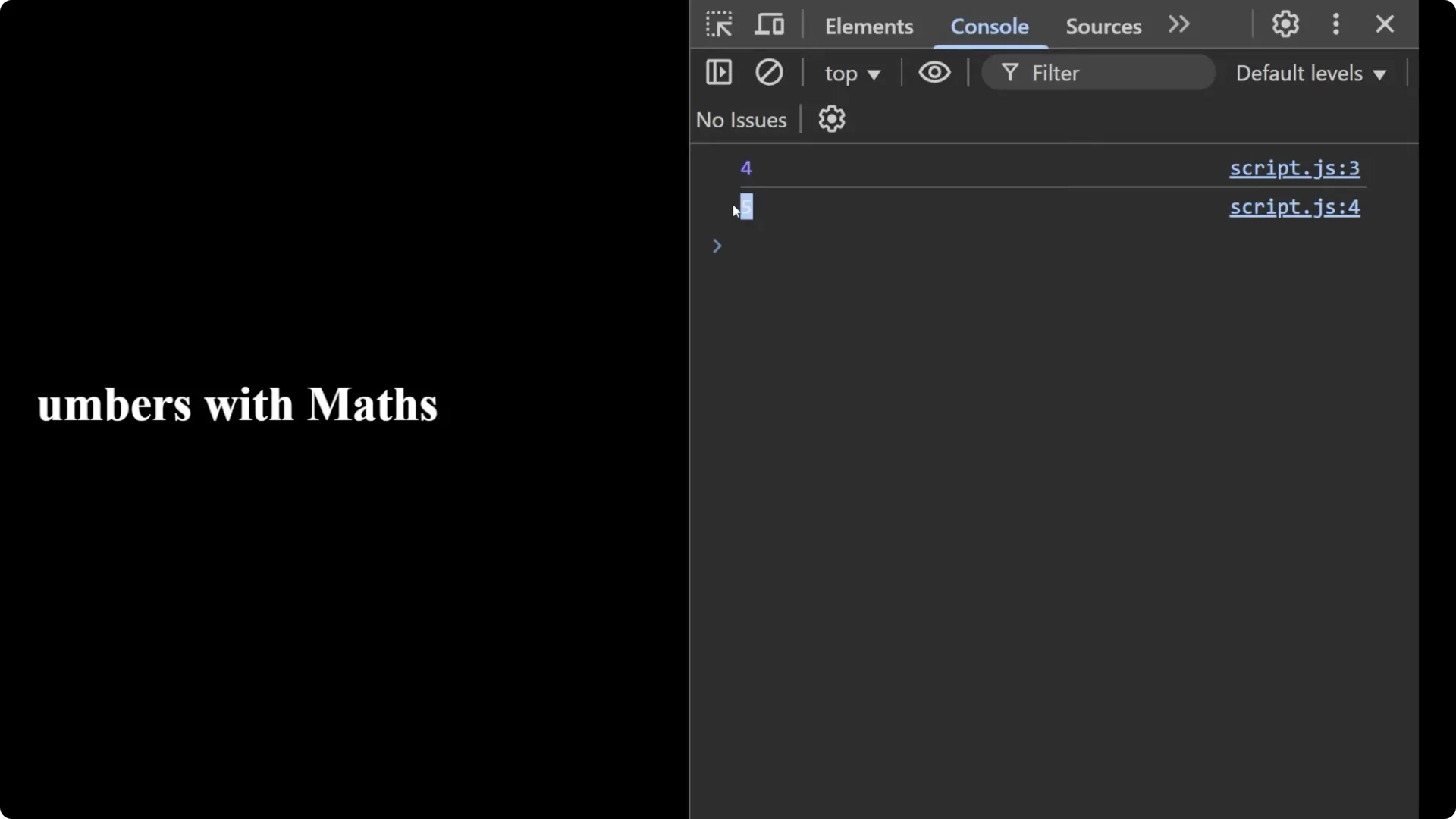
Try the midpoint:
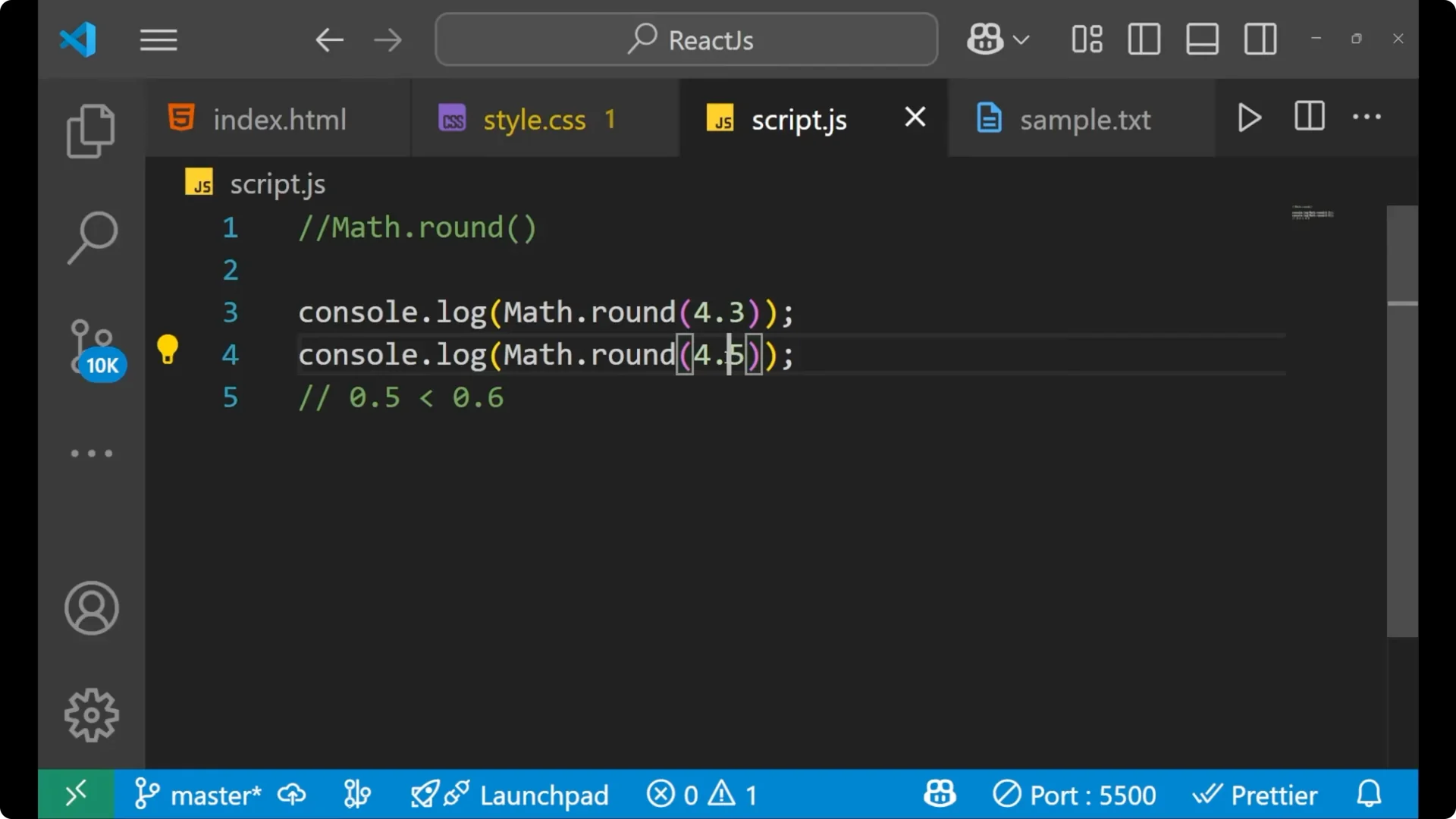
console.log(Math.round(4.5));
Run it.
You get 5. At 0.5, it gets rounded toward the upper side.
If you are working with arrays and transformations after rounding, see
map filter reduce.
Math.floor
In
Math.floor, it goes to the lower integer, even for the negative also.
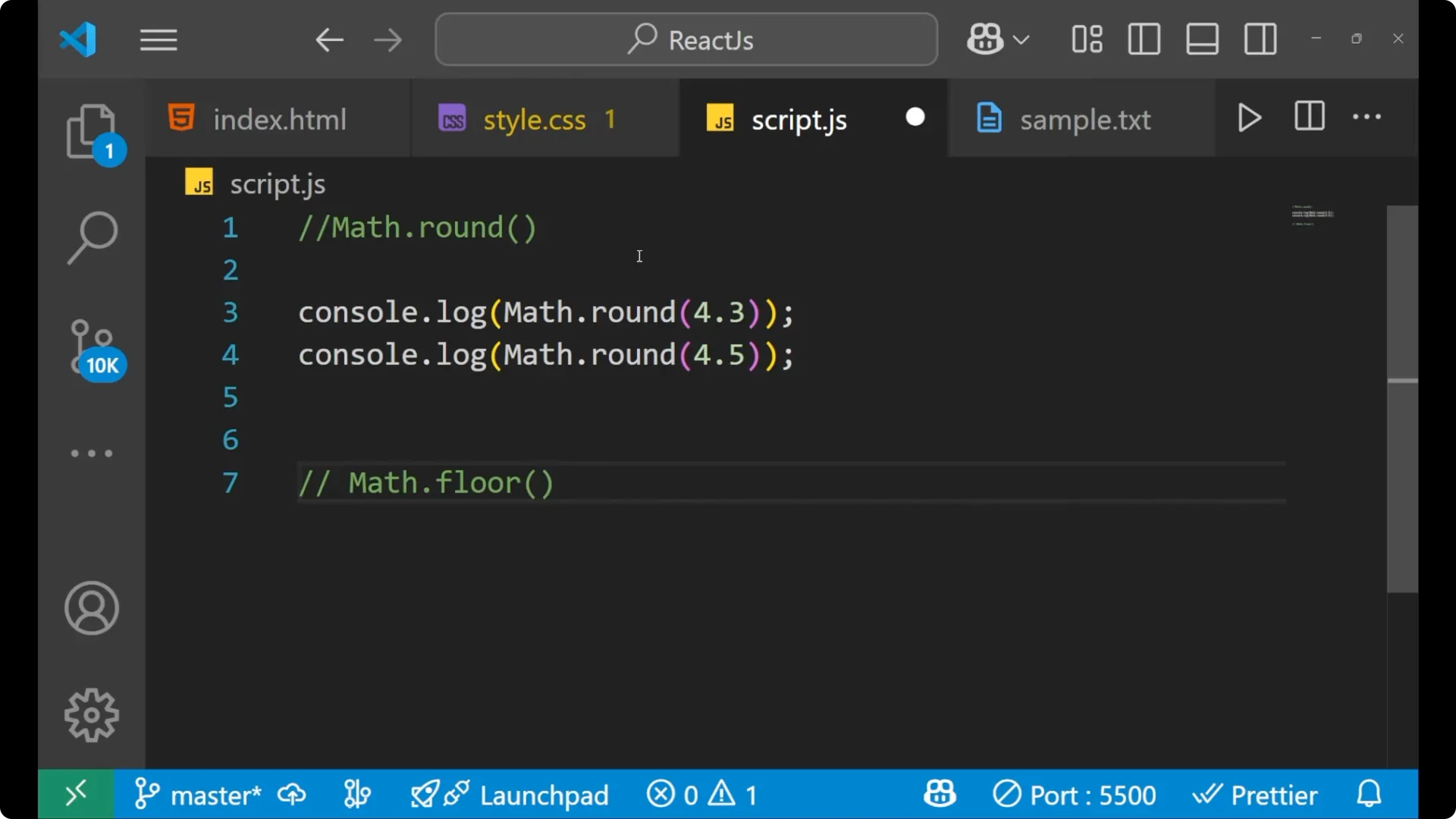
Type:
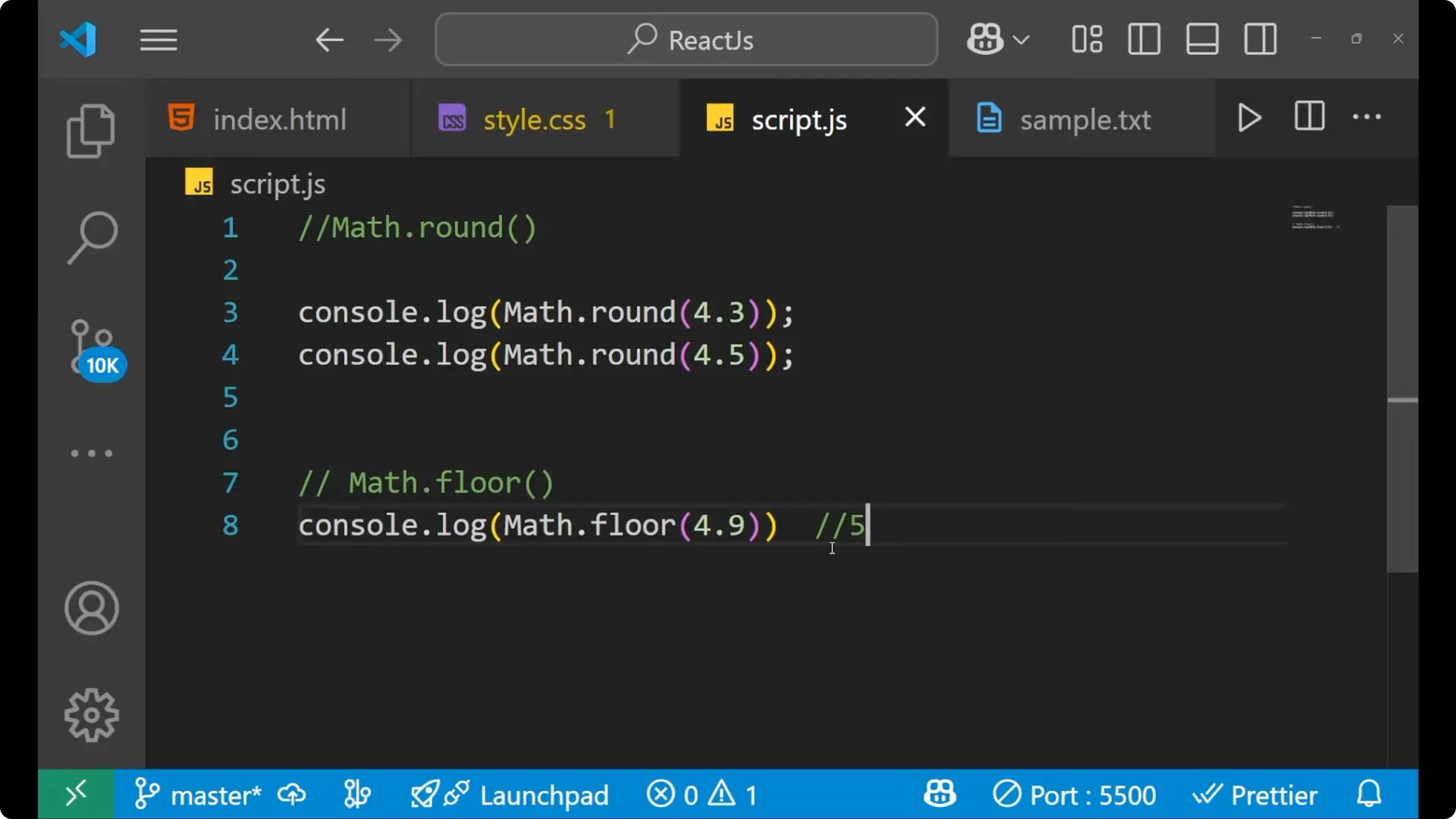
console.log(Math.floor(4.9));
Run it.
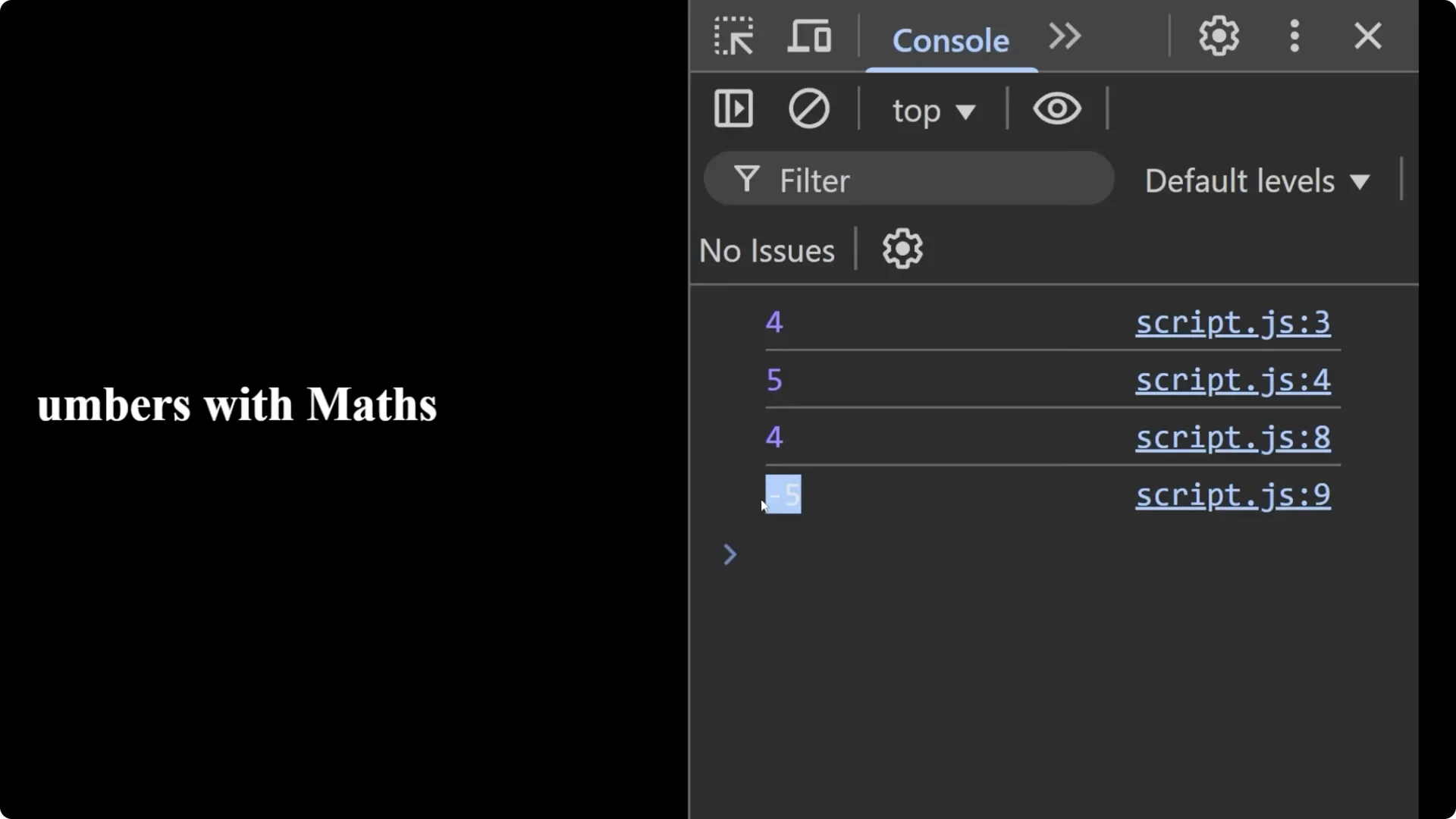
You get 4. Floor is on the downside, so it takes you to the downward side.
Try a negative number:
console.log(Math.floor(-4.9));
Run it.
You get -5 because -5 is in the downward side in the number line.
Math.ceil
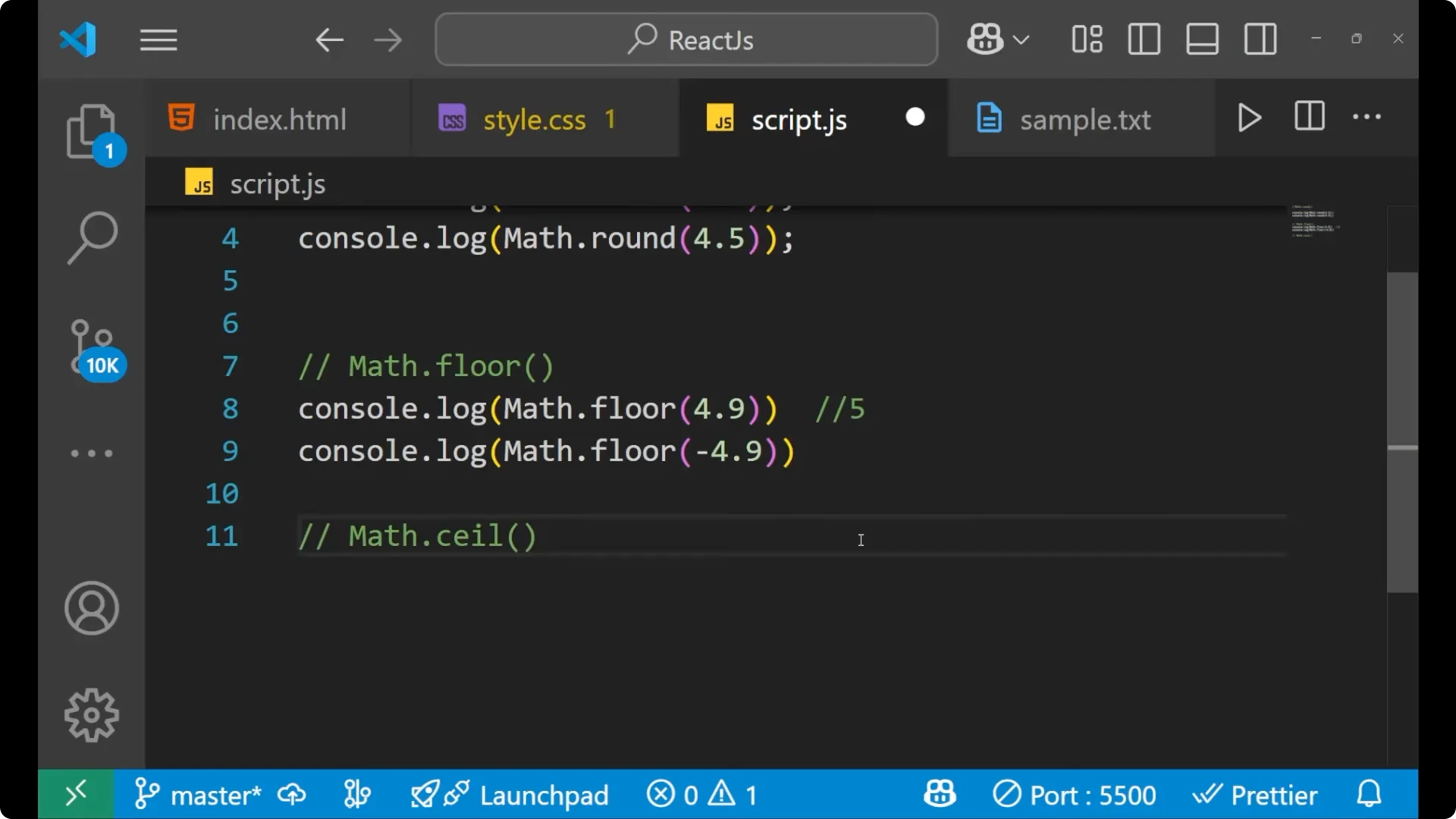
Math.ceil takes you to the upper number. Think of ceil as the top.
Type:
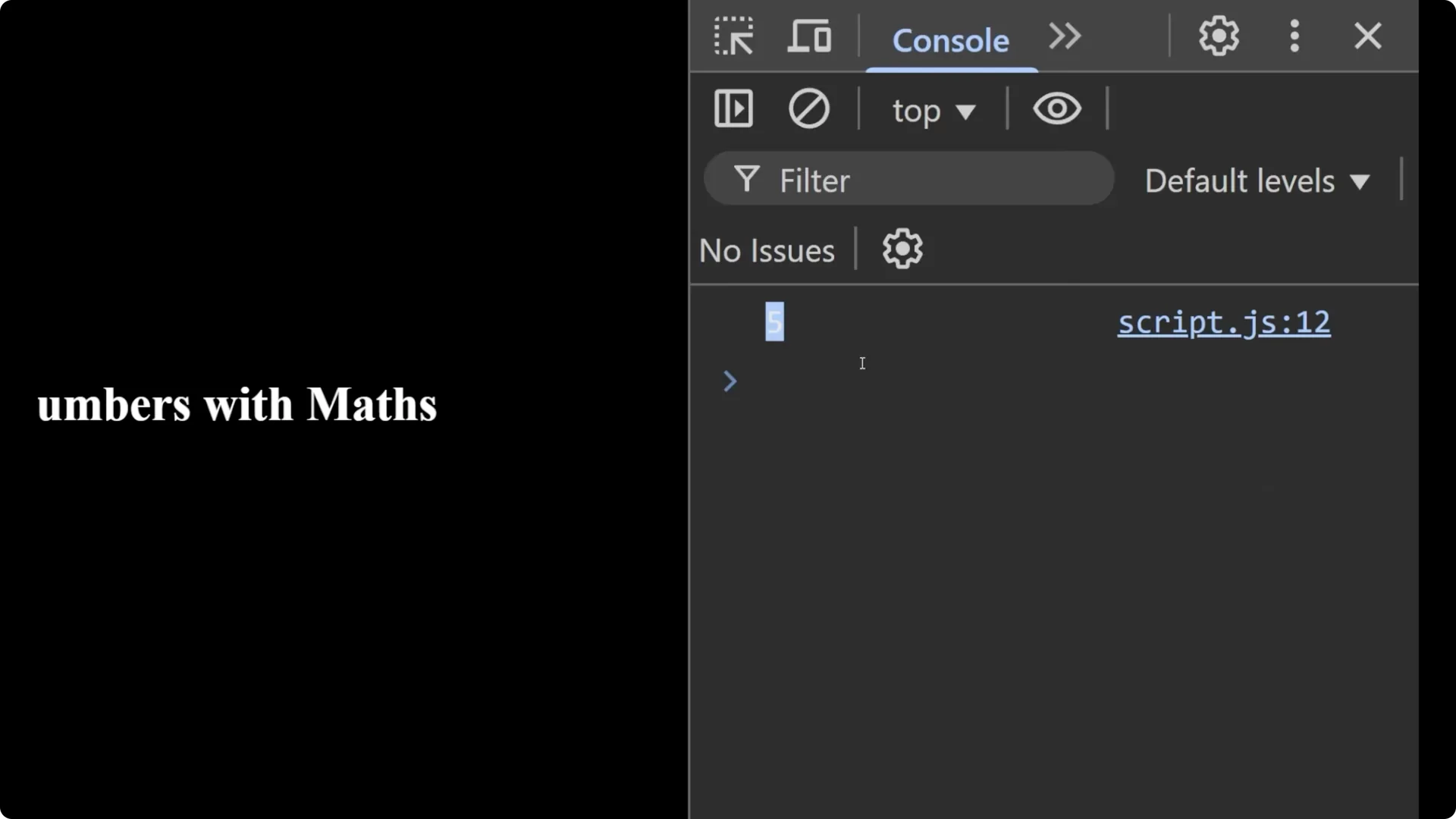
console.log(Math.ceil(4.1));
Run it.
You get 5, the upper number.
Try a negative number:
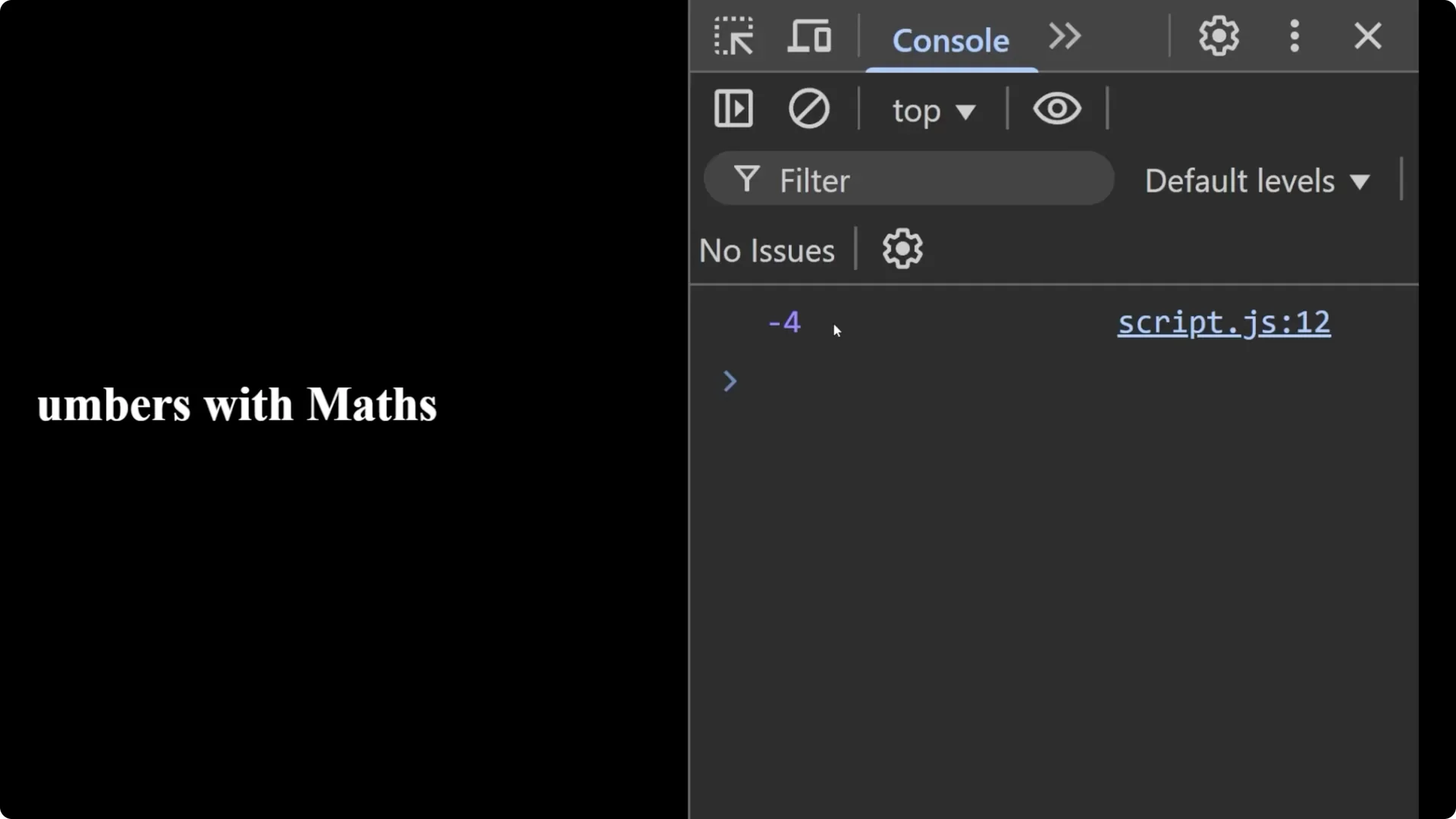
console.log(Math.ceil(-4.1));
Run it.
You get -4 because on the number line -4 is greater than -4.1, so it moves up to -4.
If you are rounding values that feed into UI interactions, see
dropdown menu.
Final thoughts
You saw the three main methods to round numbers in JavaScript:
Math.round to the nearest integer based on 0.5,
Math.floor to always go down, and
Math.ceil to always go up. For positive and negative numbers, floor moves toward the lower integer and ceil moves toward the upper integer. These simple methods from the Math object let you control rounding in the exact direction you need.