Generating random numbers in JavaScript is straightforward. For generating random numbers, we use the random function which is given by JavaScript, which gives a value between 0 and 1.
From the Math library we are calling this random function, and by this a random number will be generated and that particular number will be between 0 to 1.
One thing you need to keep in your mind is that it will never generate 1. It can generate 0.99999, but it will not generate 1.
Here is the basic syntax and a quick run:
const value = Math.random();
console.log(value); // e.g., 0.442... a large decimal number
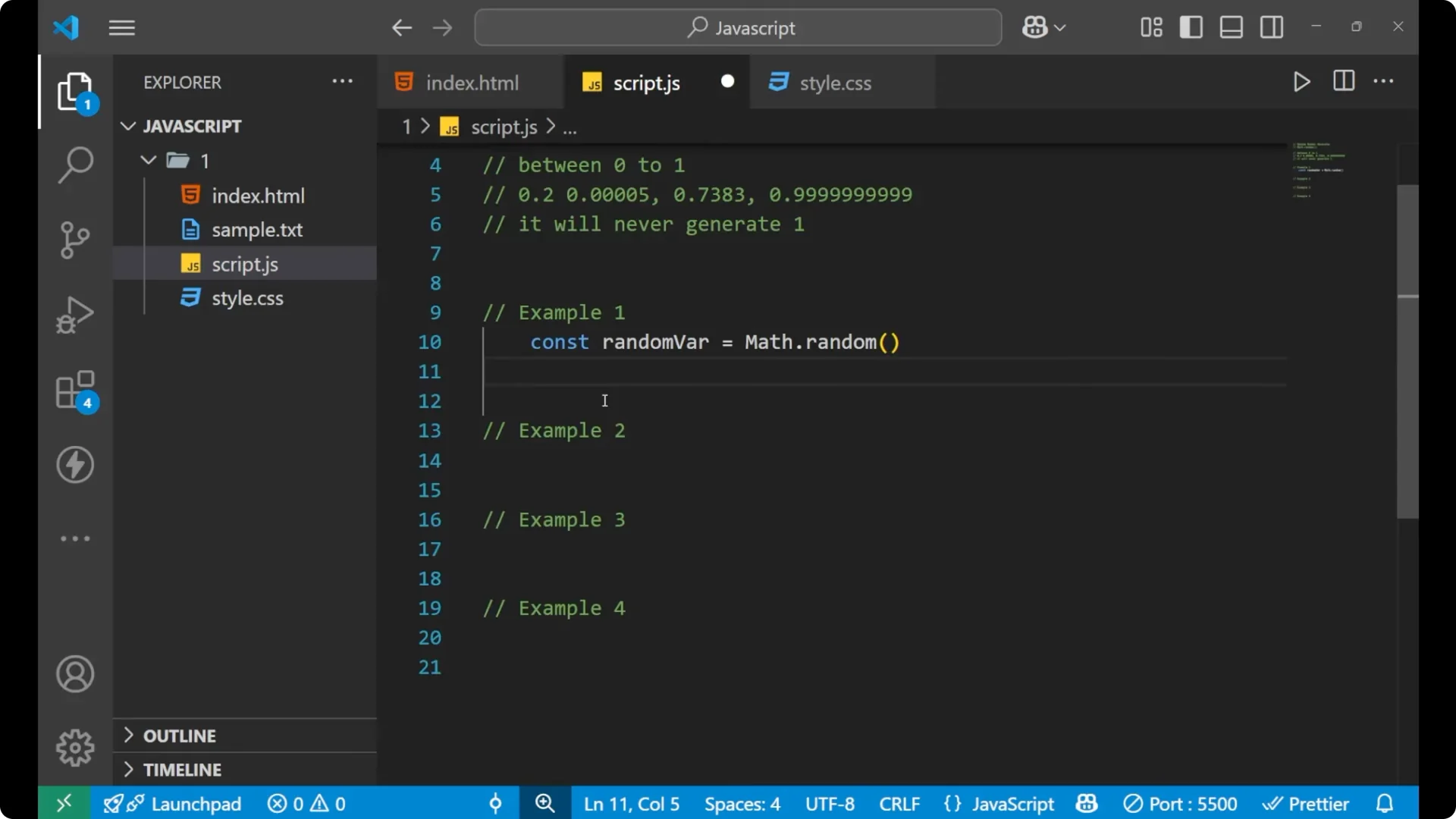
Every time you run the code, this function will generate a new random value.
Basics of JavaScript Math.random()
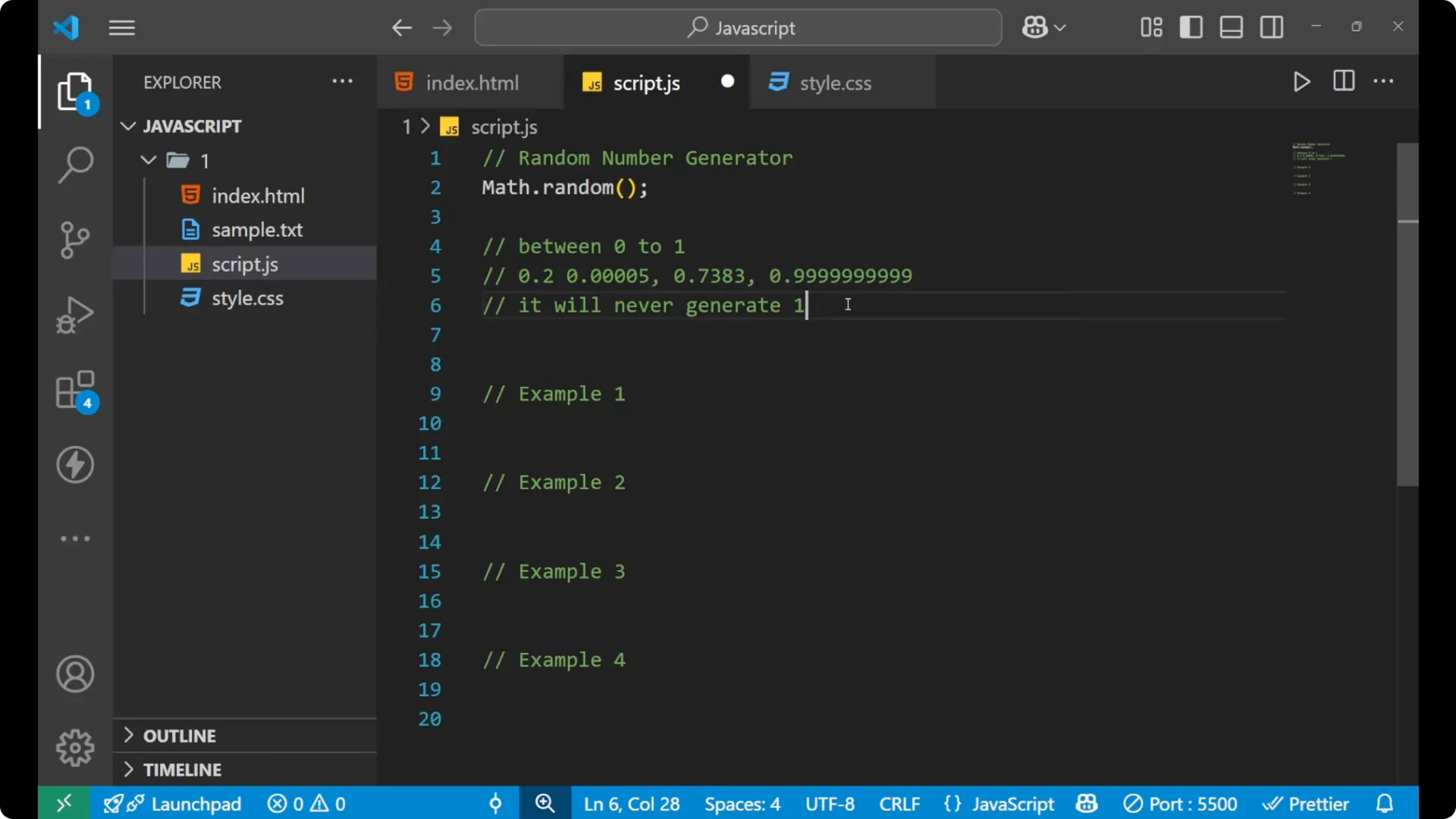
The basic syntax to generate a random number is simple.
Write Math, then put a dot, then write random, and put parentheses.
Math.random();
By doing this, you are actually generating a random number in the range [0, 1).
It will generate values like 0.2 or 0.0000005.
It can generate any random decimal number between 0 and 1, but it will never generate the largest value 1.
To store and print a value:
const randomValue = Math.random();
console.log(randomValue);
You will see a different value each time you run the script.
Scale with JavaScript Math.random()
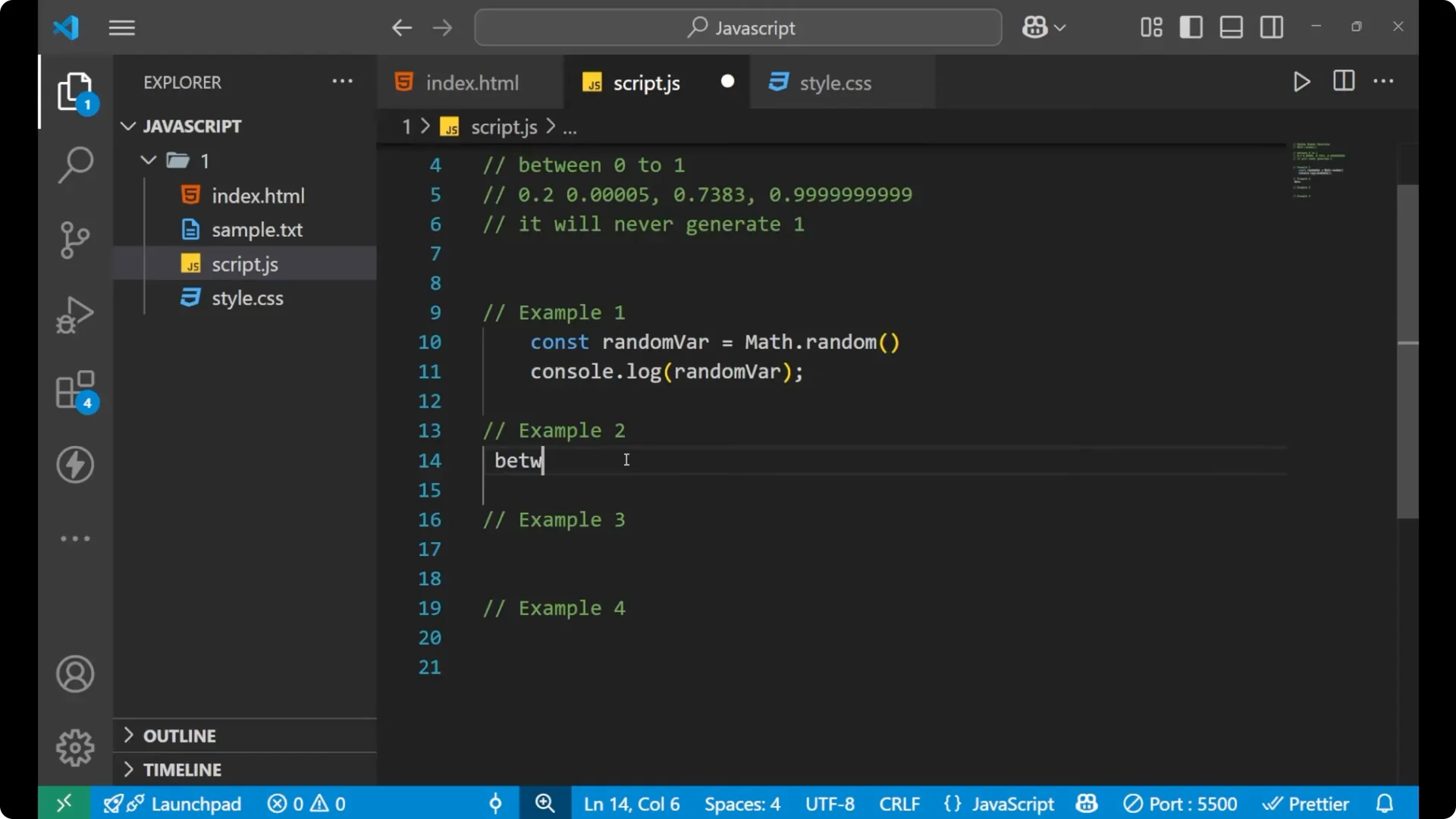
If you want to generate a number between 0 to 100, multiply the result by 100.
Since Math.random() is generating a value between 0 to 1, multiplying it by 100 will give a value between 0 to 100, but you will never get exact 100.
const randomNum100 = Math.random() * 100;
console.log(randomNum100); // e.g., 59.34
You can see the value changes each run, and it is always between 0 and less than 100.
Read More: Toggle elements
Integers with JavaScript Math.random()
If you want a number between 1 to 10, write the logic like this.
Your Math.random() into 10 generates a number between 0 and 9.9999.
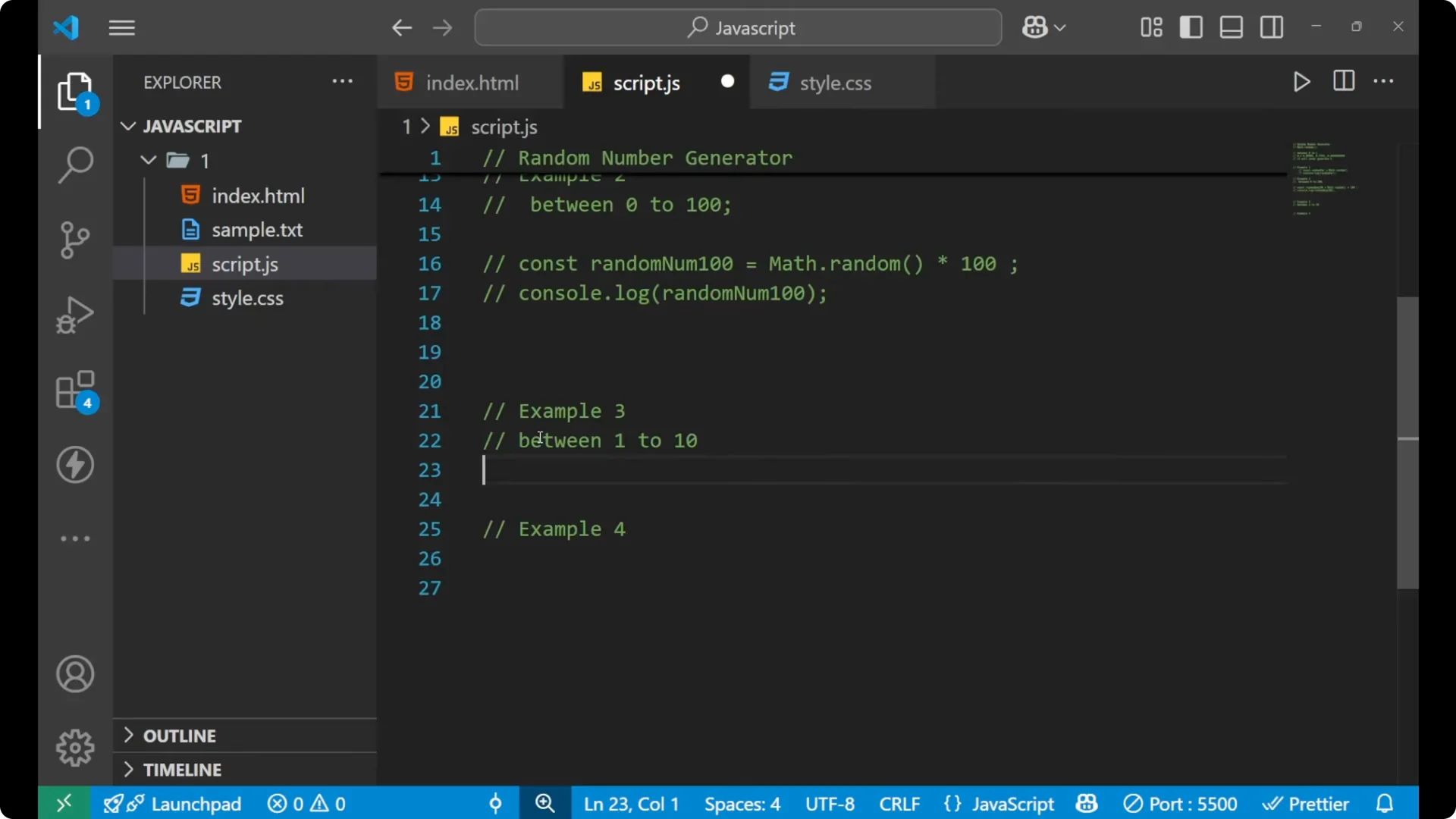
To get exact integers, you need to round down and then shift the range so that you include 10 as well.
Write Math.random() * 10
Wrap it with Math.floor to round down
Add + 1 to include the largest number
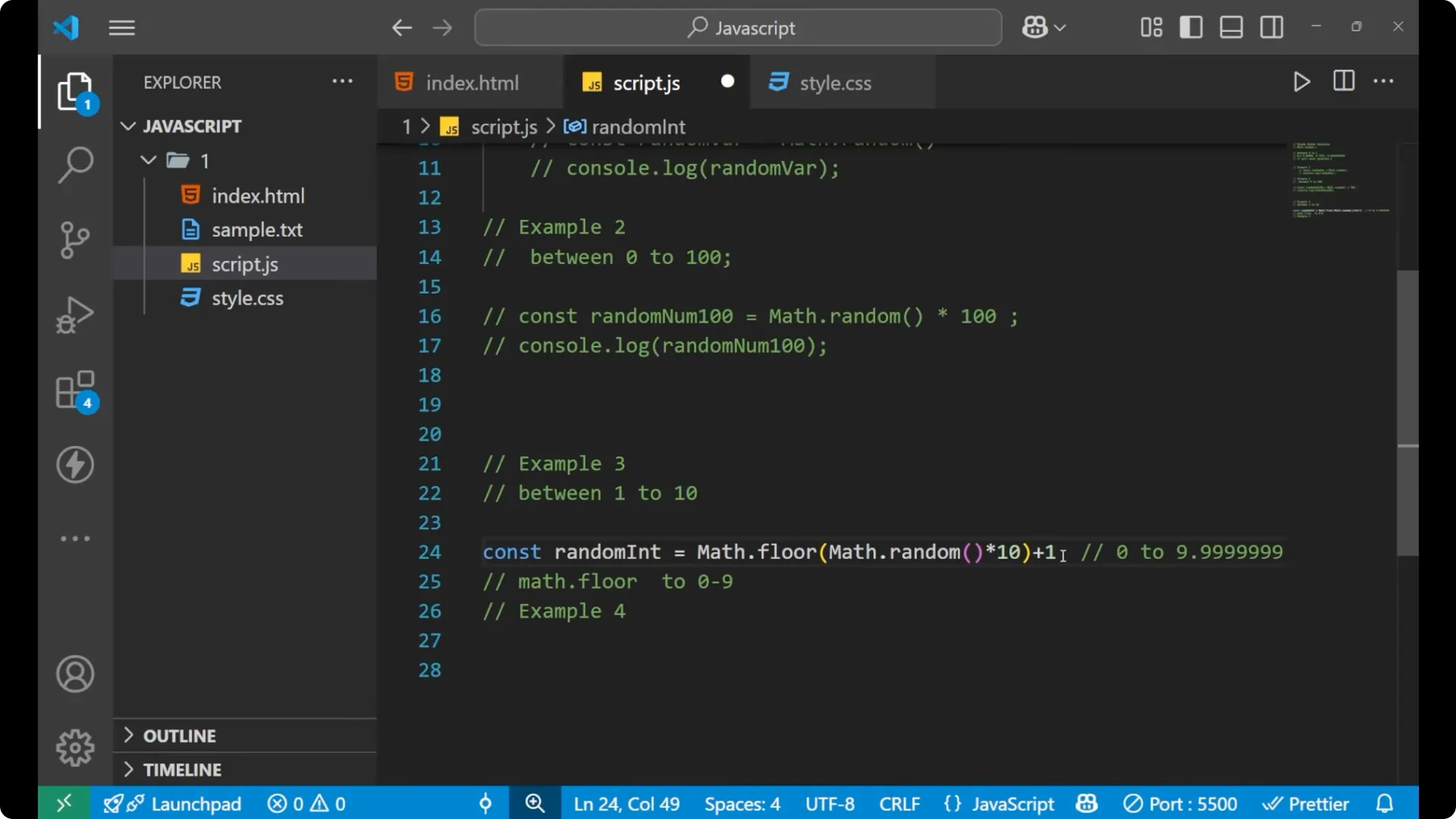
const randomInt = Math.floor(Math.random() * 10) + 1;
console.log(randomInt); // 1..10 inclusive
Math.floor will round off the value to an integer, giving 0 to 9.
By adding 1, if it generates 9, you get 10. That way you get the maximum value as well.
If you want a refresher on rounding functions, see rounding methods.
Between two values with JavaScript Math.random()
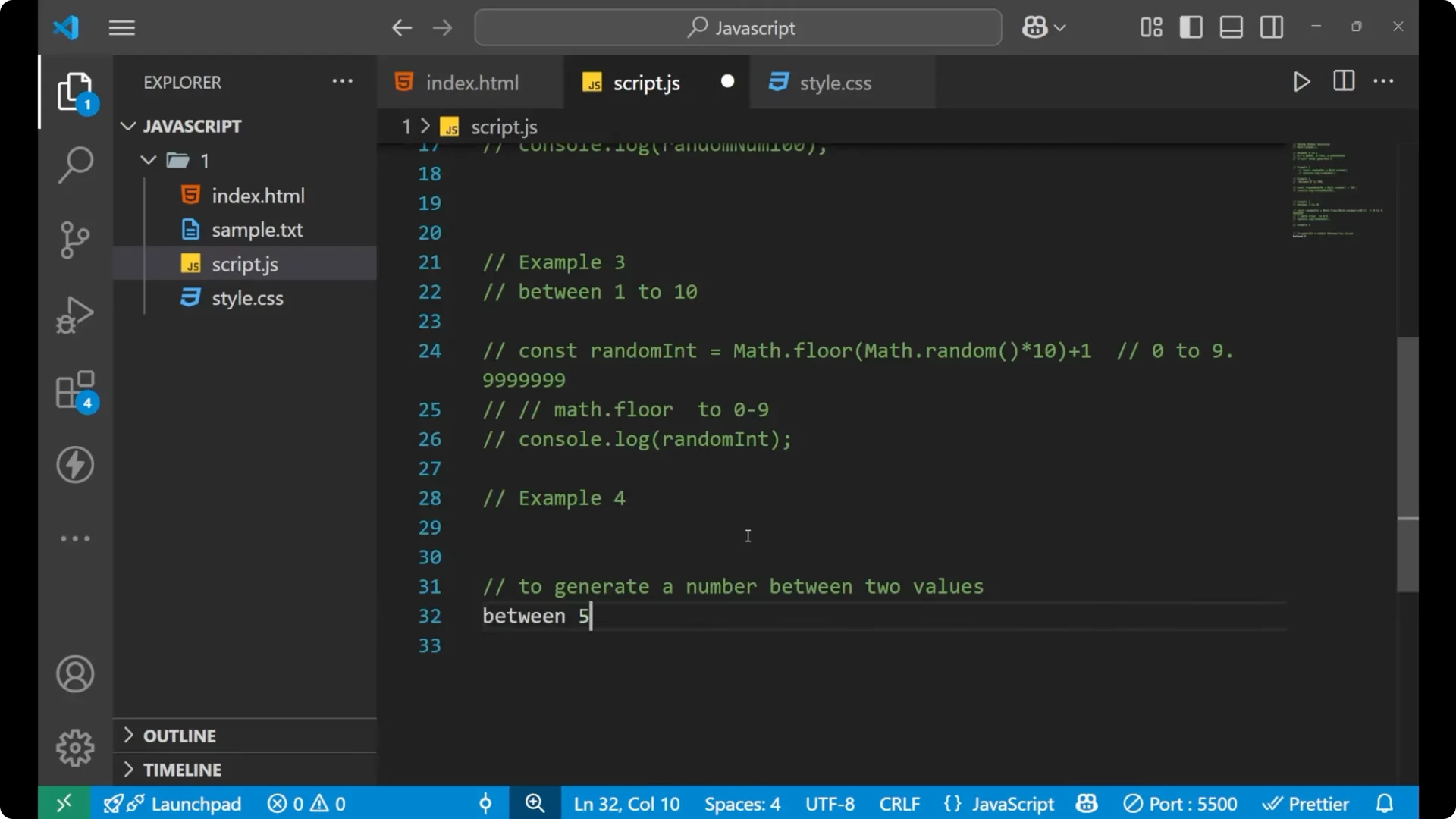
To generate a number between two values that you provide, like between 5 to 15, create a function that takes minimum and maximum values.
The idea is simple.
Multiply Math.random() by the range, add 1 to include the upper bound, then add the minimum to shift the range.
Start with Math.random()
Multiply by max – min + 1 to create the range
Apply Math.floor to round down
Add min to shift into [min, max]
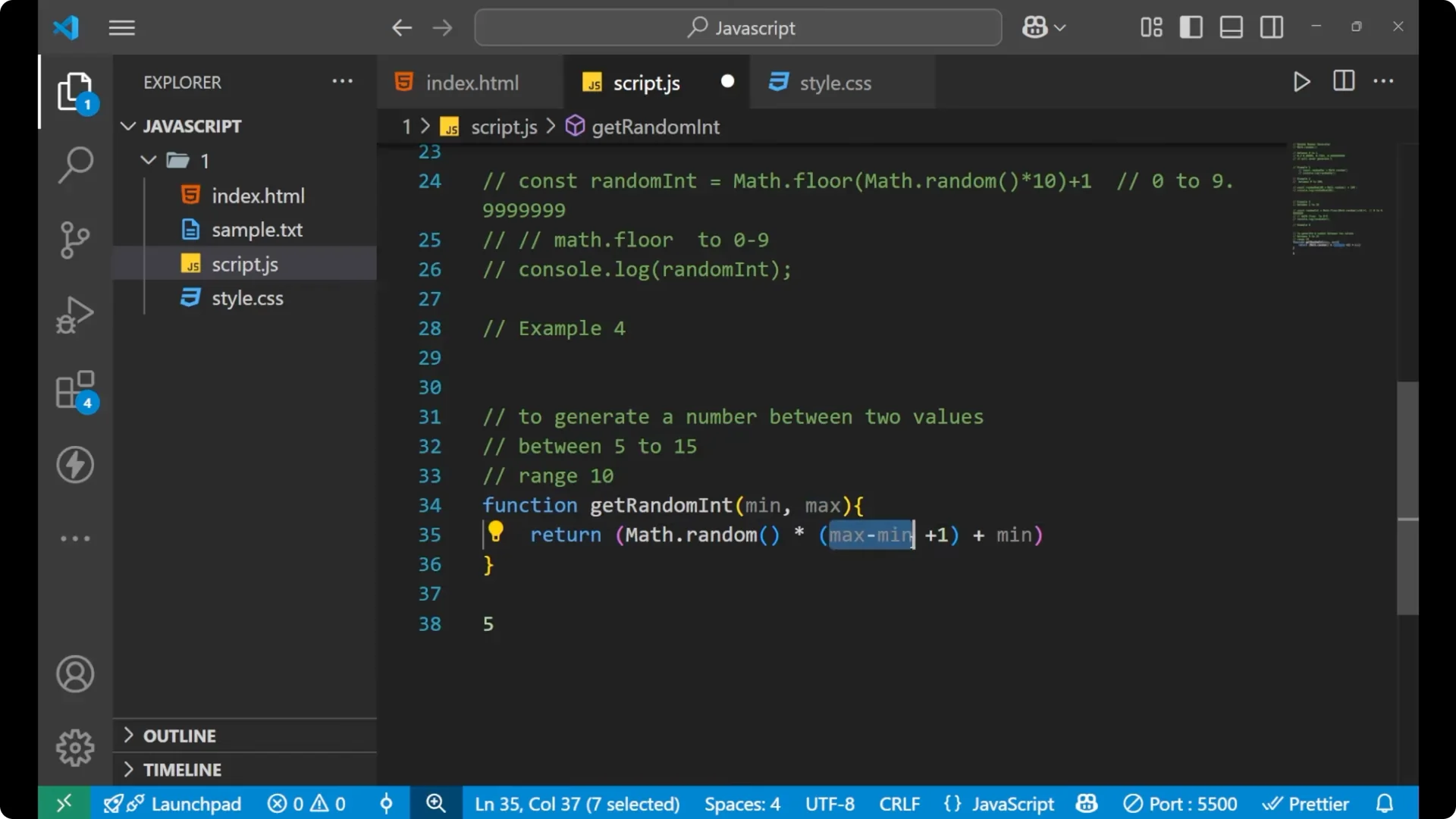
function getRandomInt(min, max) {
  return Math.floor(Math.random() * (max - min + 1)) + min;
}
console.log(getRandomInt(5, 15)); // 5..15 inclusive
Here min is 5. max – min + 1 is 11, which creates a range that includes the upper bound. Math.floor ensures you get integers only.
By adding min at the end, you place the number into the desired interval. You will get values like 12 or 9, always between 5 and 15.
Read More: Map method
Final Thoughts
Math.random() generates a decimal in [0, 1), and it will never generate 1. Multiply to scale the range, use Math.floor to get integers, and add +1 when you want to include the upper bound. For custom ranges, use the pattern Math.floor(Math.random() * (max – min + 1)) + min to include both min and max.