
The map method is one of the most powerful functions for working with arrays. It helps to quickly transform data in JavaScript in a very smart and very clean way.
It is used to create a new array by applying a particular function on each and every element of the original array. The map does not change the original array.
It creates a new array and leaves the original unchanged.
JavaScript Map Method definition
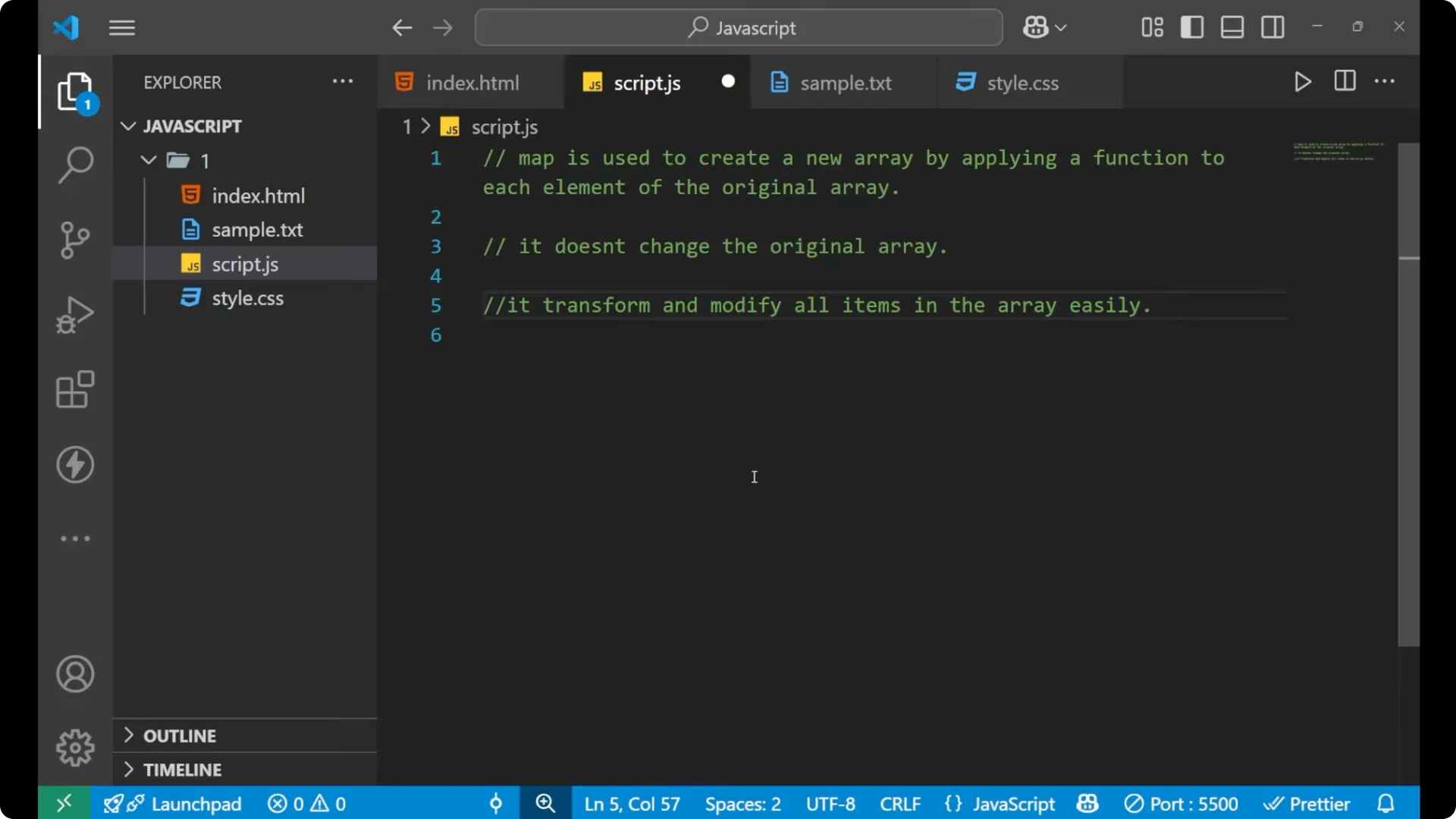
Map creates a new array from an original array by transforming each item based on the logic you provide.
It iterates from one element to the next and returns the transformed values in a new array.
It transforms and modifies all the items easily, which is why we use map.
For related patterns that combine multiple array methods, see map filter reduce.
JavaScript Map Method syntax
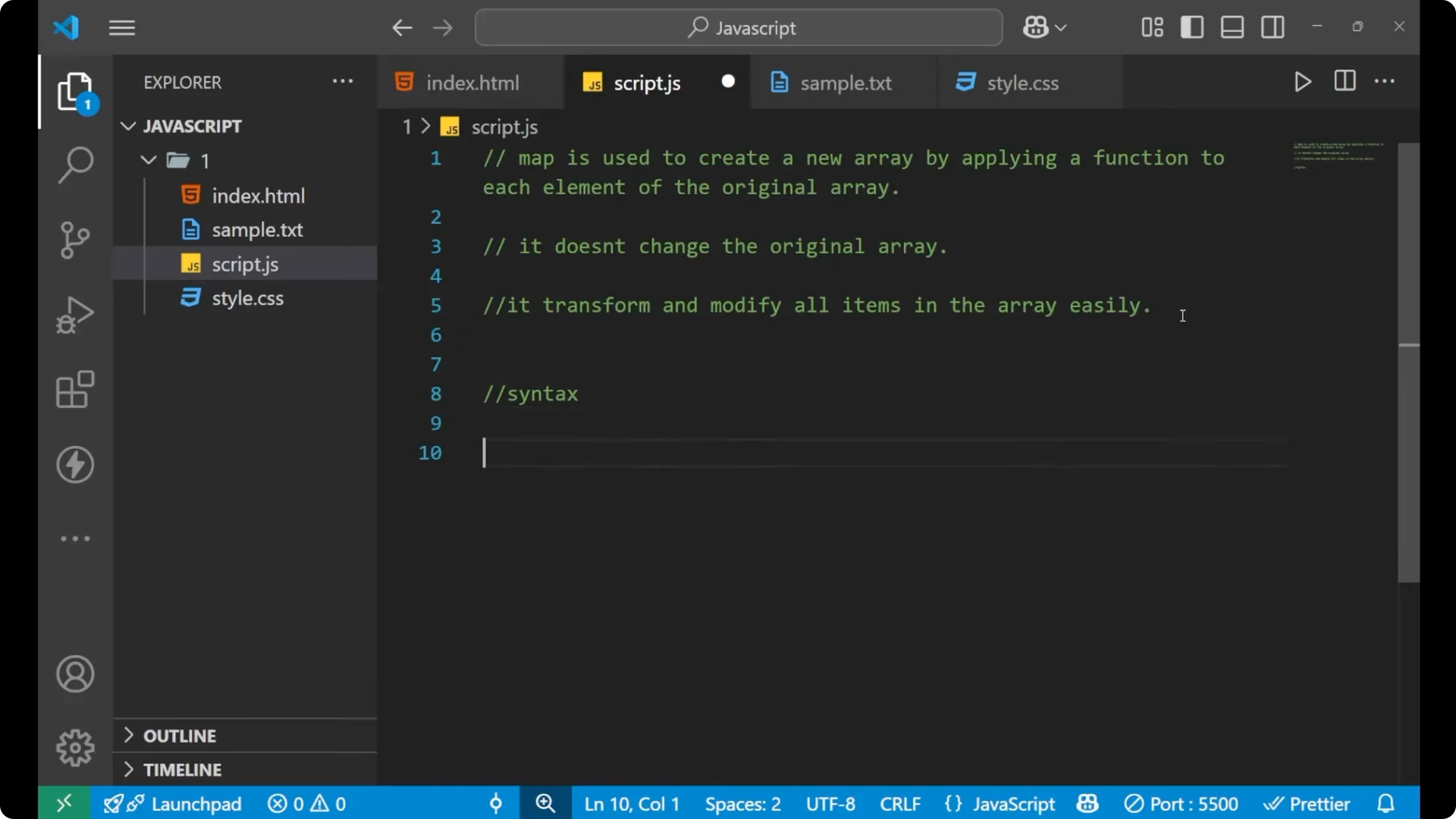
You take the name of the array, put a dot, write map, and pass a function.
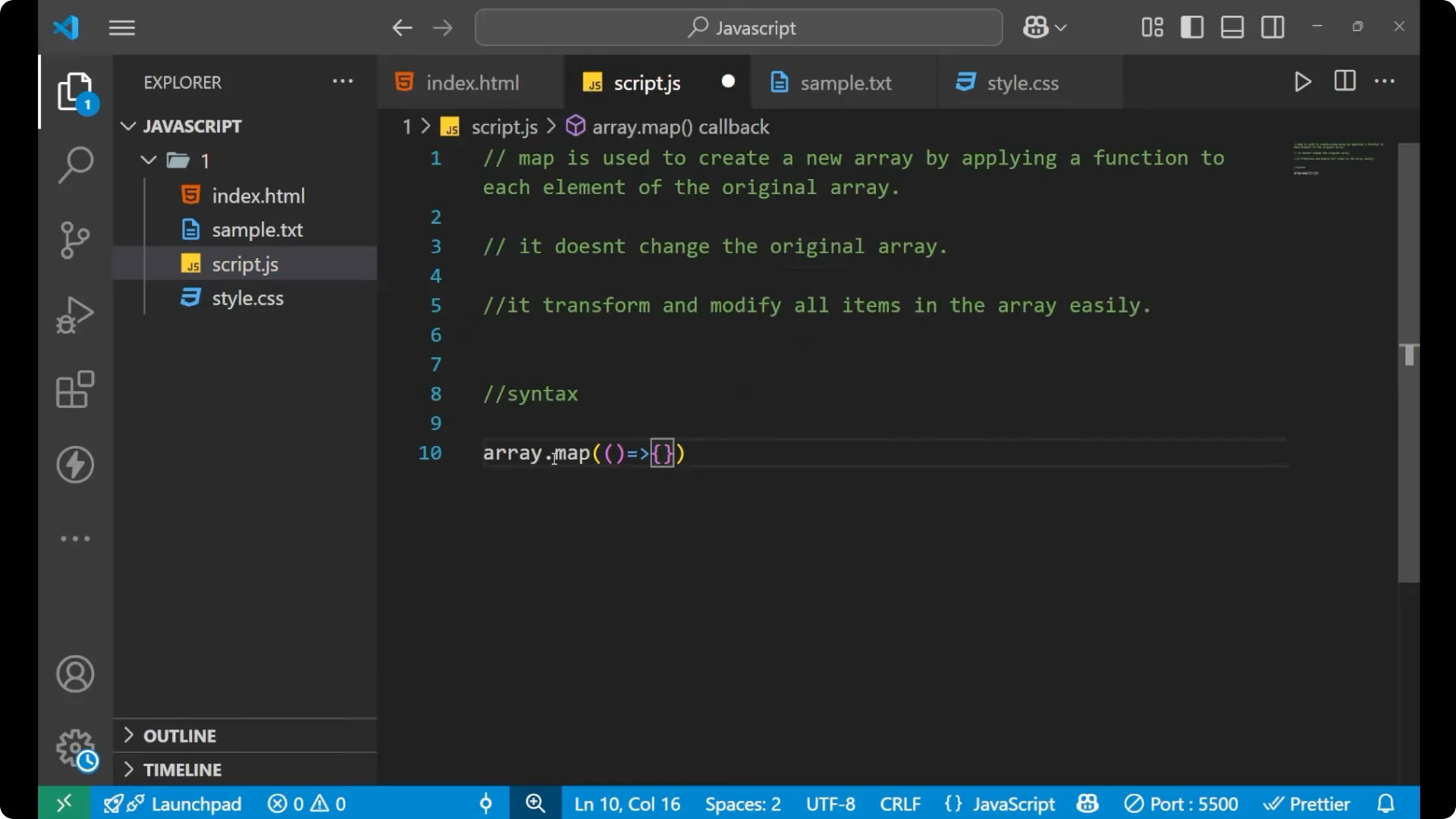
const result = originalArray.map((element, index) => {
  // write your logic here
  return / transformed value /;
});
Callback parameters
Inside the parentheses of map, the function receives two things: element and index.
The element is used to fetch every element of the original array.
The index indicates the index number of that particular element.
Returning values
If you use curly braces, you should use return to provide the transformed value.
If you remove the curly braces, you can write your logic in a single expression without return.
// With return
const result = arr.map((element, index) => {
  return element * 2;
});
// Without return (expression form)
const result2 = arr.map((element, index) => element * 2);
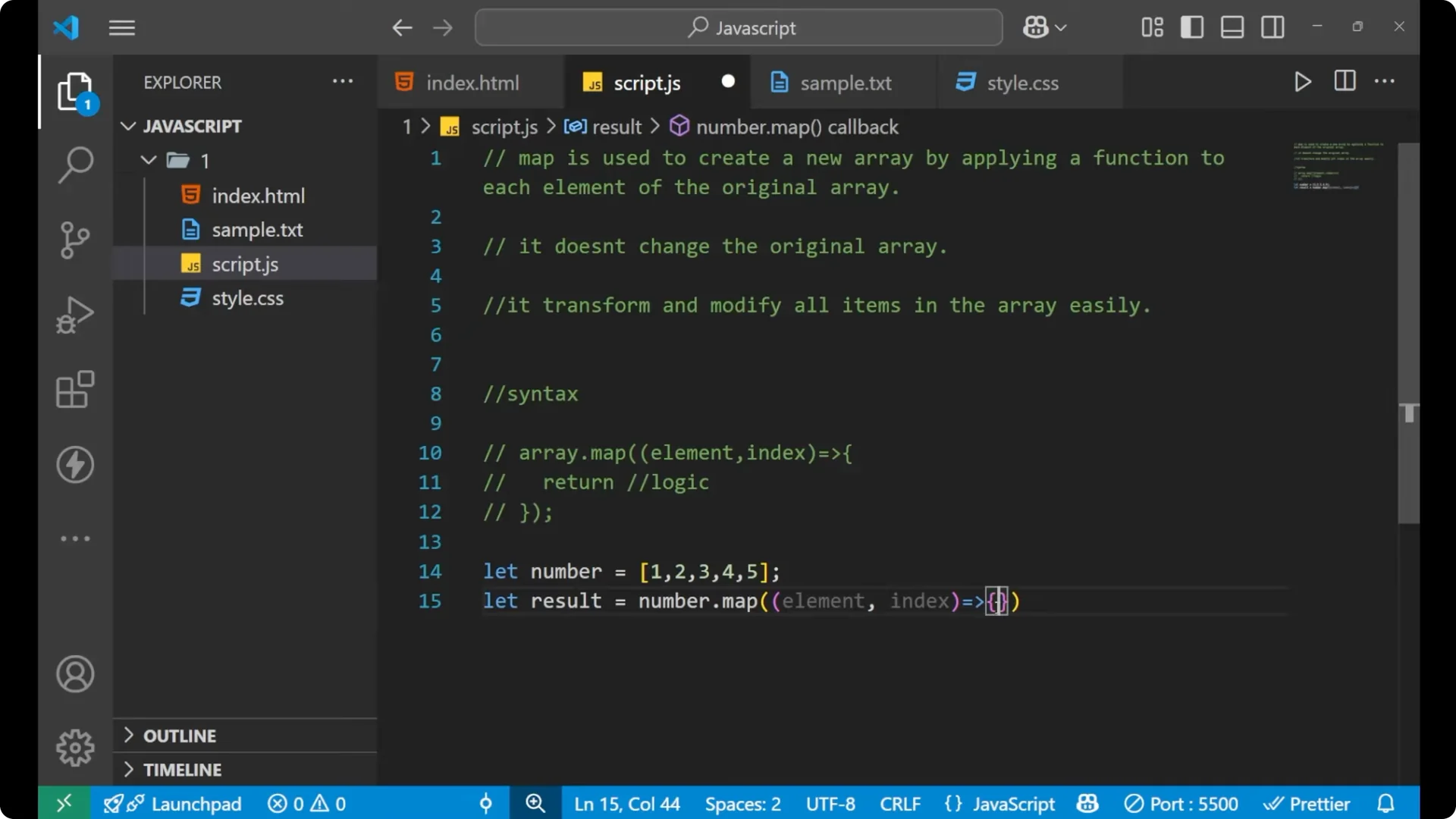
Step-by-step
Create or identify your original array.
Call map on that array.
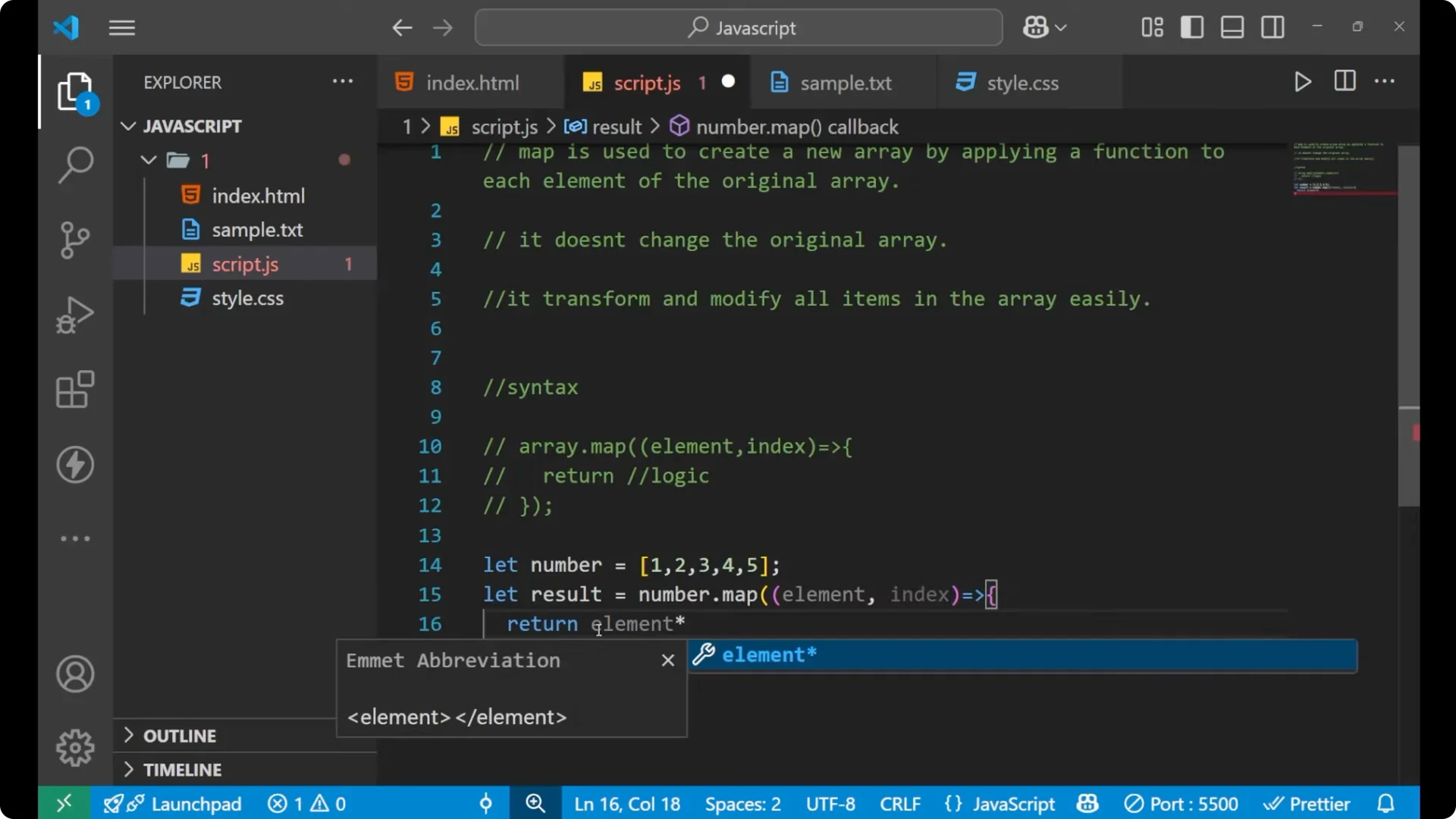
Provide a function with parameters for element and index.
Write the logic that transforms each element.
Return the transformed value from the function.
Store the new array in a variable.
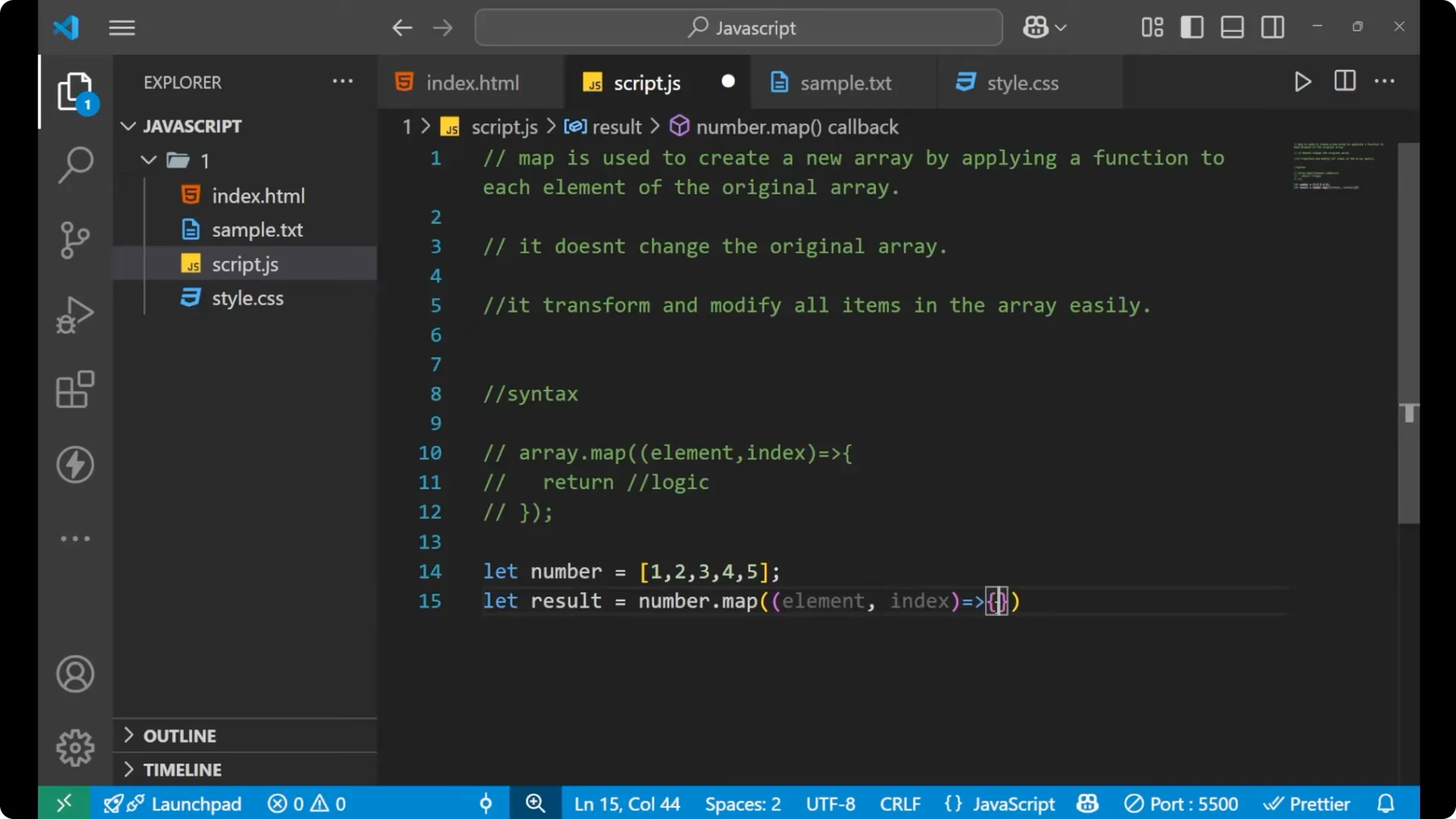
If you are reviewing control flow as you compare loops with map, see do-while loops.
Numbers with the JavaScript Map Method
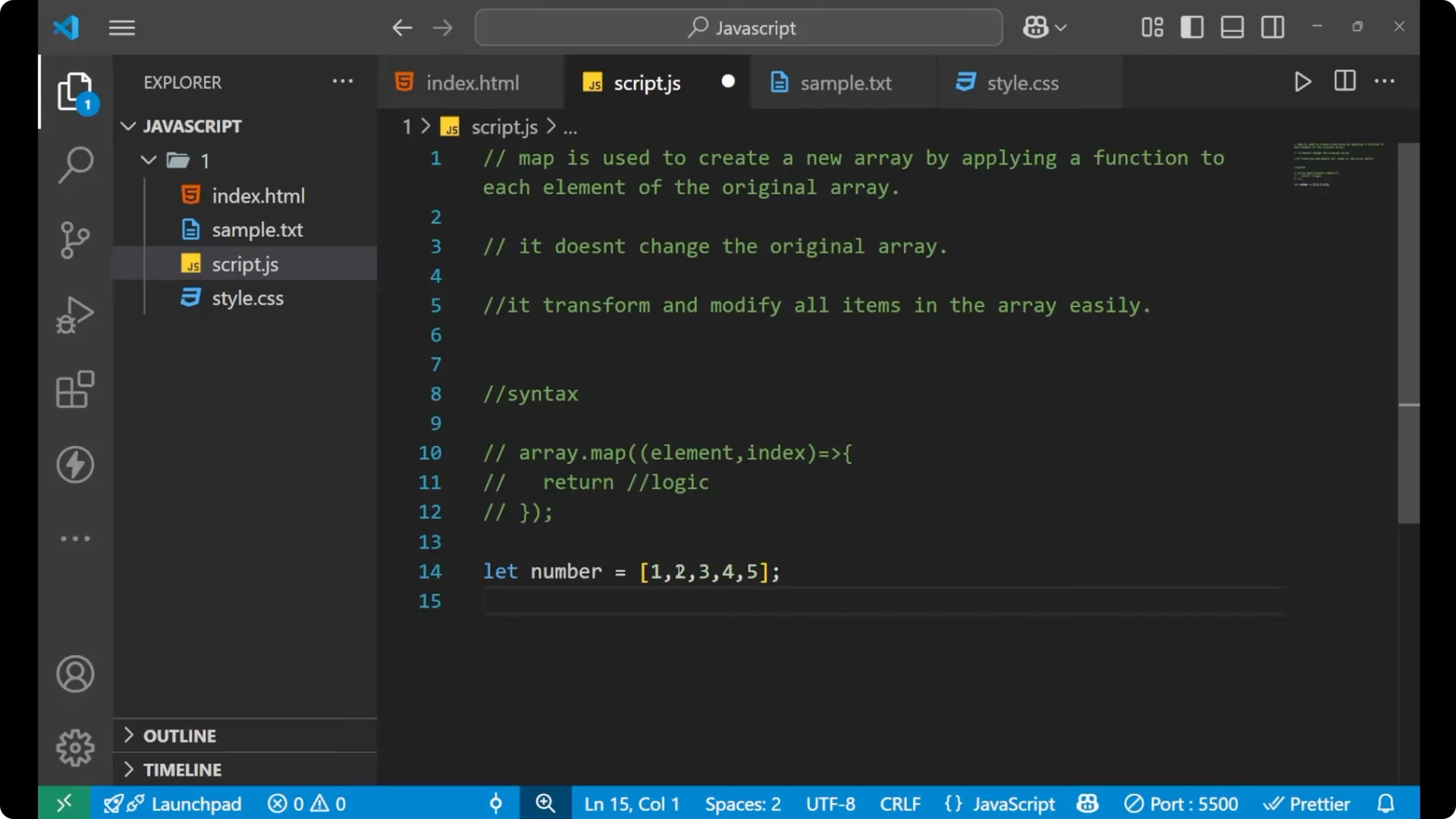
If I want to create a new array that has twice the value of every number in the original array, I can use map.
const numbers = [1, 2, 3, 4, 5];
const result = numbers.map((element, index) => {
  return element * 2;
});
console.log(result); // [2, 4, 6, 8, 10]
Map goes through 1, then 2, then 3, then 4, and then 5.
The element parameter stores each number in turn, and the function returns element * 2 for each one.
The result is a new array that contains 2, 4, 6, 8, and 10.
Objects with the JavaScript Map Method
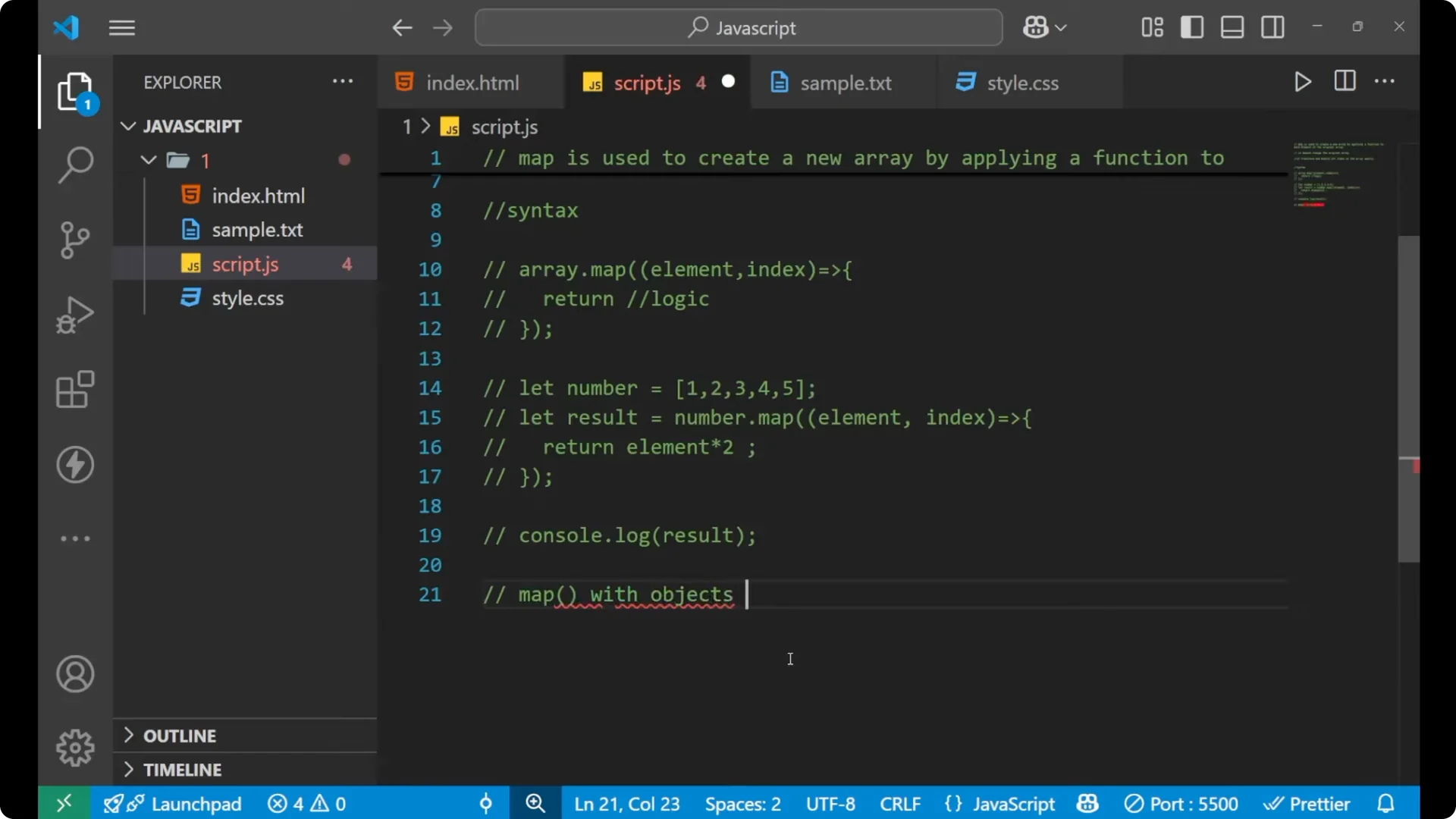
With the help of map, you can apply your logic on arrays of objects too.
I will extract the names from an array of student objects.
const students = [
  { name: 'Aman',  marks: 80 },
  { name: 'Sara',  marks: 20 }
];
// Using return with curly braces
const names = students.map((element, index) => {
  return element.name;
});
console.log(names); // ['Aman', 'Sara']
// Omitting curly braces - no return needed
const names2 = students.map((element, index) => element.name);
console.log(names2); // ['Aman', 'Sara']
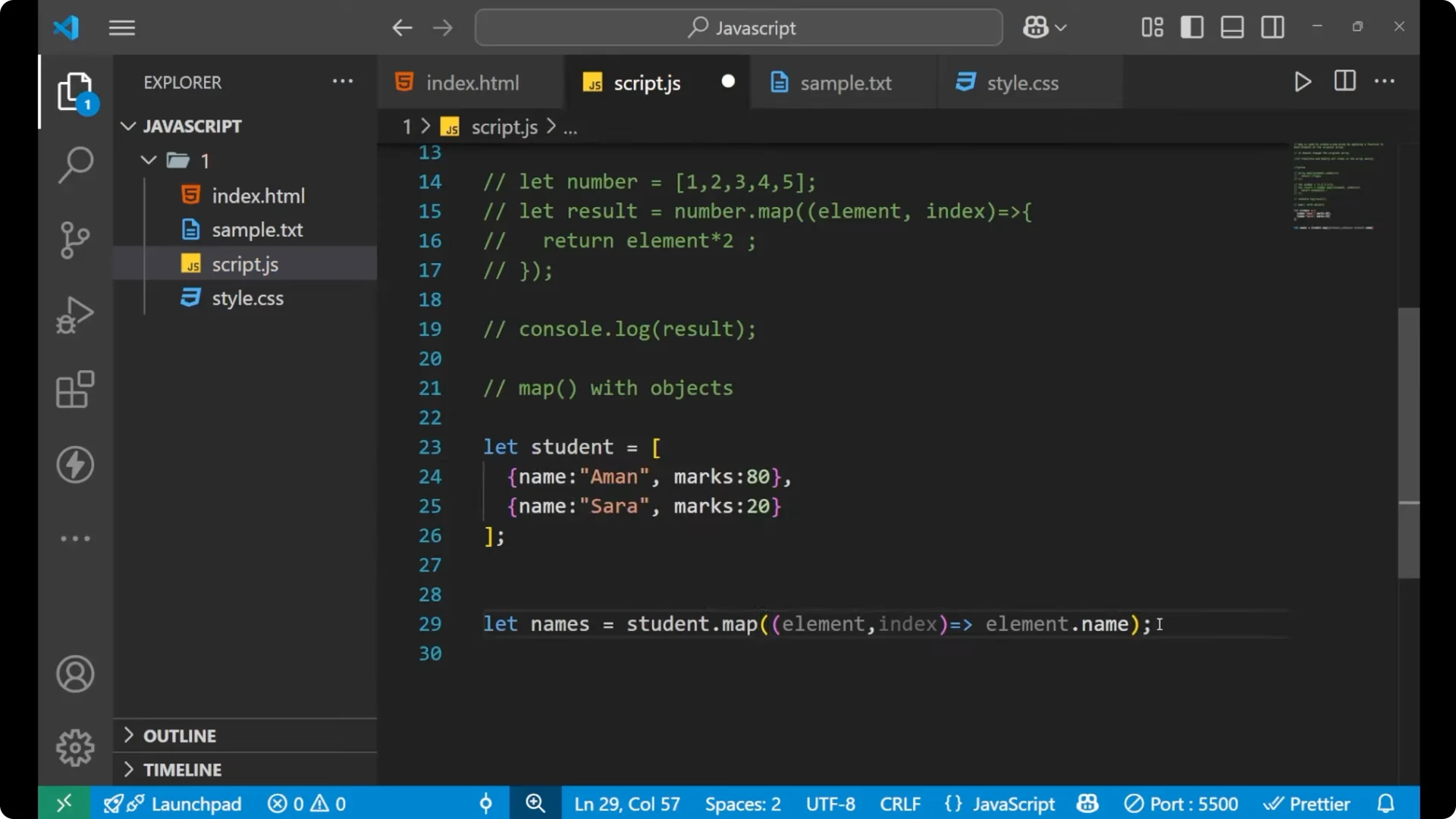
Here, the element represents each object in the array. I access the name with element.name and return it, which collects the names in a new array.
Key points about the JavaScript Map Method
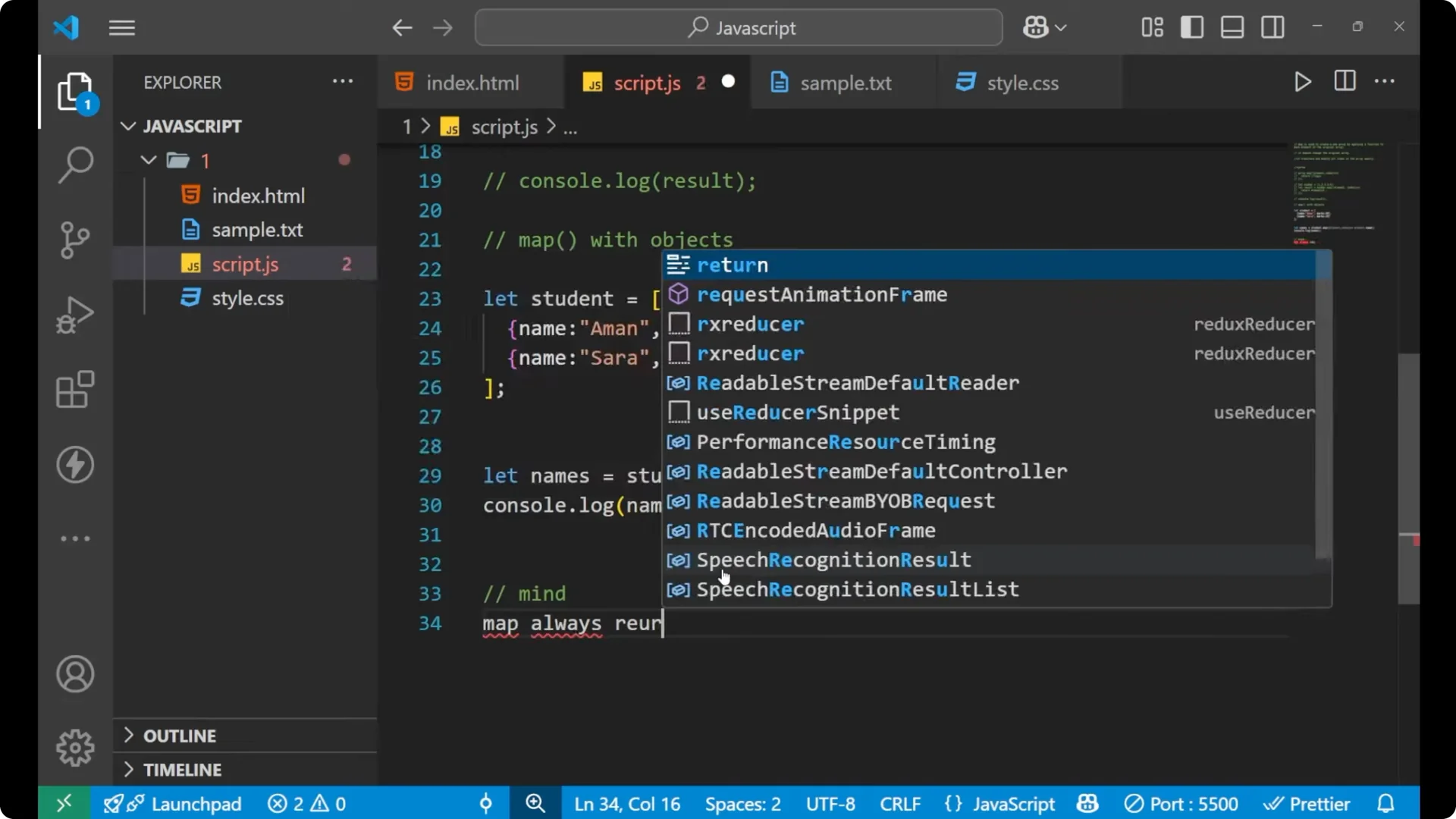
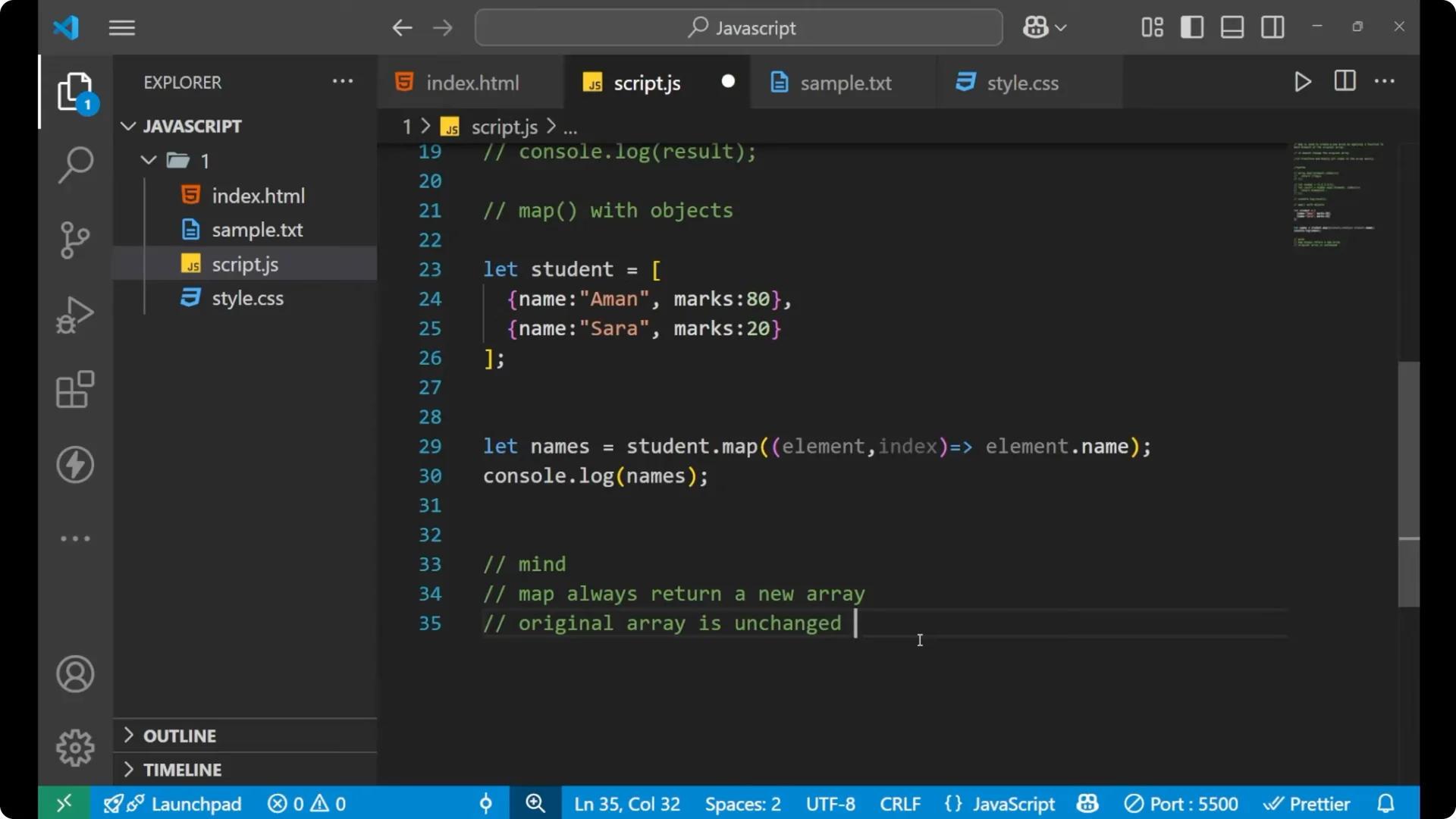
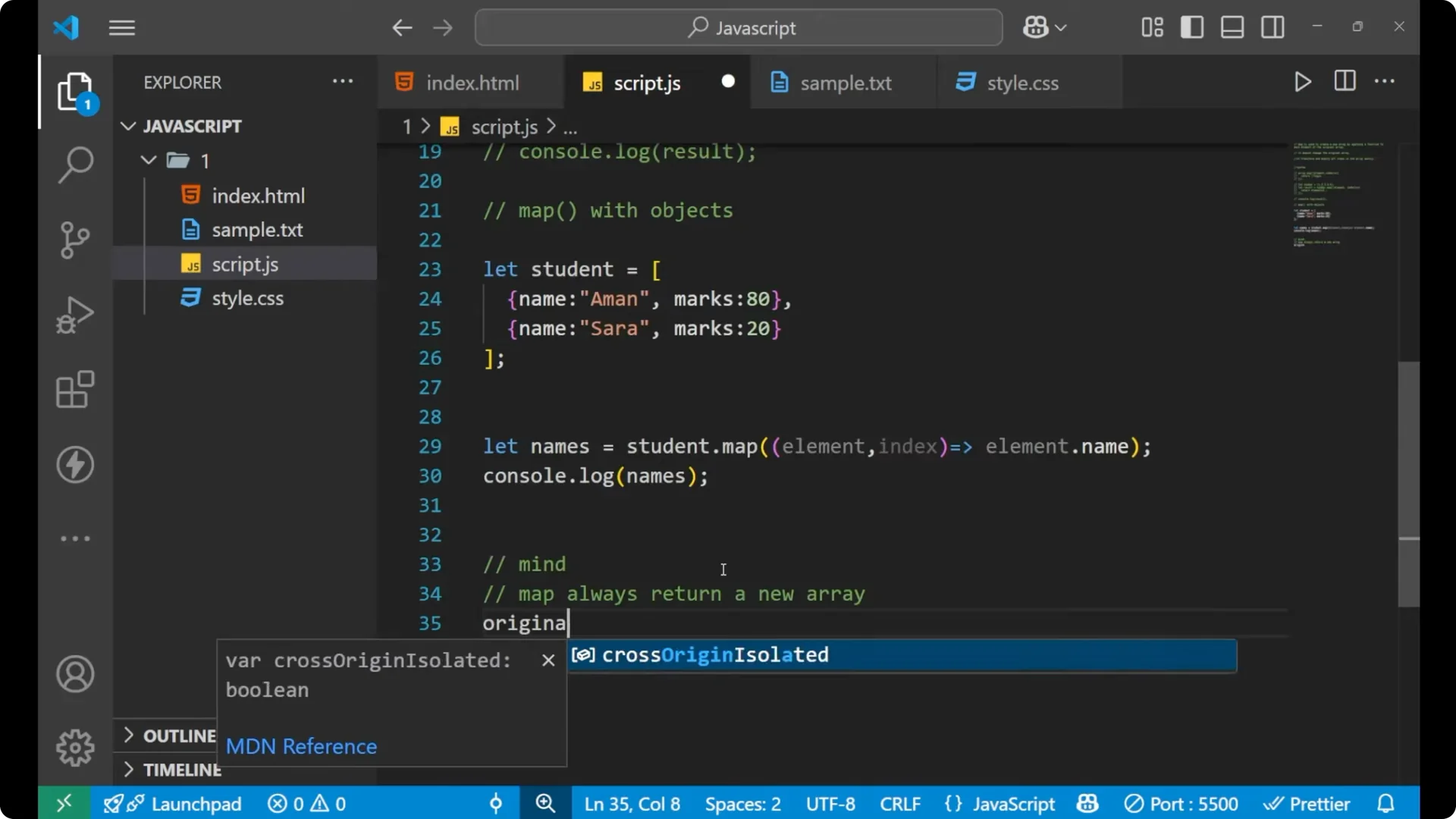
Map always returns a new array.
The original array is unchanged.
Map is great for transformation. It is not for filtering. For filtering out elements, use the filter method.
To see how map works together with filter and reduce in practical scenarios, check map filter reduce.
For array practice that complements transformations, see count frequencies.
Final thoughts
Map helps you create clean transformations by applying a function to each element and returning a new array. Keep in mind that it does not mutate the original array, and it shines when you need to transform data item by item.