Logical operators in JavaScript help us make decisions using conditions. They normally return true or false values based on our logic. Here is how to implement and use them step by step.
JavaScript Logical Operators: AND (&&)
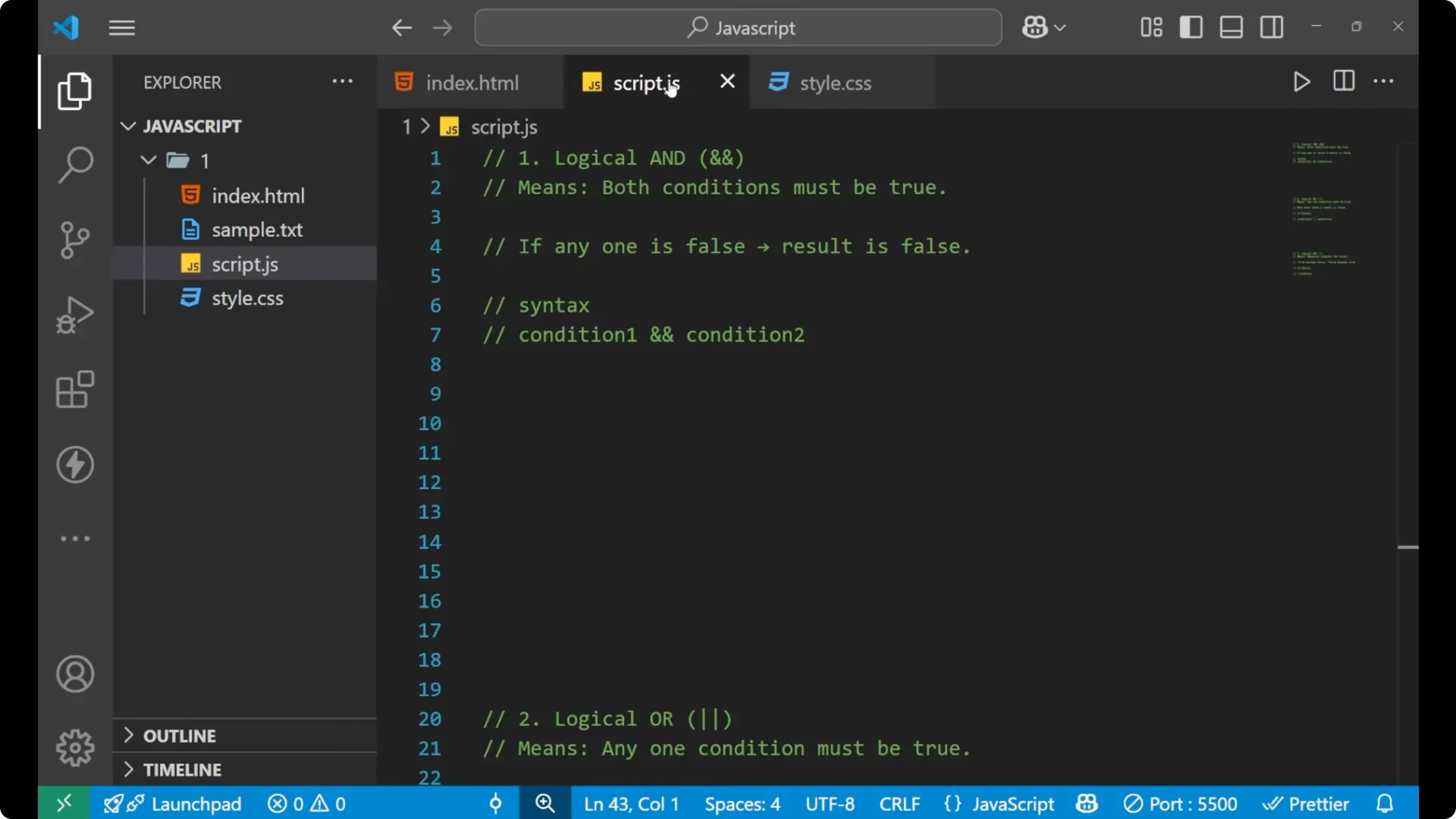
The logical AND operator means
both conditions must be true. In a statement where you are giving two or more conditions and on the basis of those conditions you want to step forward in your code, if you put the logical AND operator it shows that both the conditions inside your if statement should be correct. If one is false the result is false.
The simple syntax of using the logical AND operator is the double ampersand:
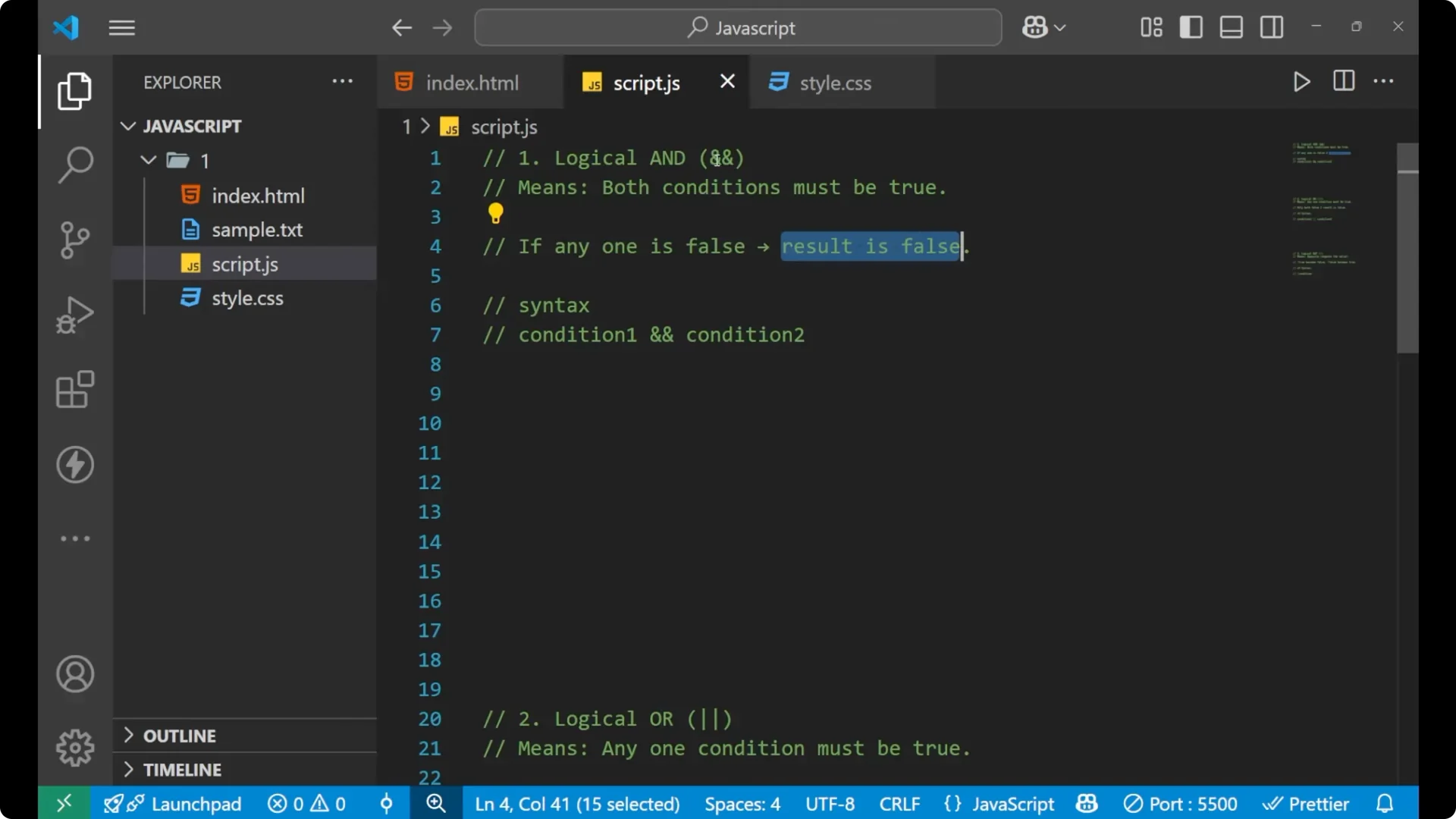
condition1 && condition2
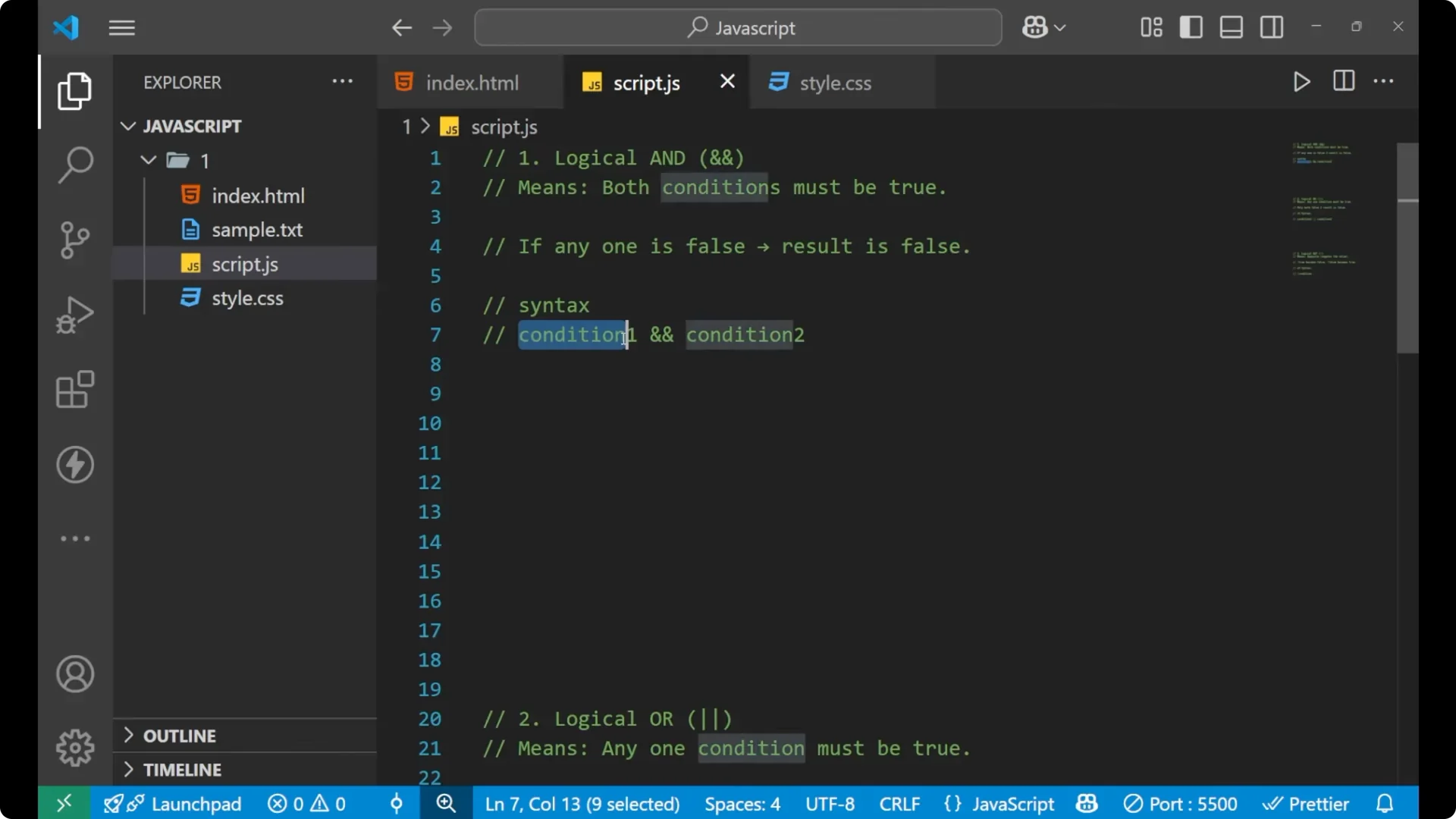
Let’s see how it works with a very simple example.
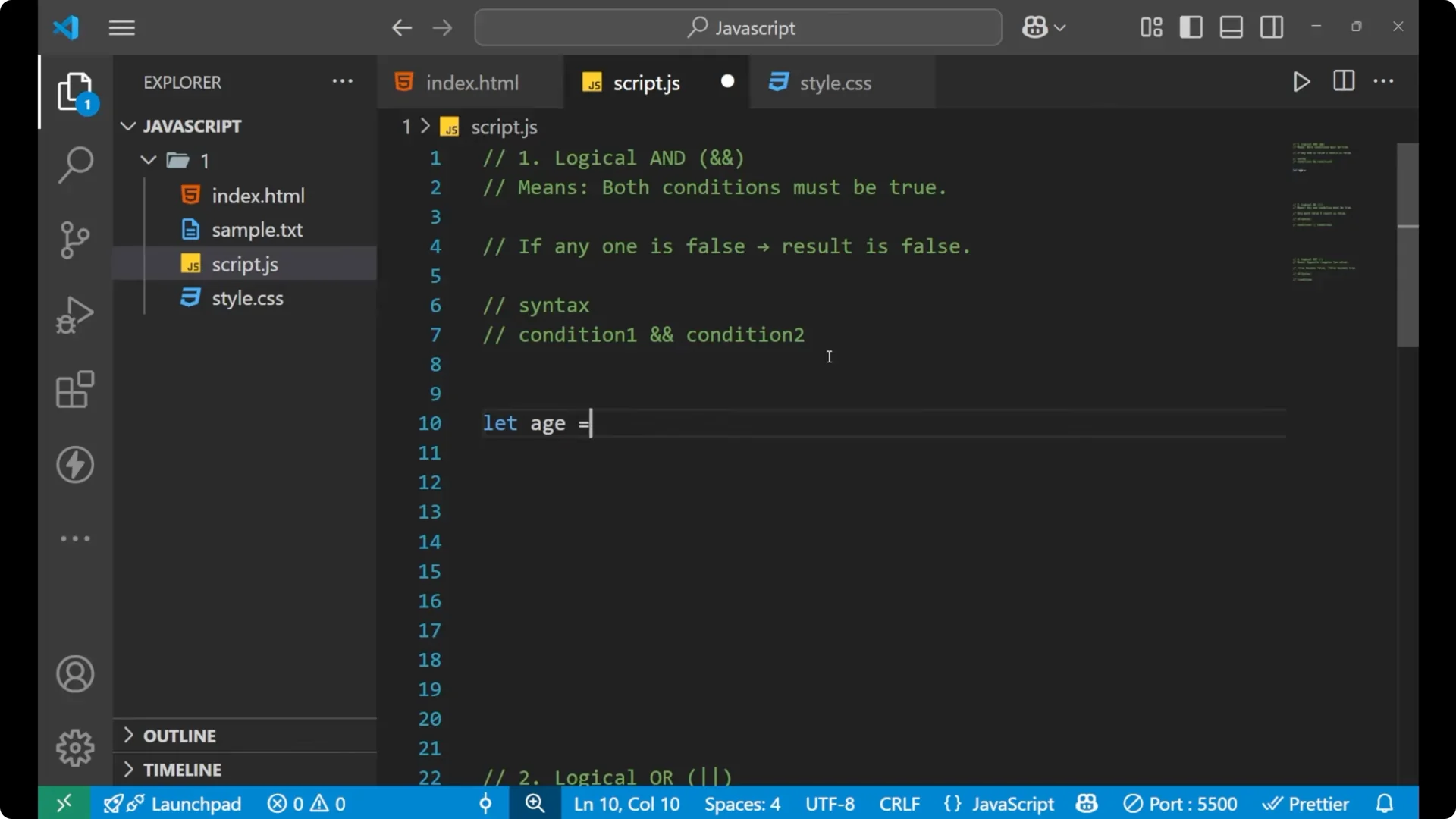
Step 1: Set the value.
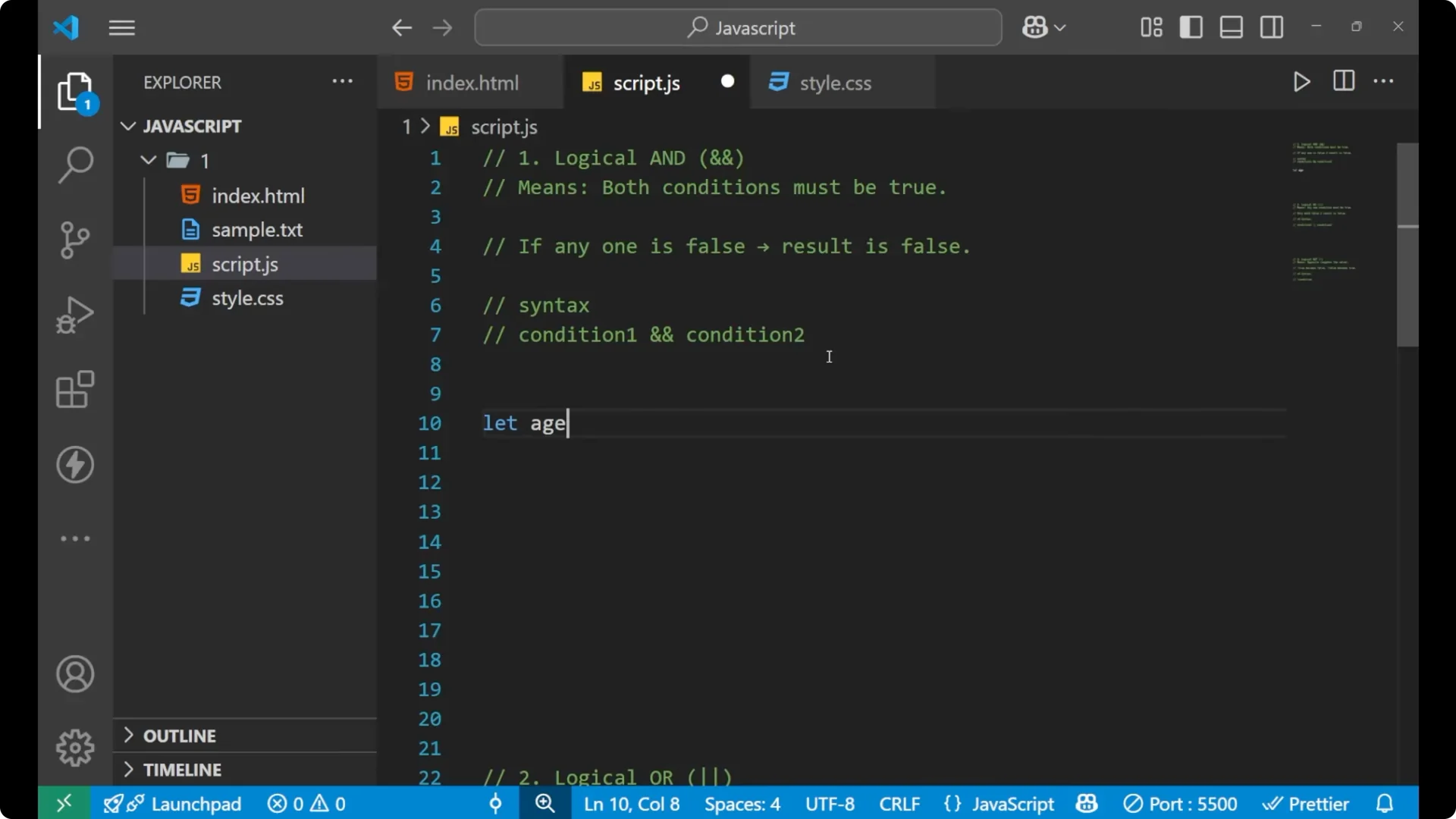
let age = 25;
Step 2: Add the if statement with two conditions joined by &&.
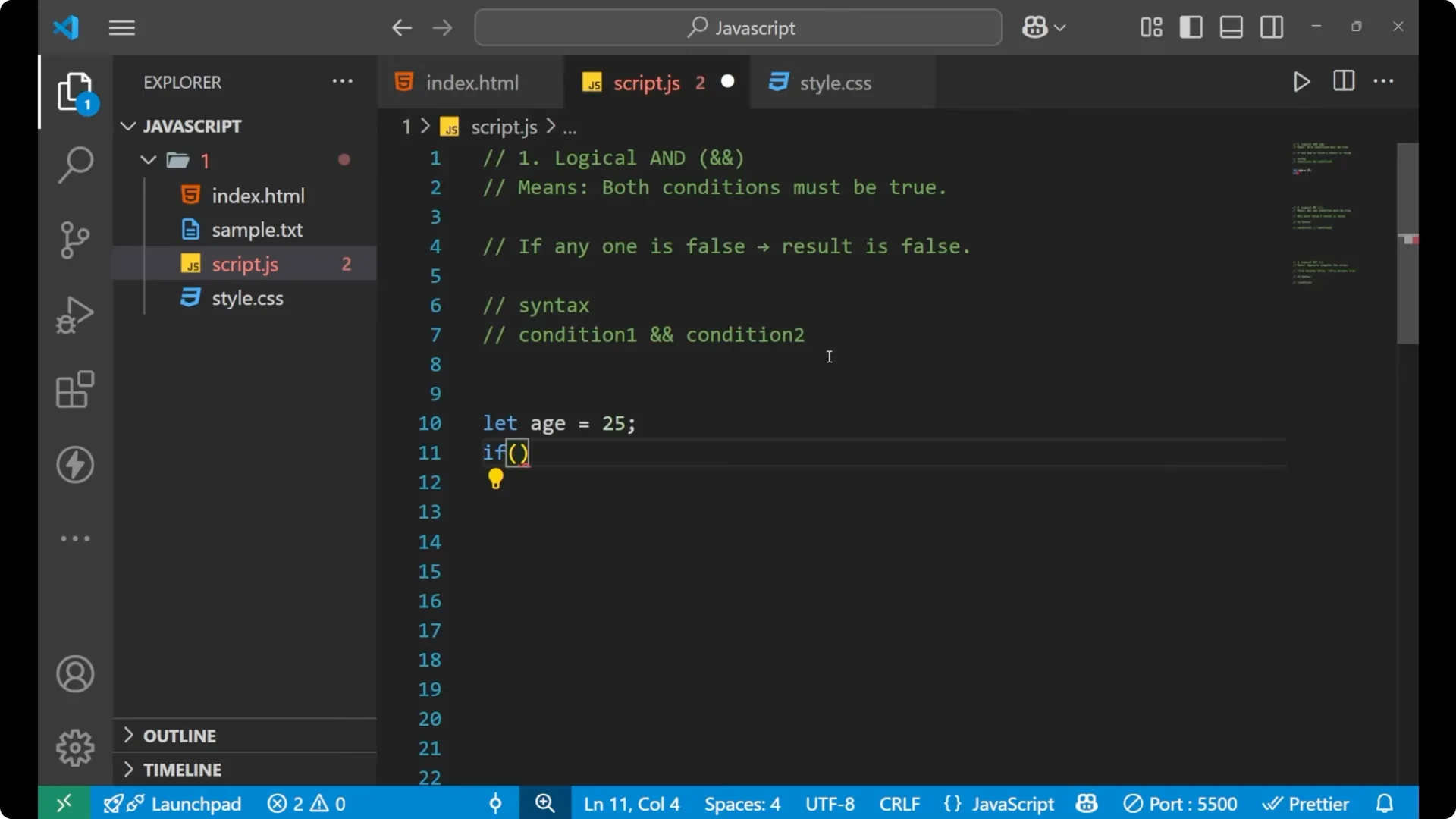
if (age > 18 && age < 65) {
  console.log("You are eligible");
}
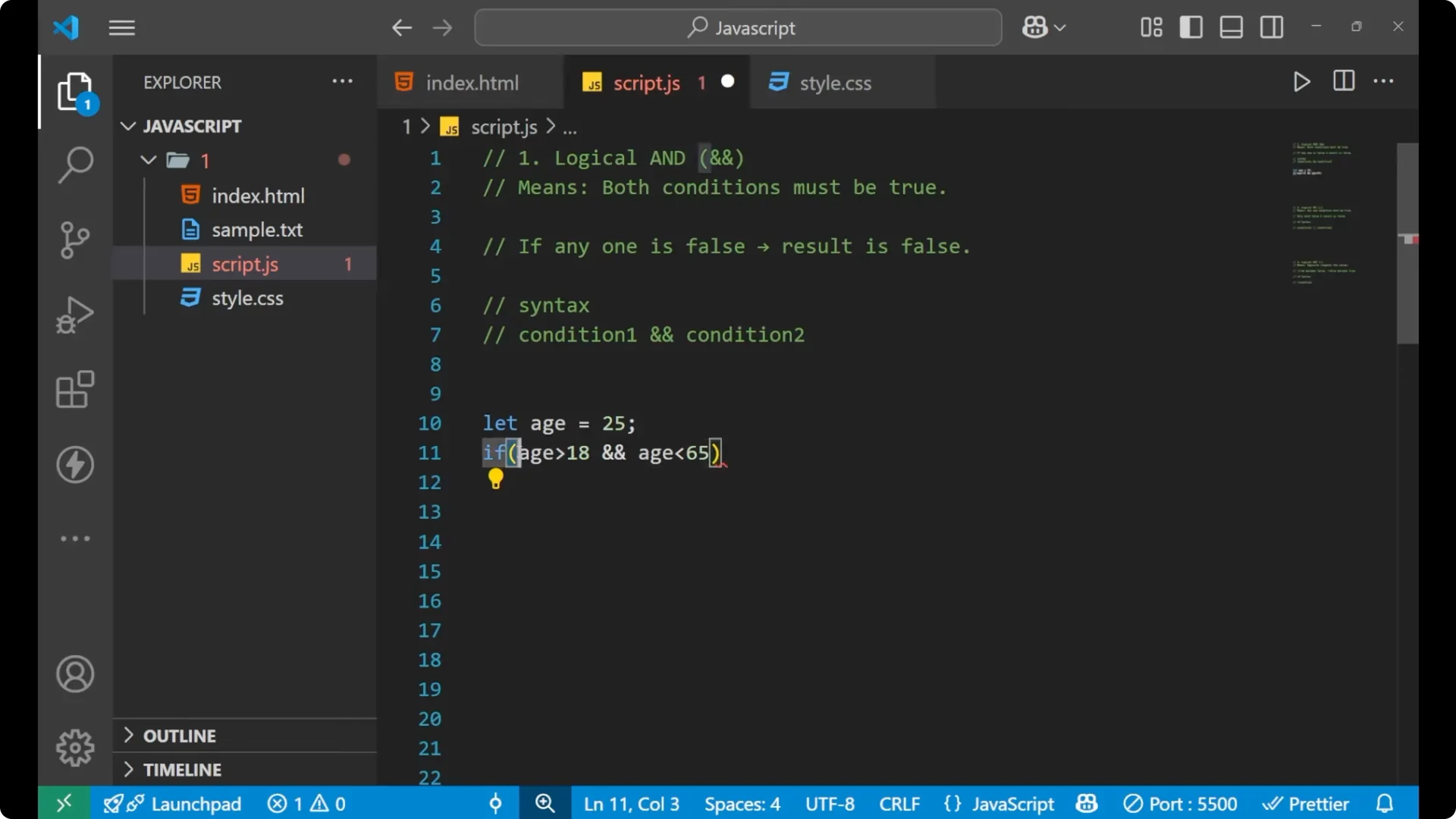
This whole statement is saying that the age should be greater than 18 and less than 65. If this condition is true, print “You are eligible”. It prints because 25 is greater than 18 and less than 65.
Step 3: Change one condition to make the first one false.
if (age > 27 && age < 65) {
  console.log("You are eligible");
}

This time you will not get anything, because the first condition is false and the second condition is true. The logical AND operator says that both conditions must be true. If any one is false the result is false and the code inside the if statement will not execute.
Read More: undefined/null
JavaScript Logical Operators: OR (||)
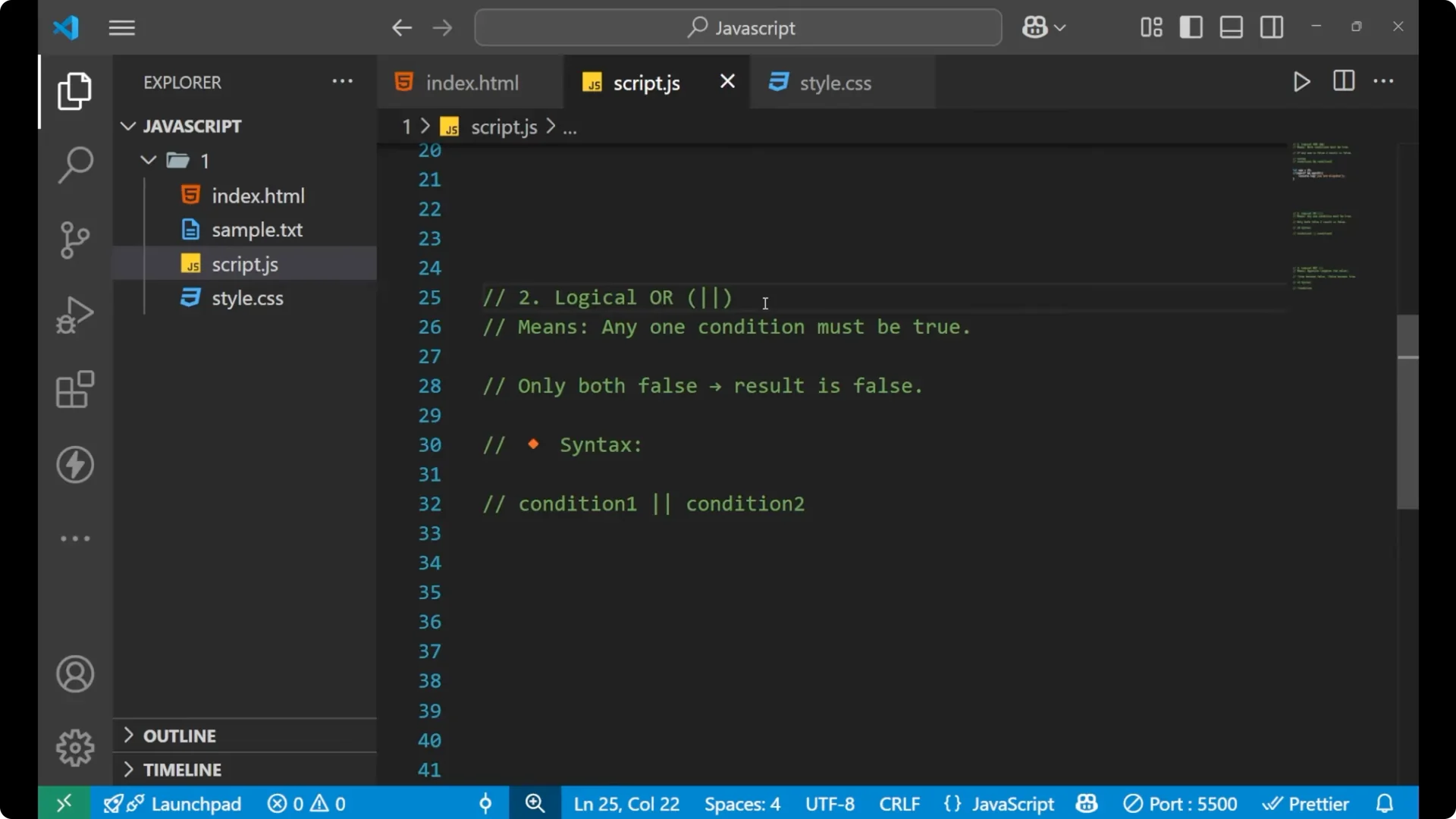
The logical OR operator is different from the logical AND operator. The logical OR operator says that
any one condition must be true. It does not need both the conditions as true. If only one condition is true, it will work and execute the code which is written inside of it. If both values are false only in that case the result is false.
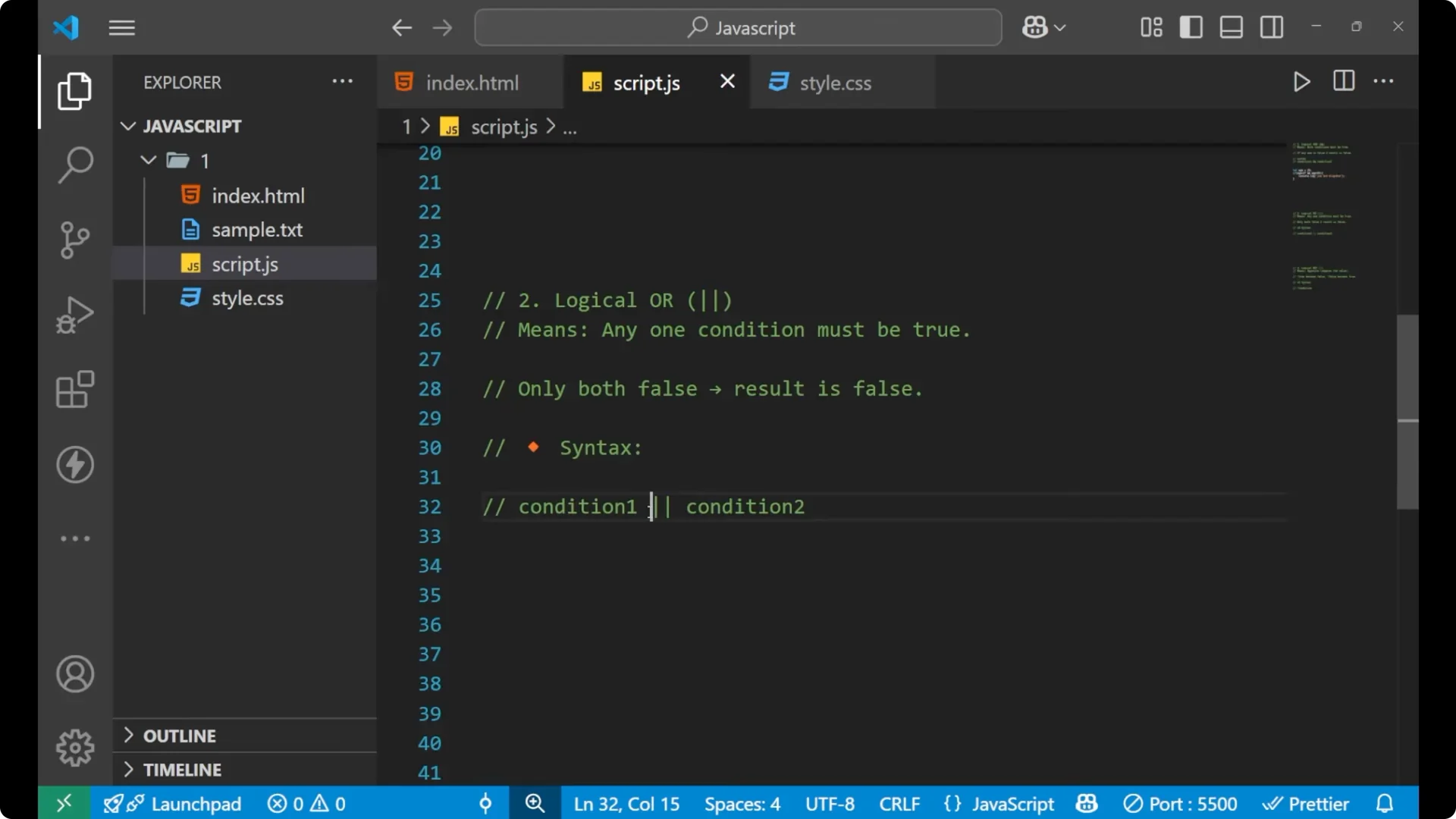
The syntax is:
condition1 || condition2
Here is the example.
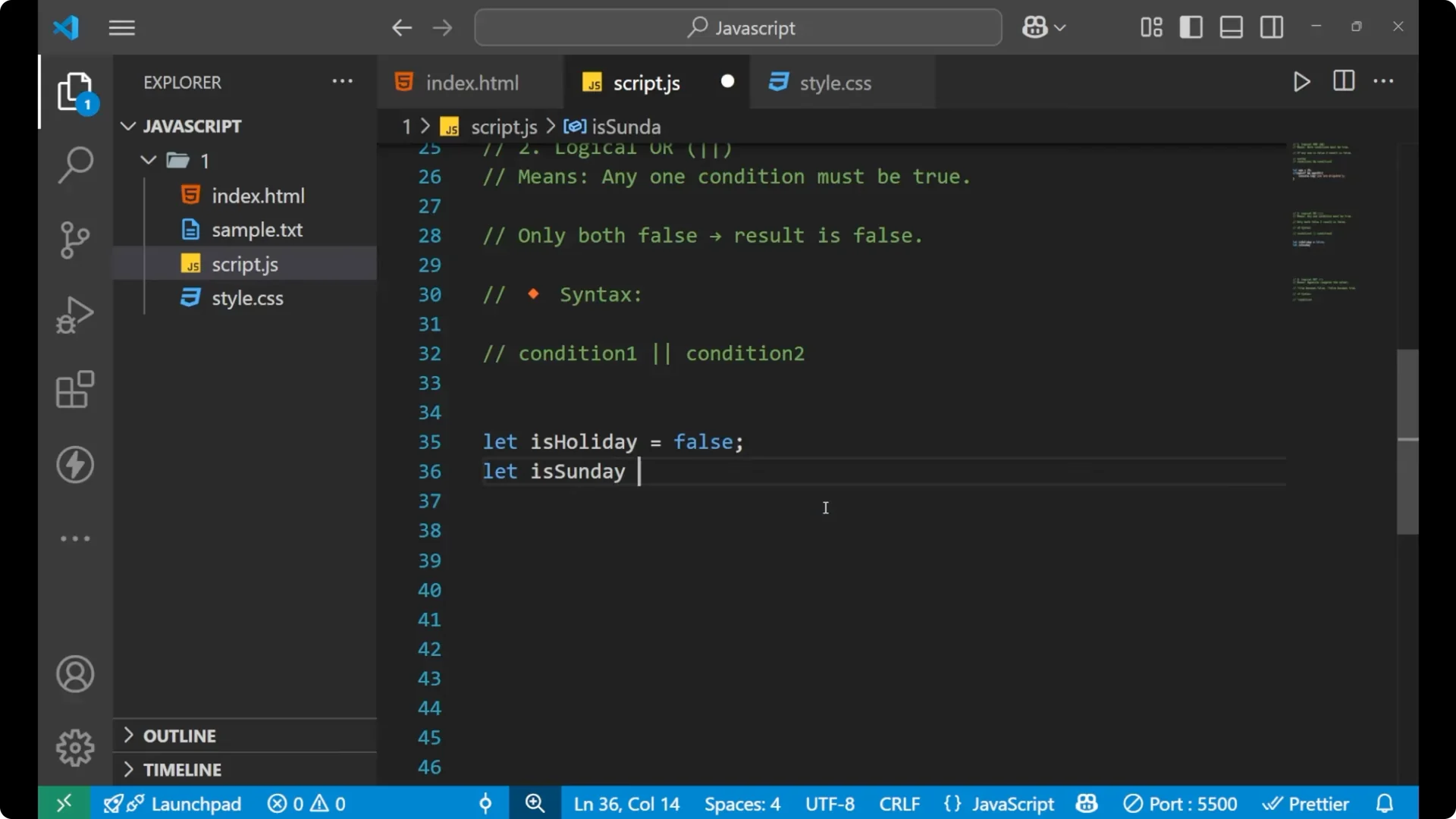
Step 1: Define two boolean variables.
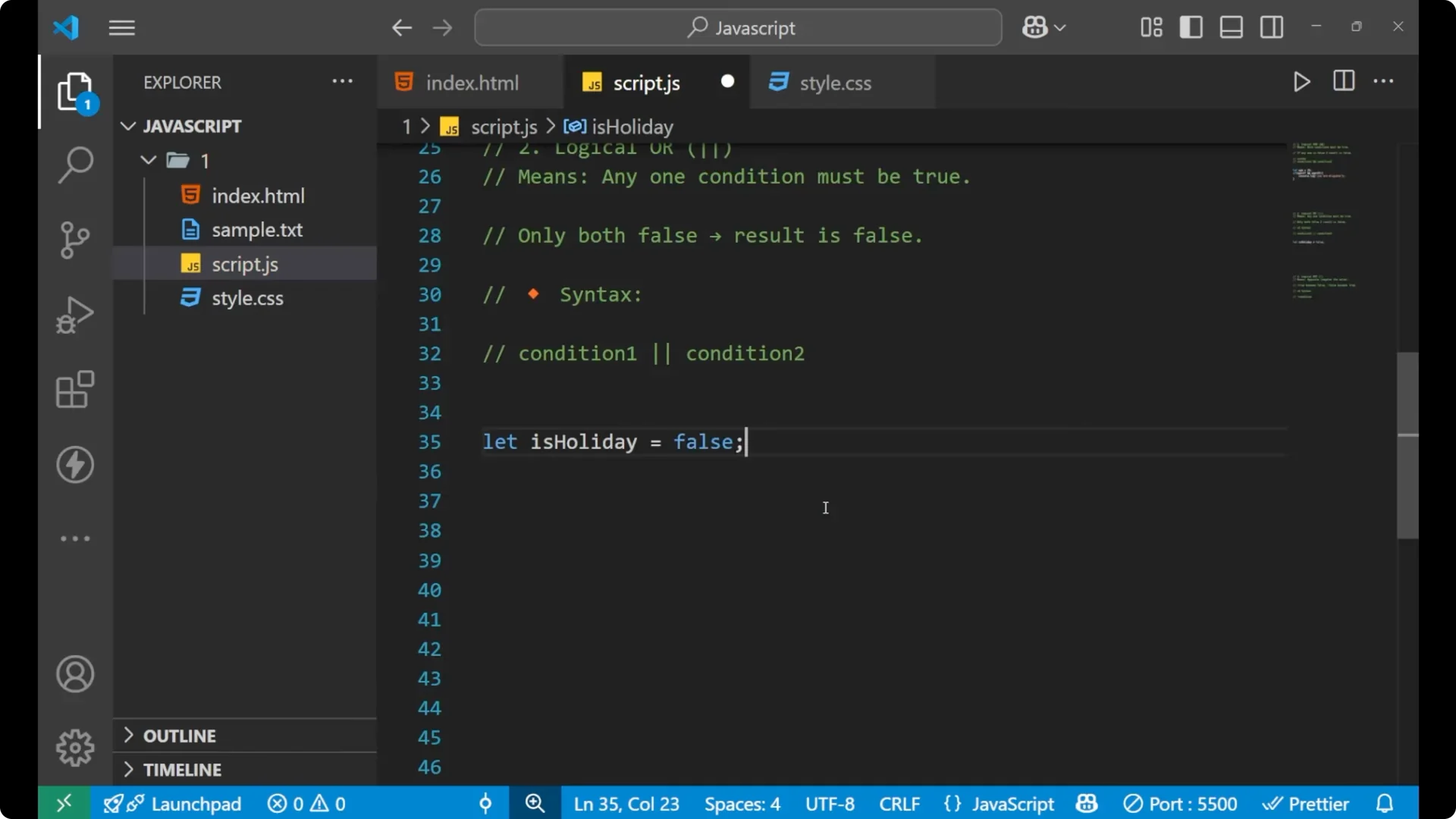
let isHoliday = false;
let isSunday = true;
Step 2: Use them in an if with the logical OR operator.
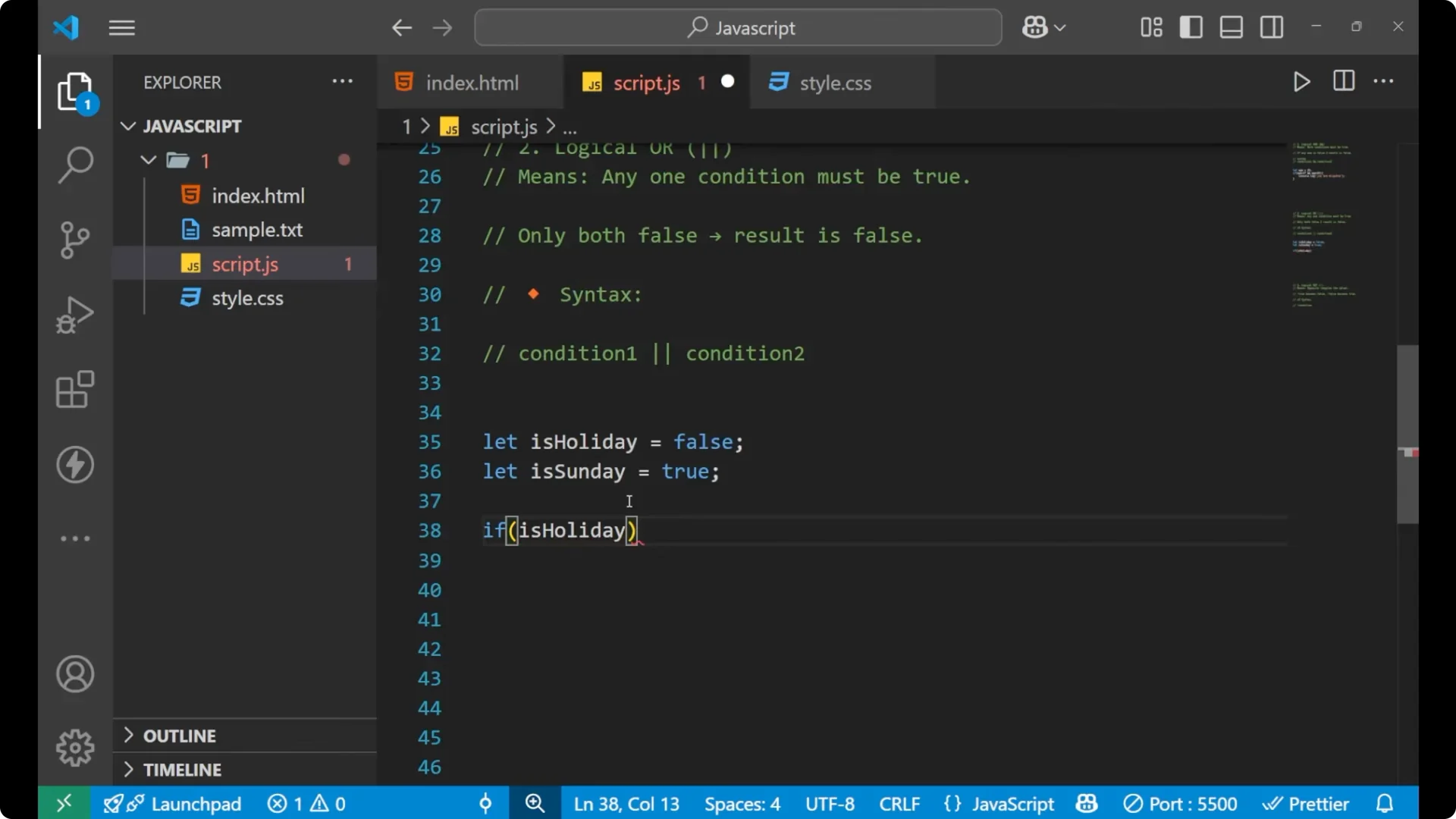
if (isHoliday || isSunday) {
  console.log("Yay!");
}
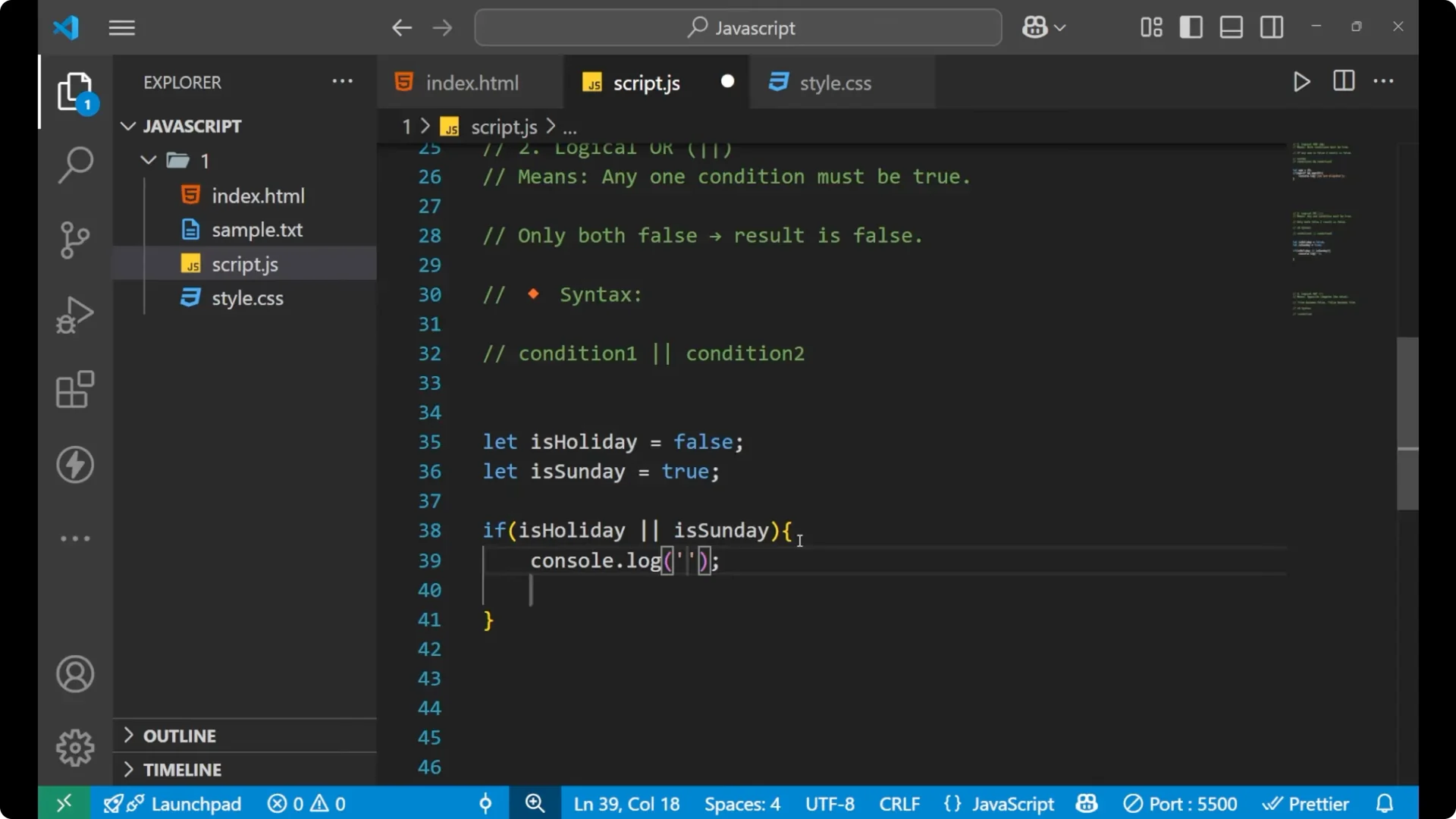
Here one variable is false and one variable is true. Since the rule says any one condition must be true and the second condition is true, the line of code executes. If both the conditions are true it will also work the same. If both the conditions are false it will not work because the whole line results in false and the code is not executed.
If you need the current date or day for such checks, see
date time.
JavaScript Logical Operators: NOT (!)
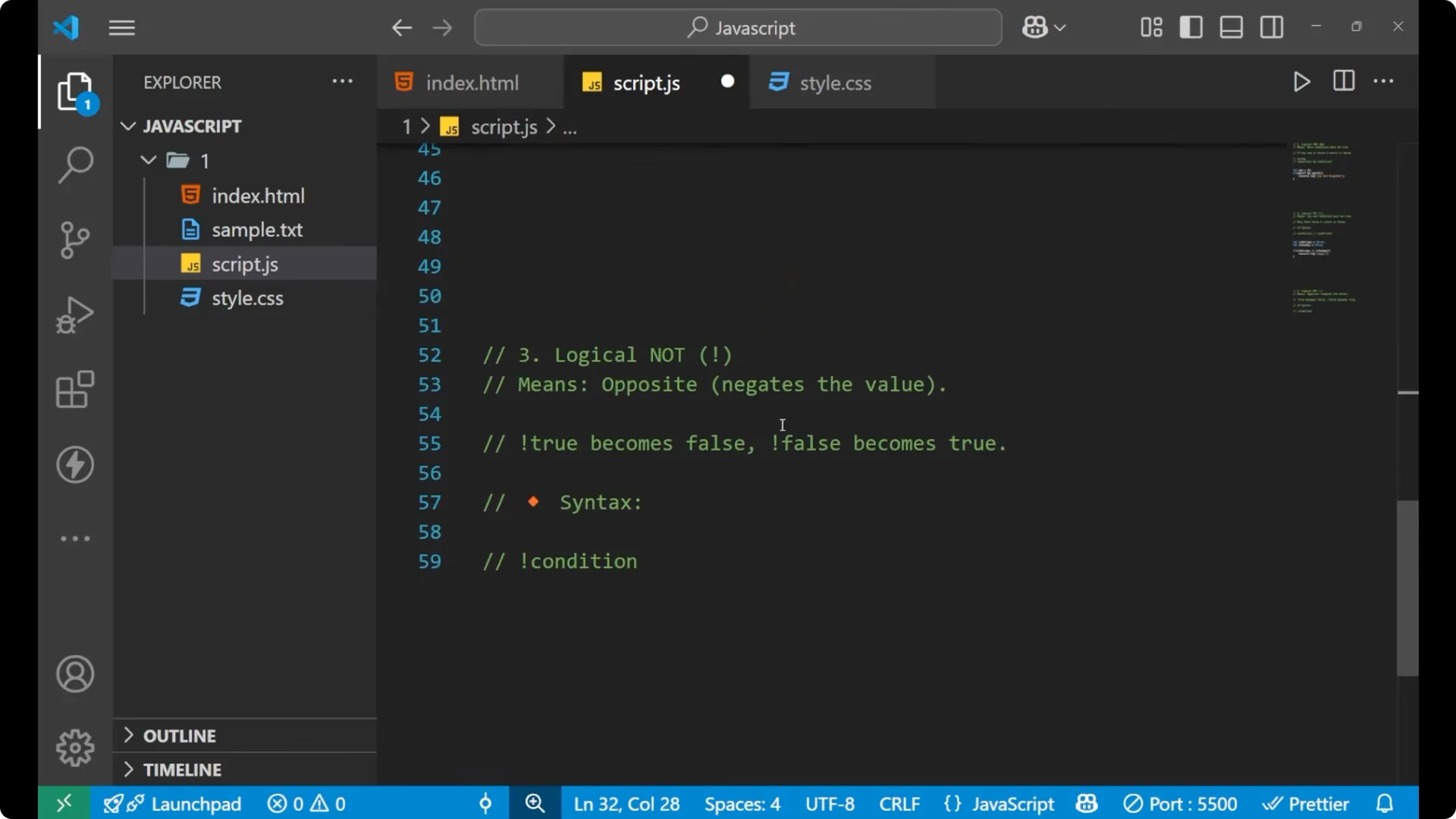
The logical NOT operator is the opposite and it
negates the value. You have given any condition and that condition is either true or false. If you put the logical NOT operator before that particular condition, it will change the result of that condition.
If it is true it becomes false, and if it is false it becomes true.
The basic syntax is to put an exclamation mark before the condition:
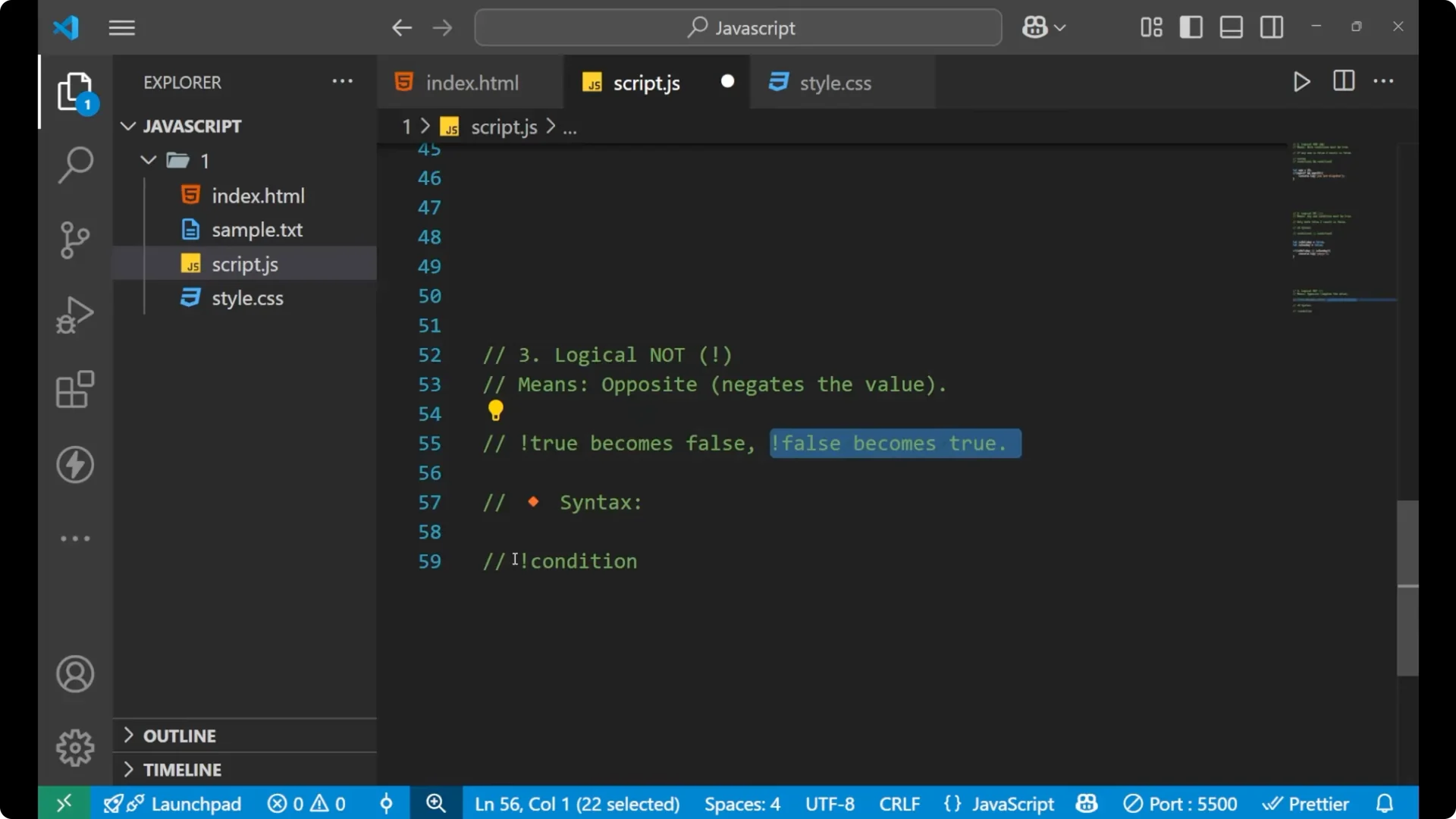
!condition
Let’s see how it works.
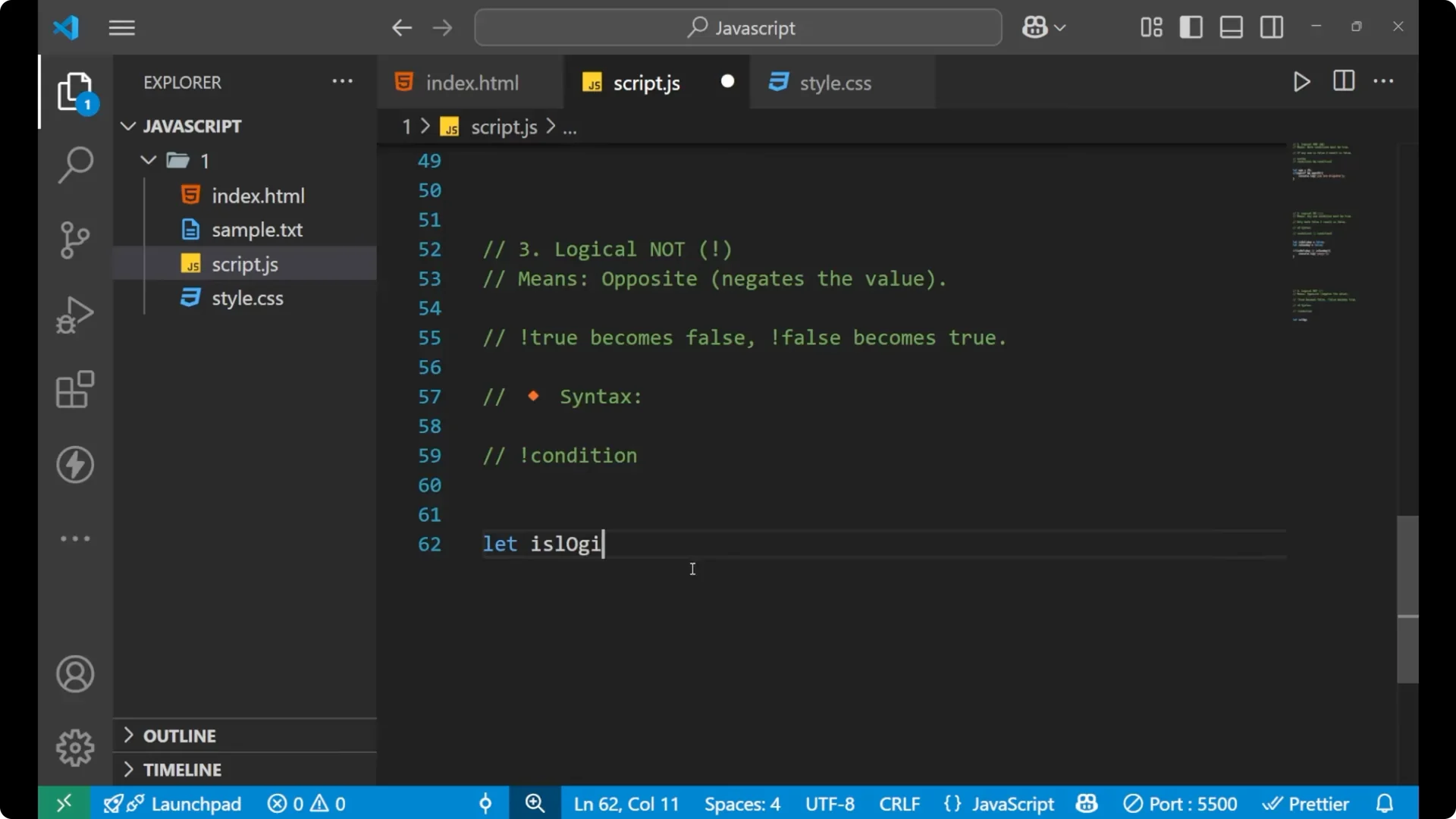
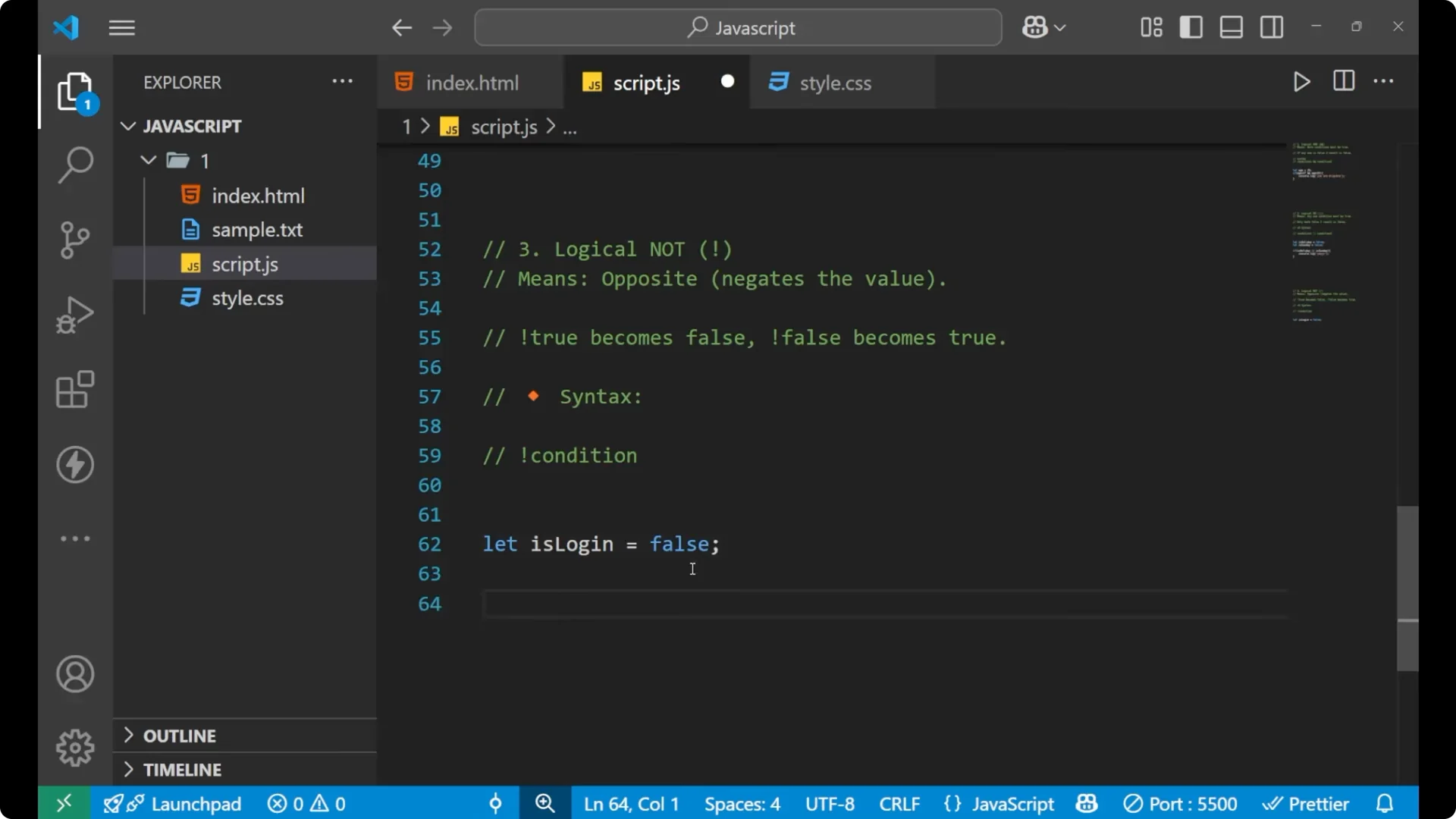
Step 1: Set a boolean variable.
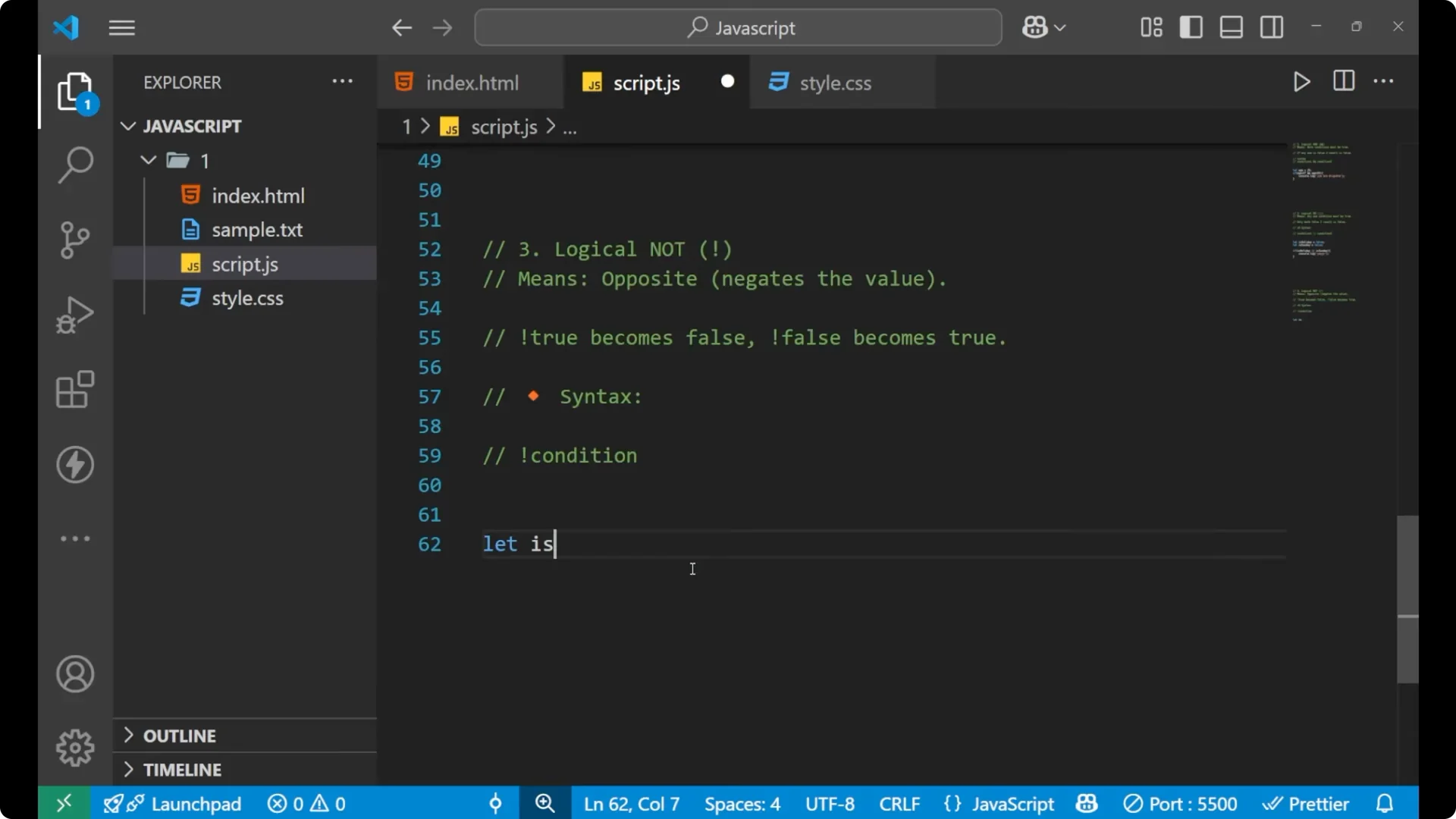
let isLogin = false;
Step 2: Check it directly.
if (isLogin) {
  console.log("Hey!");
}
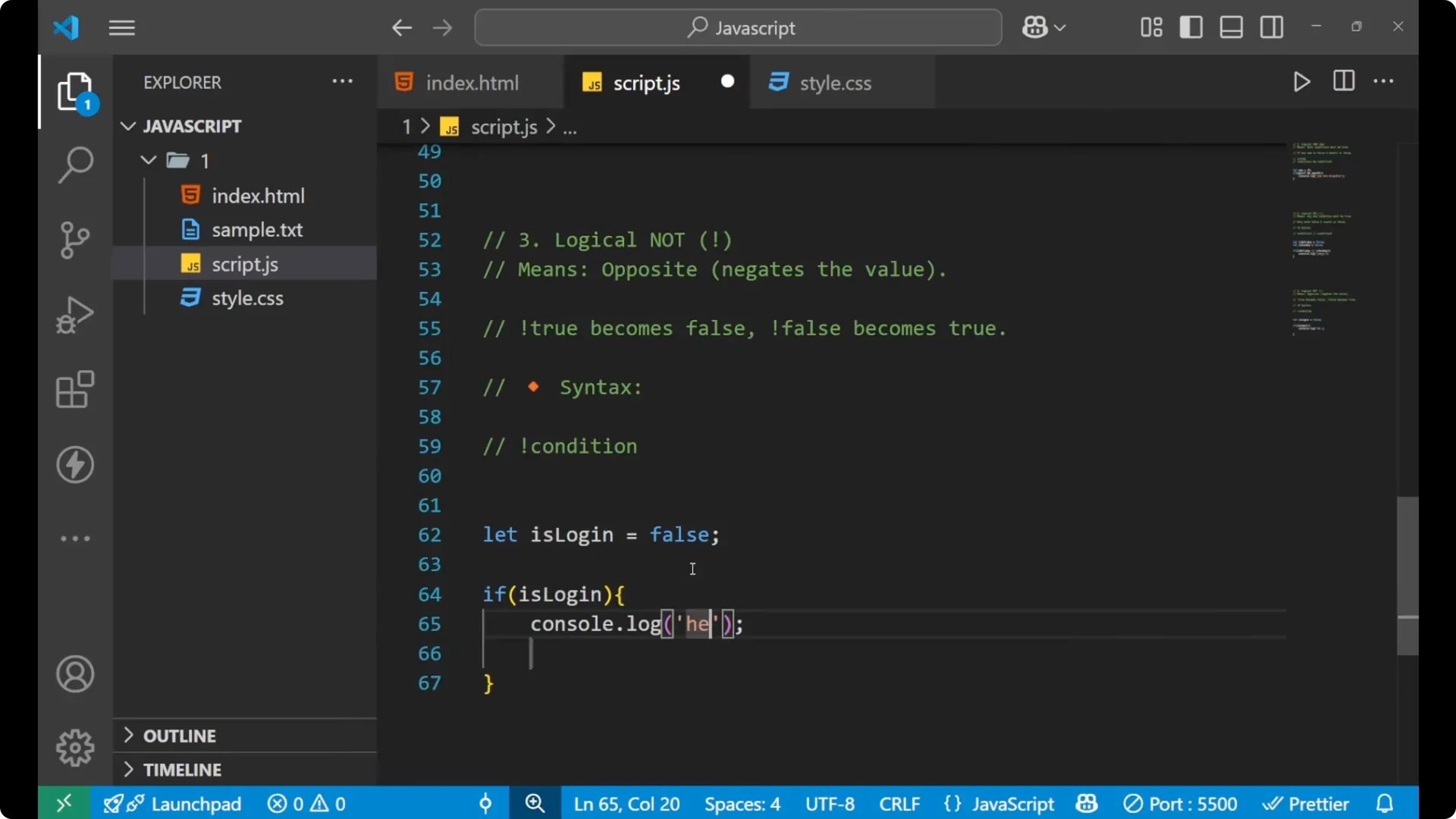
This condition is false because isLogin is false, so this does not work.
Step 3: Negate it with the logical NOT operator.

if (!isLogin) {
  console.log("Hey!");
}
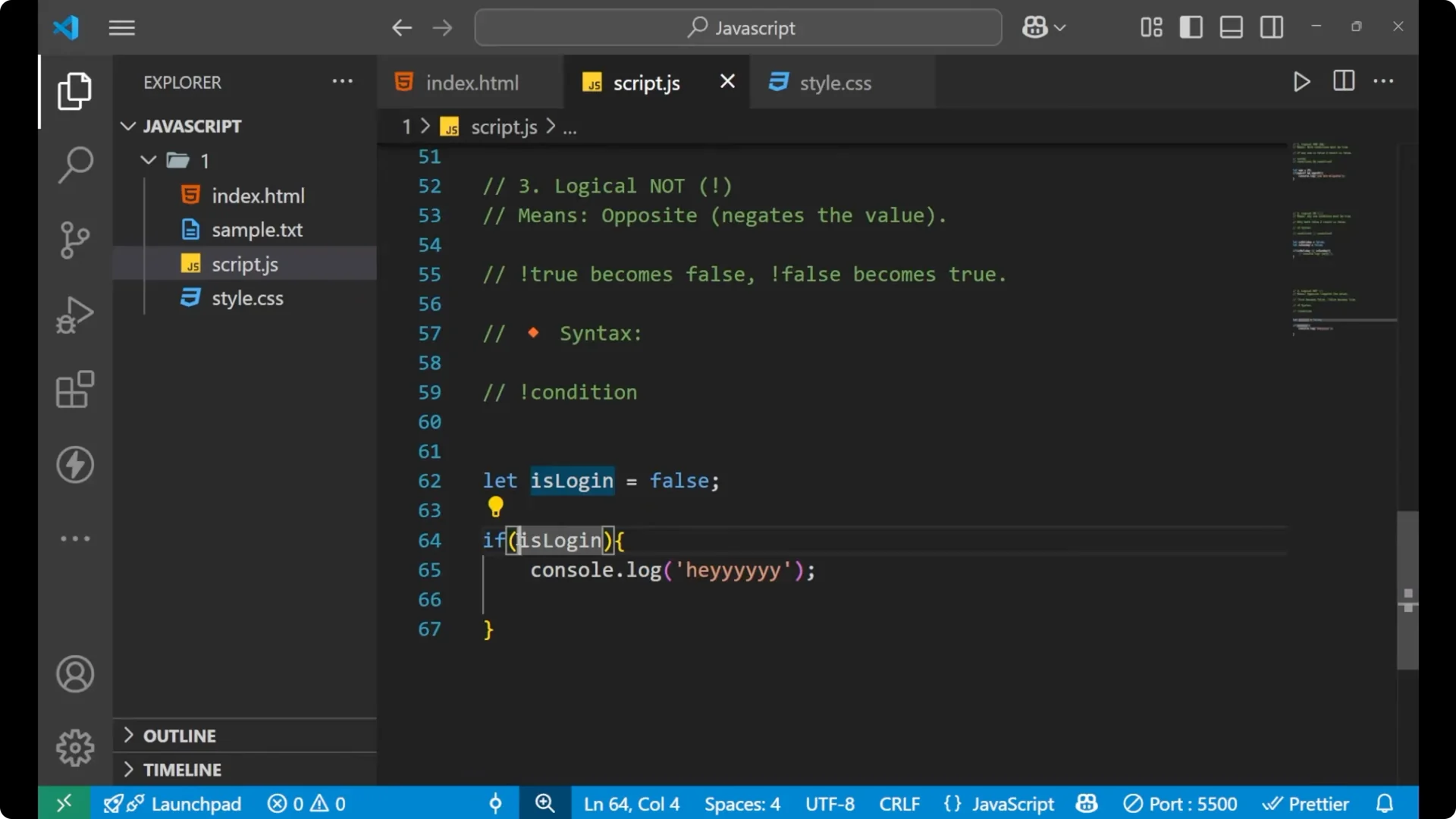
This time it works. The logical NOT operator converts the boolean value of the variable. It converts false into true and that is why the line of code executed.
Read More: capitalize text
JavaScript Logical Operators: Final thoughts
You learned the logical AND operator, the logical OR operator, and the logical NOT operator. AND requires both conditions to be true. OR needs any one condition to be true. NOT flips a true to false and a false to true. These form the core tools to control program flow with conditions.