Filtering in JavaScript lets me keep what I want from an array and discard the rest. Think of it like separating clean water from the impurities. The idea is simple: keep elements that satisfy a condition and throw away the ones that do not.
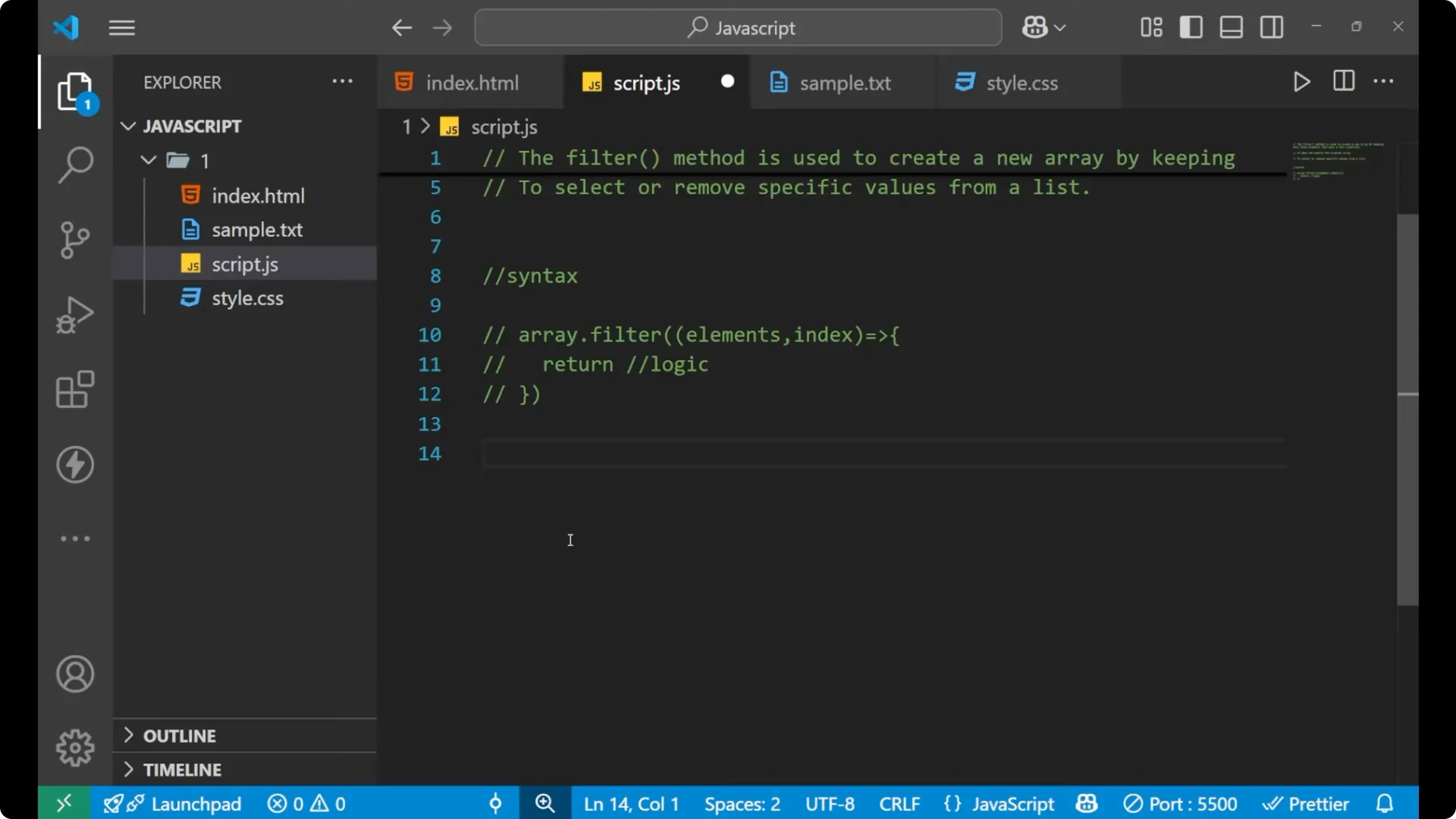
A filter method is used to create a
new array by keeping only those elements that pass a
test condition I provide. The condition is whatever logic I want to apply to select elements from the original array. It
does not modify the original array. The purpose of the filter method is to select or remove specific values from a list.
JavaScript filter() Method – definition
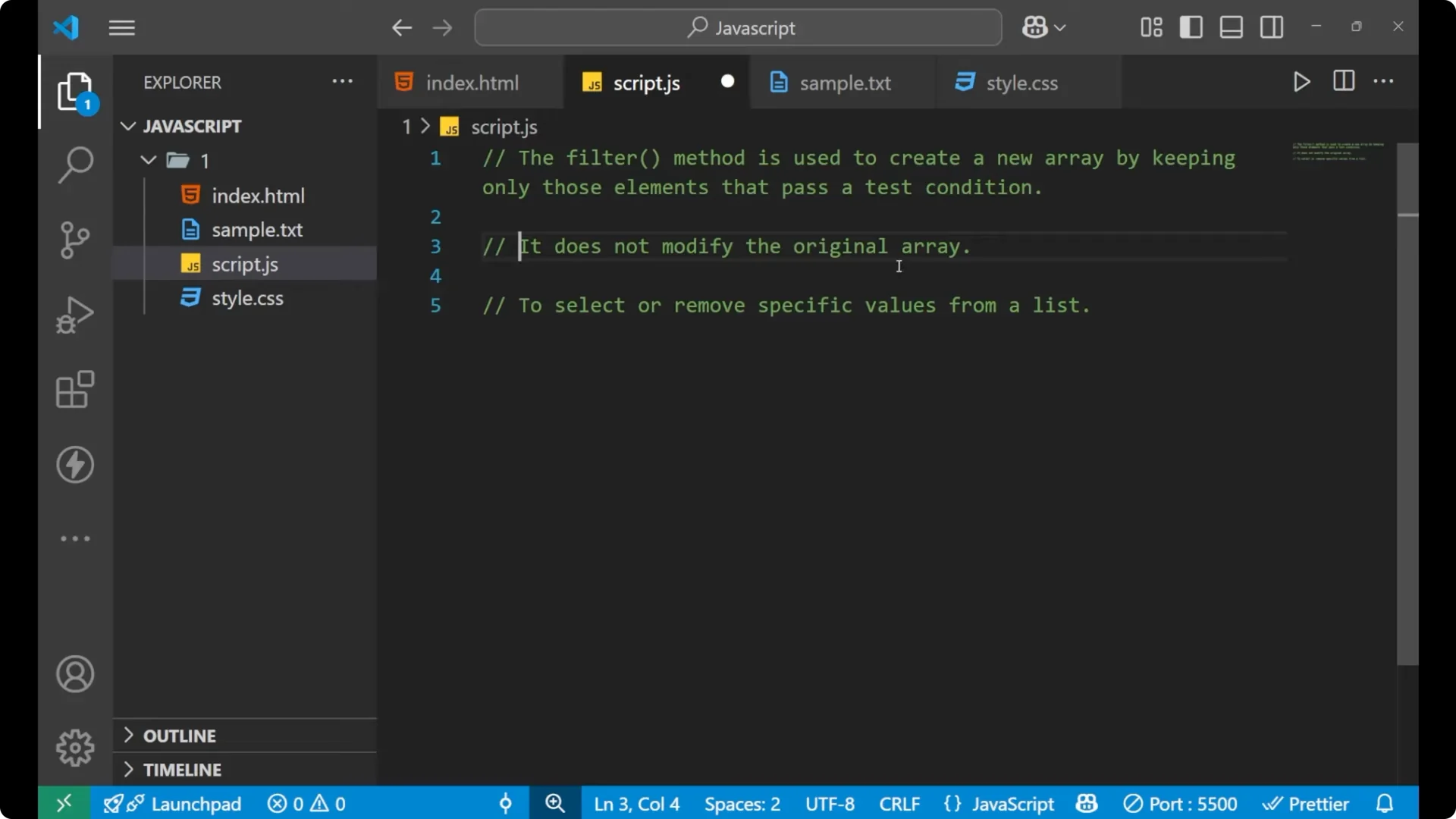
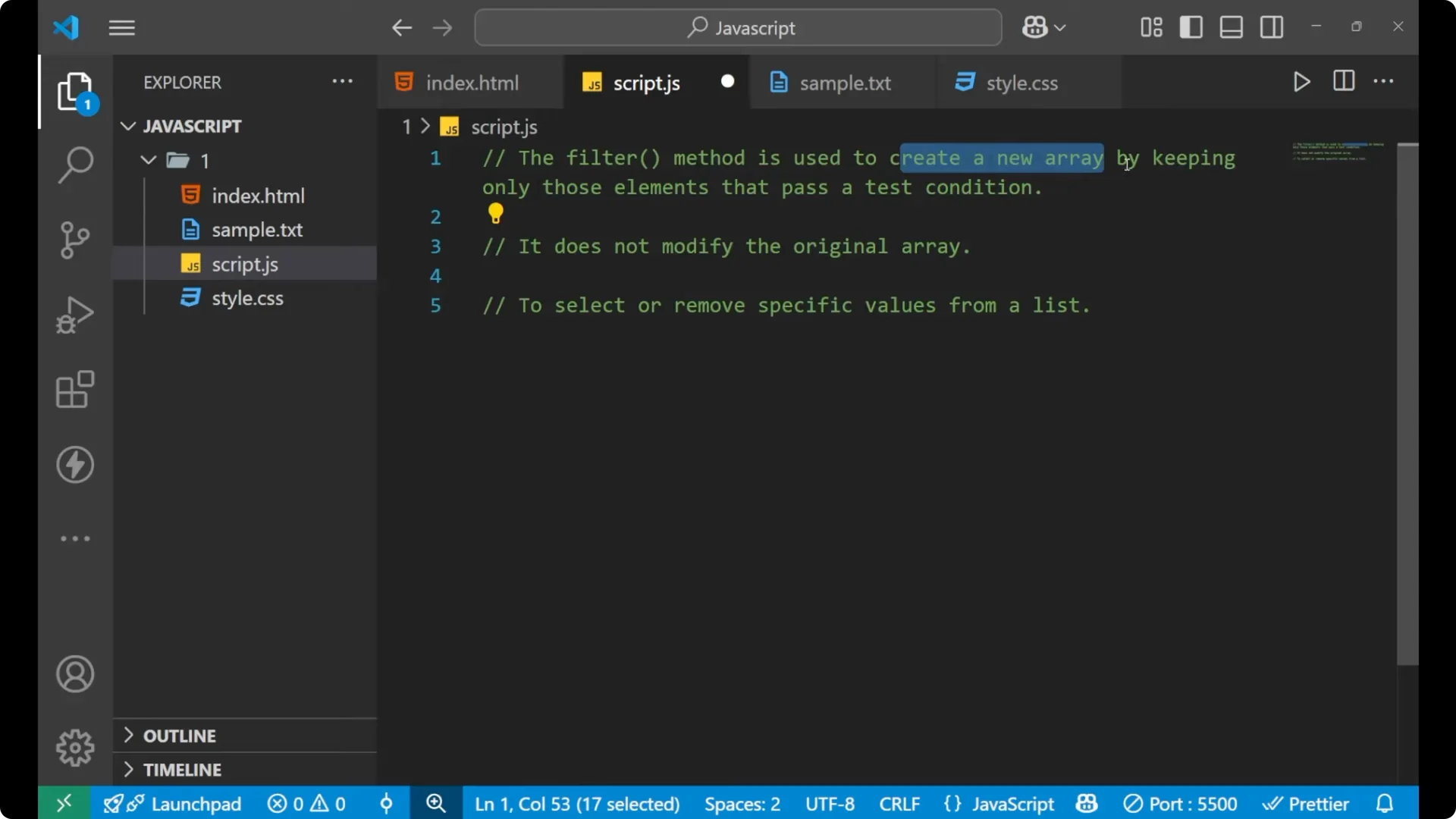
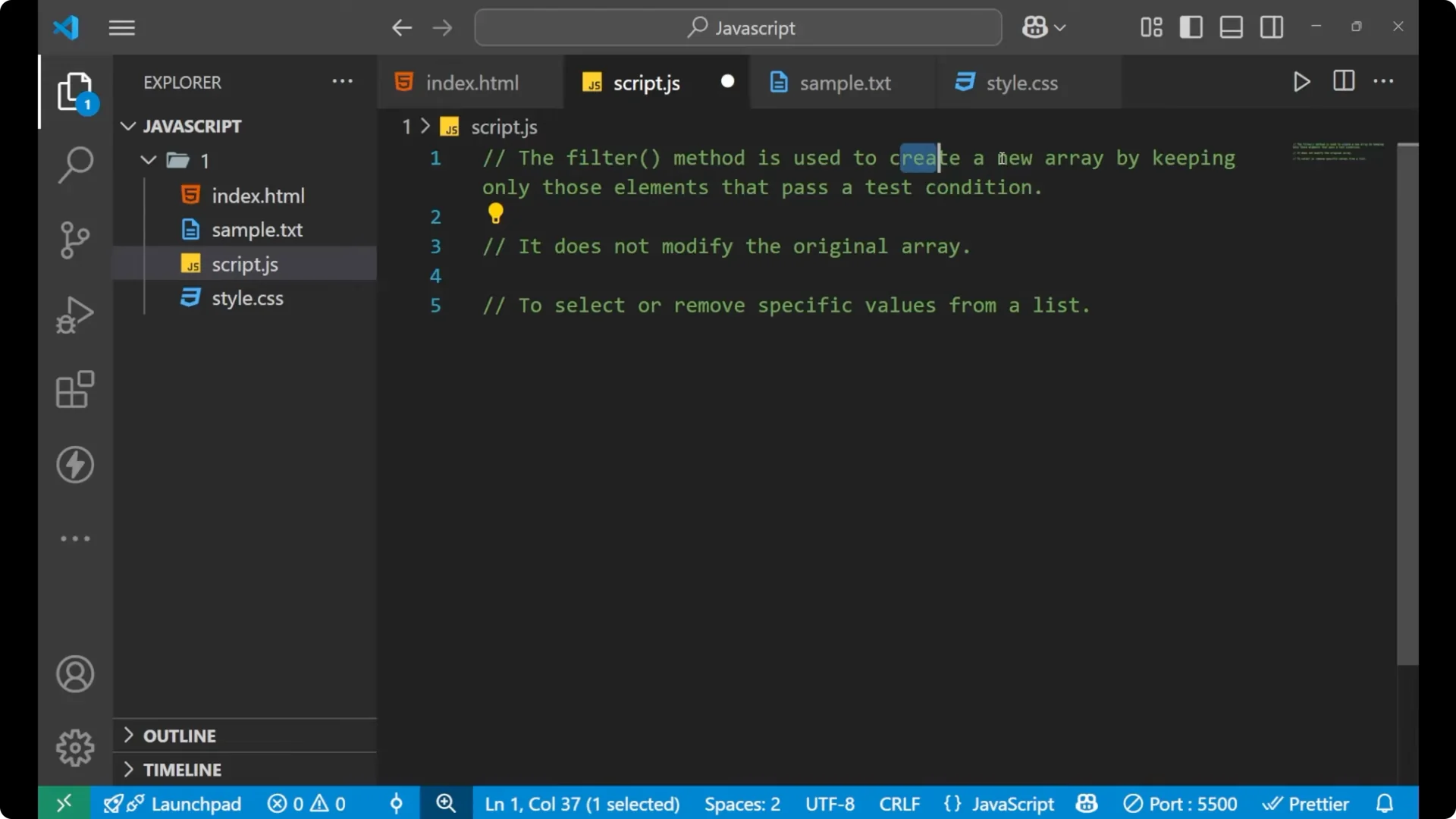
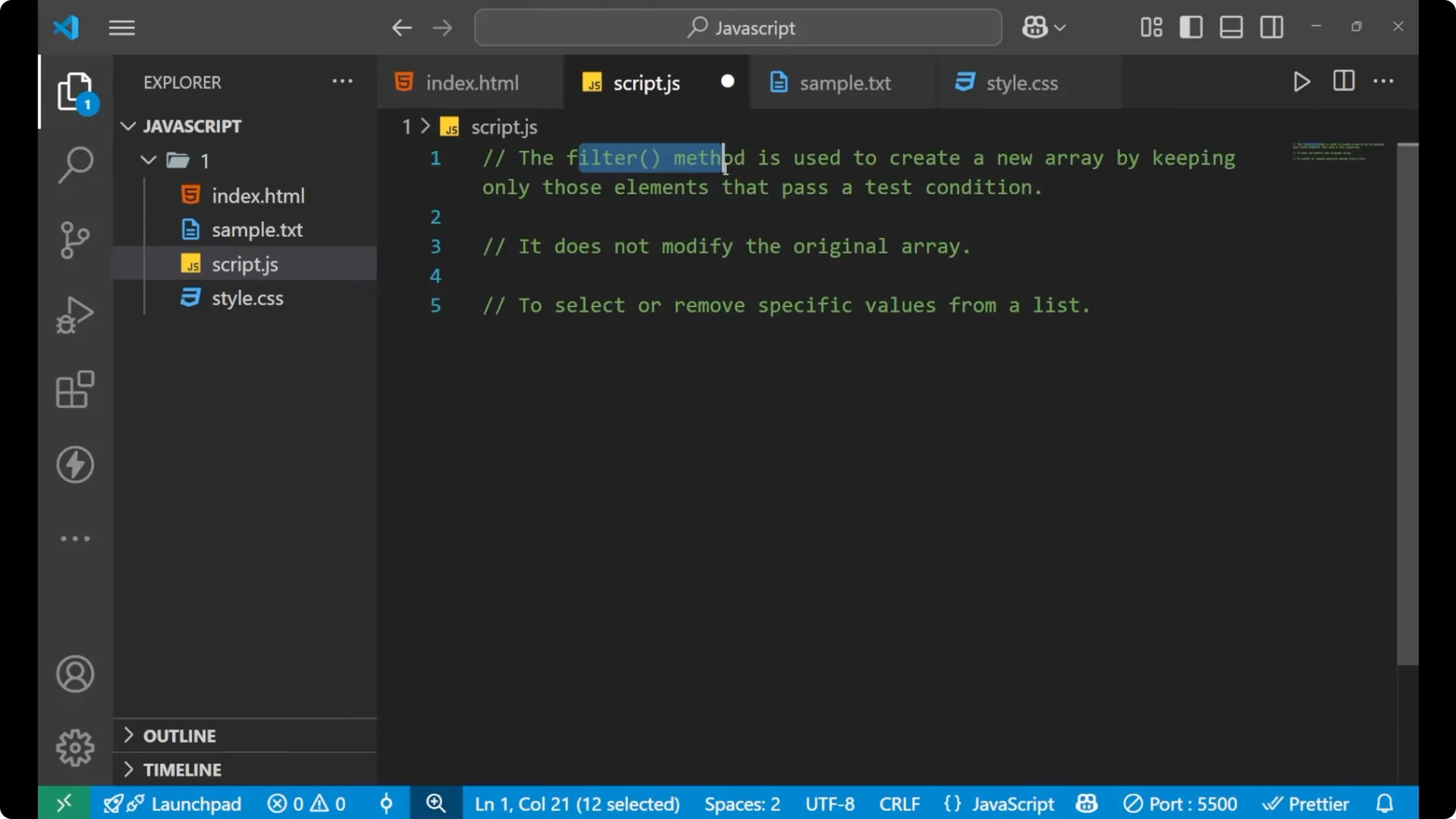
The filter method creates a new array from a previous array by keeping only the elements that pass a condition I specify. I get a new array back, and the source array stays as it is.
JavaScript filter() Method – syntax
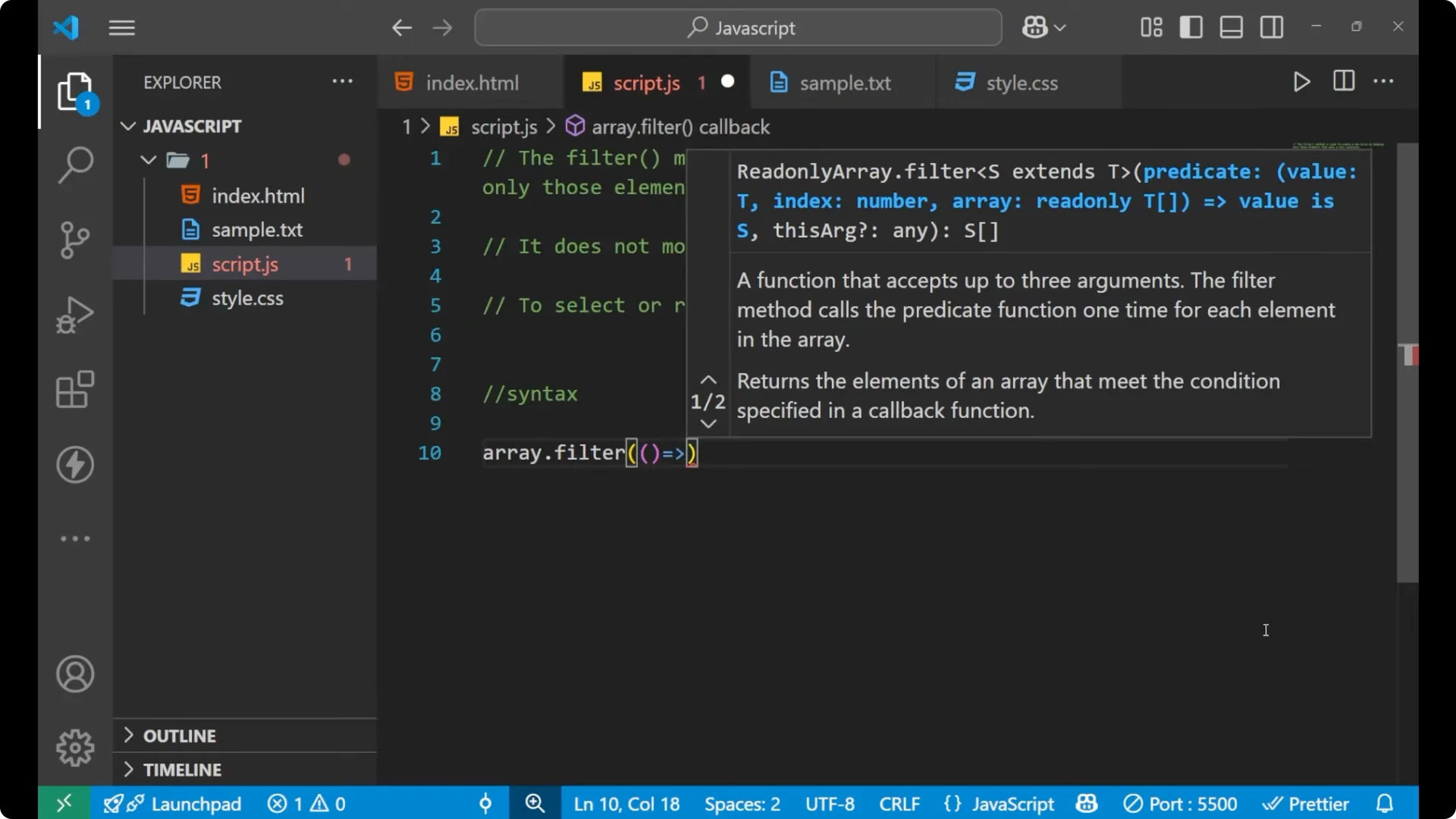
const result = originalArray.filter((element, index) => {
  return / your logic using element (and index if needed) /;
});
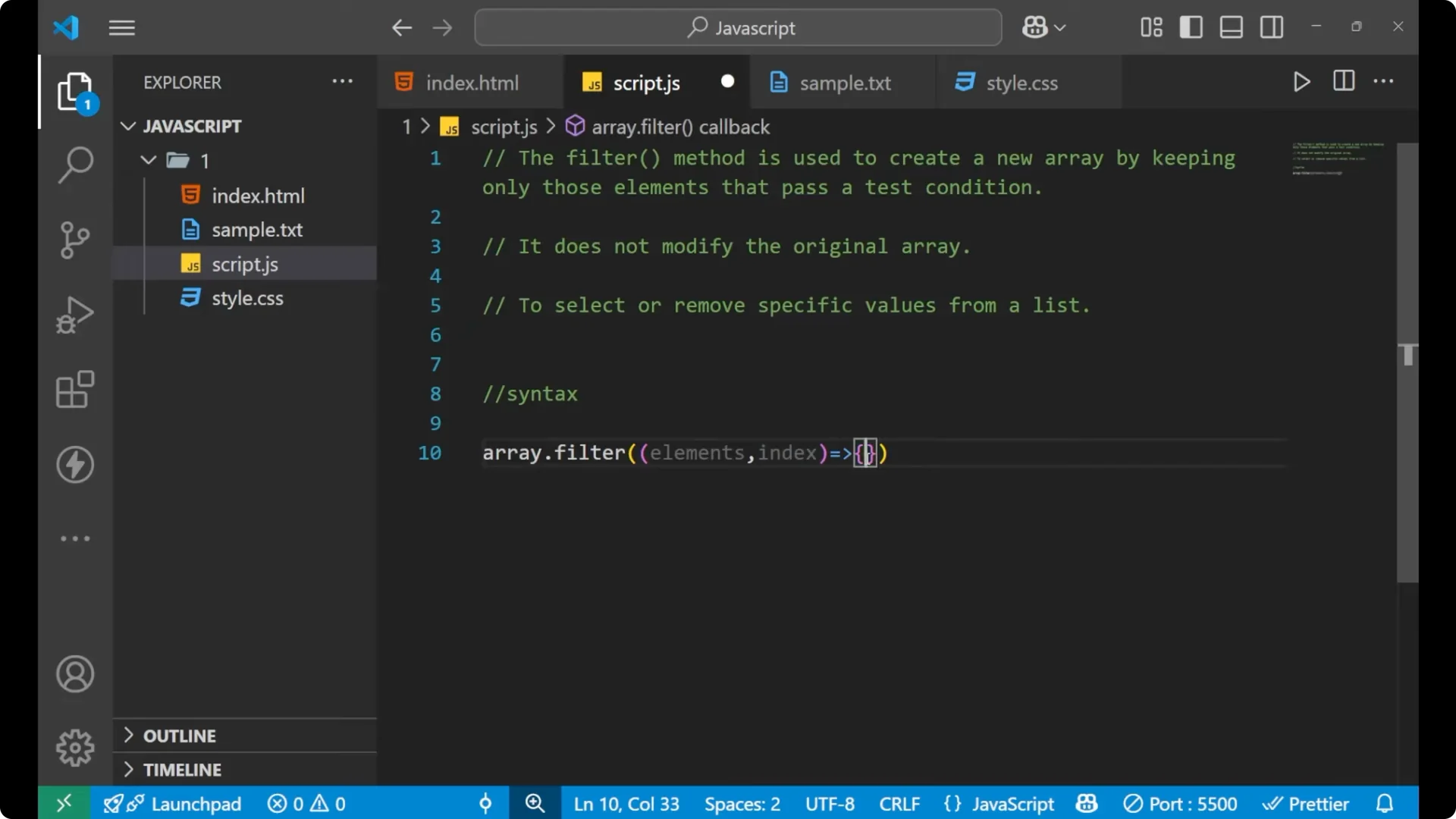
Inside the parentheses I can use two parameters: element and index. element is each item from the original array, and index is the position of that element. Inside the curly braces I return the logic I want to test for each element.
For branching inside a callback, see
switch case.
JavaScript filter() Method – steps
Write your original array.
Call .filter on the array.
Provide a callback that receives element and index.
Return a condition that decides which elements to keep.
Store the returned array and print or use it.
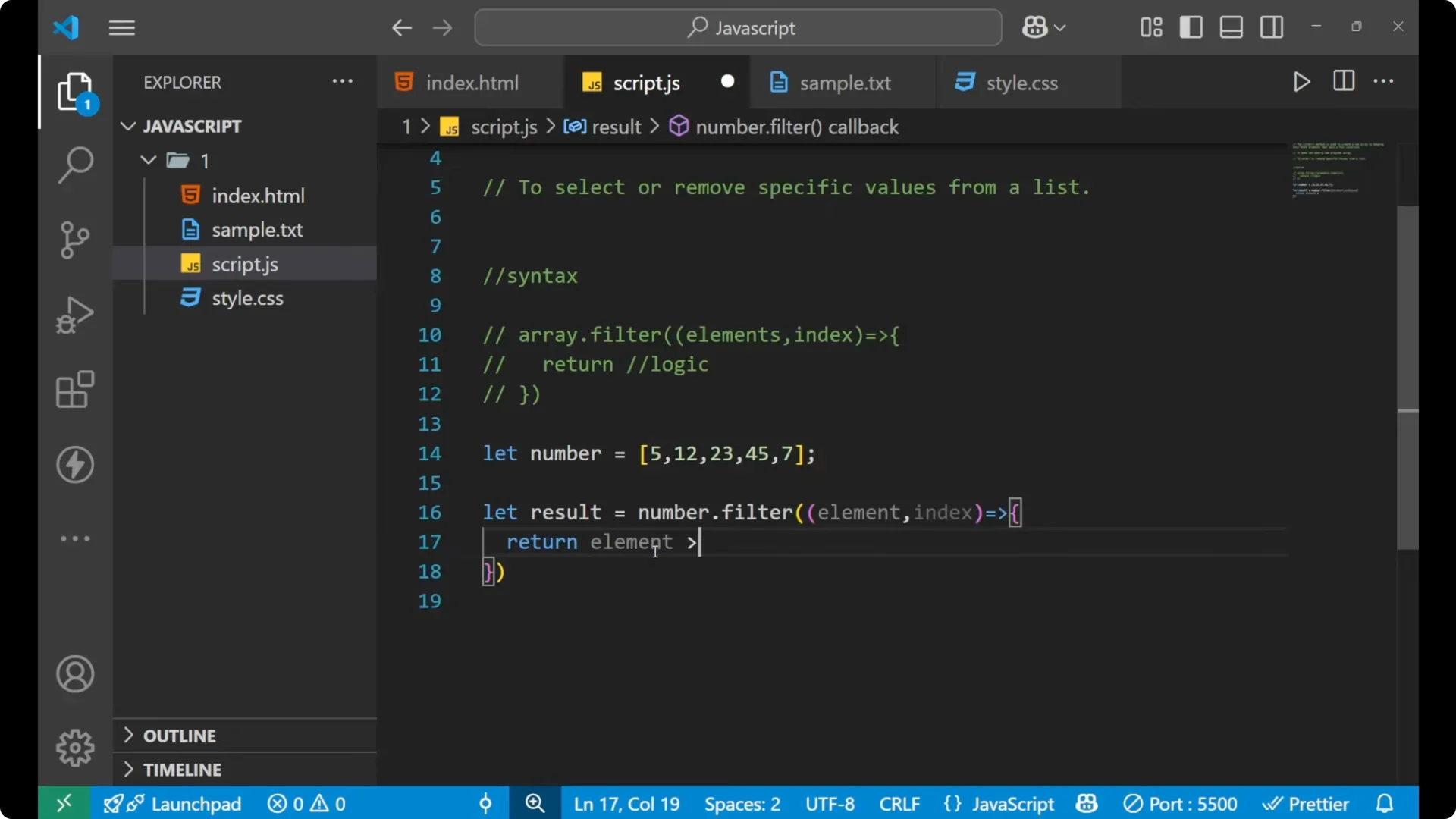
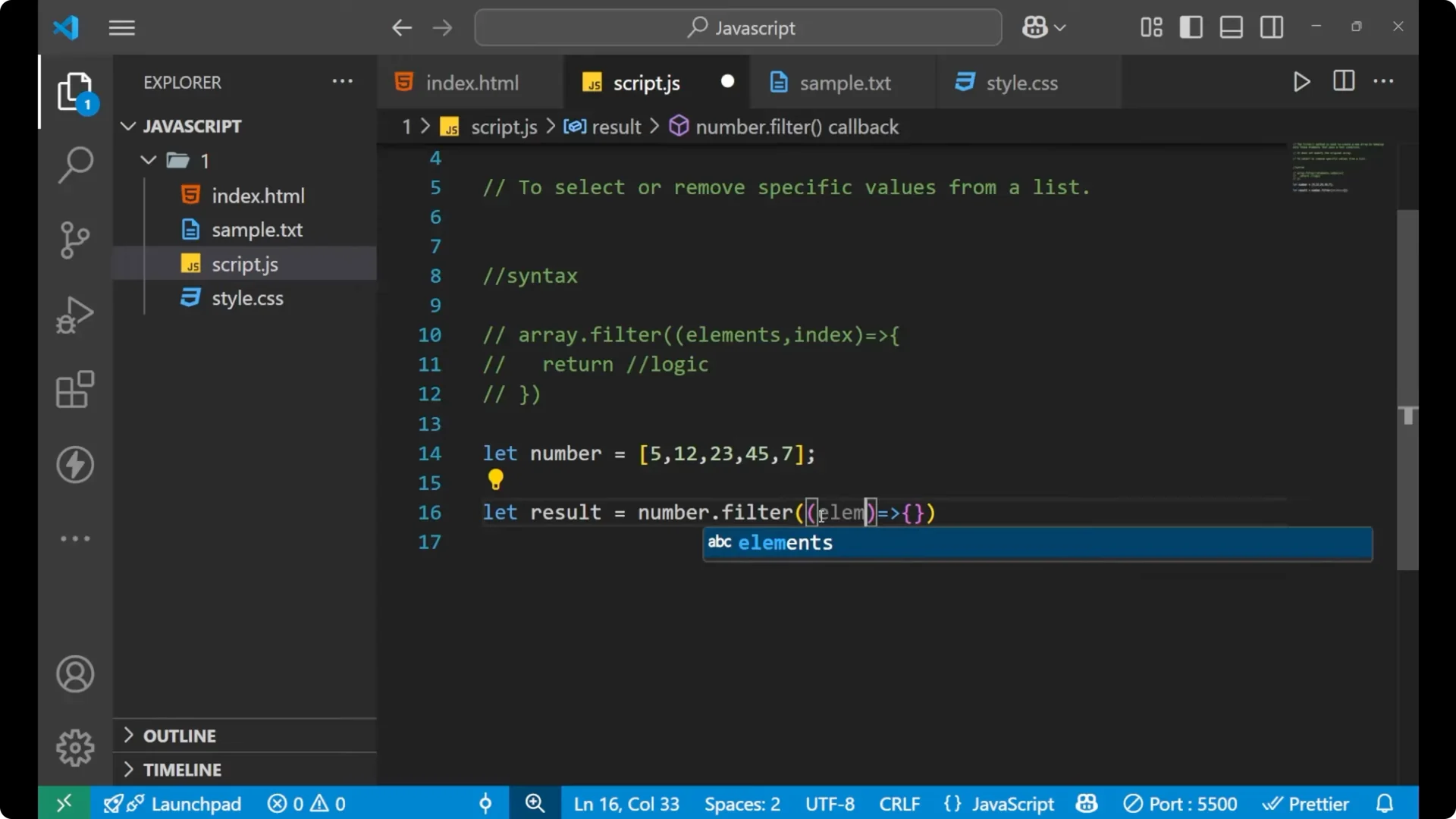
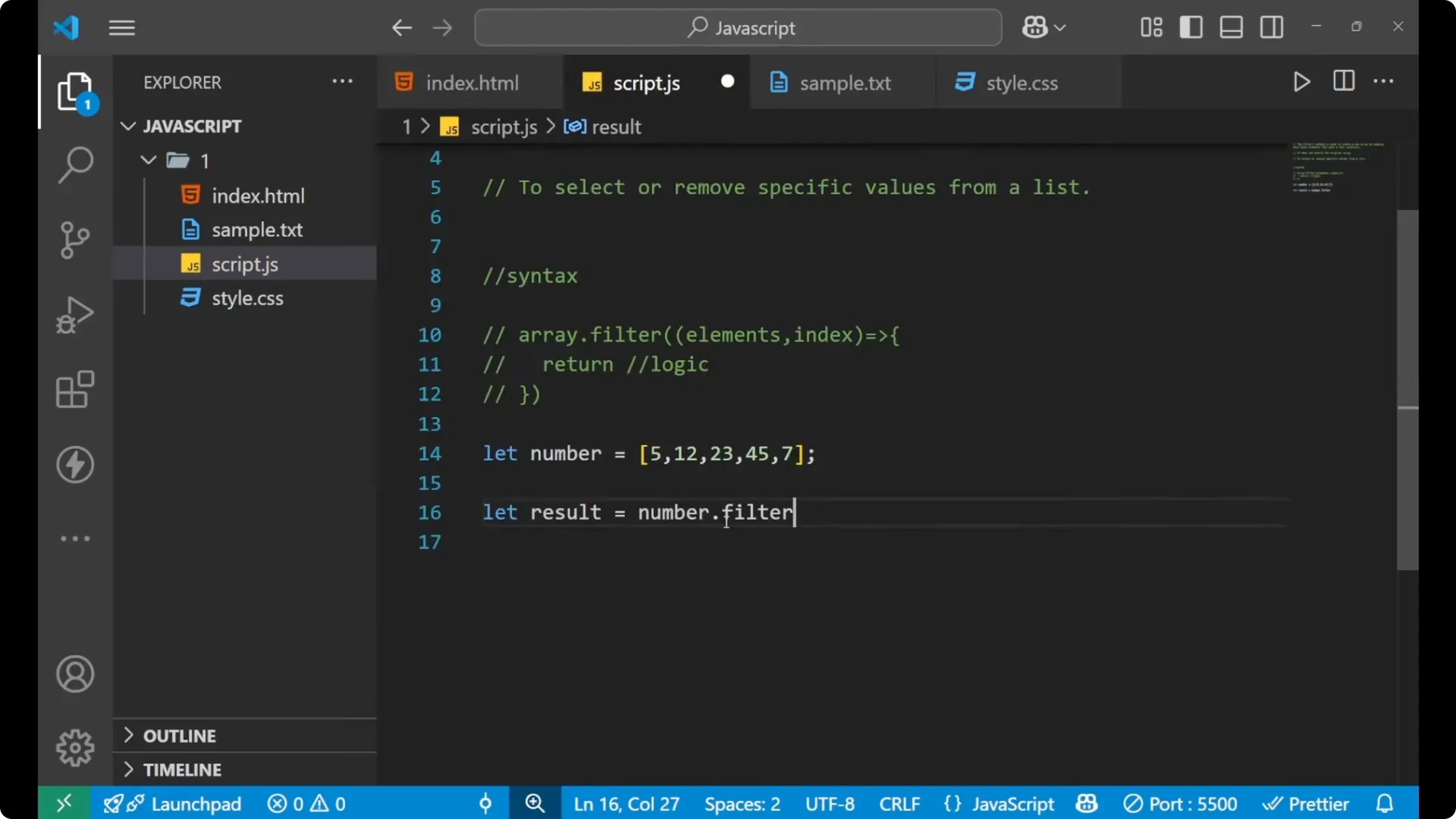
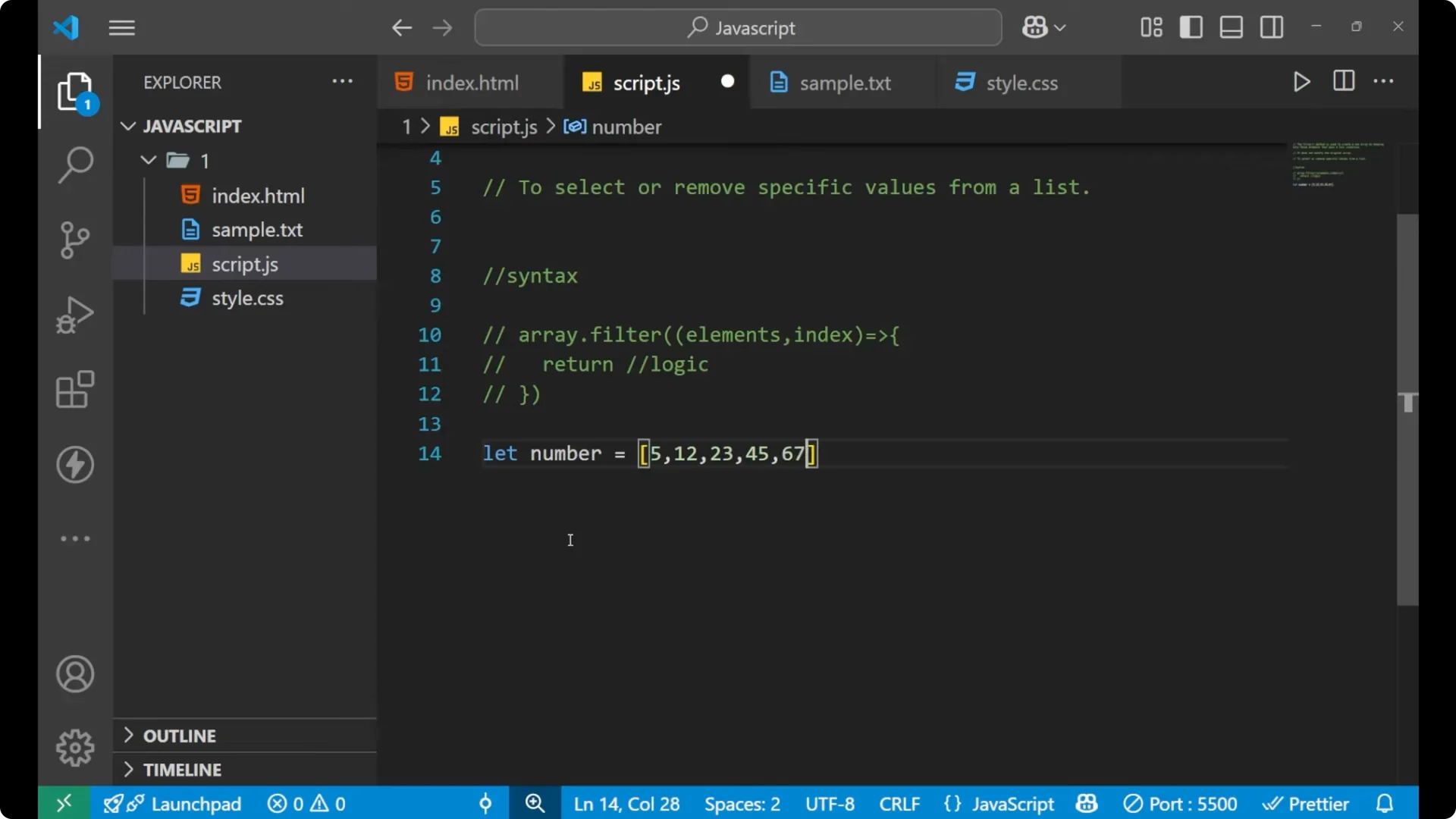
JavaScript filter() Method – numbers example
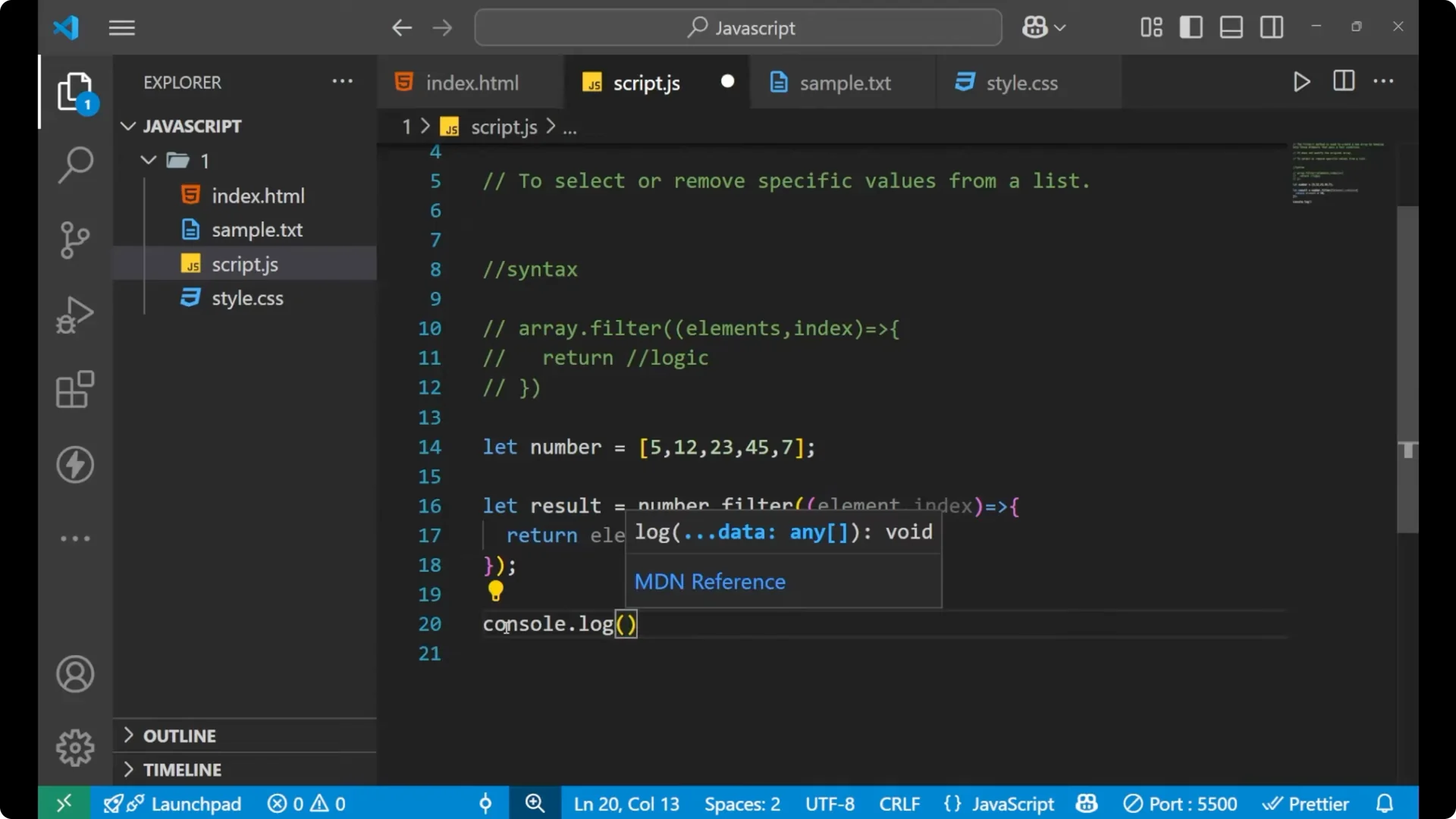
I will filter numbers greater than 10.
const numbers = [5, 12, 23, 45];

const result = numbers.filter((element, index) => {
  return element > 10;
});

console.log(result); // [12, 23, 45]

It creates a
new array and keeps the numbers greater than 10.
If you want to keep filtered results for later use, check
Local Storage.
JavaScript filter() Method – filtering objects
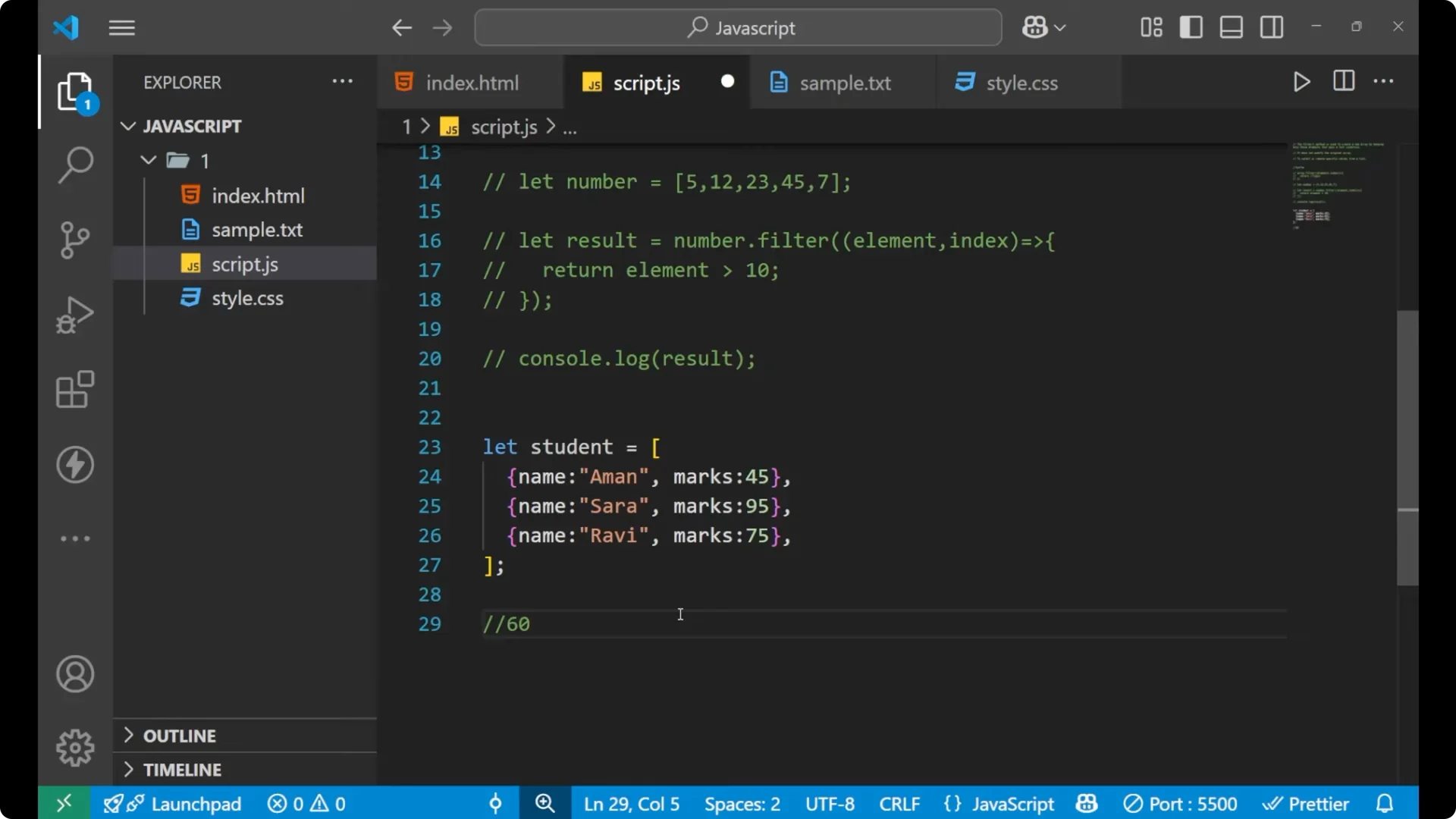
I will filter students whose marks are greater than 60.
const students = [
  { name: 'Karan', marks: 45 },
  { name: 'Sara', marks: 95 },
  { name: 'Ravi', marks: 75 }
];

const passed = students.filter((element, index) => {
  return element.marks > 60;
});

console.log(passed);
// [
//   { name: 'Sara', marks: 95 },
//   { name: 'Ravi', marks: 75 }
// ]
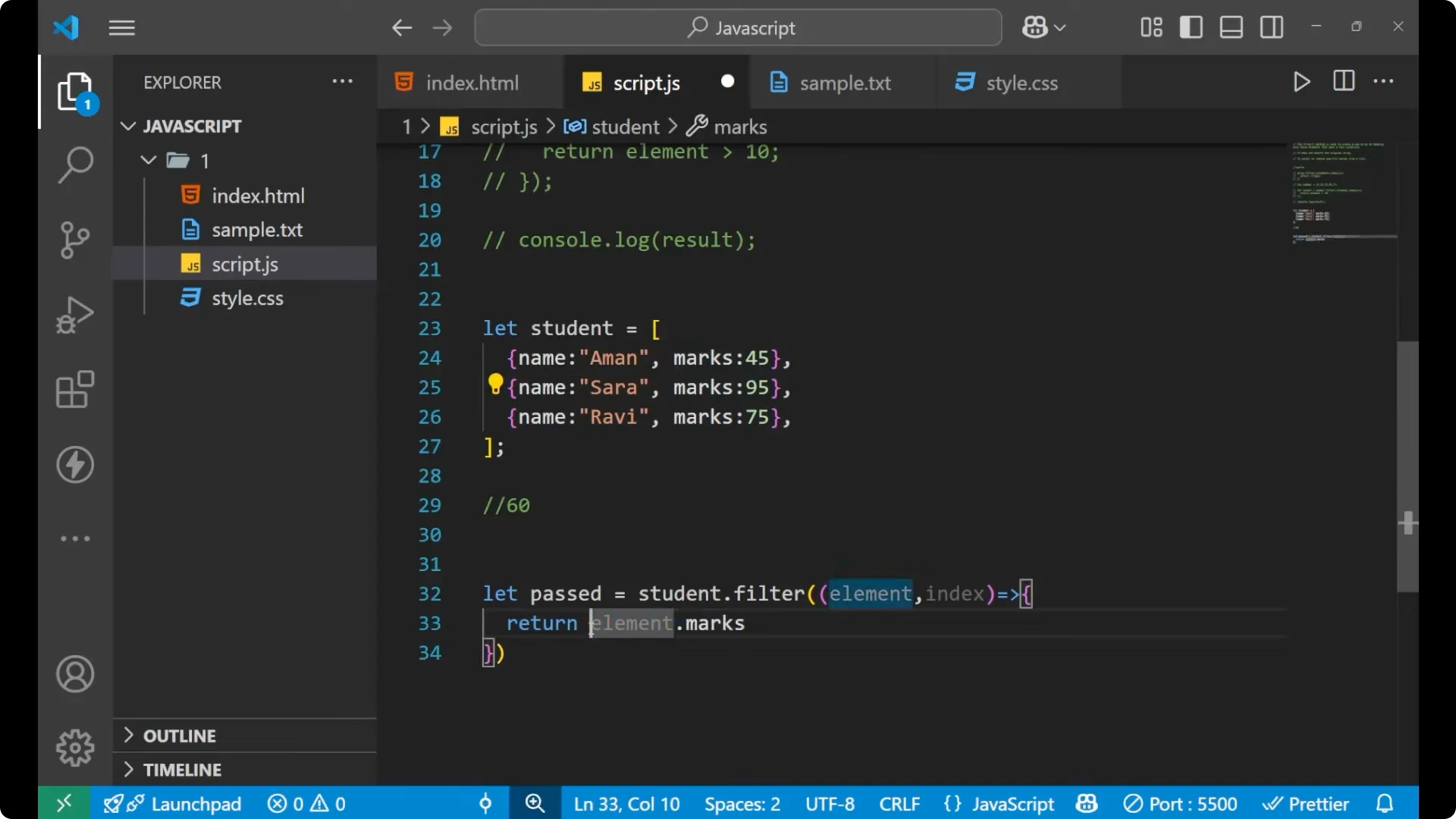
Here each object is a single element of the array. element holds that object, and I access its marks with element.marks to apply the condition.
To connect filtering with other array operations, see
map/filter/reduce.
JavaScript filter() Method – empty results
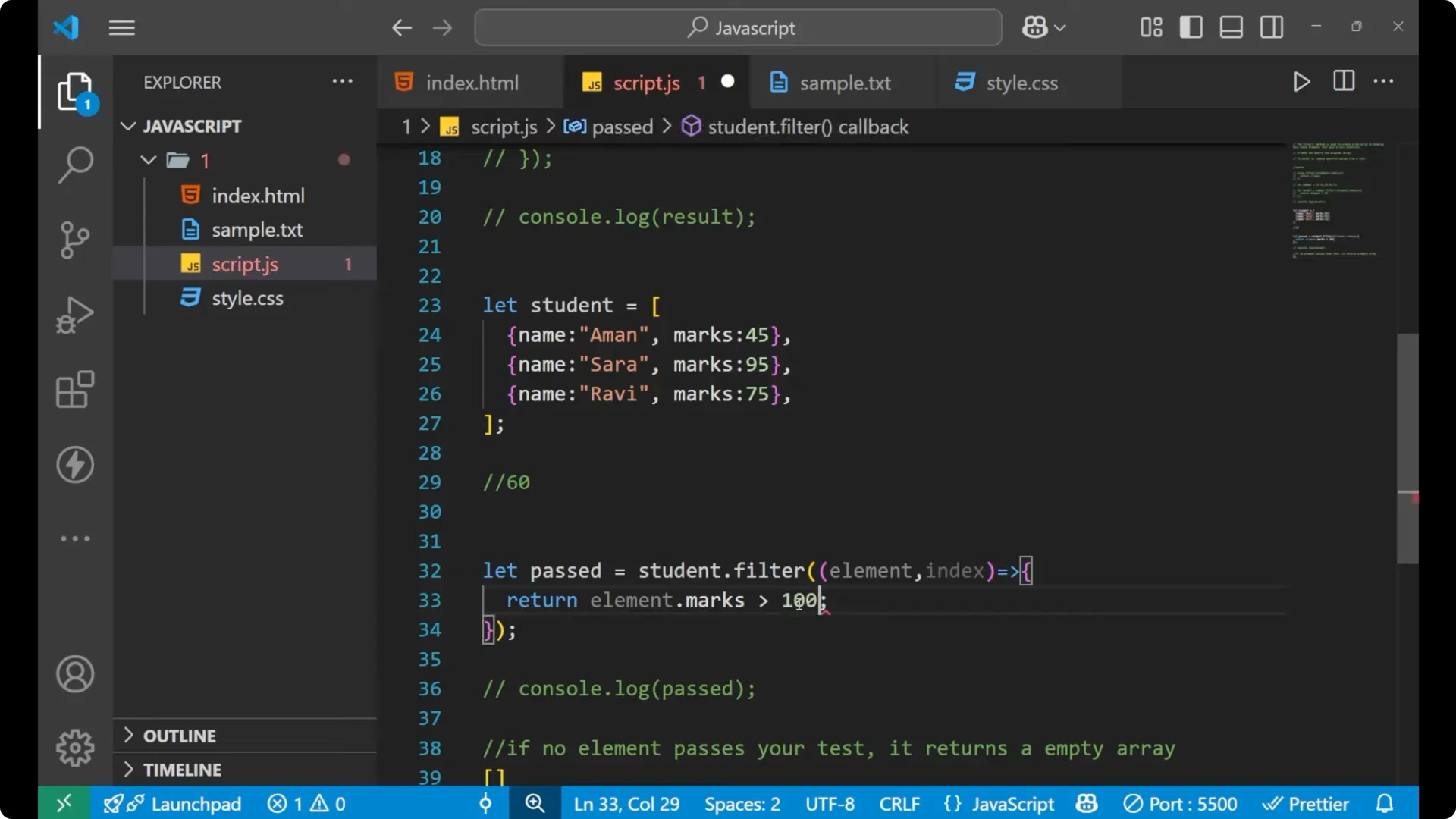
If no element passes the test, filter returns an empty array.
const none = students.filter((element) => {
  return element.marks > 100;
});

console.log(none); // []

Final thoughts
The JavaScript filter() method creates a
new array from the elements that satisfy a
test condition. It
does not modify the original array. Use it to select or remove specific values from a list. If no element passes your test, you get an empty array.