Form validation is checking inputs like name, email, and password before submitting. We need to check that all the fields are correct and, according to that, submit the input to the server side. Good validation improves user experience and prevents invalid data.
JavaScript Form Validation
Form markup
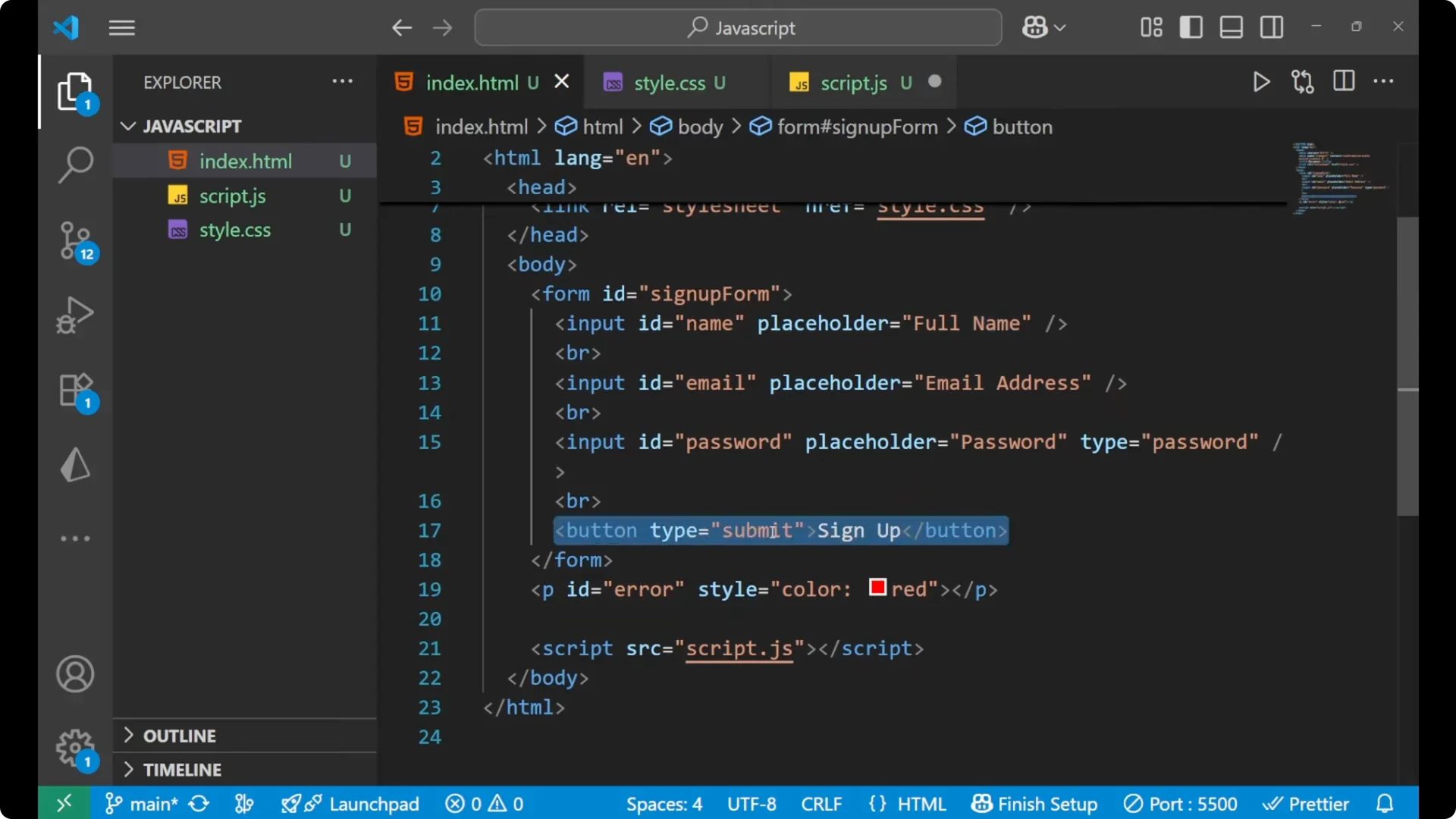
Here is the basic HTML structure I’m using. The form has three inputs and a submit button, plus a paragraph for showing errors in red.
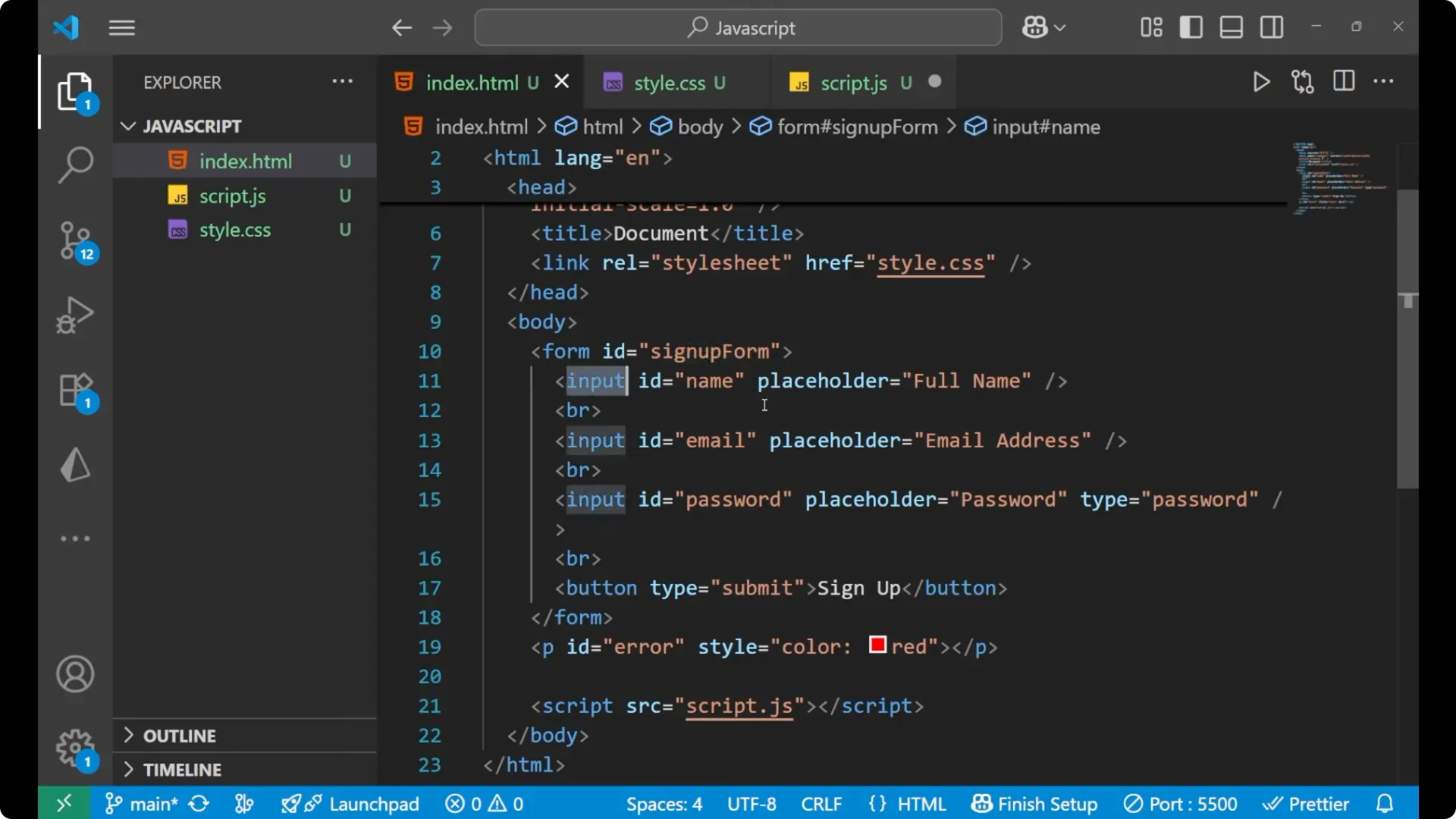
<form id="signup-form">
  <input id="name" type="text" placeholder="Full name" />
  <input id="email" type="email" placeholder="Email address" />
  <input id="password" type="password" placeholder="Password" />
  <button type="submit">Sign Up</button>
  <p id="error" style="color: red;"></p>
</form>
If you later need to add inputs on the fly, see
dynamic fields. For UI elements like selects, you can build a simple
dropdown menu.
JavaScript logic
Attach a script that reads the inputs, validates them, and shows an error or success.
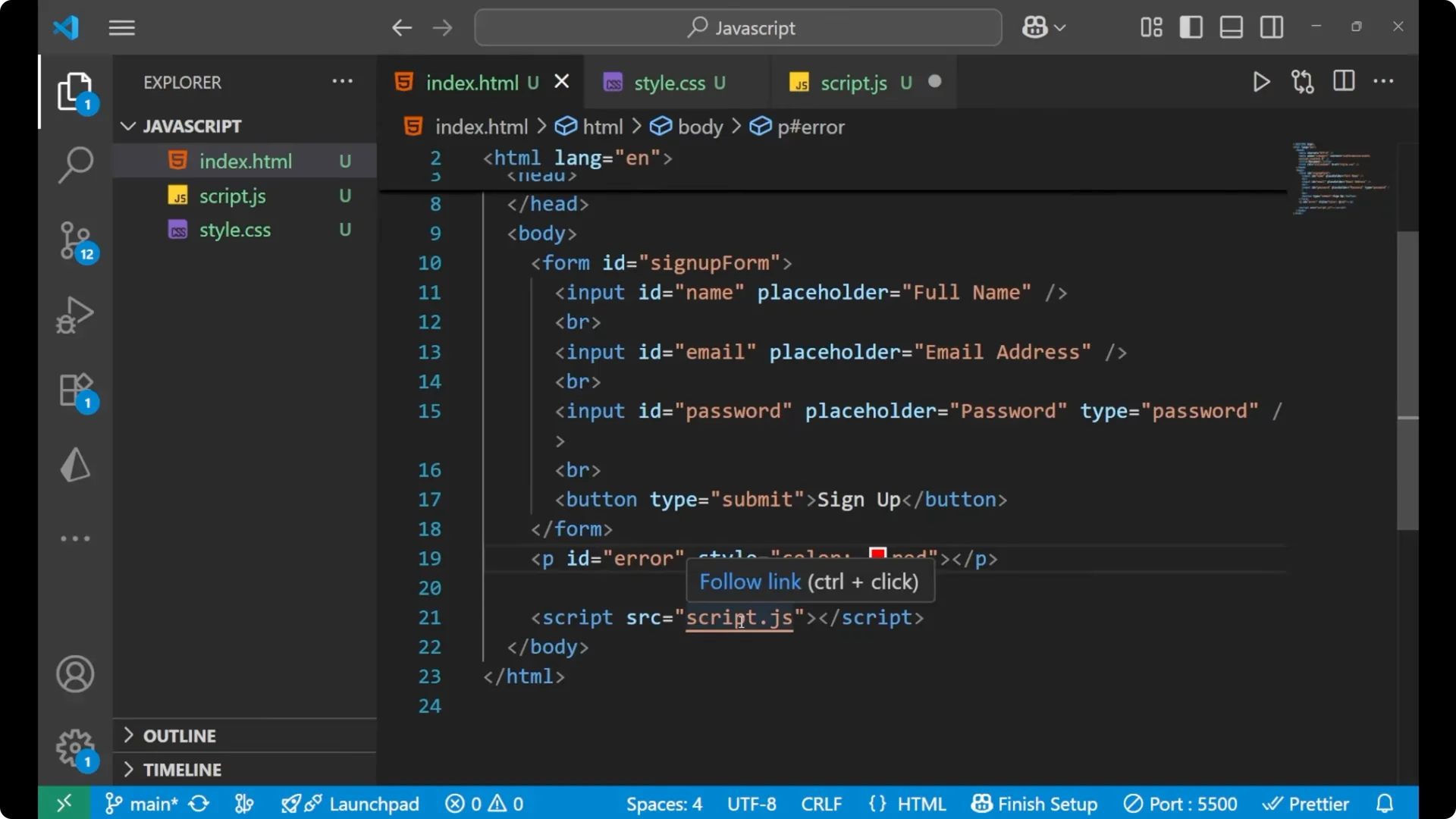
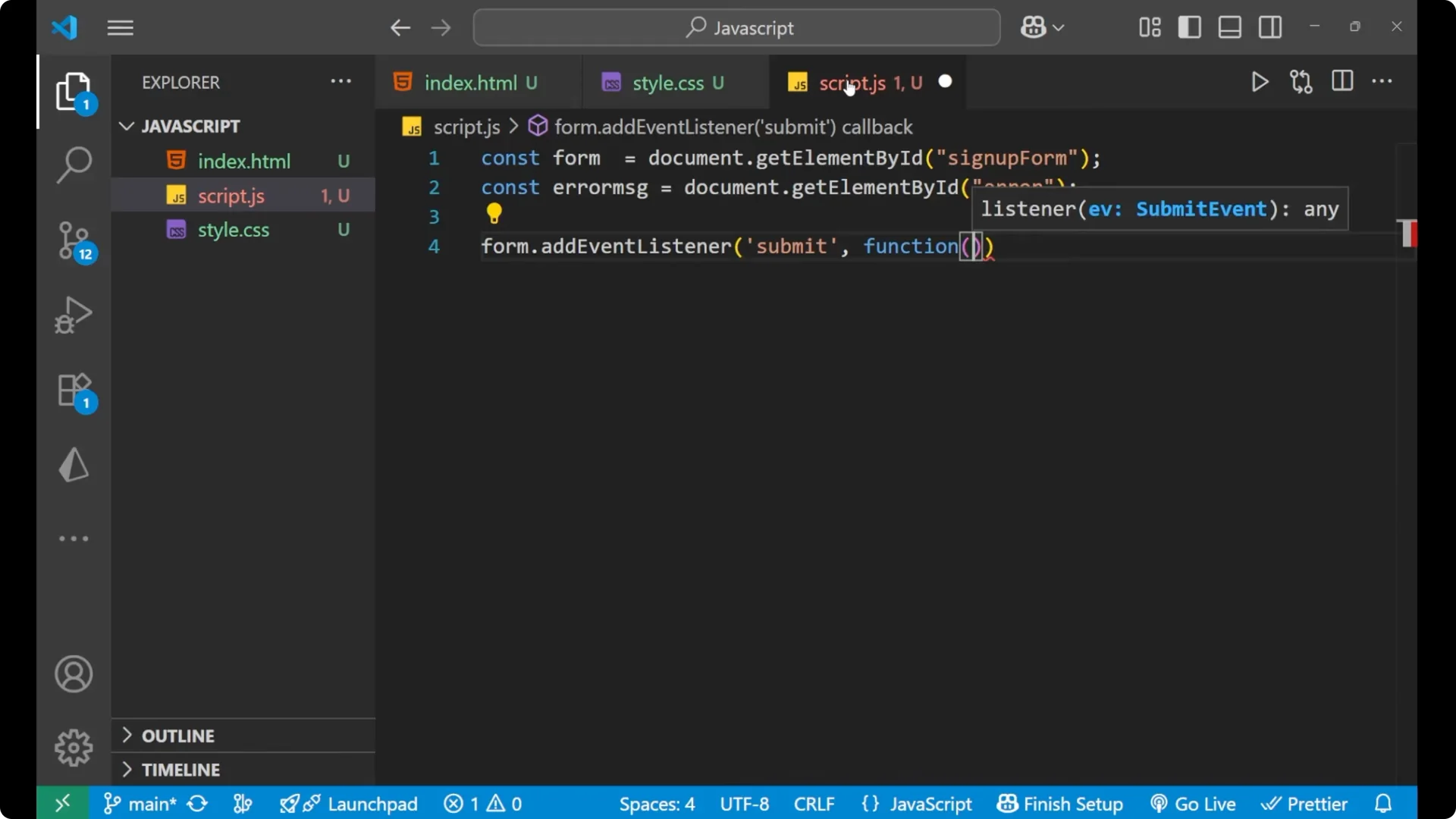
const form = document.getElementById('signup-form');
const errorMsg = document.getElementById('error');

form.addEventListener('submit', function (e) {
  e.preventDefault();

  const name = document.getElementById('name').value.trim();
  const email = document.getElementById('email').value.trim();
  const password = document.getElementById('password').value.trim();

  // Validation rules
  if (name.length < 3) {
    errorMsg.innerText = 'Name must be at least 3 characters.';
    return;
  }

  if (!email.includes('@') || !email.includes('.')) {
    errorMsg.innerText = 'Email is not valid.';
    return;
  }

  if (password.length < 6) {
    errorMsg.innerText = 'Password must be at least 6 characters.';
    return;
  }

  // Success case
  errorMsg.innerText = '';
  alert('Form looks good. Submitting...');
});
Validation rules
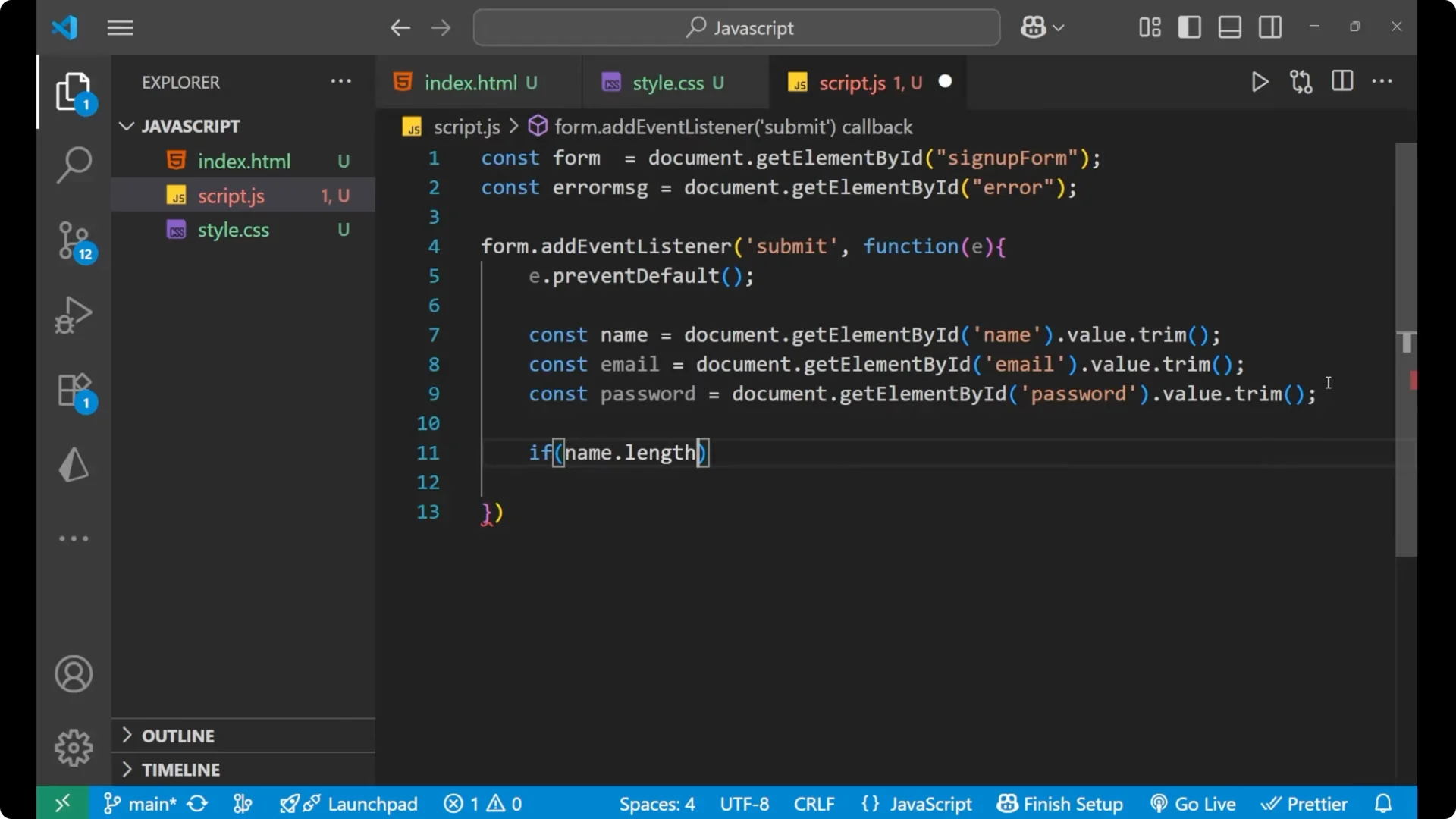
I first deal with the
name. If `name.length` is less than 3, I set `errorMsg.innerText` to a clear message and return to block submission.
For the
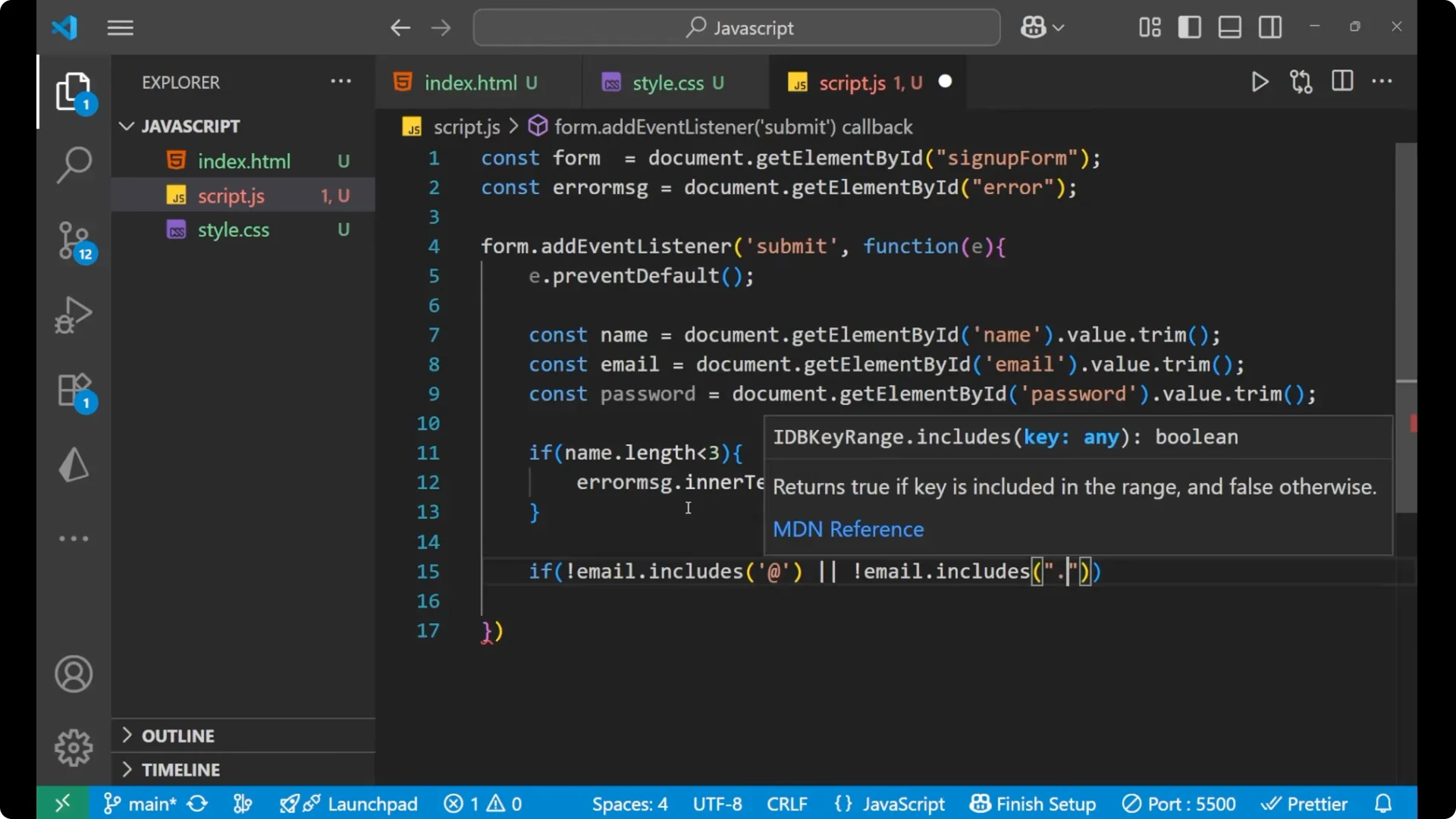
email, I check two things: the email should contain
@ and it should contain a
.. If either is missing, `errorMsg.innerText = ‘Email is not valid.’` and return.
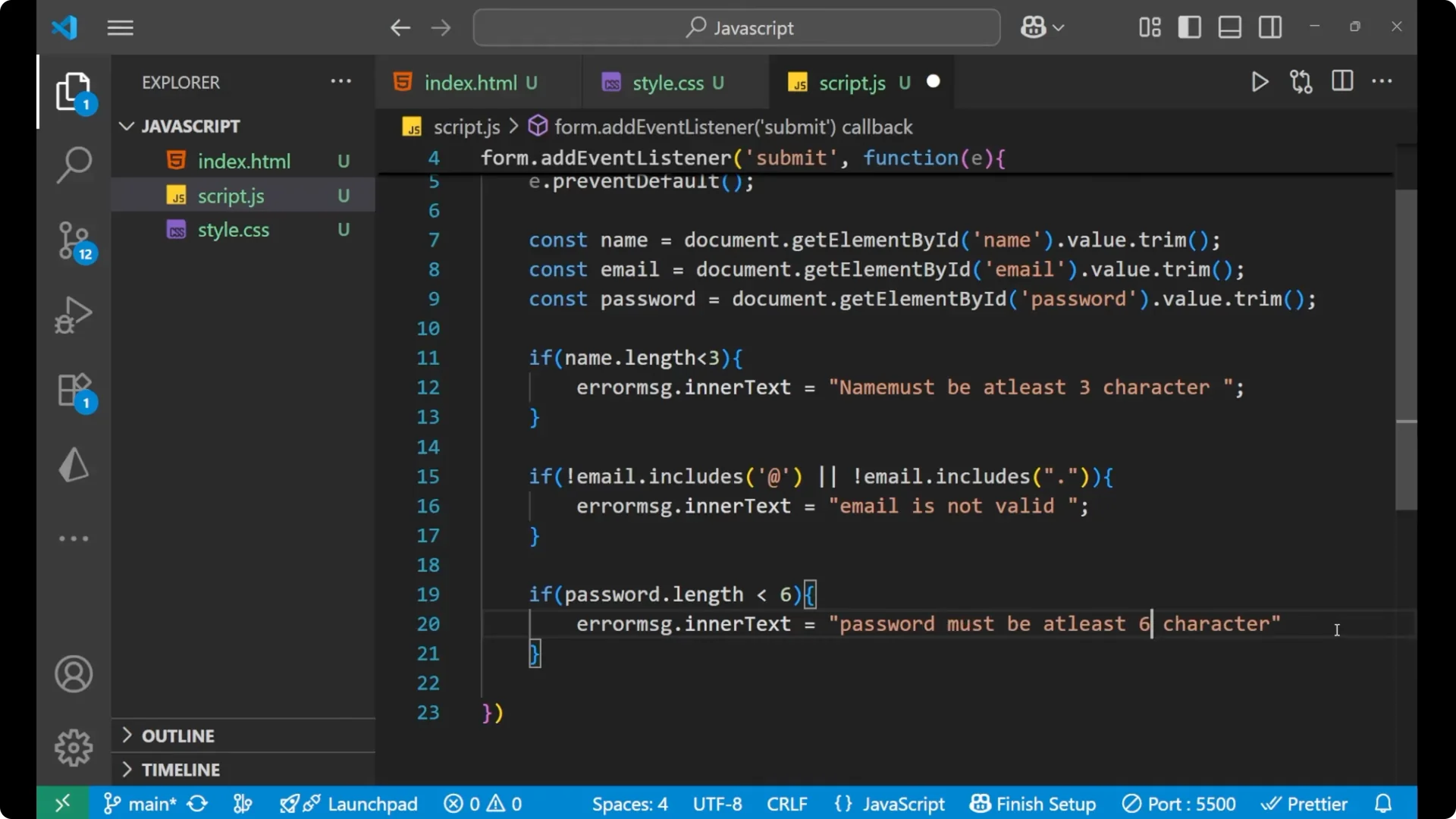
For the
password, if `password.length` is less than 6, I show `Password must be at least 6 characters.` and return.
If you later need to process lists of rules or transform data before validating, see
map filter reduce.
Success path
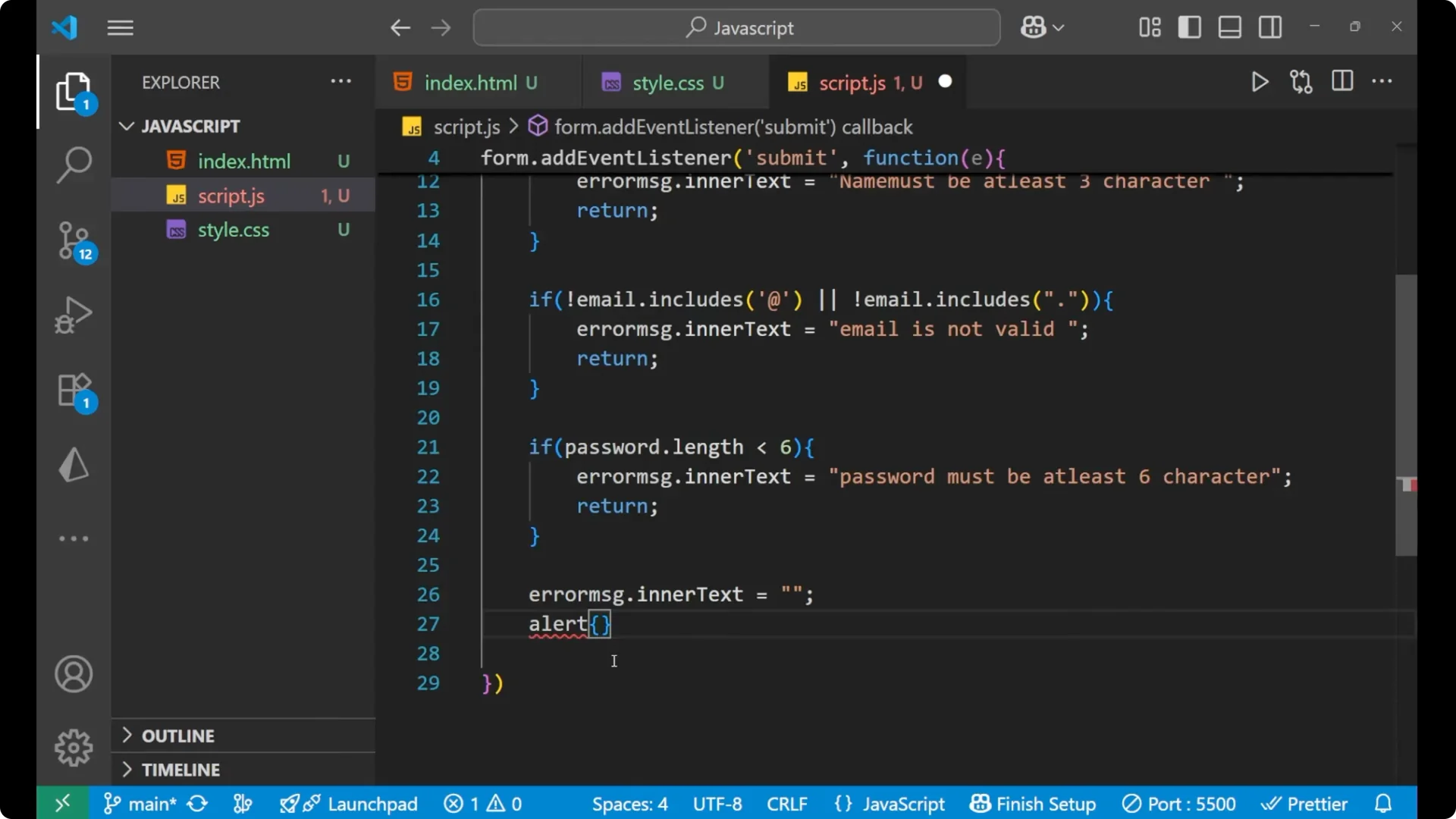
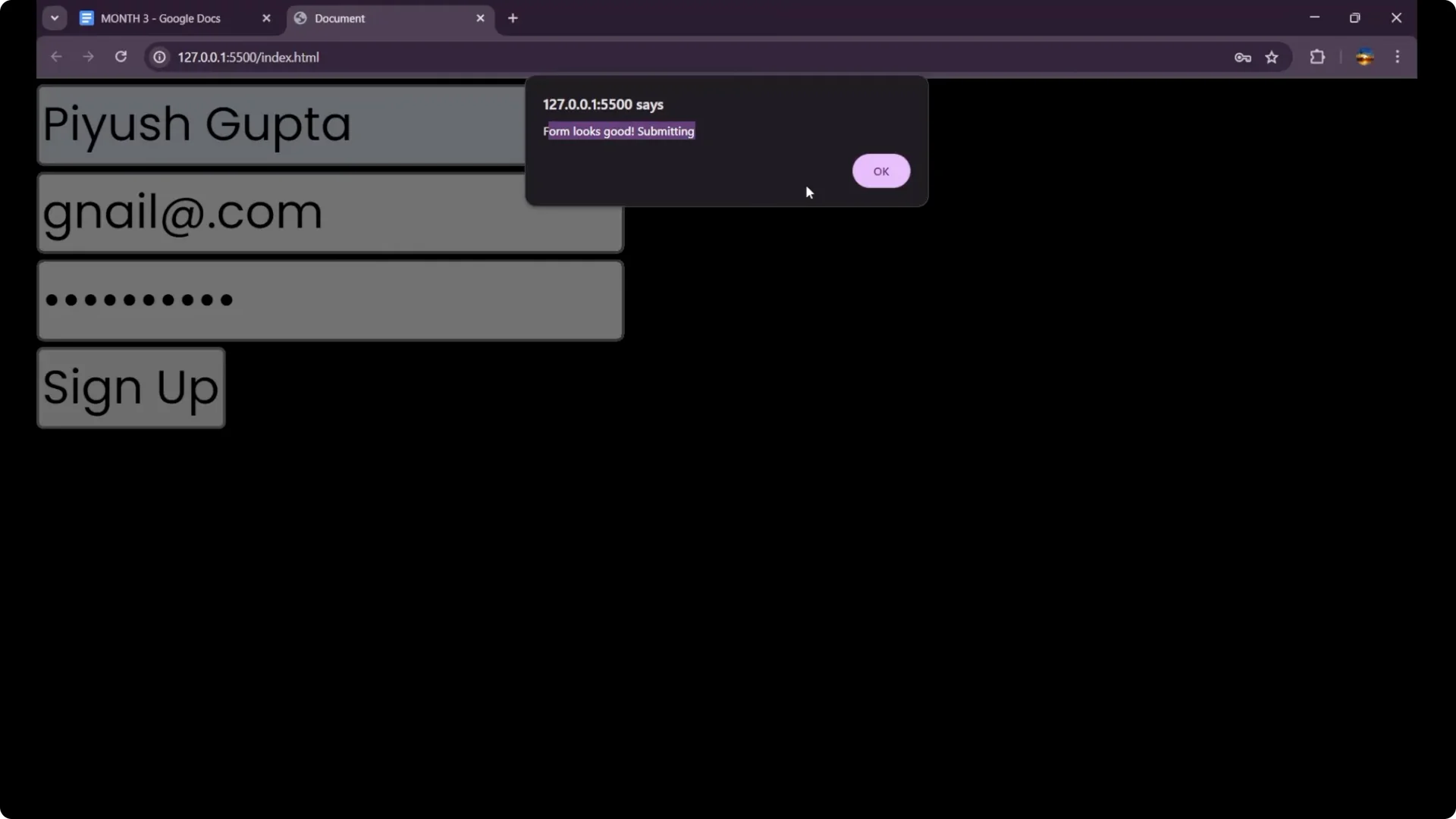
If every error has been resolved, I clear the error text and show an alert: _Form looks good. Submitting…_. This is the success case.
Test the JavaScript Form Validation
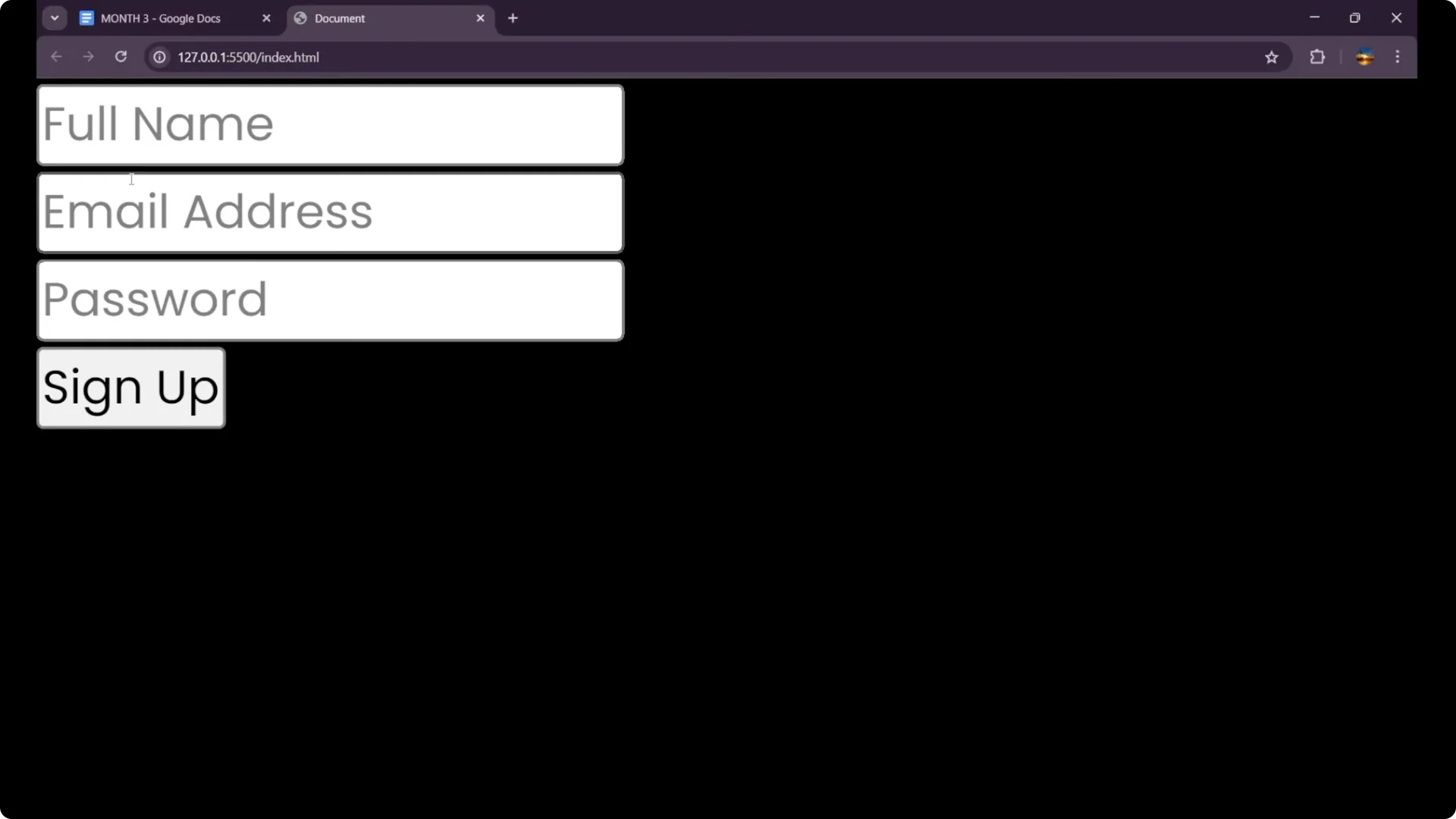
Enter a proper full name with at least 3 characters, a valid-looking email that includes both
@ and
., and a password of at least 6 characters. Click
Sign Up to see the success alert.
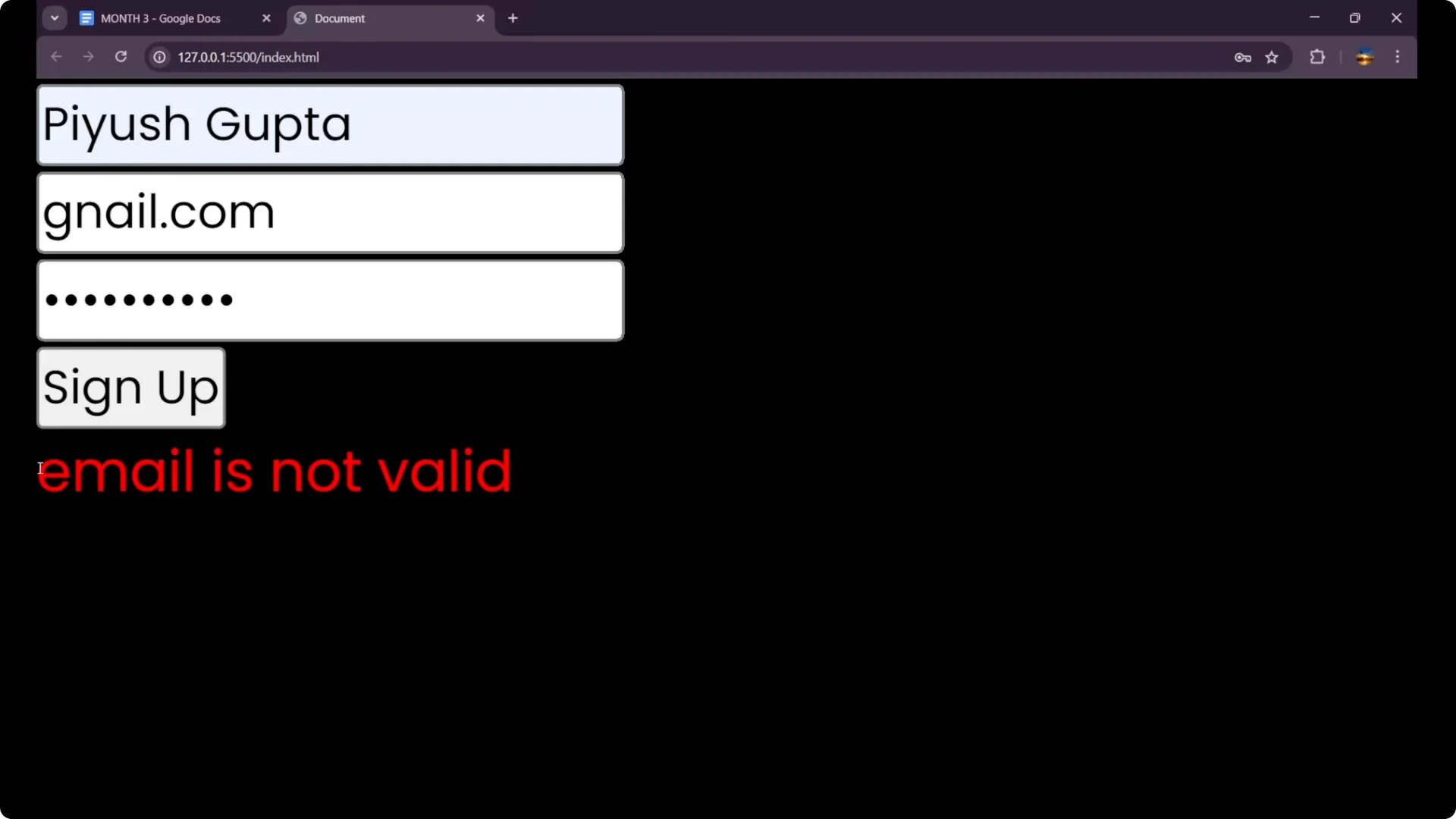
If the email is missing
@ or
., you will see the message
Email is not valid.
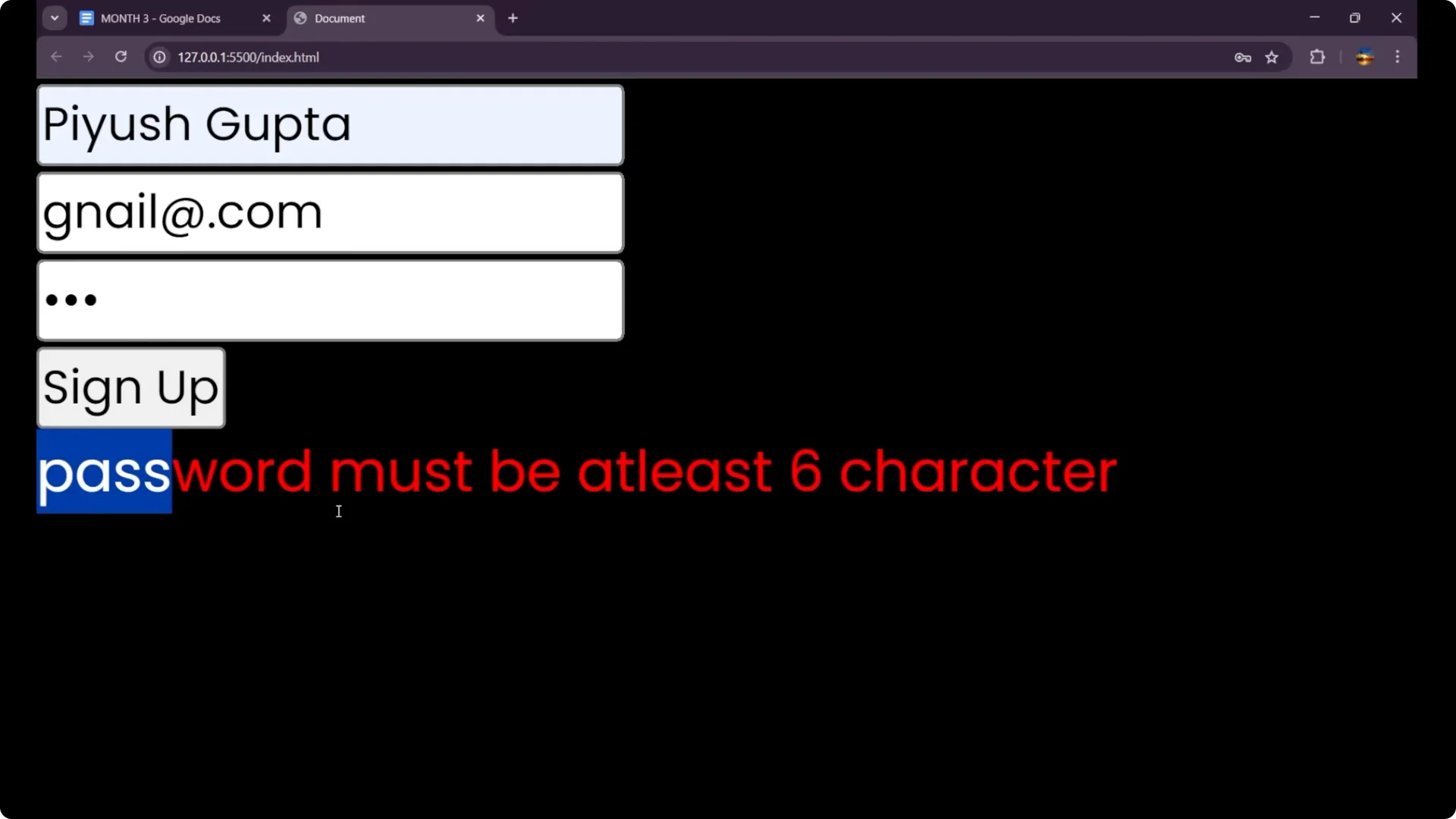
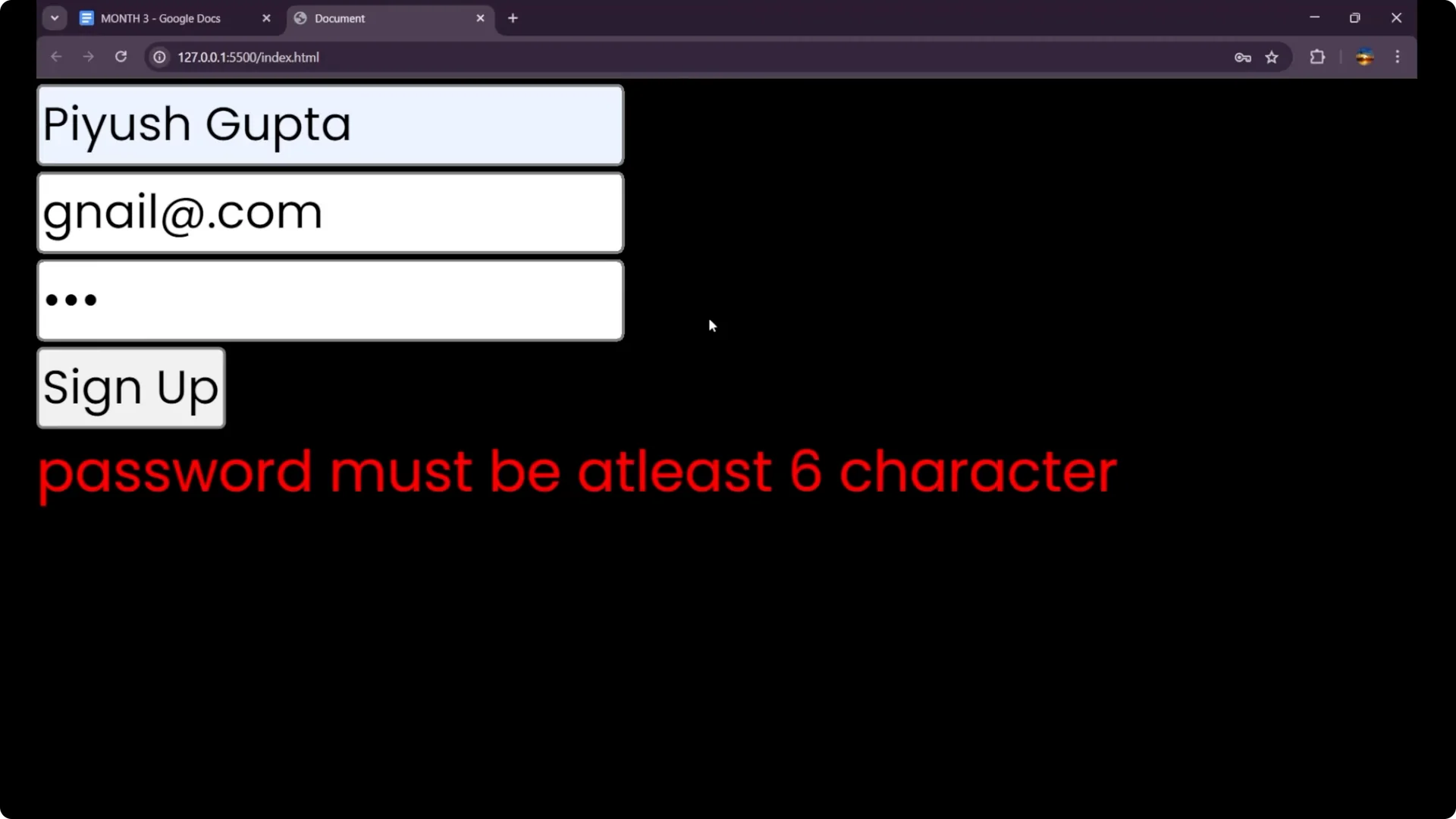
If the password is shorter than 6, you will see
Password must be at least 6 characters.
With any error, the form is not submitted, which is the point of the validation.
Final thoughts
Form validation in JavaScript means reading user inputs, trimming extra spaces, applying simple checks, and showing clear messages. I wrote three conditions for
name,
email, and
password, returned early on errors, and showed a simple success alert when everything was correct. This is the core of
JavaScript Form Validation, and you can extend it as your form grows.