
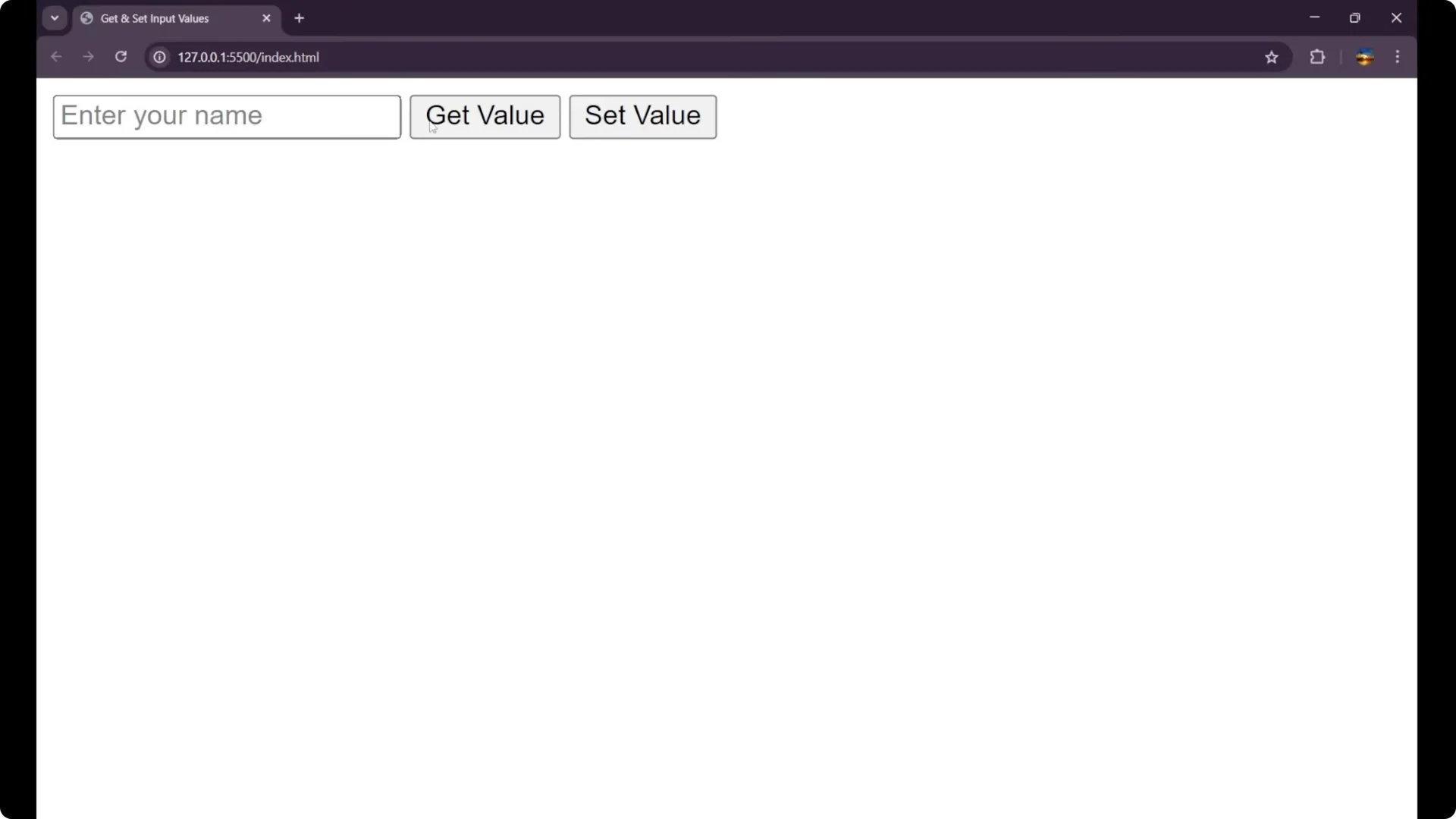
We are going to learn how to get and set input values in JavaScript. I built a quick demo that shows an input, two buttons to get and set the value, and a paragraph where the result is displayed.
JavaScript Input Value Manipulation: HTML Setup
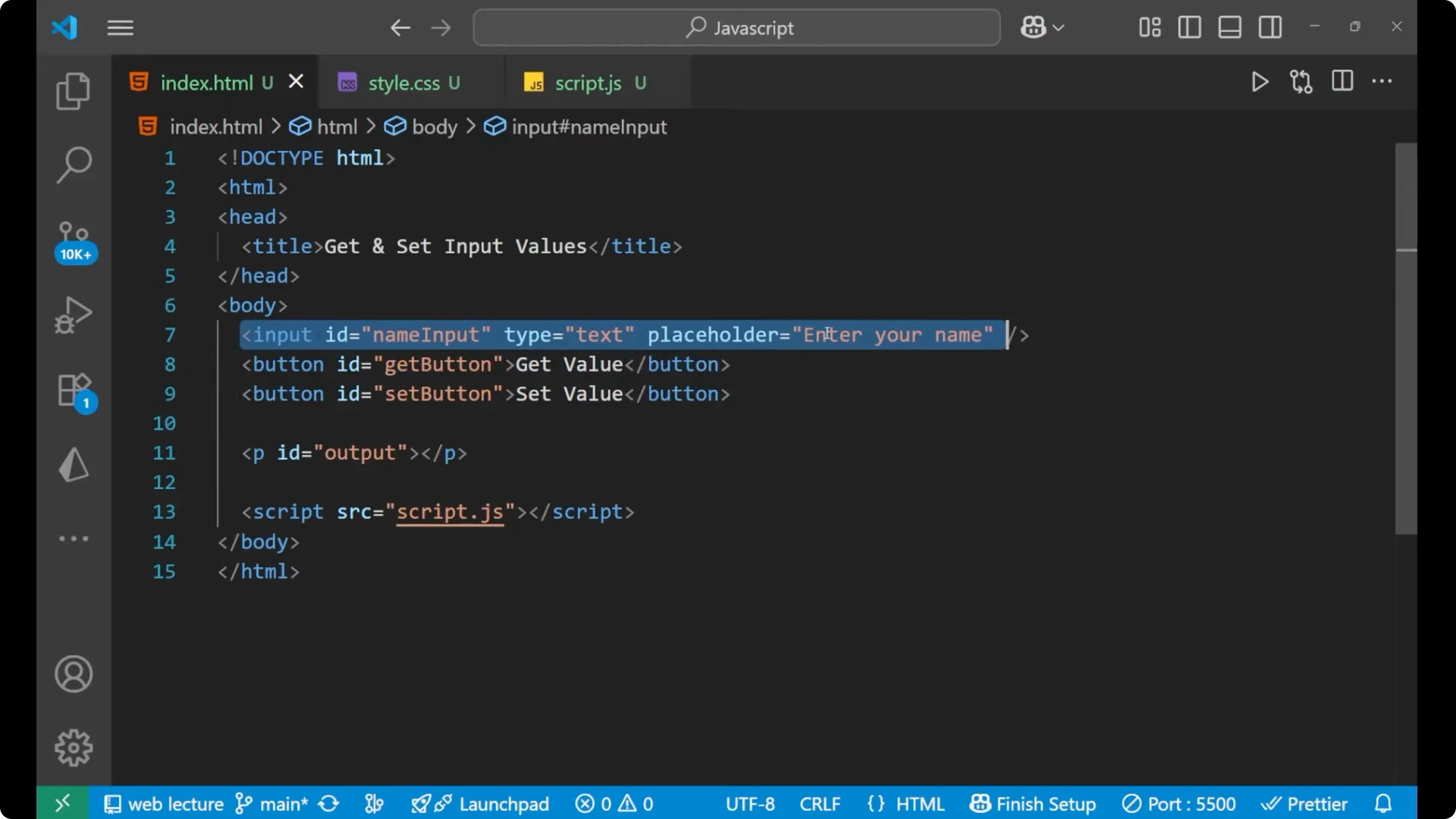
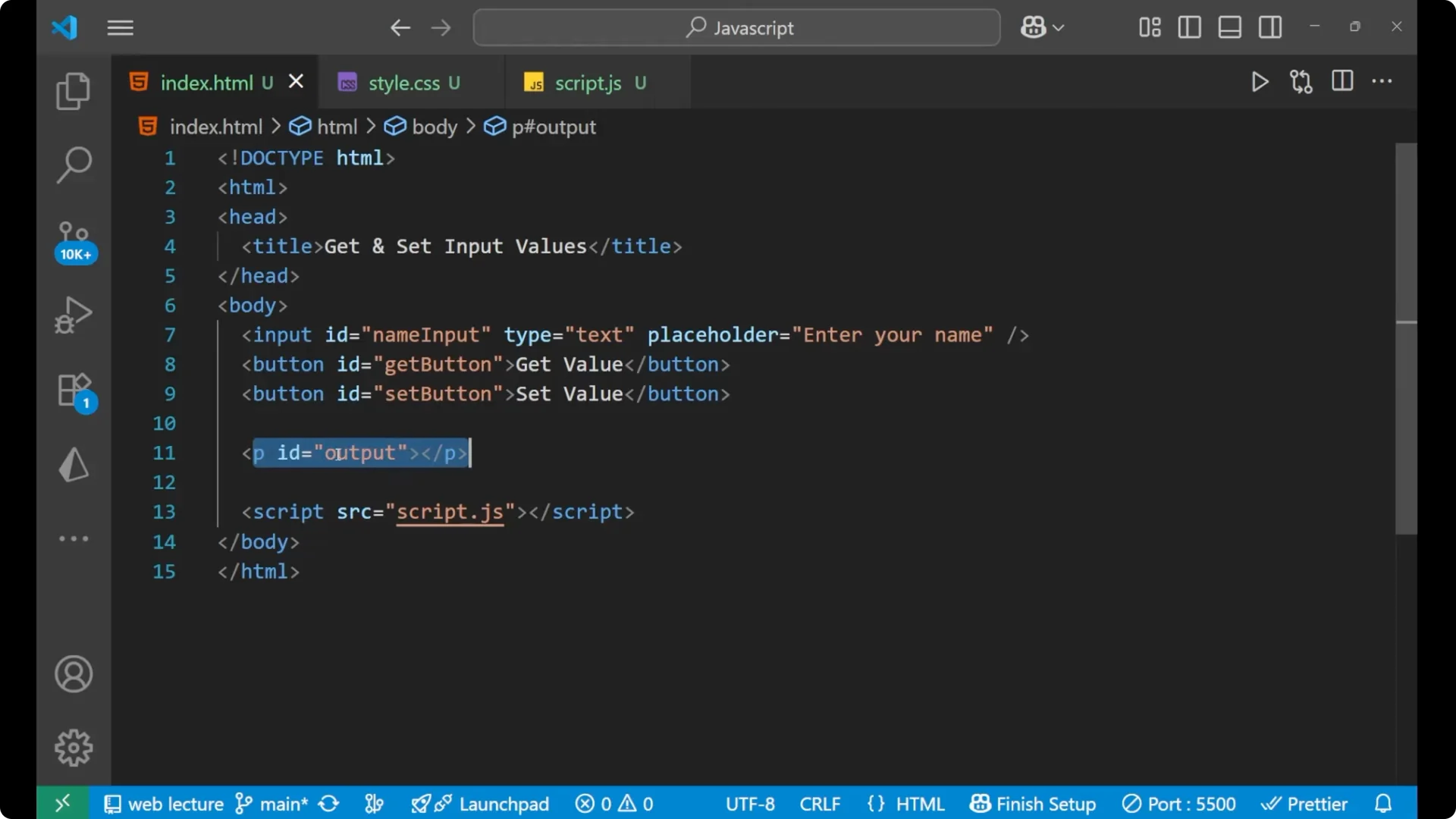
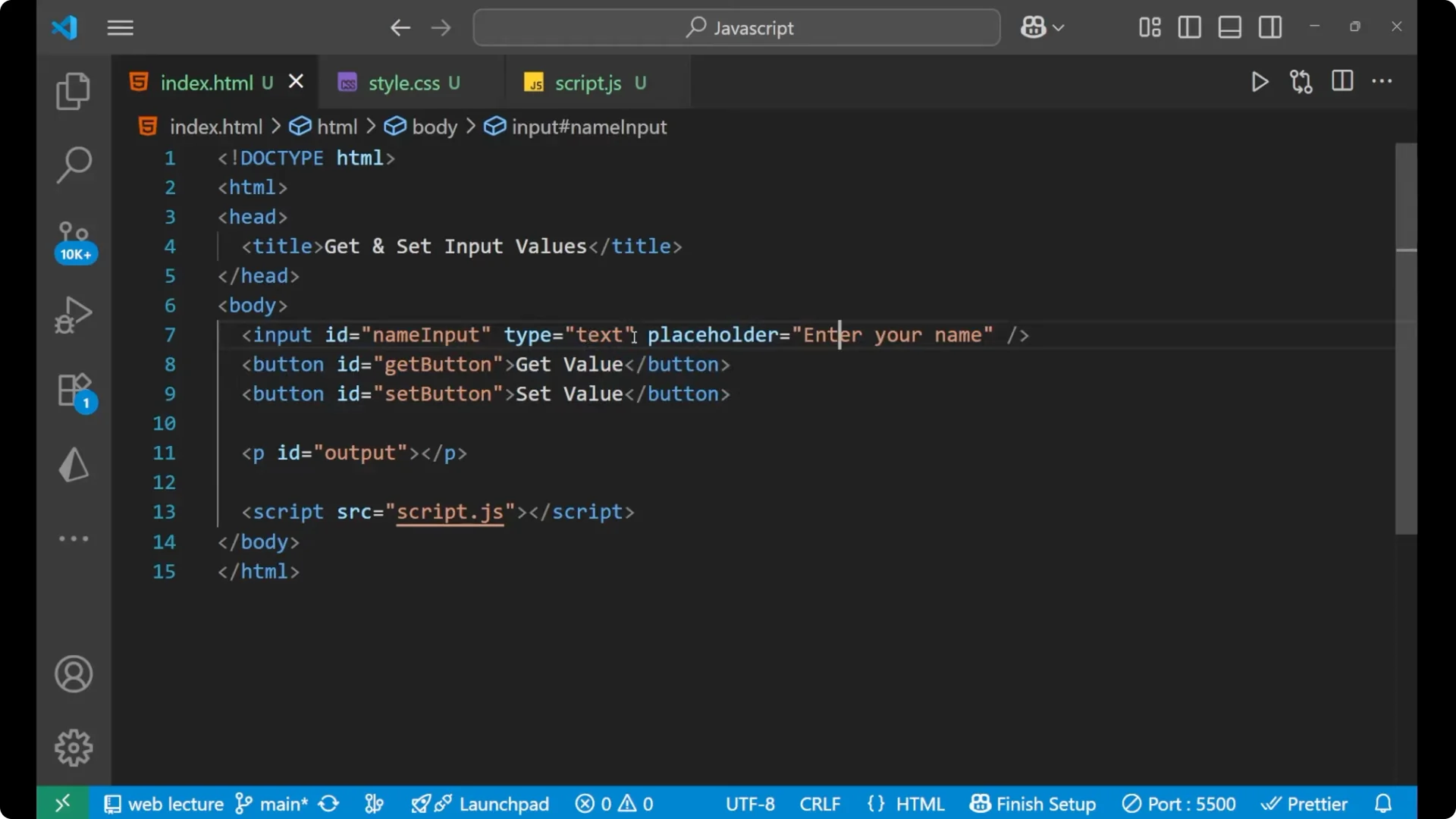
Here is the HTML part. I have an input with a placeholder “Enter your name”, type “text”, and the ID `nameInput`. Below it, there are two buttons. One is for getting the value and the second is for setting the value. Below them, there is a paragraph with the ID `output`. This is where the text will be displayed.
<input id="nameInput" type="text" placeholder="Enter your name" />
<button id="getButton">Get Value</button>
<button id="setButton">Set Value</button>
<p id="output"></p>
JavaScript Input Value Manipulation: Selecting Elements and Wiring Events
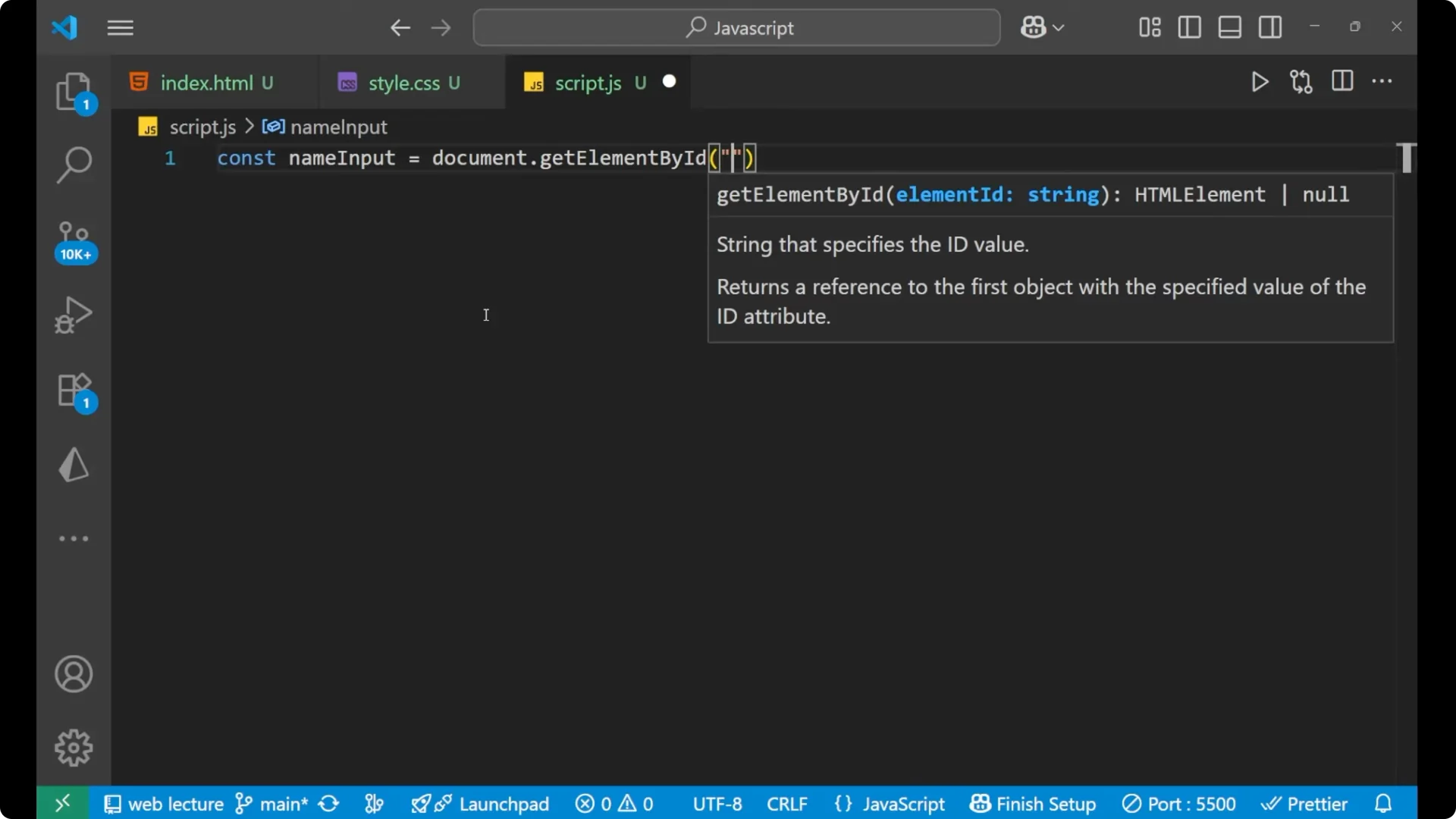
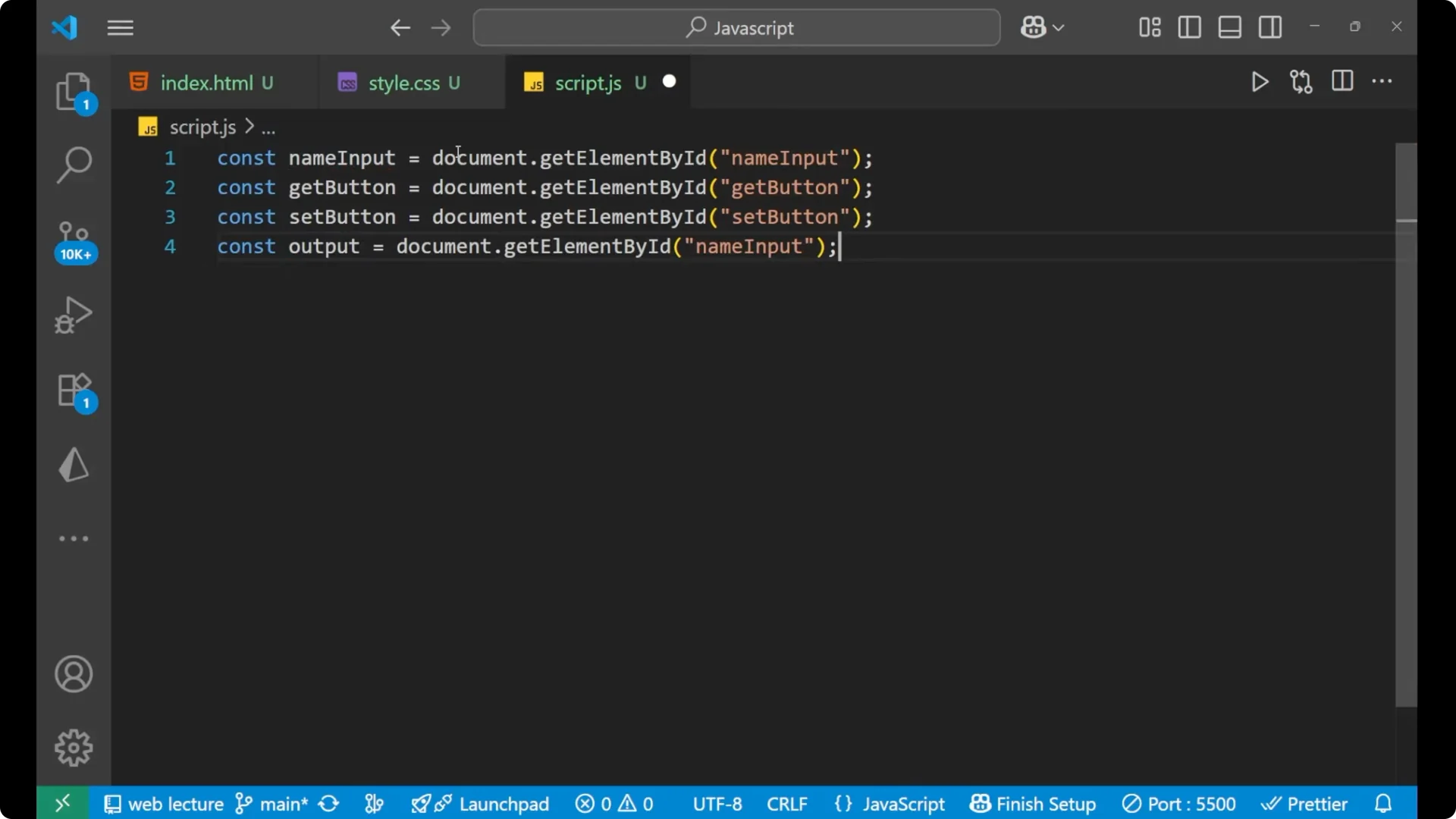
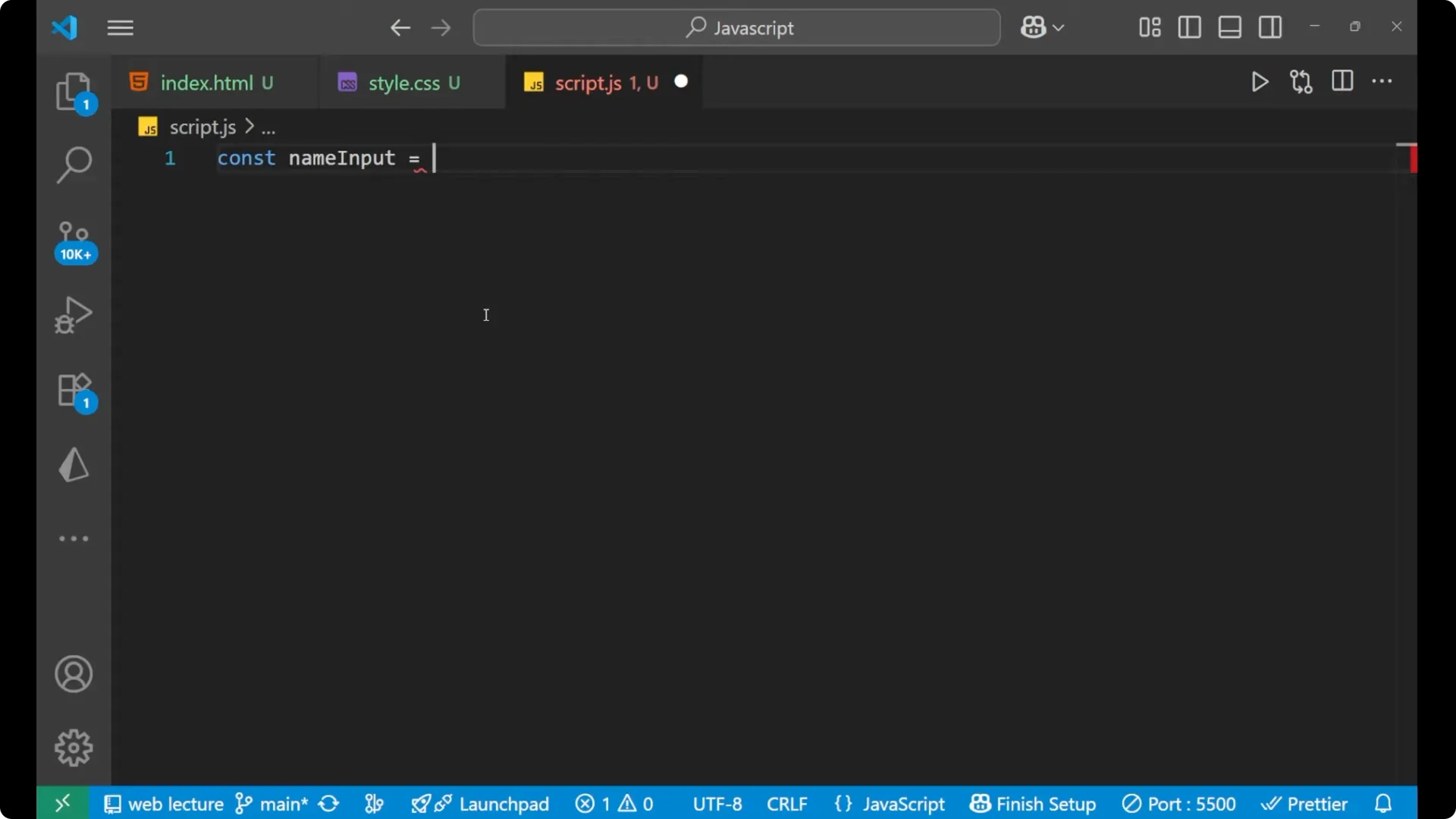
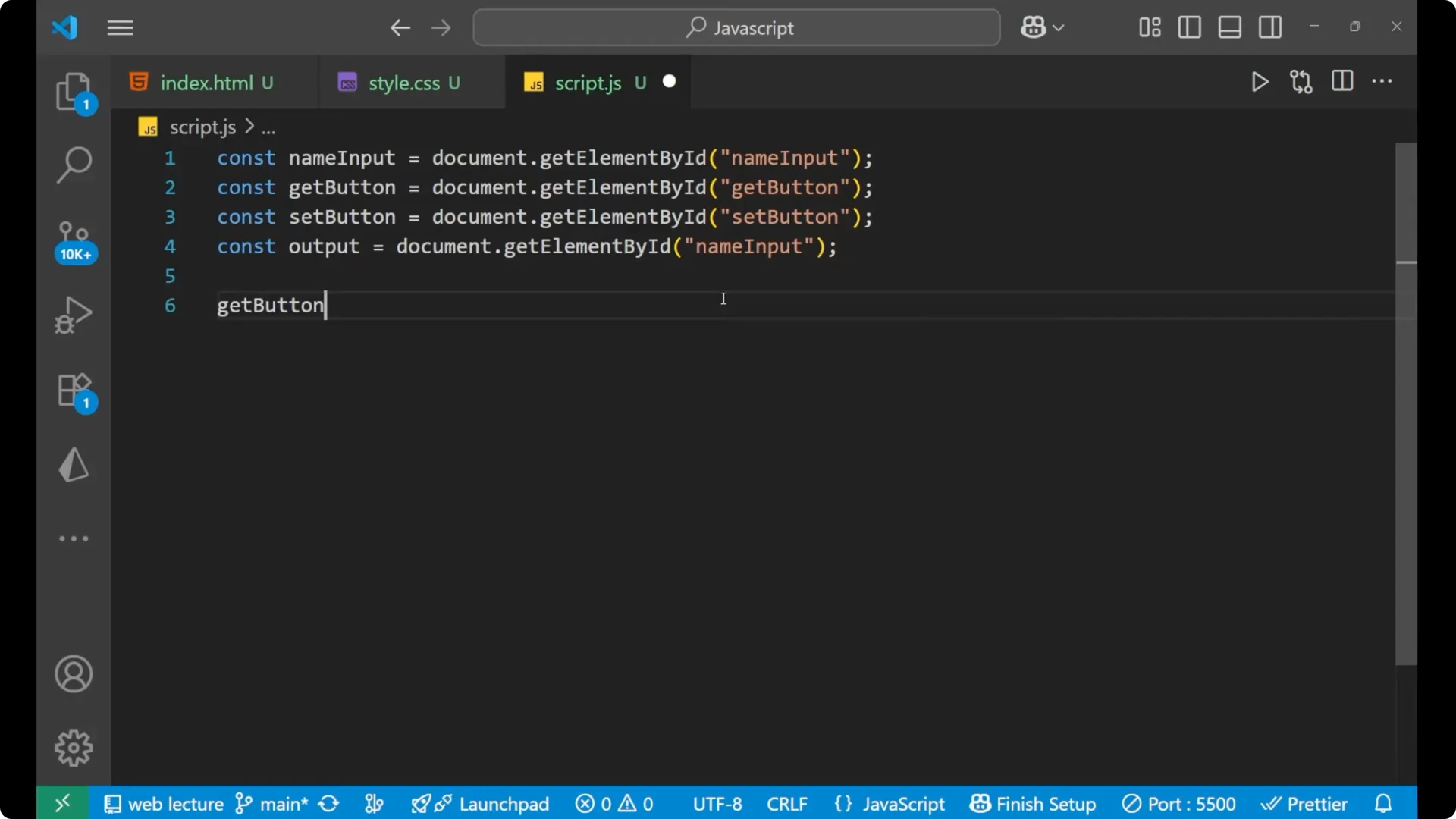
Let’s create the full functioning of it. I will select all the required elements by their IDs using `document.getElementById`.
const nameInput = document.getElementById('nameInput');
const getButton = document.getElementById('getButton');
const setButton = document.getElementById('setButton');
const output = document.getElementById('output');
Handle the click to get the input’s value
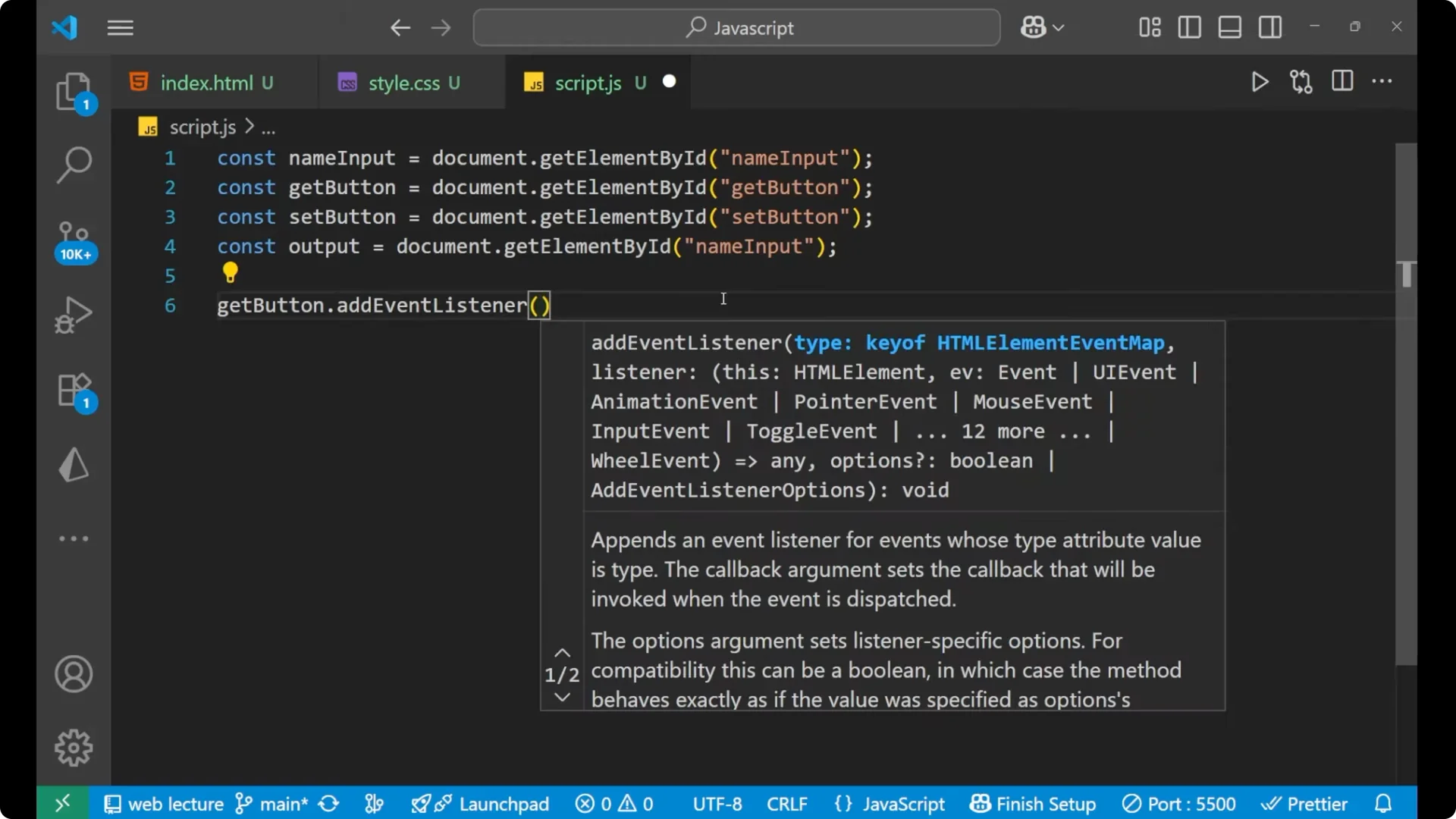
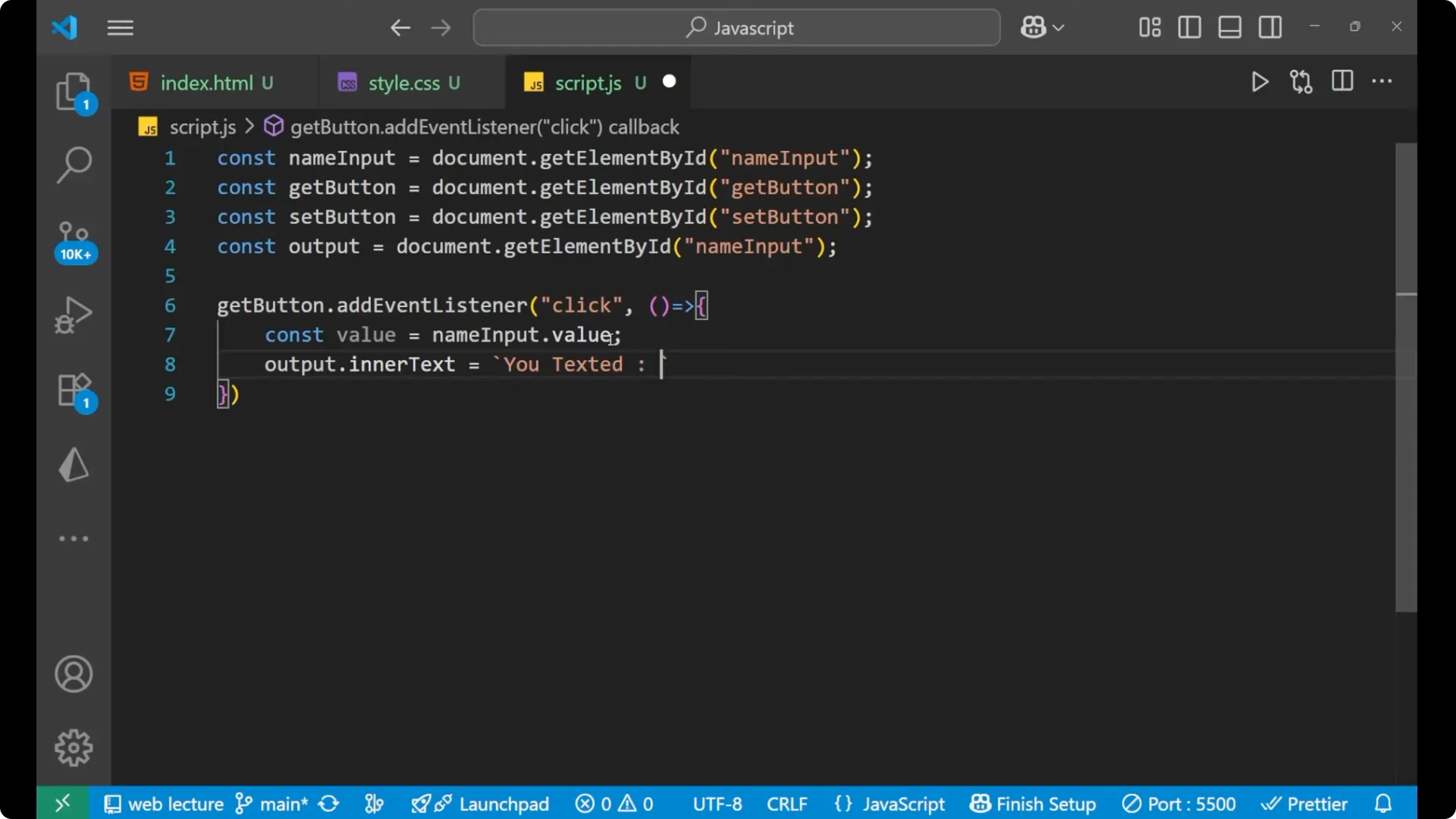
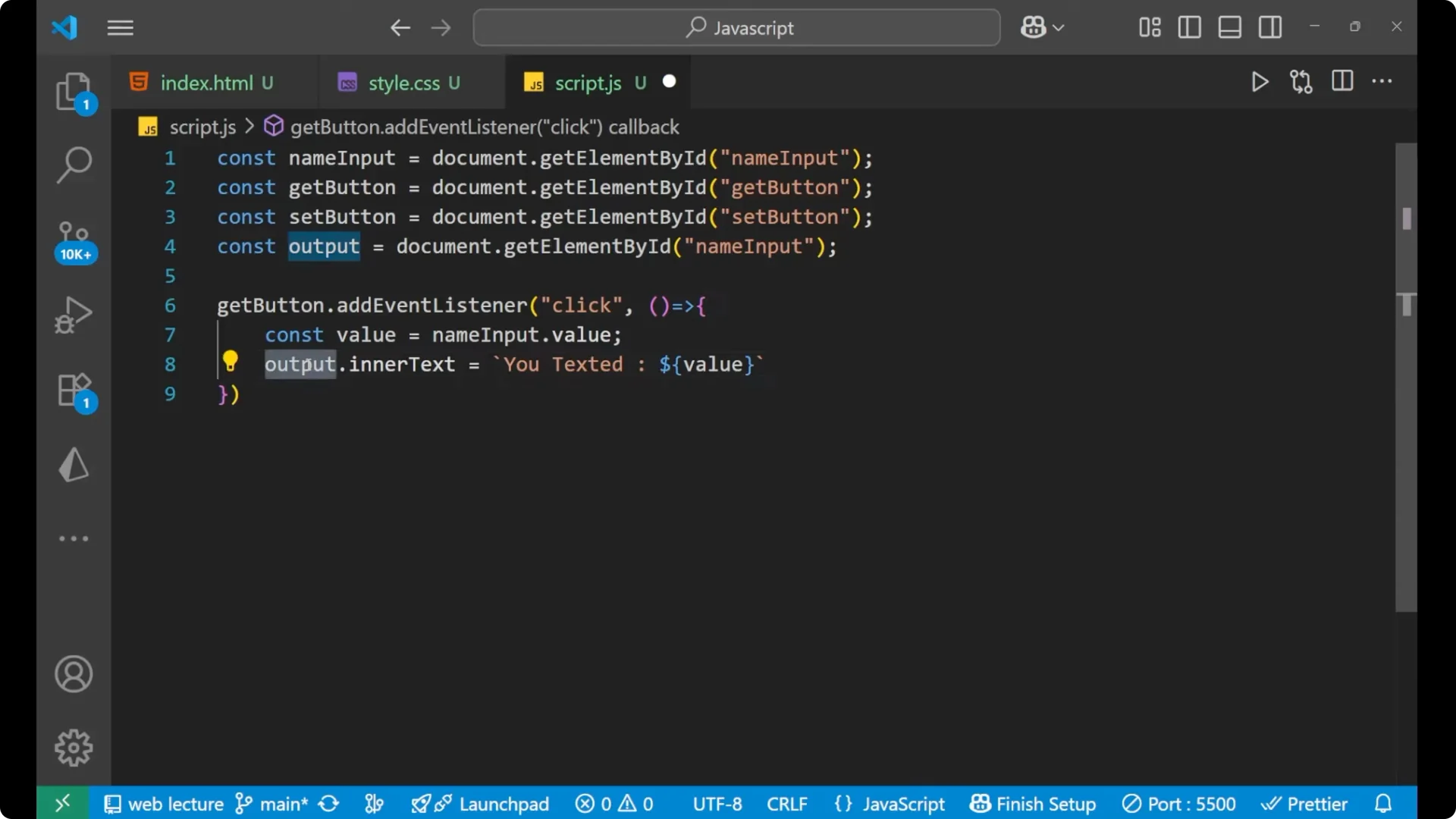
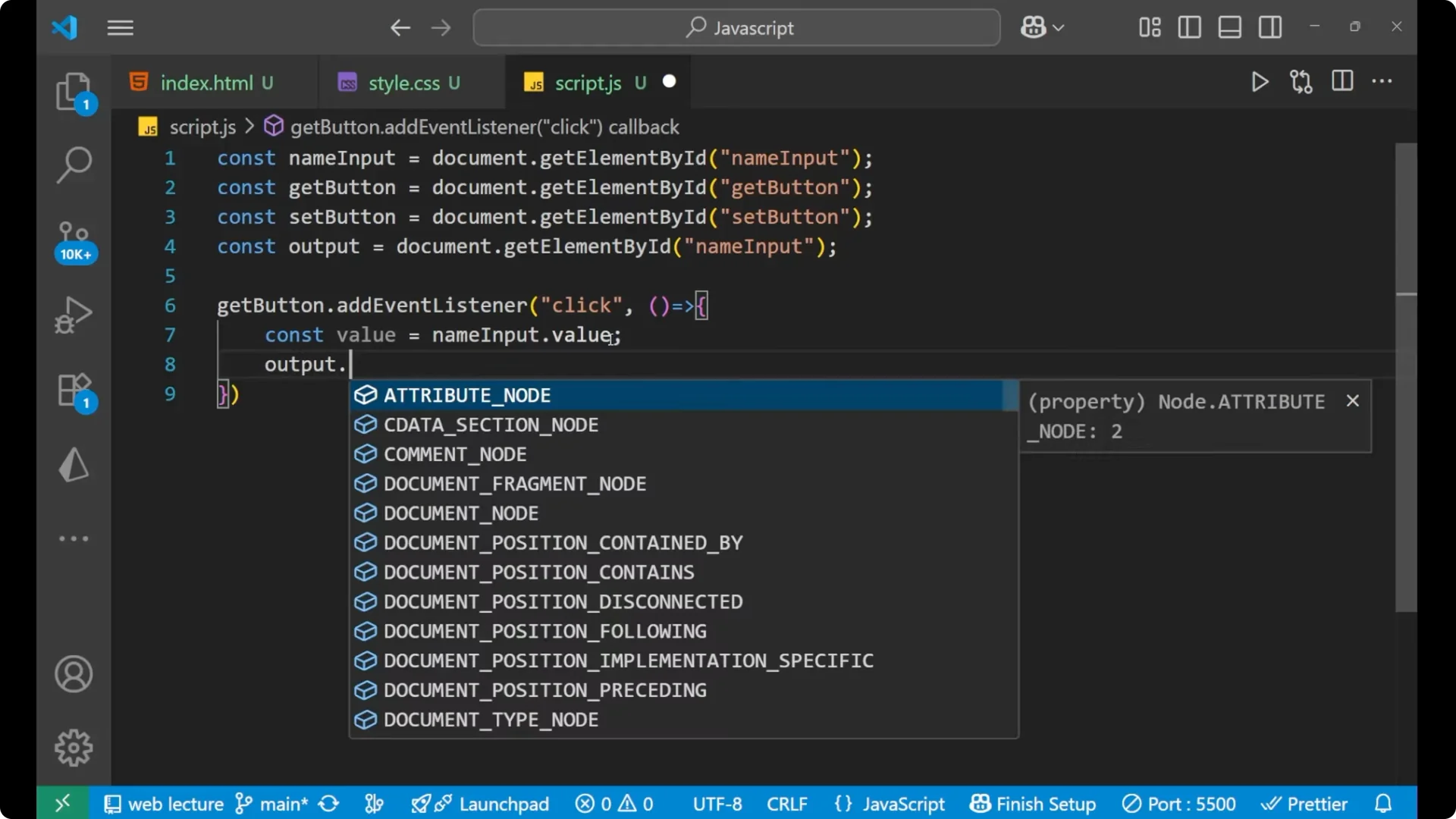
When you click on the Get button, this event is called. Inside it, I take a variable `value` that reads the input field’s current text using the bold and italic property value. Then I set the paragraph text with a message using a template literal.
getButton.addEventListener('click', () => {
  const value = nameInput.value;
  output.innerText = `You typed: ${value}`;
});
Handle the click to set a default value
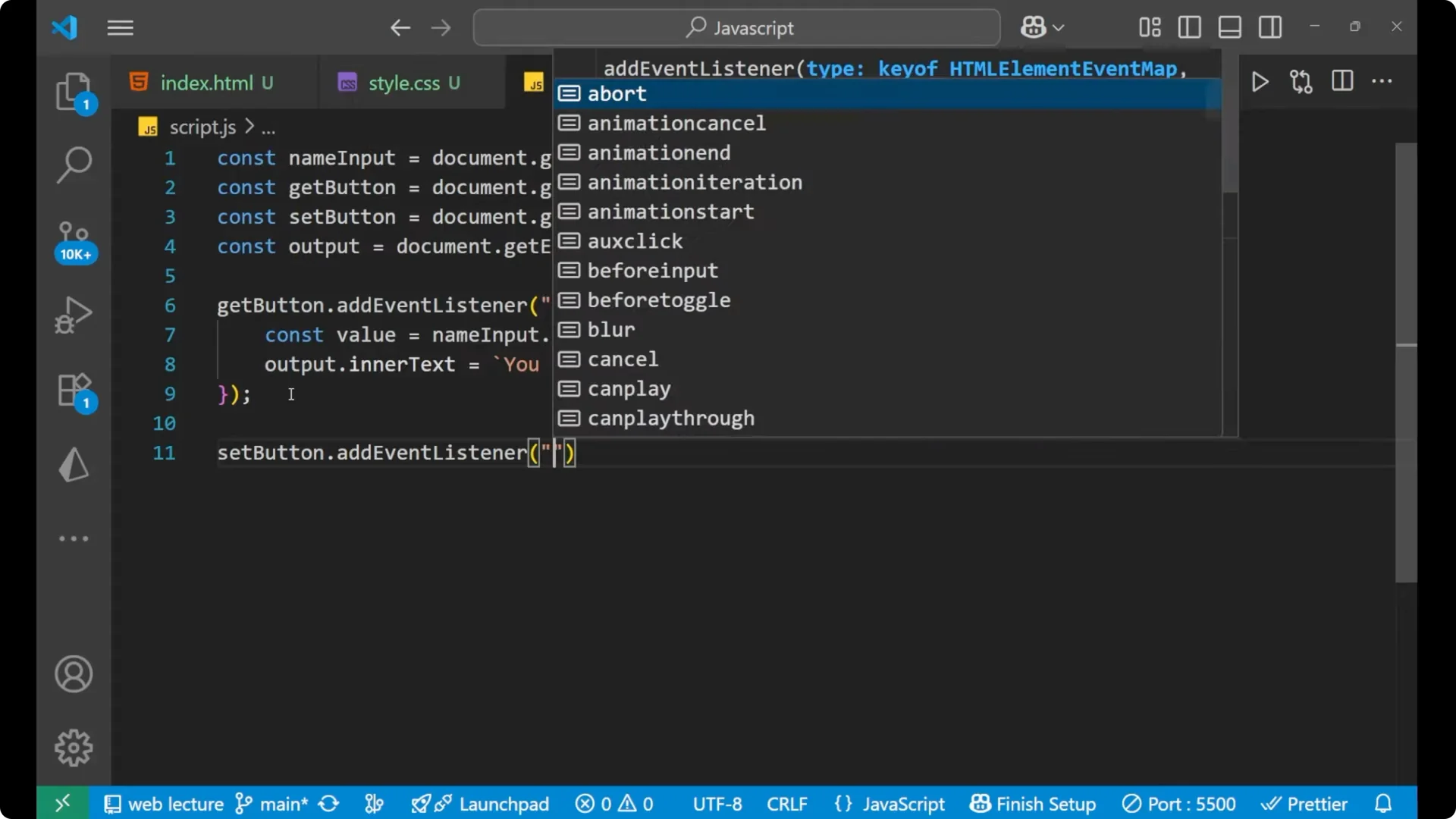
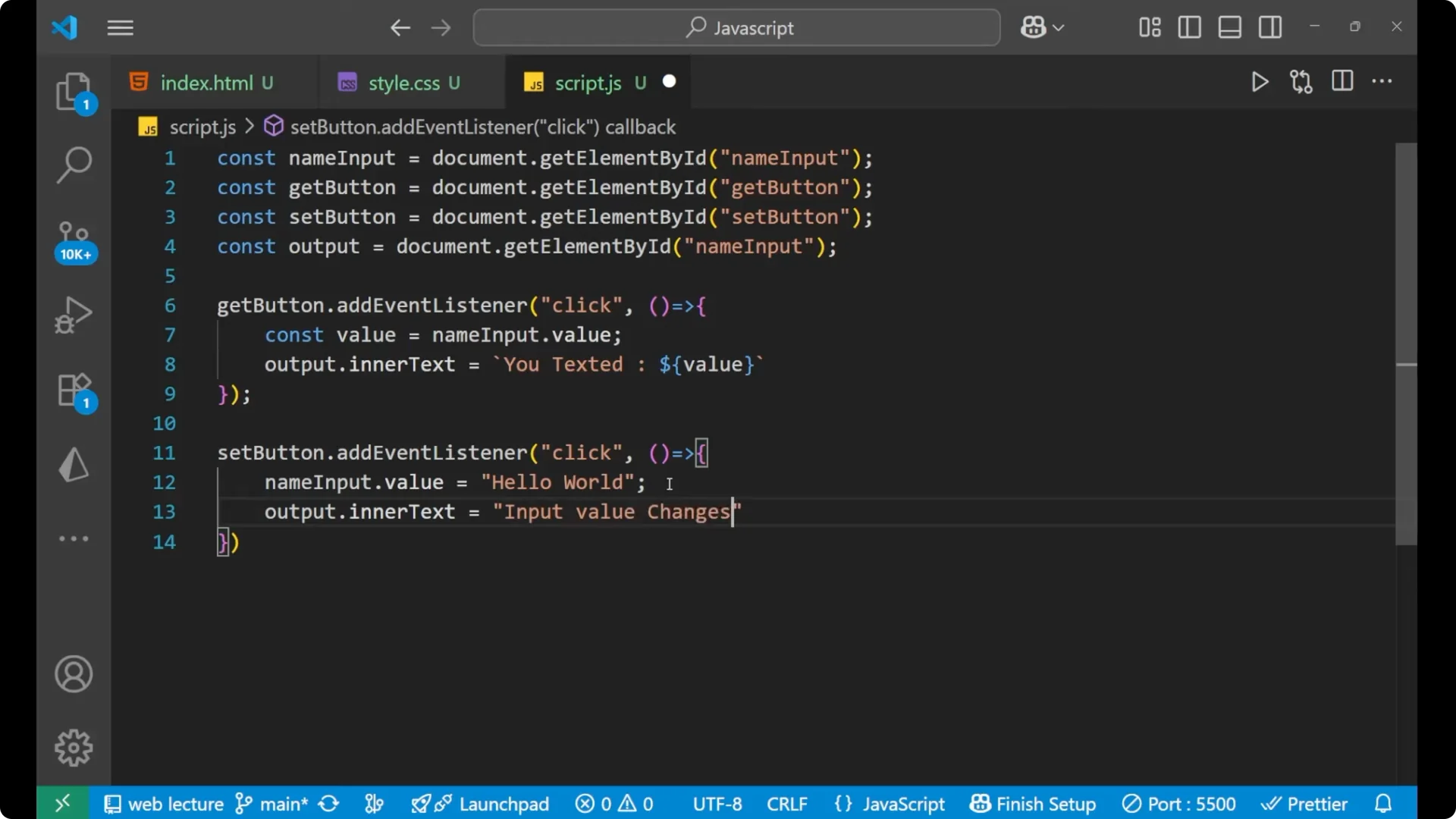
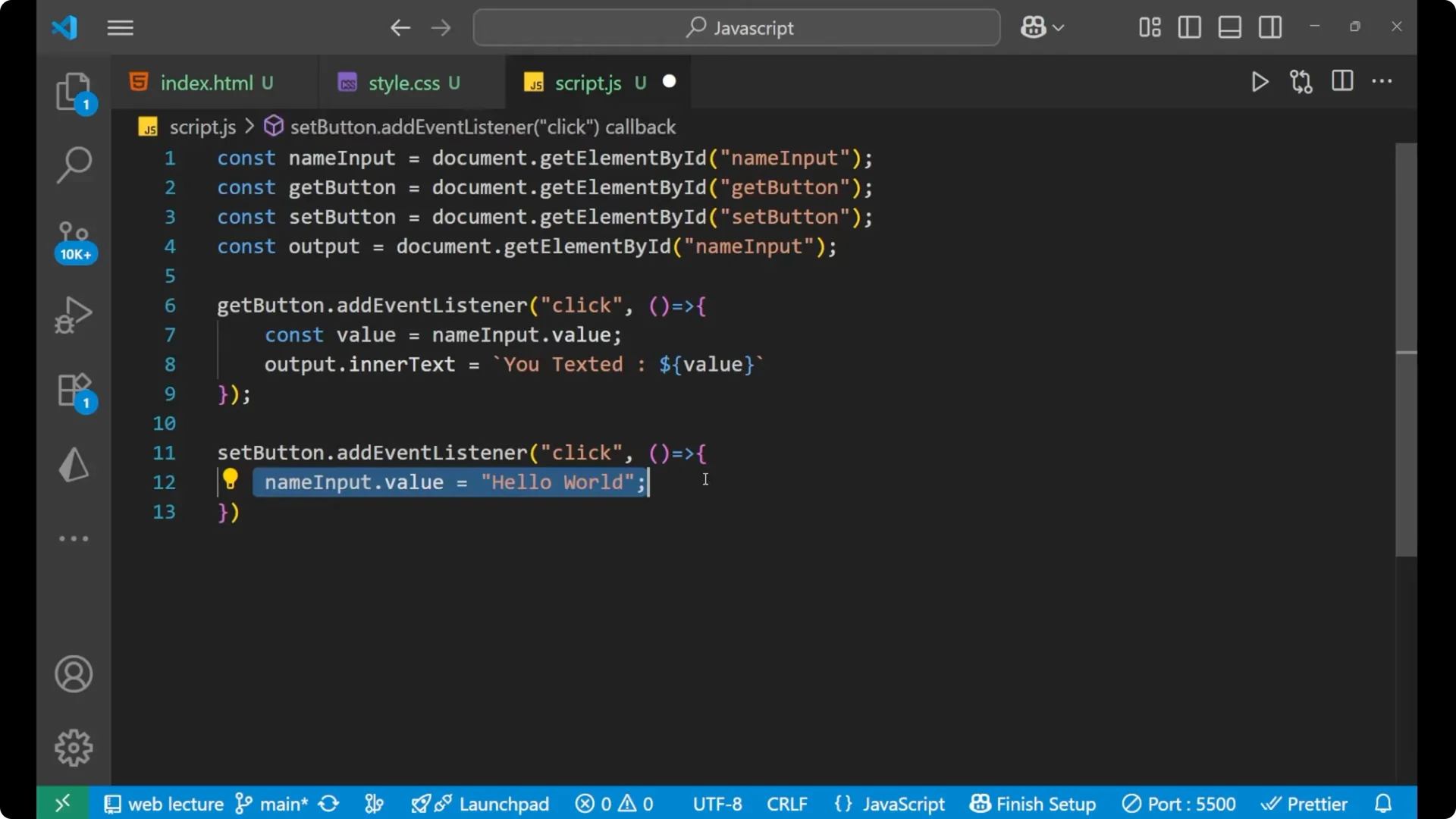
For the Set button, I want a default word to be set into the input whenever this button is clicked. I assign to the input’s value property and then update the paragraph text to confirm the change.
setButton.addEventListener('click', () => {
  nameInput.value = 'hello world';
  output.innerText = 'Input value changed';
});
Full Script
const nameInput = document.getElementById('nameInput');
const getButton = document.getElementById('getButton');
const setButton = document.getElementById('setButton');
const output = document.getElementById('output');
getButton.addEventListener('click', () => {
  const value = nameInput.value;
  output.innerText = `You typed: ${value}`;
});
setButton.addEventListener('click', () => {
  nameInput.value = 'hello world';
  output.innerText = 'Input value changed';
});
Step-by-Step: JavaScript Input Value Manipulation
Create an input with ID `nameInput`, two buttons with IDs `getButton` and `setButton`, and a paragraph with ID `output`.
Select each element using `document.getElementById`.
Attach a click event using addEventListener on the Get button.
Inside the handler, read the input’s value and assign a message to `output.innerText`.
Attach a click event on the Set button.
Inside the handler, assign `nameInput.value = ‘hello world’` and set `output.innerText = ‘Input value changed’`.
Troubleshooting: Mismatched IDs
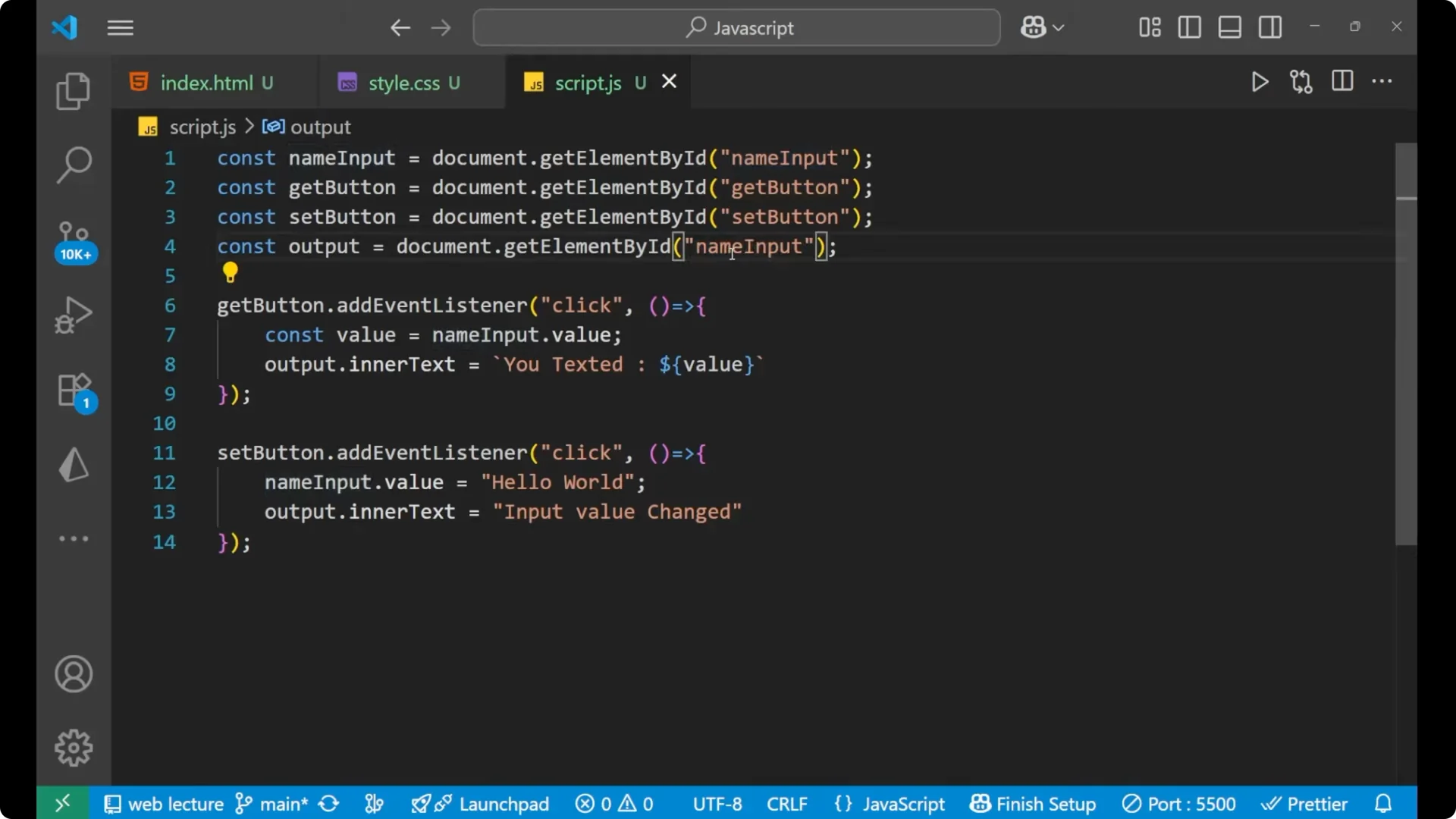
If it is not working, check the IDs. I had a small mistake where I had not changed the paragraph’s ID to `output`.
Make sure the IDs in HTML match exactly the ones you pass to `document.getElementById`, or your event handlers and updates will not run.
Demo Flow
Type a name into the input and click Get Value. You will see the paragraph show the message with the exact text you entered.
Click Set Value. The text inside the input changes to `hello world` and the paragraph shows `Input value changed`.
Click Get Value again. You will see it reads the input’s current text and shows `hello world`.
Final Thoughts
This is how to get and set input values using bold and italic JavaScript properties like value and DOM updates through innerText, wired with addEventListener on button clicks. With a small HTML structure and a few lines of JavaScript, you can read user input, display it, and programmatically set new values.