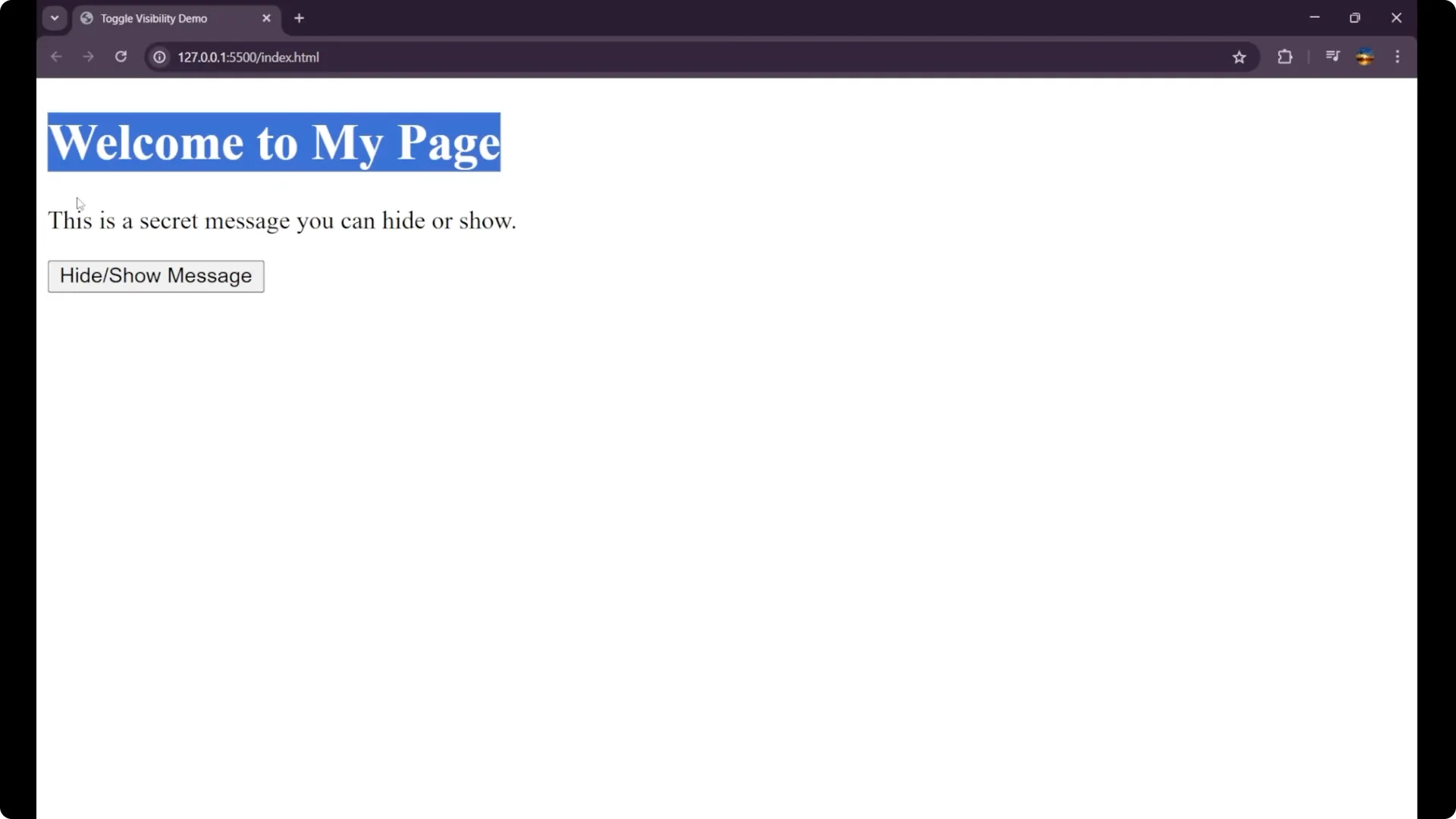
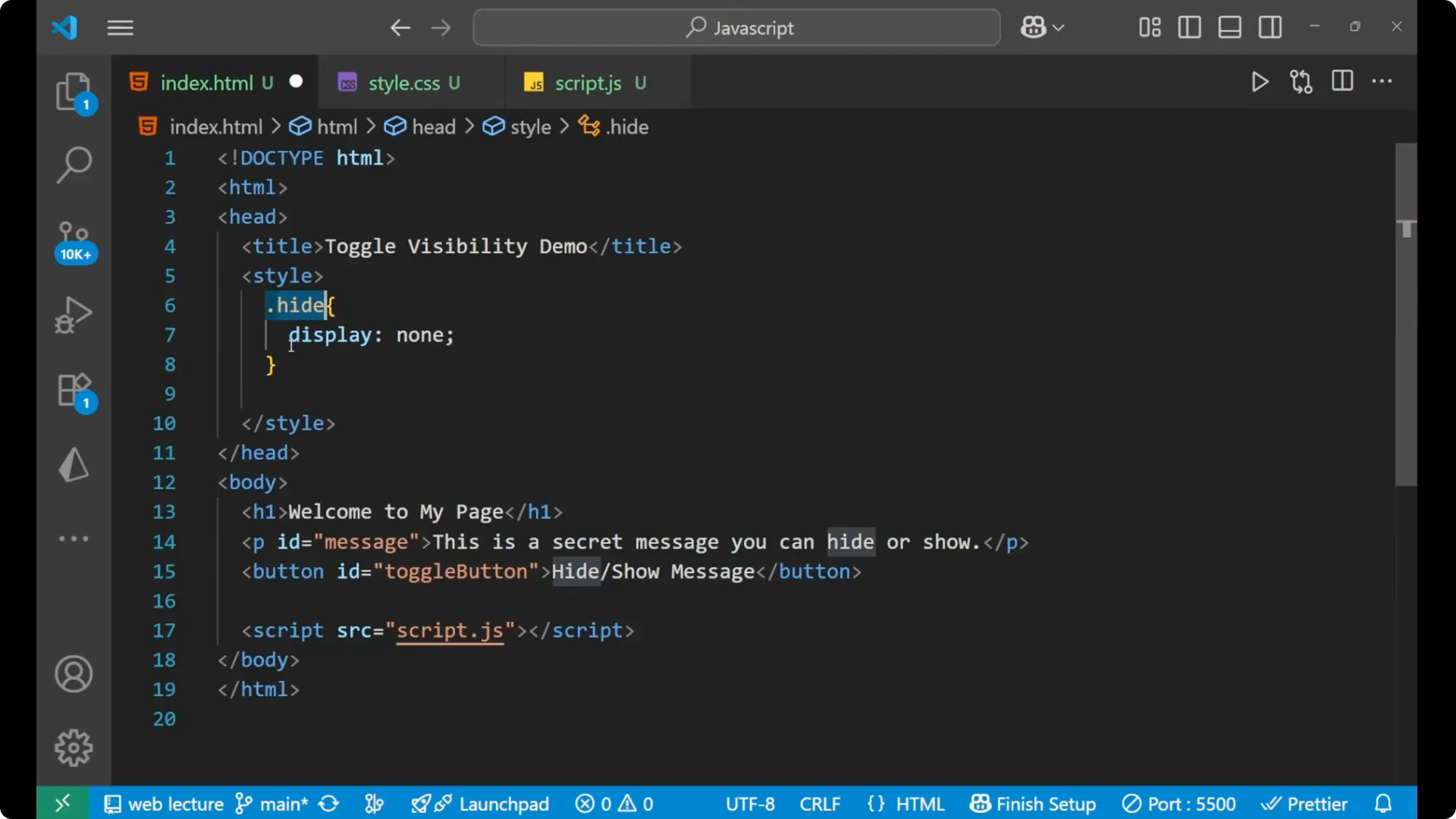
We are going to learn how to hide and show an element on your page with a single click with the help of JavaScript. This is our HTML part: a heading and then a paragraph whose id is message.
Inside this some of the content is written, and after that we are having a button which is having the content as Hide and Show Message and the id is toggle-button. Then we are having our JavaScript connected.
Toggle HTML Element Visibility: HTML Setup
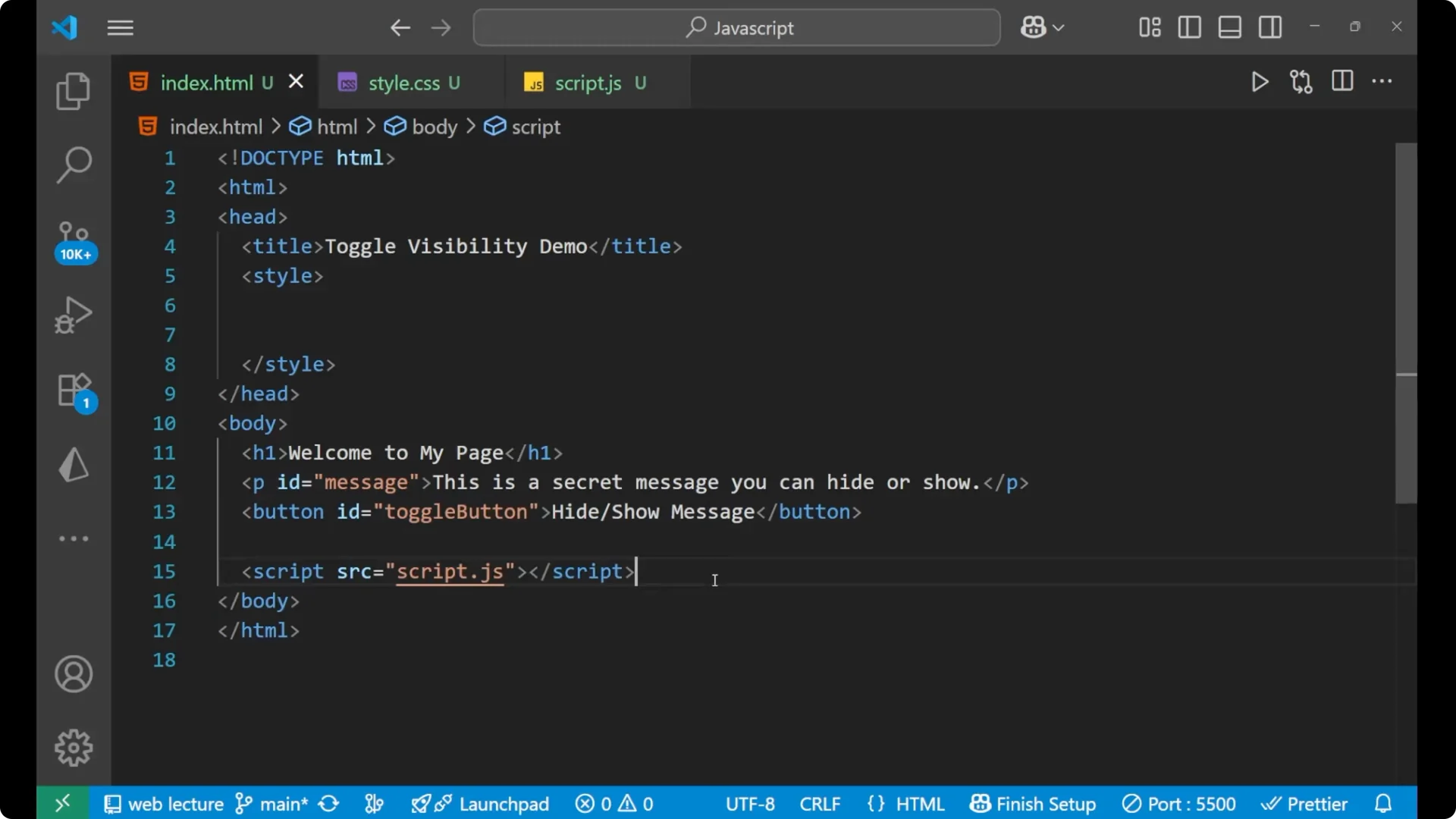
Here is the basic structure I’m working with:
<h1>Welcome to my page</h1>
<p id="message">
  This is some content that will be hidden or shown on button click.
</p>
<button id="toggle-button">Hide and Show Message</button>
<script src="app.js"></script>
Toggle HTML Element Visibility: Add a CSS Helper Class
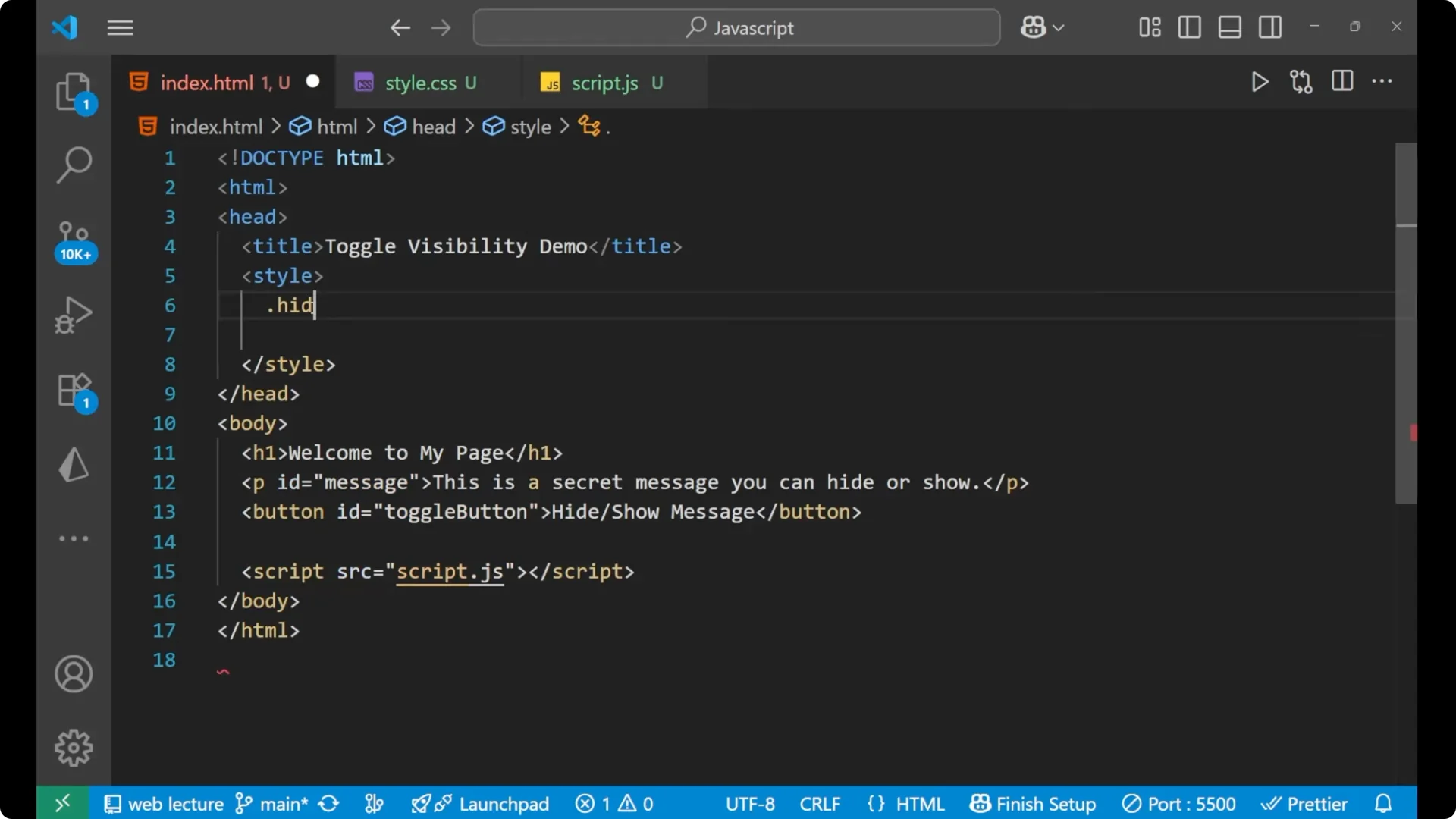
We will make a little bit of CSS in our style. We are going to add a CSS that is .hide and display as none. You may ask that there’s no element whose class is hide here. Yes, that’s the main logic which we are going to use.
We are actually, in this particular CSS on this particular class hide, having display as none. We are going to use this CSS as a tool to make the toggling effect.
.hide {
  display: none;
}
Toggle HTML Element Visibility: JavaScript Logic
We are going to work or toggle this particular paragraph, so we will select that element and the toggle button, then listen for a click, and toggle the class.
Select the elements
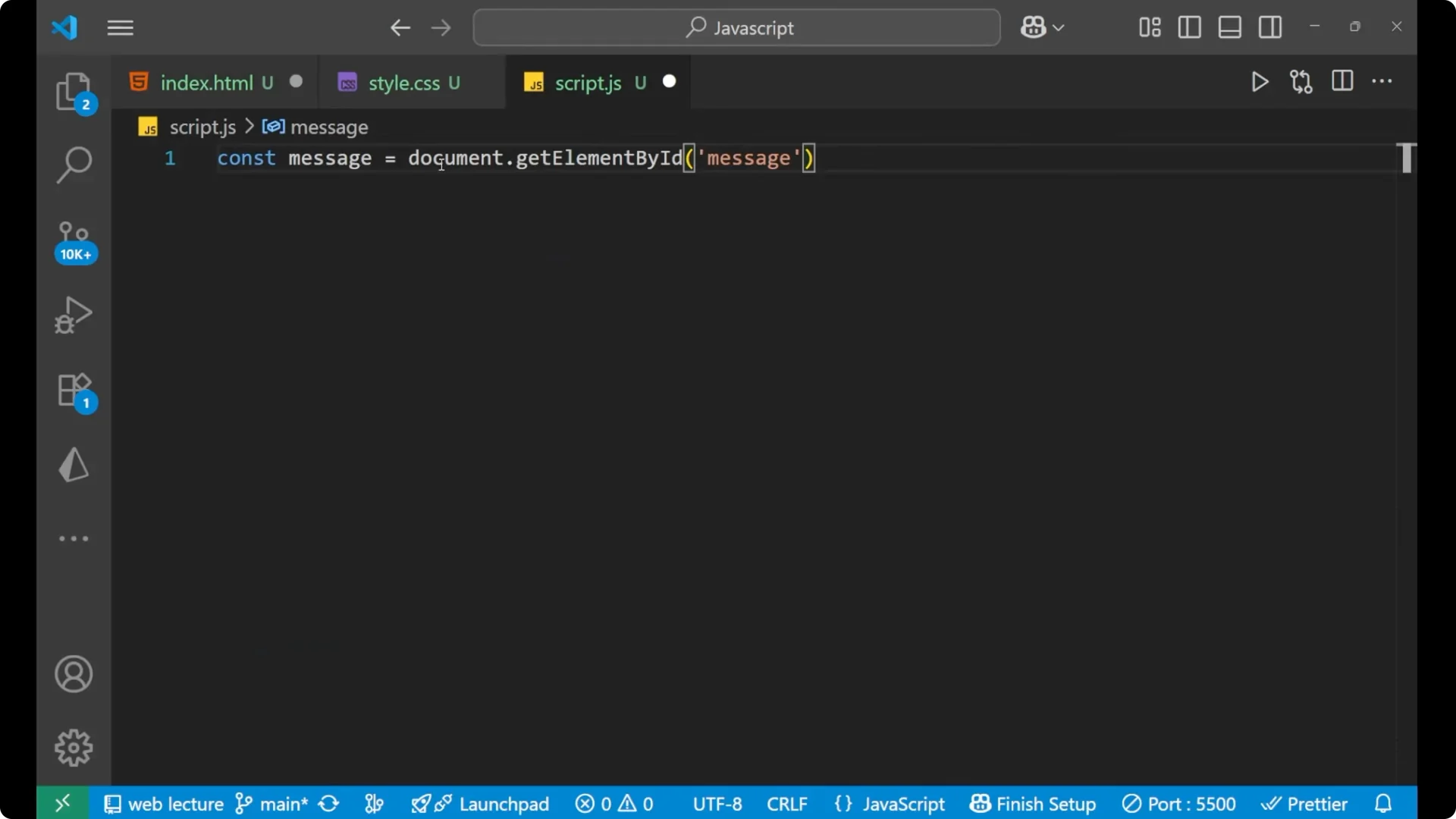
const message = document.getElementById('message');
const toggleButton = document.getElementById('toggle-button');
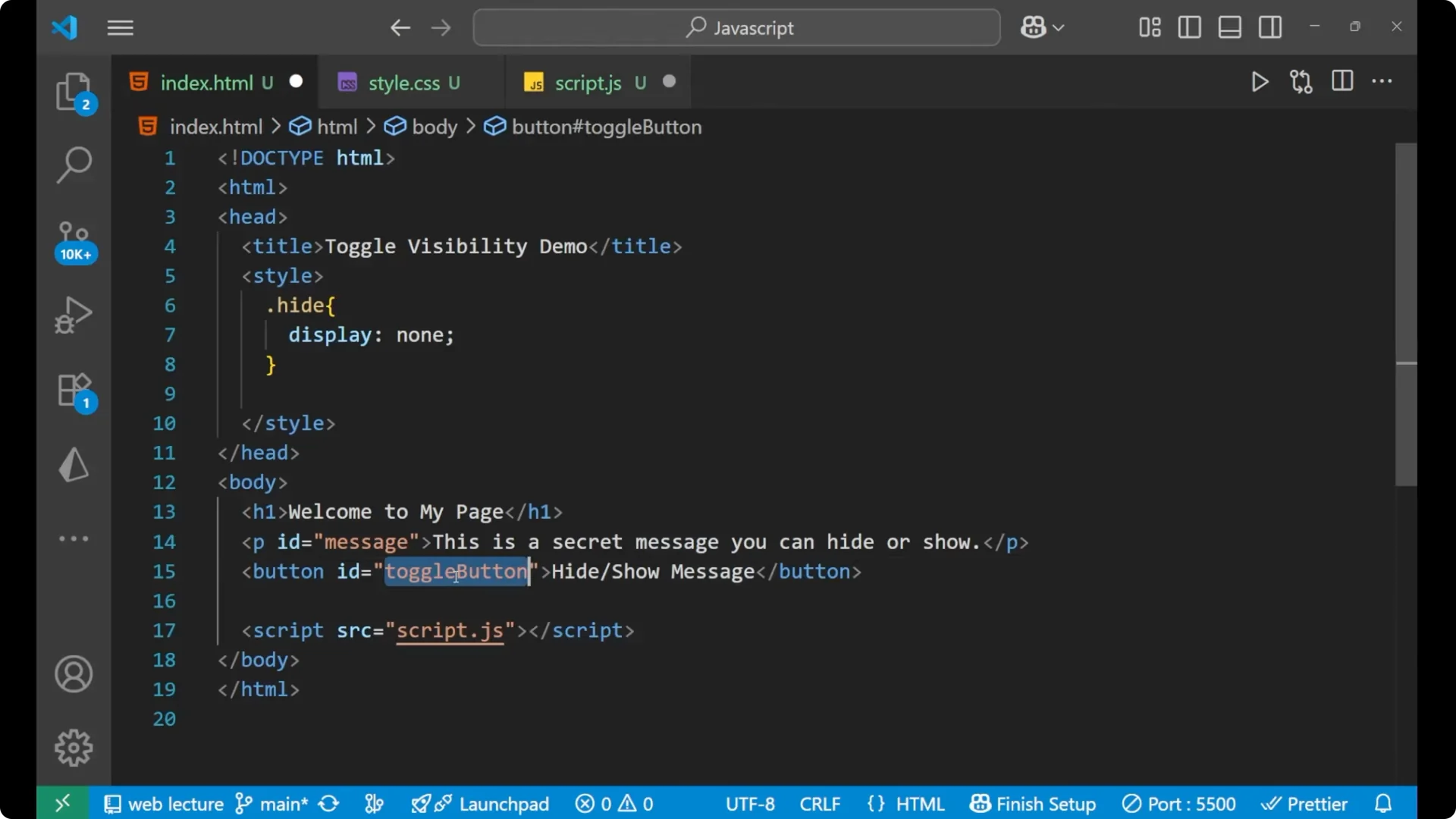
Listen for click on the button
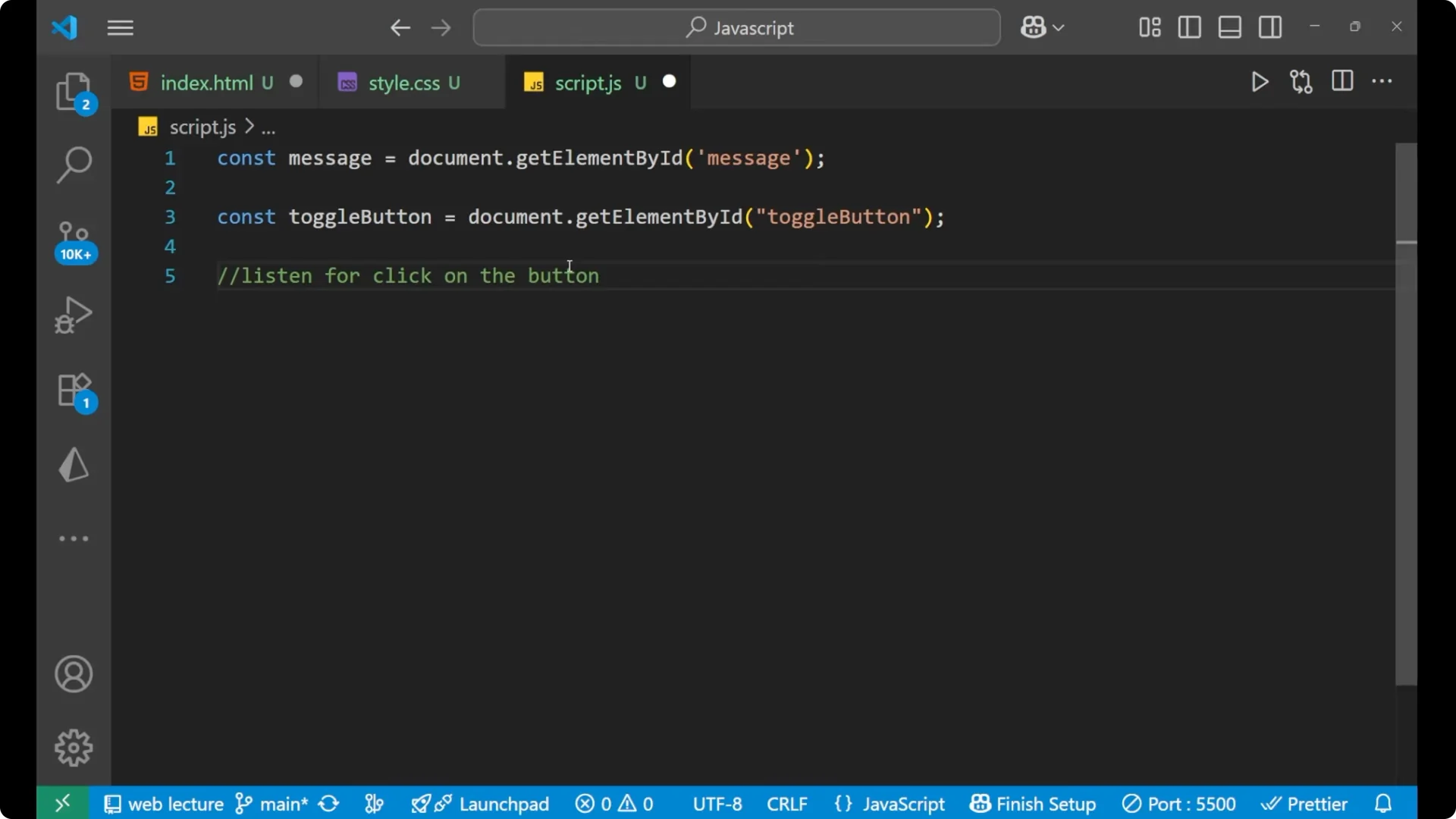
This could be done by adding an event listener.
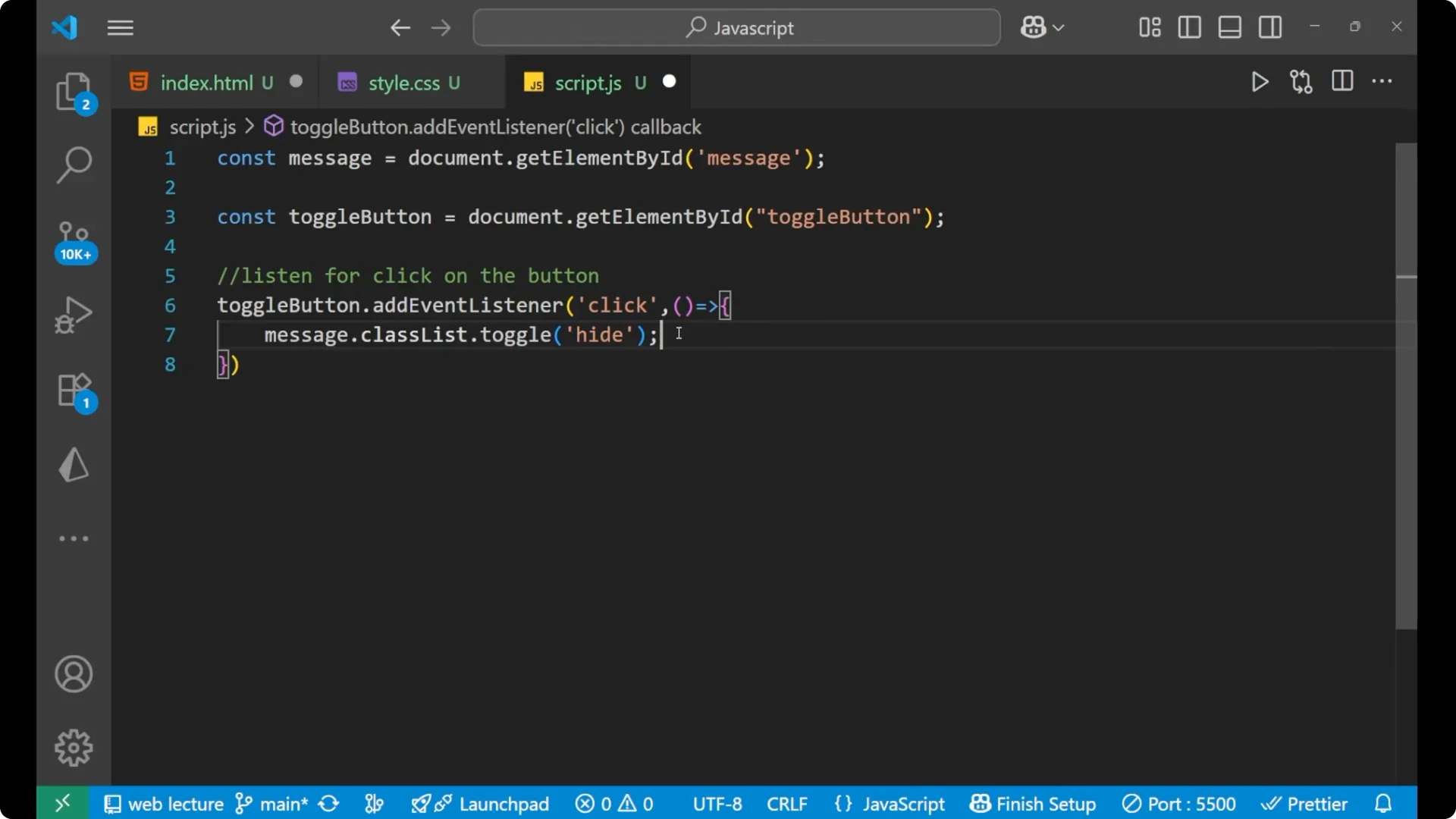
toggleButton.addEventListener('click', () => {
  message.classList.toggle('hide');
});
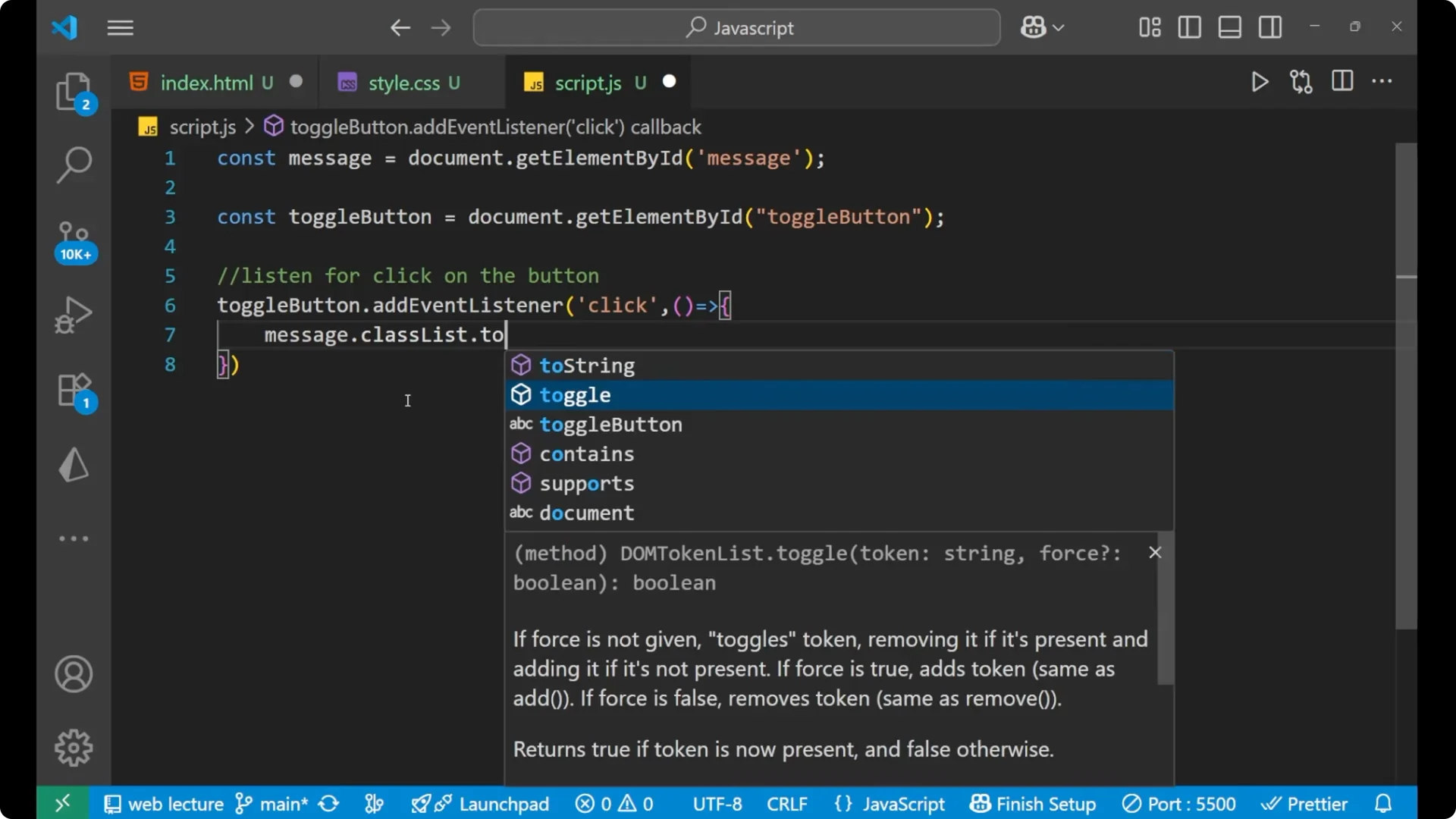
Toggle the class
Inside this paragraph no class of hide is present, but we are going to add it with the help of JavaScript. When we add this particular hide class, then this CSS will get applied, and this is saying display as none. This is the main logic.
- message.classList.toggle(‘hide’) will add the class if missing and remove if it is present.
- That’s why we have used toggle here.
- You need to know that when to use the toggle. It is very important.
Toggle HTML Element Visibility: Result
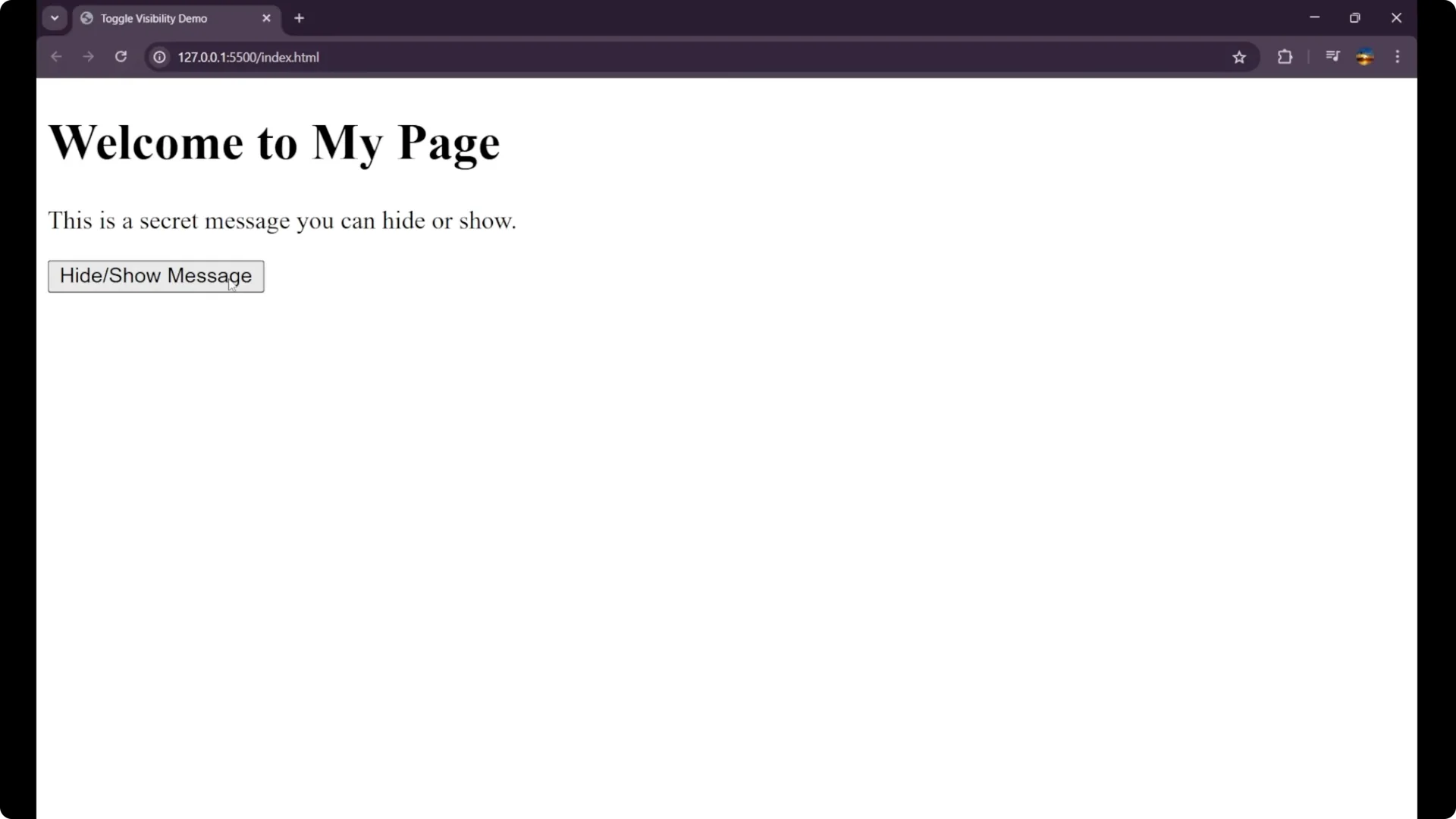
Click on the button, and the element got disappeared. When we again click on it, it got appeared. We have successfully made a function by which we can hide or show our message in JavaScript.
Final Thoughts
- Create a helper CSS class like .hide with display: none.
- Select the target element and the button in JavaScript.
- Add a click event listener and call classList.toggle(‘hide’) on the target.
- The toggle method adds the class if it’s missing and removes it if it’s present.
I hope you understood the concept very clearly.