I am going to show how to generate a list from an array
dynamically with the help of
JavaScript. We will create a simple unordered list in HTML, then populate it from a
JavaScript array using
forEach,
document.createElement, and
appendChild.
Setup HTML for JavaScript Array to List
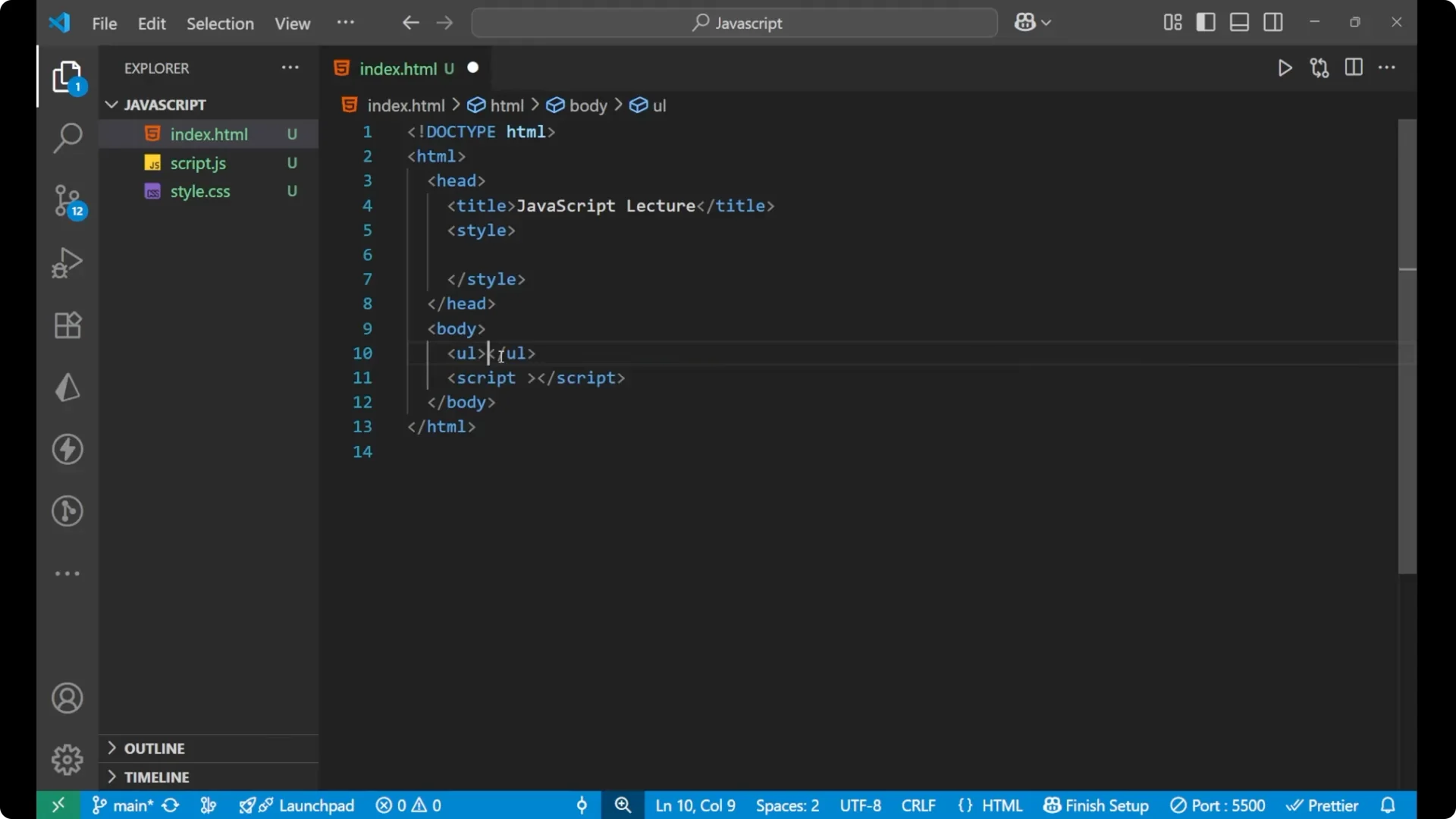
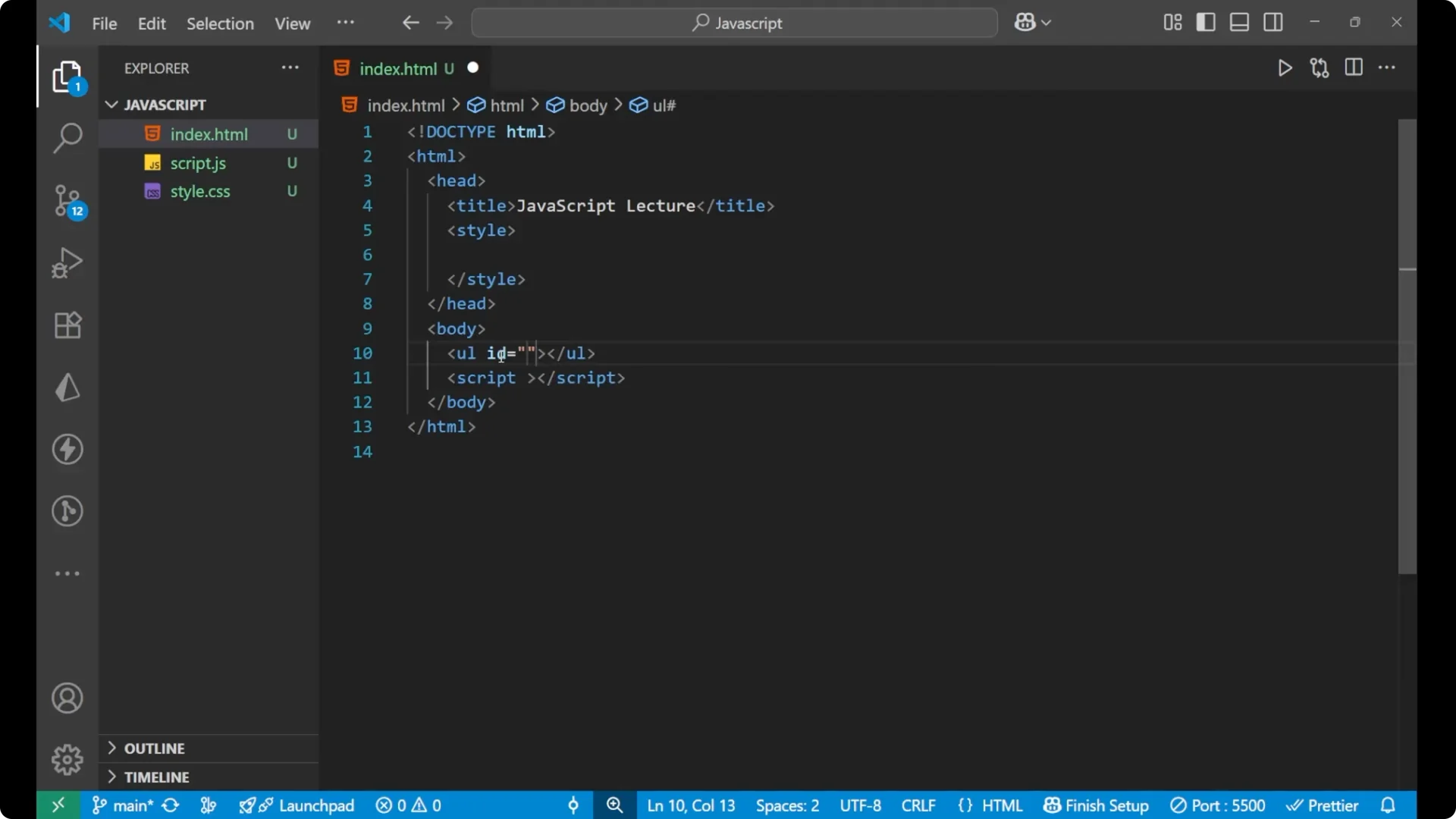
Create a starting HTML file and add an unordered list with an ID. We will populate this list from the array.
<!DOCTYPE html>
<html lang="en">
  <head>
    <meta charset="UTF-8" />
    <title>JavaScript Array to List</title>
  </head>
  <body>
    <ul id="myList"></ul>

    <script>
      // JavaScript will go here
    </script>
  </body>
</html>
Create the array and reference the list
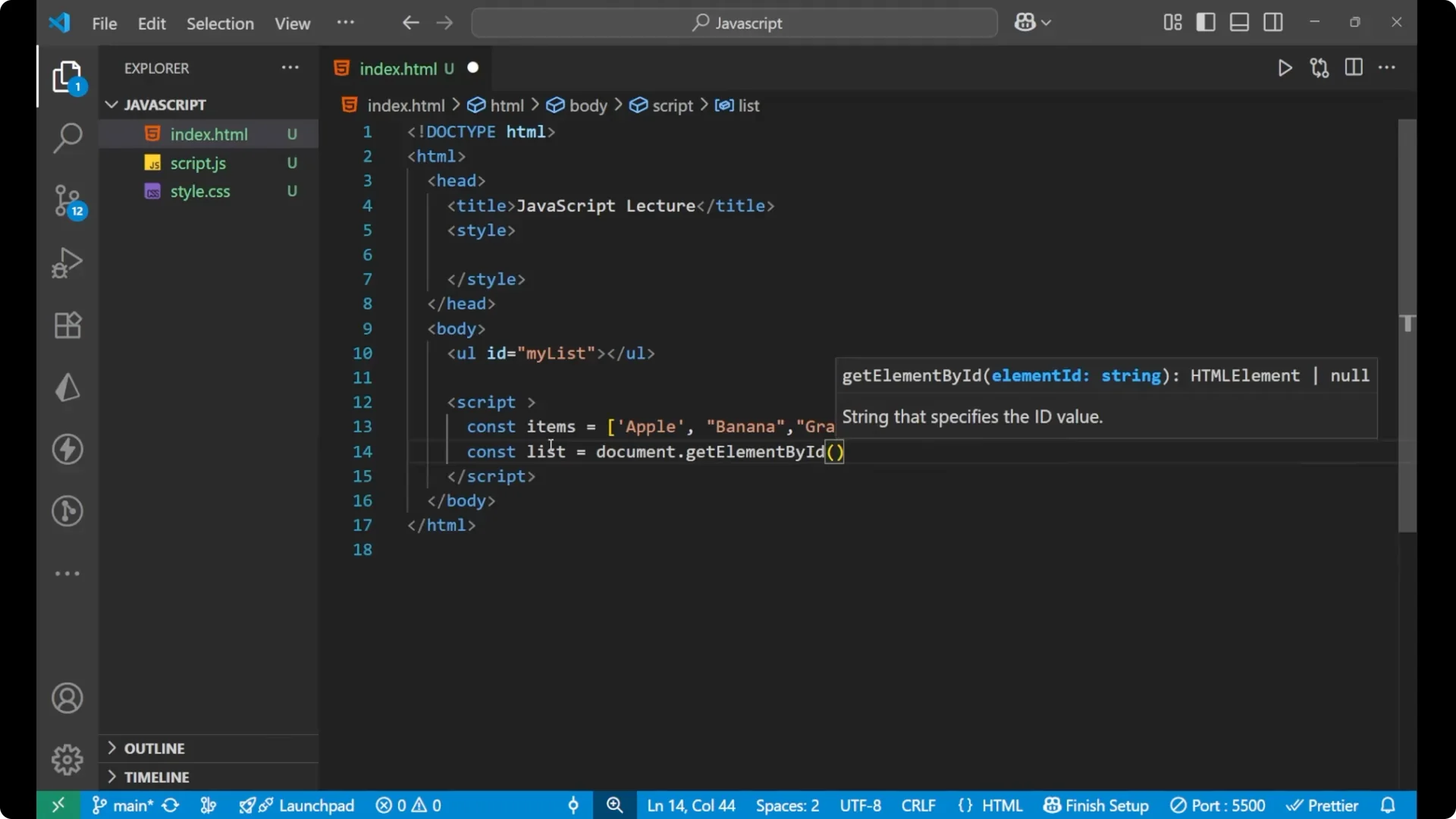
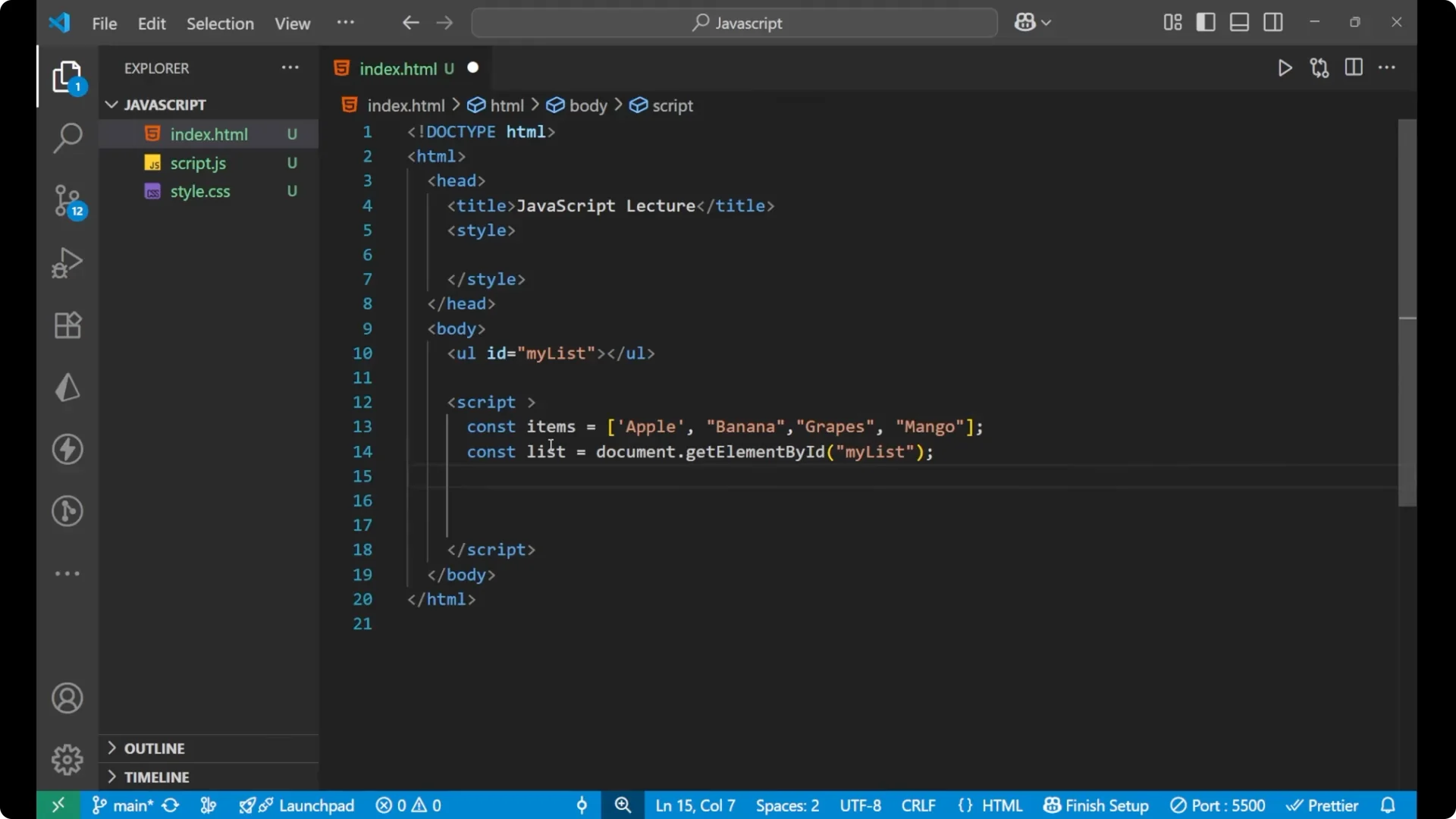
Inside the script tag, start by creating an array of items. Then get the unordered list element by its ID.
<script>
  const items = ["apple", "banana", "grapes", "mango"];

  const list = document.getElementById("myList");
</script>
Build the JavaScript Array to List with forEach
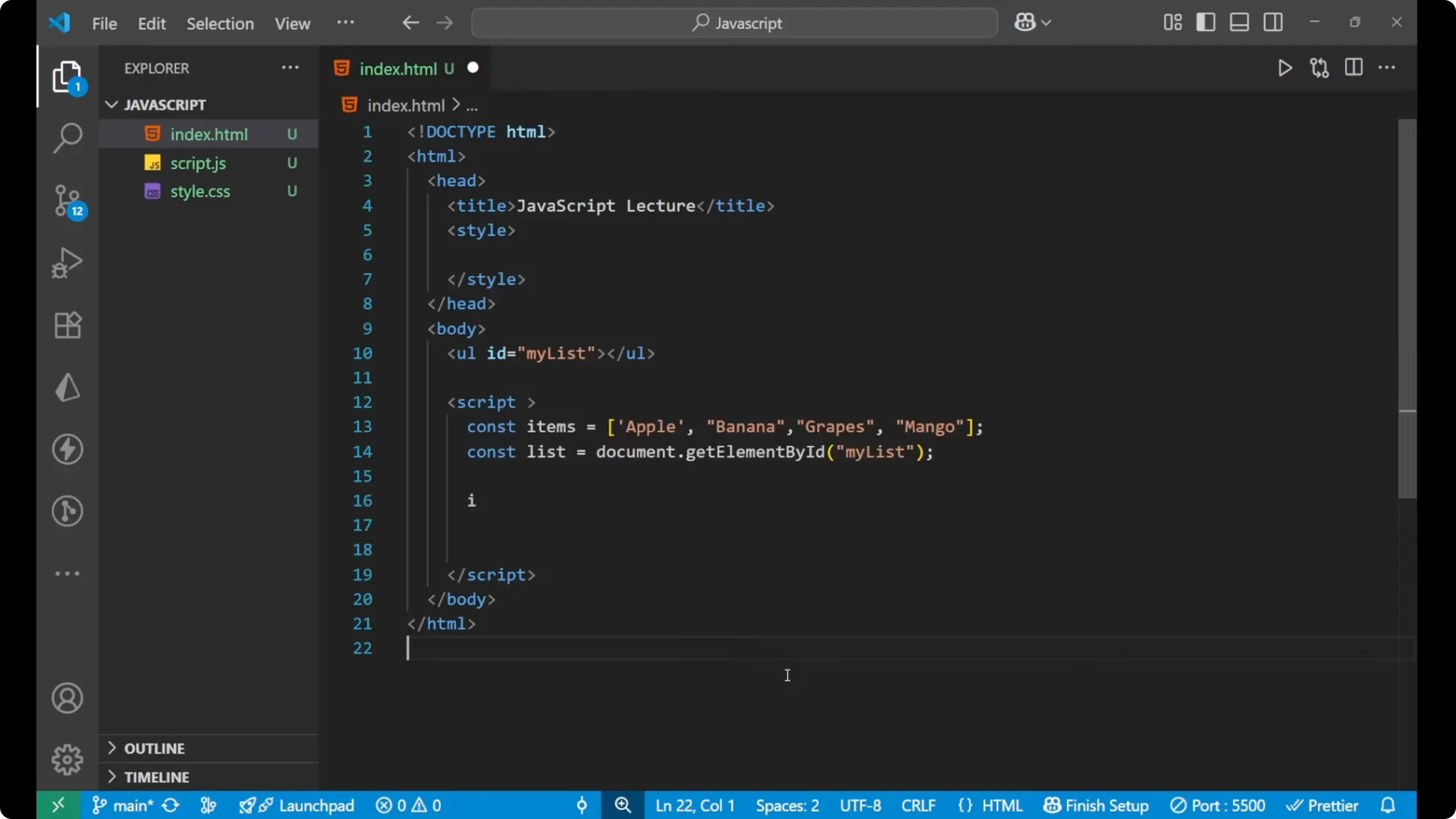
Put a
forEach loop on the array to iterate over all the items. For each item, create an
li, set its
textContent, and append it to the
ul.
<script>
  const items = ["apple", "banana", "grapes", "mango"];
  const list = document.getElementById("myList");

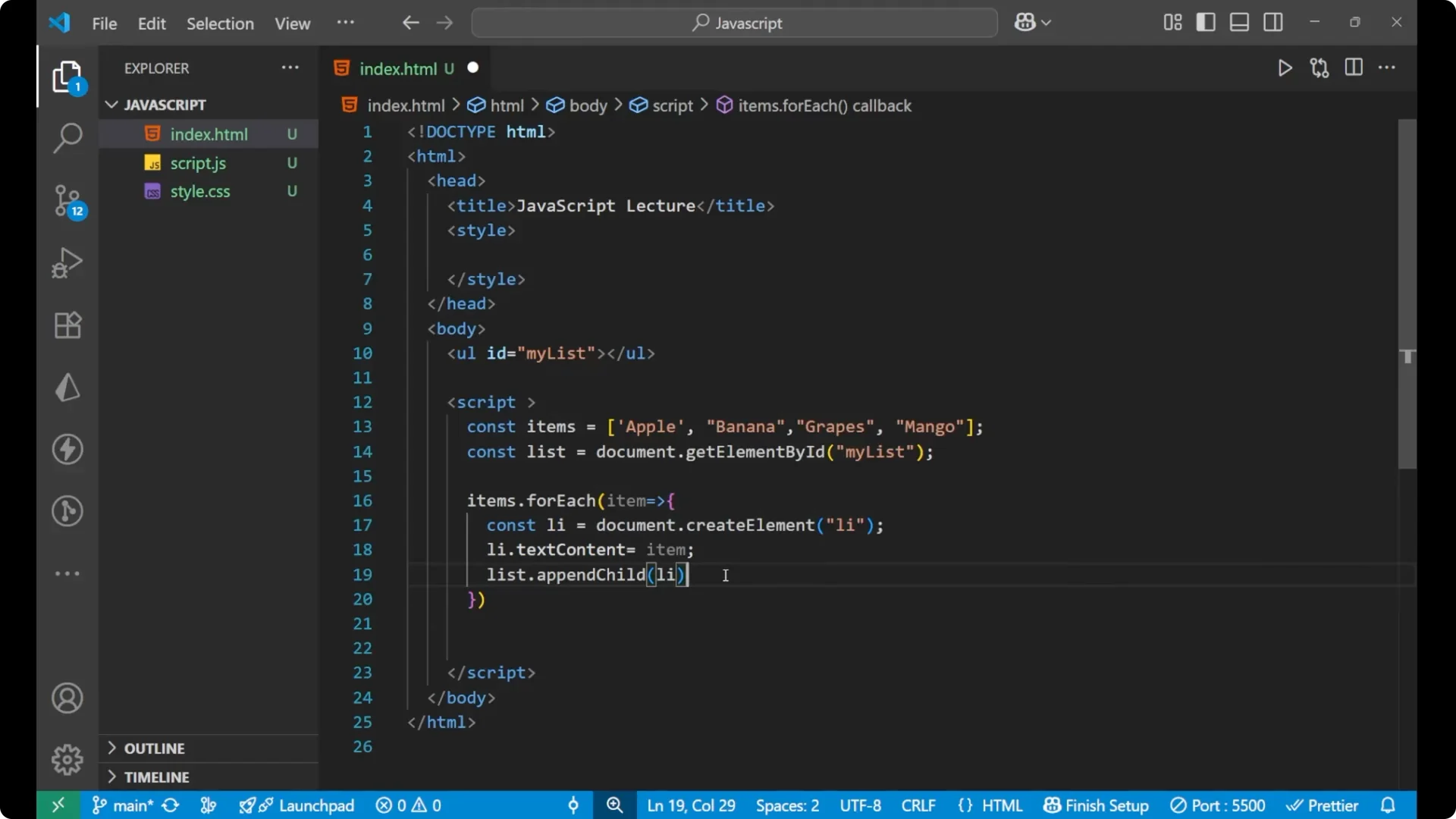
  items.forEach(item => {
    const li = document.createElement("li");
    li.textContent = item;
    list.appendChild(li);
  });
</script>
Full example
Here is the complete working example with HTML and JavaScript together.
<!DOCTYPE html>
<html lang="en">
  <head>
    <meta charset="UTF-8" />
    <title>JavaScript Array to List</title>
  </head>
  <body>
    <ul id="myList"></ul>

    <script>
      const items = ["apple", "banana", "grapes", "mango"];

      const list = document.getElementById("myList");

      items.forEach(item => {
        const li = document.createElement("li");
        li.textContent = item;
        list.appendChild(li);
      });
    </script>
  </body>
</html>
How it works
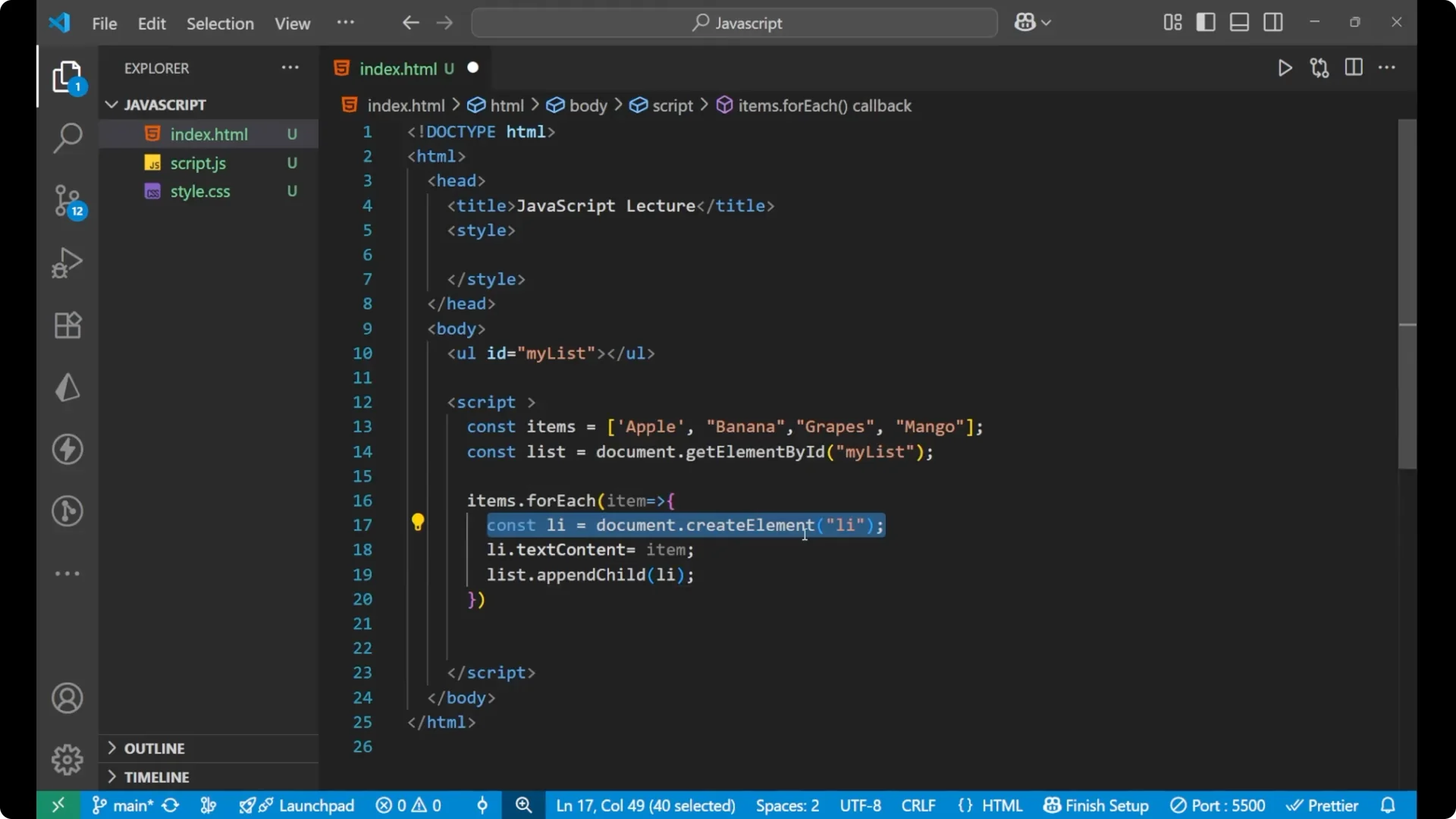
Every time the loop runs, it creates a list item and puts the current array element inside that list item. Then it appends this
li to the unordered list. The list is the
ul with the ID
myList.
If the JavaScript is not present, the unordered list remains completely blank. After adding the JavaScript, the list shows apple, banana, grapes, and mango.
Final thoughts
This is how we can create the list using the array
dynamically. The key parts are
getElementById to grab the list,
forEach to iterate over the array,
createElement to build each
li,
textContent to set its text, and
appendChild to add it to the
ul.