In this article, we will look at how to add and remove CSS classes on elements with the help of plain JavaScript. It is a super handy skill for making interactive pages.
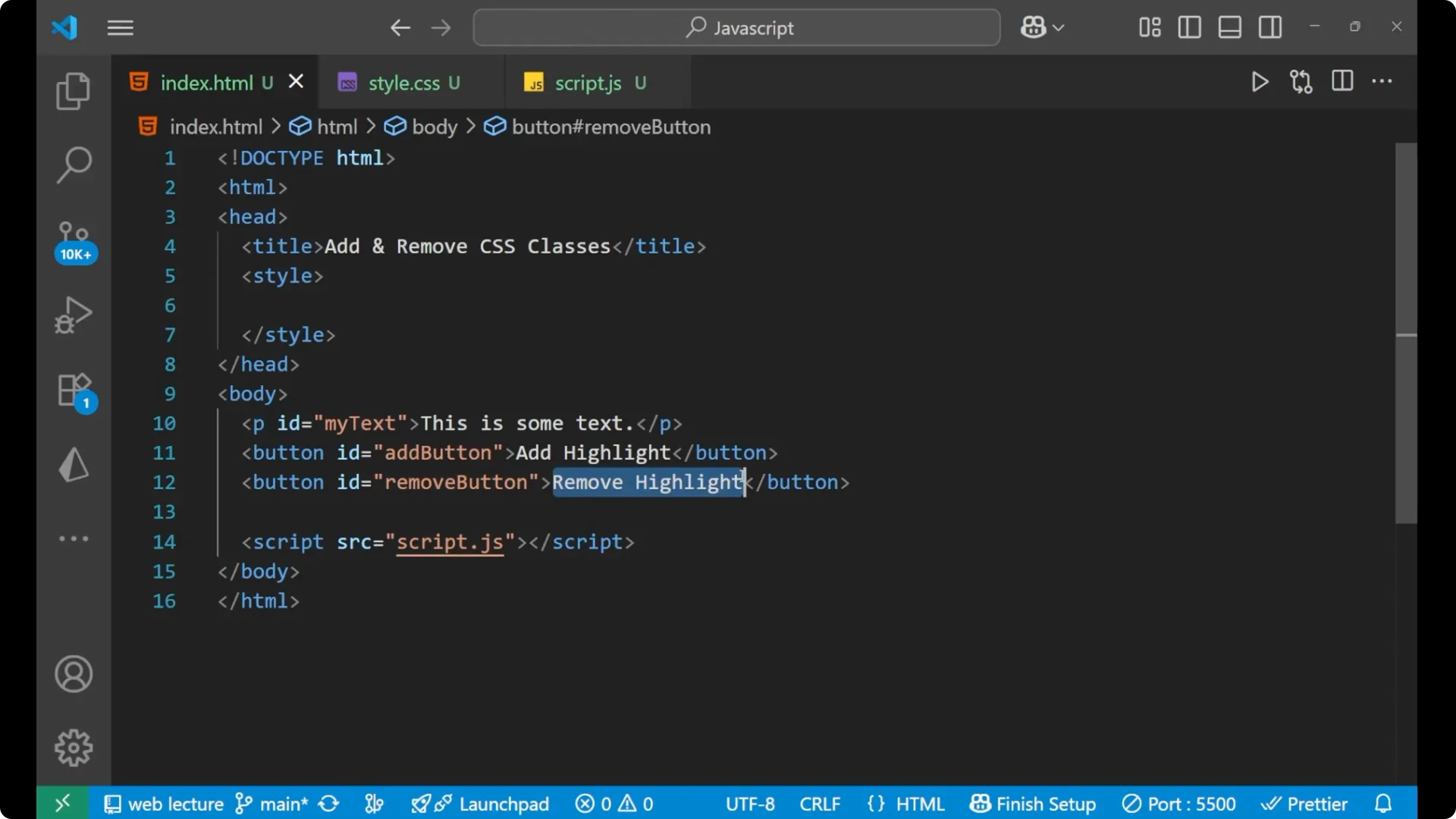
Initially I have some HTML for you. We are having a paragraph with the id as my-text, and it says This is some text. We are having two different buttons. The first button is for Add Highlight, and the second is for Remove Highlight.
JavaScript DOM Class Manipulation: The highlight CSS class
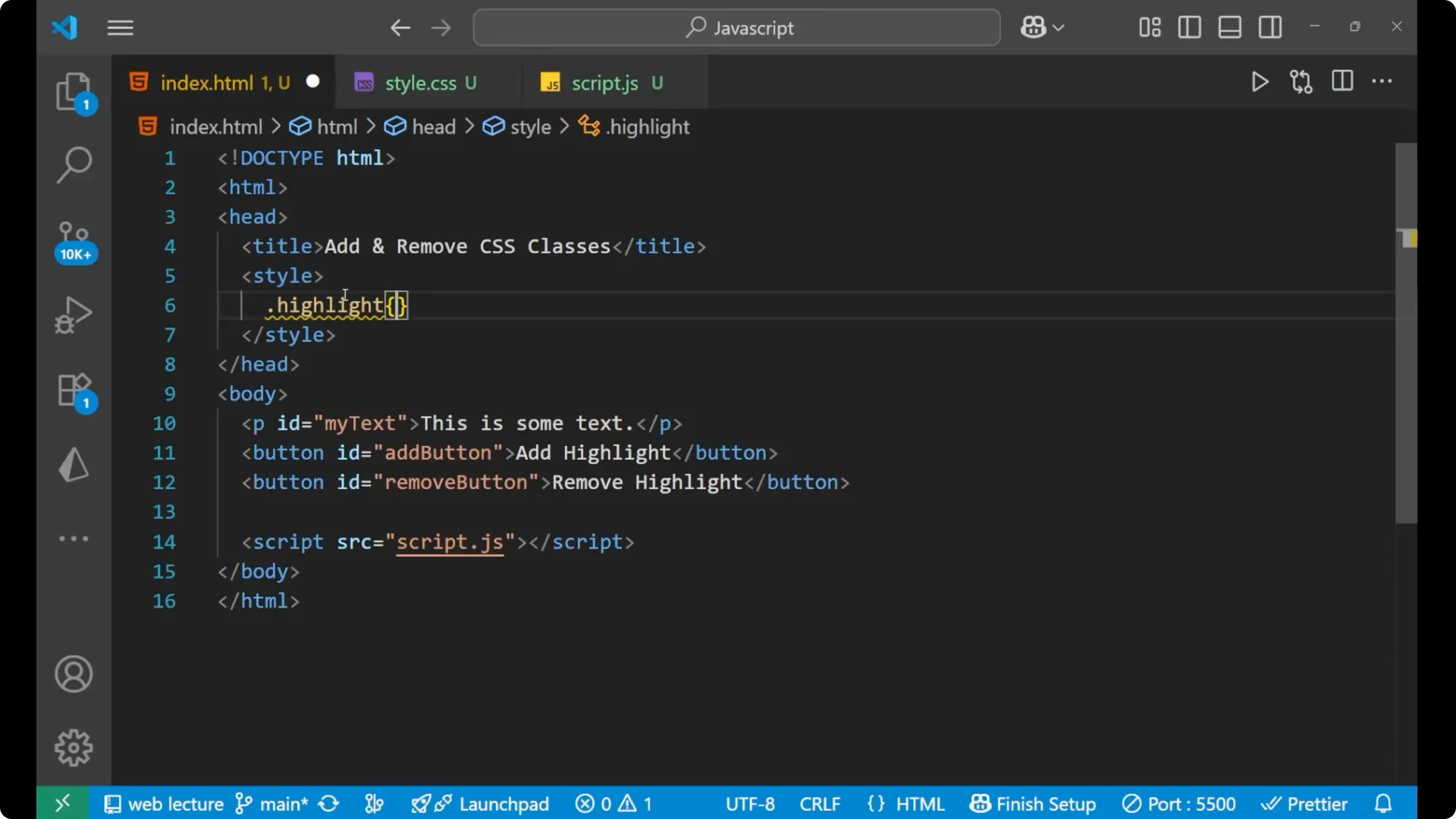
What is this highlight?
This highlight is going to be a CSS class.
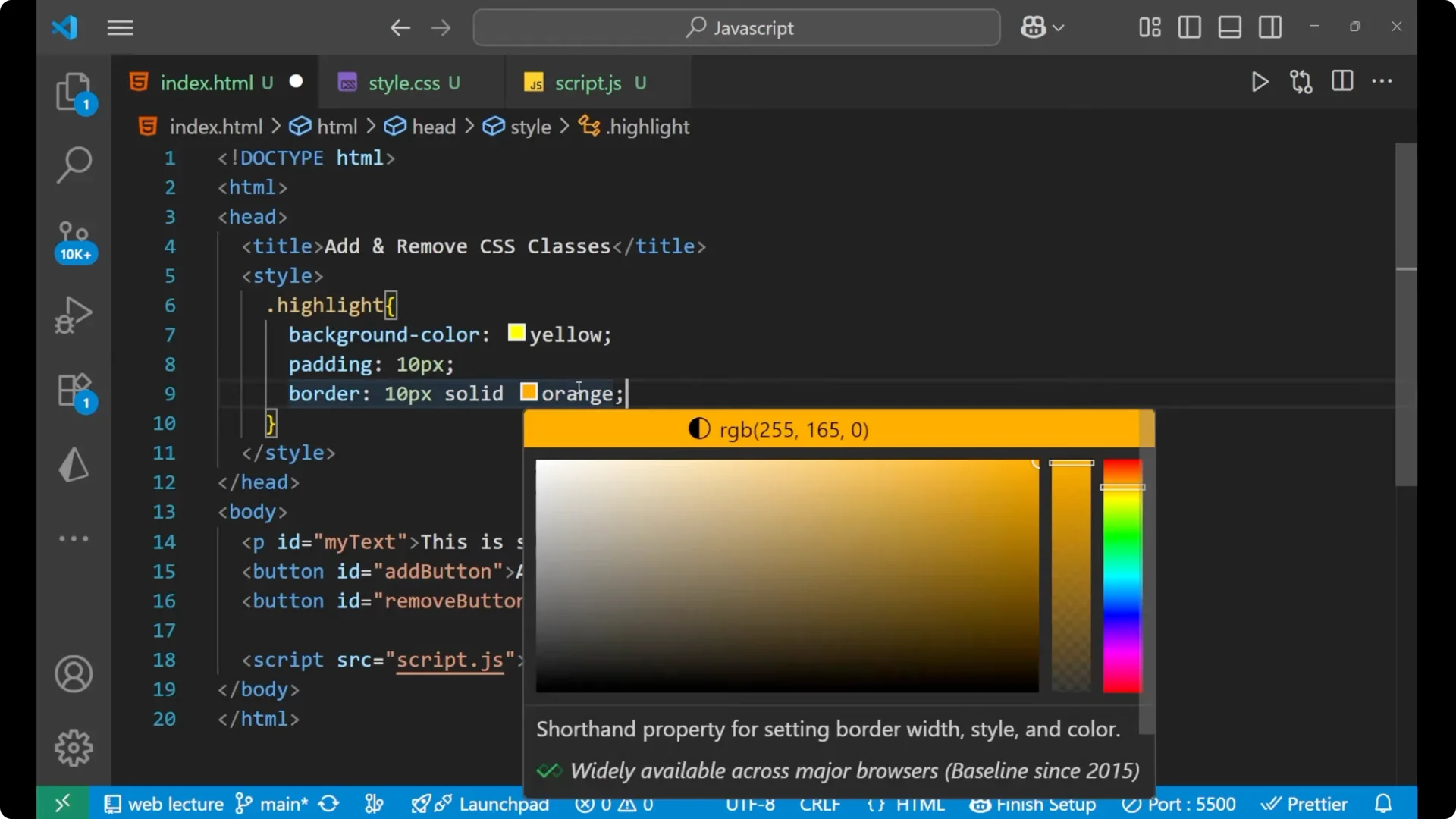
Inside it I will write some CSS like background-color as yellow and padding as 10px.
Add a border as 10px solid orange.
This is a CSS which I have written on my own. We will apply it dynamically.
.highlight {
  background-color: yellow;
  padding: 10px;
  border: 10px solid orange;
}
JavaScript DOM Class Manipulation: Selecting elements and wiring events
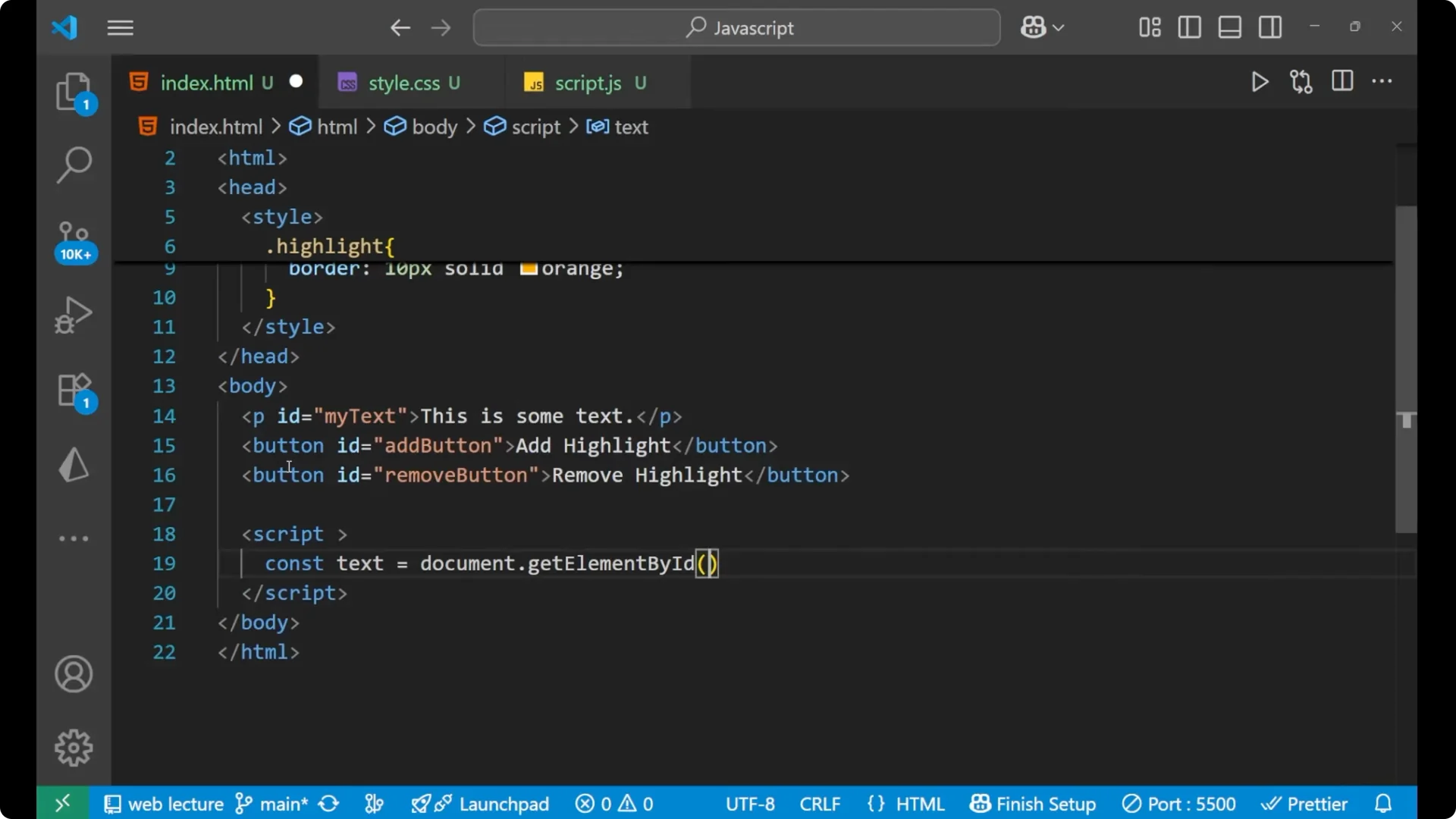
I will do it here only, not with an external JavaScript file.
We are first going to apply the DOM manipulation and take out certain elements, all the elements basically.
<p id="my-text">This is some text</p>
<button id="add-button">Add Highlight</button>
<button id="remove-button">Remove Highlight</button>
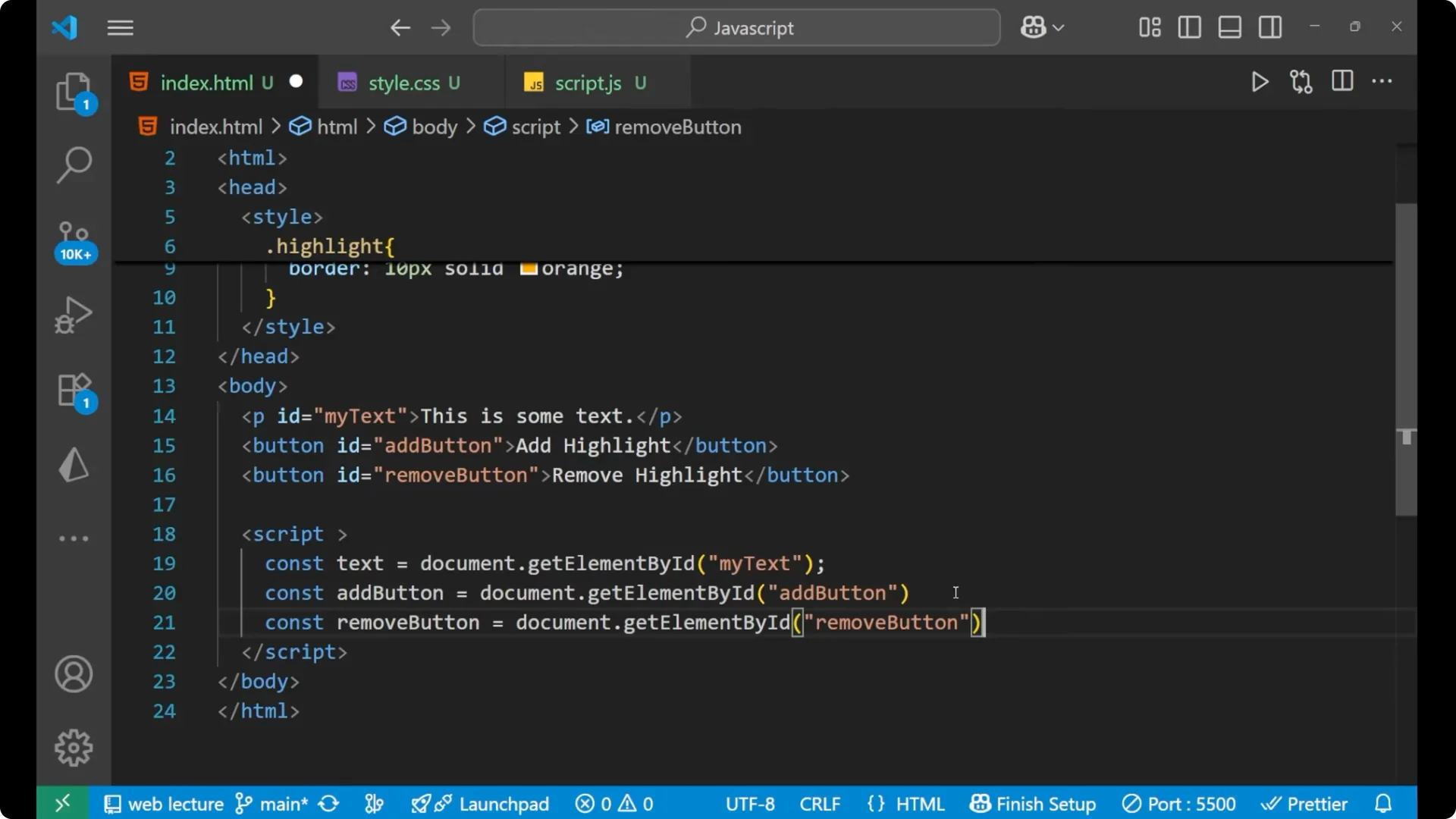
Select the paragraph and both buttons.
const text = document.getElementById('my-text');
const addButton = document.getElementById('add-button');
const removeButton = document.getElementById('remove-button');
JavaScript DOM Class Manipulation: Add a class
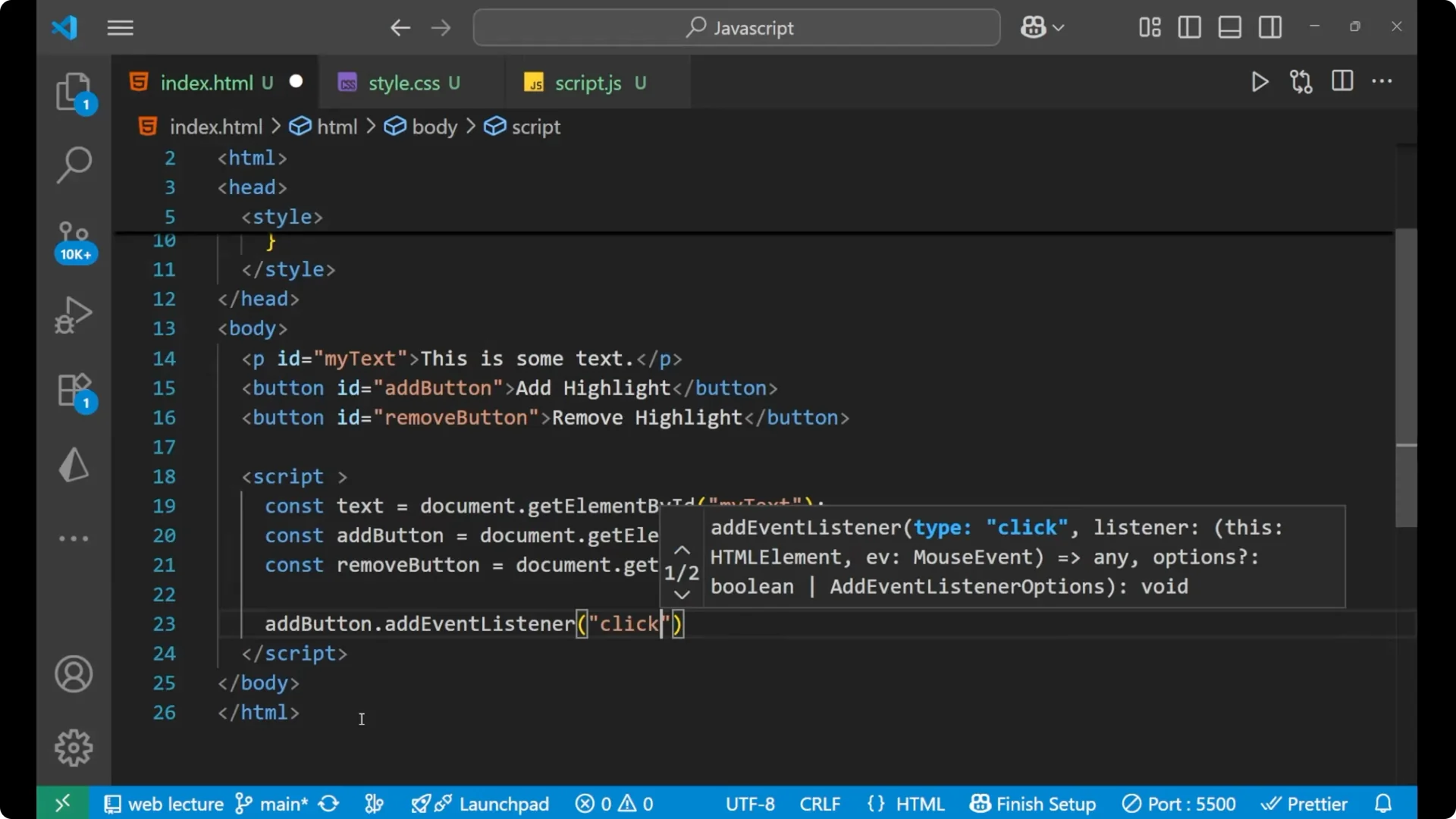
We will apply our main JavaScript on the Add button.
This is the button, so I am going to apply an event listener.
Whenever you click on the button, we will add the class.
addButton.addEventListener('click', () => {
  // We are adding a class to this particular paragraph
  // The class is "highlight"
  text.classList.add('highlight');
});
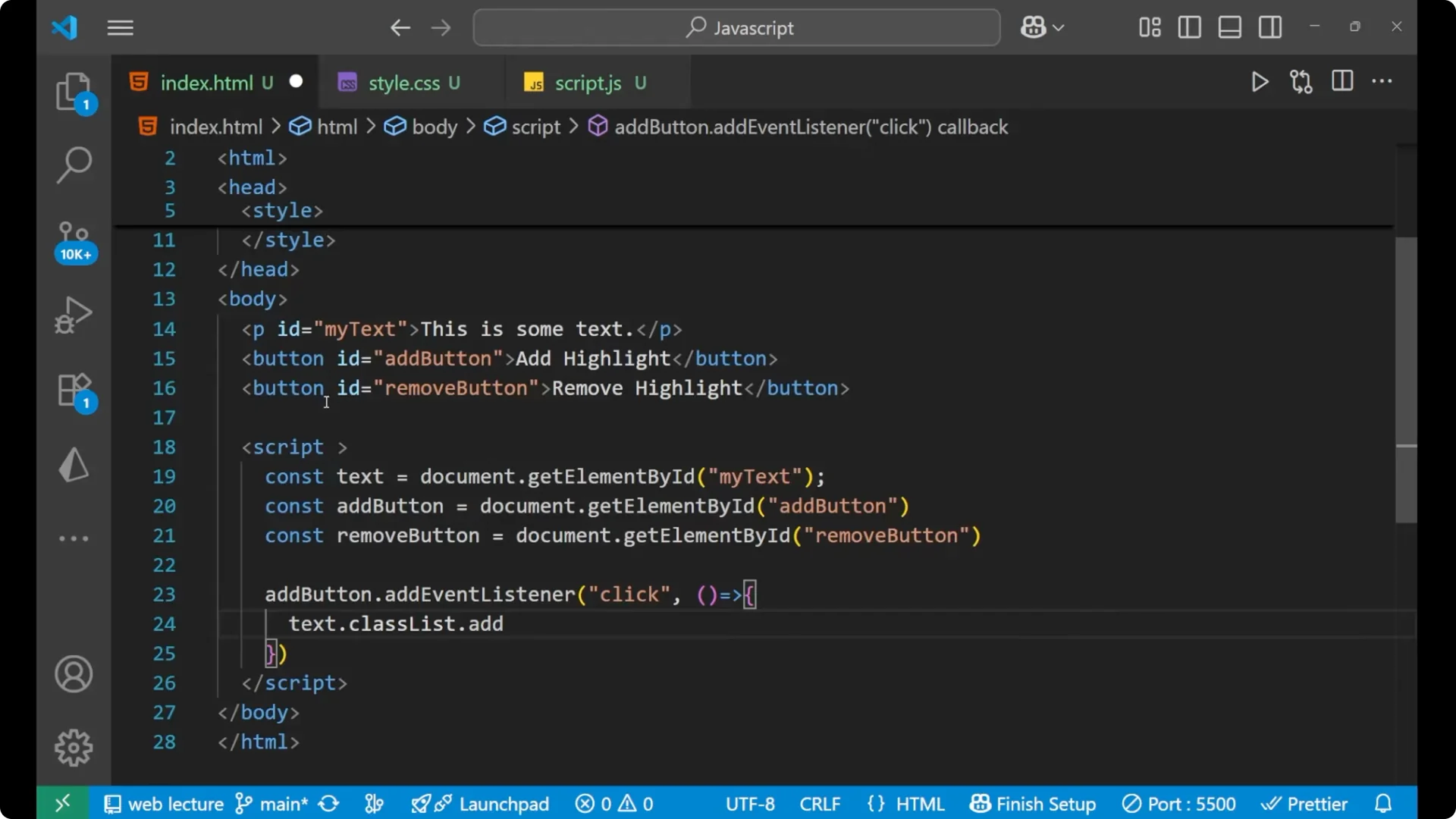
You have seen here that the style I have created is based on a class. I am having a dot here, and this highlight is not present anywhere inside the elements. We are going to put this particular class dynamically into our element. That is why we are having `text.classList.add(‘highlight’)`.
JavaScript DOM Class Manipulation: Remove a class
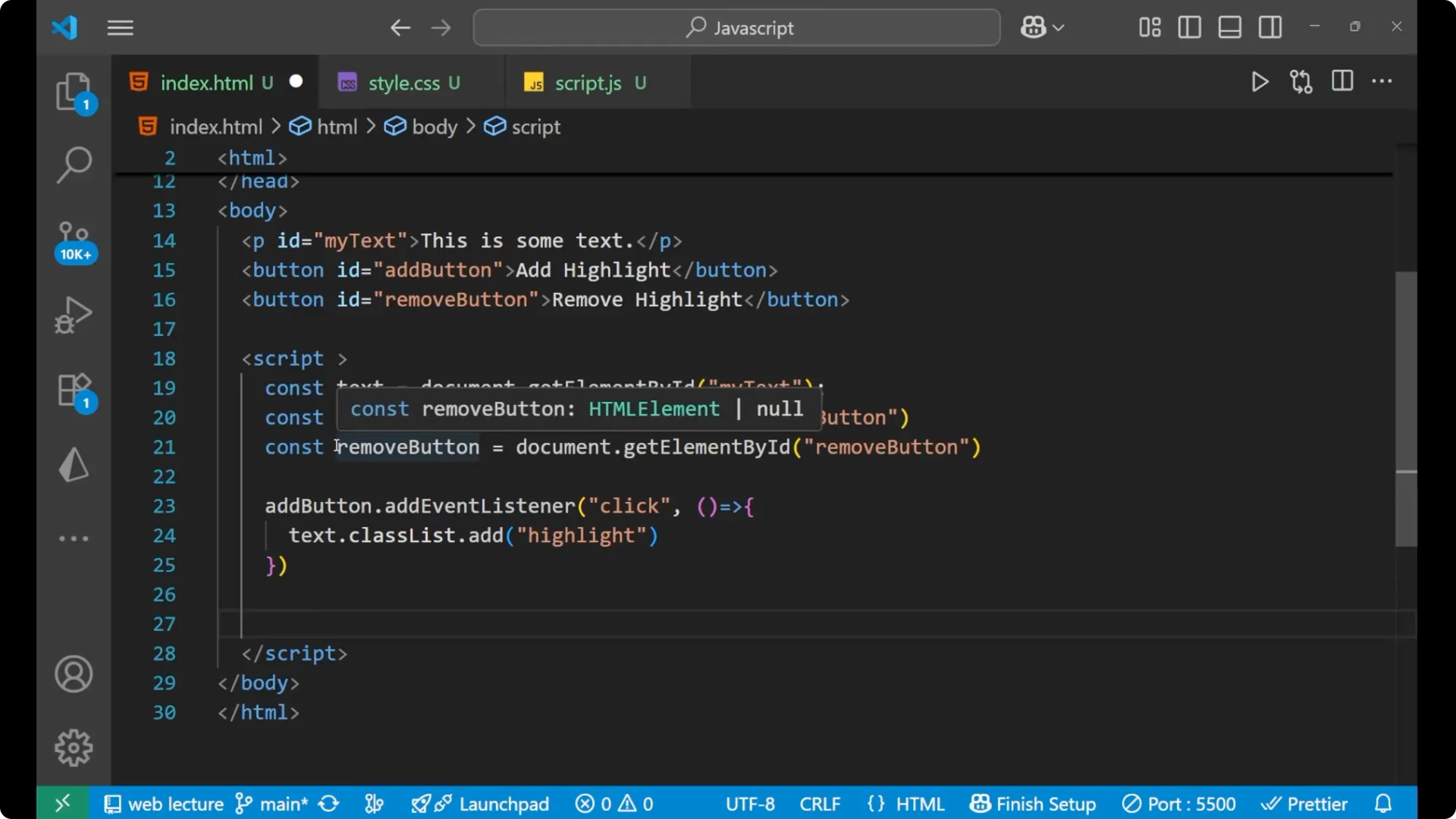
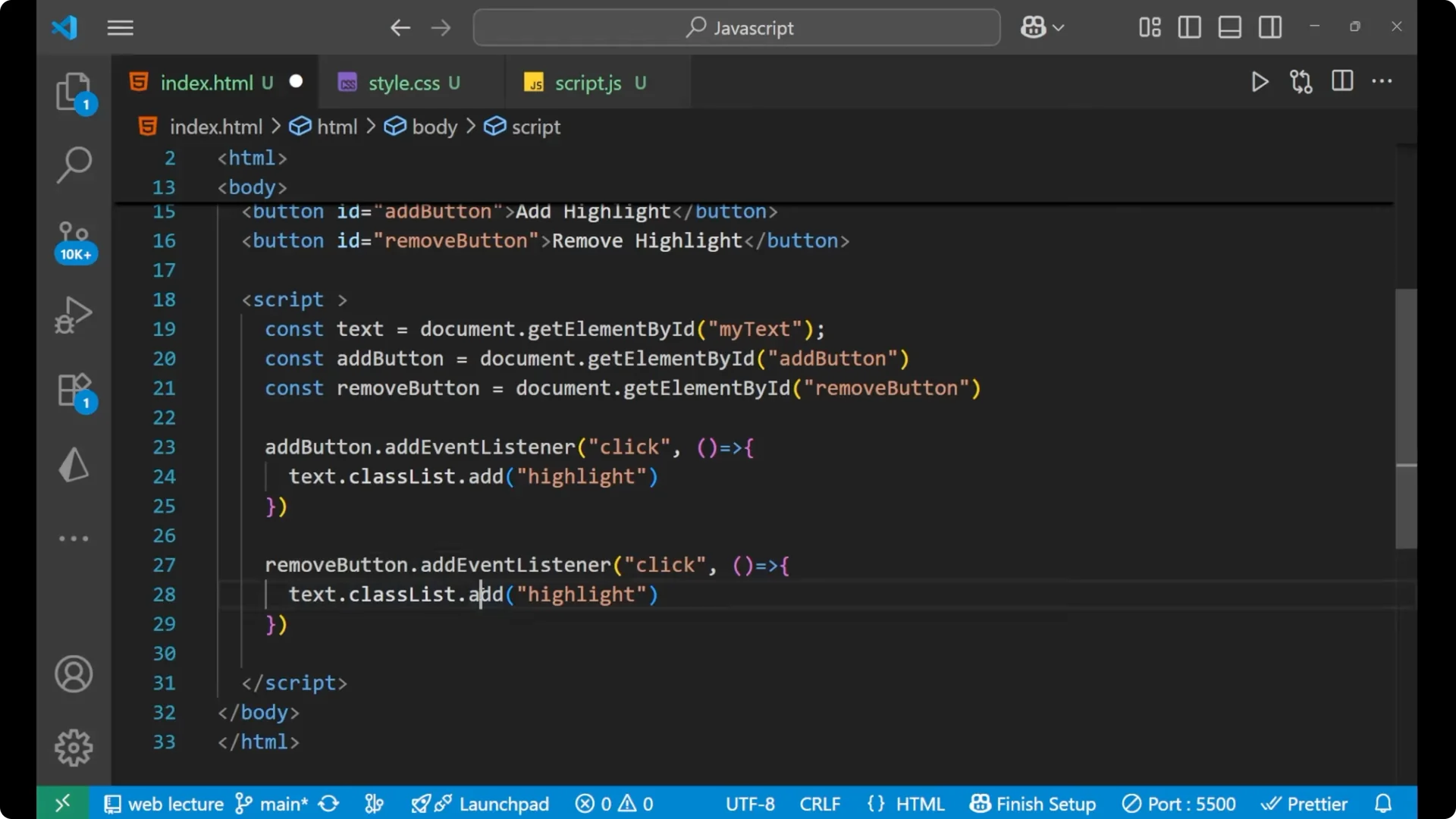
Apply the reverse of it for the Remove button. We are also applying the event listener for it.
Whenever you click the Remove button, it will call a function. It is actually not adding, but it is removing.
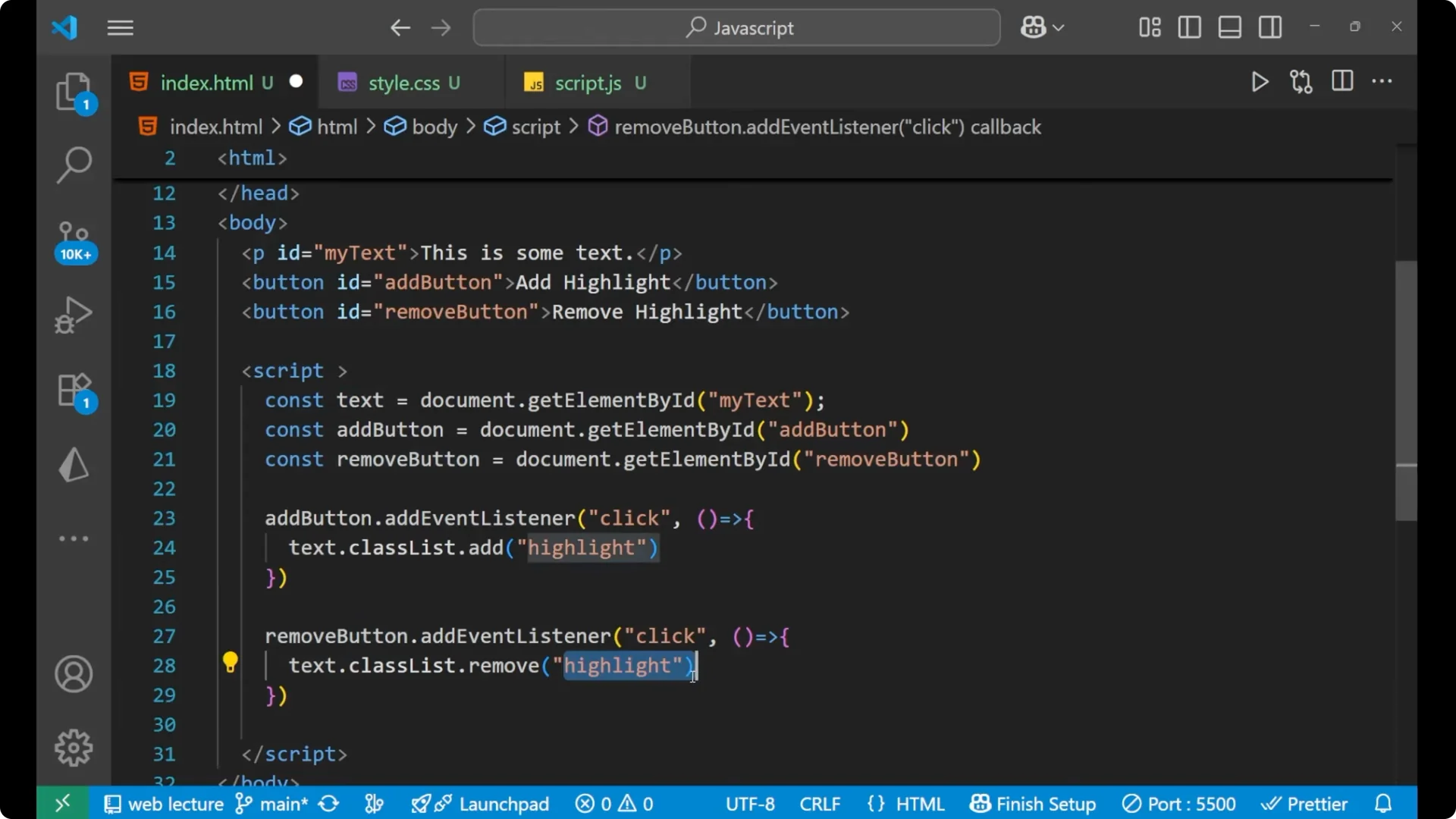
removeButton.addEventListener('click', () => {
  // If the paragraph is having the class "highlight",
  // this will remove it
  text.classList.remove('highlight');
});
If that particular paragraph is having the class highlight, in that case if you click on the Remove button it will remove the highlight from the class.
JavaScript DOM Class Manipulation: Full working example
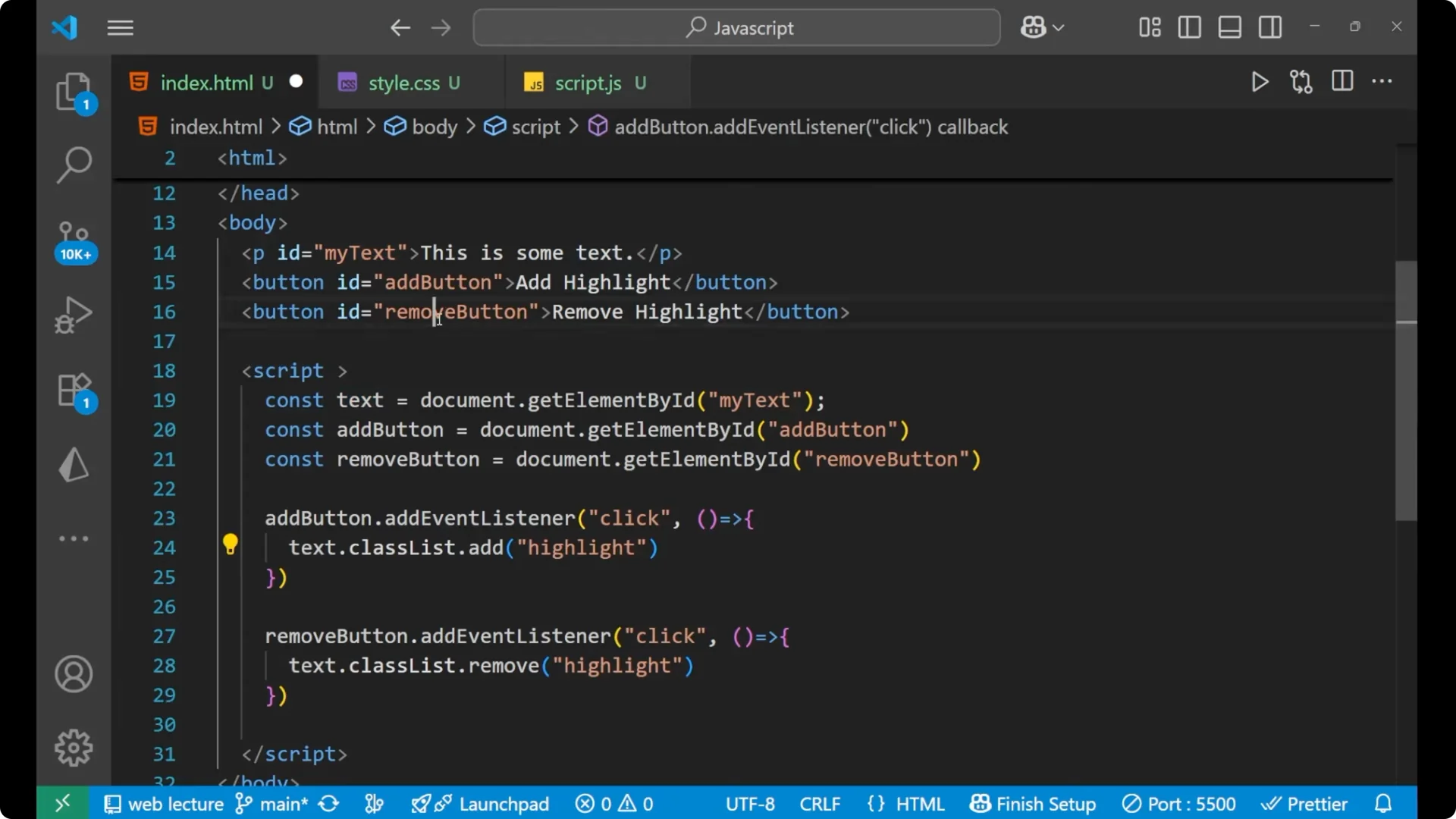
<!doctype html>
<html lang="en">
  <head>
    <meta charset="utf-8" />
    <title>JavaScript DOM Class Manipulation - Add and Remove</title>
    <style>
      .highlight {
        background-color: yellow;
        padding: 10px;
        border: 10px solid orange;
      }
    </style>
  </head>
  <body>
    <p id="my-text">This is some text</p>
    <button id="add-button">Add Highlight</button>
    <button id="remove-button">Remove Highlight</button>
    <script>
      const text = document.getElementById('my-text');
      const addButton = document.getElementById('add-button');
      const removeButton = document.getElementById('remove-button');
      addButton.addEventListener('click', () => {
        text.classList.add('highlight');
      });
      removeButton.addEventListener('click', () => {
        text.classList.remove('highlight');
      });
    </script>
  </body>
</html>
JavaScript DOM Class Manipulation: What happens on click
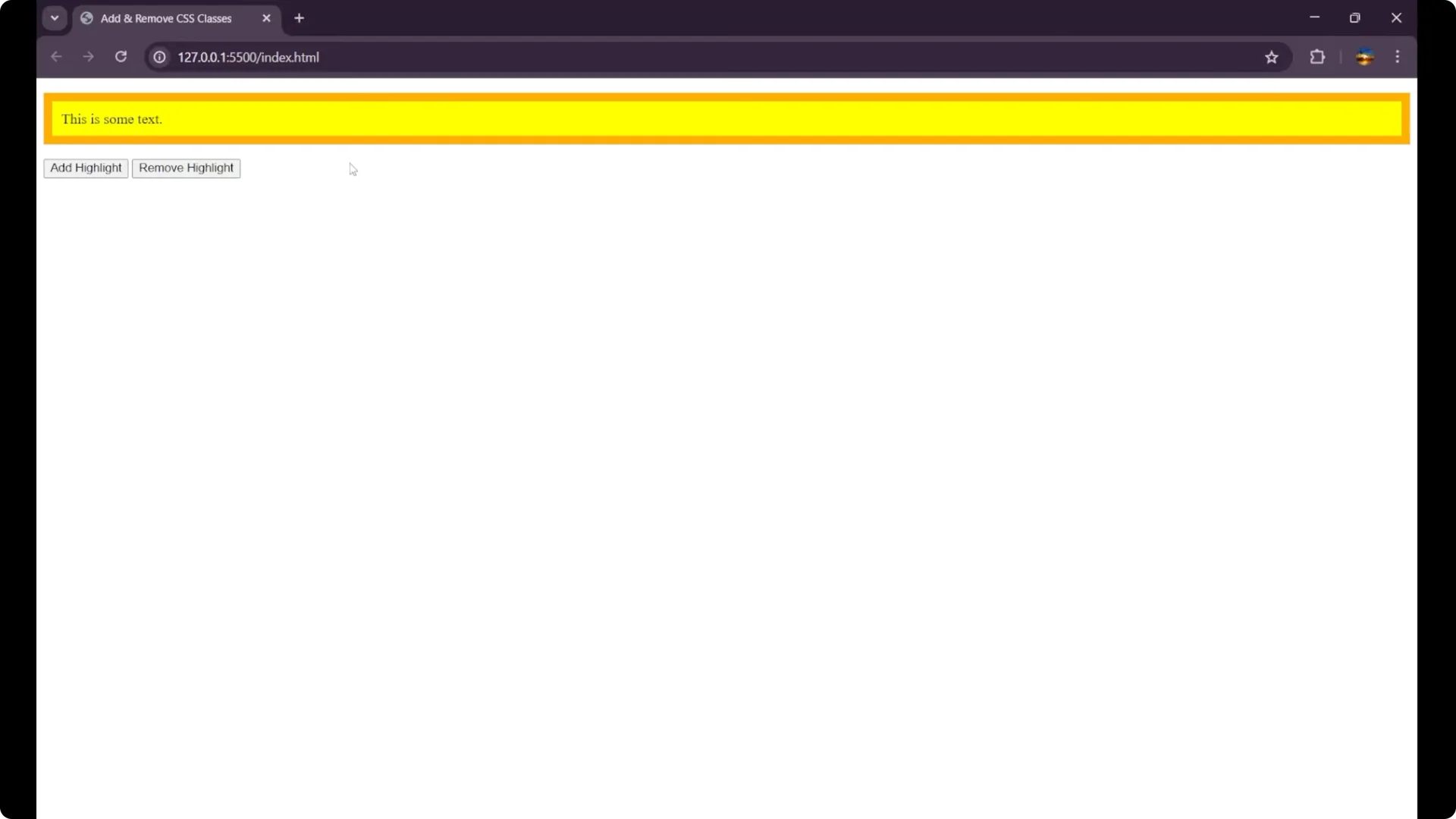
You can see This is some text and we are having two different buttons, Add Highlight and Remove Highlight. When you click on Add Highlight, the CSS gets applied.
It is applied dynamically by just clicking on the button. When you click on Remove Highlight, the CSS is removed. You can do it multiple times as you want.
Final Thoughts
This is how we can add CSS dynamically in JavaScript with the help of DOM manipulation. The key is `classList.add(‘highlight’)` to apply the class and `classList.remove(‘highlight’)` to remove it.