Here is a small project to understand how to disable a button after a click using JavaScript. When the form gets submitted we want to disable the button so the user cannot just randomly click it again and again.
We will also show a message in a paragraph element and change the button text after the click.
Prevent Multiple Clicks in JavaScript – Setup
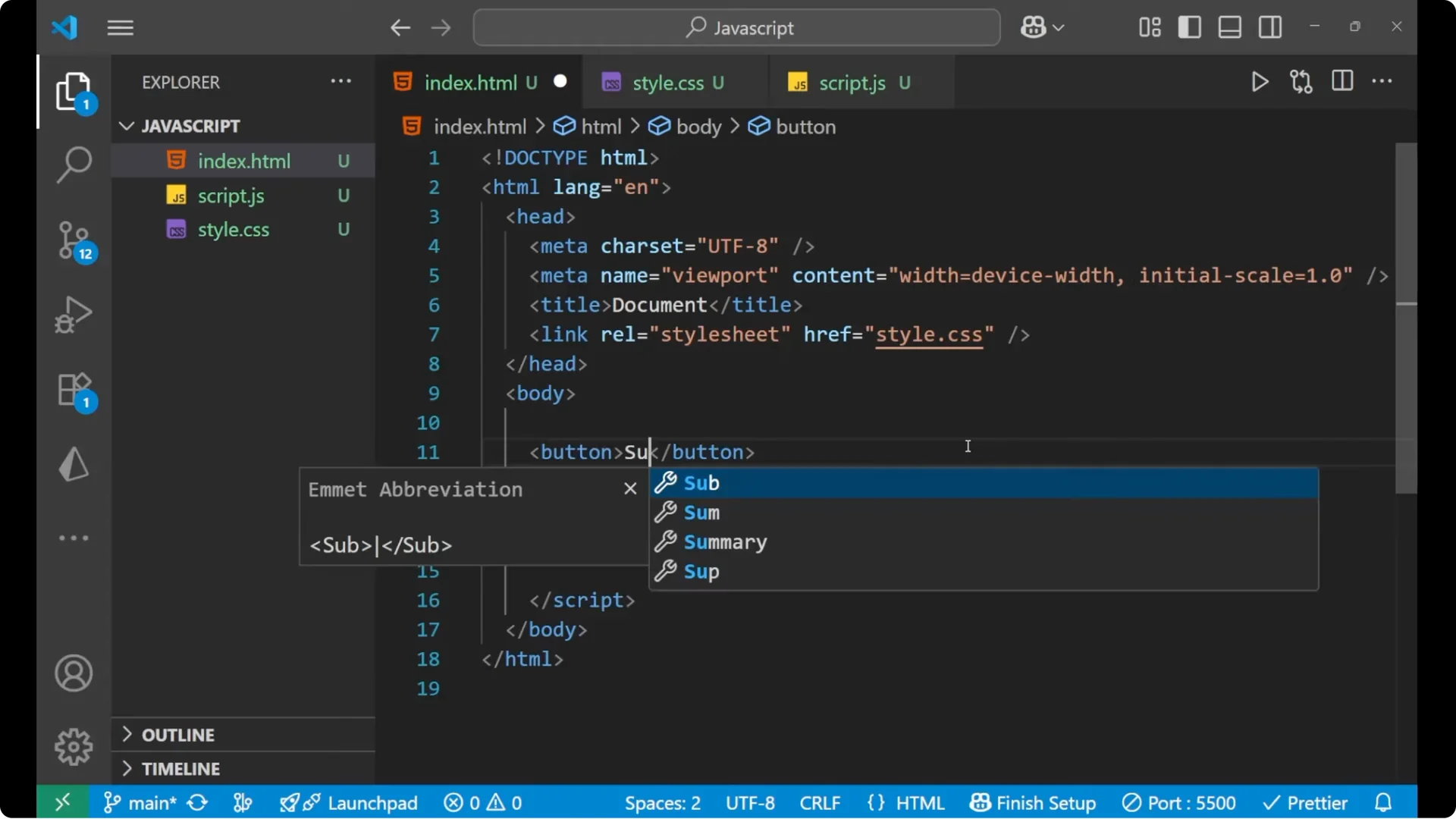
Step 1: Create a button and give it an id of submit. Use the label Submit Form like we normally do with forms.
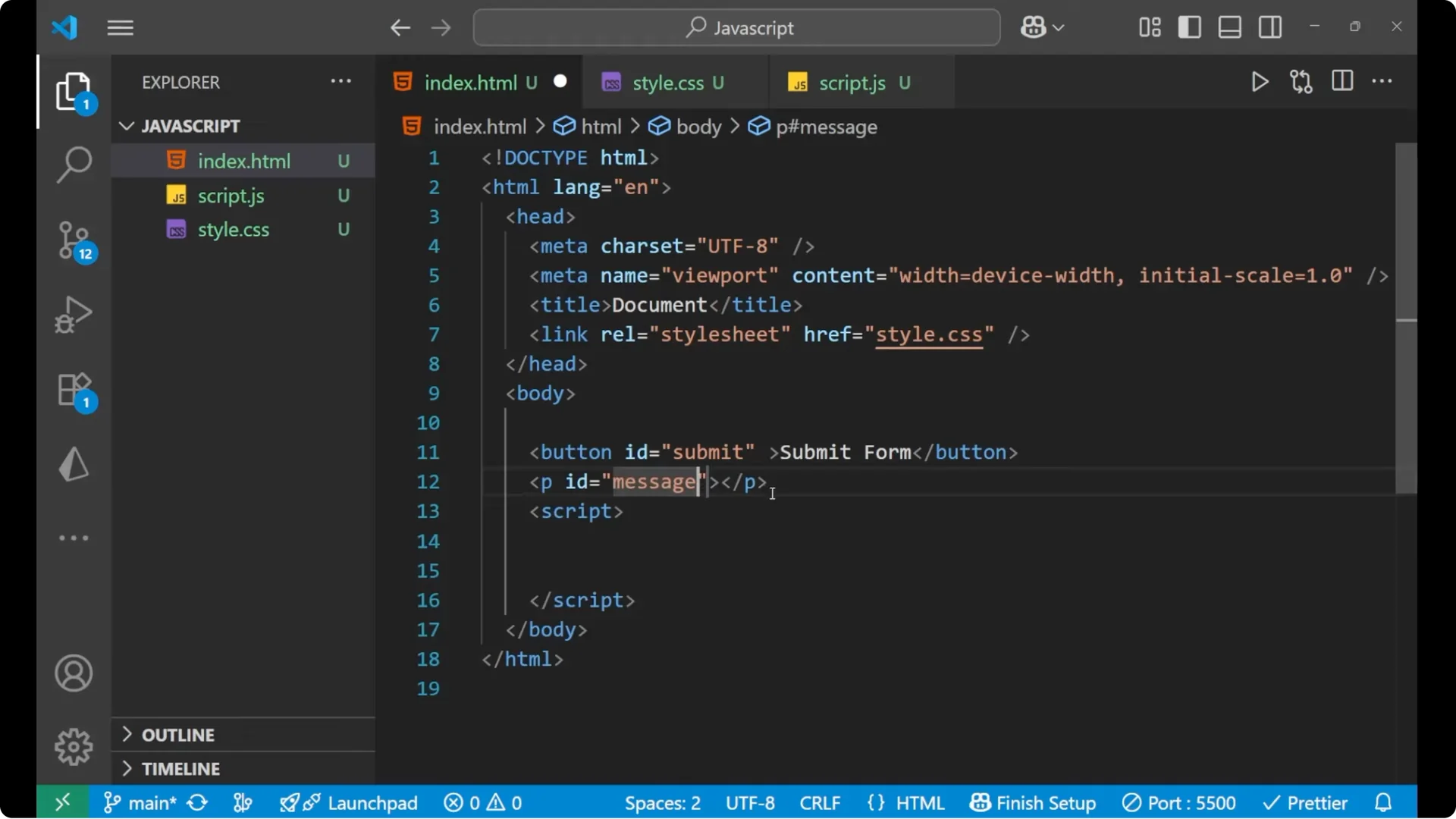
Step 2: Create a paragraph and give it an id of message.
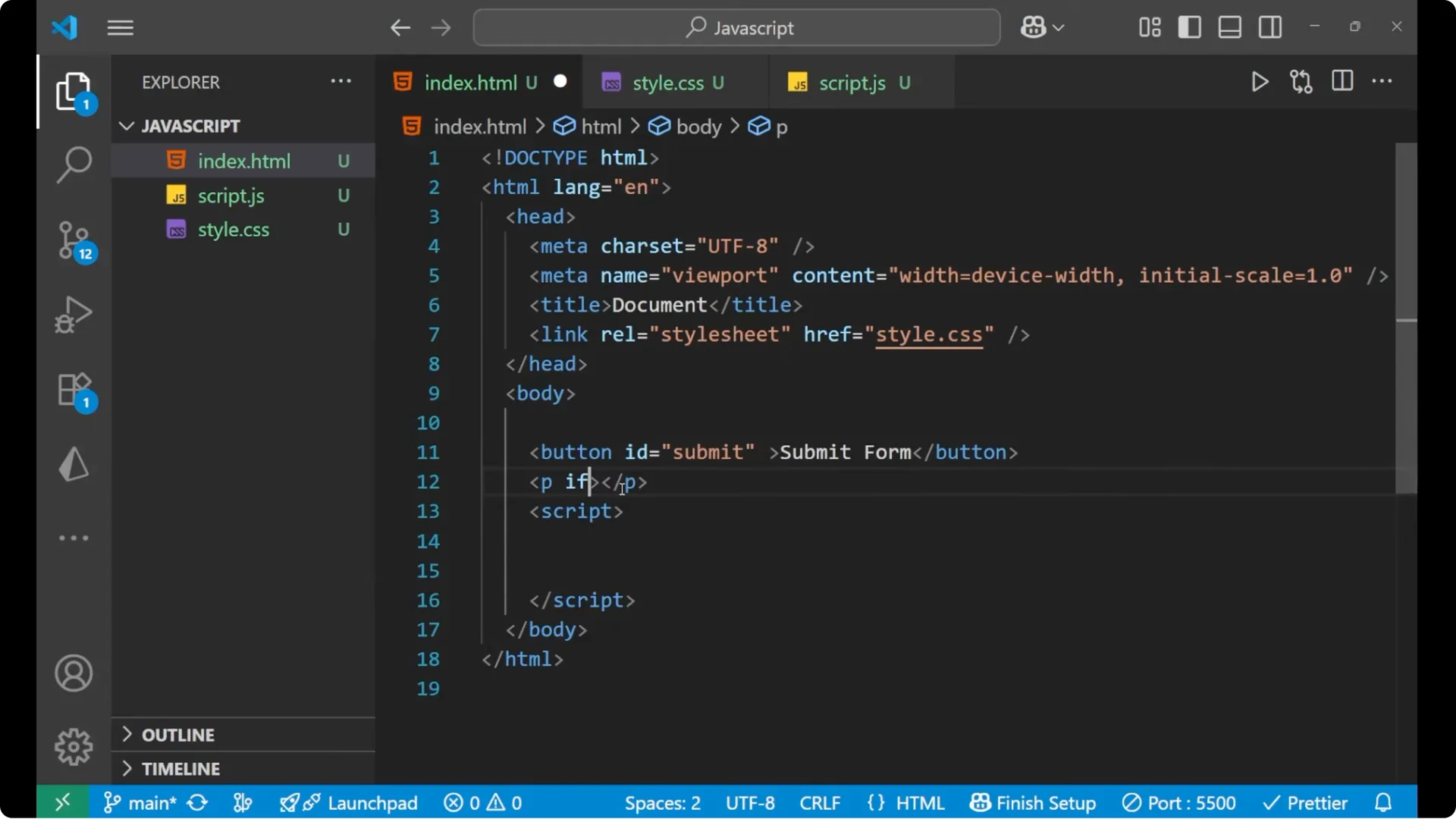
<button id="submit">Submit Form</button>
<p id="message"></p>
Prevent Multiple Clicks in JavaScript – Script
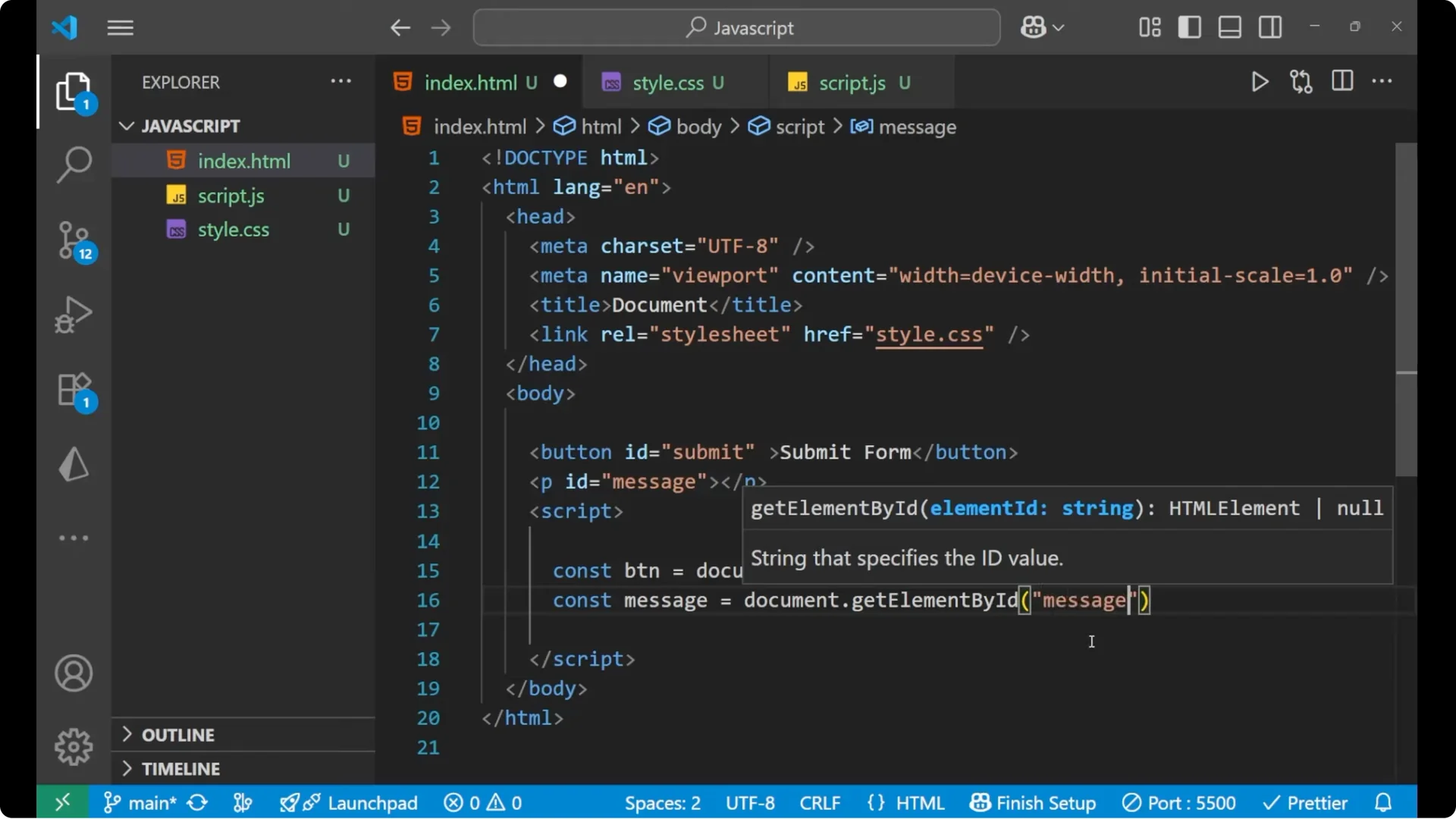
Step 3: Grab the button and the message elements using their ids.
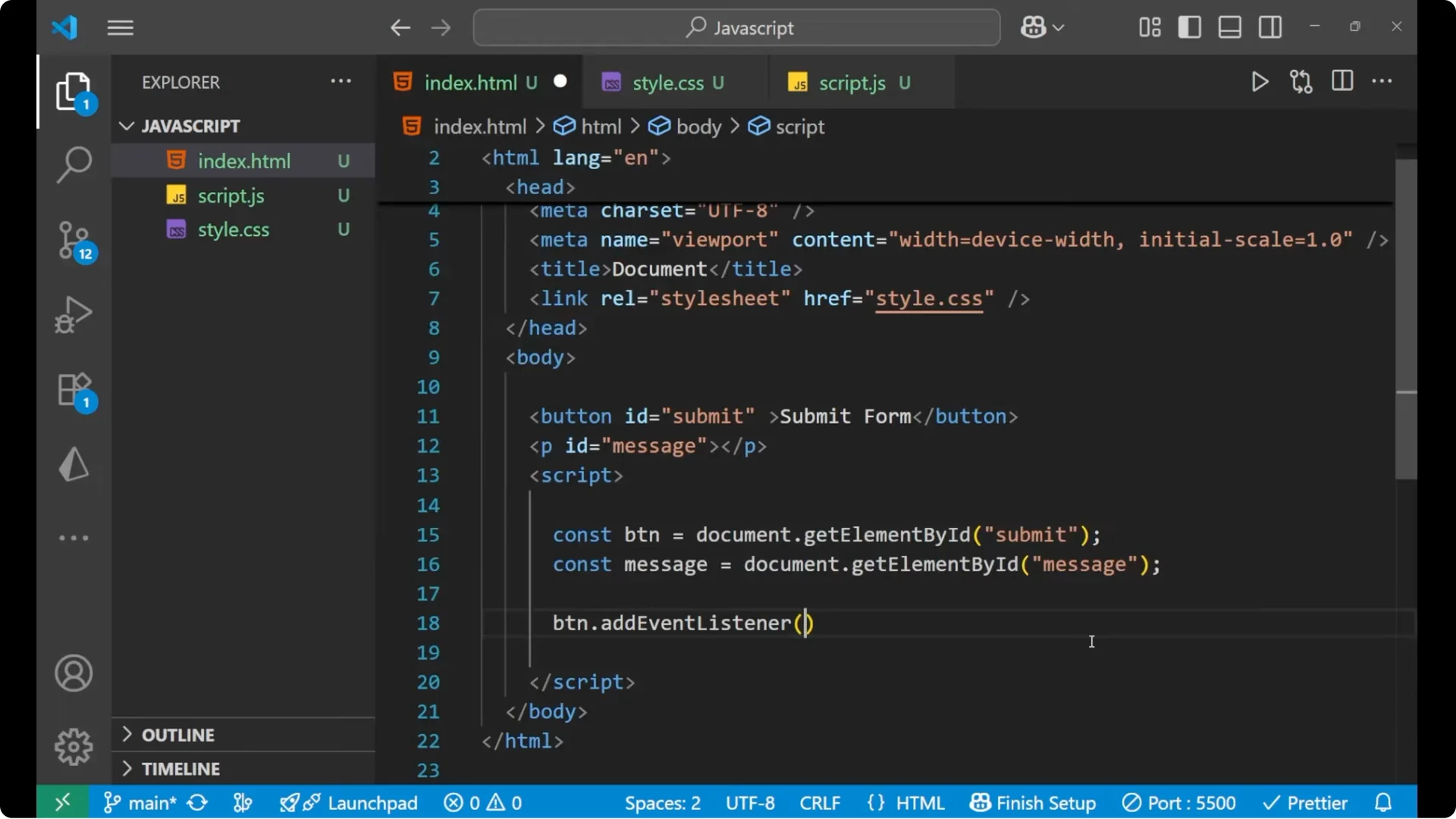
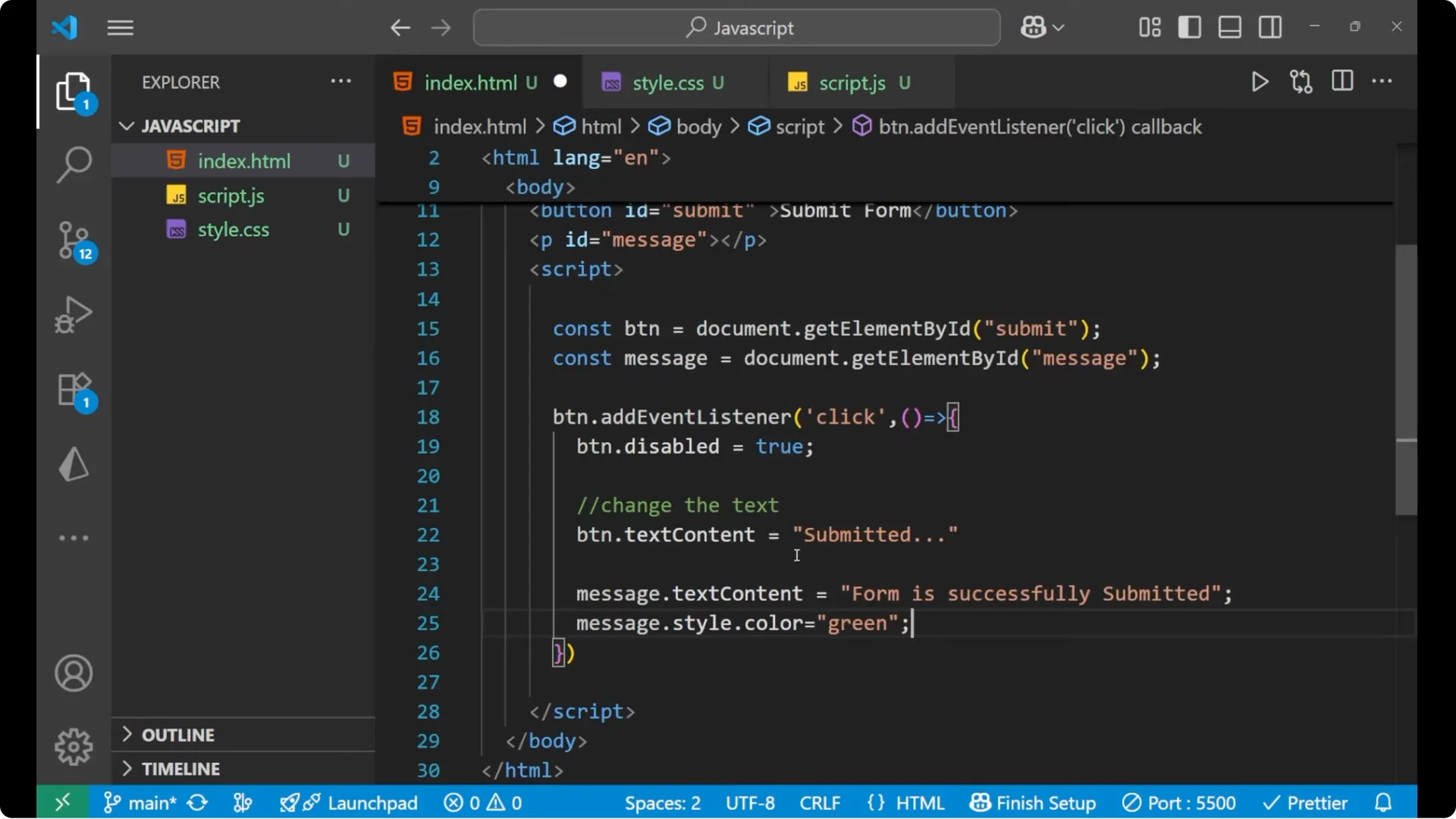
Step 4: Add a click event listener to the button. When it gets clicked, set the button as disabled, change its text, and update the message.
<script>
  const btn = document.getElementById('submit');
  const message = document.getElementById('message');

  btn.addEventListener('click', () => {
    btn.disabled = true; // makes the button non-interactive
    btn.textContent = 'Submitted'; // change the label

    message.textContent = 'Form successfully submitted'; // show a status message
    message.style.color = 'green'; // make it visible on a dark background
  });
</script>
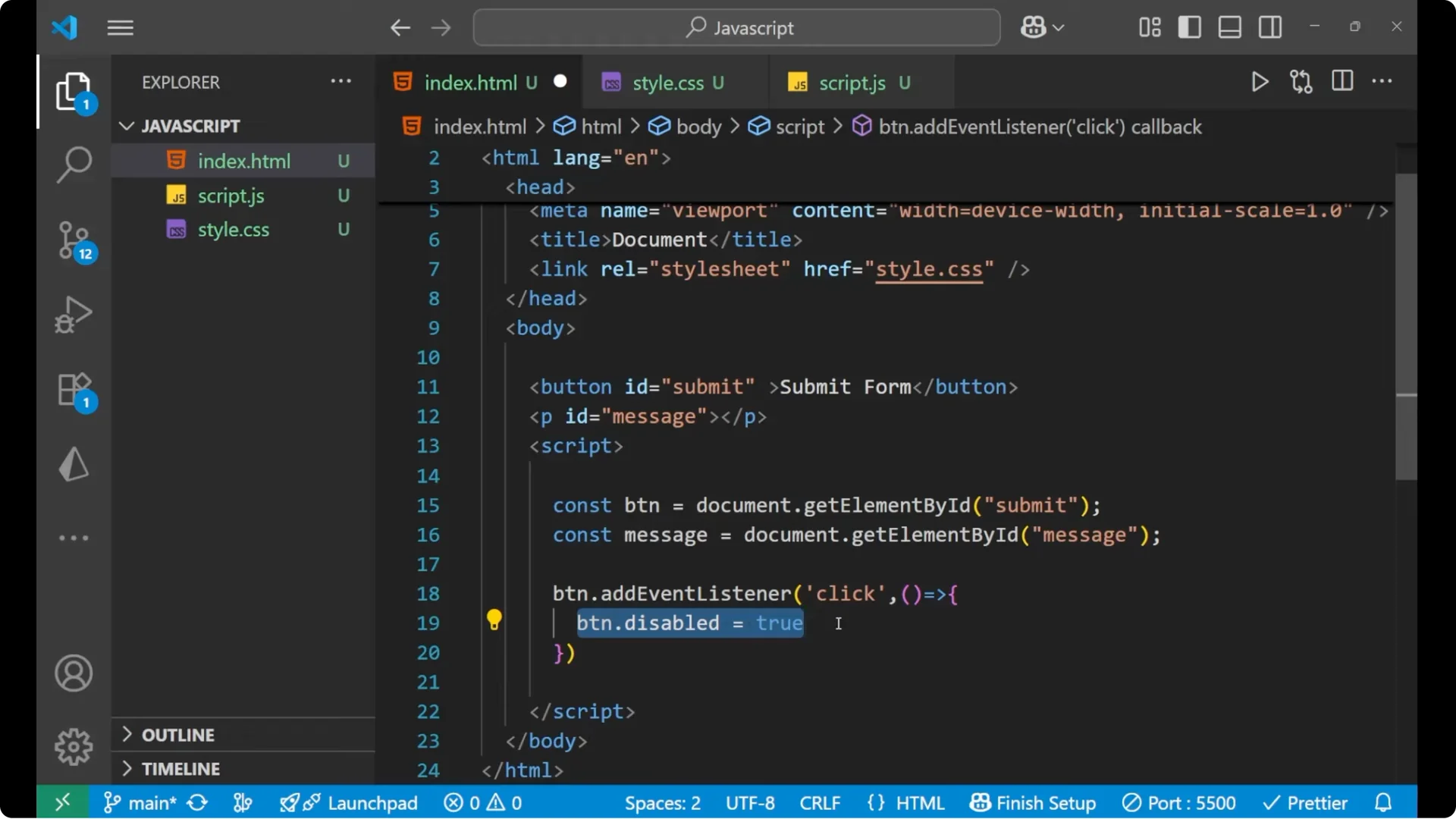
Setting the
btn.disabled property to true
makes the button inactive. Changing btn.textContent updates the visible label. Updating
message.textContent shows feedback, and
message.style.color sets its color to green so it is visible on a dark screen.
Prevent Multiple Clicks in JavaScript – What happens on click
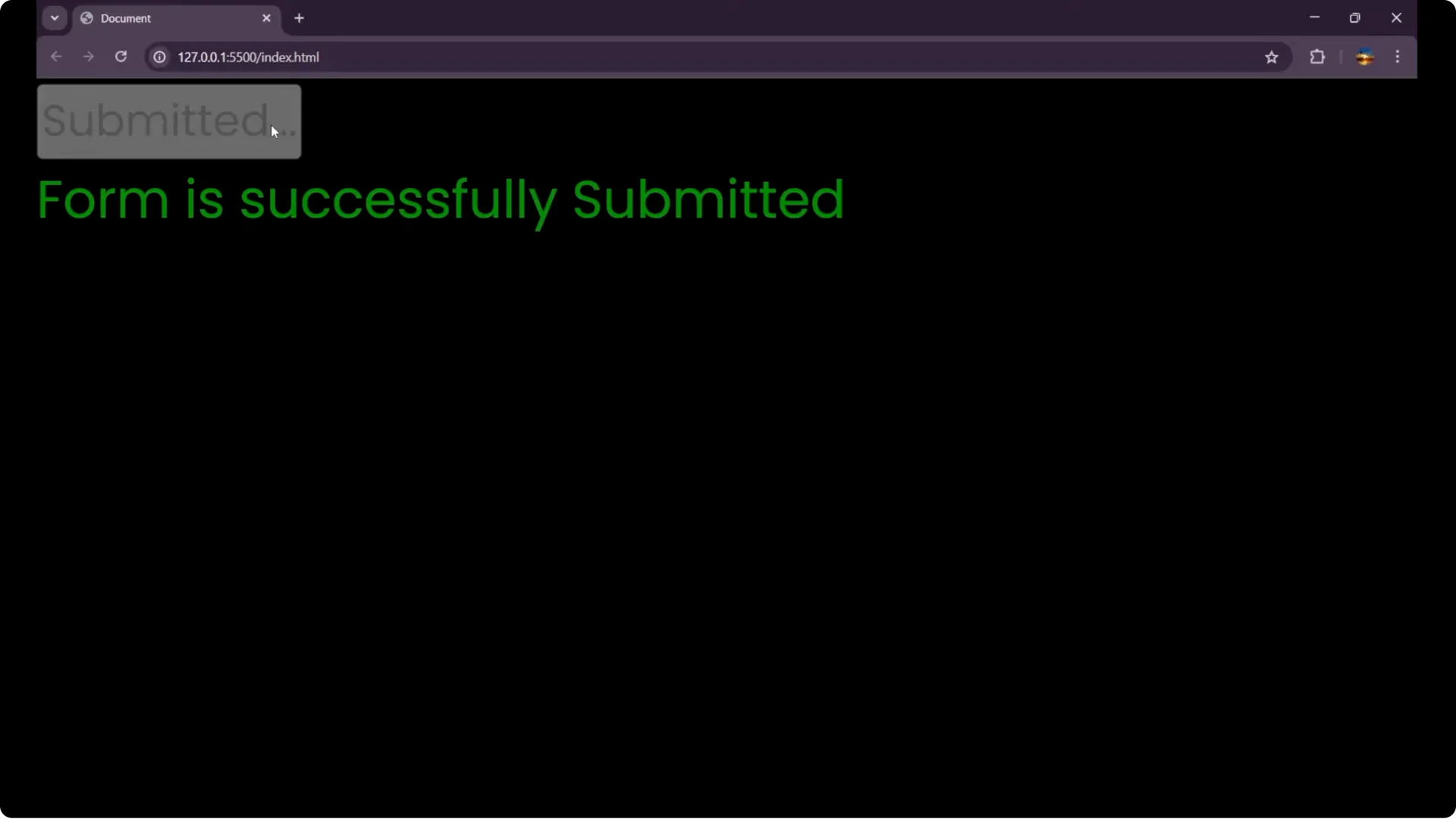
When you click the button, the form gets submitted, the button text changes to Submitted, and the button looks dimmed because it is disabled. You cannot click it again. To try it again, reload the page.
Prevent Multiple Clicks in JavaScript – Complete example
<!doctype html>
<html lang="en">
  <head>
    <meta charset="utf-8" />
    <title>Disable Button After Click</title>
    <meta name="viewport" content="width=device-width, initial-scale=1" />
    <style>
      body { background: #000; color: #ddd; font-family: sans-serif; padding: 2rem; }
      button { font-size: 1rem; padding: 0.6rem 1rem; }
      p { margin-top: 1rem; }
    </style>
  </head>
  <body>
    <button id="submit">Submit Form</button>
    <p id="message"></p>

    <script>
      const btn = document.getElementById('submit');
      const message = document.getElementById('message');

      btn.addEventListener('click', () => {
        btn.disabled = true;
        btn.textContent = 'Submitted';
        message.textContent = 'Form successfully submitted';
        message.style.color = 'green';
      });
    </script>
  </body>
</html>
Final Thoughts
This is the main logic to prevent multiple clicks in JavaScript during a submit action: grab the elements, attach a click handler, set
button.disabled to true**, update the button label with
textContent, and show a success message. After clicking, you will see the button disabled and the message visible.