Deep cloning means creating a new object whose nested properties do not share references with the original. Nested properties still refer to the same memory with the spread operator, and that’s why we do a
_deep clone_. Let me first show you what a
_shallow copy_ is so you understand the need for
_JavaScript Object Deep Cloning_. If you want a quick refresher on data processing patterns, see
map-filter-reduce.
Shallow vs JavaScript Object Deep Cloning
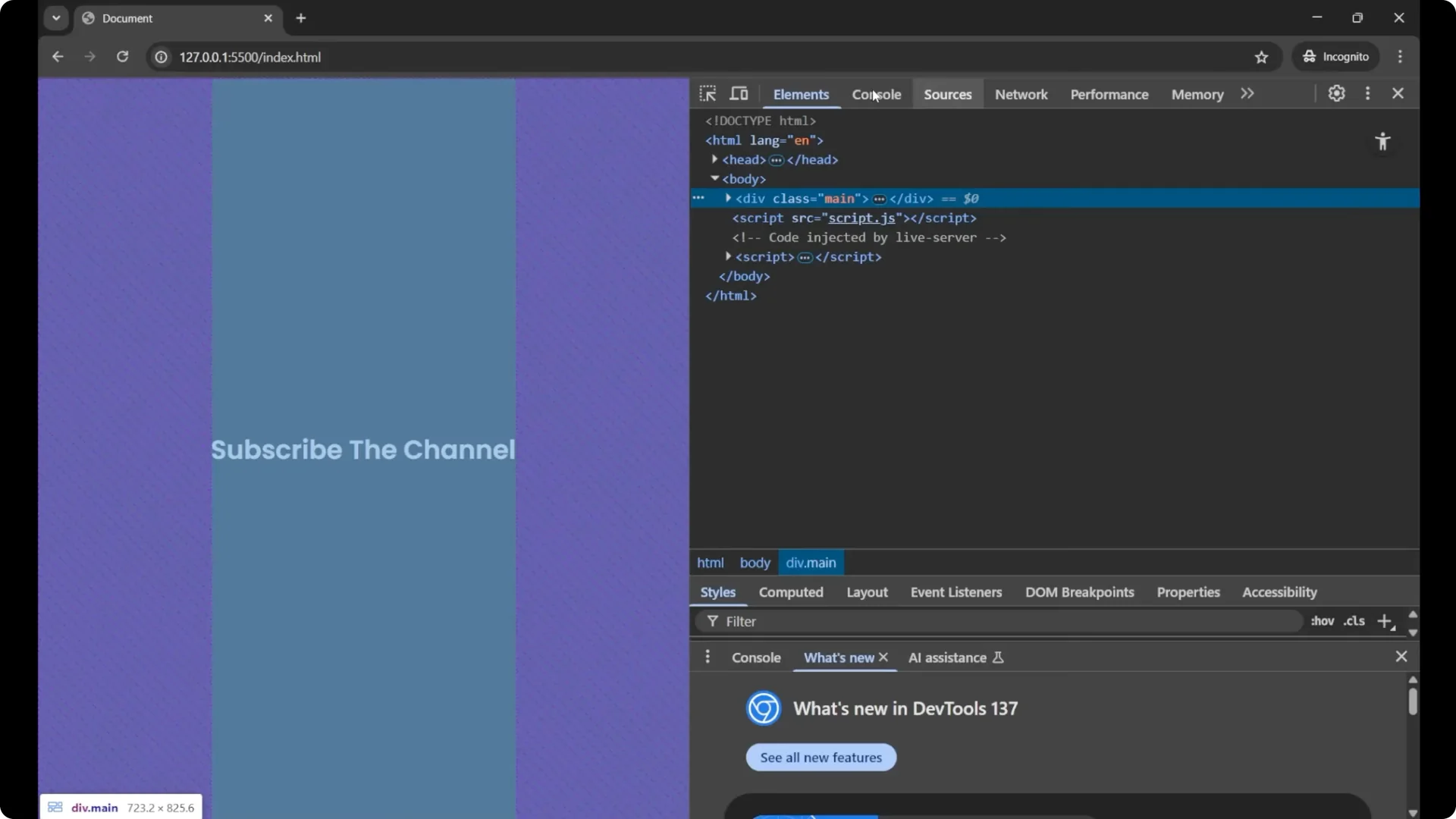
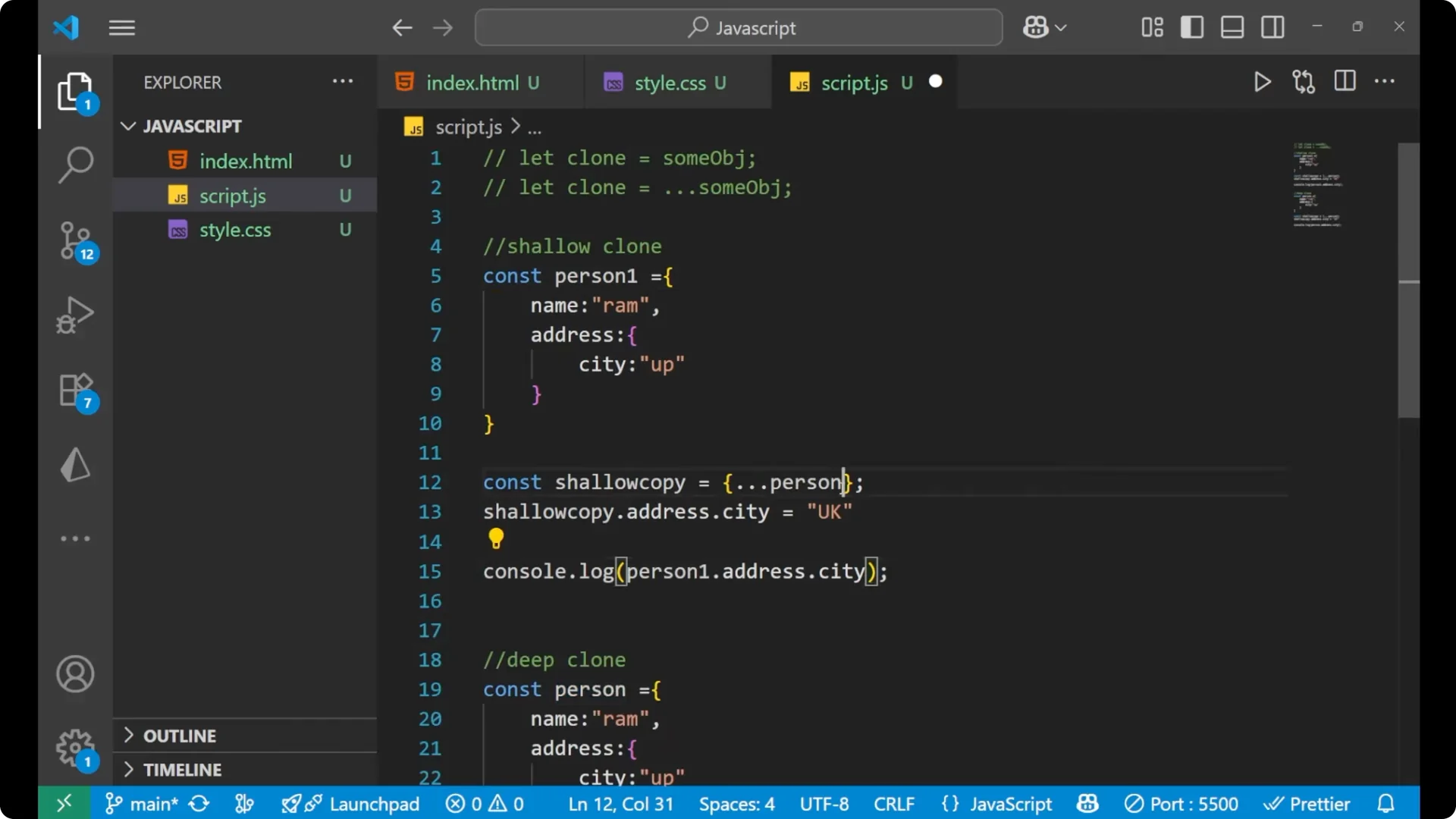
I will start with a simple object that has a nested object inside it. I will use the
_spread operator_ to create a shallow copy and then change a nested property.
const person = {
  name: 'RAM',
  address: {
    city: 'UP'
  }
};

// Shallow copy using the spread operator
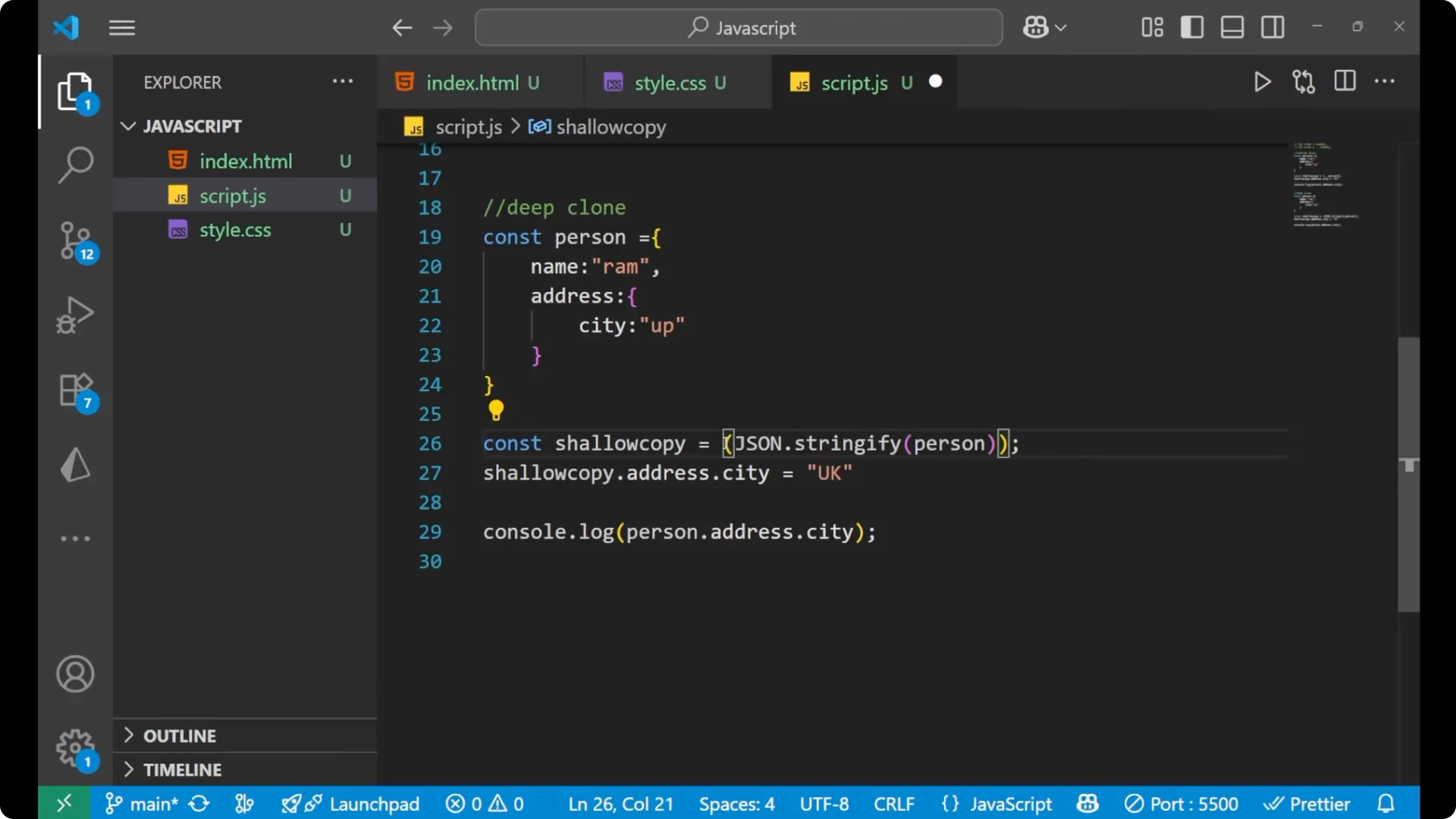
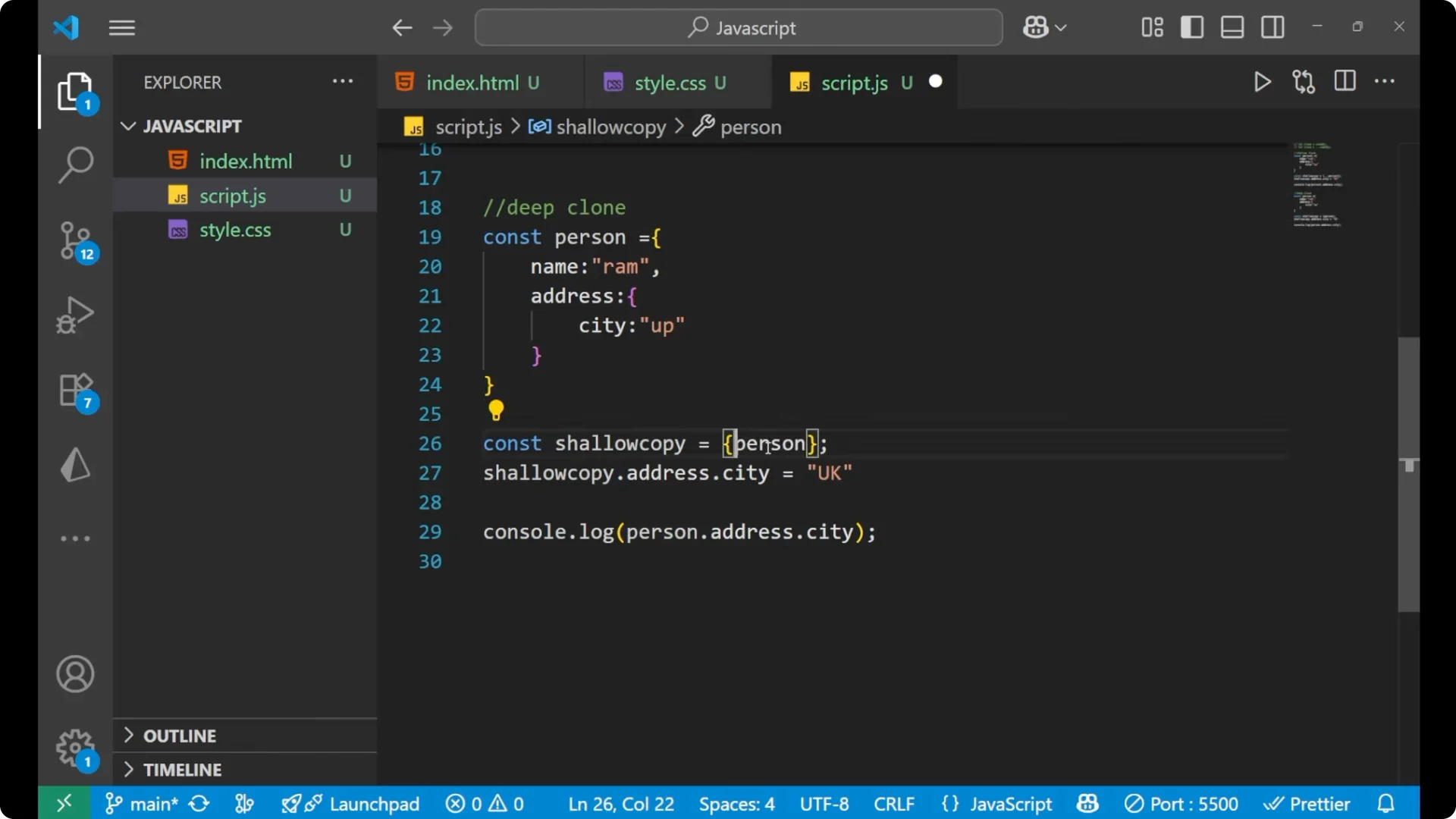
const shallowCopy = { ...person };

// Change a nested property on the shallow copy
shallowCopy.address.city = 'UK';

console.log(shallowCopy.address.city); // "UK"
console.log(person.address.city);      // "UK" - also changed
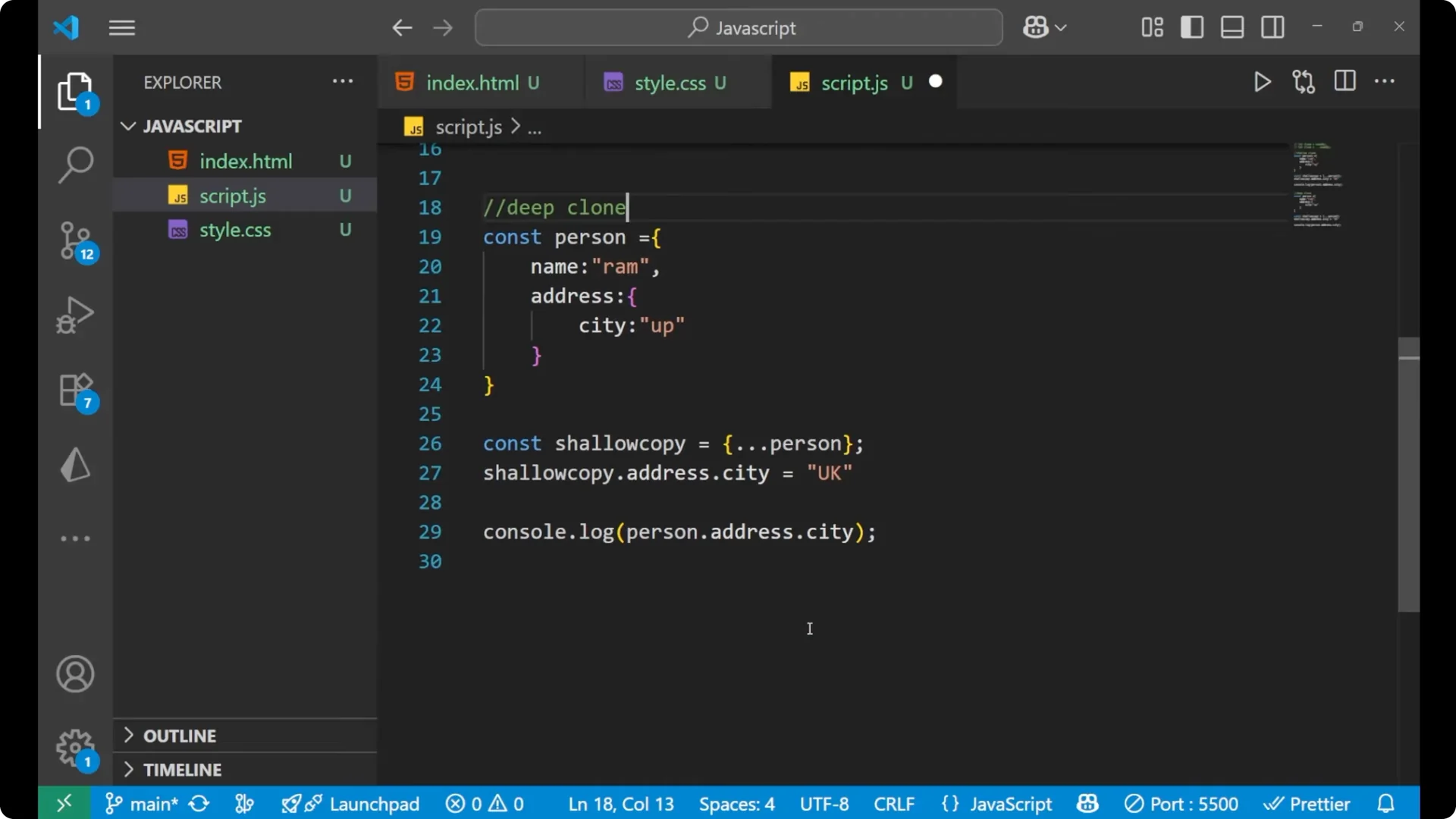
By using a shallow copy, when we change a nested object on the copied part, it also changes the main object. That is the problem with a
_shallow copy_, and that is the reason we use
_JavaScript Object Deep Cloning_.
If you like stepping through changes with loops during debugging, revisit
while loops.
JSON method for JavaScript Object Deep Cloning
For
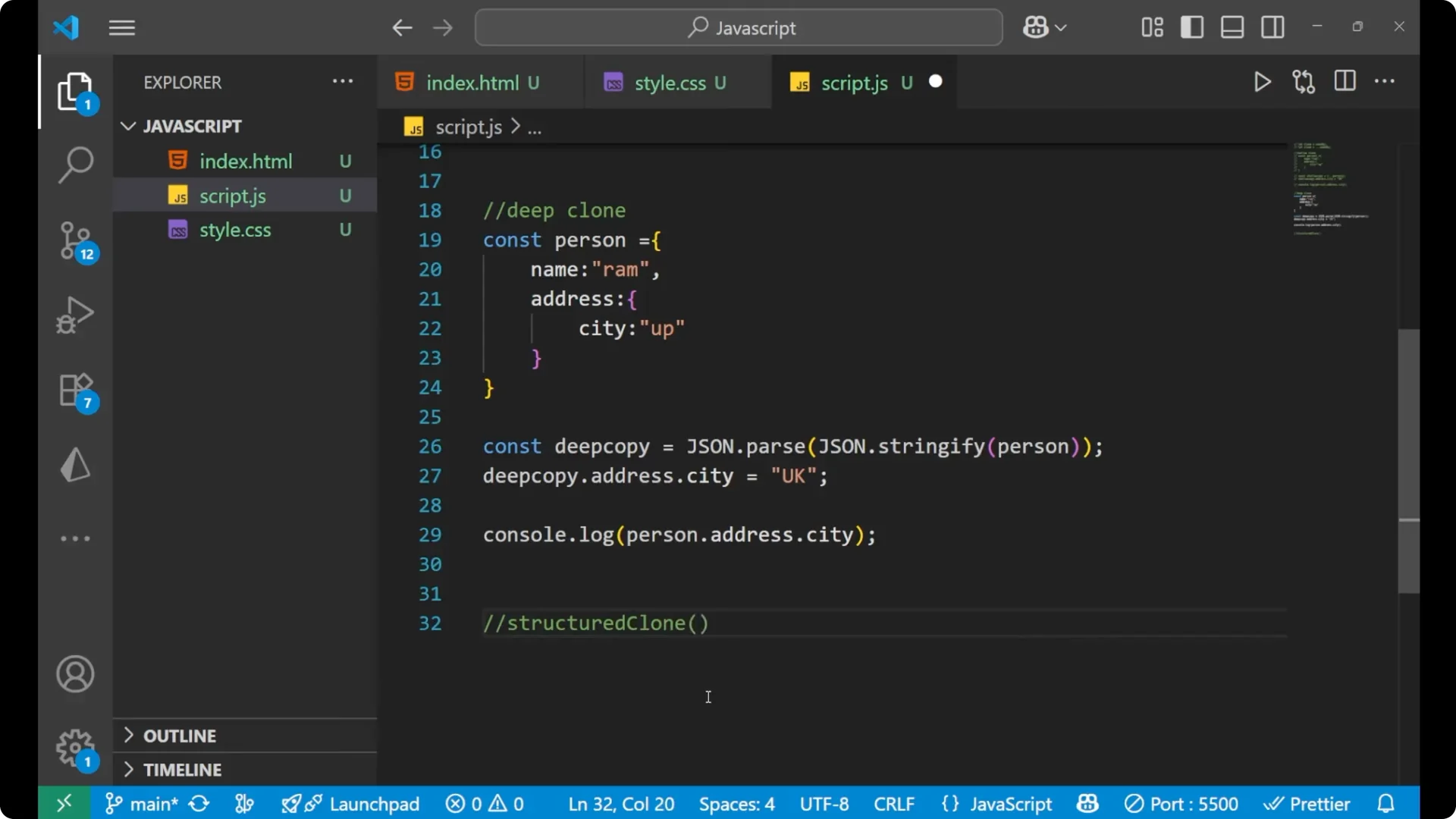
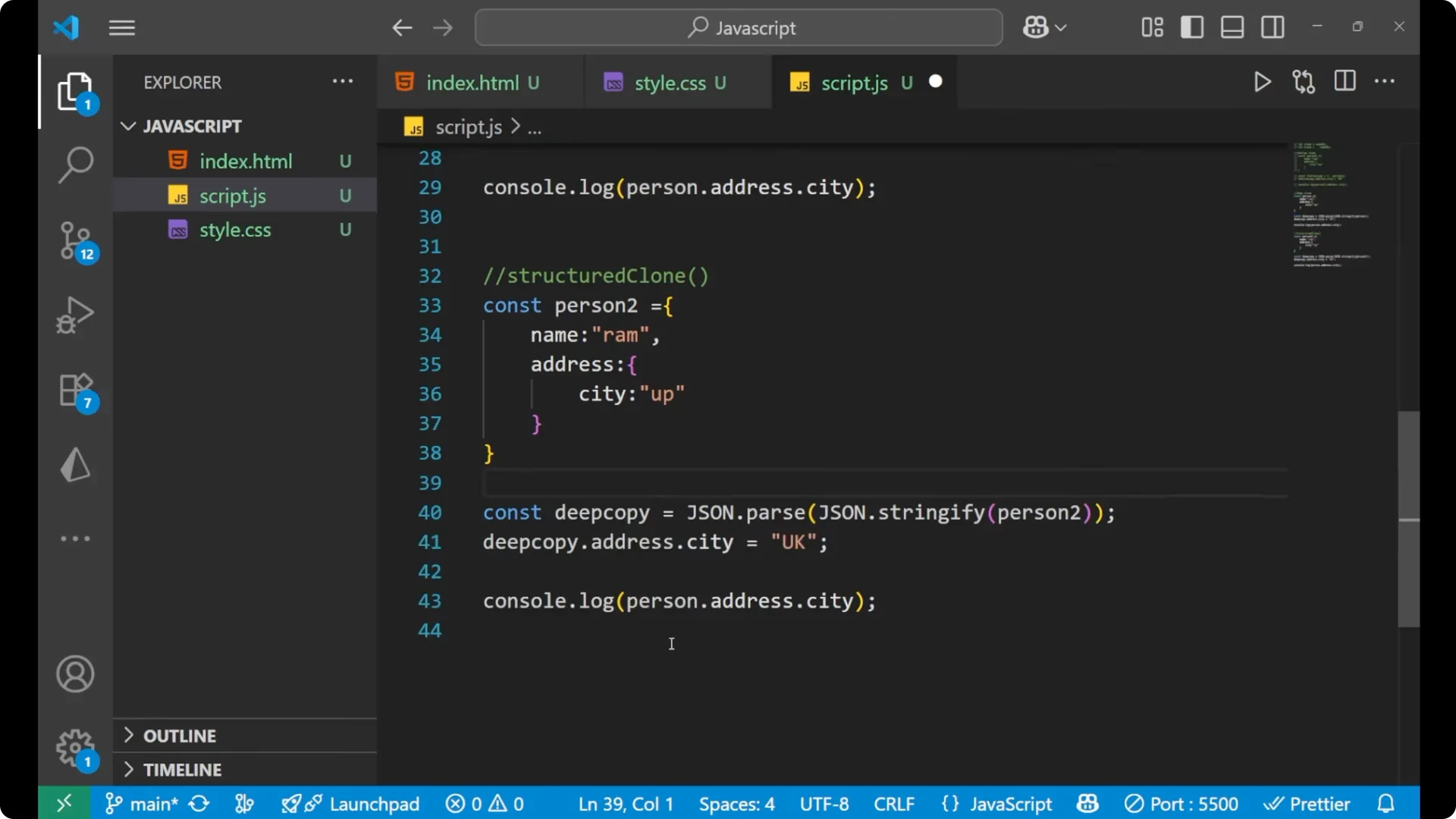
plain data, a quick way to deep clone is to use `JSON.parse(JSON.stringify(obj))`. Let me show you how.
const person1 = {
  name: 'RAM',
  address: {
    city: 'UP'
  }
};

// Deep copy using JSON
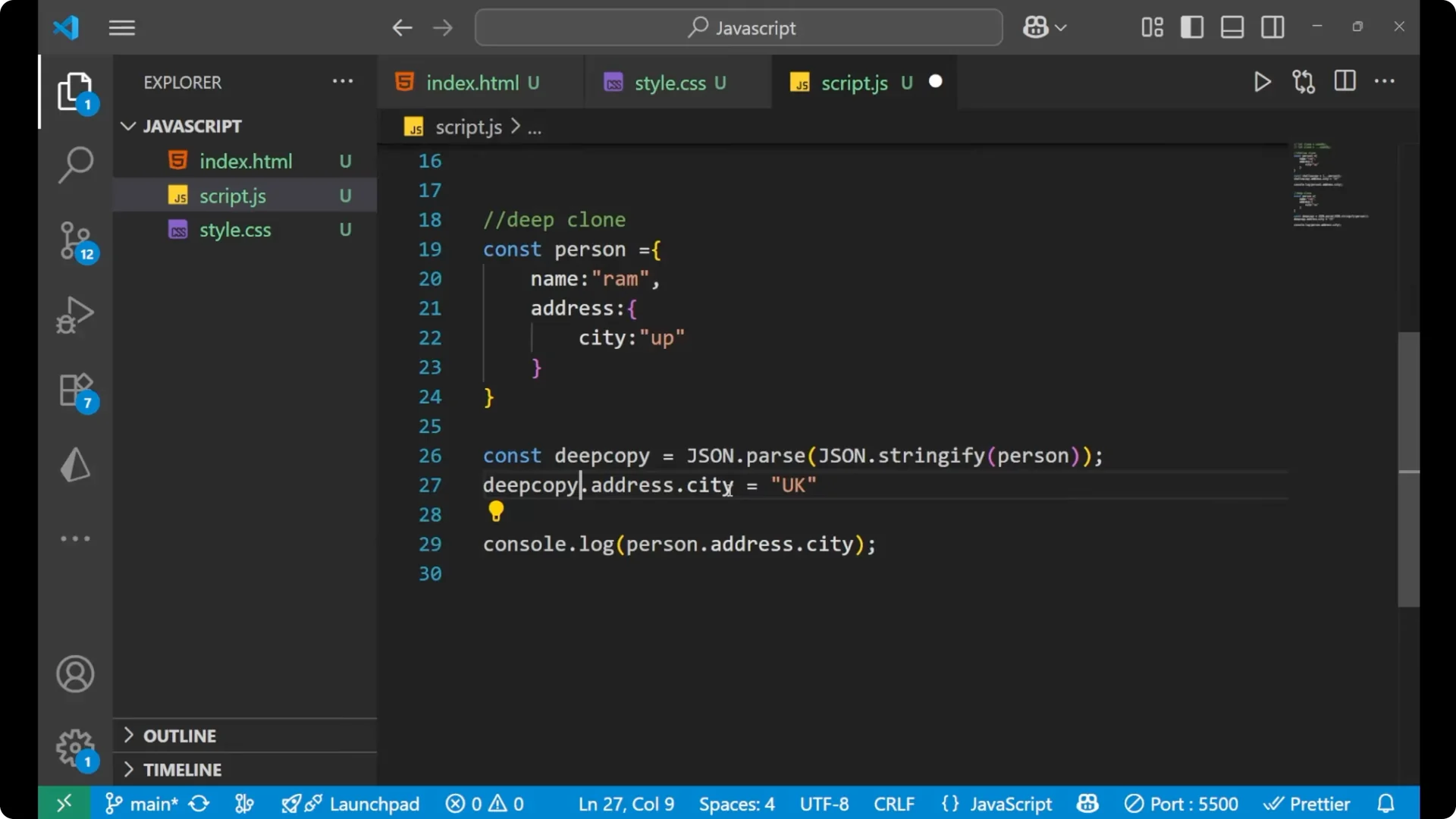
const deepCopy = JSON.parse(JSON.stringify(person1));

// Change the nested property on the deep copy
deepCopy.address.city = 'UK';

console.log(deepCopy.address.city); // "UK"
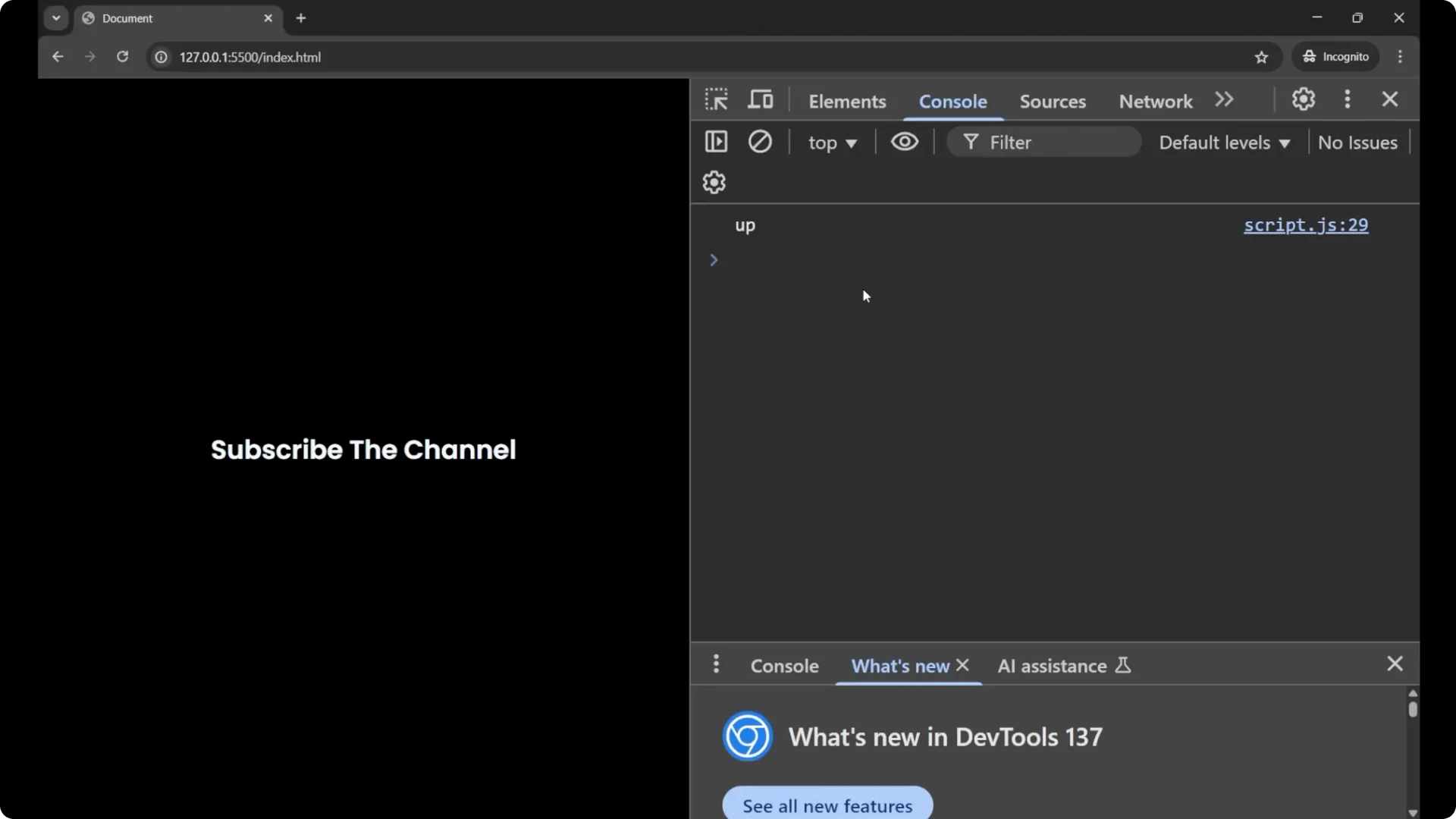
console.log(person1.address.city);  // "UP" - original is not affected
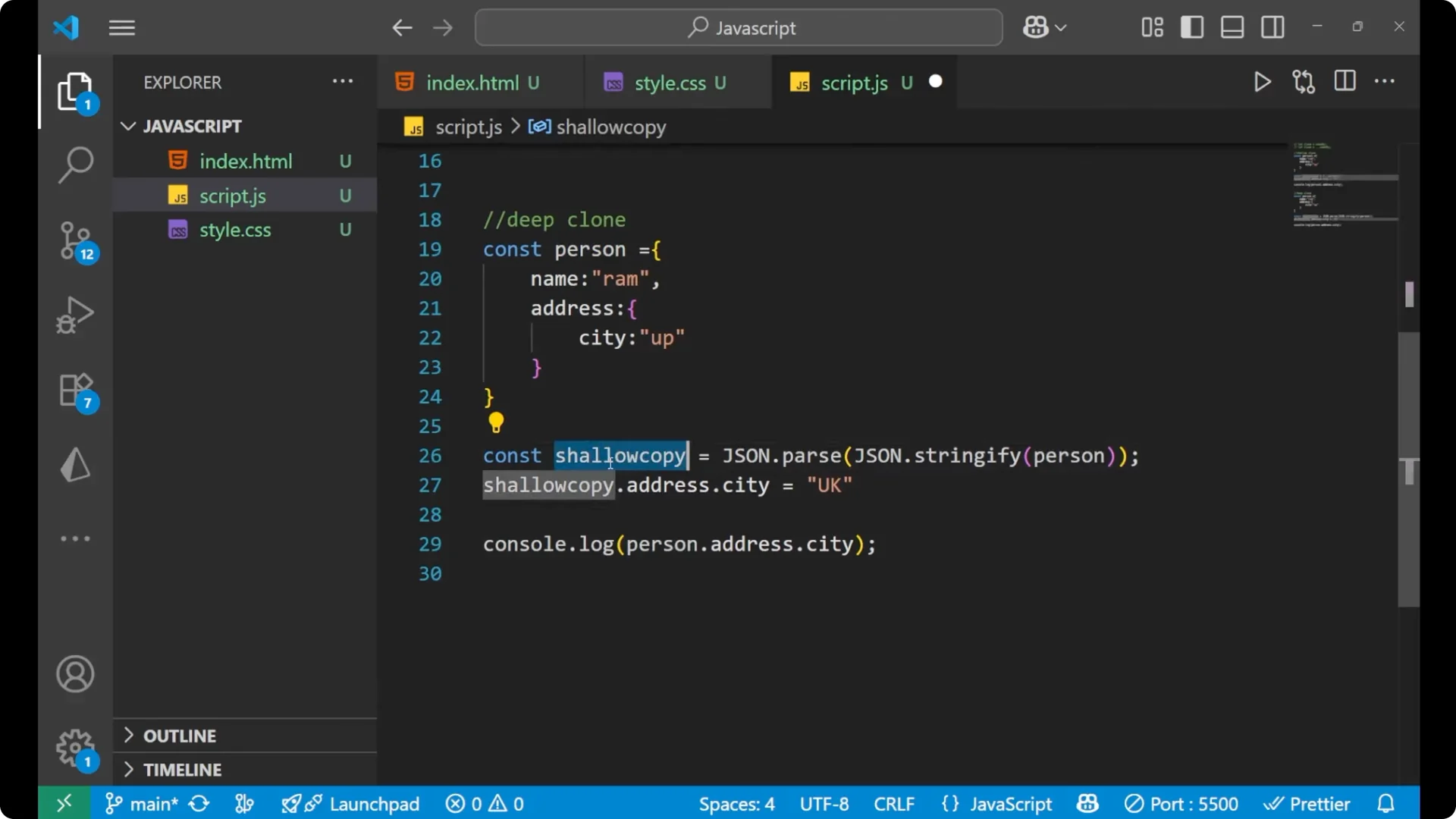
This method copies the content of the object into a new object. By updating anything in the copied object, the main object is not affected when you do a
_deep clone_ with
_JSON.parse(JSON.stringify(…))_. It is a quick way to deep clone the plain data.
Step-by-step
Create an object with a nested object.
Call `JSON.stringify` on the object.
Pass that string to `JSON.parse` to get a deep copy.
Change a nested property on the deep copy.
Log the original and confirm it is unchanged.
structuredClone and JavaScript Object Deep Cloning
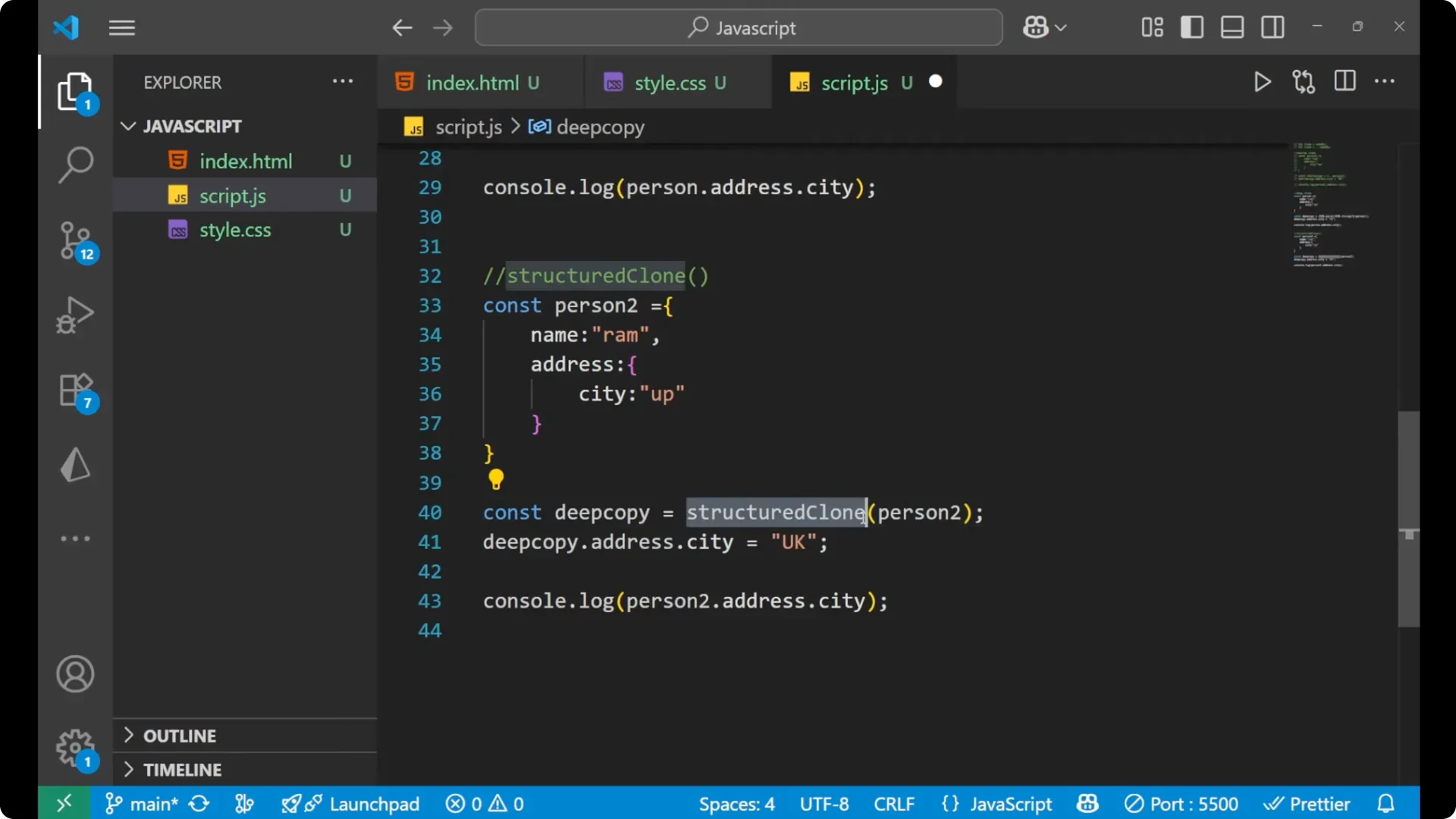
There is one more method that does the same thing – the
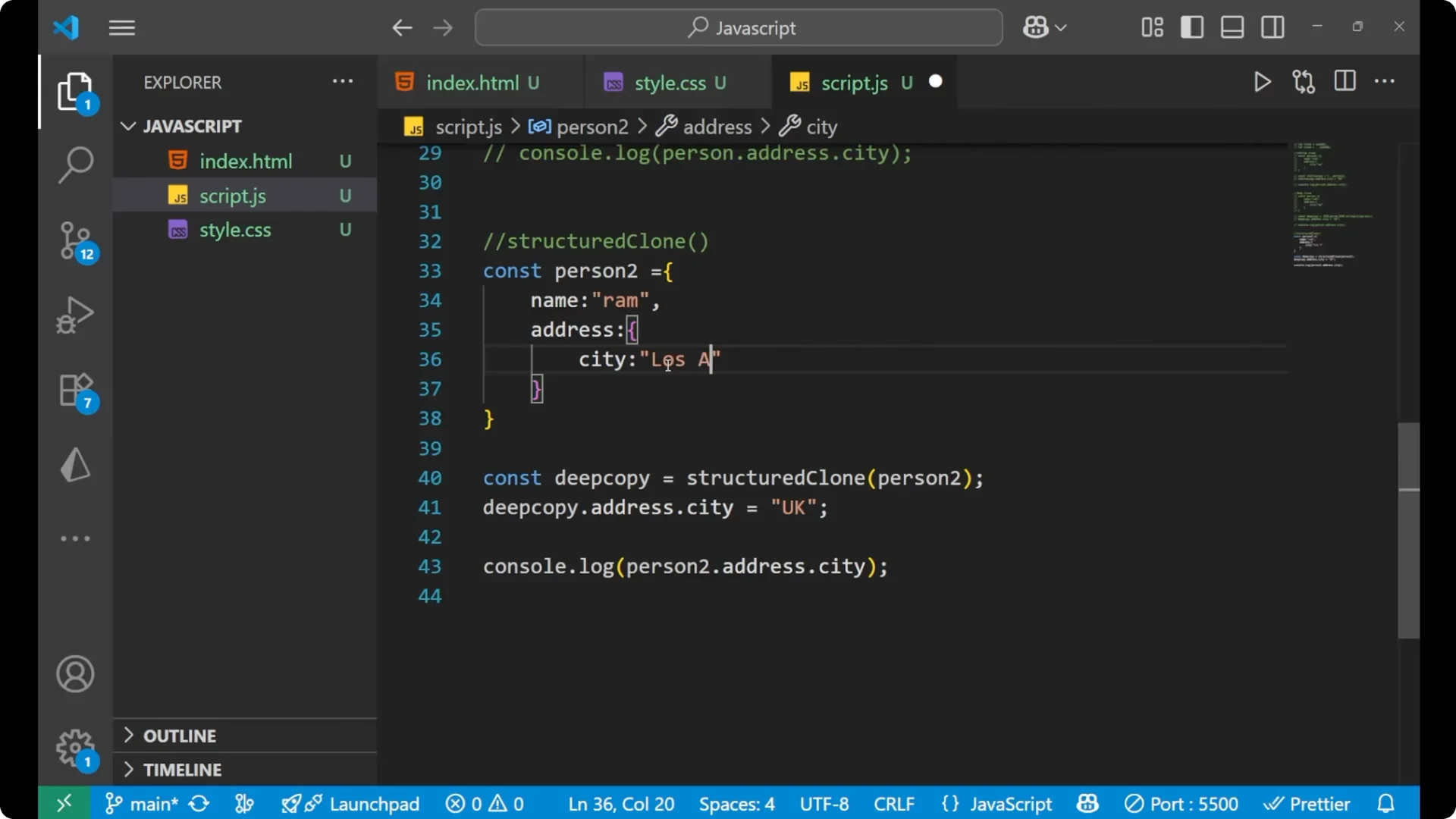
_structuredClone_ method. With a single call, you can create a deep copy.
const person2 = {
  name: 'RAM',
  address: {
    city: 'UP'
  }
};

// Deep copy using structuredClone
const deepCopy2 = structuredClone(person2);

// Change the nested property on the deep copy
deepCopy2.address.city = 'Los Angeles';

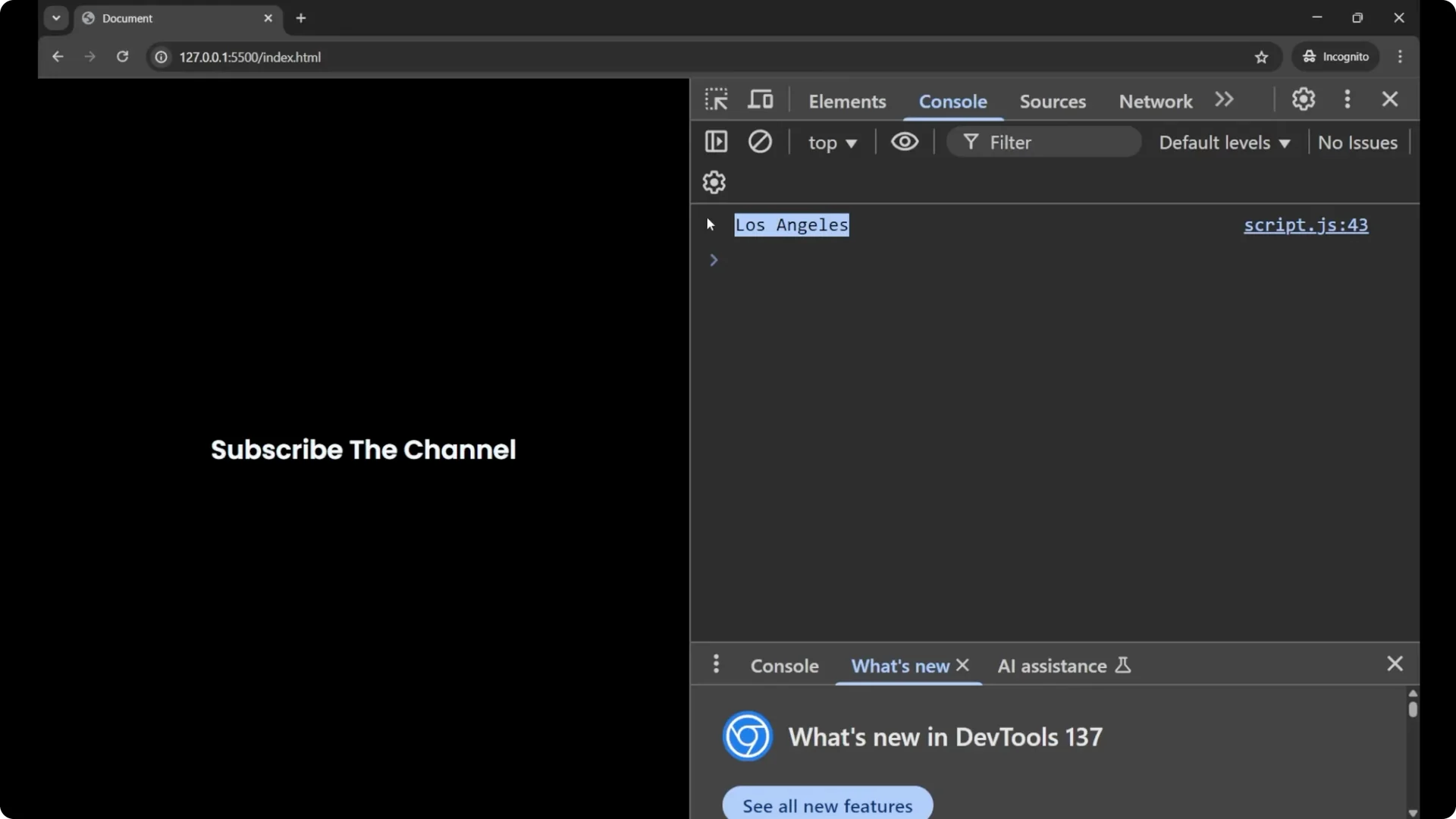
console.log(deepCopy2.address.city); // "Los Angeles"
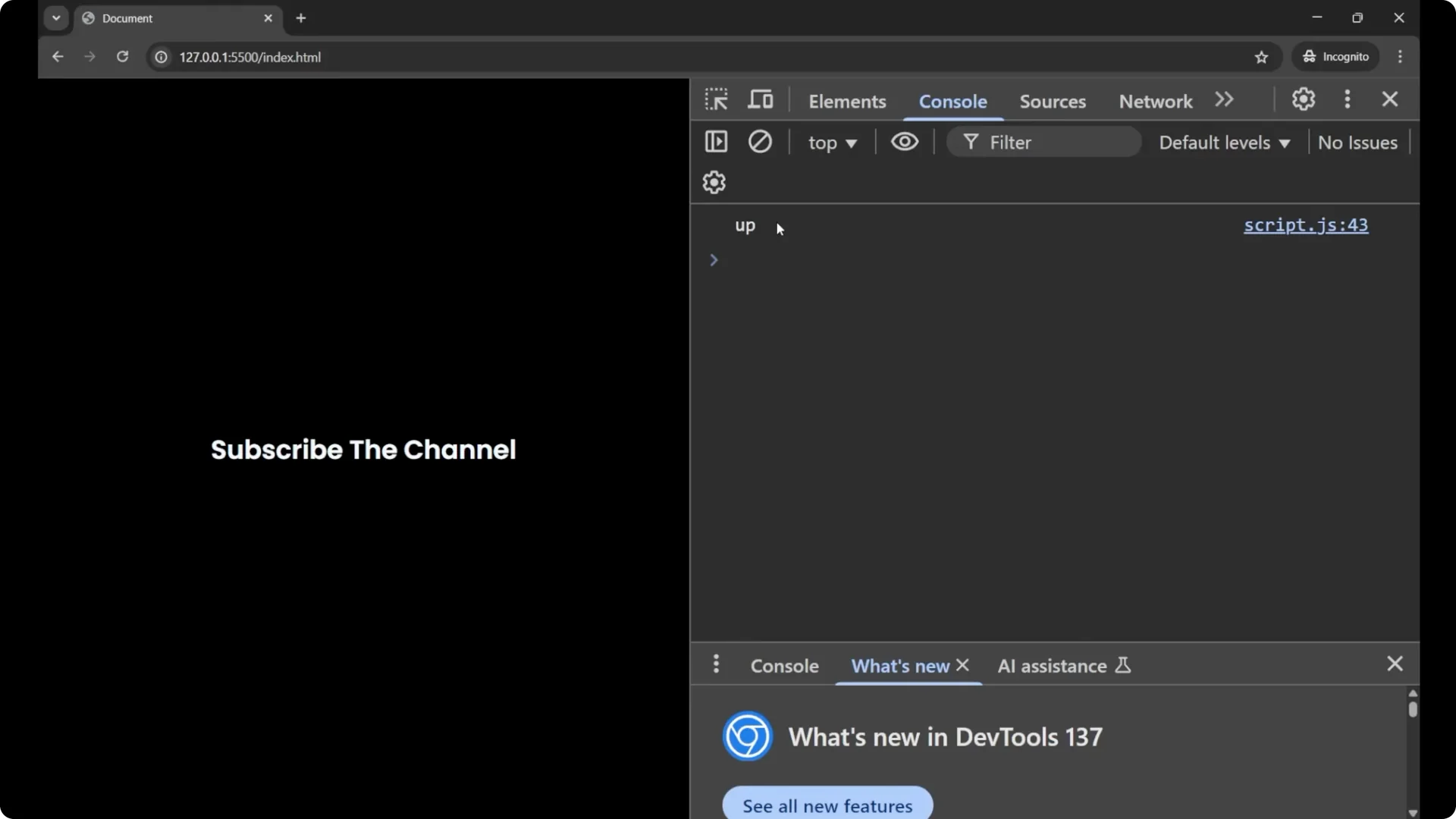
console.log(person2.address.city);   // "UP" - original is not affected
By using the
_structuredClone_ method, you can create a deep clone of any object into another object in a very direct way.
Step-by-step
Create the source object with nested data.
Call `structuredClone(source)` and store the result.
Change a nested property on the cloned object.
Check the source object and confirm it did not change.
If you are passing cloned objects into UI code, see how we build a simple
dropdown menu in JavaScript.
Final thoughts
A
_shallow copy_ duplicates only the top level, so nested objects still share references. A
_deep clone_ breaks those references so changes in the copy do not affect the original. For plain data,
_JSON.parse(JSON.stringify(…))_ is a quick solution. For a cleaner API,
_structuredClone_ gives you
_JavaScript Object Deep Cloning_ in one call.