We will see what debouncing is and how we can implement it using a real world example like handling a resize event on the browser window. I have written a sort of example here in which we are having a function named reportNewWidth, and whenever this function gets called it will print a line showing the current width. You can also have any function or a large amount of code inside this function.
This is doing what it is actually printing the inner width of the window size, that is your browser. We have also attached a listener so that every time the size of your window changes, the handler runs and calls this function. That means every time you change the size of your browser, this line of code will execute.
JavaScript Function Debouncing
JavaScript Function Debouncing with a resize example
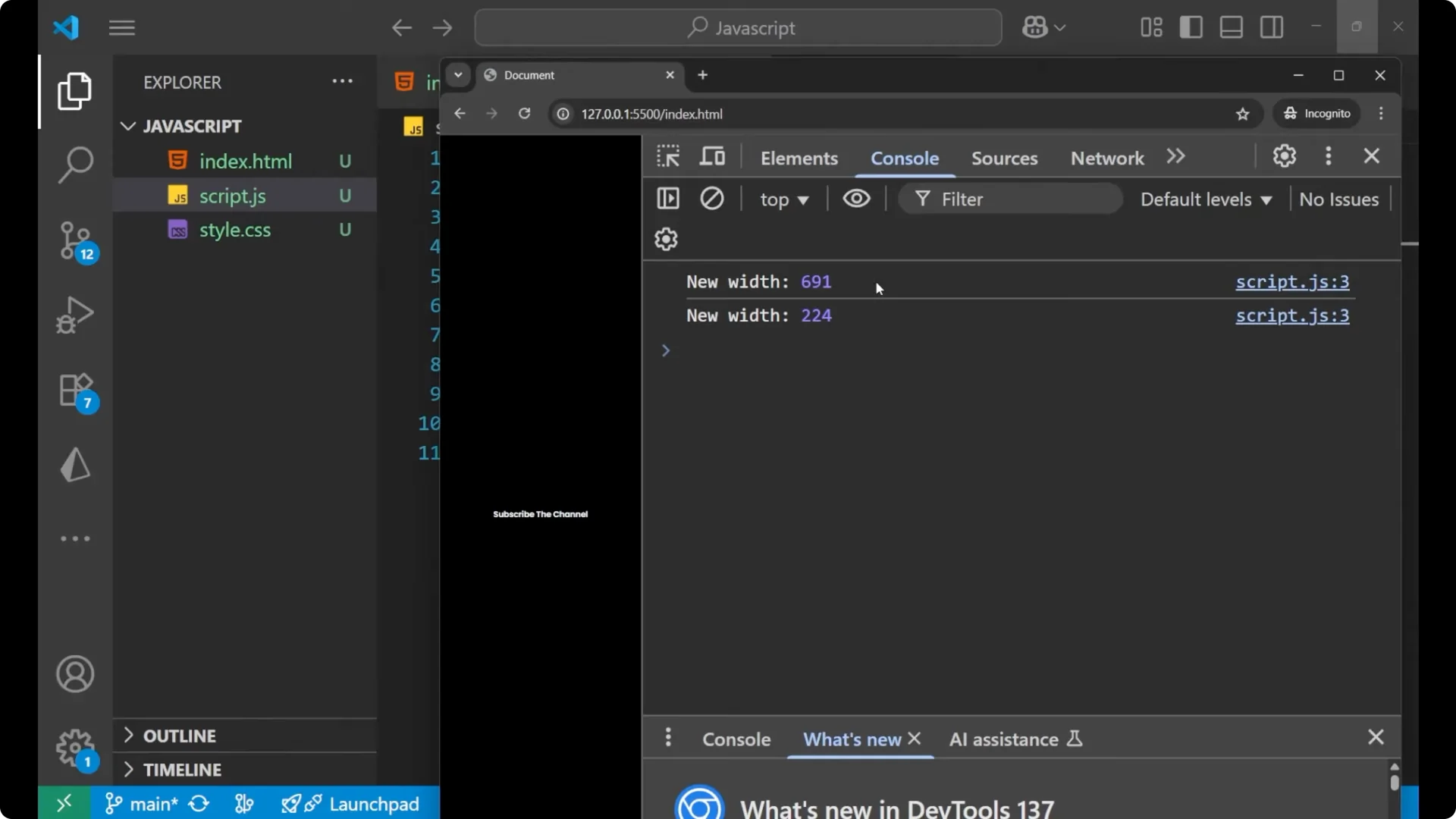
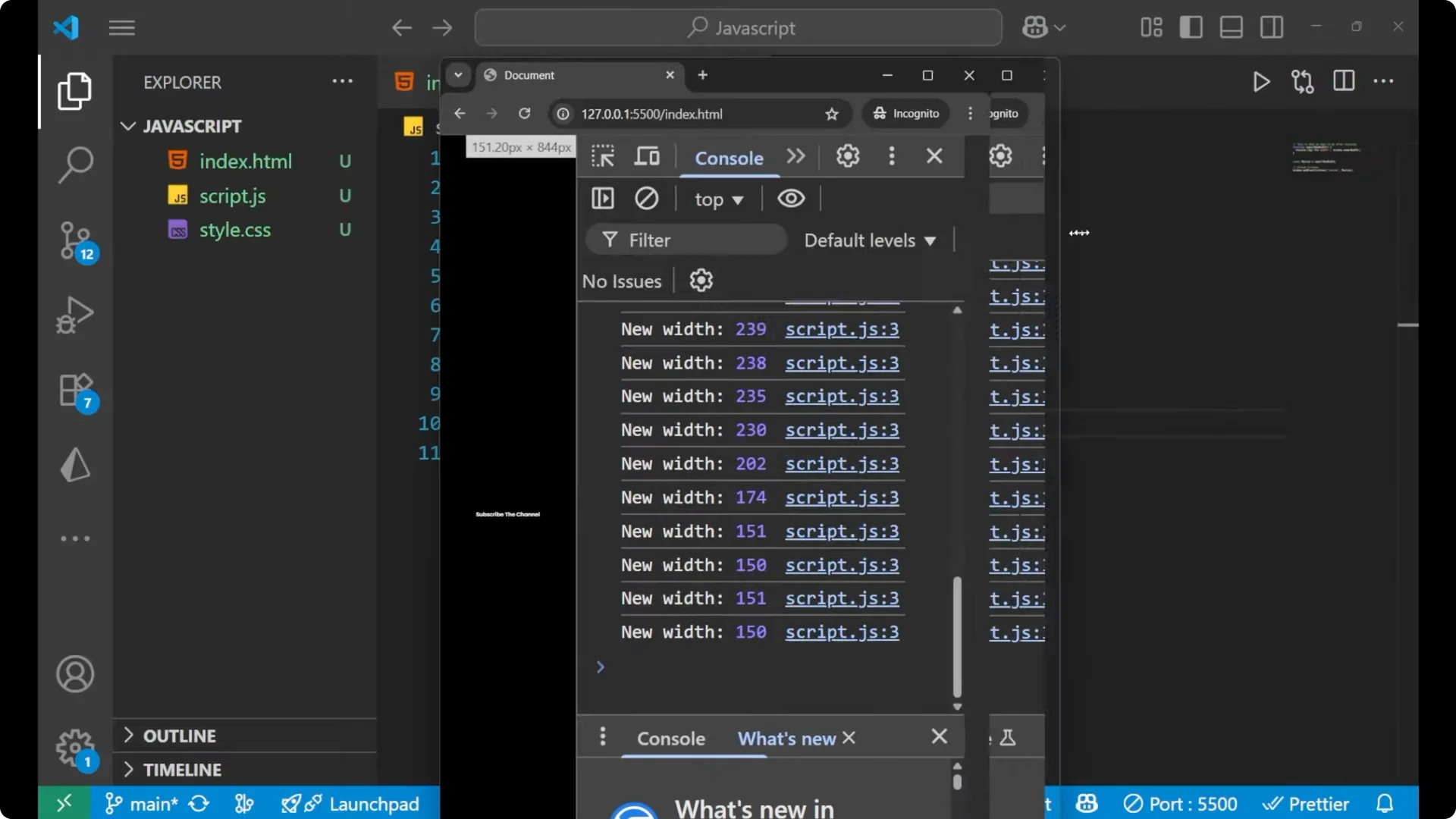
Here is the starting point that calls the function on every resize. It shows how quickly the event can trigger and how many times the function will run.
function reportNewWidth() {
  console.log("New width is:", window.innerWidth);
}

window.addEventListener("resize", reportNewWidth);
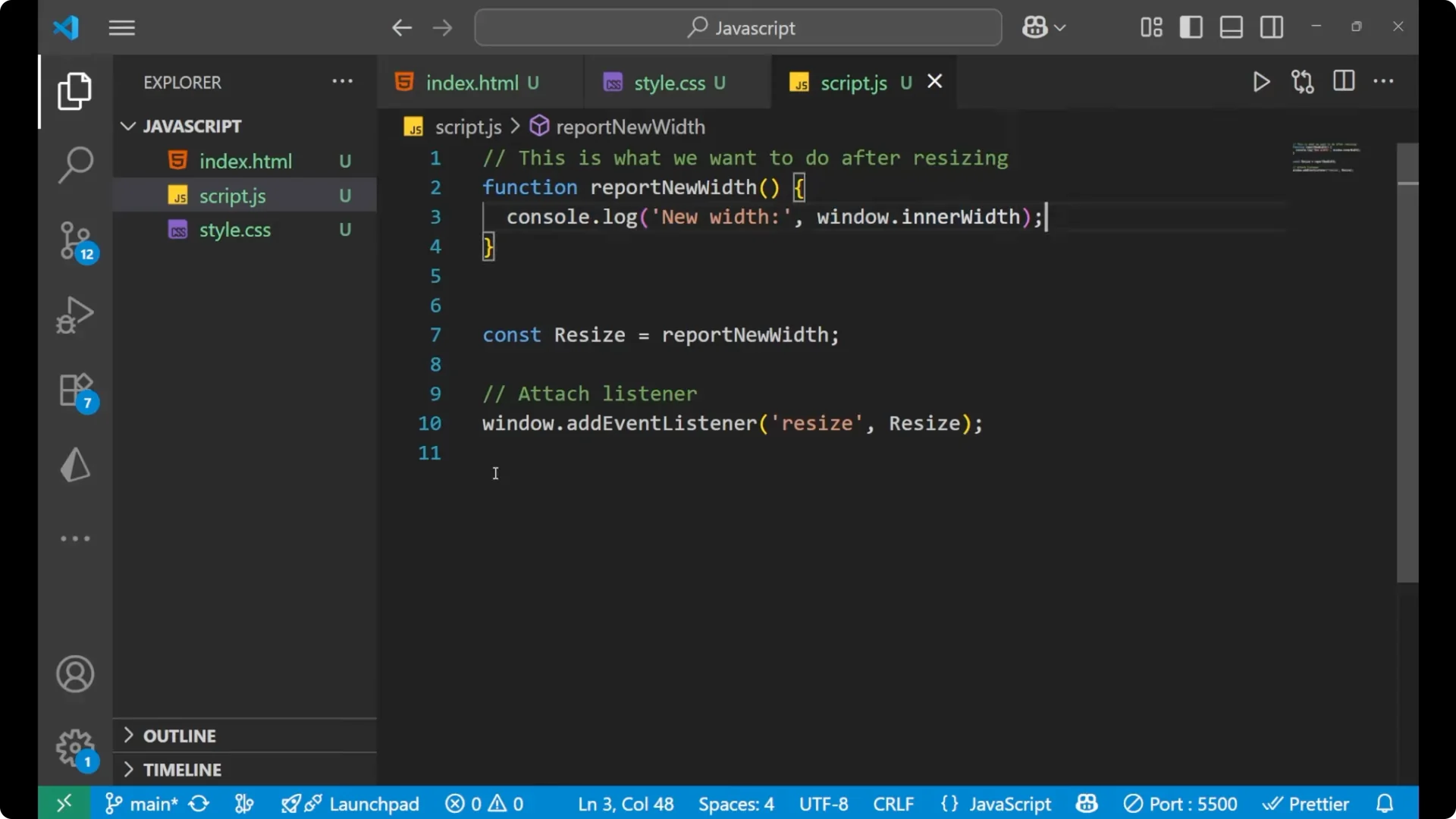
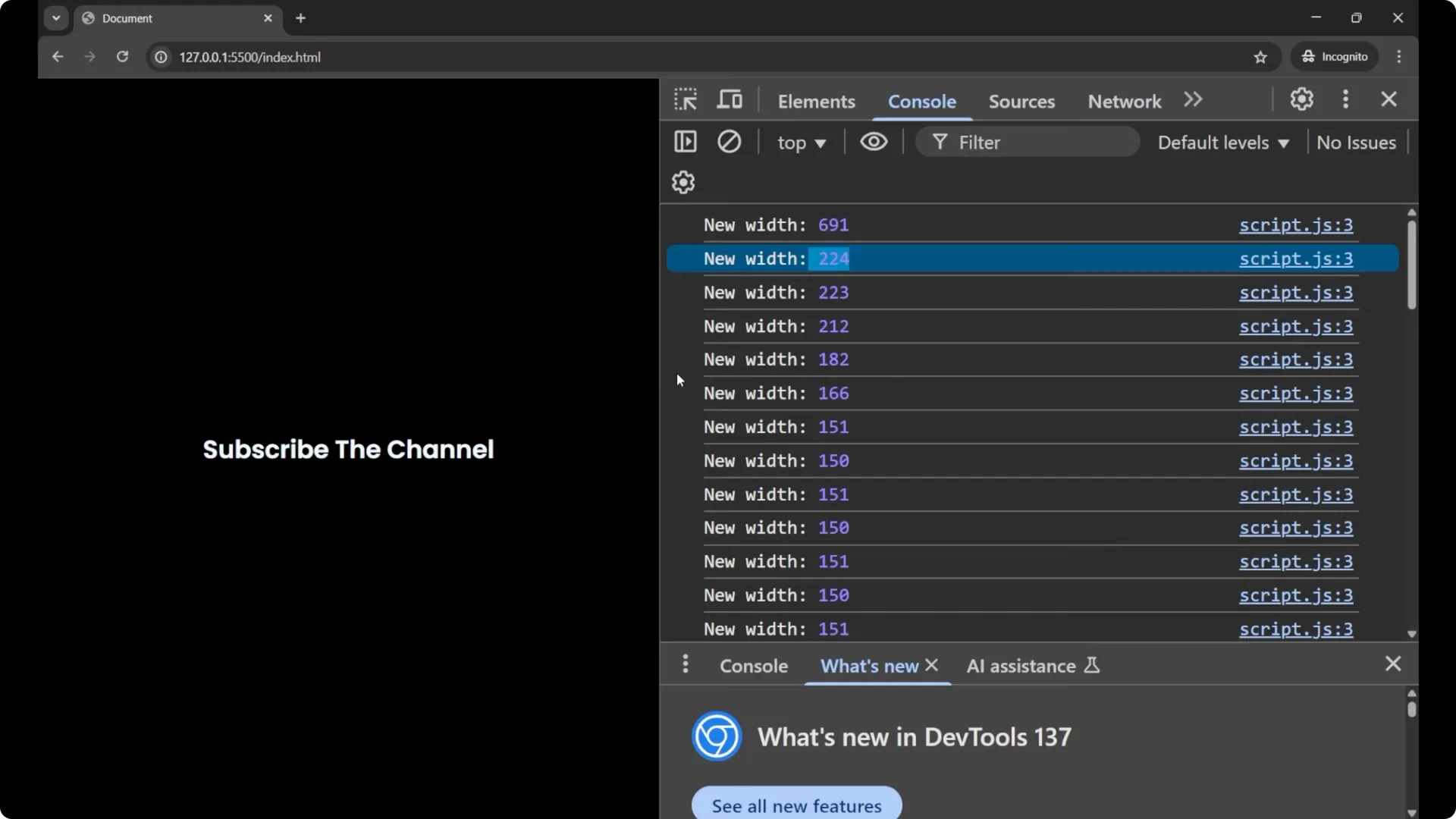
Imagine if I am having a large amount of code here, or some heavy function, and it gets called every time the window gets resized. It will be bulky to run and it will execute a large number of times. The resize event fires very frequently, and this can flood your function calls.
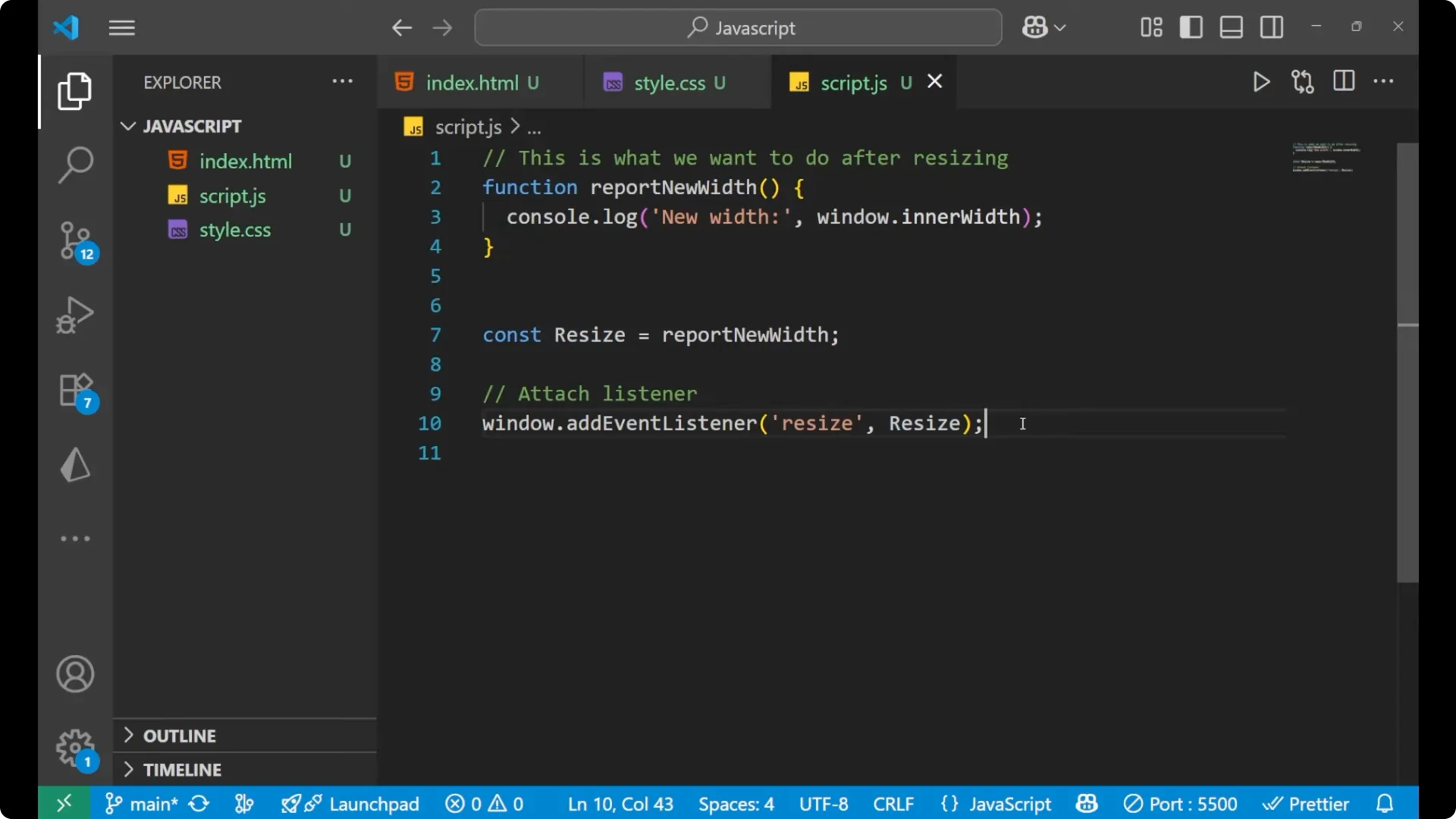
Why repeated calls are a problem
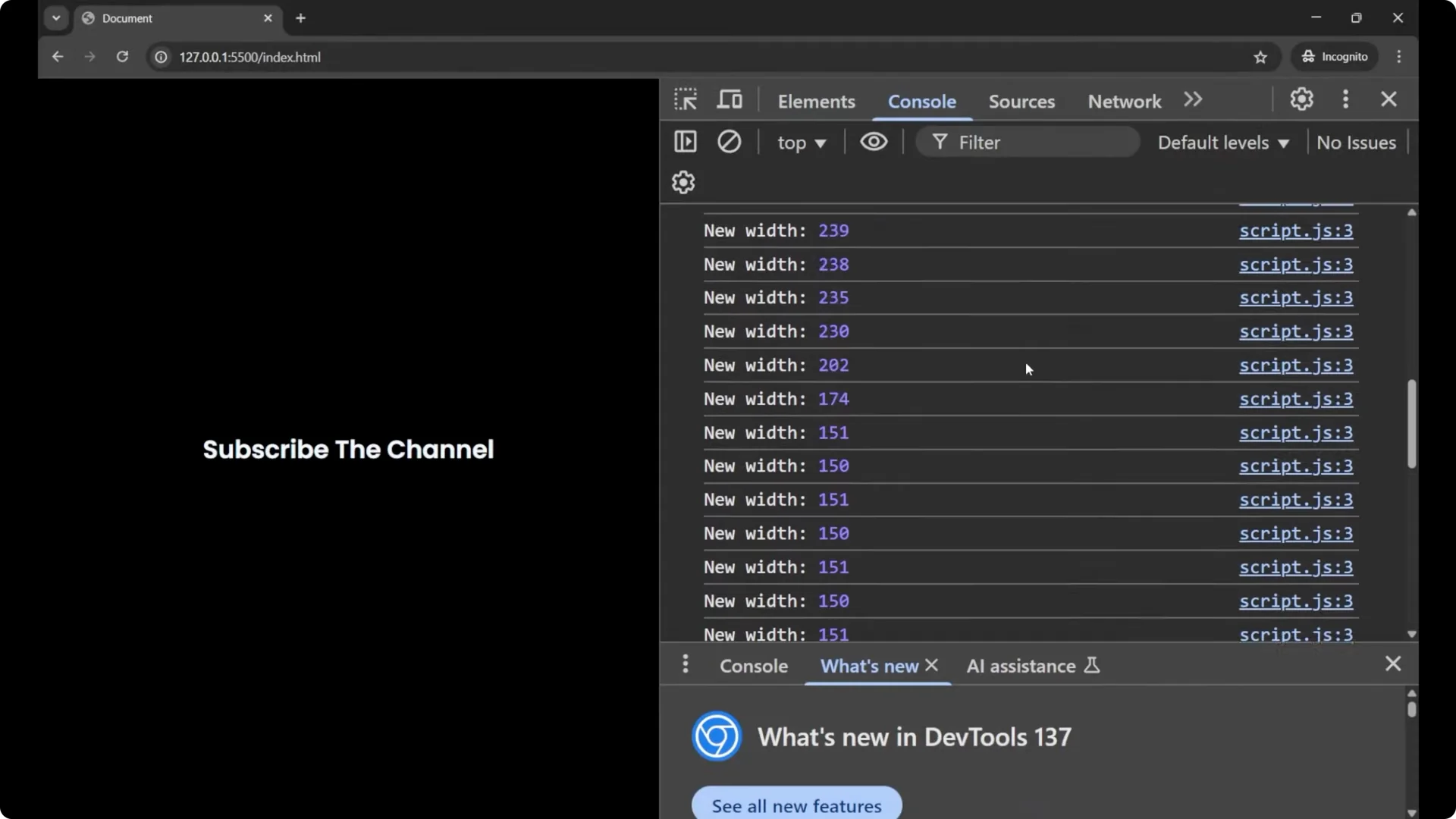
You can see how many times a resize handler can execute just because I am resizing the window. You do not want your code to run like this.
_Debouncing_ means waiting until a series of rapid events is stopped before the actual running code executes. For example, the
_window.resize_ event fires dozens of times per second. With debouncing we wait until the user stops resizing before doing our work.
Implementing JavaScript Function Debouncing
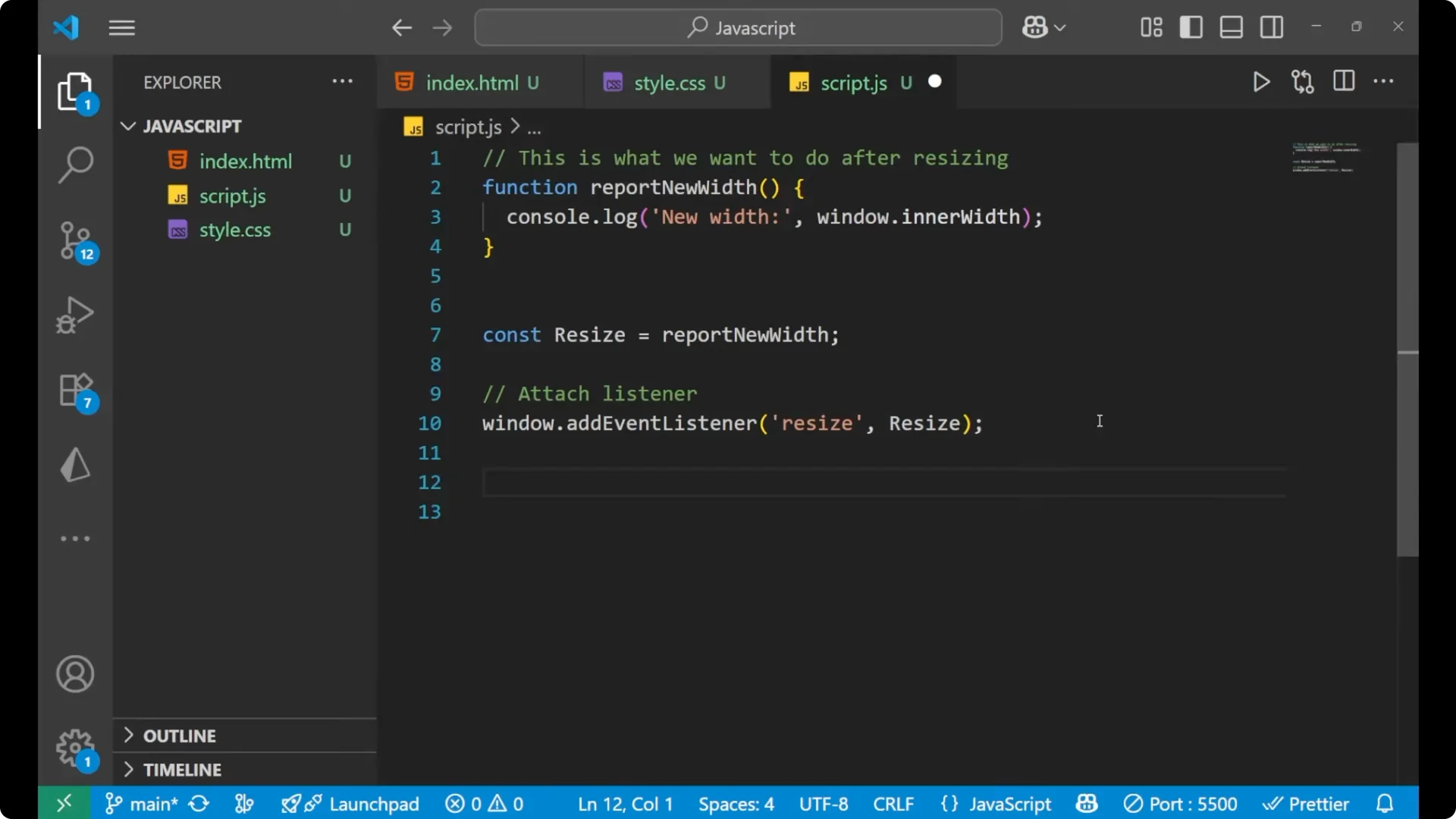
To implement debouncing, we write a debounce function that takes a function and a delay. It clears any existing scheduled call and schedules a new one to run after the given delay. If the event keeps firing, the previous schedule is canceled and replaced, which means the wrapped function only runs after the events have paused for the delay.
function debounce(fn, delay) {
  let timeoutId;

  return function (...args) {
    clearTimeout(timeoutId);
    timeoutId = setTimeout(() => {
      fn.apply(this, args);
    }, delay);
  };
}
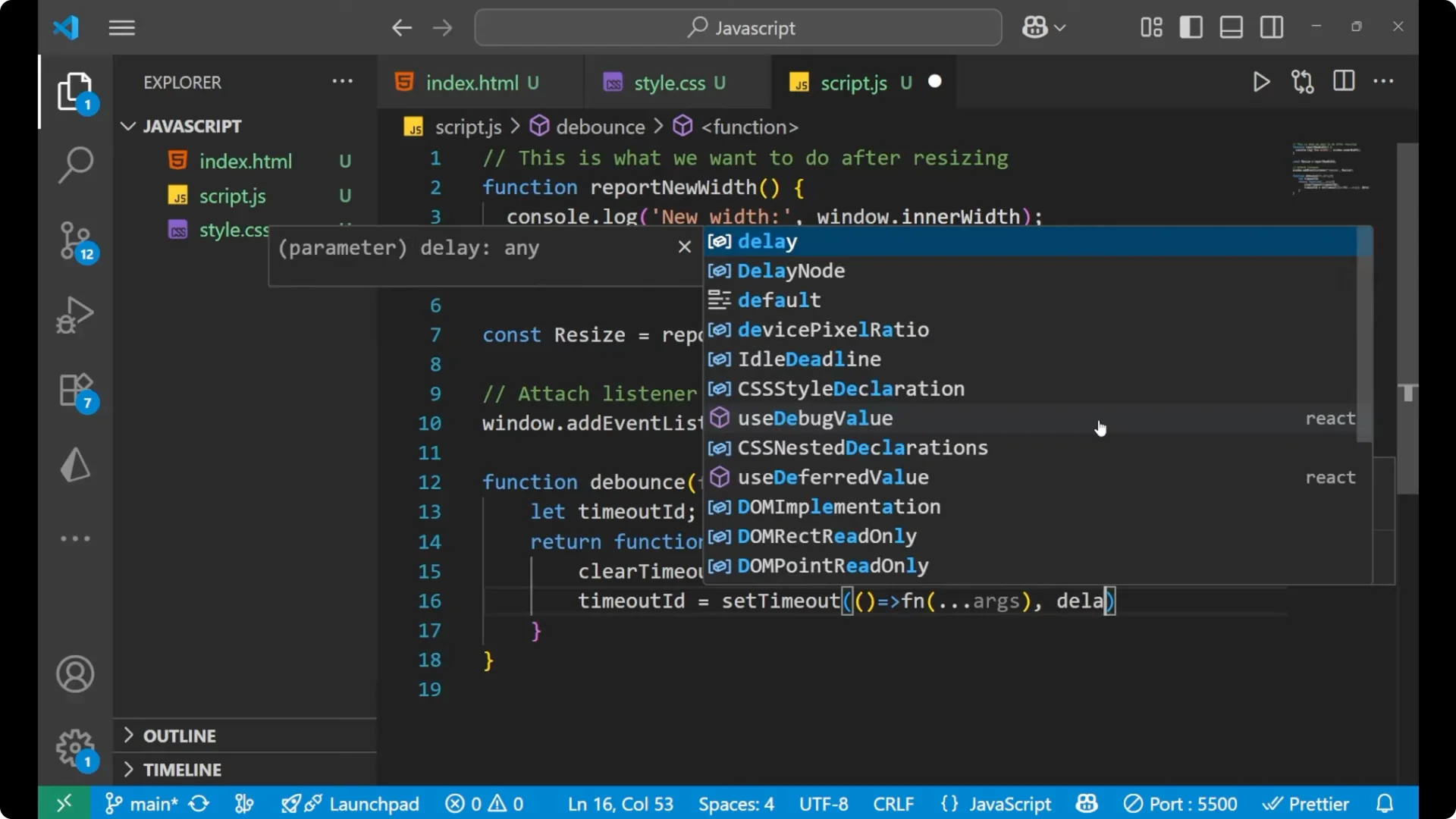
Steps
Create a function that you want to control, such as reportNewWidth.
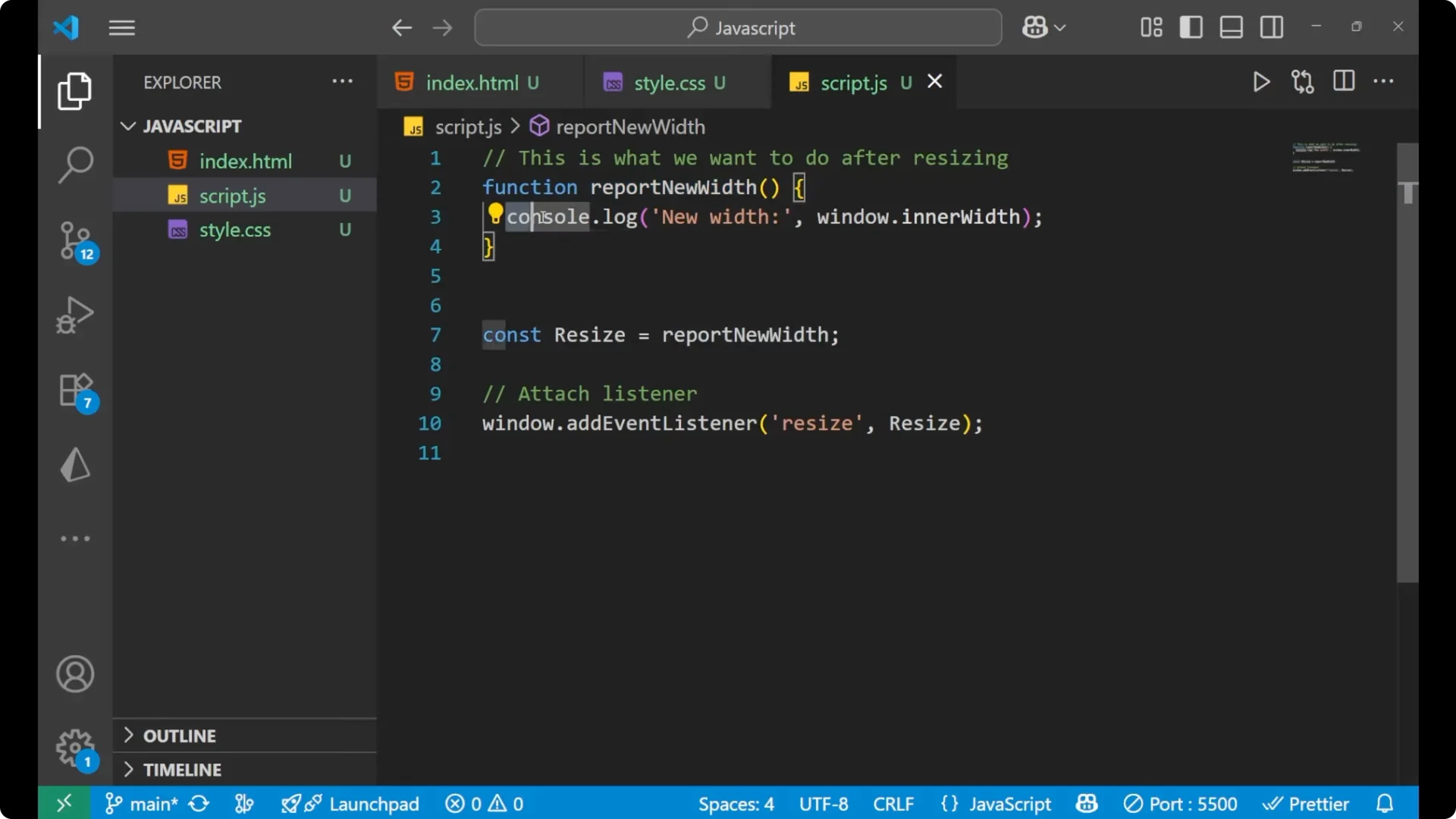
Create a debounce function that accepts the function and a delay.
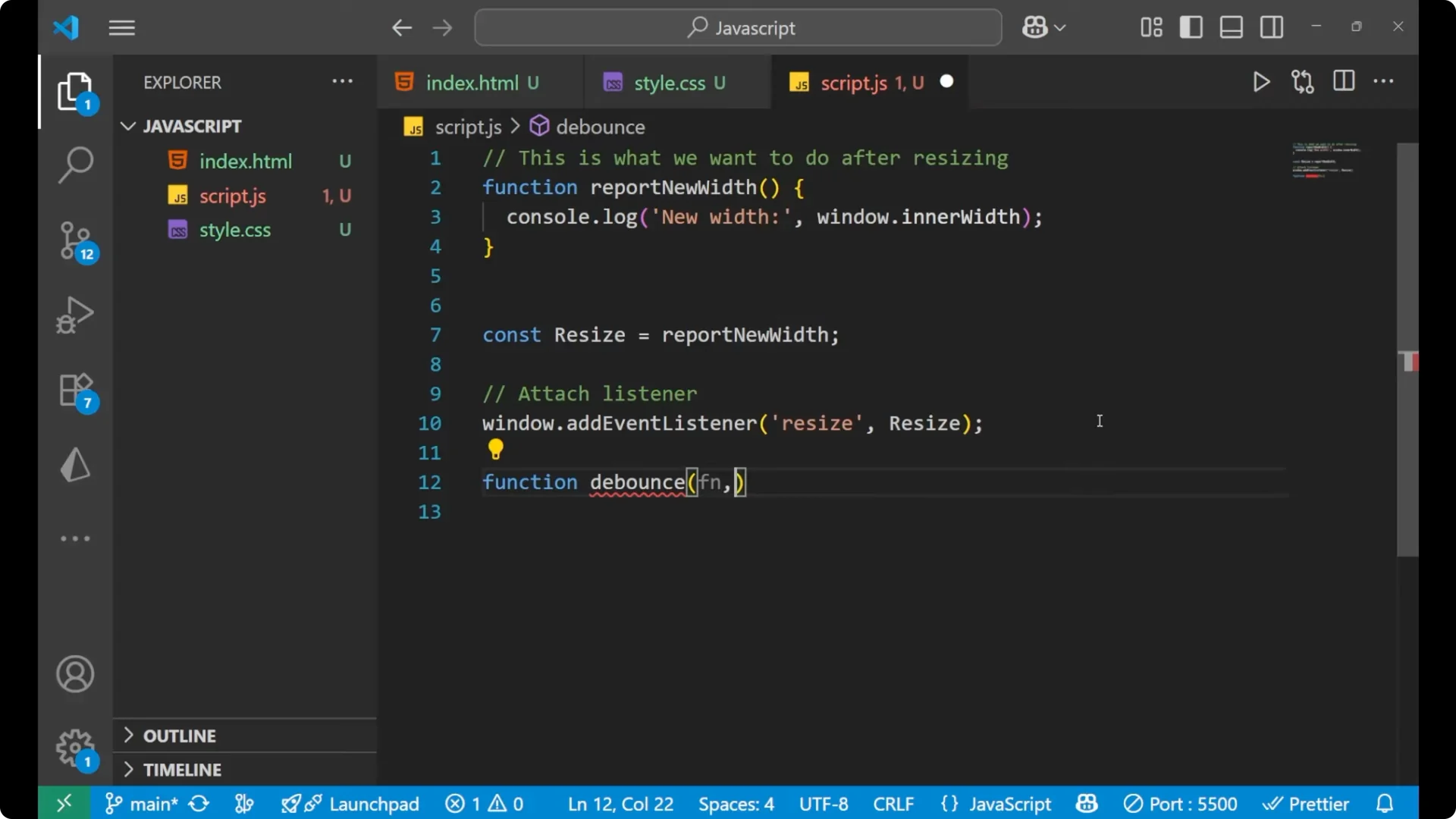
Inside debounce, keep a timeout id, clear it on every call, and set a new timeout.
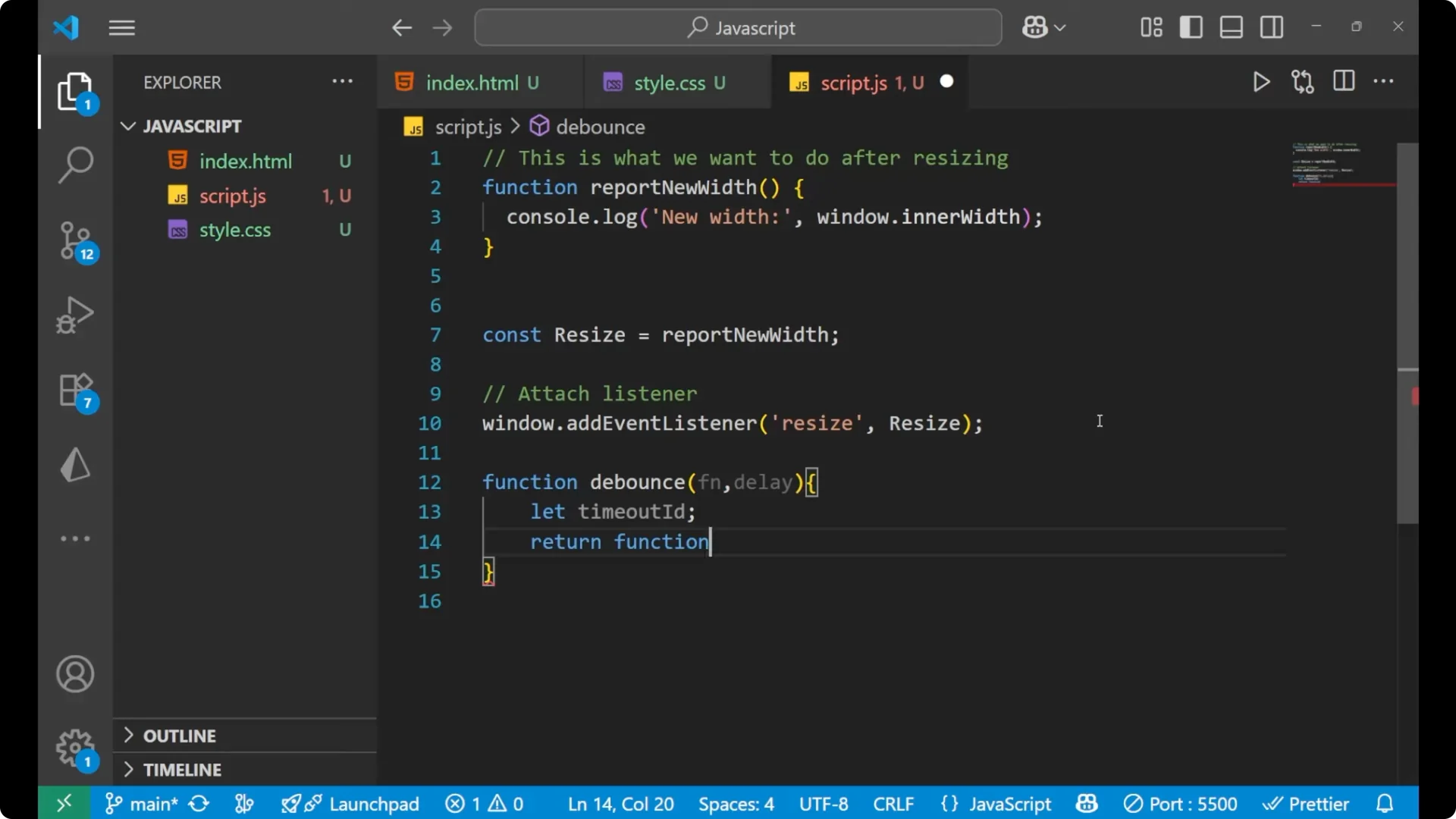
When the timeout completes, call the original function with the saved arguments and the original this context.
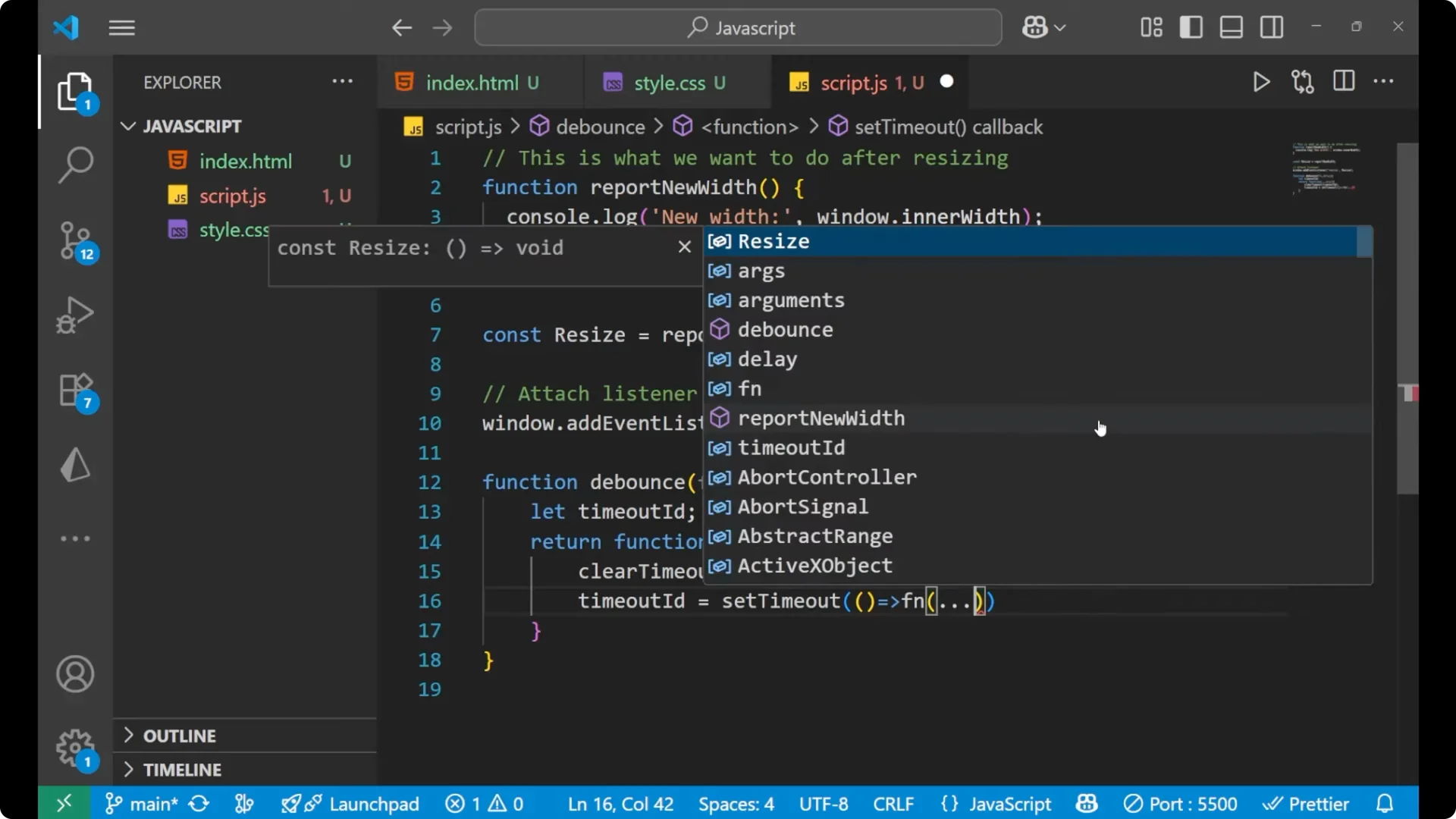
Applying JavaScript Function Debouncing to window resize
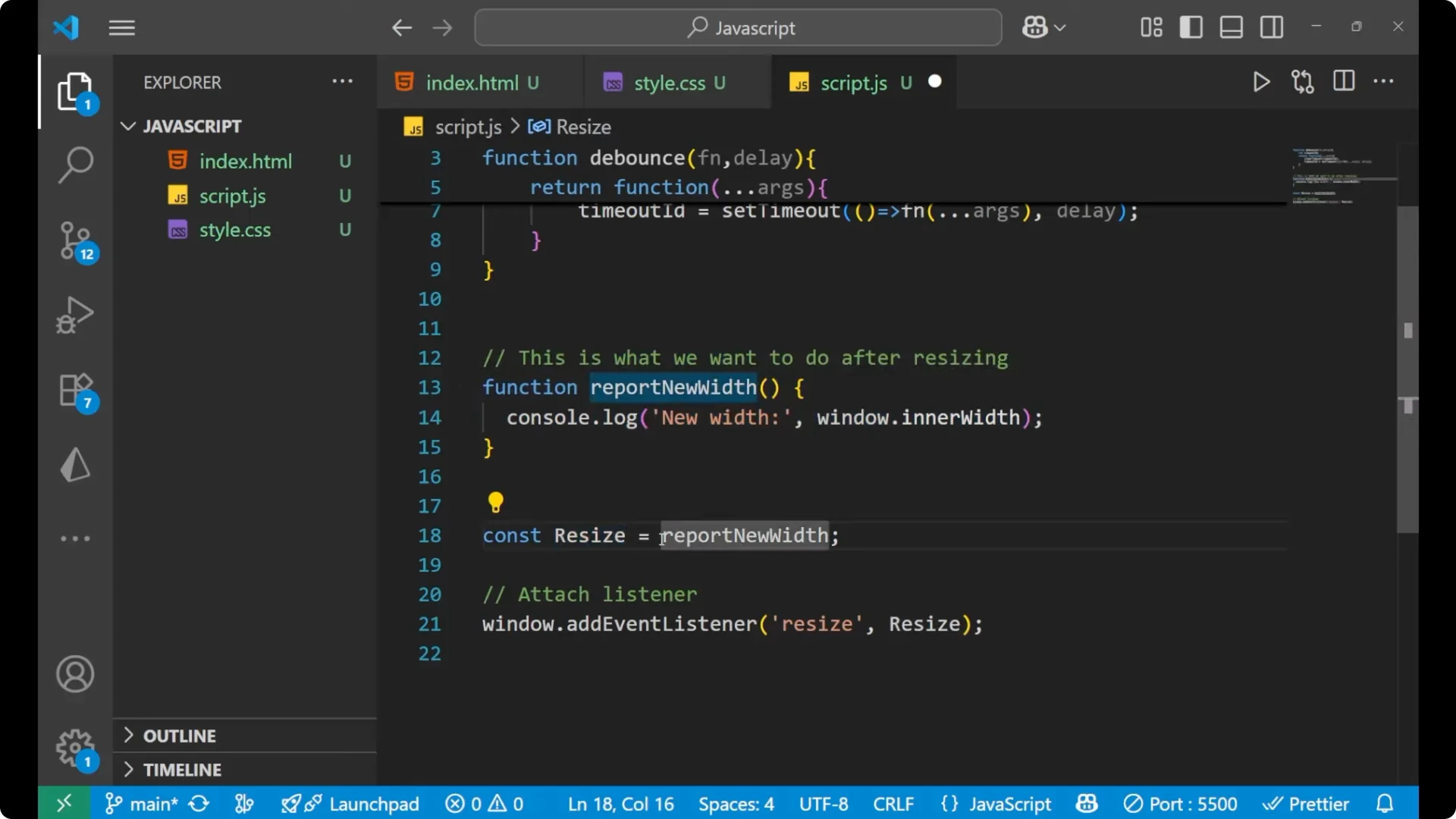
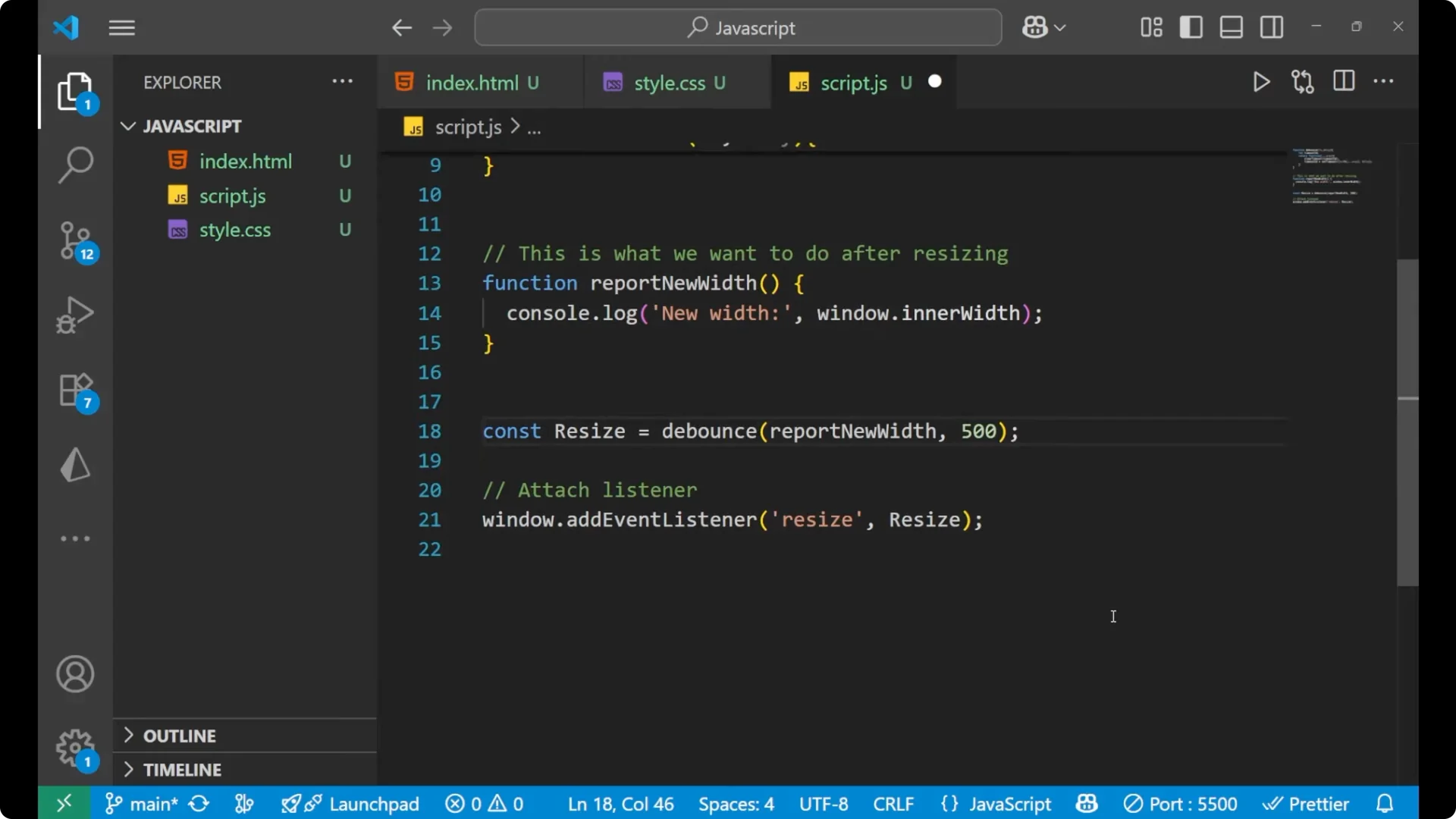
Now we take the function on the top and use debouncing in the resize listener. Instead of calling the function directly in the event, we pass it through debounce and provide a delay. Let us say the delay time is 500 milliseconds, which is 0.5 second.
function reportNewWidth() {
  console.log("New width is:", window.innerWidth);
}

function debounce(fn, delay) {
  let timeoutId;

  return function (...args) {
    clearTimeout(timeoutId);
    timeoutId = setTimeout(() => {
      fn.apply(this, args);
    }, delay);
  };
}

window.addEventListener("resize", debounce(reportNewWidth, 500));
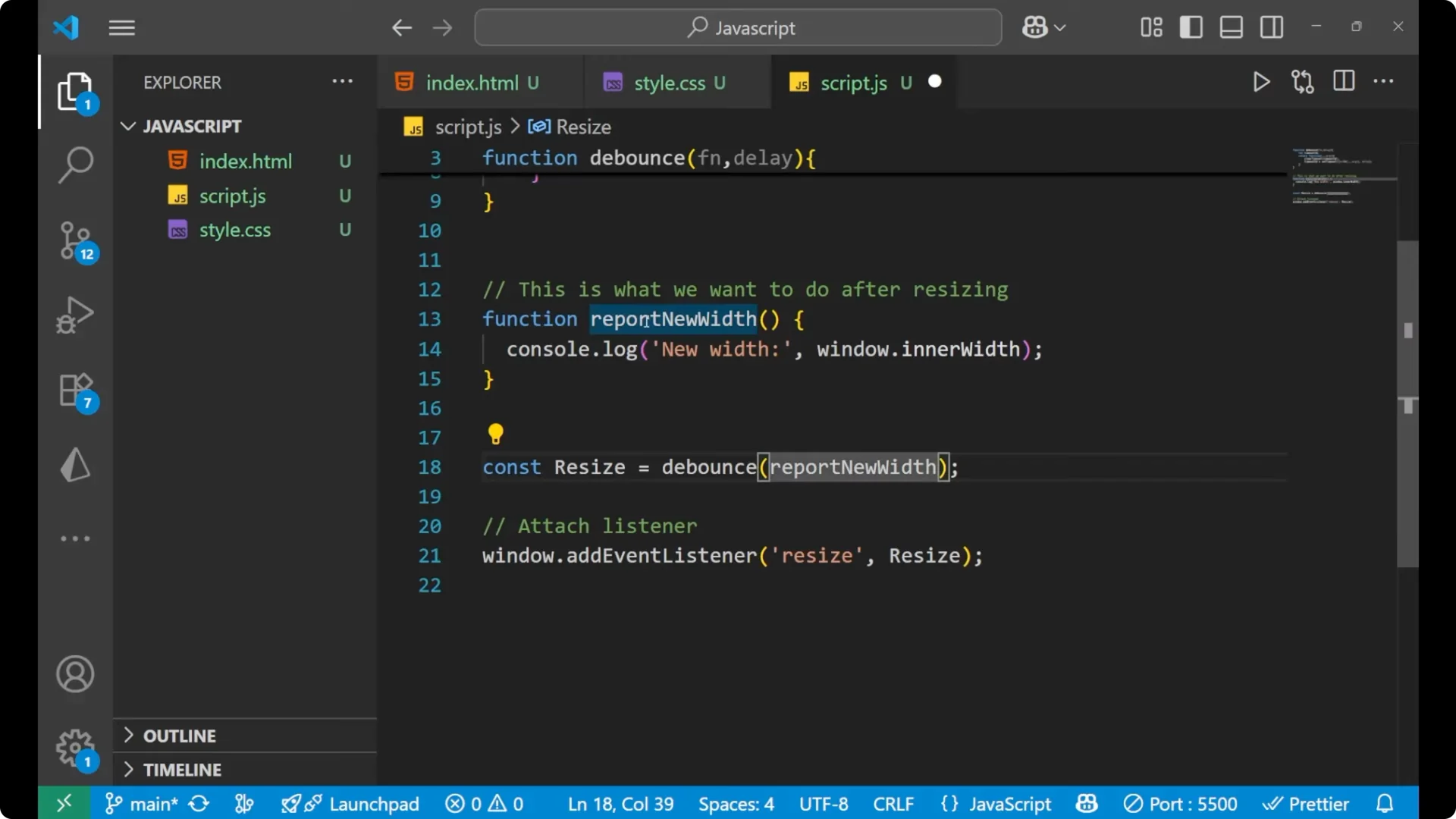
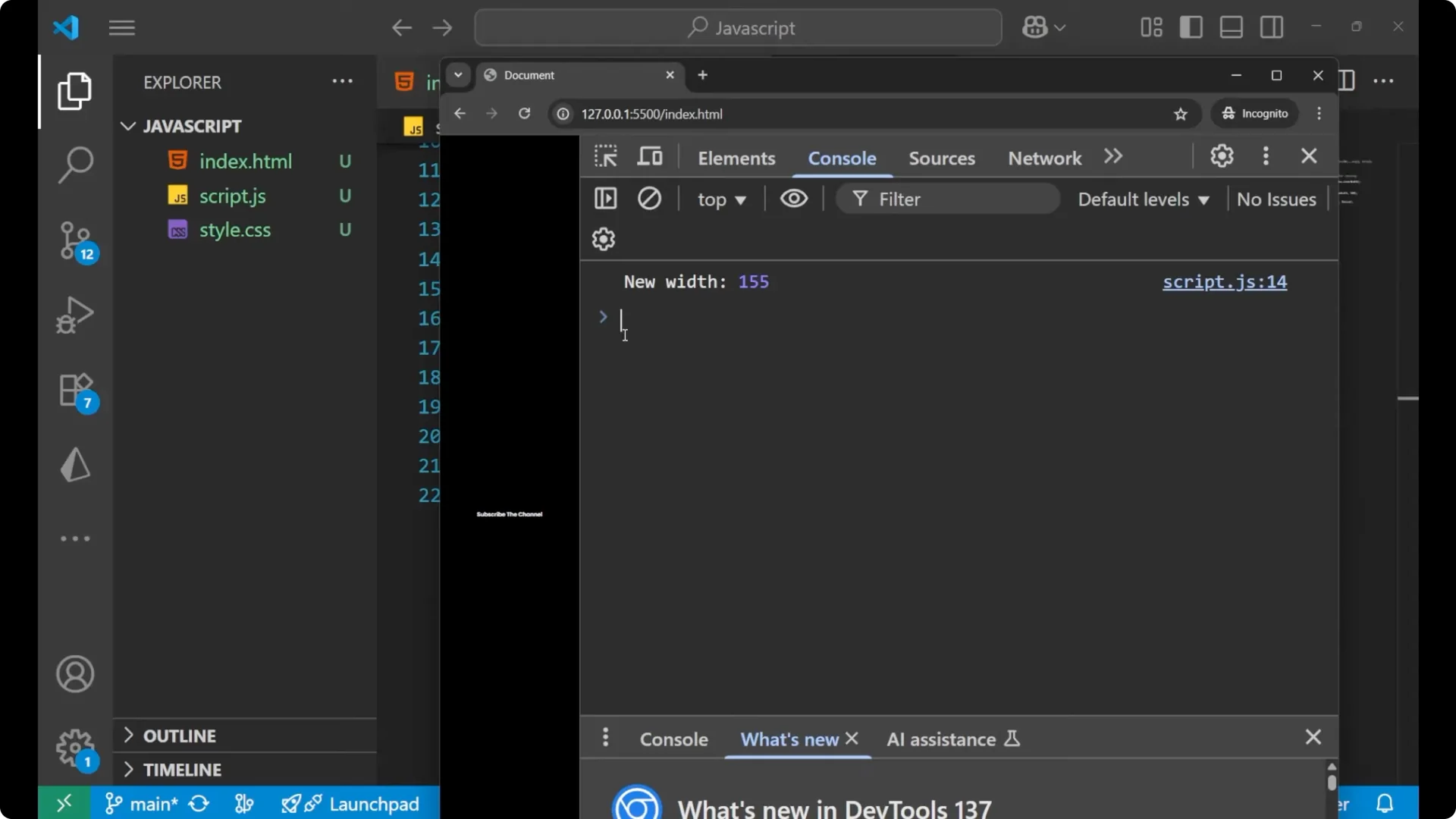
If you resize the window with this in place, you will get the result slowly rather than getting dozens of logs every second. At every time when the 0.5 second completes after the last resize event, it gives the result and executes the function again. This is what debouncing is. This is the main code by which we do the debouncing, and this is the simple method by passing the function and the time of delay inside the debounce function.
Final thoughts
Debouncing waits for rapid events to settle before running your code. The
_window.resize_ example makes it clear why this matters for performance and readability. Wrap your heavy or frequent handlers with a small
_debounce_ helper and pass a sensible delay like 300 to 500 milliseconds to avoid unnecessary work.