I am going to show how to create a custom event in JavaScript. First, we will create a button in the frontend. With that, we will attach that particular event. The button says Click me, and we will give it an id. Everything else is in the script.
We will create a custom event. Then we will listen for the custom event. Finally, we will dispatch that particular custom event.
Create the button
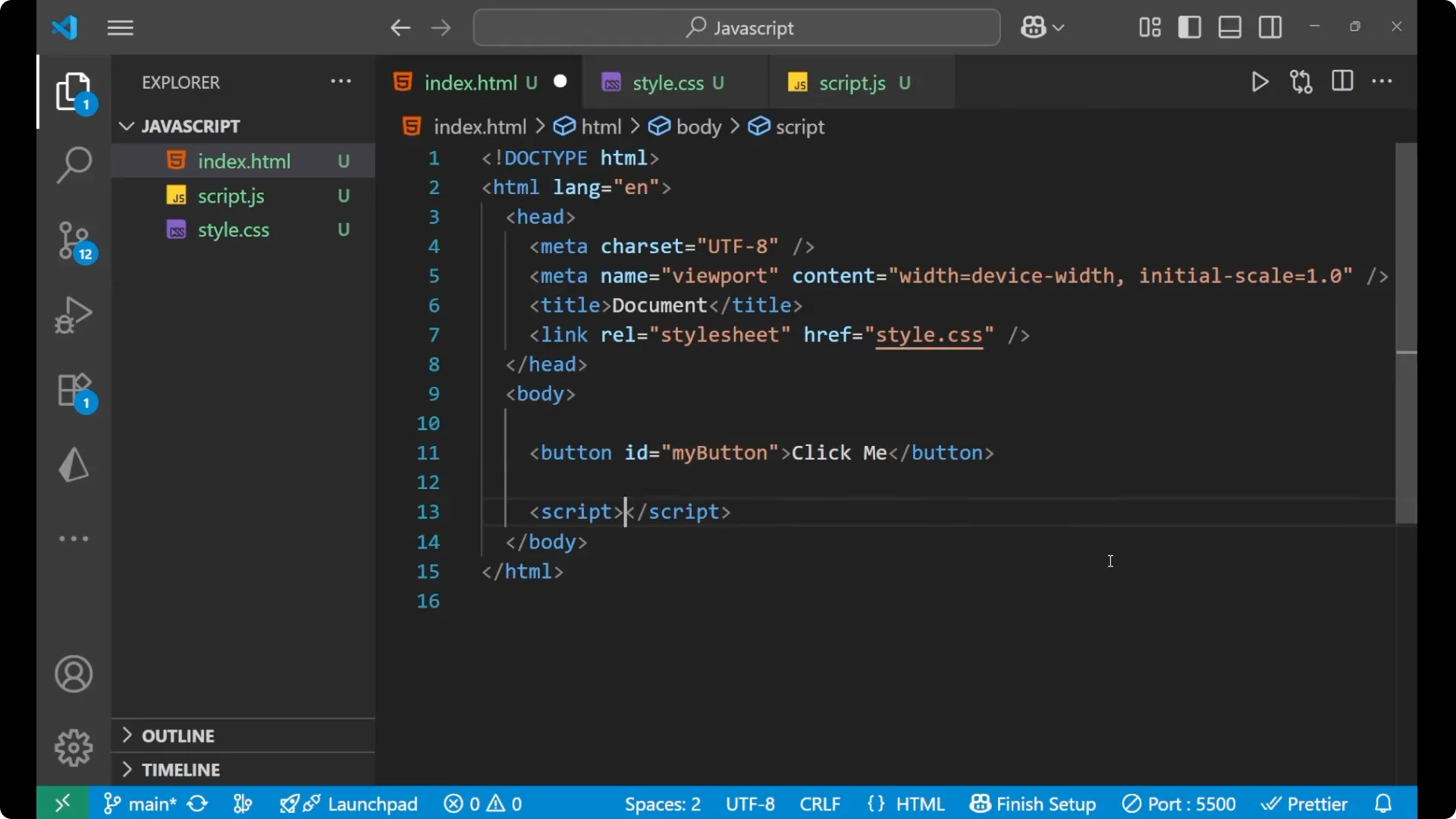
Create a small button in the frontend. This is the element we will use to listen for and dispatch the event.
<button id="my-button">Click me</button>
Create a JavaScript Custom Event
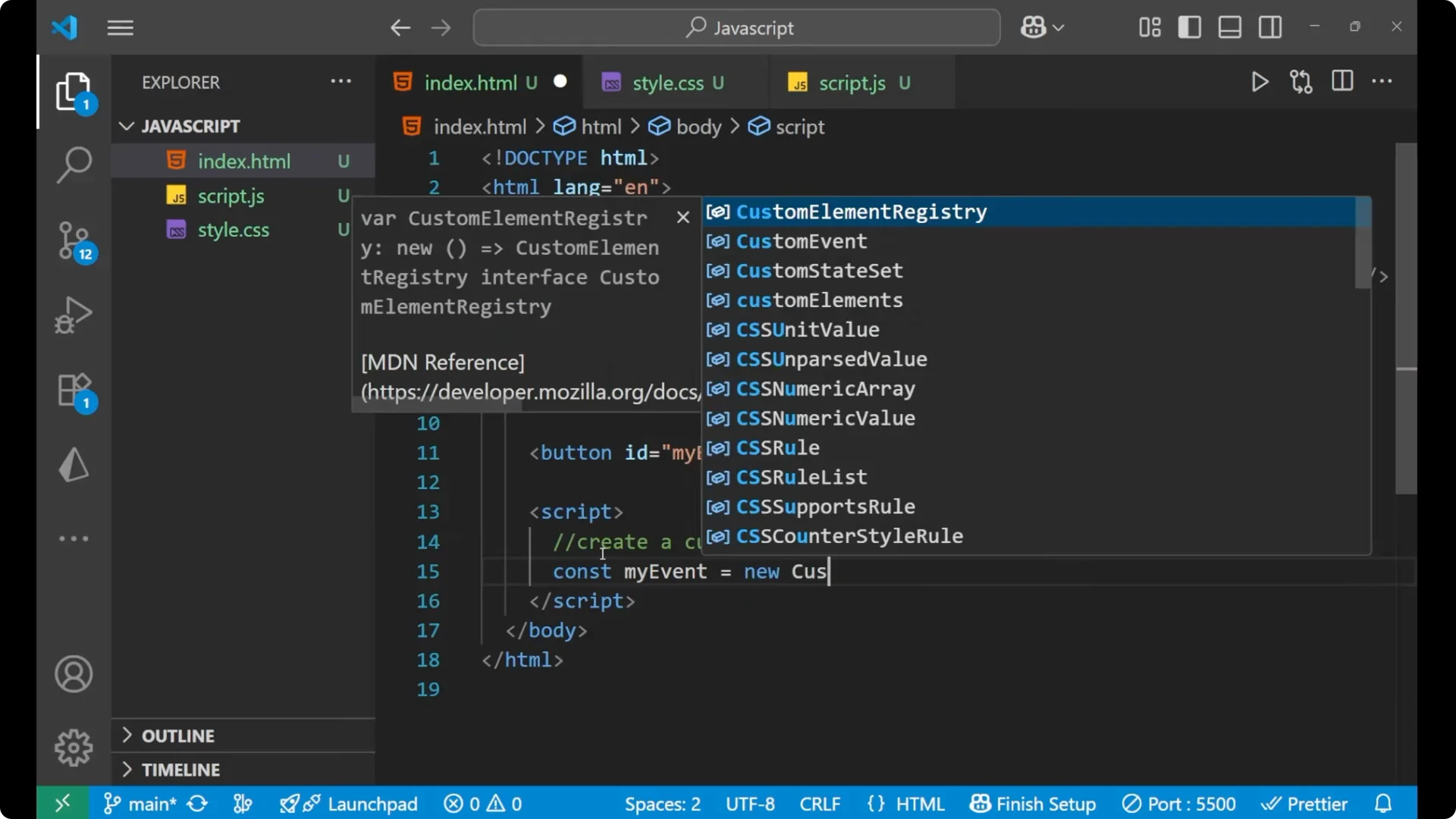
Create a
CustomEvent instance. Use the new keyword, pass the event name, and include a detail object for the data you want to send with the event.
const myEvent = new CustomEvent('greet', {
  detail: {
    message: 'Hello from the custom event'
  }
});
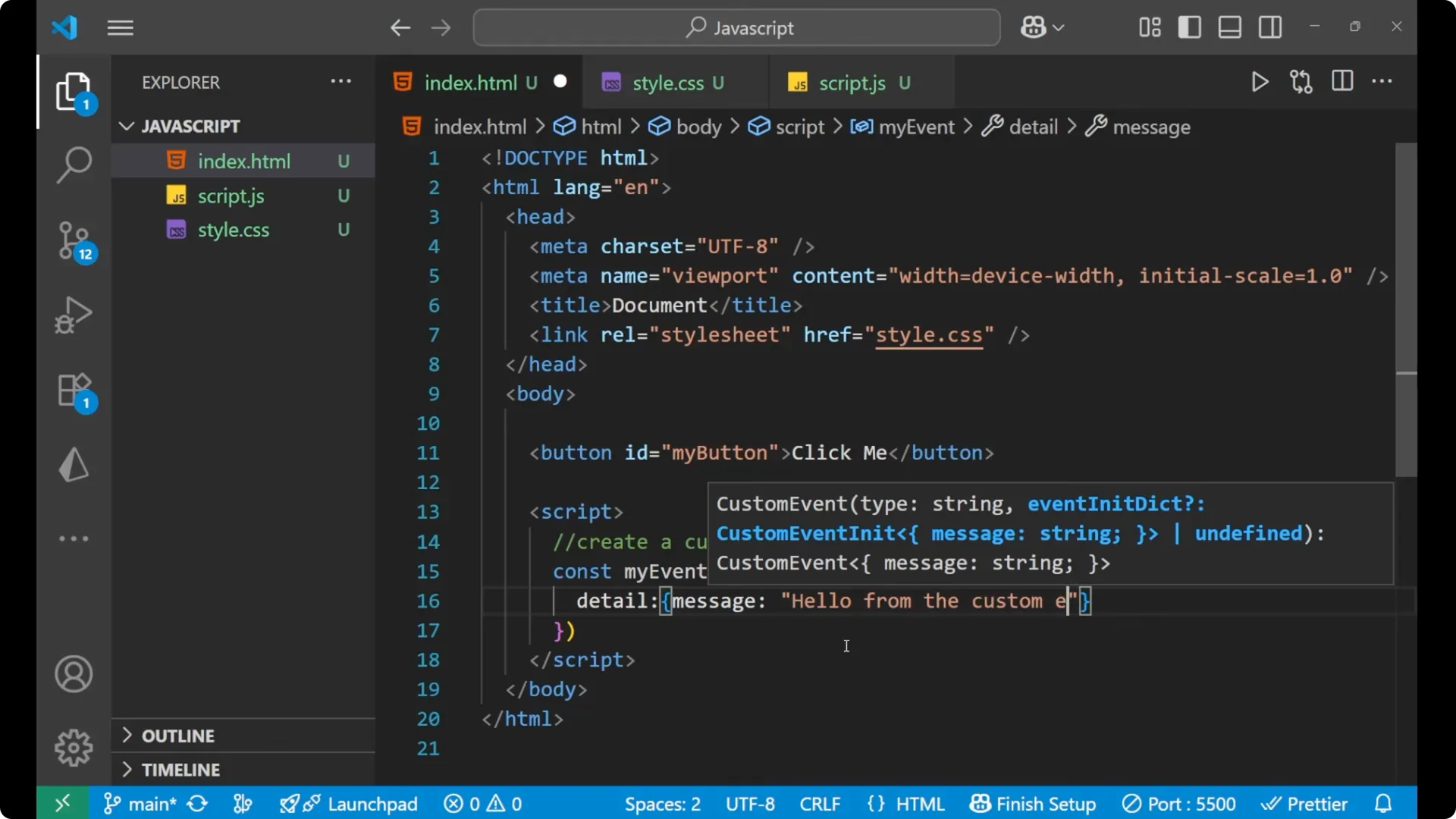
The event name is greet. Inside the curly braces, we provide the detail. The message is what we will access when the event is handled.
Listen to a JavaScript Custom Event
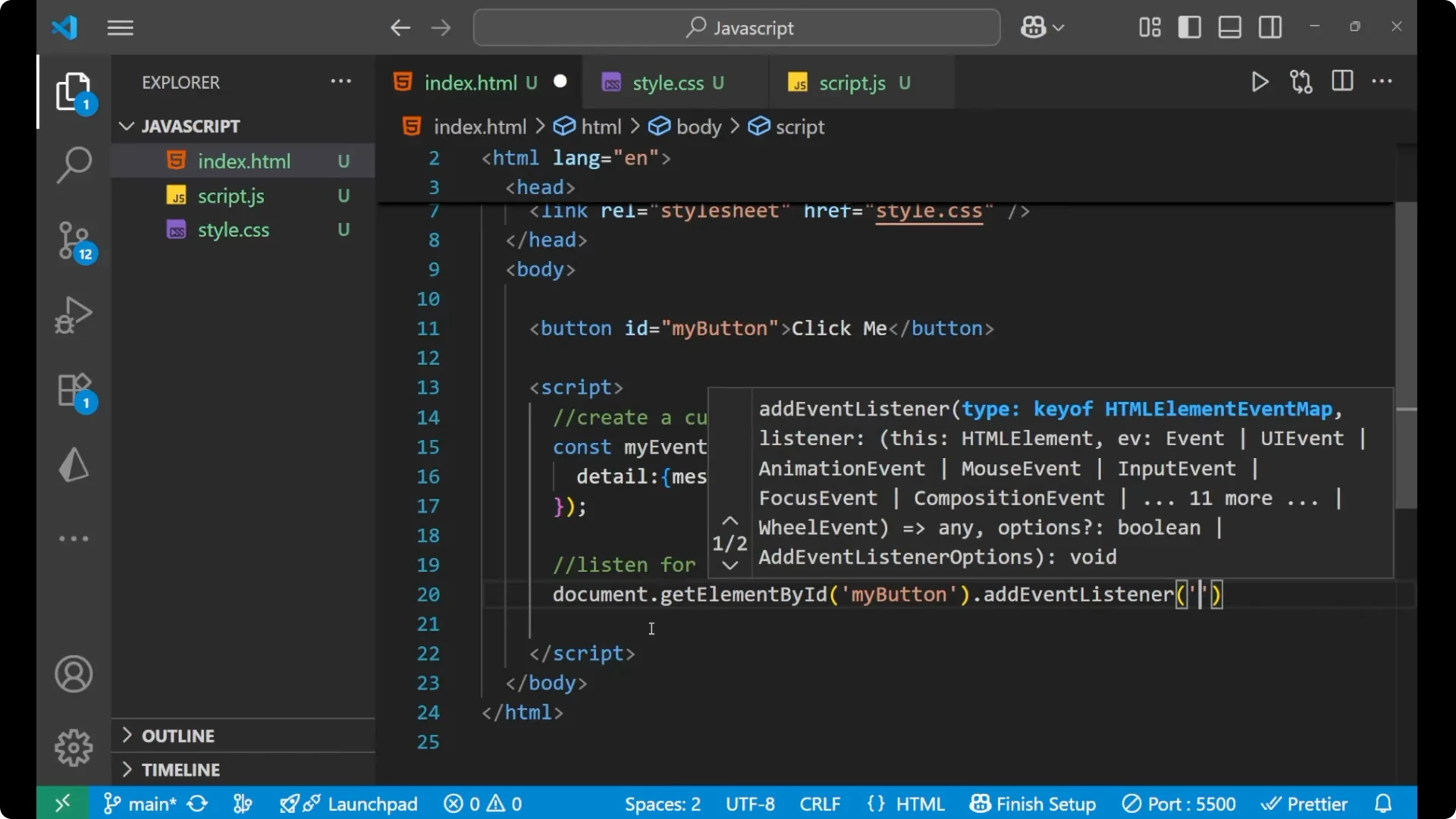
Listen for the custom event on the same element. We will use
addEventListener with the event name greet. The event object gives us access to
event data through e.detail.
const btn = document.getElementById('my-button');

btn.addEventListener('greet', (e) => {
  alert(e.detail.message);
});
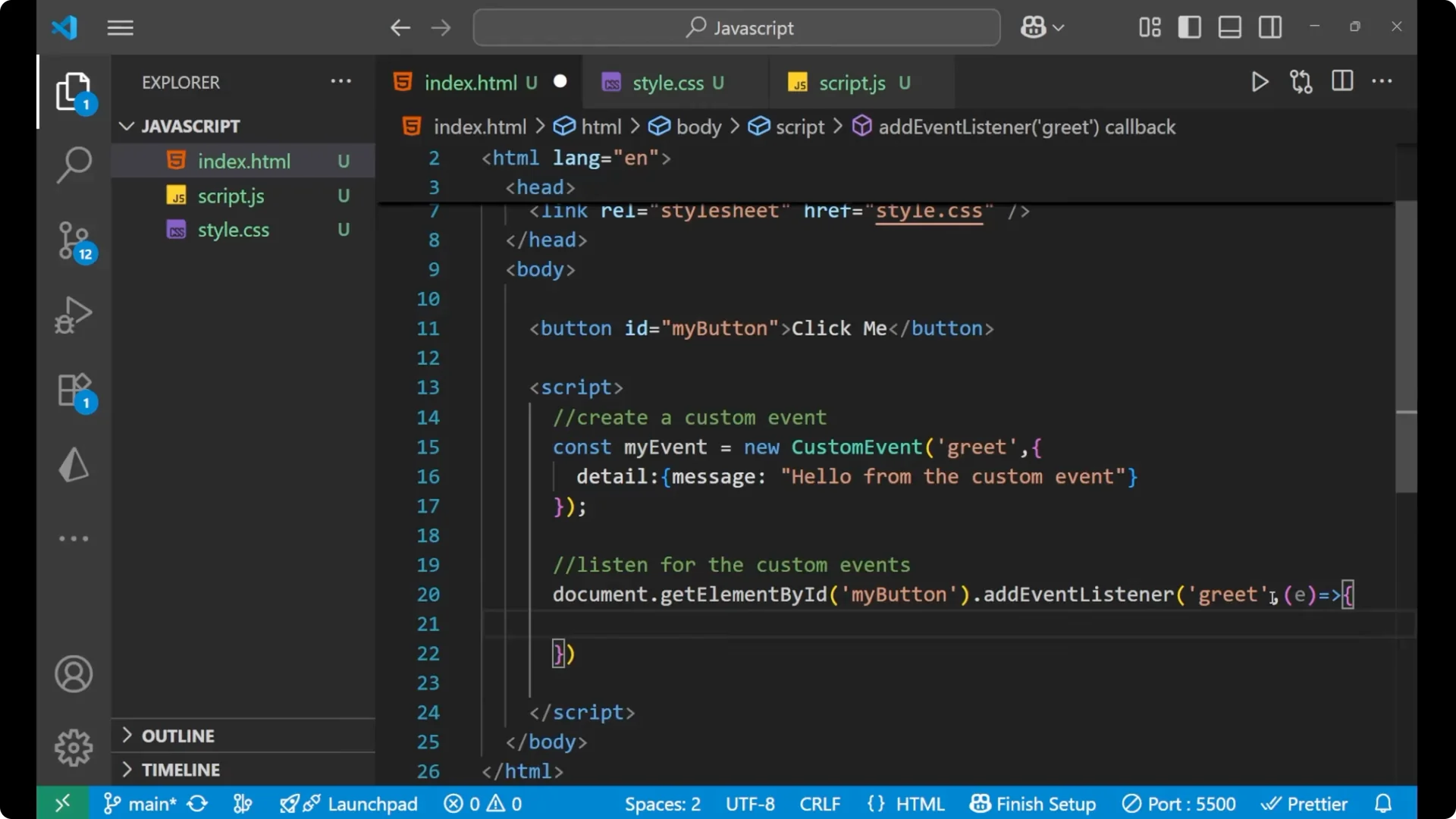
Here e is taking out the complete information. By detail we are coming to the detail object. By message we are coming to the message field. By this, we are accessing the event data and the event data is the detail we put into the custom event.
If you want to compare this pattern to built-in input and click events, see how those work in
Keyboard Mouse Events Javascript.
Dispatch a JavaScript Custom Event
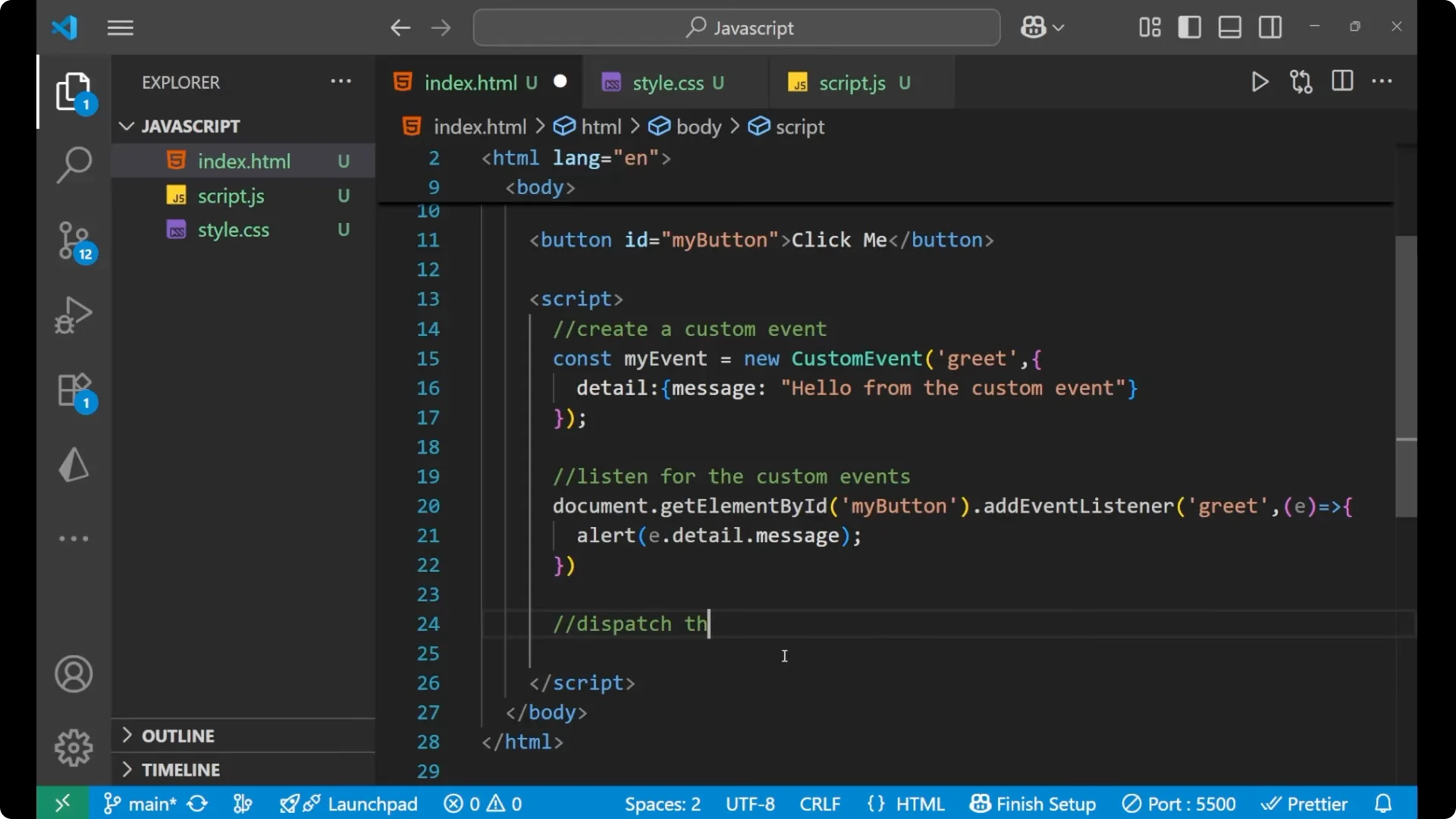
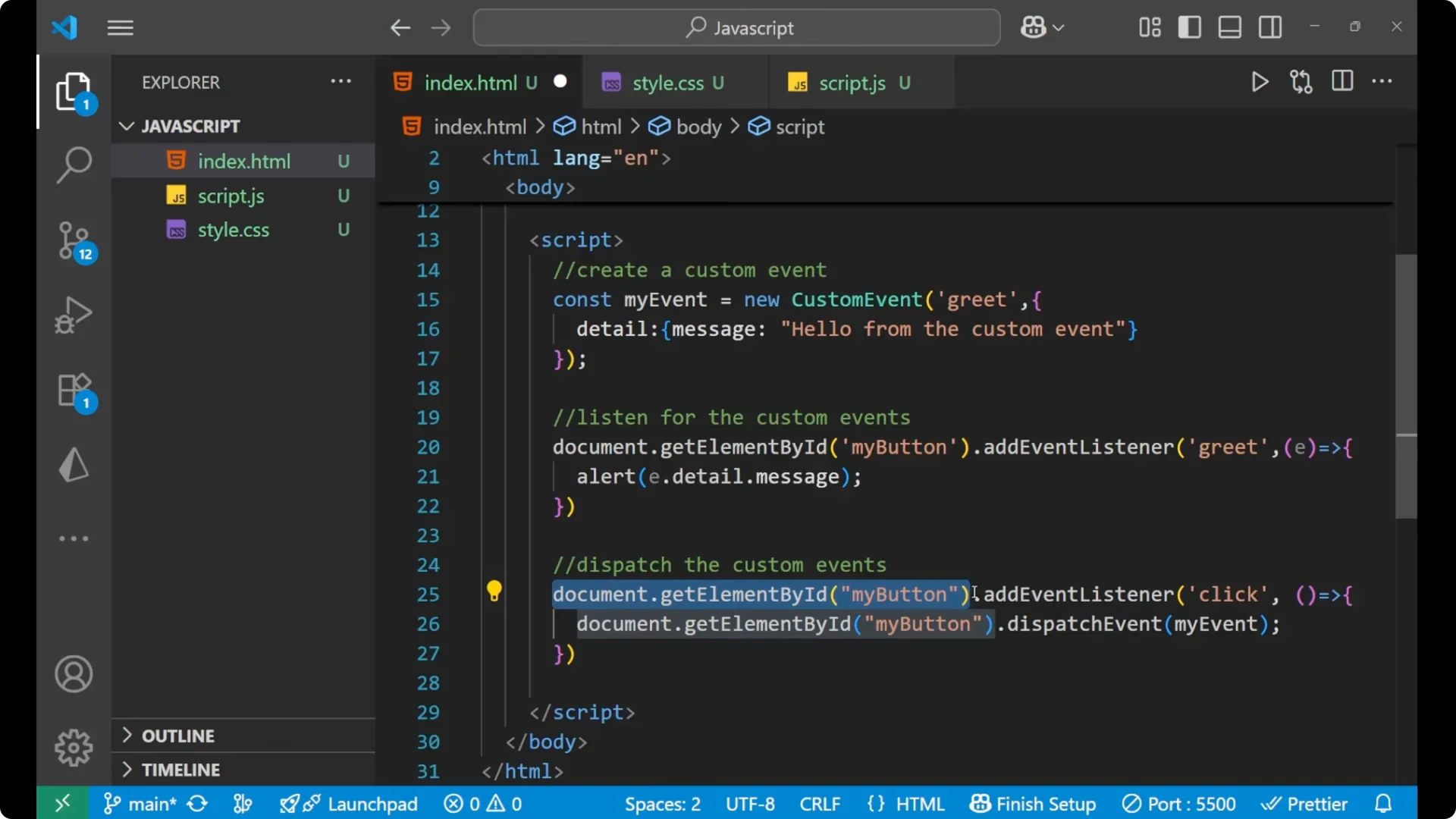
Dispatch the custom event when the button is clicked. We will listen for the click and then call
dispatchEvent with our custom event.
btn.addEventListener('click', () => {
  btn.dispatchEvent(myEvent);
});
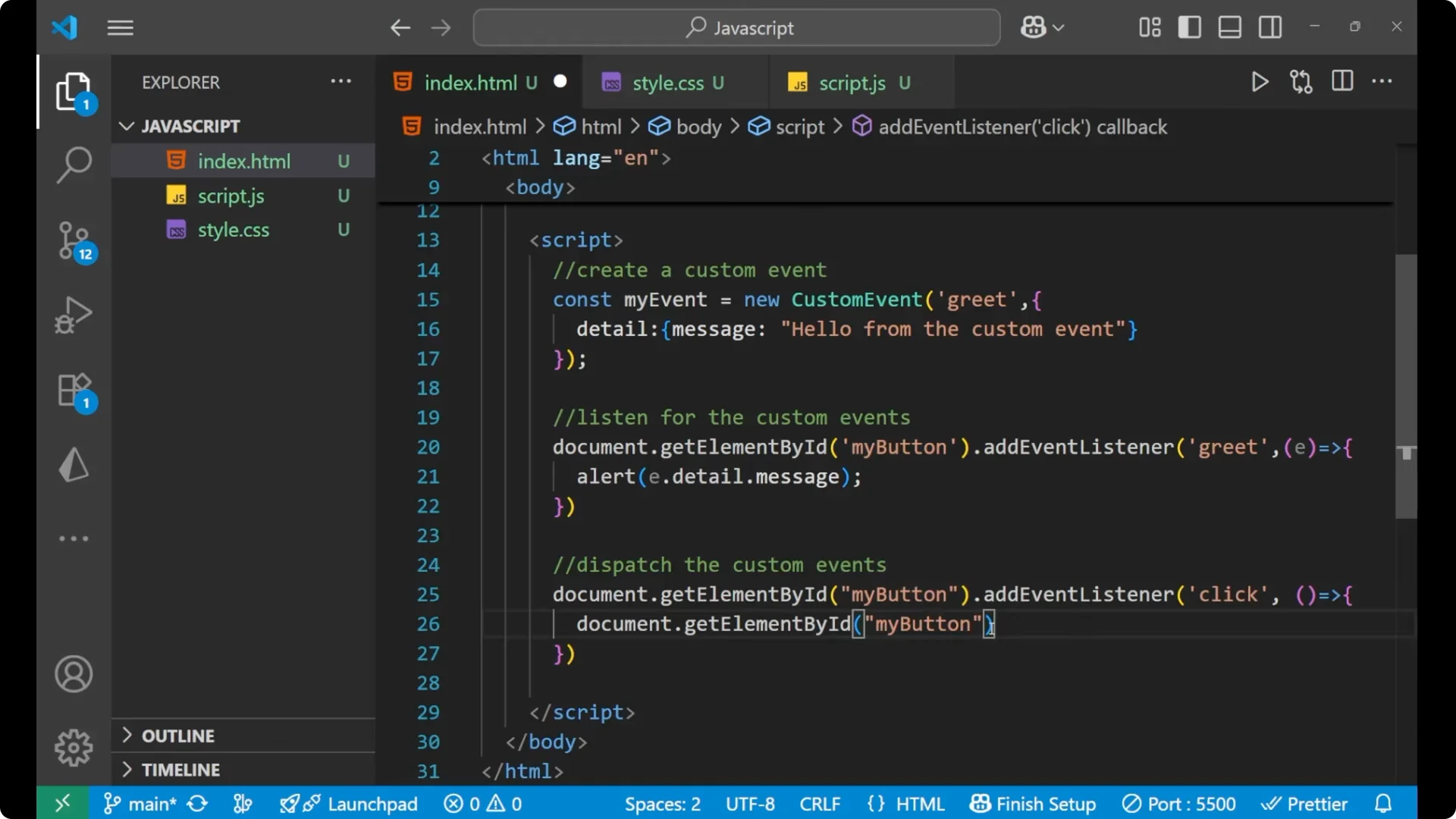
First we take the button using getElementById. Then we put the event that is click. Whenever you click on that particular button, your myEvent is getting dispatched.
Full example
<button id="my-button">Click me</button>

<script>
  const myEvent = new CustomEvent('greet', {
    detail: {
      message: 'Hello from the custom event'
    }
  });

  const btn = document.getElementById('my-button');

  btn.addEventListener('greet', (e) => {
    alert(e.detail.message);
  });

  btn.addEventListener('click', () => {
    btn.dispatchEvent(myEvent);
  });
</script>
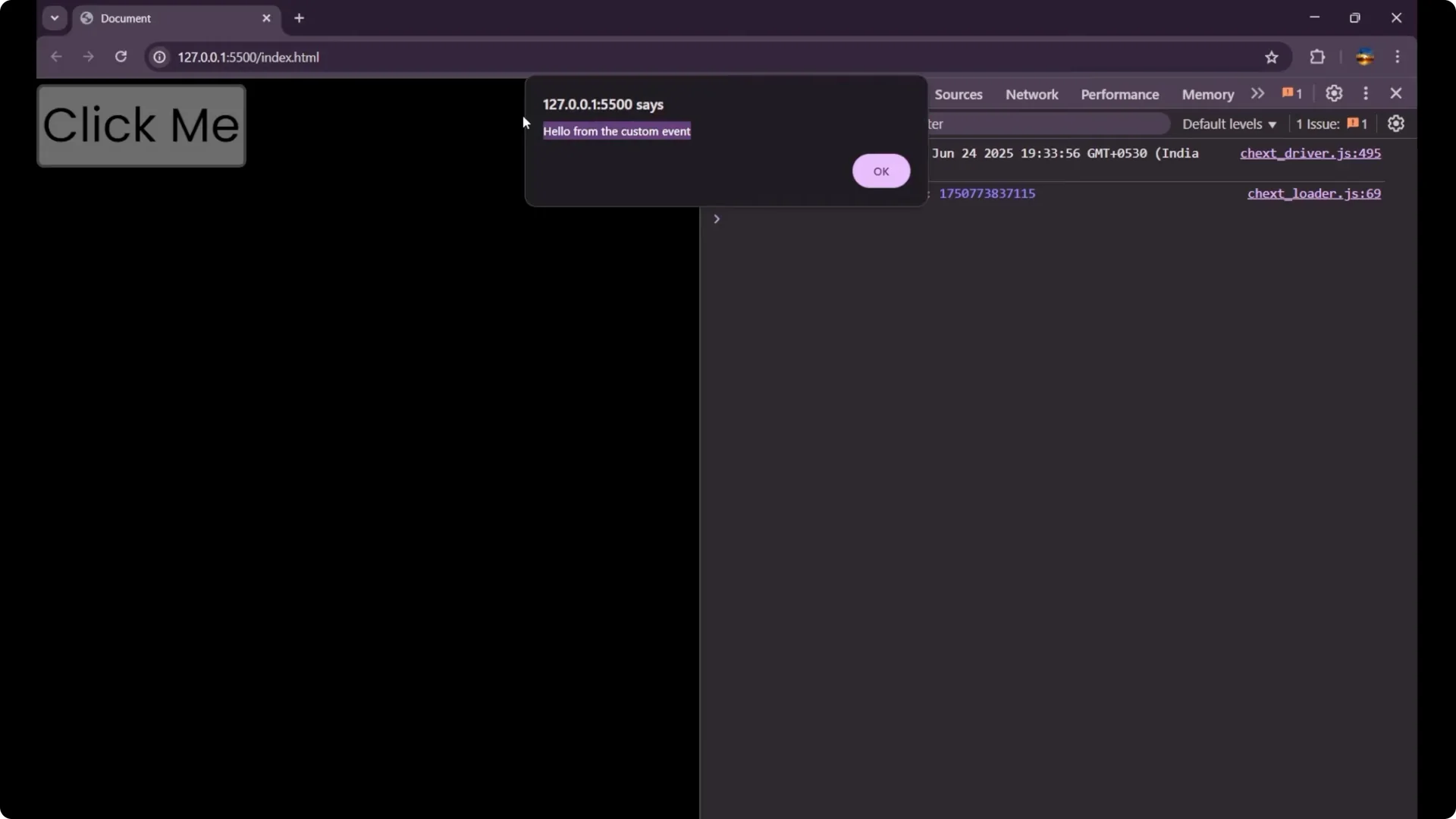
Click the button and you will see an alert saying hello from the custom event. You can create your own event name and your own detail structure, and you can use it wherever you want.
Why this works
We first create a
custom event with detail.
We then listen for the custom event on the target element.
We finally dispatch the custom event at the right time.
Inside the listener, you can write your own logic. If you need loops for more complex flows inside the handler, you can apply patterns like the one in
Master Do While Loops Javascript. Custom events are also helpful when coordinating UI components. For example, firing a named event to move slides or update indicators fits nicely with patterns you might use in
Custom Responsive Image Slider Javascript.
Final thoughts
This is how
JavaScript Custom Events work. We create a custom event, we listen for it, and we dispatch it. The event object gives us e.detail to access the data we attached, such as a message. This pattern keeps your logic clear and lets elements communicate cleanly.