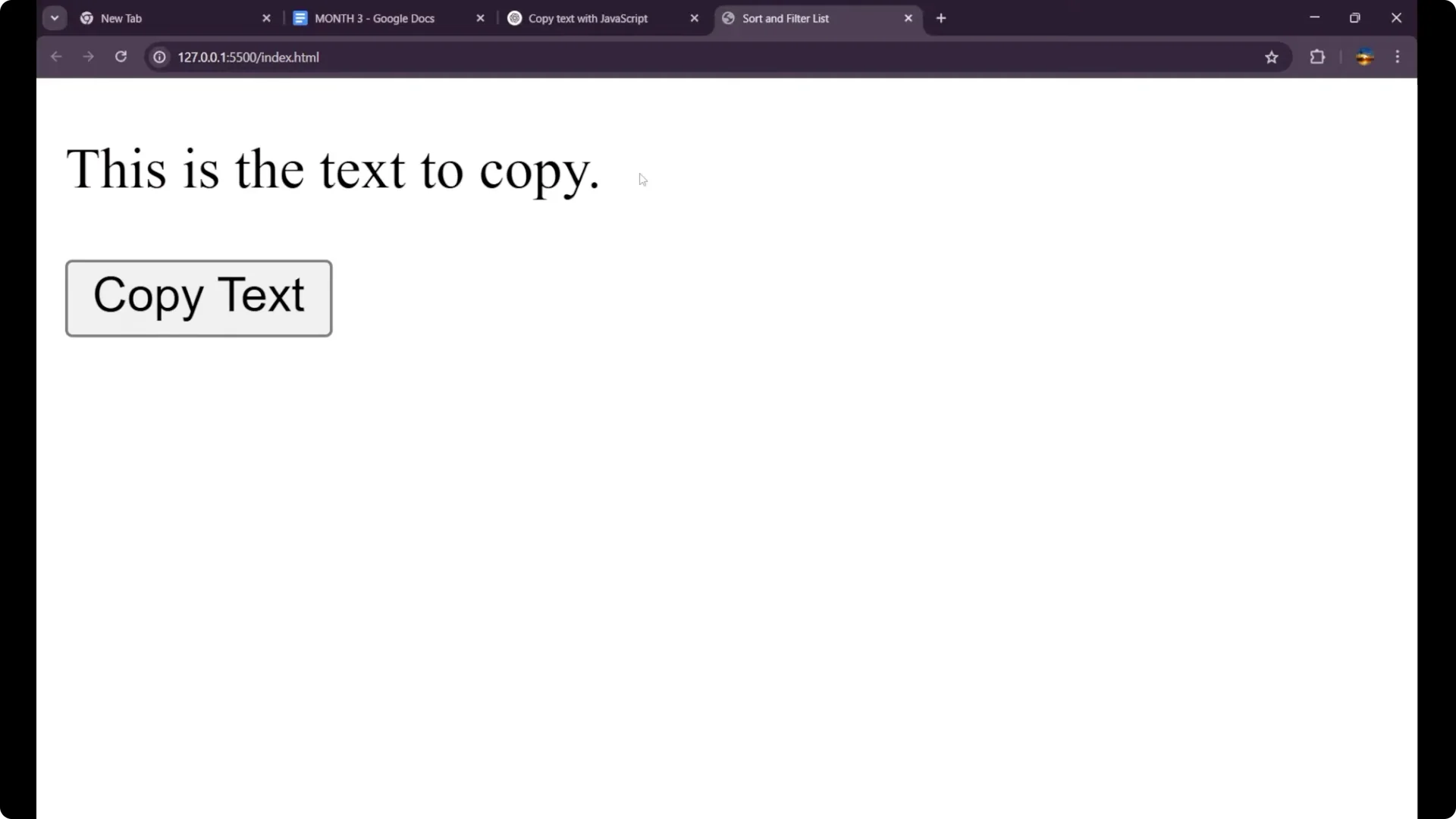
I am going to create a button which can copy the text from the website. I have a basic HTML setup with a paragraph that contains some text and an id, and a button with the label “Copy text”. When I click the button, I want the functionality that this particular text gets copied.
JavaScript Copy to Clipboard: Basic HTML
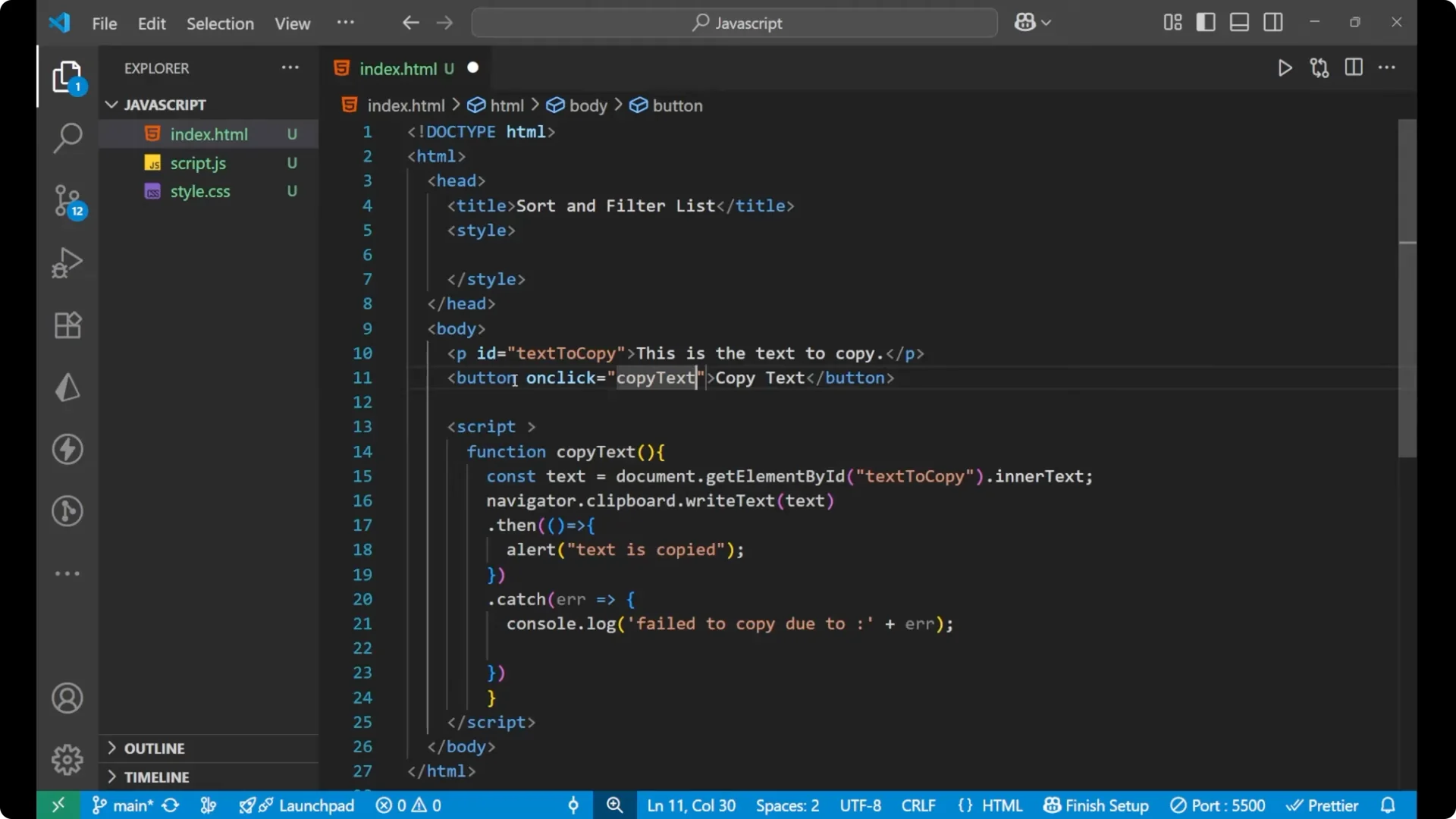
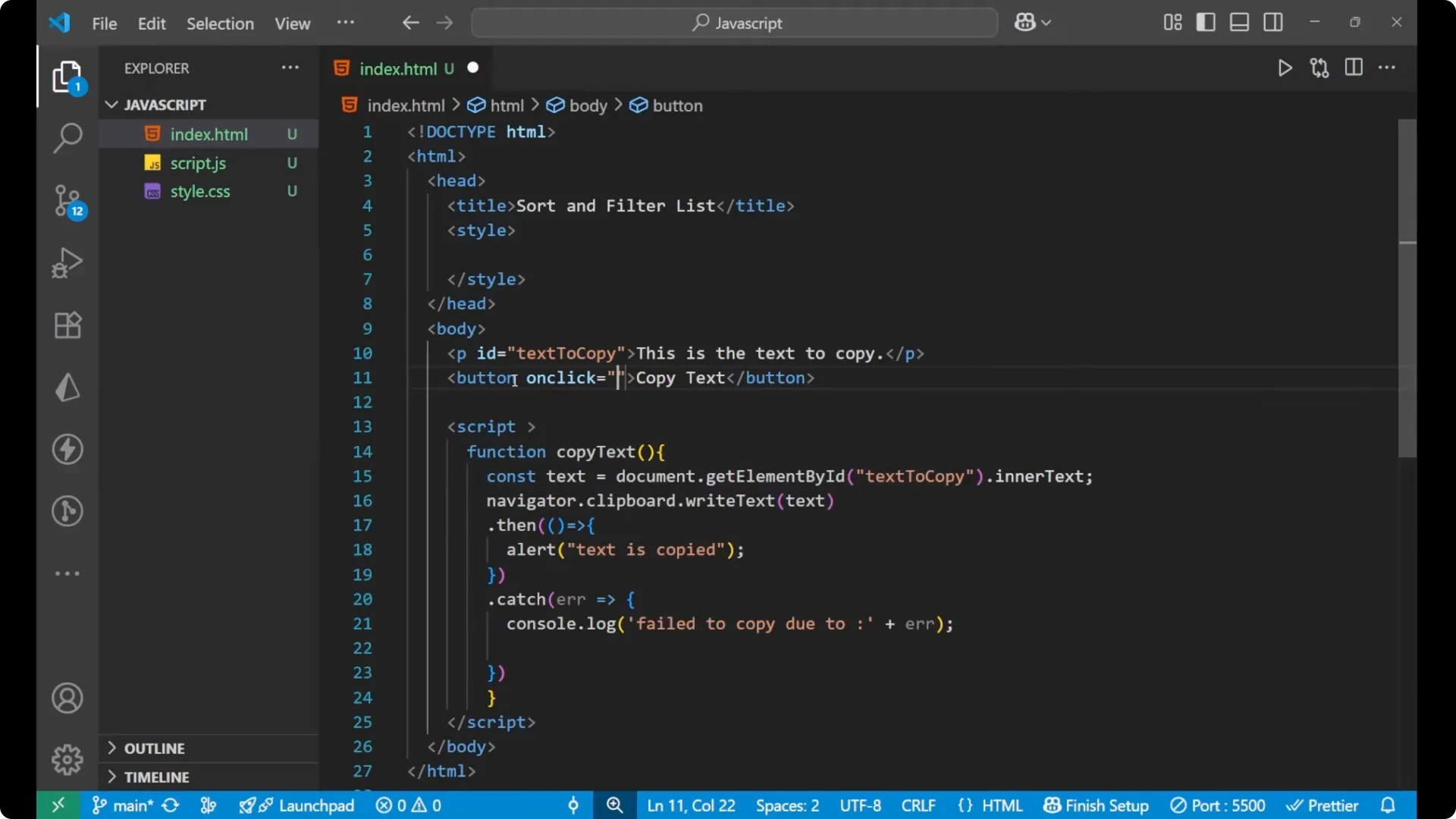
Here is the simple structure. There is a paragraph with an id and a button.
<p id="text-to-copy">This is the text to copy.</p>
<button onclick="copyText()">Copy text</button>
JavaScript Copy to Clipboard: Core Logic
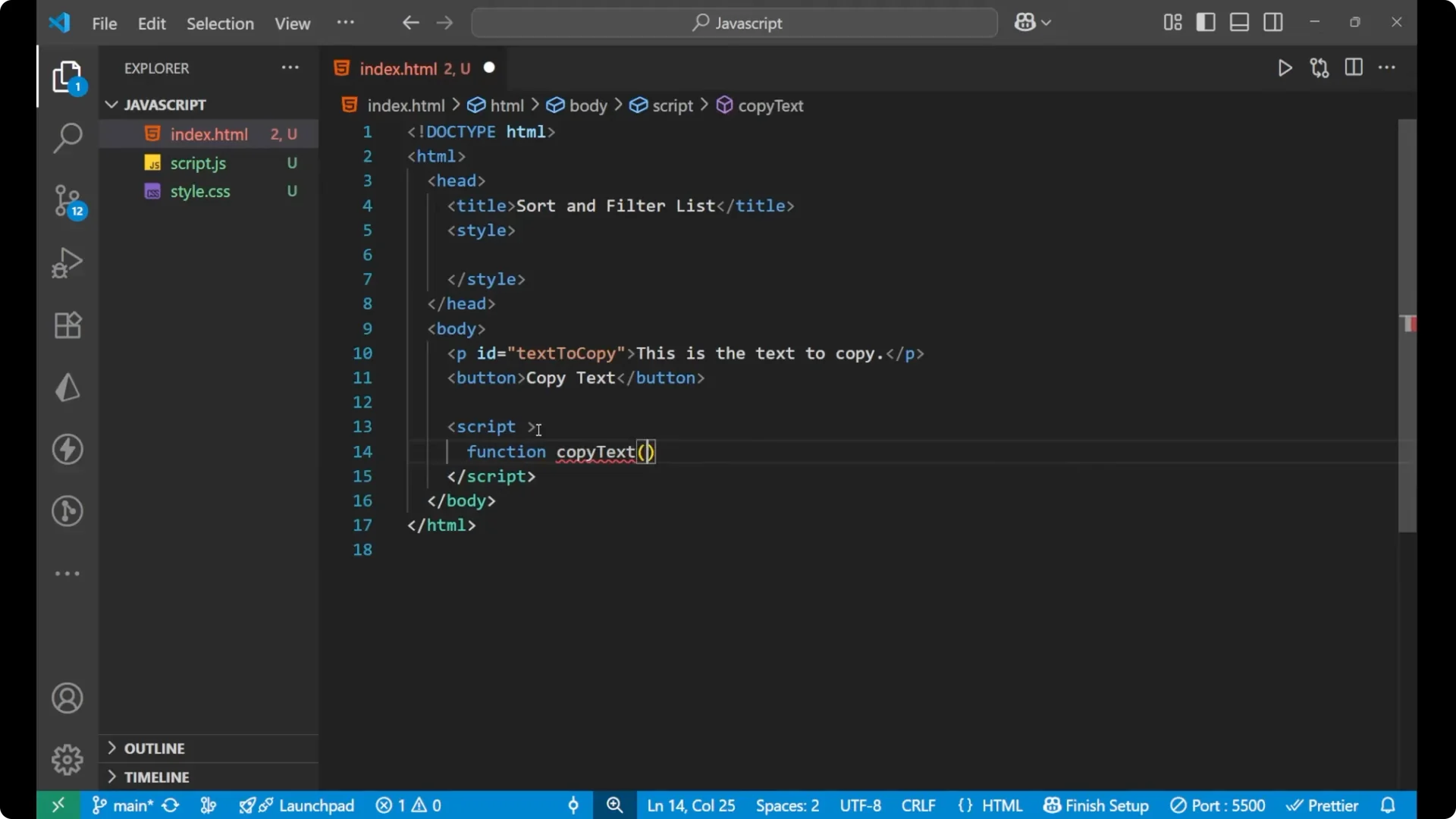
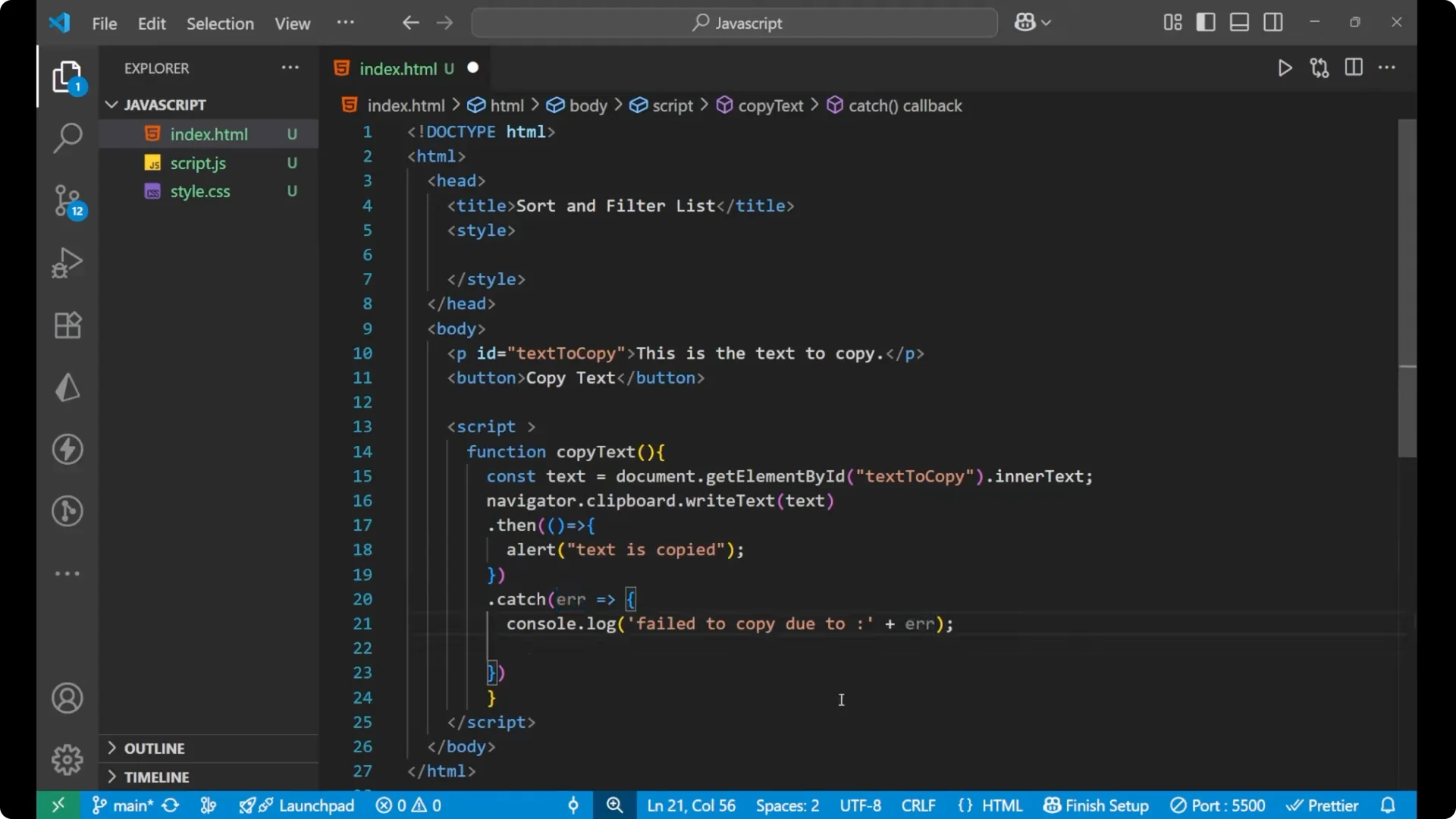
I will write the JavaScript internally and create a function named copyText. Inside this function, I will first take the text from the paragraph using its id, then write that text to the clipboard using the Clipboard API. If the copy action succeeds, I will show an alert. If it fails, I will log the error.
<script>
  function copyText() {
    const text = document.getElementById('text-to-copy').innerText;

    navigator.clipboard.writeText(text)
      .then(() => {
        alert('Text is copied');
      })
      .catch(err => {
        console.log('Fail to copy due to ' + err);
      });
  }
</script>
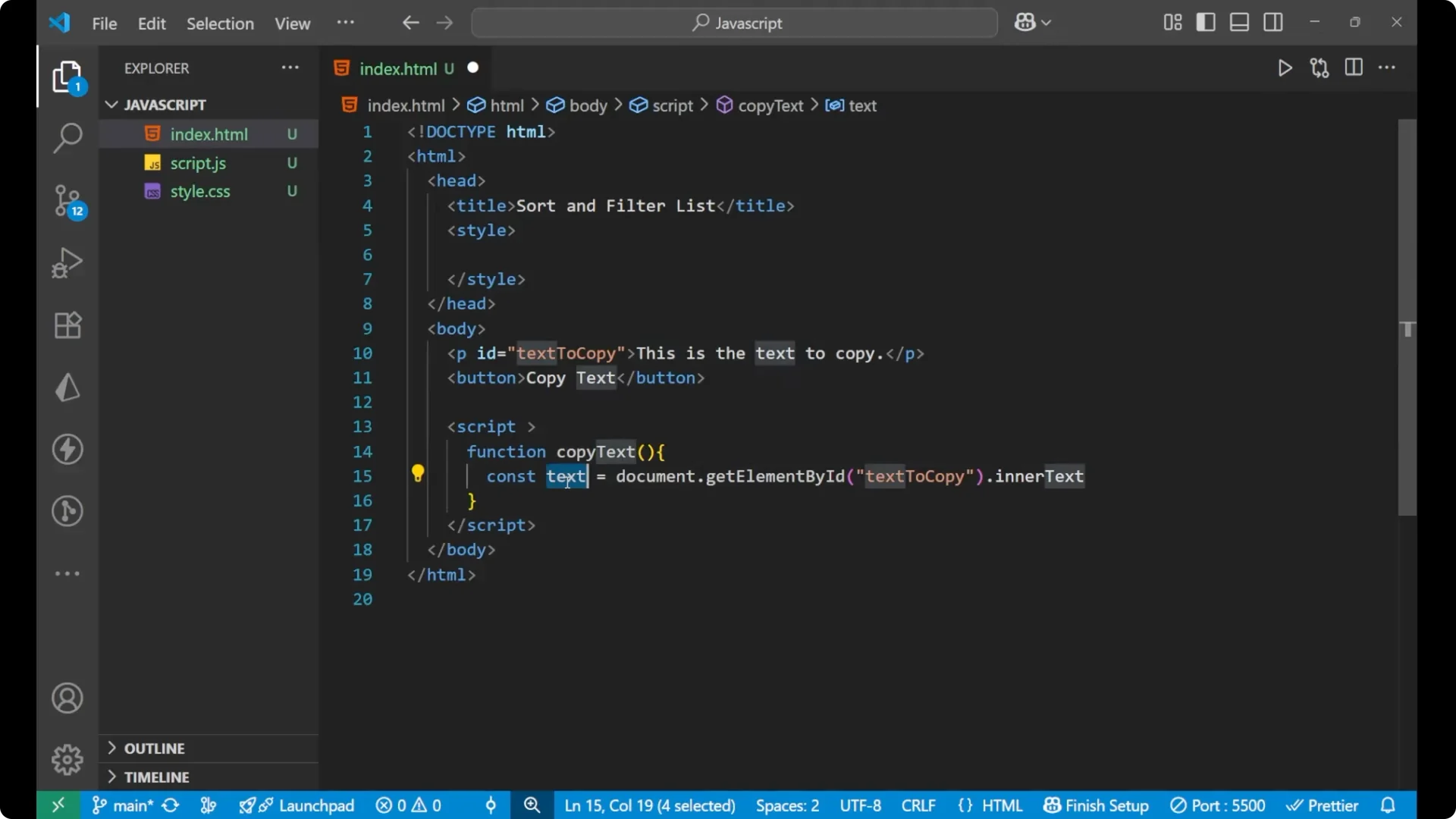
Get the text from the paragraph
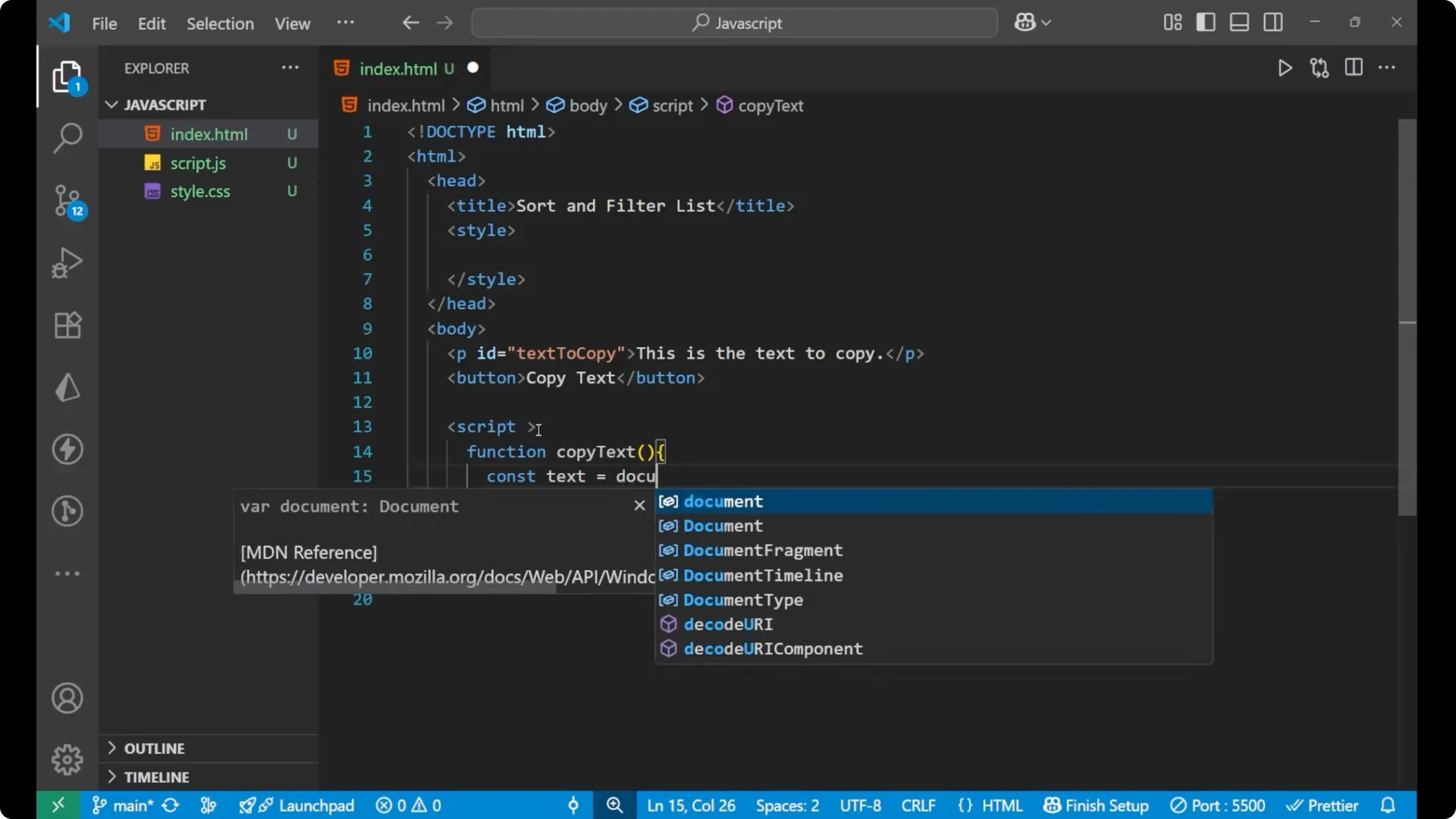
I am taking the paragraph node by its id and reading its inner text.
const text = document.getElementById('text-to-copy').innerText;
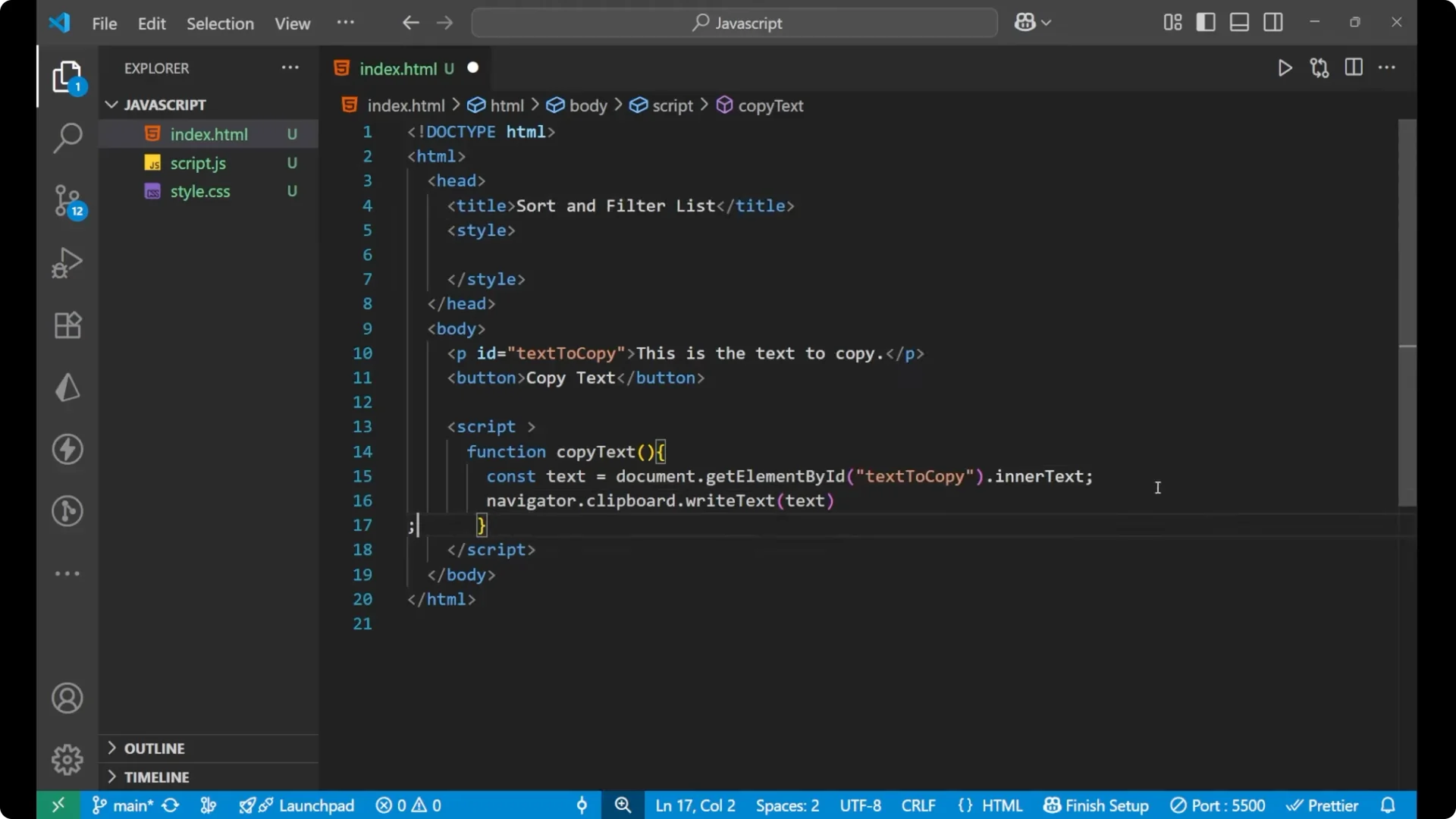
Write the text to the clipboard
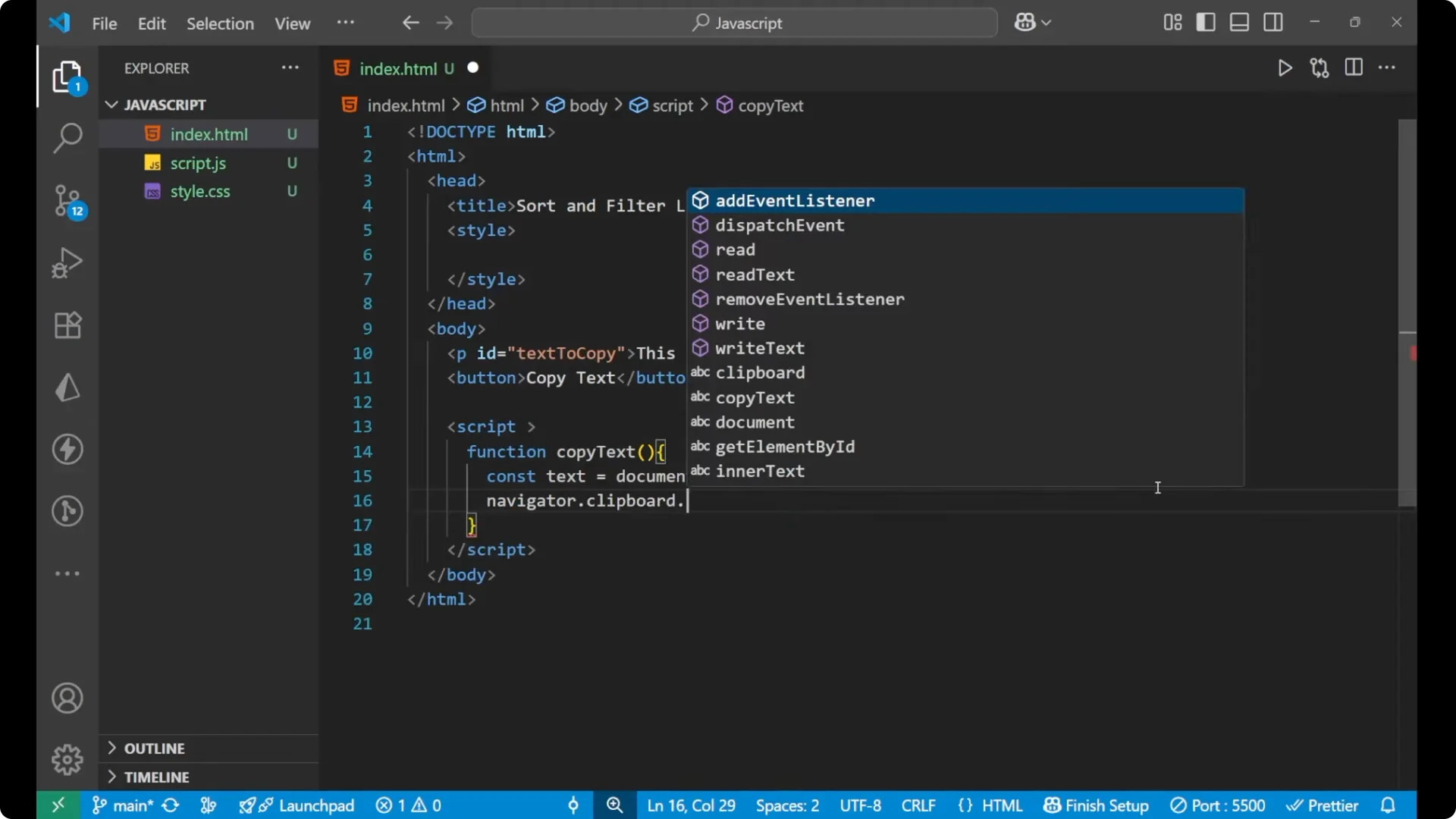
I am using the
navigator.clipboard.writeText method to copy the text.
navigator.clipboard.writeText(text)
Handle success and errors
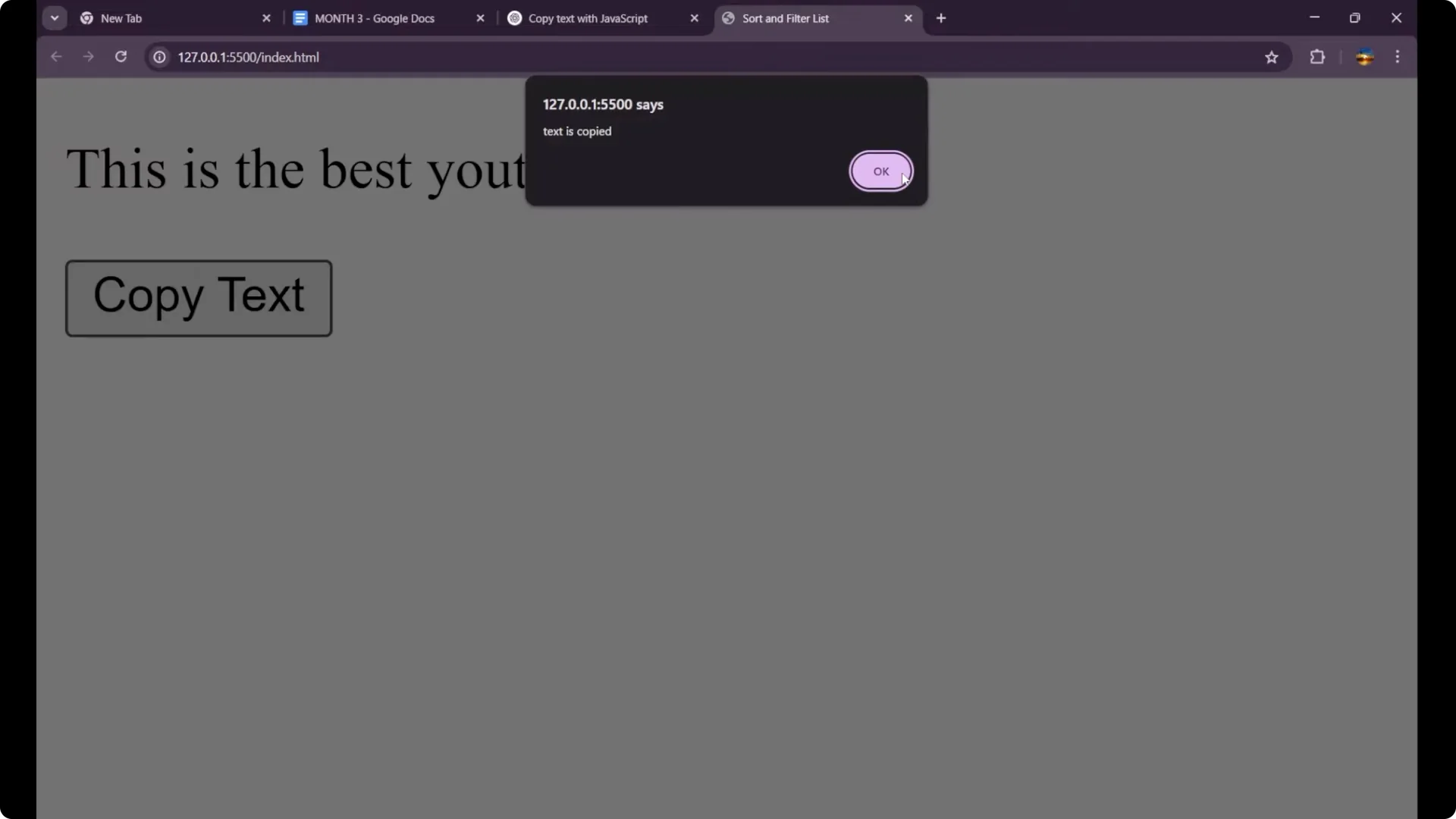
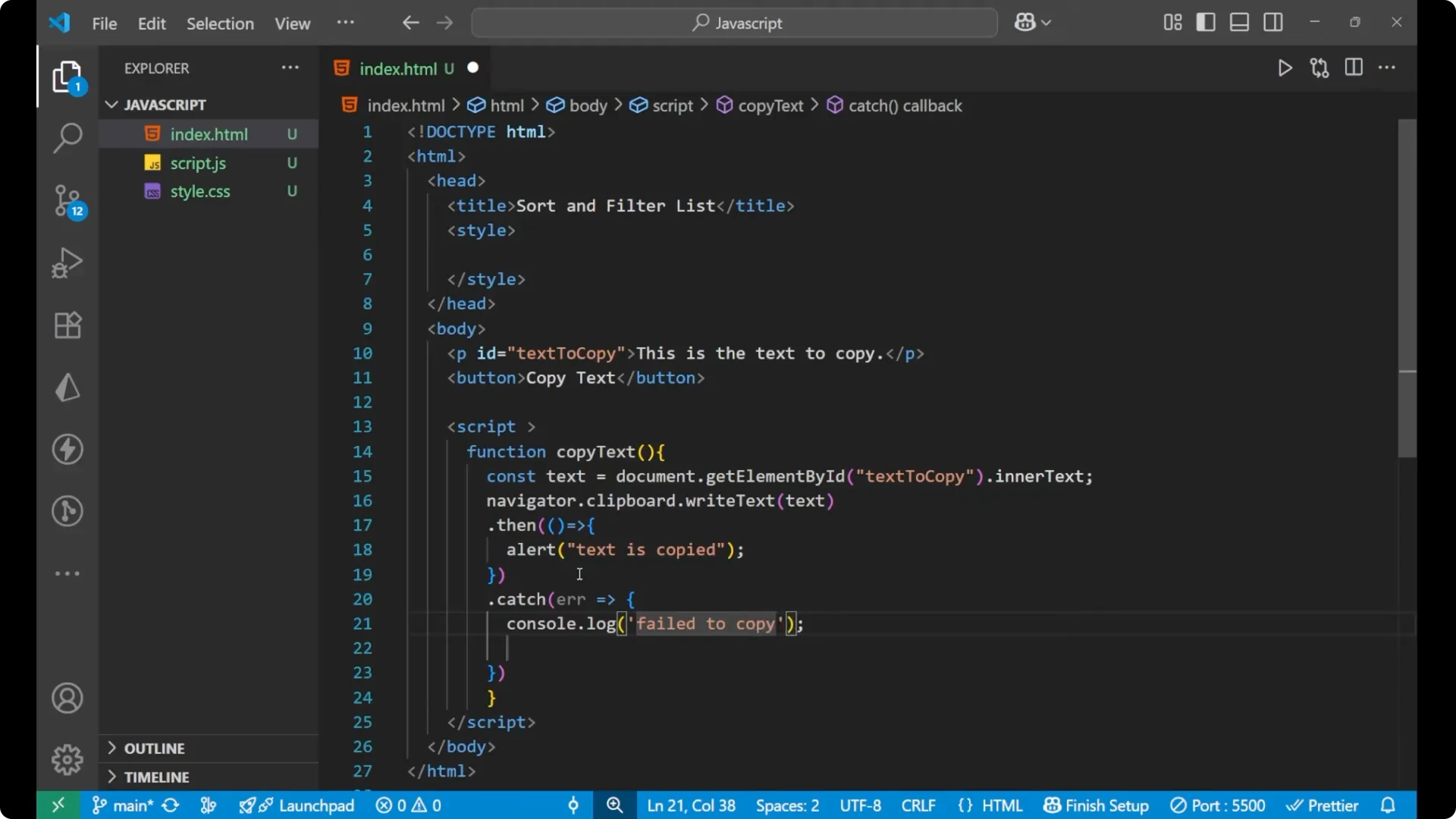
If it gets successful, I will show an alert that the text is copied. Otherwise, I will catch the error and log it.
.then(() => {
  alert('Text is copied');
})
.catch(err => {
  console.log('Fail to copy due to ' + err);
});
JavaScript Copy to Clipboard: Complete Example
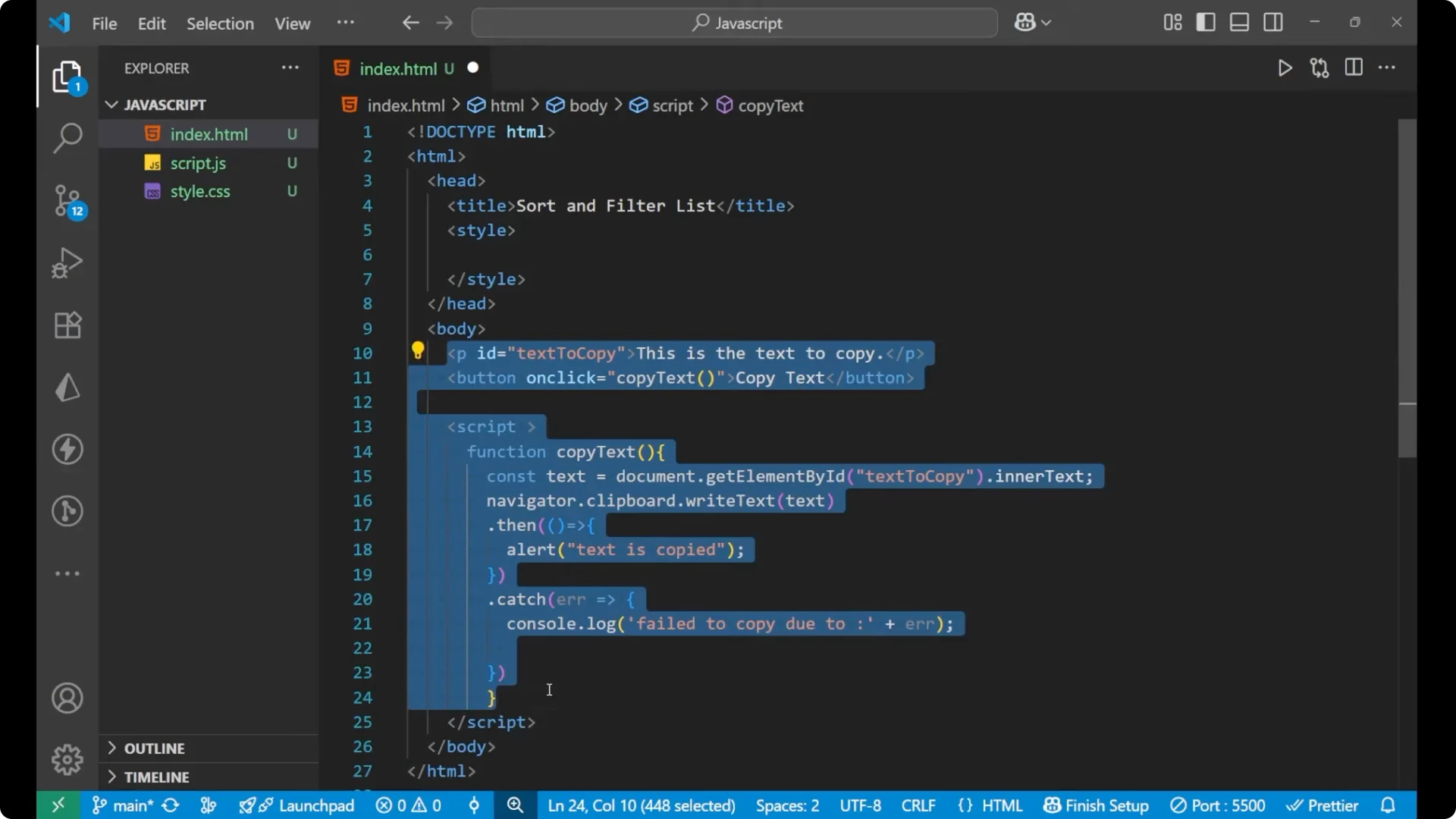
This is how the whole code and the whole structure should be.
<!DOCTYPE html>
<html lang="en">
  <head>
    <meta charset="utf-8" />
    <title>Copy to Clipboard</title>
  </head>
  <body>
    <p id="text-to-copy">This is the text to copy.</p>
    <button onclick="copyText()">Copy text</button>

    <script>
      function copyText() {
        const text = document.getElementById('text-to-copy').innerText;

        navigator.clipboard.writeText(text)
          .then(() => {
            alert('Text is copied');
          })
          .catch(err => {
            console.log('Fail to copy due to ' + err);
          });
      }
    </script>
  </body>
</html>
Quick test
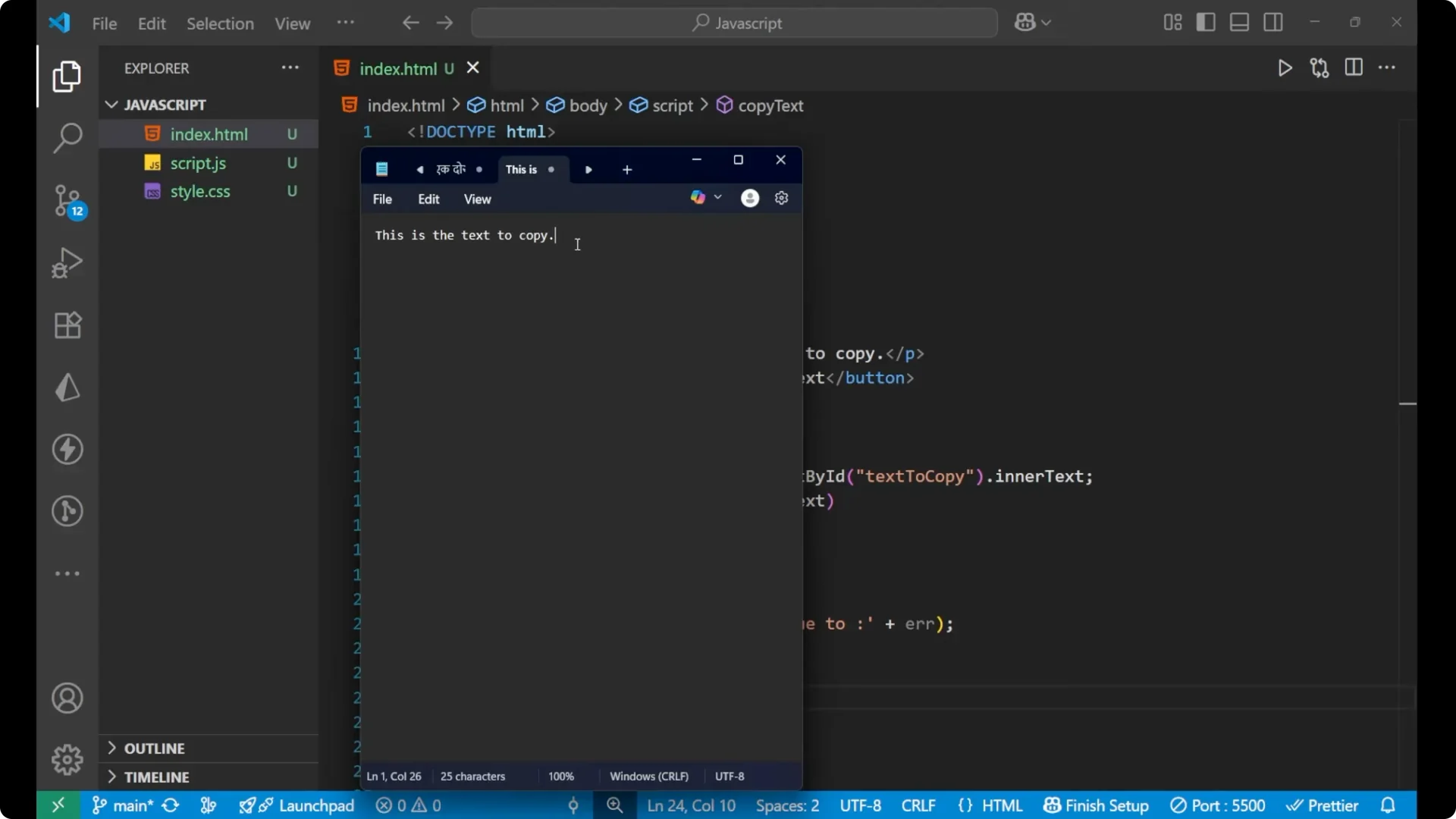
Reload the page. Click the Copy text button. Paste into any text editor using Ctrl + V to confirm the copied content.
Final Thoughts
I created a function that reads the paragraph’s inner text, writes it to the clipboard with
navigator.clipboard.writeText, handles success with an alert, and logs any error. The button calls this function using the onclick attribute, and the copy action works as expected.