Converting strings to numbers and numbers to strings in JavaScript is straightforward. I’ll show every method I use, explain what each one does, and when to pick one over the other. You’ll see four different ways to turn a string into a number, and two ways to turn a number into a string.
String to number (JavaScript String-Number Conversion)
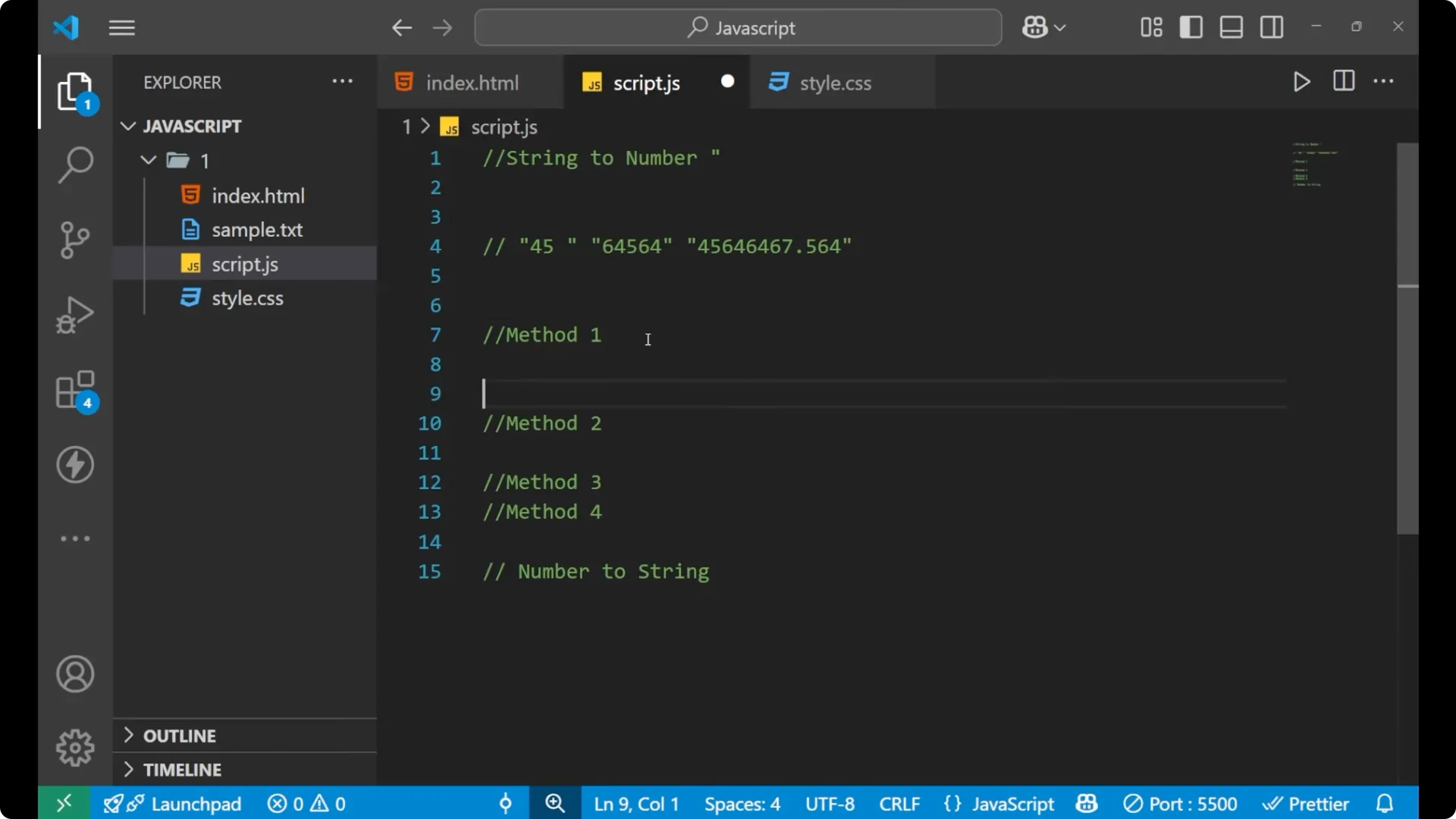
Method 1 – Number()
Use the built-in
Number() to convert any numeric string into a number.
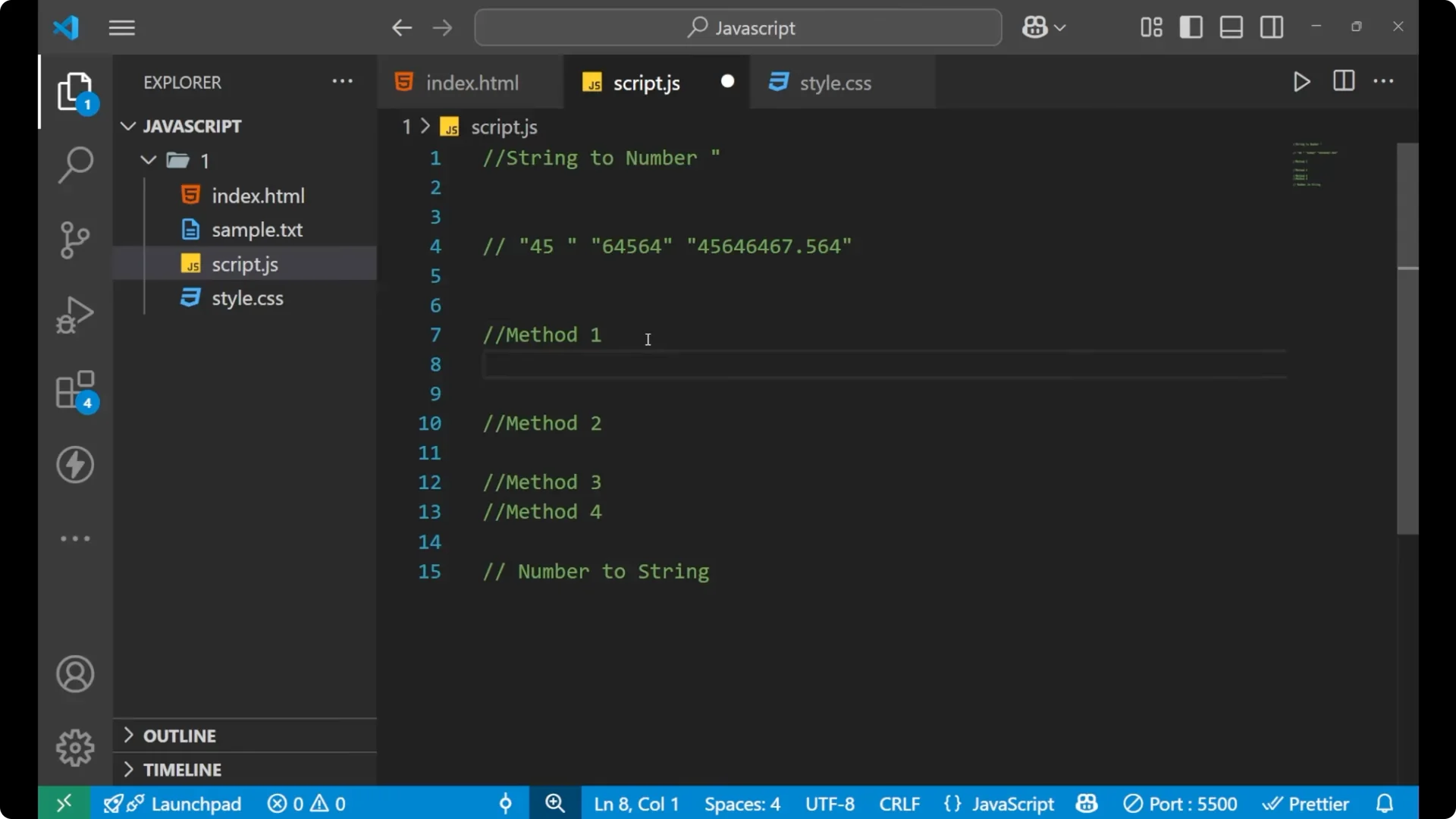
Steps:
Create a variable that holds a number in the form of a string.
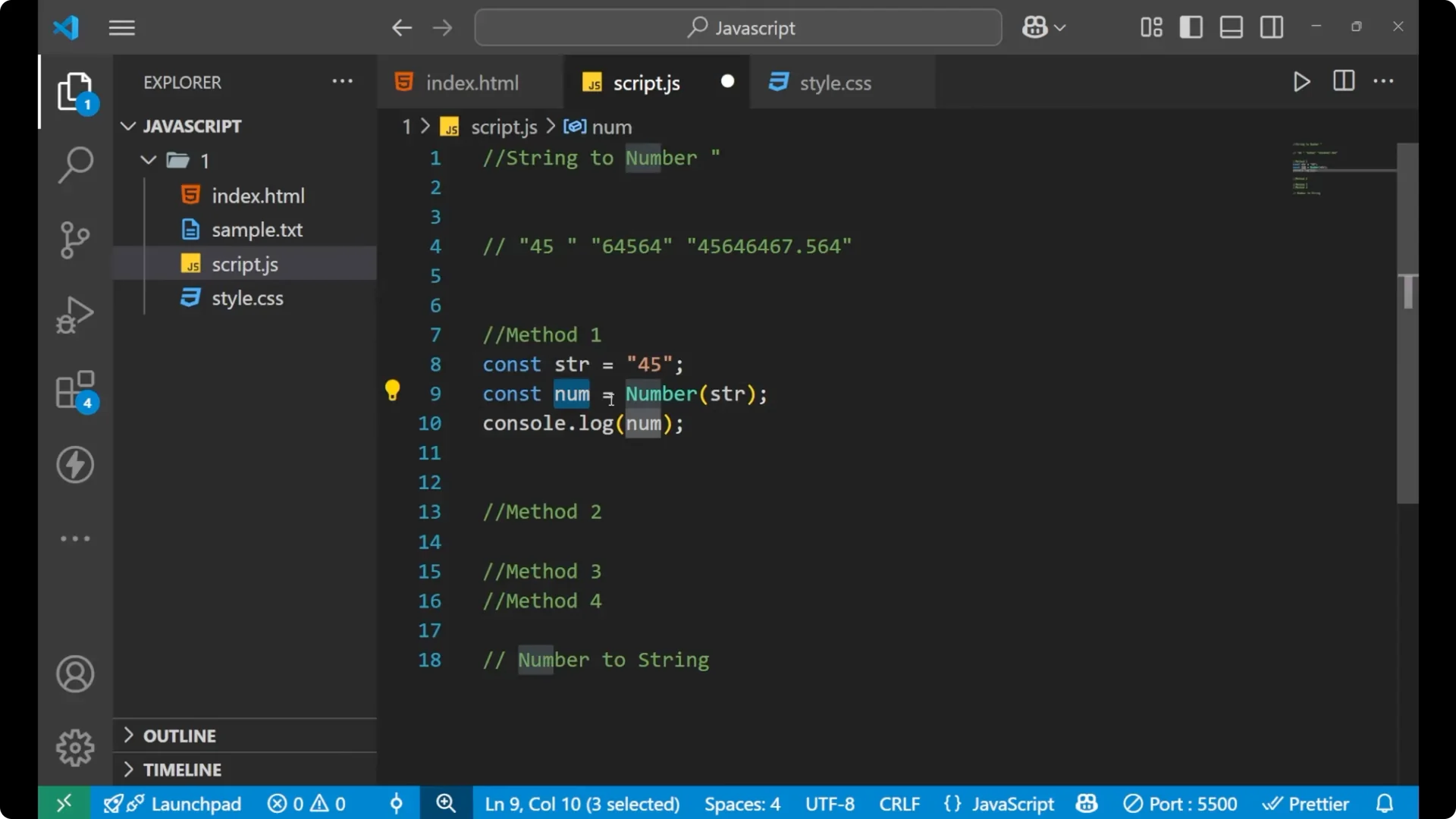
Pass that variable to Number().
Store the result in a new variable and print it.
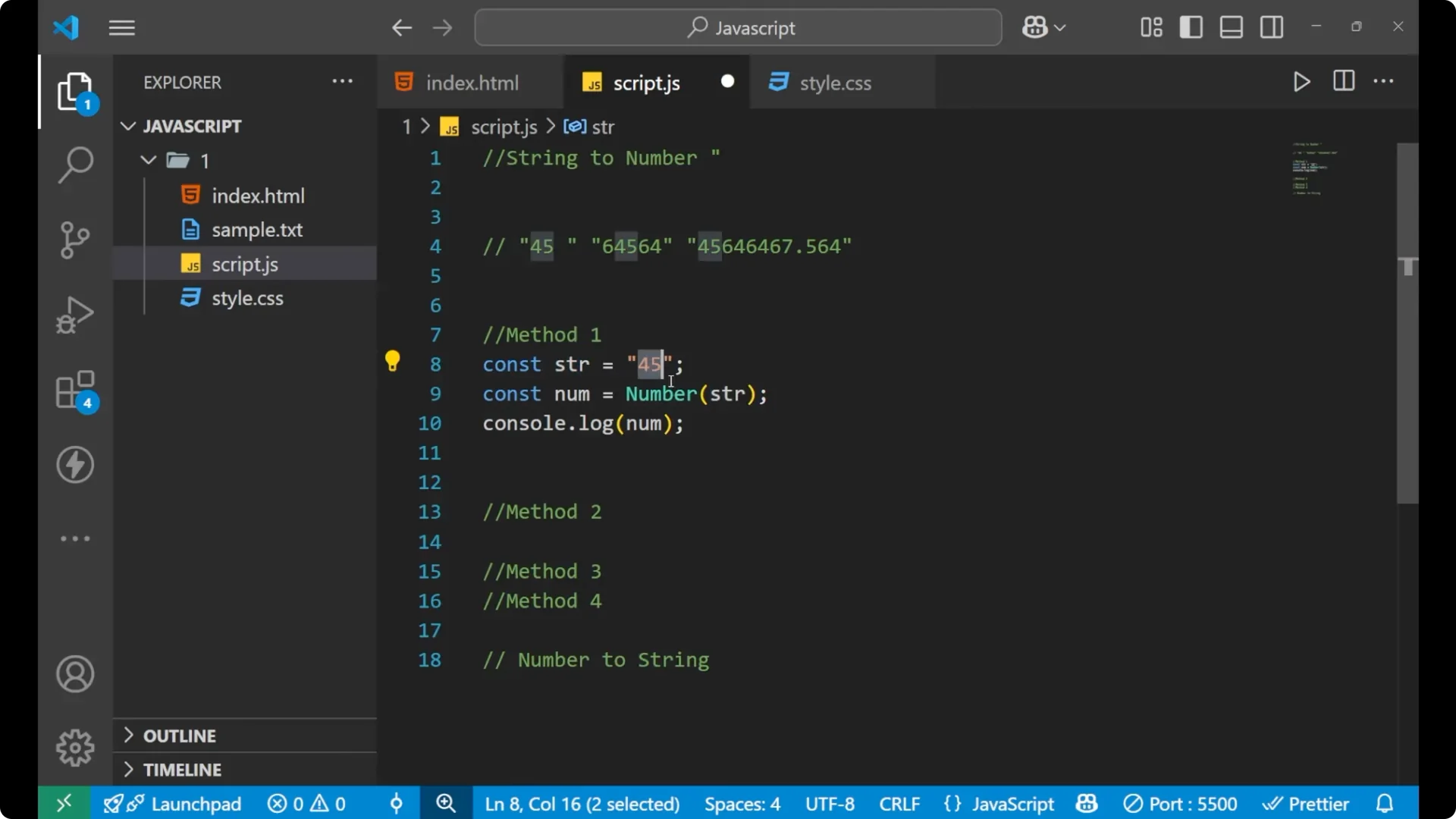
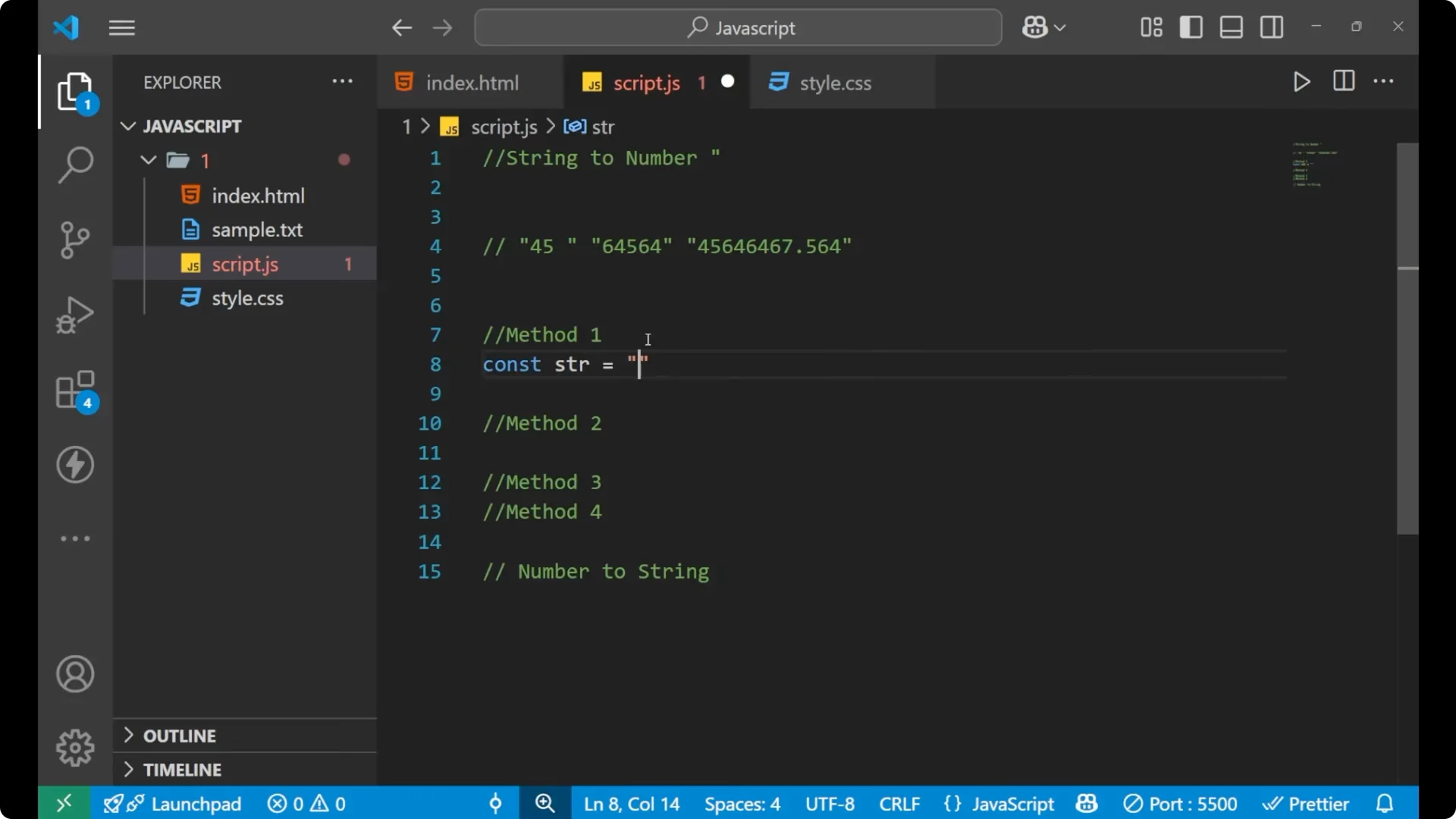
const str = "45";
const num = Number(str);

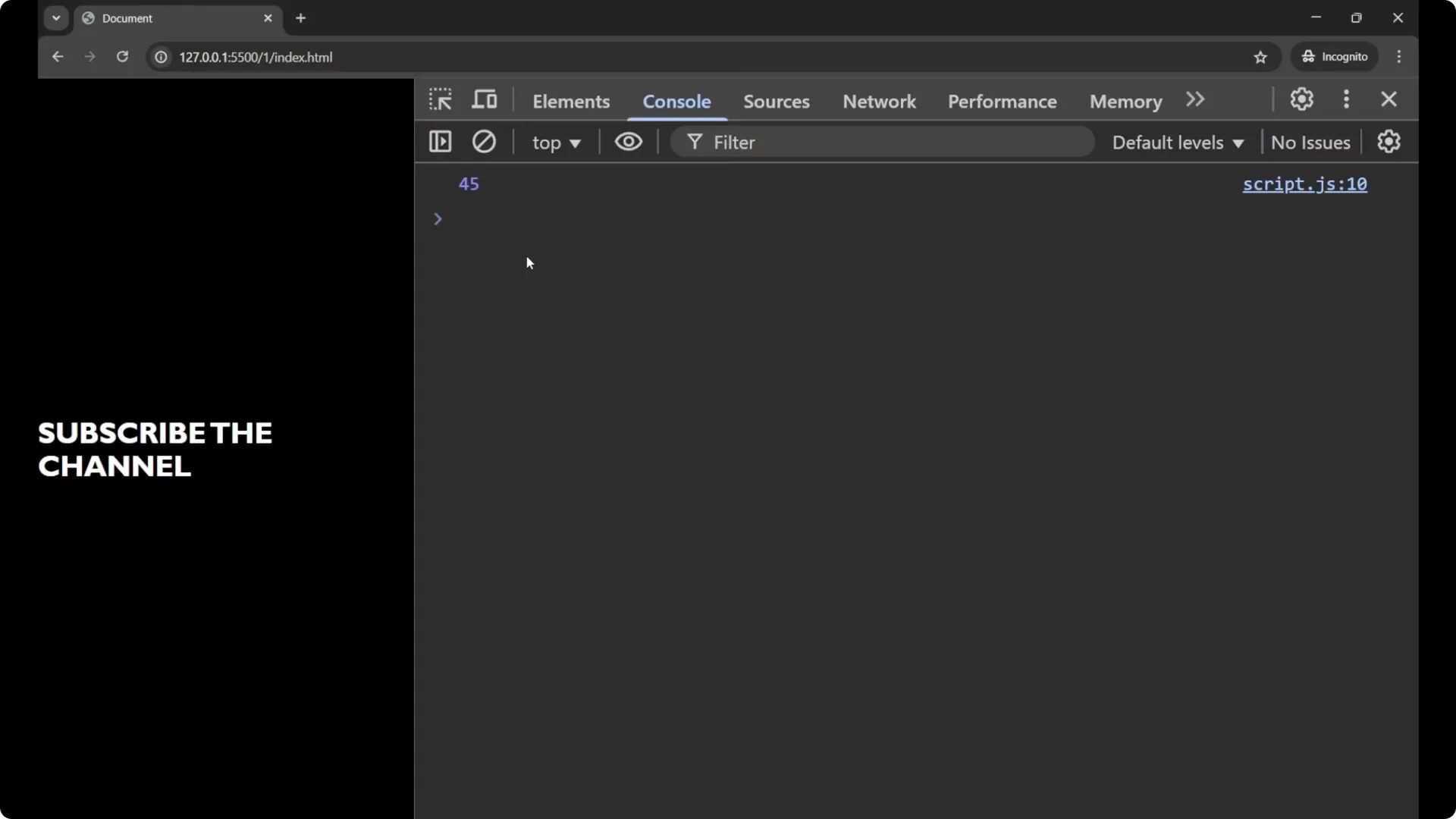
console.log(num);        // 45
console.log(typeof num); // "number"
If you want some quick values to experiment with, generate simple
random numbers and convert them.
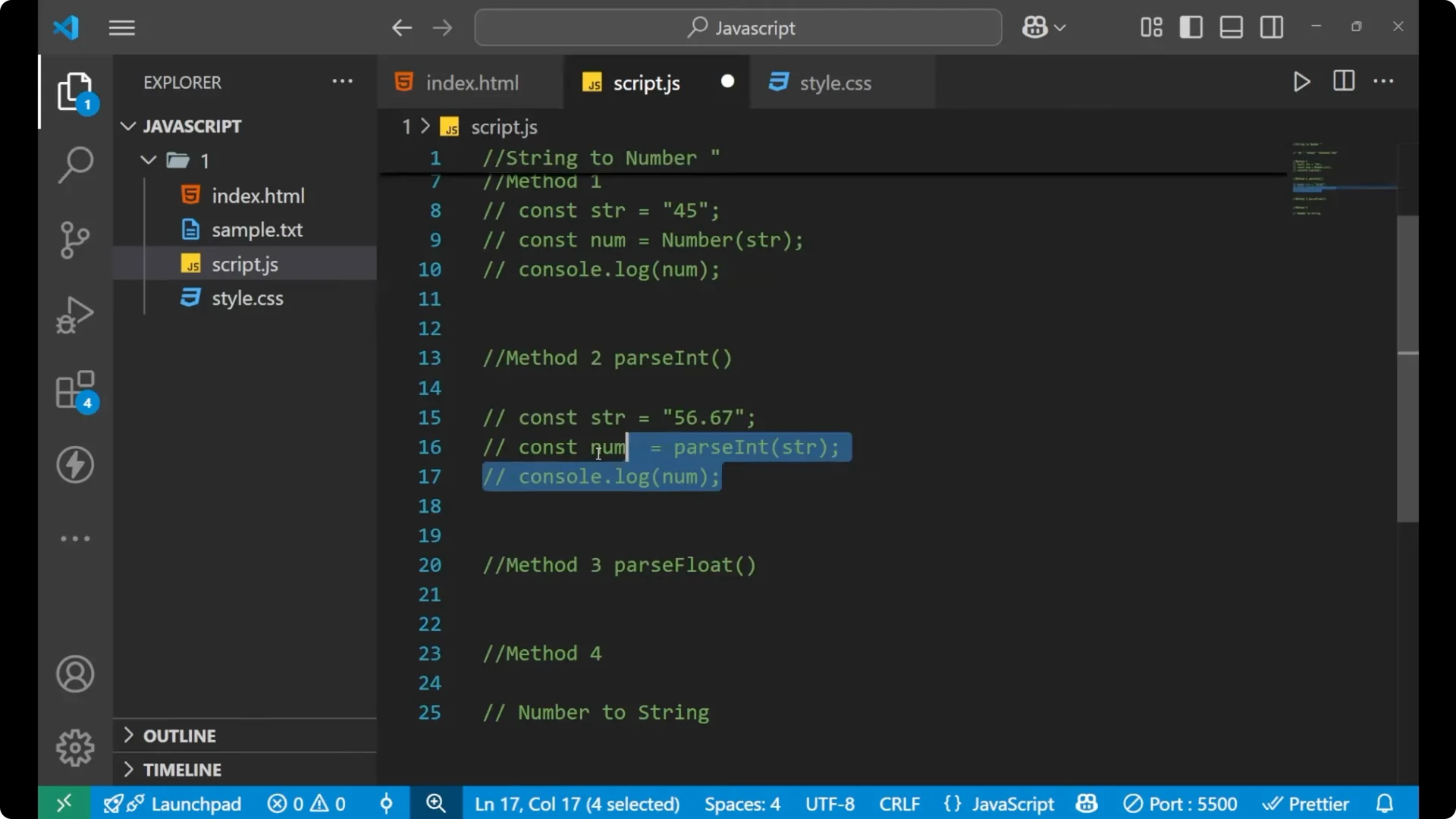
Method 2 – parseInt()
Use
parseInt() for whole numbers. It ignores the
decimal part.
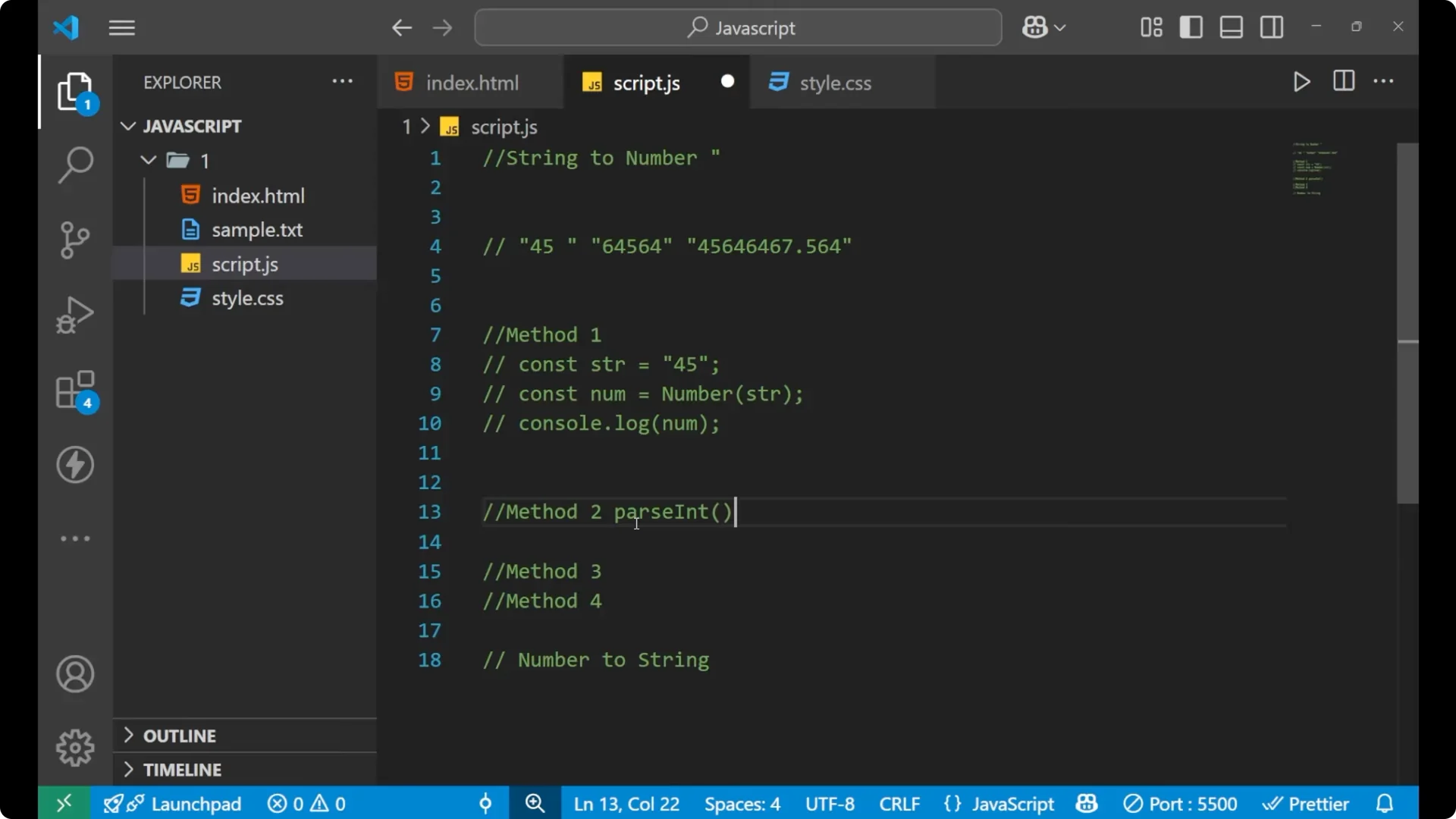
Steps:
Create a string with a decimal value.
Call parseInt() with the string.
Print the result.
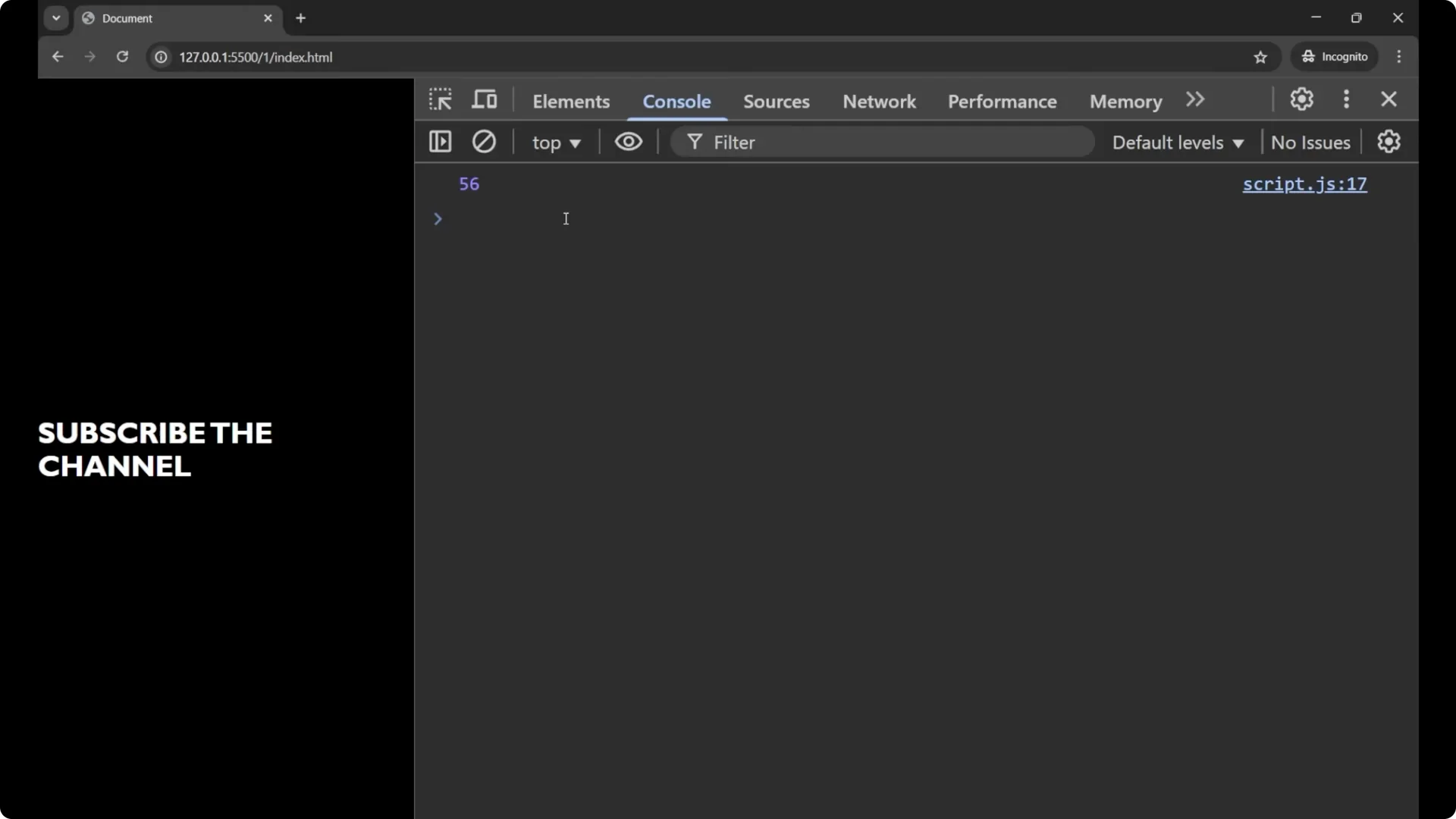
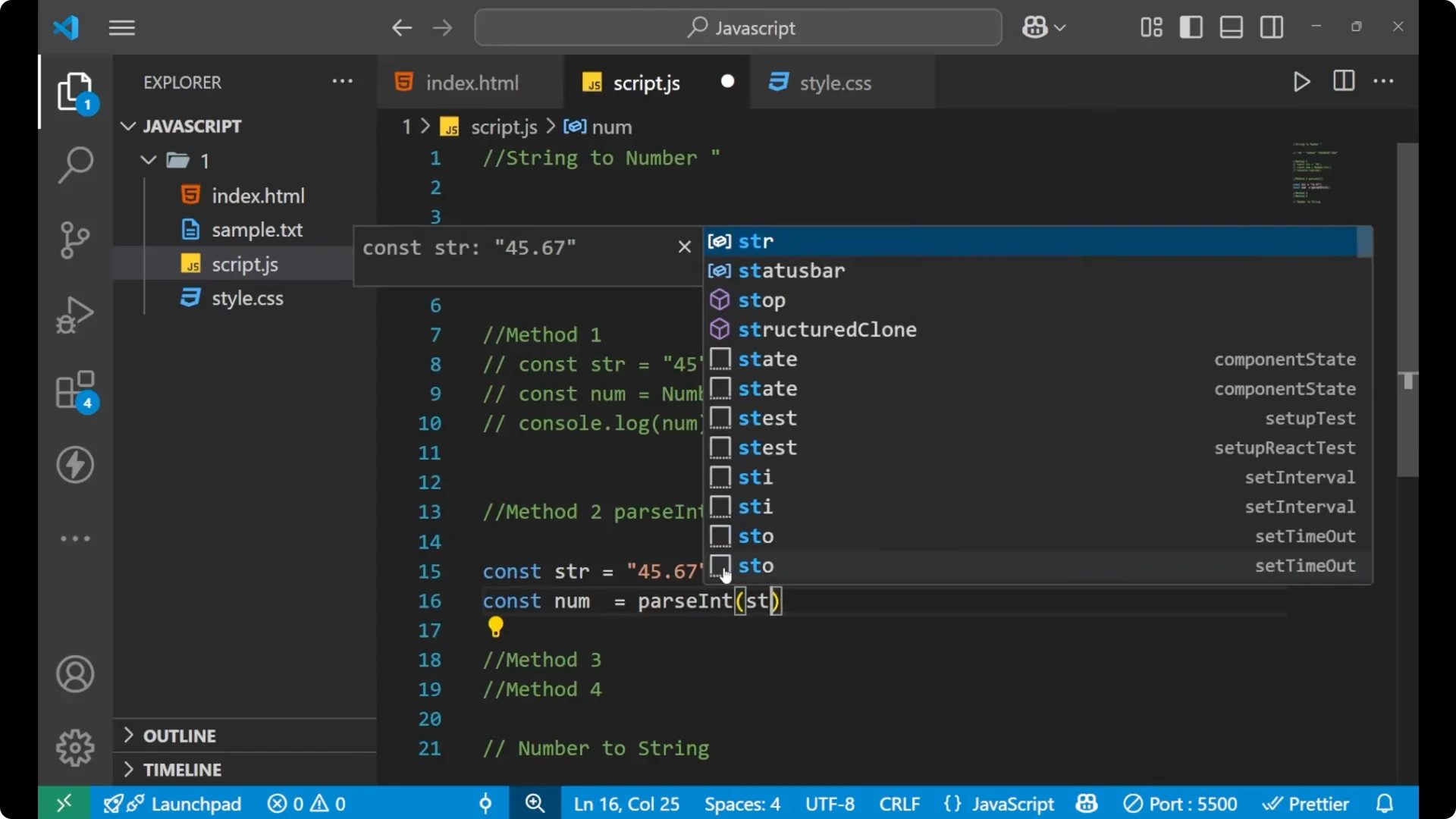
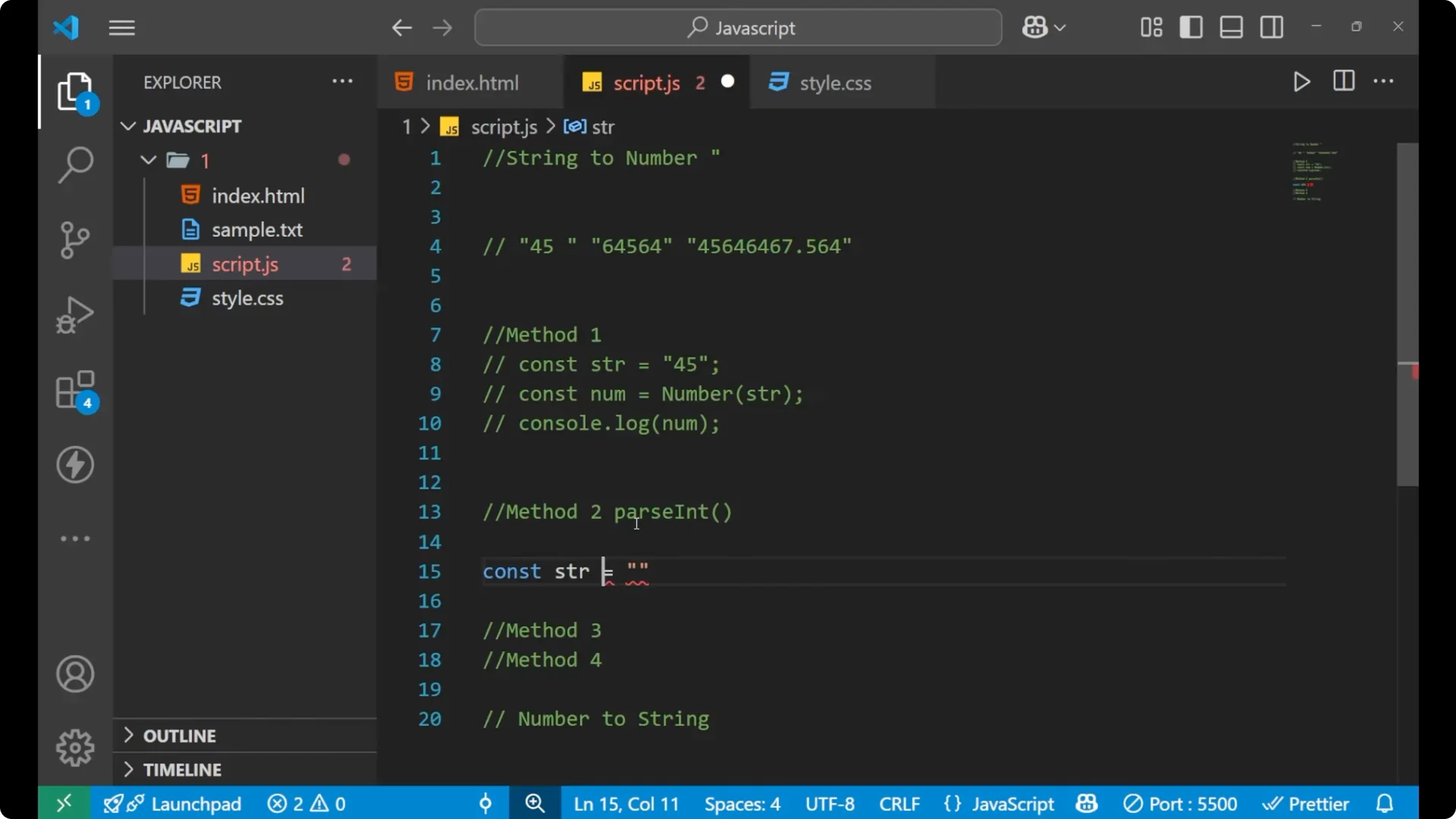
const str = "56.67";
const num = parseInt(str);

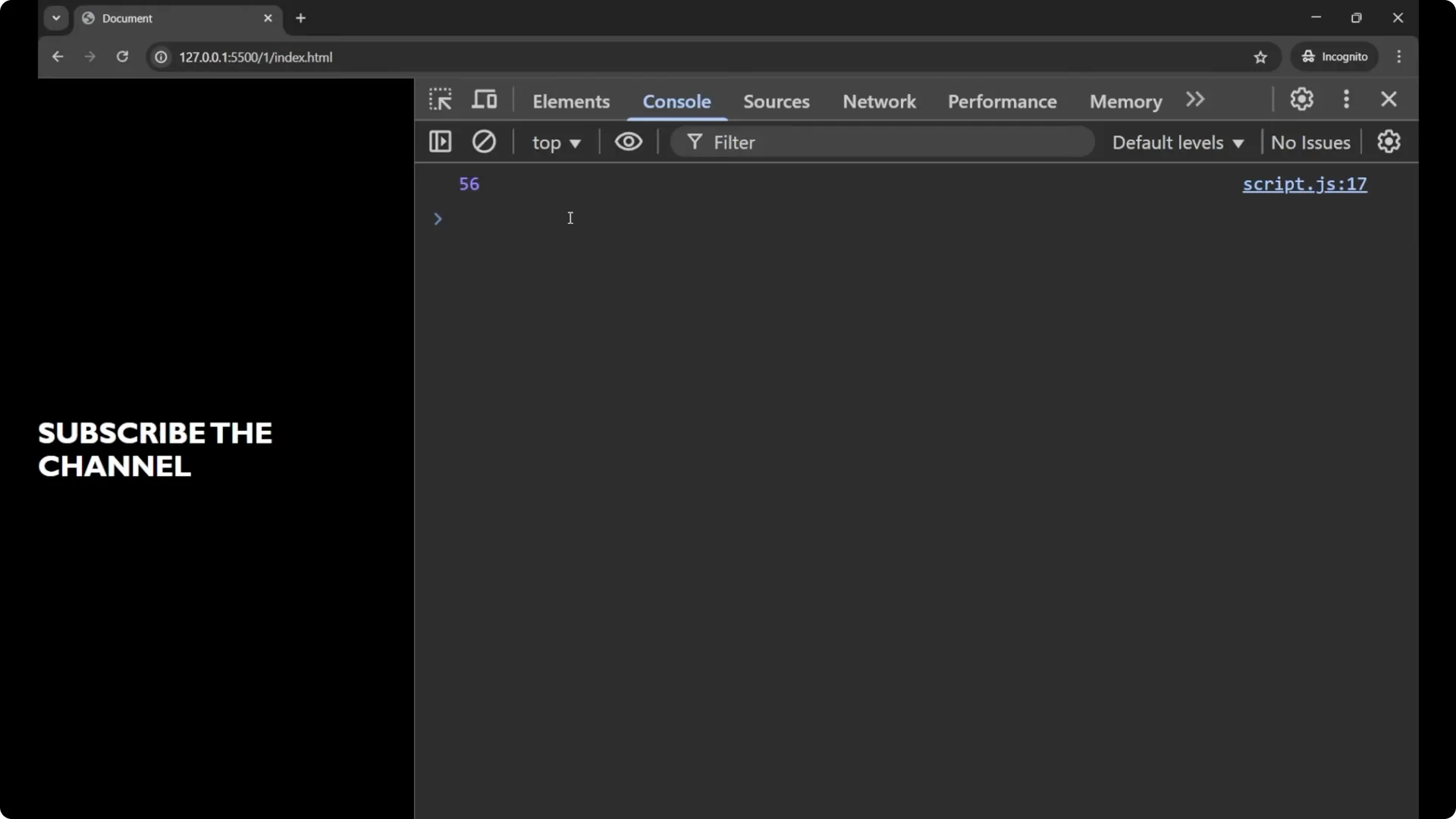
console.log(num);        // 56
console.log(typeof num); // "number"
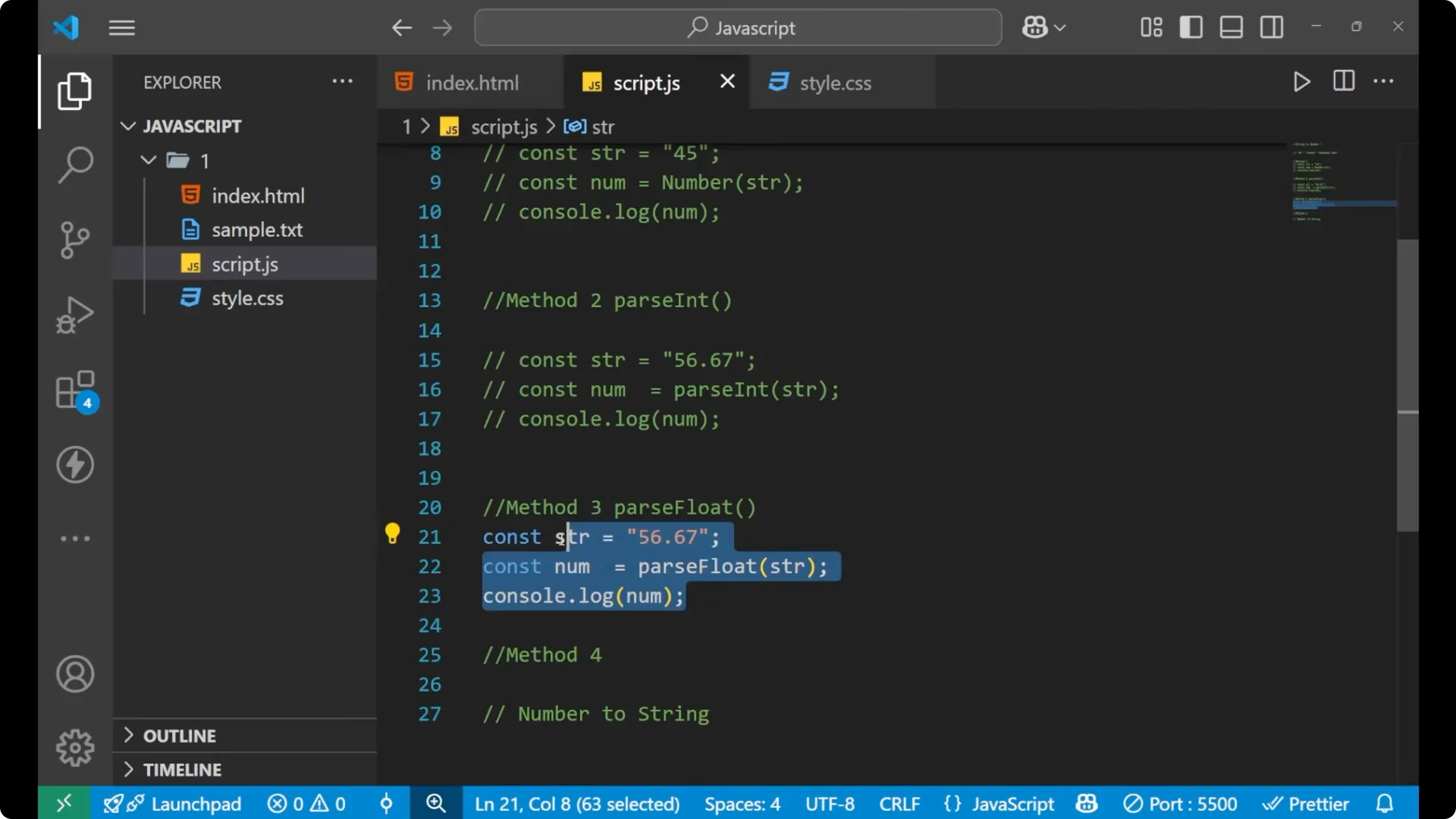
Method 3 – parseFloat()
Use
parseFloat() to keep the
decimal part.
Steps:
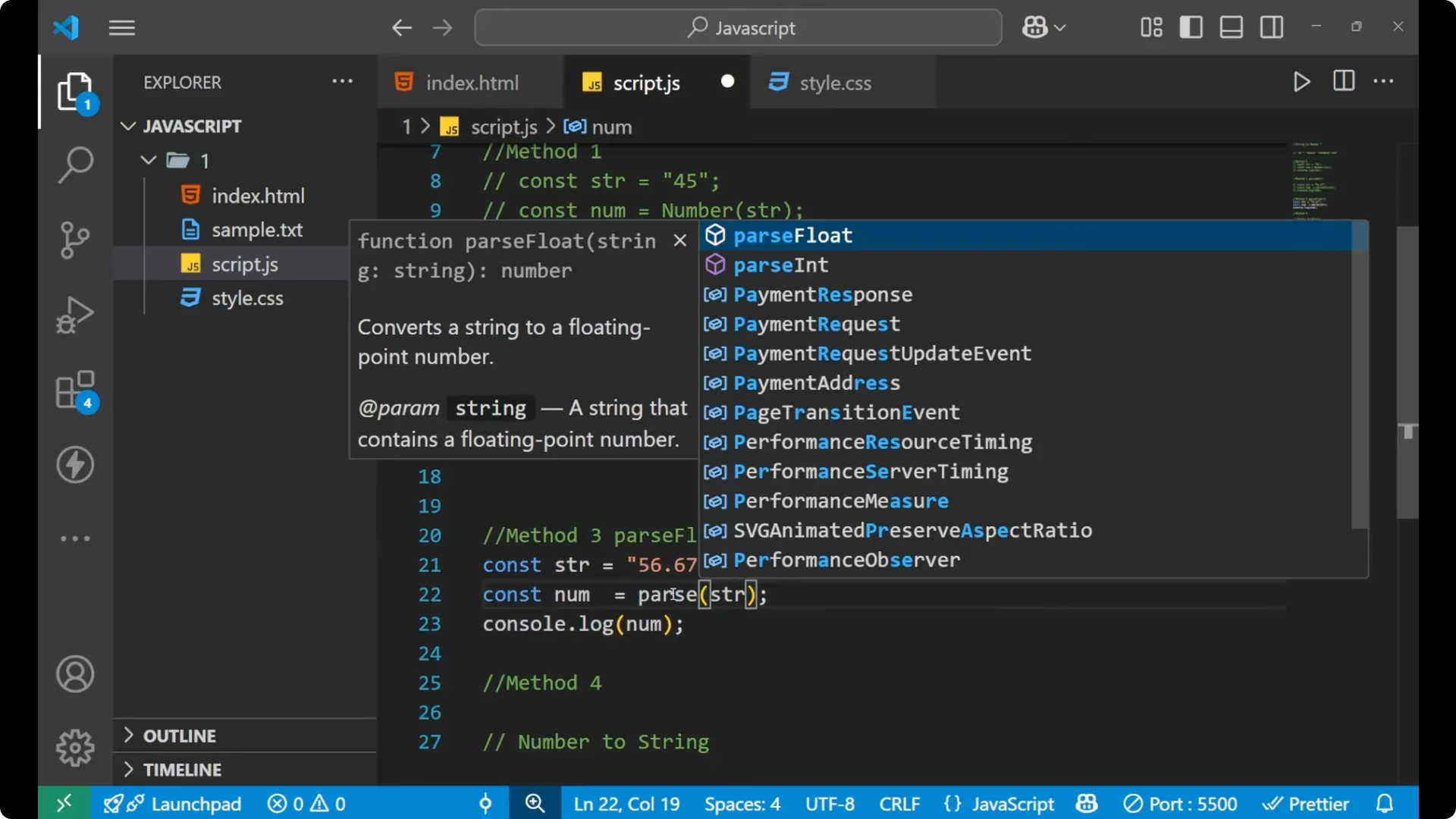
Keep the same decimal string.
Call parseFloat() with the string.
Print the result.

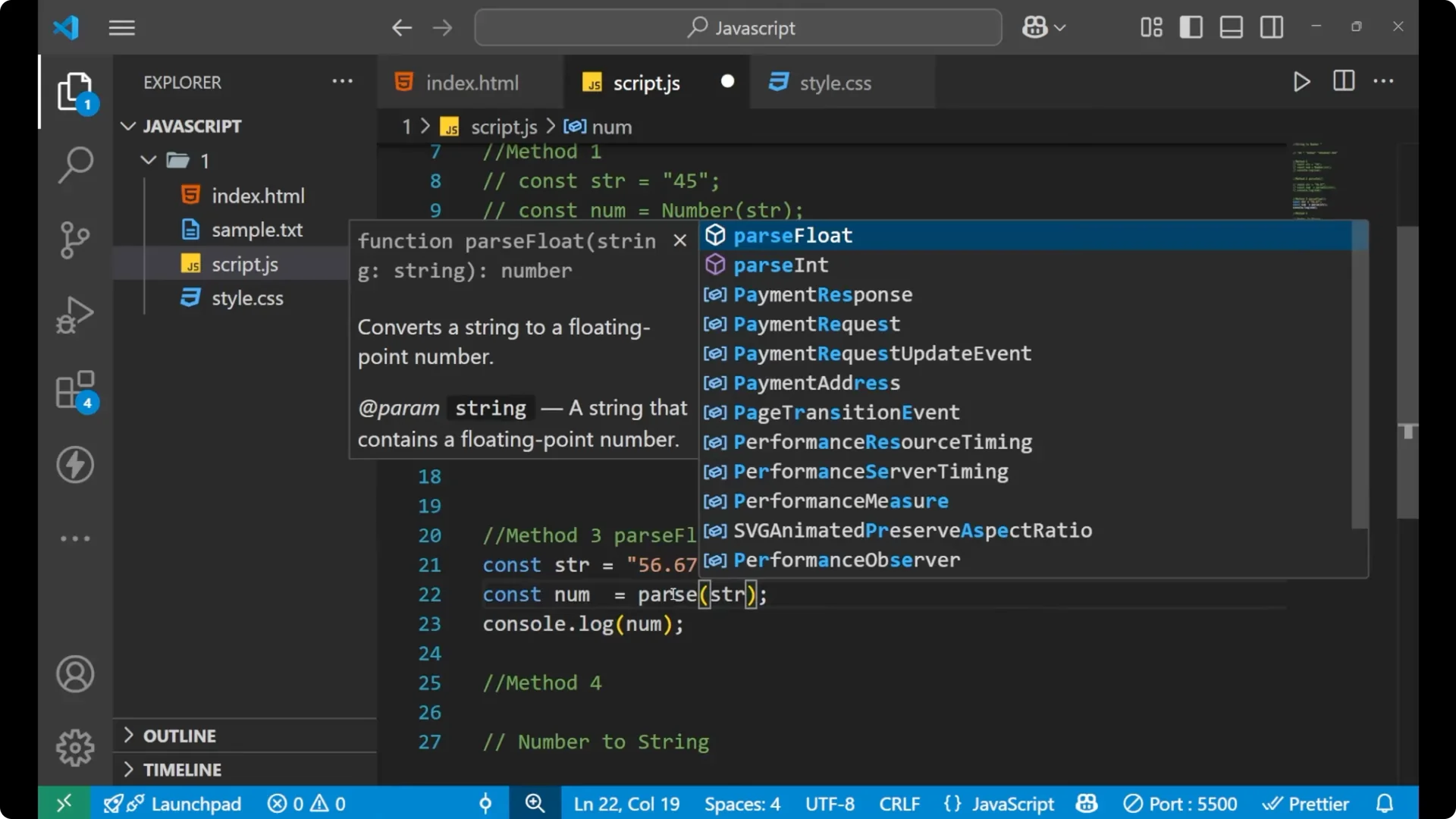
const str = "56.67";
const num = parseFloat(str);

console.log(num);        // 56.67
console.log(typeof num); // "number"

Parsing here is about numbers. If you’re working with structured text, learn to
parse data using JSON.
Method 4 – Unary plus (+)
The unary plus is a quick way to convert a numeric string into a number.
Steps:
Create a string that holds a number.
Prefix the variable with a single plus sign.
Store and print the result.
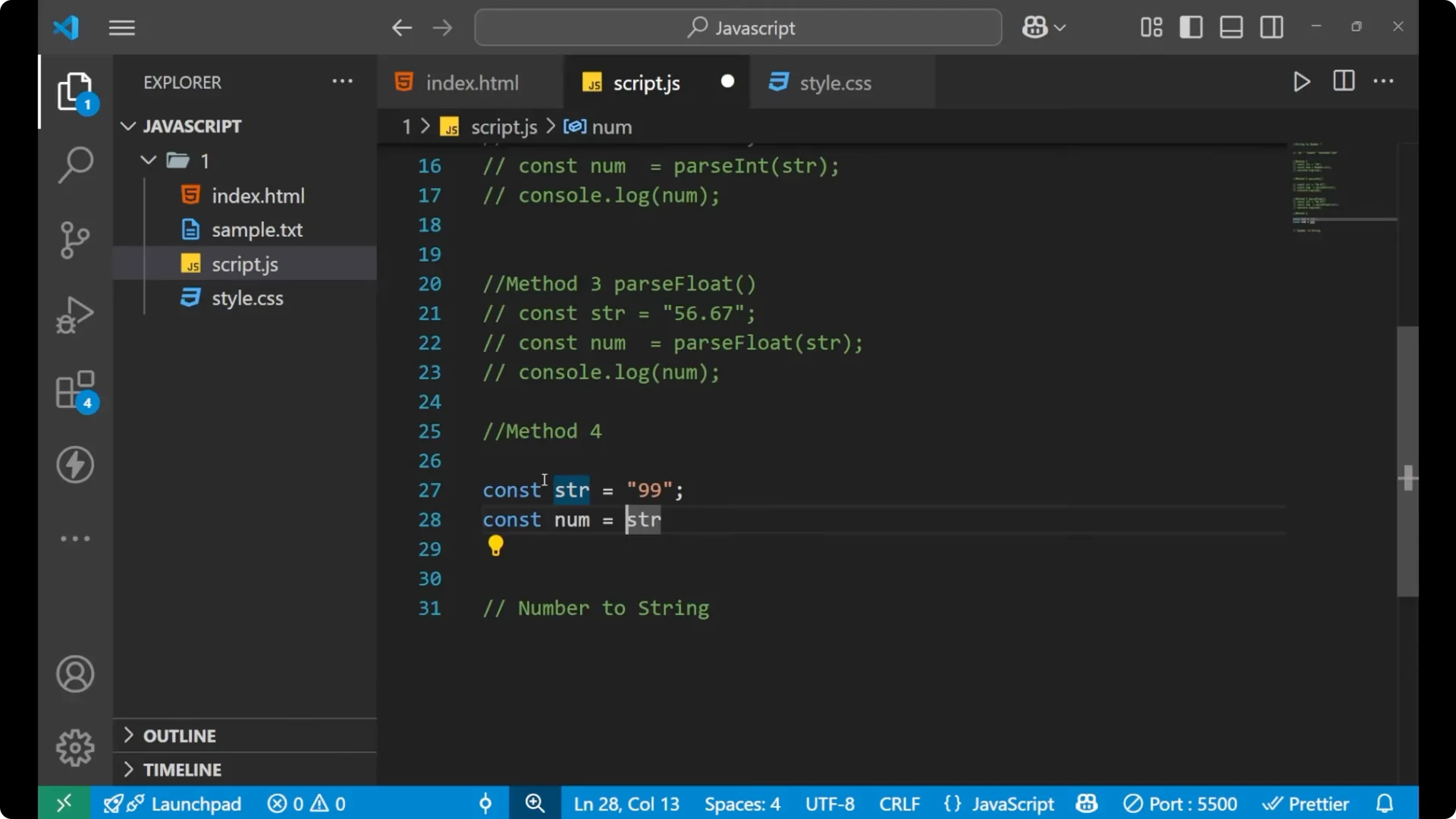
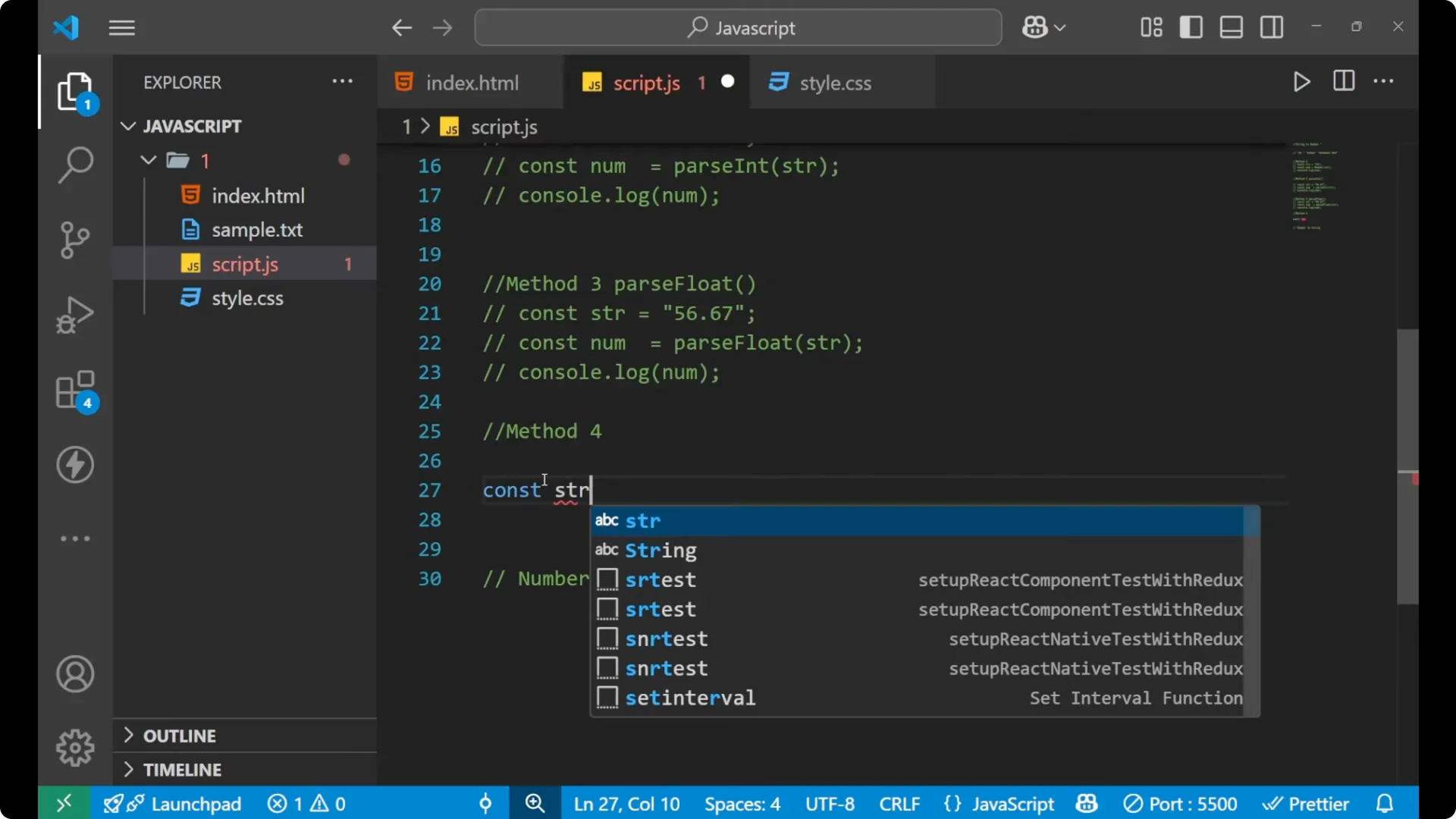
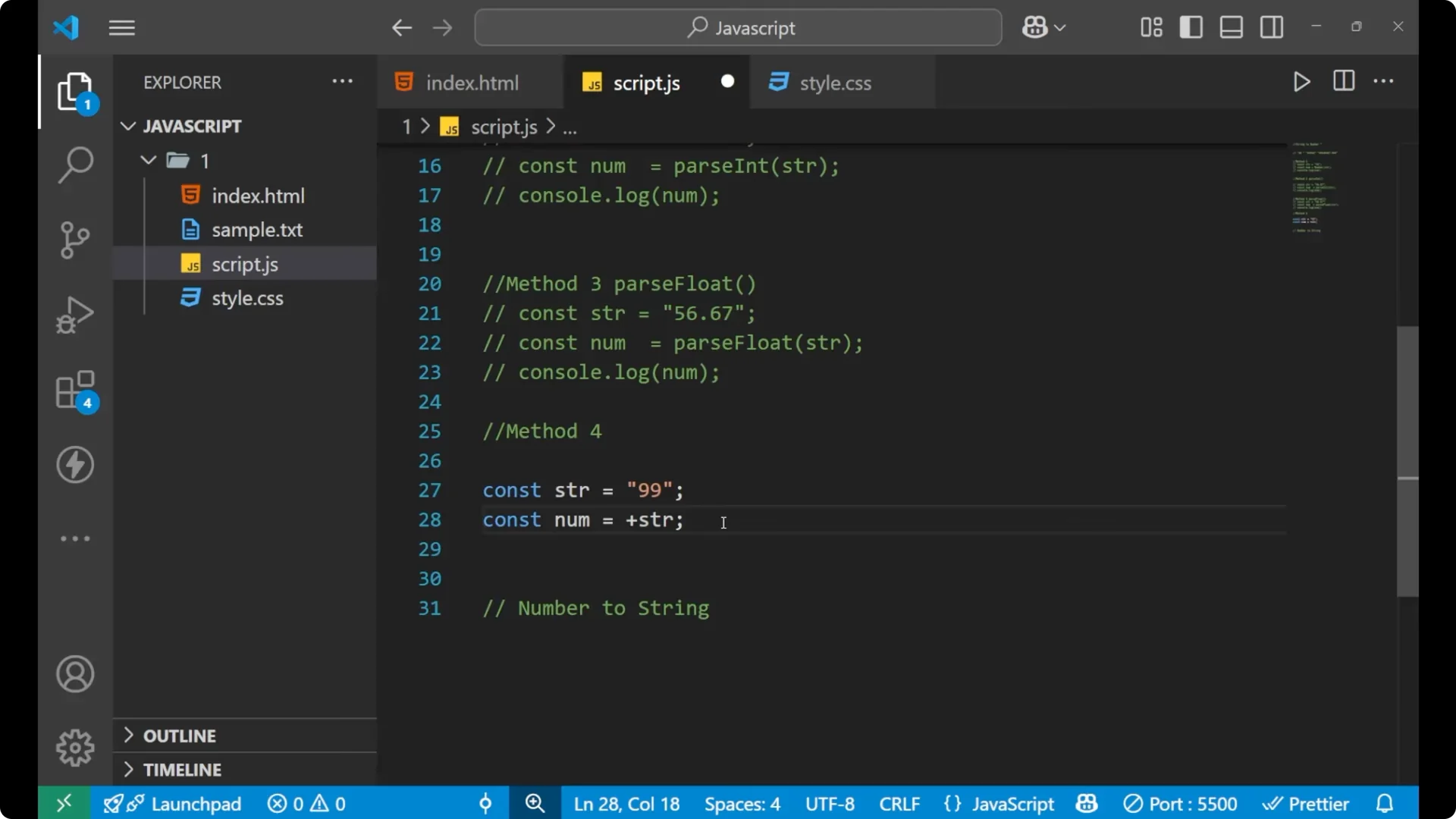
const str = "99";
const num = +str;

console.log(num);        // 99
console.log(typeof num); // "number"
Number to string (JavaScript String-Number Conversion)
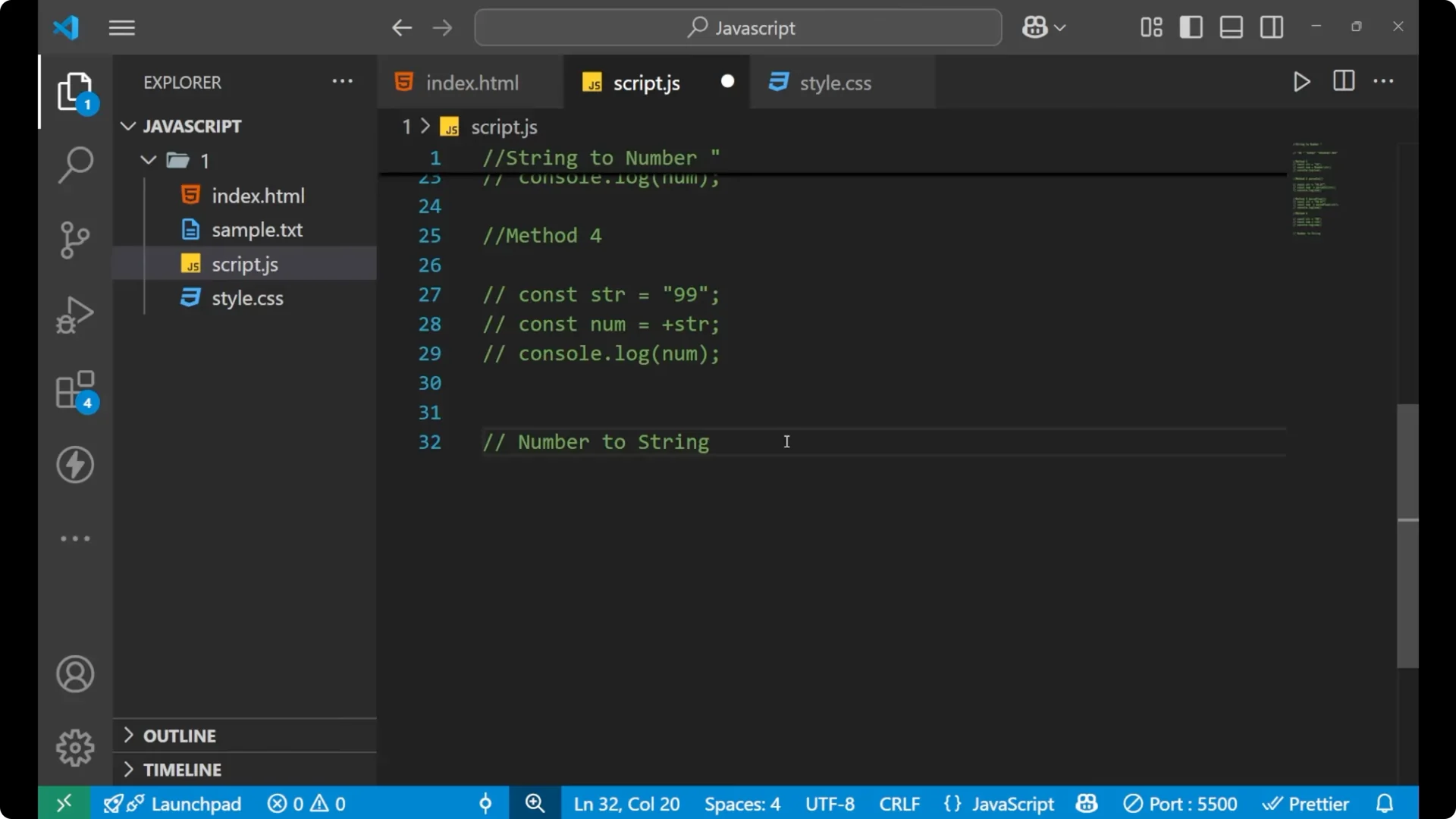
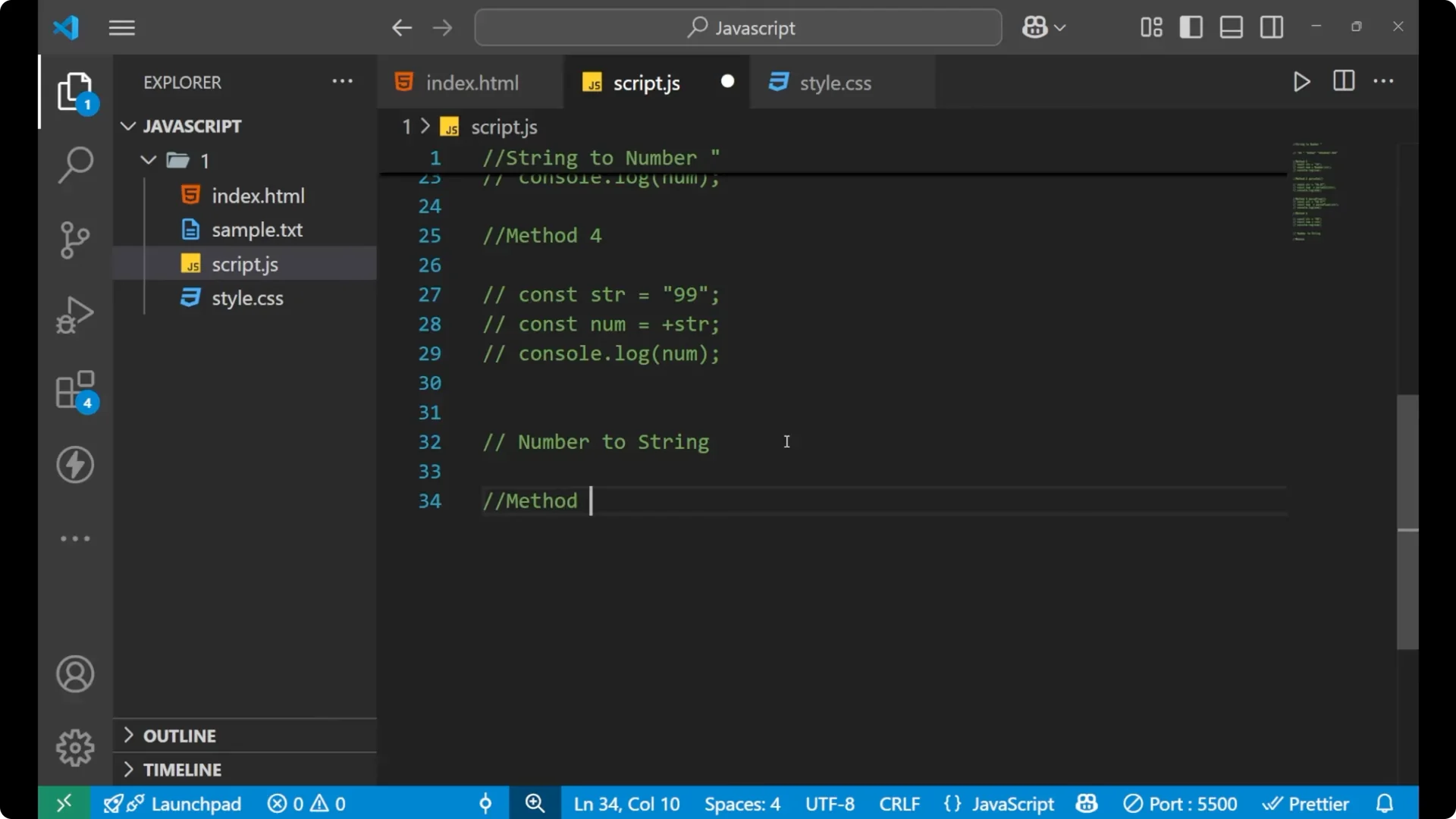
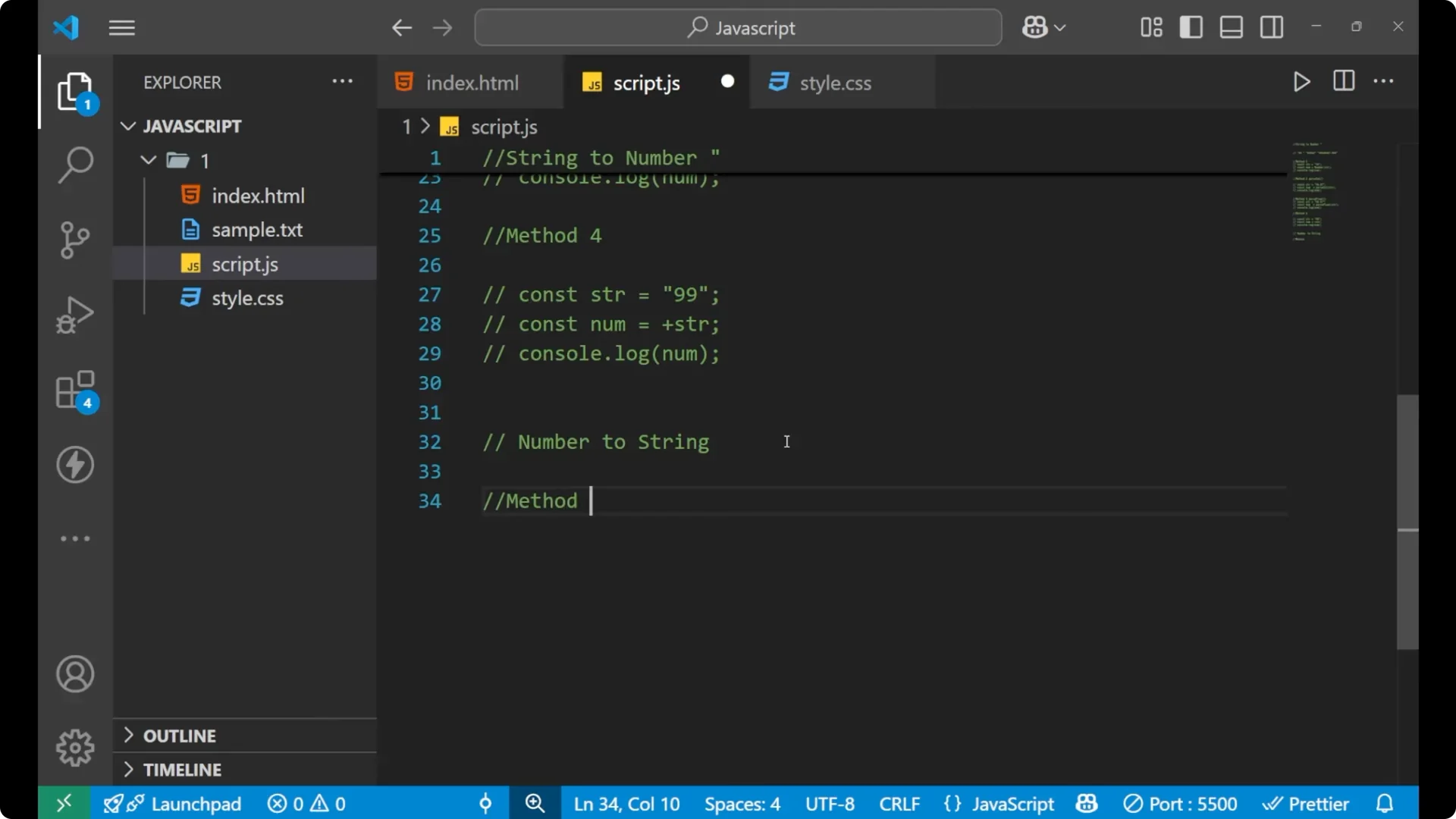
Method 1 – String()
Use
String() to turn a number into a string.
Steps:
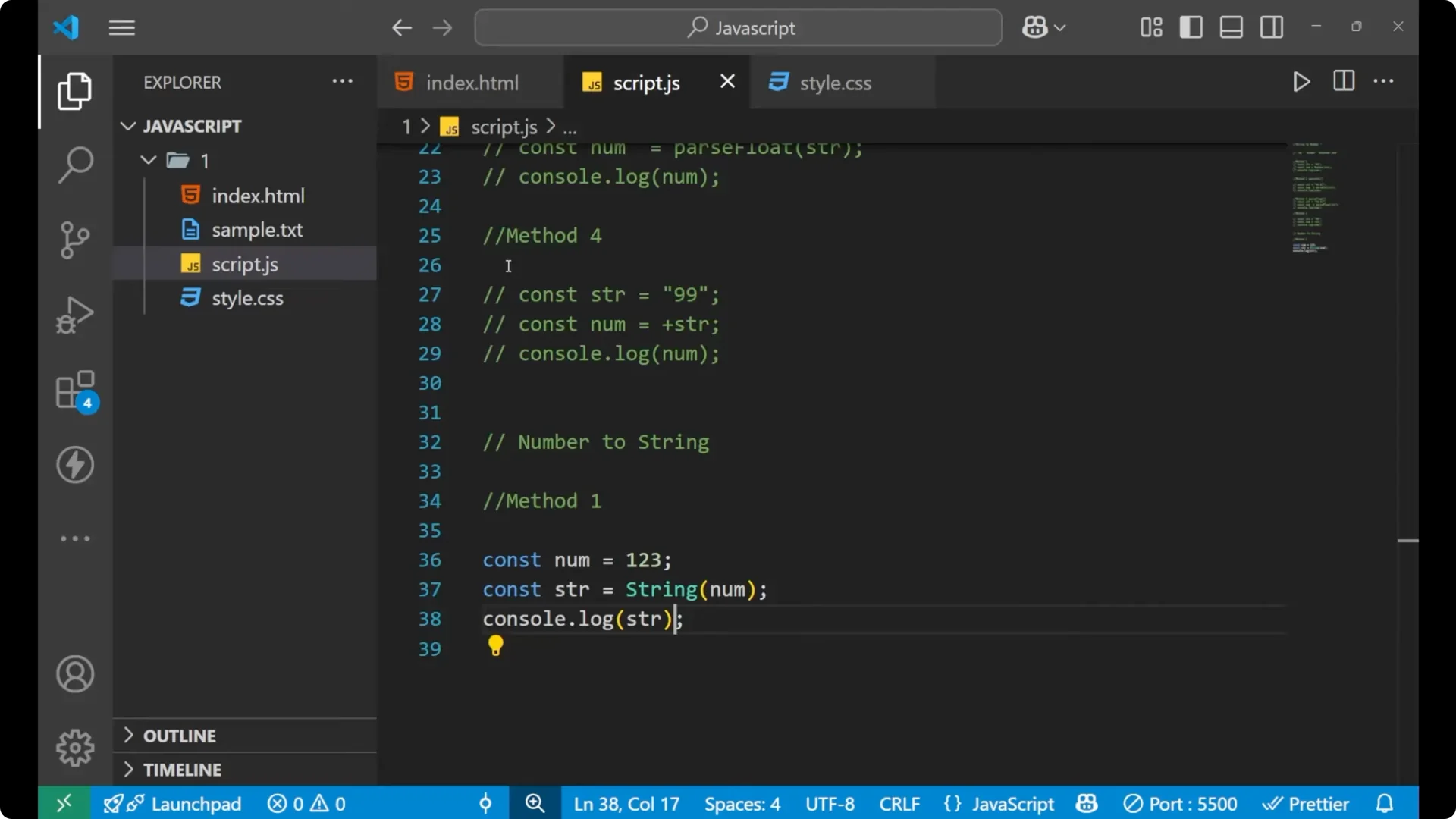
Create a number.
Pass that number to String().
Print the result.

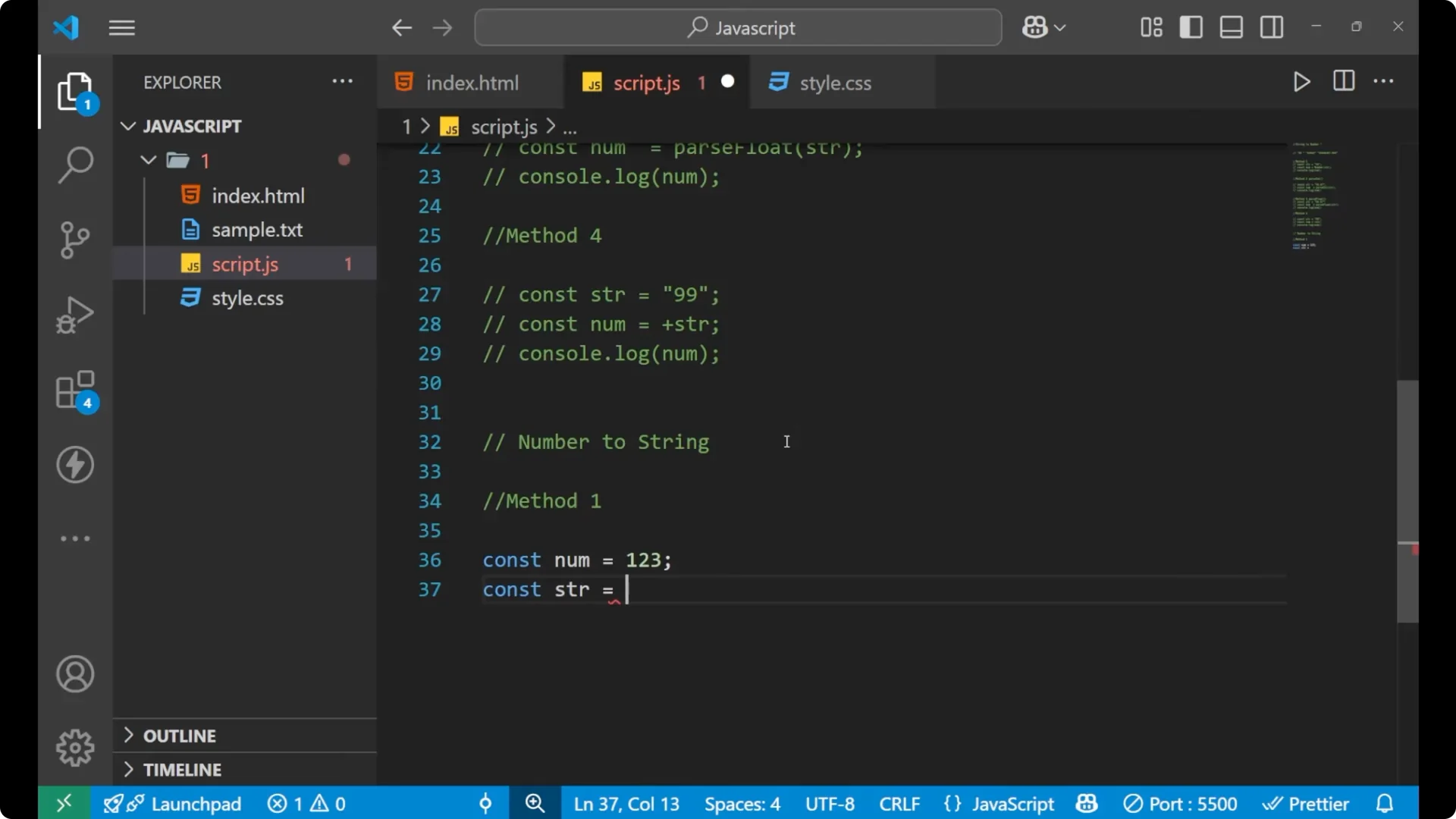
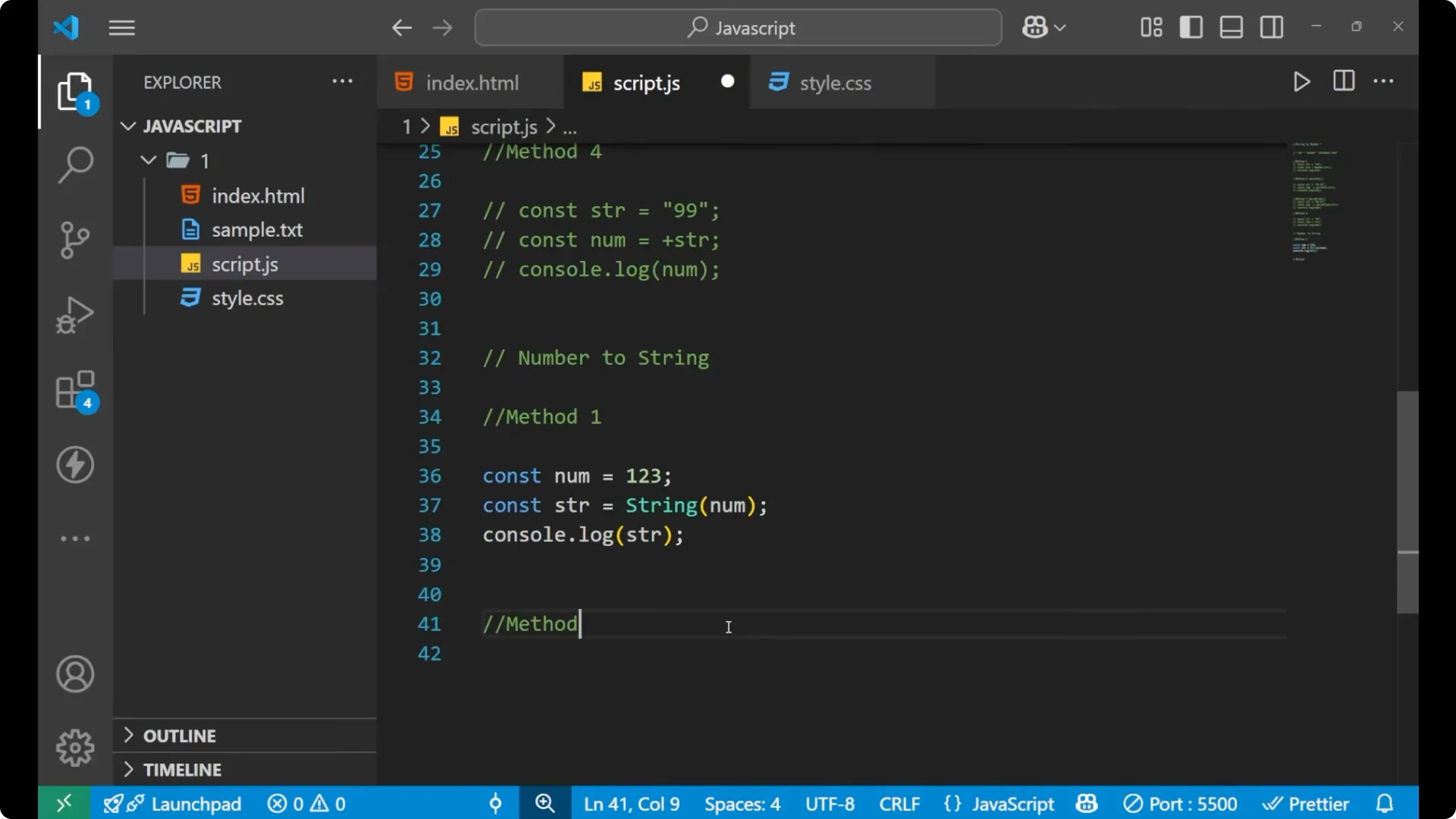
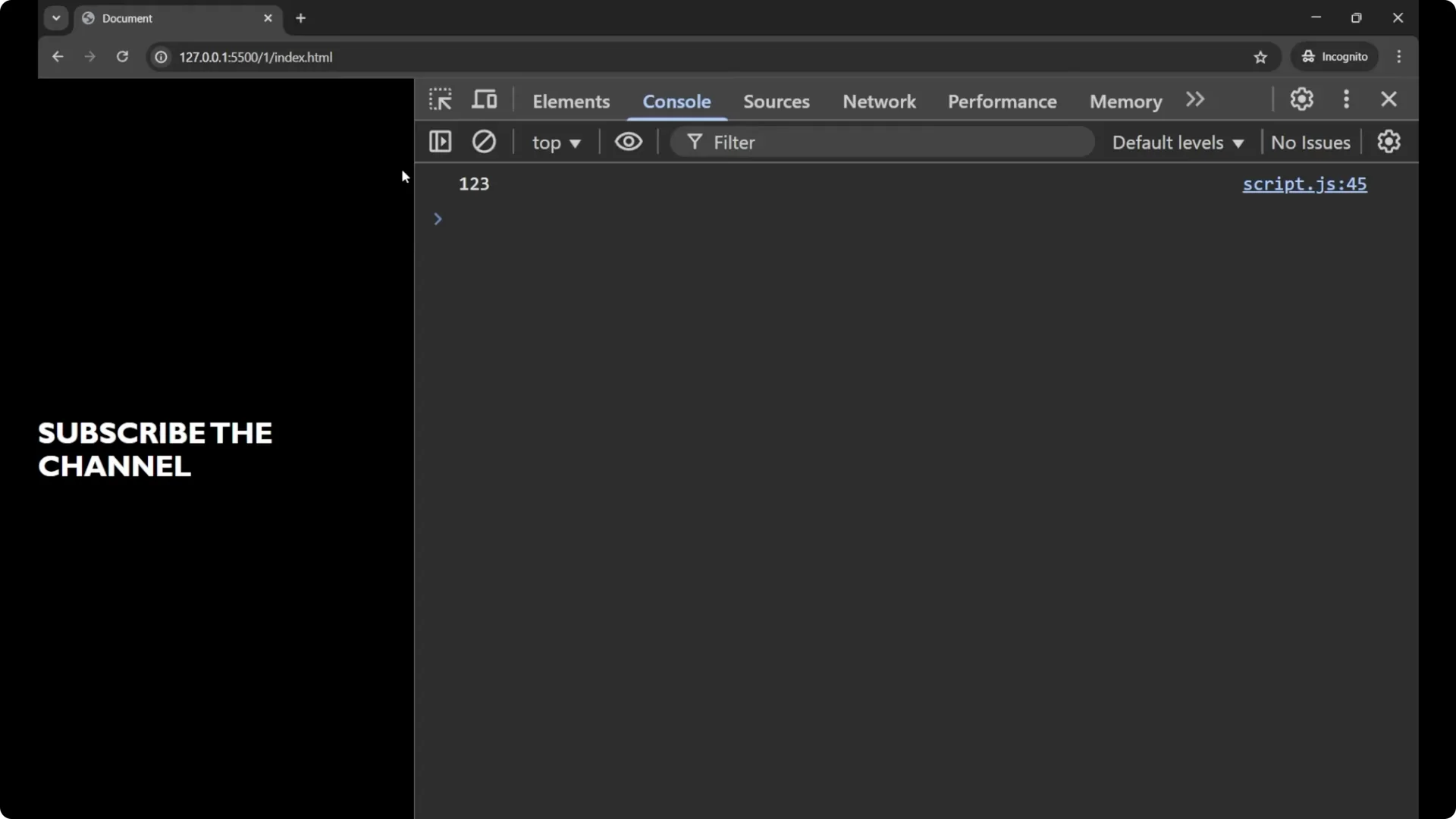
const num = 123;
const str = String(num);

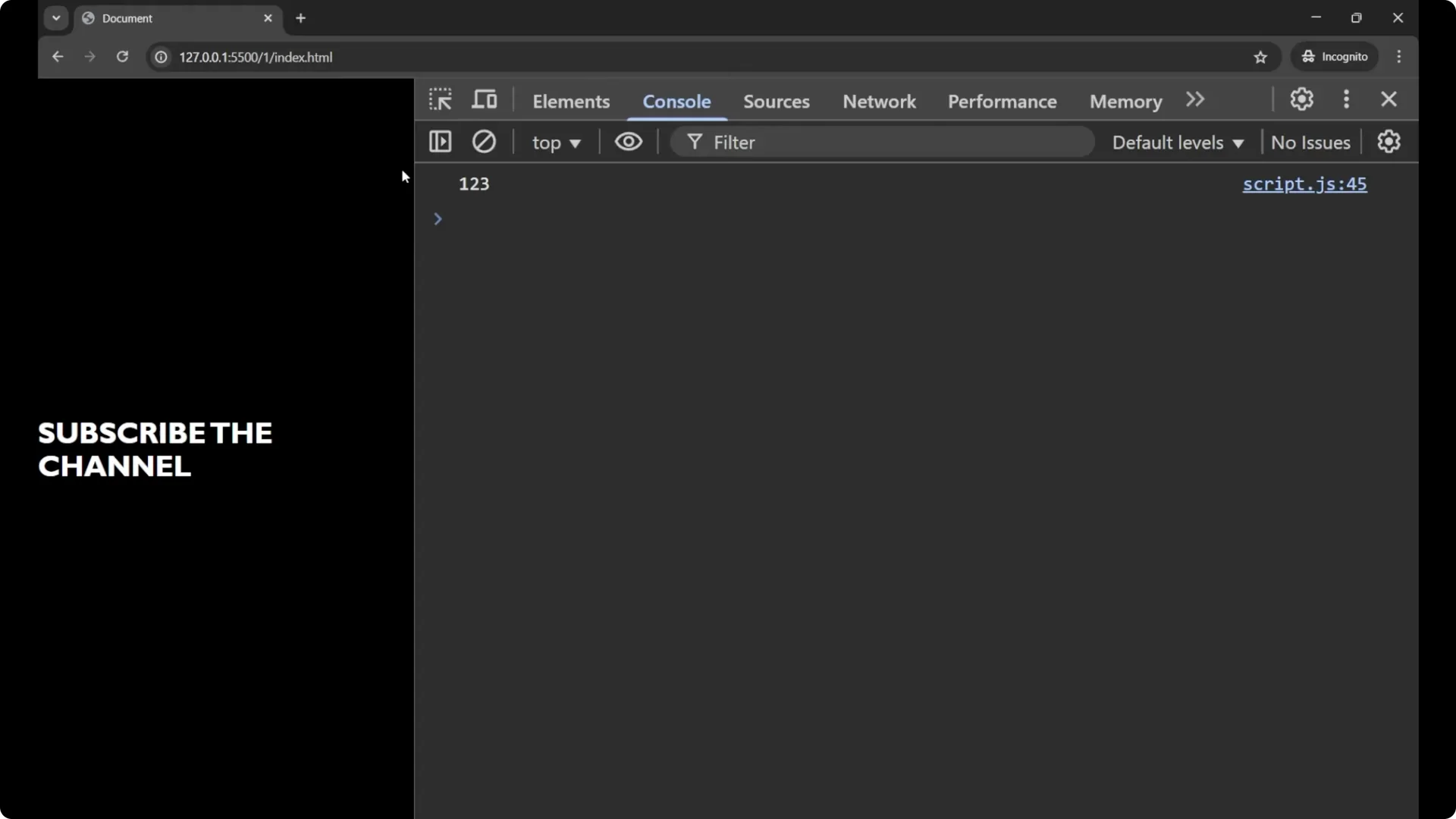
console.log(str);        // "123"
console.log(typeof str); // "string"
When you serialize data, you’ll often deal with
JSON strings after converting values like this.
Method 2 – toString()
Call
toString() on the number itself.
Steps:
Create a number.
Call .toString() on it.
Print the result.
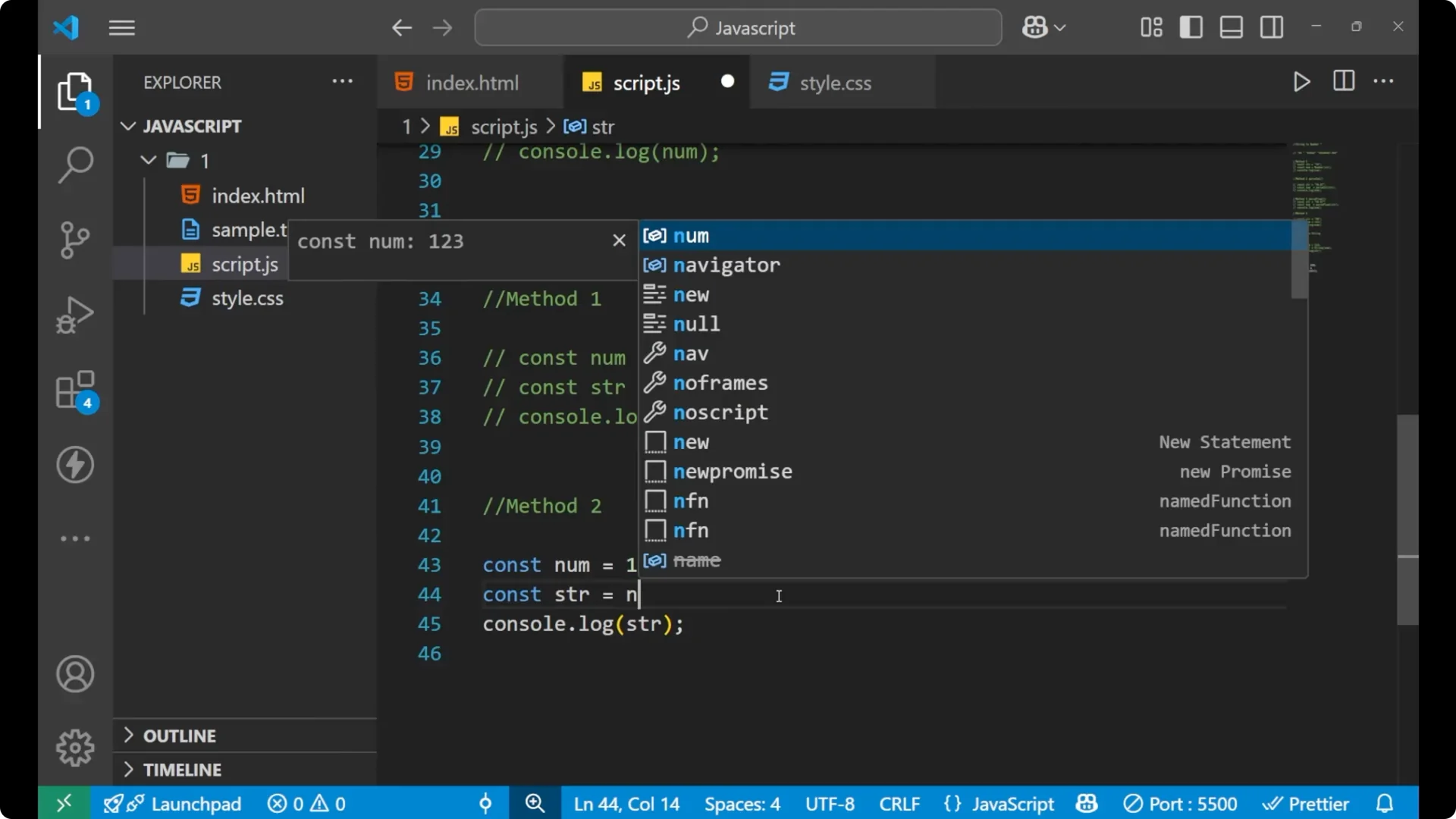
const num = 123;
const str = num.toString();

console.log(str);        // "123"
console.log(typeof str); // "string"
Final thoughts
To convert a string into a number, use
Number() for general cases,
parseInt() when you only need the integer part,
parseFloat() when you want the decimal part, and the unary
+ for a quick inline conversion. To convert a number into a string, use
String() or
toString() based on what reads better in your code. Practice these patterns once, and they’ll become second nature.