Checking if an array contains a specific value in JavaScript is a must-know concept for beginners and for coding interviews.
Here I’ll explore two practical methods with clear examples and simple explanations: .includes() and .indexOf(). If arrays and loops are new to you, see loops, arrays.
Suppose we have an array like apple, apple, banana, and mango. If we want to know if this array contains banana or not, JavaScript provides handy methods for that. Think of it like checking a grocery list to see if milk is on it before going to the shop.
The same idea applies here: check if a value exists before using it. If you’re reading values from form inputs, you might want to check them first too. For that, see input values.
JavaScript Array Includes
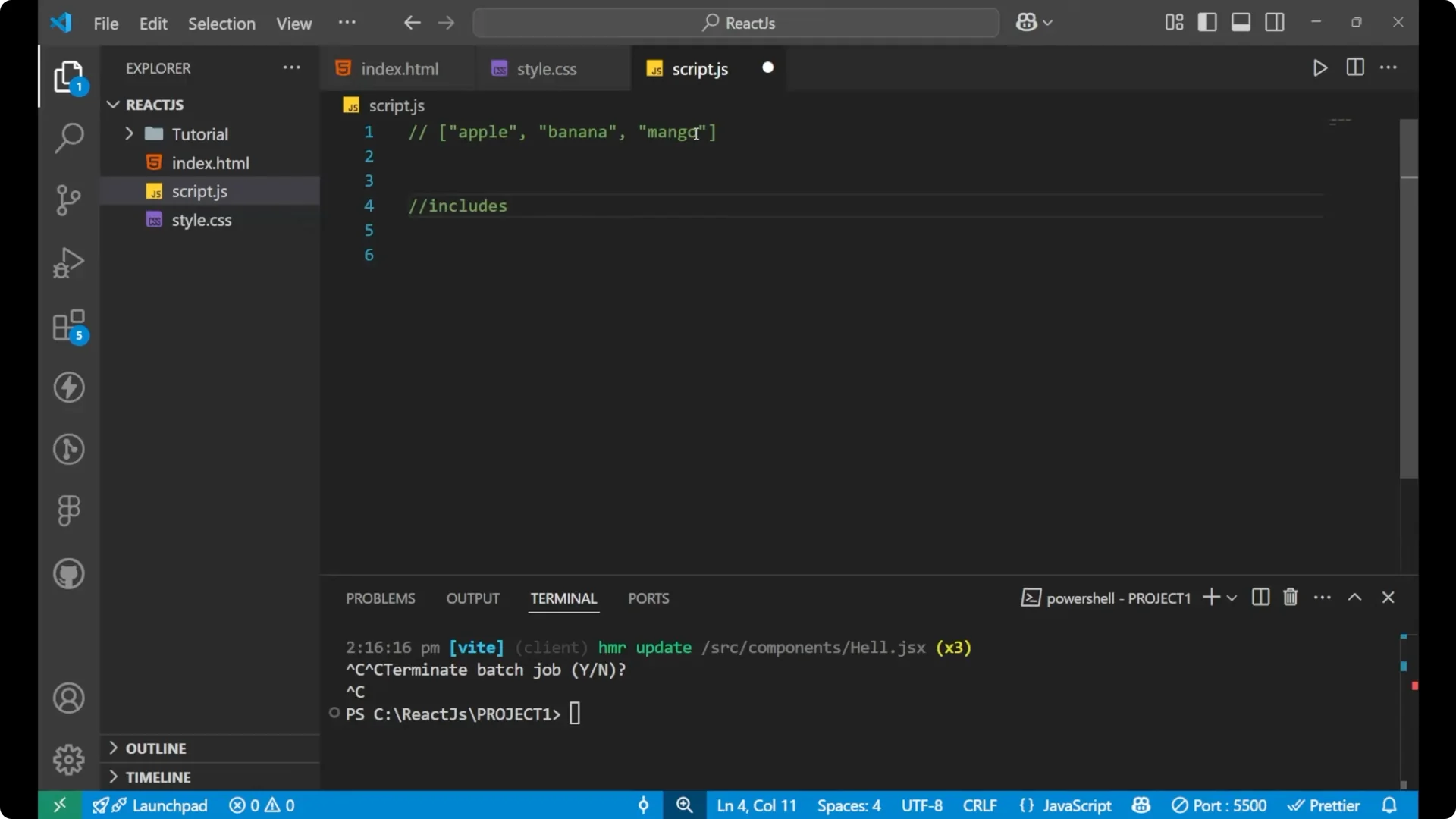
The .includes() method answers the question directly with a boolean. It returns true when the element is present and false when it is not.
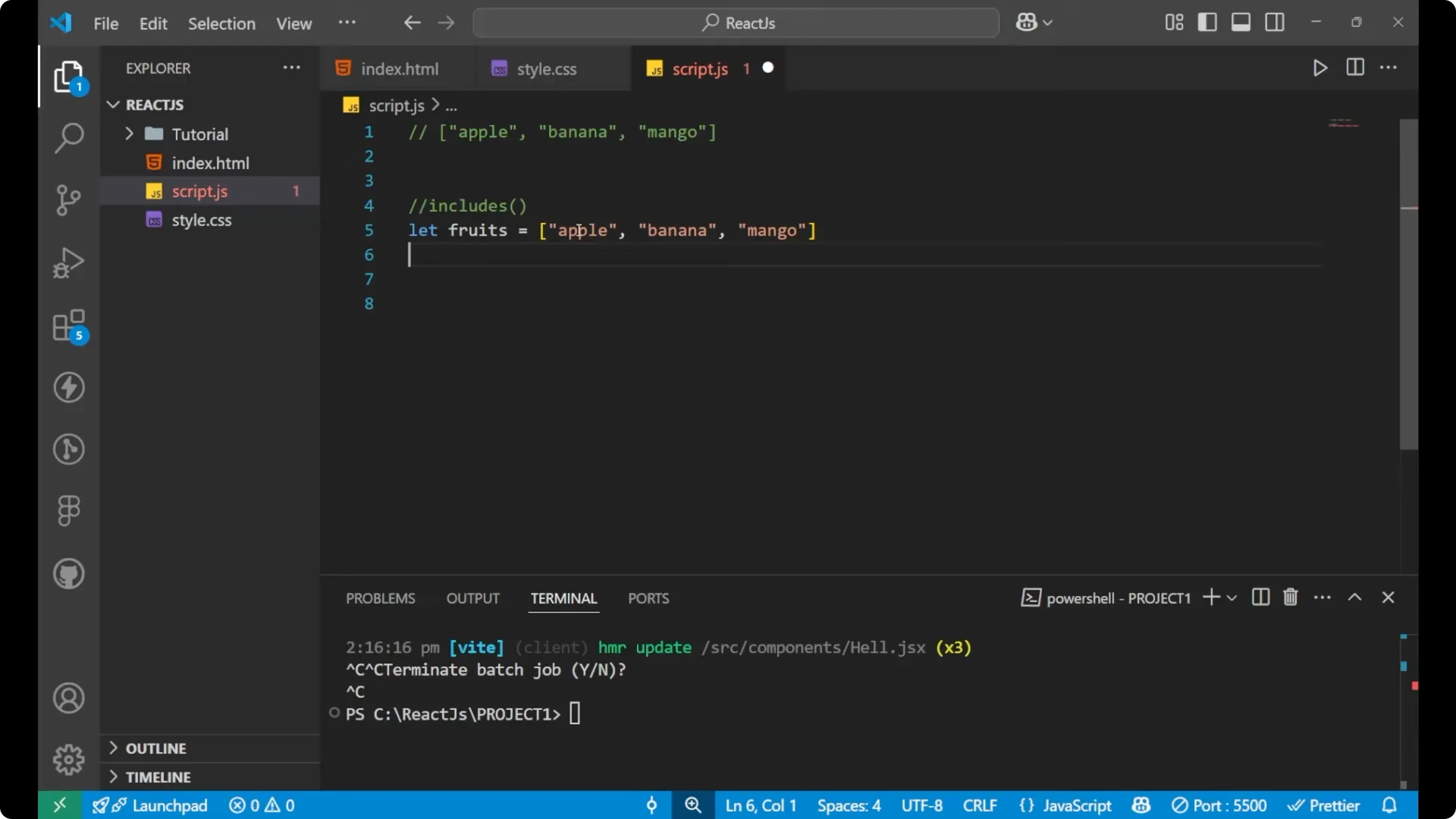
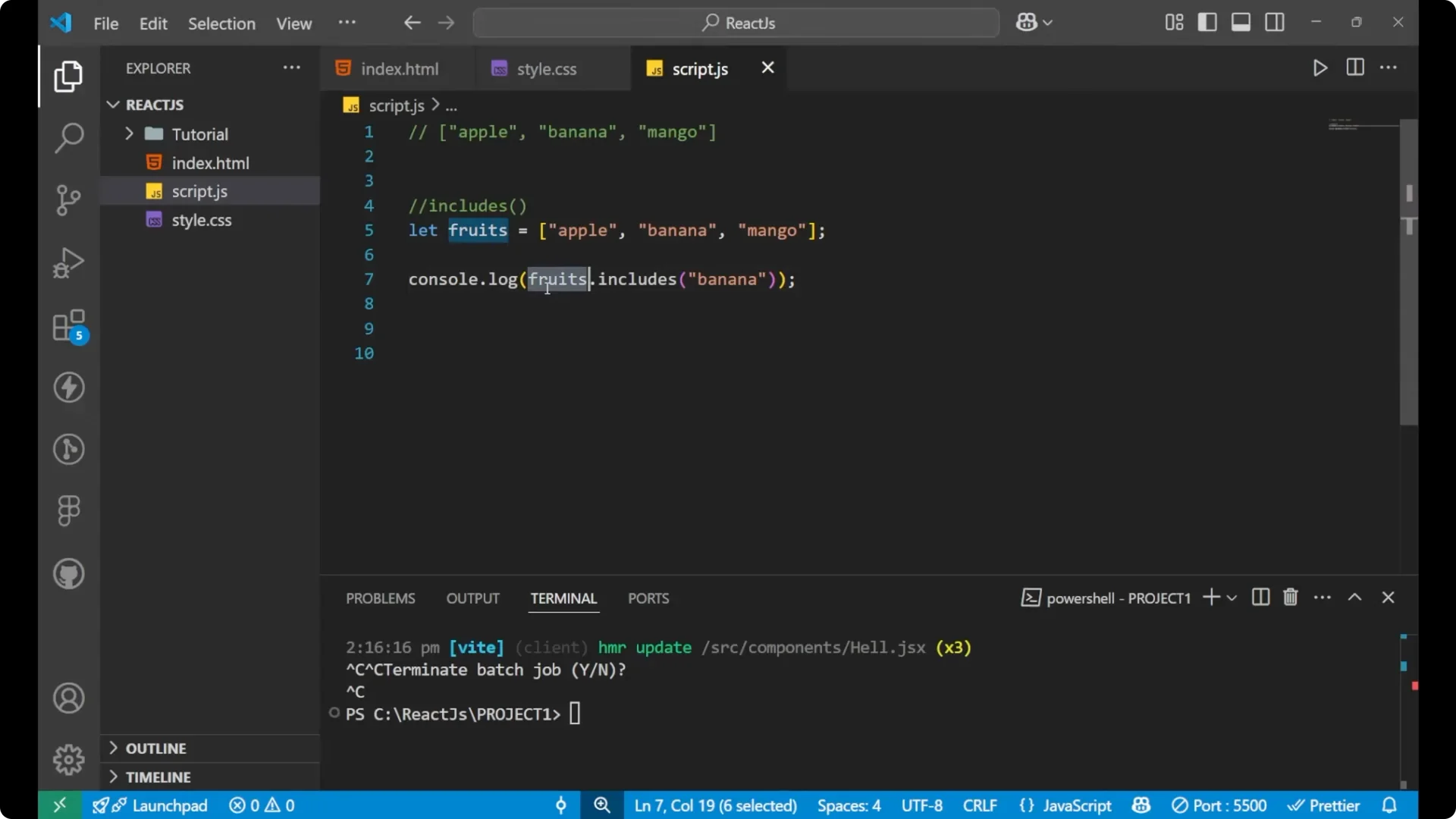
Create the array.
const fruits = ['apple', 'apple', 'banana', 'mango'];
Check if banana exists.
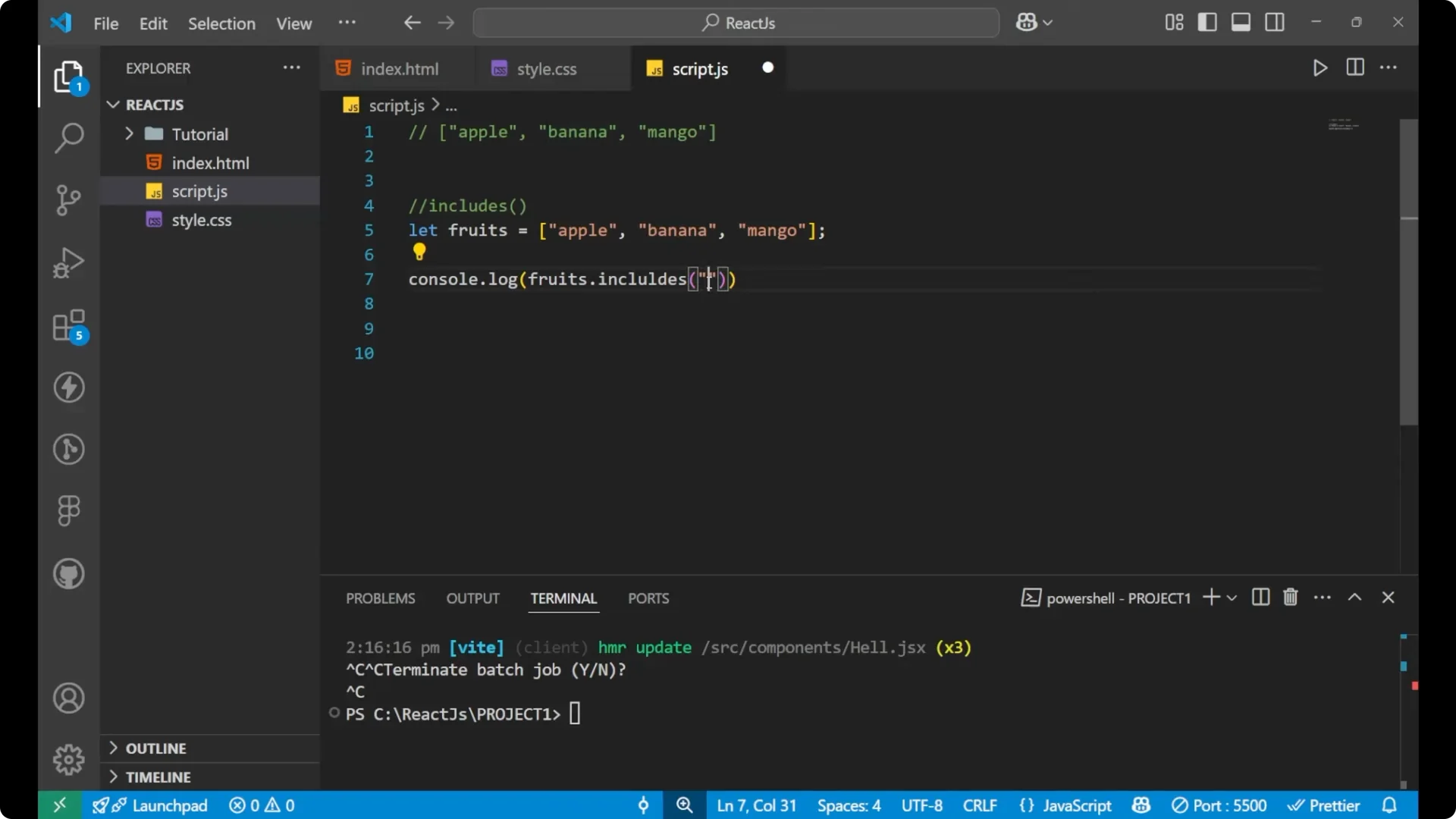
console.log(fruits.includes('banana')); // true
Check a value that is not present.
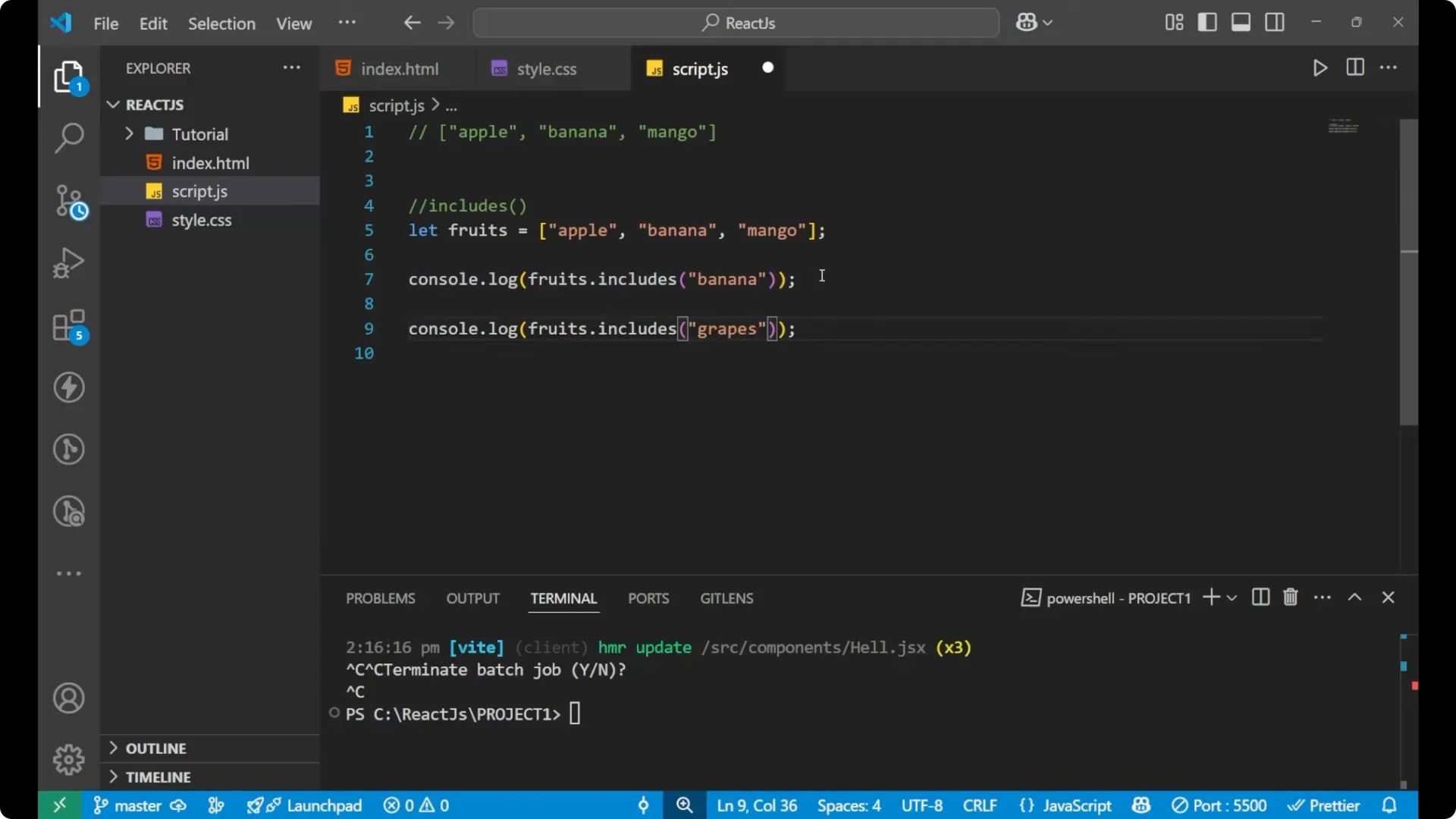
console.log(fruits.includes('grapes')); // false
You can store the result in a variable if you want to reuse it.
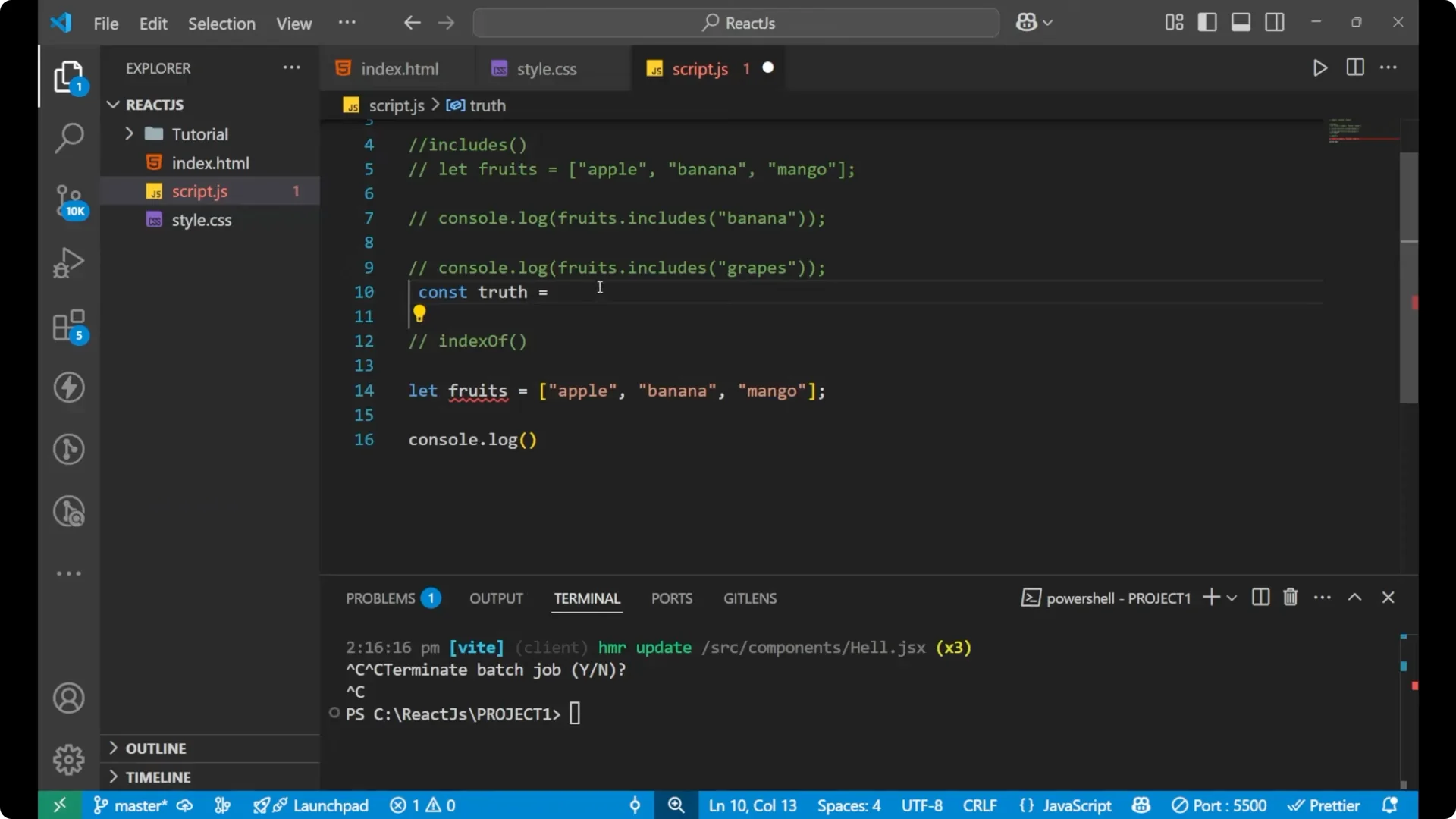
const hasBanana = fruits.includes('banana');
console.log(hasBanana); // true
IndexOf method
The .indexOf() method returns the index of the first match or -1 if the element is not found. You can convert that result into a boolean check.
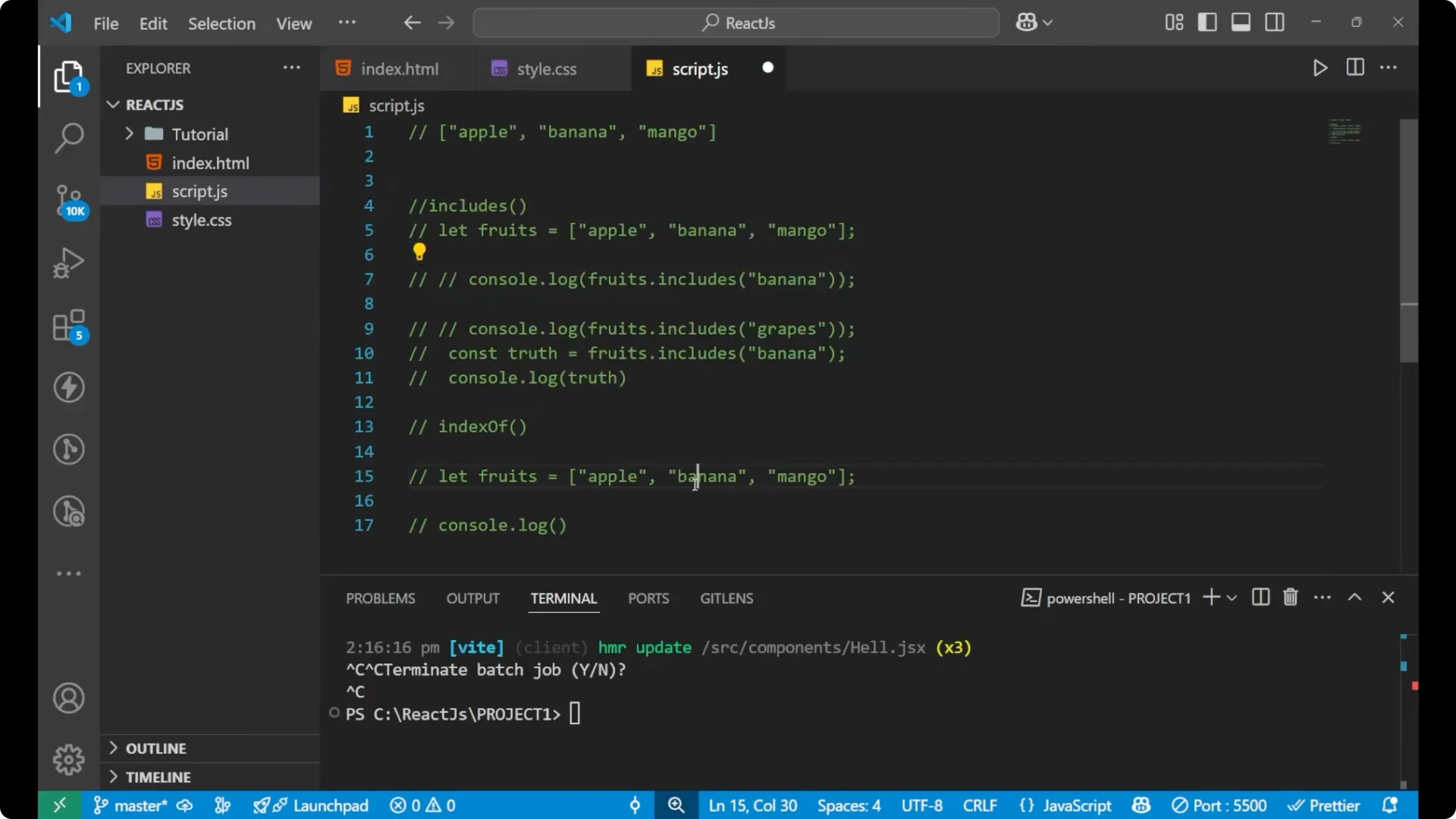
Check mango using indexOf with a comparison.
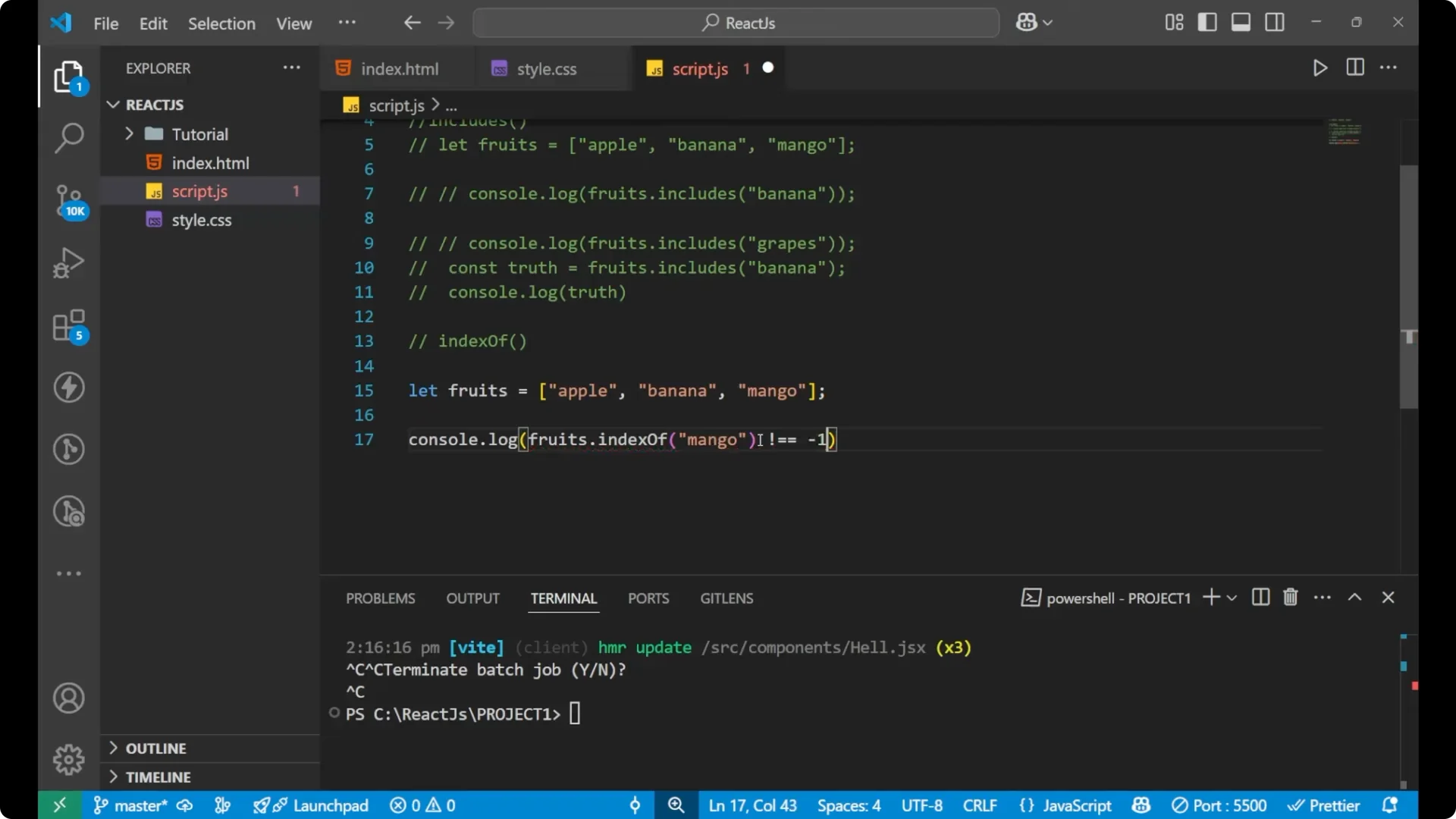
const fruits = ['apple', 'apple', 'banana', 'mango'];
console.log(fruits.indexOf('mango') !== -1); // true
Check a value that does not exist.
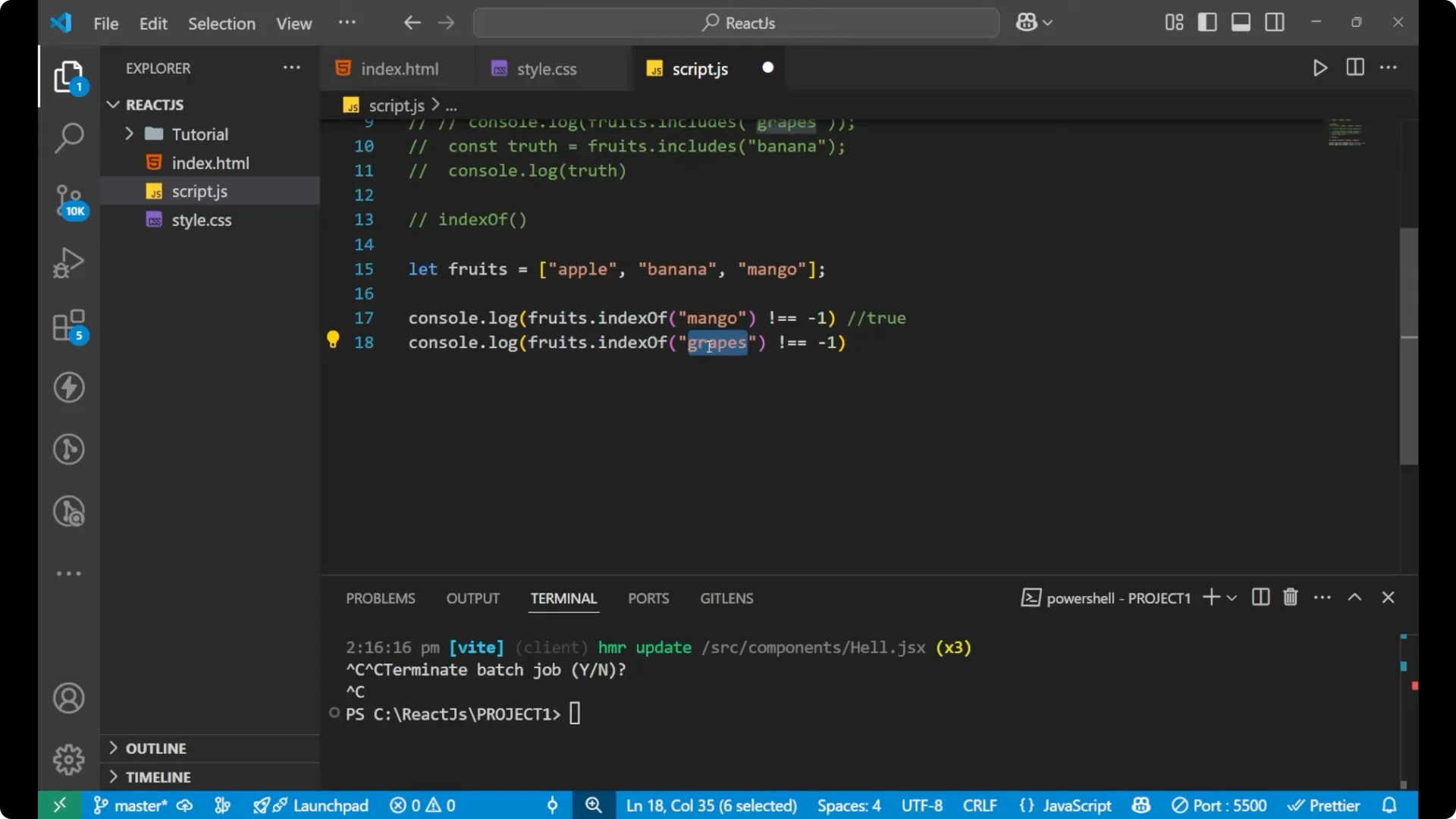
console.log(fruits.indexOf('grapes') !== -1); // false
If an element is not present, .indexOf() returns -1. Comparing against -1 gives you a clean true or false.
This approach works well, though .includes() is the simpler and more readable method for this specific task.
If your array can contain duplicates and you need to count how many times a value appears, see count frequencies.
Final thoughts
To check if an array contains a value, .includes() is the most direct and readable method. .indexOf() is another option by comparing the returned index against -1. Both are important to learn and apply in real projects where you often need to confirm a value exists before using it.