I am going to create a copy button for an input field so that whatever I write inside the input field I can copy with the help of the copy button. You often see this kind of functionality with the password or the details that the user inputs. If the user wants to copy that, he can simply copy it. That is what I explain here, how it functions.
This is the basic HTML part of it. I have an input field whose type is text and the id is myInput. I am also having a button whose content is Copy, and I have put a function copyText which we will create.
I am not working on the UI part here; you can do it as per your need. My work is to explain the functionality.
JavaScript Copy to Clipboard: Basic HTML
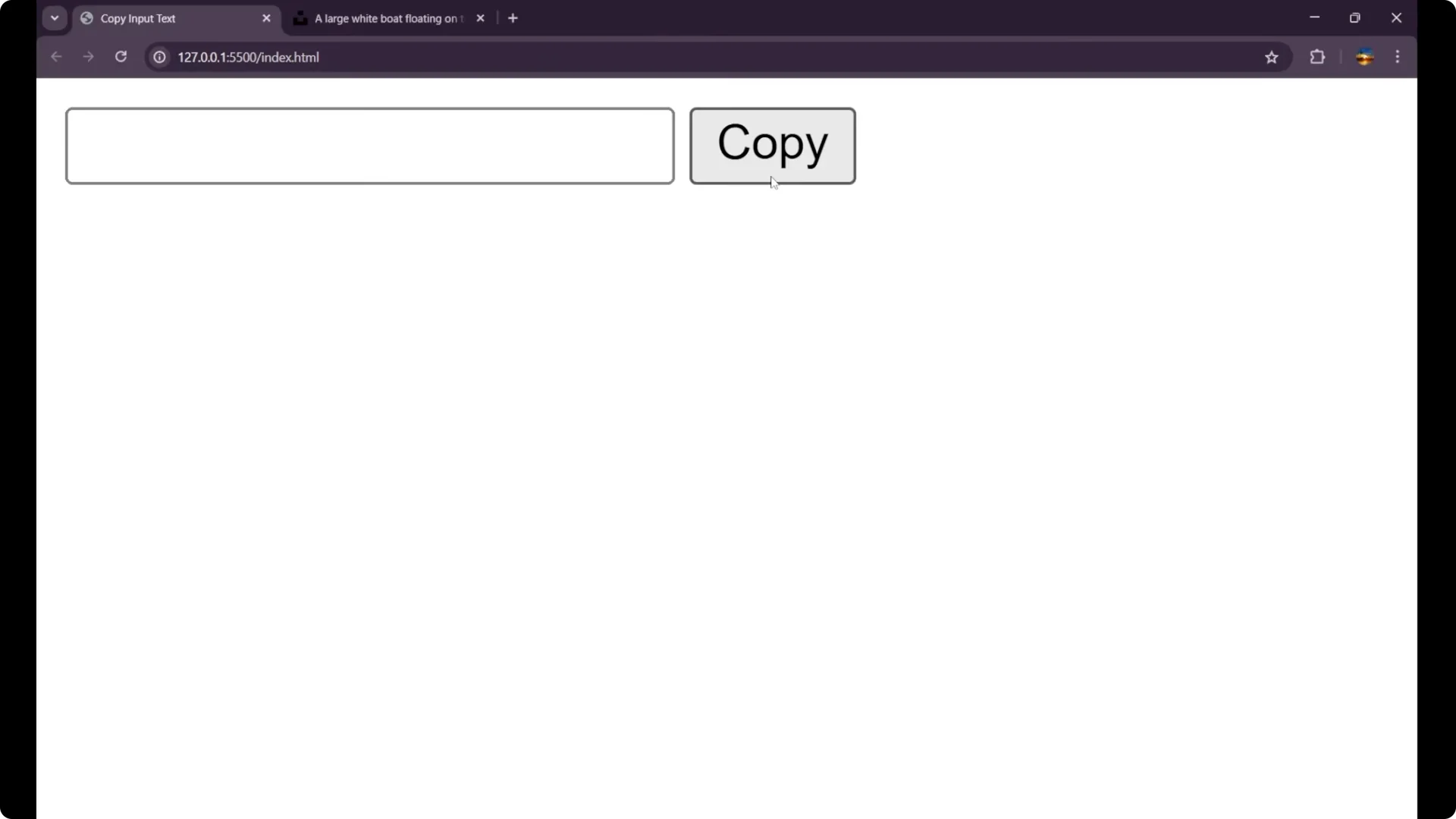
<input type="text" id="myInput" />
<button onclick="copyText()">Copy</button>
JavaScript Copy to Clipboard: Functionality
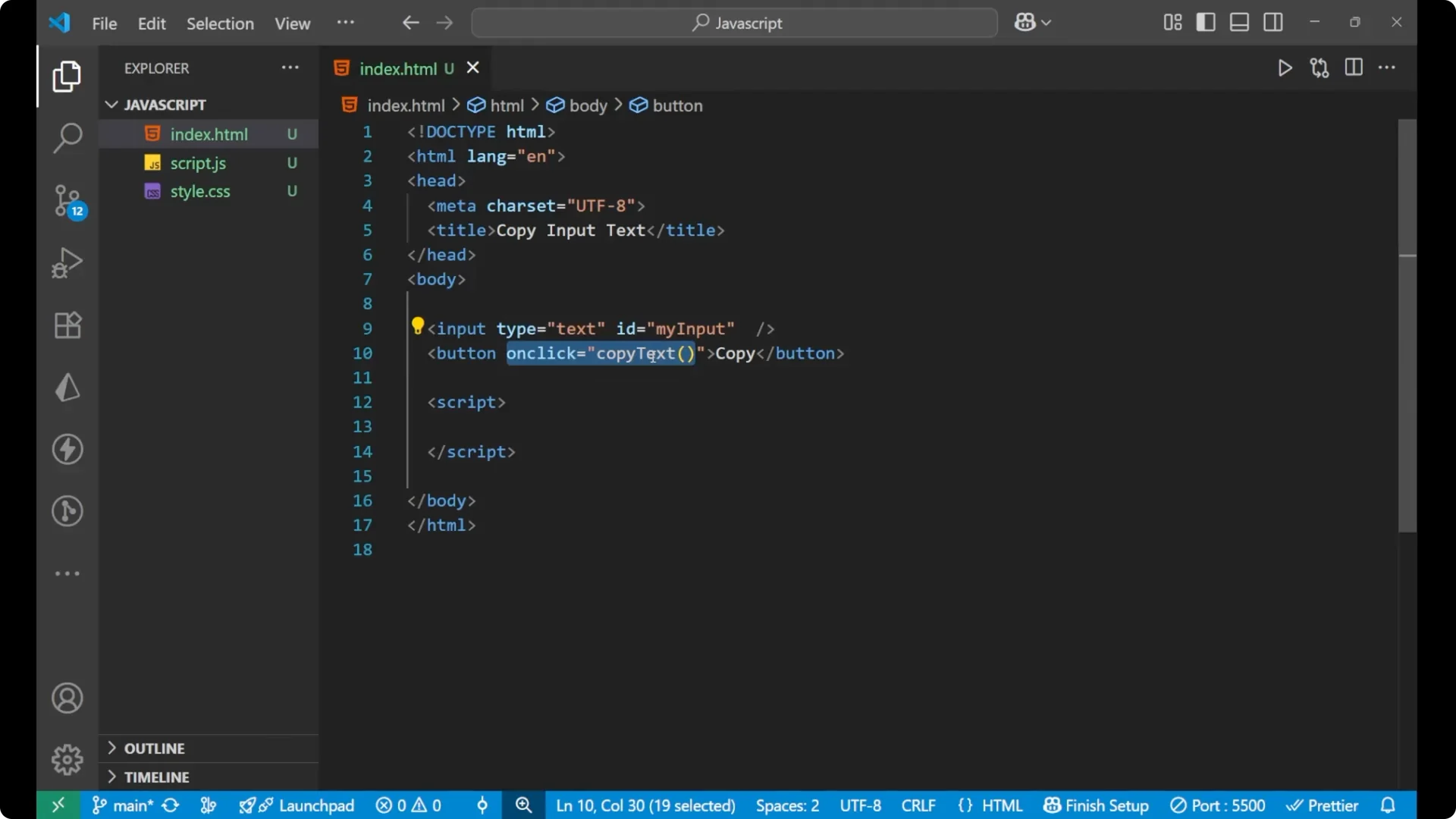
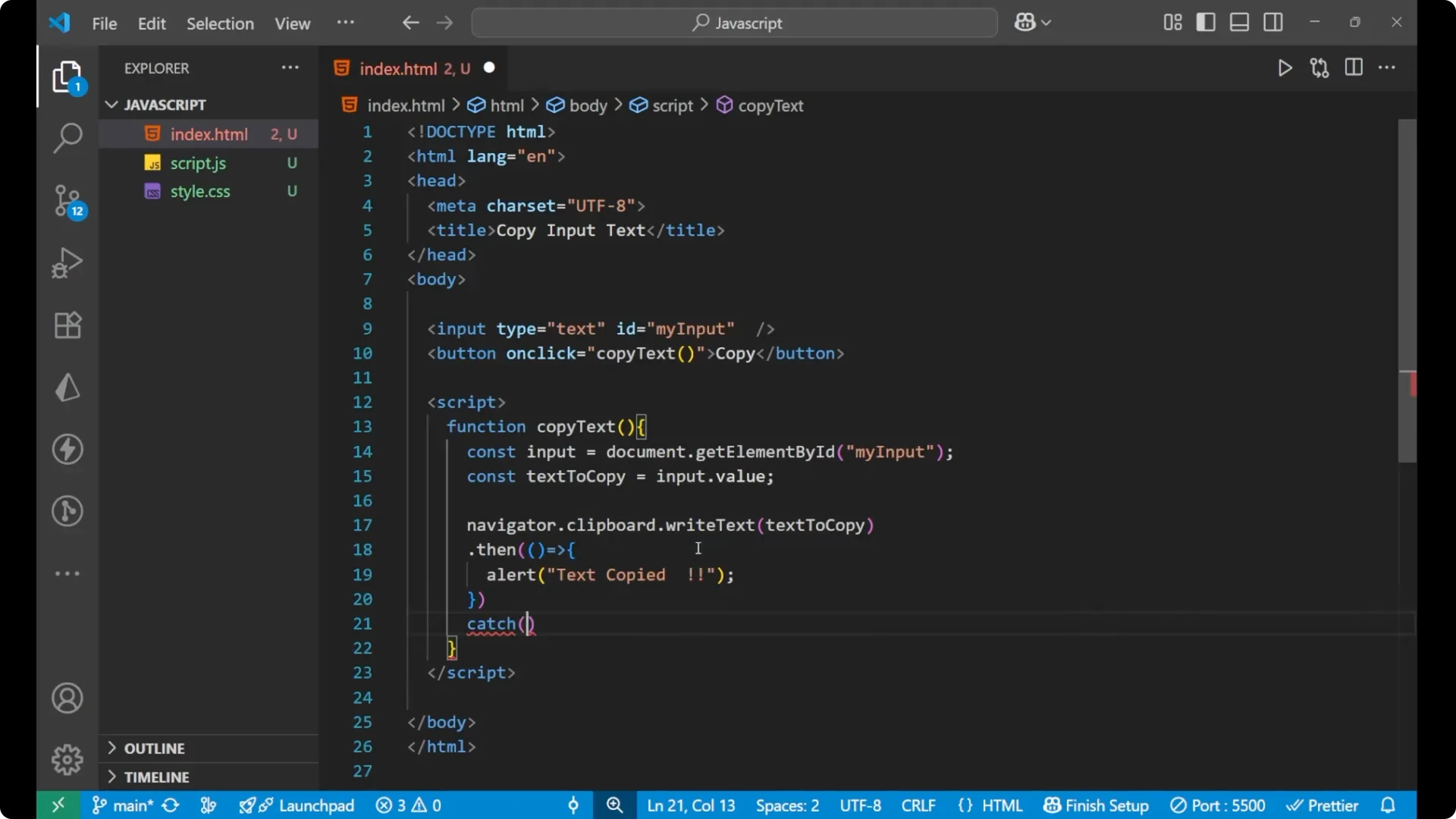
First, I create a function copyText. Inside it I get the element of this particular input, then I take its value into a variable, and then I call the Clipboard API to write that text to the clipboard. I also add success and error handling to make it better.
<script>
  function copyText() {
    const input = document.getElementById('myInput');
    const textToCopy = input.value;
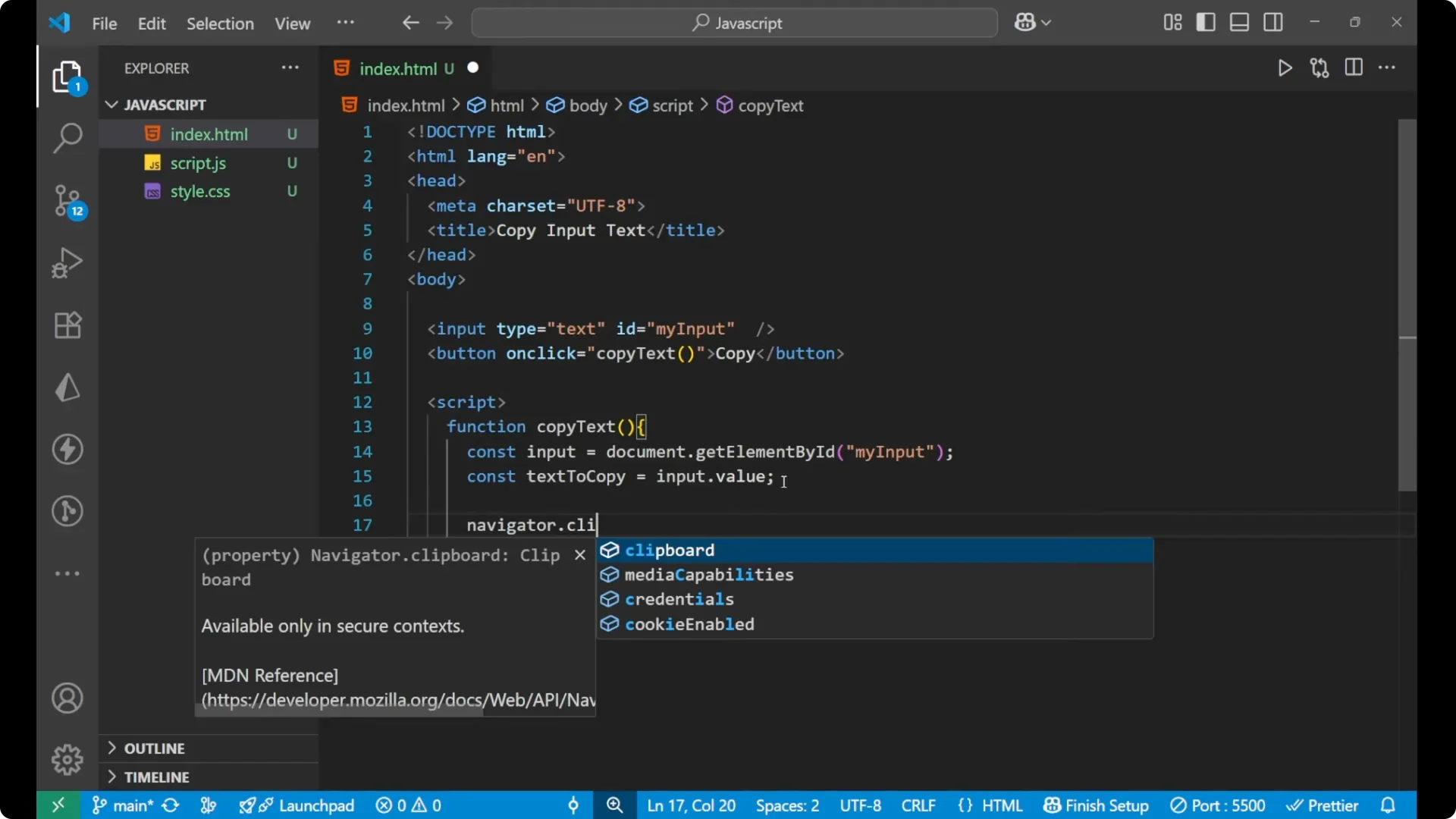
    navigator.clipboard.writeText(textToCopy)
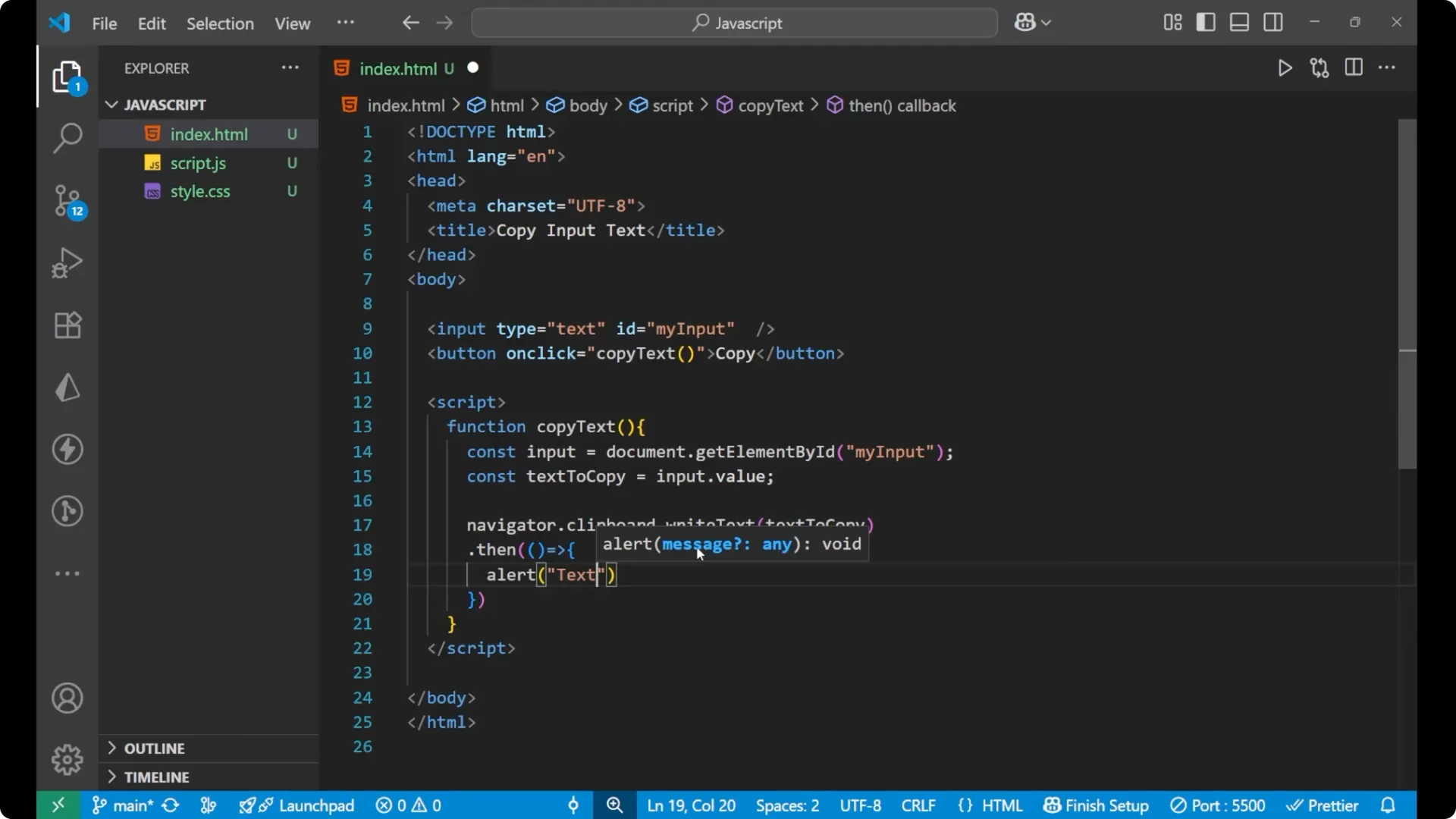
      .then(() => {
        alert('Text copied');
      })
      .catch((err) => {
        console.log('Failed', err);
      });
  }
</script>
Step-by-step
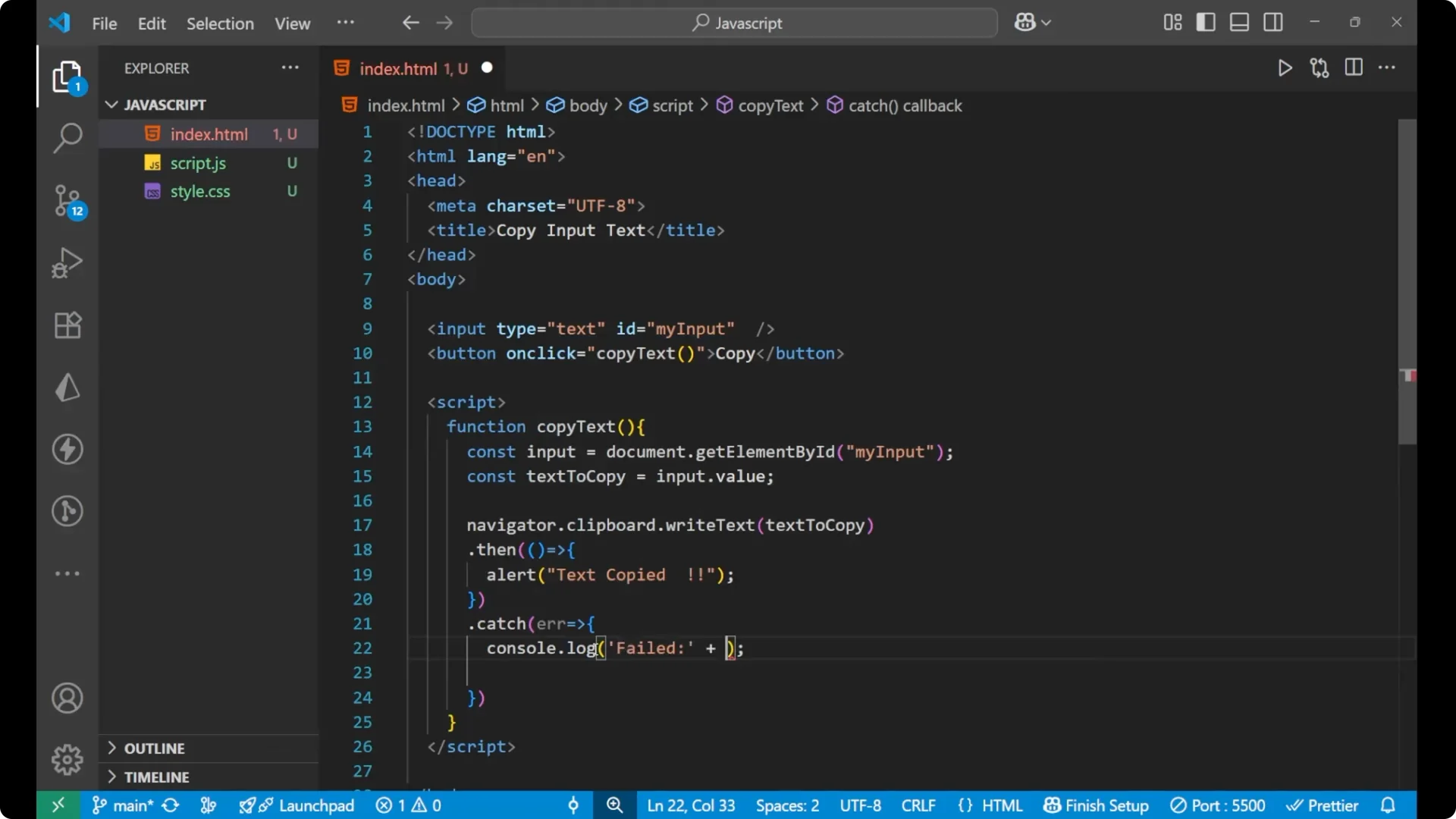
1. Create a function named copyText.
Get the input element by its id.
Read whatever is written inside the input using input.value and store it in a variable.
Call navigator.clipboard.writeText with that value.
On success, show an alert that says Text copied.
On failure, log Failed along with the reason to the console.
Final Thoughts
The main functionality is simple: one input, one button, grab the input’s value, and copy it using navigator.clipboard.writeText. I added a success alert and basic error logging. You can handle the UI as you like and integrate this pattern anywhere you need a quick JavaScript copy to clipboard action.