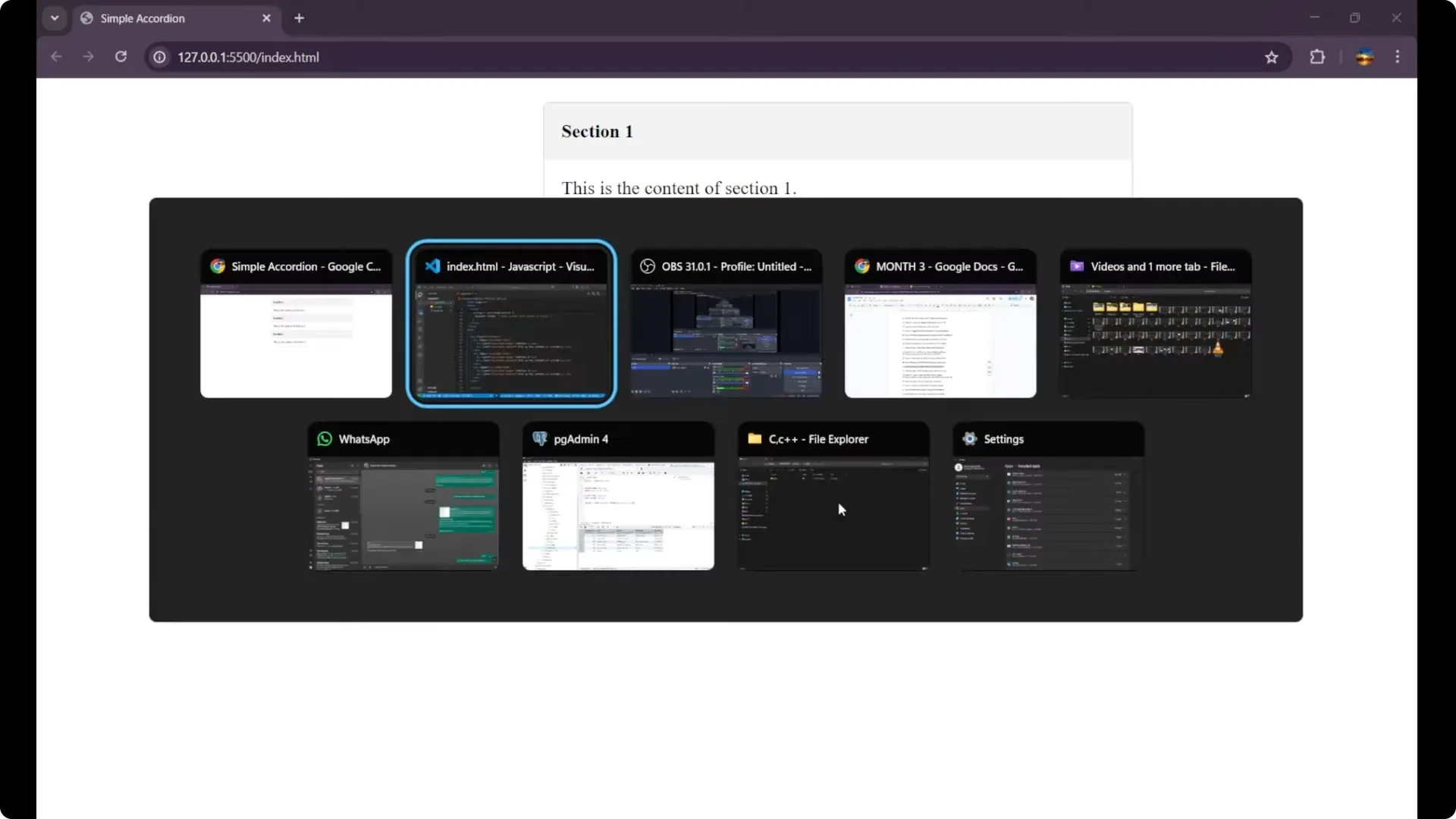
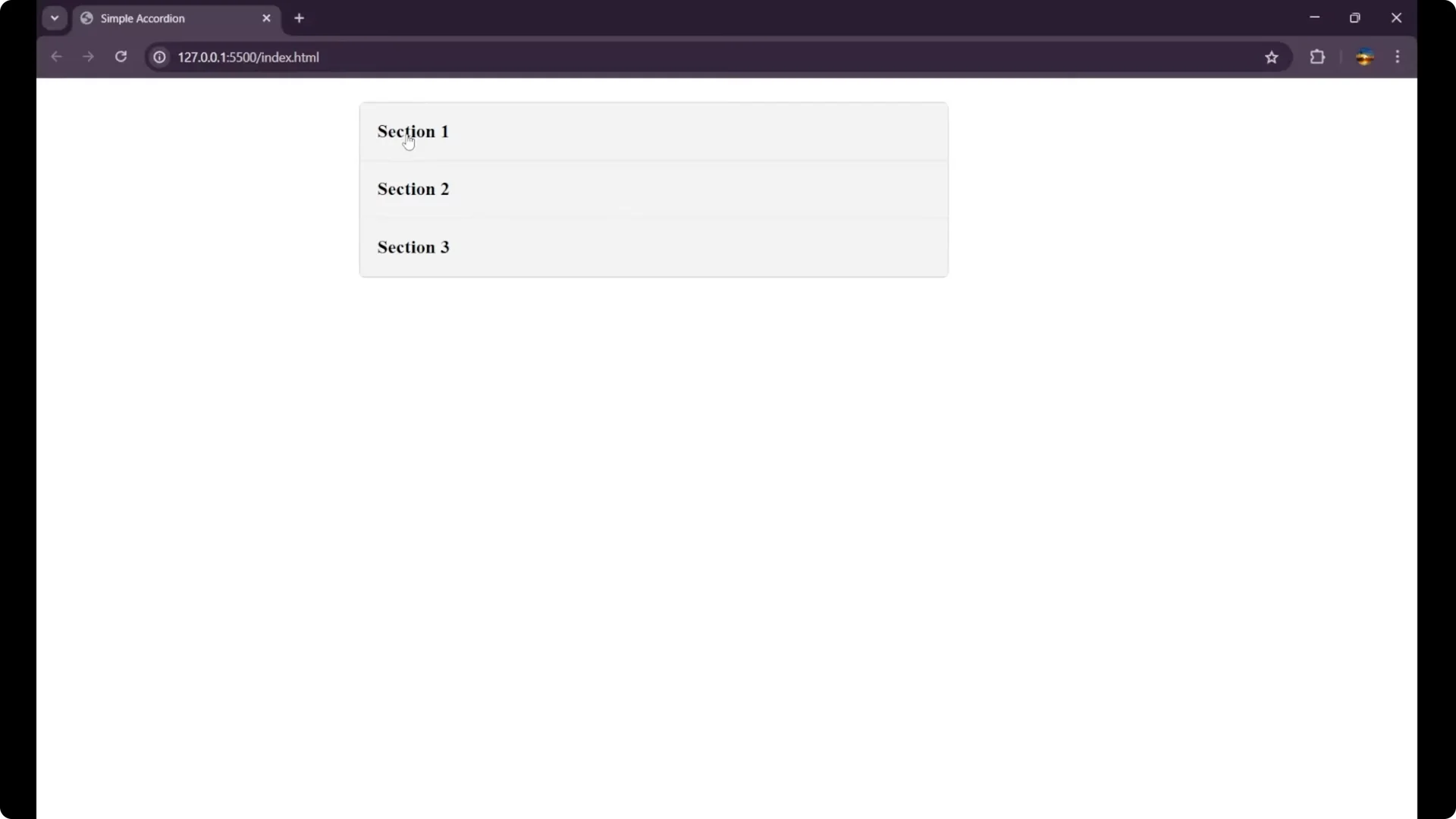
I am going to create a simple accordion component. You can see I am having some sections and the content here. I want the functionality in such a way that when I click on section one, the content will appear and others will disappear. When I click on section two, its content will appear and others will disappear.
The main thing to focus on is how the
_.active_ class controls visibility and how the
_forEach_ loop handles clicks across all headers.
HTML Structure for the JavaScript Accordion Component
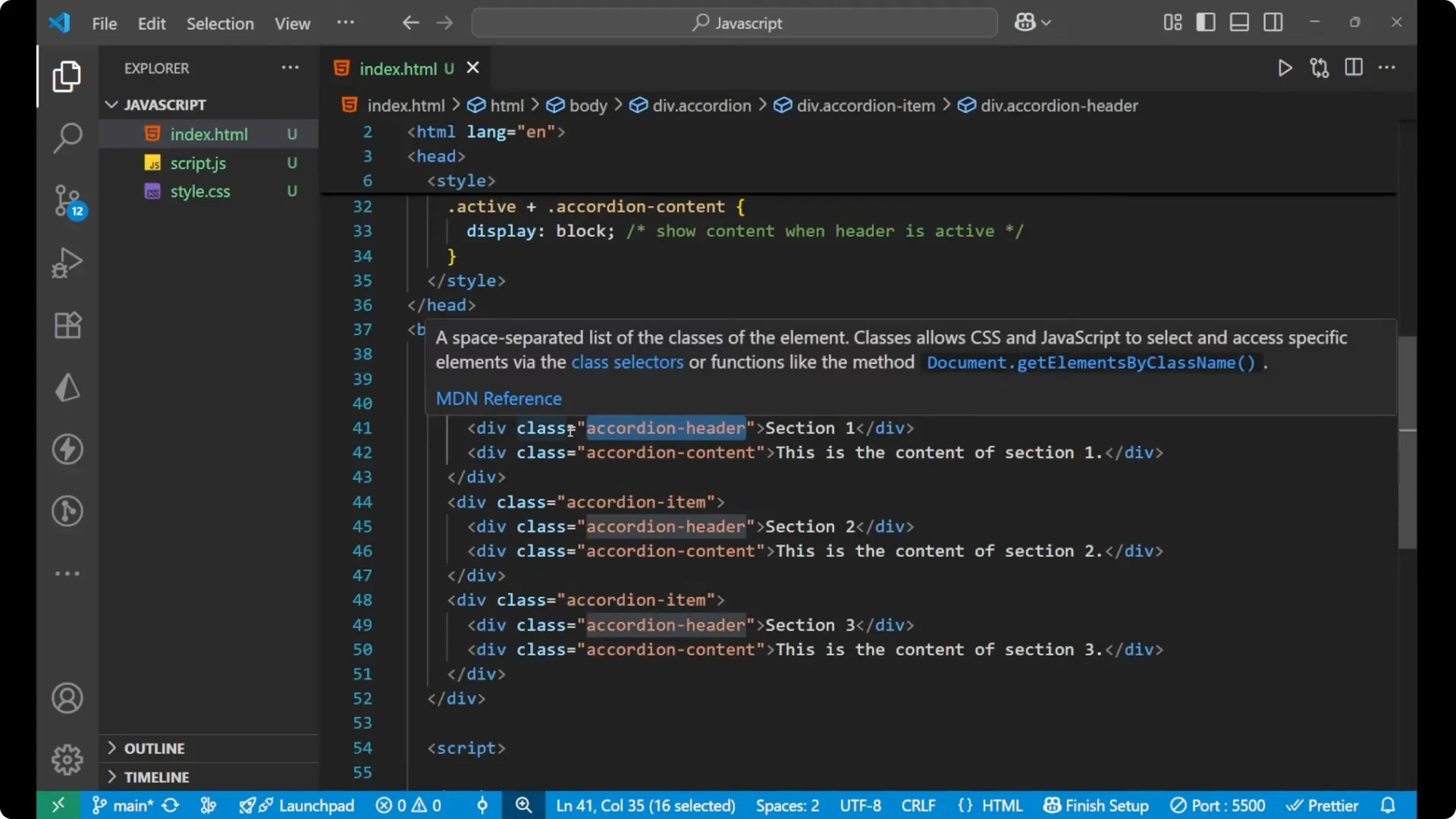
This is our basic
_HTML_ part. The main div has the class
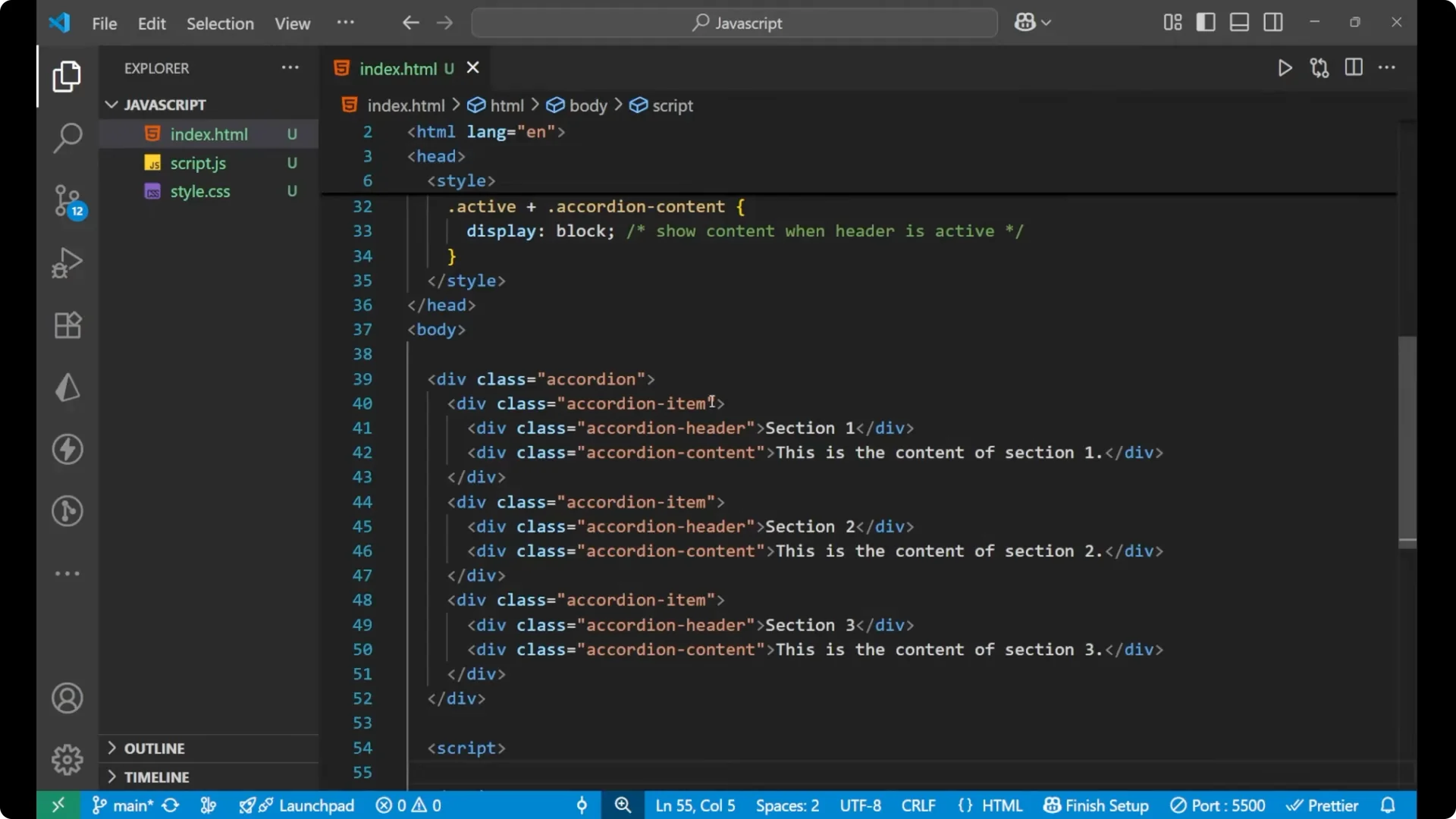
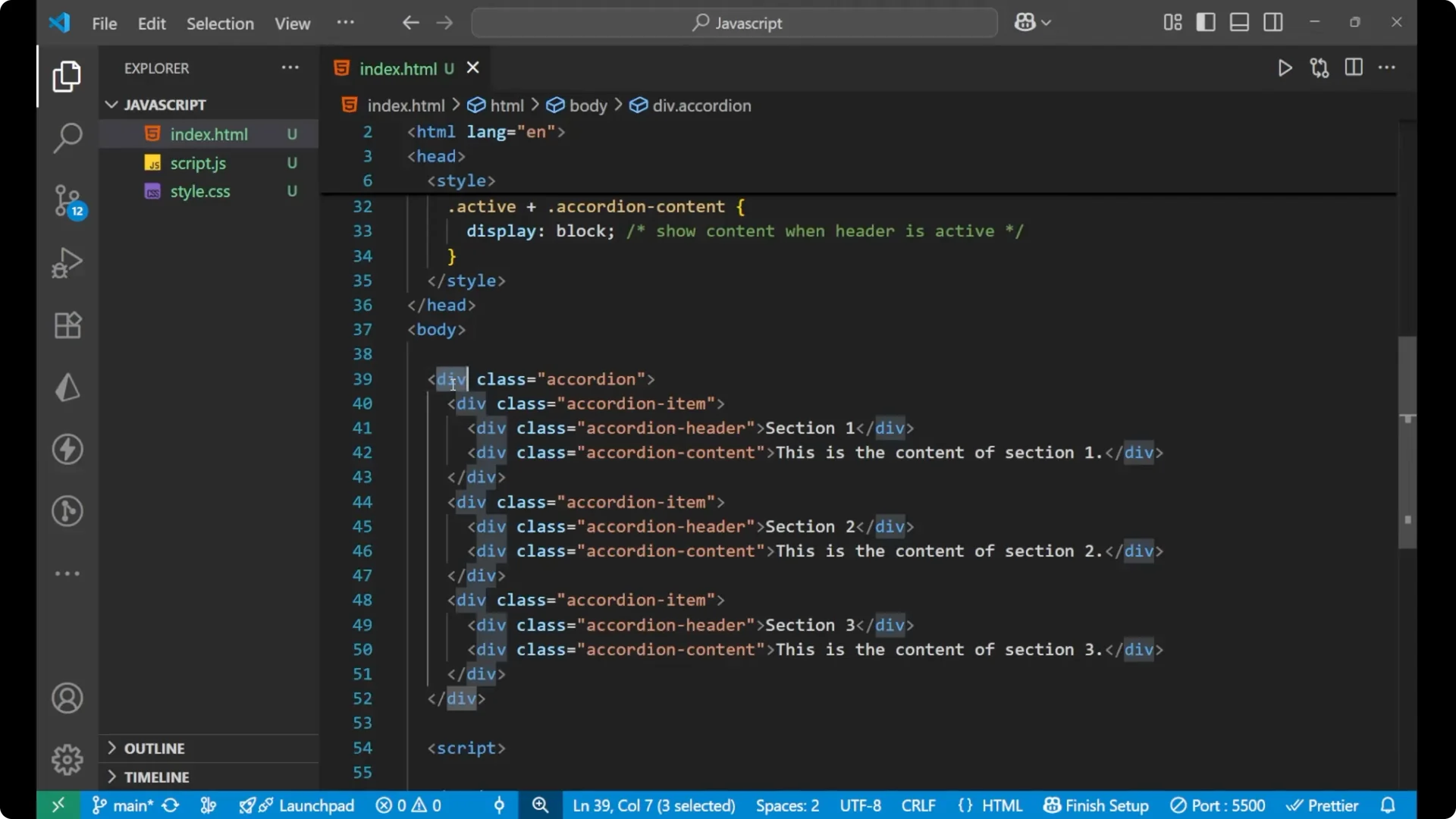
accordion. Inside it, I am having three similar elements. In every element I am having a class of
accordion-item. Inside each item there are two different elements: one is the section header and the other is the content of that section.
You just need to focus on the classes. In the main div the class is
accordion. Inside it, every element has a main div with
accordion-item. The two elements inside every item: one has the class
accordion-header for the section, and the other has the class
accordion-content.
<div class="accordion">
  <div class="accordion-item">
    <div class="accordion-header">Section 1</div>
    <div class="accordion-content">
      This is the content of section one.
    </div>
  </div>

  <div class="accordion-item">
    <div class="accordion-header">Section 2</div>
    <div class="accordion-content">
      This is the content of section two.
    </div>
  </div>

  <div class="accordion-item">
    <div class="accordion-header">Section 3</div>
    <div class="accordion-content">
      This is the content of section three.
    </div>
  </div>
</div>
CSS Styling for the JavaScript Accordion Component
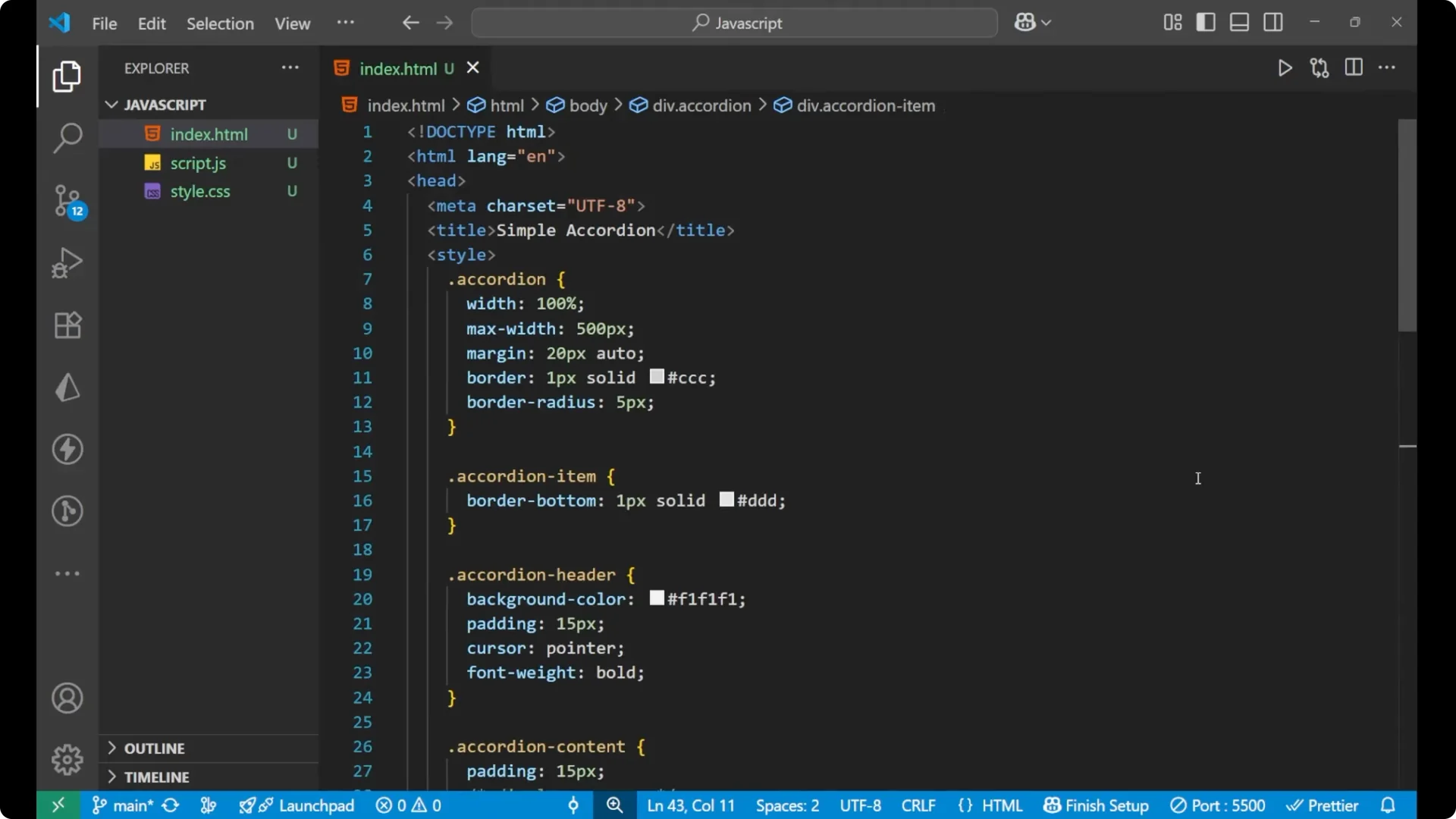
This is a basic
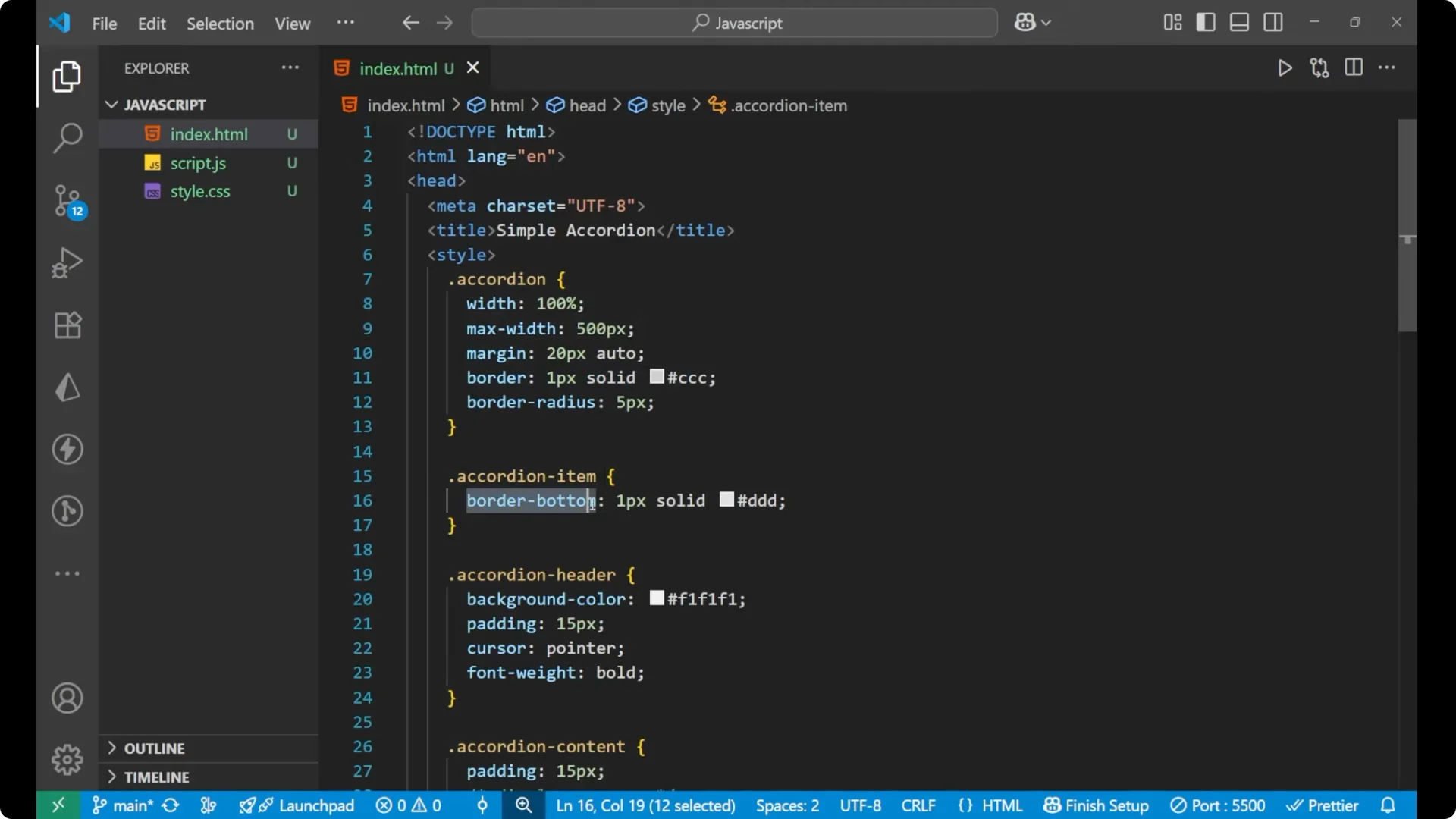
_CSS_ as you can see. The accordion is given some width, margin, and border radius. The accordion item is also given a border from the bottom. The
accordion-header is given a background color, padding, cursor, and font weight. The
accordion-content is given padding and a background color.
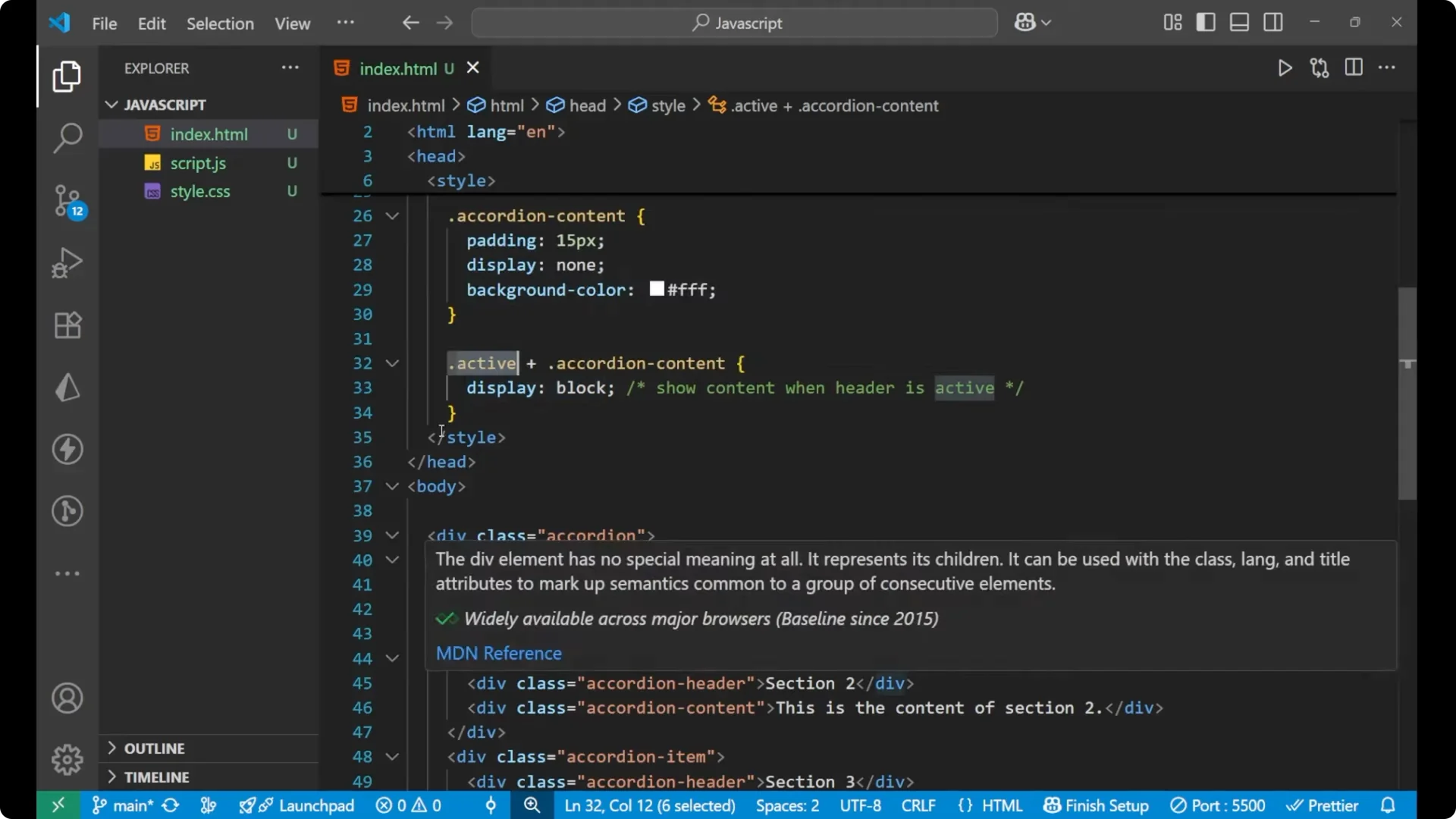
Since everything is visible by default, I want all the content to disappear. I am going to use the
_.active_ class to make the clicked section’s content display as block.
* {
  box-sizing: border-box;
  margin: 0;
  padding: 0;
}

.accordion {
  width: 600px;
  margin: 24px auto;
  border: 1px solid #ddd;
  border-radius: 8px;
  overflow: hidden;
  background: #fafafa;
}

.accordion-item {
  border-bottom: 1px solid #ddd;
}

.accordion-header {
  background: #f7f7f7;
  padding: 12px 16px;
  cursor: pointer;
  font-weight: 600;
}

.accordion-content {
  padding: 12px 16px;
  background: #fff;
  display: none;
}

/ Show content when the header is active /
.accordion-header.active + .accordion-content {
  display: block;
}
JavaScript Logic for the JavaScript Accordion Component
Let’s create it in
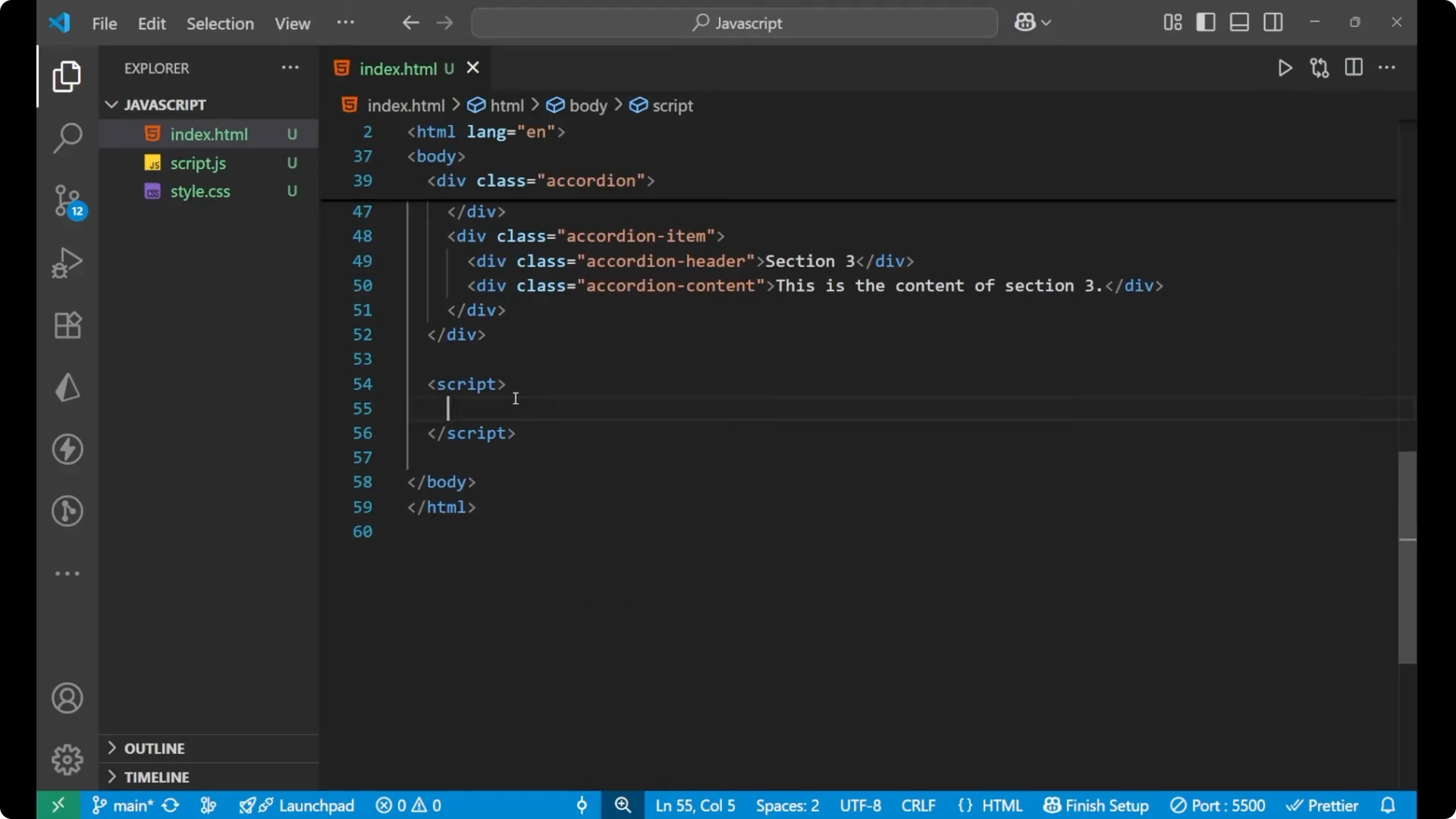
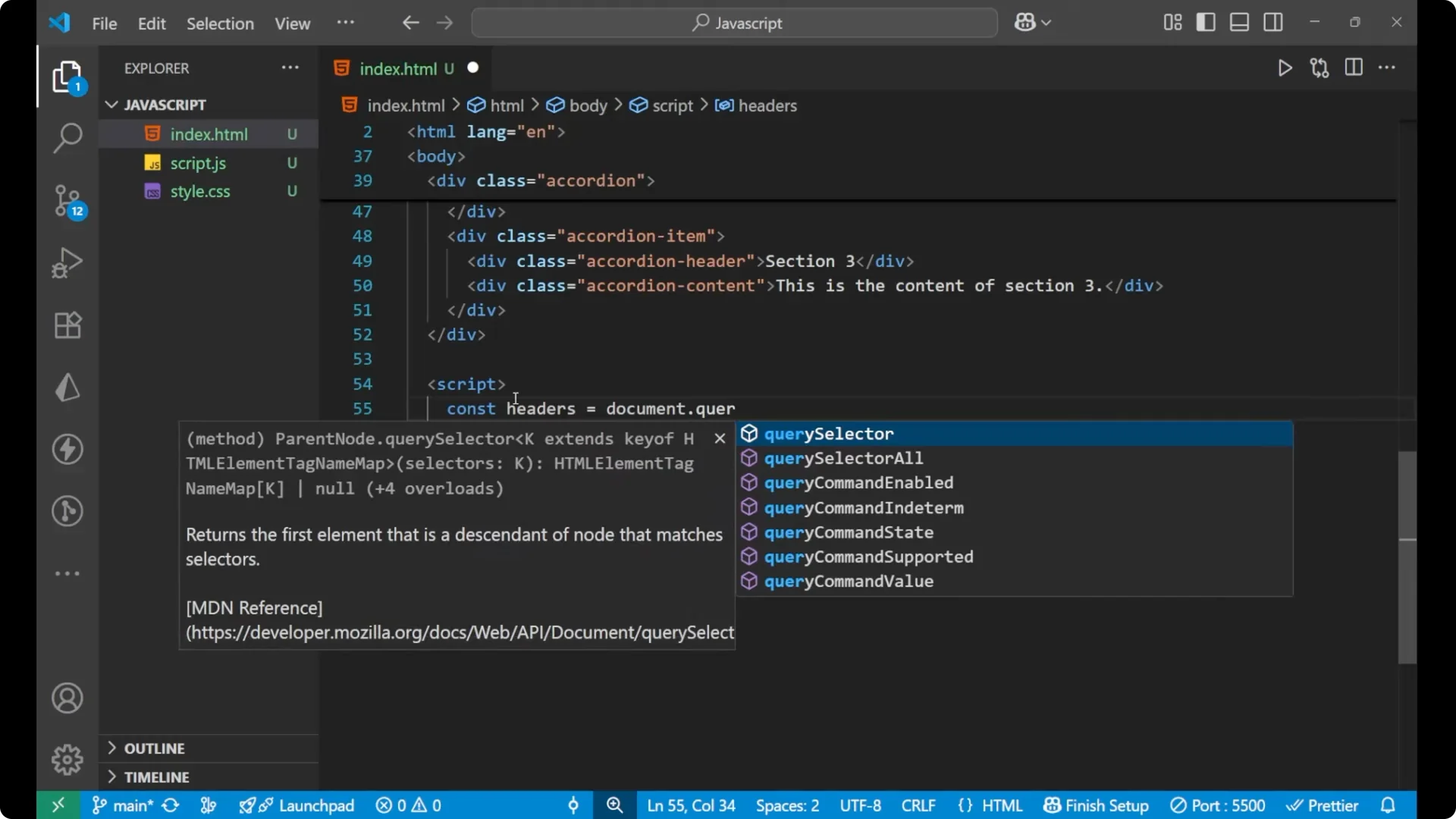
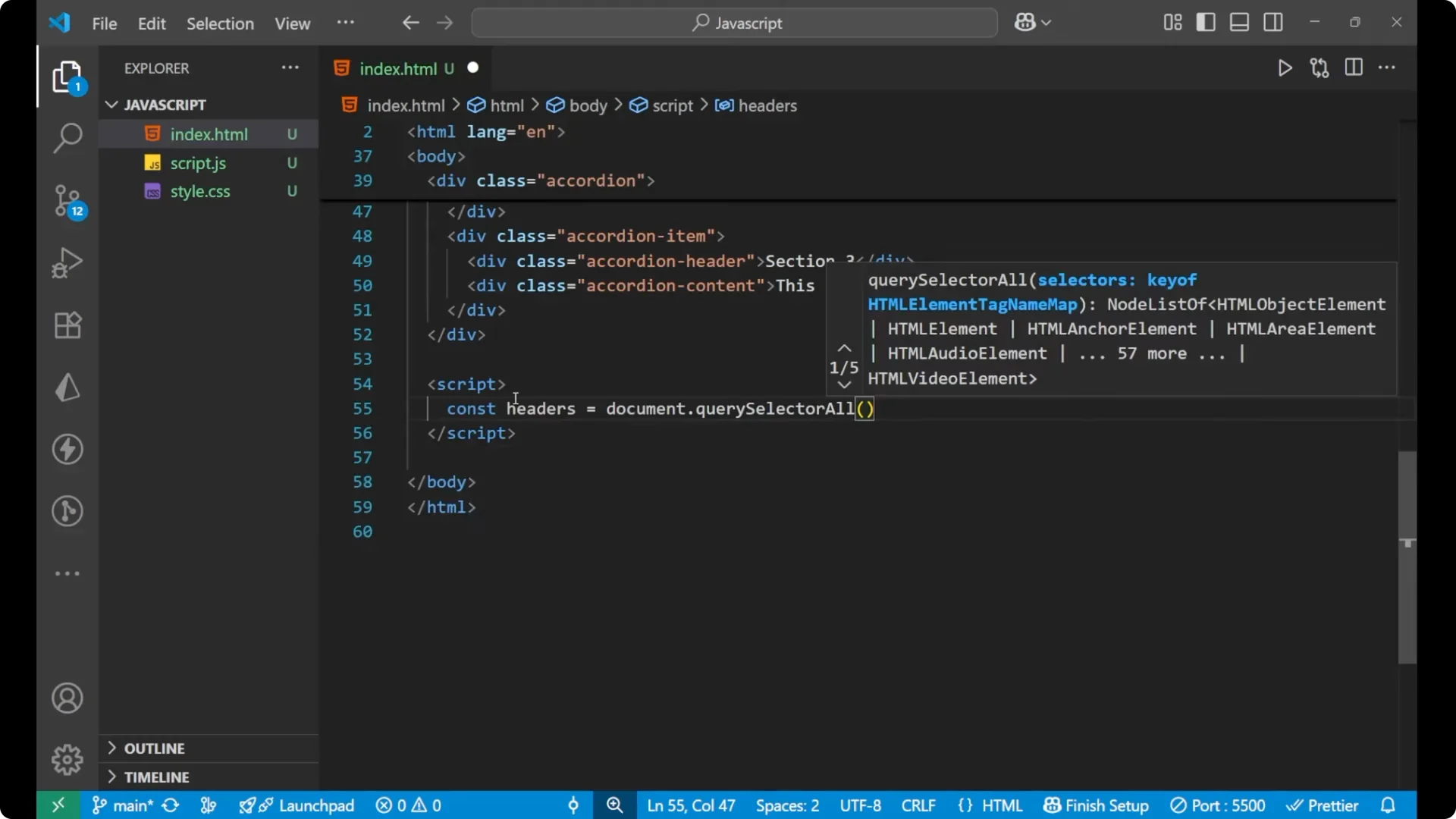
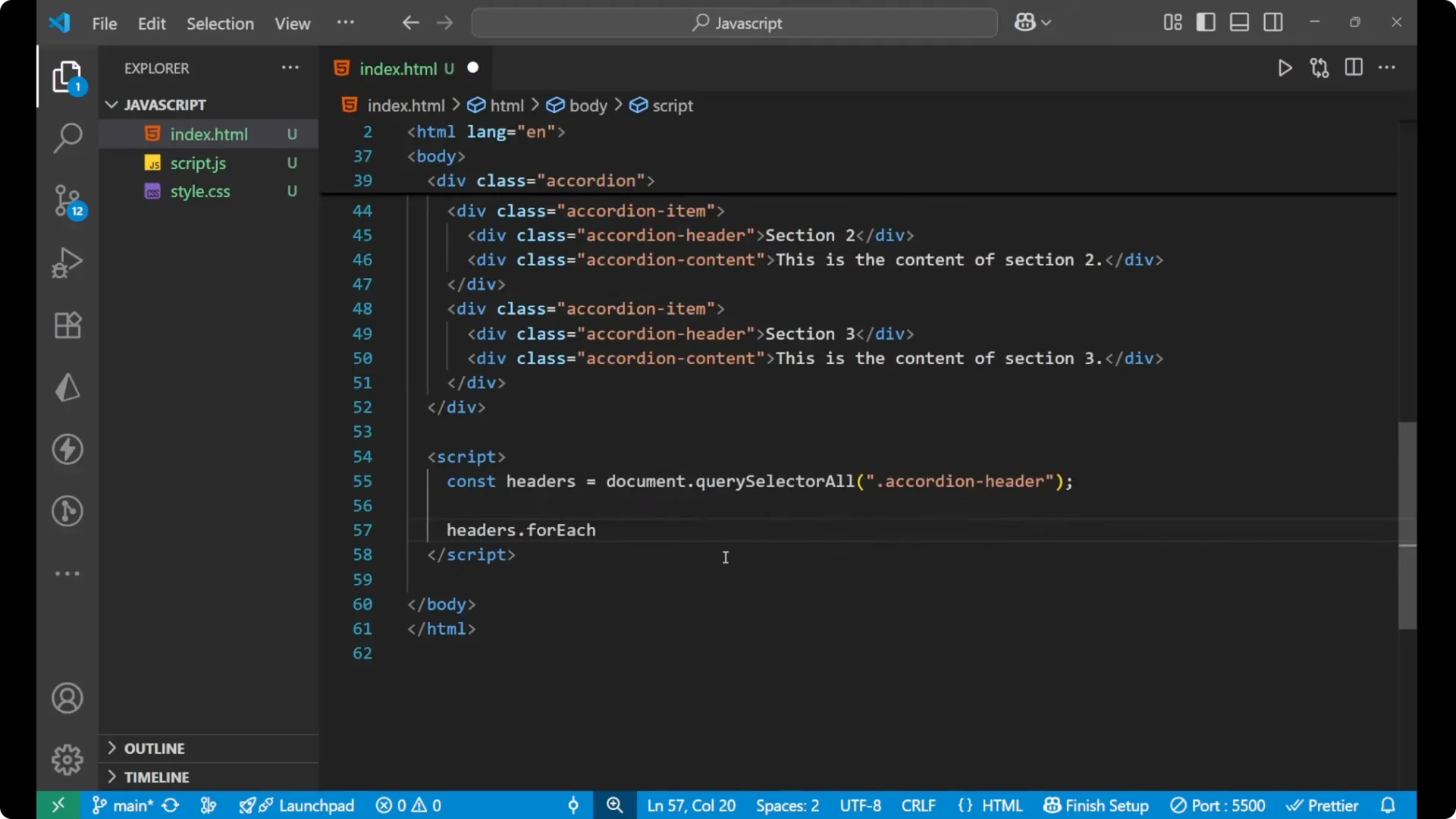
_JavaScript_. First, we will take all the accordion header elements, because when we click on an accordion header the content will appear. We will put
_forEach_ on every header that we have selected. Inside that, we will add an event listener of
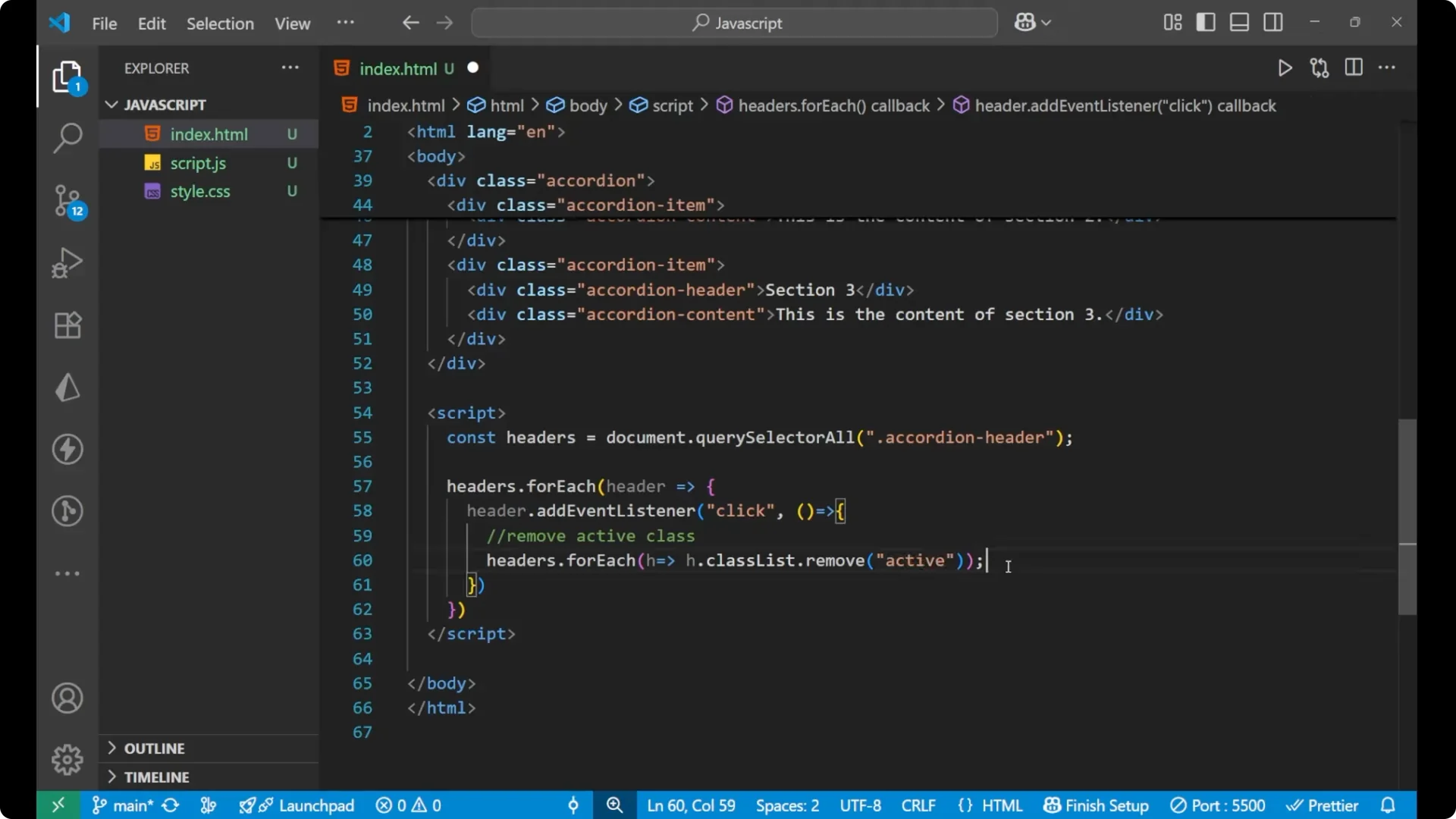
_click_. When you click on any header, we first remove the
_.active_ class from all headers. Then we toggle the clicked one, so its content appears.
const headers = document.querySelectorAll('.accordion .accordion-header');

headers.forEach(header => {
  header.addEventListener('click', () => {
    // remove active class from all headers
    headers.forEach(h => h.classList.remove('active'));

    // toggle the clicked one
    header.classList.toggle('active');
  });
});
When I click on any section, the content appears. When I click on another section, the new content appears and the previous section content disappears.
Step-by-Step: Build the JavaScript Accordion Component
Step 1 – Create the main wrapper with the class
accordion and add three
accordion-item blocks, each containing an
accordion-header and an
accordion-content.
Step 2 – Add CSS to style the accordion, headers, and content. Hide all
accordion-content by default using `display: none`.
Step 3 – Add the
_.active_ class rule to show content only when the adjacent
accordion-header is active.
Step 4 – In
_JavaScript_, select all headers with `document.querySelectorAll(‘.accordion .accordion-header’)`.
Step 5 – Loop over headers with
_forEach_ and add a
_click_ event listener to each header.
Step 6 – Inside the handler, remove
_.active_ from all headers, then toggle
_.active_ on the clicked header so its content becomes visible.
Final Thoughts
We have successfully created a simple
JavaScript Accordion Component. The main idea is clear: control visibility with an
_.active_ class in CSS and manage state in
_JavaScript_ using
_querySelectorAll_,
_forEach_, and a
_click_ handler that removes
_.active_ from all headers before toggling it on the clicked one. Try to practice it on your own and the concept will stick quickly.