In this lecture, we are going to learn how to create a light and dark mode toggle in JavaScript. It is very important and is available in almost every website. We need to know how the functionality of the button which can toggle the mode is built.
HTML setup for the JavaScript Theme Toggle
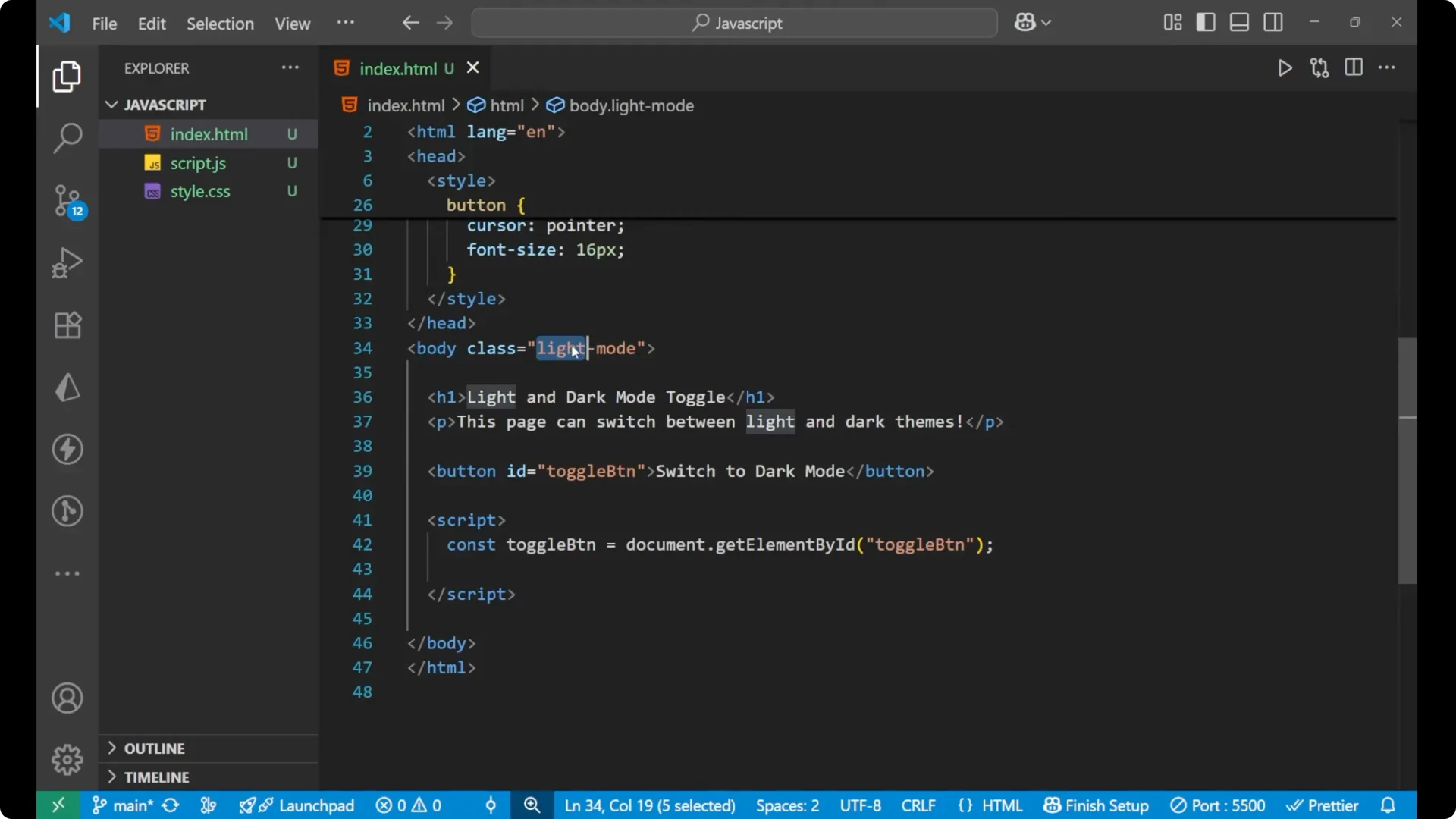
I have already written some HTML for you and the CSS also. We will just look at it because this is mainly for the JavaScript functionality.
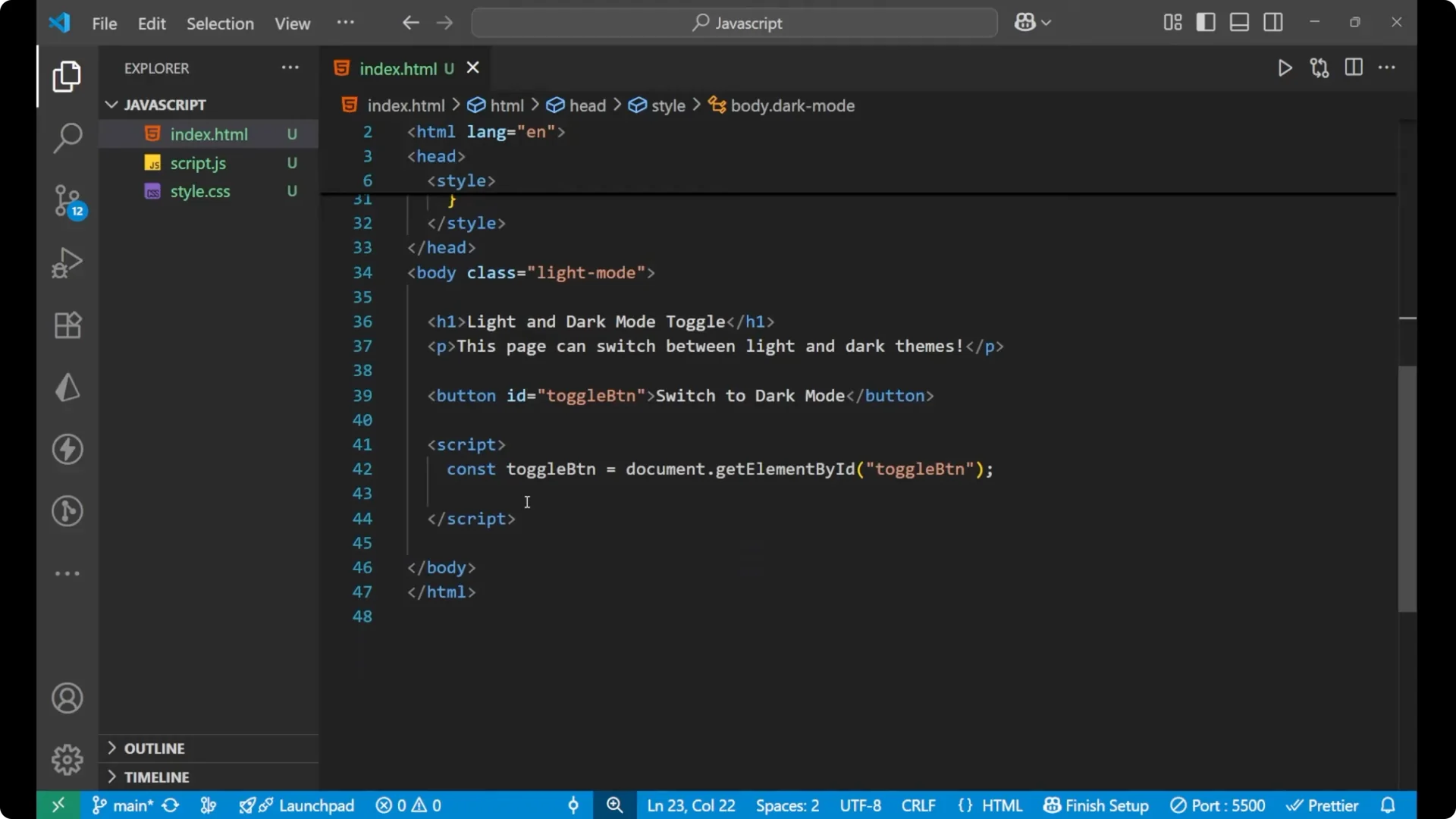
I’m having a body here and the class of the body is light mode. It is initial and will change later. Inside this we are having a heading and then a paragraph.
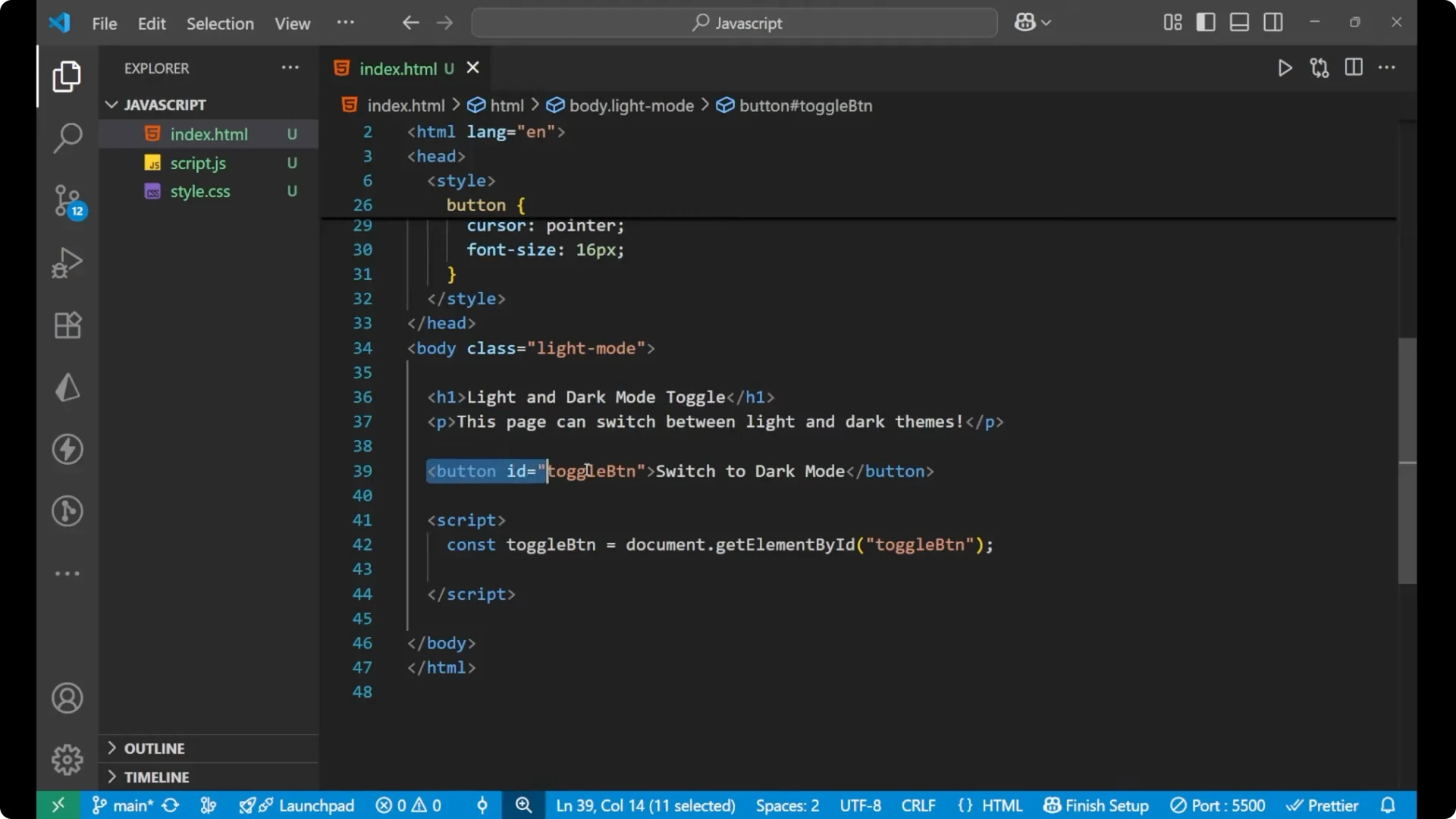
After that we are having a button which is a toggle button for light. When we click on this button the switching of different modes will occur.
<body class="light-mode">
  <h1>Light and Dark Mode Toggle</h1>
  <p>This paragraph text will switch colors with the theme.</p>
  <button id="toggle-button">Switch to dark mode</button>
</body>
CSS for the JavaScript Theme Toggle
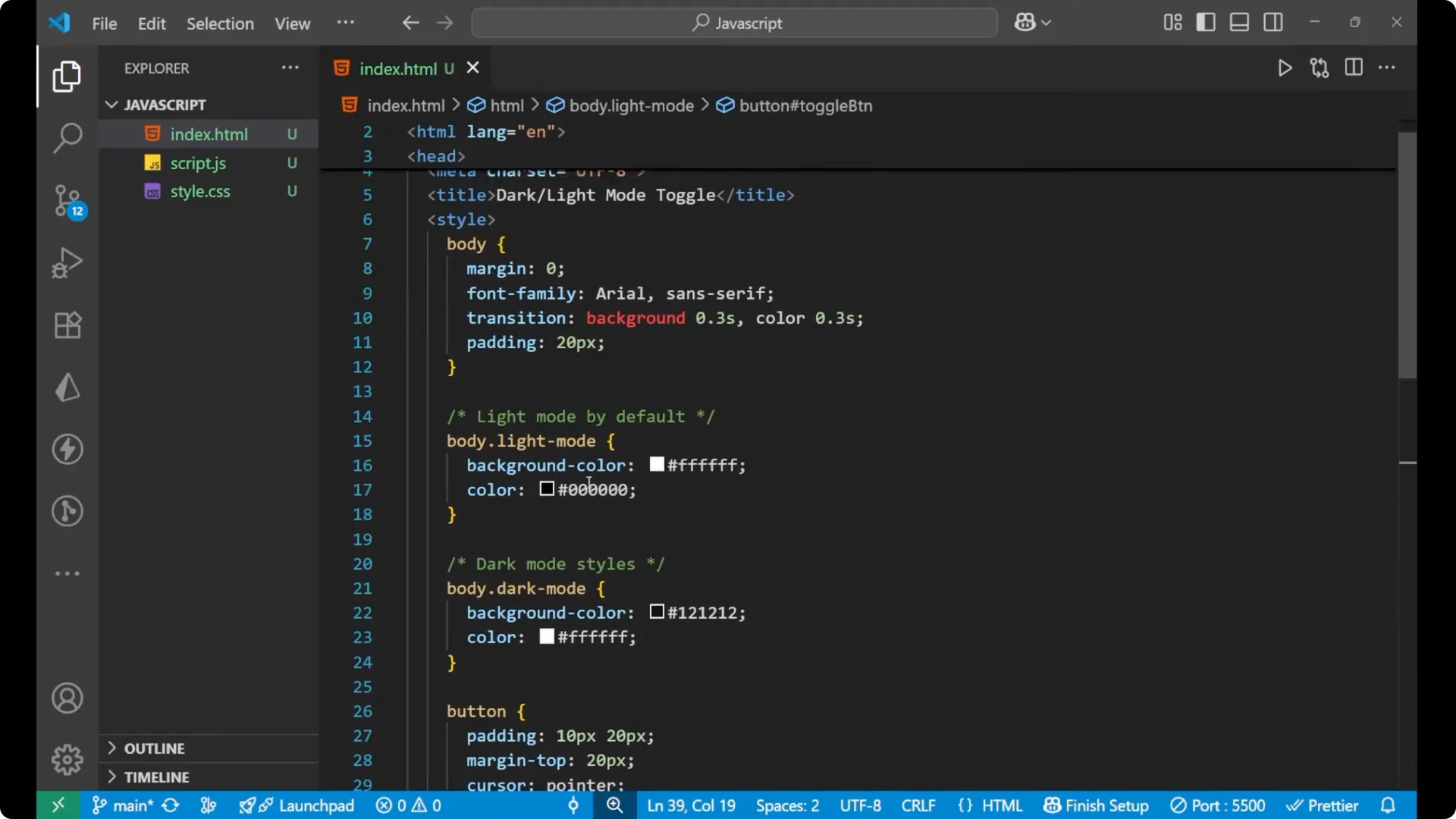
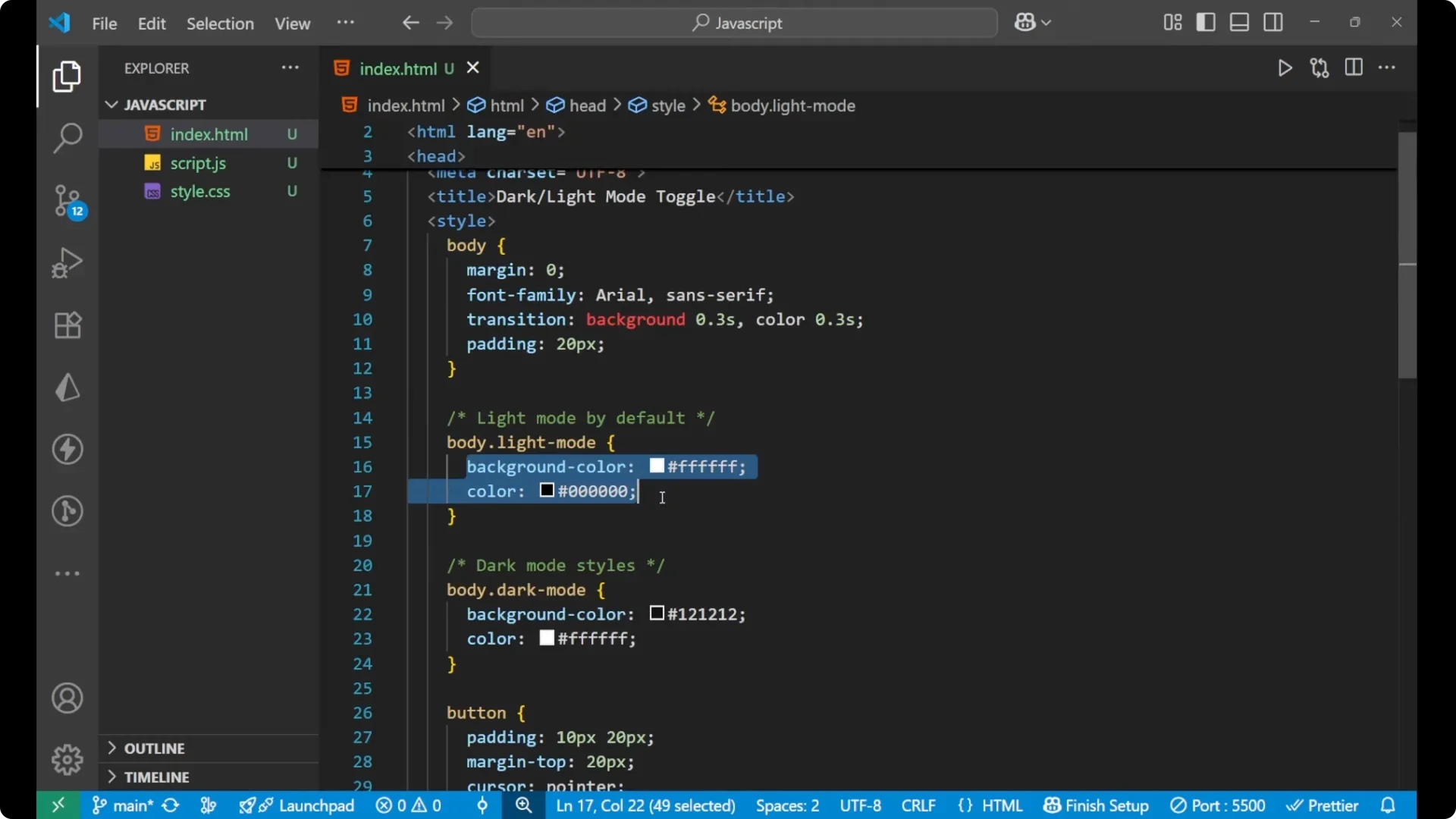
I have written a little bit of CSS for the body. The margin is 0, the font family is set, and the transition is made with the background because the background color will change.
The transition is 0.3s, and when the color gets changed for the text, that is also 0.3s. Padding is added to the page.
For the light mode I set the background color as white and the color of text as black. In the dark mode the background color is black and the text color is white, just opposite to each other.
For the button it is simple padding, margin, cursor, and font size.
body {
  margin: 0;
  font-family: system-ui, -apple-system, Segoe UI, Roboto, Arial, sans-serif;
  transition: background 0.3s, color 0.3s;
  padding: 2rem;
}
.light-mode {
  background: #ffffff;
  color: #000000;
}
.dark-mode {
  background: #000000;
  color: #ffffff;
}
button {
  padding: 0.6rem 1rem;
  margin-top: 1rem;
  cursor: pointer;
  font-size: 1rem;
}
JavaScript functionality for the JavaScript Theme Toggle
We are inside our script tag, the JavaScript portion. I have already written a line of code that selects the toggle button with the help of `document.getElementById`.
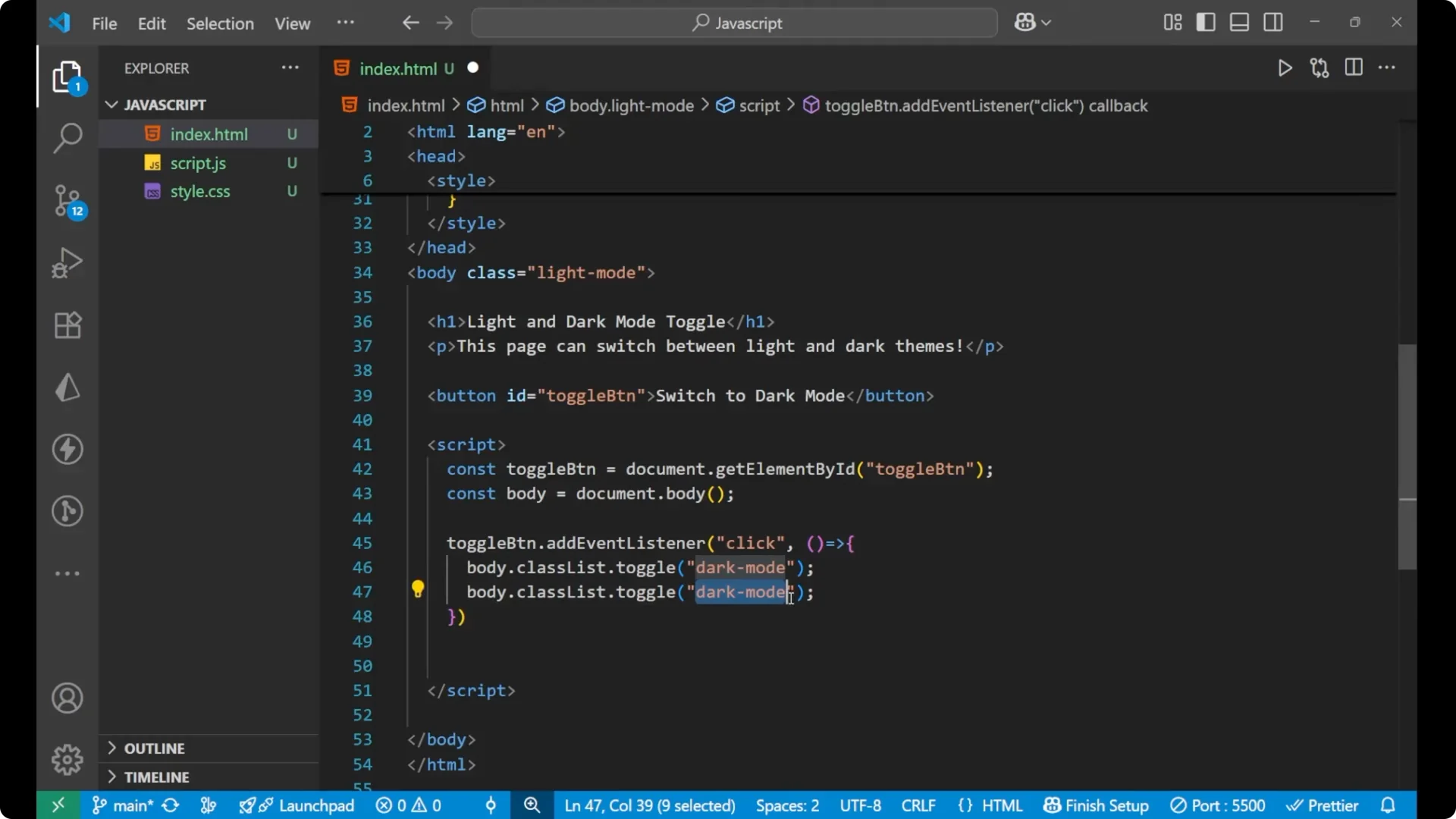
We are going to create the functionality. We write `const body = document.body`.
We are selecting the body. We are going to work with the toggle button using `toggleButton.addEventListener`.
When you click on this button, the function will be called. Inside this function we will do the changes in the class.
- `body.classList.toggle(‘dark-mode’)` will add the dark mode if it is not present there, and if it is present it will remove the dark mode.
- Do the same with the light mode. If the light mode is present, which is present by default, it will remove this light mode class from the class list, and if it is not present, it will get added again when you click.
<script>
  const toggleButton = document.getElementById('toggle-button');
  // Select the body
  const body = document.body;
  // Click handler
  toggleButton.addEventListener('click', function () {
    // Toggle classes
    body.classList.toggle('dark-mode');
    body.classList.toggle('light-mode');
    // Update button text
    if (body.classList.contains('dark-mode')) {
      toggleButton.textContent = 'Light mode';
    } else {
      toggleButton.textContent = 'Switch to dark mode';
    }
  });
</script>
Common fix in the JavaScript Theme Toggle
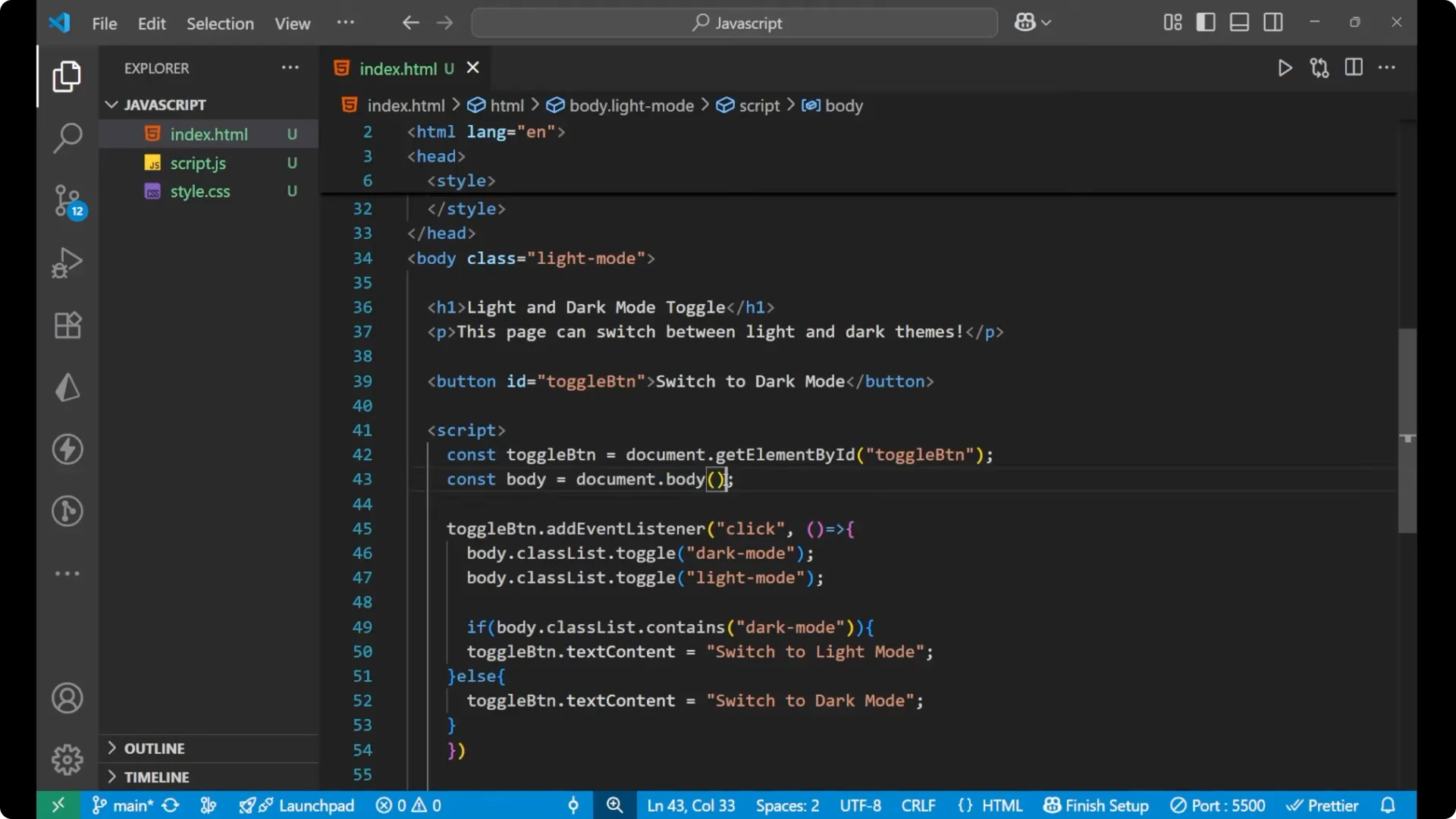
A small mistake to avoid is treating `document.body` as a function. `document.body` is a property, not a function, so do not add parentheses.
What you should see
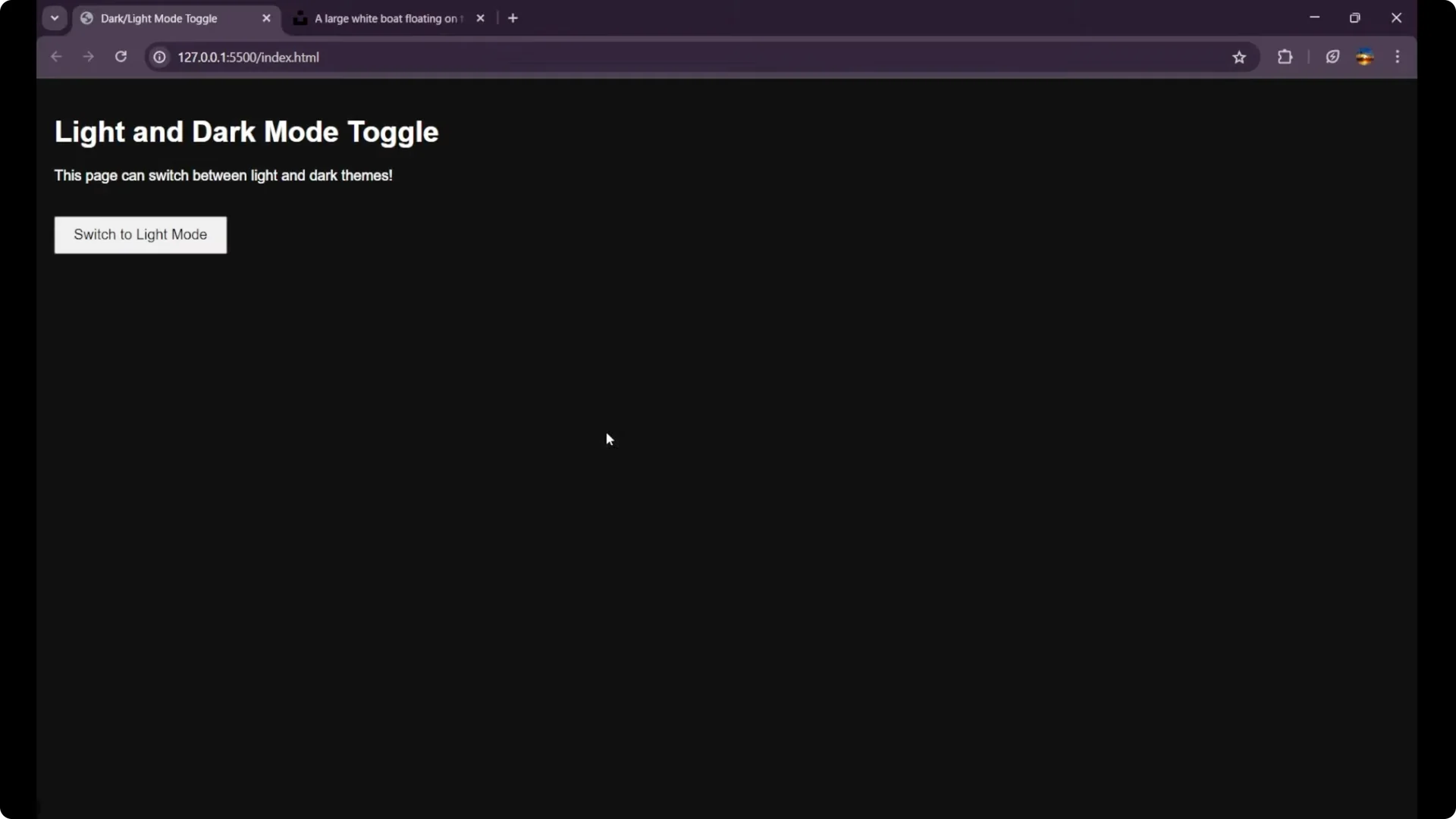
With the transition the background color changes and now it is present in the dark mode. The text color also changes to white. When you click again it switches back to light mode, and the content inside the button also changes.
Final Thoughts
This is how we create the light and the dark mode in JavaScript, and this is the main logic of working:
- Start with a default `light-mode` class on the body.
- Toggle `dark-mode` and `light-mode` on button click using `classList.toggle`.
- Update the button text using `classList.contains` to reflect the current state.