I will look at different ways to remove elements from a page using JavaScript. This is my HTML page with a heading called My Task and an unordered list that has three different list items. Inside each list item I am also having a button.
This button is to remove – it is the remove button, and its class is remove button.
When I click on this particular remove, I want this particular list to get removed.
This is the main task I am going to do with JavaScript. I am not focusing on the UI part. It is just about the functionality.
JavaScript DOM Element Removal – HTML Setup
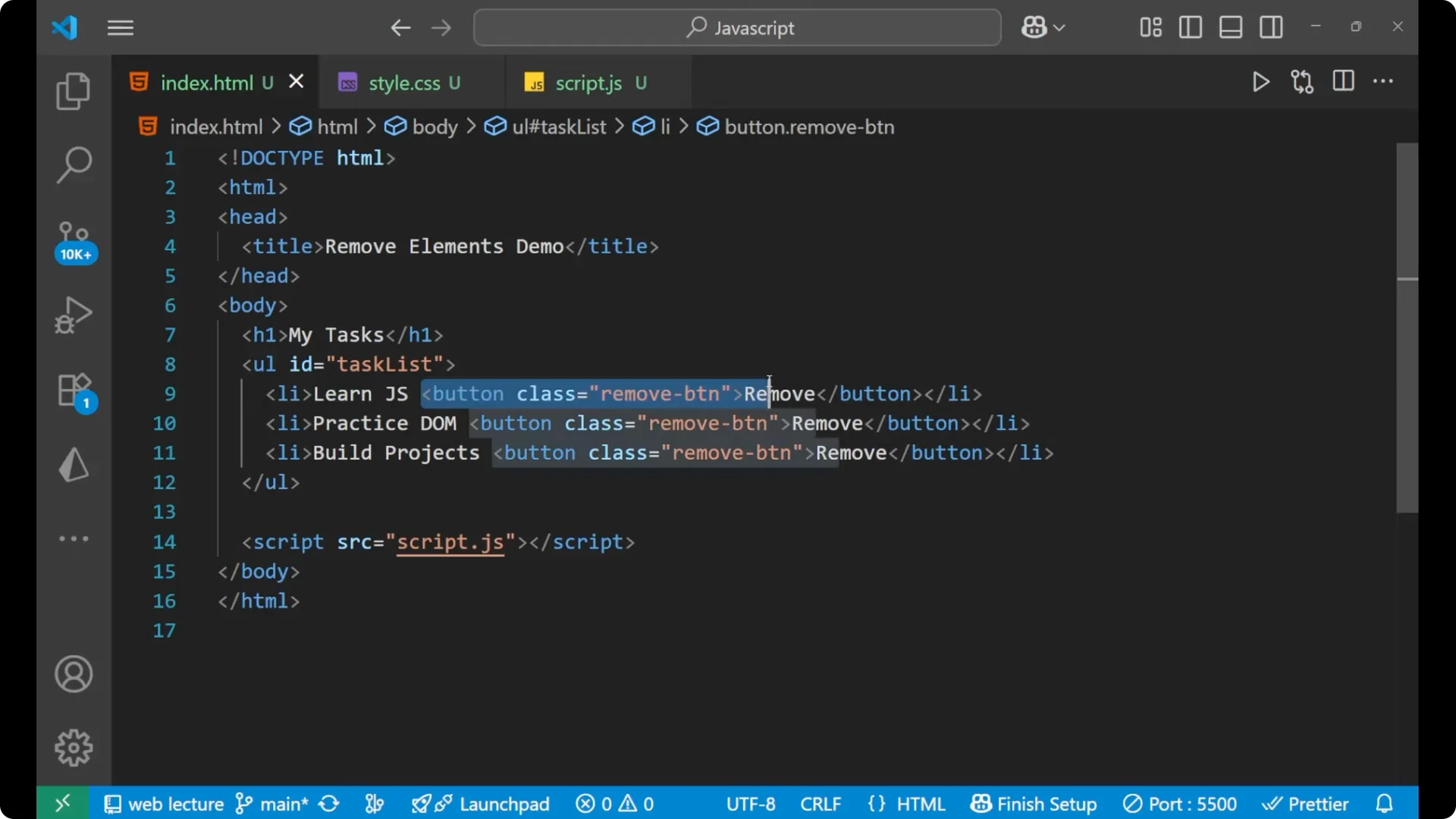
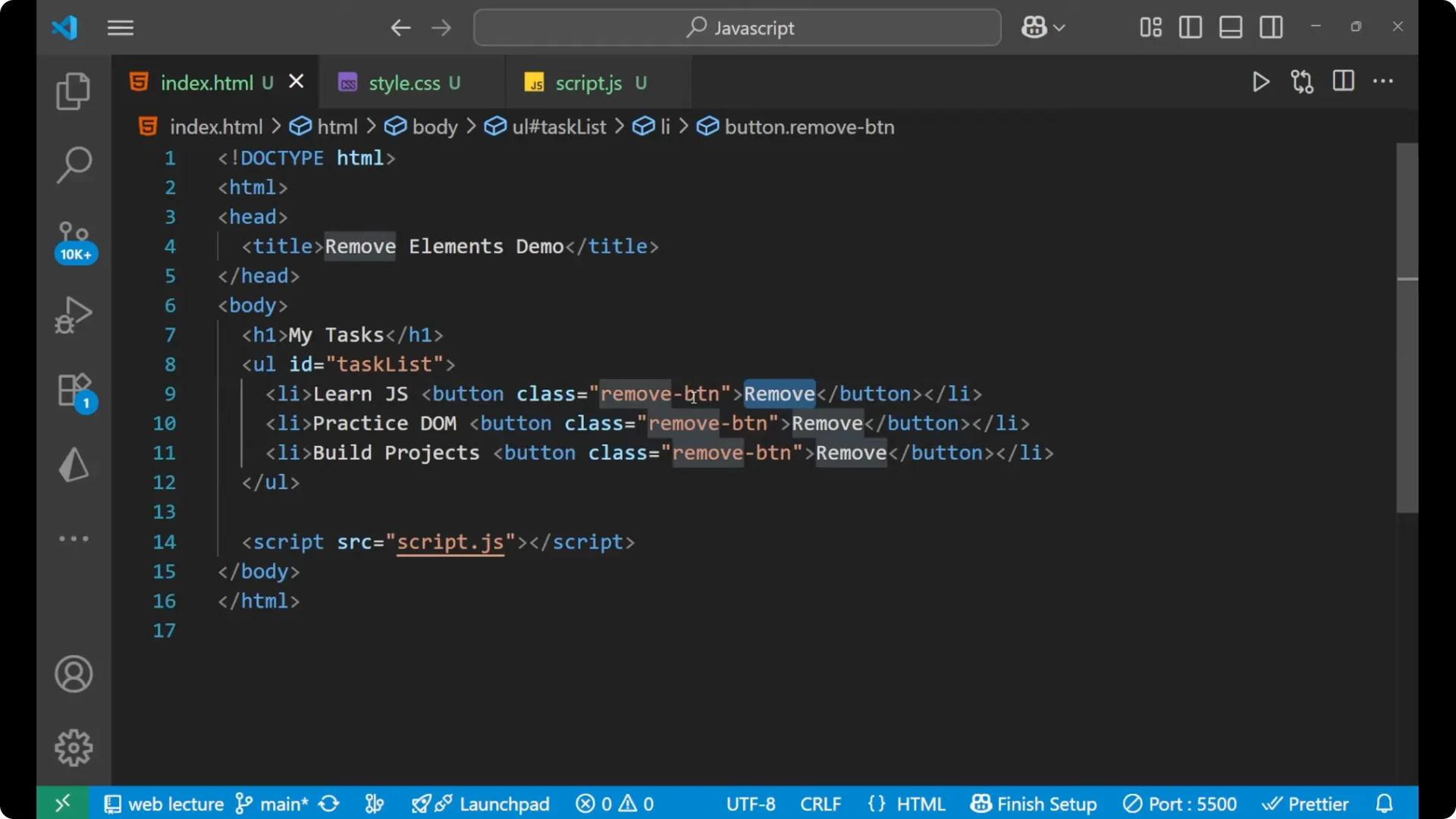
Here is a simple structure matching what I described. The list items each include a remove button that will delete its own list item.
<h1>My Task</h1>
<ul id="tasks">
  <li>
    Learn JS
    <button class="remove-button">Remove</button>
  </li>
  <li>
    Practice DOM
    <button class="remove-button">Remove</button>
  </li>
  <li>
    Build project
    <button class="remove-button">Remove</button>
  </li>
</ul>
JavaScript DOM Element Removal – Step by Step
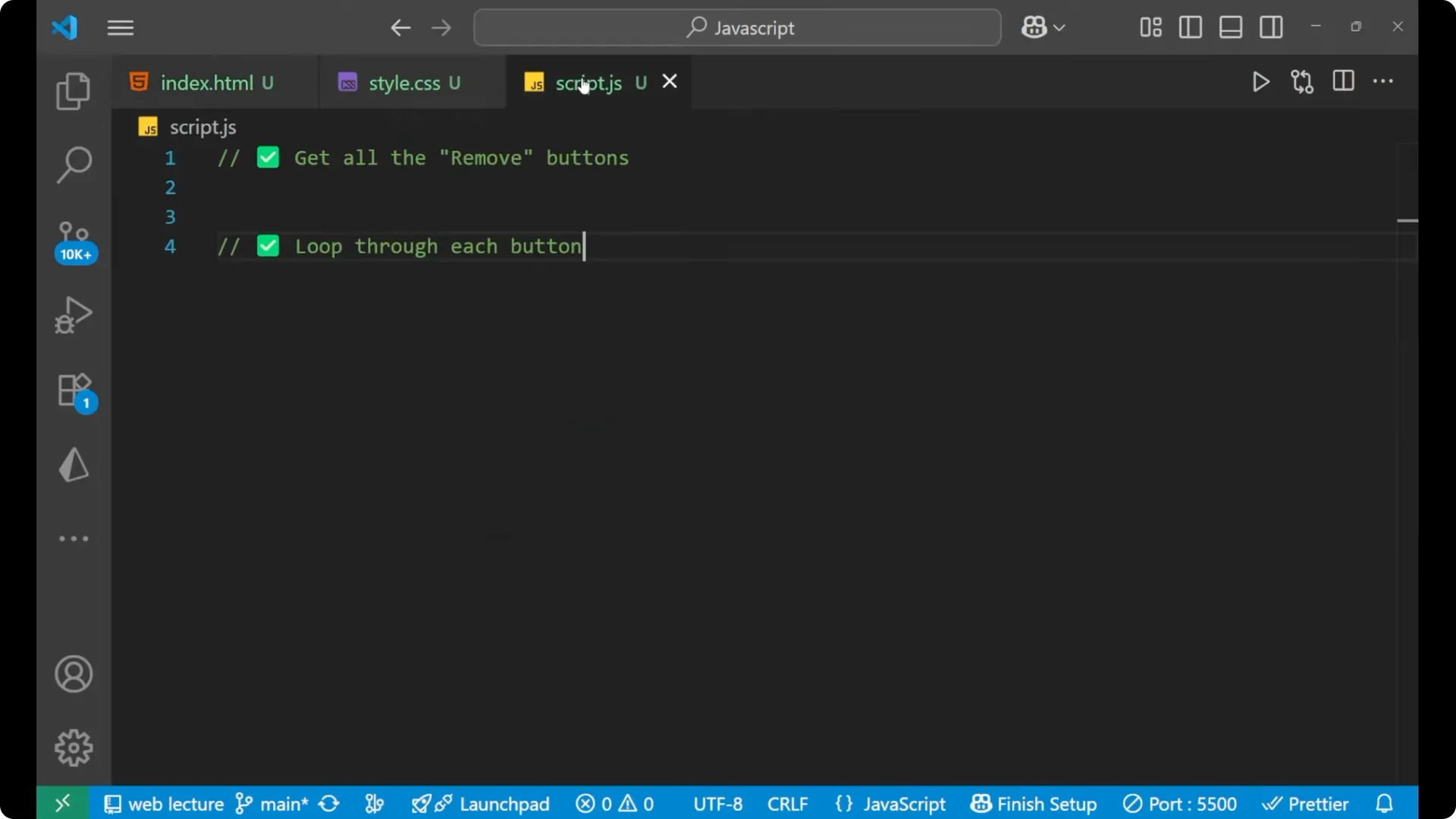
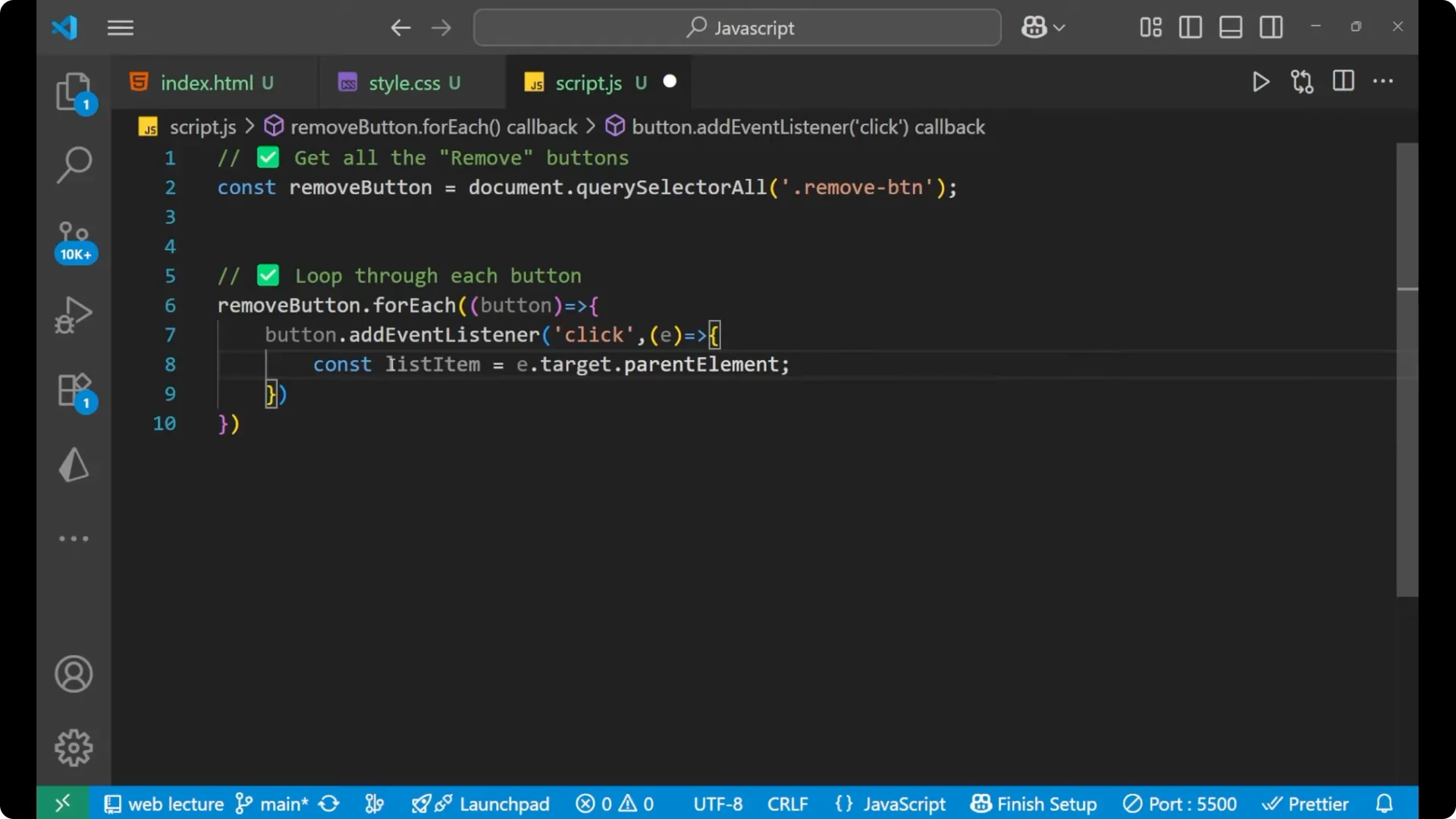
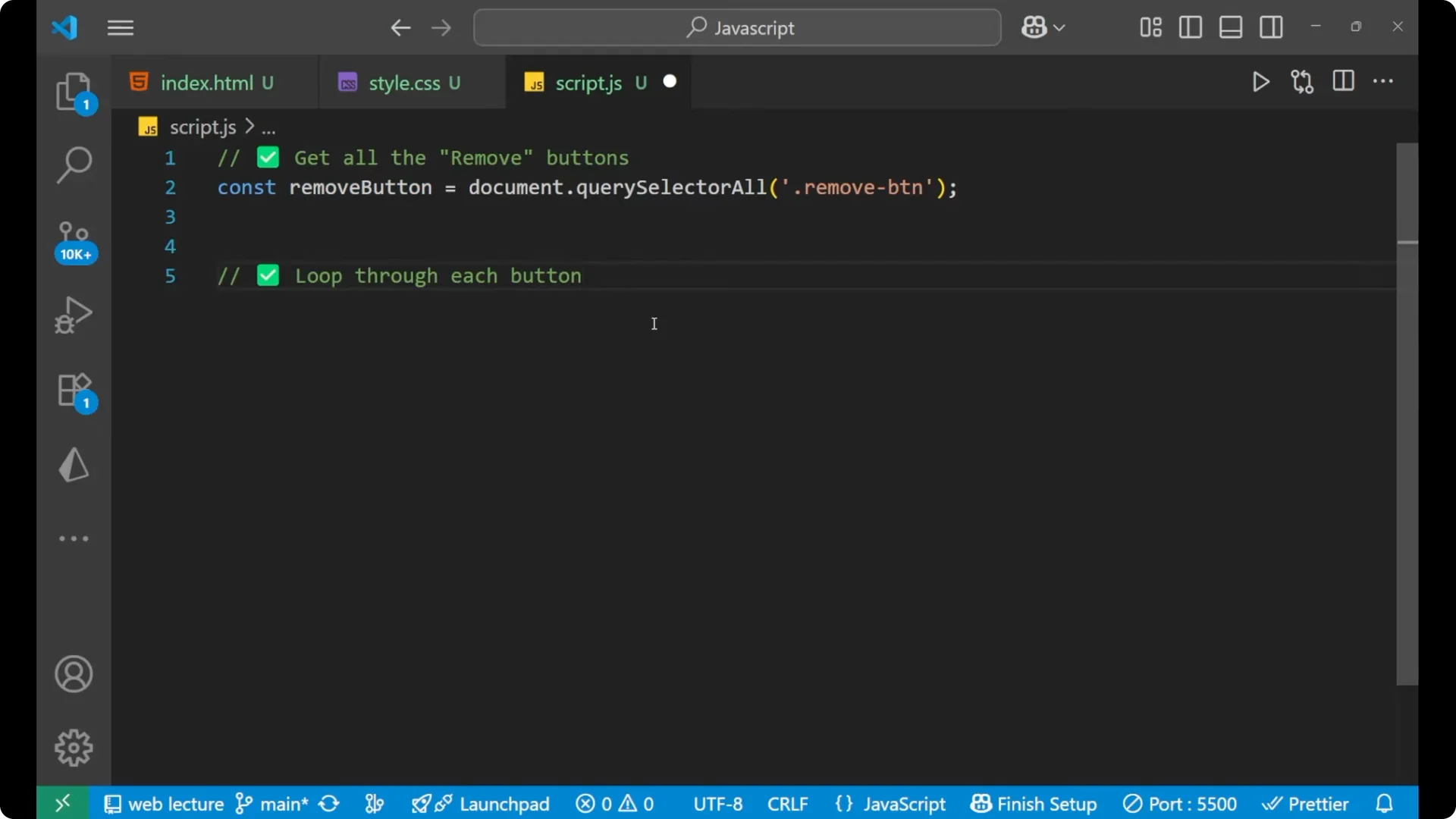
- Get all the remove buttons.
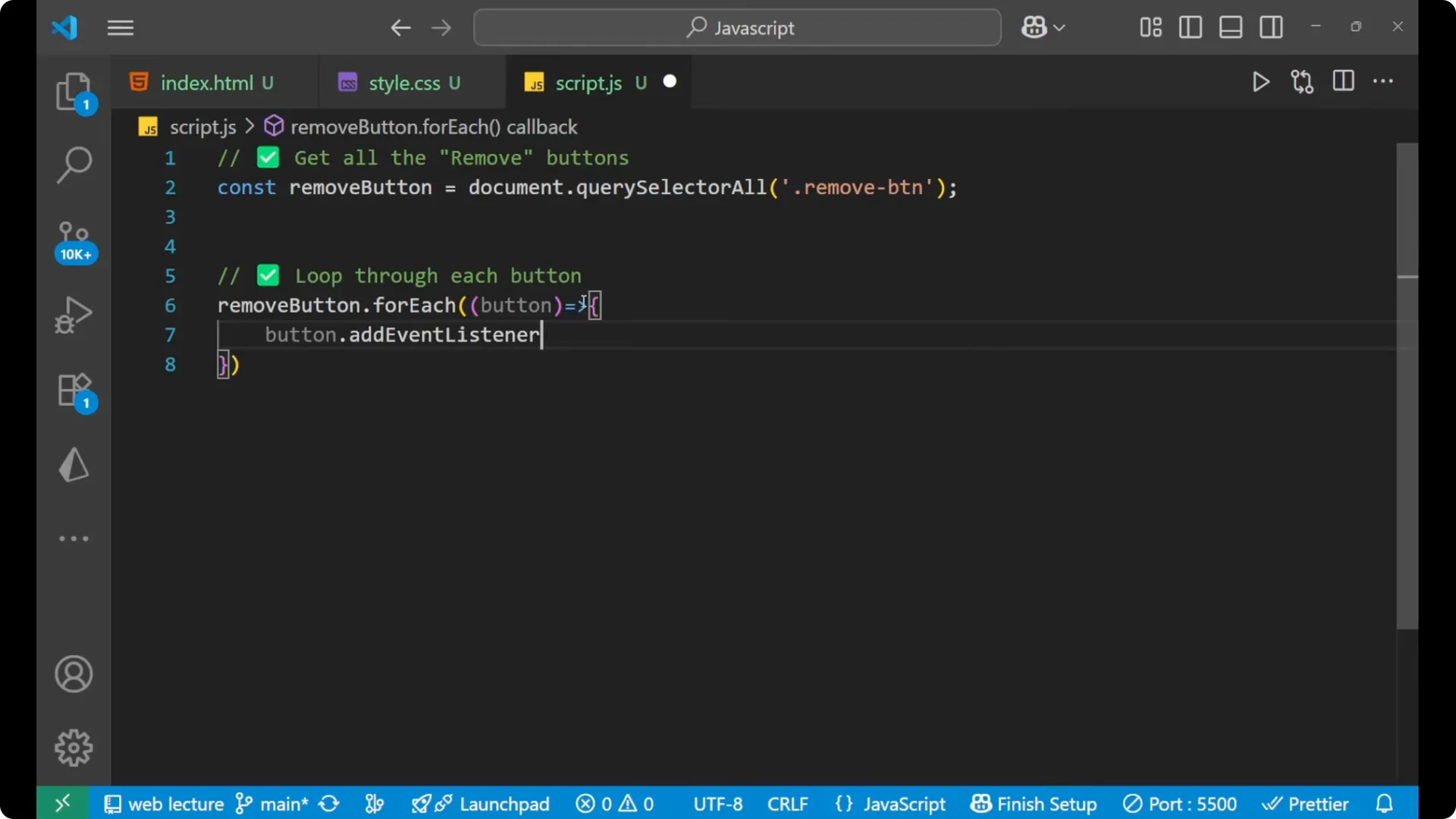
- Loop through each button.
- Add a click event listener on every button.
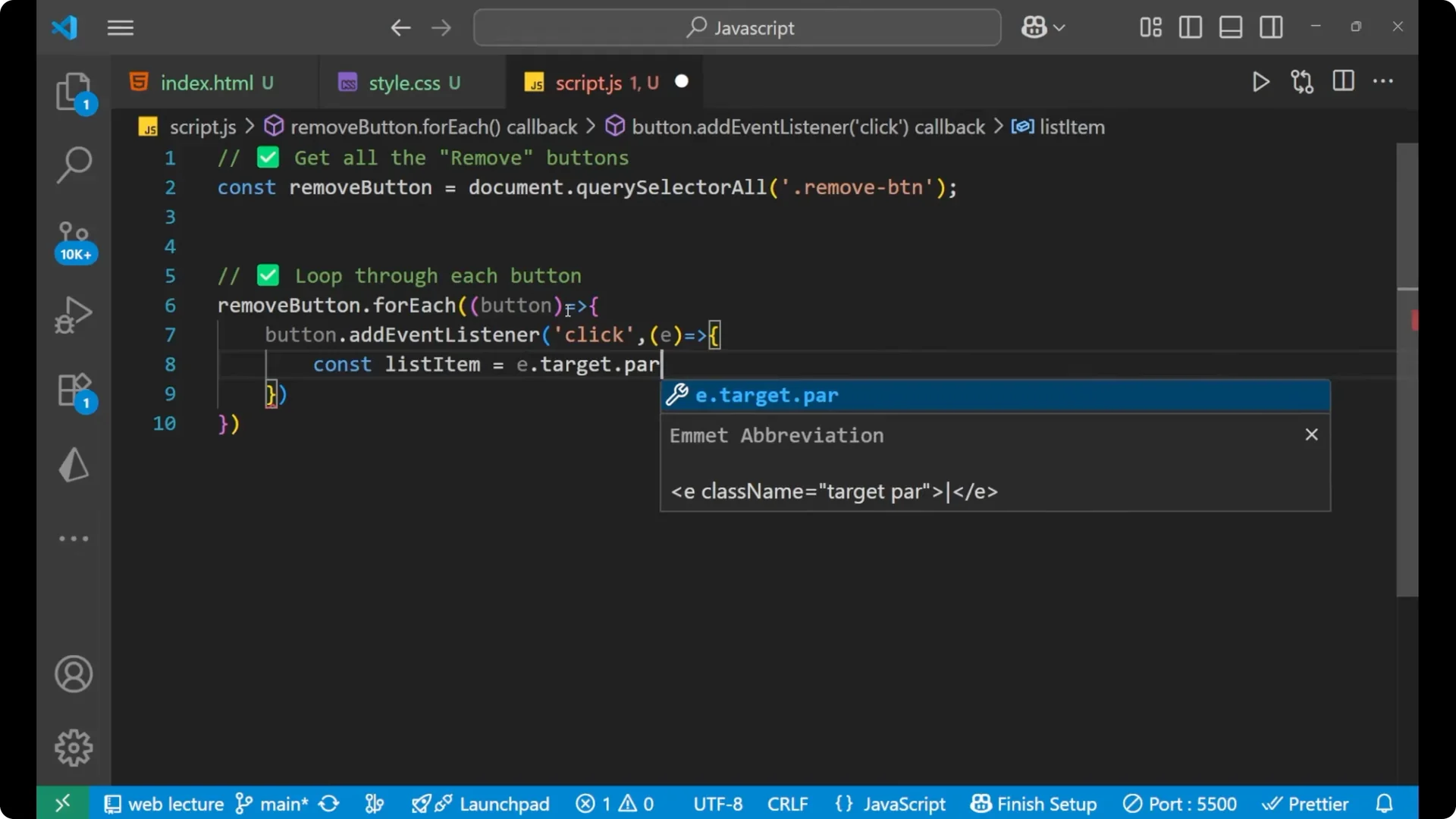
- Inside the handler, the clicked button is e.target.
- From that, get the parent list item and remove it.
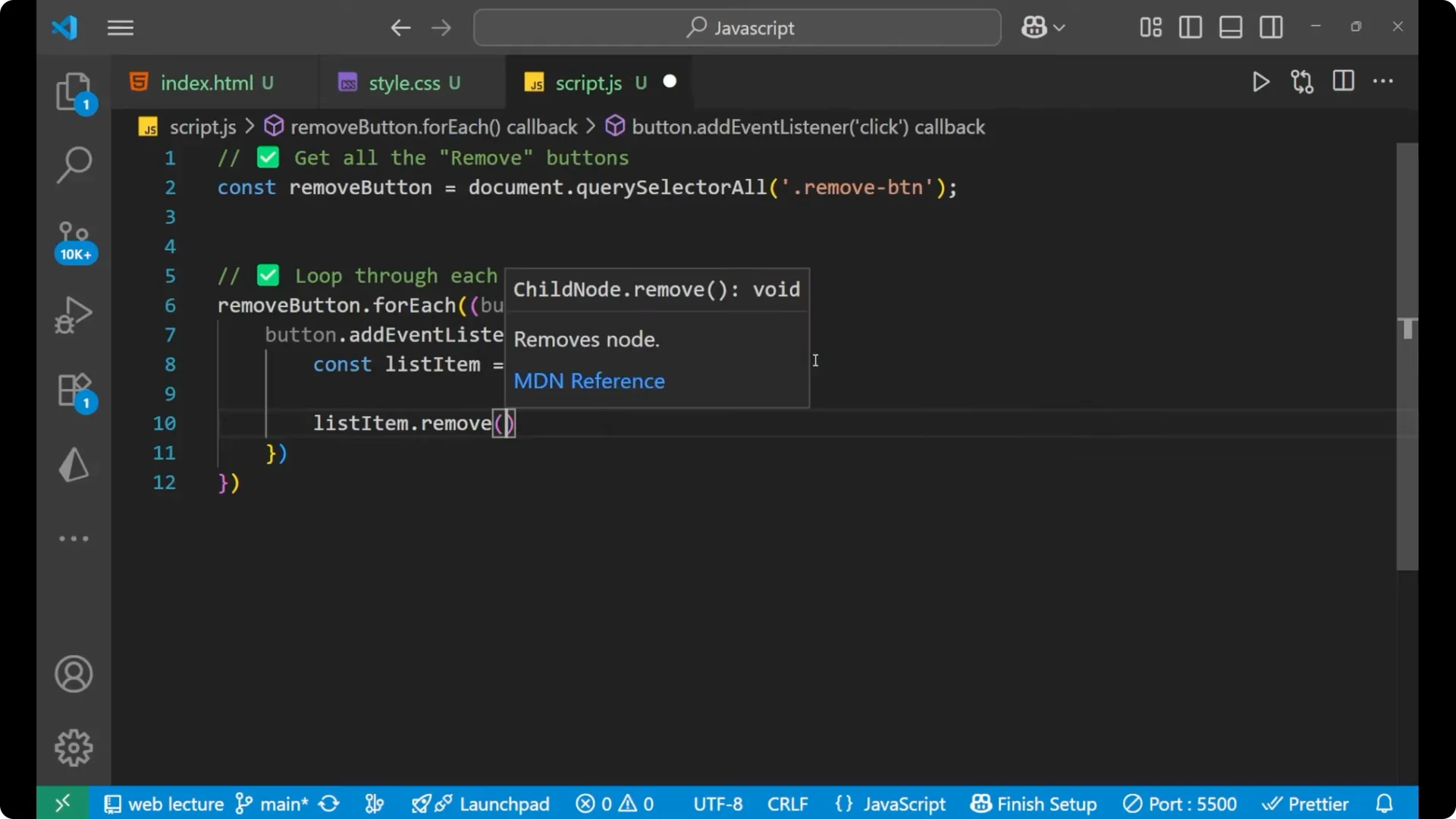
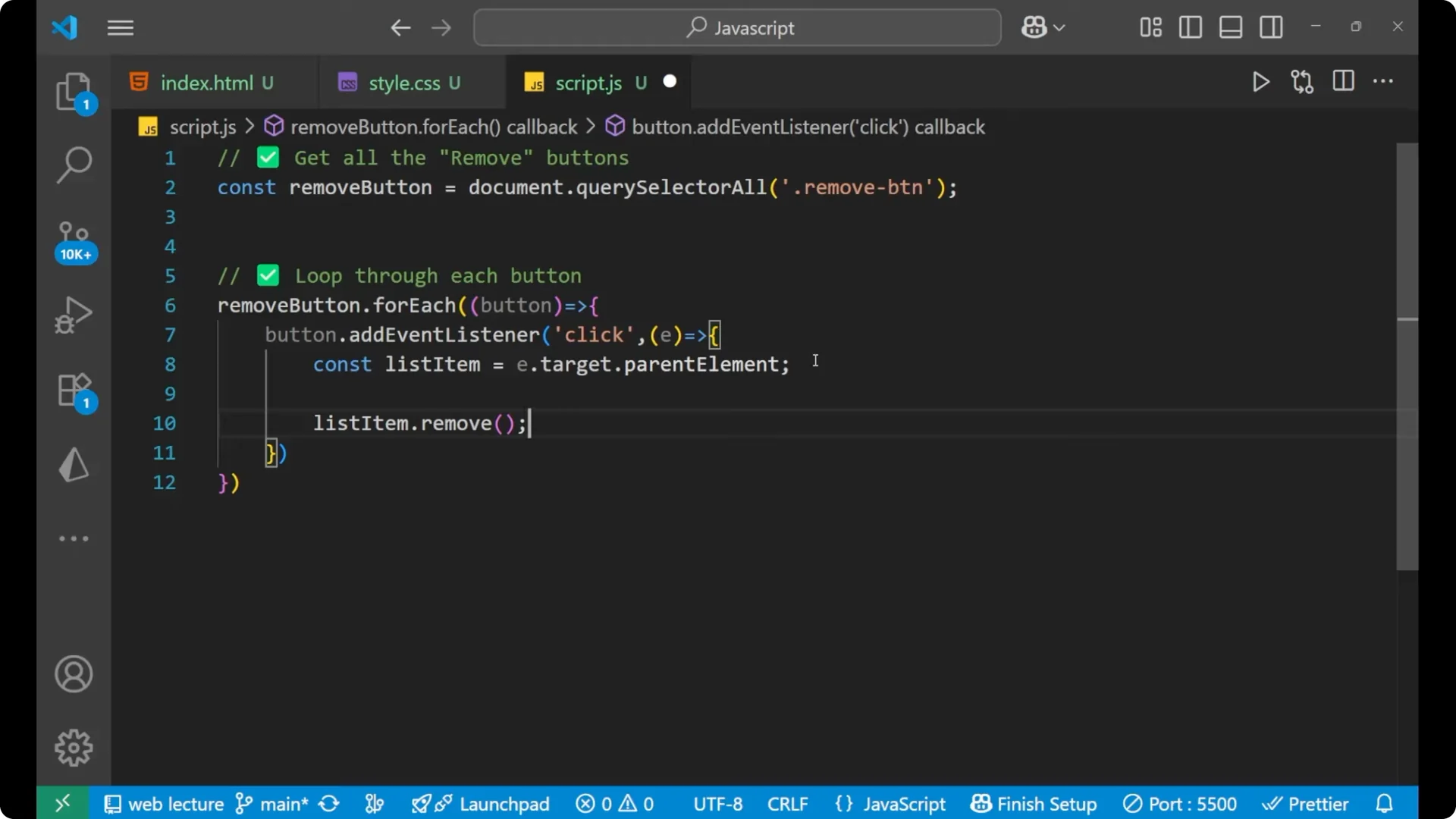
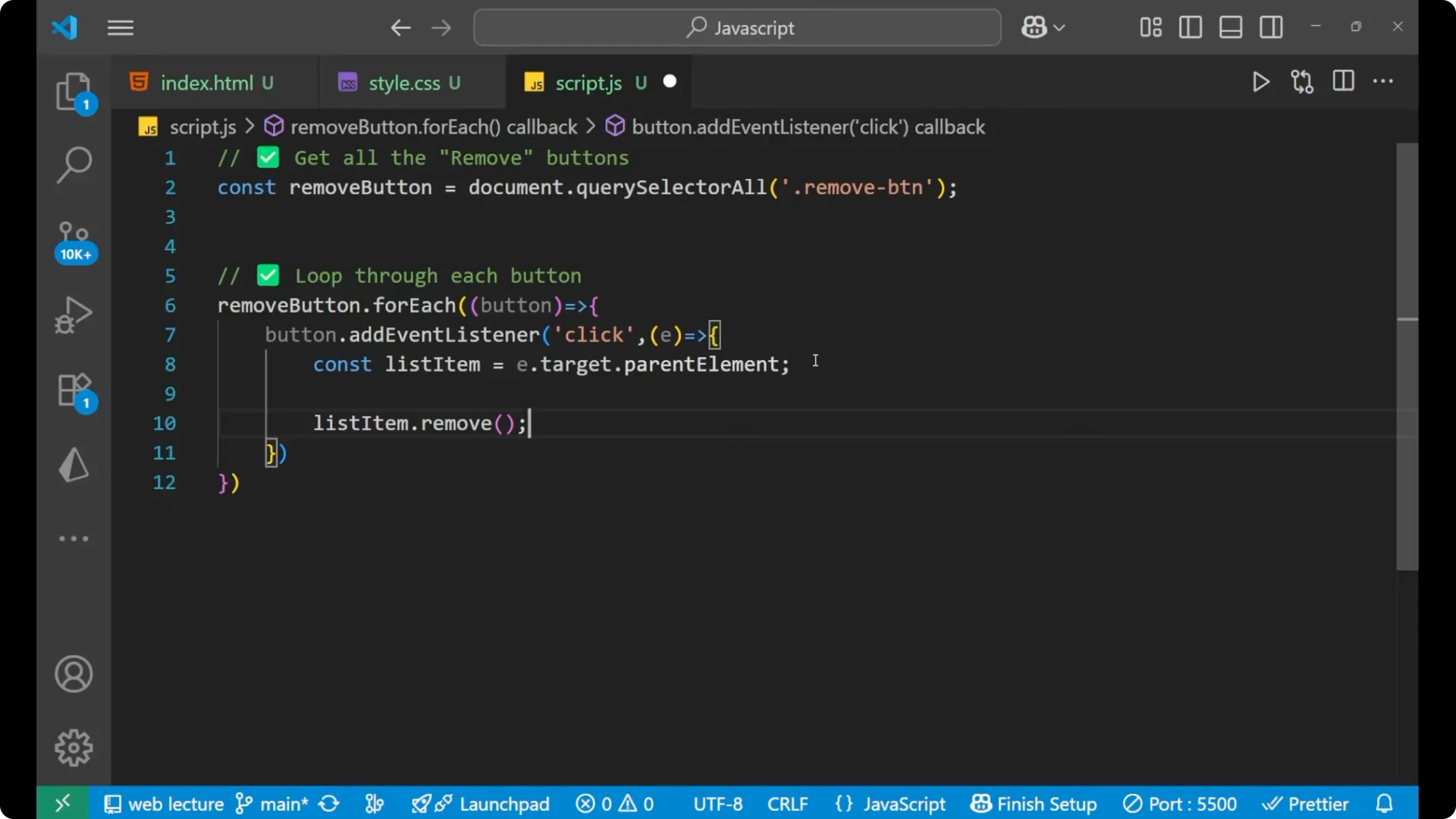
Code using remove
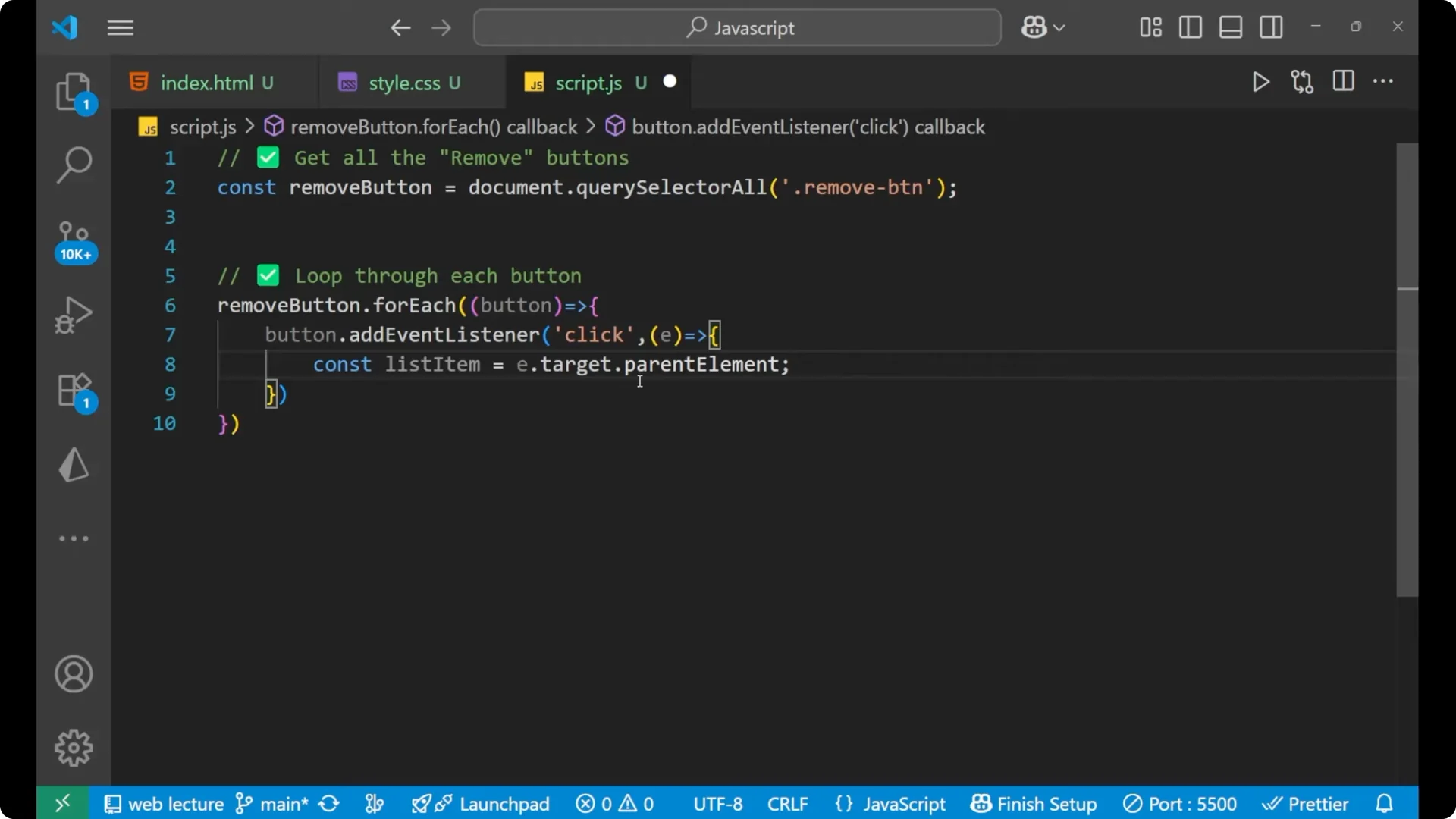
// 1) Get all the remove buttons
const removeButtons = document.querySelectorAll('.remove-button');
// 2) Loop through each button
removeButtons.forEach((button) => {
  // 3) Add event listener for click
  button.addEventListener('click', (e) => {
    // 4) e.target is the clicked button
    const listItem = e.target.parentElement;
    // 5) Remove the list item
    listItem.remove();
  });
});
Alternative method using removeChild
There is one more method:
const removeButtons = document.querySelectorAll('.remove-button');
removeButtons.forEach((button) => {
  button.addEventListener('click', (e) => {
    const listItem = e.target.parentElement;
    listItem.parentElement.removeChild(listItem);
  });
});
This does the same thing. The first approach is shorter and clearer, which is why I wrote it in that format.
Final Thoughts
It is very easy to understand how this works. I am simply adding an event listener to each button, targeting the clicked button with e.target, finding its parent list item, and removing it.