
Counting the frequency of elements in an array in JavaScript is one of the most common and most asked questions about arrays and the reduce method.
We need to count the frequencies of all the elements that are present in the array, mainly with the help of the reduce method, which is often asked in interviews.
Let’s understand how to do it.
JavaScript Array Frequency Counting – Problem Setup
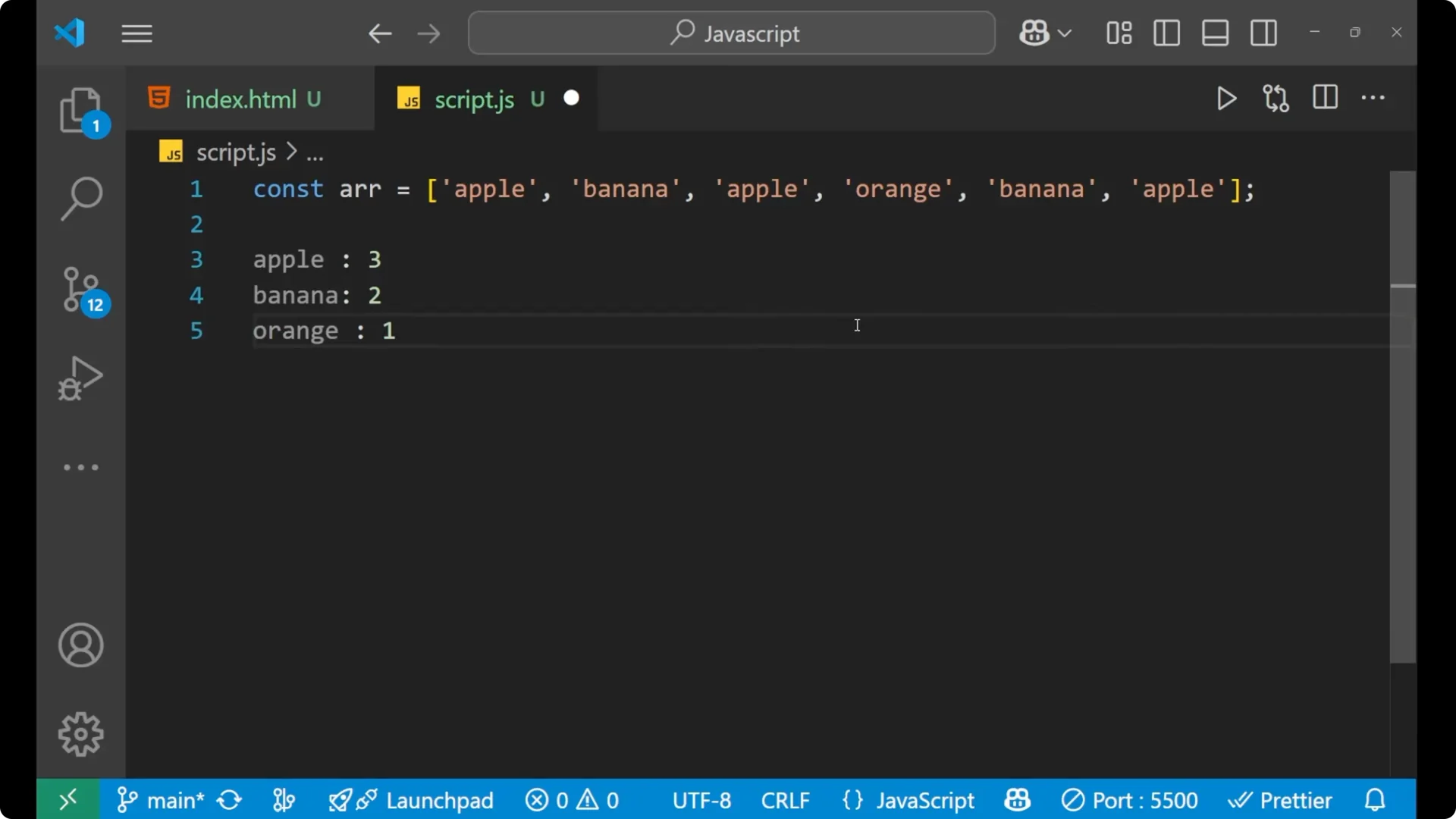
I will first create an array. We are having an array with apple, banana, and orange, and I want the output as:
- apple: 3
- banana: 2
- orange: 1
JavaScript Array Frequency Counting – Using Array.reduce
I’m going to create a variable named frequency. Inside this frequency we are going to put our reduce method. We will take two things inside reduce:
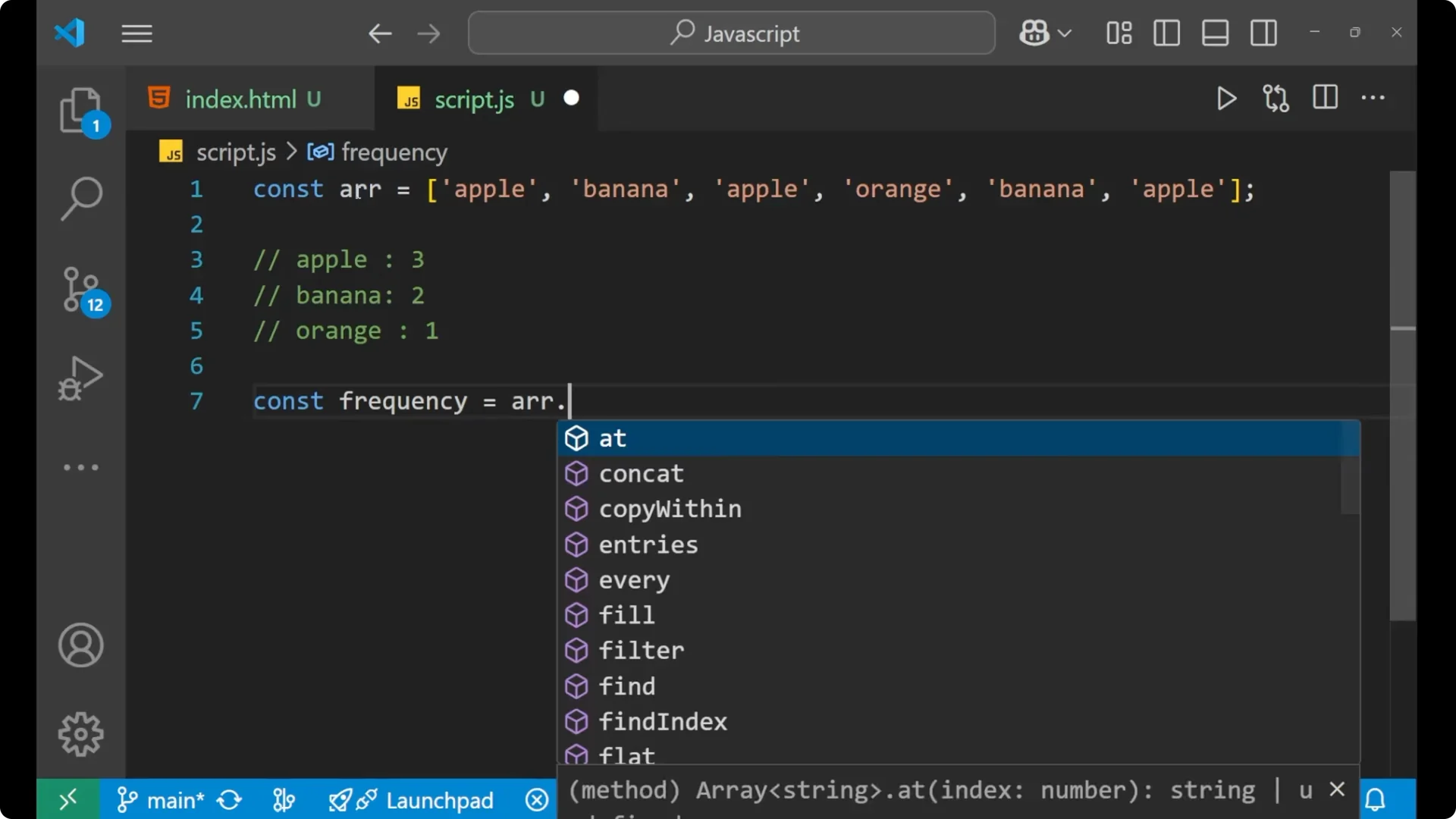
- accumulator – it stores the calculated value
- current – it denotes the current element of the array on which reduce is working
Inside the callback, I’ll use the current element as a key on the accumulator. If the accumulator already has a value for that key, increase it by 1. If not, start from 0 and add 1. After that, return the accumulator. Initialize the accumulator as an empty object.
Full Example
const arr = [‘apple’, ‘banana’, ‘orange’, ‘apple’, ‘banana’, ‘apple’];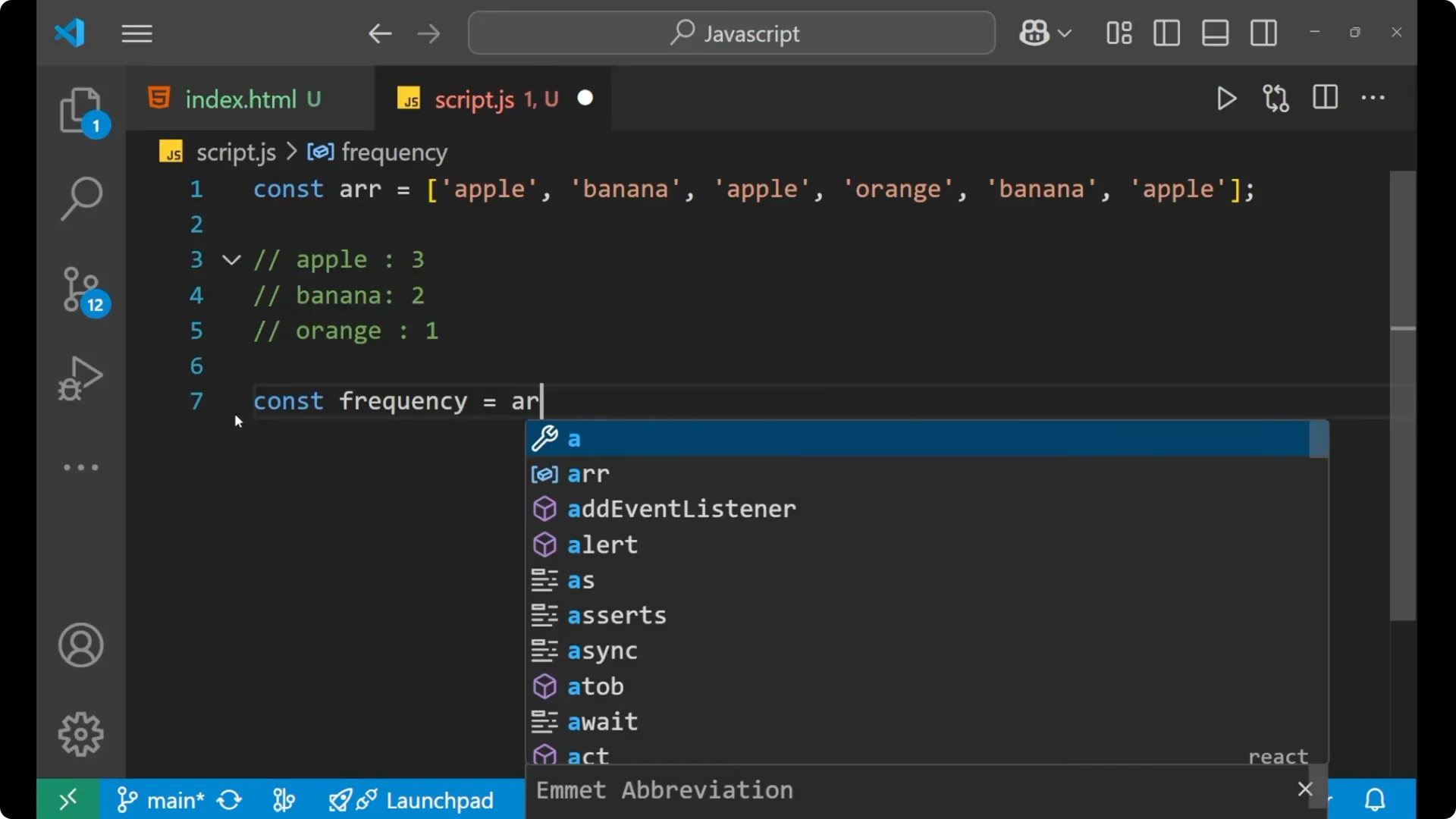 const frequency = arr.reduce((acc, cur) => {
acc[cur] = (acc[cur] || 0) + 1;
return acc;
}, {});
const frequency = arr.reduce((acc, cur) => {
acc[cur] = (acc[cur] || 0) + 1;
return acc;
}, {});
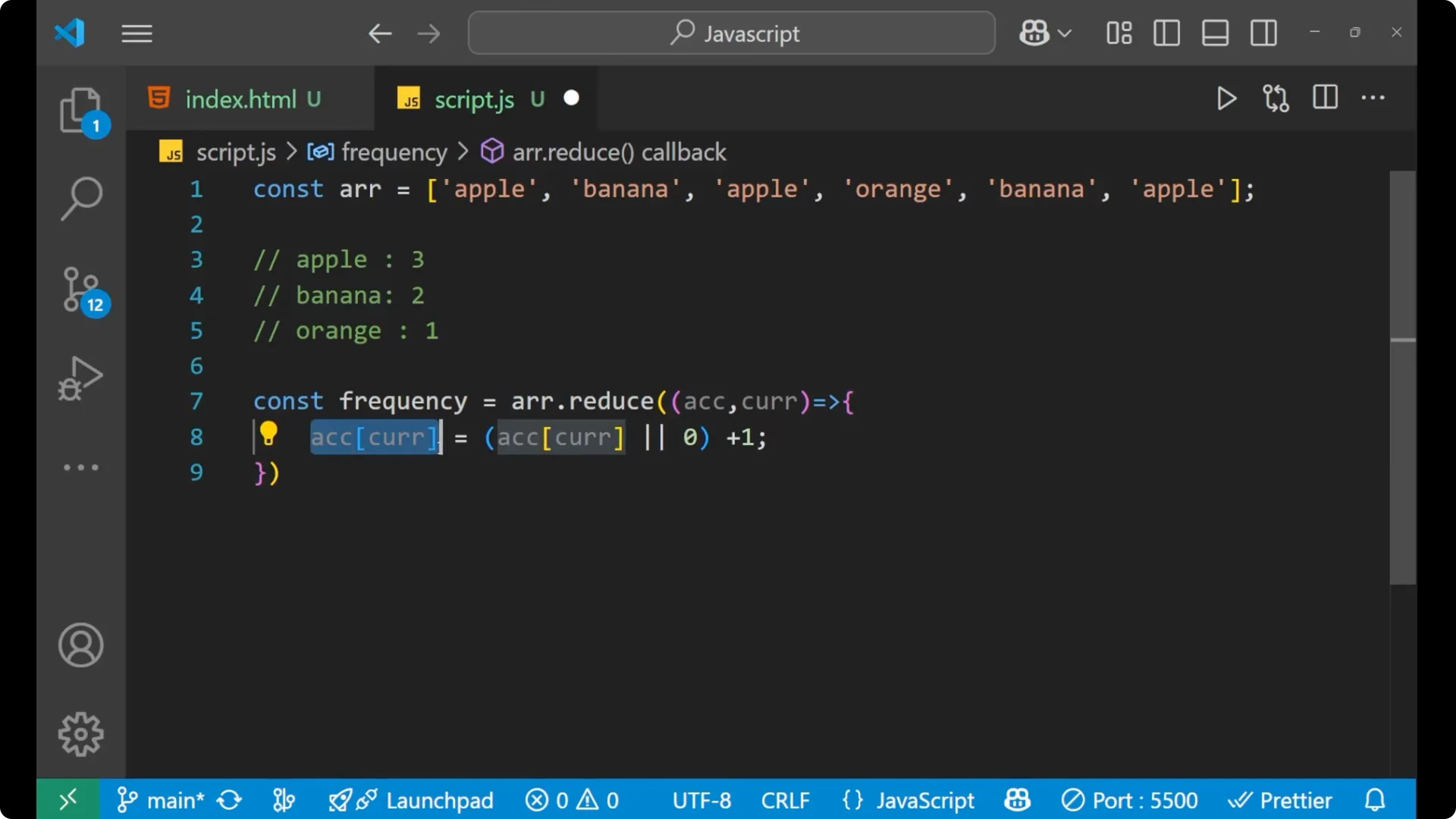 console.log(frequency);
// { apple: 3, banana: 2, orange: 1 }
console.log(frequency);
// { apple: 3, banana: 2, orange: 1 }
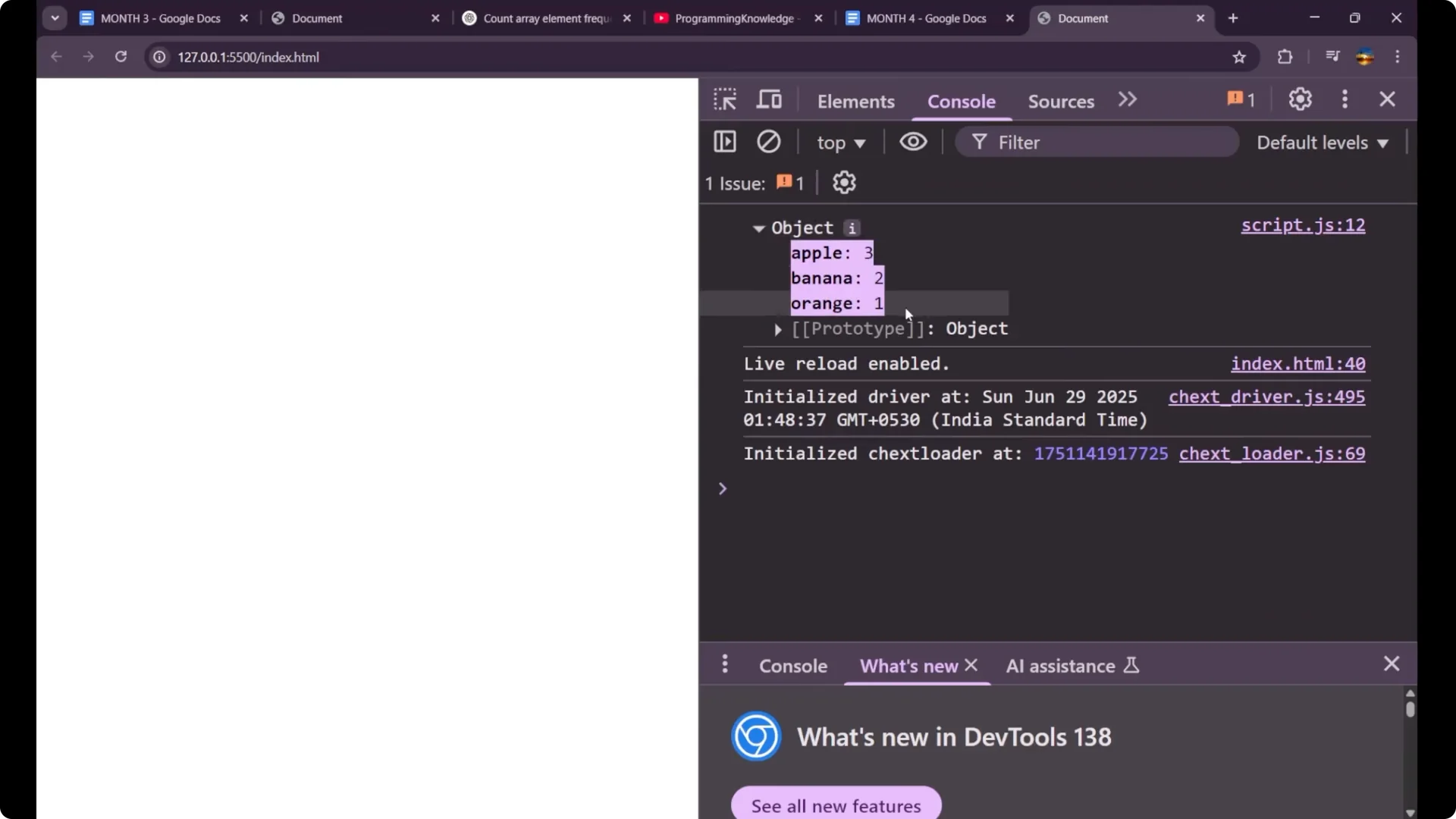
How It Works
- accumulator holds all the running counts.
- current is the element being processed.
- For the first time apple appears, the value becomes 1.
- The next time apple is found, it becomes 2, and then 3.
- The same logic applies to banana and orange, giving banana 2 and orange 1.
Step-by-Step
1. Create the input array.
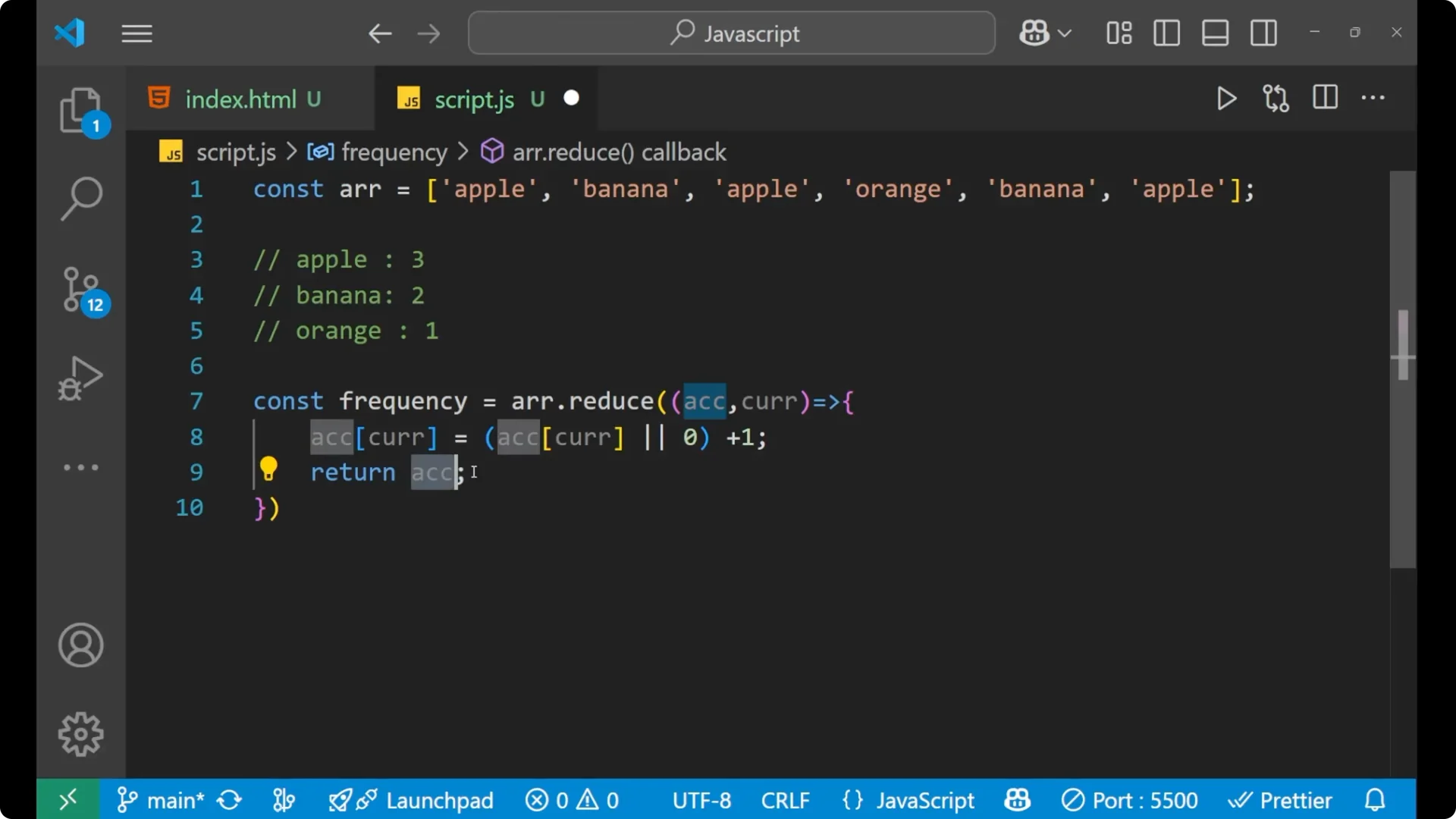
2. Call reduce on the array with an empty object as the initial accumulator.
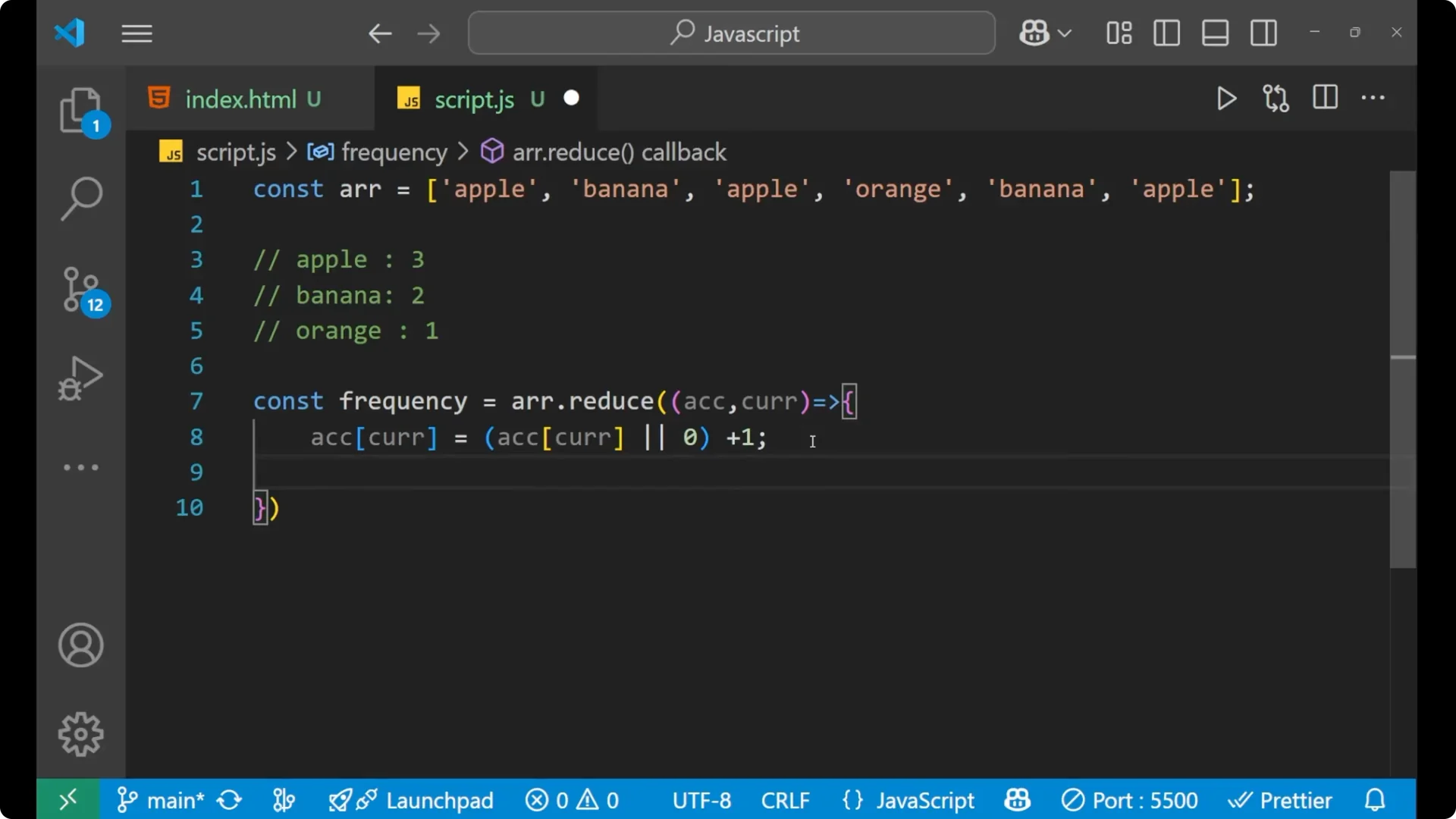
3. For each element:
– Read the current count from acc[cur] or default to 0.
– Increment and assign back to acc[cur].
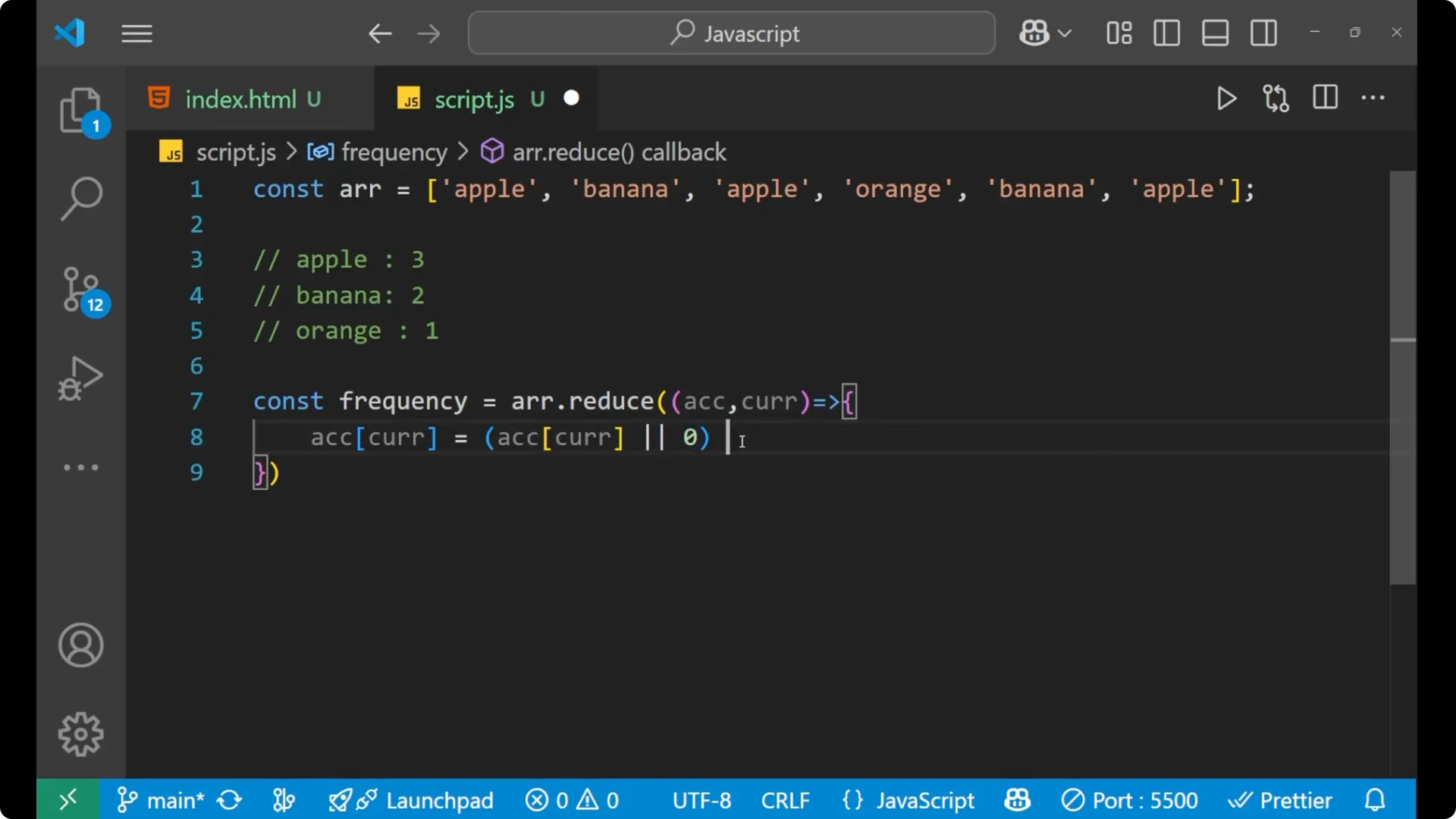
4. Return acc from the reducer.
5. Print the final frequency object.
Final Thoughts
Using Array.reduce is a simple and efficient way to get the frequency of each element in an array. Create an empty object as the initial accumulator, update counts using acc[cur] = (acc[cur] || 0) + 1, and return the accumulator from the reducer to build the final frequency map.