JavaScript tells the browser how to behave when a user performs an action on a website. Think of a human body: the skeleton gives shape to the structure, which is the role of HTML. The skin contributes to how it looks, which is the role of CSS. Movement and interaction happen when bones and muscles work together – that is what JavaScript brings to a webpage: actions, reactions, and interactive behavior.
This guide shows how to use JavaScript with HTML in three ways: inline, internal, and external. I will also explain where to place the script tag and when to choose each approach.
JavaScript and HTML Integration setup
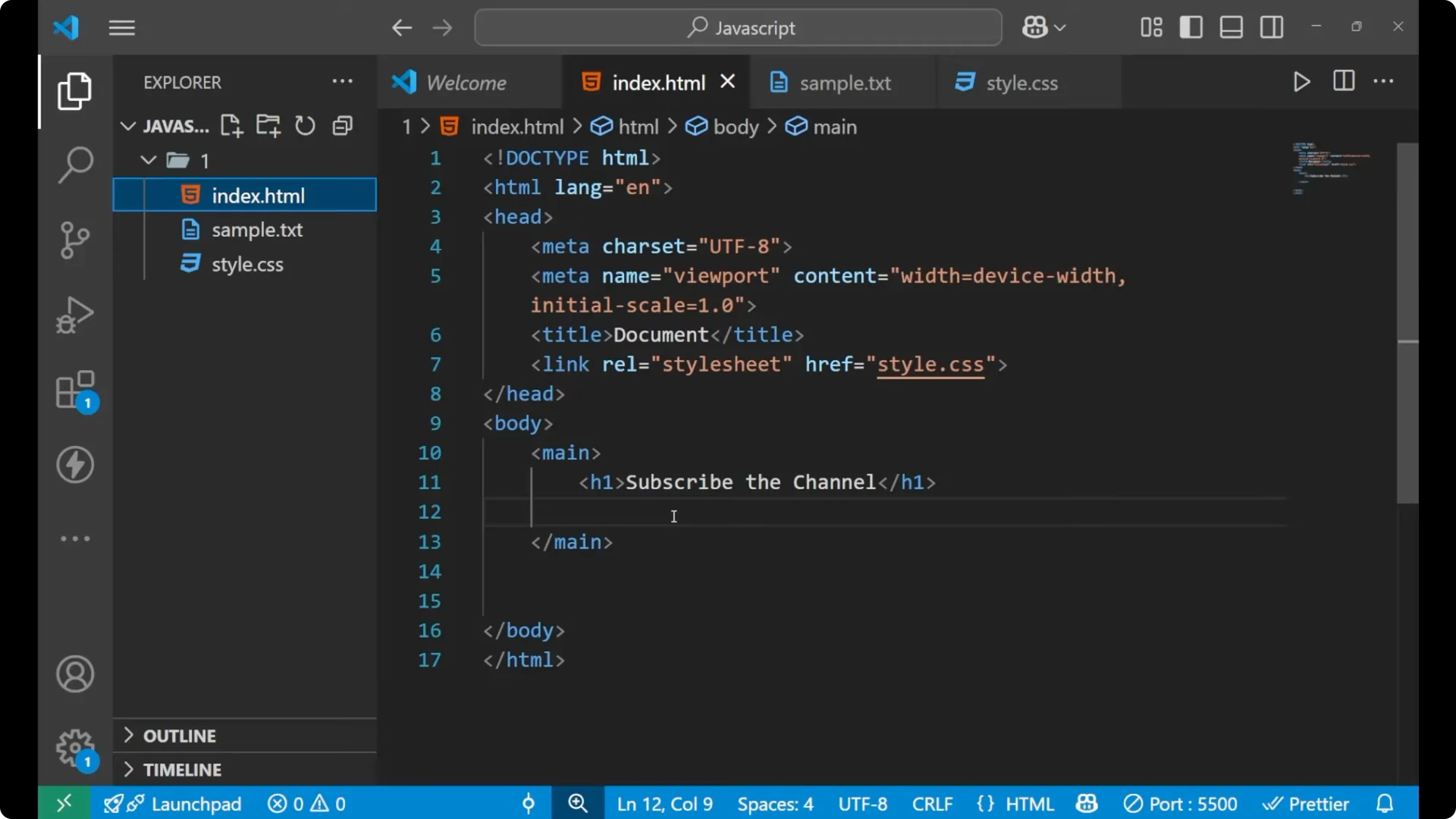
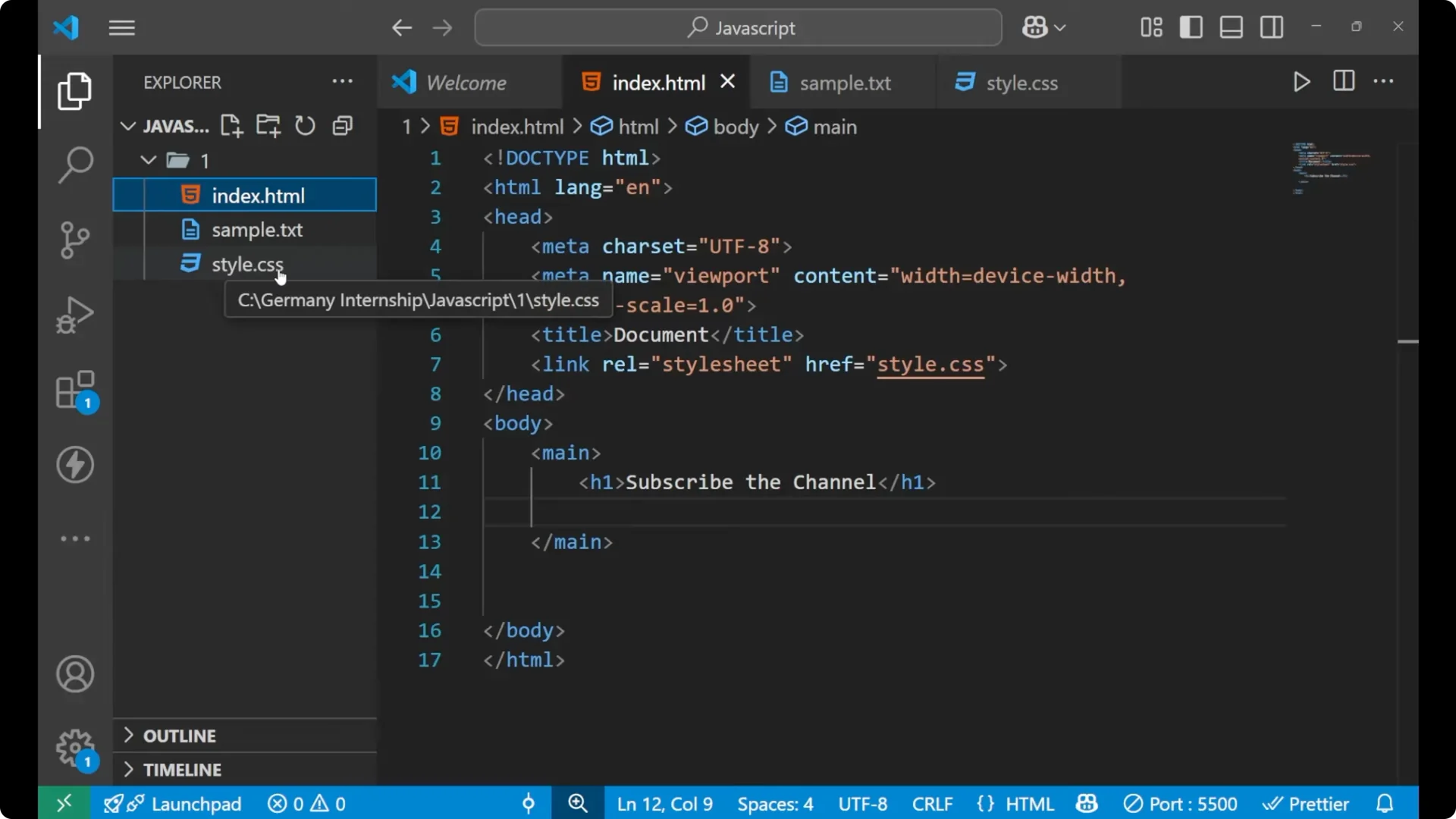
I am working with three files in a simple project: an HTML file named index.html, a CSS file named style.css, and a JavaScript file that I will create shortly. You can name the JavaScript file anything, but a common and clear choice is script.js. There is no strict rule about the filename, but using script.js is a good practice.
JavaScript and HTML Integration methods
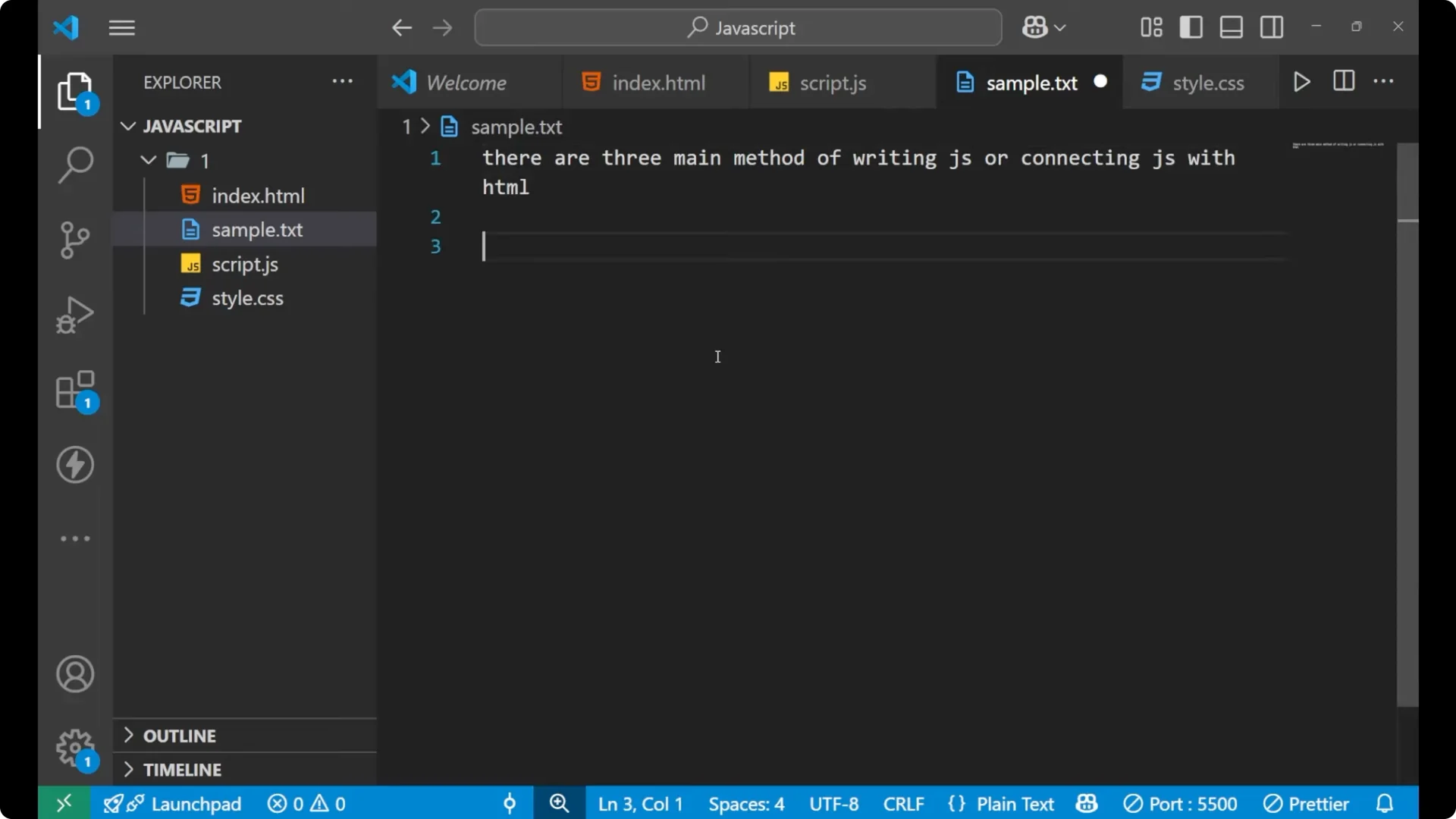
There are three main methods of connecting JavaScript with HTML: inline, internal, and external. Each runs in the browser and lets you respond to user actions.
Inline JavaScript
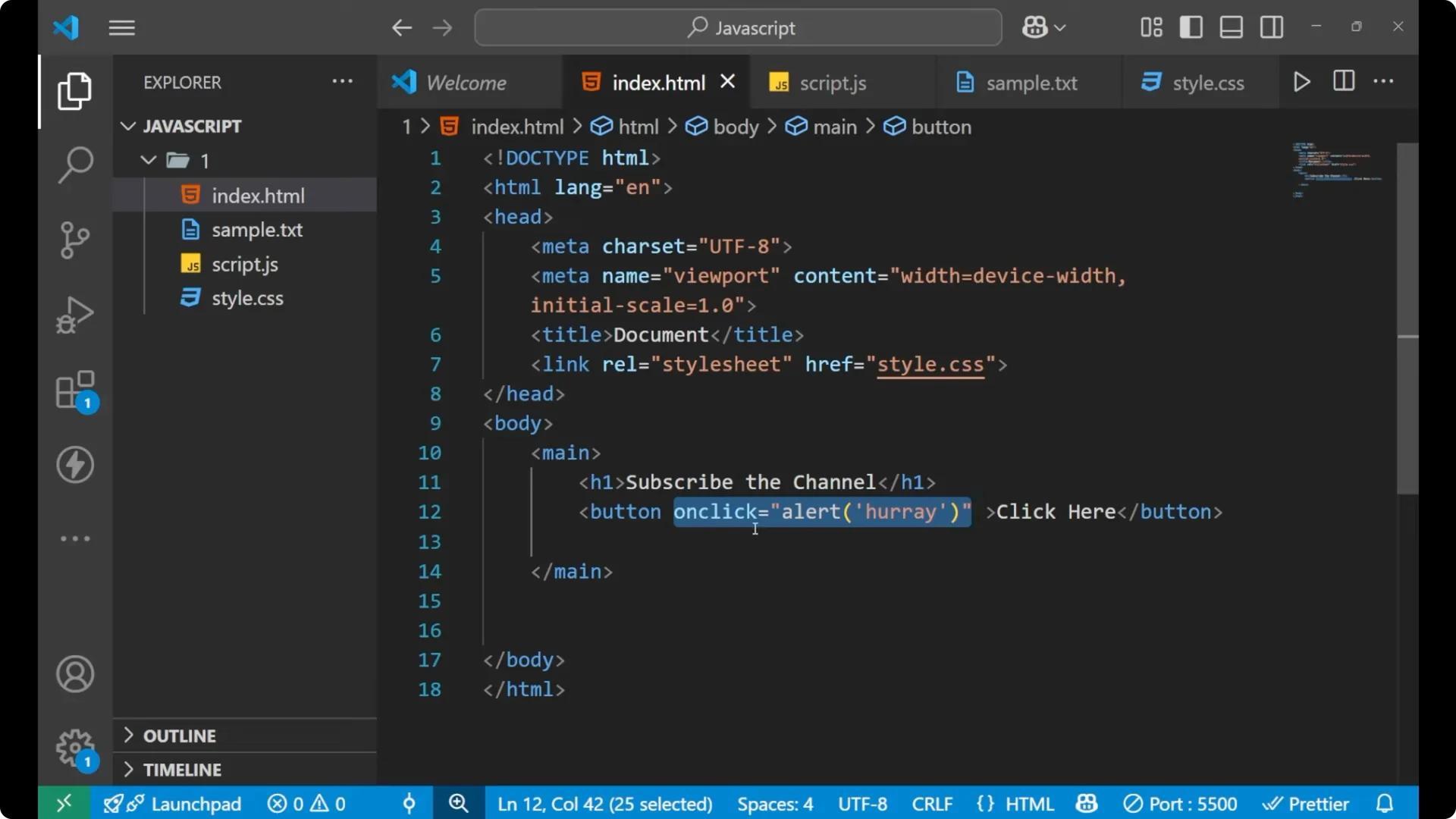
Inline JavaScript is written directly inside an HTML tag. It is useful for very small tasks.
Create a button in your HTML.
<button>Click here</button>
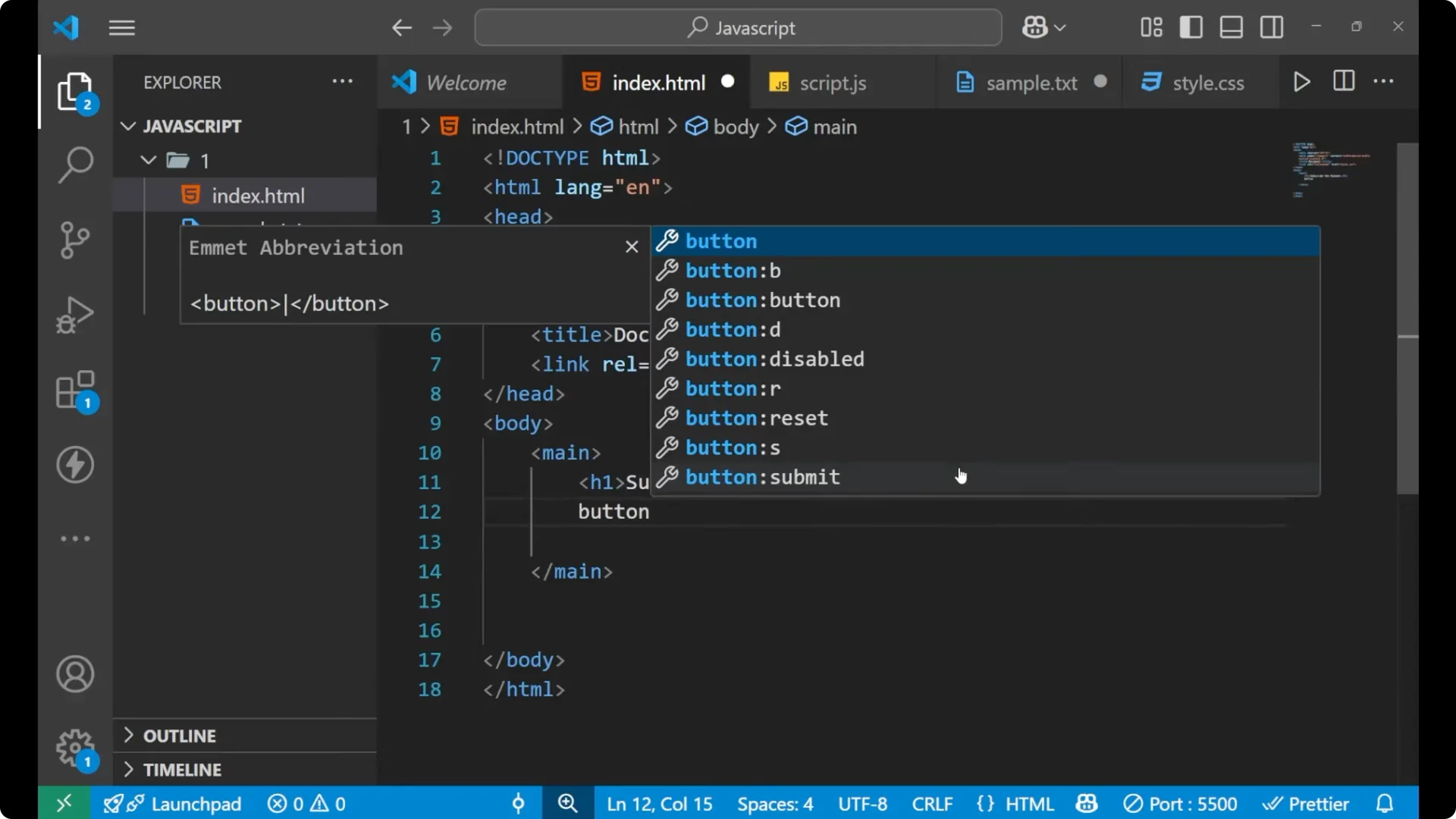
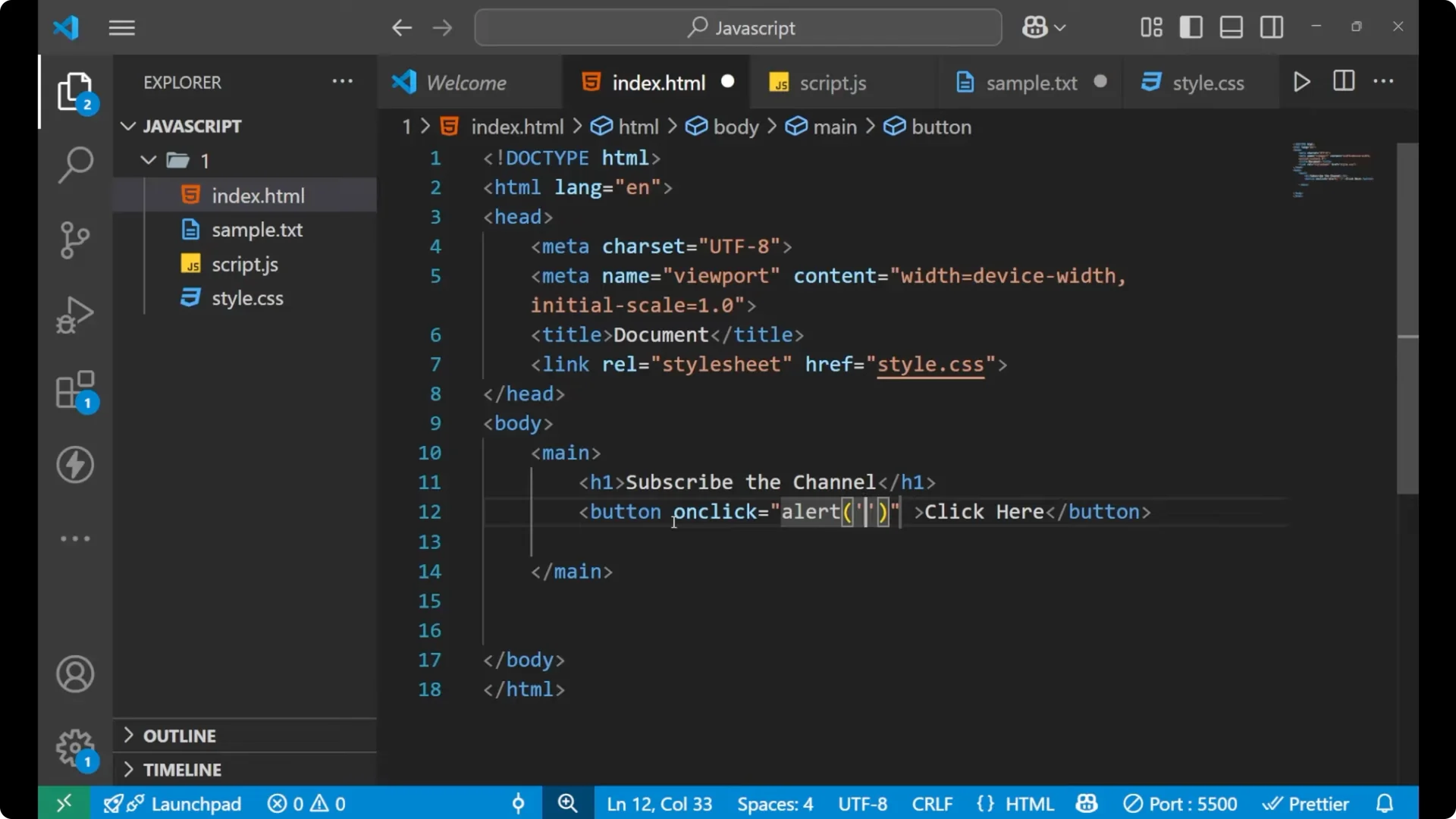
Add an inline event handler with the JavaScript you want to run.
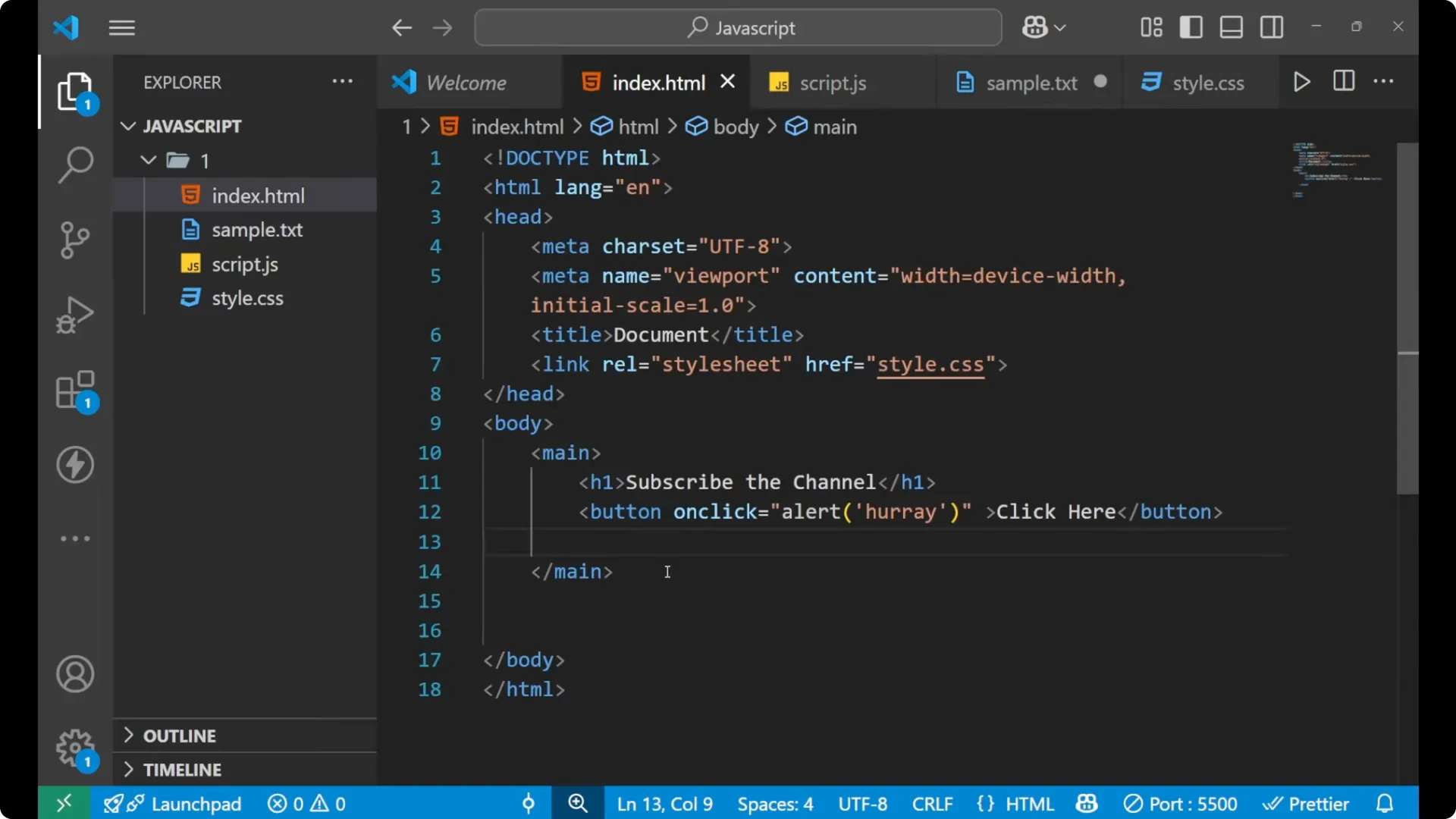
<button onclick="alert('hooray')">Click here</button>
Save the file and reload the page. When you click the button, you will see the alert. This happens because the JavaScript runs in response to the onclick action right inside the button tag.

If you are exploring JavaScript expressions and want to refresh on basic type checks used across examples, see
typeof operator examples.
Internal JavaScript
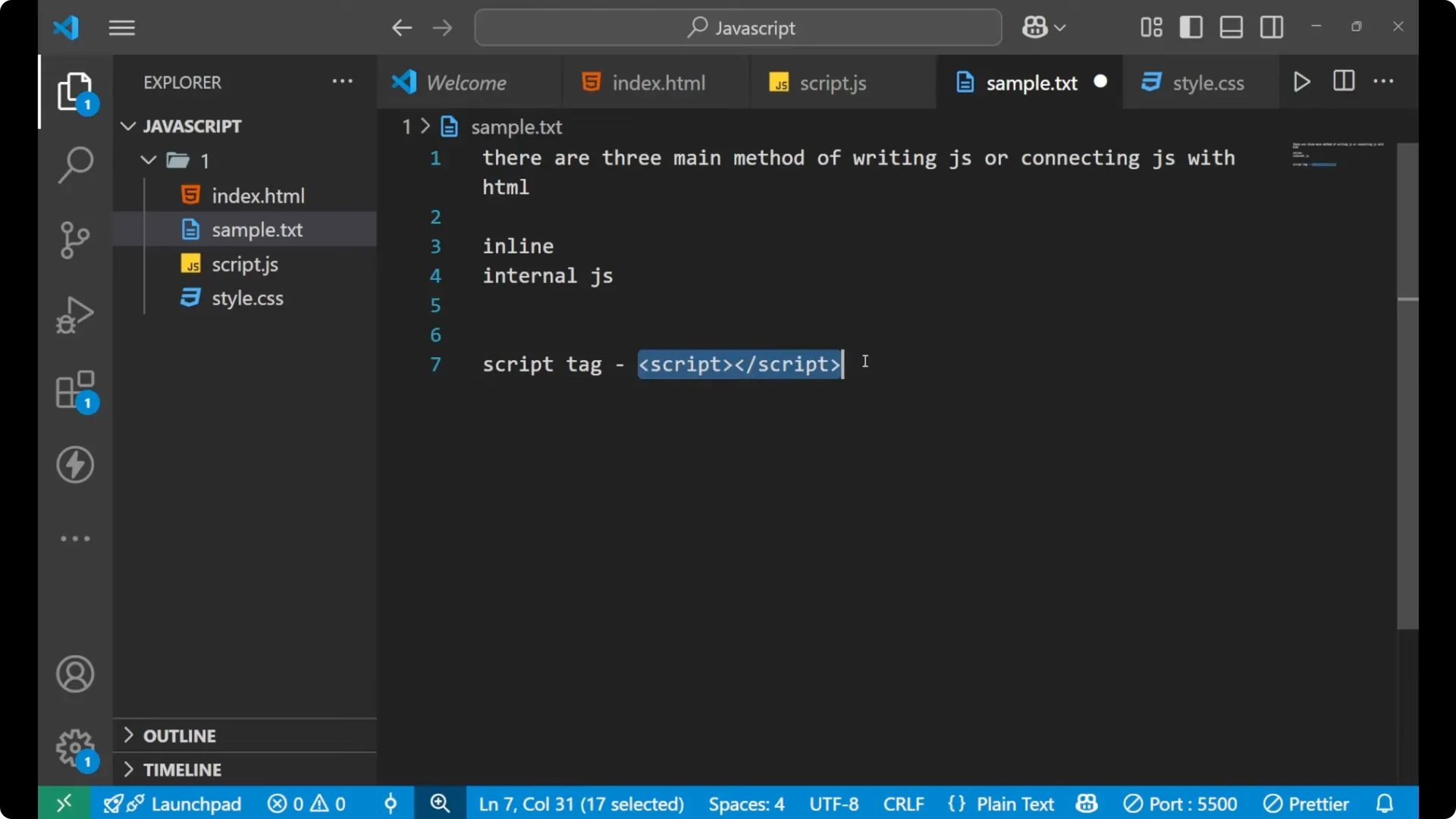
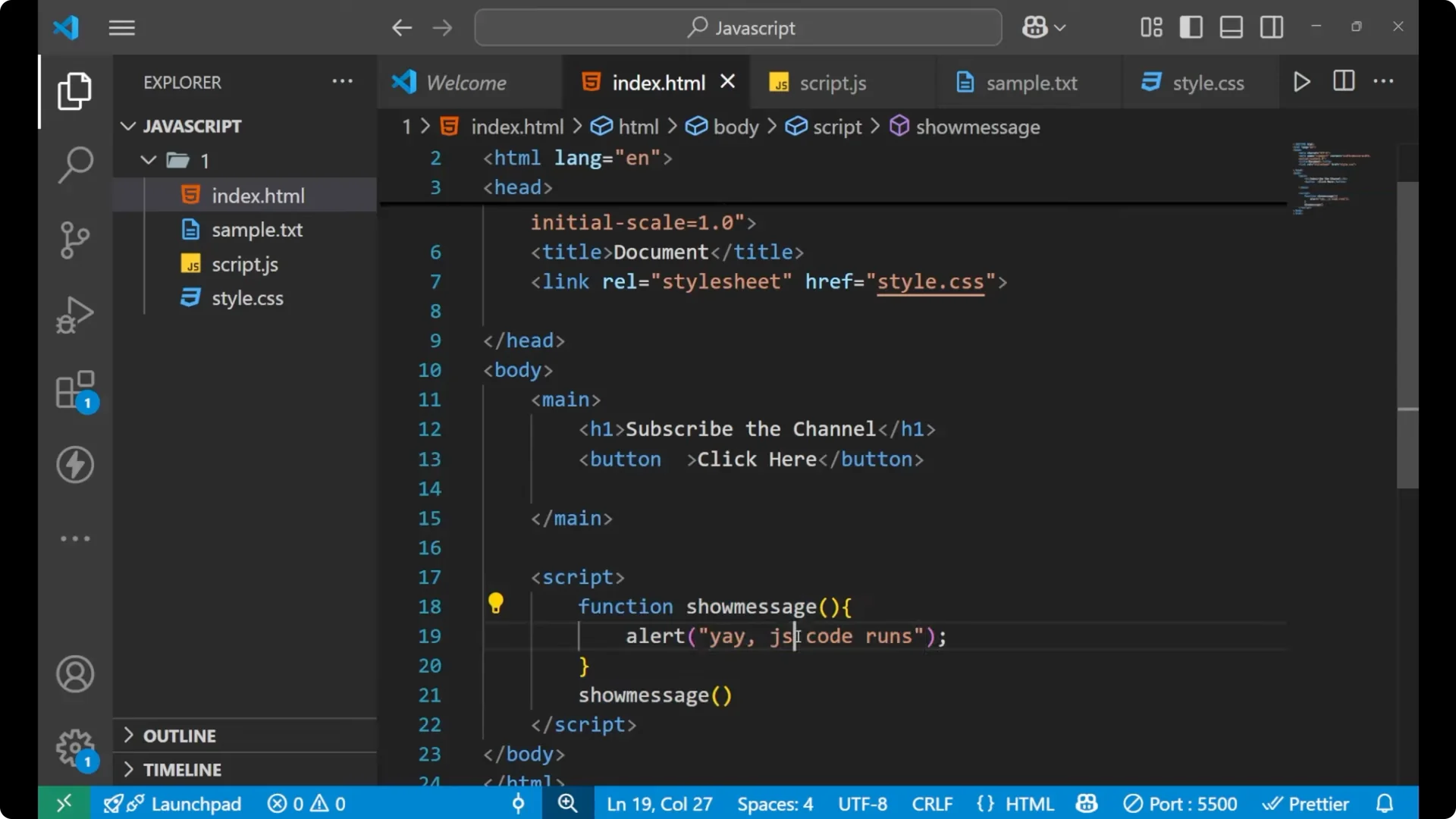
Internal JavaScript is written inside a script tag in the same HTML file. The script tag tells the browser to run the JavaScript code written inside it.
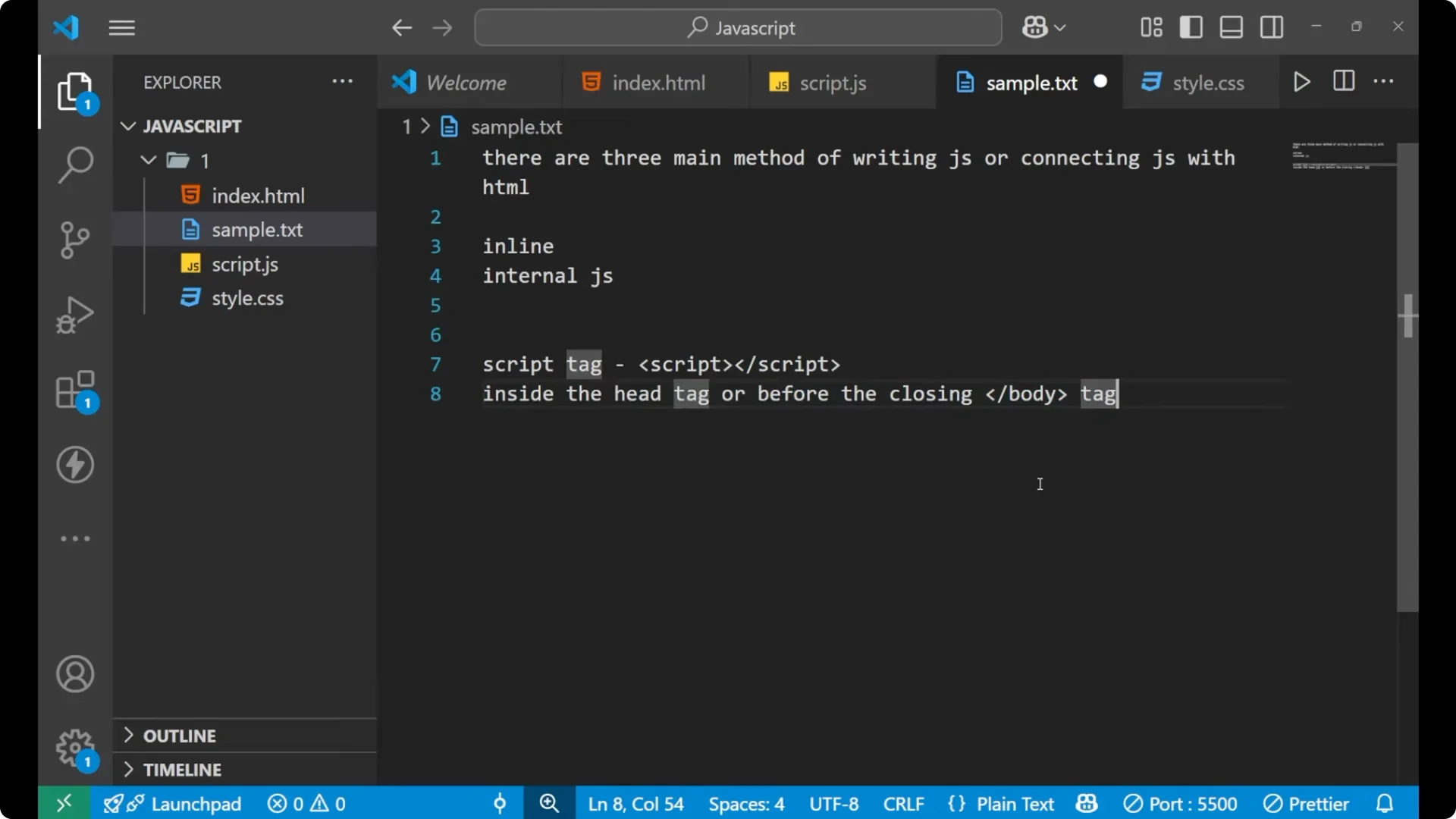
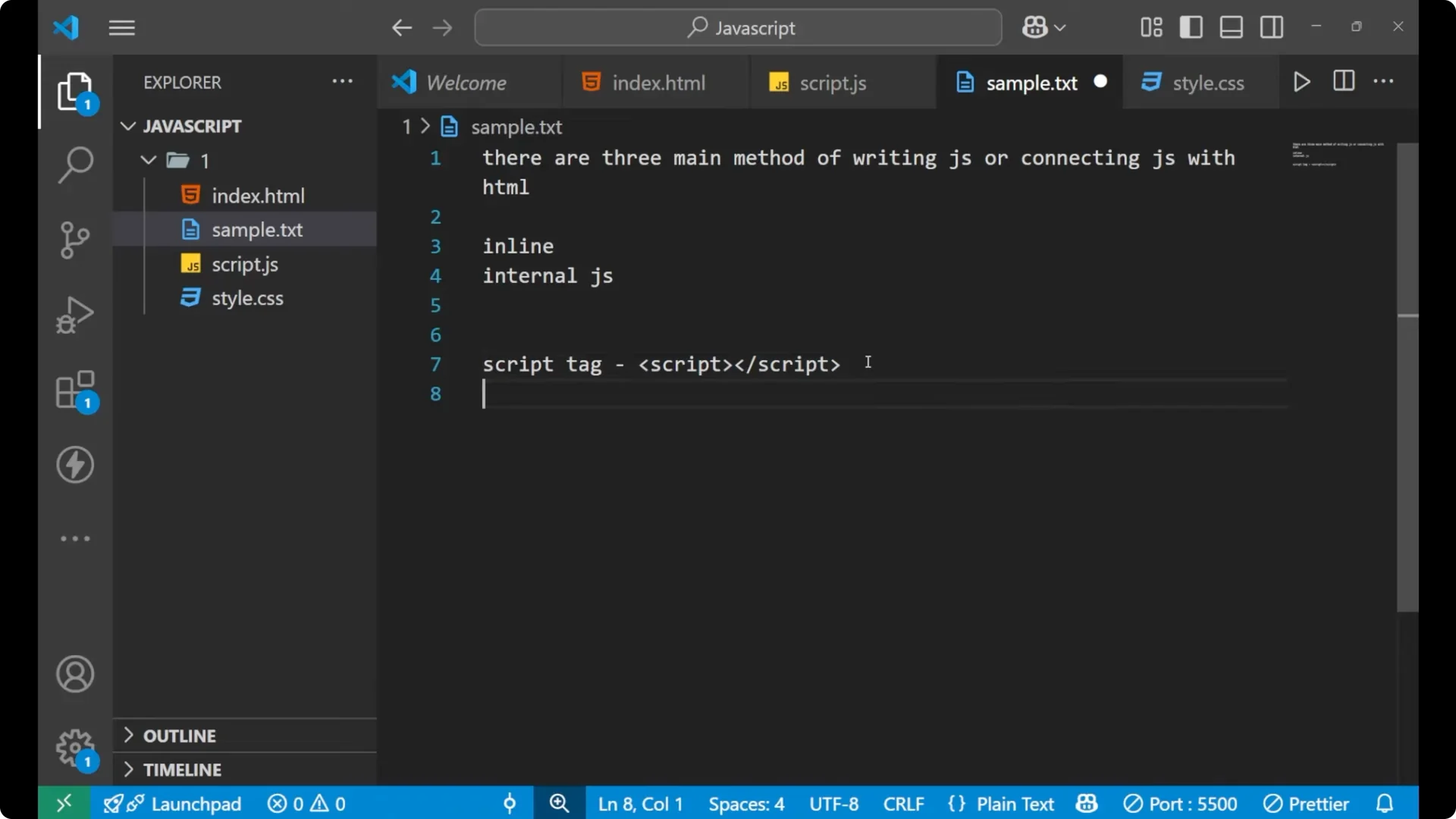
You can place the script tag in the head section or before the closing body tag. It is common to include JavaScript at the end of the body to keep the structure clear and to ensure HTML is loaded before scripts run.
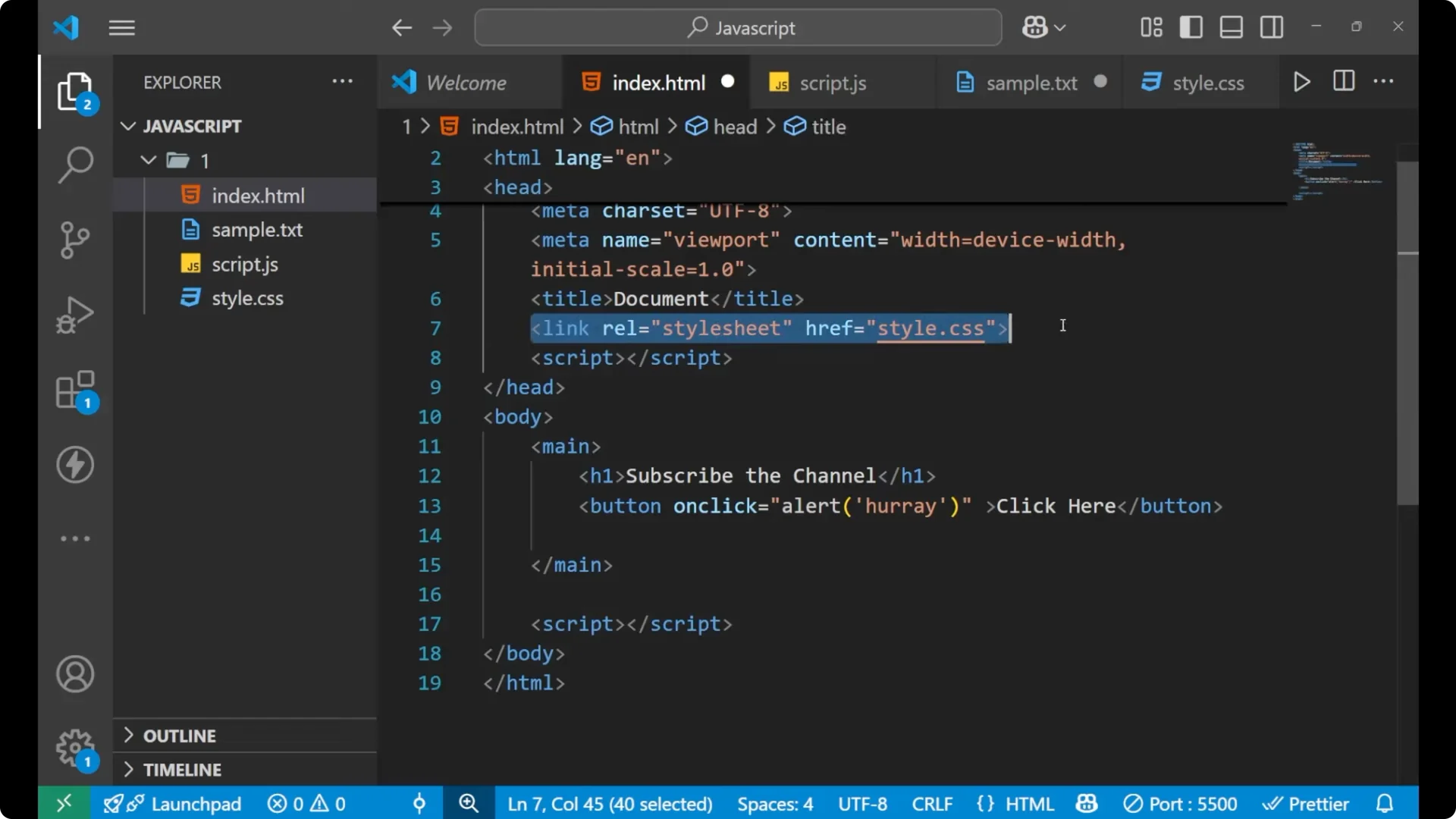
Add a script tag and write code inside it.
<!DOCTYPE html>
<html lang="en">
  <head>
    <meta charset="UTF-8" />
    <title>JavaScript with HTML</title>
  </head>
  <body>
    <main>
      <h1>My Page</h1>
      <button>Click here</button>
    </main>

    <script>
      alert('Yay, JavaScript code runs');
    </script>
  </body>
</html>
Every time the page reloads, the alert runs because it is inside the script tag. The script tag can also reference an external file, but here it executes code written directly between the opening and closing script tags.
As you start adding behavior beyond simple alerts, you might need scheduled actions. For periodic updates in the UI, learn about
JavaScript timers with setInterval.
External JavaScript
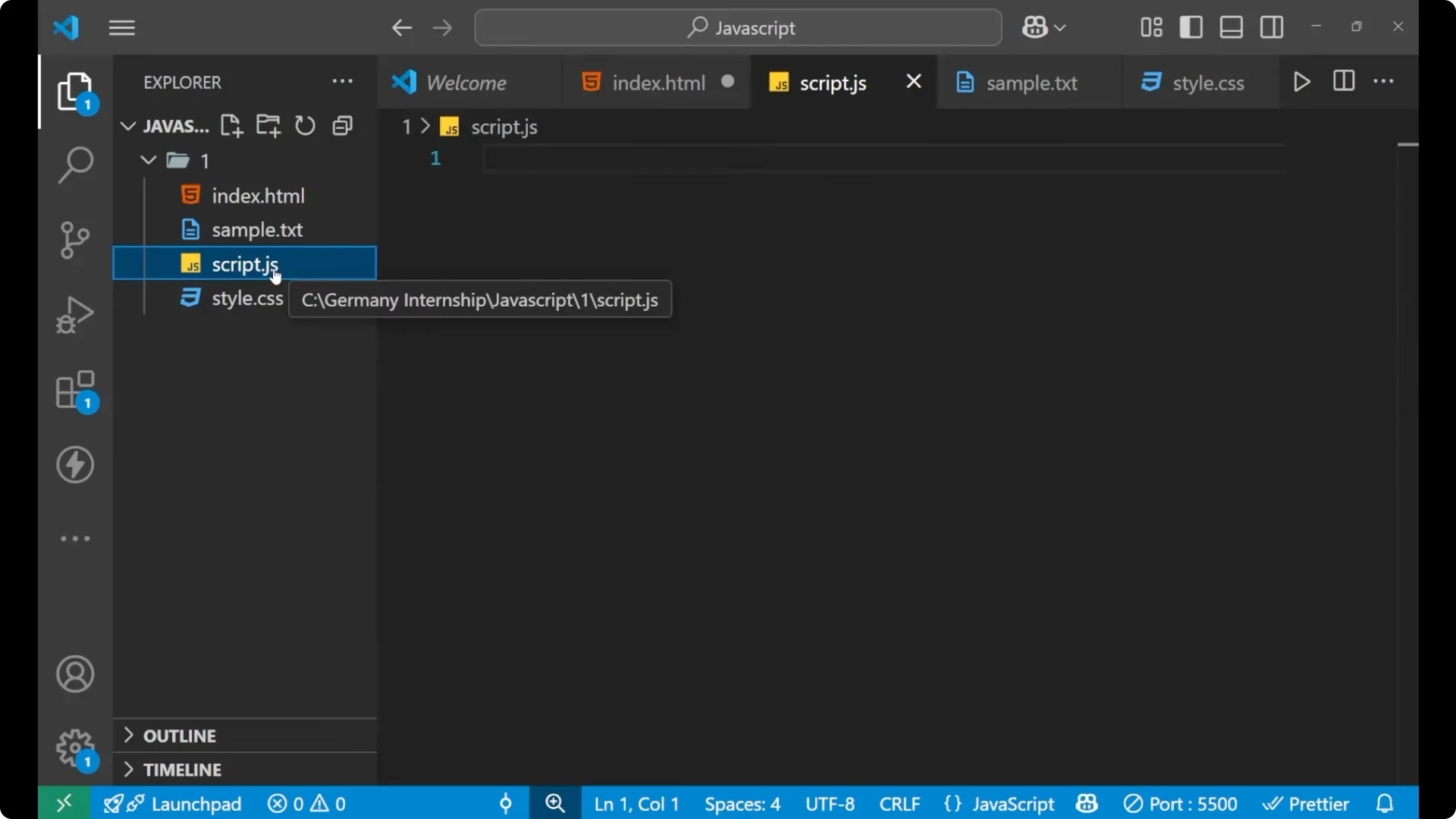
External JavaScript is placed in a separate .js file and linked using the script tag with the src attribute. The src attribute means source and points to your JavaScript file.
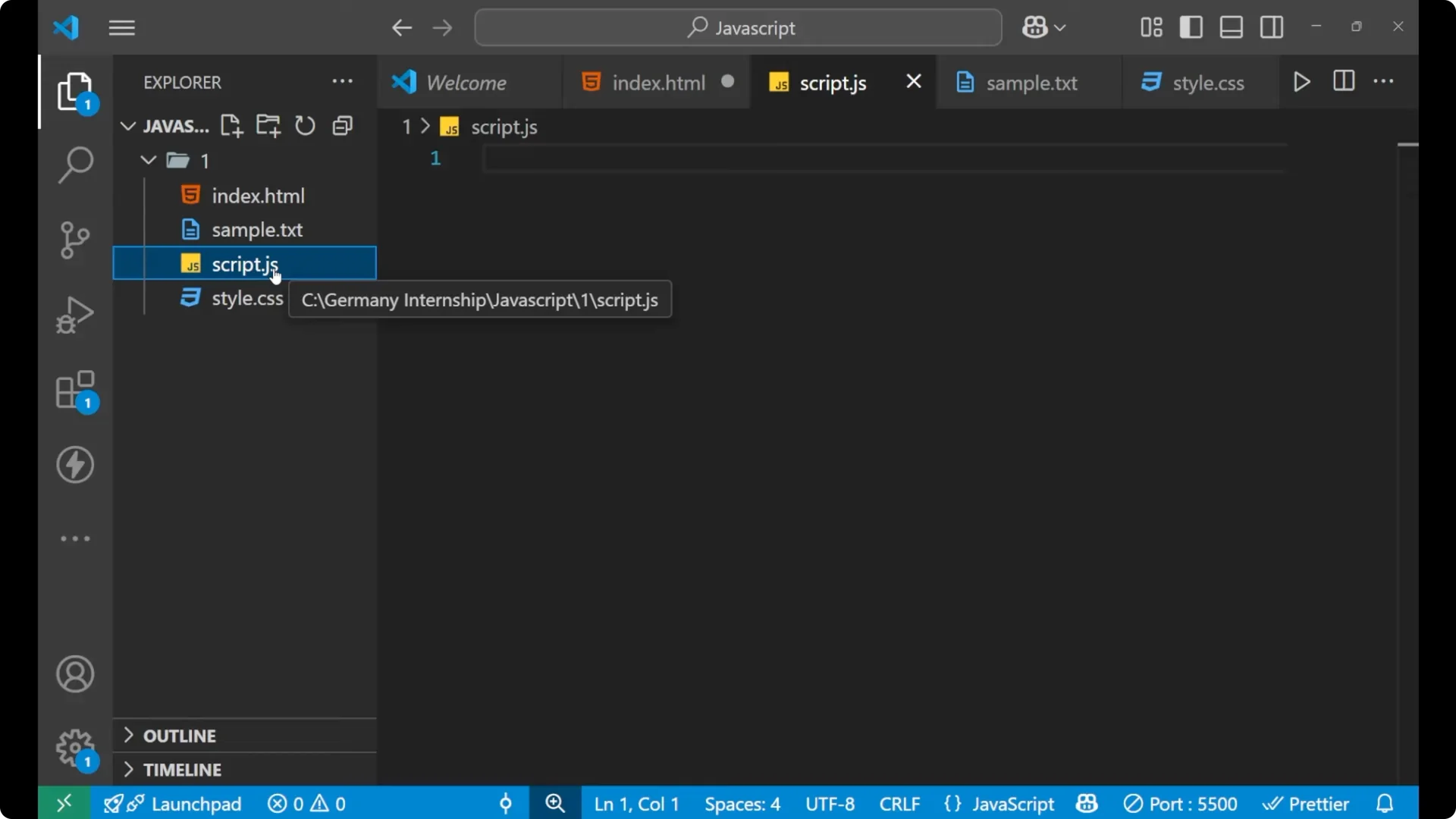
Create a file named script.js.
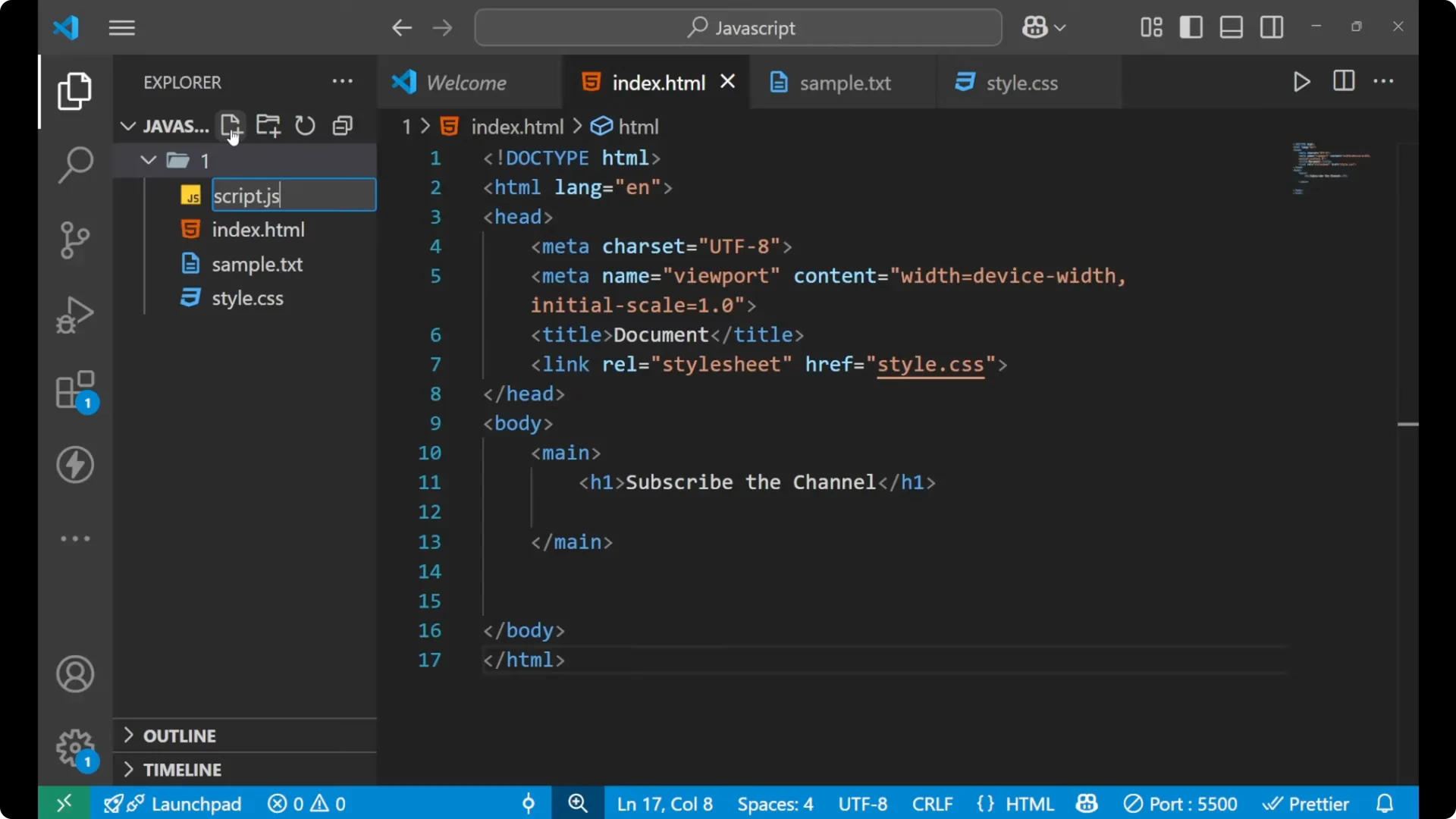
// script.js
alert('This is external JavaScript');
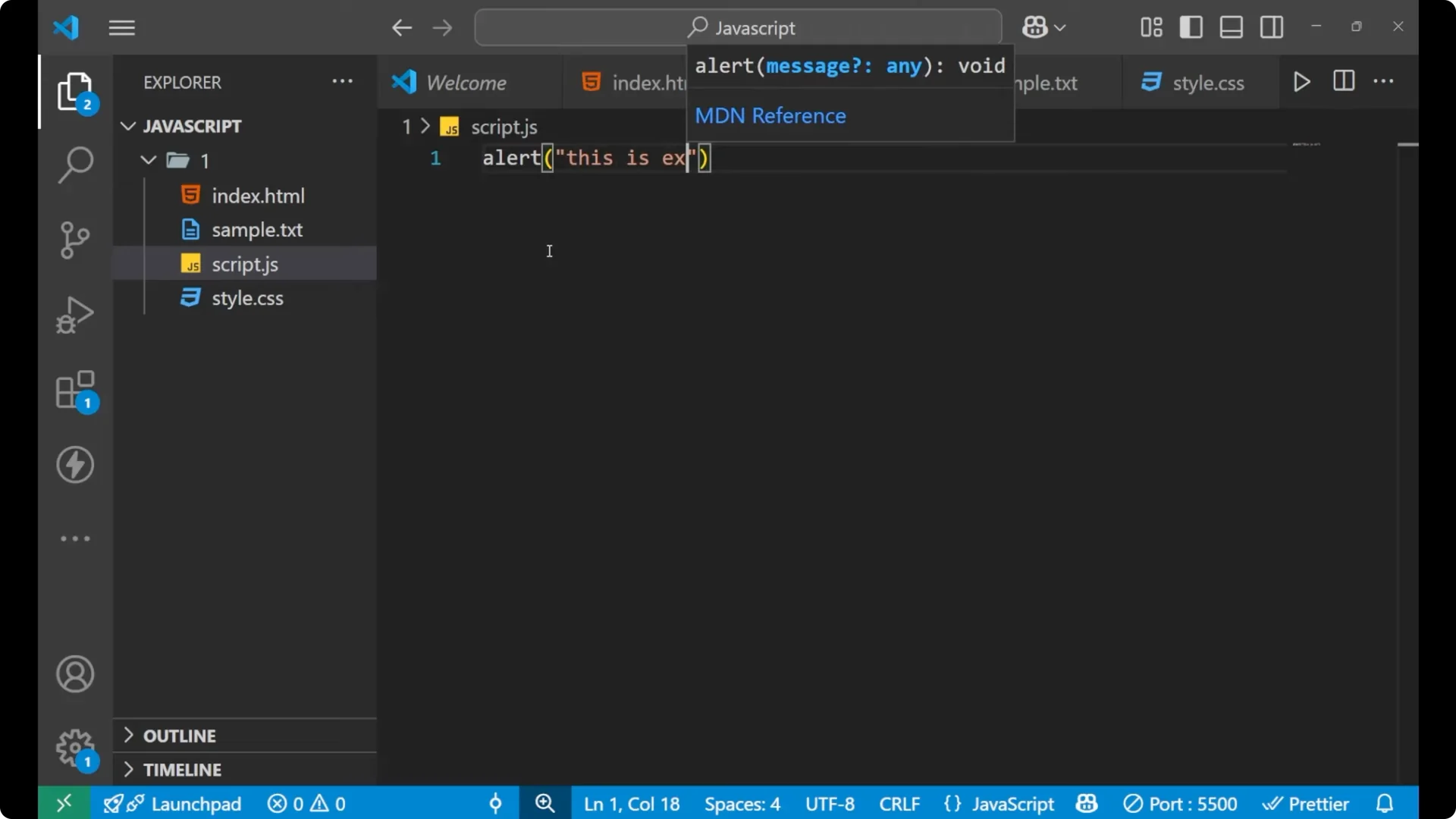
Link it from index.html, usually before the closing body tag.
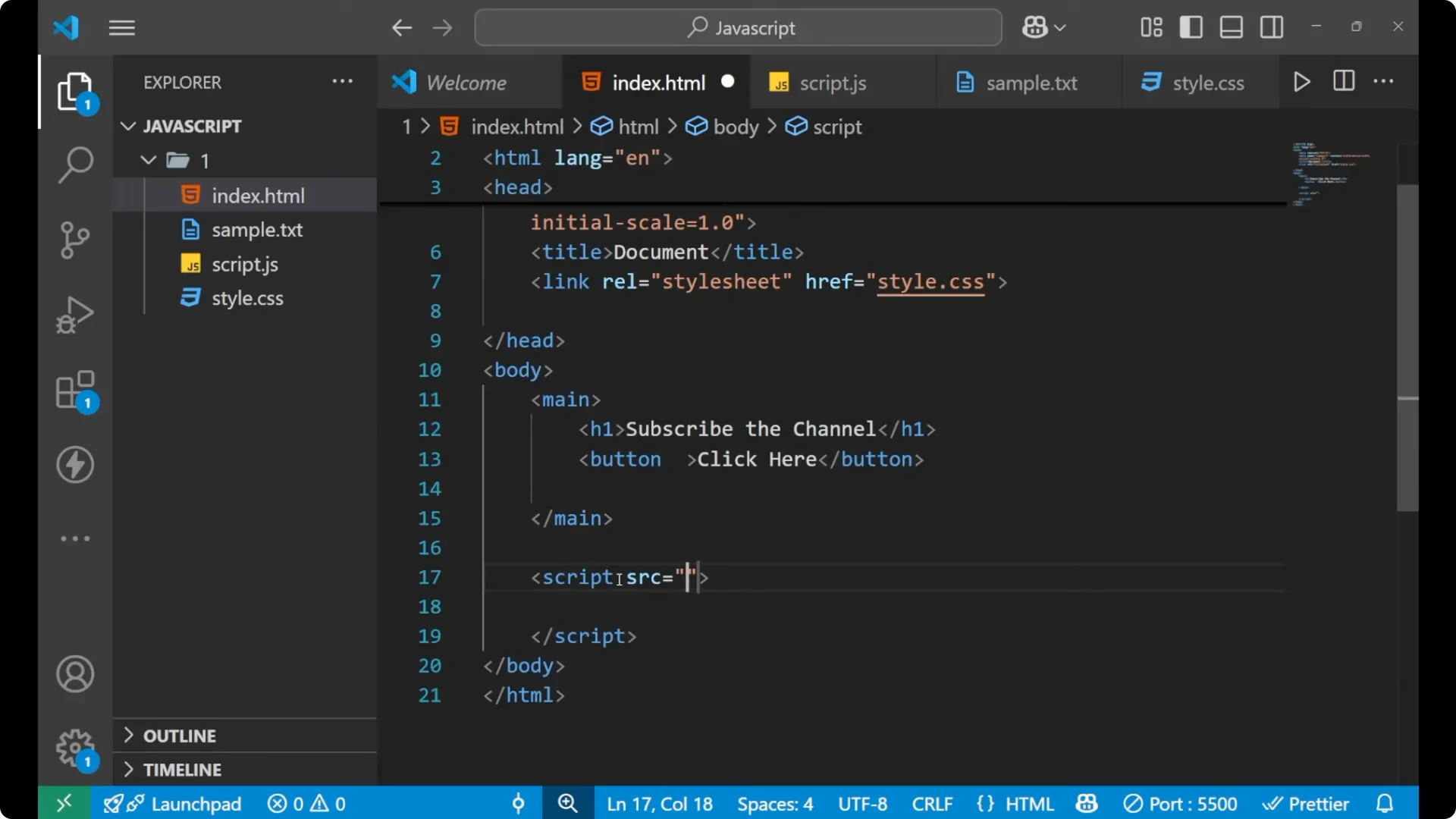
<!DOCTYPE html>
<html lang="en">
  <head>
    <meta charset="UTF-8" />
    <title>JavaScript with HTML</title>
  </head>
  <body>
    <main>
      <h1>My Page</h1>
      <button>Click here</button>
    </main>

    <script src="script.js"></script>
  </body>
</html>
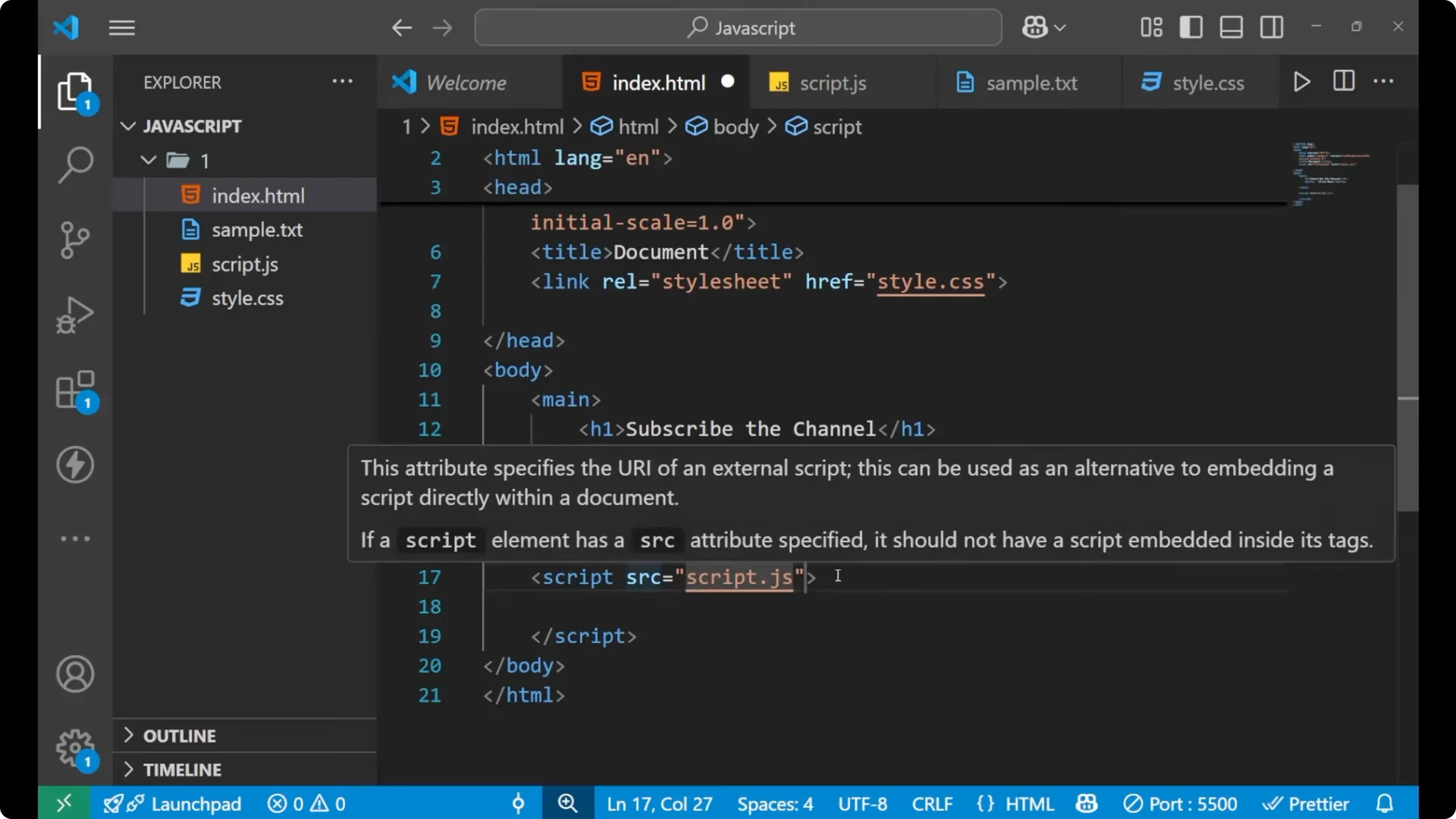
Save and reload the page. You will see the alert from the external file. Whatever you write inside script.js is executed in the browser when the HTML file loads the script.

JavaScript and HTML Integration choices
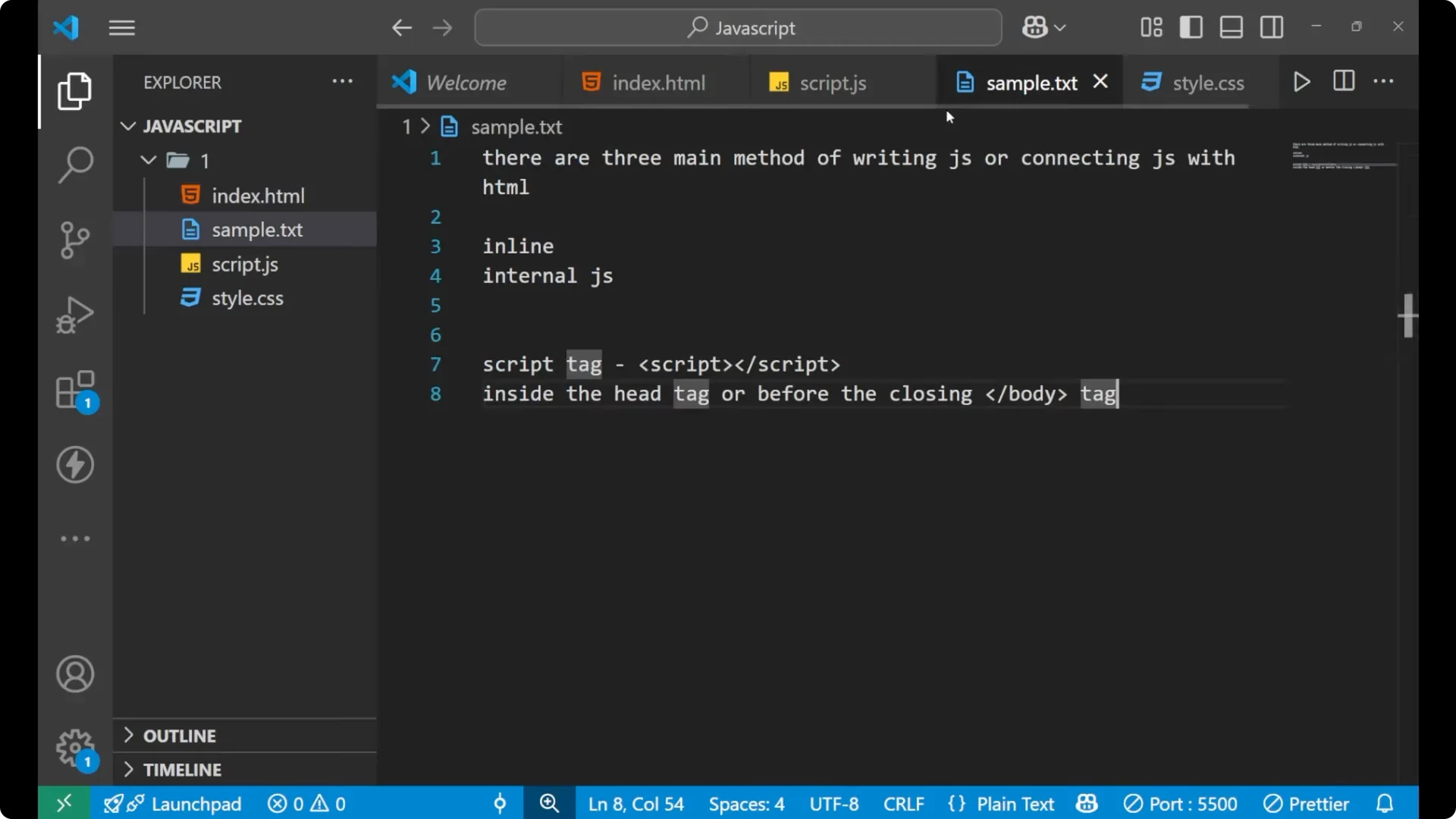
Inline JavaScript is fine for a small task when you want everything in a single page without additional files.
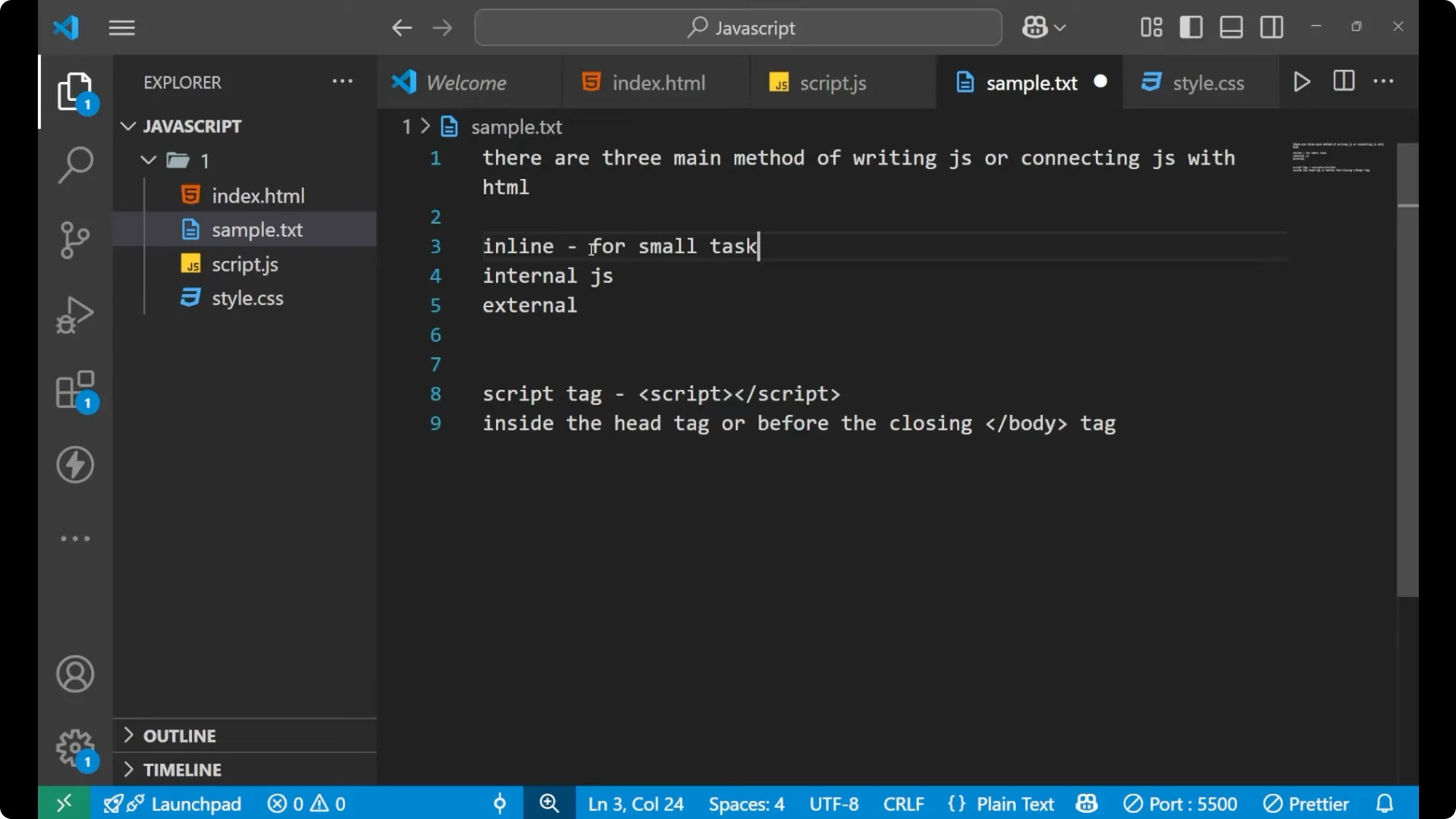
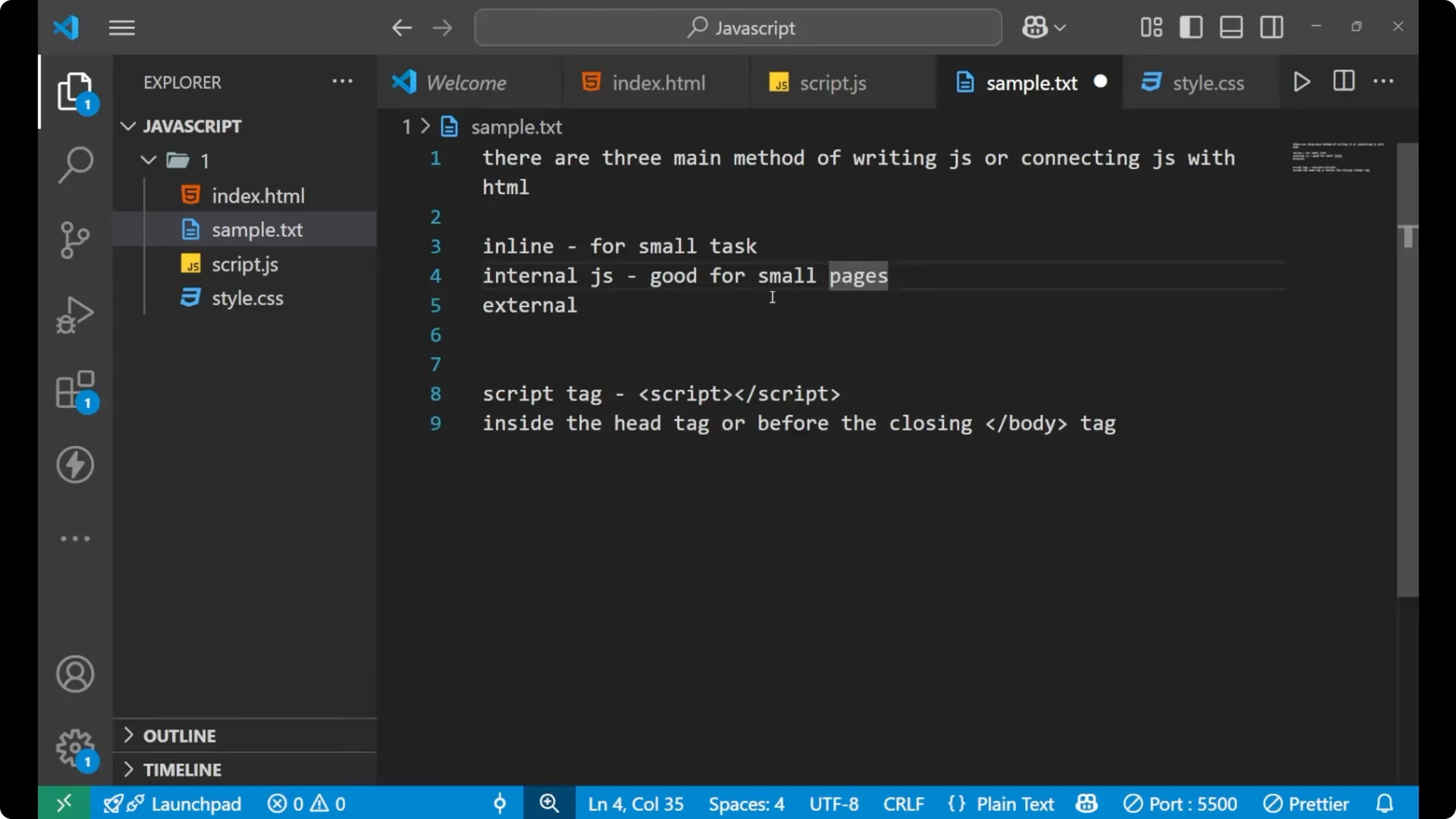
Internal JavaScript is good for small pages where keeping code in one HTML file makes it clear for anyone reading your code. It is easier to follow structure and behavior in the same place for short examples.
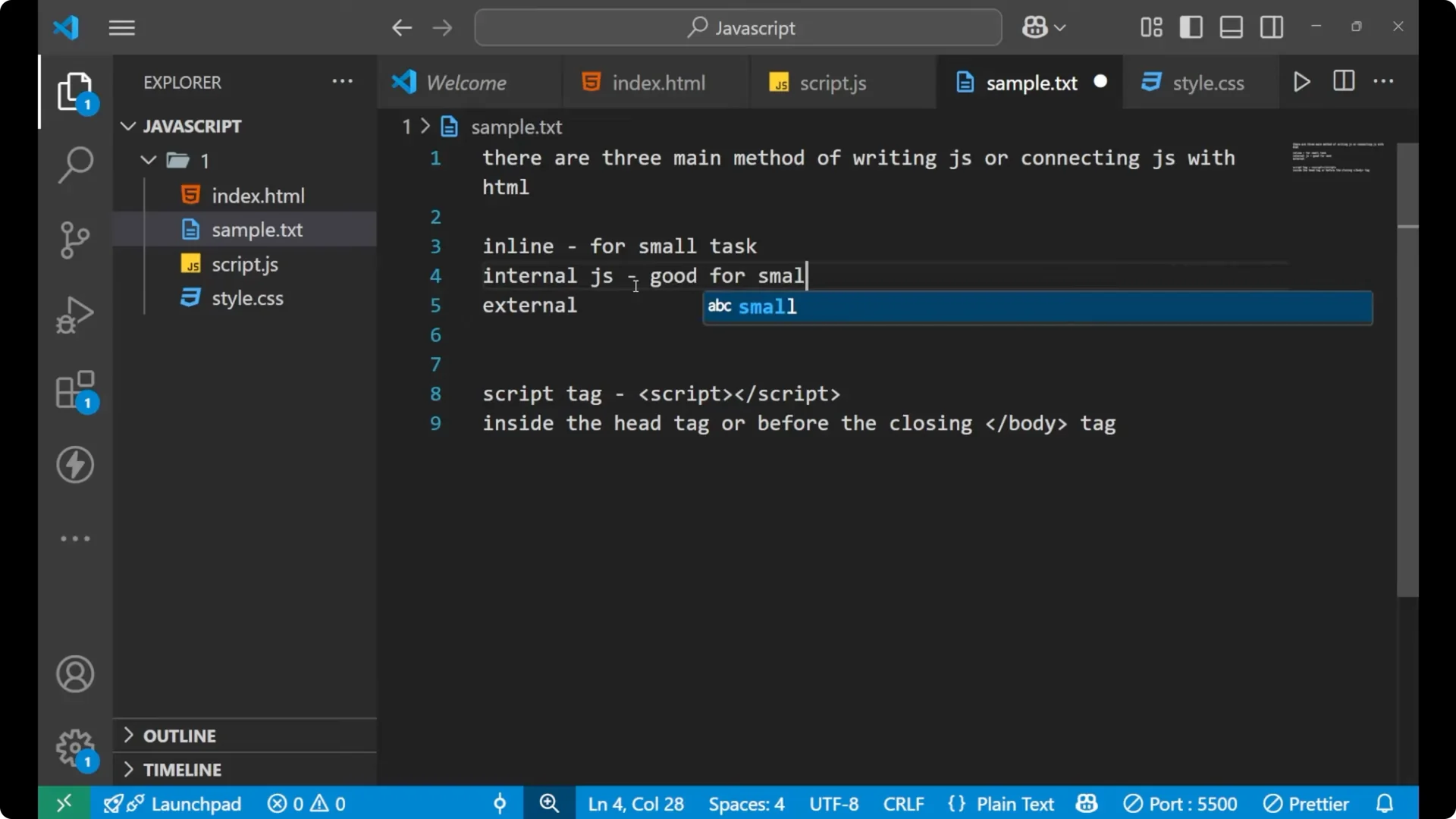
External JavaScript is best for larger projects. Keeping JavaScript in separate files improves organization, readability, and reuse. As your code grows and you start organizing logic into objects and functions, understanding how objects inherit is helpful. For that topic, see the overview of the
prototype chain in JavaScript.
Final thoughts
JavaScript controls user interactions on a webpage, and you can connect it to HTML in three ways:
inline,
internal, and
external. The script tag runs code written inside it or loads it from an external file via the src attribute. Place scripts at the end of the body for clarity and reliability. Use inline for very small tasks, internal for compact pages, and external for structured and scalable projects.