A function in JavaScript is a block of code designed to perform a specific task. It only runs when it is called or invoked. That is the basic idea of a function. I will show how it works and how to write the code for functions in JavaScript, starting with the syntax and moving into parameters, arguments, return values, and arrow functions.
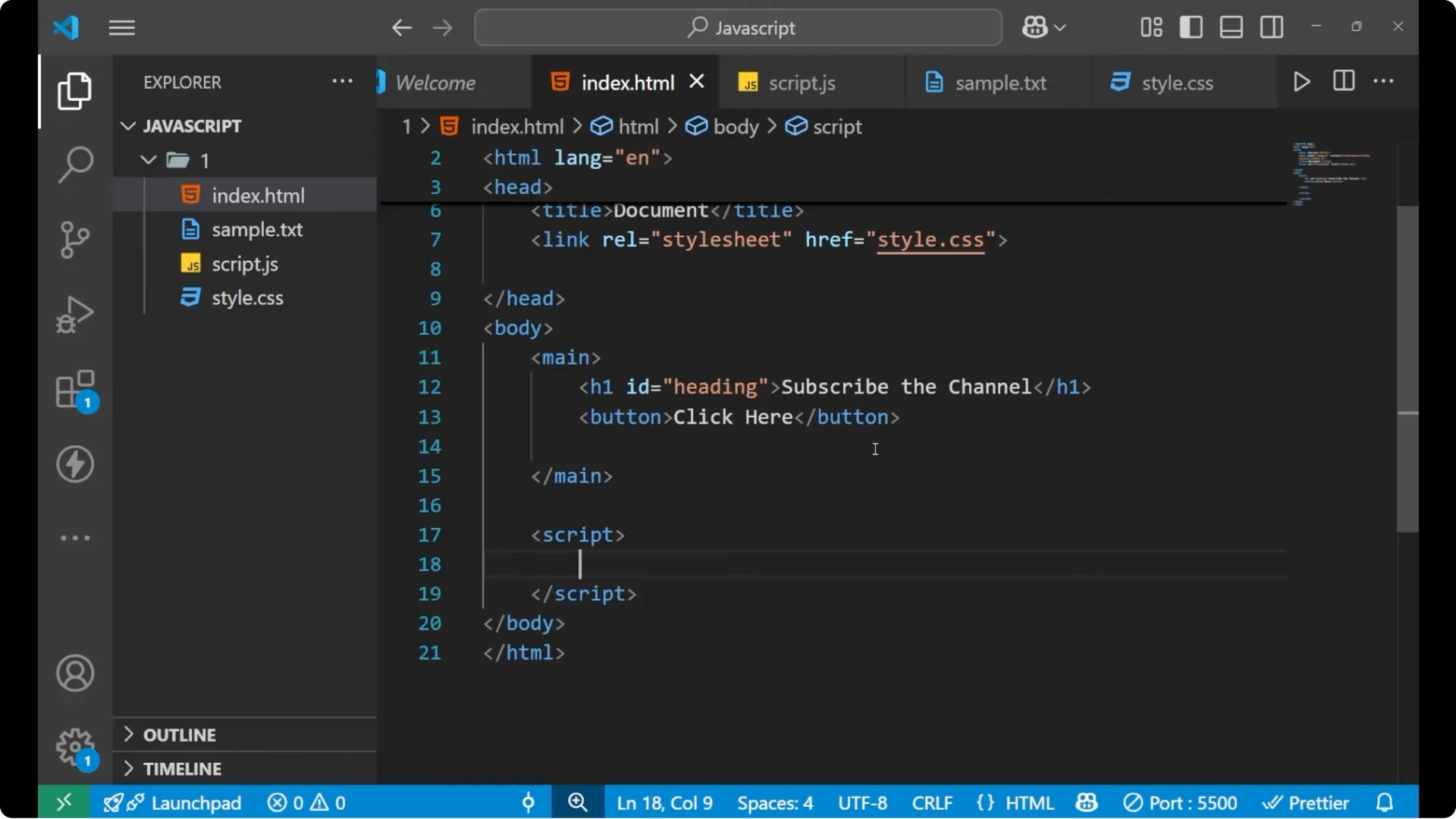
I am writing the JavaScript inside a script tag in the HTML. There is a main tag with an h1 and a button, and I will wire up the button to call a function to demonstrate how invocation works in the real page.
JavaScript Function Basics: Definition
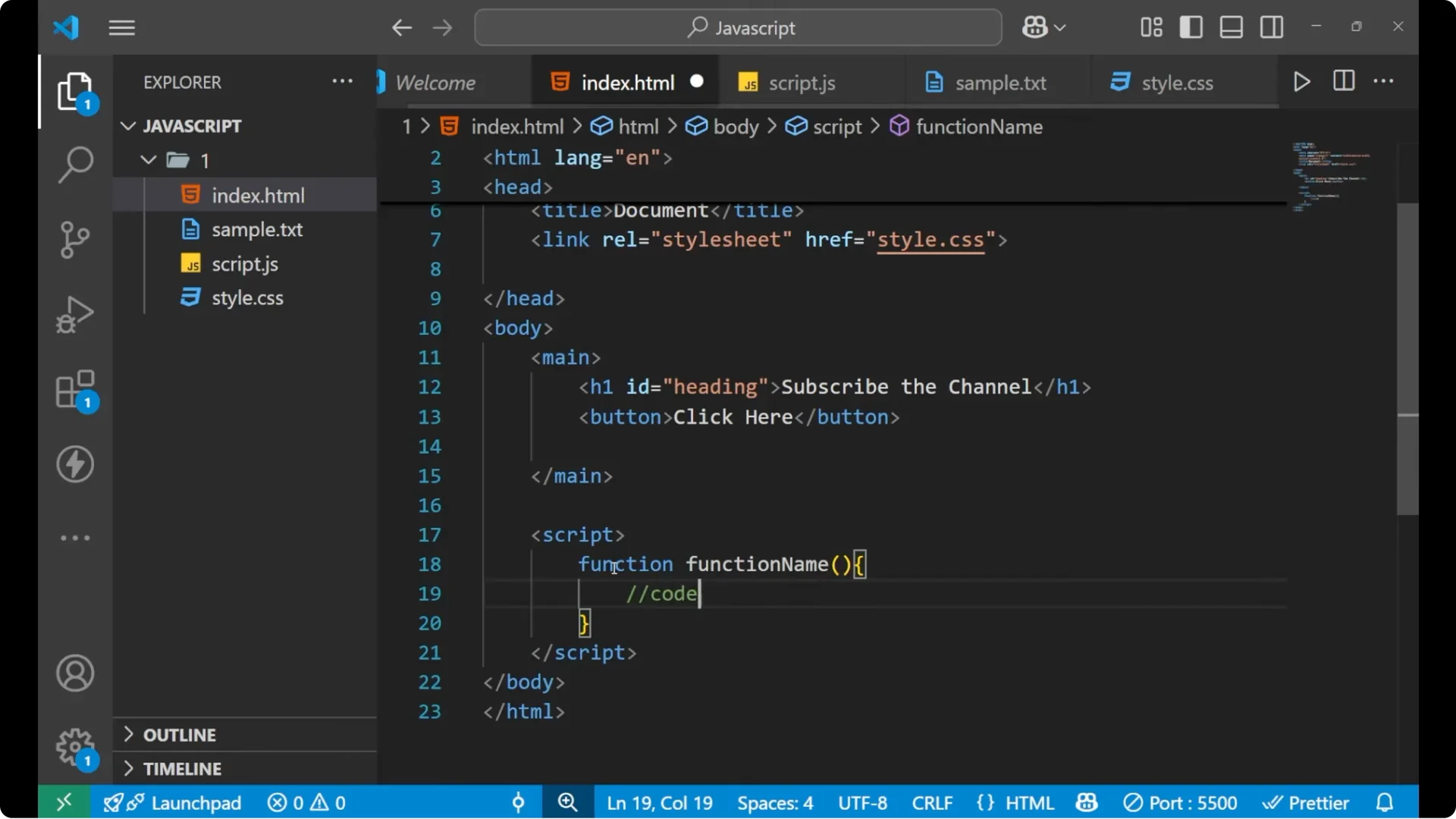
A function has a basic syntax: first you write the keyword function, then the function name, then parentheses, then curly braces. Inside the braces you write your code or whatever logic you want to run when the function is called.
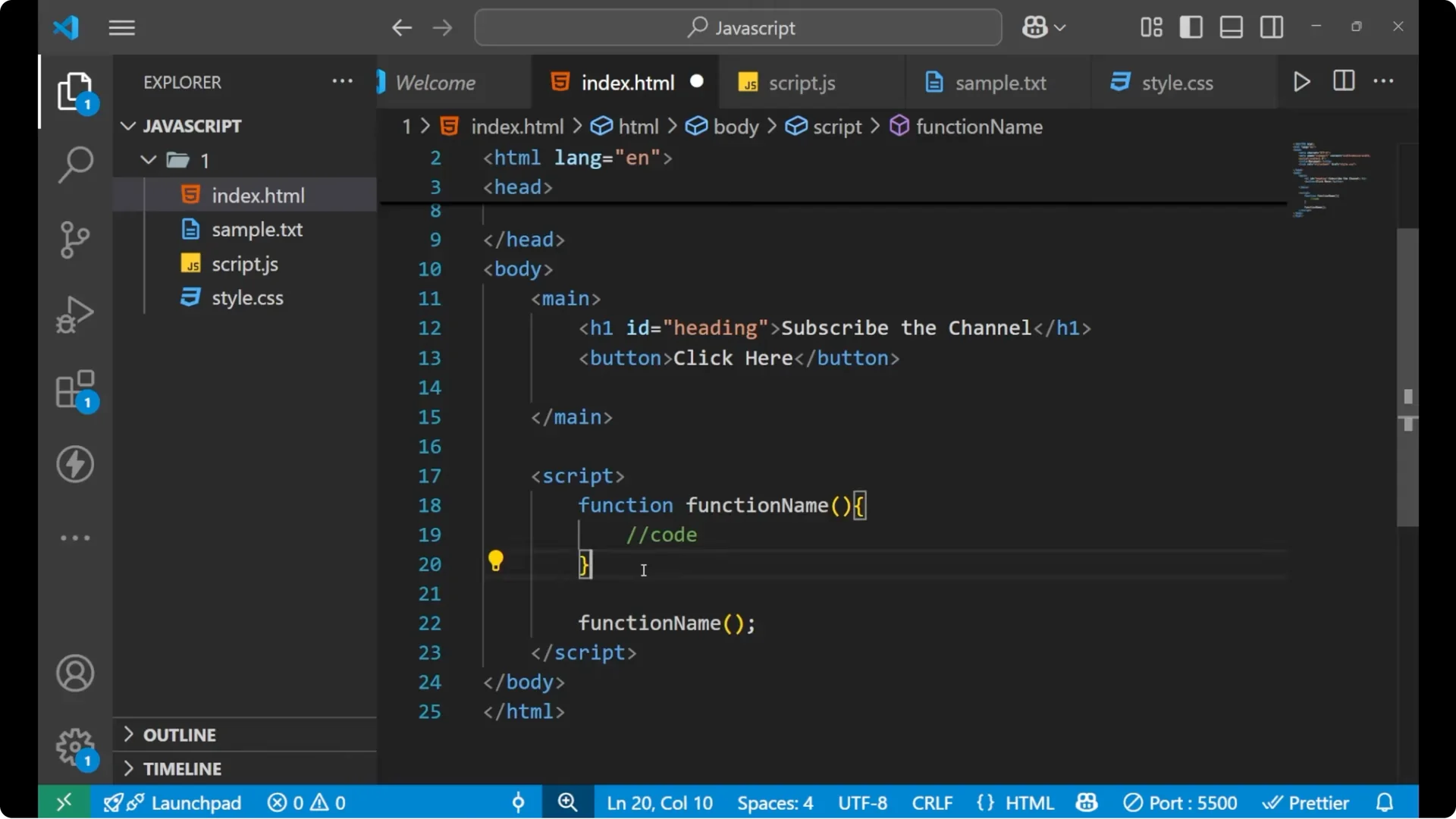
You must call a function after you define it. The code inside the function runs only when you call that function. To call it, write the function name followed by parentheses. The call should be written after the closing curly brace of the function, not inside the function body.
<!-- Basic structure in HTML -->
<!DOCTYPE html>
<html>
  <head>
    <meta charset="utf-8">
    <title>JavaScript Function Basics</title>
  </head>
  <body>
    <main>
      <h1>Sample heading</h1>
      <button id="clickBtn">Click</button>
    </main>

    <script>
      // Basic function definition
      function greet() {
        alert('Hey, how are you?');
      }

      // Valid call - outside the function body
      // greet();

      // Wire the function to the button click
      document.getElementById('clickBtn').addEventListener('click', greet);
    </script>
  </body>
</html>
If you plan to explore object methods later and how functions relate to objects, make sure you understand how prototypes work in JavaScript. See this guide to the
prototype chain in JavaScript.
JavaScript Function Basics: Calling From HTML
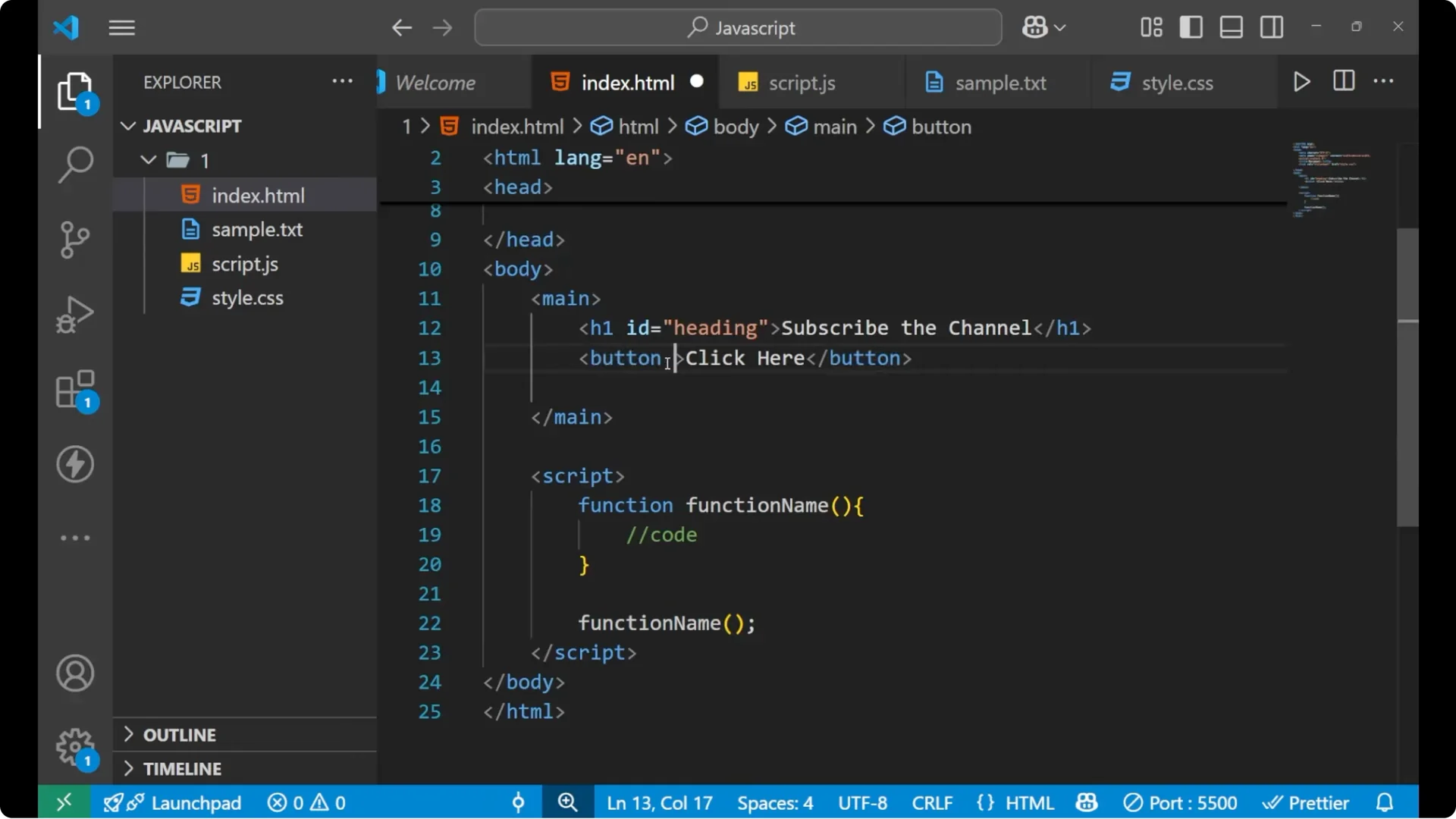
You can call a function directly from an HTML attribute when a user interacts with an element. The onclick attribute fires when you click the button tag. On clicking the button, the function will be called and the alert will pop up.
<!-- Inline HTML event handler example -->
<button onclick="greet()">Click</button>

<script>
  function greet() {
    alert('Hey, how are you?');
  }
</script>
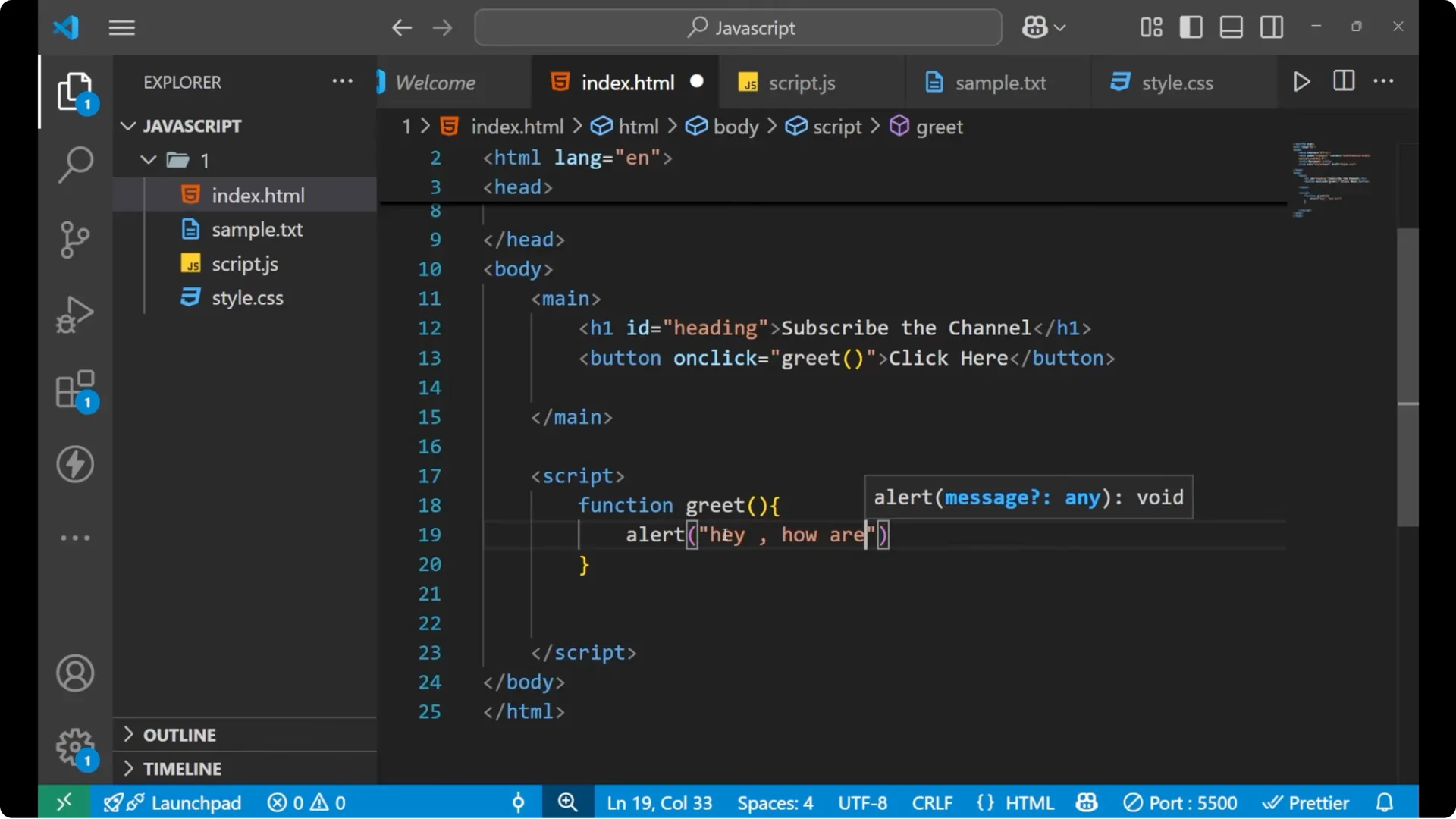
Every time you click the button, you will see the alert. That is happening because the function you wrote is being called by the click action.
JavaScript Function Basics: Parameters and Arguments
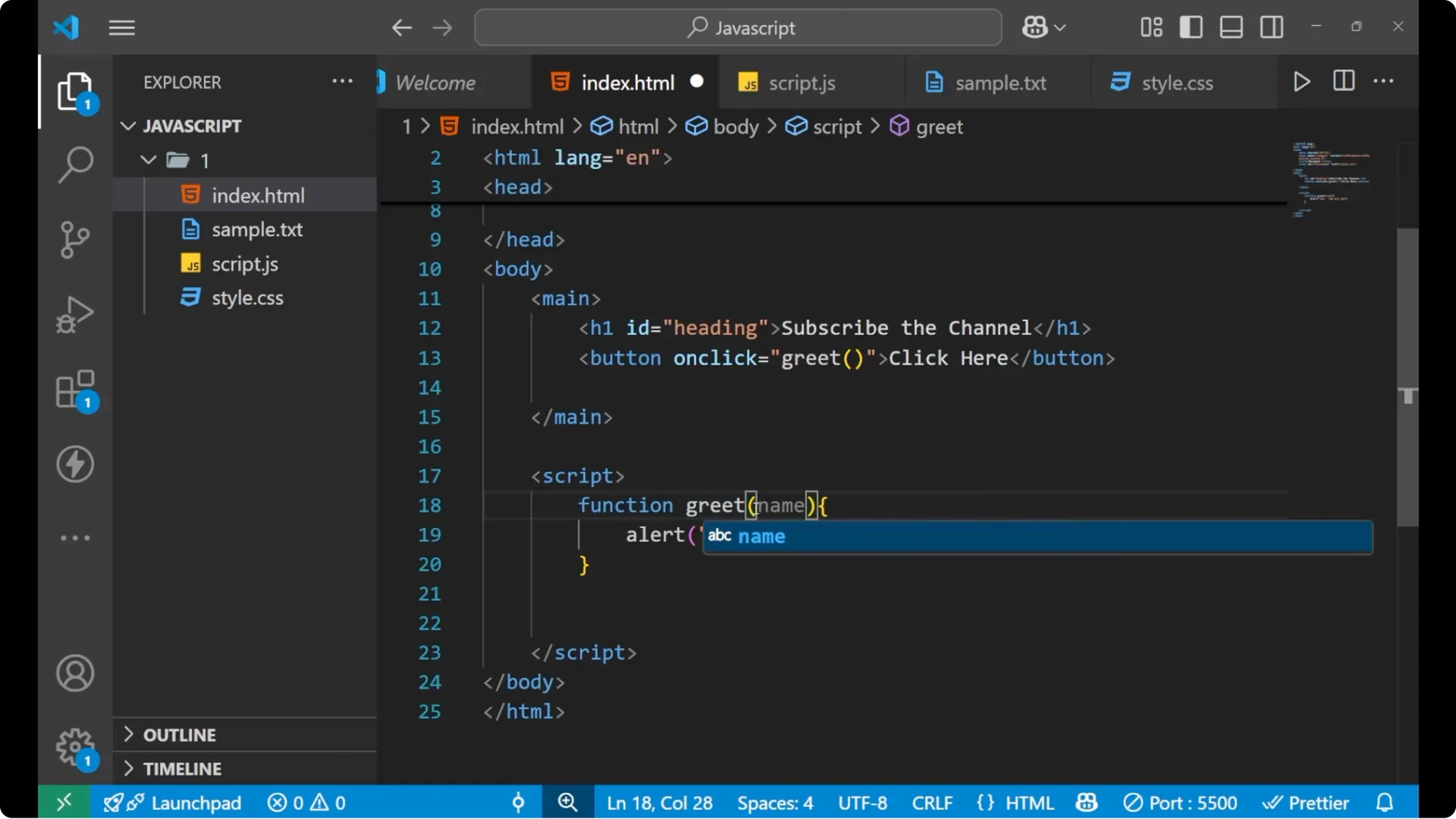
A parameter is a named variable you put inside the function parentheses. An argument is the actual value you pass when calling the function. I will add a parameter called name, use it inside the alert, and then pass an argument from the click.
<!-- Call with an argument -->
<button onclick="greet('Push')">Click</button>

<script>
  function greet(name) {
    alert('Hey ' + name + ', how are you?');
  }
</script>
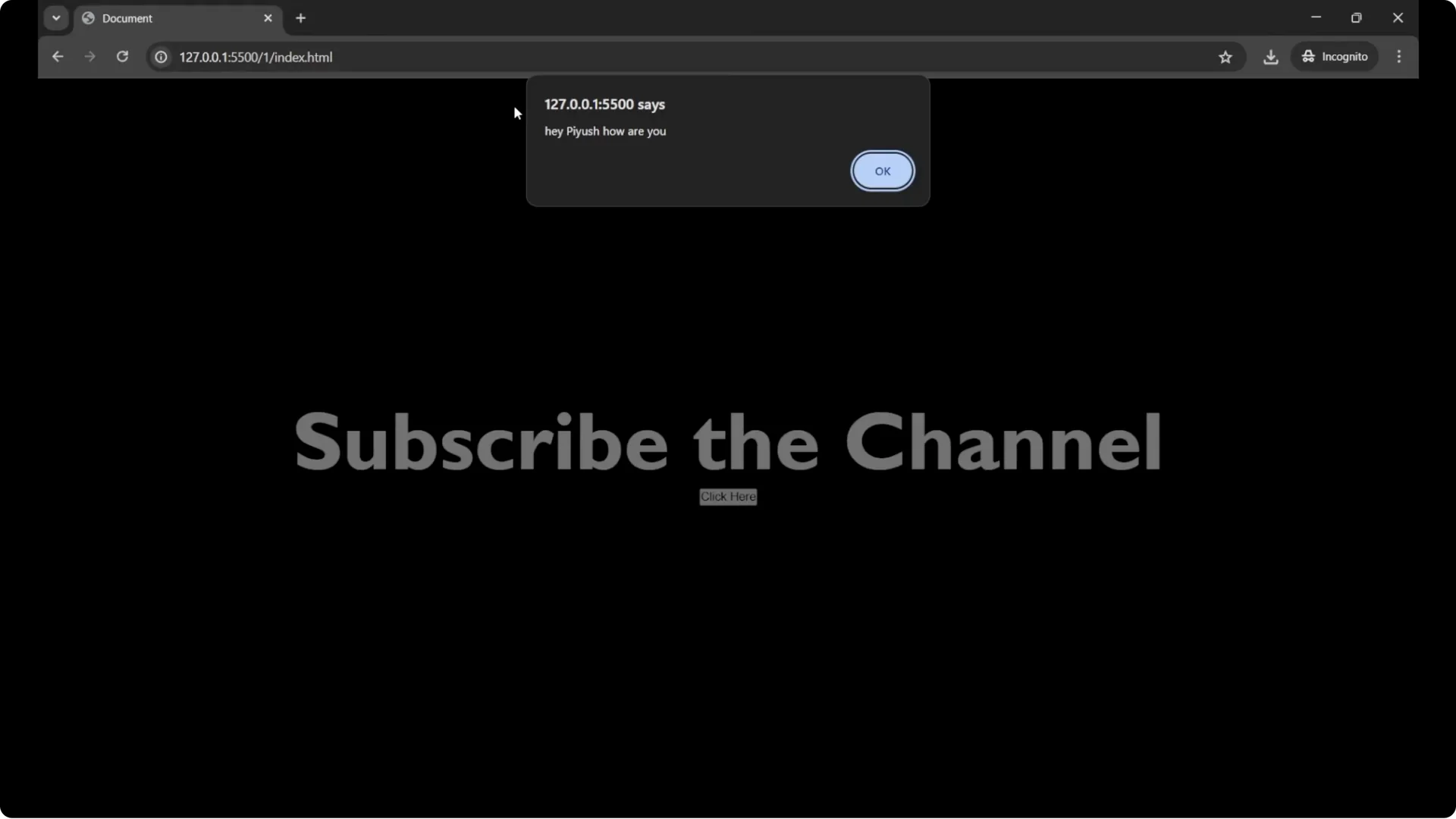
The text Push appears inside the alert because the argument you pass at call time goes into the parameter. The parameter name contains the value you sent as the argument, and you can use it inside the function body.
JavaScript Function Basics: Return Values
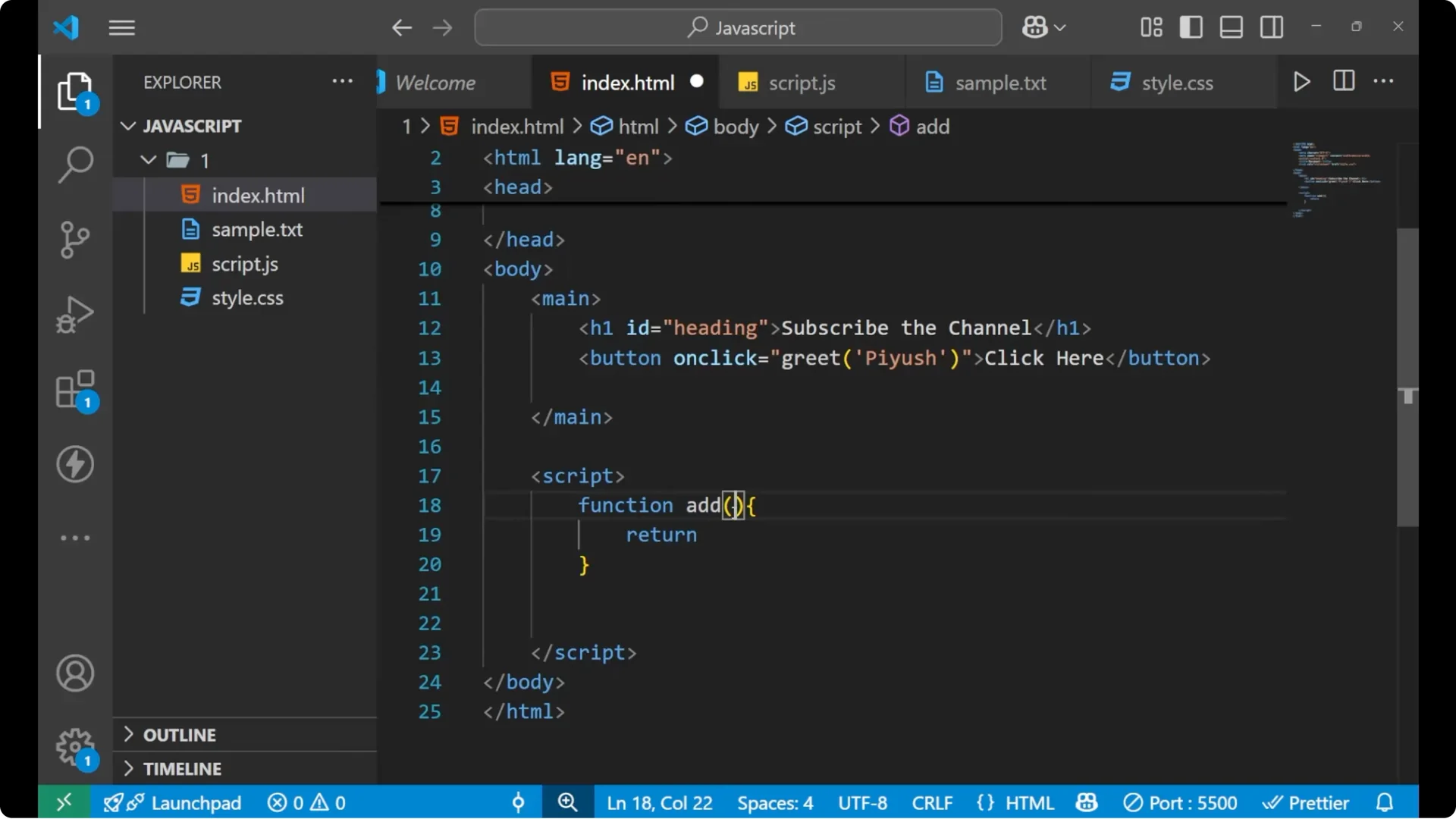
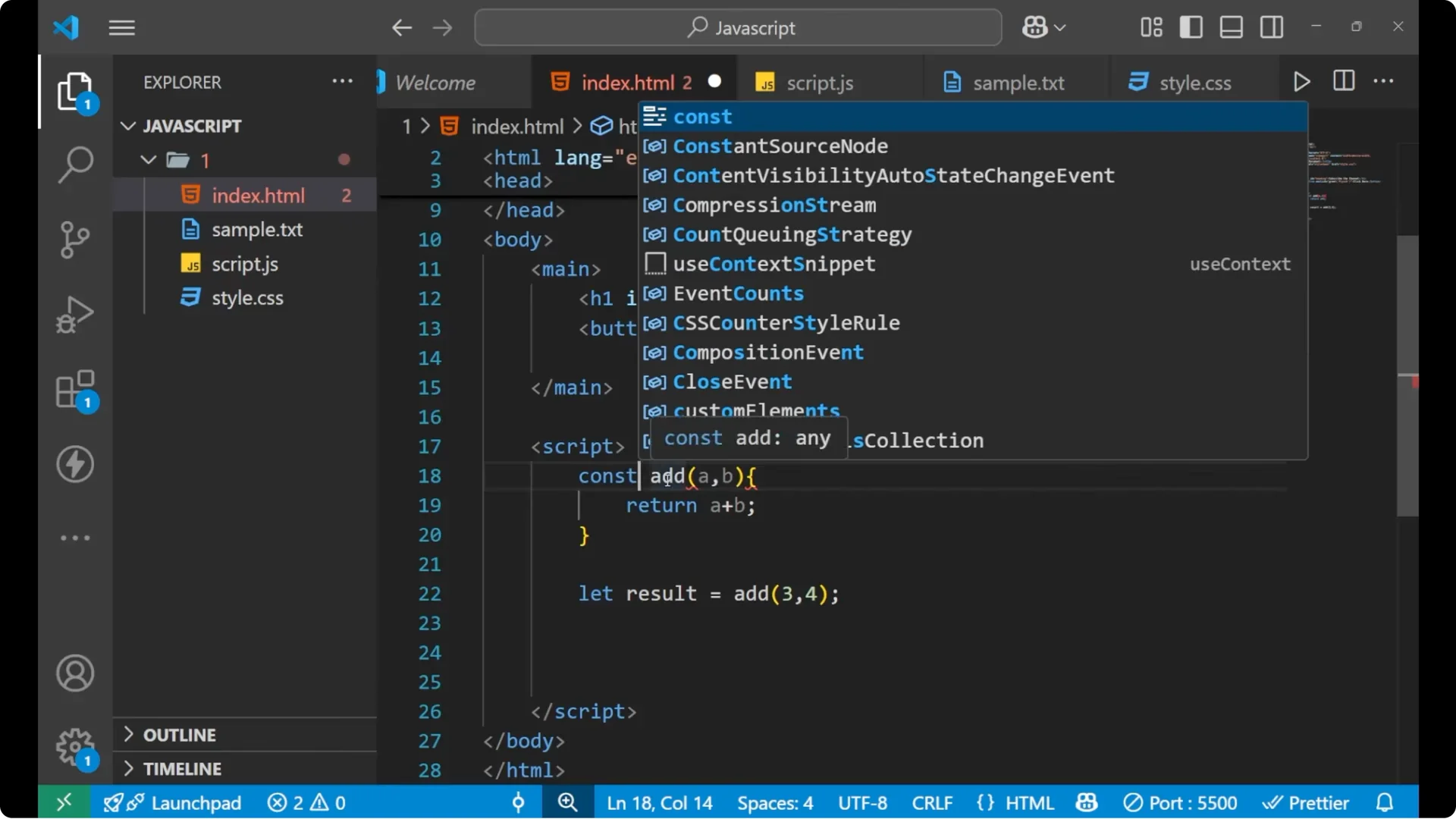
A function can return a value. I will write a mathematical function add with two parameters a and b, and I want it to return a + b each time it is called. Whatever the function returns can be stored in a variable and used later.
<script>
  function add(a, b) {
    return a + b;
  }

  const result = add(3, 4);
  console.log(result); // 7
</script>
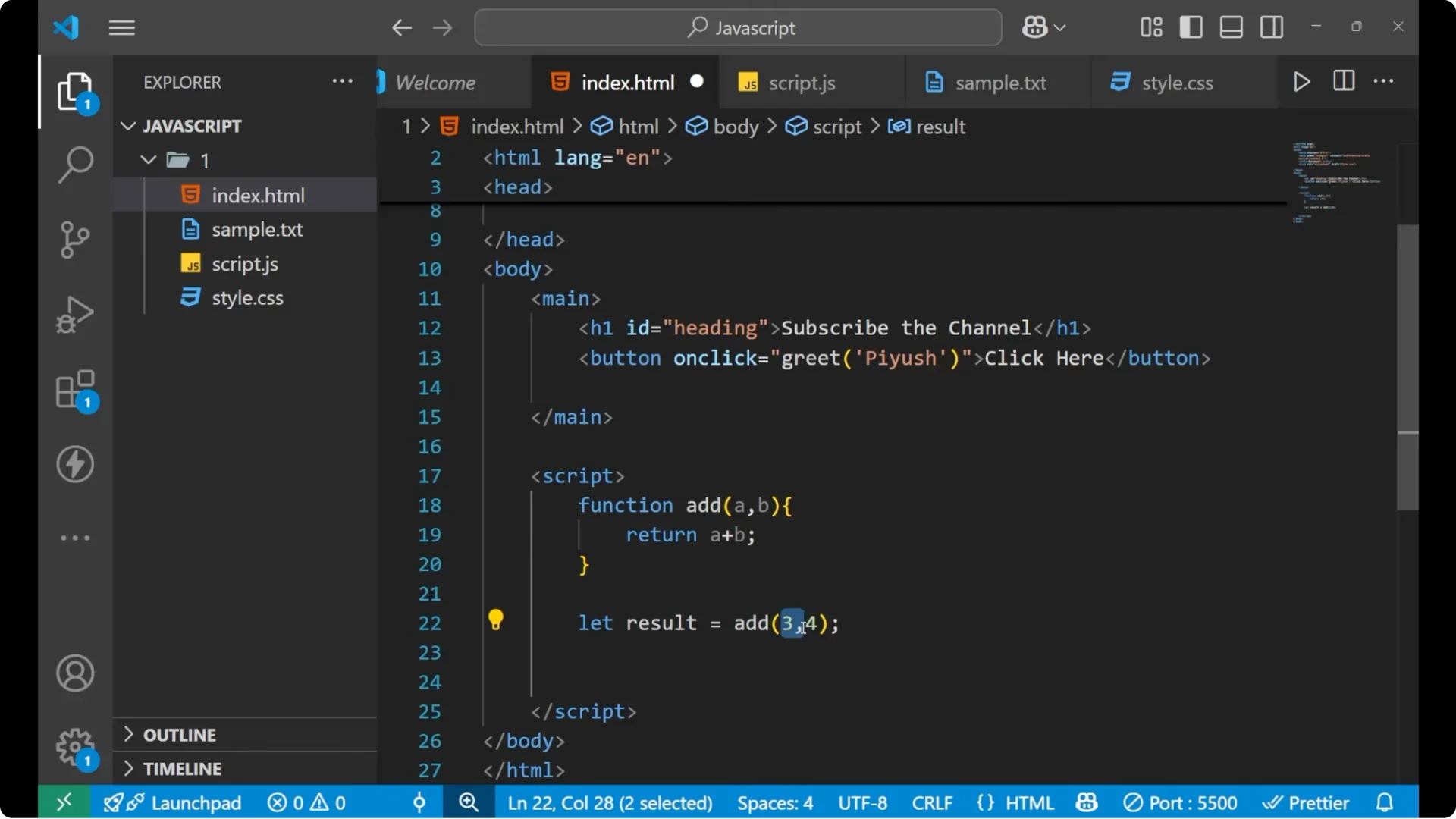
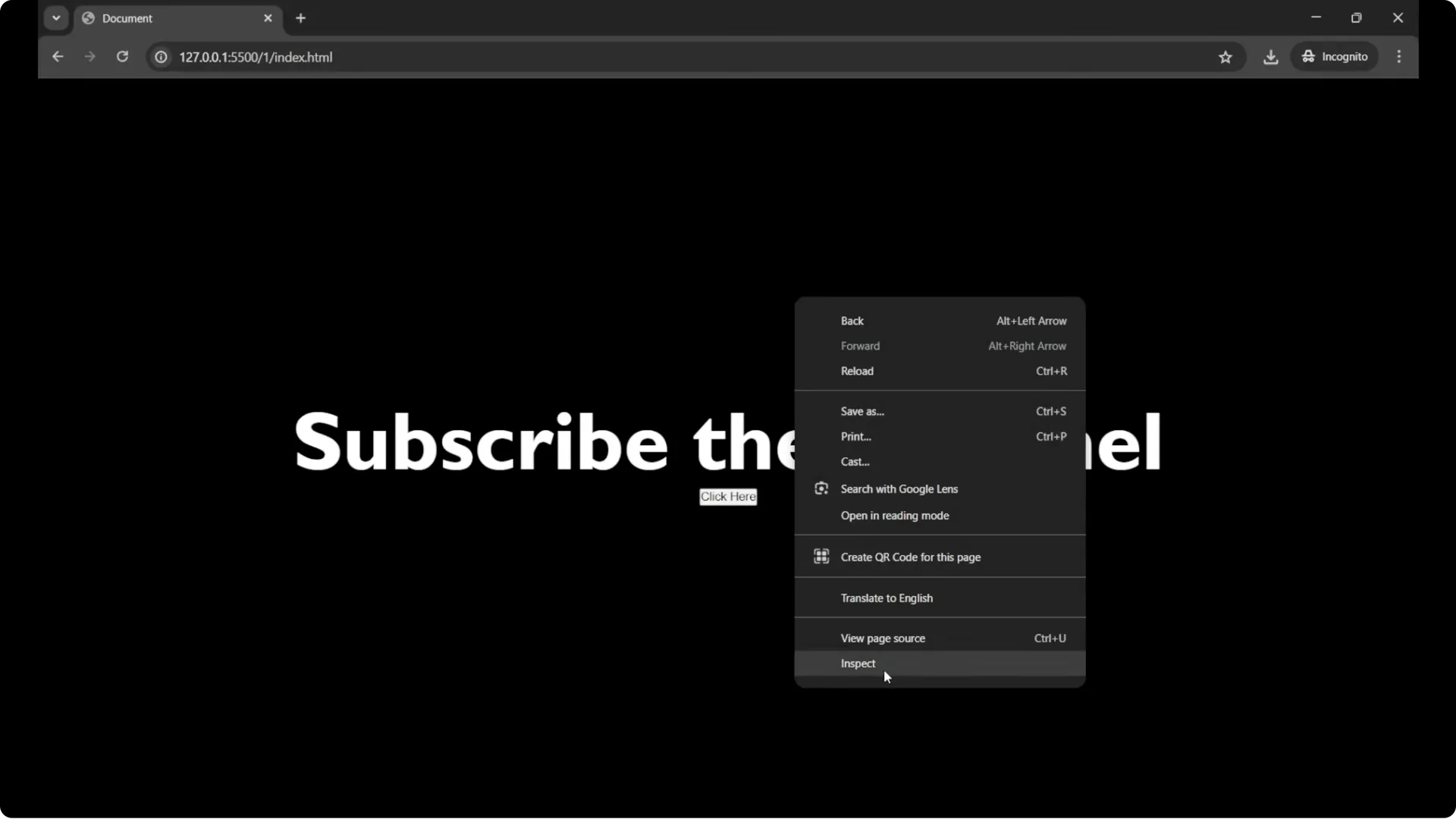
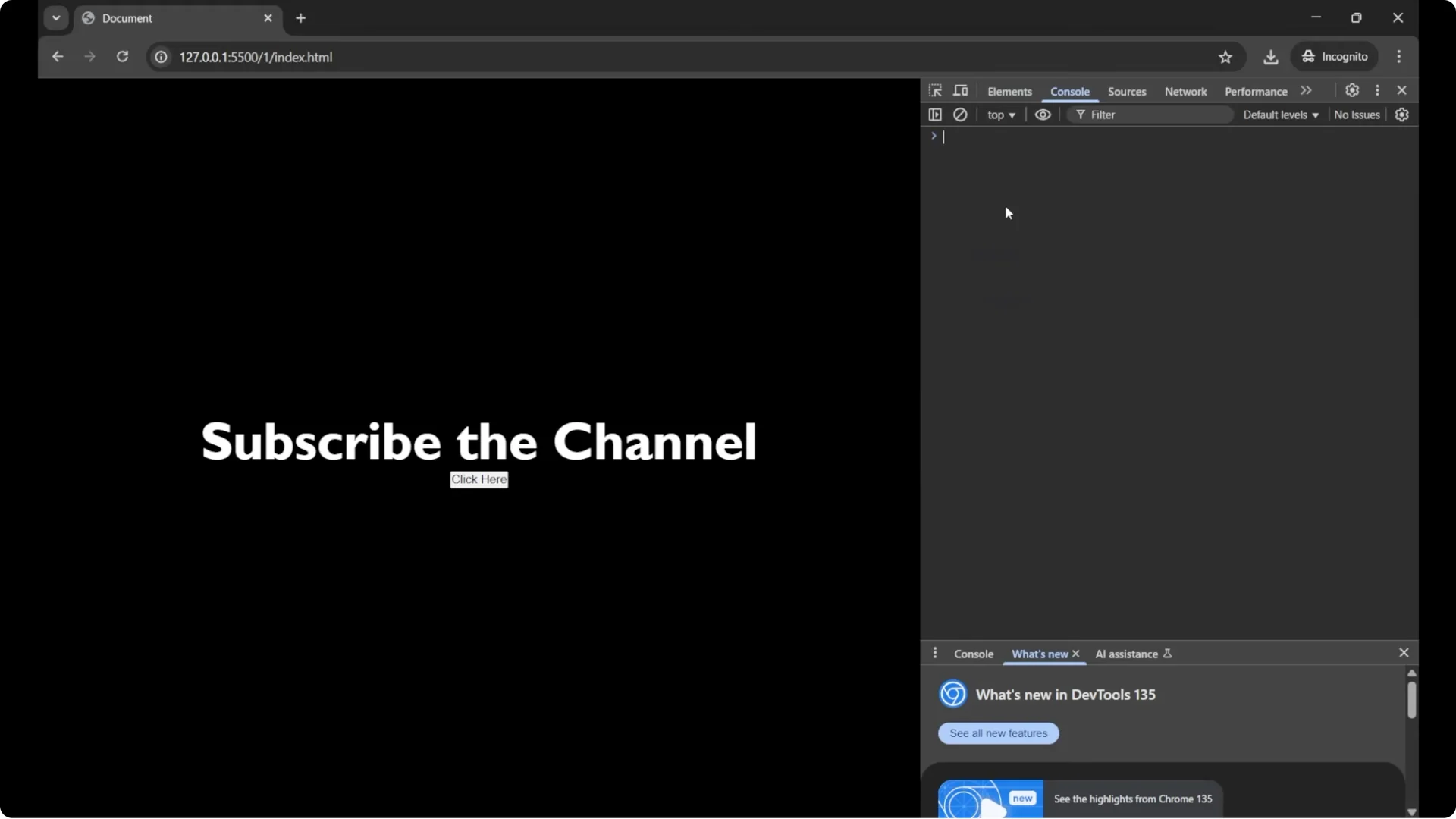
To see this output, open your browser’s developer tools and use the Console.
Open your browser.
Right click anywhere in the page and choose Inspect.
Go to the Console tab at the top.
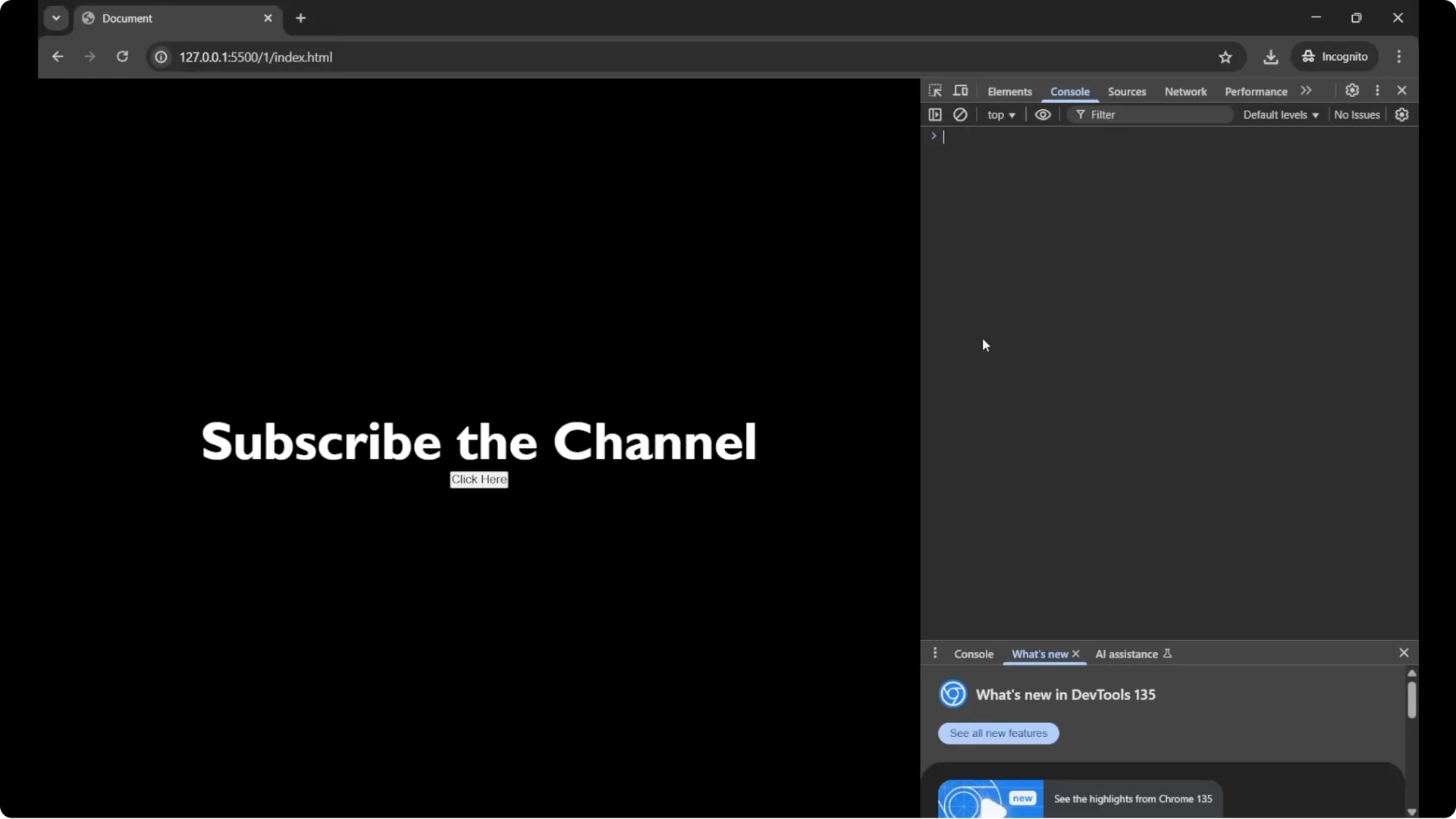
Type result and press Enter to see the value.
If you need to verify the type of a value you compute, the typeof operator is helpful. See practical
typeof operator examples.
JavaScript Function Basics: Arrow Functions
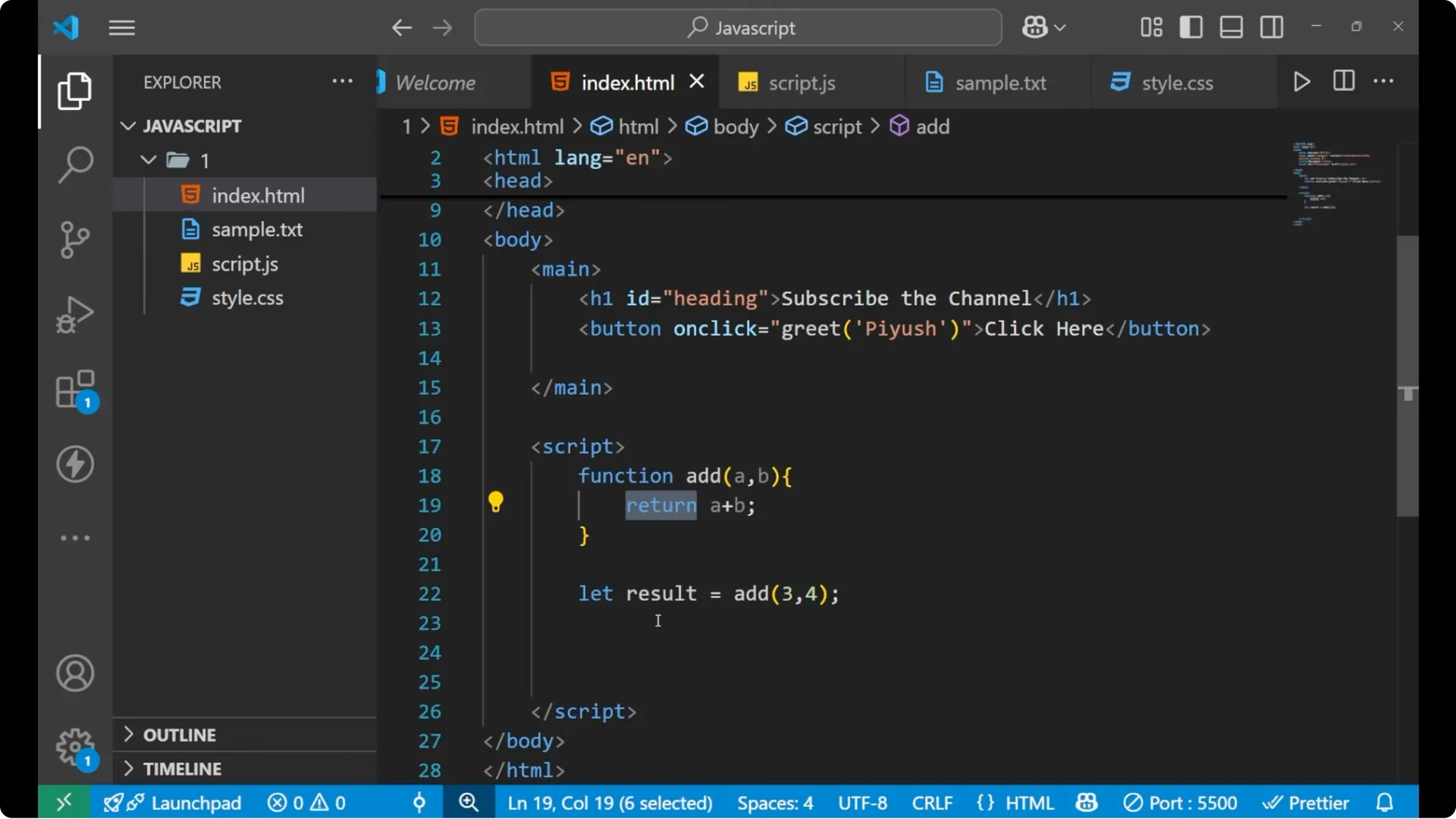
You can also create functions using arrow function syntax. It is a shorter syntax and is commonly used in modern JavaScript, especially for simple tasks. You skip the function keyword, assign the function to a variable, and use the arrow.
<script>
  // Traditional function
  function add(a, b) {
    return a + b;
  }

  // Arrow function equivalent
  const addArrow = (a, b) => a + b;

  // Arrow function with a single parameter and a statement body
  const greet = name => {
    alert('Hey ' + name + ', how are you?');
  };
</script>
Arrow functions are very handy as callbacks, for example when you register event listeners or work with timers. To practice with timing callbacks, try
JavaScript timers with setInterval.
Final Thoughts
You saw what a function is and the basic syntax. You learned that a function runs only when you call it, you passed
parameters and supplied
arguments, and you returned values and stored them in variables. You also saw the
arrow function syntax as a shorter way to write functions for simple tasks.