Getter and setter in JavaScript are the smart ways to access and update object data with full control and safety. I am going to show how to use them step by step and why they matter in real projects.
What are JavaScript Getters and Setters
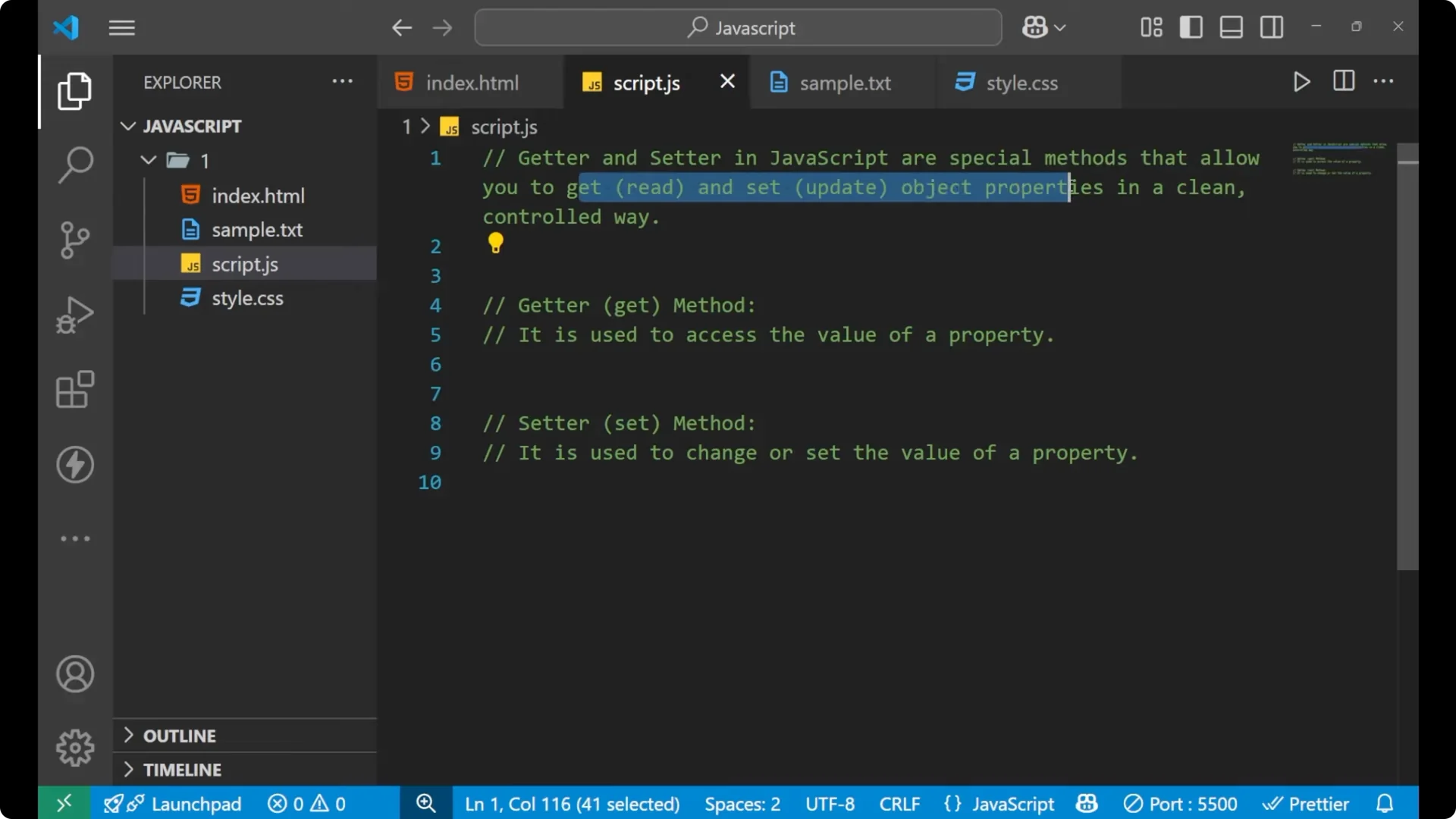
Get and setter are special methods that allow you to get and set object properties. The
getter is used to access the value of a property. If you want to access the value of a particular property, use the getter method.
The
setter is used to change the value of a property. In the getter we are accessing the value, and through the setter we are changing that value.
The conventional way
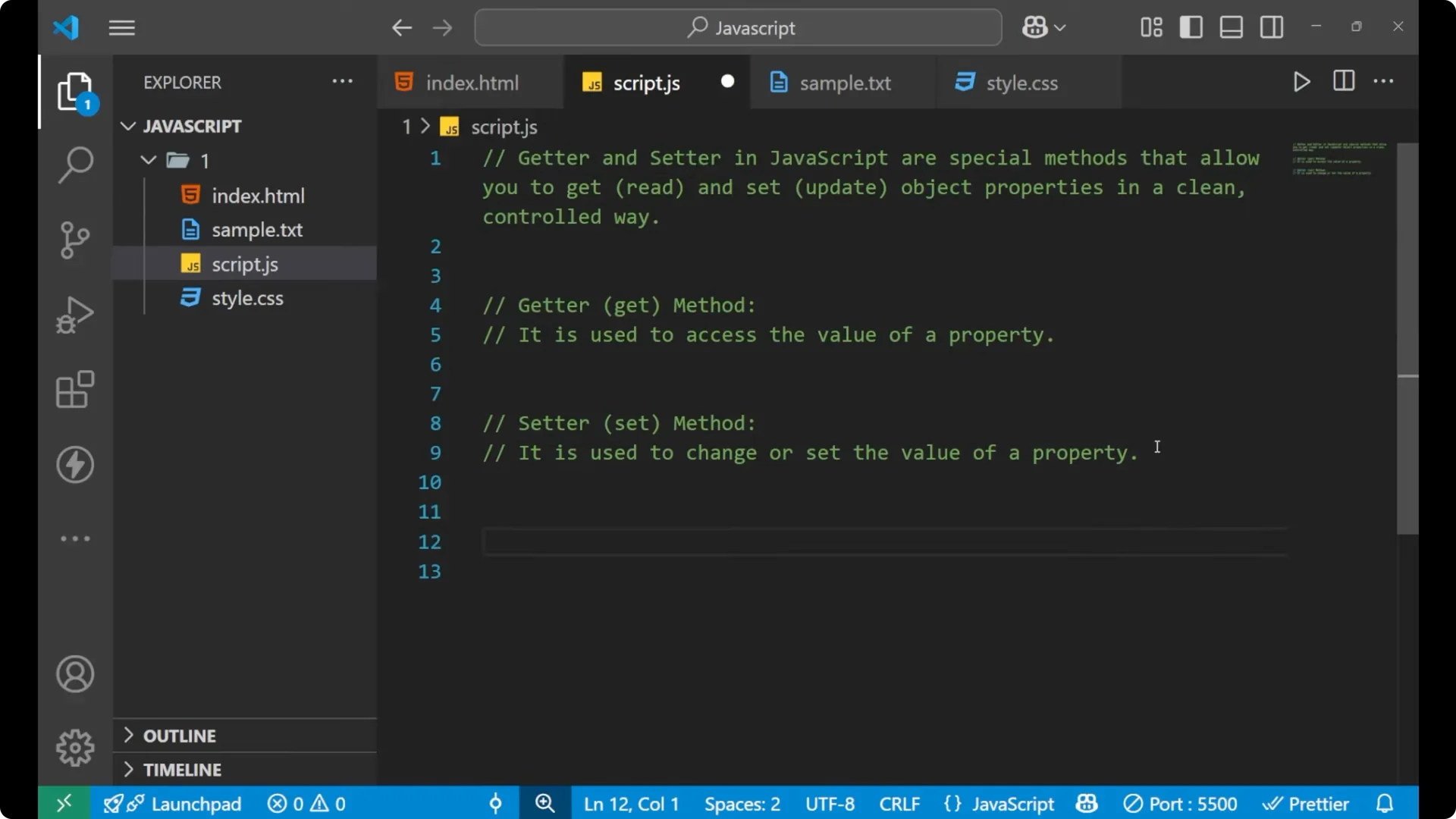
In conventional classes and in the conventional method what we normally do is simple property access and assignment.
class Person {
  constructor(name) {
    this.name = name;
  }
}

const p = new Person('John');

// Access the value
console.log(p.name); // John

// Change the value
p.name = 'Mark';
console.log(p.name); // Mark
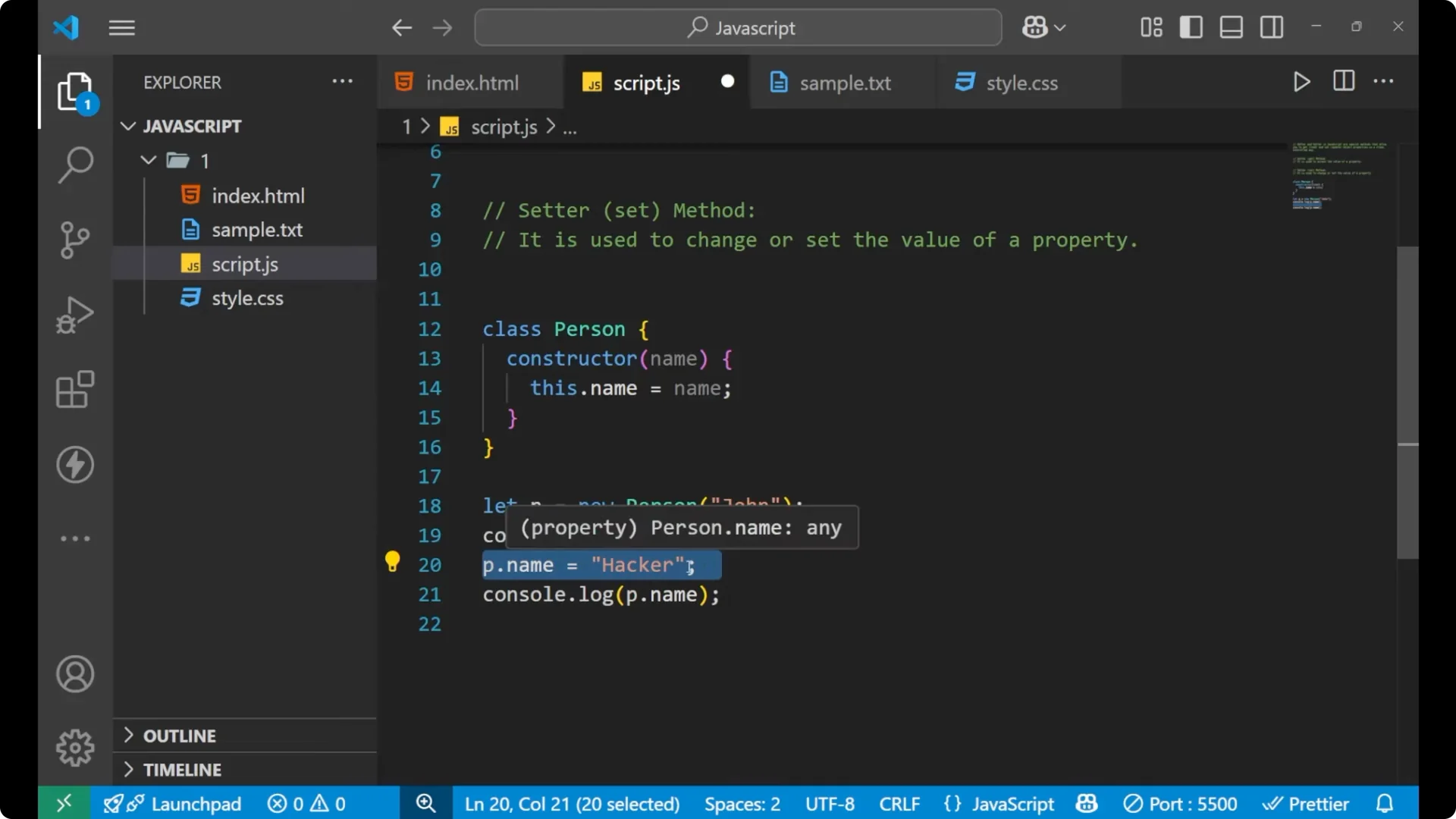
This is how we normally access and change values from a class. You create an object from the class, then use `object.property` to read or assign.
This direct approach is not good for important data because anyone can change values directly if they have access to the object. In industry projects we avoid letting critical state be changed freely. Instead, we make data
private and expose controlled access through
getter and
setter methods. You will see this pattern right alongside classes or even classic patterns from class prototype inheritance. If you want to go deeper into how method lookups work across objects, see the
prototype chain explanation.
Private fields in classes
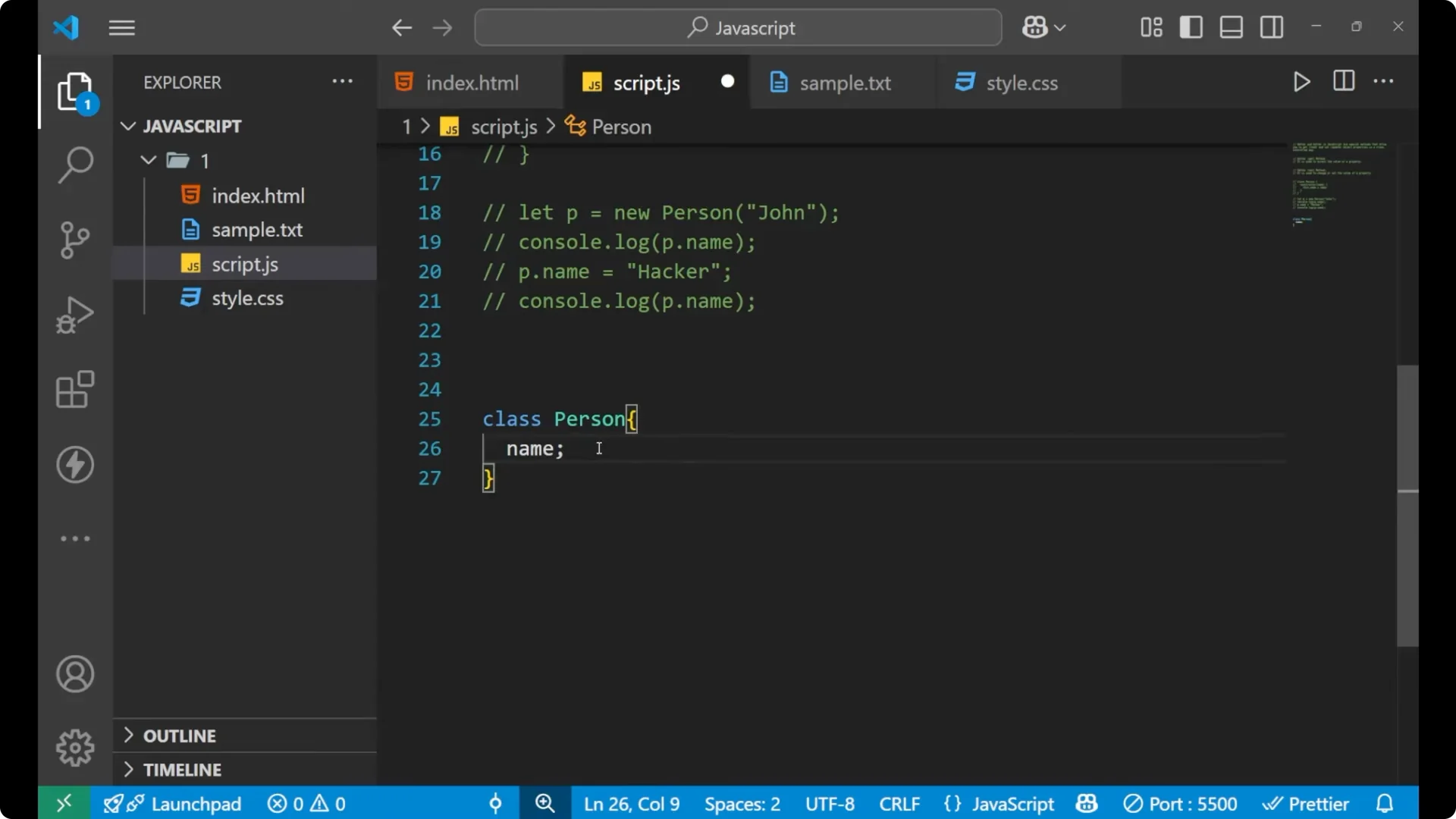
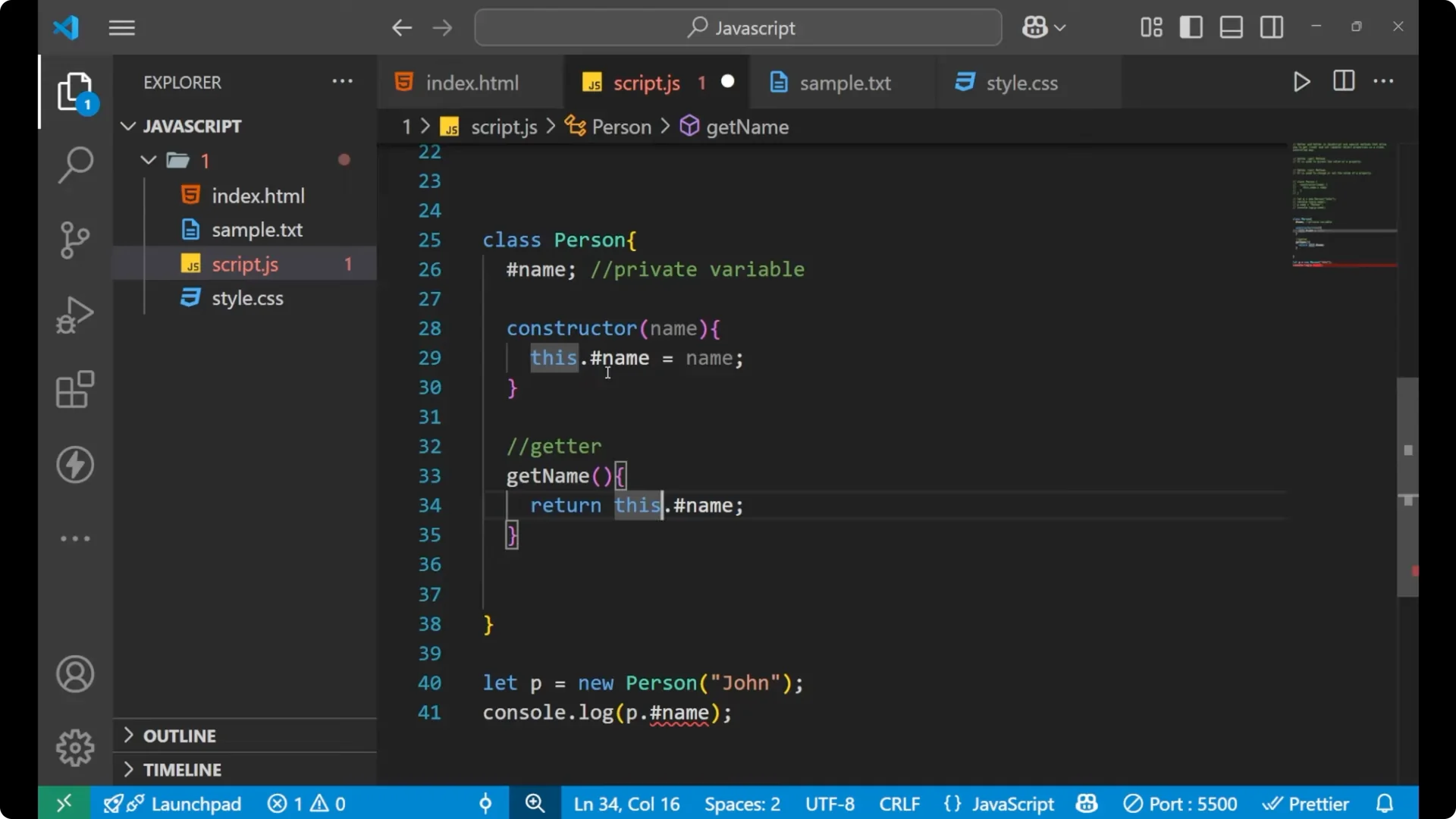
Let’s create a class and make a field private using `#`. By putting a hash before the variable name inside a class, the variable becomes
private.
class Person {
  #name; // private field

  constructor(name) {
    this.#name = name; // store constructor argument into the private field
  }
}
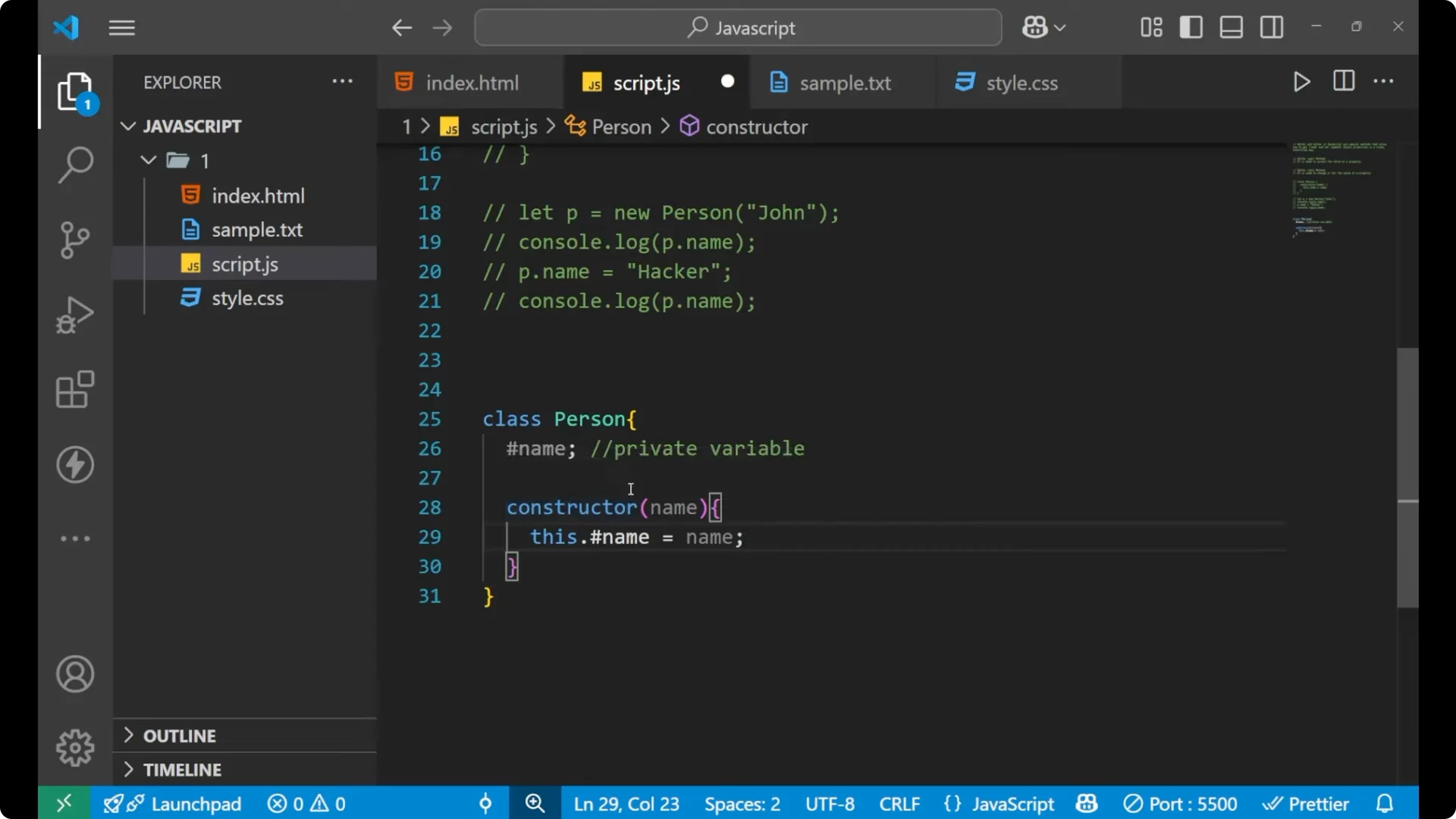
Try to access the private field directly and you will see an error.
const p = new Person('John');

// Direct access to a private field fails
console.log(p.#name);
// SyntaxError: Private field '#name' must be declared in an enclosing class

A private field can be accessed only inside the class. It cannot be reached from outside. That is why we add a
getter for safe reading and a
setter for controlled updates.
Accessing private data with a getter
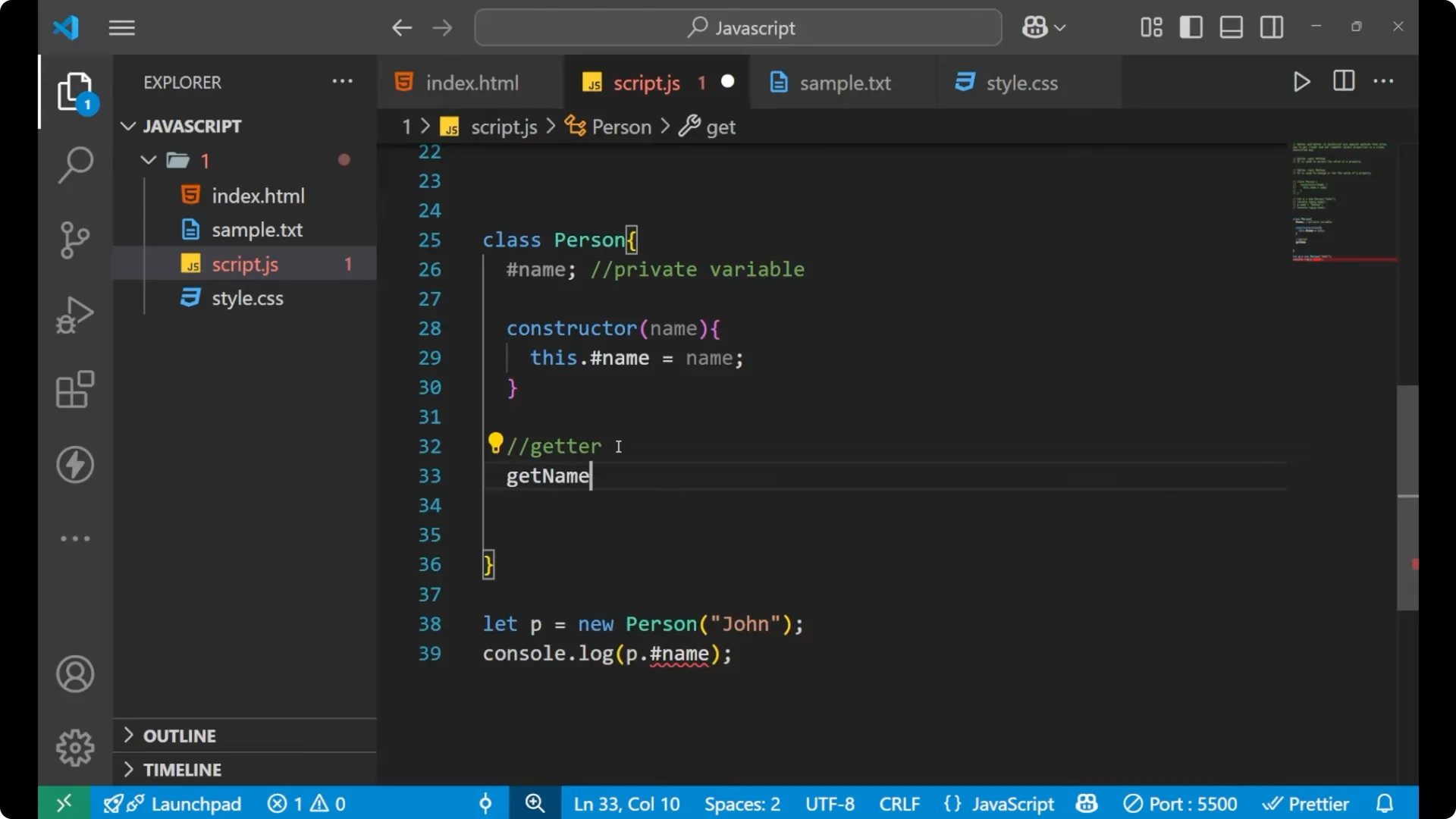
Create a method marked with `get` or just a normal method by convention named like `getName`. Here I am using a normal method with a meaningful name and returning the private value.
class Person {
  #name;

  constructor(name) {
    this.#name = name;
  }

  getName() {
    return this.#name;
  }
}

const p = new Person('John');
console.log(p.getName()); // John
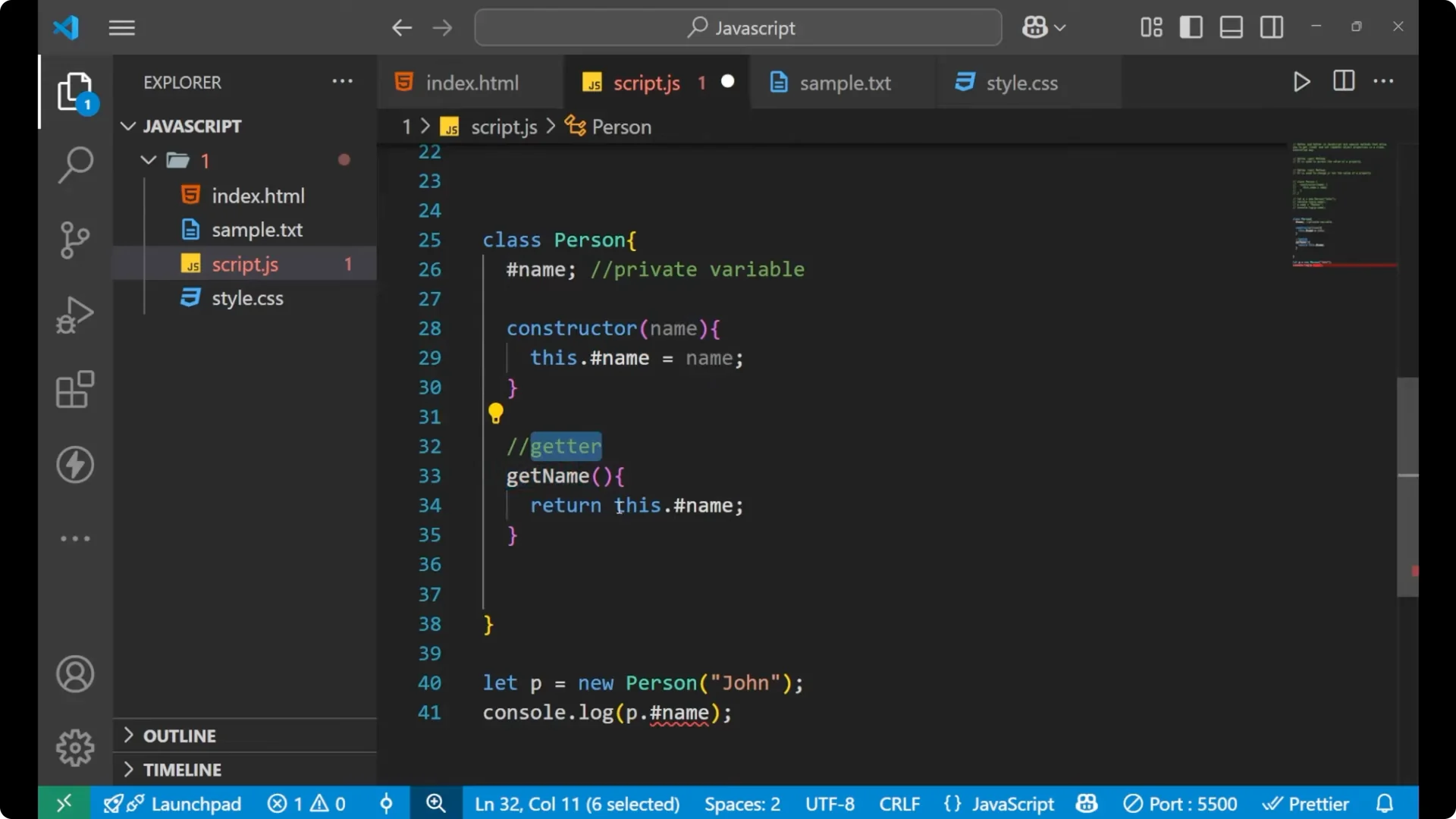
I am not providing the private field directly outside. I am returning it through a function inside the class, which is allowed.
Updating private data with a setter
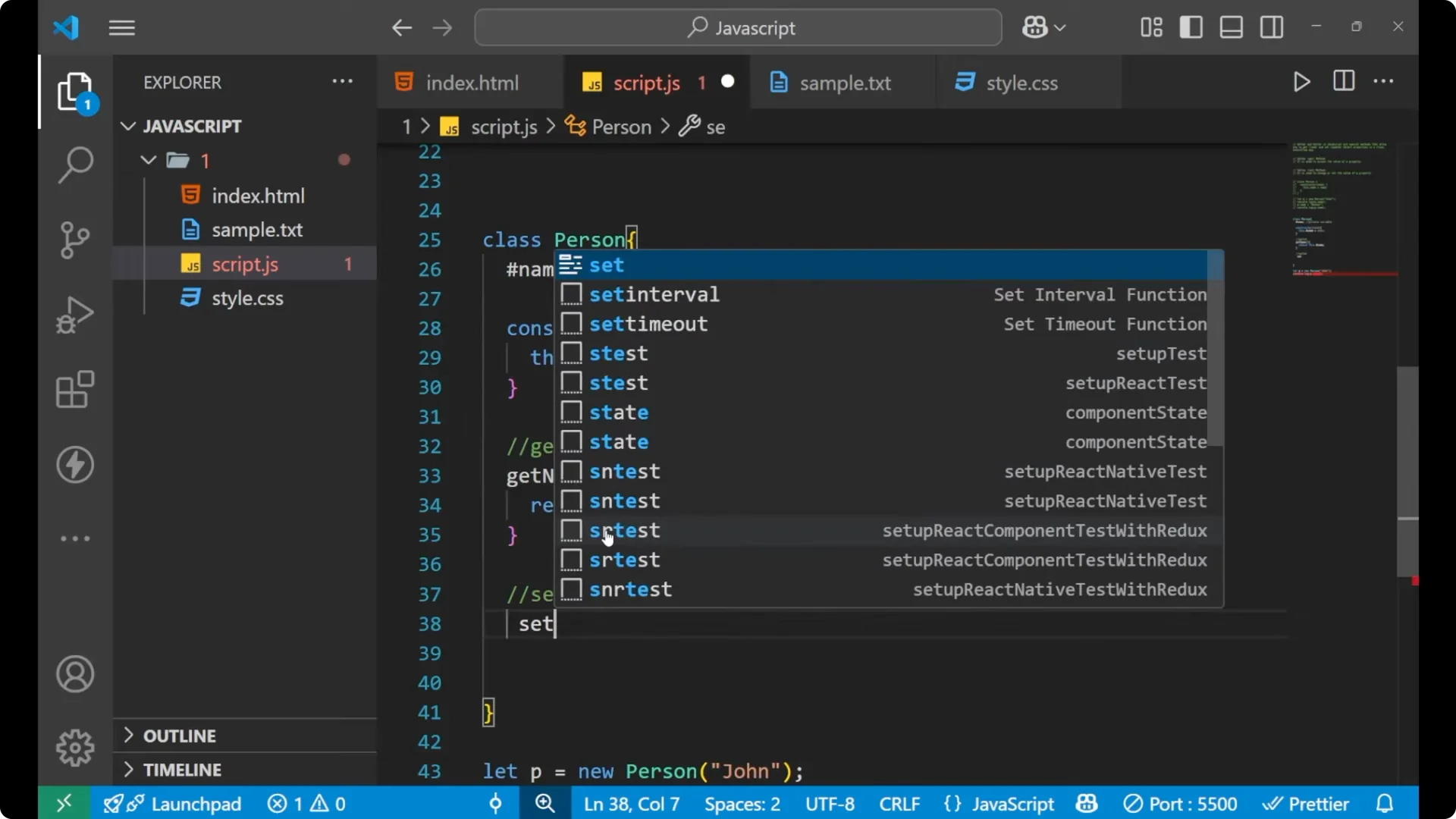
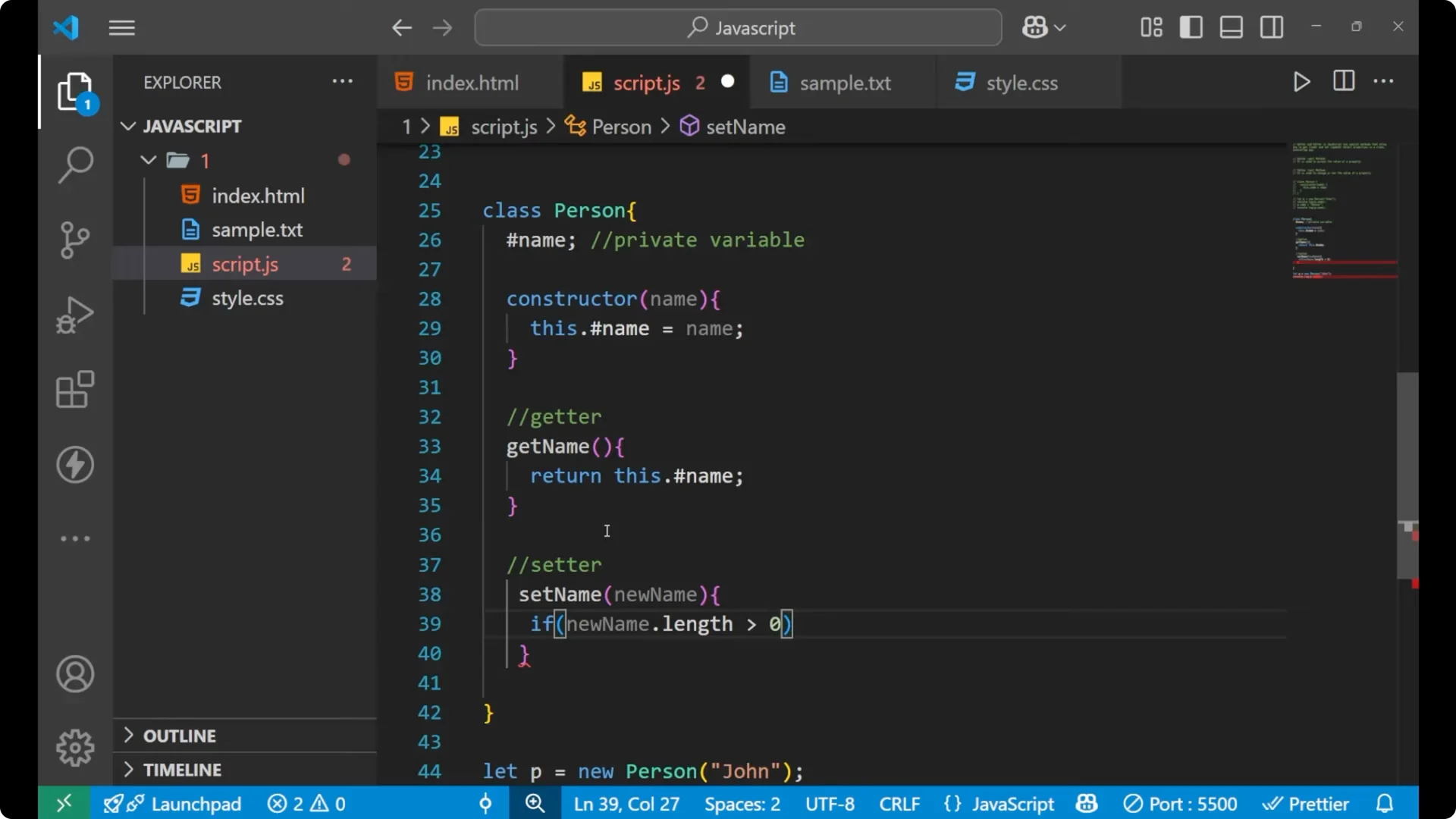
For updates, create a setter method. Inside it you can apply validation rules before changing the private value. Here is an example that ensures the new name is non-empty.
class Person {
  #name;

  constructor(name) {
    this.#name = name;
  }

  getName() {
    return this.#name;
  }

  setName(newName) {
    if (newName.length > 0) {
      this.#name = newName;
    }
  }
}

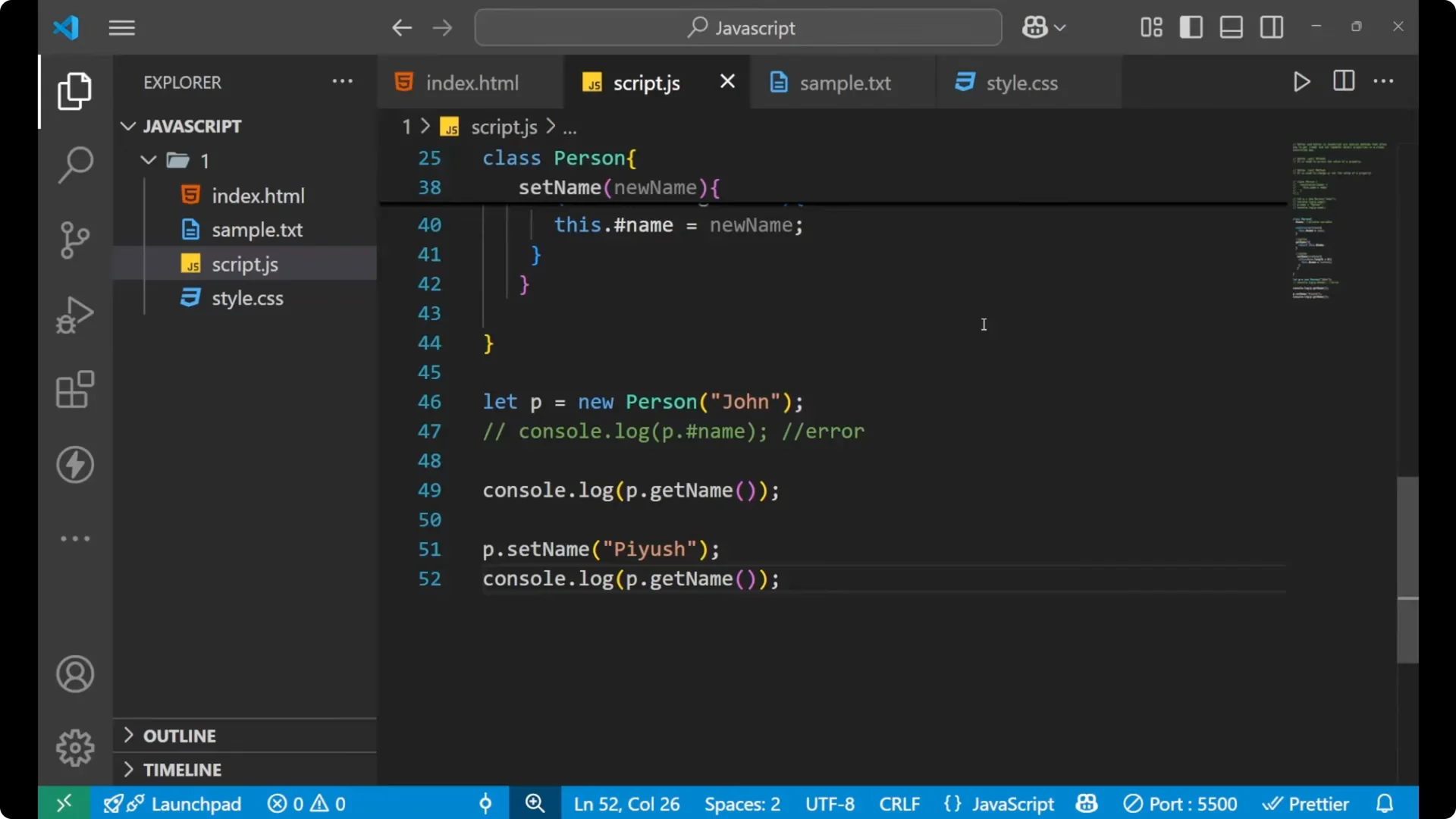
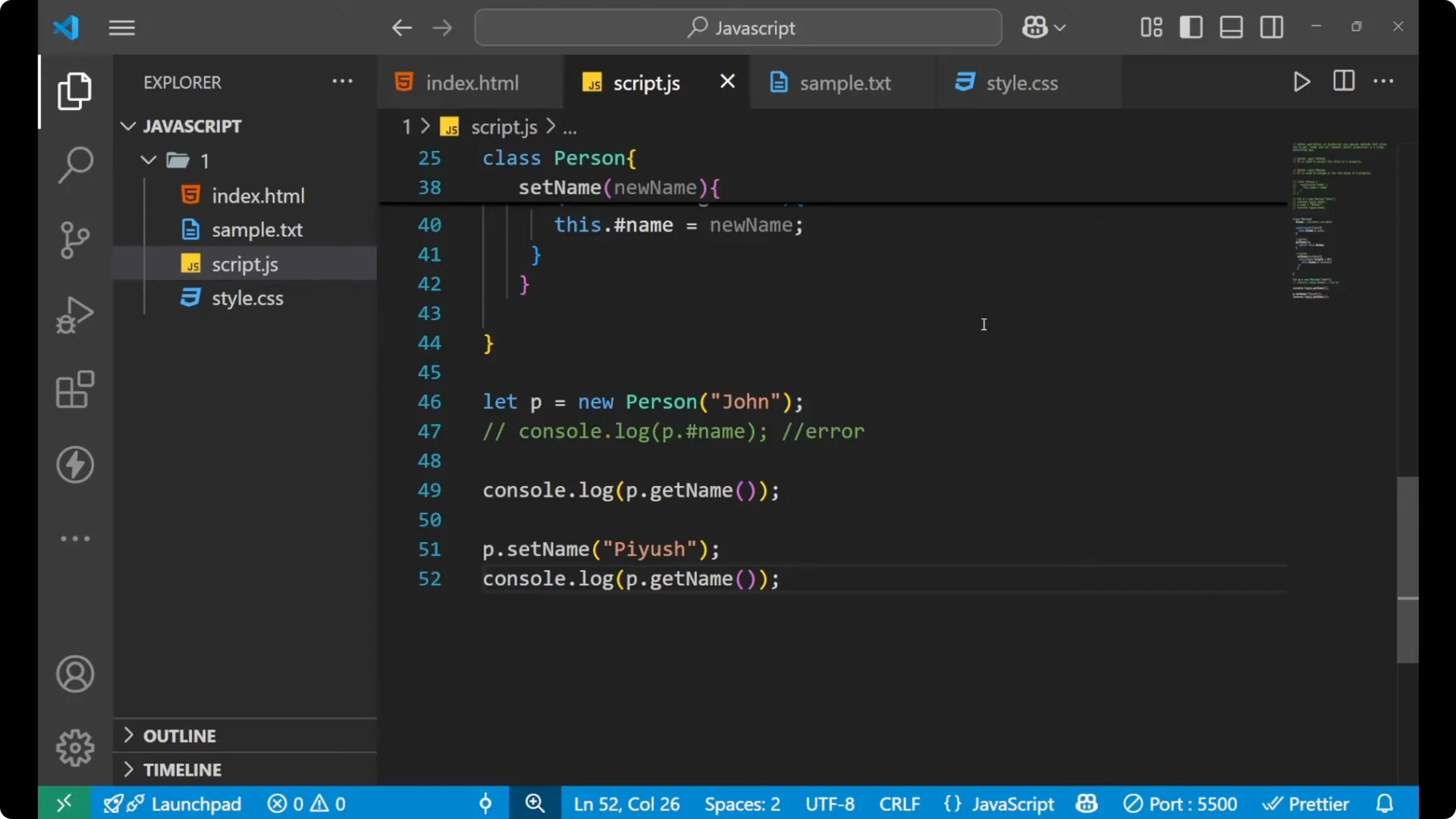
const p = new Person('John');

console.log(p.getName()); // John

p.setName('Piyush');
console.log(p.getName()); // Piyush
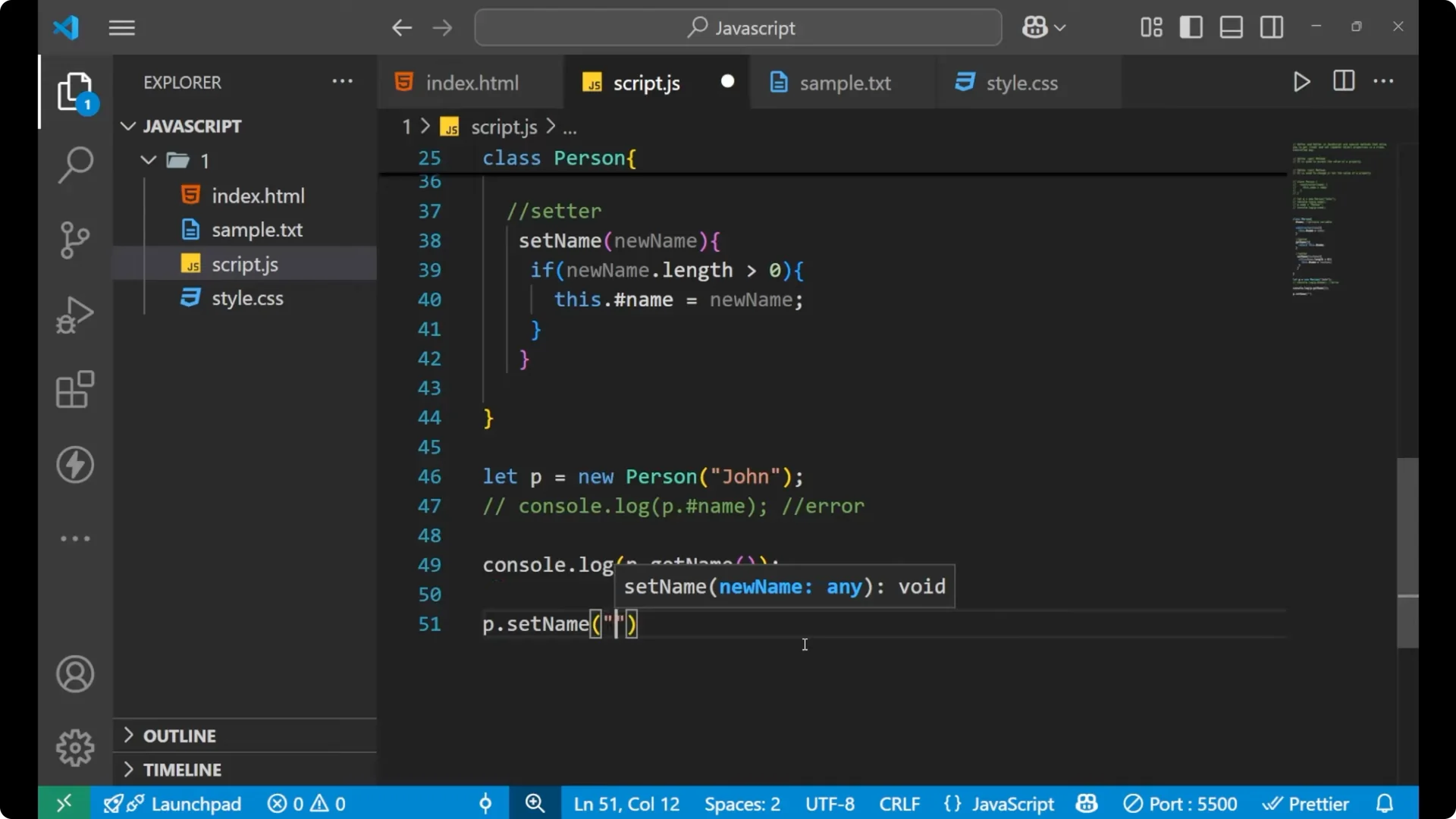
By using a setter, the method can access the private field inside the class and change it only after passing checks. If you also need type checks in your setter or constructor, see these
typeof examples.
Step-by-step with JavaScript Getters and Setters
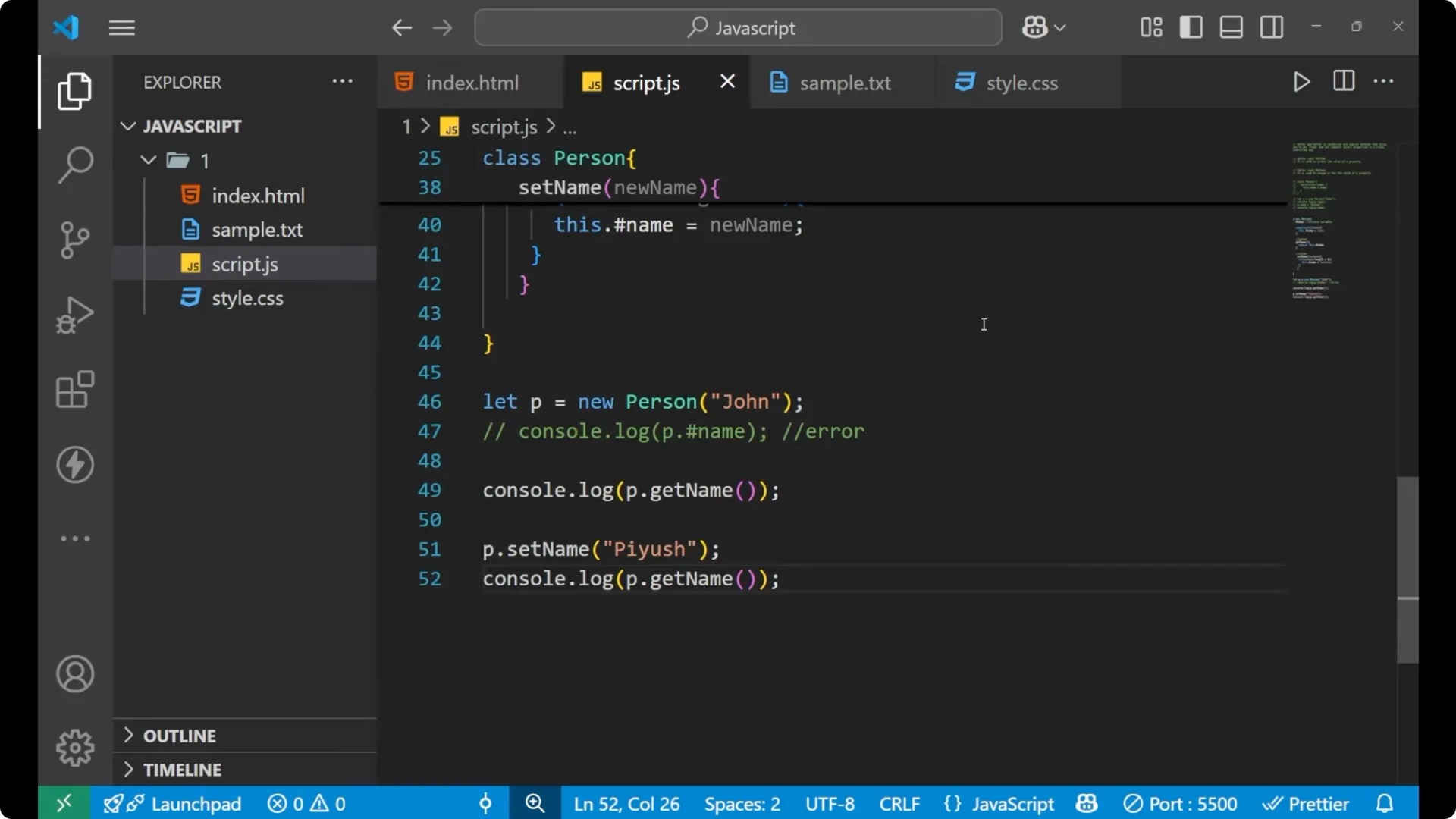
Create a class with a constructor that accepts the initial value.
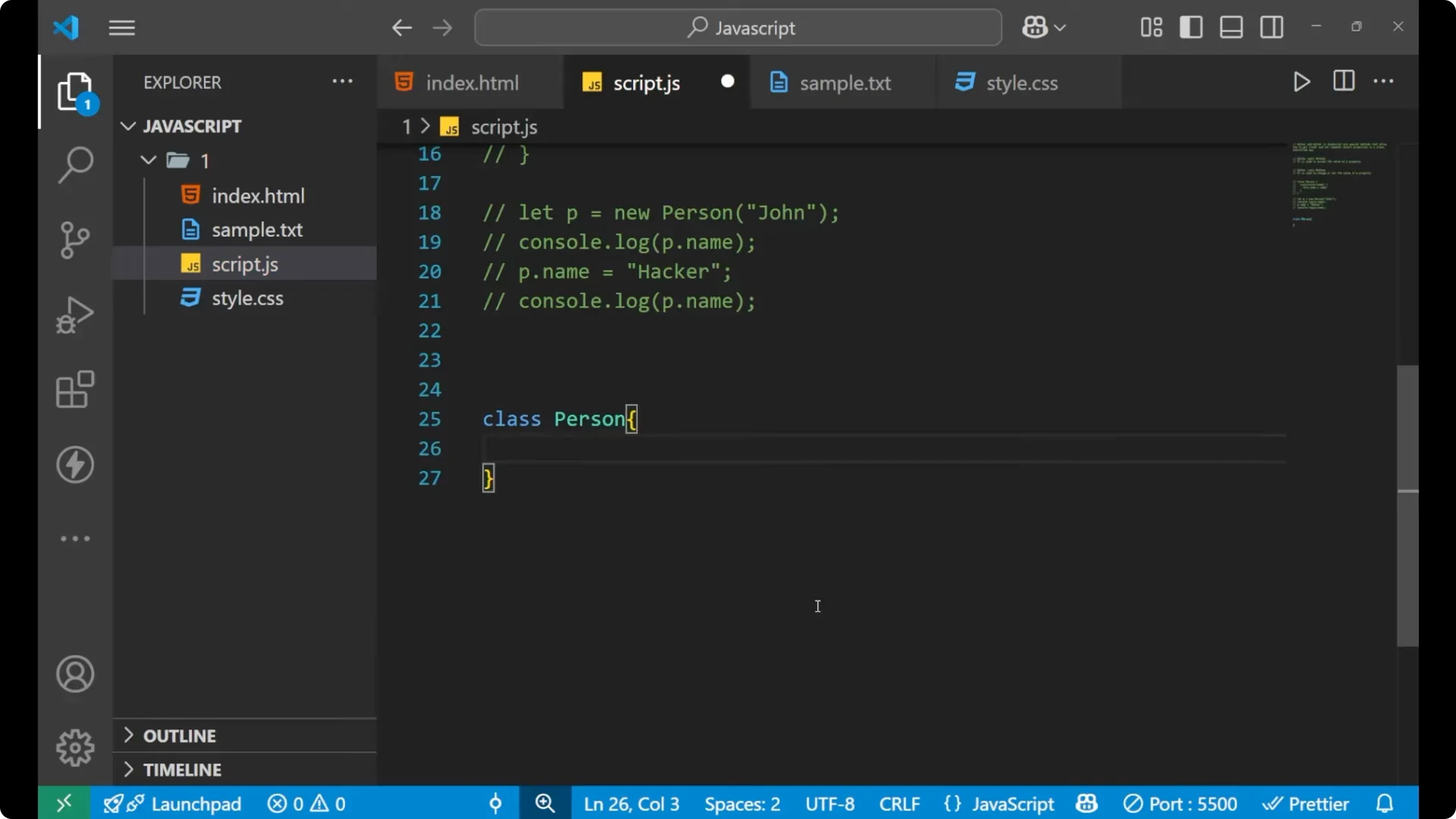
Mark a field as
private with `#fieldName` and assign the constructor argument to it.
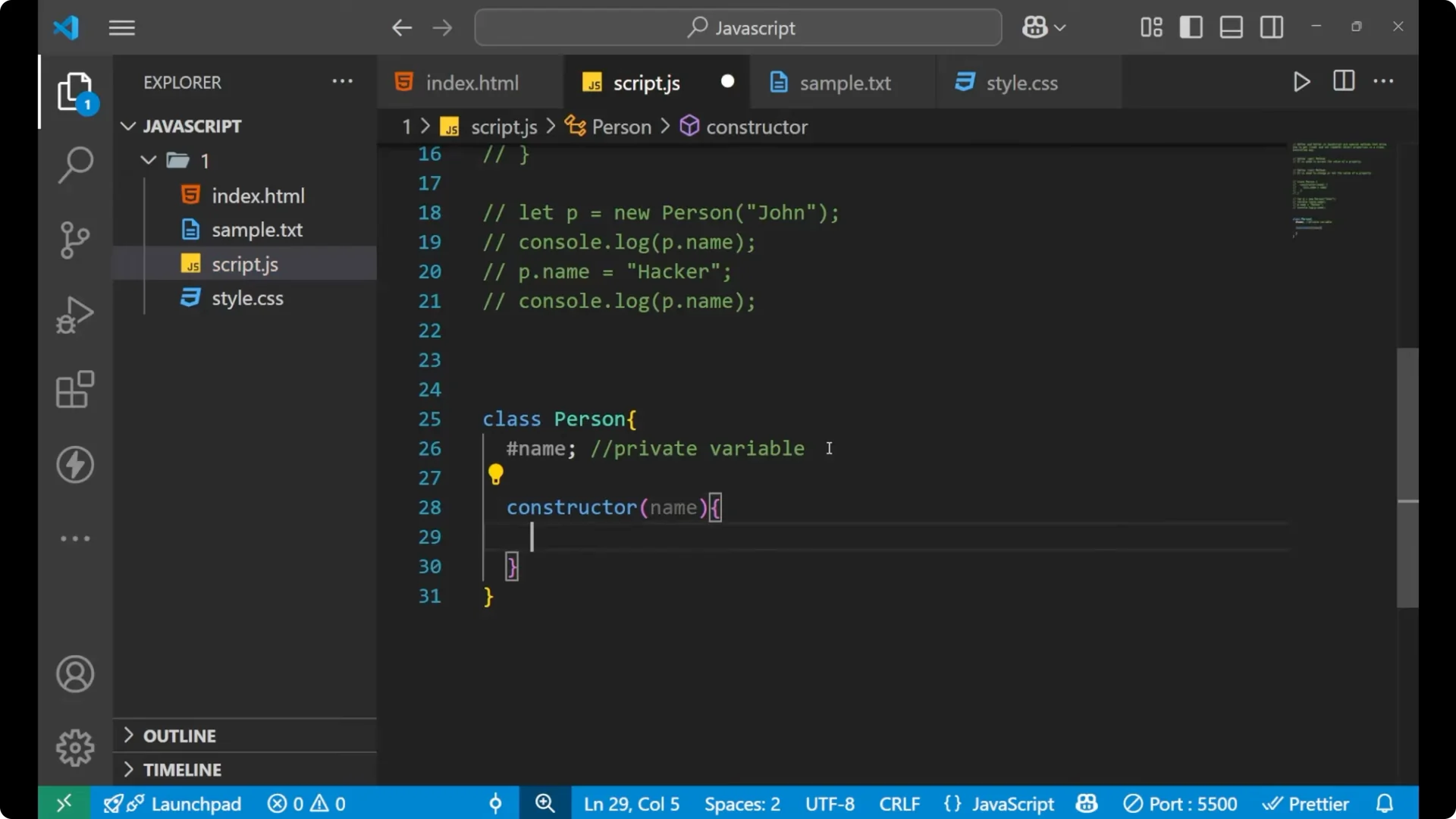
Add a getter method that returns `this.#fieldName`.
Add a setter method that validates input and assigns to `this.#fieldName`.
Create an instance, call the getter to read the value, then call the setter to update the value and read again to confirm.

class Person {
  #name;

  constructor(name) {
    this.#name = name; // step 2
  }

  getName() {
    return this.#name; // step 3
  }

  setName(newName) {
    if (newName.length > 0) { // step 4
      this.#name = newName;
    }
  }
}

const p = new Person('John'); // step 5
console.log(p.getName());     // John

p.setName('Alex');
console.log(p.getName());     // Alex
 Read More: Mastering Setinterval Javascript Timers
Why JavaScript Getters and Setters matter
We use
get and
set methods to read and update
private values safely. If someone tries to access `p.#name` directly, it will throw an error because it is truly private. This helps keep sensitive data private and safe.
You can also use getter and setter with public fields, but the main reason they shine is with
private fields where you want a defined, controlled way to read and update state. Think of a password example inside a class. You do not want anyone to easily access that password. There should be a defined method for it, and those methods are the getter and setter.
Final Thoughts
Getter is for reading a property in a controlled way. Setter is for changing a property with validation and rules. Private fields make sure your important data is not exposed directly. Together, they give you
safe access and
controlled updates in your classes, following the same principles you see in classes or
prototype-based patterns in JavaScript.